Why is software change inevitable?
- That isn’t the reason.
- That isn’t the reason.
- That’s the opposite.
- That’s on the slide.
Integrated change control and the CCB, plan-driven vs. agile change, the types and costs of maintenance, Lehman’s laws, roll-out and migration (flash-cut, parallel, staged, back-out), and how to recover a project in trouble. No past paper had a question on this deck alone, but the scope statement as a change-control baseline, crashing/fast-tracking and the “feature shipped without testing” case all lead back here.
Every original slide is shown unchanged. Yellow marks on a slide point to a numbered note: hover or tap a mark to jump to its note, and hover a note to see its marks. Questions tagged Past exam appeared on a real paper; Prediction questions are likely angles, not confirmed. Pick an answer to each question: a wrong pick tells you why it is wrong, so you can try again.
Change control → maintenance → roll-out & migration → project recovery.
Four parts. The most testable: CCB, types of maintenance, migration strategies, recovery approaches.
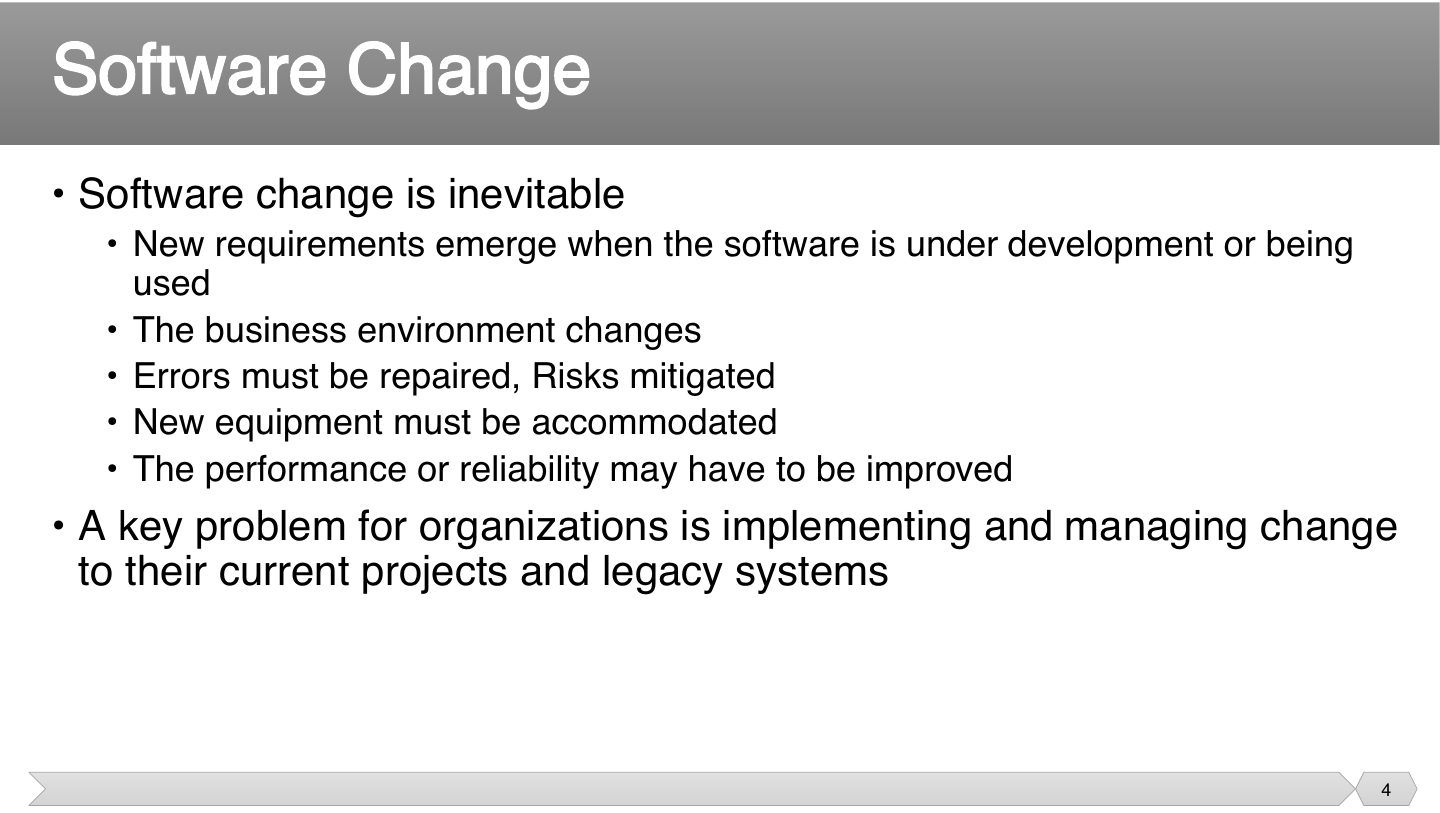
Nothing about this means something went wrong: users learn, markets shift and bugs appear. So planning as if nothing will change is what really causes trouble.
Since change will come anyway, trying to prevent it wastes effort. The real skill is handling it in an orderly way, on projects and on legacy systems too.
Seen again Ch 1, slide 70: Principle: enable change to achieve the envisioned future state
Why is software change inevitable?
A change can come at any time, so control can’t wait for the end. Having a process from inception through completion means nobody can change things just because they asked.
Goal: keep the plan consistent: one change touches scope, schedule, cost and quality together.
Seen again Ch 1, slide 37: Governance decides who can approve a change
Related question: Q1.3 · scope statement: the baseline for change control
Integrated change control is performed only during the execution phase.
Approving a change is only the start: someone has to make it and keep related documents correct. These parts together keep the plan matching reality.
Which is part of integrated change control?
A code change often means changing the requirement and the test plan too. If those aren’t version controlled, people end up working from different versions without knowing.
Trap “Version control = source code only” ✗. Requirements, test plans and MS Project files are configuration items too.
Which is NOT listed as an item under change & version control?
A CCB stops each request being decided by whoever gets asked. Decisions get weighed for their whole effect. Note delay is an option, as well as yes or no, and decisions must be recorded.
A change on the critical path moves the end date right away, so it’s the most serious kind. In CCM, buffers give some protection, which is why impact differs by method.
Seen again Ch 8, slide 21: CCB as a stakeholder group
Seen again Ch 1, slide 38: Governance
Seen again Ch 6.2, slide 48: Critical path and leveling
A formally chartered group that reviews, evaluates, approves, delays or rejects project changes is the:
A change to an activity off the critical path has the greatest impact on a CPM schedule.
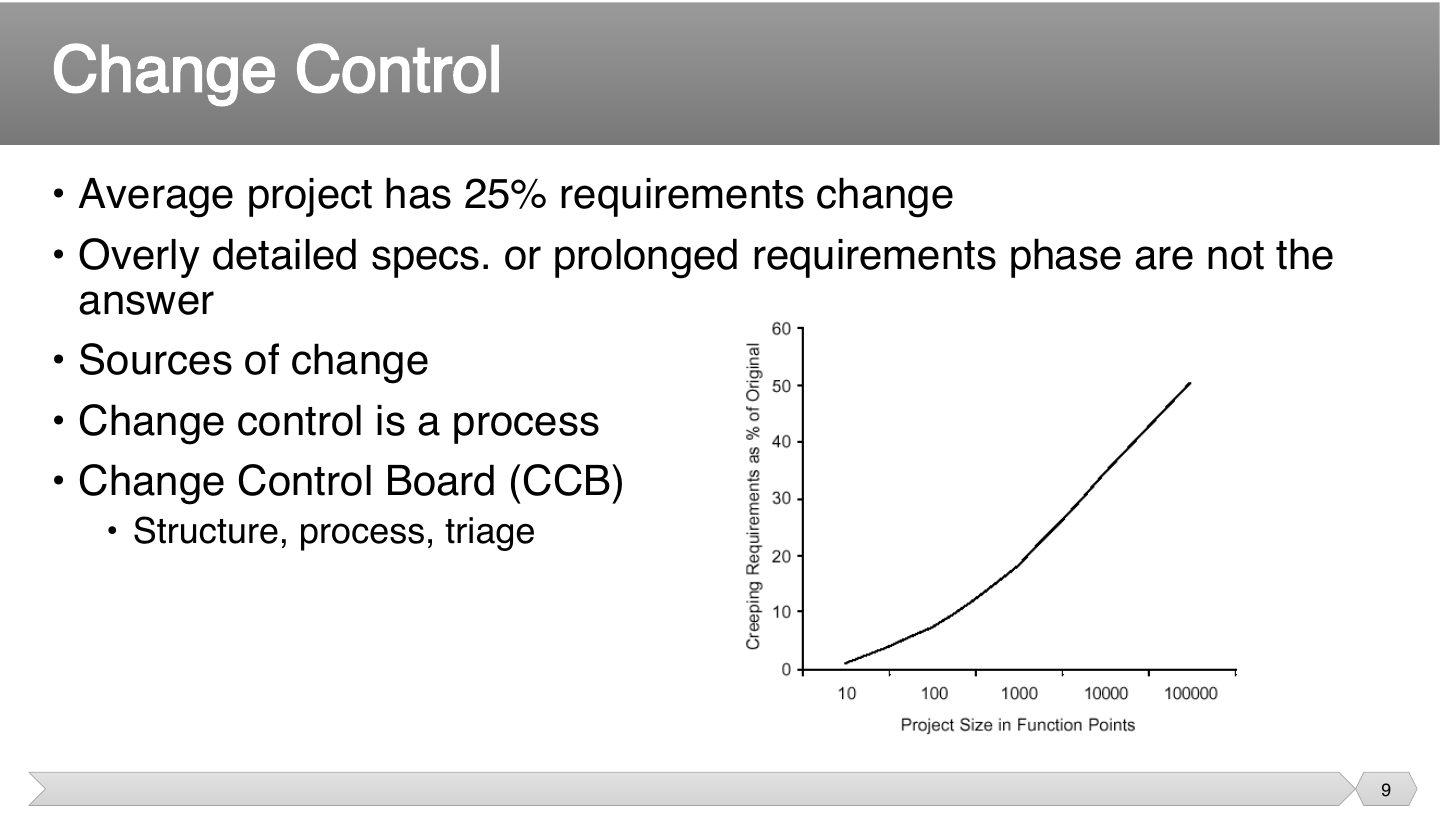
25% is normal, so don’t plan as if requirements won’t move. Bigger projects see more change, as there’s more to get wrong.
You’d think more detail up front would prevent change, but the world still changes. So rather than longer specifications, you need a clear process for handling change.
On average, how much of a project’s requirements change?
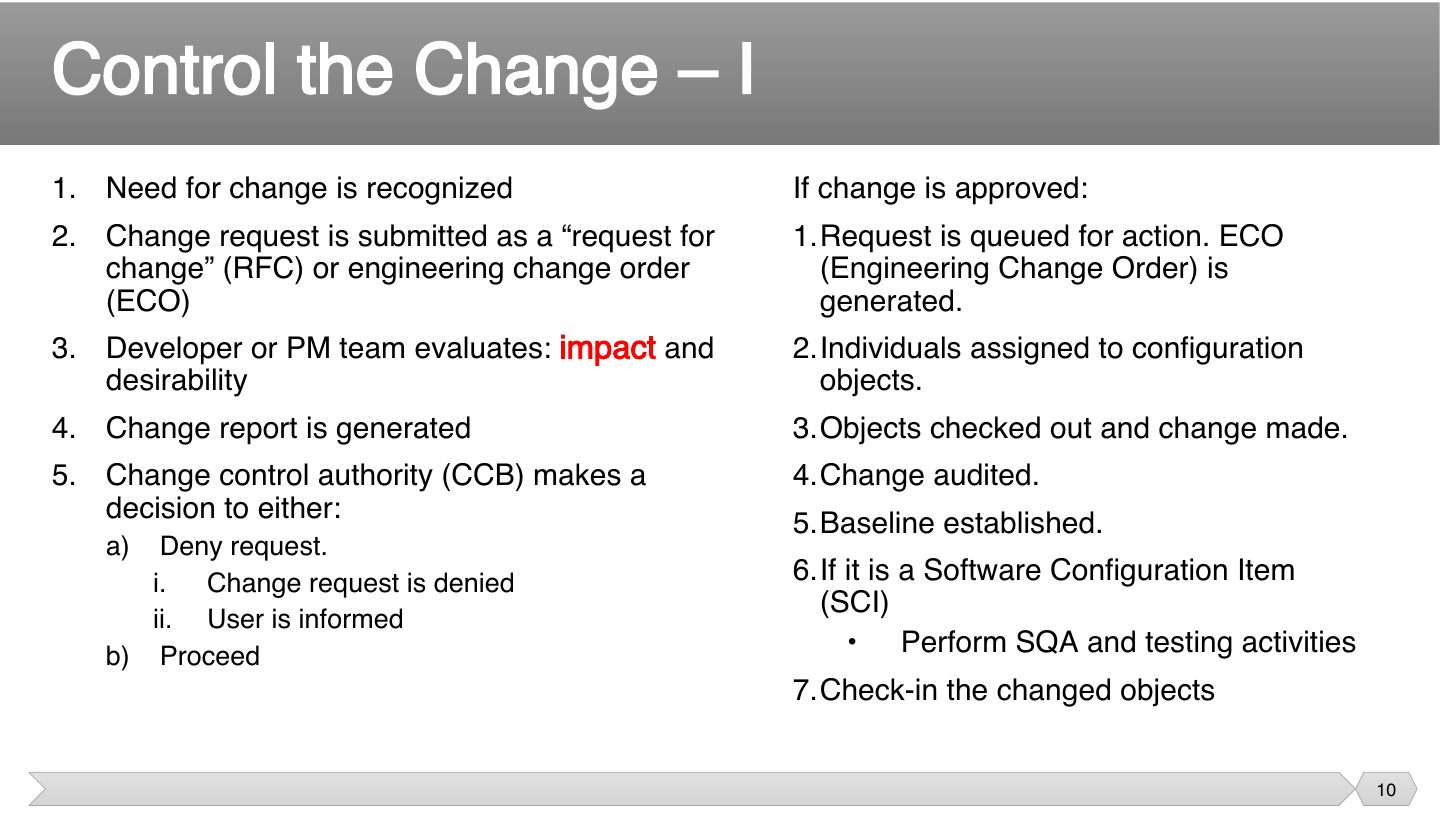
Nobody should decide before knowing what it costs. That order, with impact analysis before the decision, keeps people from approving something that sounds small but isn’t.
Everything’s tracked so you know who changed what, and can undo it. Audit and baseline come before check-in, because the new version becomes the official reference.
Memory trick RFC in, impact out, CCB decides, baseline updated.
In the change control process, what happens immediately before the CCB decision?
When the CCB denies a change request, the user who requested it is informed.
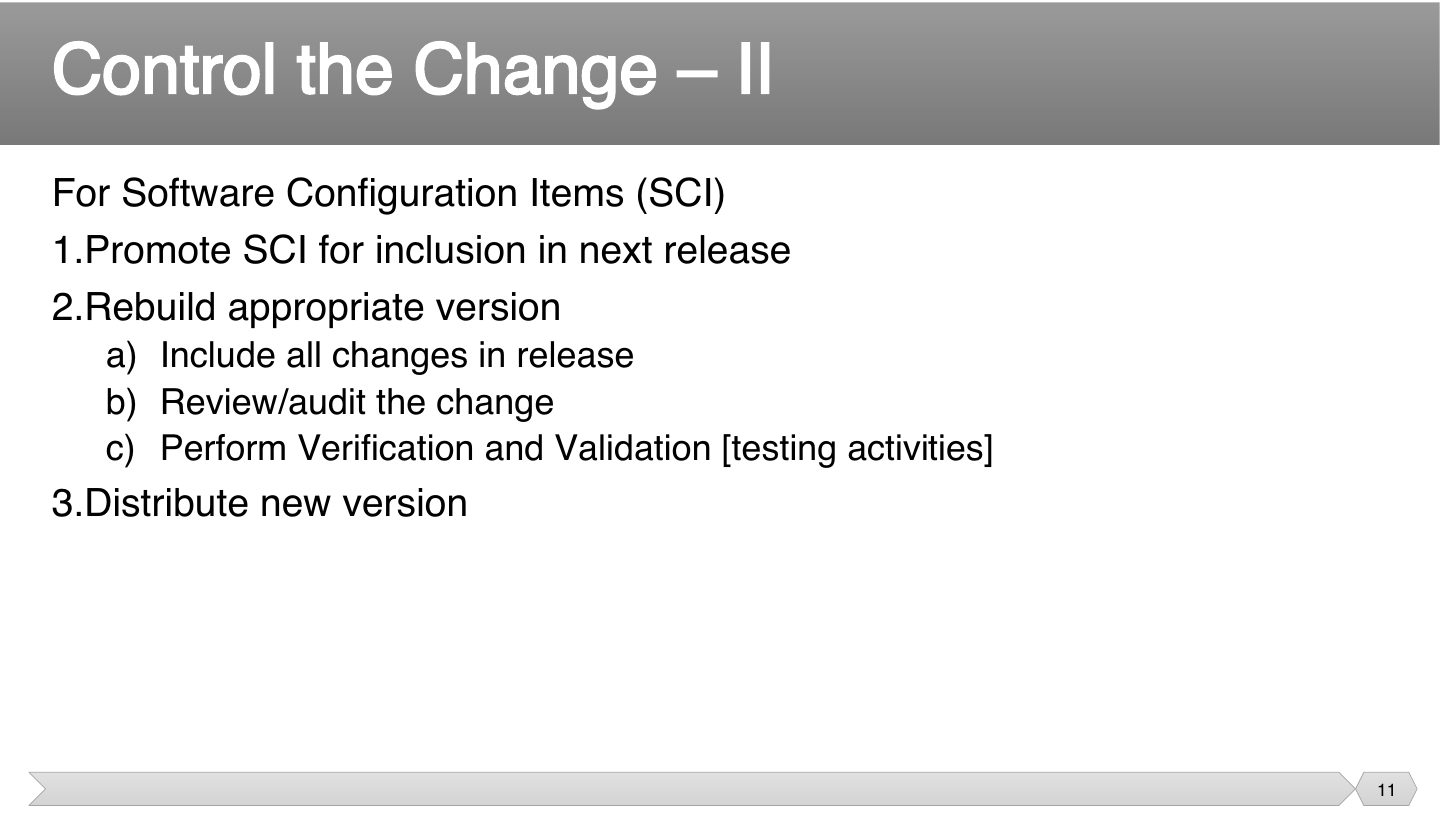
Just changing code isn’t the end of it. A new version must be built, checked and sent out, or users won’t get the fix, and others will still use the old one.
Seen again Ch 7, slide 6: V&V inside SQA
After changing an SCI, what’s the last step?
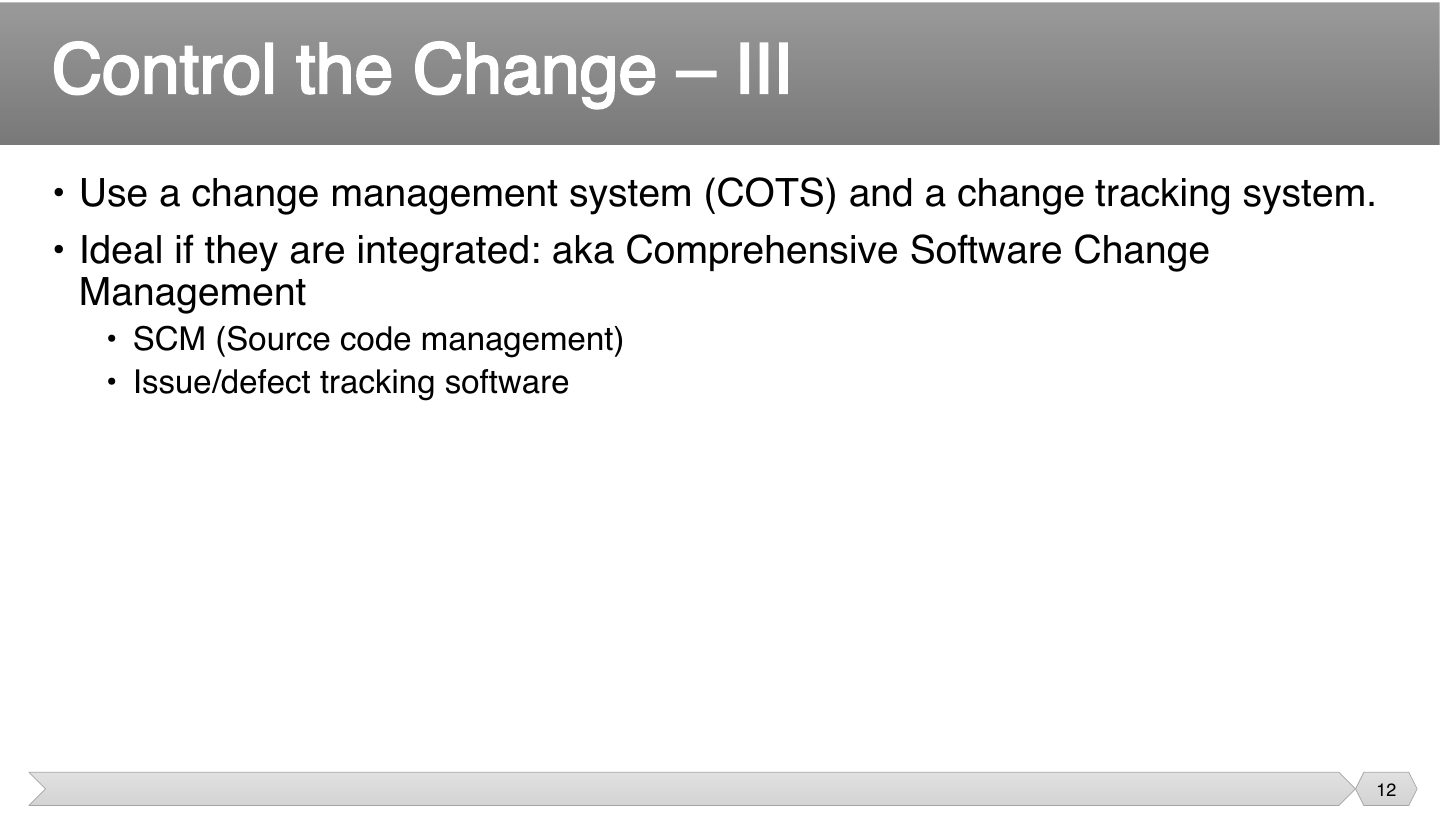
If source control and issue tracking are linked, you can go from a bug to the code that fixed it, and back. Keeping them separate means people have to piece that together by hand.
What’s ideal for change tracking tools?
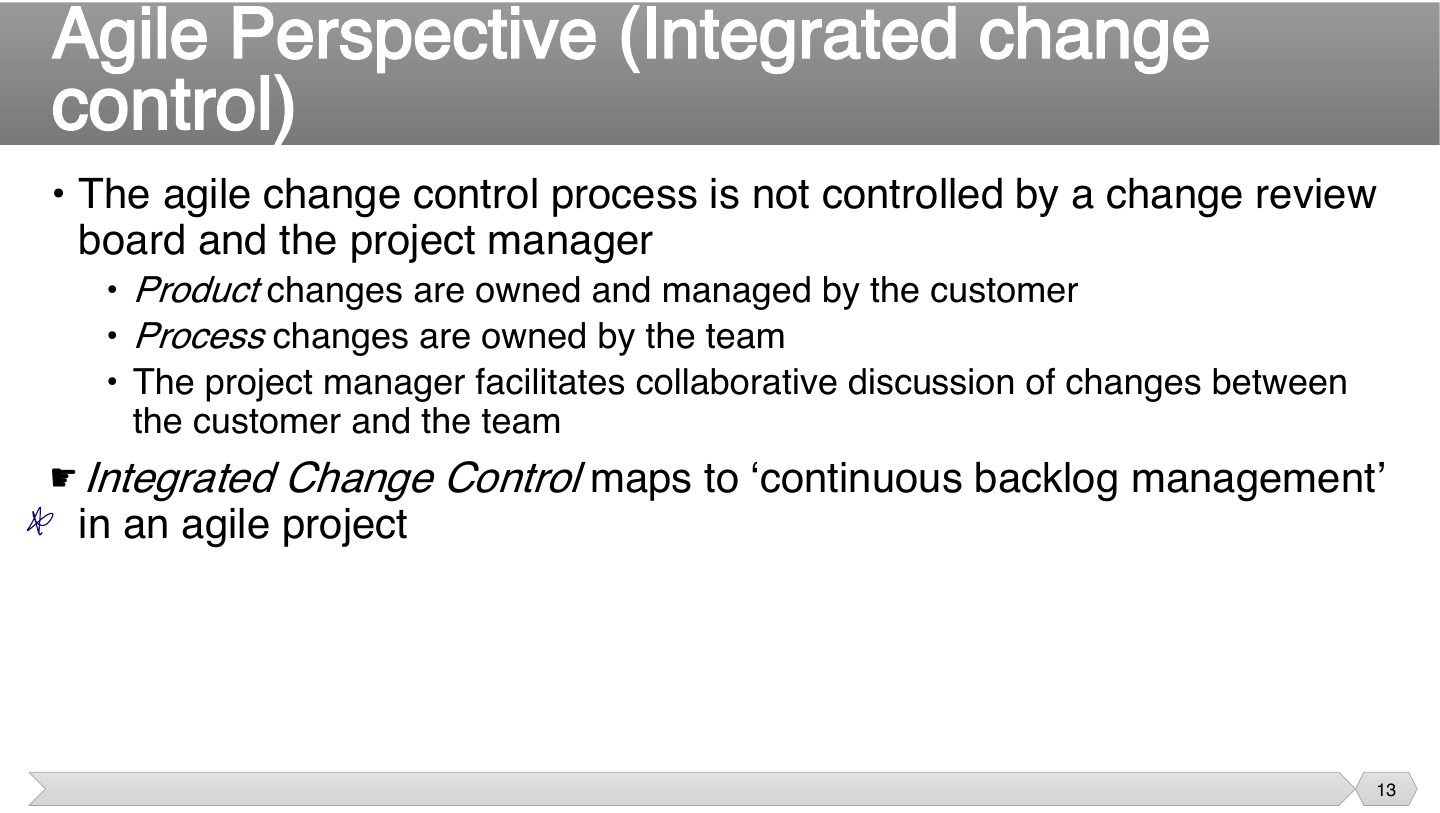
There’s no board because the people closest decide. The customer decides what’s valuable, the team decides how to work, and the PM helps them talk. Each owns their own area.
Each sprint’s reprioritizing already is change control. So it’s not missing in agile, just built into everyday backlog management.
Trap Product changes are owned by the CUSTOMER, process changes by the TEAM. Easy to swap in a T/F.
Seen again Ch 4, slide 58: Product owner and product backlog
In an agile project, integrated change control maps to:
In agile, process changes are owned by the customer.
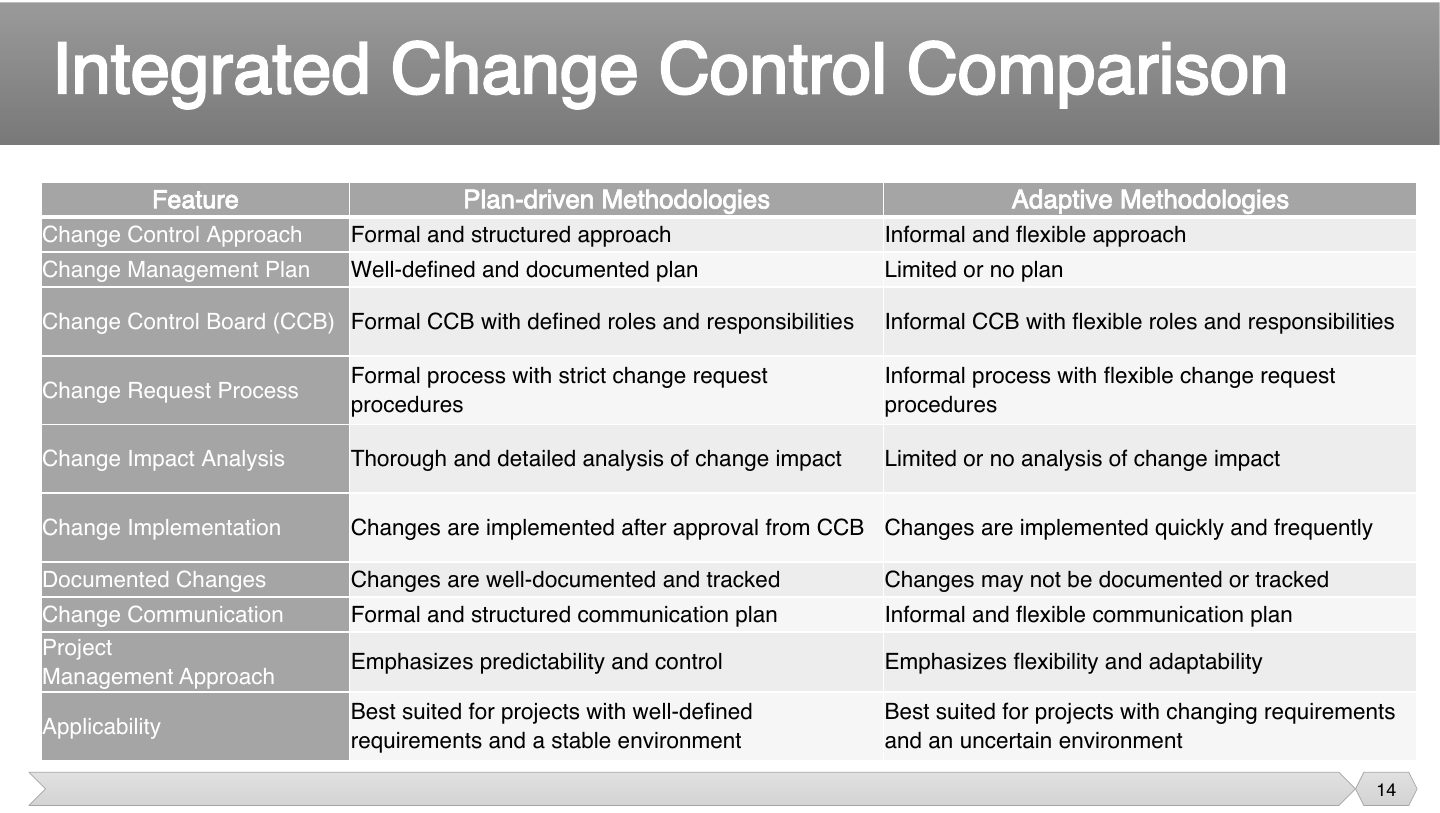
Left = plan-driven, right = adaptive. Any row can become a T/F by swapping the sides.
Seen again Ch 4, slide 36: Plan-driven vs. agile approaches
Which describes change control in a plan-driven methodology?
Requirements are unclear and the market changes monthly. Which change-control style fits?
Adaptive: informal, flexible, frequent changes managed through the backlog, because the environment is uncertain.
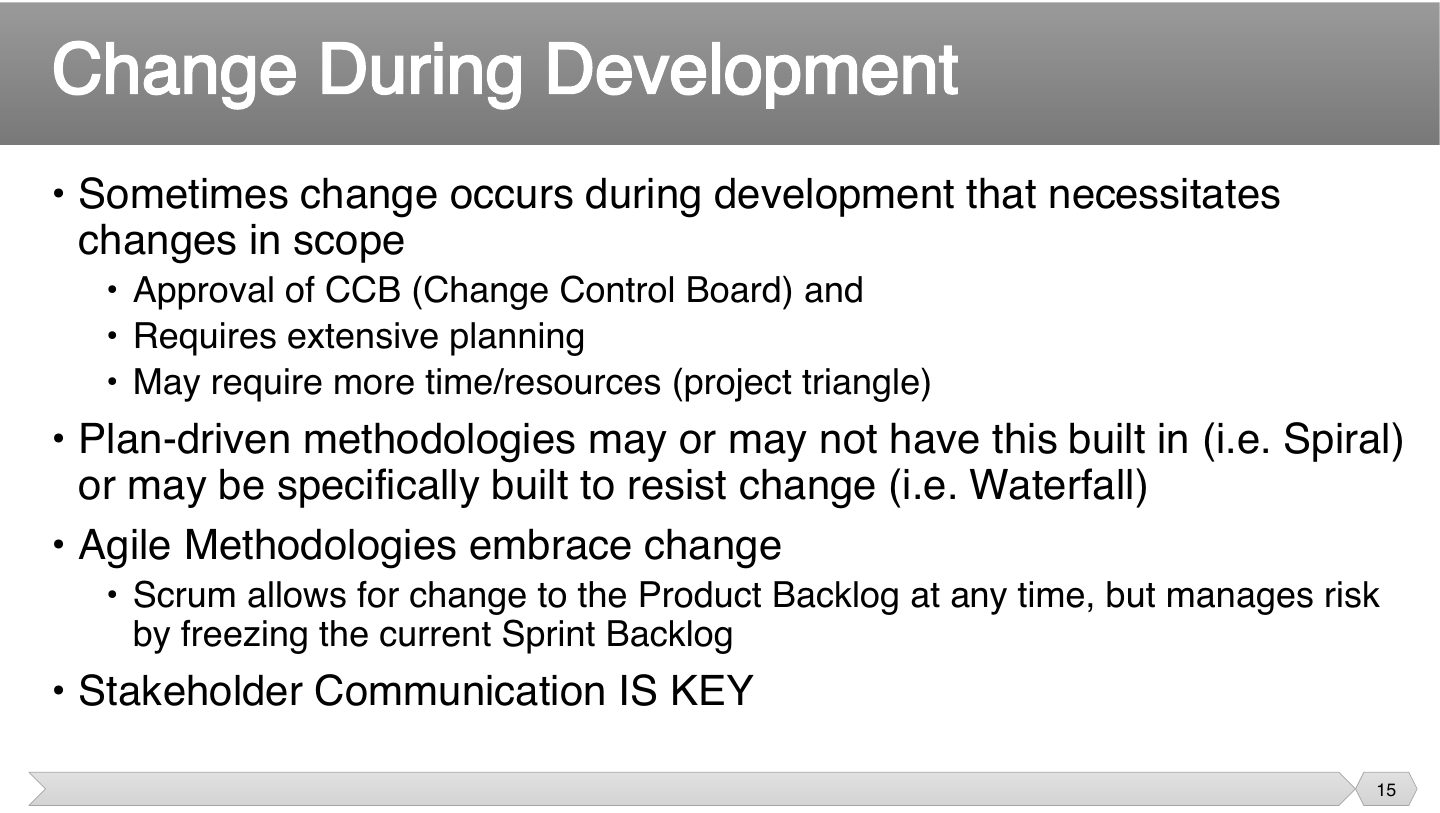
Changing scope isn’t free: something else has to give, usually time or money. That’s the project triangle, which is why it needs approval and planning, not just agreement.
Methods treat change differently. Waterfall makes it costly, Spiral expects it, and Scrum takes it in but protects the current sprint, so that people can finish what they started.
Seen again Ch 3, slide 4: Project triangle
How does Scrum manage the risk of change?
Waterfall is specifically built to embrace change.
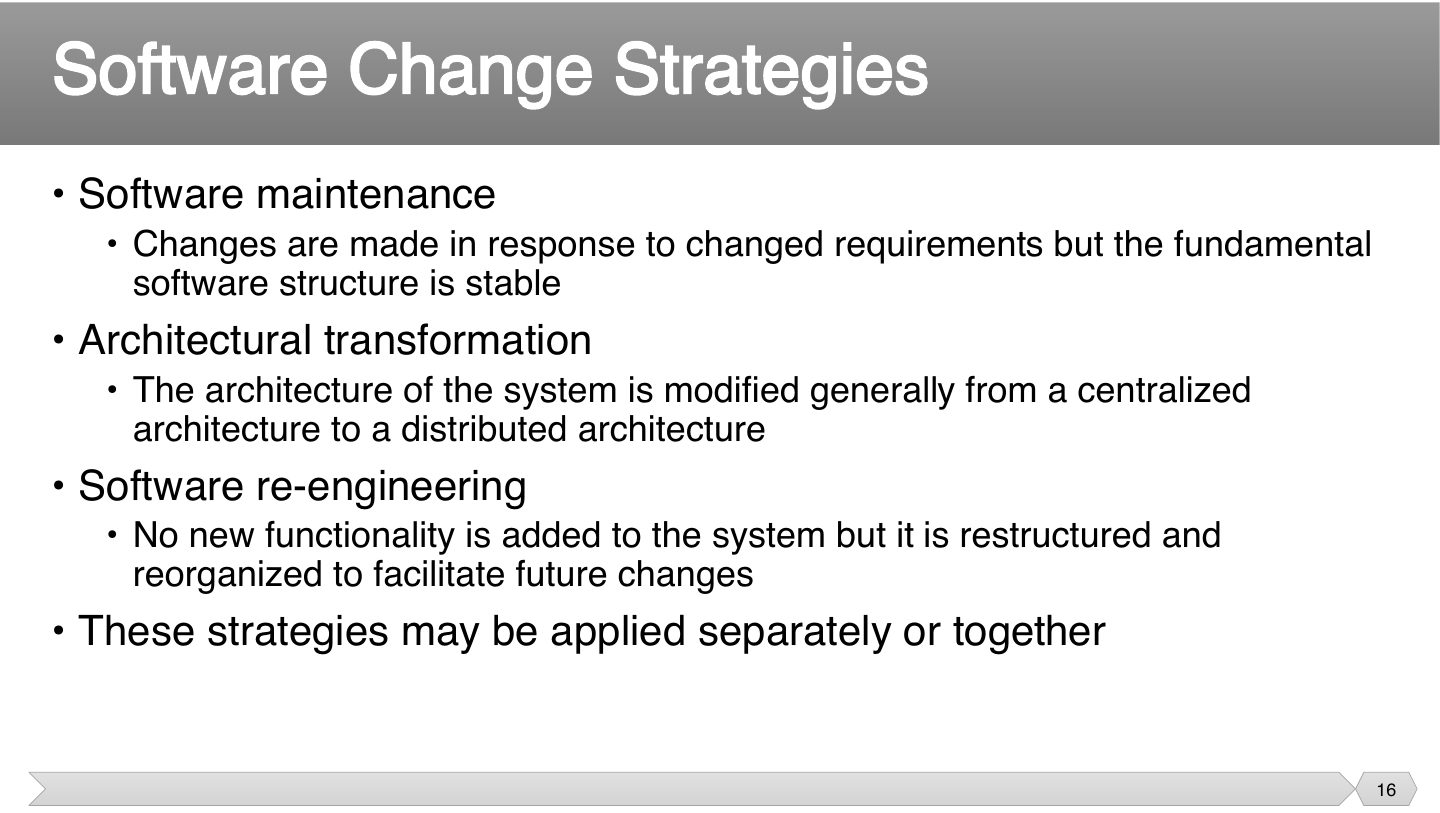
These three differ in how deep the change goes. Maintenance changes features, architectural transformation changes the basic structure, and re-engineering tidies up without changing what it does.
Trap Re-engineering adds no new functionality. It only restructures for future change.
Restructuring a system without adding functionality, to make future change easier, is:
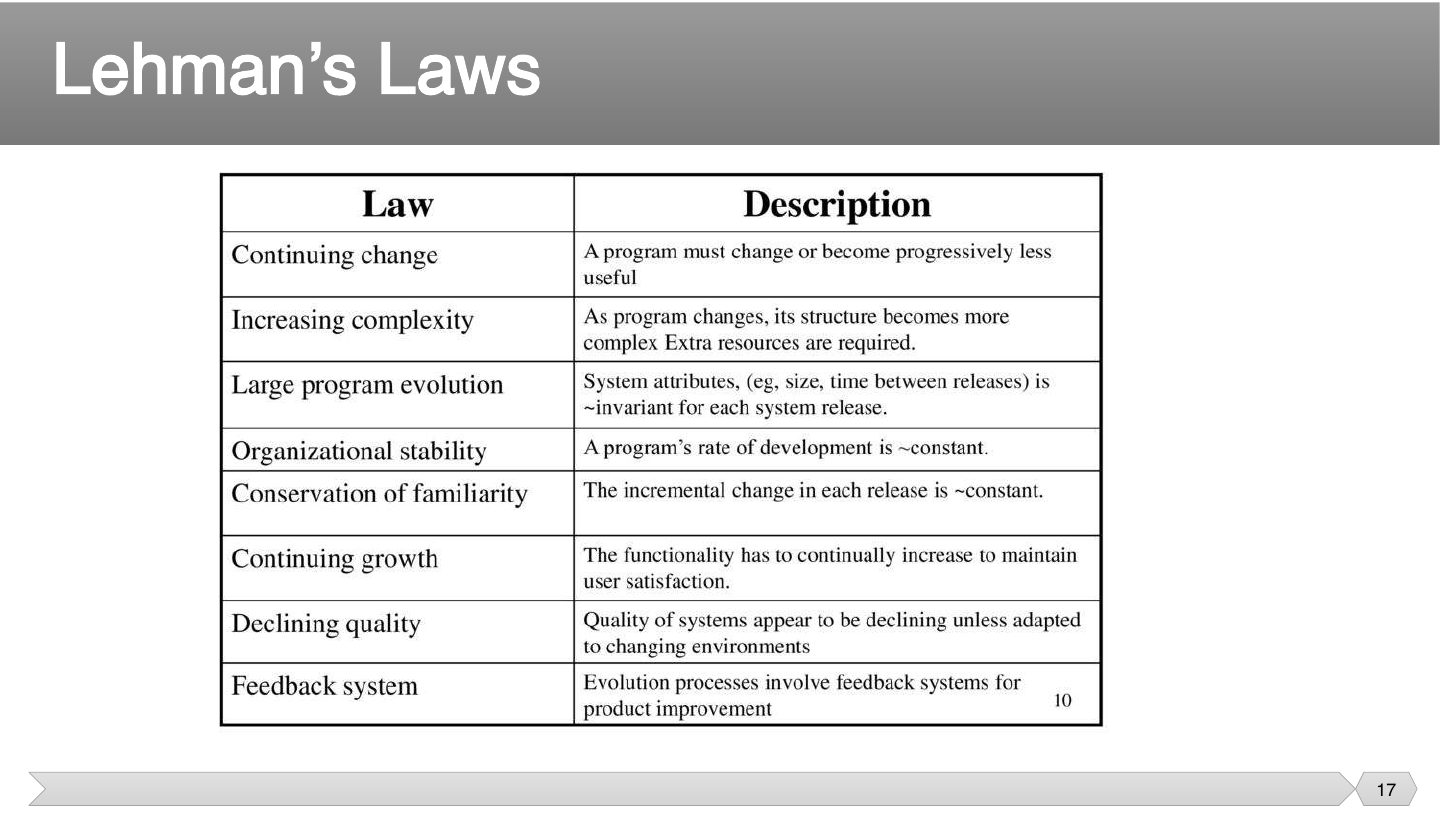
Rebuilt from the table on the slide. The three that come up most: continuing change, increasing complexity, declining quality.
Memory trick Lehman in one line: software must change, change makes it complex, and without adapting it decays.
“As a program changes, its structure becomes more complex” is Lehman’s law of:
Which Lehman law says a program must change or become progressively less useful?
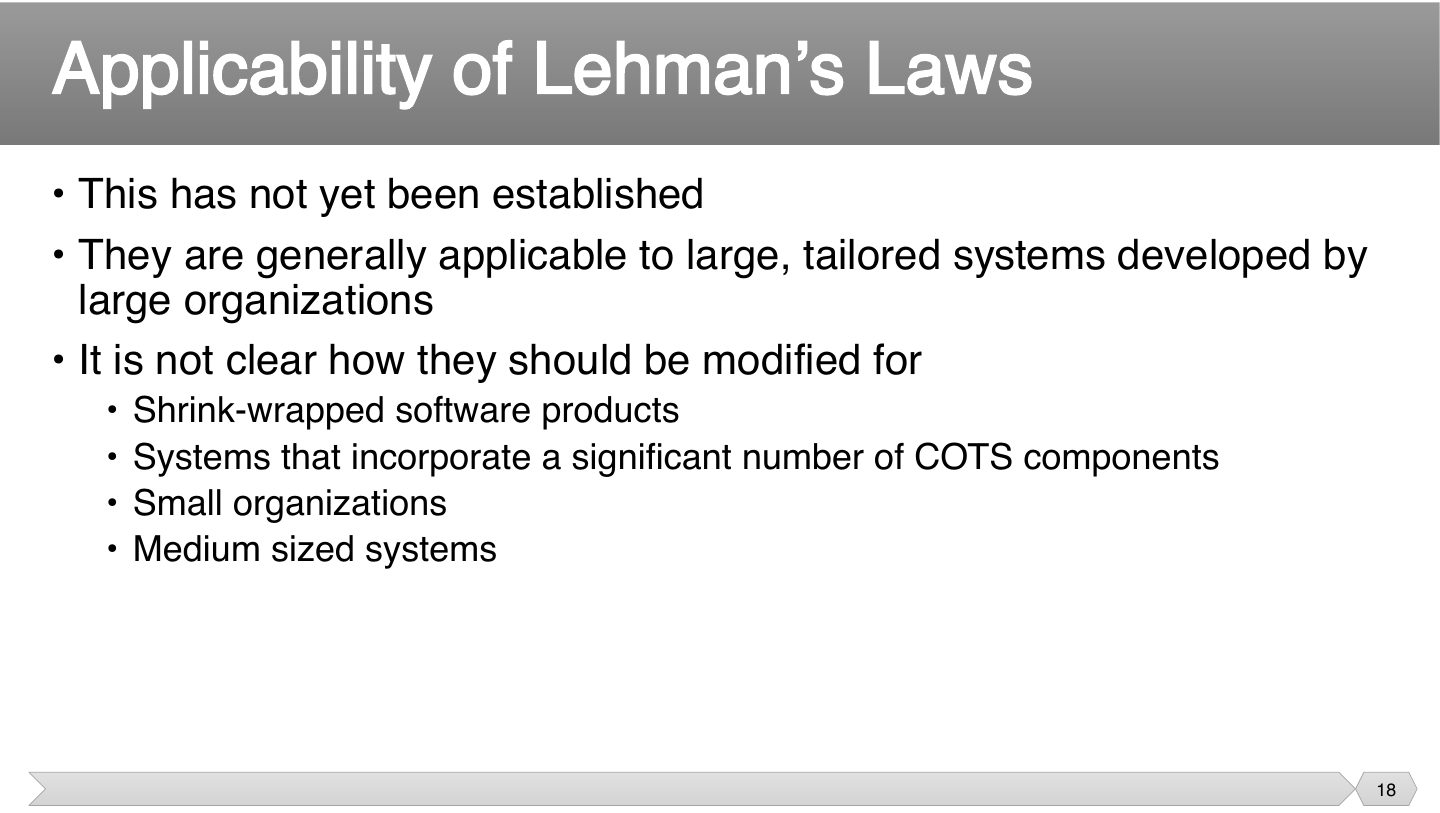
Laws from big, custom systems may not fit a packaged app or a small company. So don’t apply them everywhere: the slide says that’s not established.
Where are Lehman’s laws generally applicable?
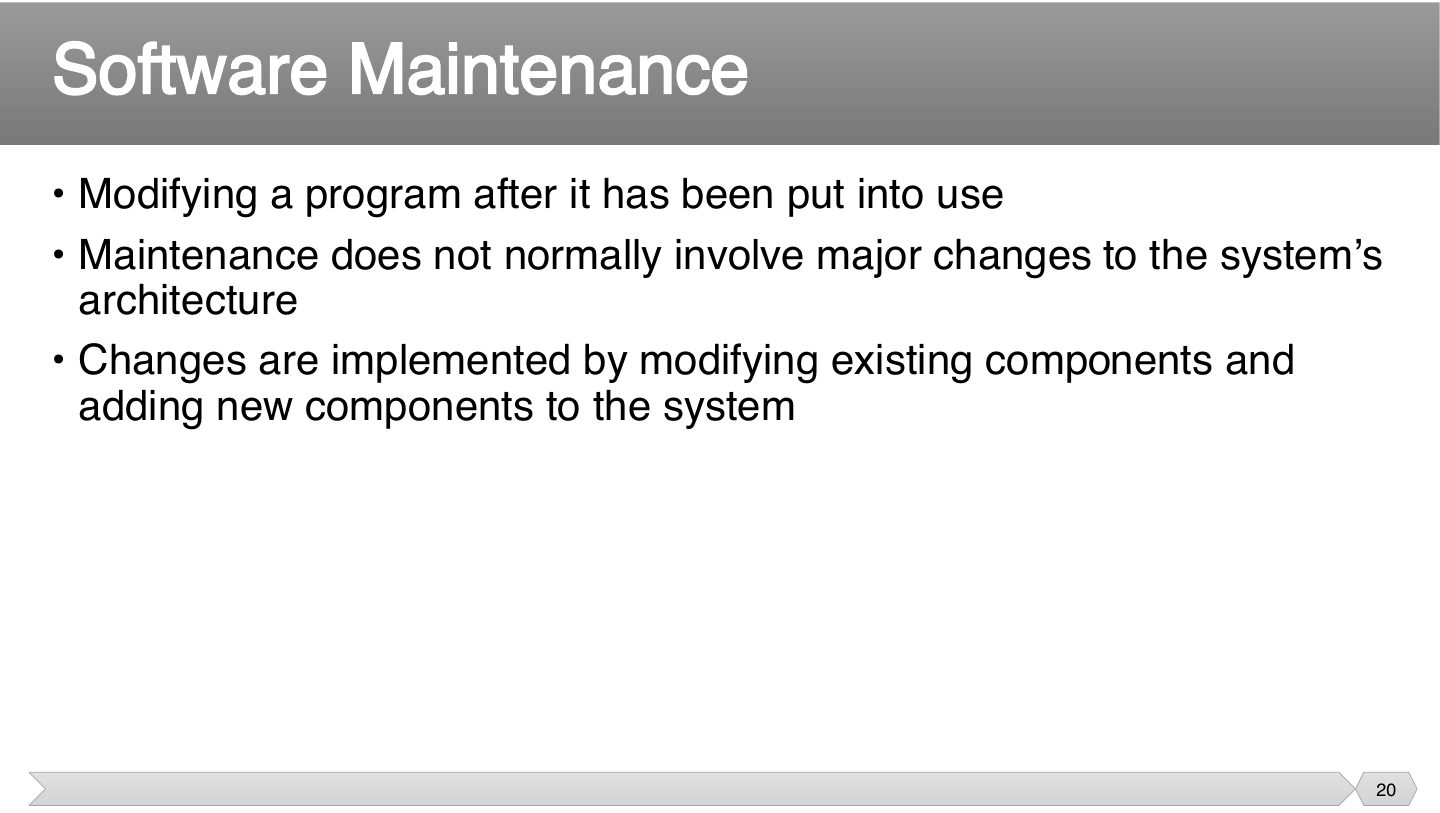
Once software’s in use, it’s called maintenance, but it includes new features, not just repairs. Usually the core design stays, as changing that would be a much larger job.
What is software maintenance?
(The slide title says “Inventible”: it means inevitable.)
A new system changes how people work, and that creates new needs. So it may be out of date simply because it was installed, which is why maintenance can’t be avoided.
Installing a system can change the environment, and so change its requirements.
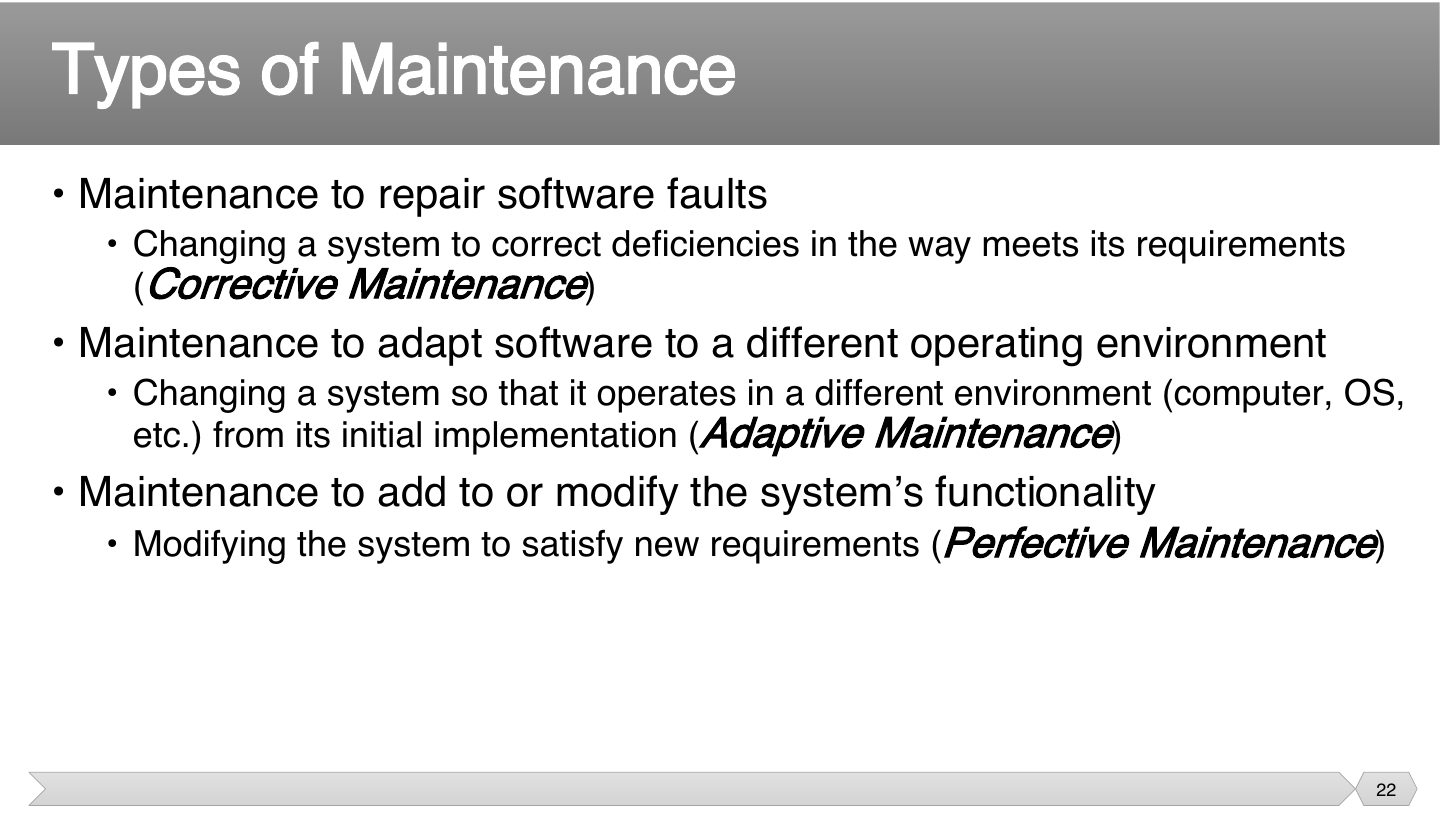
A corrective change repairs something that should already have worked. If it’s not meeting its requirements, this is the type.
Nothing was wrong with it, but the surroundings changed. Adaptive work keeps it running on a new operating system or platform.
The system works fine, but people now want more. Perfective work adds or improves features, and it’s the largest share.
Memory trick CAP: Correct it, Adapt it, Perfect it.
Trap Porting to a new OS is ADAPTIVE, not perfective. Adding a feature is PERFECTIVE.
Updating an app so it runs on a new version of the operating system is:
Adding a new report requested by users is:
A bank’s app crashes when a balance is negative. The team patches the calculation. Which type of maintenance is this?
Corrective: it repairs a fault in how the system meets its requirements.
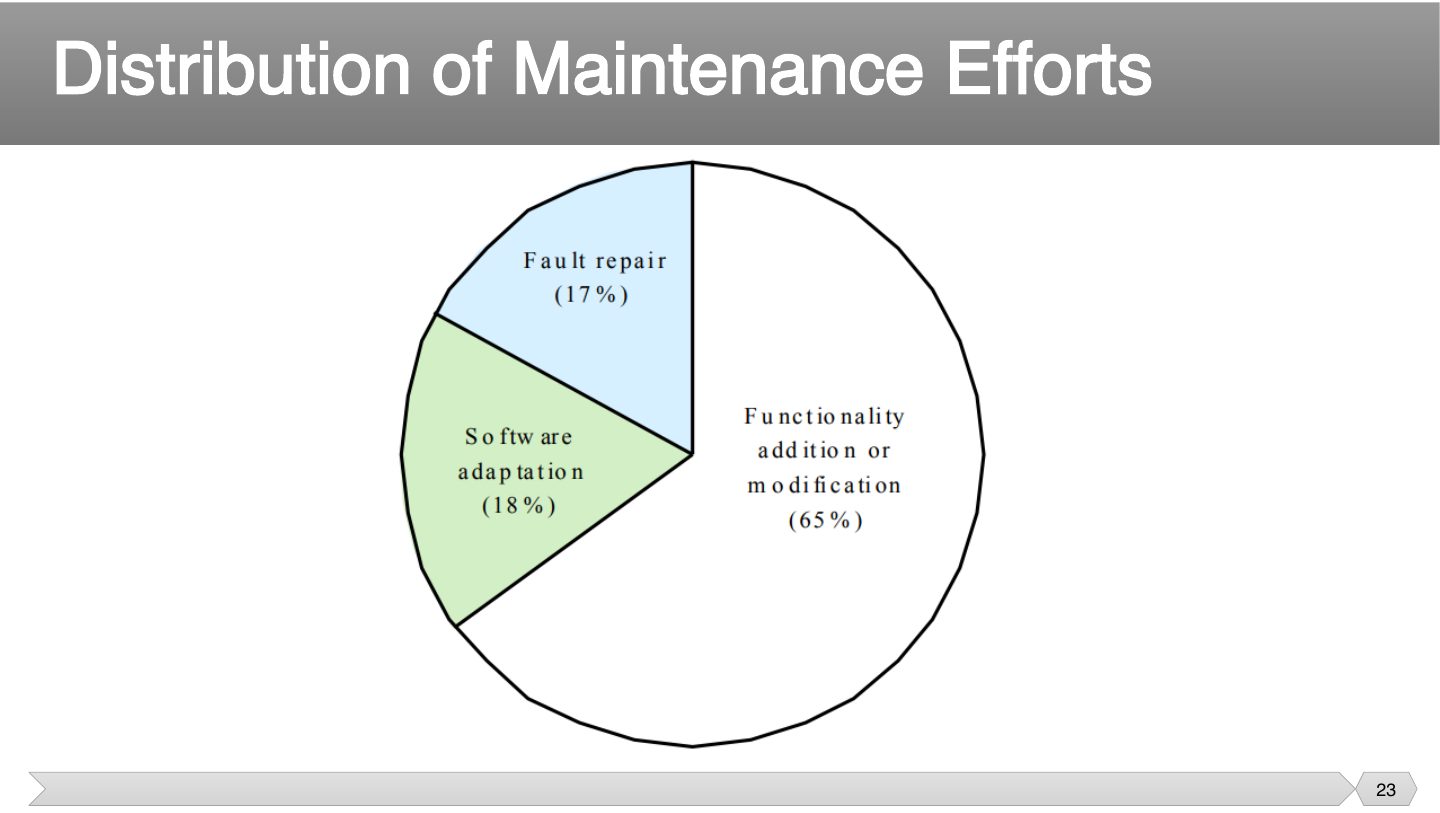
Trap Most maintenance is NOT bug fixing. Perfective work dominates at 65%.
According to the chart, most maintenance effort goes to:
Fault repair takes the largest share of maintenance effort.
Software can be used for decades, so running costs add up well past the first build. Each quick fix also makes the next harder, which is why costs increase over time.
Software maintenance costs are usually lower than development costs.
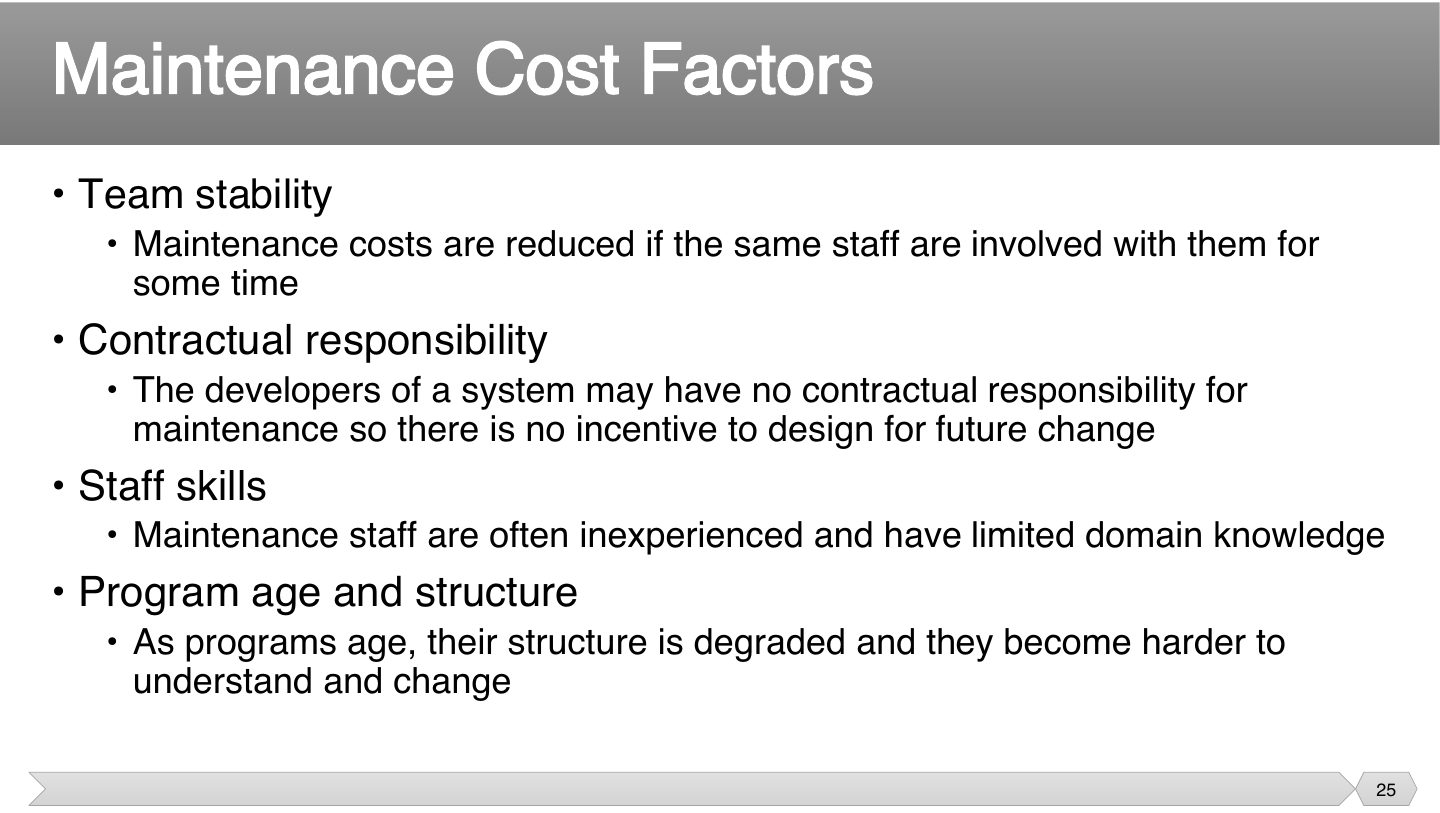
Costs rise when knowledge leaves. Stable teams remember why things were done, while inexperienced staff take longer. Each factor is about how easy it is to understand and change the code.
If another group will maintain it, developers have no reason to make it easy. So contracts shape quality, which makes this a management issue and not just a technical one.
Why can a lack of contractual responsibility for maintenance raise maintenance costs?
Rather than “build, then maintain”, think of one long life where the software keeps growing. Evolutionary software plans for this from the start.
What is evolutionary software?
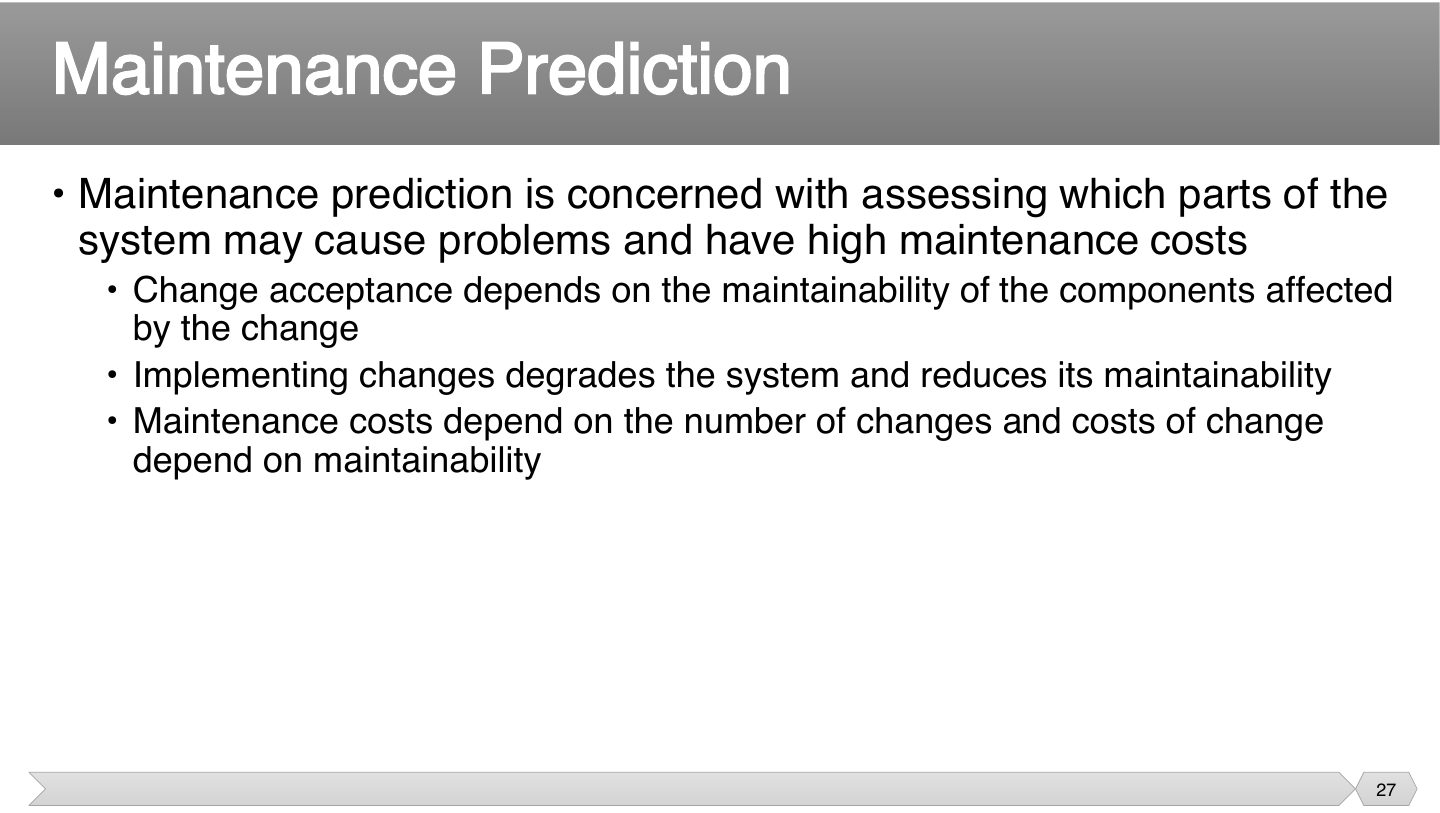
Think of it as a loop: changes hurt the structure, which makes the next change harder and costlier. Predicting this helps you decide when to clean up, or even rebuild.
What happens to maintainability as changes are made?
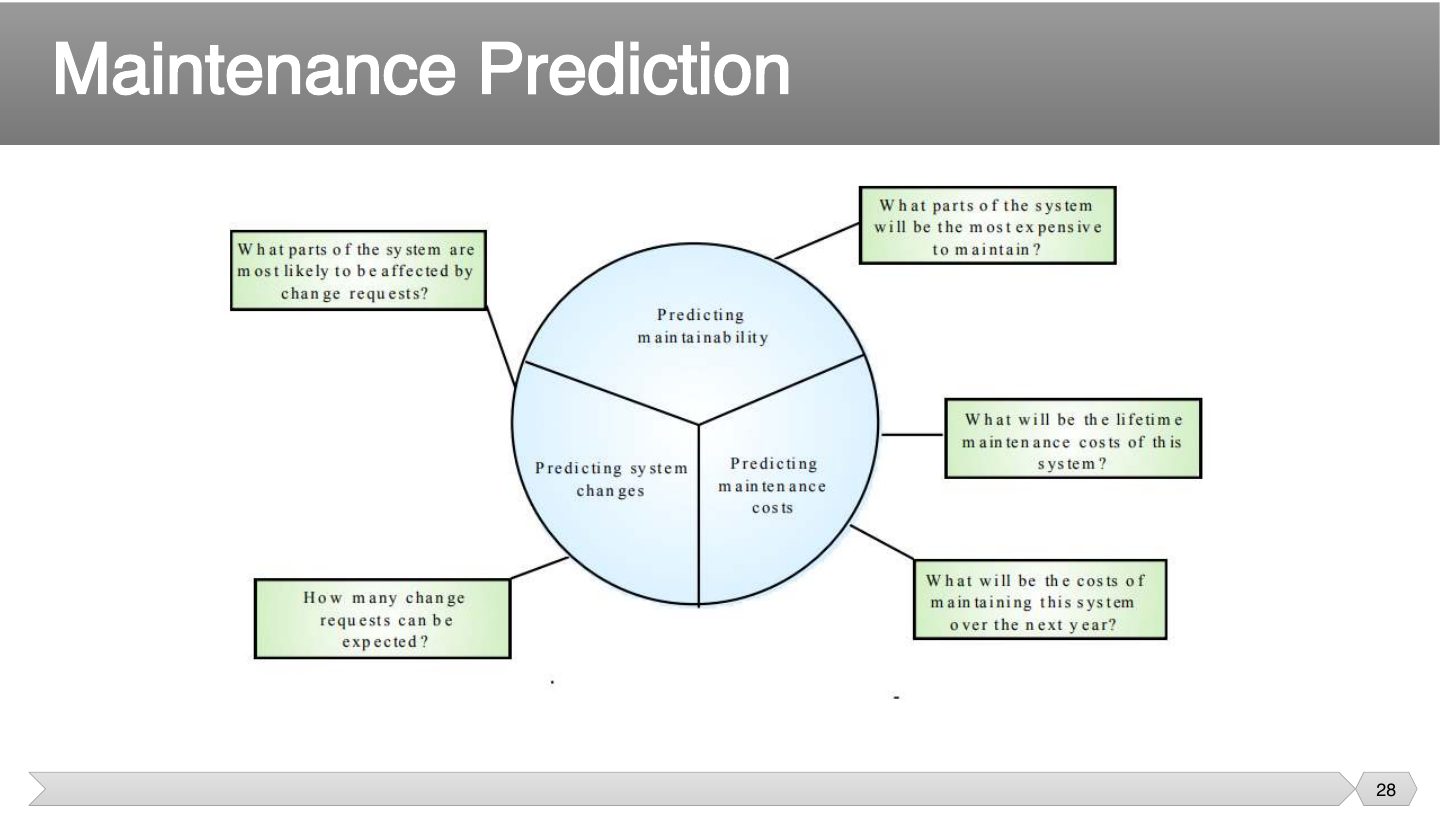
Three predictions: maintainability (which parts are expensive?), changes (how many requests?), costs (lifetime and next-year cost).
Which is one thing maintenance prediction tries to estimate?
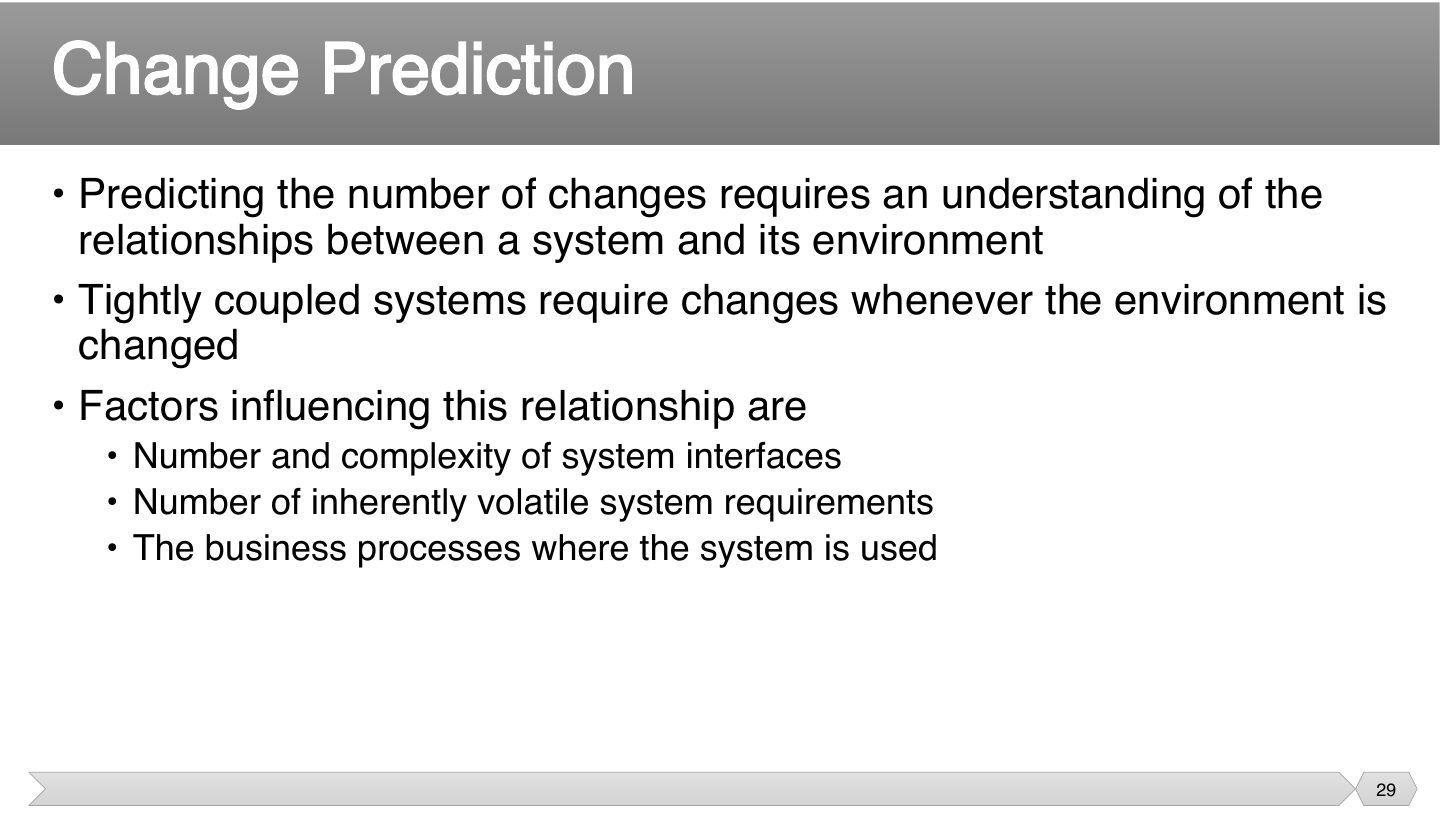
If software depends on things that change often, it has to change too. So count interfaces and volatile requirements to judge how many change requests to expect.
Which factor increases expected changes?
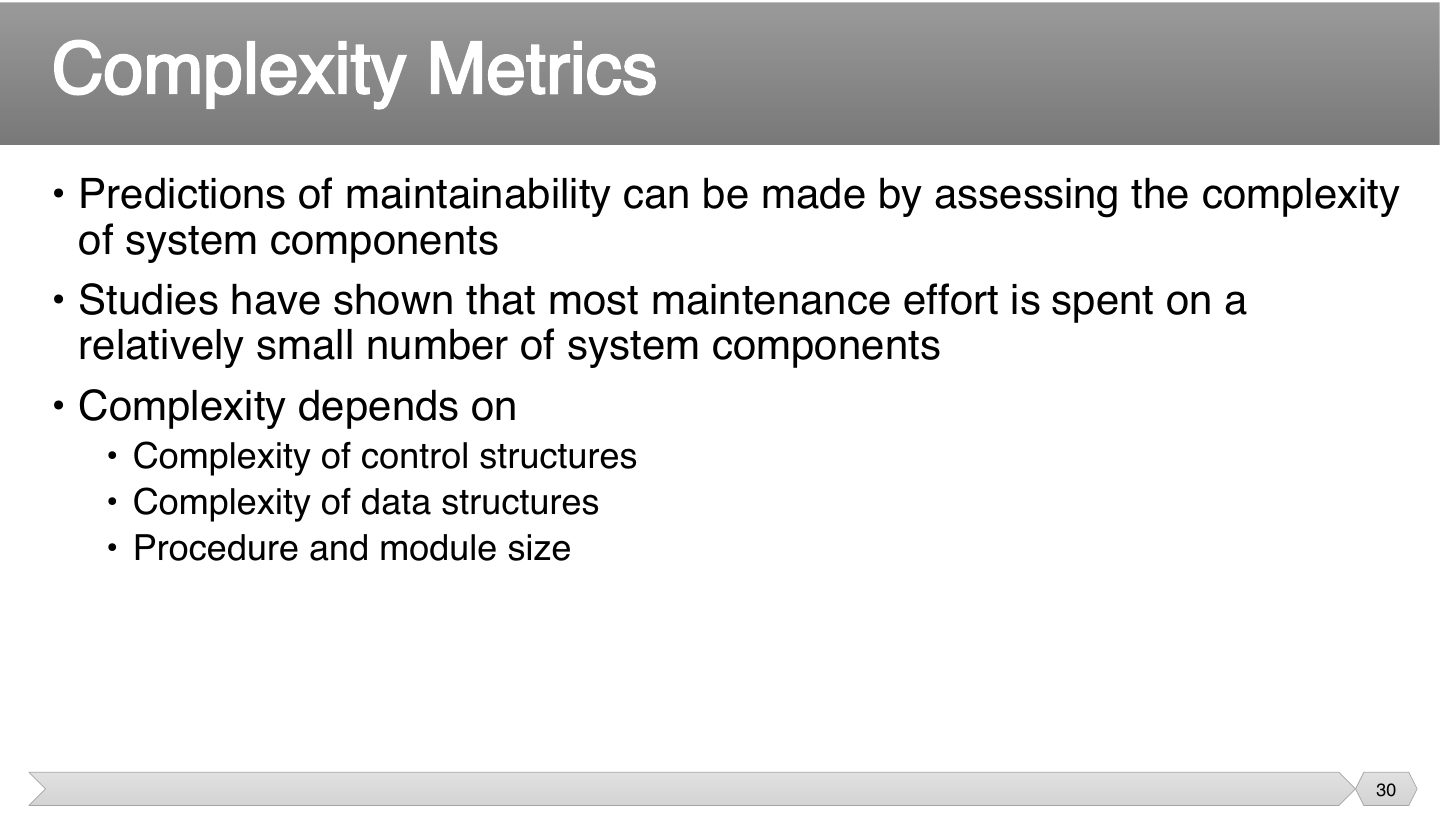
Only a few parts usually cause most of the pain. So measuring complexity tells you where maintenance money is likely to go, and which parts to simplify first.
Seen again Ch 7, slide 45: Cyclomatic complexity as a product metric
Where is most maintenance effort spent?
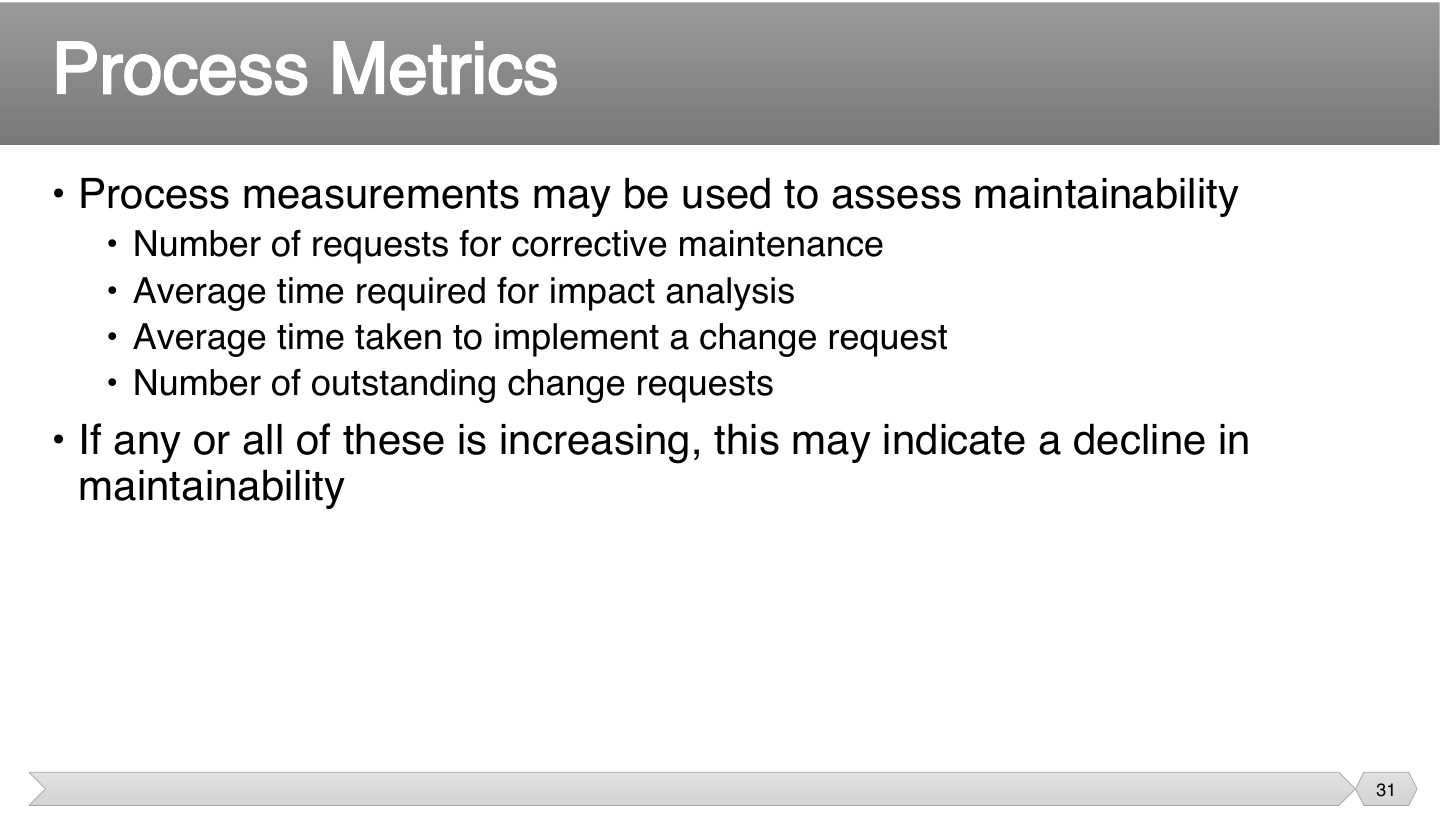
Rising numbers here are an early warning. If each change takes longer than last year, the software’s getting harder to maintain, so process metrics reveal it before anybody complains.
Which process metric suggests declining maintainability when it increases?
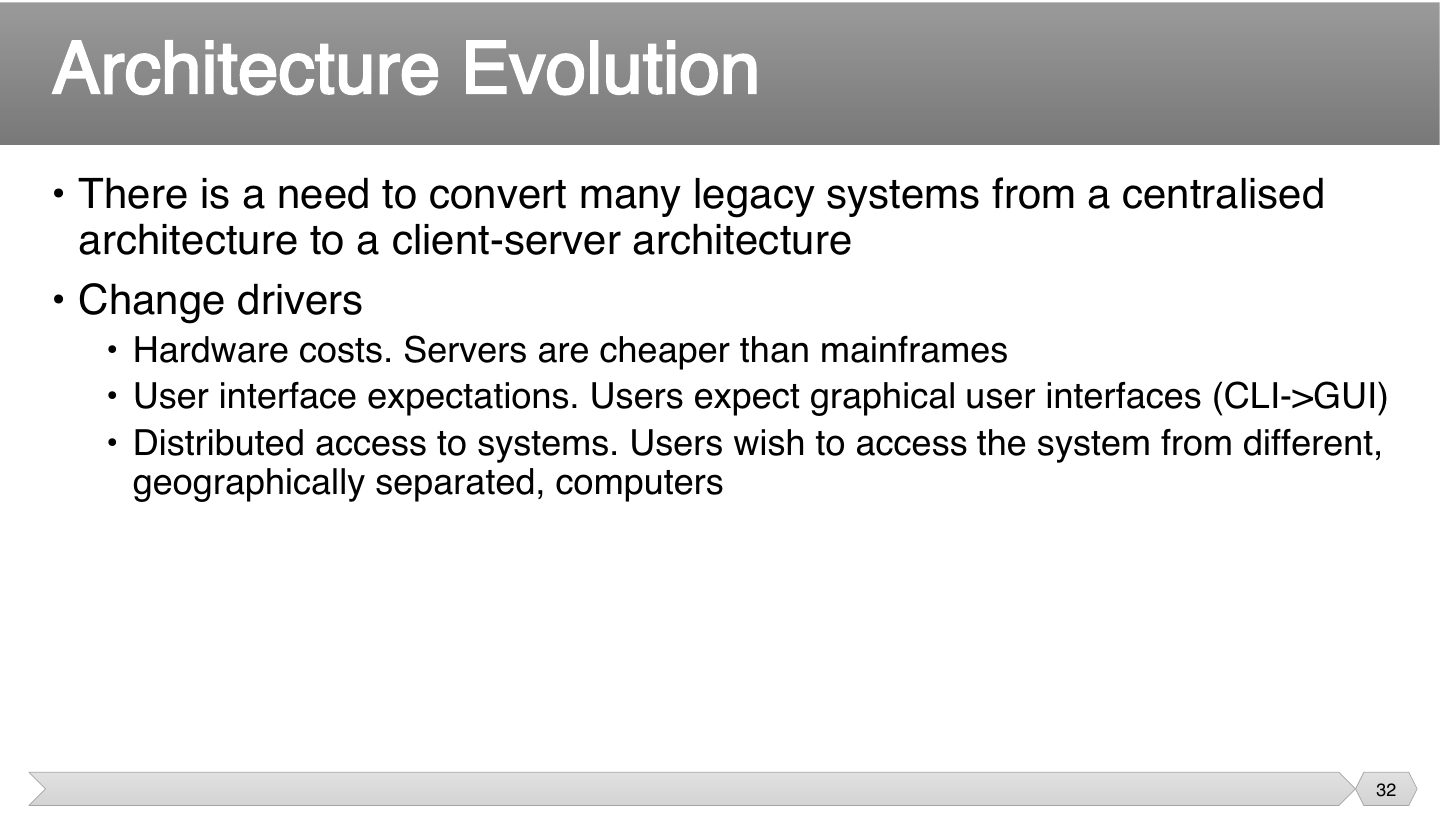
Each driver is a practical pressure: money, what users expect, and where they work. These are why old centralized systems get rebuilt, even when they still work.
Which is a driver for moving legacy systems to client-server?
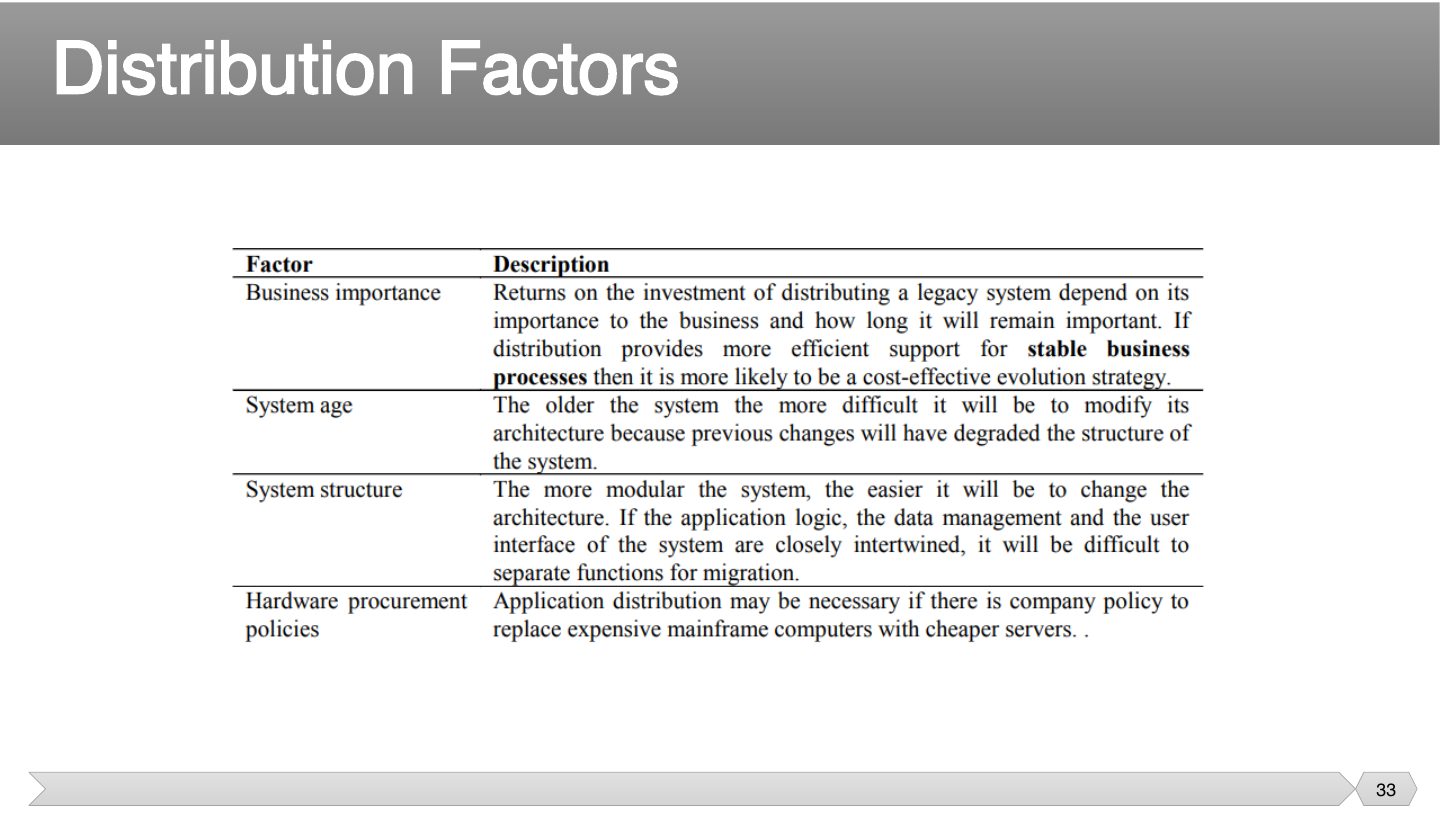
Which factor is considered for distribution?
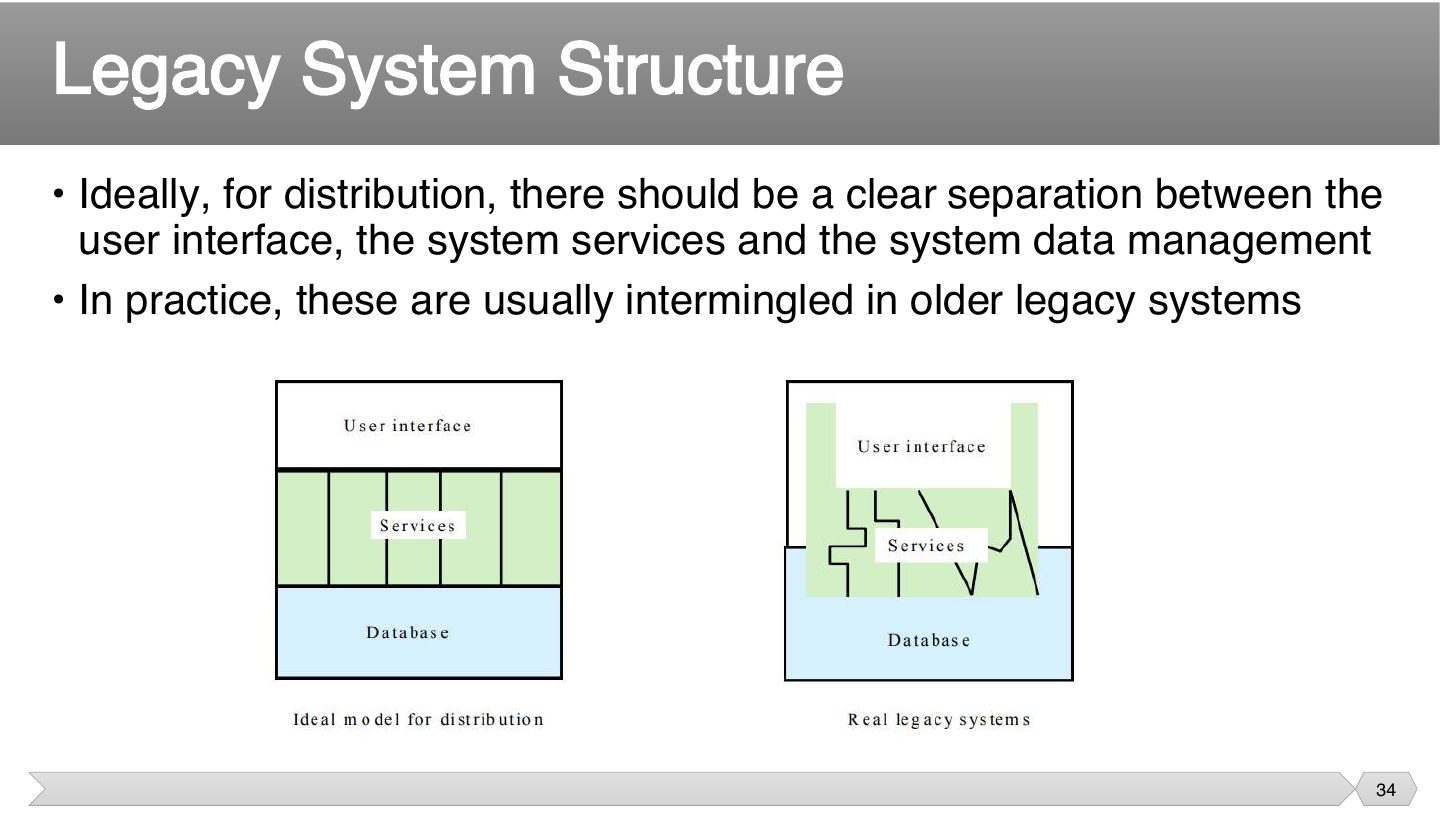
Separated layers can be moved one at a time. In old systems, the display and logic are often mixed up, so you can’t move one part without touching the others.
Why are older legacy systems hard to distribute?
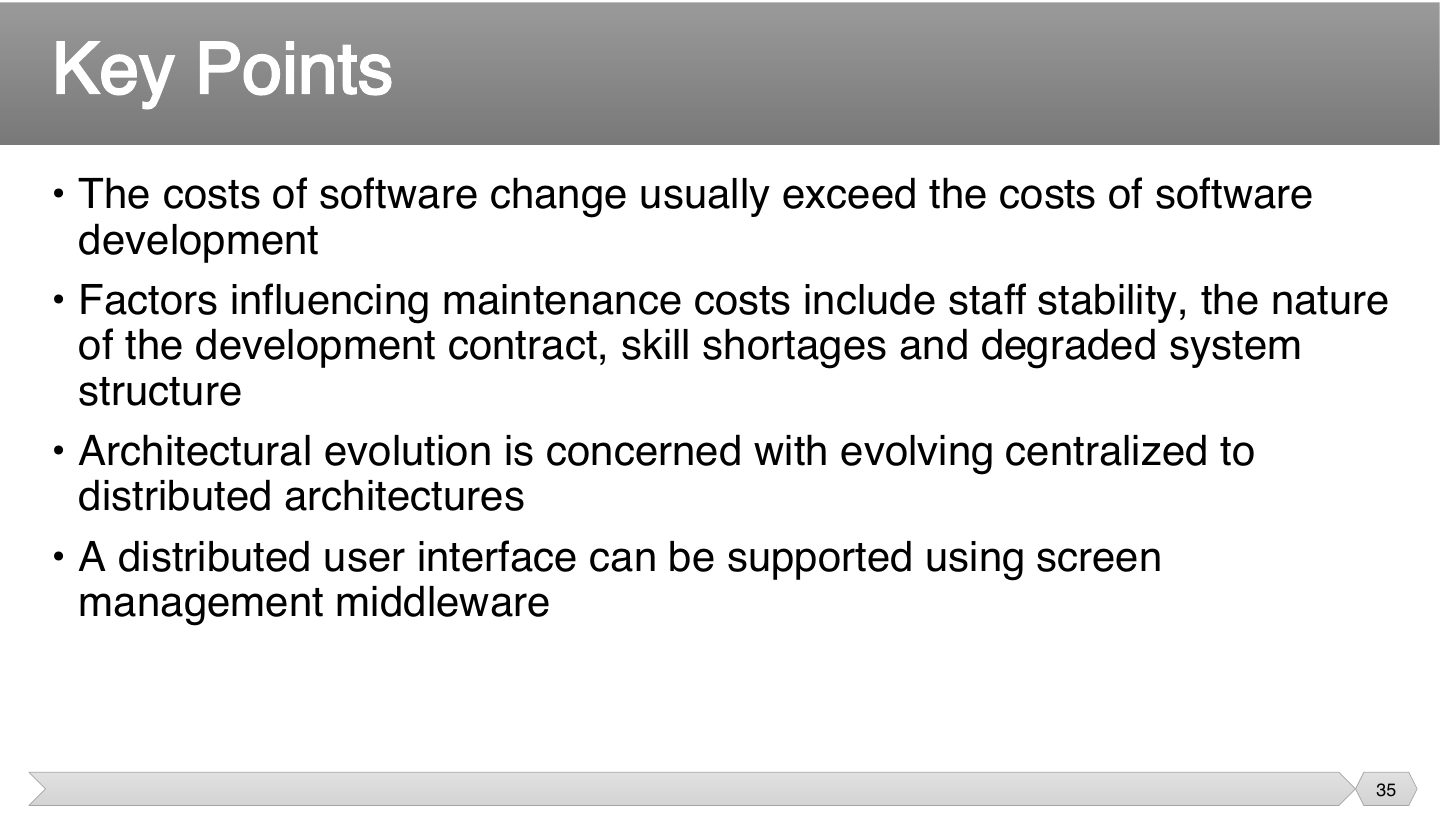
Summary of part 2. The first bullet is the most quotable.
Software change costs usually:
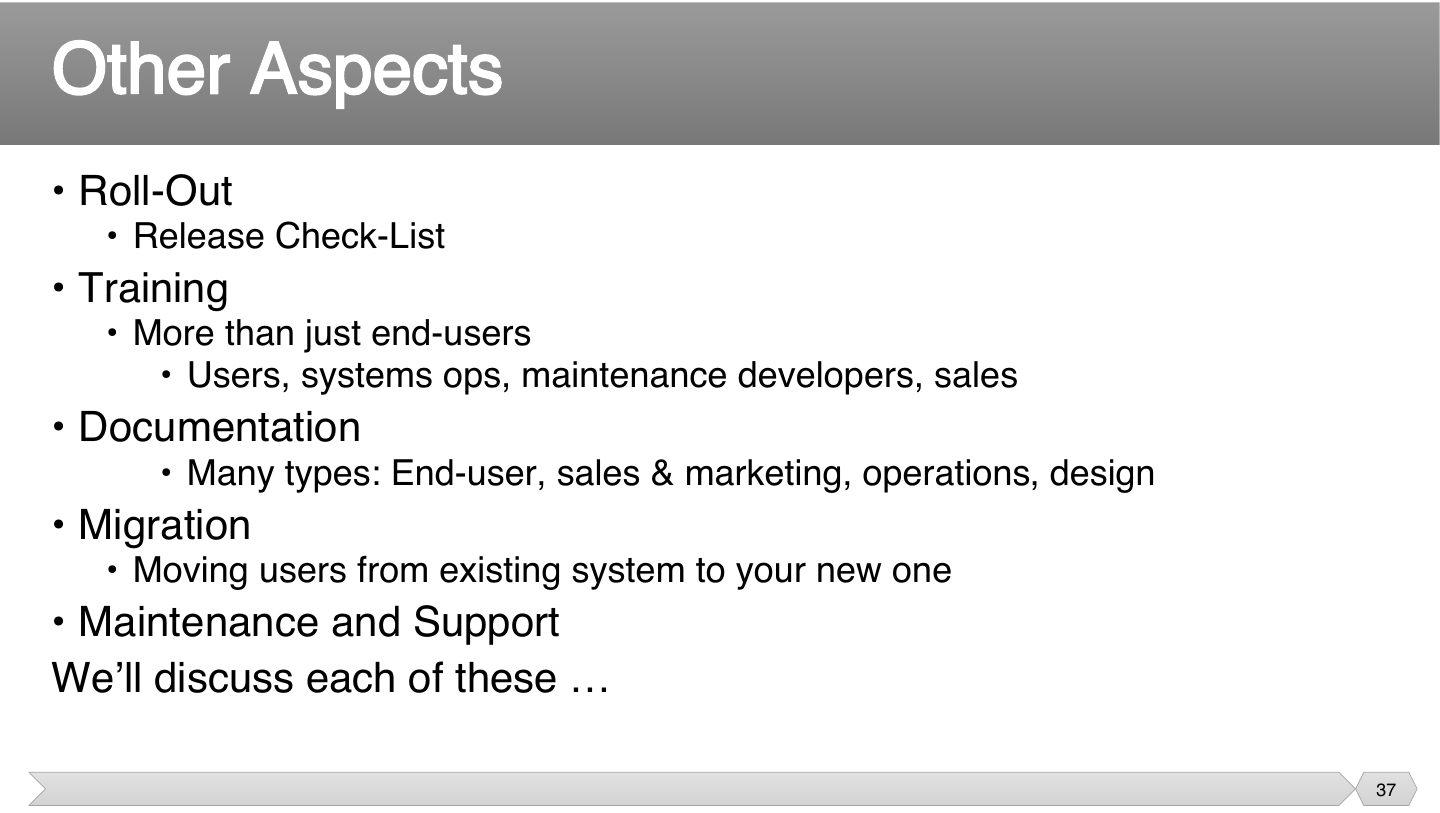
The code being finished doesn’t mean the project is. These activities are easy to forget until the last moment, and any one can delay the launch. That’s why they have their own section.
Which belongs to these closing activities?
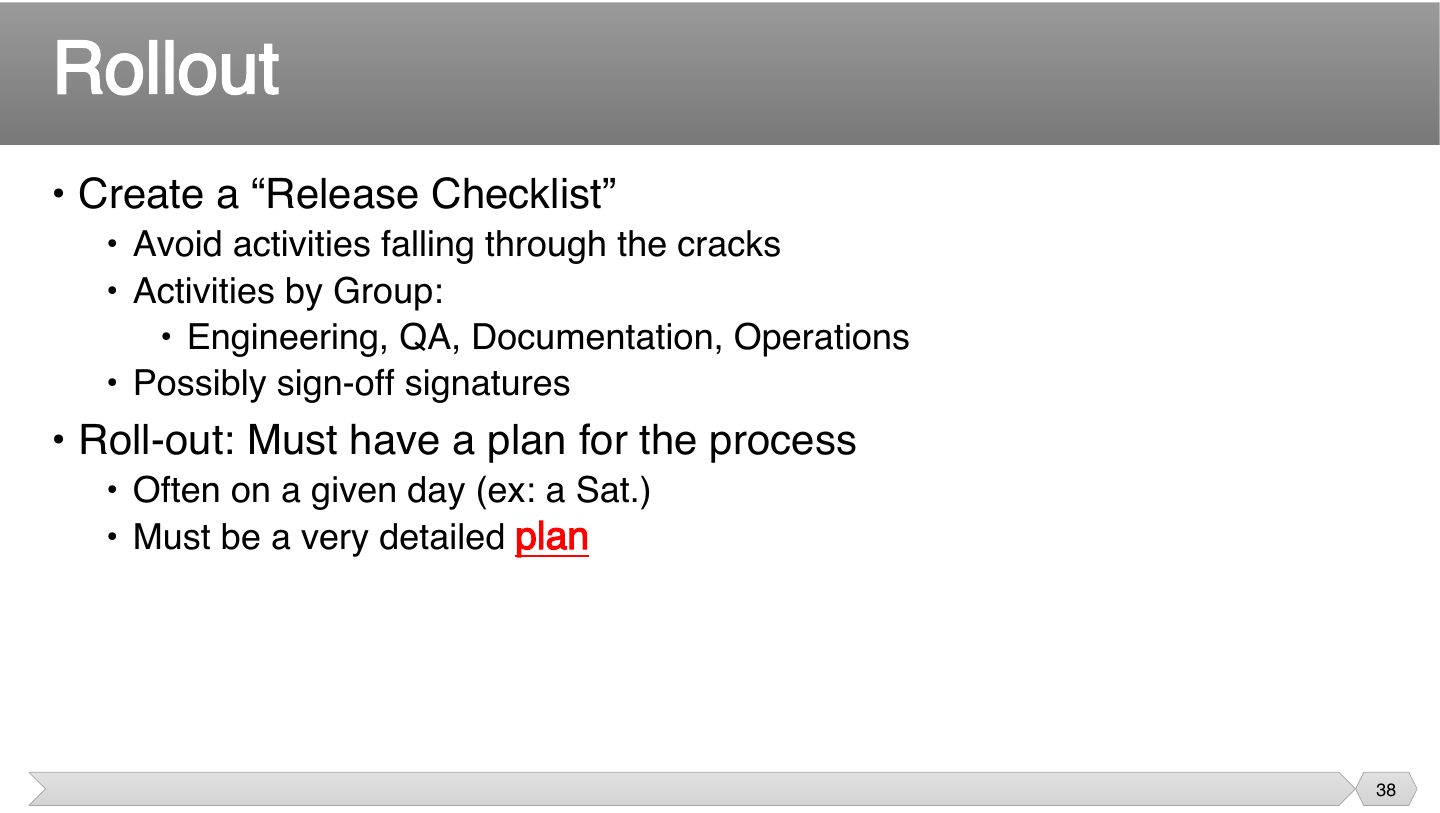
With many groups involved, something will be missed unless it’s written down. Signatures also make people actually check. A launch date with no plan is how releases go wrong.
The professor underlined “plan” in red: roll-out needs a very detailed plan.
Why use a release checklist?
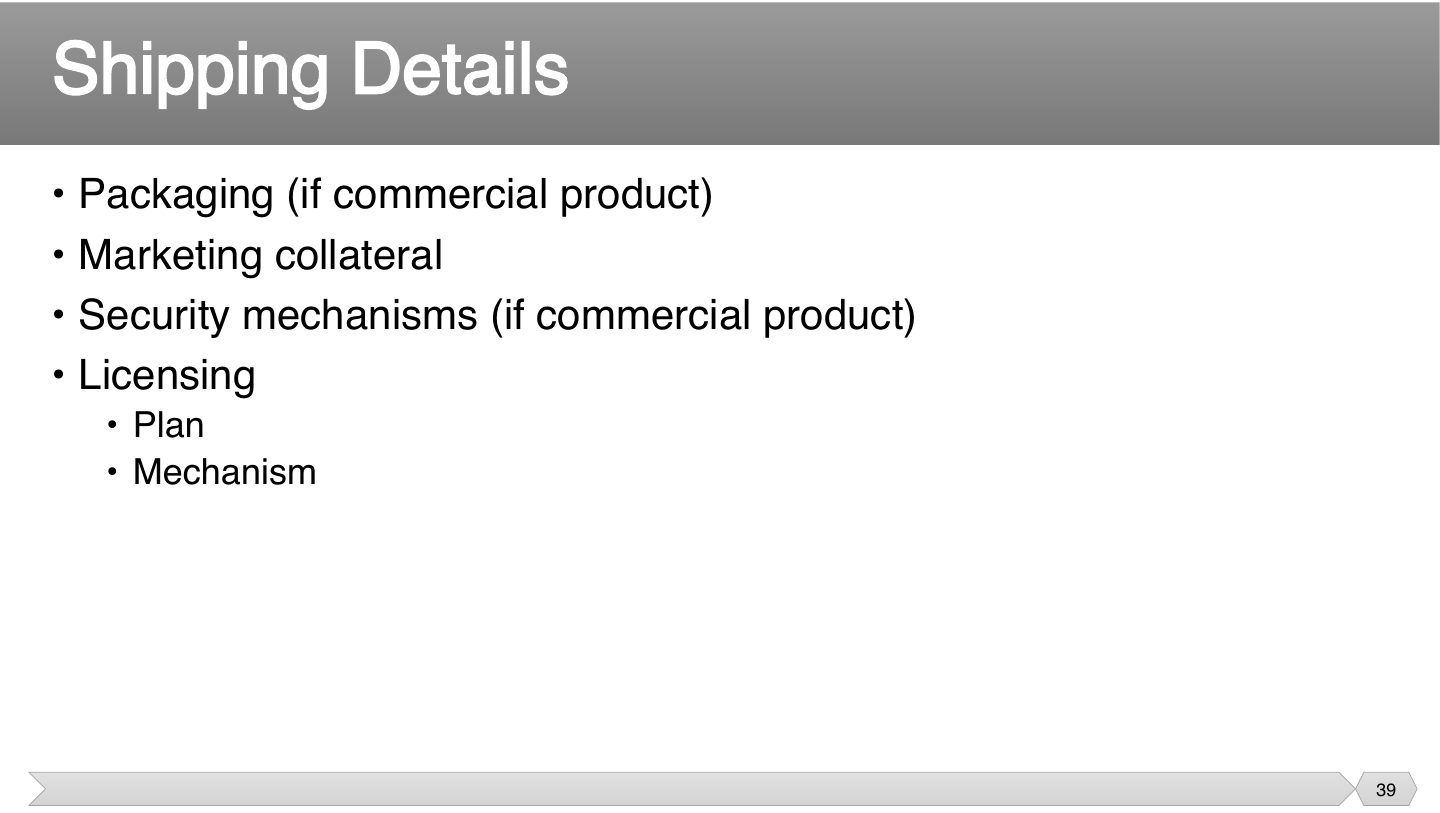
Software isn’t ready to sell just because it runs. Licensing and packaging take time, and starting late can hold up a finished product.
Which applies to a commercial product before shipping?
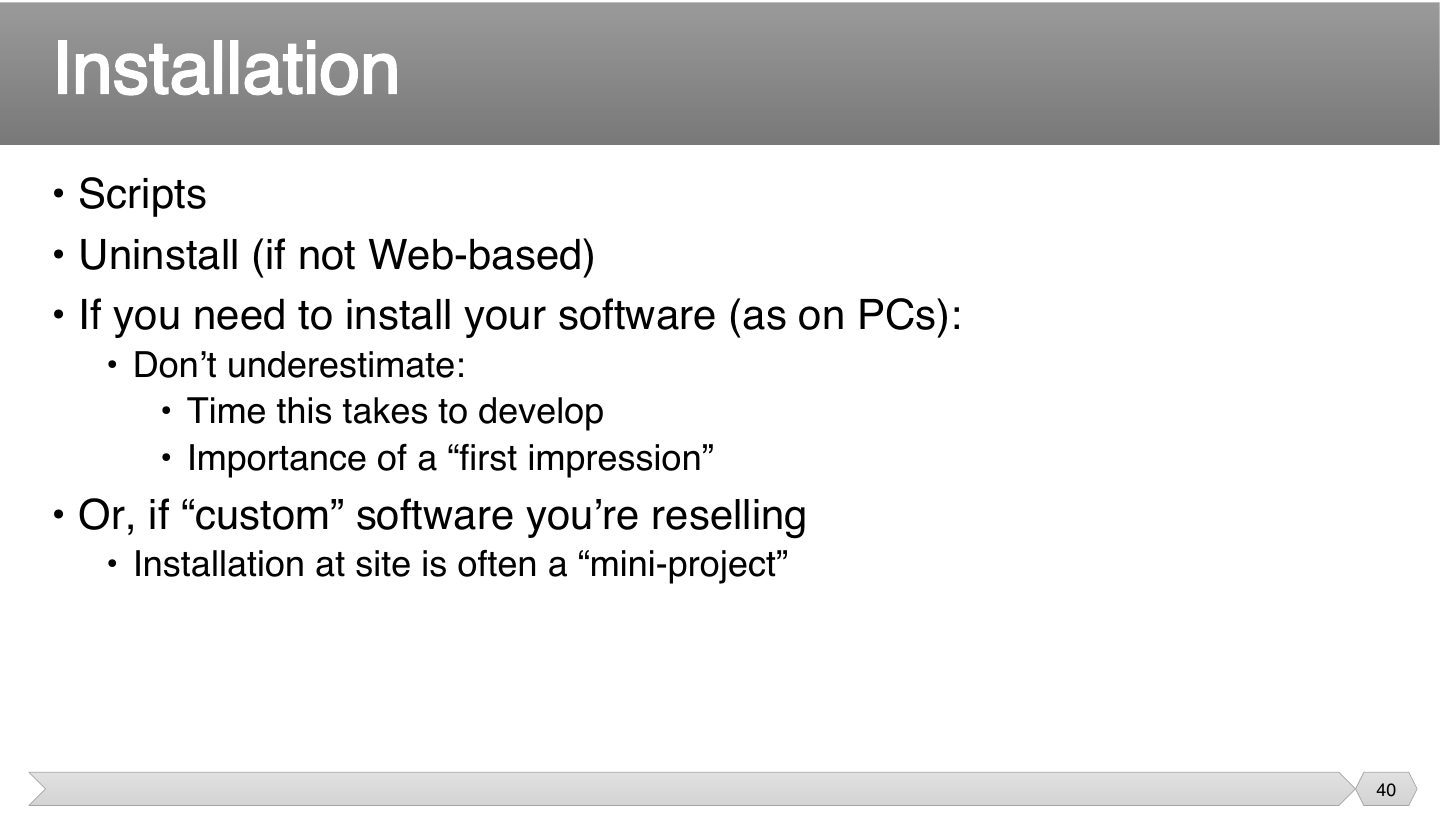
This is the first thing a customer experiences, so a bad install colors everything else. Teams often leave it for last, and then find it’s harder than they thought.
Why not underestimate installation?
Everyone who touches the product needs to know it, not just end users. If support staff can’t answer a question on launch day, that’s a bad start for the customers.
Training for a new system is needed only for end-users.
People assume documents can come later, but customers need them the day they get the product. So plan and write them alongside the software, as they must be ready by ship date.
When must documentation be ready?
Going live with something new is the easy part. Moving people and their data safely, with a way back if it fails, is what migration planning is for.
Which is one of the three parts of migration on the slide?
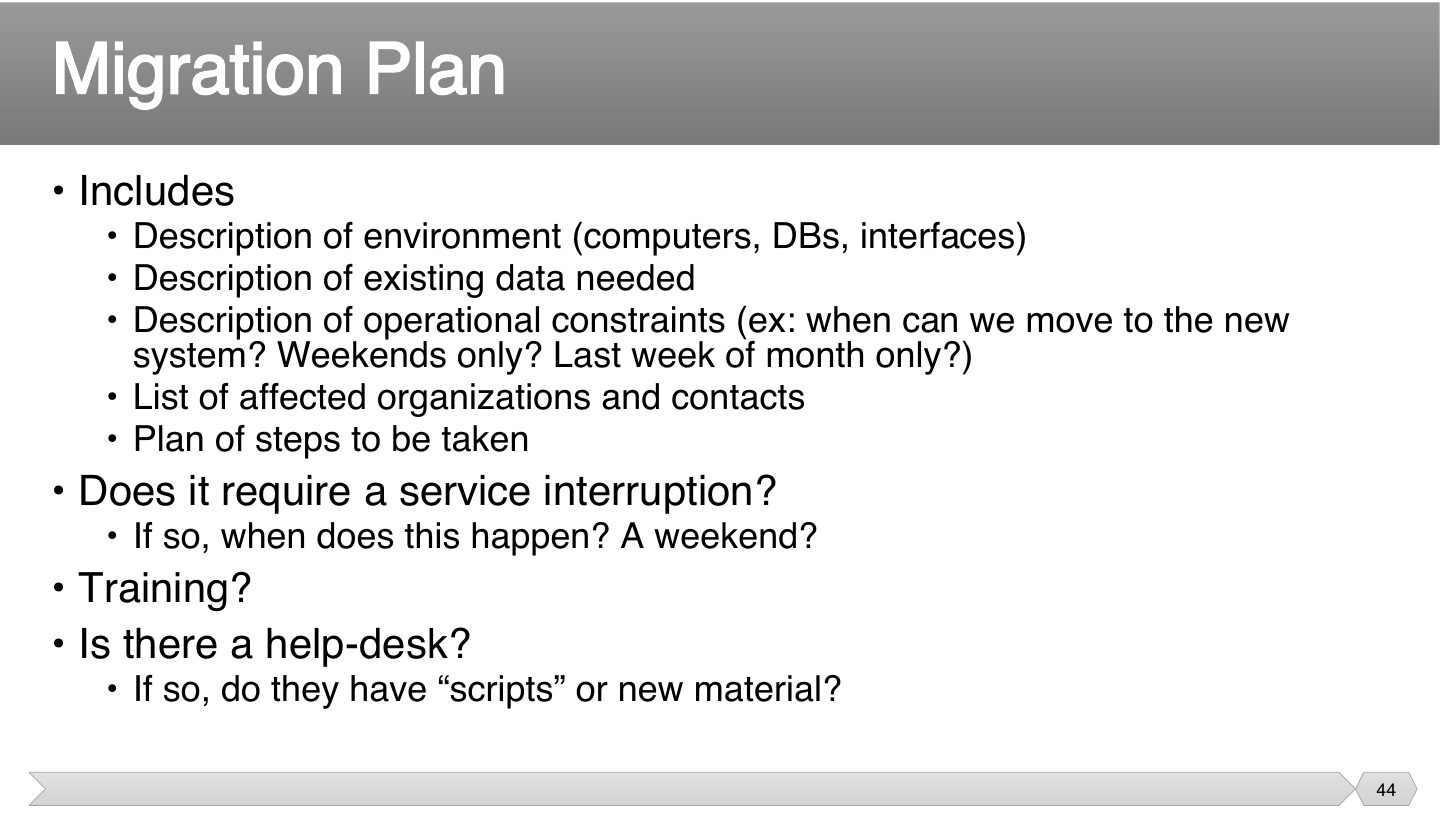
Most surprises come from what wasn’t asked. “Can we switch on a weekday?” or “who needs to know?” matter as much as the technical steps, which is why operational constraints are listed.
“Can we only switch on weekends?” belongs to which part of the migration plan?
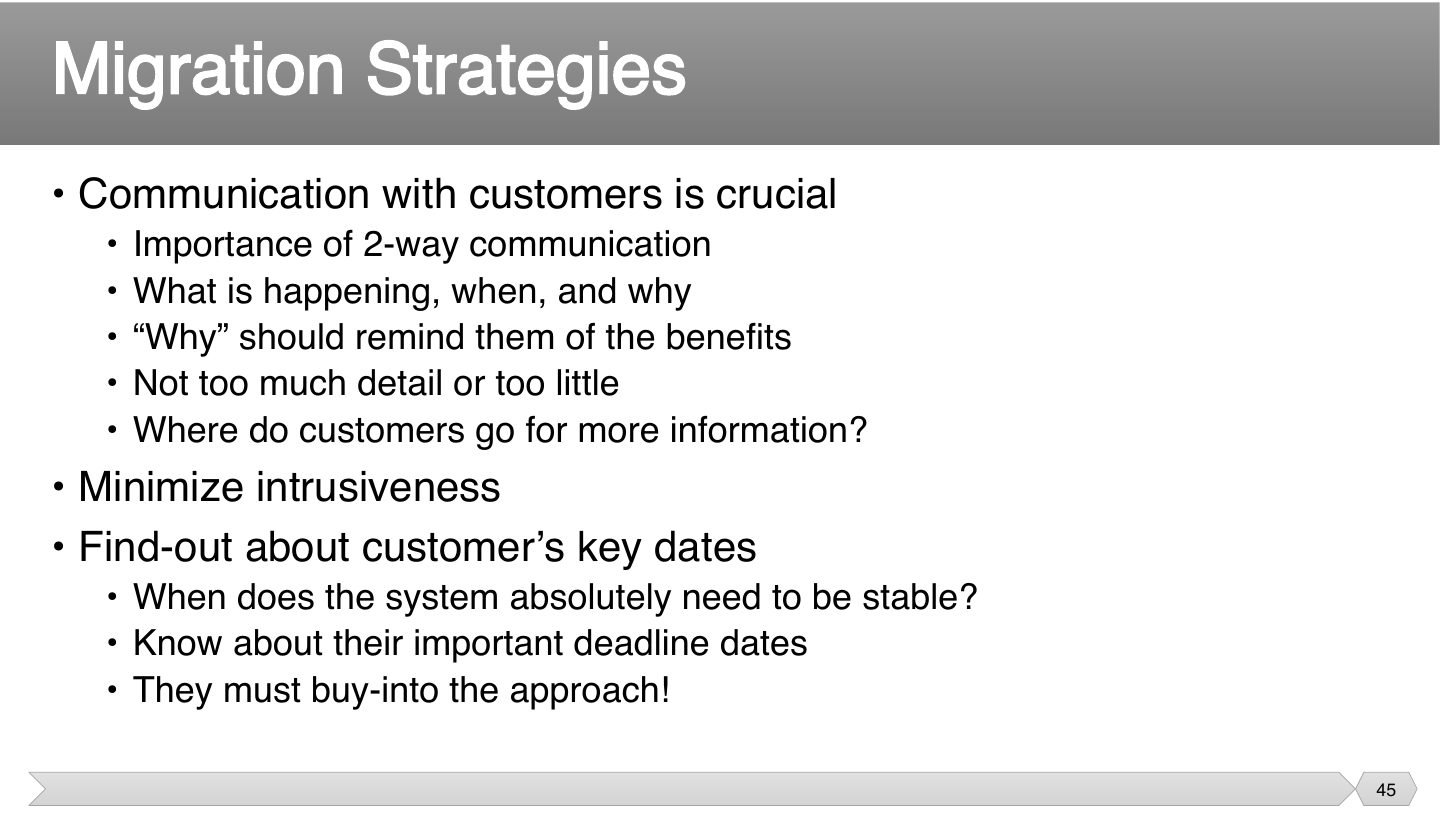
People resist change they don’t understand. Explaining why reminds them of the benefit, and knowing their key dates stops you from switching during their busiest week.
Seen again Ch 8, slide 19: Communication types
What should customer communication about migration include?
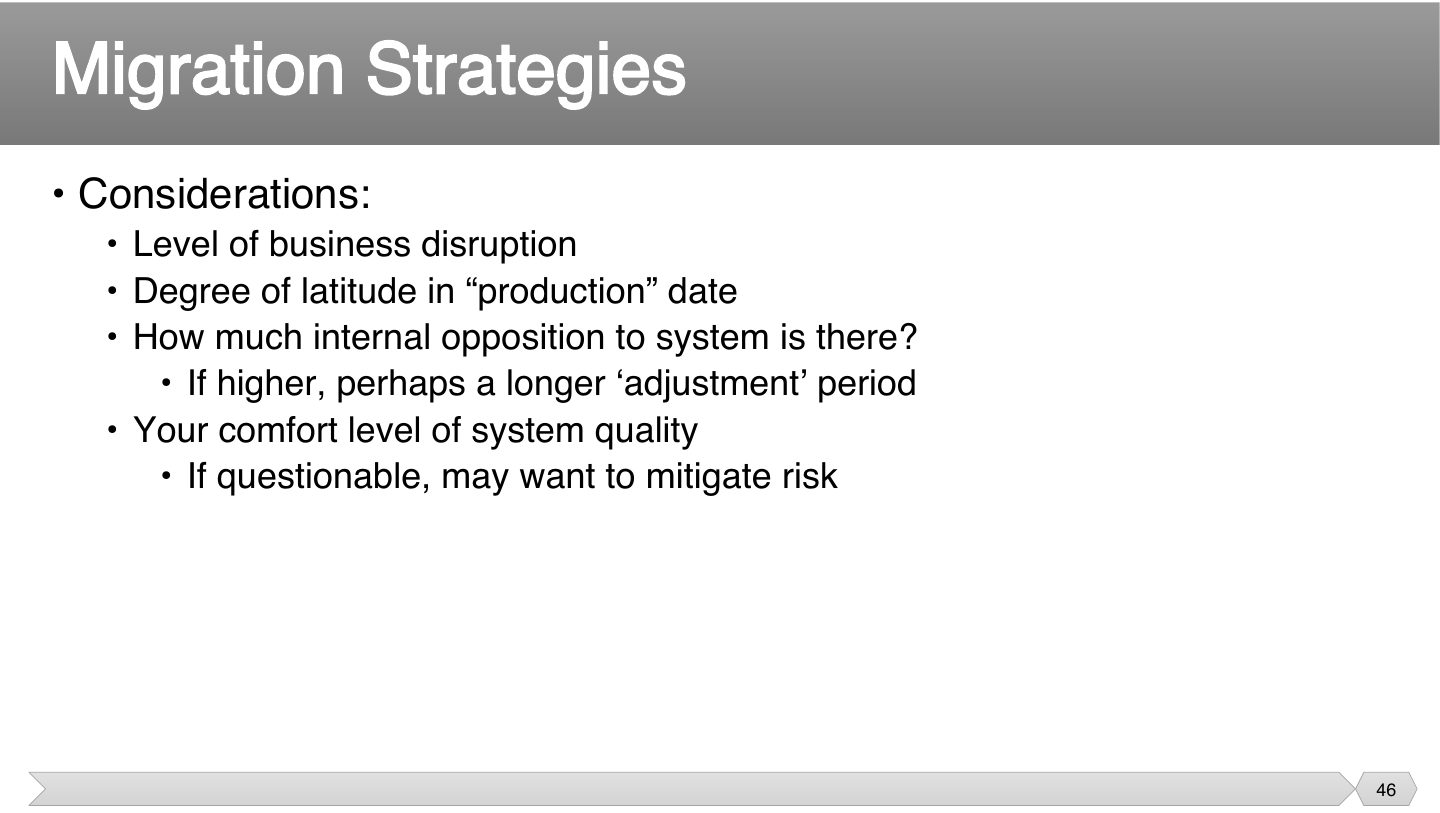
There’s no one best strategy. How much disruption can they take, and how sure are you of the software? The riskier it is, the more you’d want a gradual approach.
Internal opposition to a new system is high. What might help?
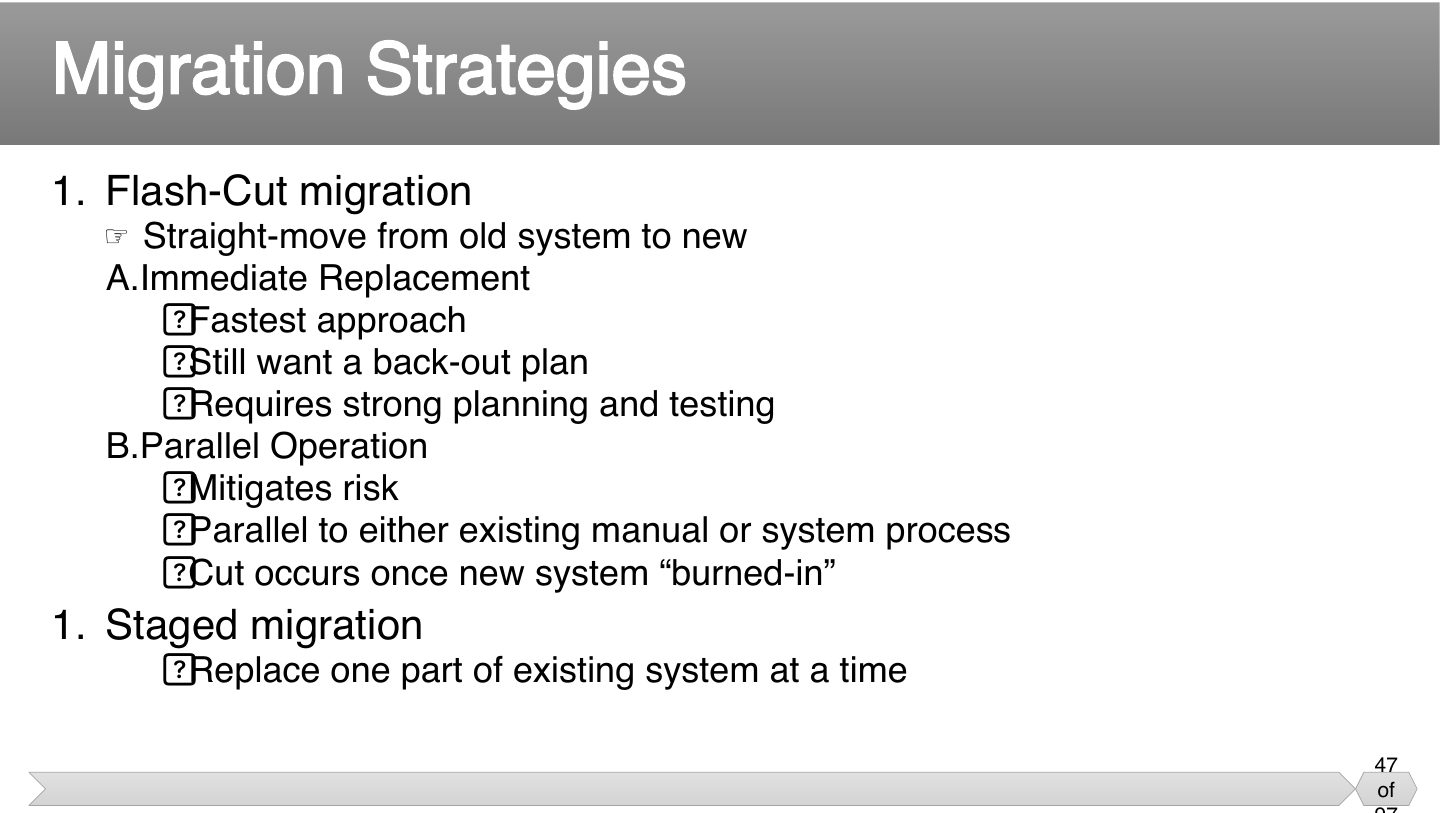
It’s a straight trade: speed against safety. Immediate replacement is quickest and riskiest, parallel costs more but lets you compare, and staged limits how much can go wrong at once.
However confident you are, you need a way back. Because if the new system fails with no back-out plan, your customers have no service at all.
Memory trick Flash = fast, Parallel = safe, Staged = step-by-step.
Trap Parallel operation MITIGATES risk; it is not the fastest. Immediate replacement is the fastest.
Which migration strategy runs the old and new systems side by side until the new one is “burned in”?
Which migration approach is fastest?
A hospital is replacing its patient-records system and can’t afford any outage. Which migration strategy, and why?
Parallel operation (or staged): run old and new together until the new one is proven, with a back-out plan. It mitigates risk at extra cost.
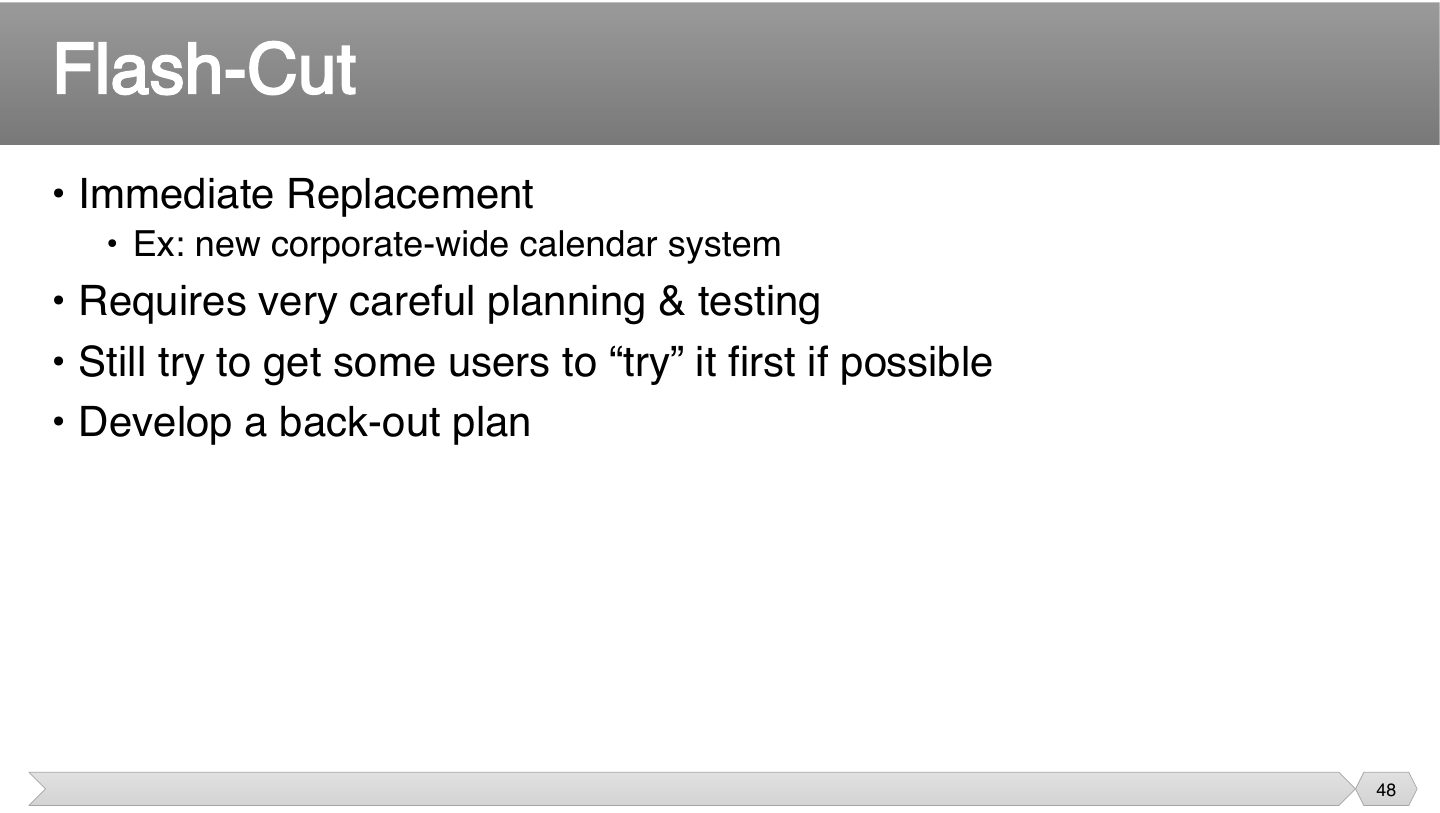
Even with an all-at-once switch, a small trial first catches surprises. A calendar system suits this, since everyone has to use the same one at once.
What should you still do for a flash-cut?
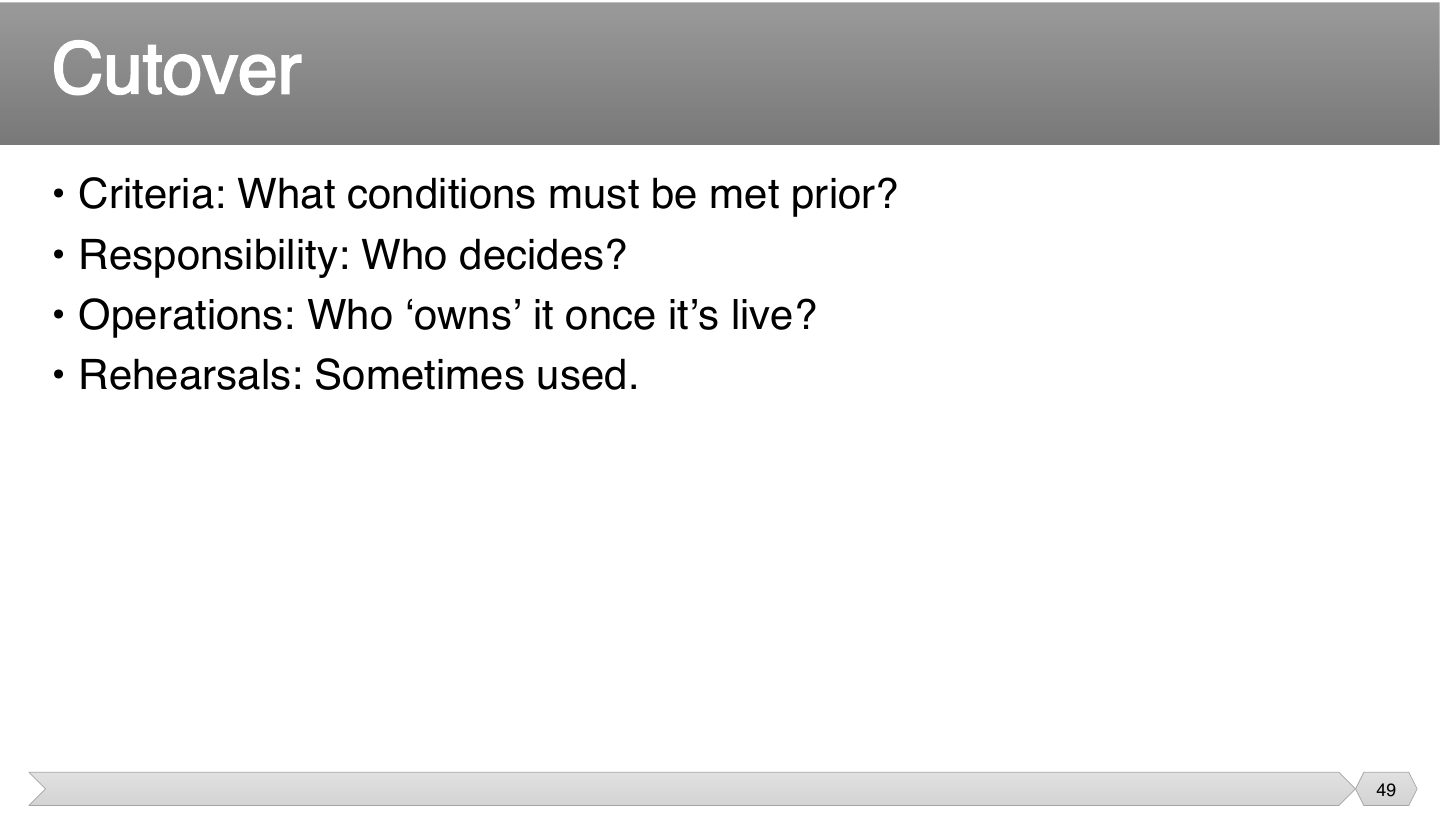
These questions stop confusion at the worst moment. Without agreed criteria, people argue over whether you’re ready, and without an owner, nobody fixes things once it’s live.
“Who ‘owns’ it once it’s live?” belongs to which cutover question?
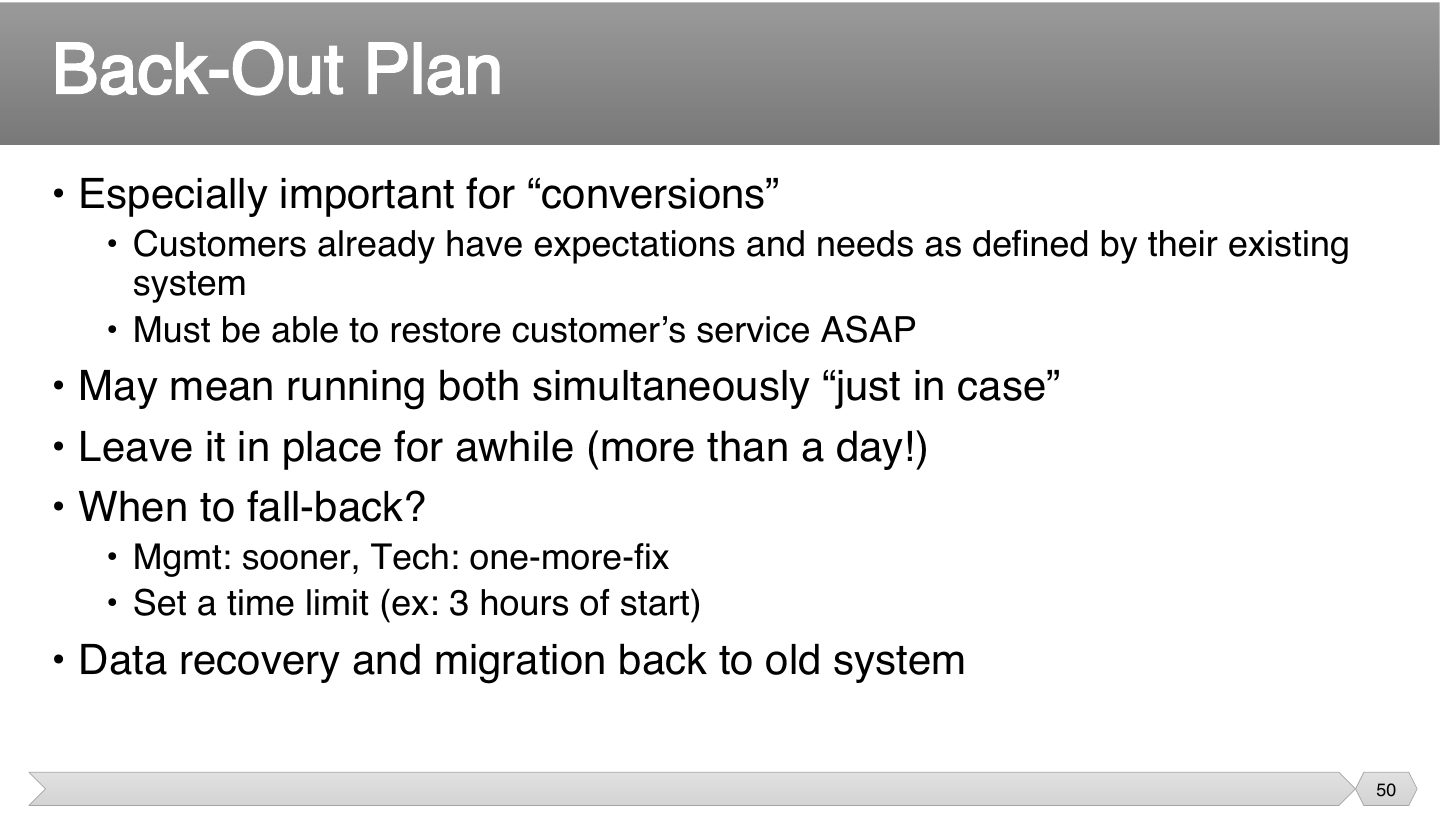
Under pressure, engineers believe they’re one fix away, and managers want service back. Agreeing on a time limit beforehand makes this decision easier in a stressful moment.
Restoring the old system isn’t enough, if customers entered new data during the attempt. It has to be carried back too, or people lose work.
Tip Keep the old system available for more than a day after cutover.
A back-out plan should include a time limit for deciding when to fall back.
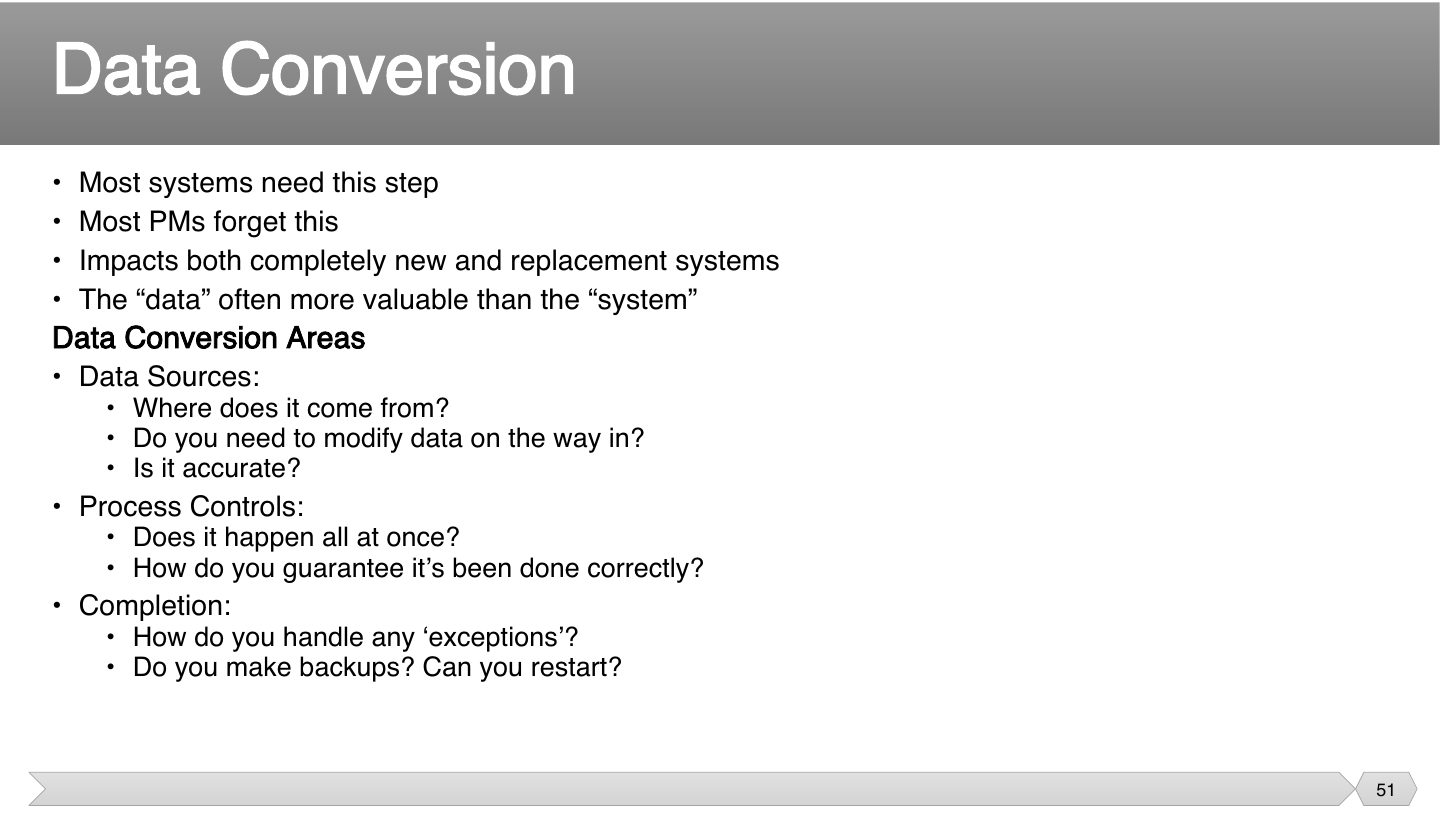
People remember to plan the software, and forget the data. Yet the data may be what the company really values. Bad data carried over can make a good new system look broken.
Data conversion is only needed when replacing an existing system.
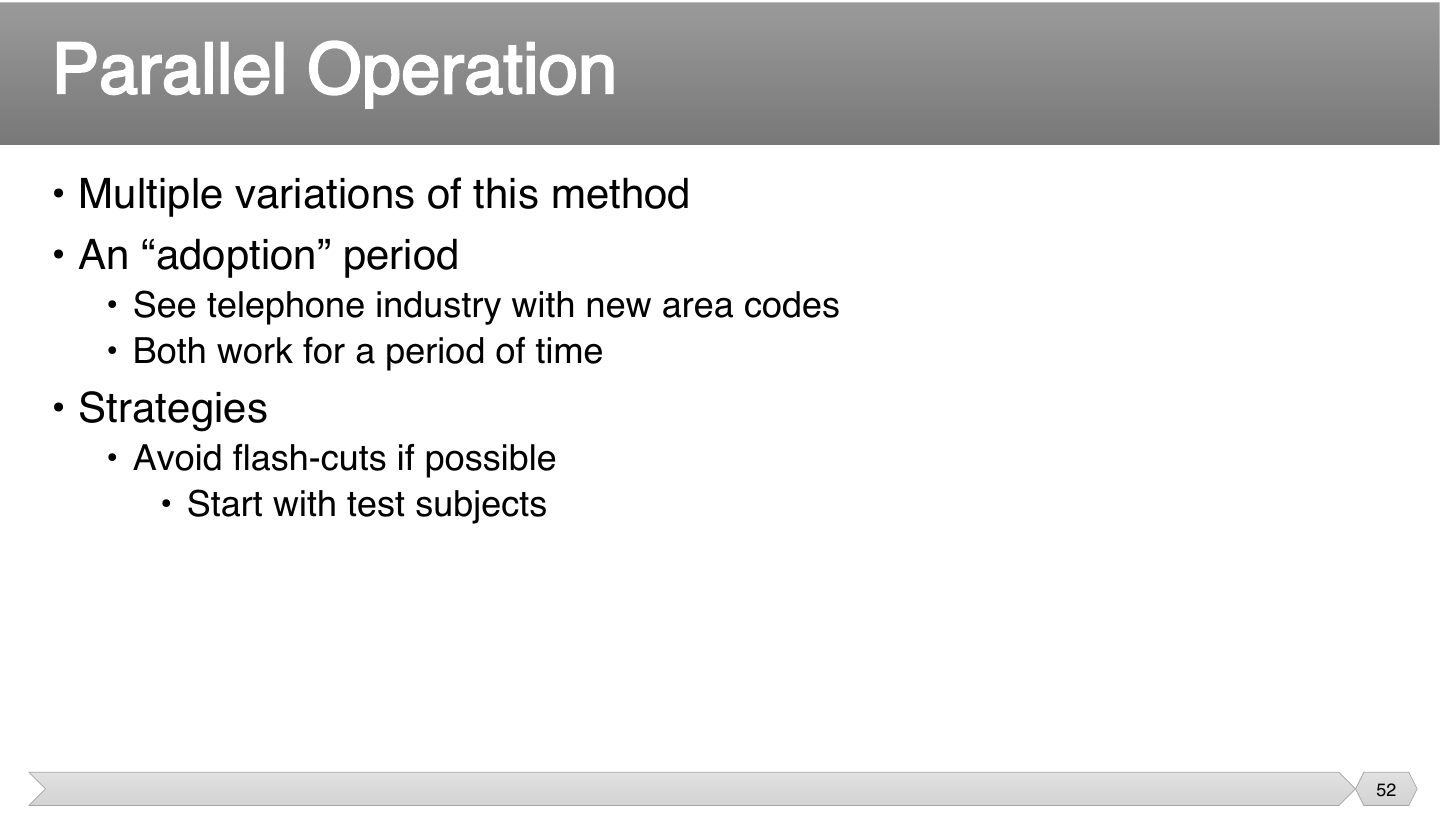
Both work for a while, so nobody has to change on one exact day. That’s why new phone area codes ran alongside old ones, and it takes the pressure off the adoption period.
New area codes where old and new both work are an example of:
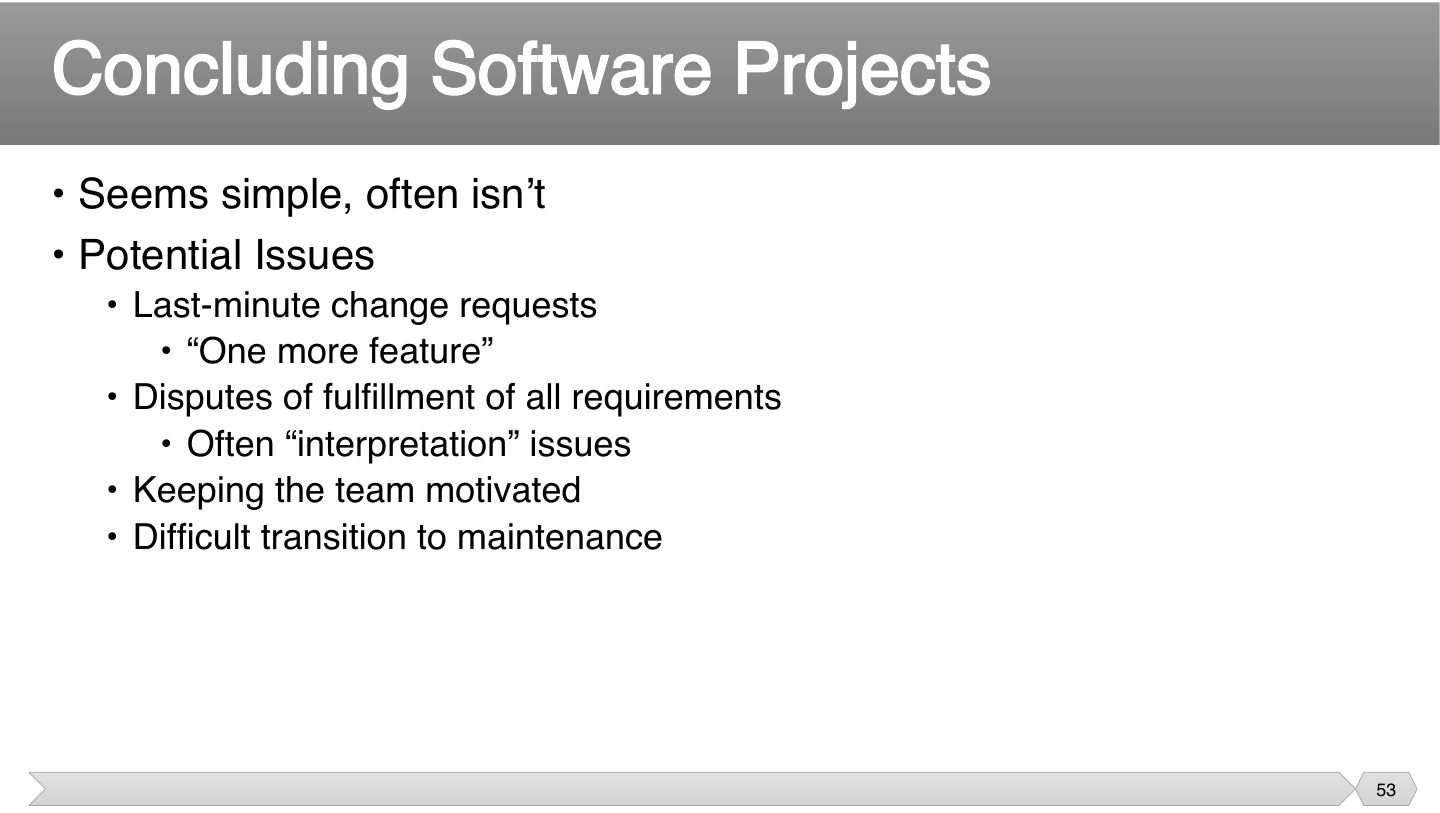
The end seems easy, but small requests keep coming, and people start disagreeing over what was promised. Team energy also fades, so closing needs managing as well.
Seen again Ch 3, slide 4: Scope creep and the triangle
Which is a common problem when closing a project?
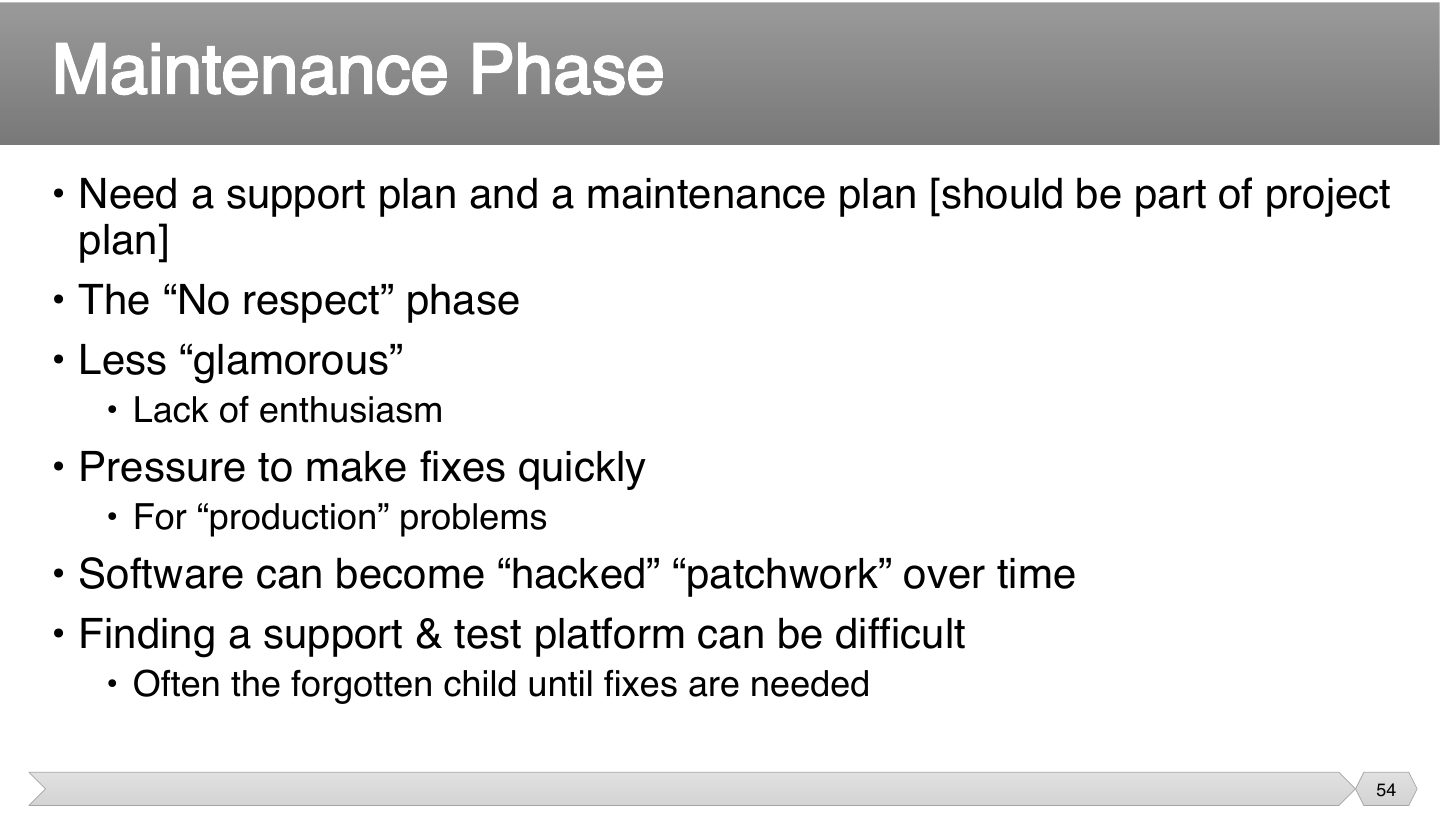
Nobody plans for the unglamorous part, so plan it up front. Rushed production fixes pile up, and that’s how code turns into patchwork.
What can pressure for quick fixes lead to?
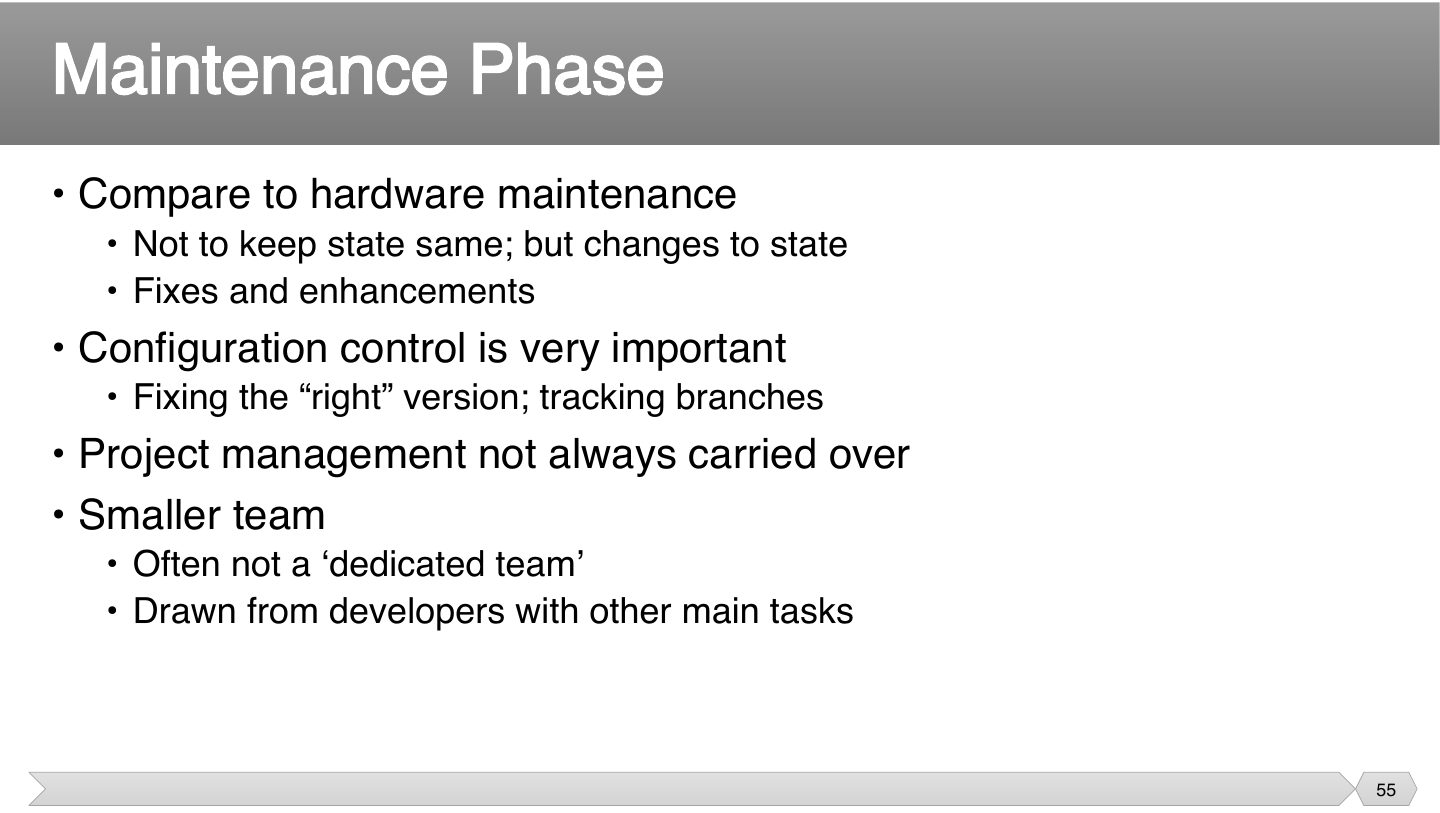
Hardware maintenance restores something to how it was, while software changes it. That’s why fixing the right version matters: a fix in the wrong branch doesn’t reach users.
How does software maintenance differ from hardware maintenance?
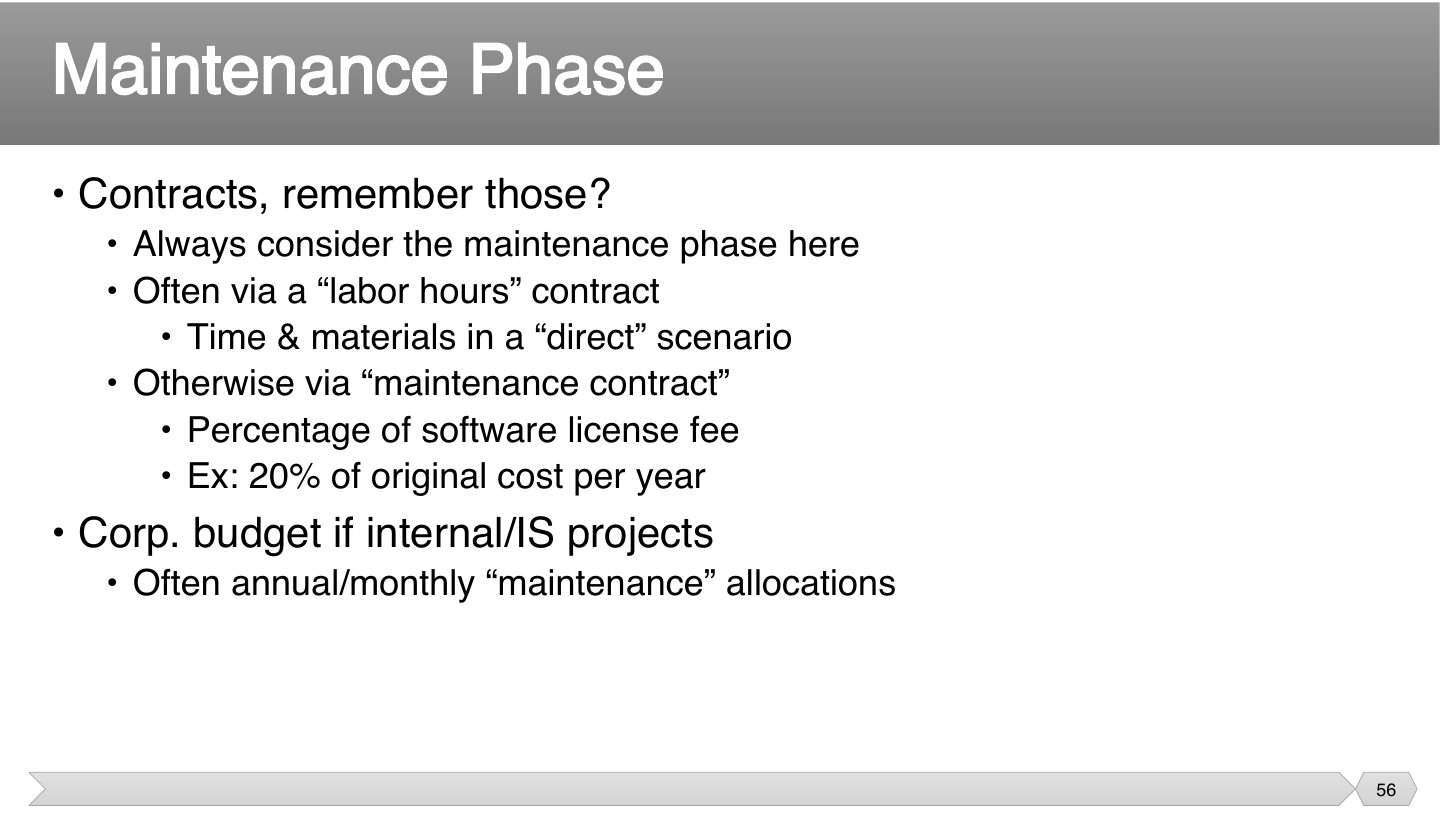
Plan who pays for maintenance before signing. A time and materials deal pays by hours, while a fixed percentage gives steady income, and each suits different situations.
A typical maintenance contract might cost per year:
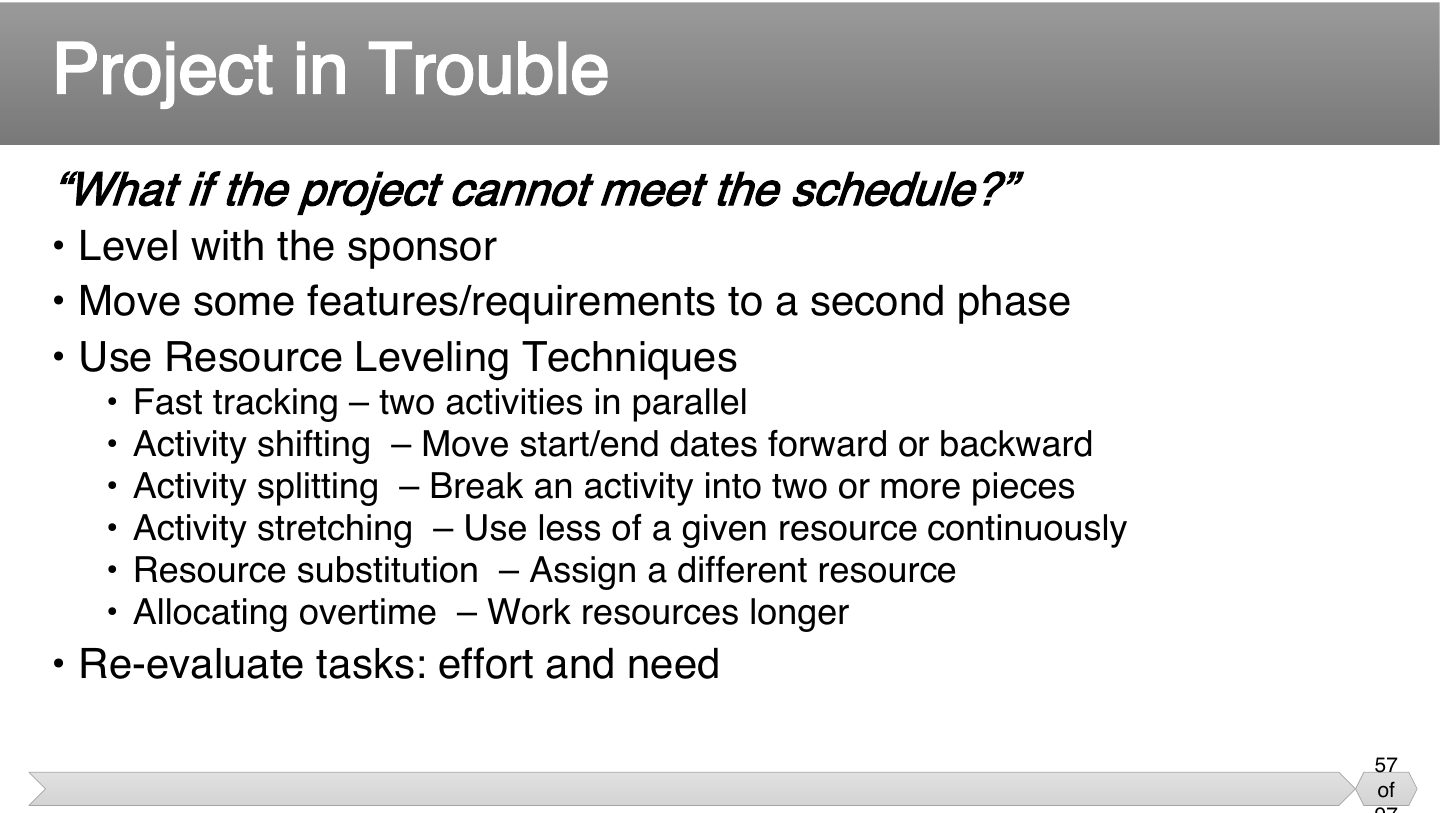
Each is a way of moving work around, not magic. They all trade something: overtime tires people out, and fast tracking adds risk. Being honest with the sponsor comes first.
Hiding trouble removes the sponsor’s chance to help. They may prefer dropping features to moving the date, so level with them and let a later phase absorb what doesn’t fit.
Seen again Ch 6.2, slide 54: Crashing and fast-tracking
Seen again Ch 6.2, slide 48: Resource leveling
Related question: Q6.1 · how crashing and fast-tracking affect cost and risk
Doing two activities in parallel to recover schedule is:
Breaking an activity into two or more pieces is:
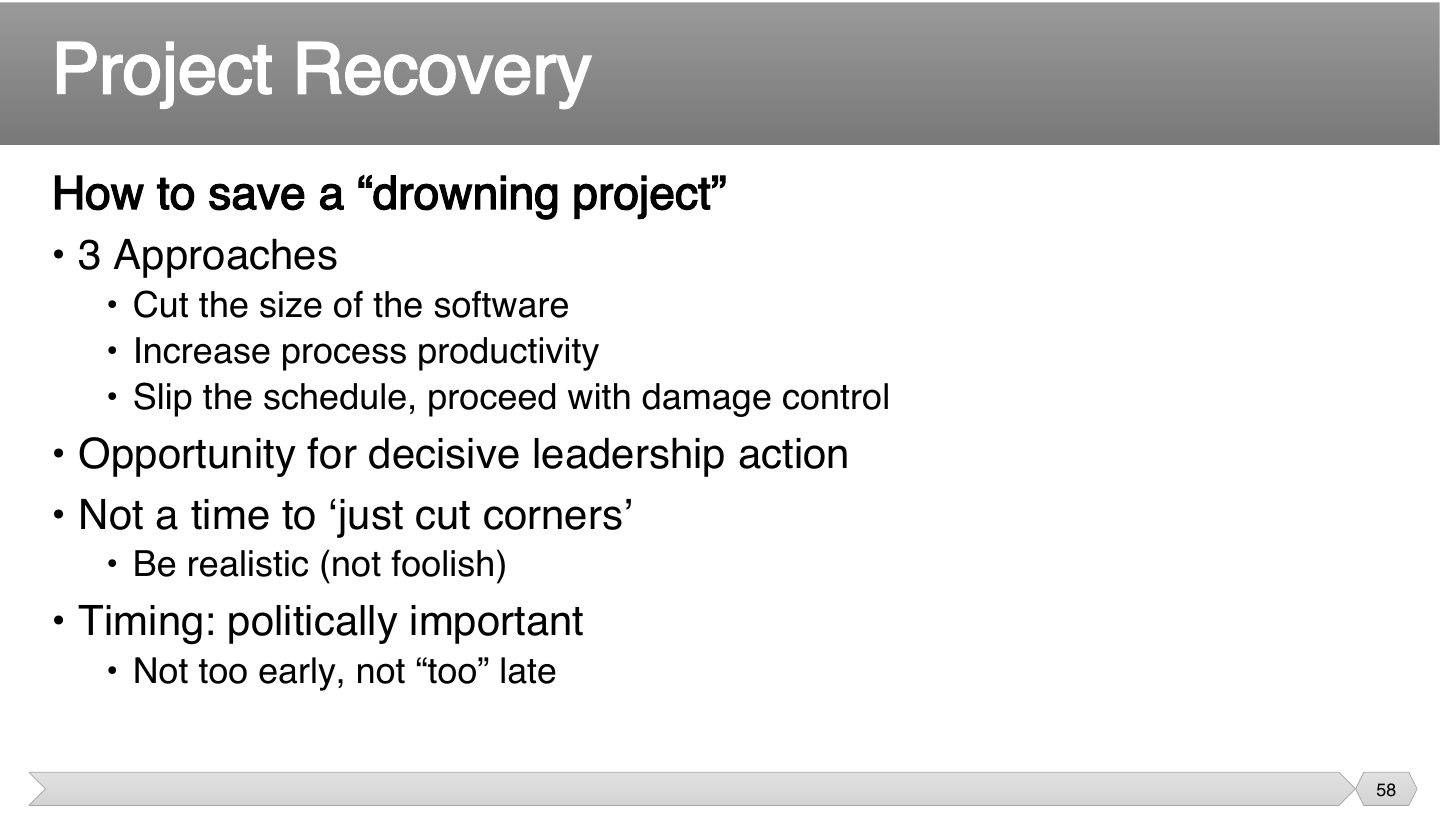
There are only so many levers: do less, go faster, or take longer. Slip the schedule isn’t a failure, if it’s managed honestly. Pick what’s realistic.
Panic makes cutting corners tempting, but that often makes things worse. Timing matters too, since acting too early seems like overreacting, and too late leaves no options.
Memory trick Recovery = Size, Speed, Slip.
Which is NOT one of the three approaches to saving a drowning project?
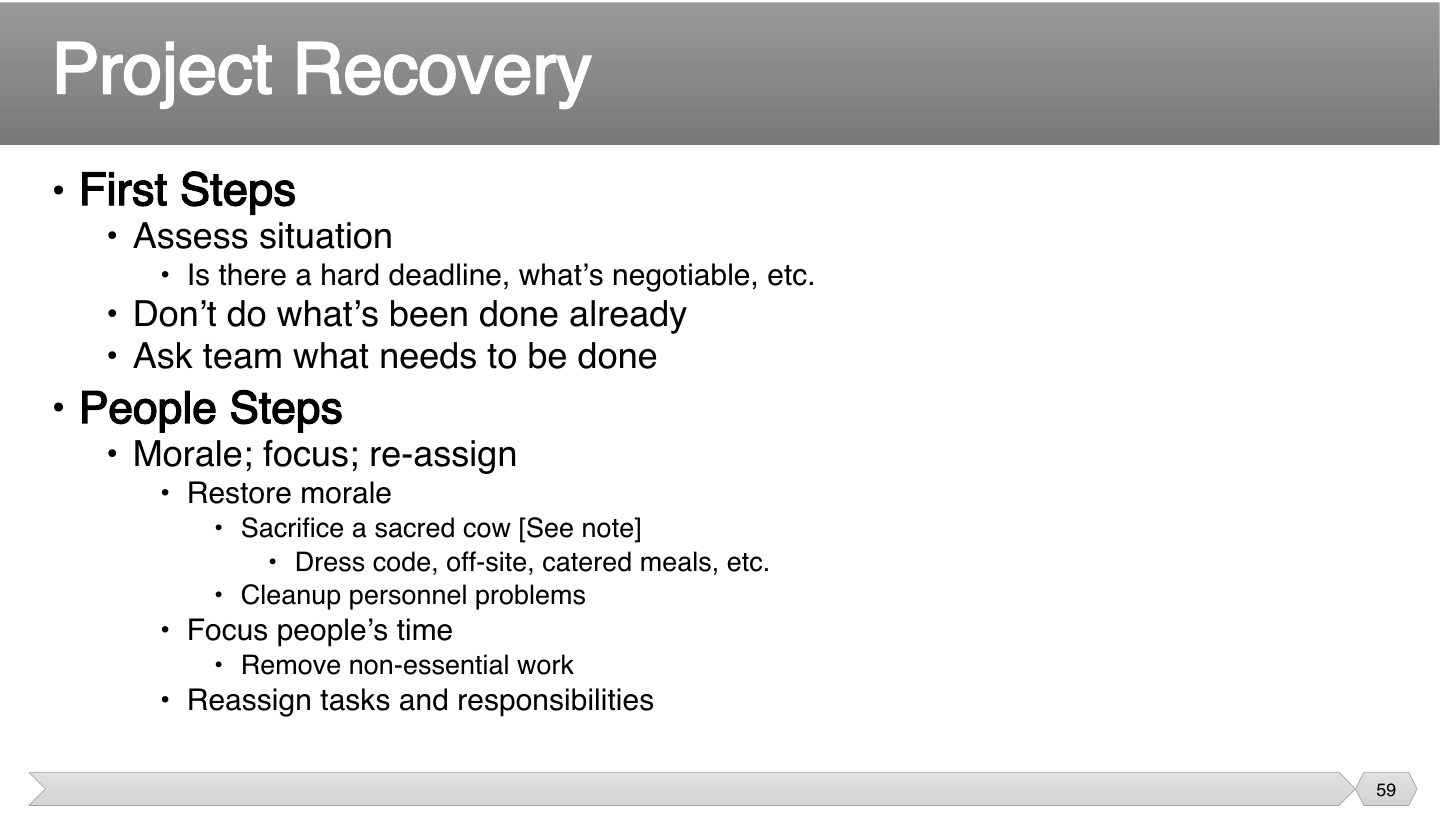
If what’s been tried didn’t work, doing more of it won’t either. The team usually knows what’s wrong, so ask them. Morale matters too, because exhausted people can’t rescue anything.
Seen again Ch 3, slide 4: Team
Related question: Case Q1 · a feature released without testing: corrective action and recovery plan
In project recovery, what should you do first?
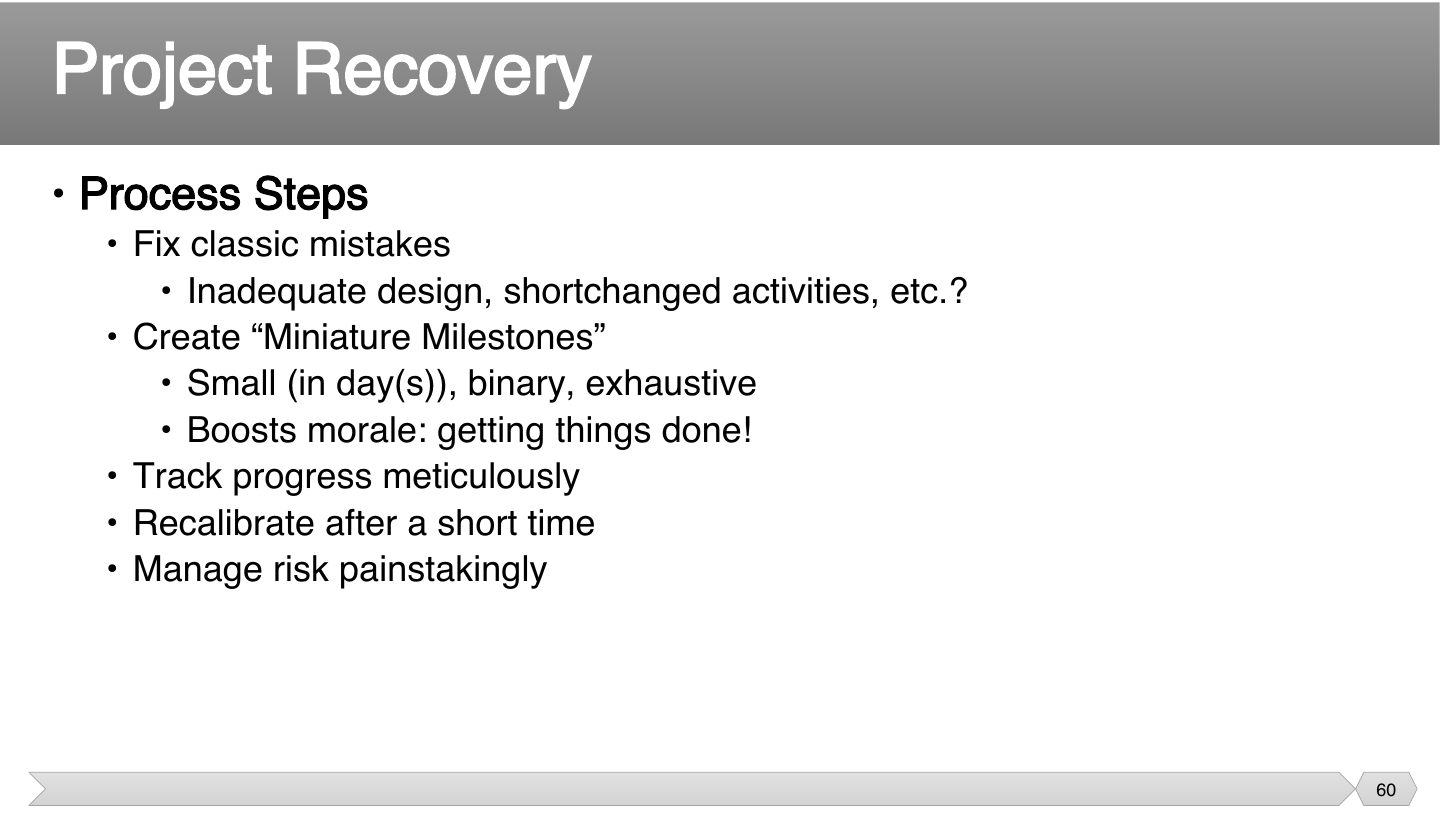
Long tasks hide problems, which is often how a project got into trouble. Miniature milestones make progress impossible to fake, and finishing small things helps tired people feel momentum.
Miniature milestones in project recovery should be:
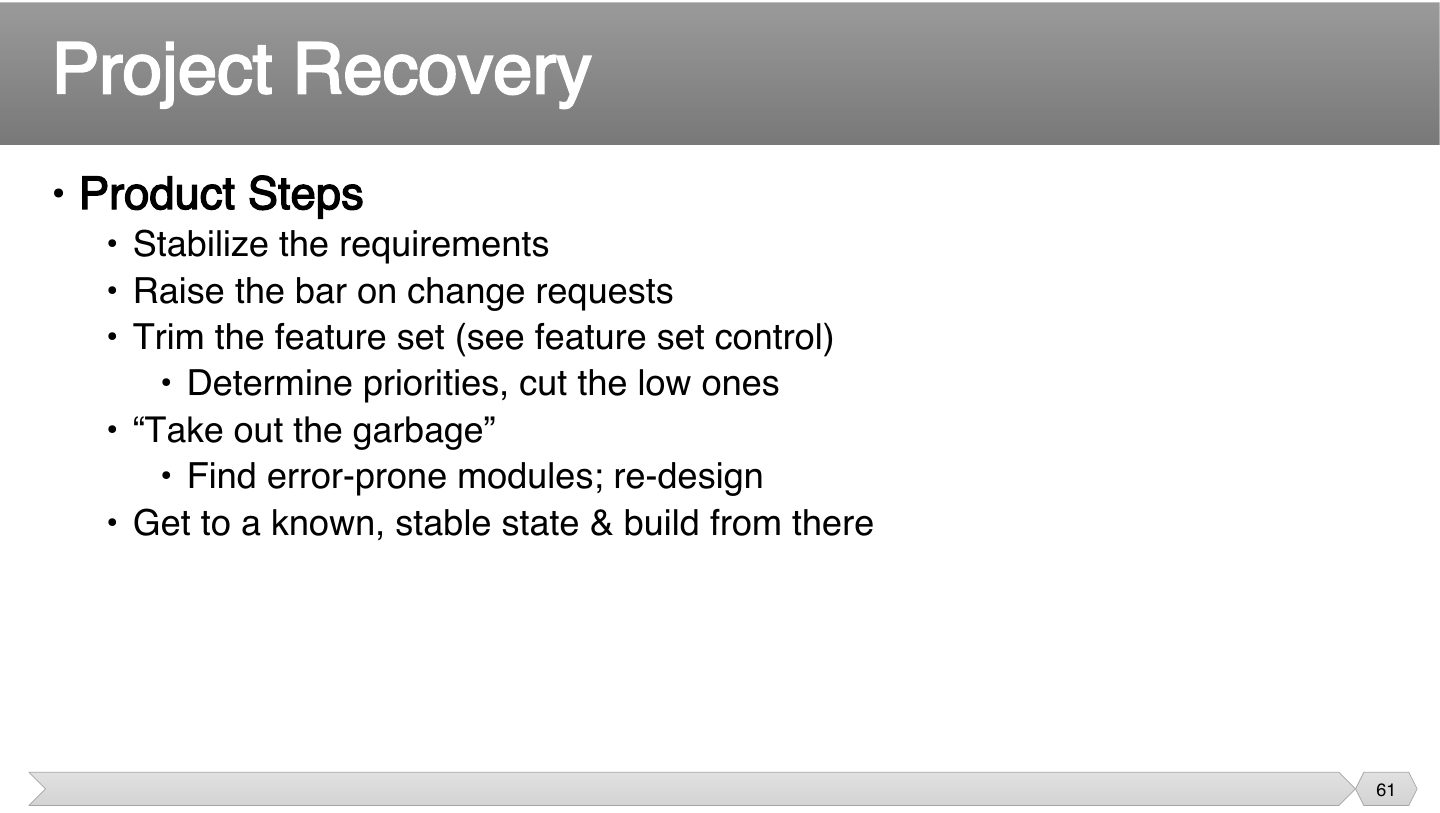
A moving target can’t be hit. Freezing requirements and reaching a stable state gives you solid ground, even if it means cutting some features.
Related question: Case Q1 · a feature released without testing: corrective action and recovery plan
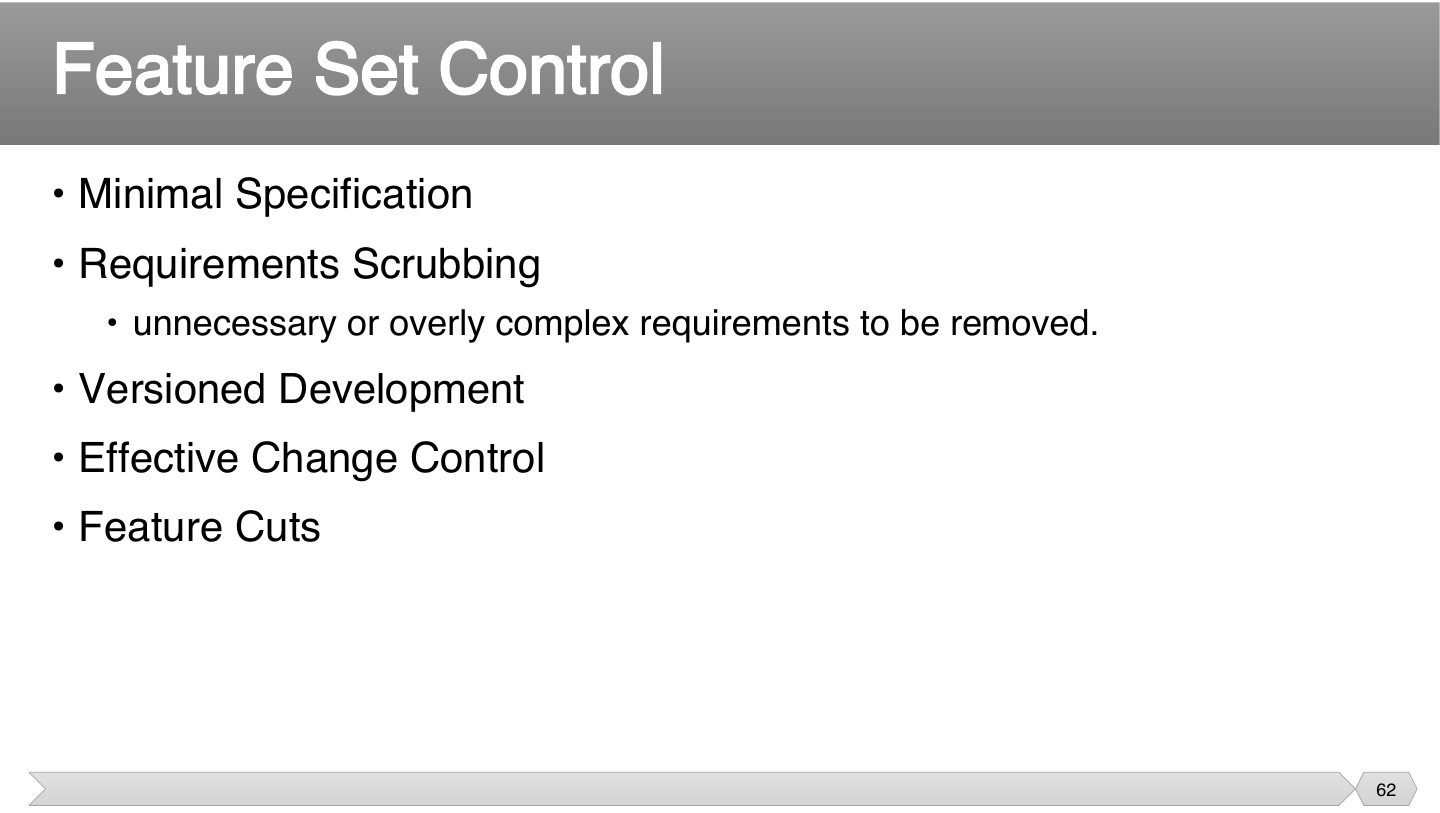
Each one limits what goes in, at a different stage. Scrubbing removes what’s unneeded, versioned development defers the rest, and cuts are the last resort.
Removing unnecessary or overly complex requirements is:
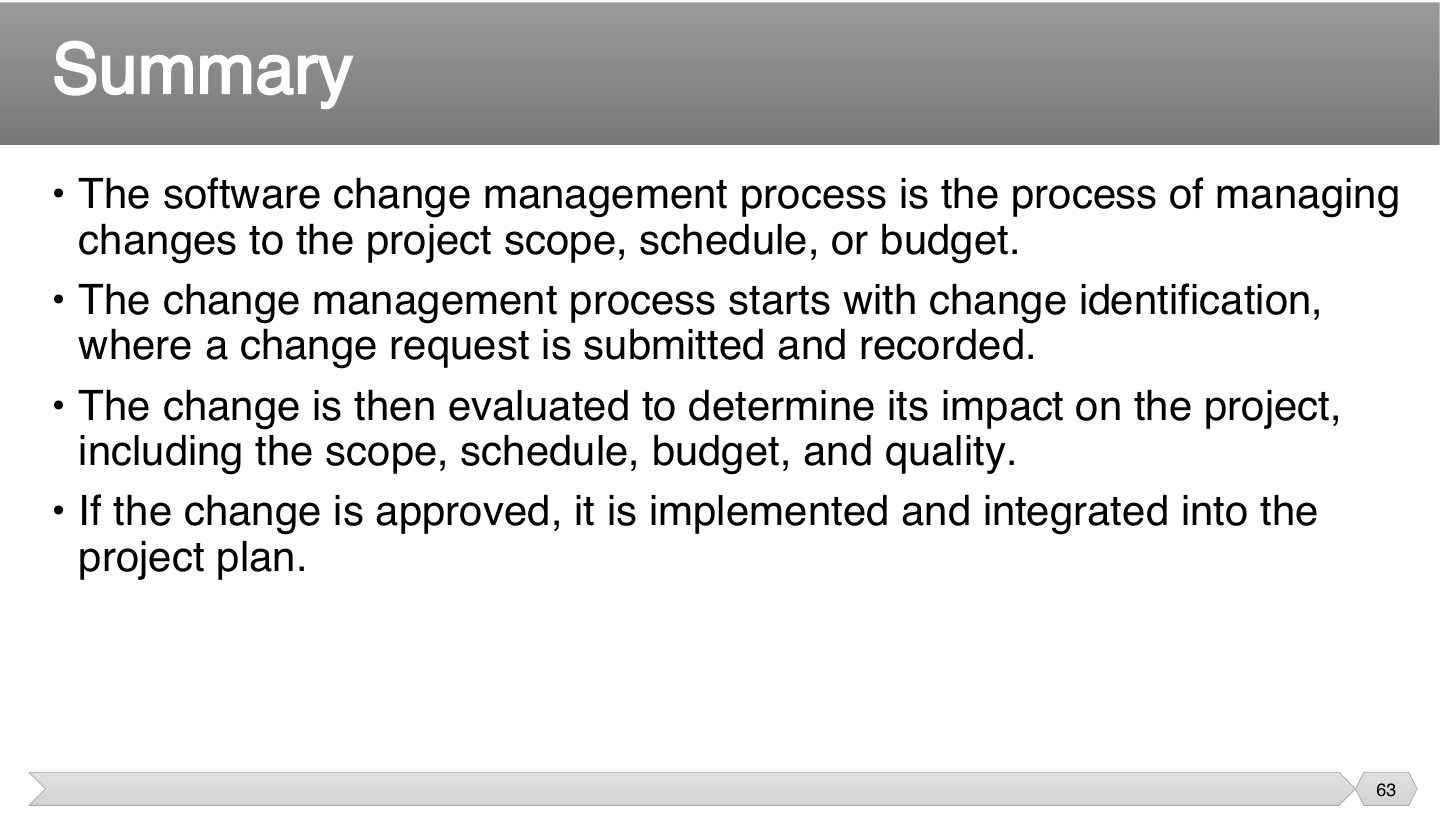
Note that impact gets evaluated before anybody approves. Skipping that step is how a “small change” can quietly ruin a schedule.
Related question: Q1.3 · scope statement: the baseline for change control
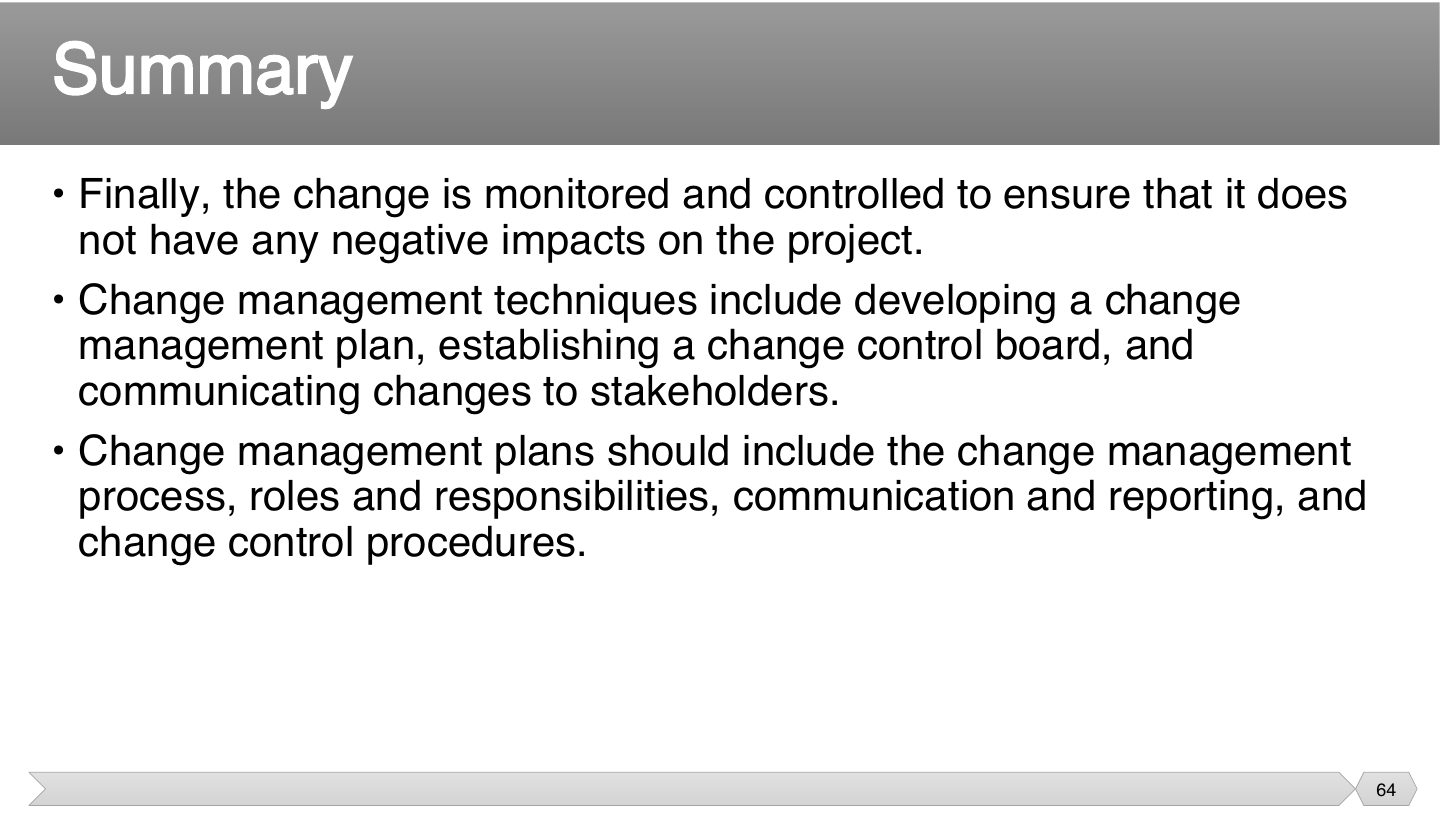
Change doesn’t stop being a risk once approved, so it needs monitoring. A written plan means everyone knows the process before the pressure starts.
List four things a change management plan should include.
The change management process; roles and responsibilities; communication and reporting; change control procedures.
Two things make it work: someone with authority to decide, and people who find out in time. A well-made decision nobody hears about still causes problems.
Midway through a project the client asks for a new payment feature. Walk through how you handle it.
Record a change request; analyse its impact on scope, schedule, cost and quality; the CCB approves, delays or rejects; if approved, update the plan and baselines, implement and test, and communicate the decision to stakeholders.