Which query finds PDF files only on example.com?
Information Gathering, Footprinting and Reconnaissance
What footprinting is and why it matters, the information-gathering process, what a company website leaks, Google hacking and the GHDB, registrar and WHOIS queries, nslookup, network ranges and traceroute, tracking employees and social networks, and countermeasures.
How to read this page
Every original slide is shown unchanged. Yellow marks on a slide point to a numbered note: hover or tap a mark to jump to its note, and hover a note to see its marks. Questions tagged Past exam appeared on a real paper; Prediction questions are likely angles, not confirmed. Pick an answer to each question: a wrong pick tells you why it is wrong, so you can try again.
All 40 slides
- 1 Slide 1
- 2 Learning Objective
- 3 Key Concepts
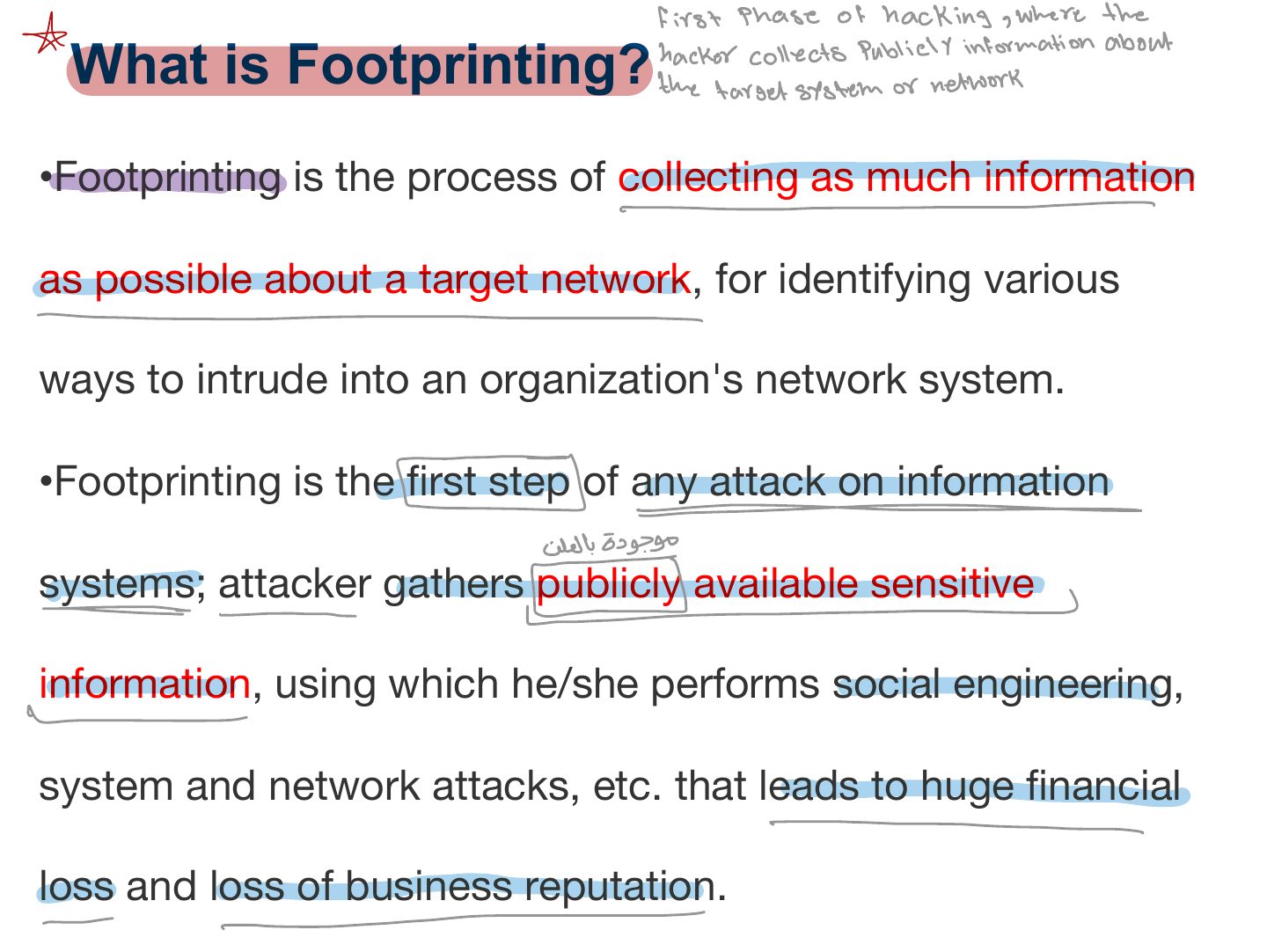
- 4 What is Footprinting?
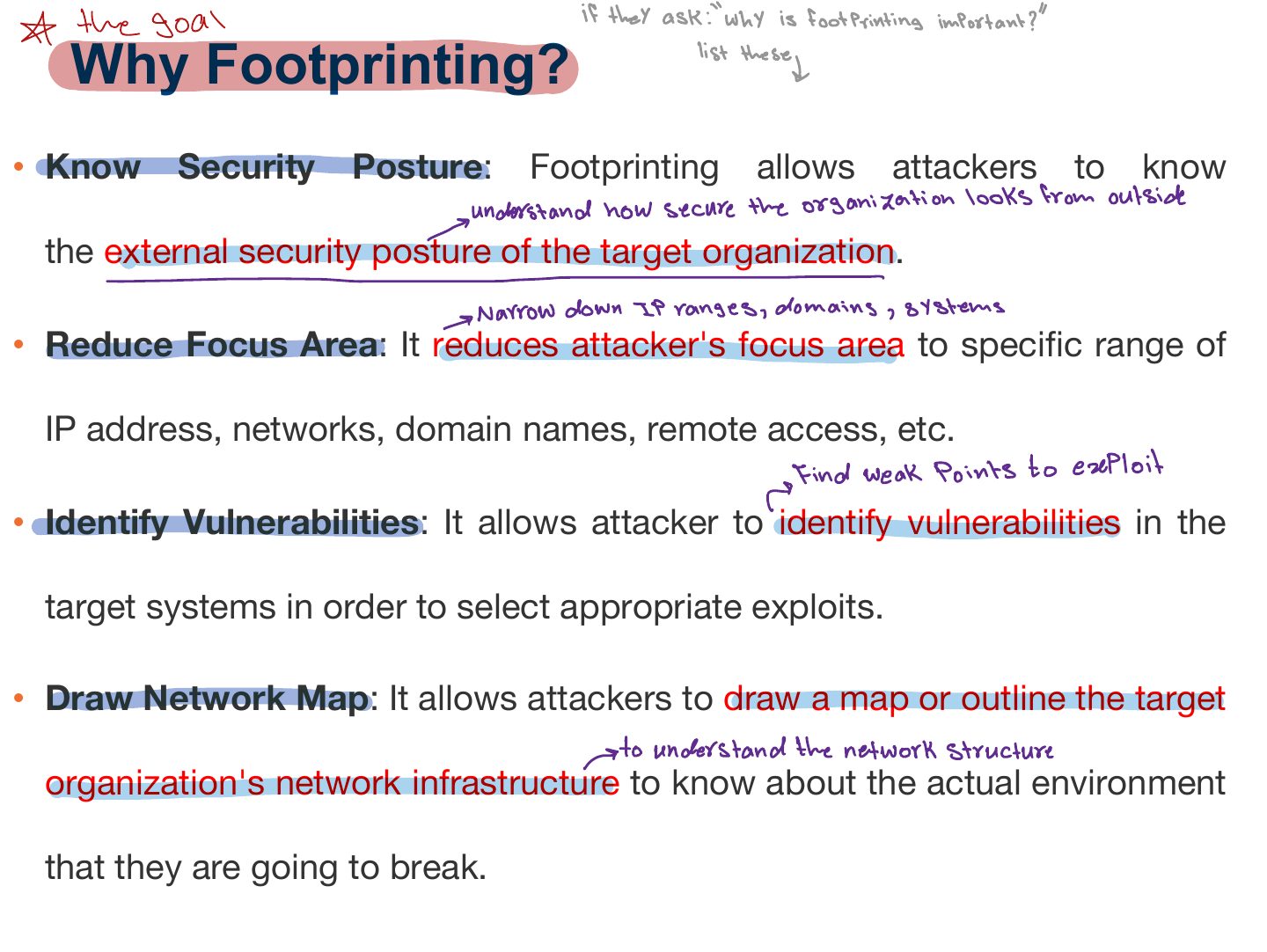
- 5 Why Footprinting?
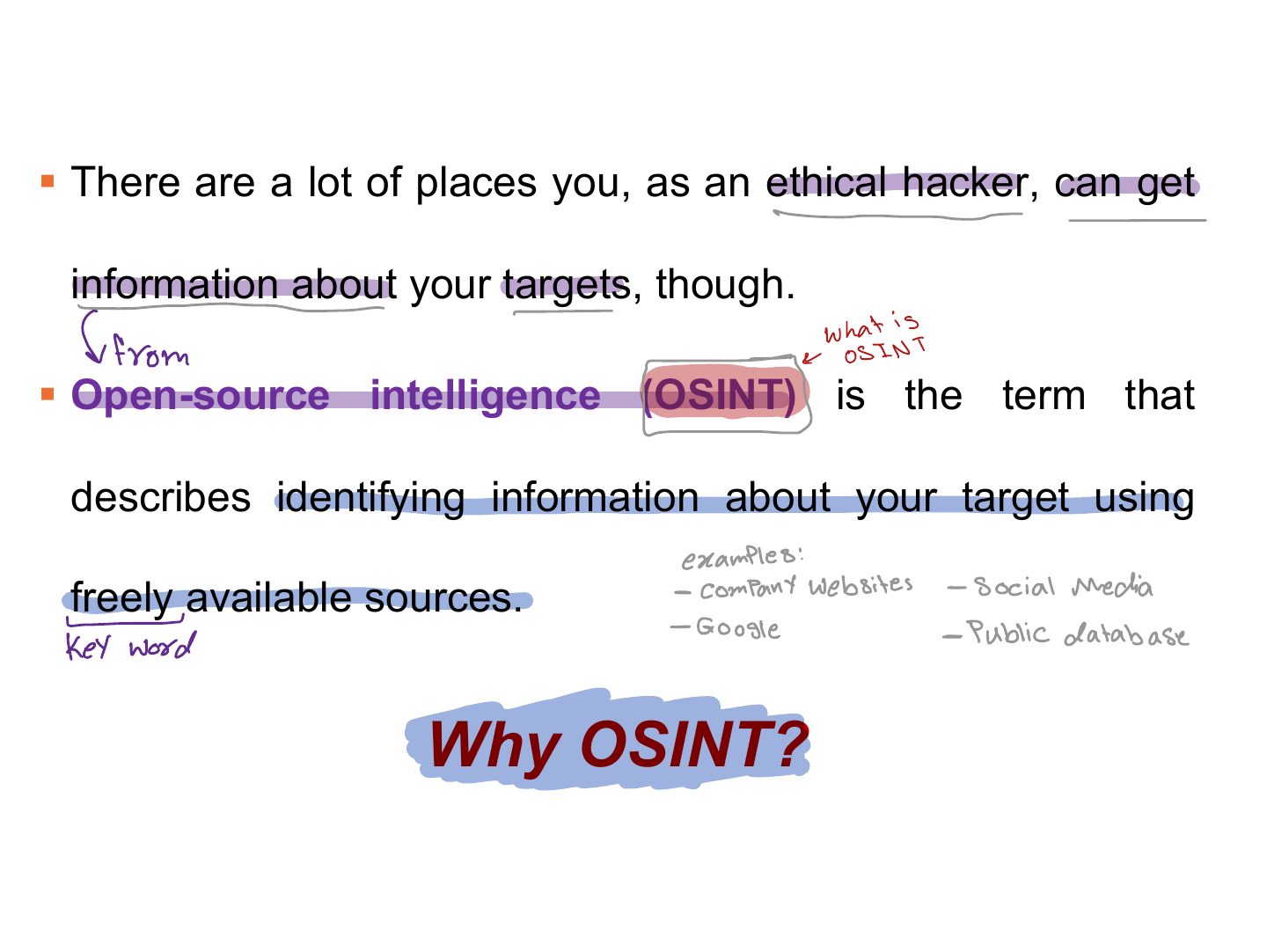
- 6 § There are a lot of places you, as an ethical hacker, can get
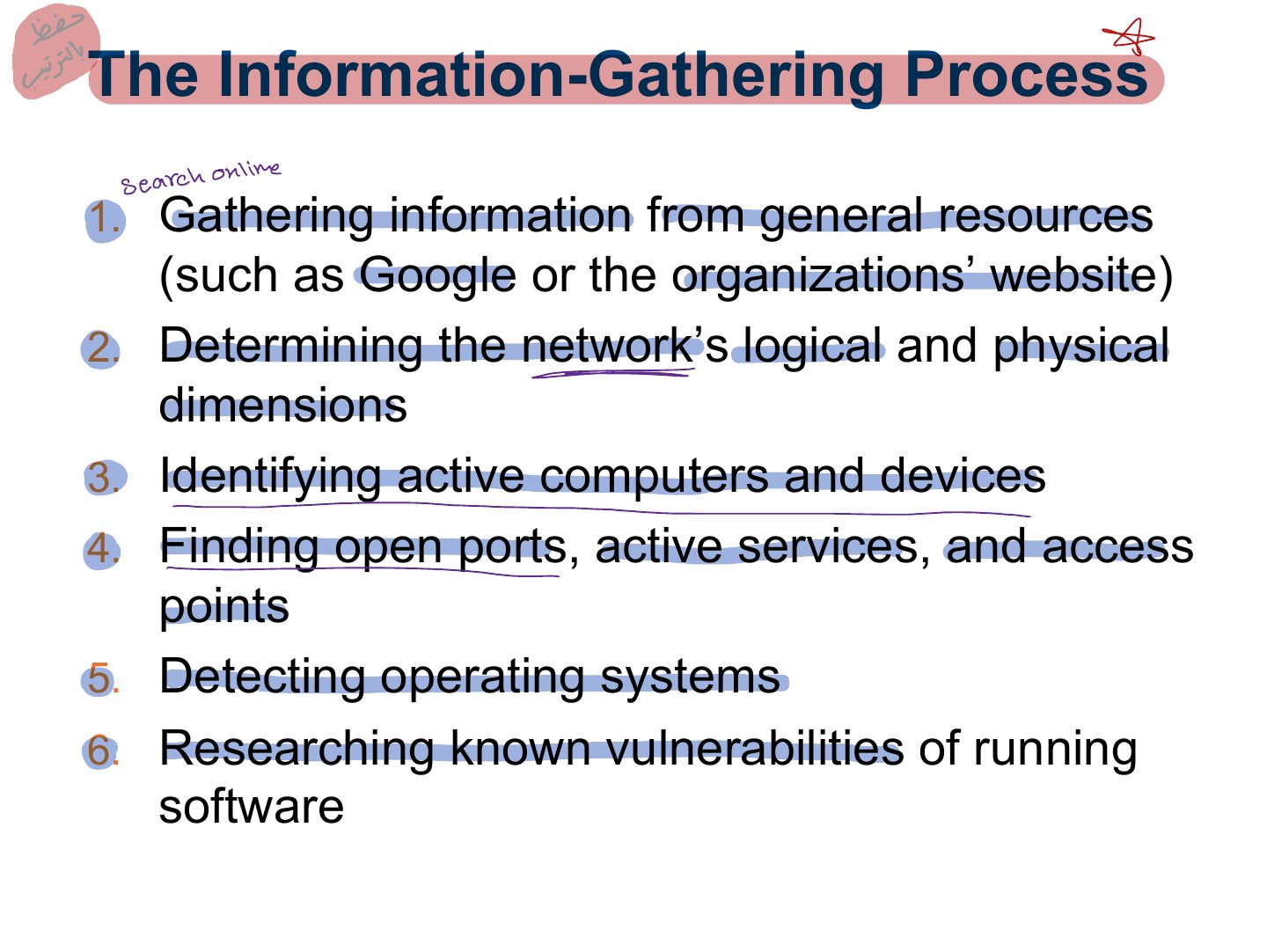
- 7 The Information-Gathering Process
- 8 The Information-Gathering Process (Cont.)
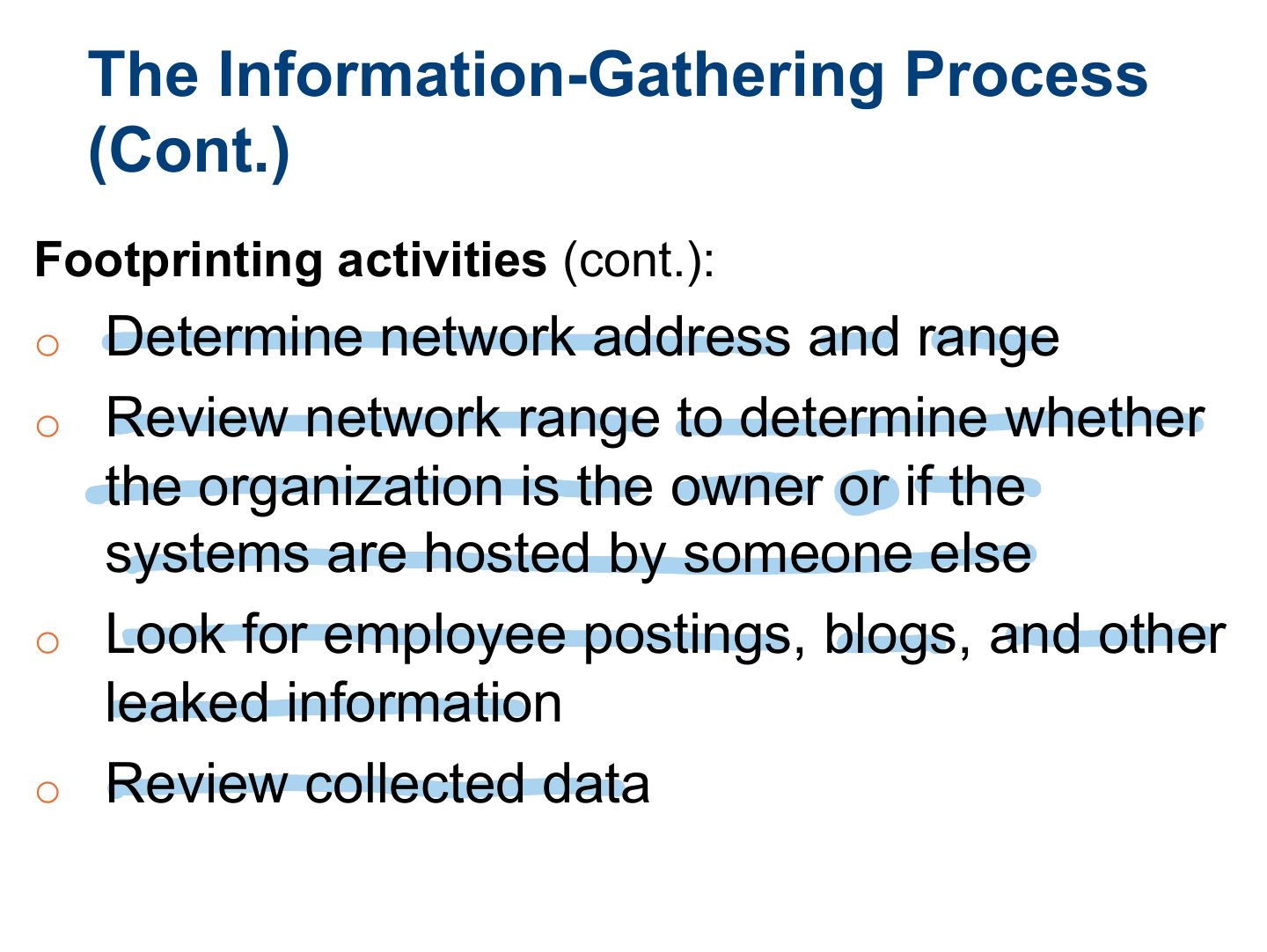
- 9 The Information-Gathering Process (Cont.)
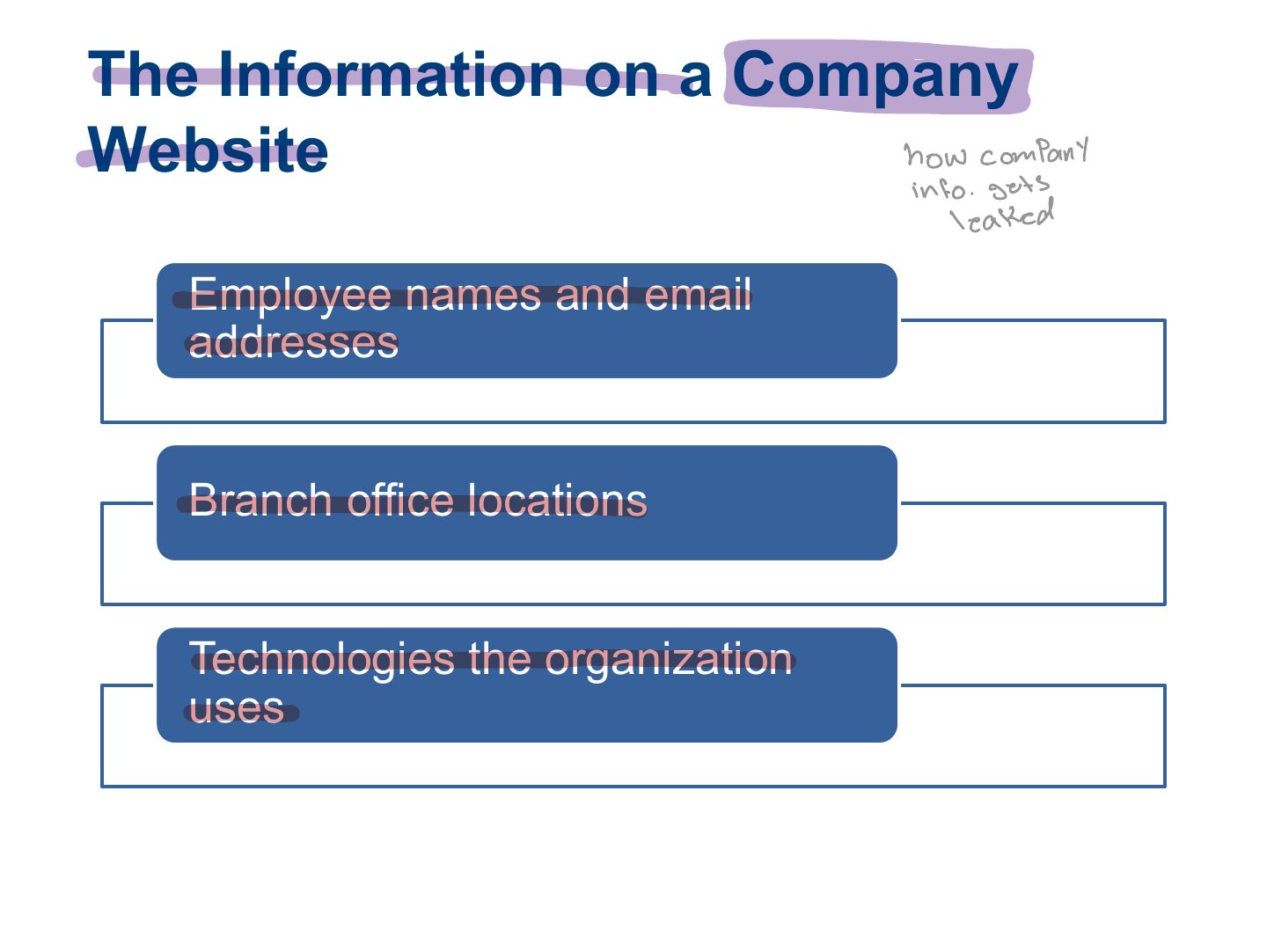
- 10 The Information on a Company Website
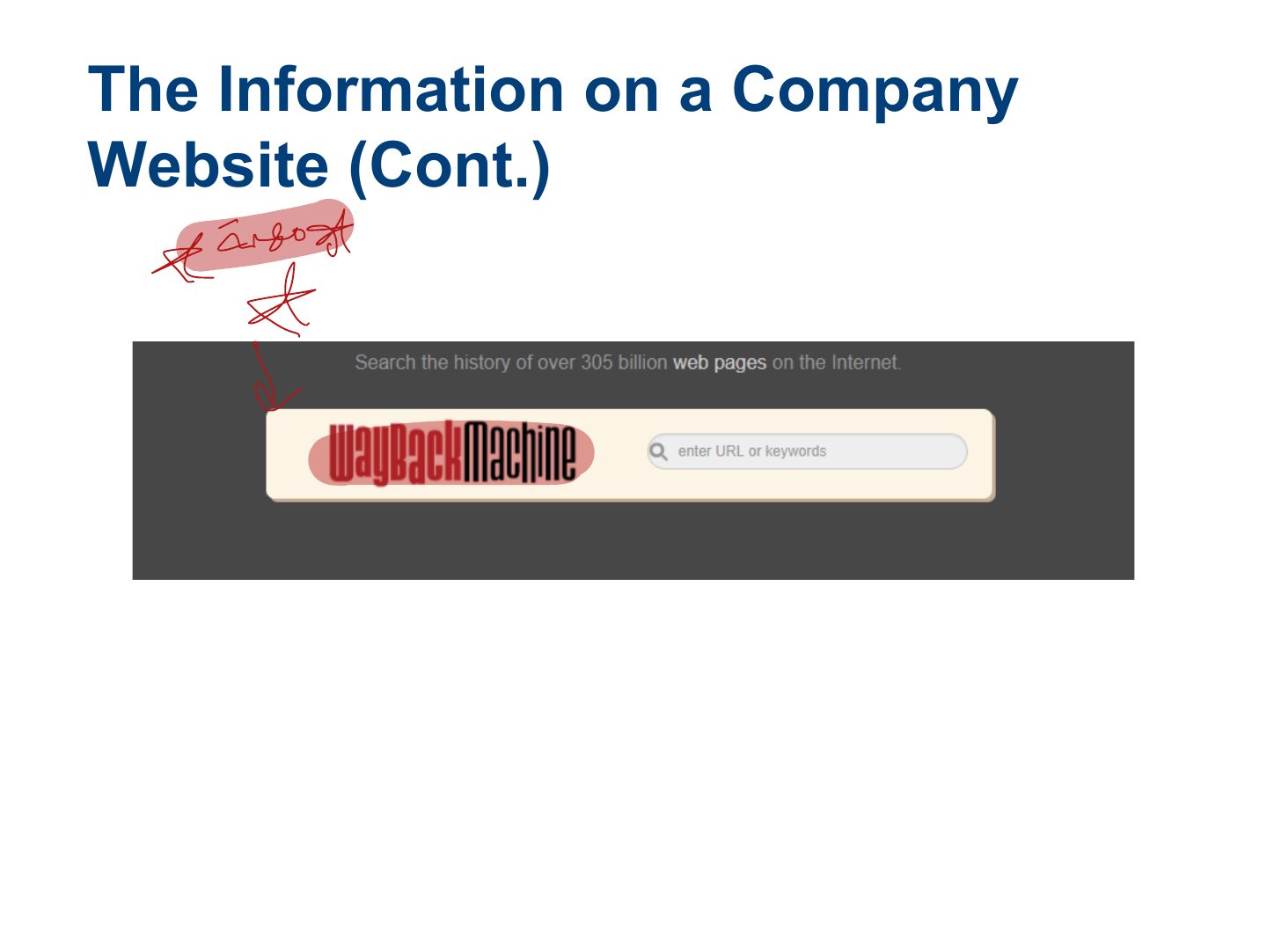
- 11 The Information on a Company Website (Cont.)
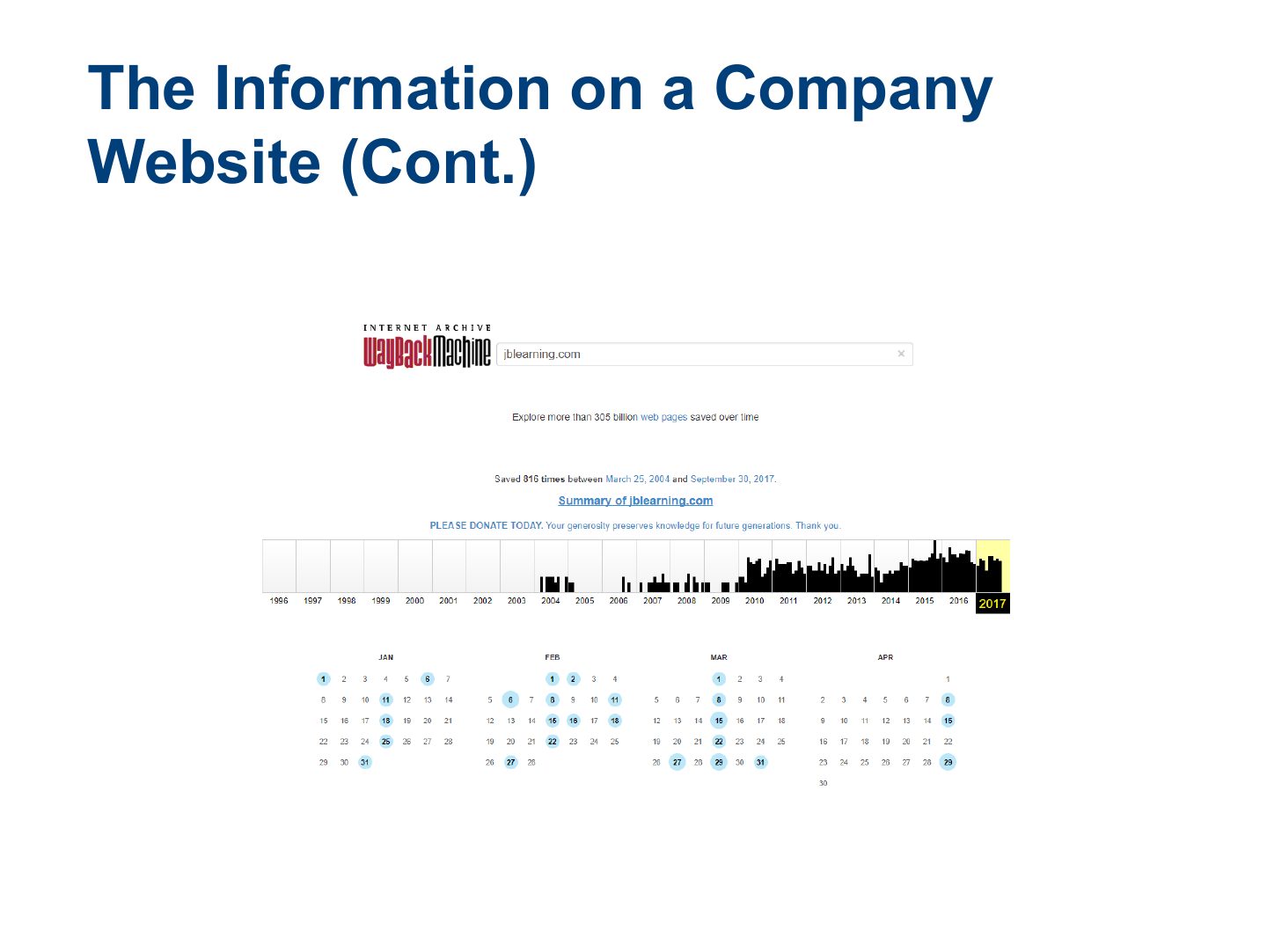
- 12 The Information on a Company Website (Cont.)
- 13 The Information on a Company Website (Cont.)
- 14 The Information on a Company Website (Cont.)
- 15 Footprinting using using Advanced Google Hacking Techniques
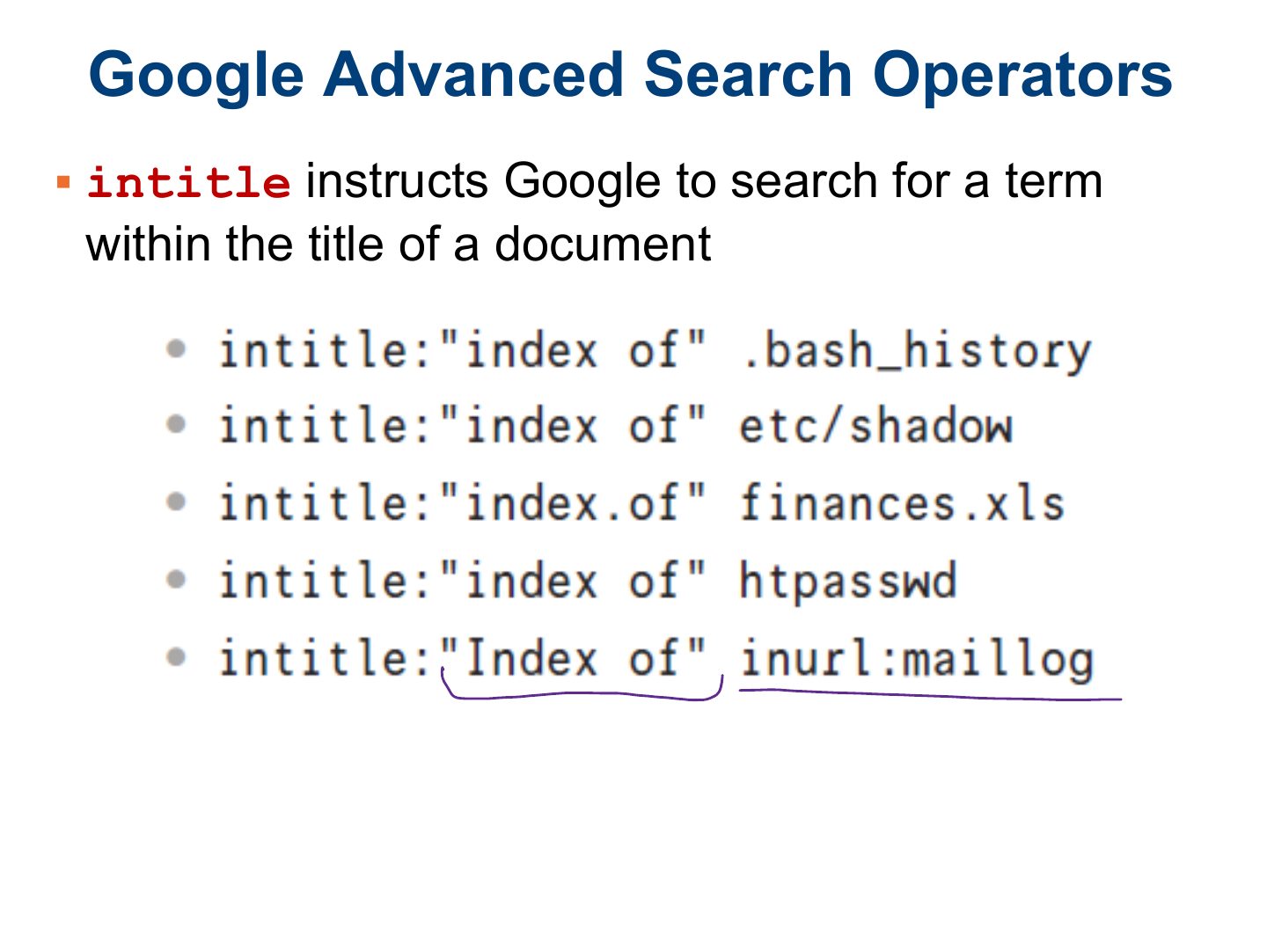
- 16 Google Advanced Search Operators
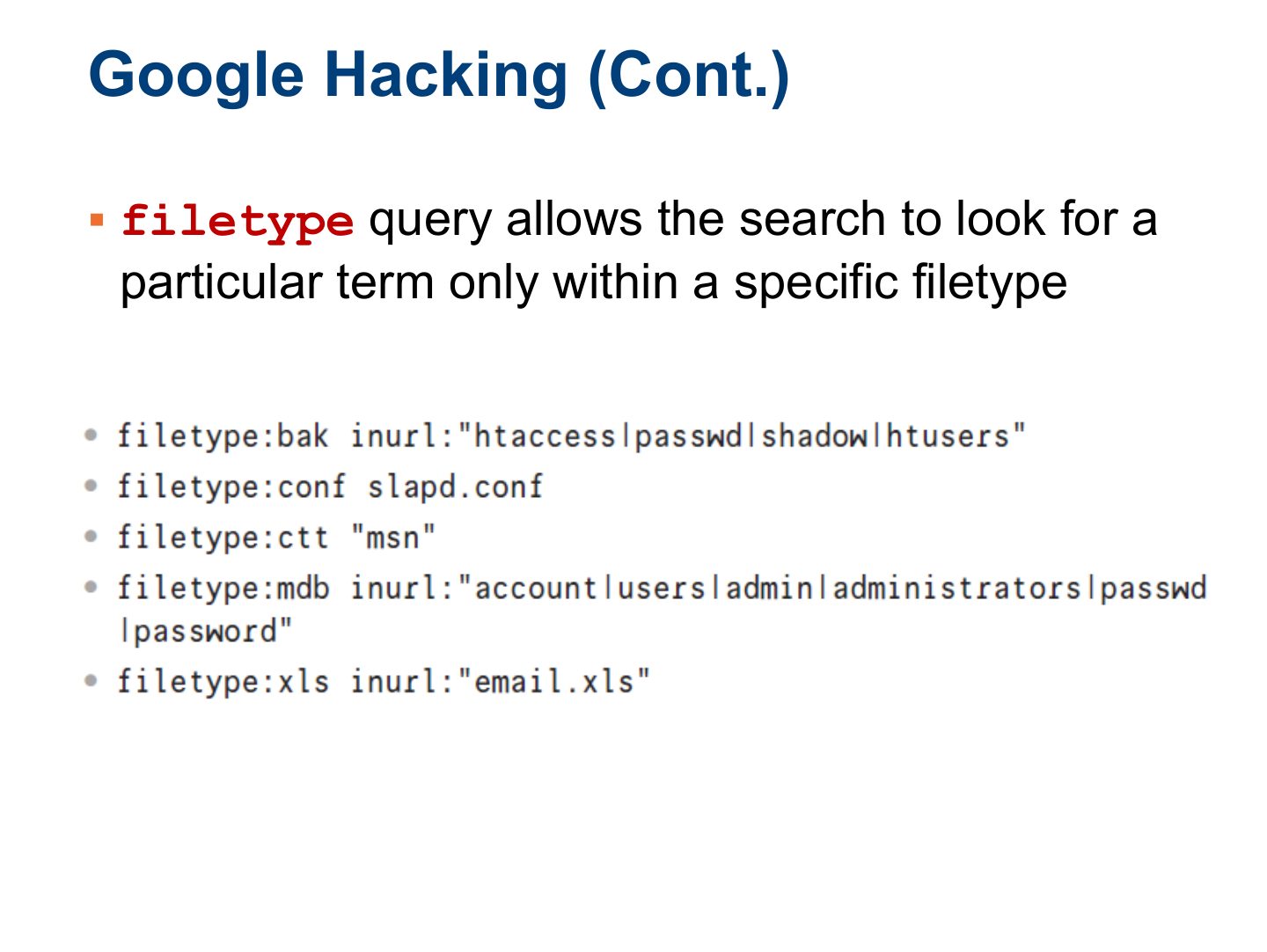
- 17 Google Hacking (Cont.)
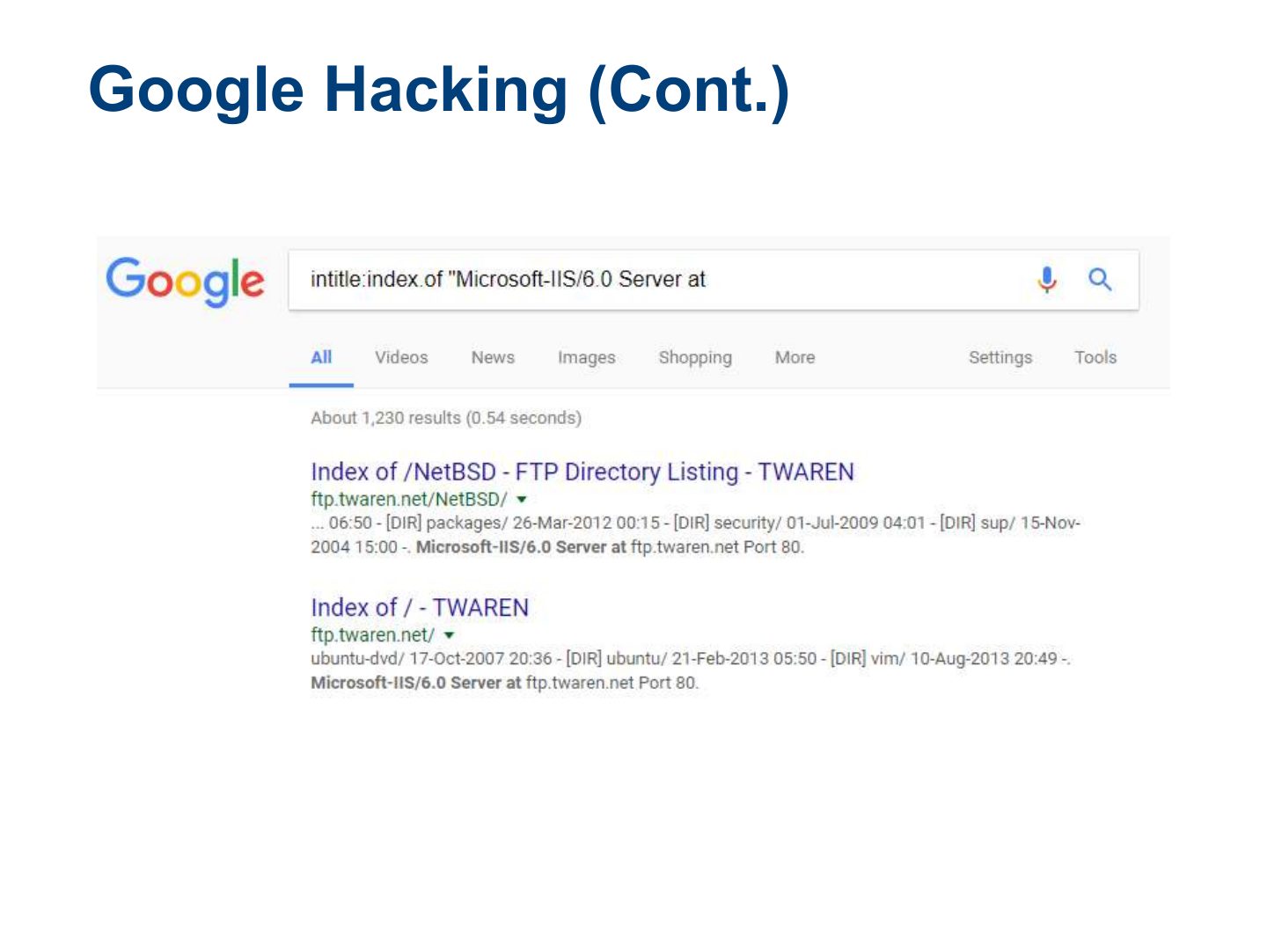
- 18 Google Hacking (Cont.)
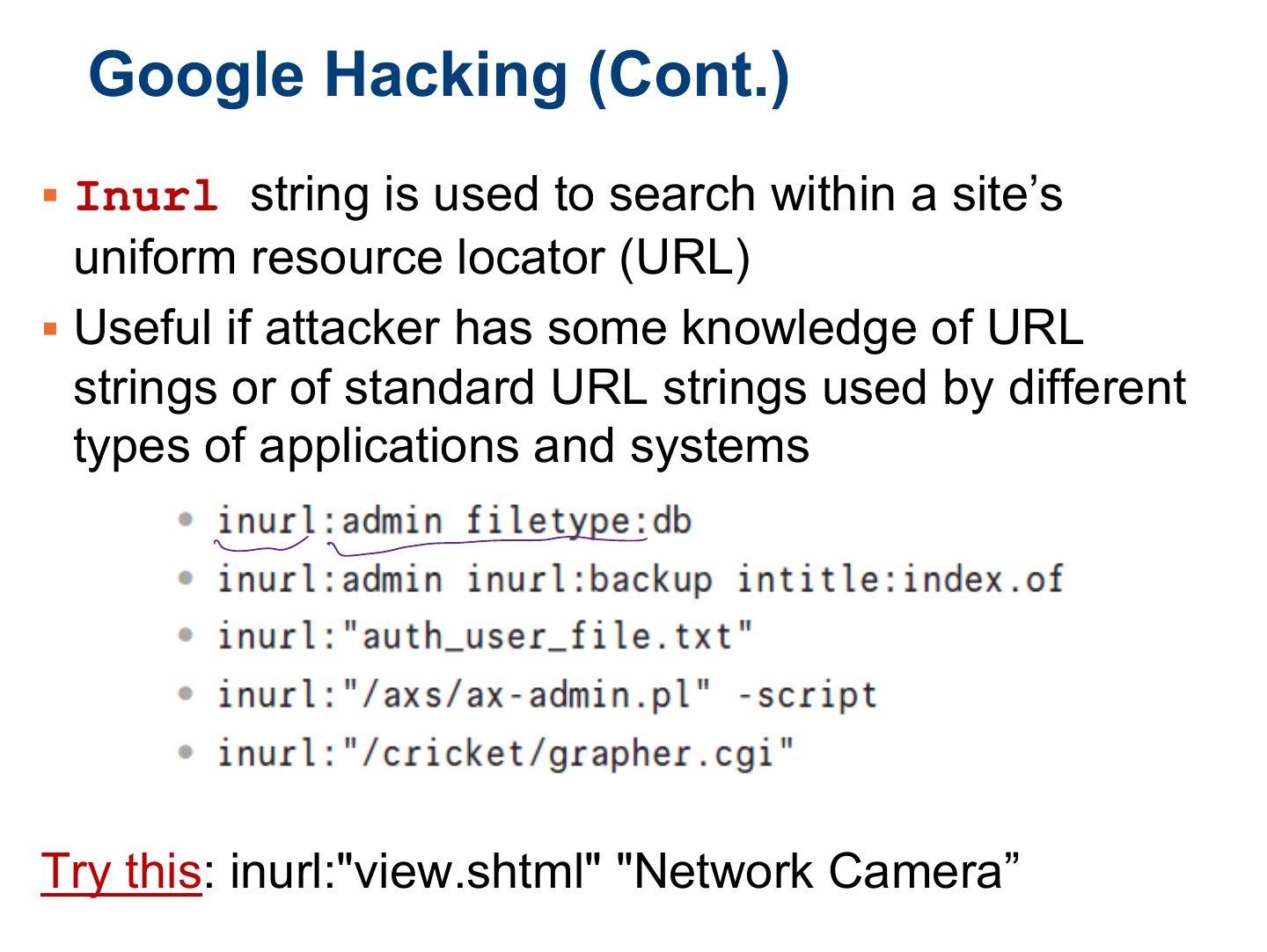
- 19 Google Hacking (Cont.)
- 20 Slide 20
- 21 Slide 21
- 22 Exercises
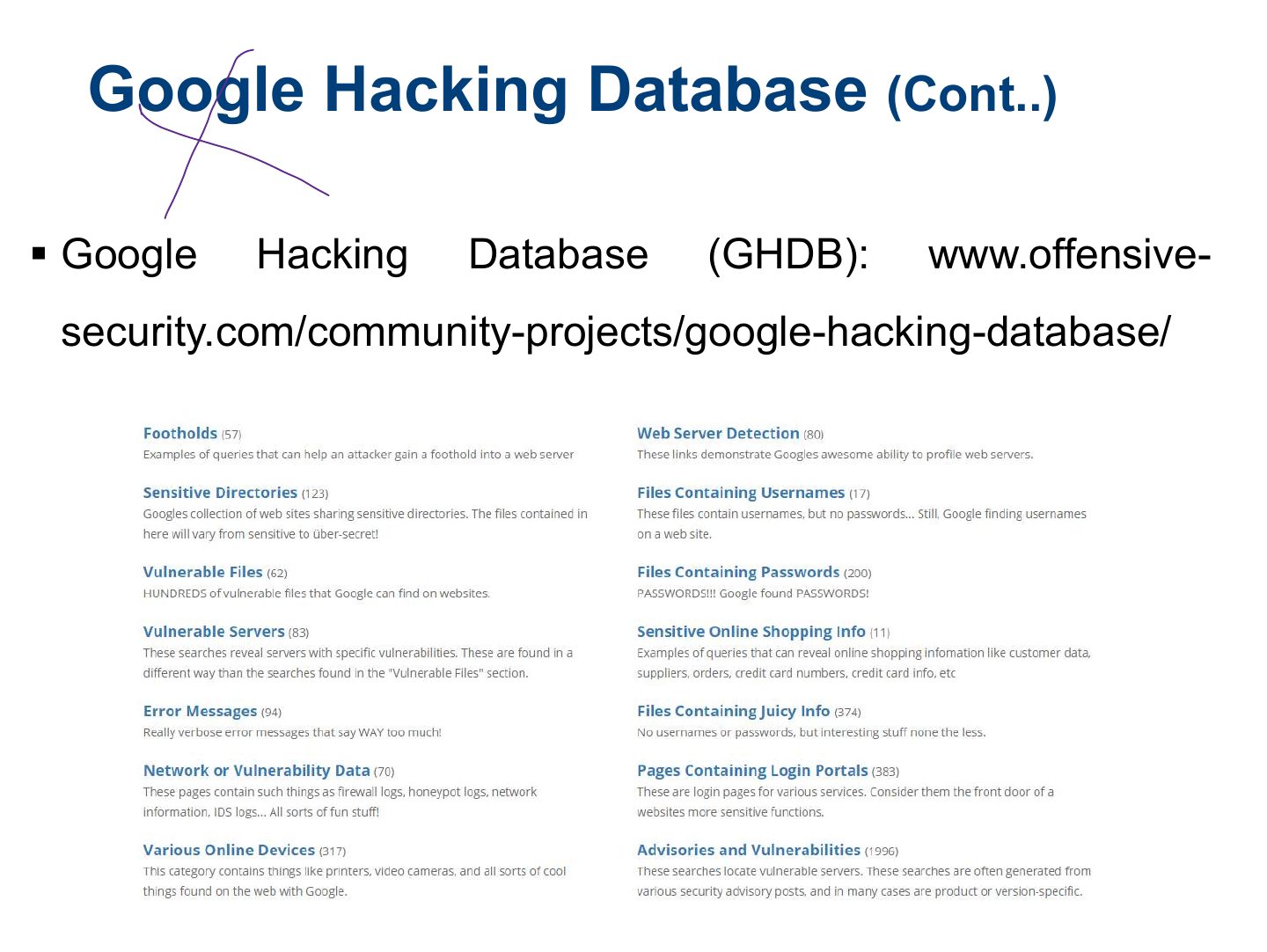
- 23 Google Hacking Database (GHDB)
- 24 Google Hacking Database
- 25 Exploring Domain Information Leakage
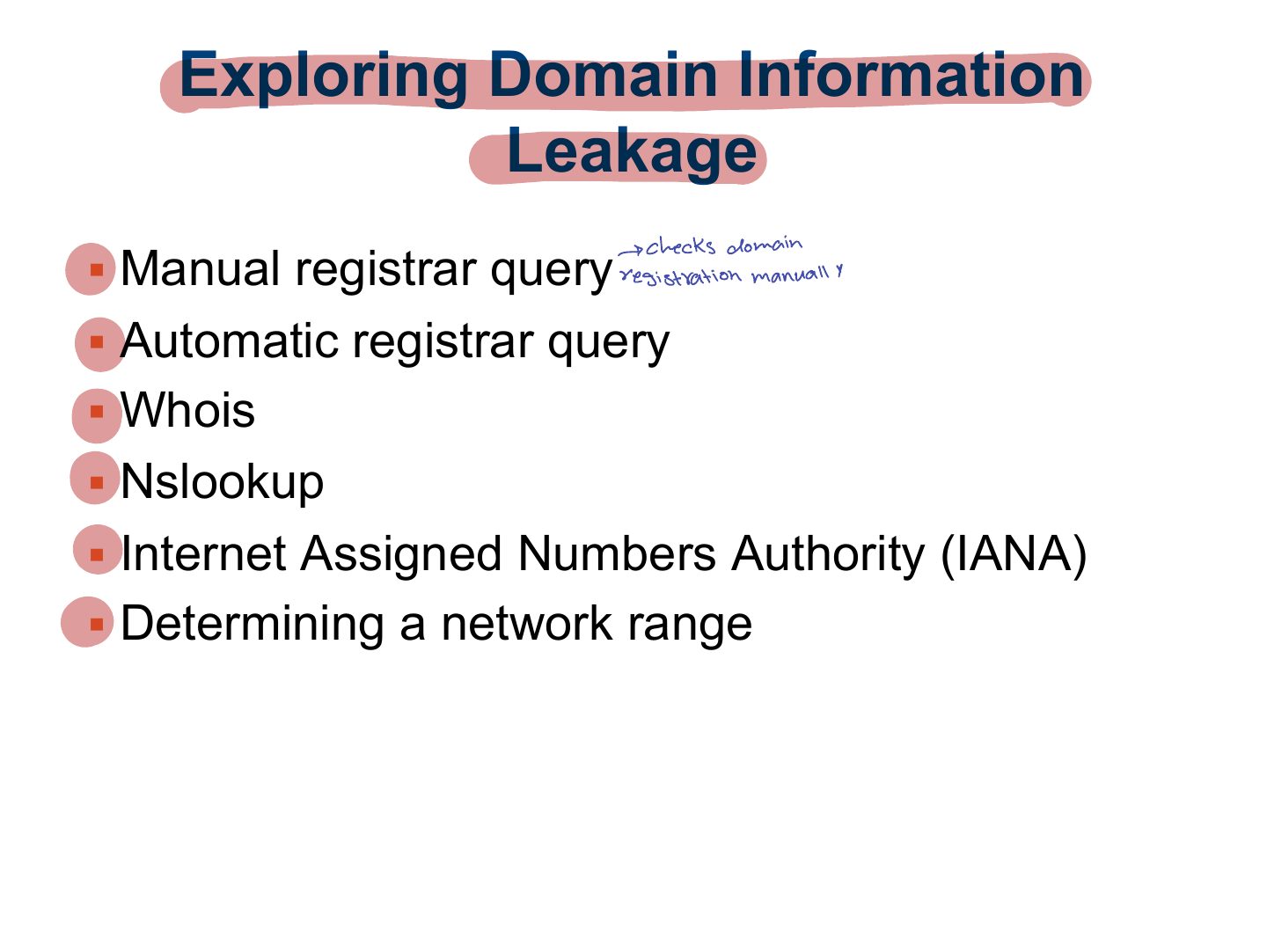
- 26 Manual Registrar Query
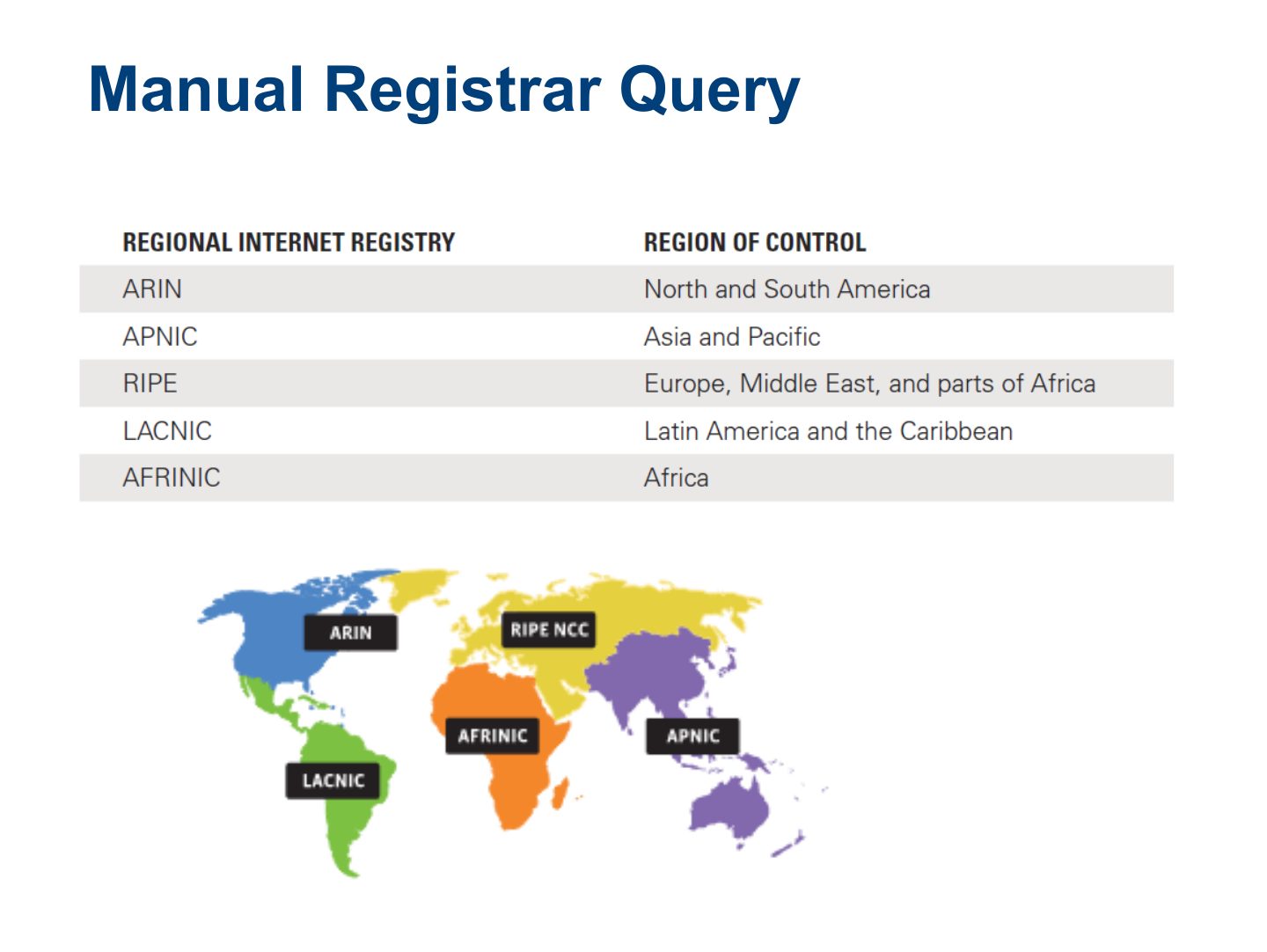
- 27 Automatic Registrar Query
- 28 Whois
- 29 Nslookup
- 30 Nslookup
- 31 Slide 31
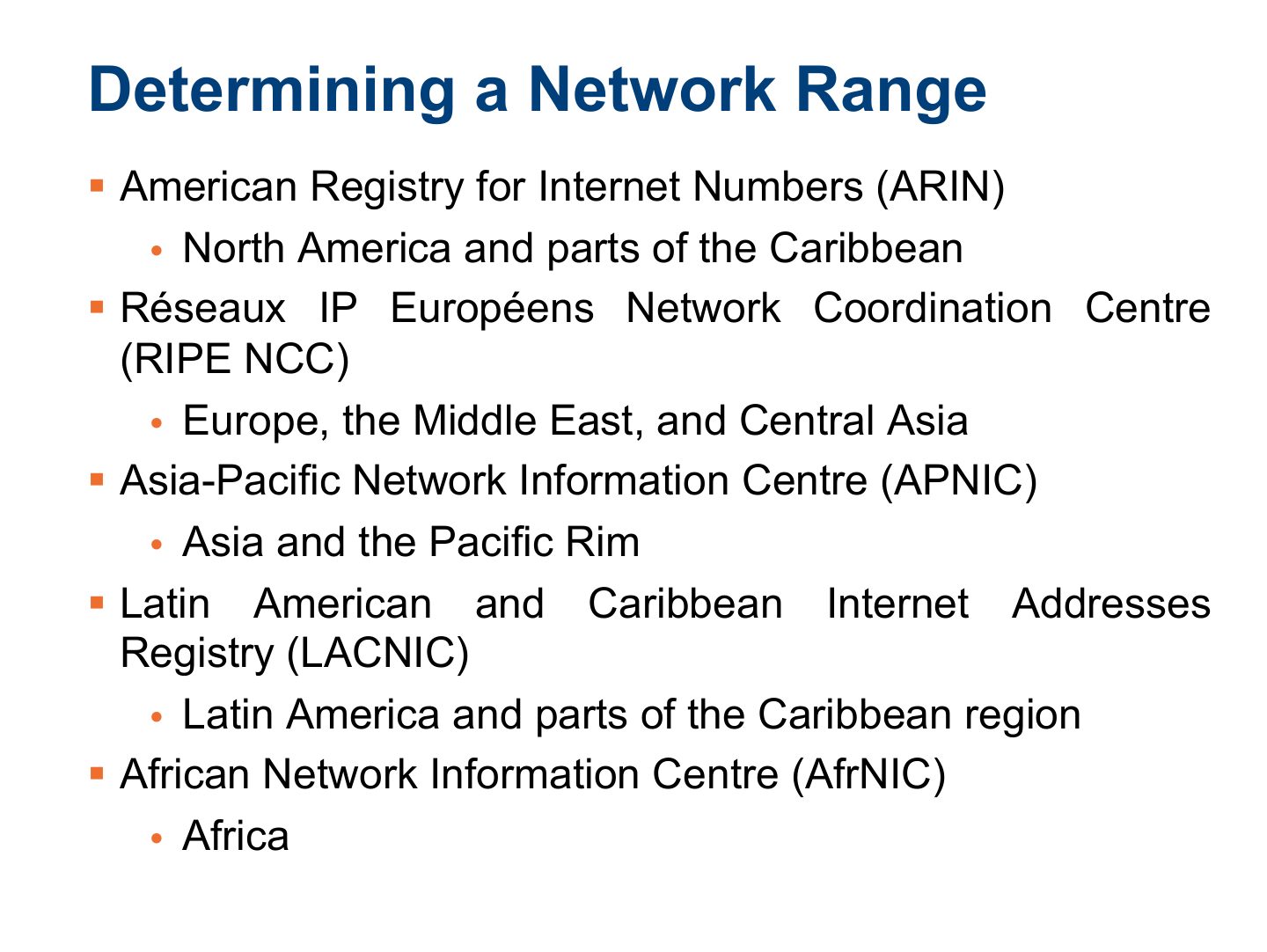
- 32 Determining a Network Range
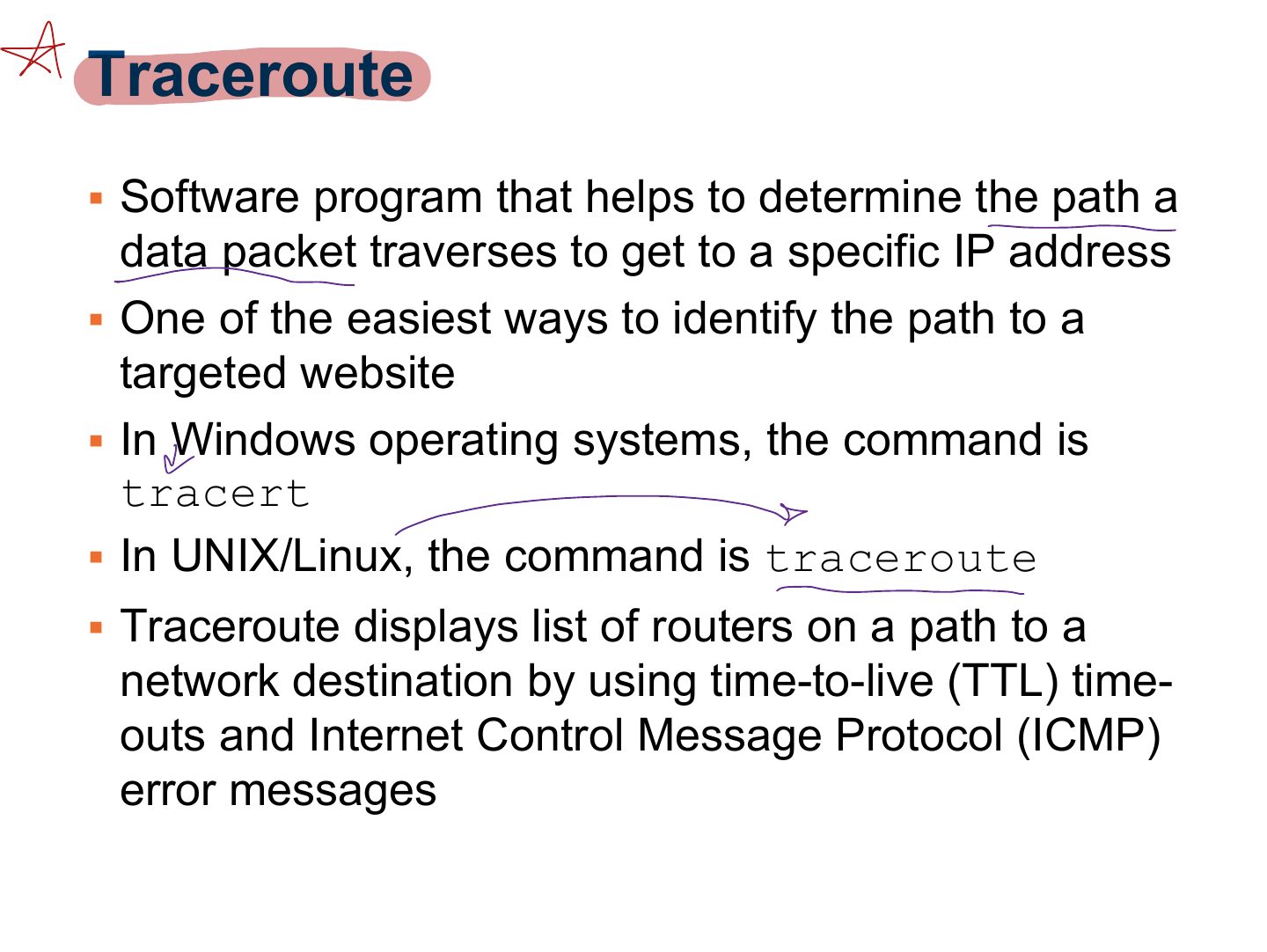
- 33 Traceroute
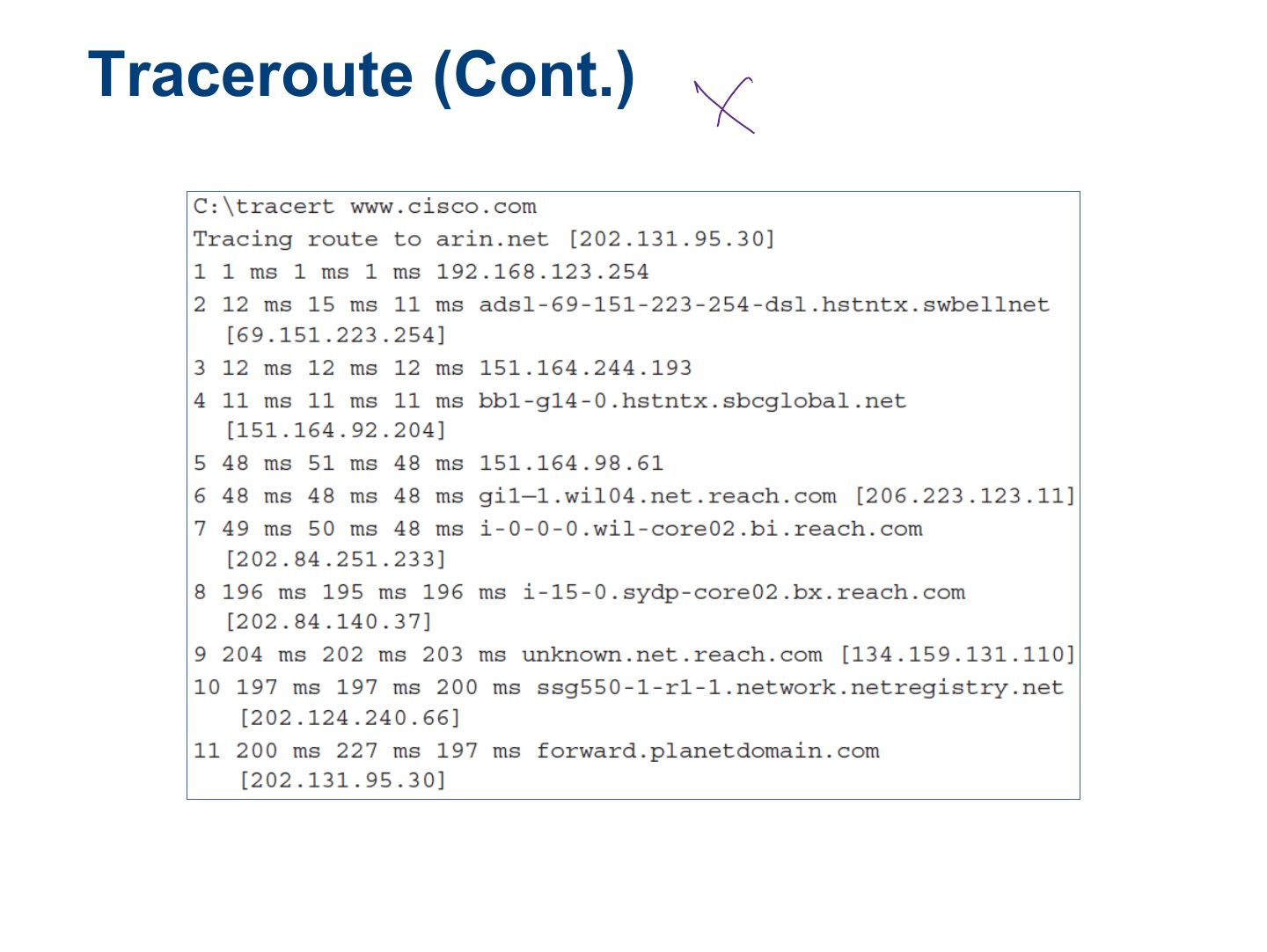
- 34 Traceroute (Cont.)
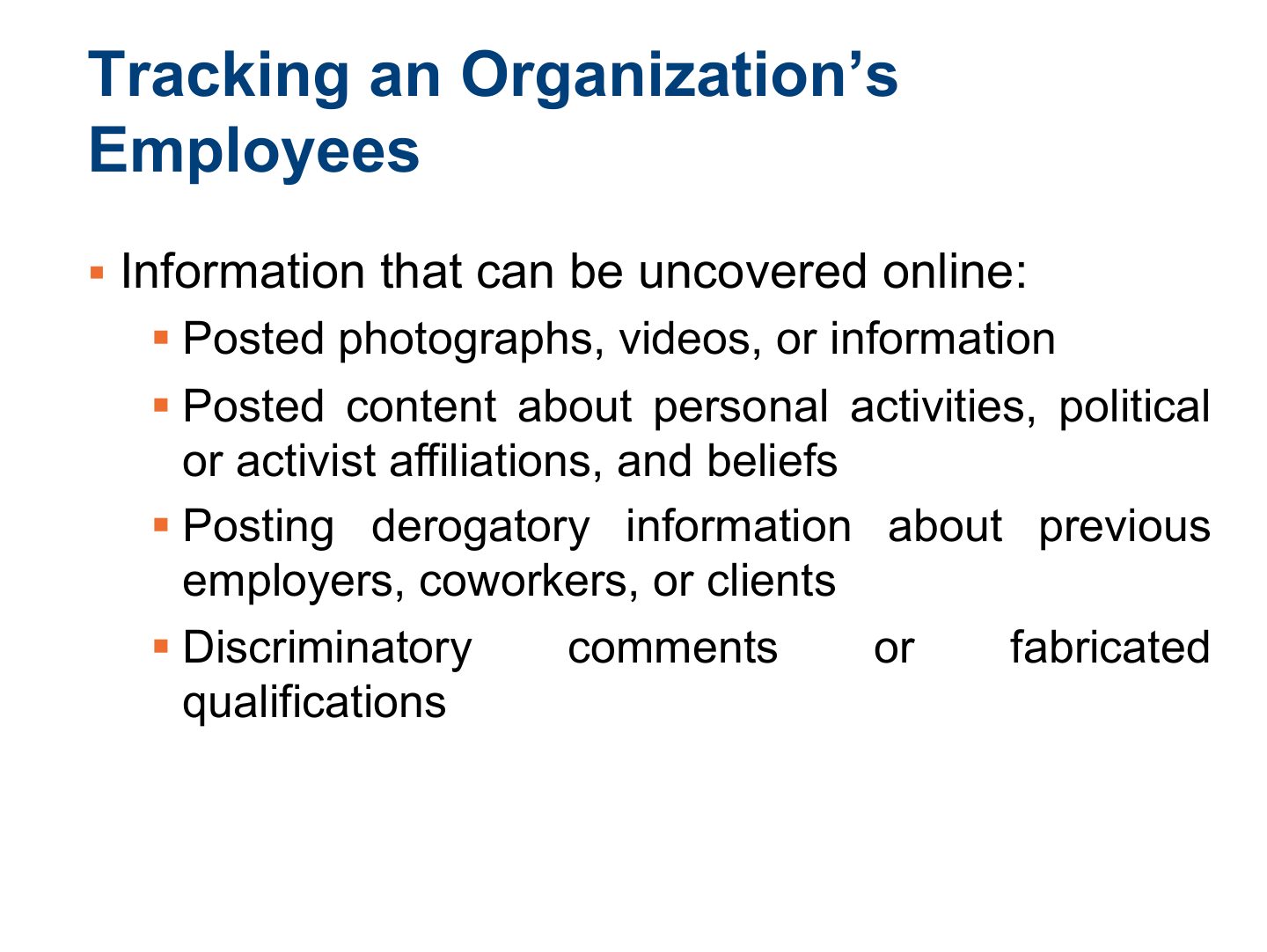
- 35 Tracking an Organization’s Employees
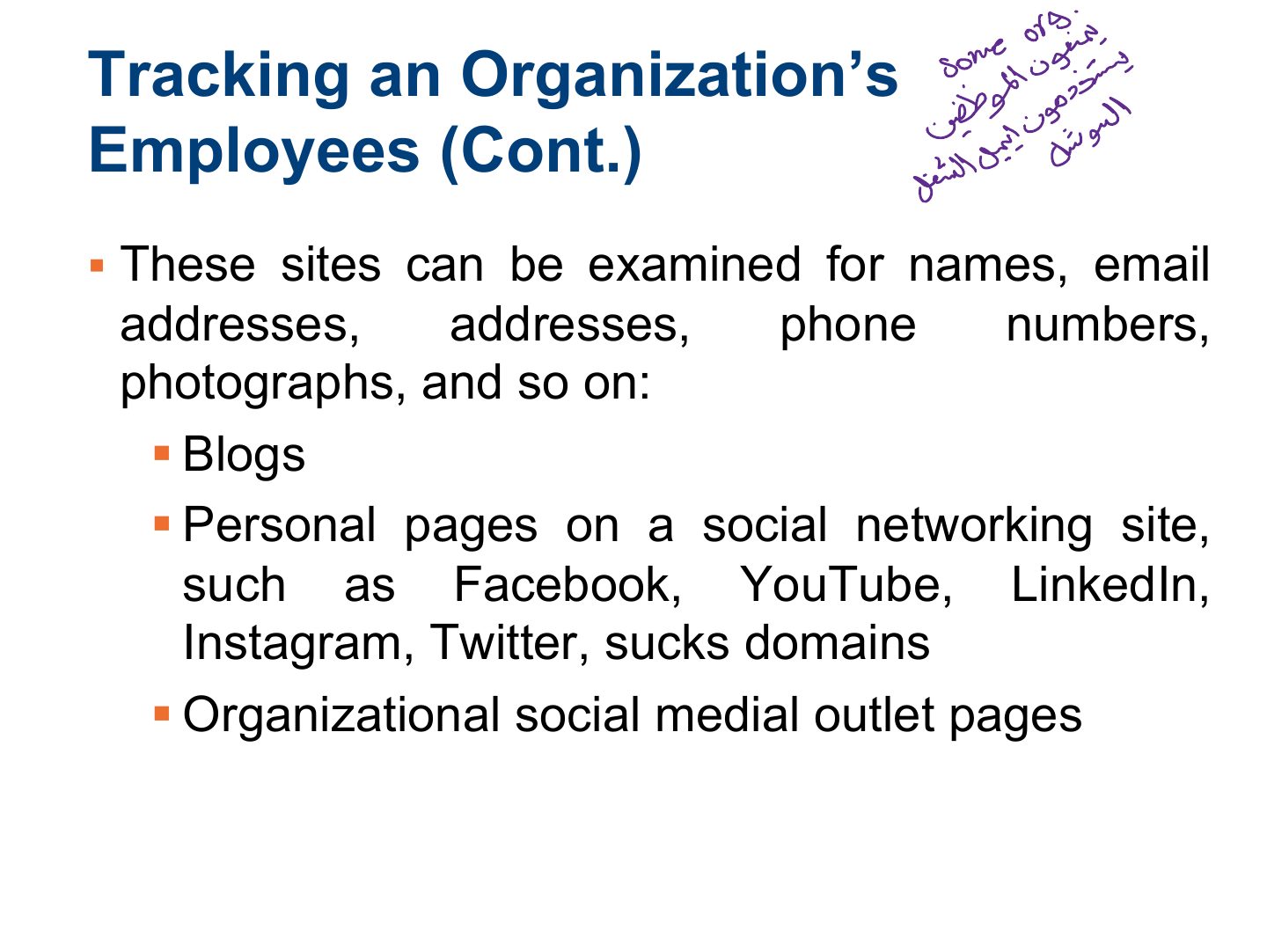
- 36 Tracking an Organization’s Employees (Cont.)
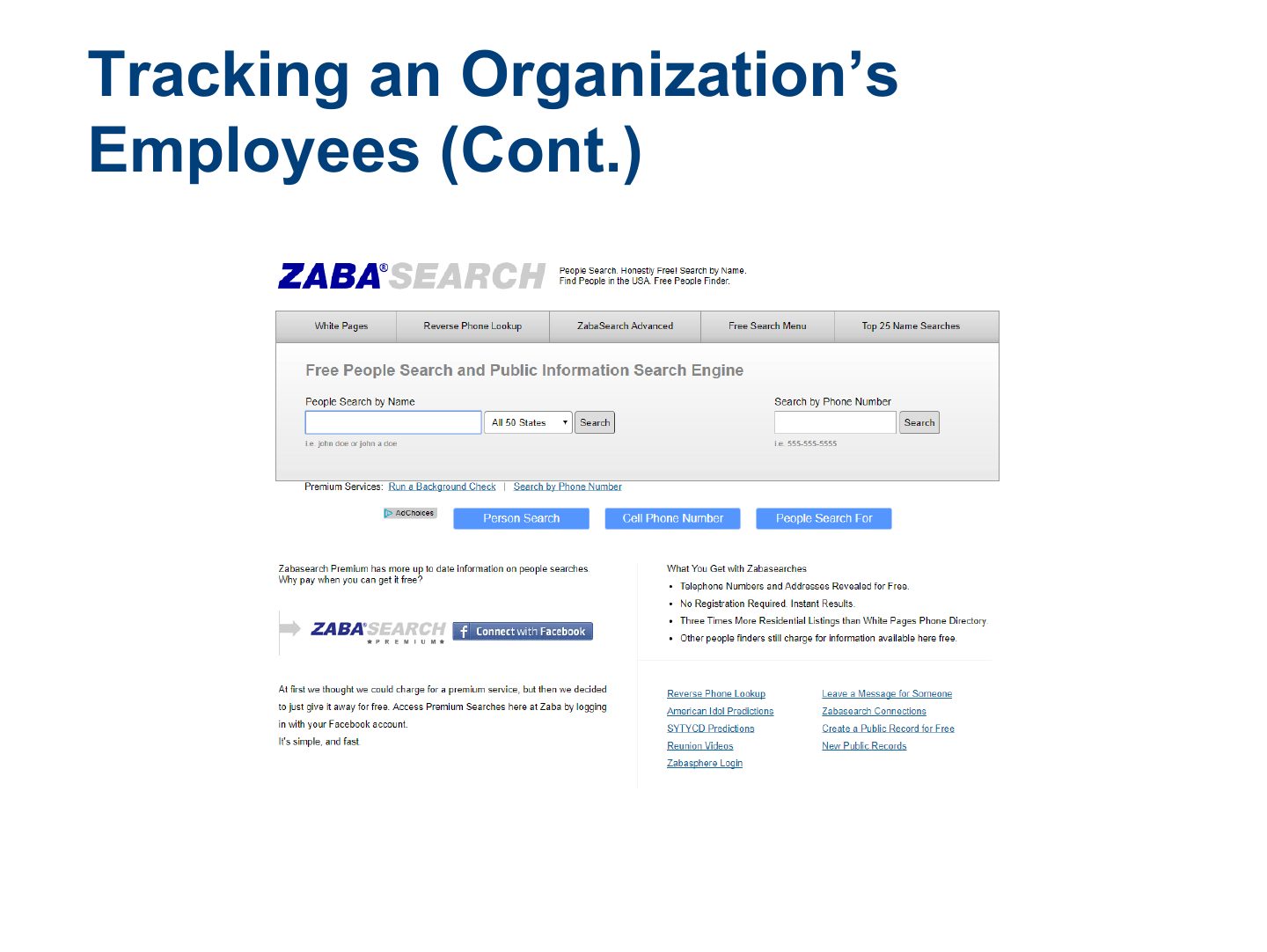
- 37 Tracking an Organization’s Employees (Cont.)
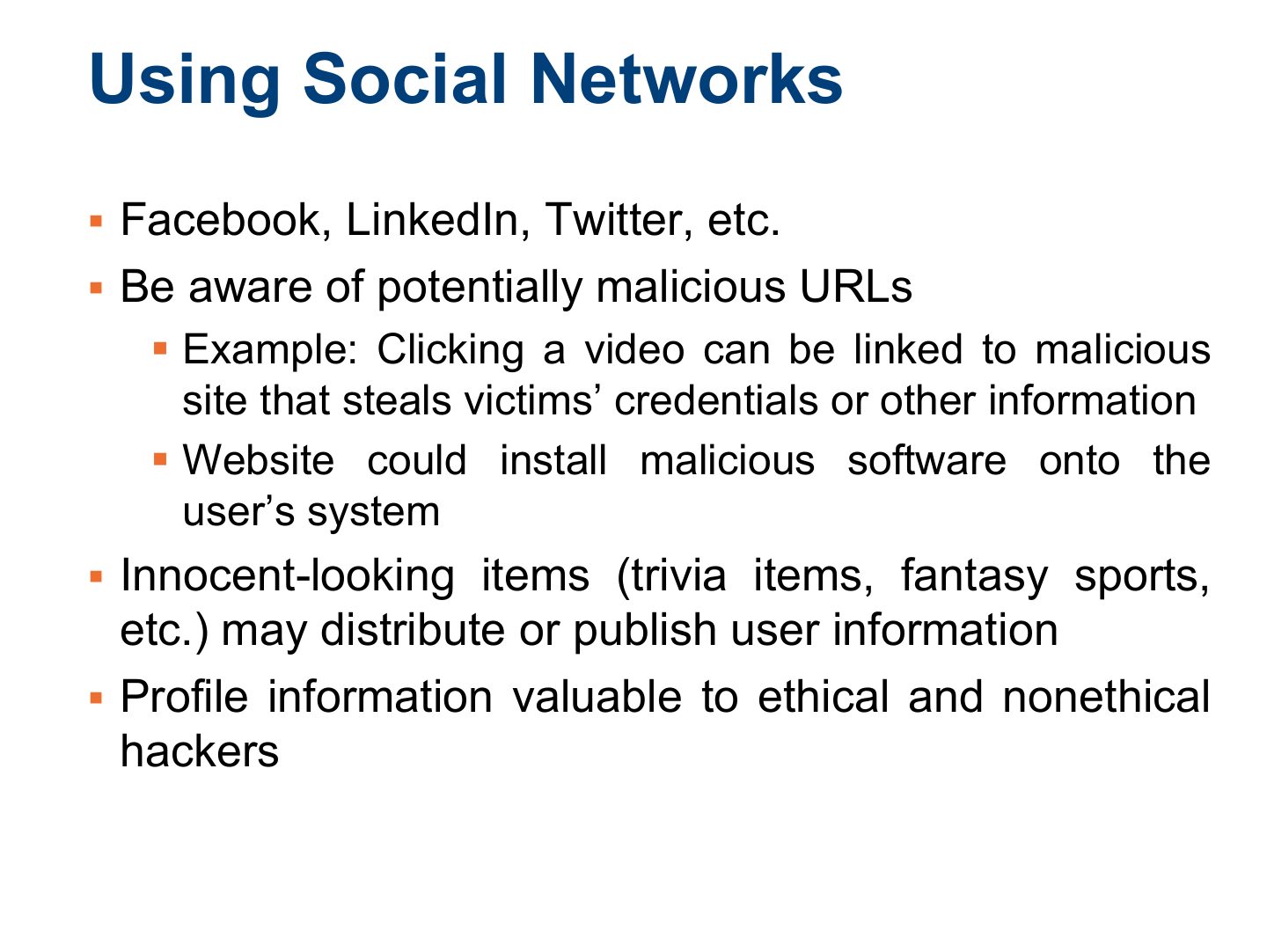
- 38 Using Social Networks
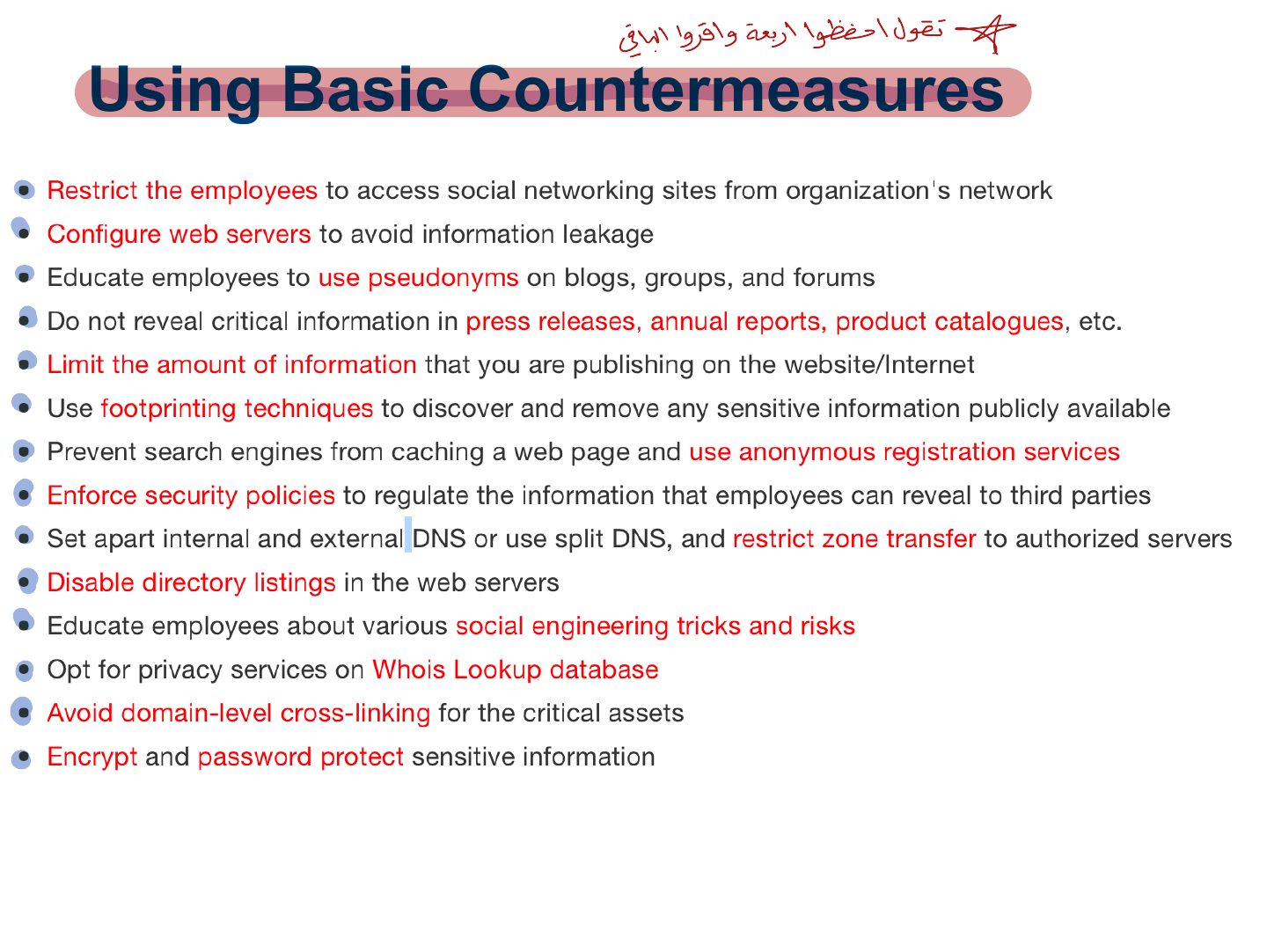
- 39 Using Basic Countermeasures
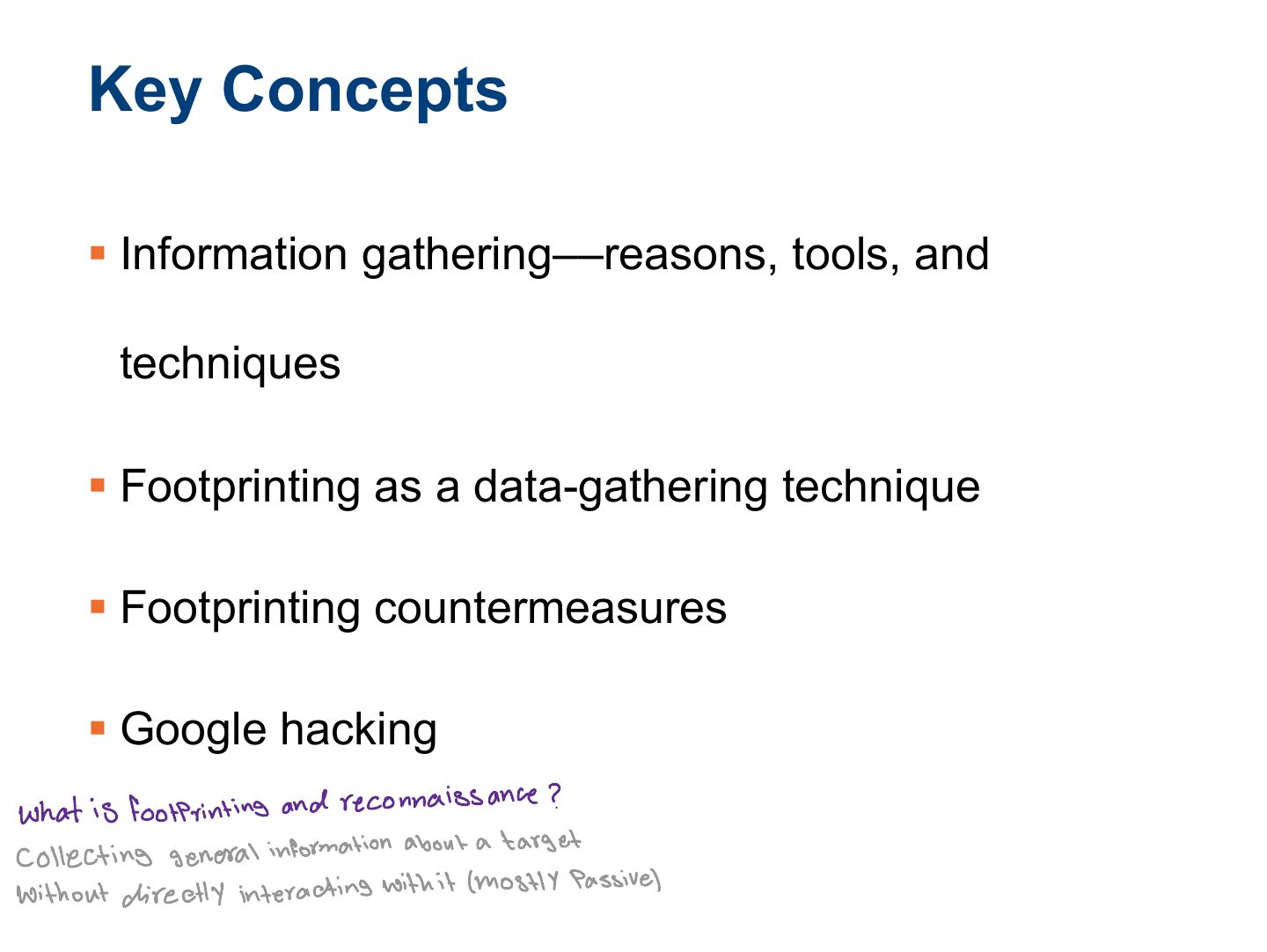
- 40 Summary
Slide 1
Learning Objective
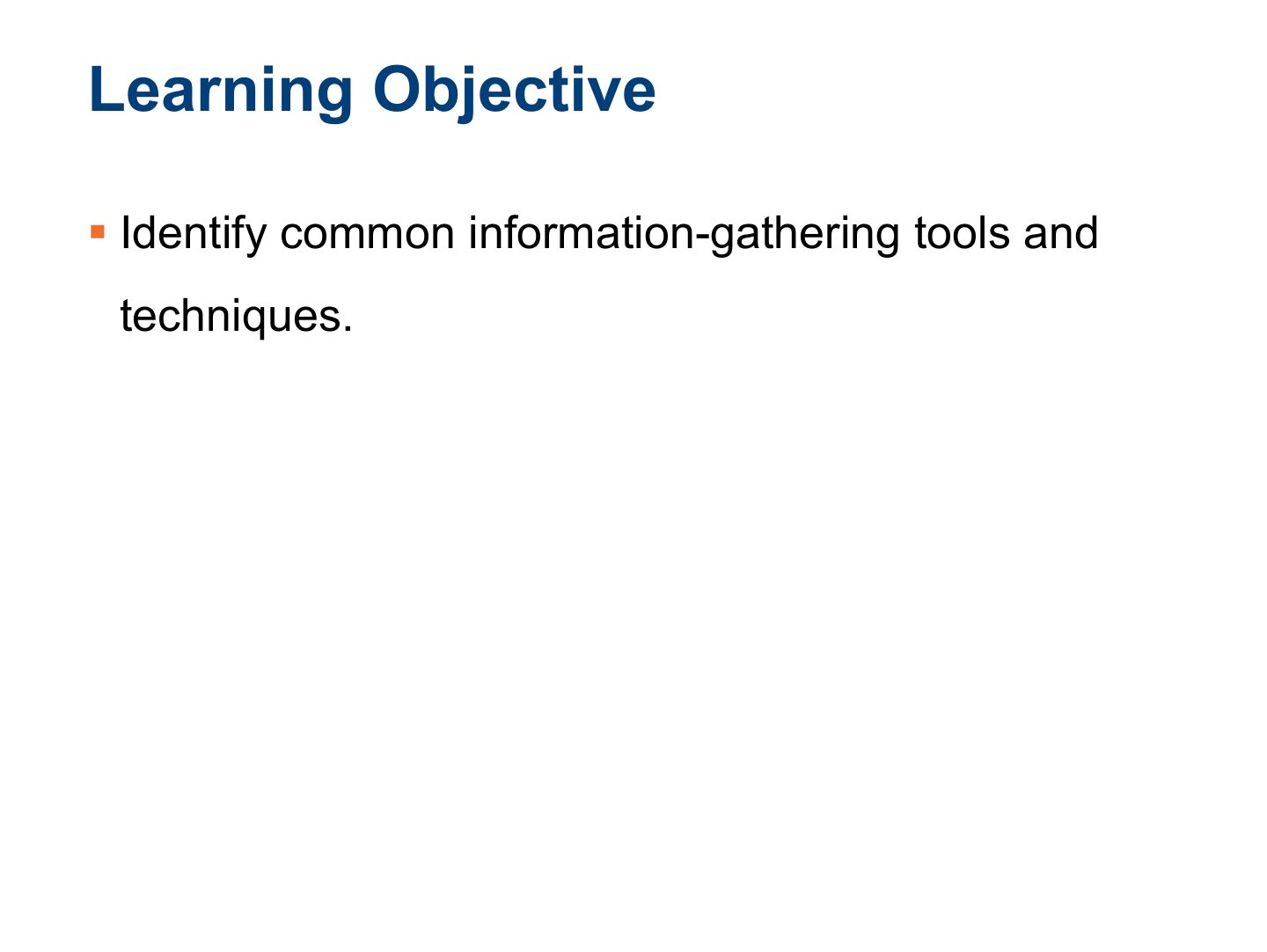
Key Concepts
What is Footprinting?
Why Footprinting?
Notes
Why: learn the security posture, reduce the attack area, build a network map, find vulnerabilities.
§ There are a lot of places you, as an ethical hacker, can get
The Information-Gathering Process
Notes
The process: gather initial info → find the network range → find active machines → open ports and access points → OS fingerprinting → map the network.
The Information-Gathering Process (Cont.)
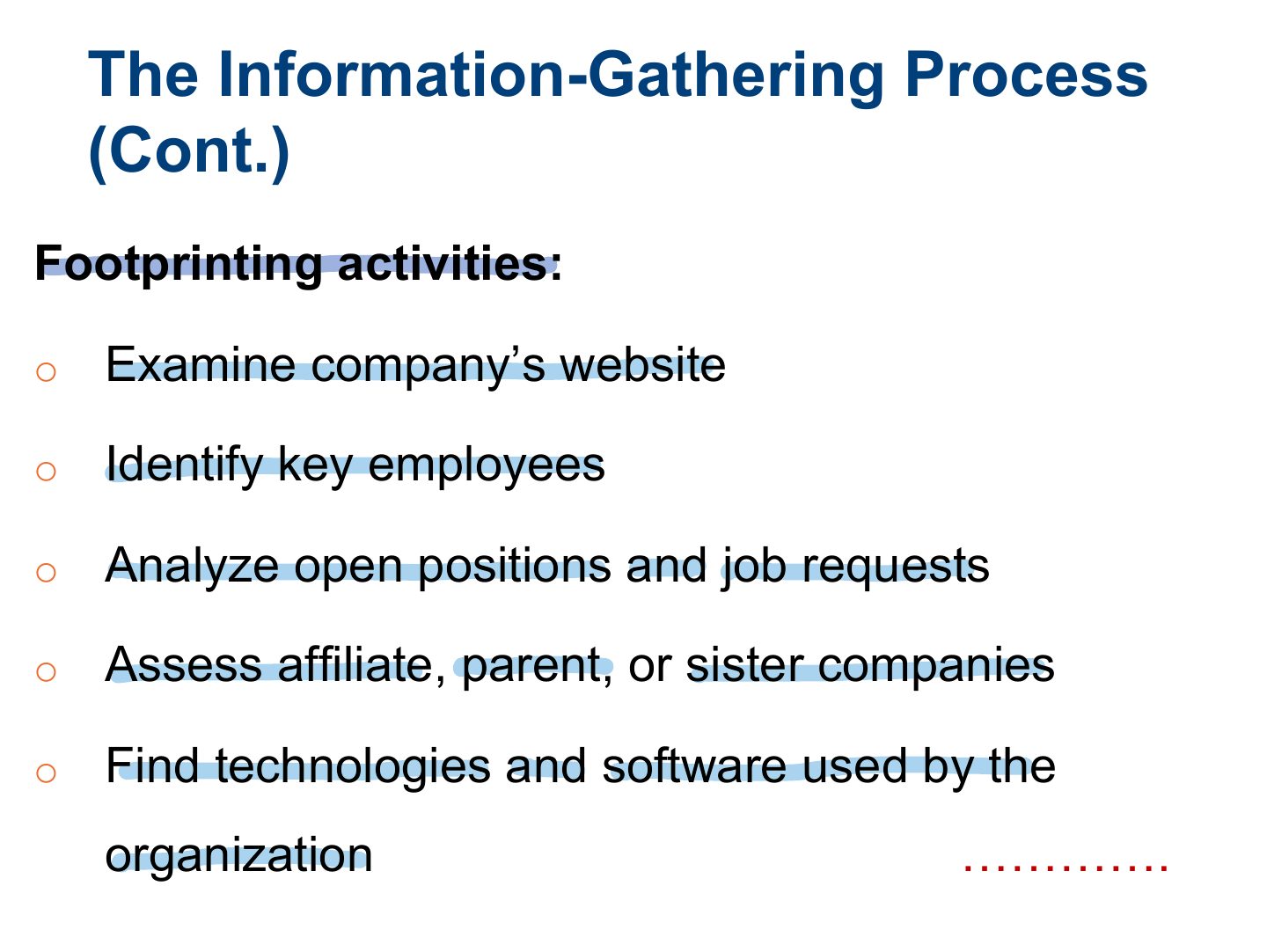
The Information-Gathering Process (Cont.)
The Information on a Company Website
Notes
Company websites leak employee names, emails, technologies, locations, job postings that reveal systems.
The Information on a Company Website (Cont.)
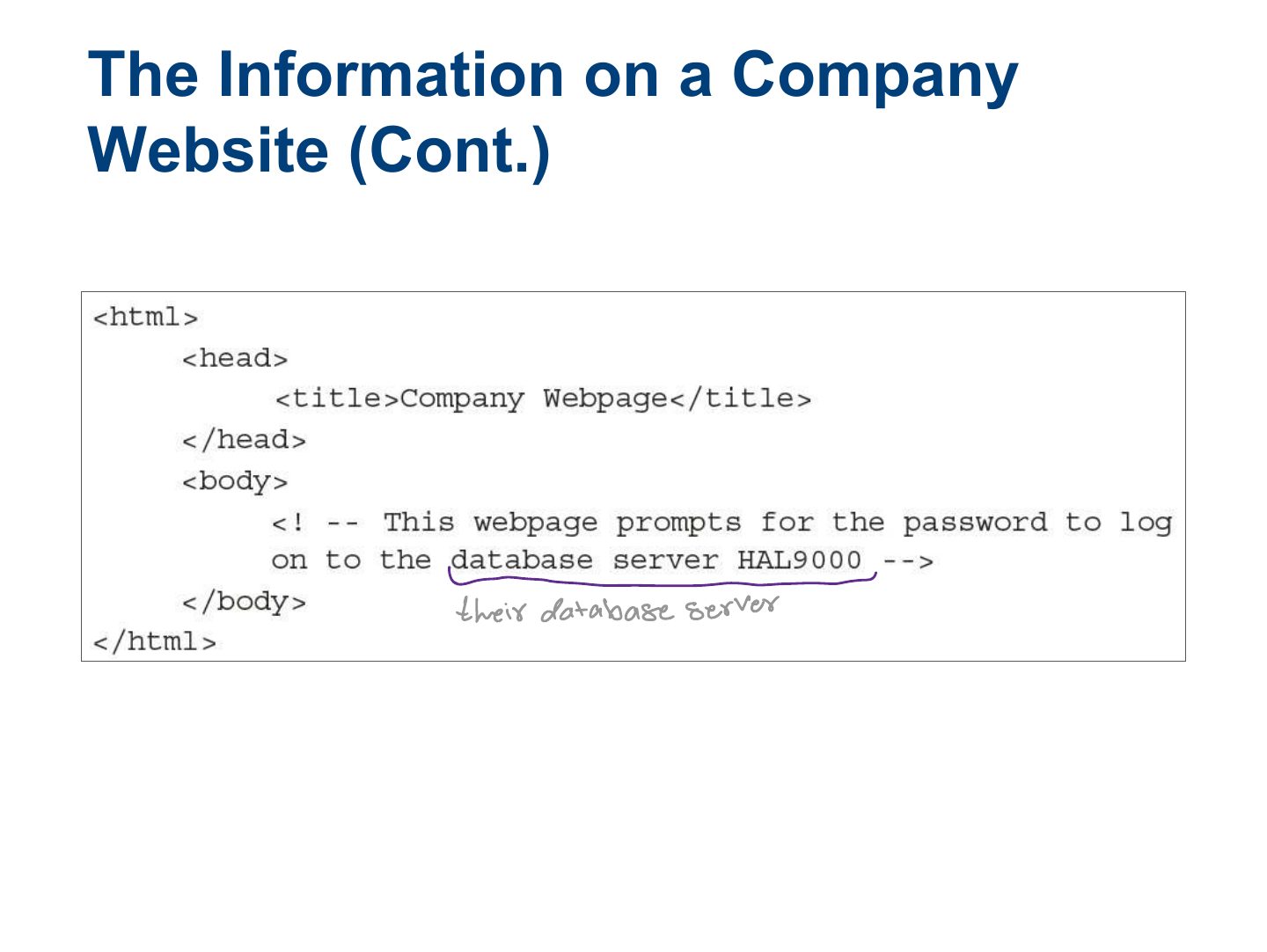
The Information on a Company Website (Cont.)
The Information on a Company Website (Cont.)
The Information on a Company Website (Cont.)
Footprinting using using Advanced Google Hacking Techniques
Google Advanced Search Operators
Notes
Google operators: site:, filetype:, inurl:, intitle:, intext:, cache:, link:.
Exam angle
Google Hacking (Cont.)
Google Hacking (Cont.)
Google Hacking (Cont.)
Slide 20
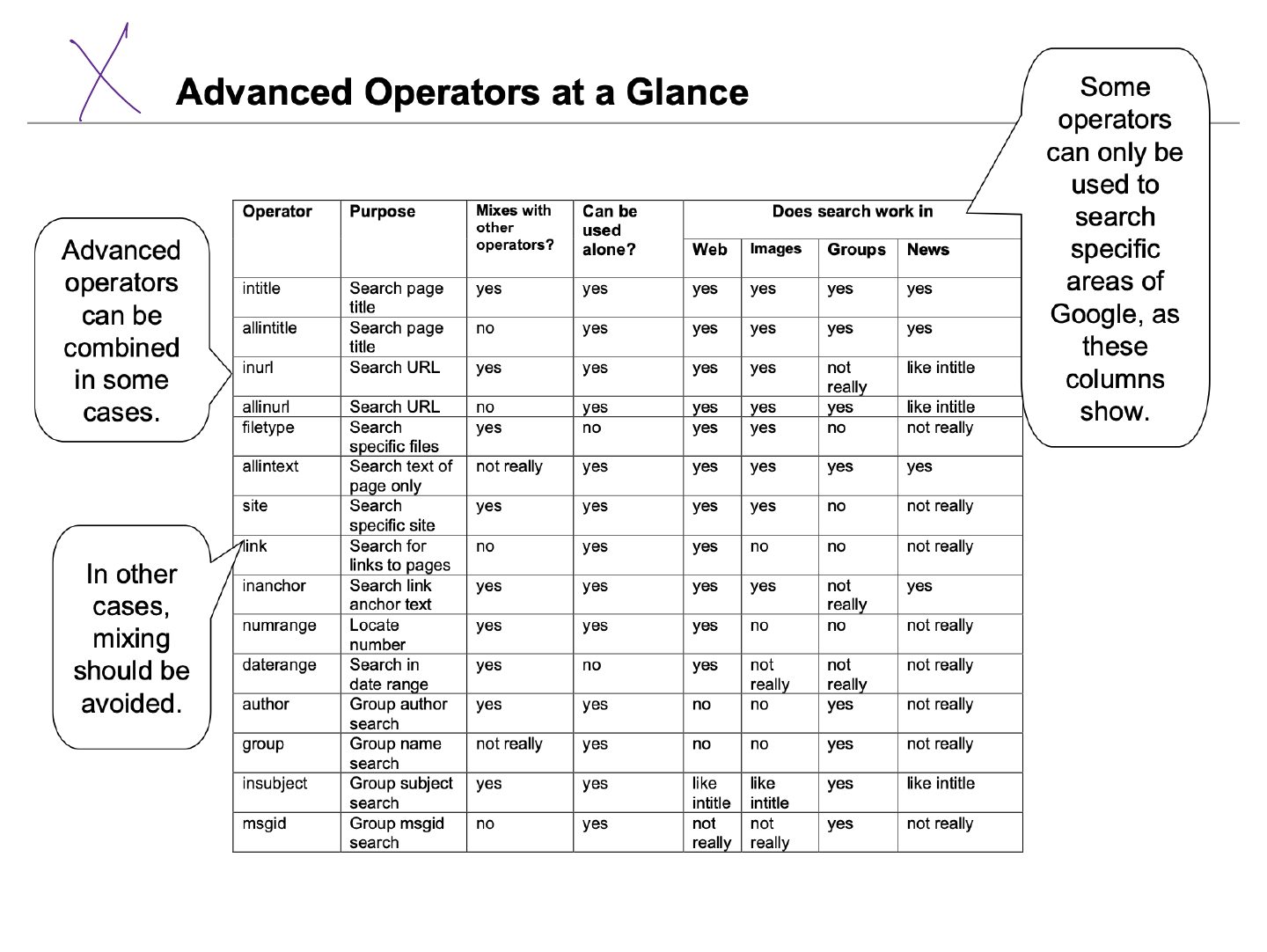
Slide 21
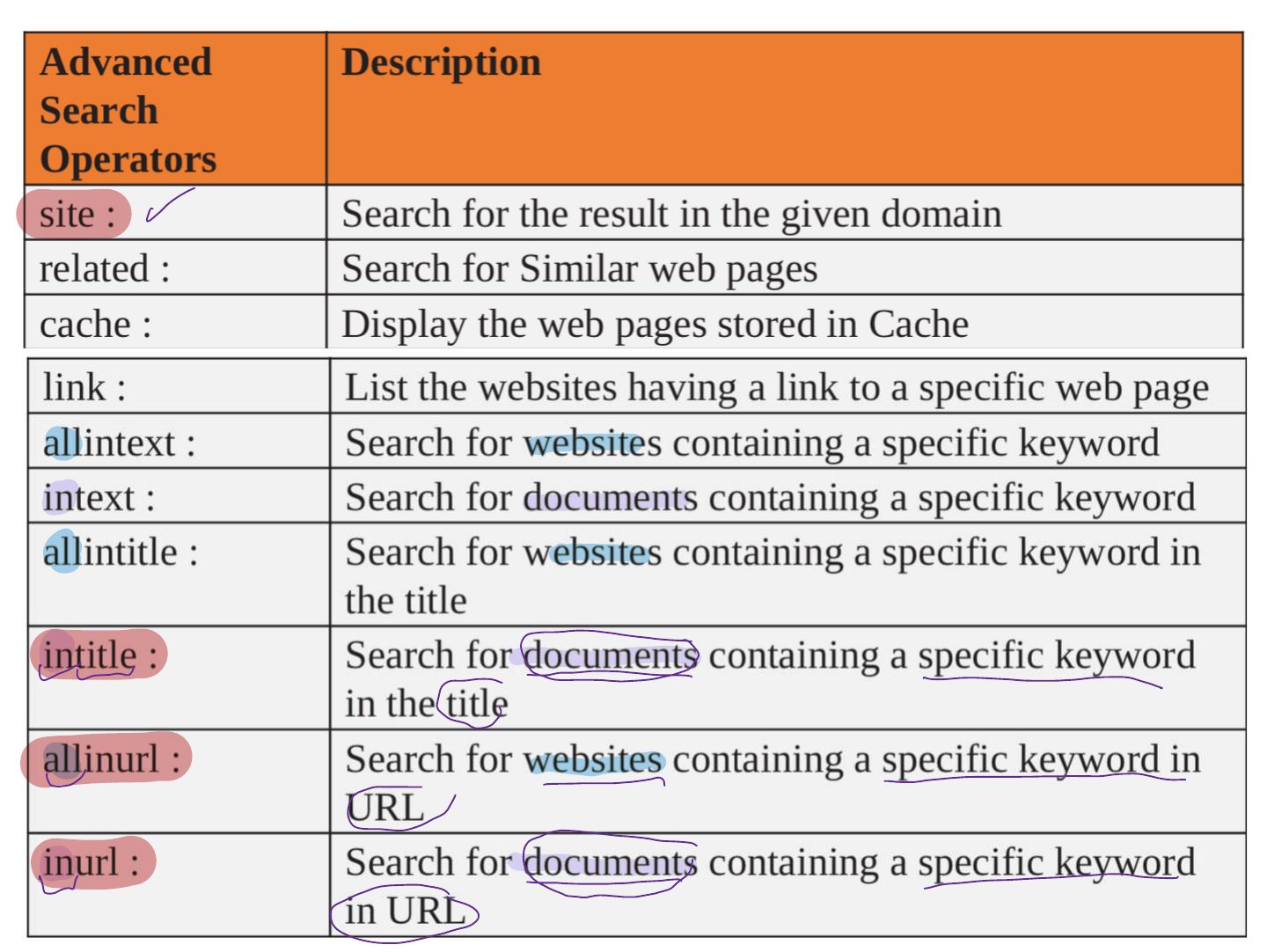
Exercises
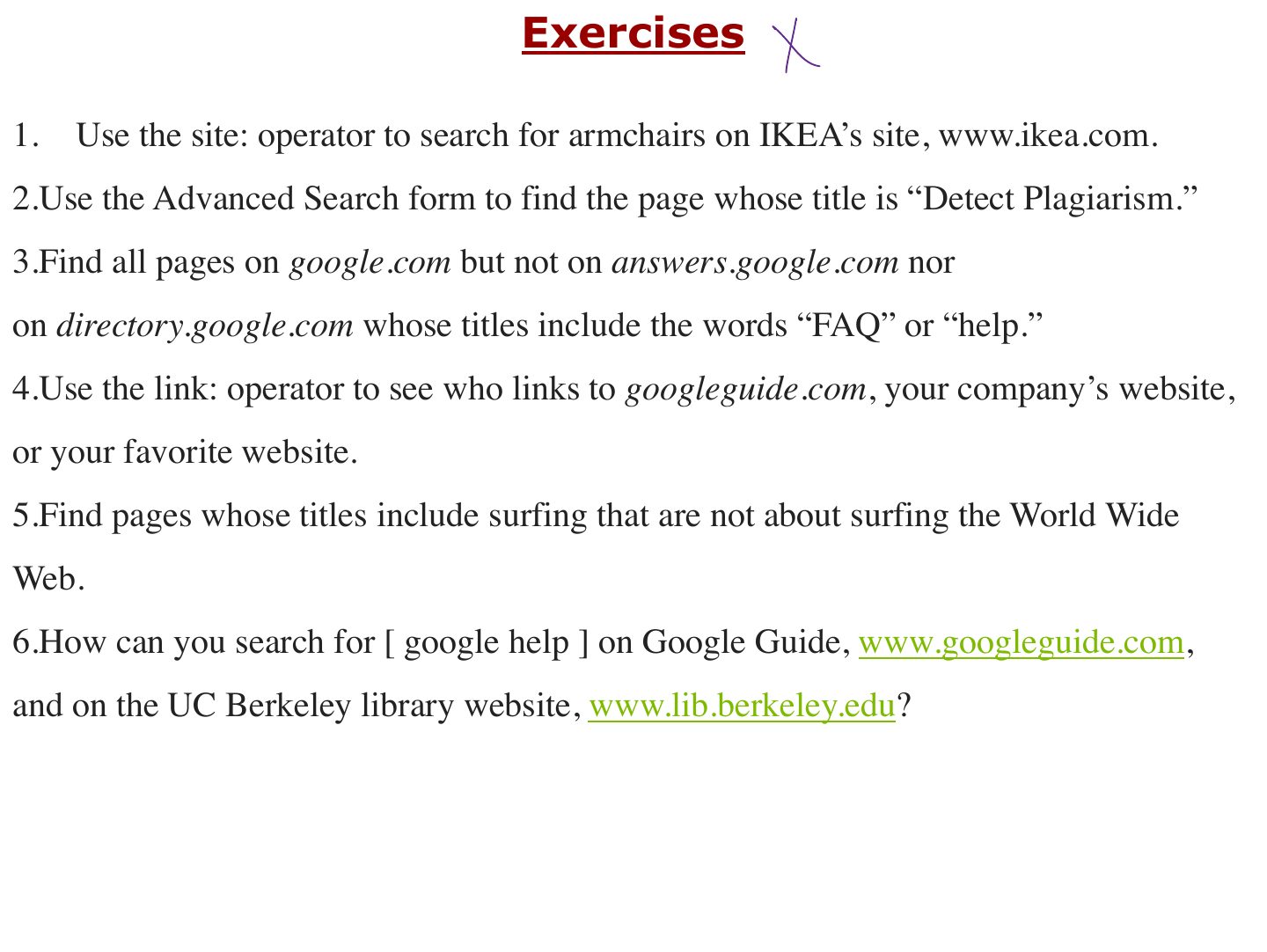
Google Hacking Database (GHDB)
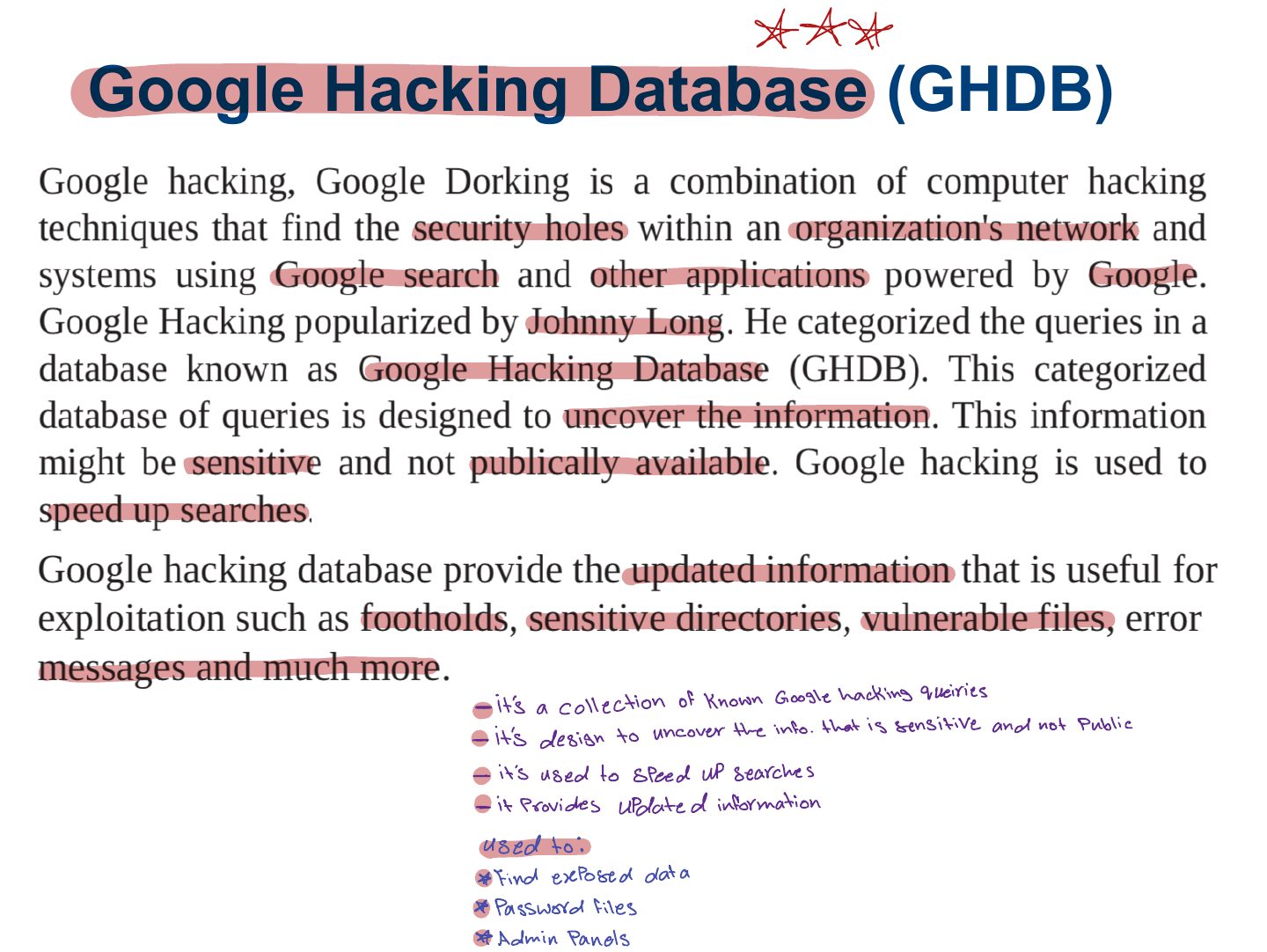
Google Hacking Database
Notes
Google Hacking Database (GHDB): a catalogue of search queries ("dorks") that find exposed data.
Exploring Domain Information Leakage
Manual Registrar Query
Automatic Registrar Query
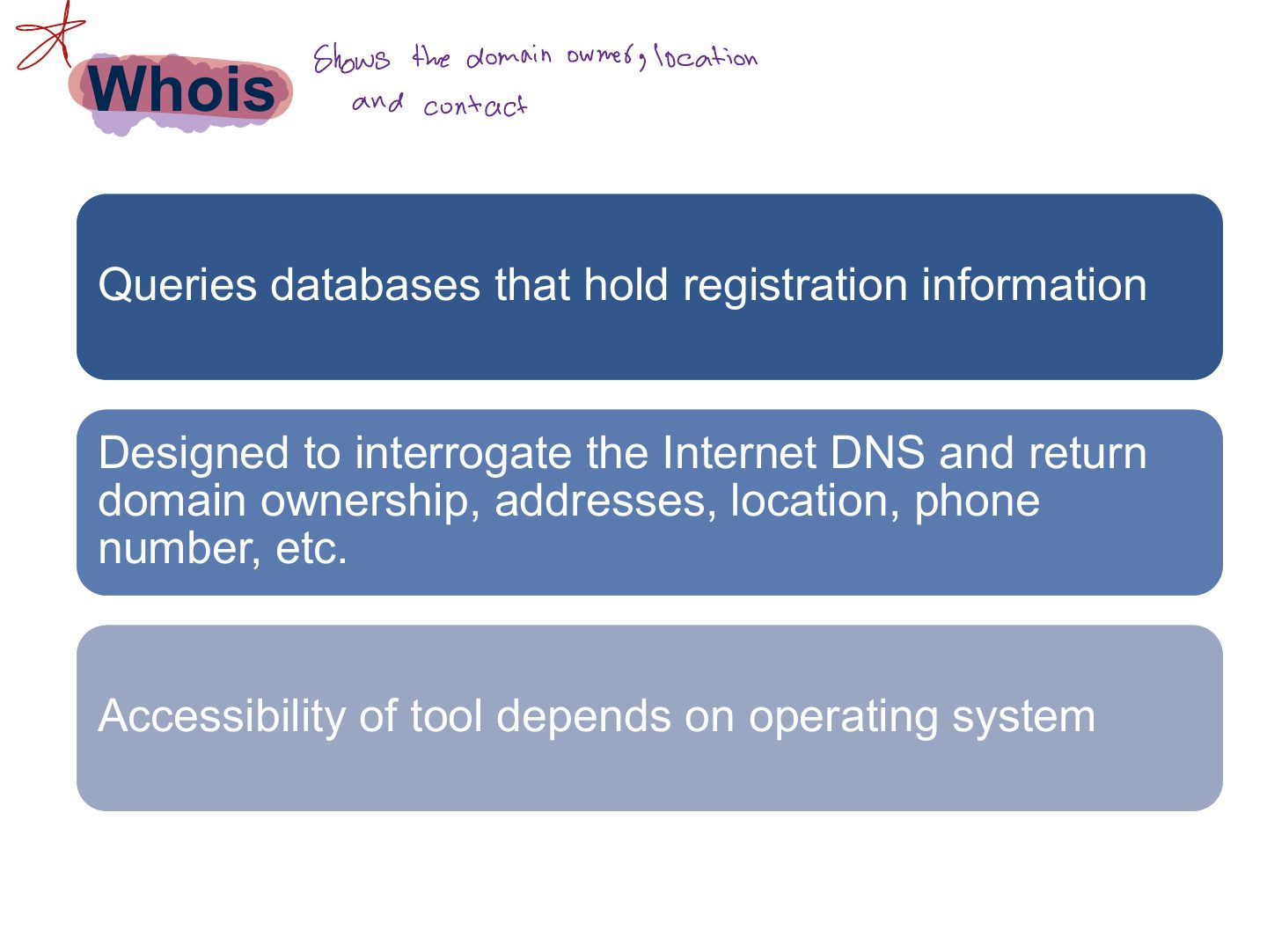
Whois
Notes
WHOIS: registrant names, emails, phone numbers, name servers, registration dates.
Exam angle
Which tool reveals a domain’s registrant and name servers?
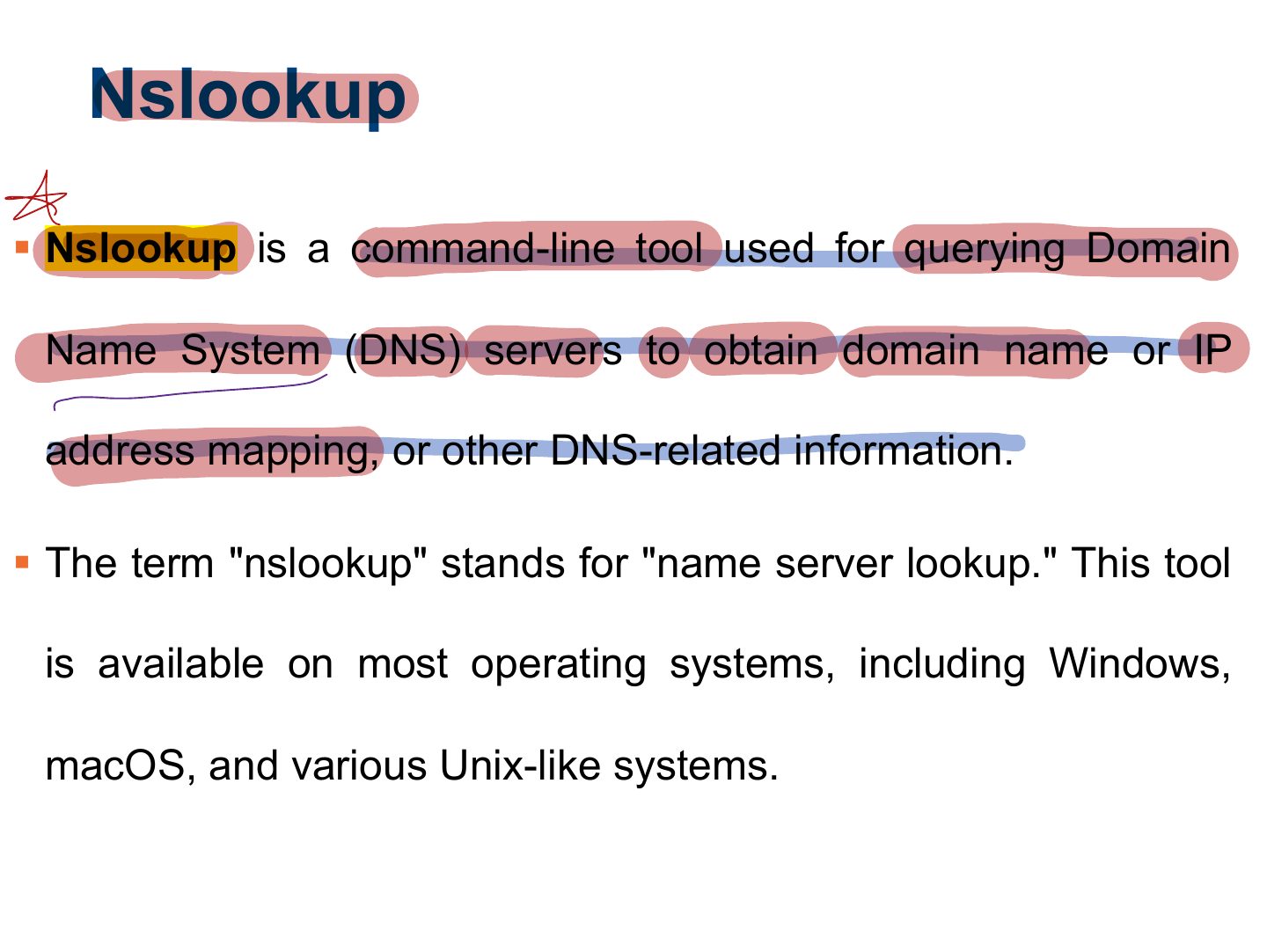
Nslookup
Notes
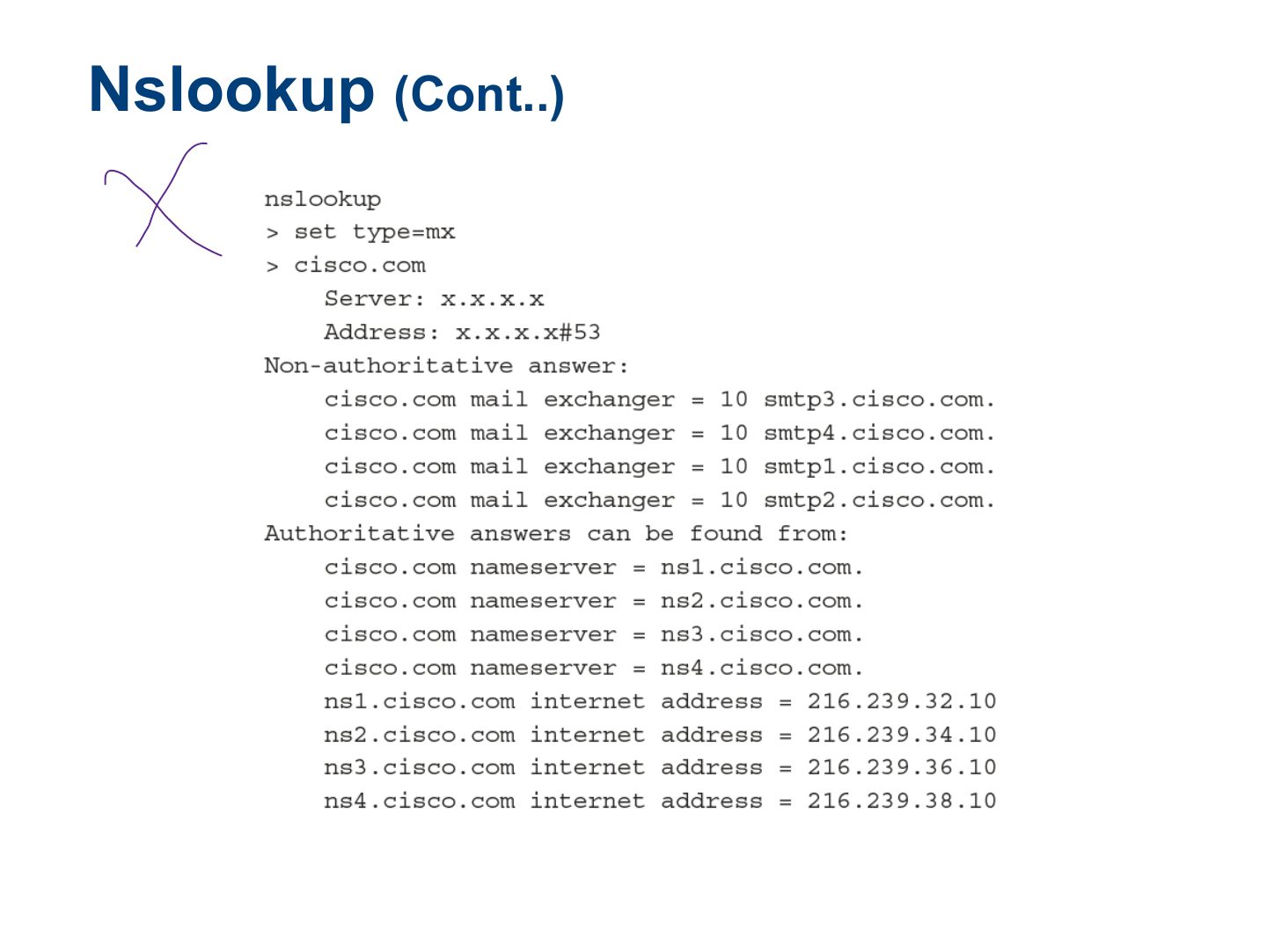
nslookup / dig query DNS records: A (IPv4), AAAA, MX (mail), NS (name server), CNAME, SOA, PTR.
Exam angle
Which DNS record identifies a domain’s mail servers?
Nslookup
Slide 31
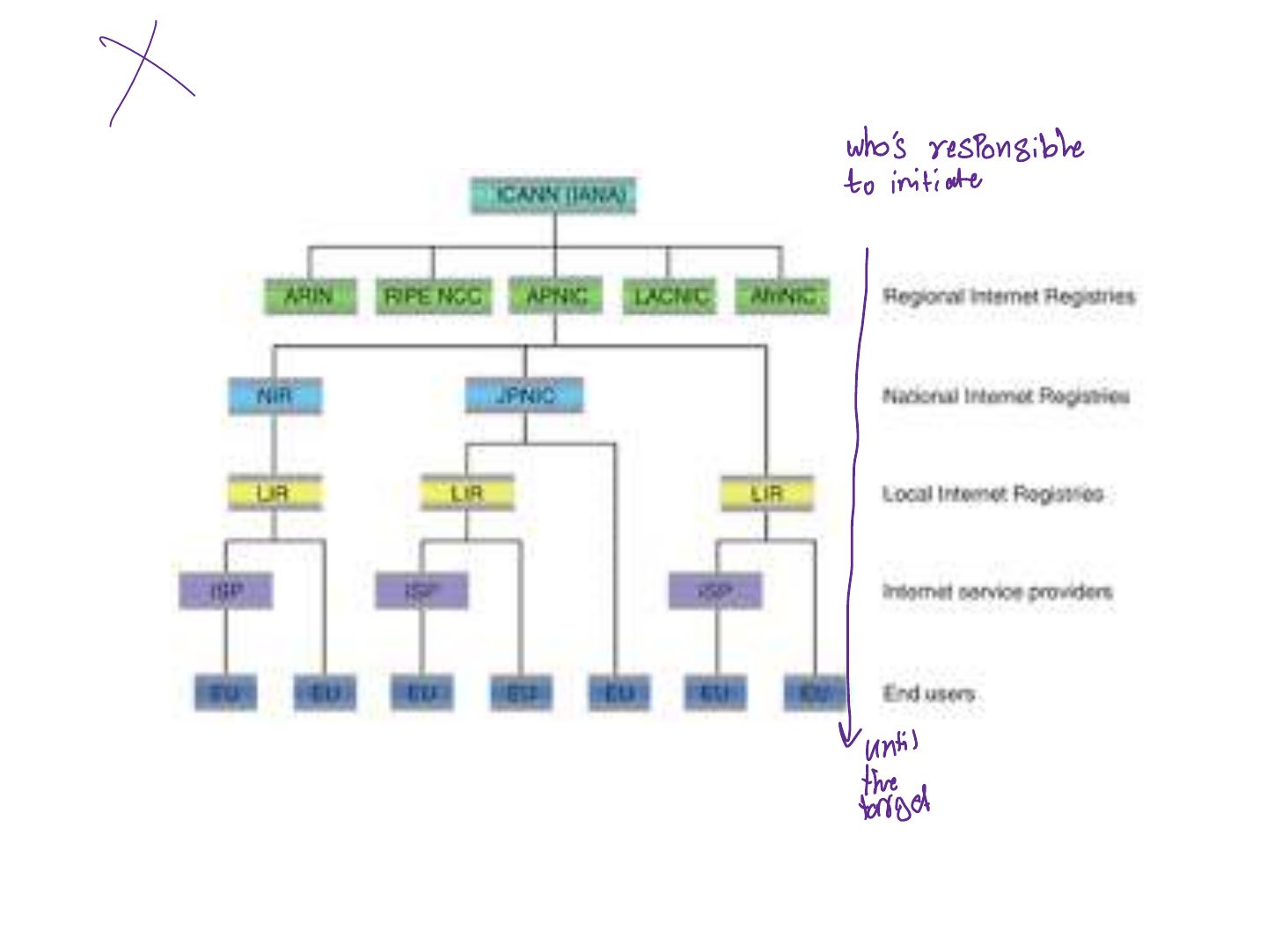
Determining a Network Range
Traceroute
Notes
Traceroute lists the routers (hops) to a host using increasing TTL values: reveals network topology.
Traceroute (Cont.)
Tracking an Organization’s Employees
Tracking an Organization’s Employees (Cont.)
Tracking an Organization’s Employees (Cont.)
Using Social Networks
Notes
Social networks (LinkedIn, etc.) reveal employees, roles, technologies: material for social engineering.
Seen again Chapter 9: Social Engineering, slide 3: social engineering
Using Basic Countermeasures
Notes
Countermeasures: limit what’s published, private WHOIS, staff awareness, remove sensitive metadata, monitor search engines.
Summary