A fingerprint is which authentication factor?
Authentication and Access Control
Identification, authentication (the three factors, biometrics and their error rates, passwords, one-time passwords) and authorization (access criteria, authorization creep, SSO), the access control models (DAC, MAC, RBAC) and techniques (rule-based, constrained interfaces, matrices), centralized administration (RADIUS, TACACS, Diameter) vs. decentralized, and accountability. Both Final 221 papers had a six-part matching question on these models. (The Slides page lists this PDF under “ICS and SCADA”.)
How to read this page
Every original slide is shown unchanged. Yellow marks on a slide point to a numbered note: hover or tap a mark to jump to its note, and hover a note to see its marks. Questions tagged Past exam appeared on a real paper; Prediction questions are likely angles, not confirmed. Pick an answer to each question: a wrong pick tells you why it is wrong, so you can try again.
All 35 slides
- 1 Authentication and Access Control
- 2 Outline
- 3 Access Controls
- 4 Access Control: Overview
- 5 Identification, Authentication, and Authorization
- 6 Identification
- 7 Authentication
- 8 Authentication
- 9 Authentication
- 10 Authentication
- 11 Authentication
- 12 Authorization
- 13 Authorization
- 14 Authorization
- 15 Authorization
- 16 SSO Process
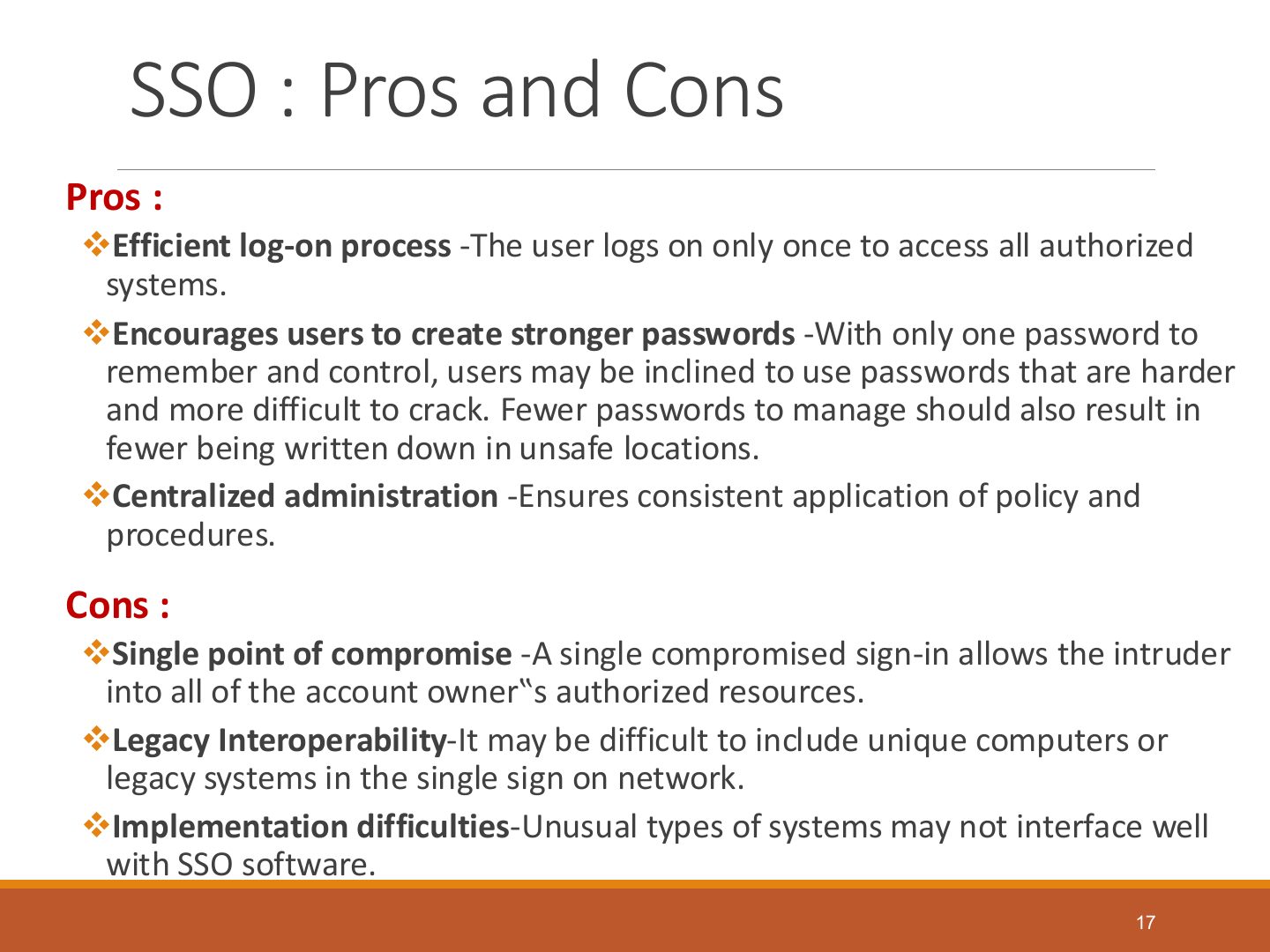
- 17 SSO : Pros and Cons
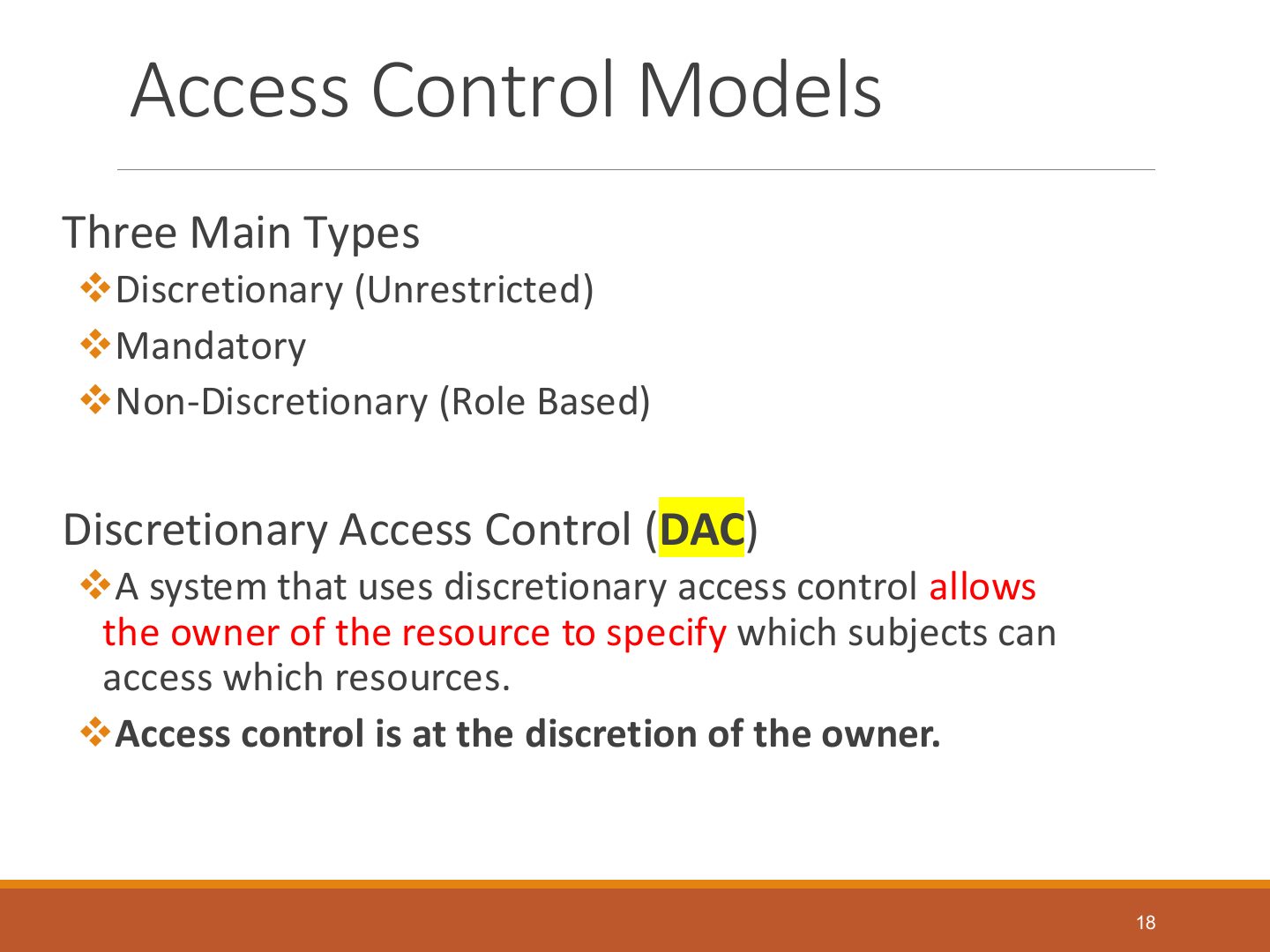
- 18 Access Control Models
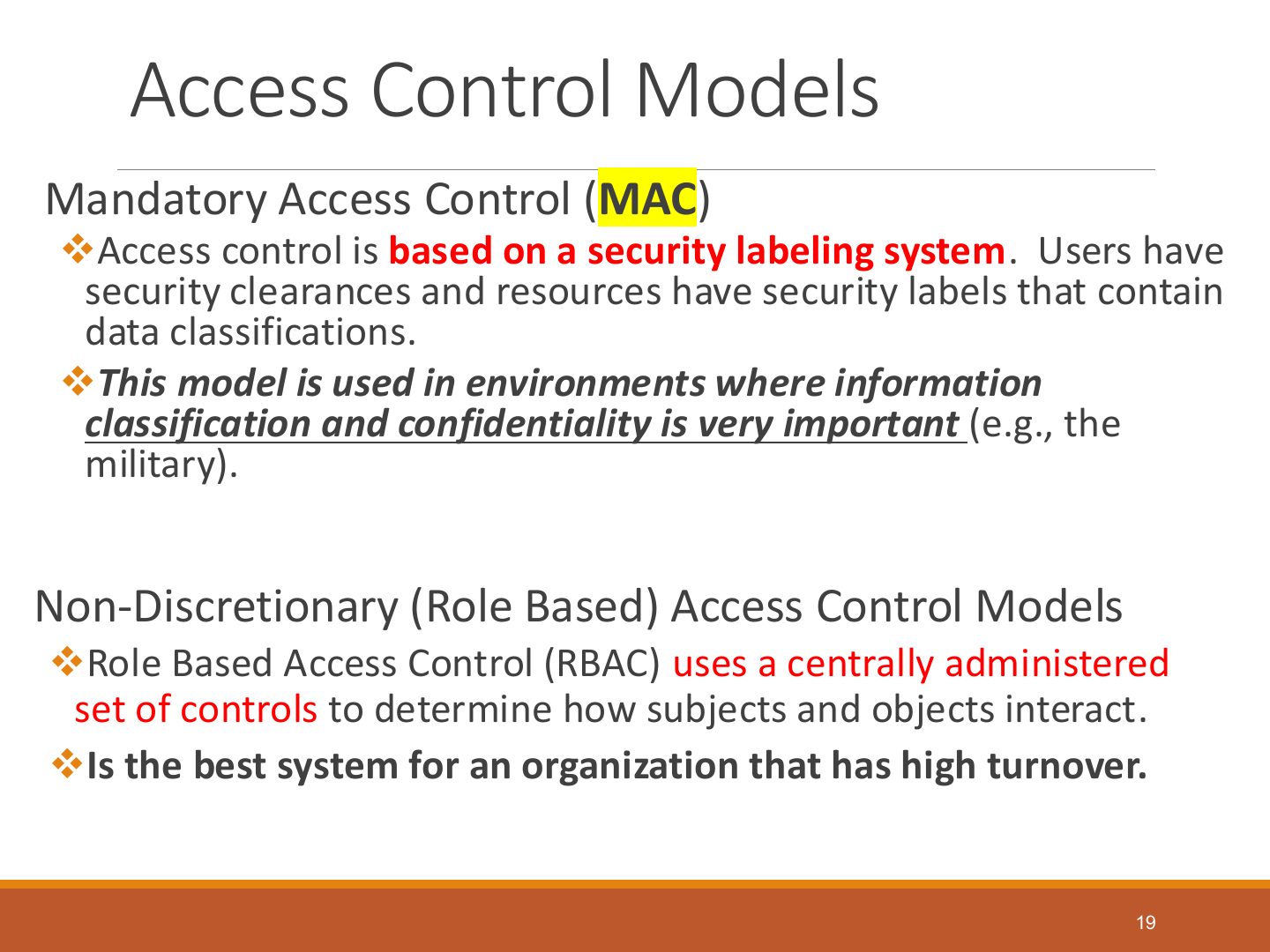
- 19 Access Control Models
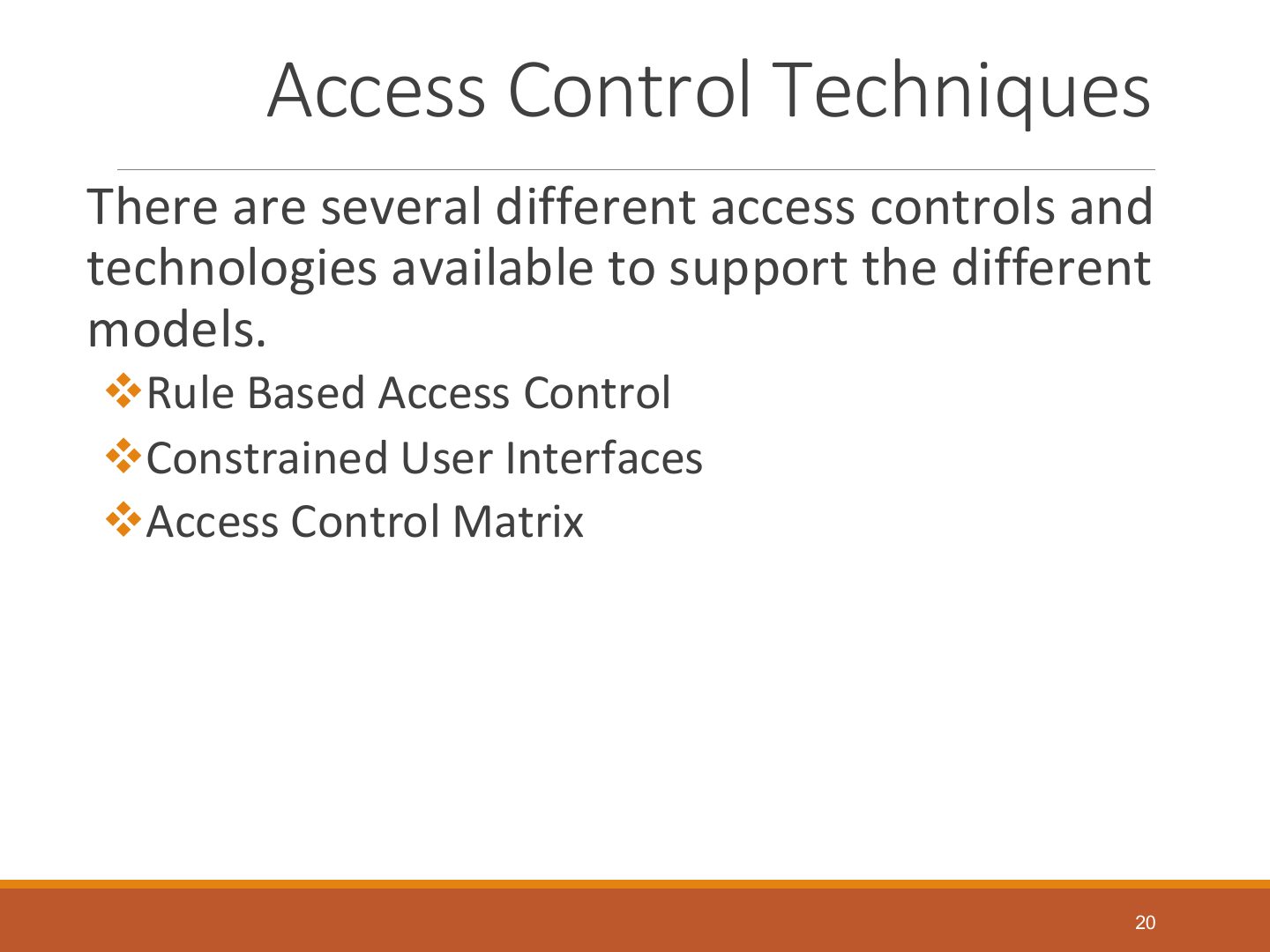
- 20 Access Control Techniques
- 21 Access Control Techniques
- 22 Access Control Techniques
- 23 Access Control Techniques
- 24 Access Control Matrix
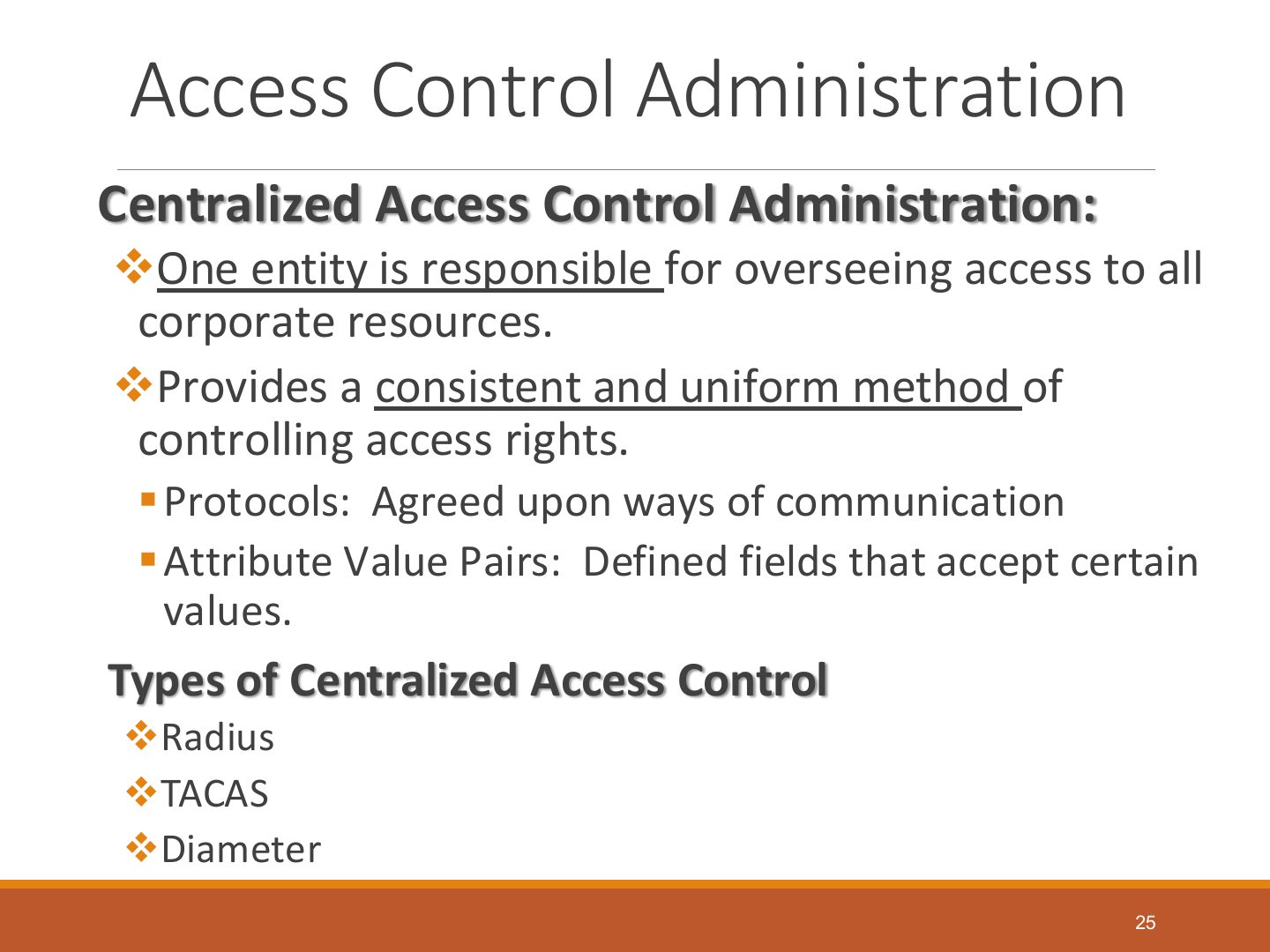
- 25 Access Control Administration
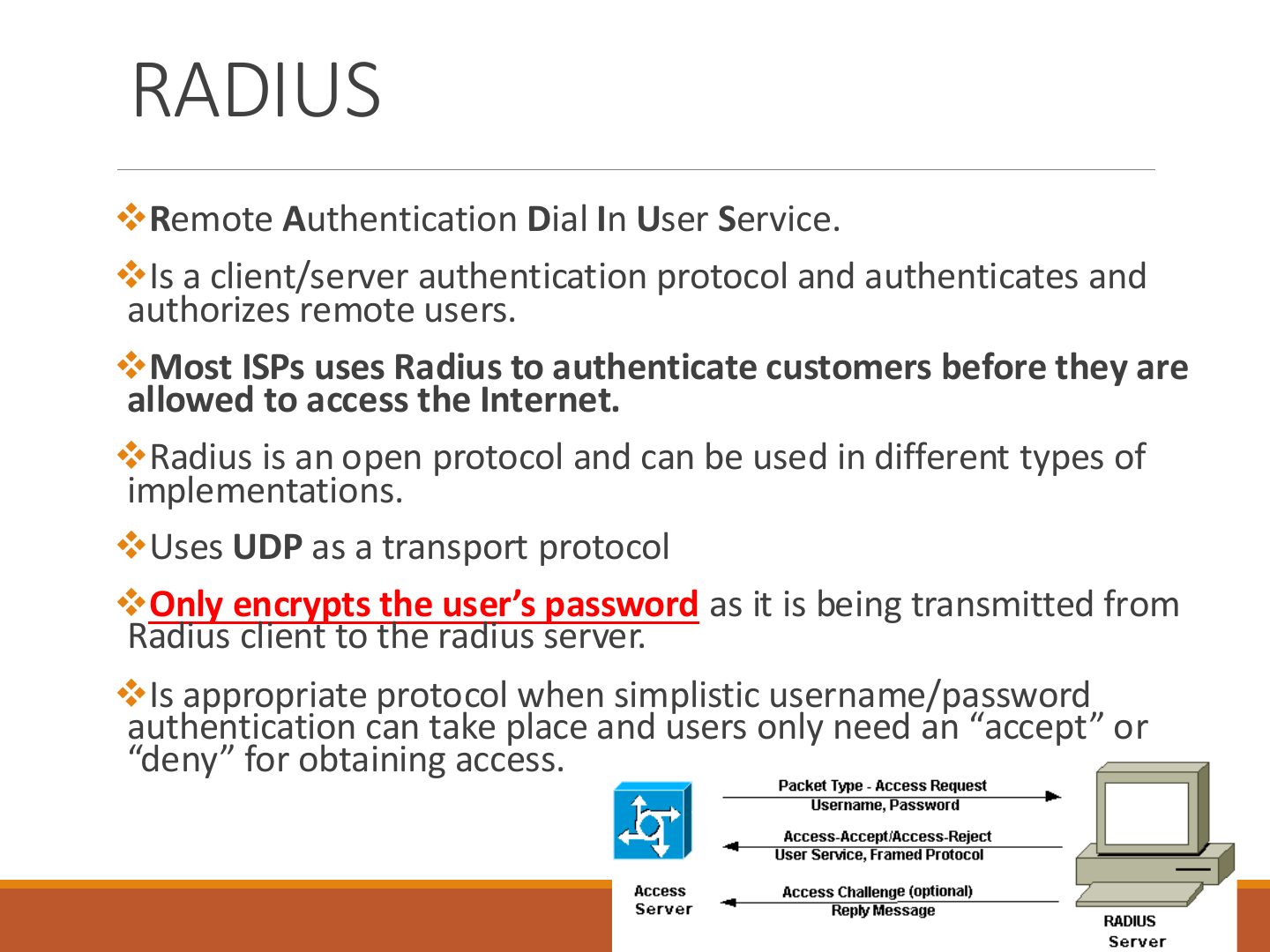
- 26 RADIUS
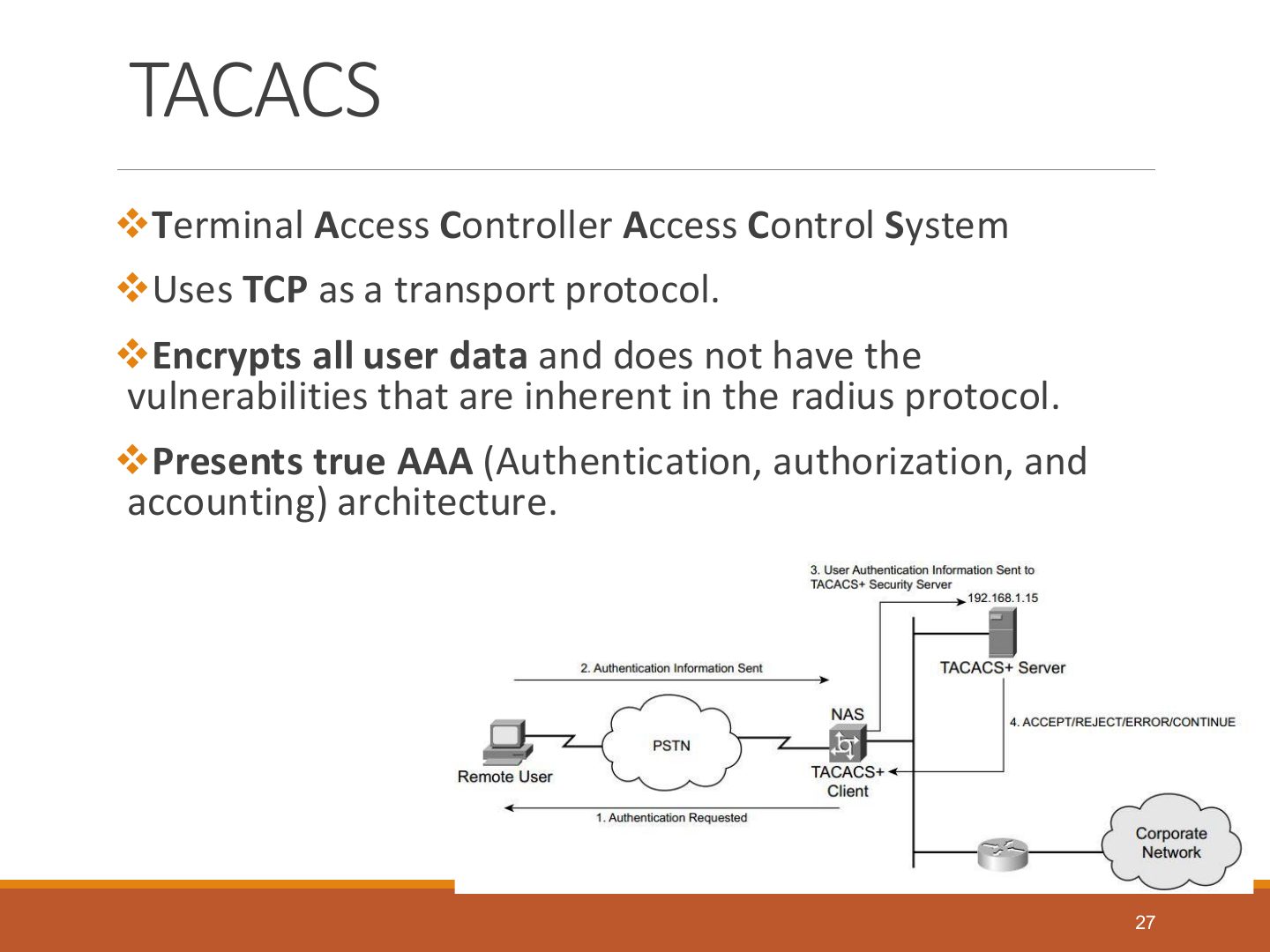
- 27 TACACS
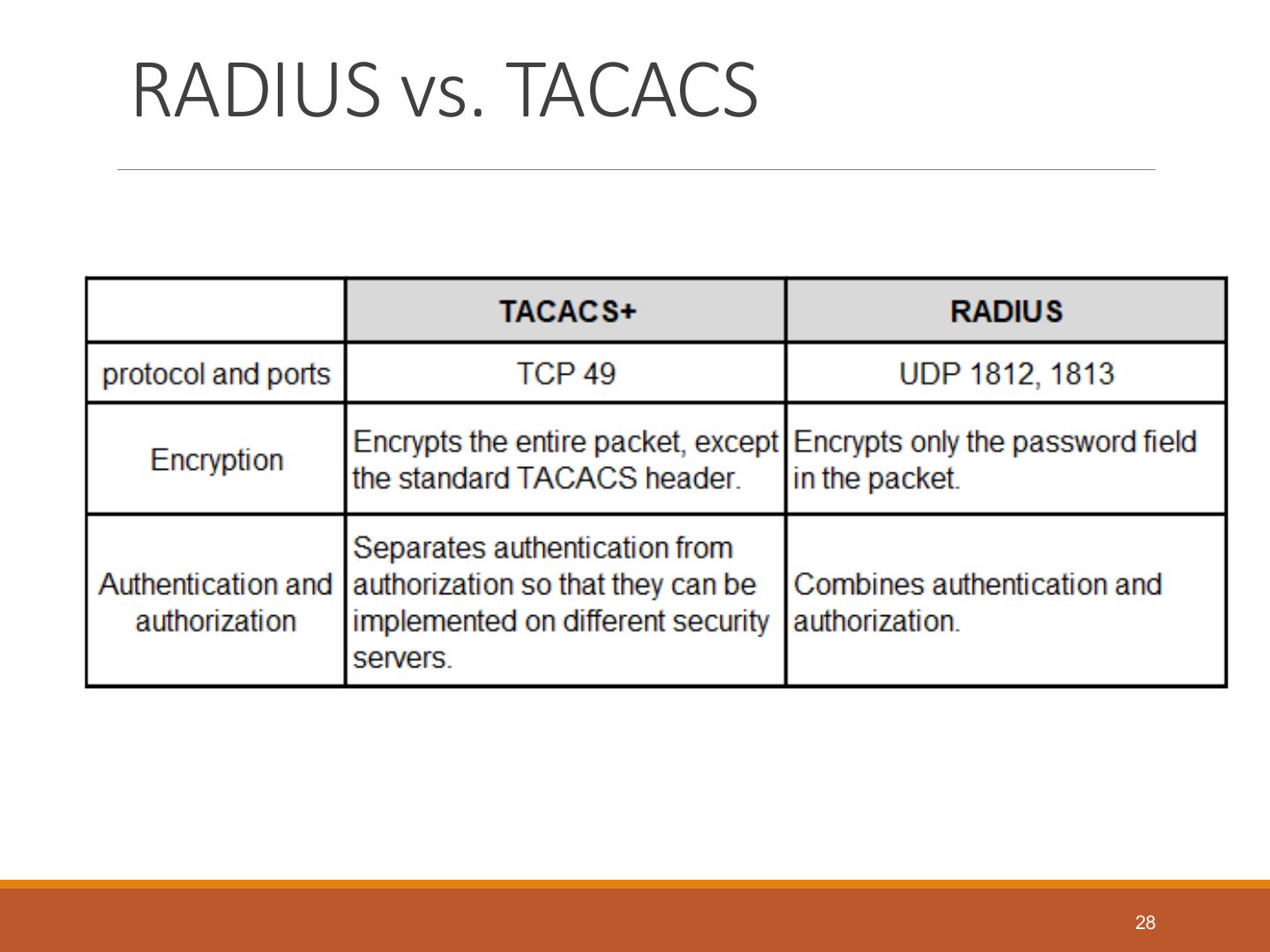
- 28 RADIUS vs. TACACS
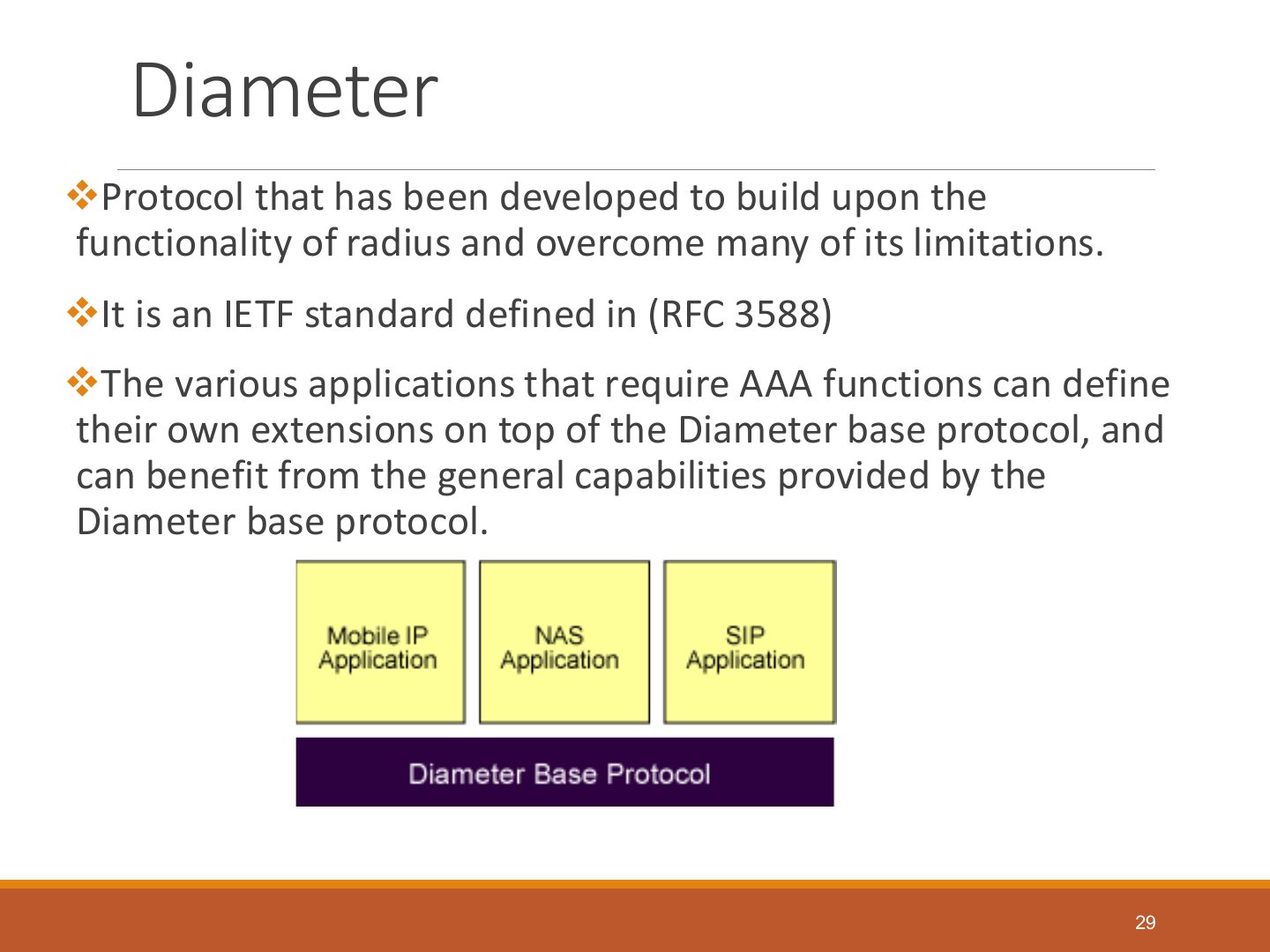
- 29 Diameter
- 30 Access Control Administration
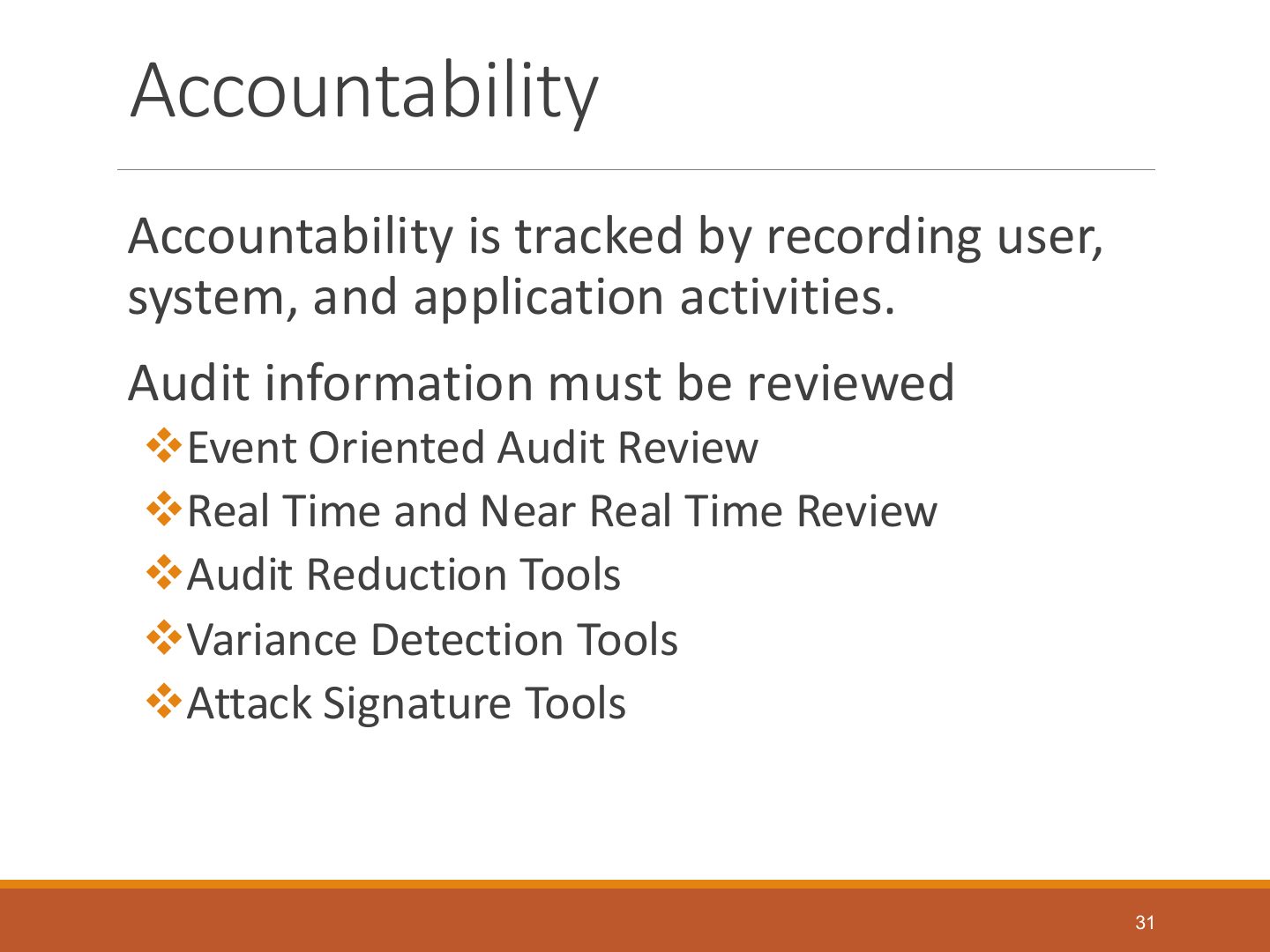
- 31 Accountability
- 32 Accountability
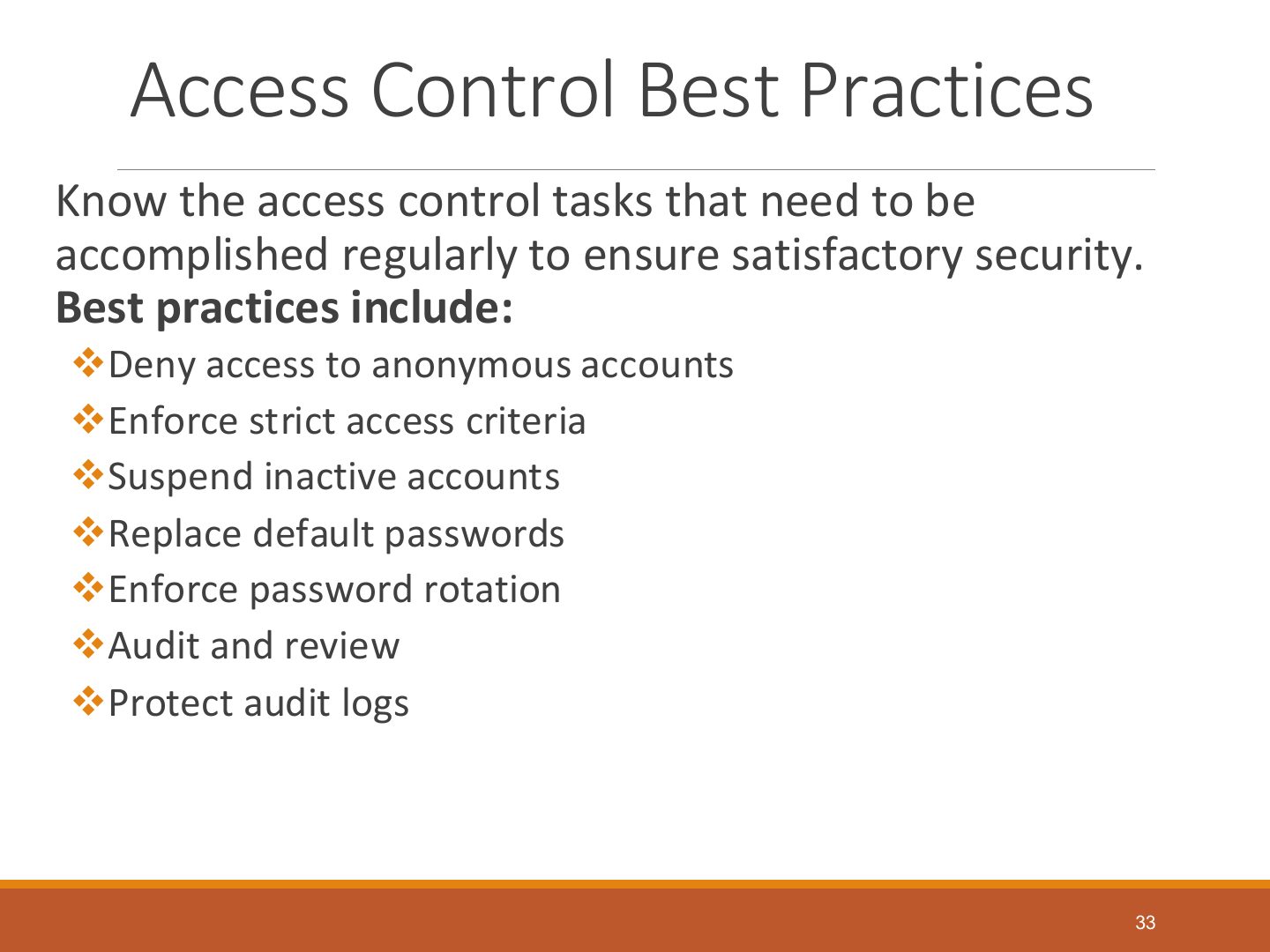
- 33 Access Control Best Practices
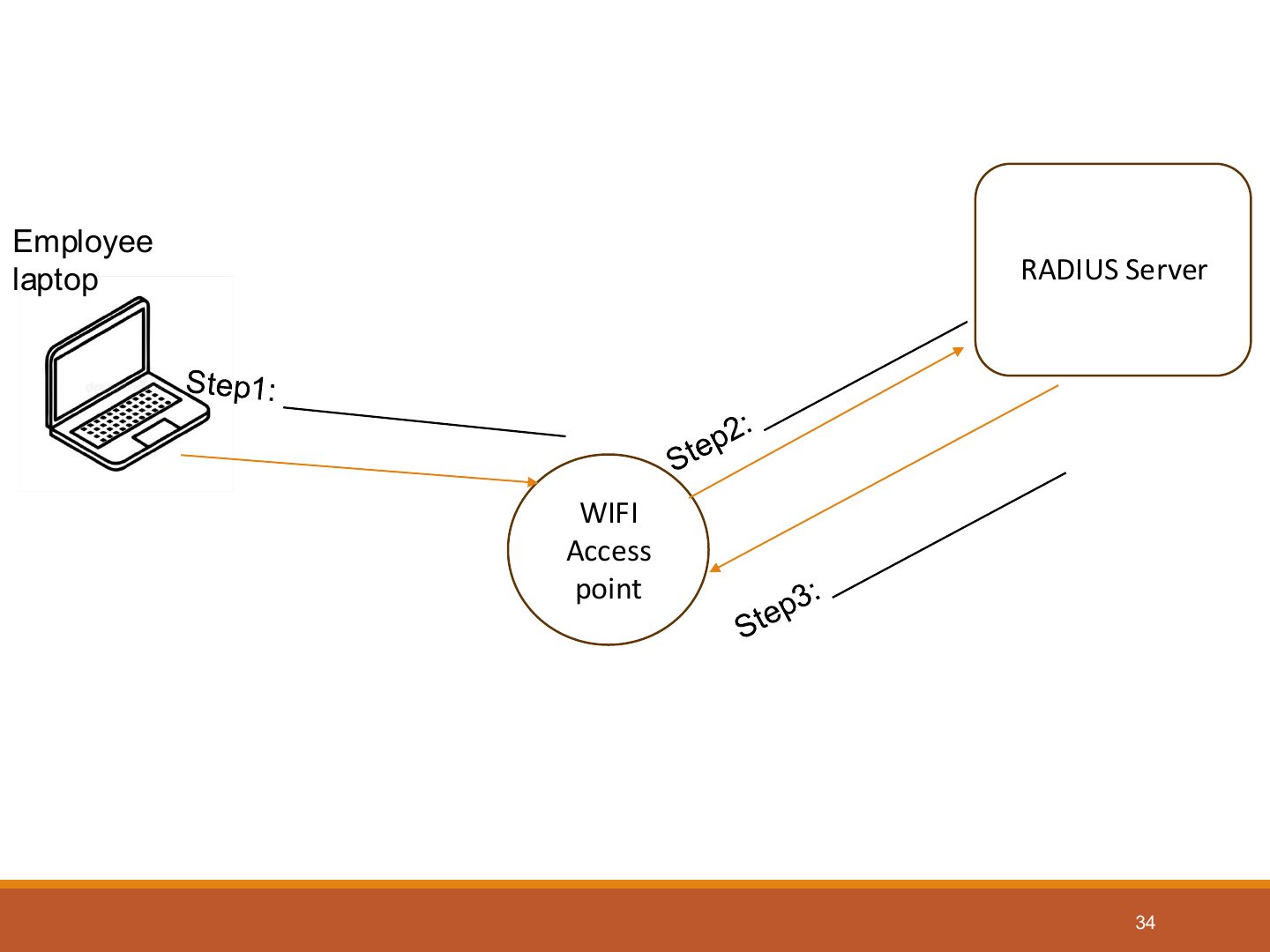
- 34 RADIUS Server
- 35 Thank You !
Authentication and Access Control
Notes
Tip DAC: the OWNER decides (flexible, little admin) · MAC: SECURITY LABELS and clearances decide (government) · RBAC (non-discretionary): ROLES/groups decide · Rule-based: global rules (firewalls) · Constrained UI: hide the functions a user can’t use.
Outline
Access Controls
Access Control: Overview
Identification, Authentication, and Authorization
Notes
Seen again Ch 2, slide 32: The AAA elements
Identification
Notes
Identification: claim an identity (username, ID).
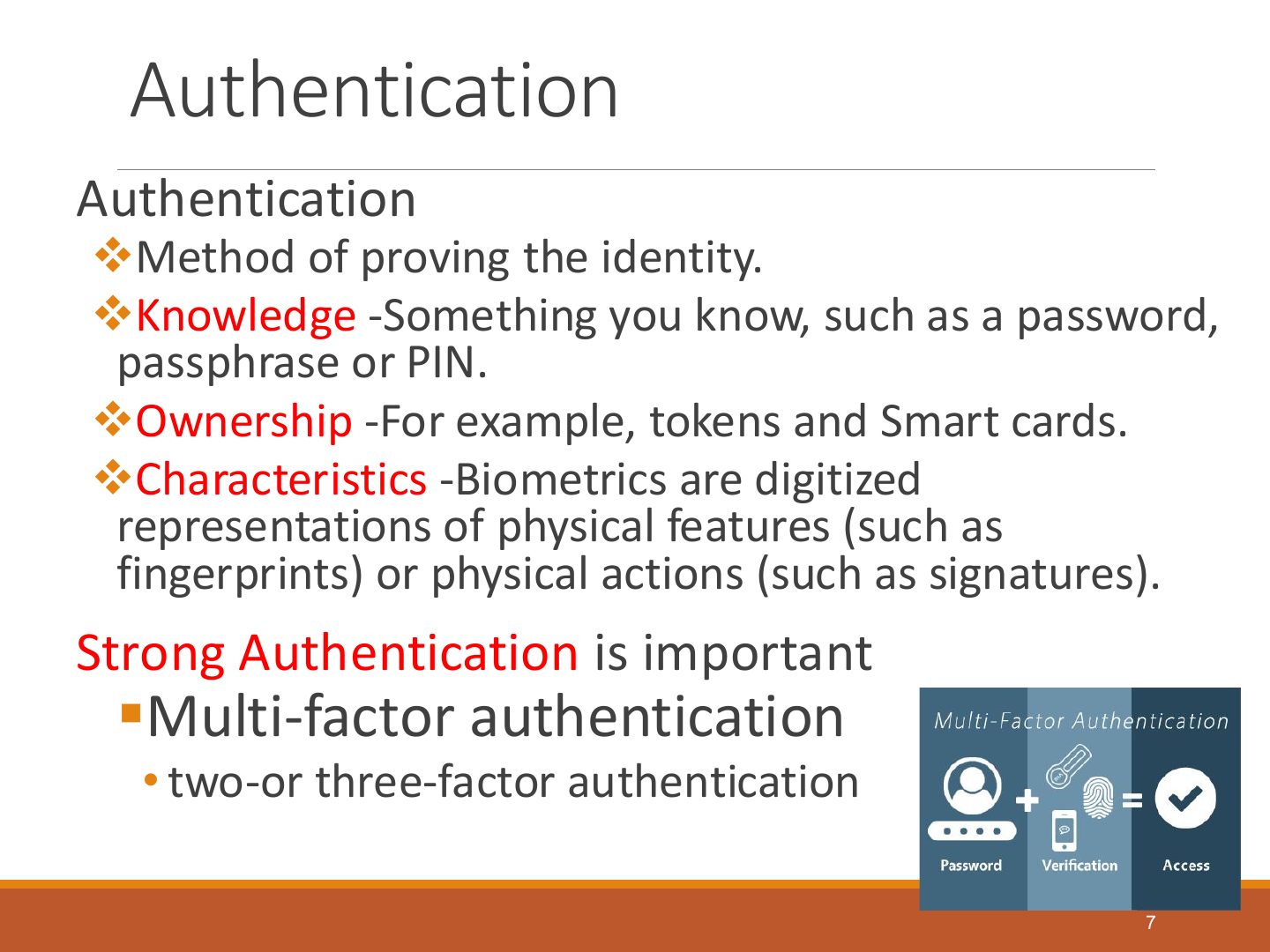
Authentication
Notes
Memory trick Know – Have – Are.
Exam angle
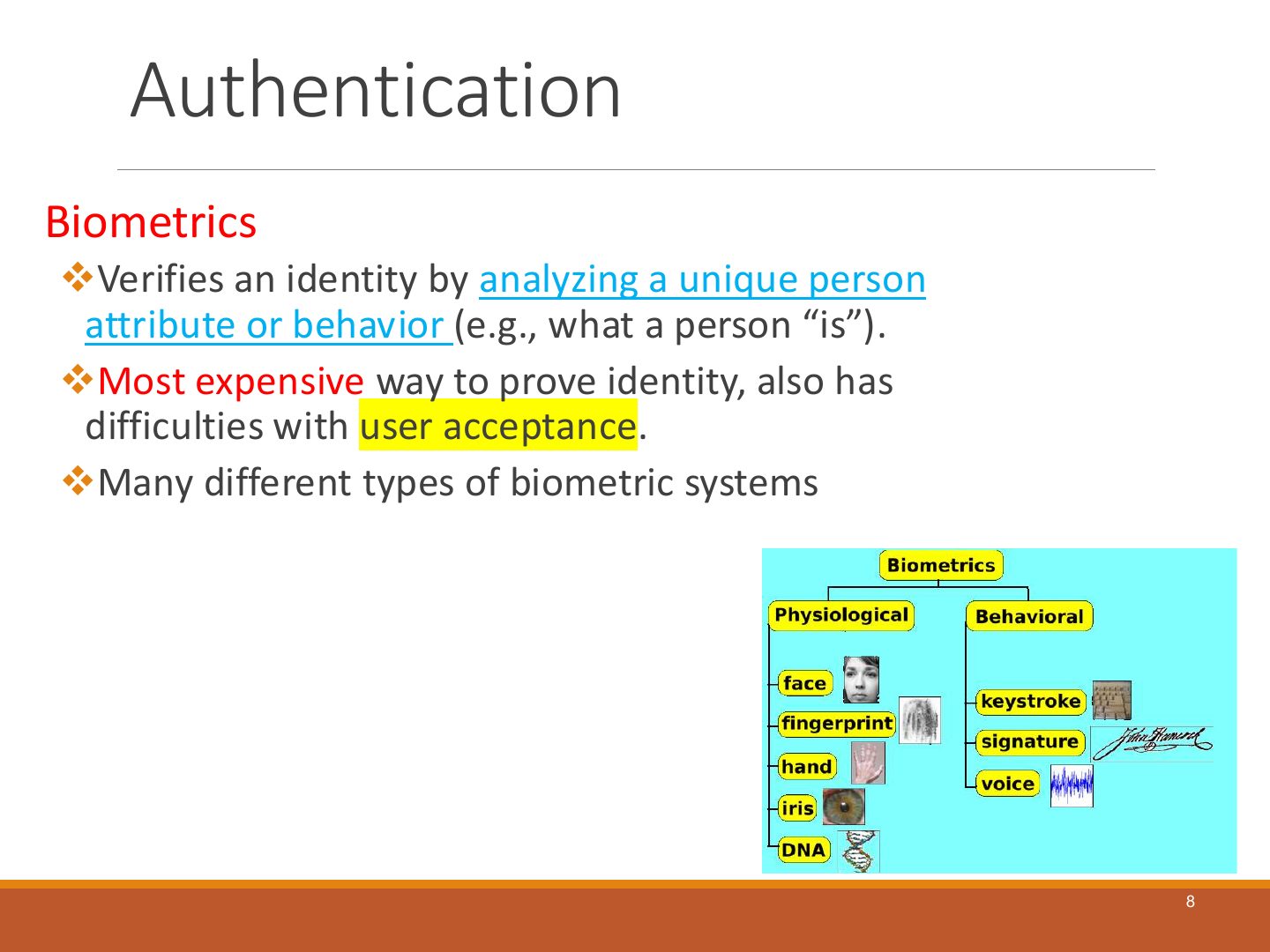
Authentication
Notes
Biometrics: fingerprint, iris, retina, face, voice, hand geometry.
Authentication
Notes
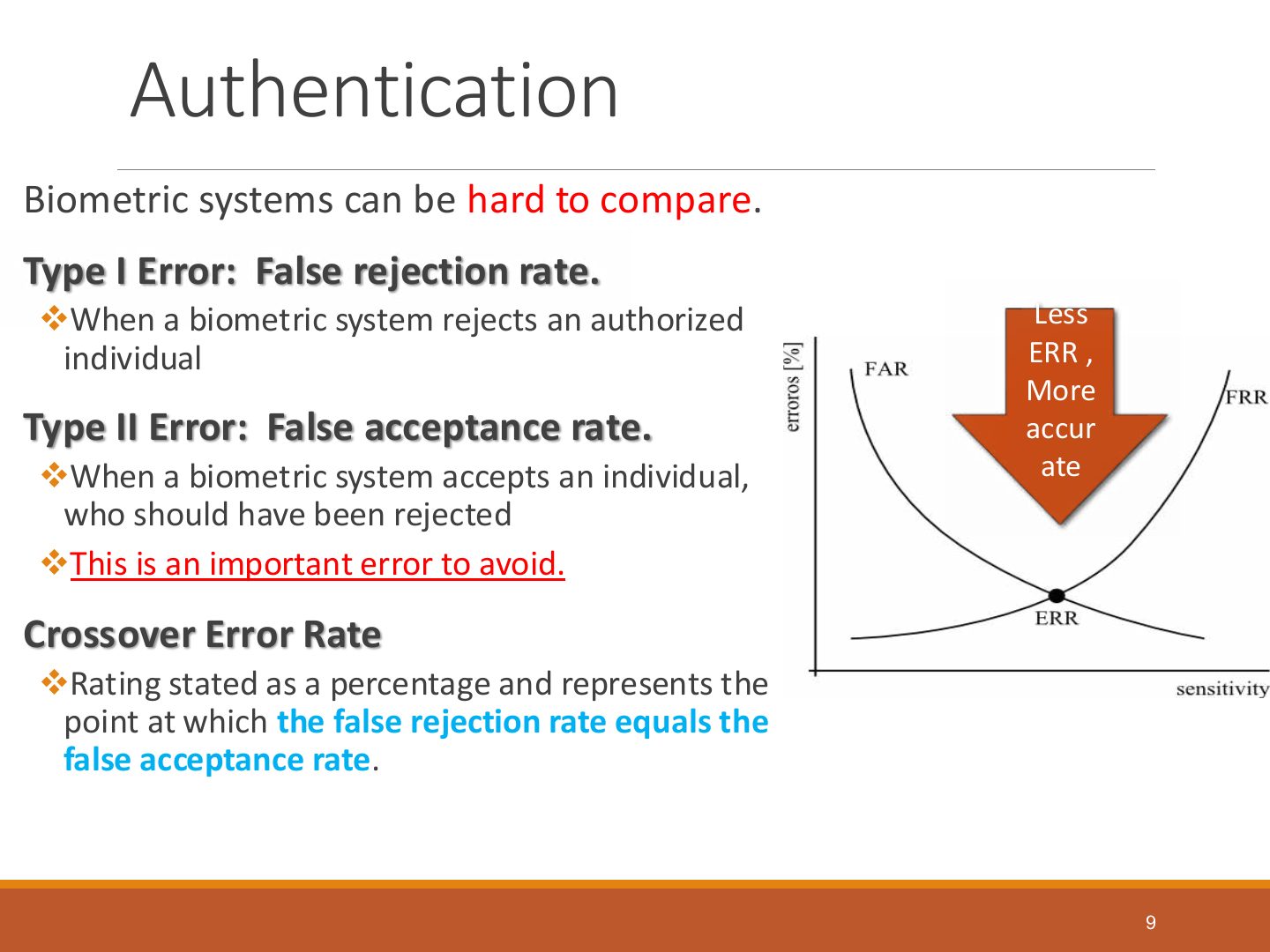
Biometric errors: Type I = false rejection (FRR); Type II = false acceptance (FAR); compare systems by the CER (crossover error rate) — lower is better.
Exam angle
A biometric system accepting someone who should have been rejected is a:
Biometric systems are compared using the:
Authentication
Notes
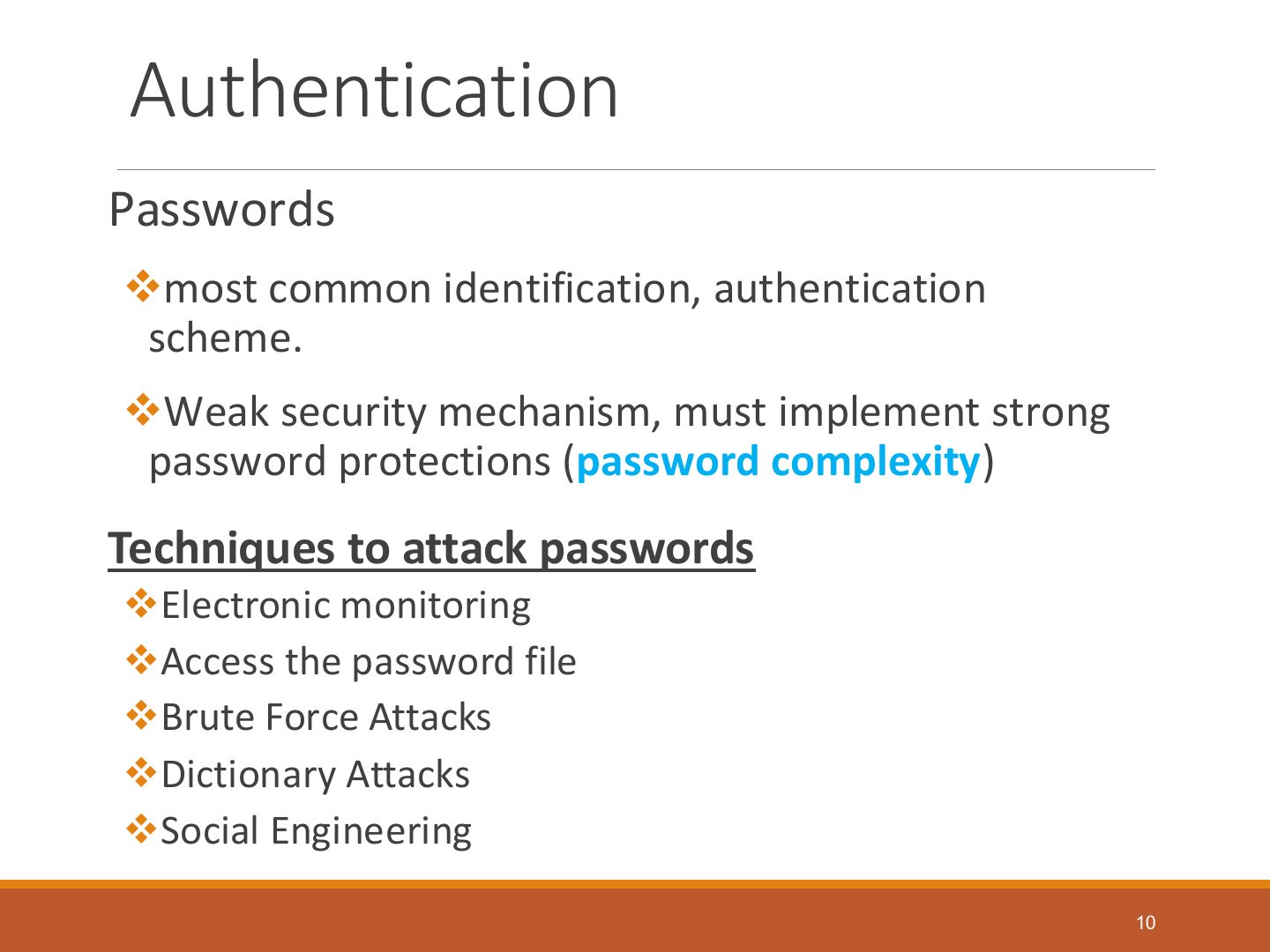
Passwords: the most common method and the weakest; enforce length, complexity, history, lockout.
Authentication
Notes
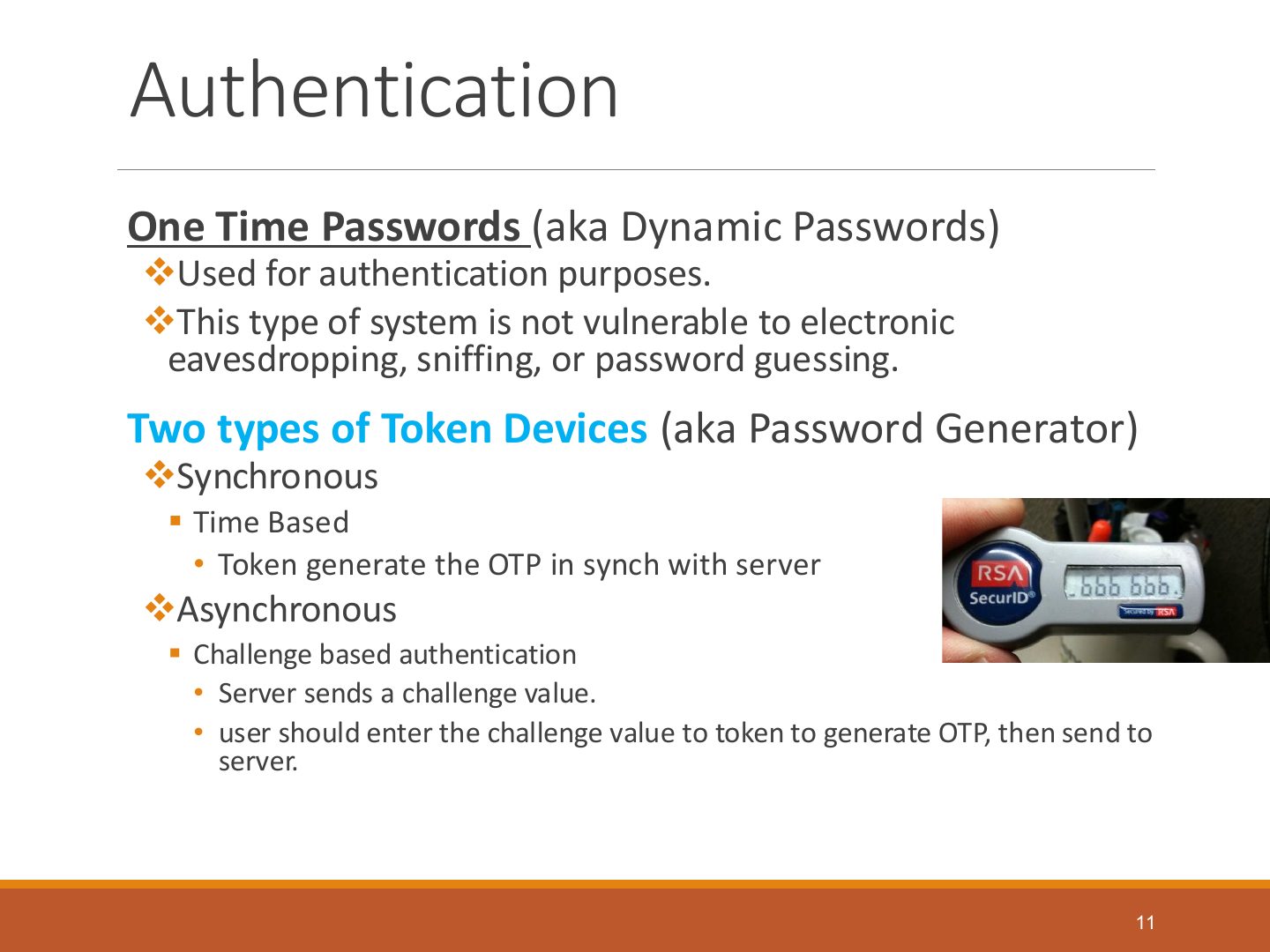
One-time (dynamic) passwords: used once (tokens, SMS codes).
Authorization
Notes
Authorization: what an authenticated subject is allowed to do.
Authorization
Exam angle
Related question: MCQ · controlling data access during certain functions
Authorization
Notes
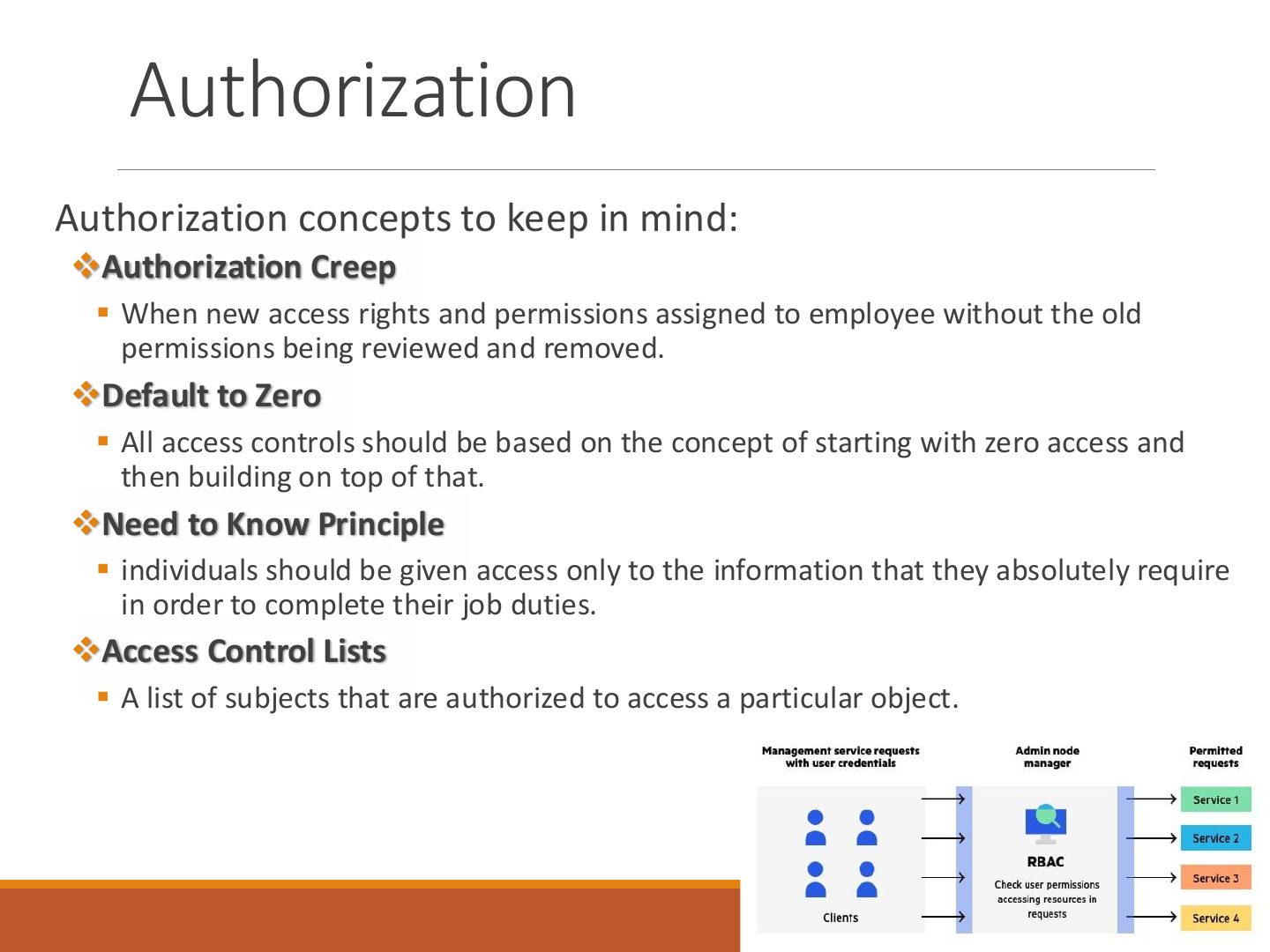
Authorization creep: new rights are added without removing old ones. Also need-to-know, least privilege, default no access.
Exam angle
MCQ · new rights without removing old = authorization creep
An employee gets new access rights without the old ones being reviewed and removed. This is:
- Final 221 A.
Authorization
Exam angle
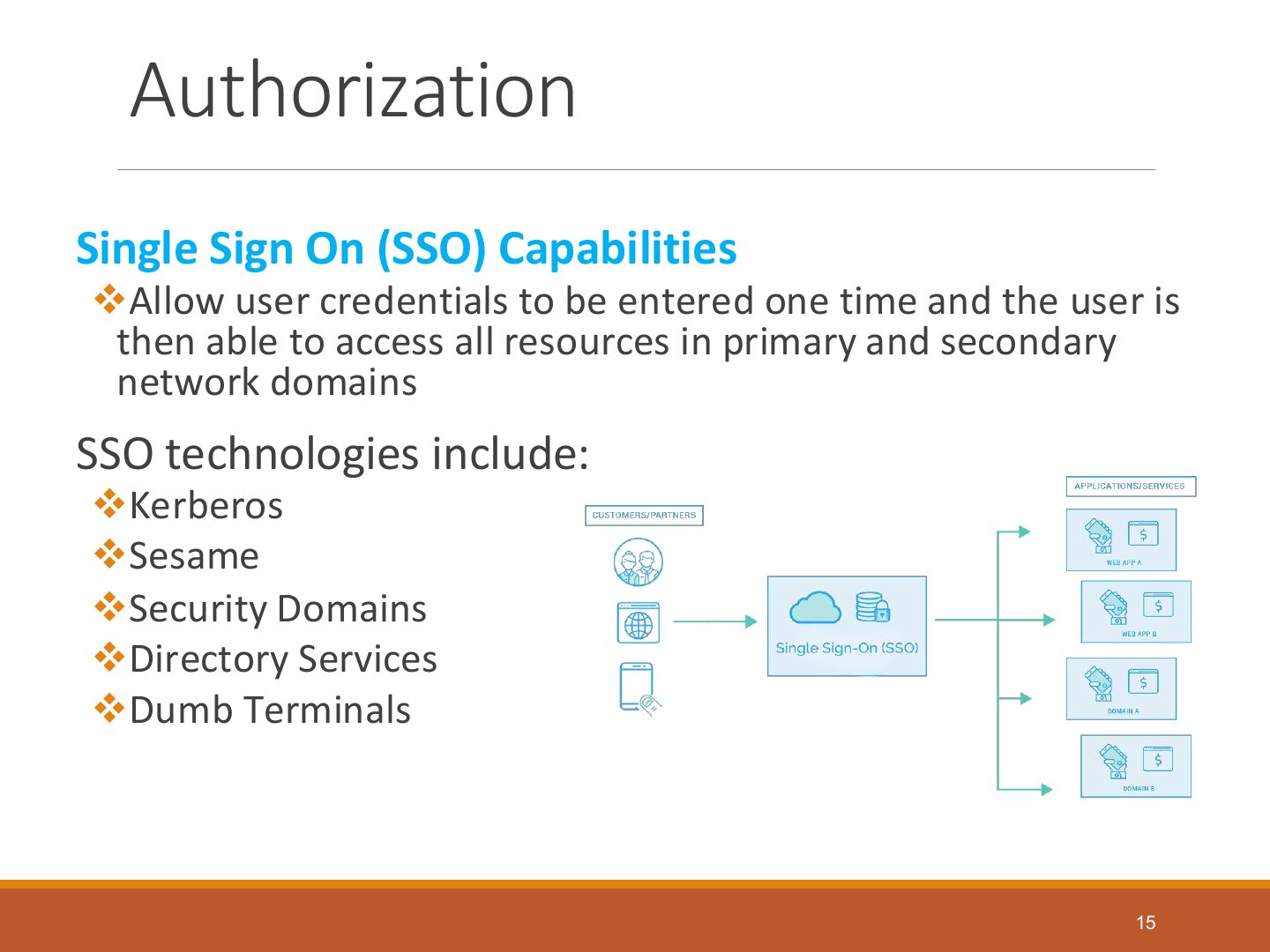
MCQ · one login for all services = SSO
MCQ · a type of SSO
A separate authentication server validates the login once and the user reaches all services without logging in again. This is:
- Final 221 A.
SSO Process
Notes
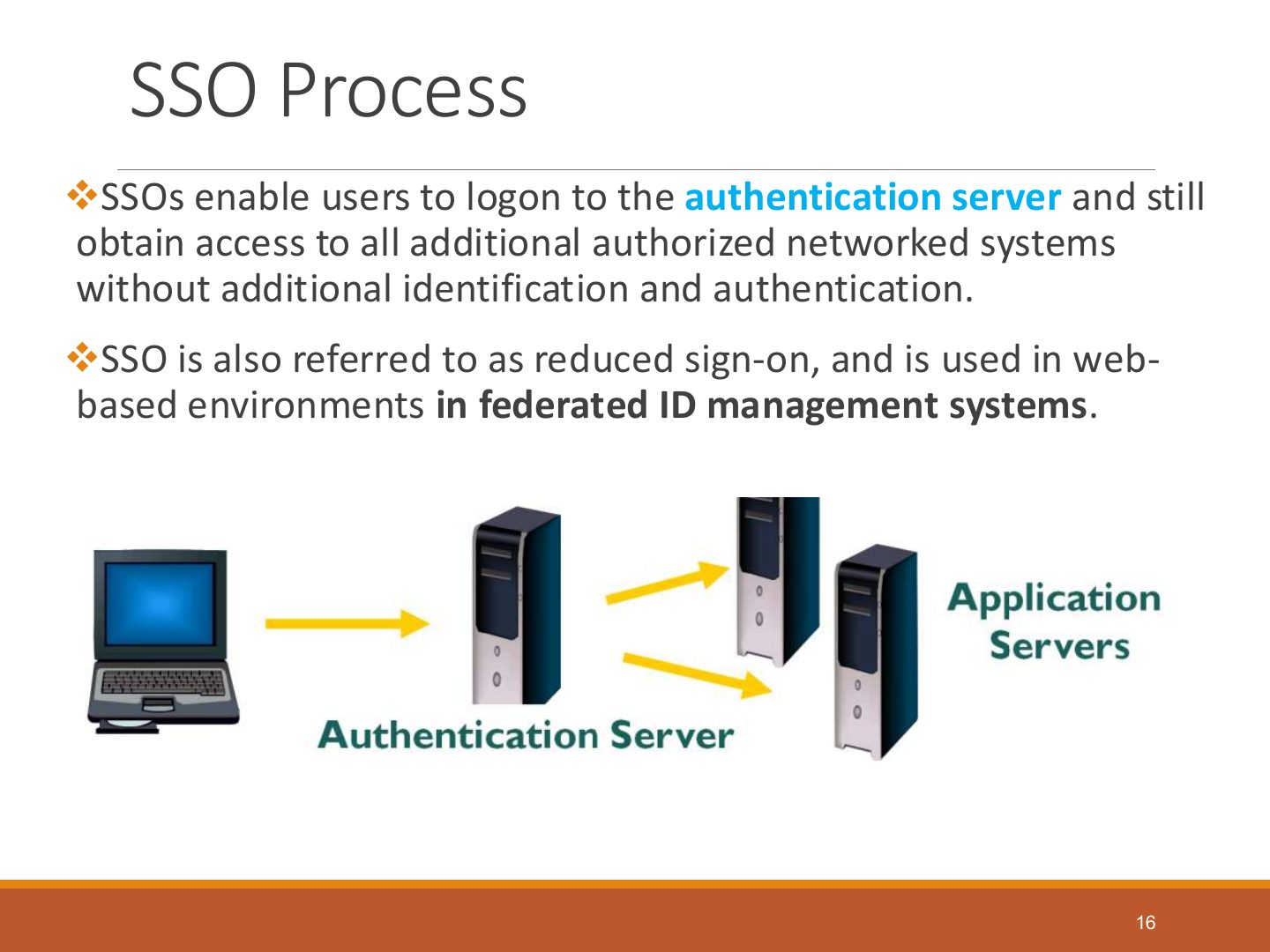
SSO process: log on to the authentication server, then access other systems without re-authenticating (e.g., Kerberos).
SSO : Pros and Cons
Notes
SSO pros: fewer passwords, convenience. Cons: one compromised credential opens everything (single point of failure).
Exam angle
Give one advantage and one disadvantage of SSO.
Compare with the model answer
Advantage: users remember one strong credential and log in once, reducing password fatigue and admin work. Disadvantage: if that one credential (or the authentication server) is compromised, the attacker gets access to every system.
Access Control Models
Notes
Tip DAC: the OWNER decides (flexible, little admin) · MAC: SECURITY LABELS and clearances decide (government) · RBAC (non-discretionary): ROLES/groups decide · Rule-based: global rules (firewalls) · Constrained UI: hide the functions a user can’t use.
Exam angle
Q1 Part 2 · match access-control concepts
Q1 Part 2 · match access-control concepts
The sole owner of a small startup website grants access based on what they think is good. This is:
- Final 221 A.
A ministry admin assigns users to a classified resource by their security clearance. This is:
- Final 221 A.
An admin defines groups such as staff and specialists and limits access by group. This is:
- Final 221 B.
Access Control Models
Notes
MAC: access decided by labels (classification + categories) and clearances; users can’t change it.
Exam angle
match · top secret + engineering label
Data labelled “top secret / engineering project” is available only to users with top-secret clearance AND engineering authorization. Which model?
- Final 221 B.
Access Control Techniques
Access Control Techniques
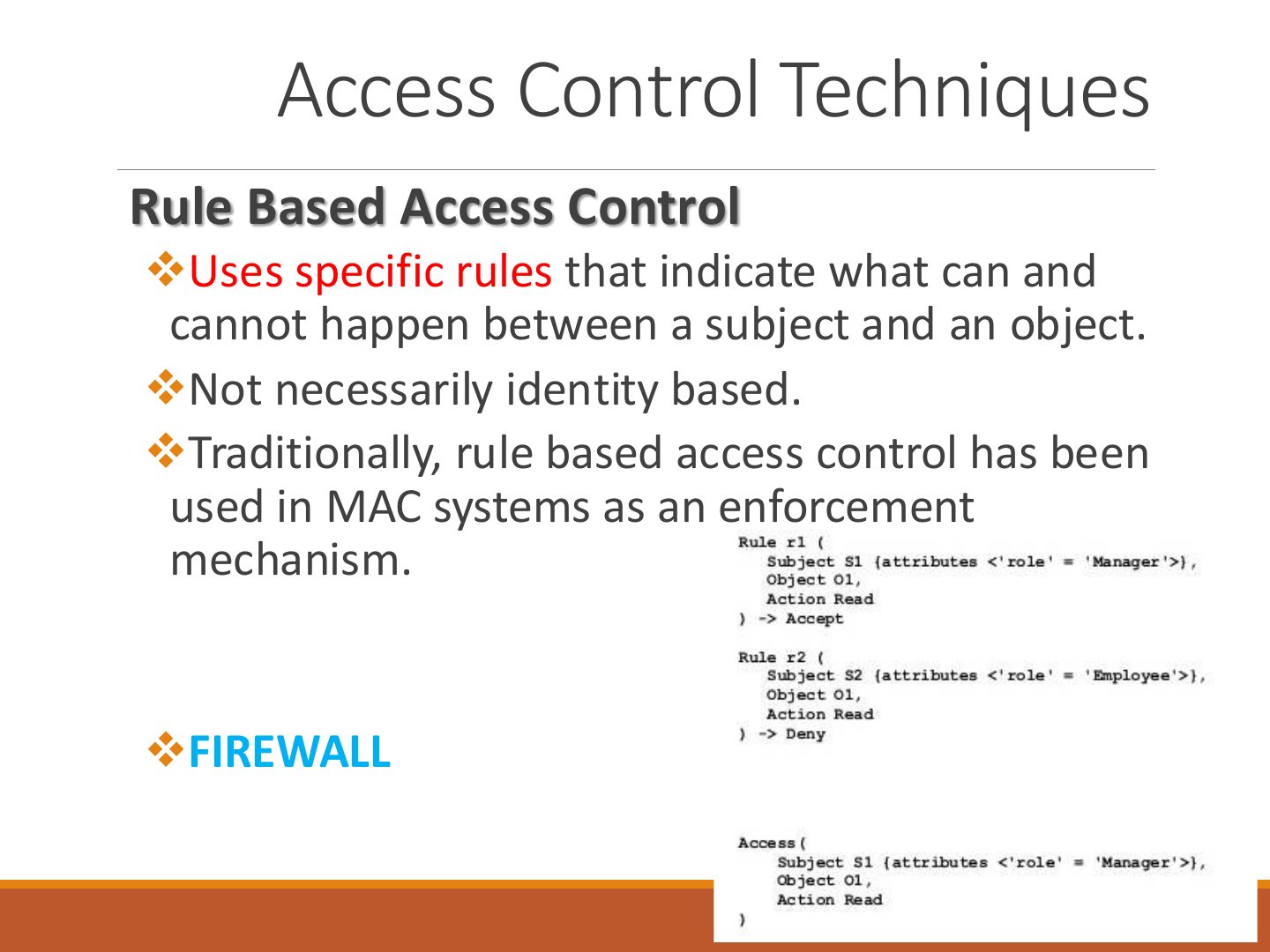
Access Control Techniques
Notes
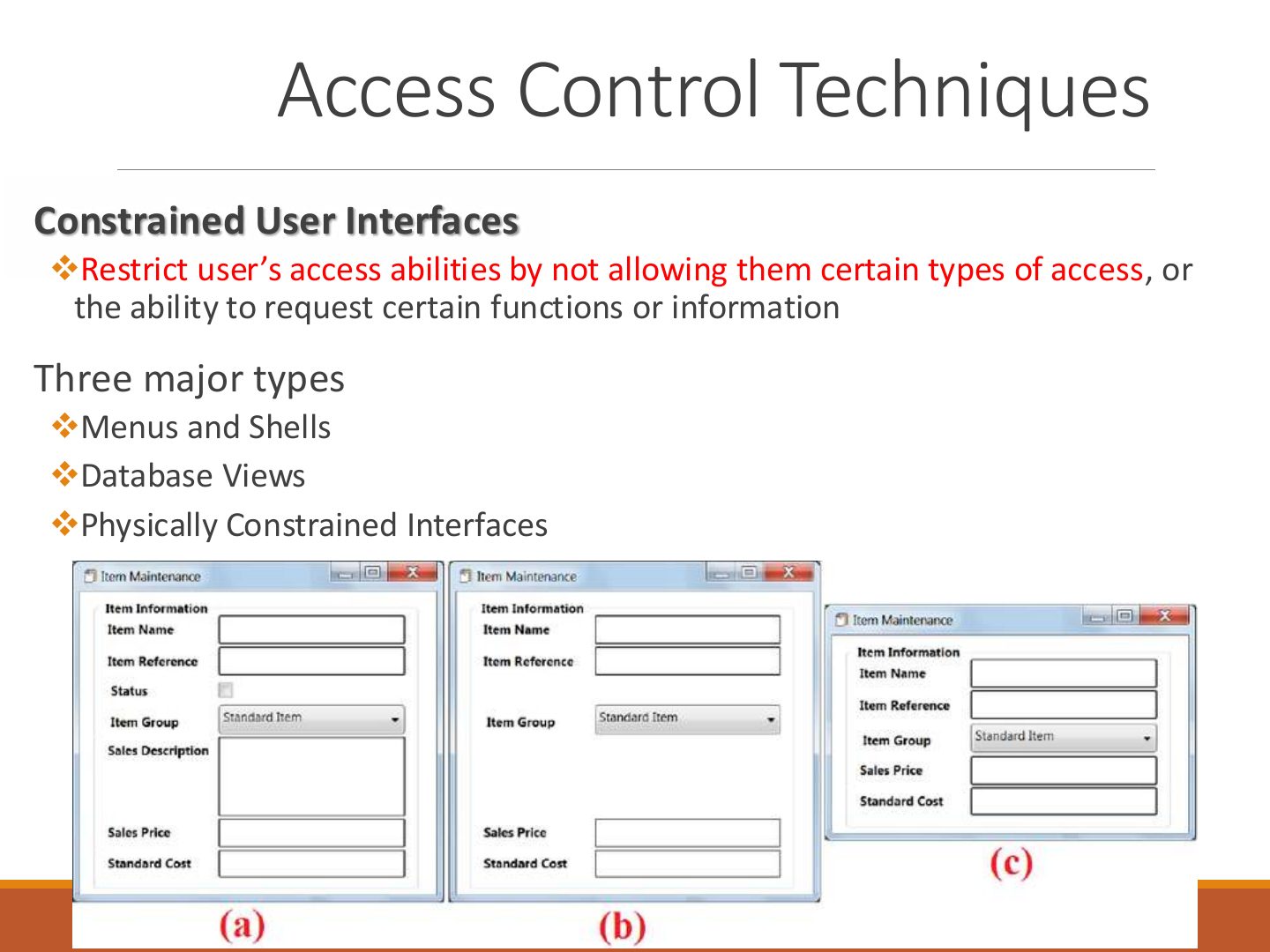
Constrained user interfaces: restrict what users can request by hiding functions (greyed-out menus, views).
Exam angle
match · LMS shows edit buttons by privilege
match · restrict users by not allowing certain functions
An LMS shows the quiz “edit” buttons only to users with that privilege. This is:
- Final 221 A.
Access Control Techniques
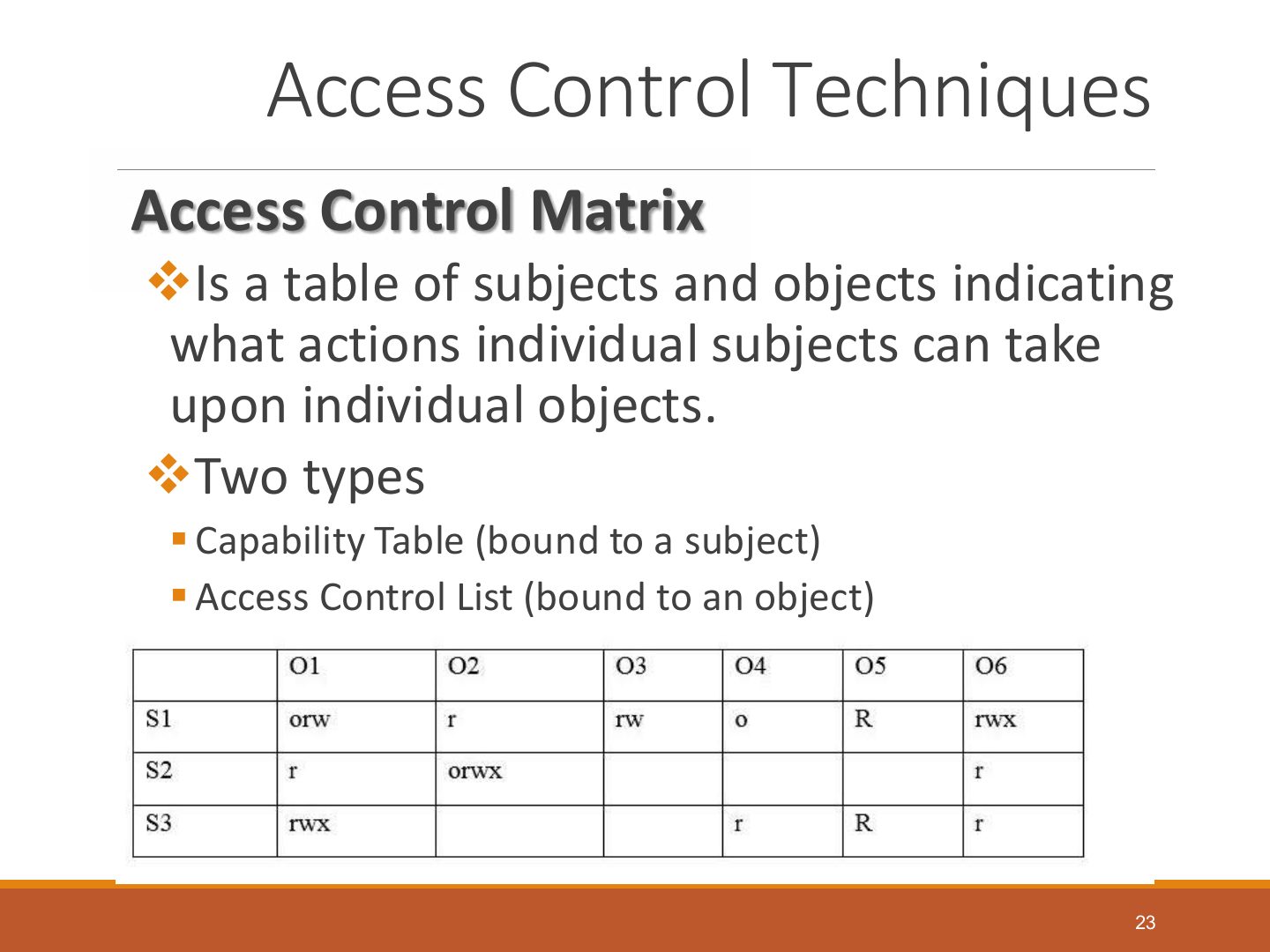
Access Control Matrix
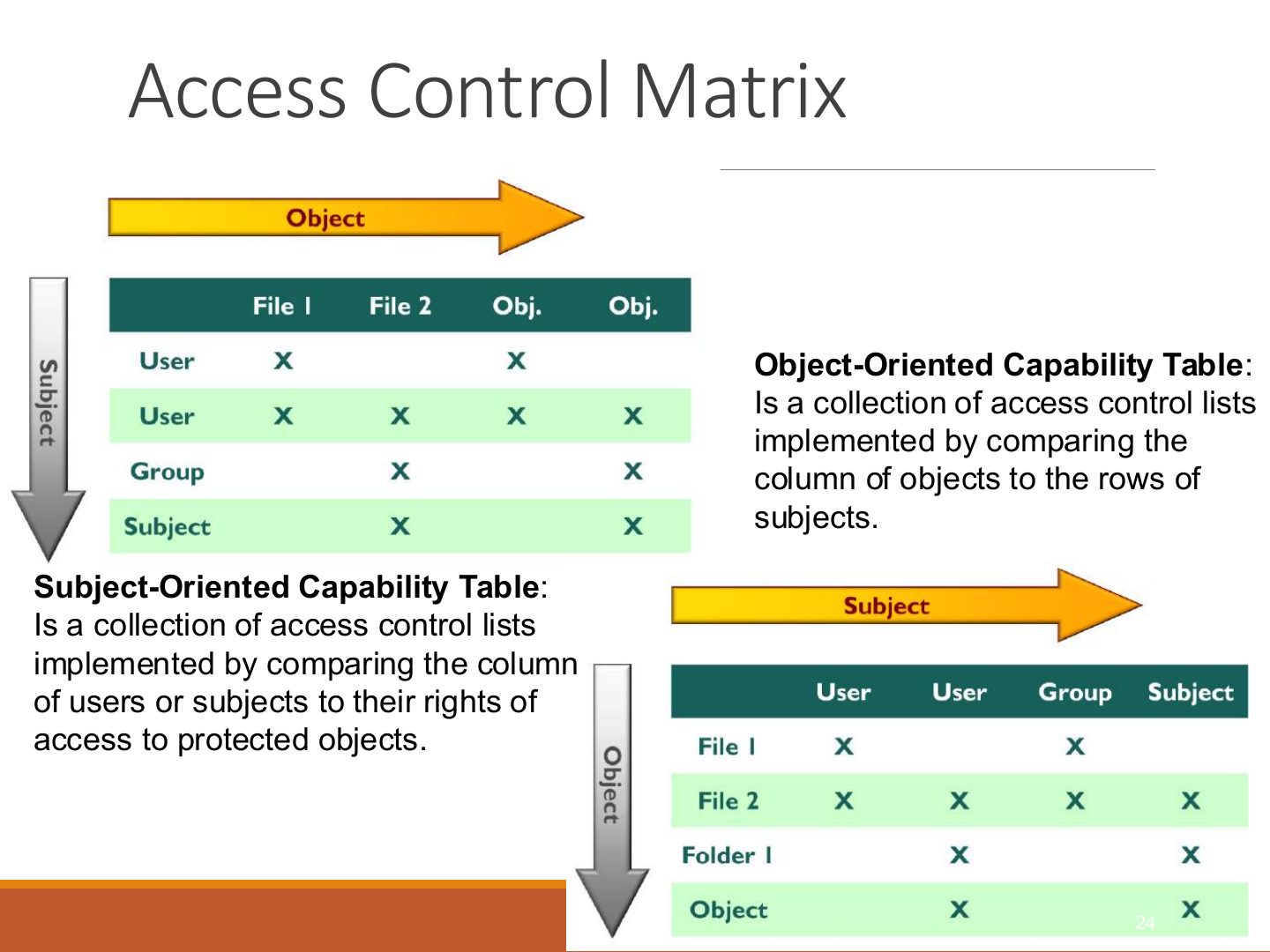
Notes
Seen again Ch 7, slide 27: Access control matrix
Access Control Administration
RADIUS
TACACS
Notes
TACACS+: Cisco; TCP, encrypts the whole payload, separates authentication, authorization and accounting.
Exam angle
Which encrypts the entire packet body and separates AAA functions?
RADIUS vs. TACACS
Diameter
Access Control Administration
Exam angle
MCQ · control near the resources, lacks consistency
Which gives control of access to the people closest to the resources but lacks consistency?
- Final 221 B.
Accountability
Accountability
Notes
Keystroke monitoring, protecting audit data, clipping levels.
Access Control Best Practices
Notes
Best practices: least privilege, deny by default, review accounts, remove unused accounts, separate duties.
RADIUS Server
Notes
RADIUS flow figure.
Thank You !
Notes
End.