Which tool automates web browser testing?
Advanced Topics: Web and Mobile Testing
Websites vs. web applications, web testing (functionality: links, forms, cookies, HTML/CSS, databases; usability, interface, compatibility, security, performance), automation with Selenium, and mobile testing: native, web and hybrid apps, and the challenges and types of mobile testing.
How to read this page
Every original slide is shown unchanged. Yellow marks on a slide point to a numbered note: hover or tap a mark to jump to its note, and hover a note to see its marks. Questions tagged Past exam appeared on a real paper; Prediction questions are likely angles, not confirmed. Pick an answer to each question: a wrong pick tells you why it is wrong, so you can try again.
All 75 slides
- 1 Slide 1
- 2 • Web Testing • Mobile Testing
- 3 Slide 3
- 4 • Web-site vs. Web Application
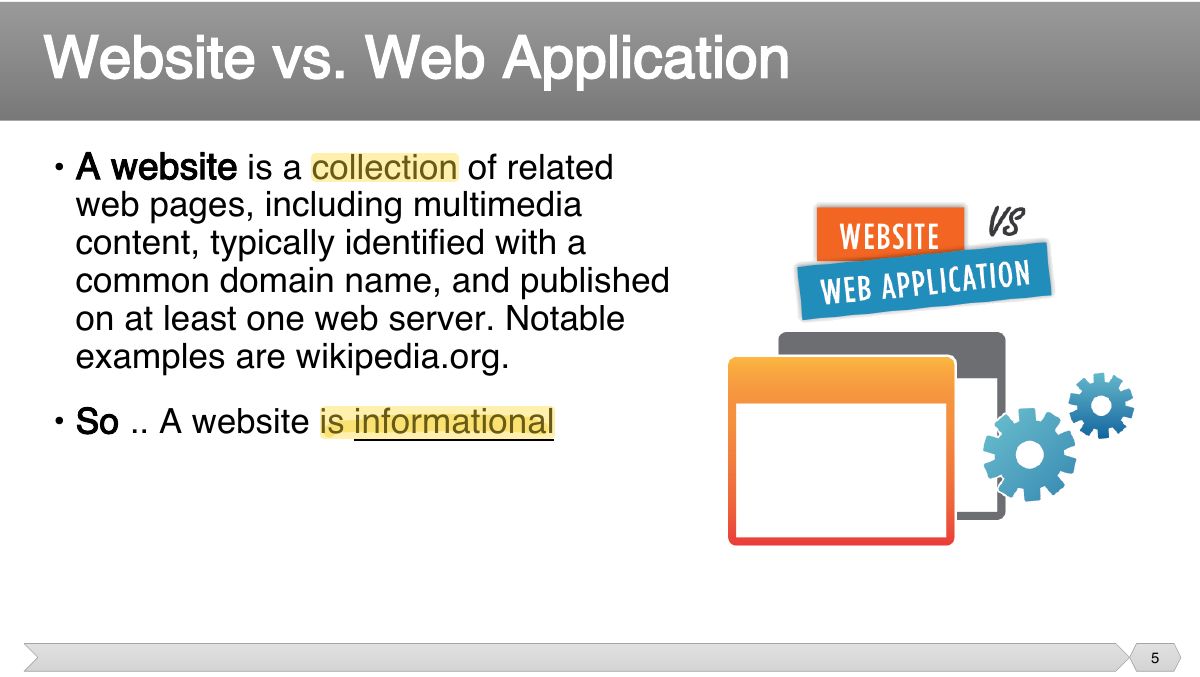
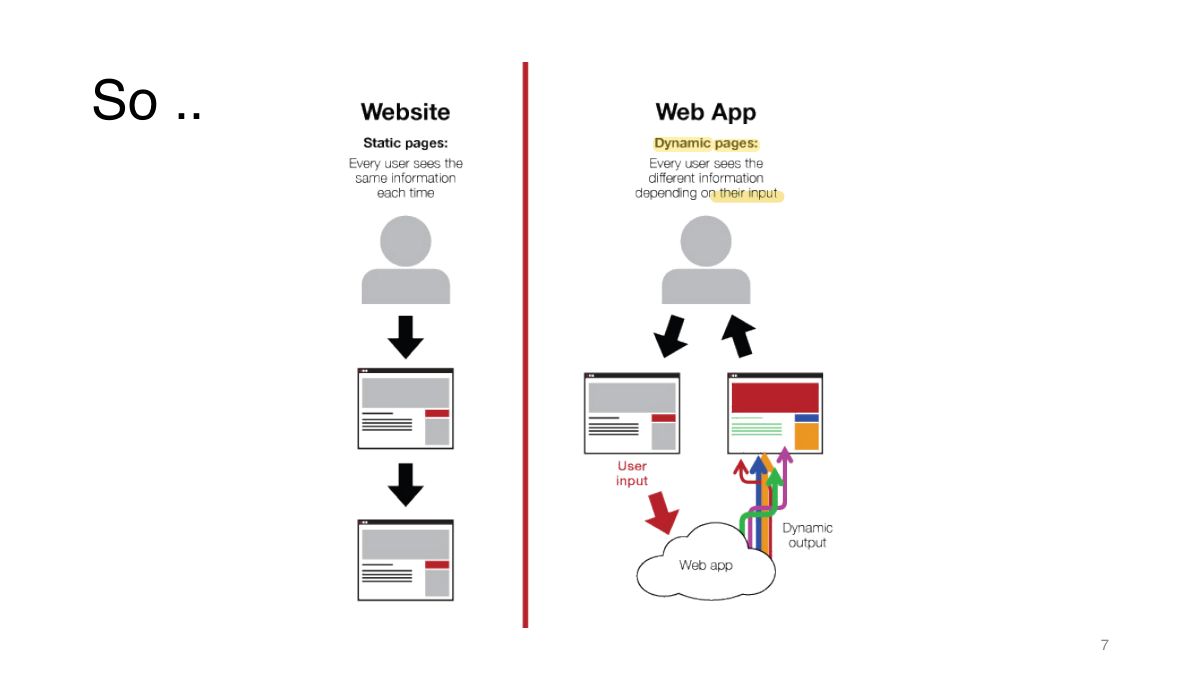
- 5 • A website is a collection of related web pages, including multimedia
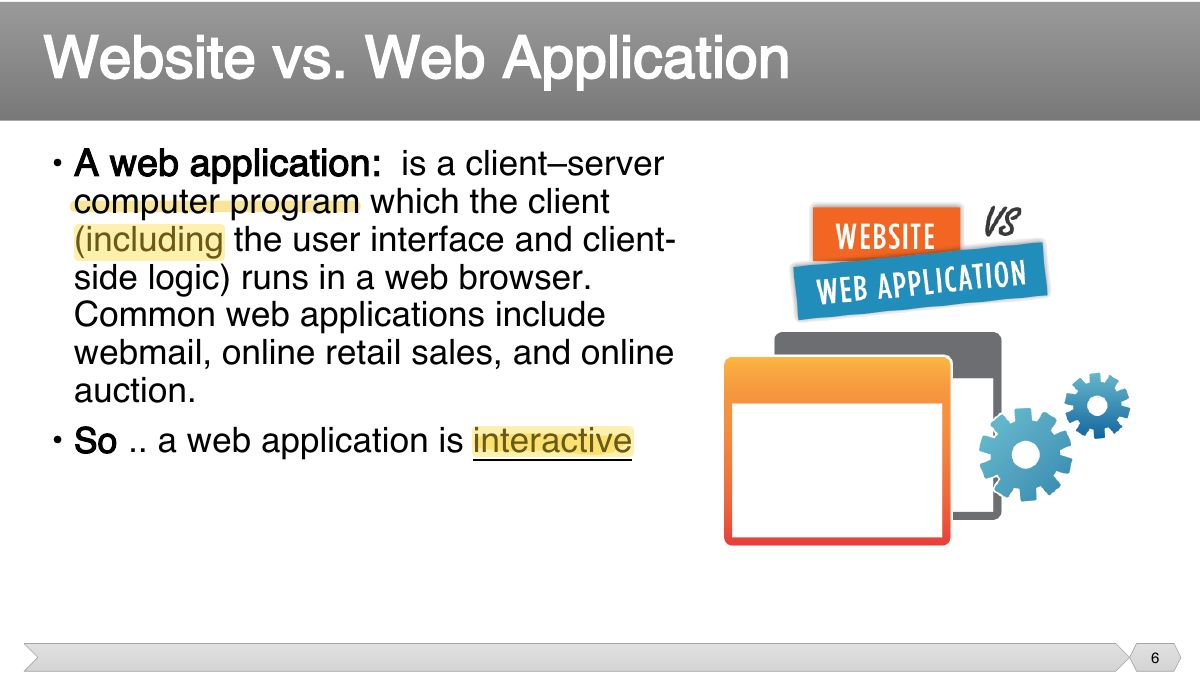
- 6 • A web application: is a client–server computer program which the client
- 7 So ..
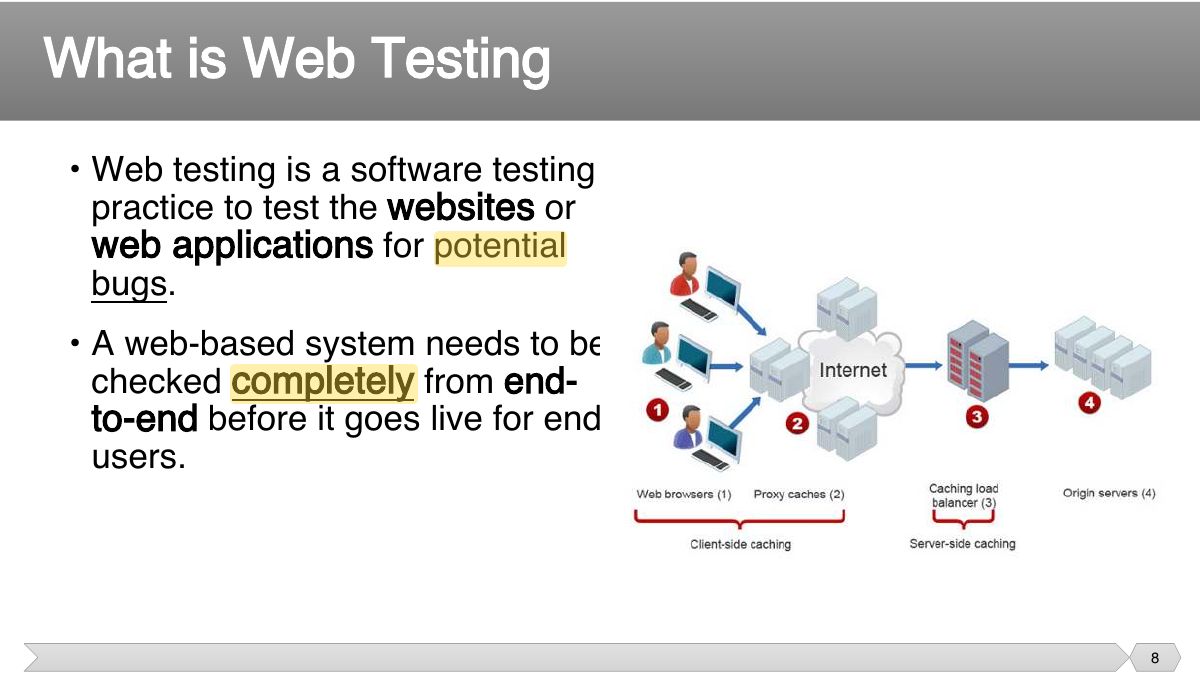
- 8 • Web testing is a software testing
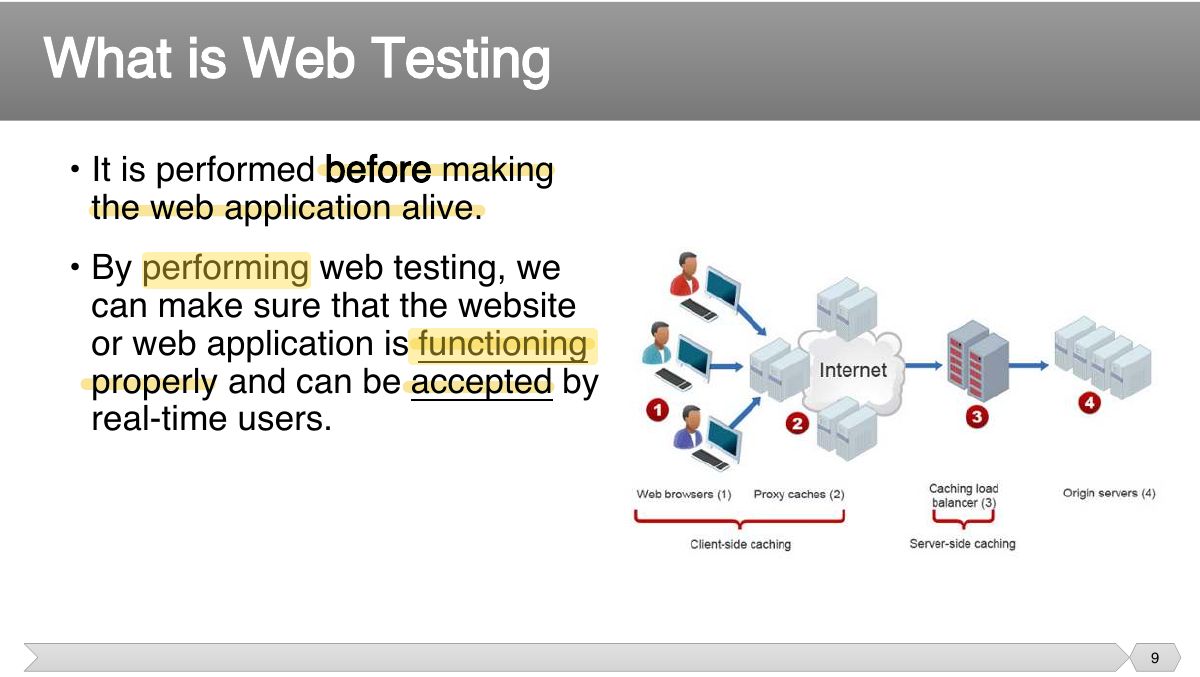
- 9 • It is performed
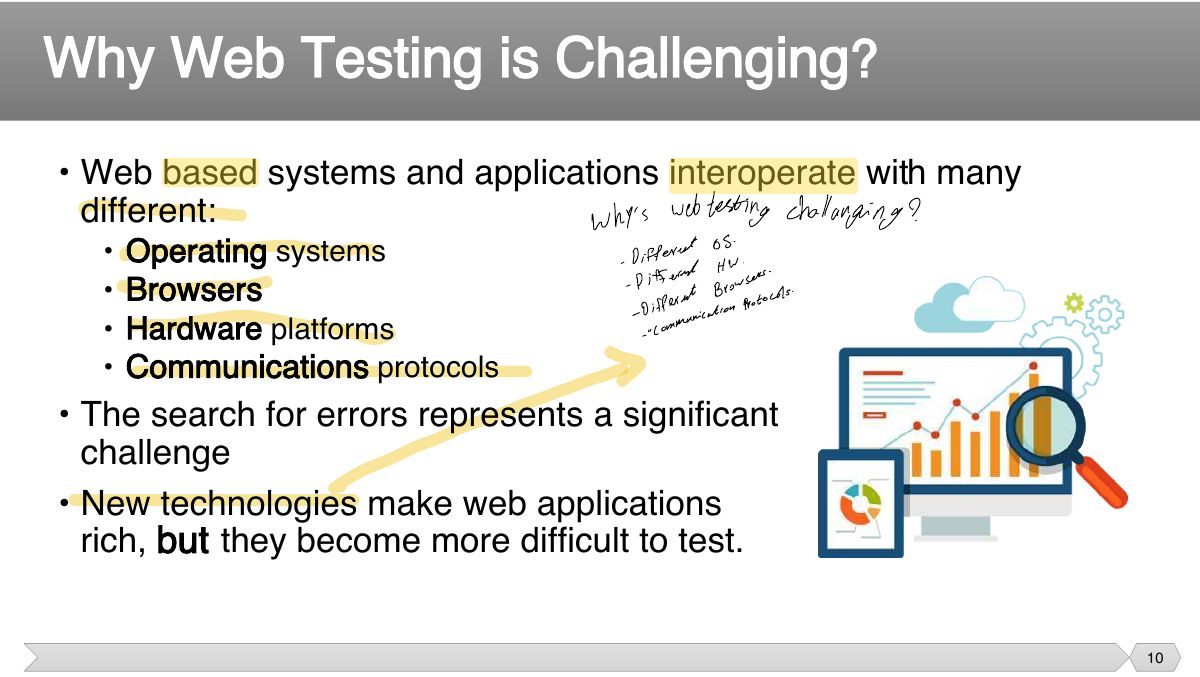
- 10 • Web based systems and applications interoperate with many different:
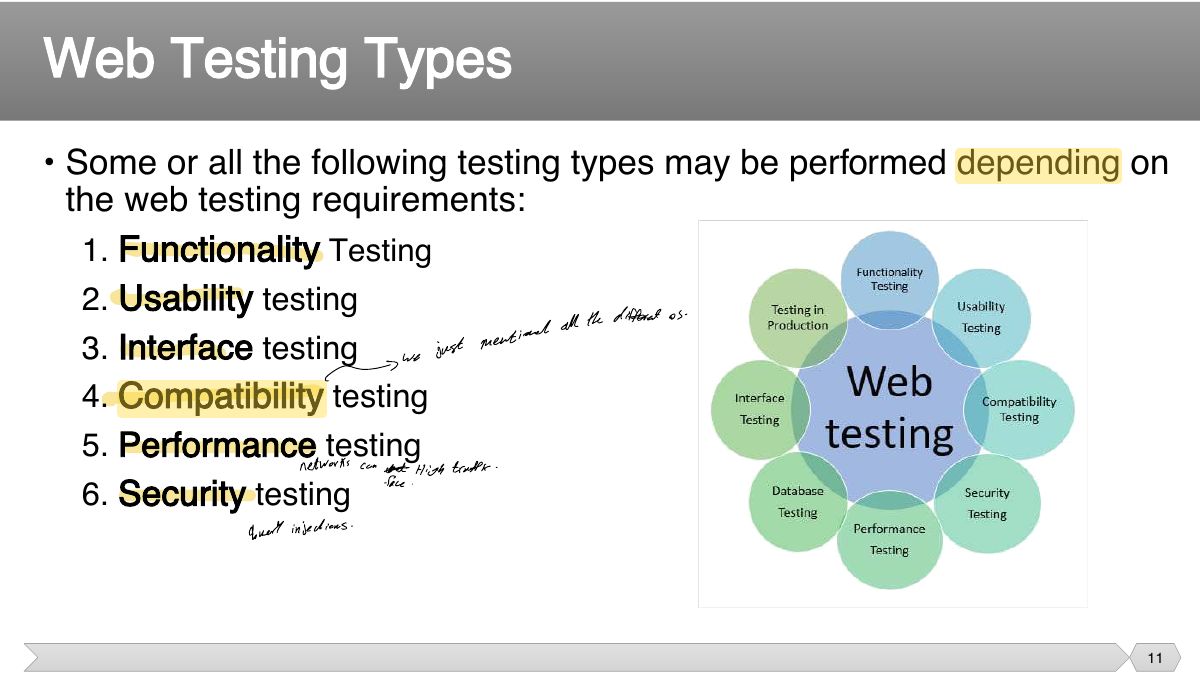
- 11 • Some or all the following testing types may be performed depending on the web testing requirements:
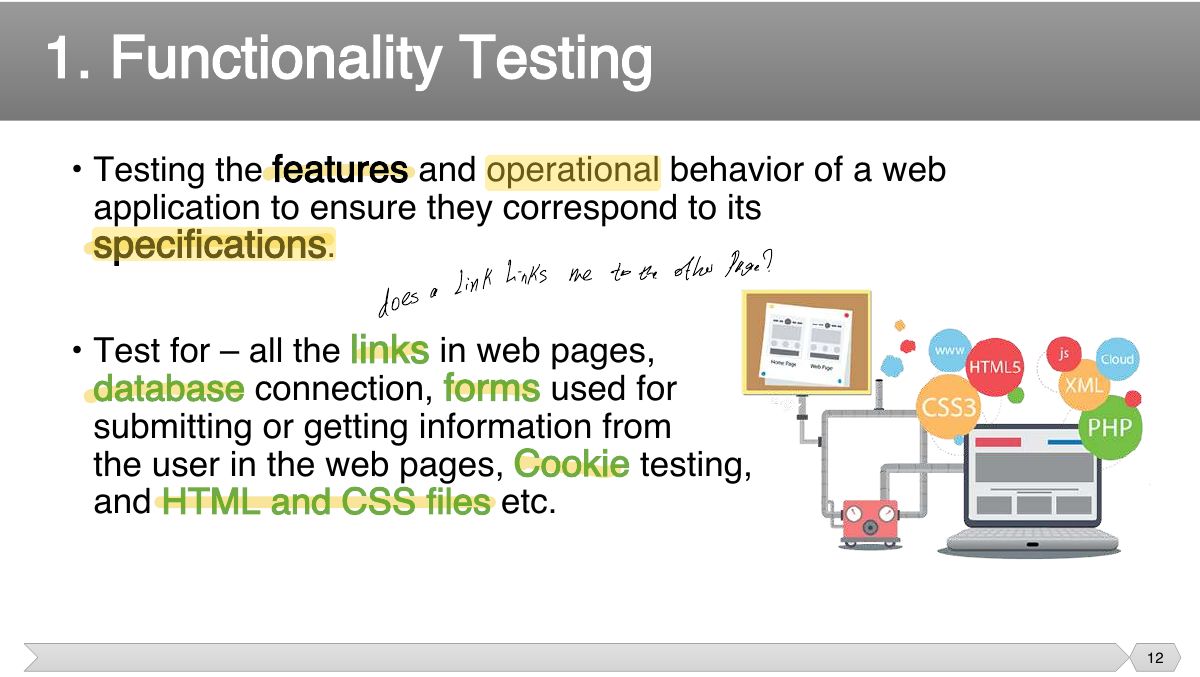
- 12 features and operational behavior of a web
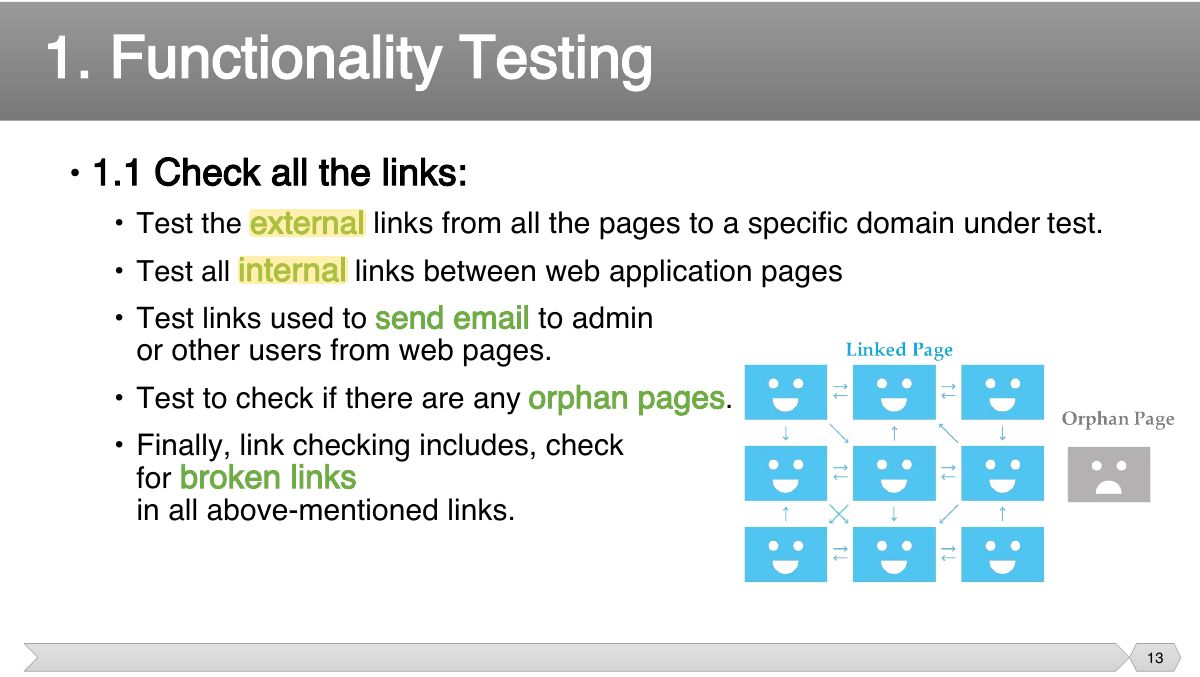
- 13 • 1.1 Check all the links:
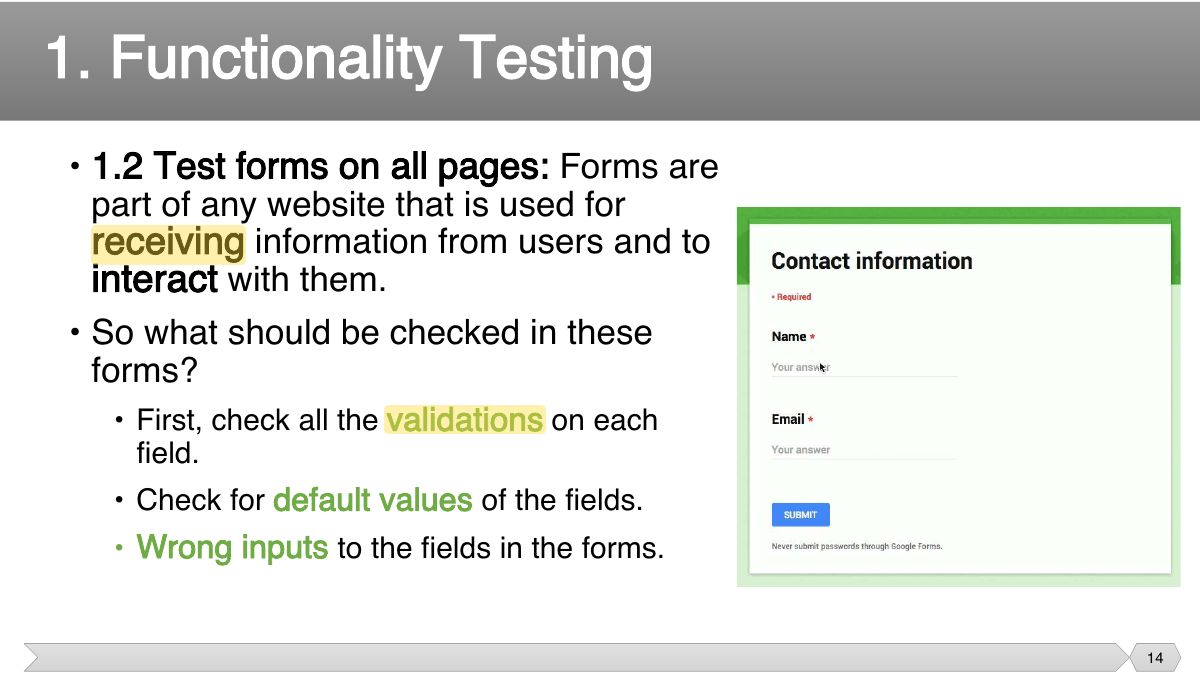
- 14 • 1.2 Test forms on all pages: Forms are part of any website that is used for
- 15 • 1.3 Test Cookies: cookies are small files that are stored on a user's computer. They hold data specific
- 16 • 1.4 Test HTML and CSS:
- 17 • 1.5 Database Testing: validity testing: test if any errors are shown while executing queries
- 18 • Examples of Functionality Test Scenarios:
- 19 • Usability testing is the process by which the human-computer interaction characteristics of a system are measured, and weaknesses
- 20 • 2.1 Navigation:
- 21 • 2.2 Content:
- 22 • Examples of Usability Test Scenarios:
- 23 layers in a web application are:
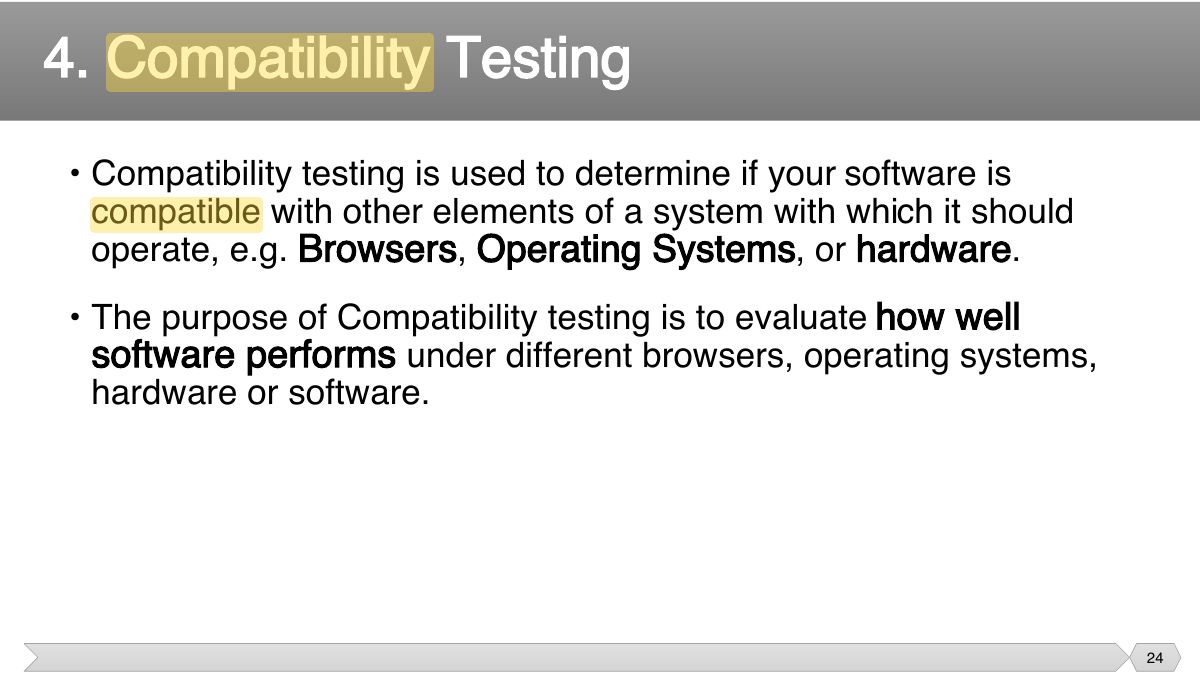
- 24 • Compatibility testing is used to determine if your software is compatible with other elements of a system with which it should
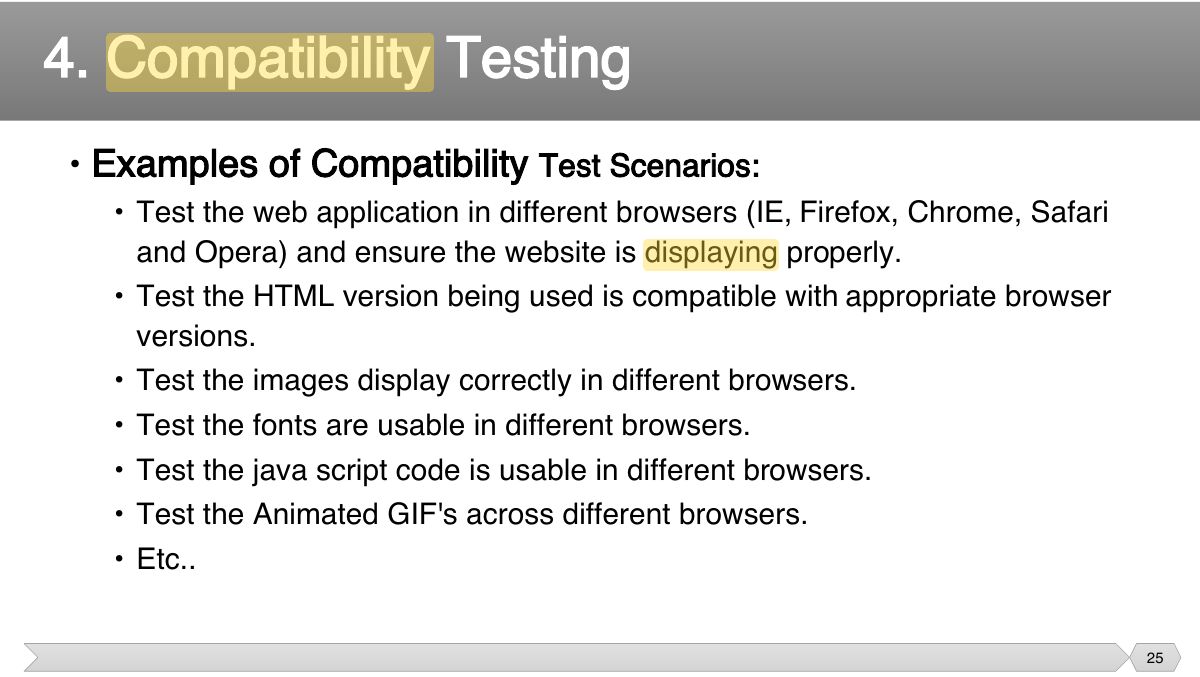
- 25 • Examples of Compatibility Test Scenarios:
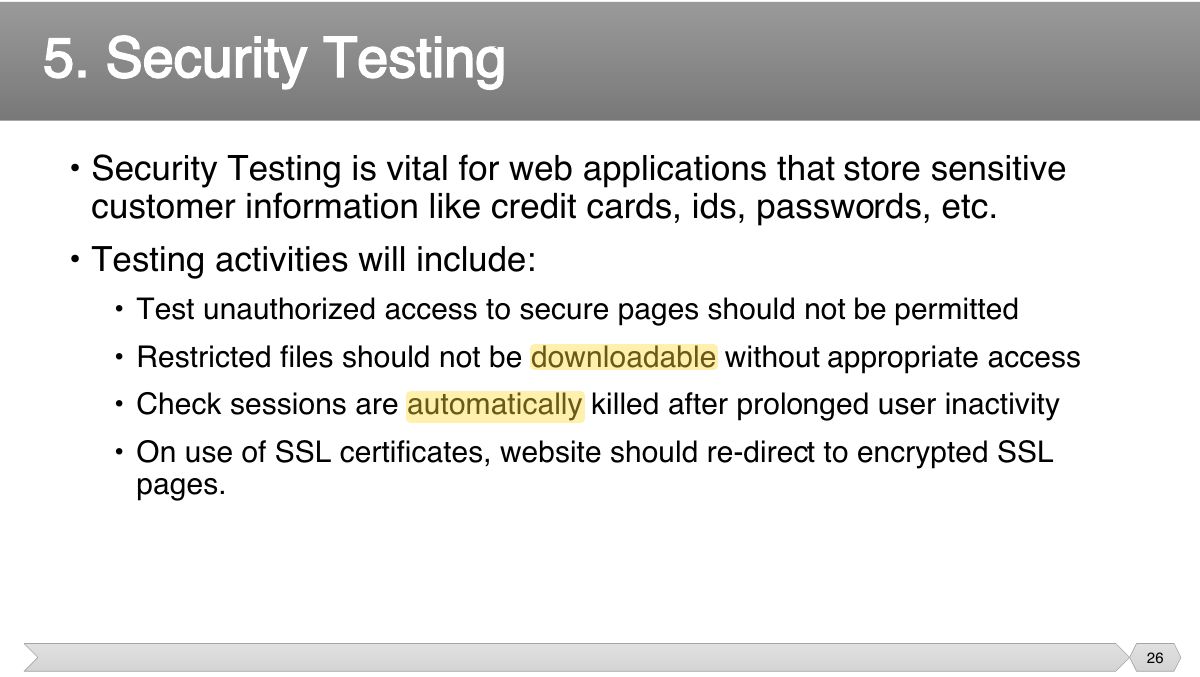
- 26 • Security Testing is vital for web applications that store sensitive customer information like credit cards, ids, passwords, etc.
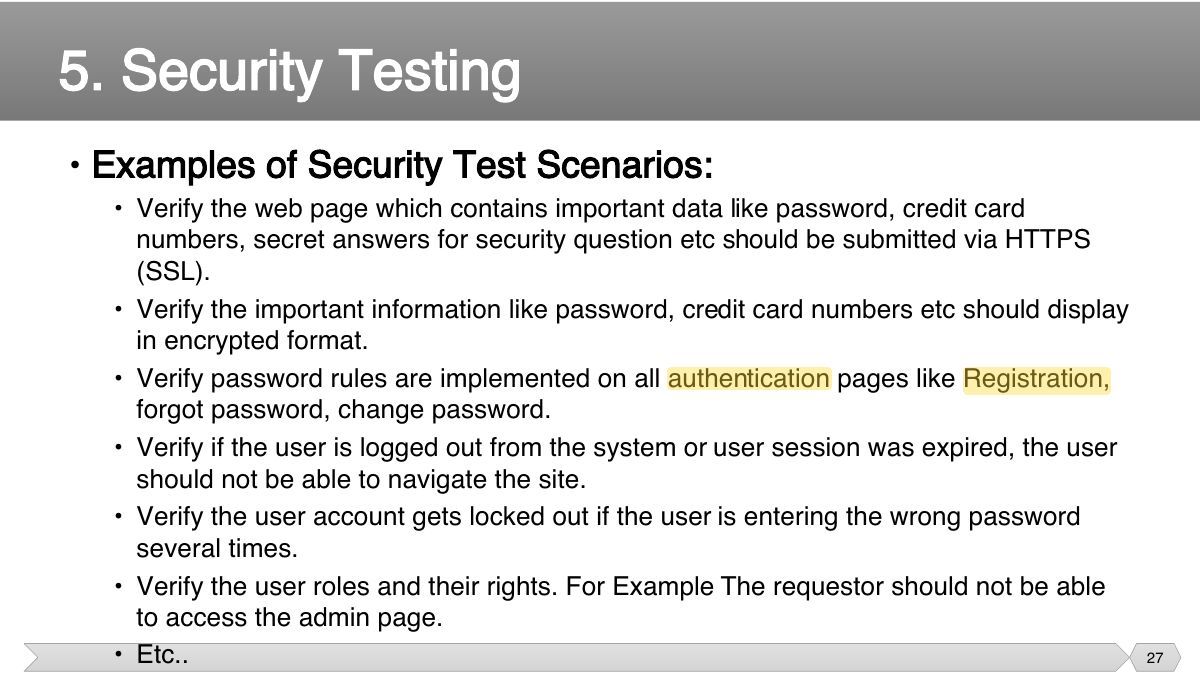
- 27 • Examples of Security Test Scenarios:
- 28 • This will ensure your site works under all loads. Testing activities will include but not limited to:
- 29 • Examples of Performance Test Scenarios:
- 30 • Automation testing helps to relieve the bulk of tedious and repetitive human tasks.
- 31 • Faster feedback • Improved test efficiency
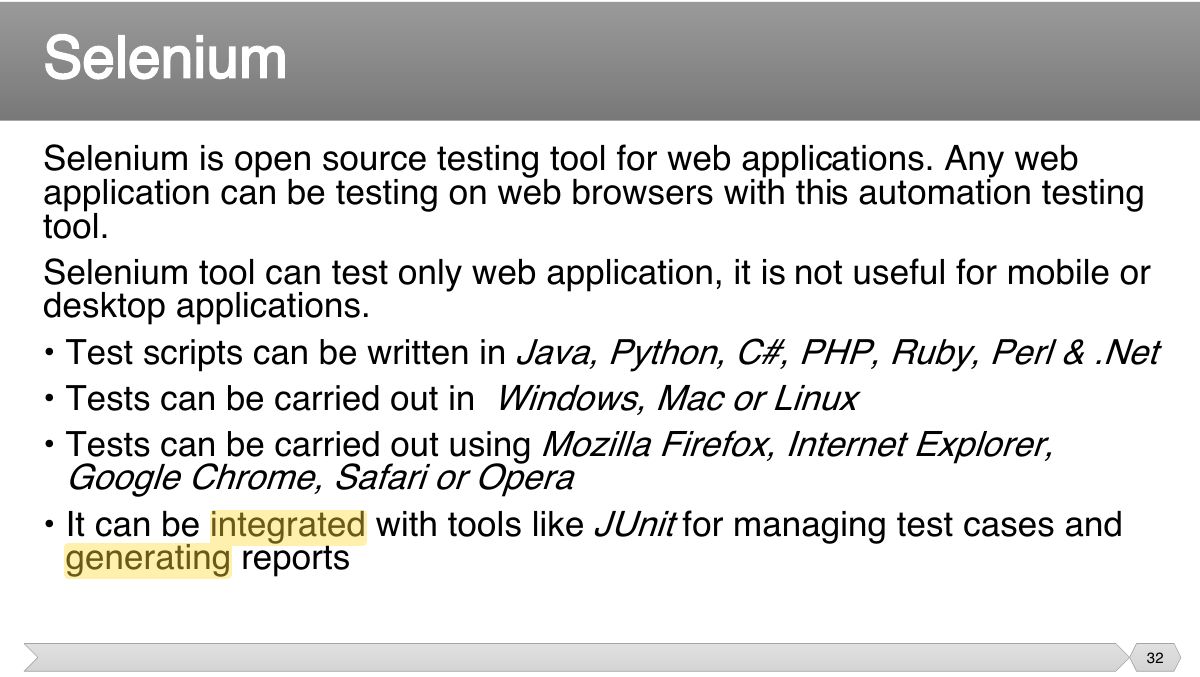
- 32 Selenium is open source testing tool for web applications. Any web application can be testing on web browsers with this automation testing tool.
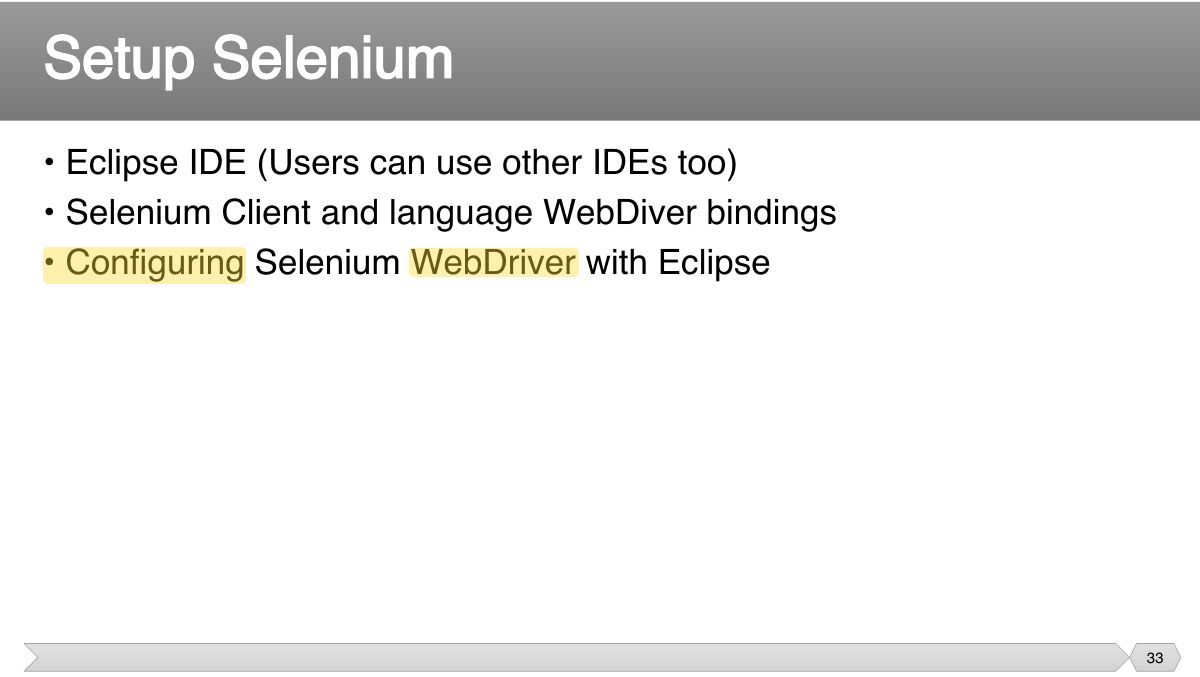
- 33 • Eclipse IDE (Users can use other IDEs too) • Selenium Client and language WebDiver bindings
- 34 • Web-site vs. Web Application
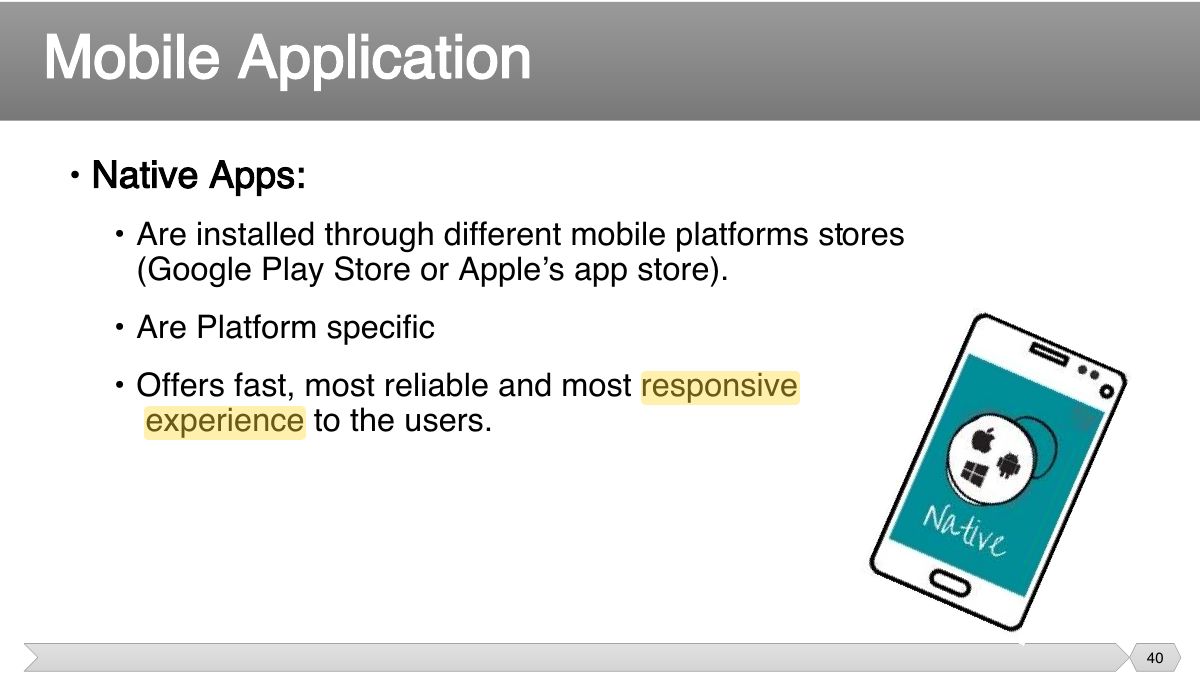
- 35 Slide 35
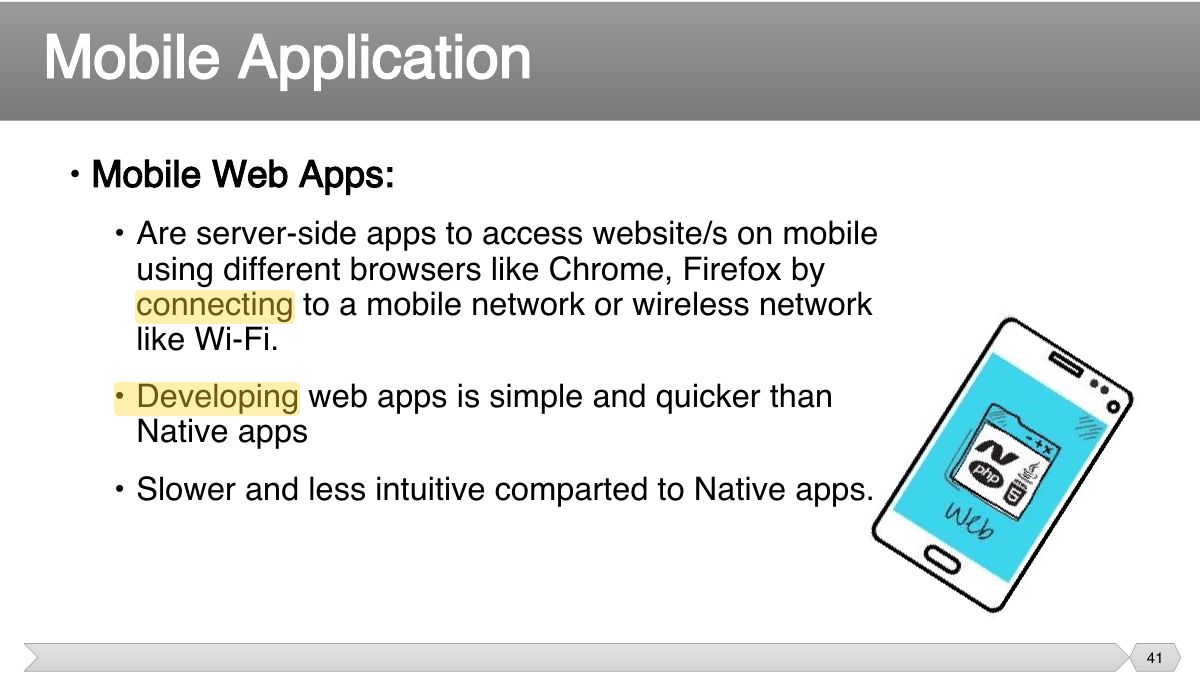
- 36 • What is a Mobile Application?
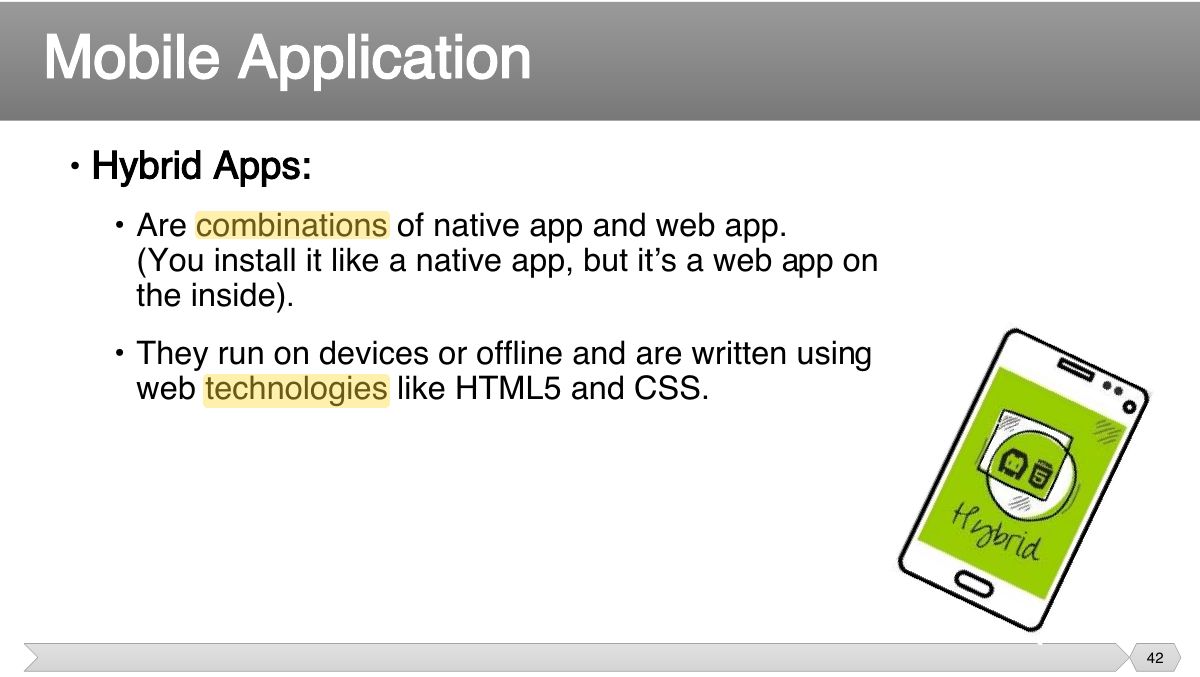
- 37 mobile application is a software application developed
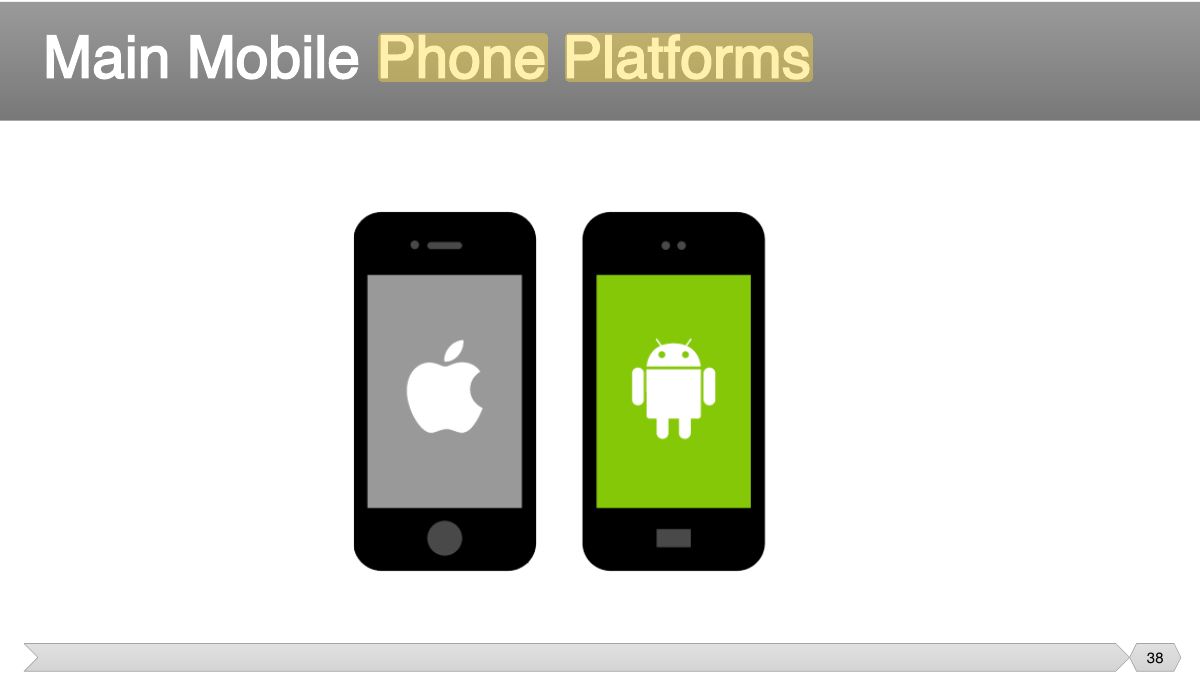
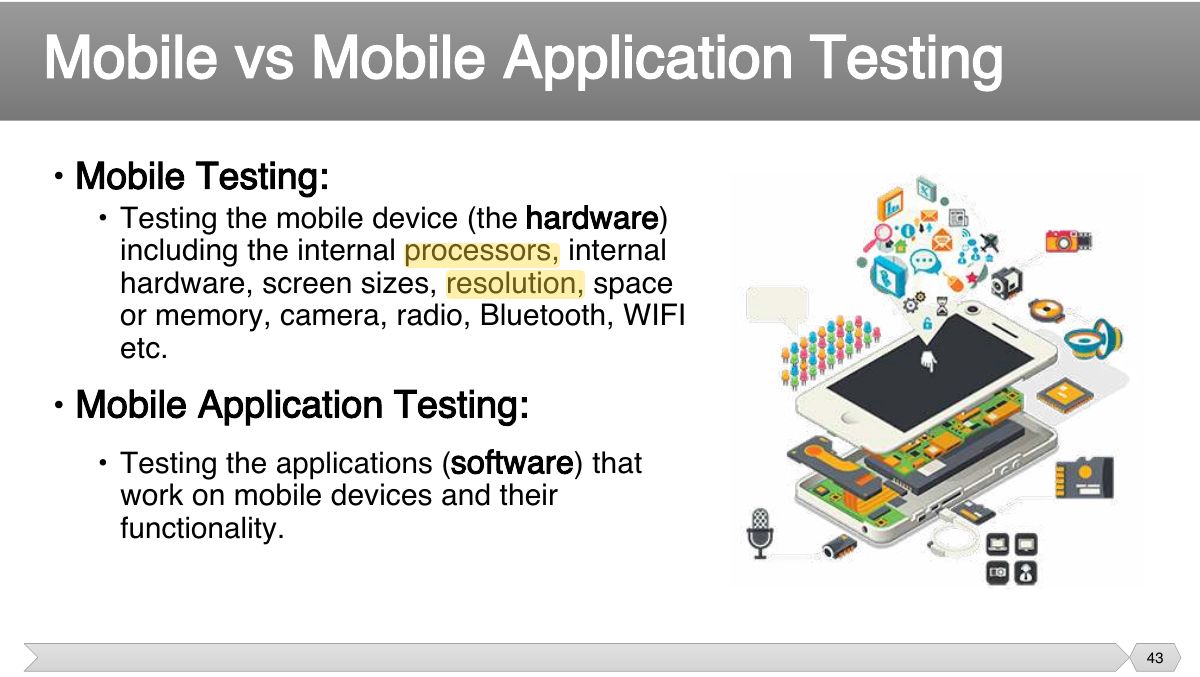
- 38 Main Mobile Phone Platforms
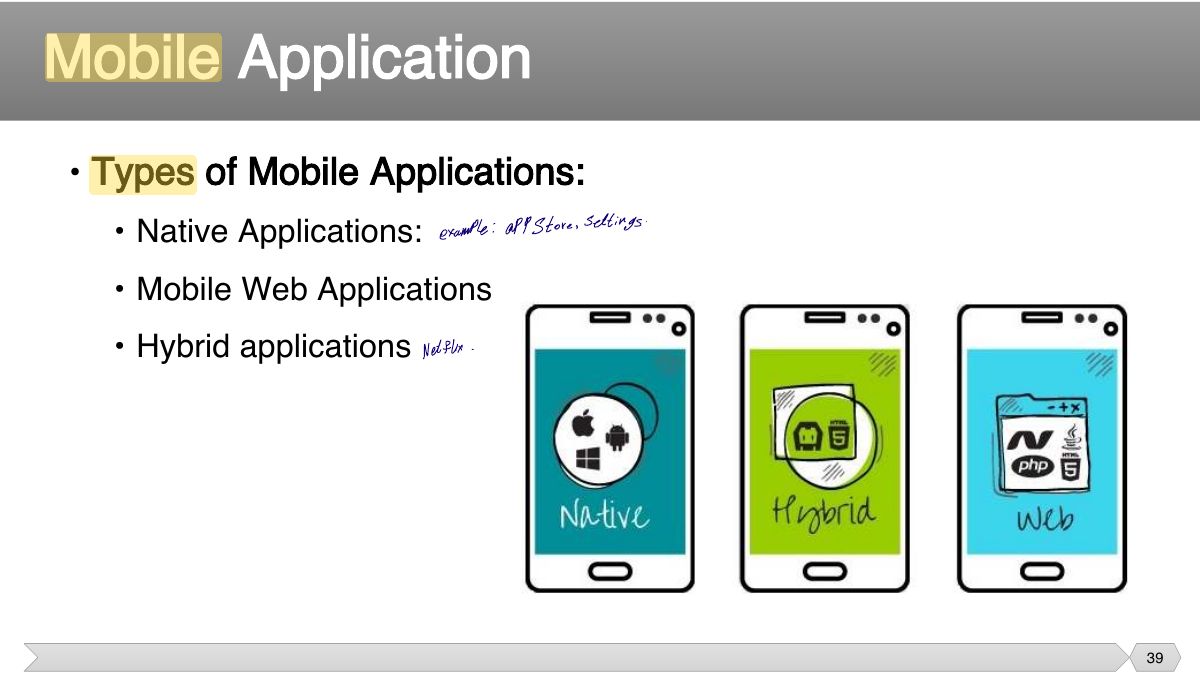
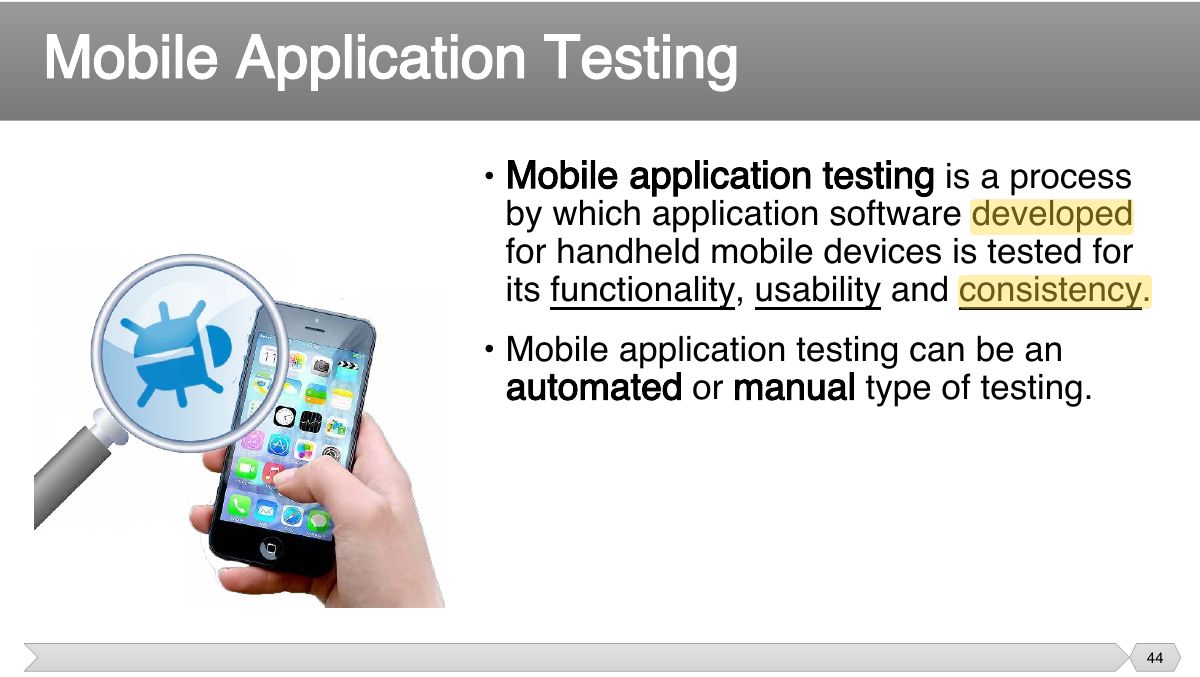
- 39 • Types of Mobile Applications:
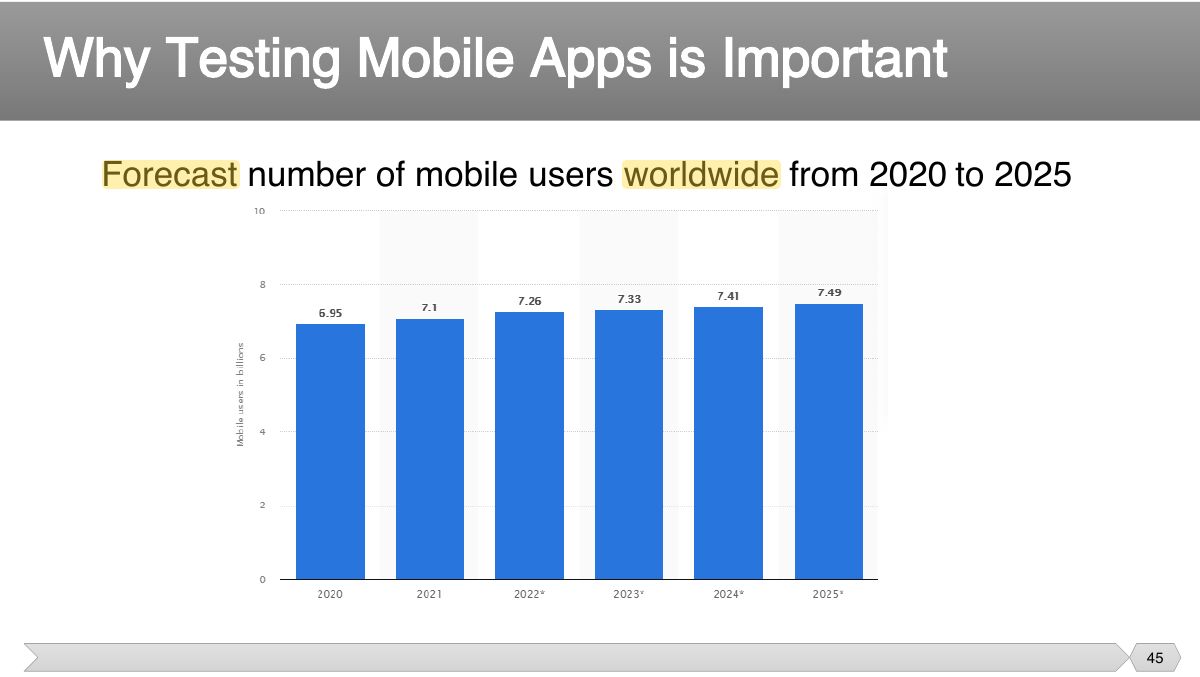
- 40 • Native Apps:
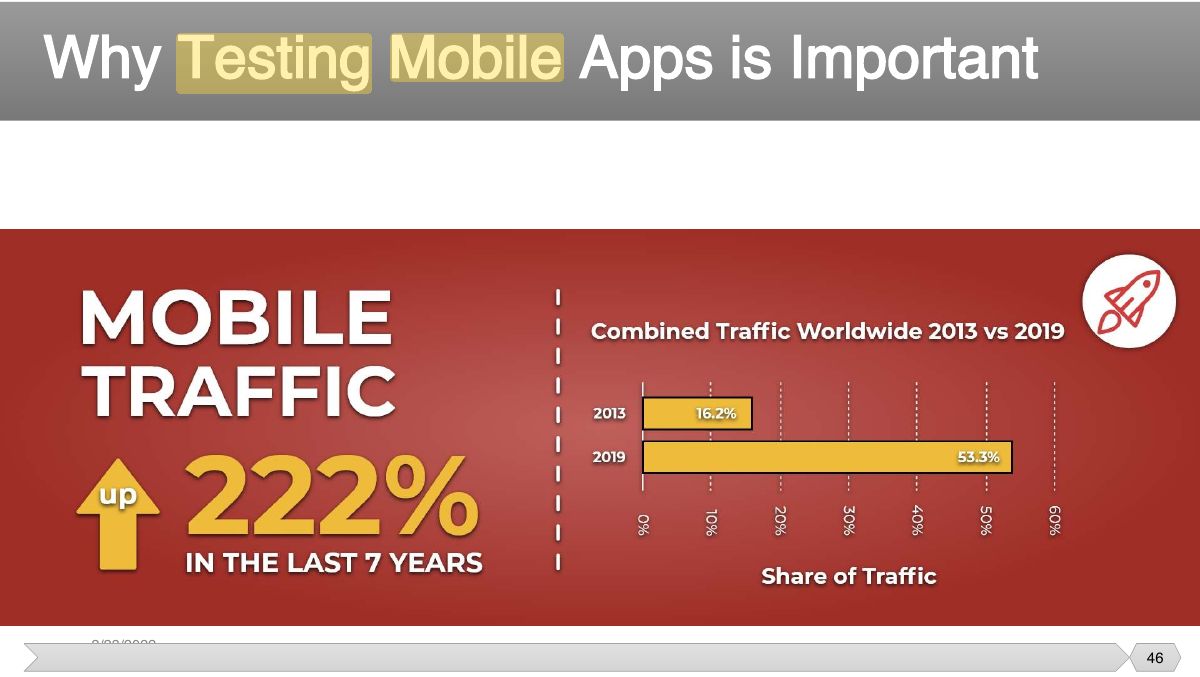
- 41 • Mobile Web Apps:
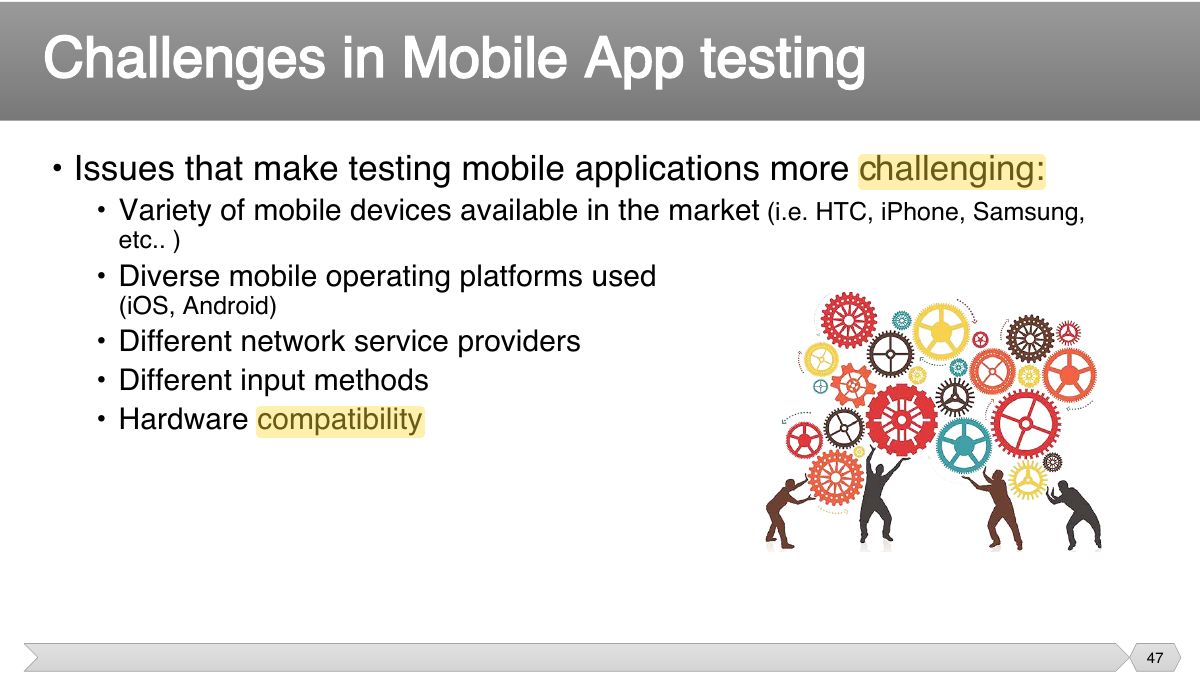
- 42 • Hybrid Apps:
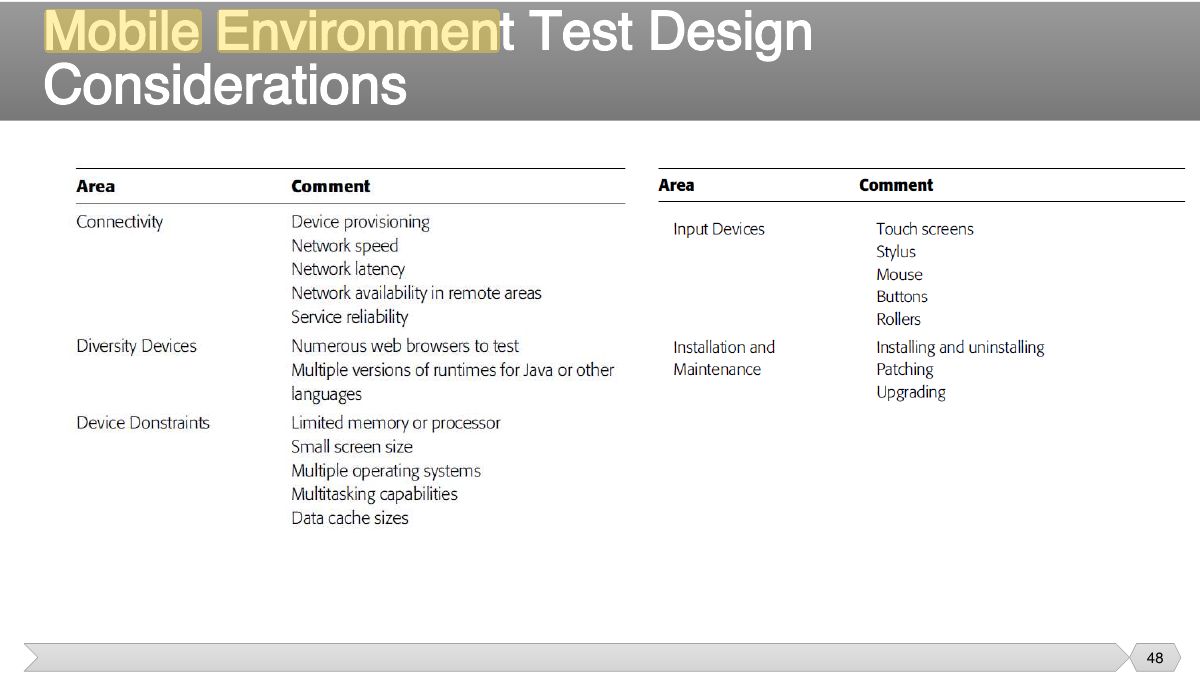
- 43 • Mobile Testing:
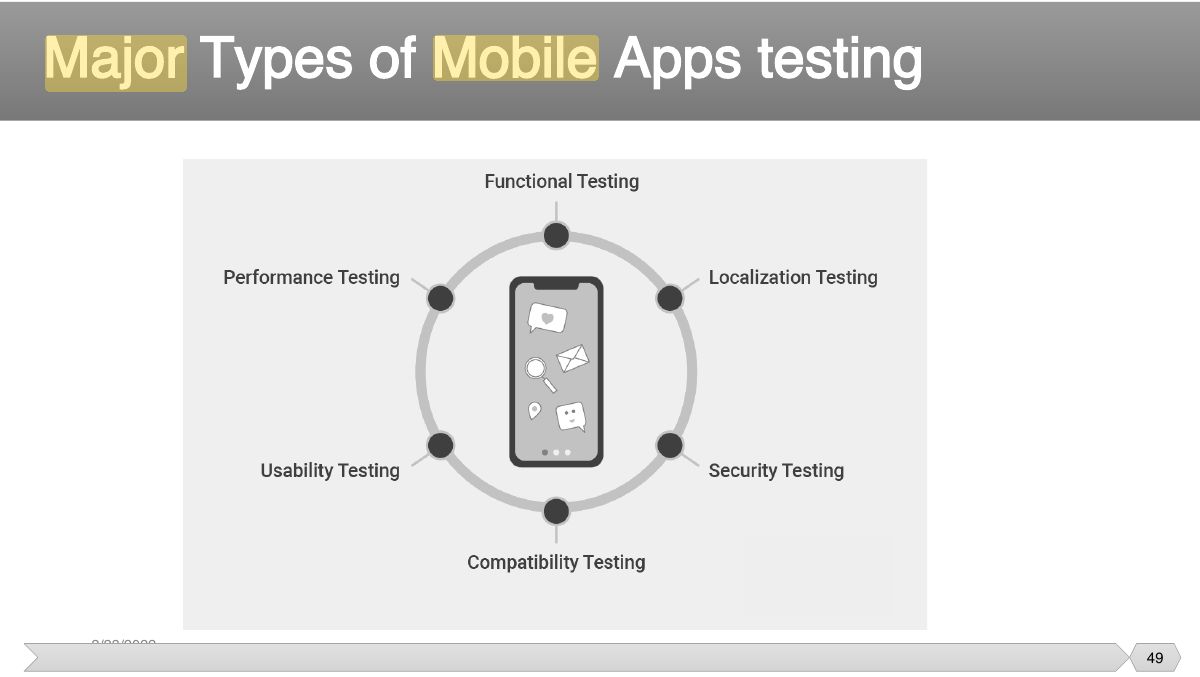
- 44 • Mobile application testing is a process by which application software developed
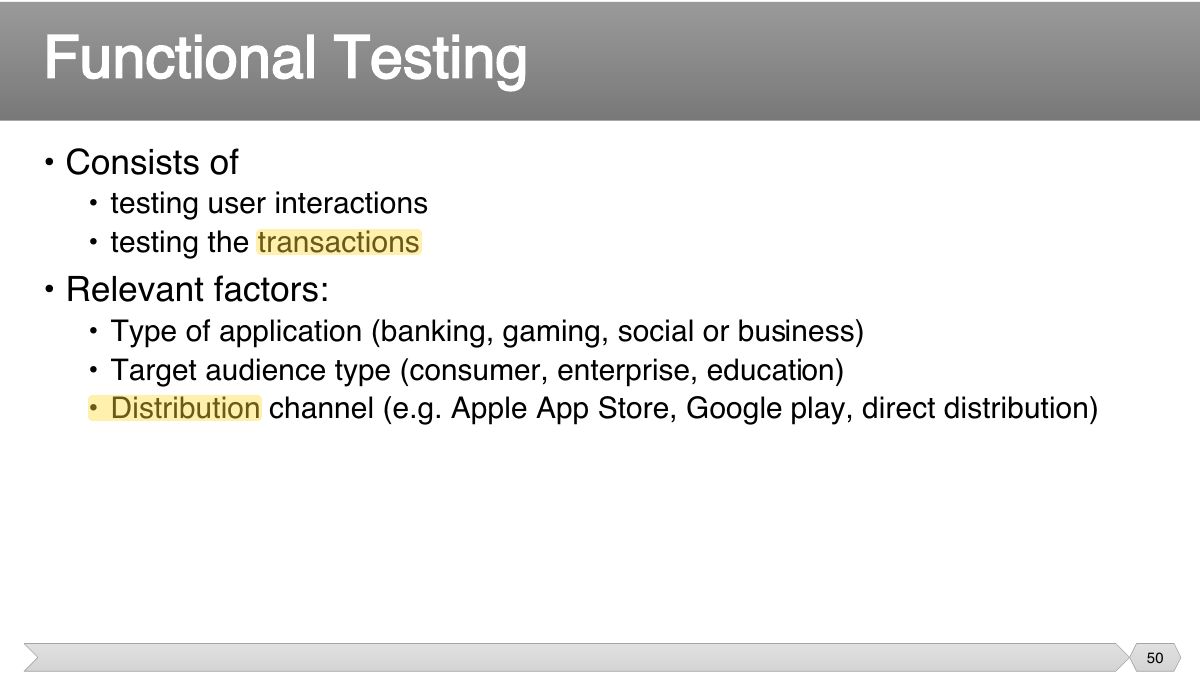
- 45 Forecast number of mobile users worldwide from 2020 to 2025
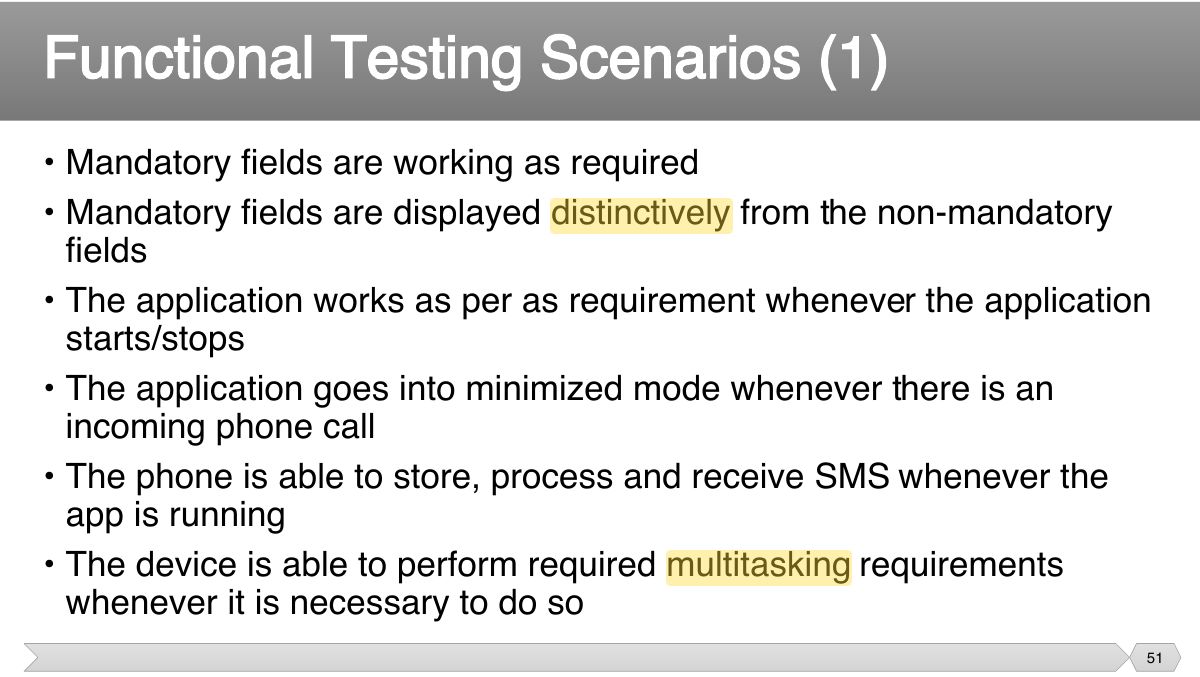
- 46 Why Testing Mobile Apps is Important
- 47 • Issues that make testing mobile applications more challenging:
- 48 Considerations
- 49 Major Types of Mobile Apps testing
- 50 • Consists of
- 51 • Mandatory fields are working as required • Mandatory fields are displayed distinctively from the non-mandatory
- 52 • The application allows necessary social network options such as sharing, posting and navigation etc.
- 53 • Allows other applications to perform satisfactorily, and it does not eat into the memory of the other applications
- 54 • Fundamental objective is to ensure that the application performs acceptably under certain performance requirements such as access by
- 55 • Performs as per the requirement under different load conditions • The current network coverage is able to support the application at
- 56 • Evaluate product and/or hardware to determine if it can handle projected load volumes
- 57 • Validate the application longevity whenever the user load is rigorous • Validate the network performance while moving around with the device
- 58 • The fundamental objective of security testing is to ensure that the application’s data and networking security requirements are met as per
- 59 • Able to withstand any brute force attack which is an automated process of trial and error used to guess a person’s username, password or
- 60 • Prevent from SQL injection related attacks • Identify and recover from any unmanaged code scenarios
- 61 • Check if any cryptography code is broken and ensure that it is repaired • Validate whether the business logic implementation is secured and not
- 62 • Investigate file caching and prevent any malicious possibilities from the same
- 63 • The usability testing process of the Mobile application is performed to have a quick and easy step application with less functionality than a
- 64 • Buttons should have the required size and be suitable to big fingers • Buttons are placed in the same section of the screen to avoid
- 65 • Application provides a method for going back or undoing an action, on touching the wrong item, within an acceptable duration
- 66 • Closing of the application is performed from different states and verify if it re-opens in the same state
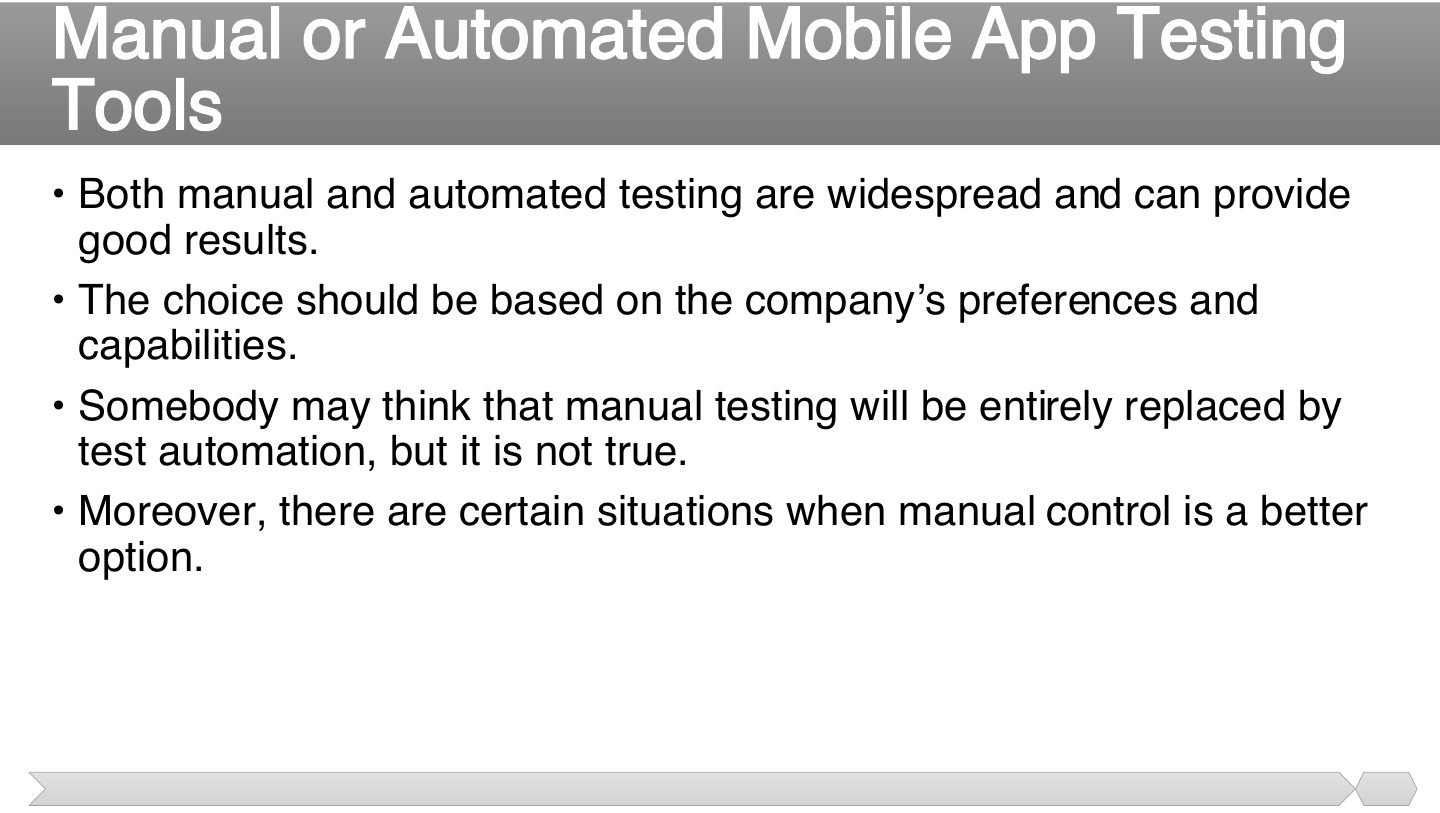
- 67 • Compatibility testing on mobile devices is performed to ensure that since mobile devices have different size, resolution, screen, version
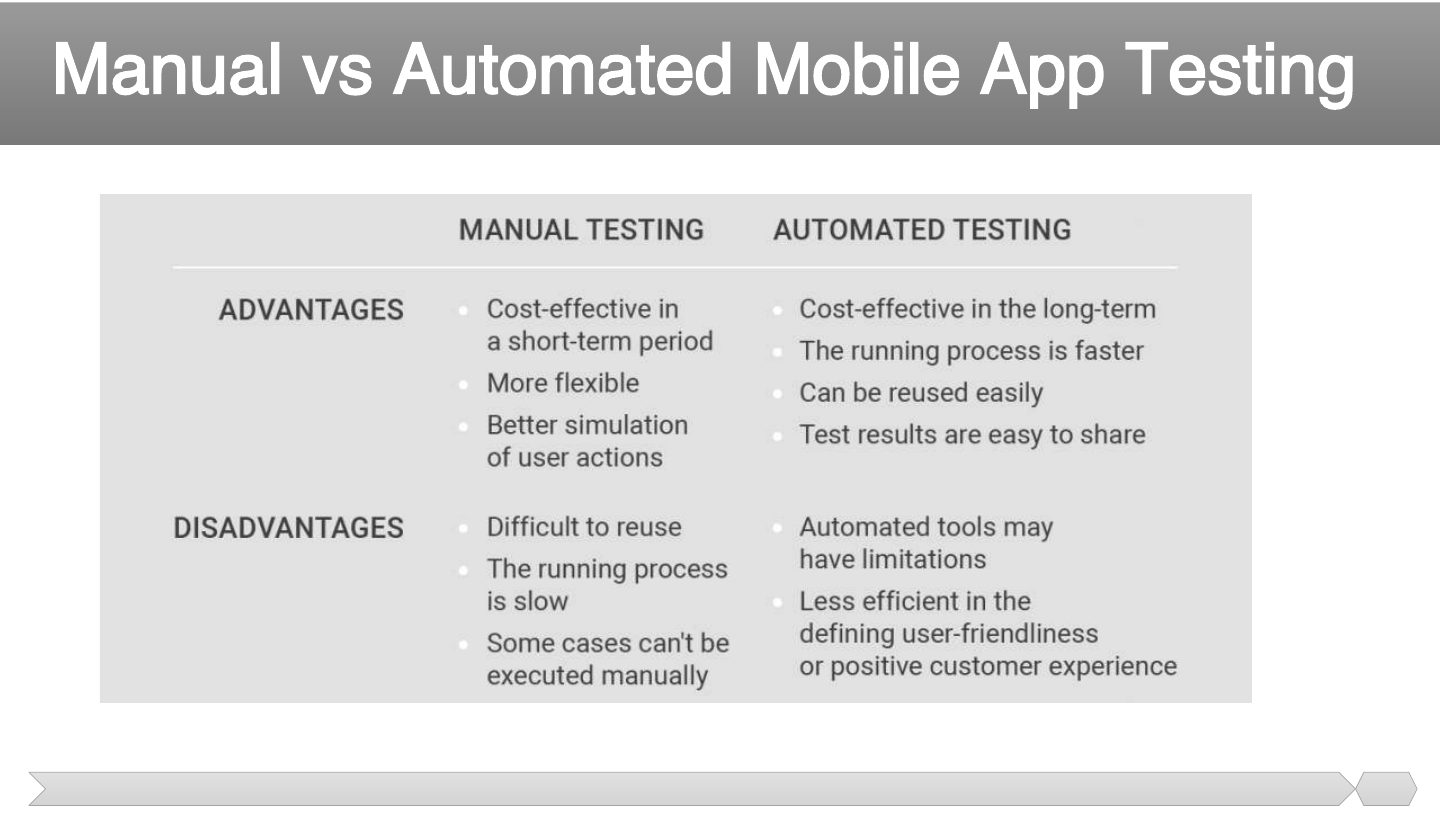
- 68 • User Interface of the application is as per the screen size of the device, no text/control is partially invisible or inaccessible
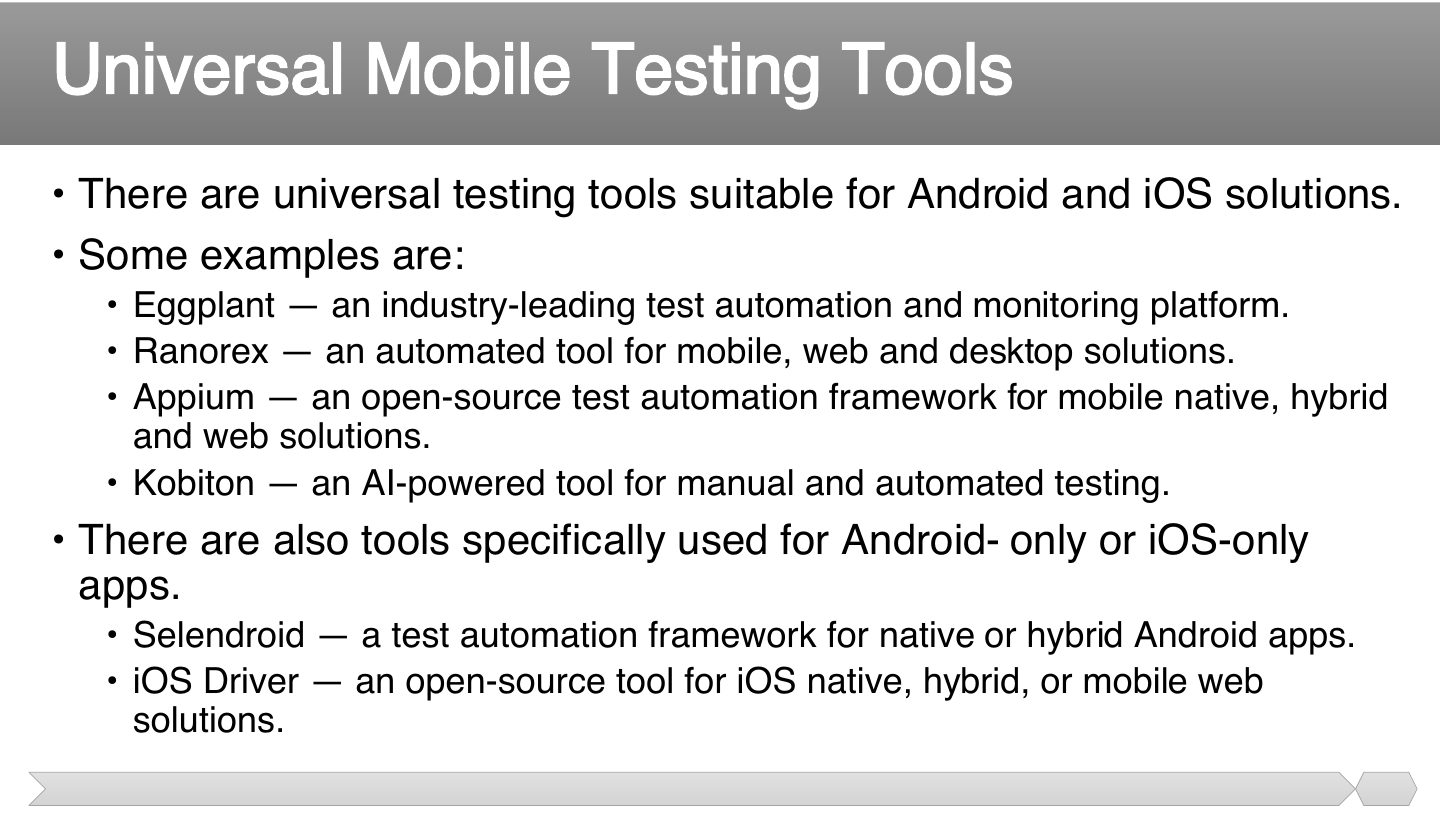
- 69 • Crash recovery and transaction interruptions • Validation of the effective application recovery situation post
- 70 • Installation testing
- 71 • Continued keypad entry during interrupts and other times like network issues
- 72 • Both manual and automated testing are widespread and can provide good results.
- 73 Manual vs Automated Mobile App Testing
- 74 • There are universal testing tools suitable for Android and iOS solutions. • Some examples are:
- 75 • What is a Mobile Application?
Slide 1
• Web Testing • Mobile Testing
Slide 3
• Web-site vs. Web Application
Notes
Website: mostly static informational pages. Web application: interactive client–server program run in a browser.
• A website is a collection of related web pages, including multimedia
• A web application: is a client–server computer program which the client
So ..
• Web testing is a software testing
• It is performed
• Web based systems and applications interoperate with many different:
• Some or all the following testing types may be performed depending on the web testing requirements:
features and operational behavior of a web
• 1.1 Check all the links:
Notes
Functionality: check all links (broken, internal, external, mailto), forms, cookies, HTML/CSS validity, database integrity.
• 1.2 Test forms on all pages: Forms are part of any website that is used for
• 1.3 Test Cookies: cookies are small files that are stored on a user's computer. They hold data specific
• 1.4 Test HTML and CSS:
• 1.5 Database Testing: validity testing: test if any errors are shown while executing queries
• Examples of Functionality Test Scenarios:
• Usability testing is the process by which the human-computer interaction characteristics of a system are measured, and weaknesses
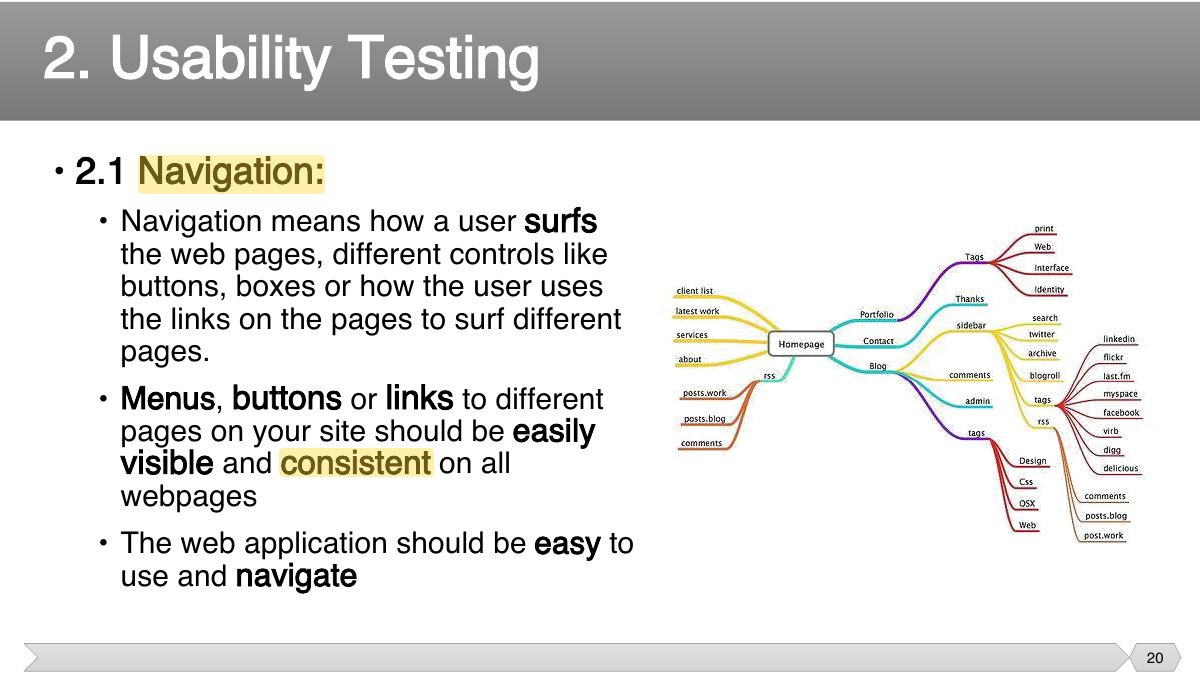
• 2.1 Navigation:
• 2.2 Content:
• Examples of Usability Test Scenarios:
layers in a web application are:
• Compatibility testing is used to determine if your software is compatible with other elements of a system with which it should
Notes
Compatibility: browsers, operating systems, devices, screen sizes.
• Examples of Compatibility Test Scenarios:
• Security Testing is vital for web applications that store sensitive customer information like credit cards, ids, passwords, etc.
Notes
Security: unauthorized access, session expiry, SQL injection, XSS, HTTPS.
• Examples of Security Test Scenarios:
• This will ensure your site works under all loads. Testing activities will include but not limited to:
• Examples of Performance Test Scenarios:
• Automation testing helps to relieve the bulk of tedious and repetitive human tasks.
• Faster feedback • Improved test efficiency
Selenium is open source testing tool for web applications. Any web application can be testing on web browsers with this automation testing tool.
Exam angle
• Eclipse IDE (Users can use other IDEs too) • Selenium Client and language WebDiver bindings
• Web-site vs. Web Application
Slide 35
• What is a Mobile Application?
mobile application is a software application developed
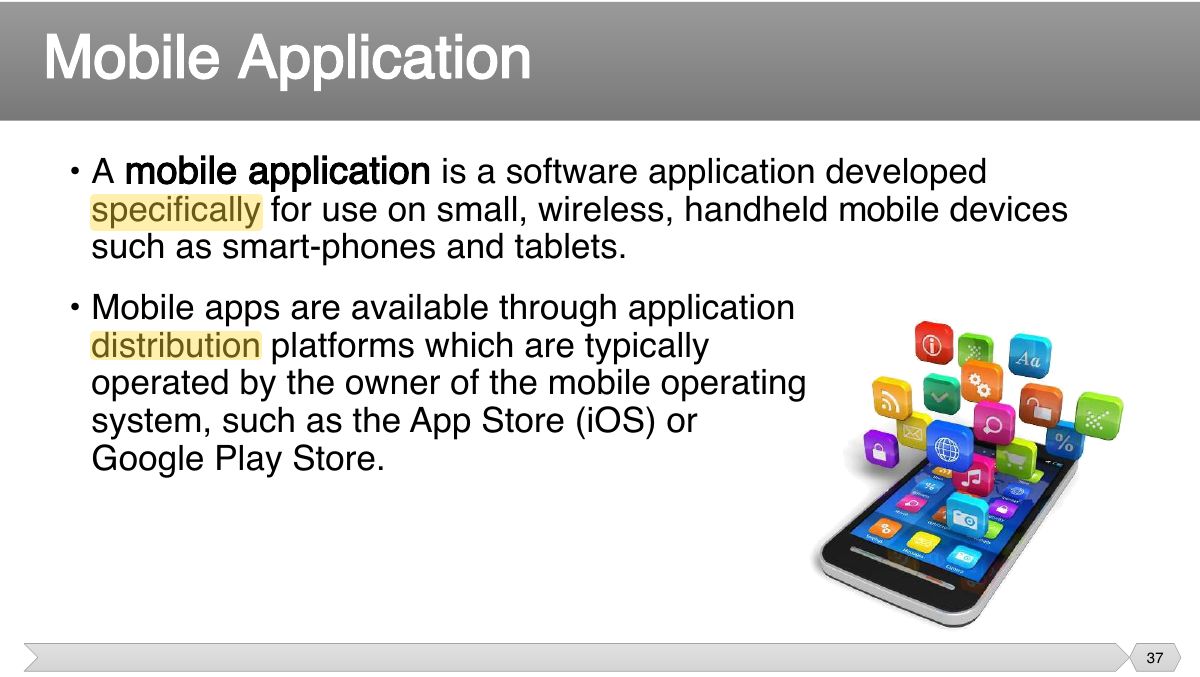
Main Mobile Phone Platforms
• Types of Mobile Applications:
Notes
Native apps (built for one platform), mobile web apps (run in the browser), hybrid apps (web code inside a native wrapper).
Exam angle
An app built with web technologies inside a native container is:
• Native Apps:
• Mobile Web Apps:
• Hybrid Apps:
• Mobile Testing:
• Mobile application testing is a process by which application software developed
Forecast number of mobile users worldwide from 2020 to 2025
Why Testing Mobile Apps is Important
• Issues that make testing mobile applications more challenging:
Notes
Mobile challenges: many devices and OS versions, screen sizes, networks, battery, interruptions (calls, notifications).
Considerations
Major Types of Mobile Apps testing
• Consists of
• Mandatory fields are working as required • Mandatory fields are displayed distinctively from the non-mandatory
• The application allows necessary social network options such as sharing, posting and navigation etc.
• Allows other applications to perform satisfactorily, and it does not eat into the memory of the other applications
• Fundamental objective is to ensure that the application performs acceptably under certain performance requirements such as access by
• Performs as per the requirement under different load conditions • The current network coverage is able to support the application at
• Evaluate product and/or hardware to determine if it can handle projected load volumes
• Validate the application longevity whenever the user load is rigorous • Validate the network performance while moving around with the device
• The fundamental objective of security testing is to ensure that the application’s data and networking security requirements are met as per
• Able to withstand any brute force attack which is an automated process of trial and error used to guess a person’s username, password or
• Prevent from SQL injection related attacks • Identify and recover from any unmanaged code scenarios
• Check if any cryptography code is broken and ensure that it is repaired • Validate whether the business logic implementation is secured and not
• Investigate file caching and prevent any malicious possibilities from the same
• The usability testing process of the Mobile application is performed to have a quick and easy step application with less functionality than a
• Buttons should have the required size and be suitable to big fingers • Buttons are placed in the same section of the screen to avoid
• Application provides a method for going back or undoing an action, on touching the wrong item, within an acceptable duration
• Closing of the application is performed from different states and verify if it re-opens in the same state
• Compatibility testing on mobile devices is performed to ensure that since mobile devices have different size, resolution, screen, version
• User Interface of the application is as per the screen size of the device, no text/control is partially invisible or inaccessible
• Crash recovery and transaction interruptions • Validation of the effective application recovery situation post
• Installation testing
Notes
Also test installation, interruptions, crash recovery and battery/network conditions.
• Continued keypad entry during interrupts and other times like network issues
• Both manual and automated testing are widespread and can provide good results.
Manual vs Automated Mobile App Testing
• There are universal testing tools suitable for Android and iOS solutions. • Some examples are:
• What is a Mobile Application?