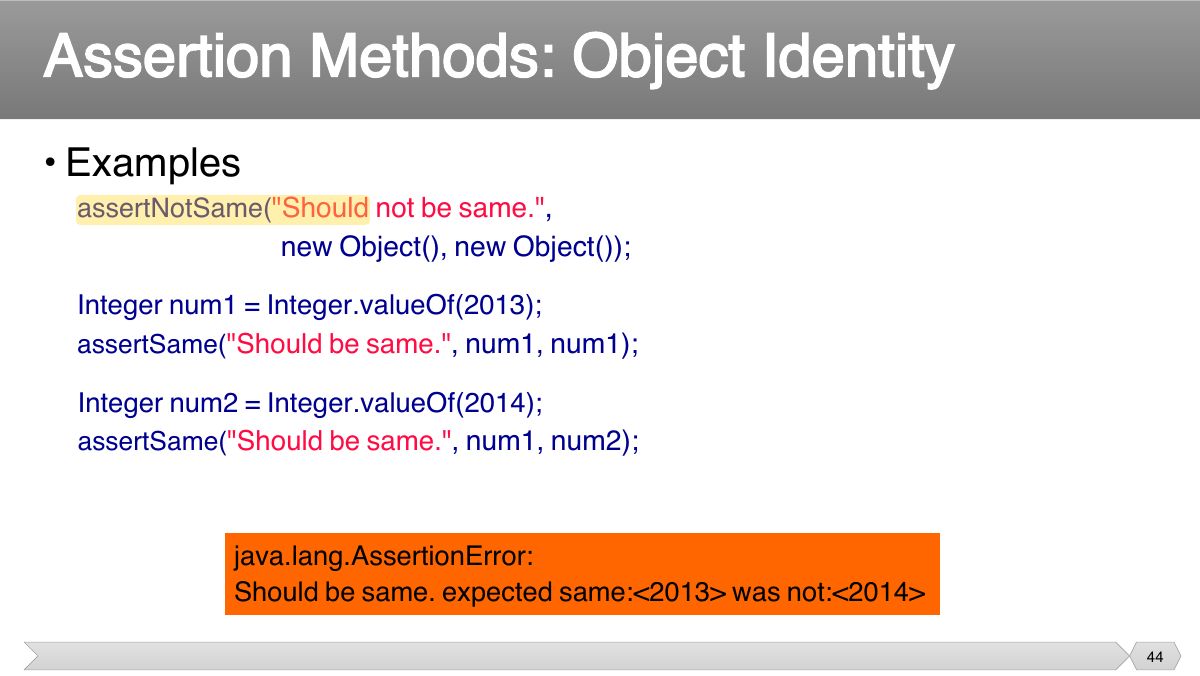
Which assertion checks that two references point to the same object?
Unit Testing and JUnit
What unit testing is and why, JUnit 5 test classes and methods, verdicts, assertion methods (assertEquals, assertTrue, assertNull, assertSame, assertArrayEquals, assertThrows), floating-point deltas, expected exceptions, and best practices with @BeforeEach, @AfterEach, @BeforeAll, @AfterAll and repeated tests.
How to read this page
Every original slide is shown unchanged. Yellow marks on a slide point to a numbered note: hover or tap a mark to jump to its note, and hover a note to see its marks. Questions tagged Past exam appeared on a real paper; Prediction questions are likely angles, not confirmed. Pick an answer to each question: a wrong pick tells you why it is wrong, so you can try again.
All 69 slides
- 1 Slide 1
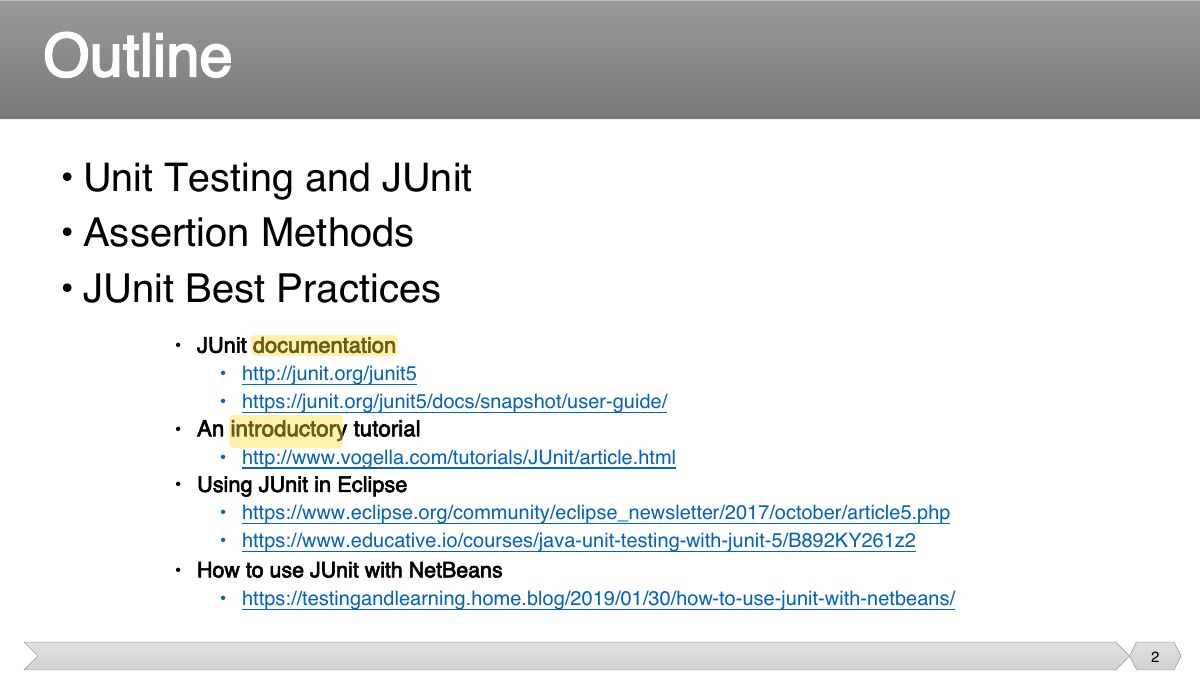
- 2 • Unit Testing and JUnit
- 3 Slide 3
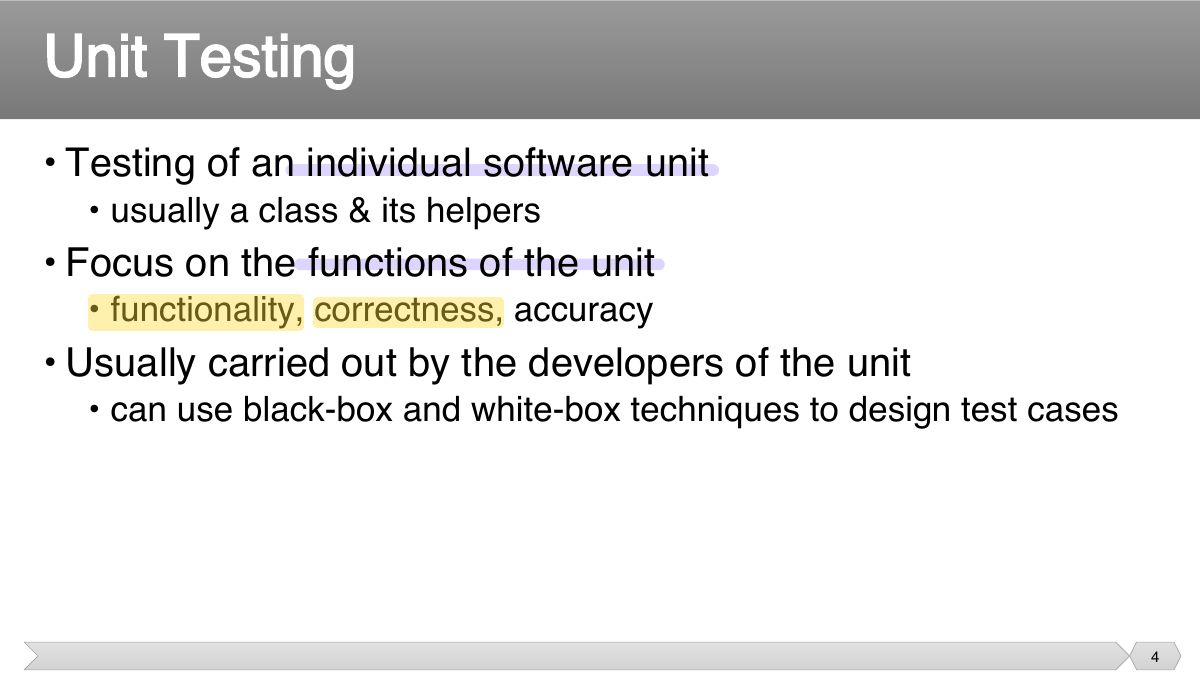
- 4 • Testing of an individual software unit
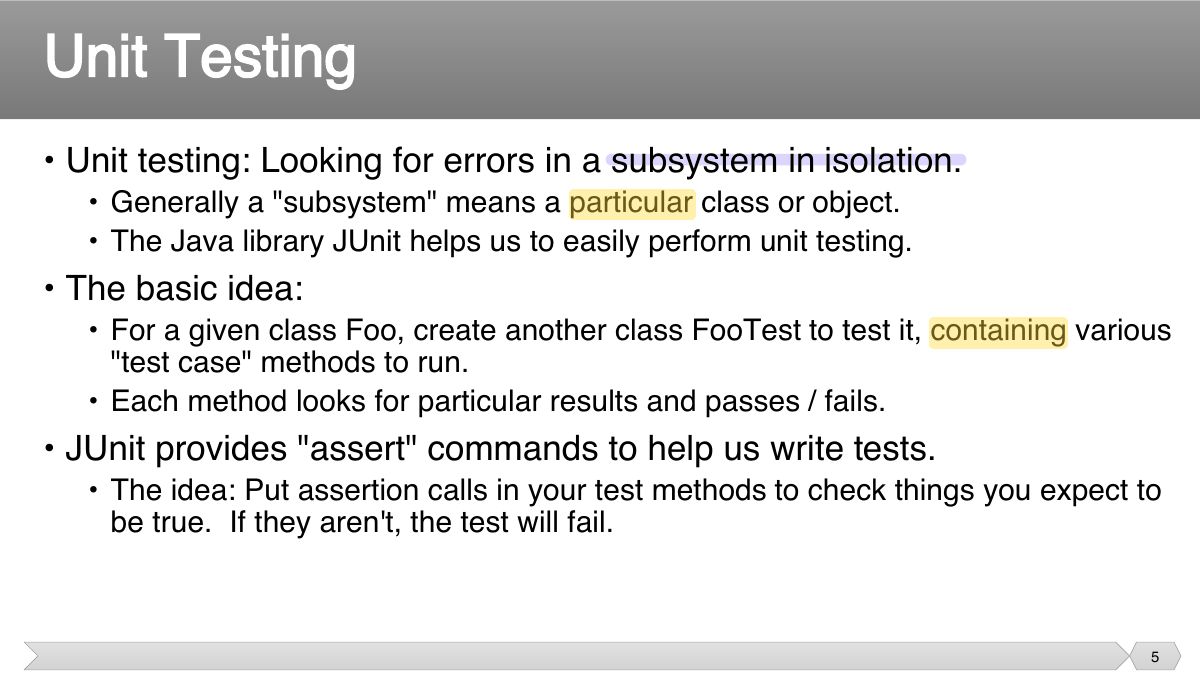
- 5 • Unit testing: Looking for errors in a subsystem in isolation.
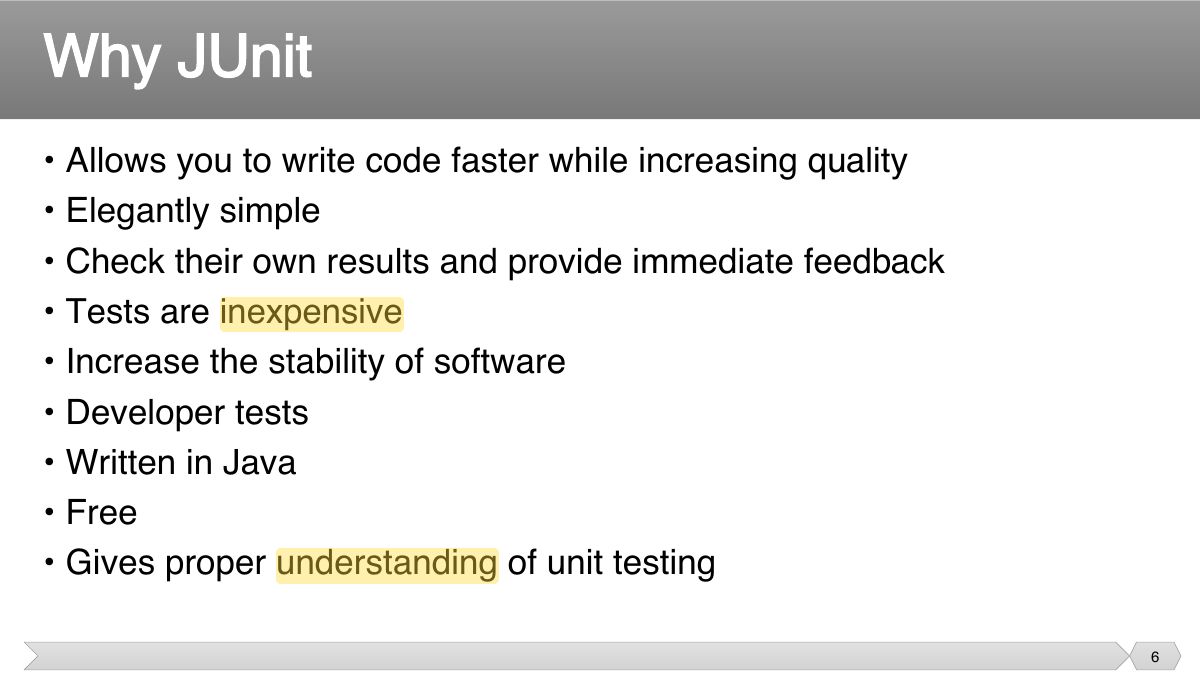
- 6 • Allows you to write code faster while increasing quality • Elegantly simple
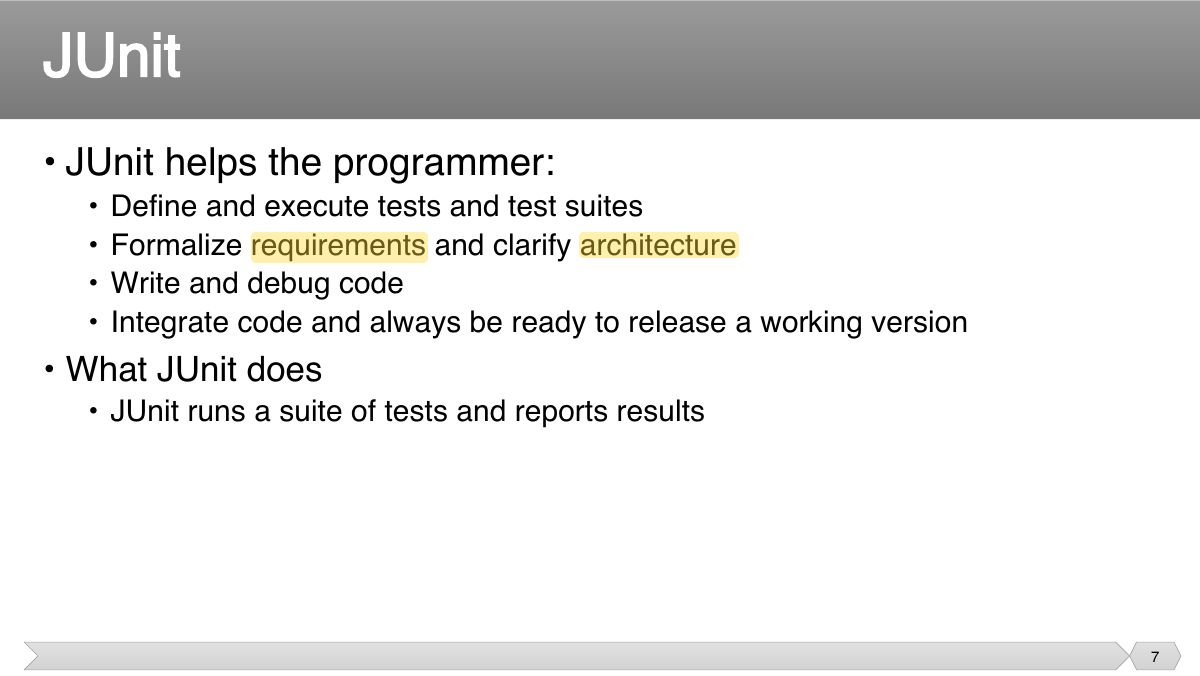
- 7 • JUnit helps the programmer:
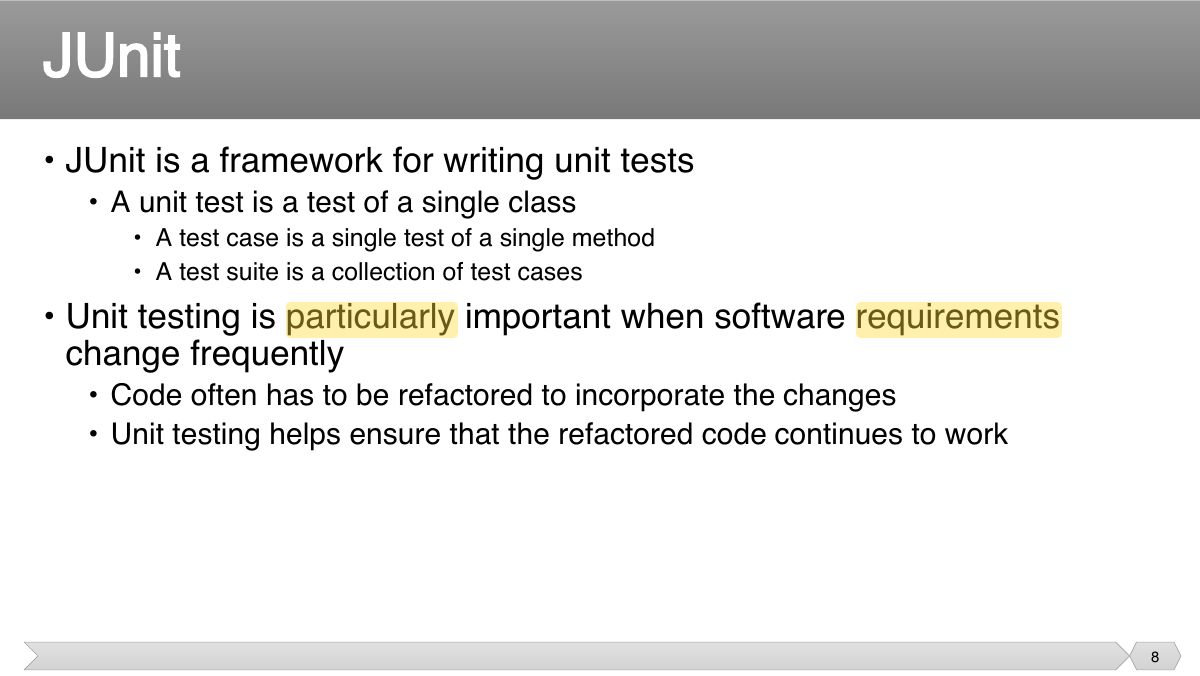
- 8 • JUnit is a framework for writing unit tests
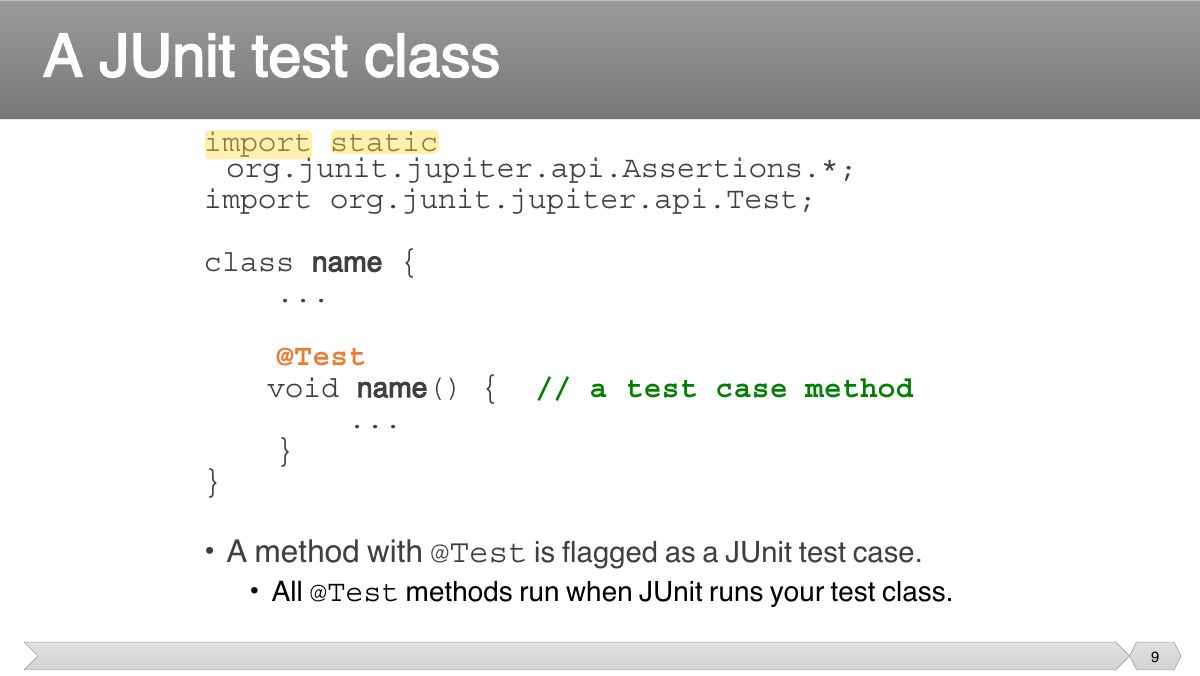
- 9 import static org.junit.jupiter.api.Assertions.*; import org.junit.jupiter.api.Test;
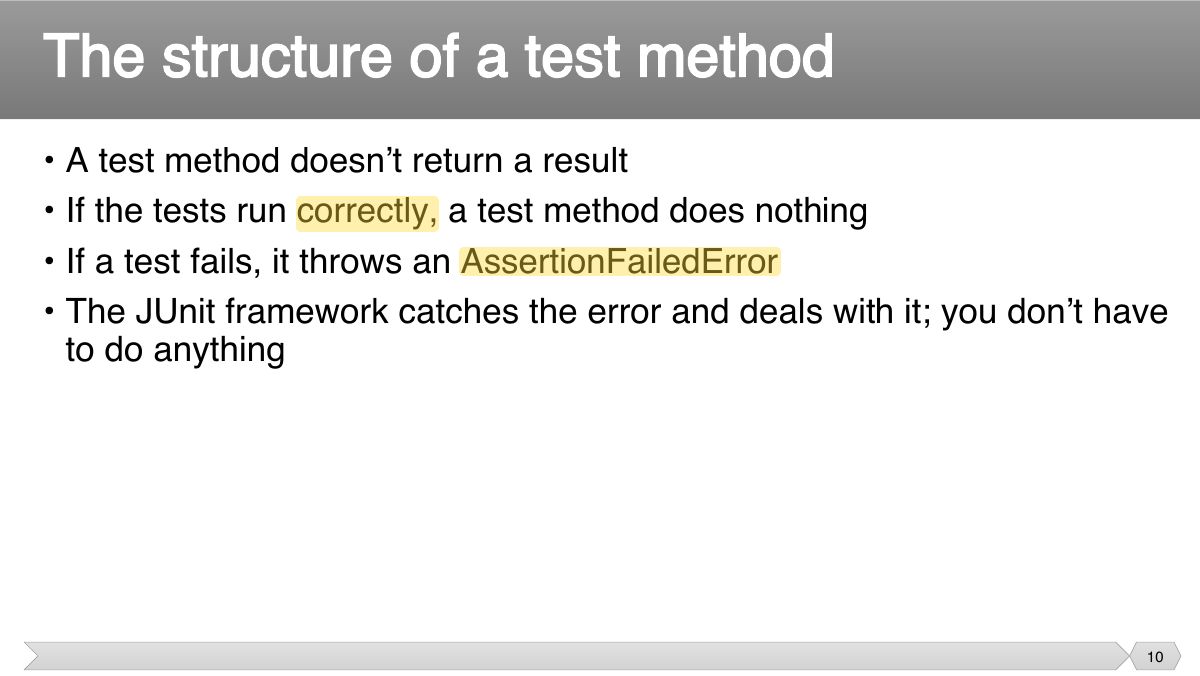
- 10 • A test method doesn ’ t return a result • If the tests run correctly, a test method does nothing
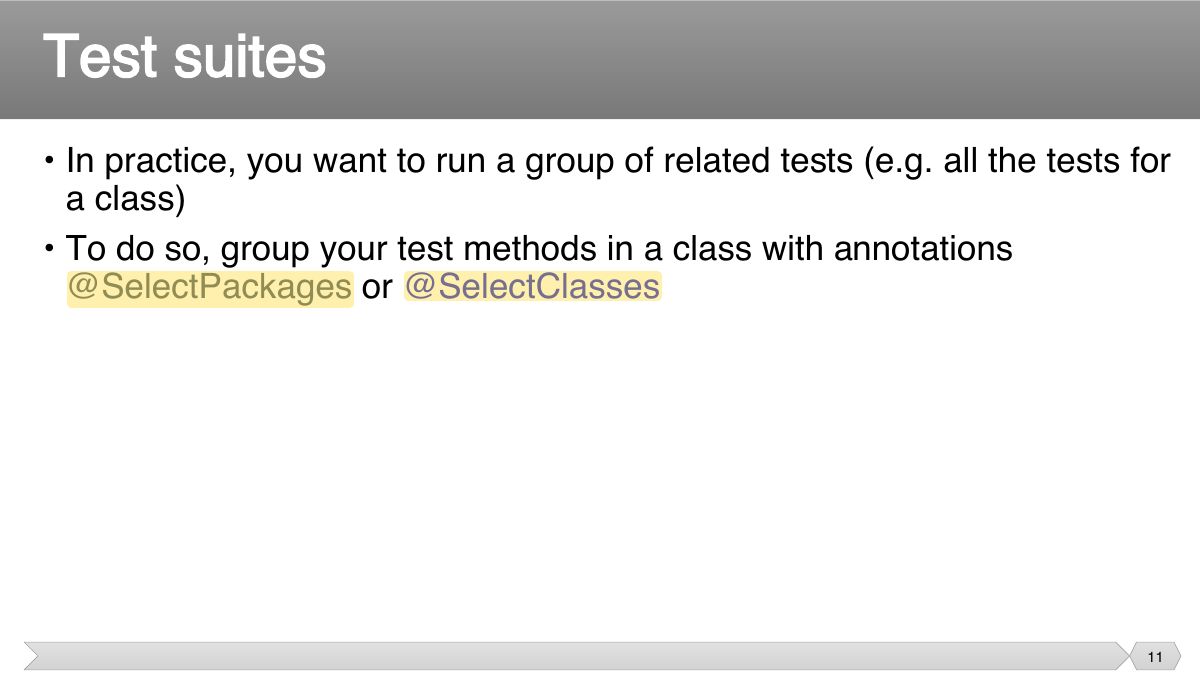
- 11 • In practice, you want to run a group of related tests (e.g. all the tests for a class)
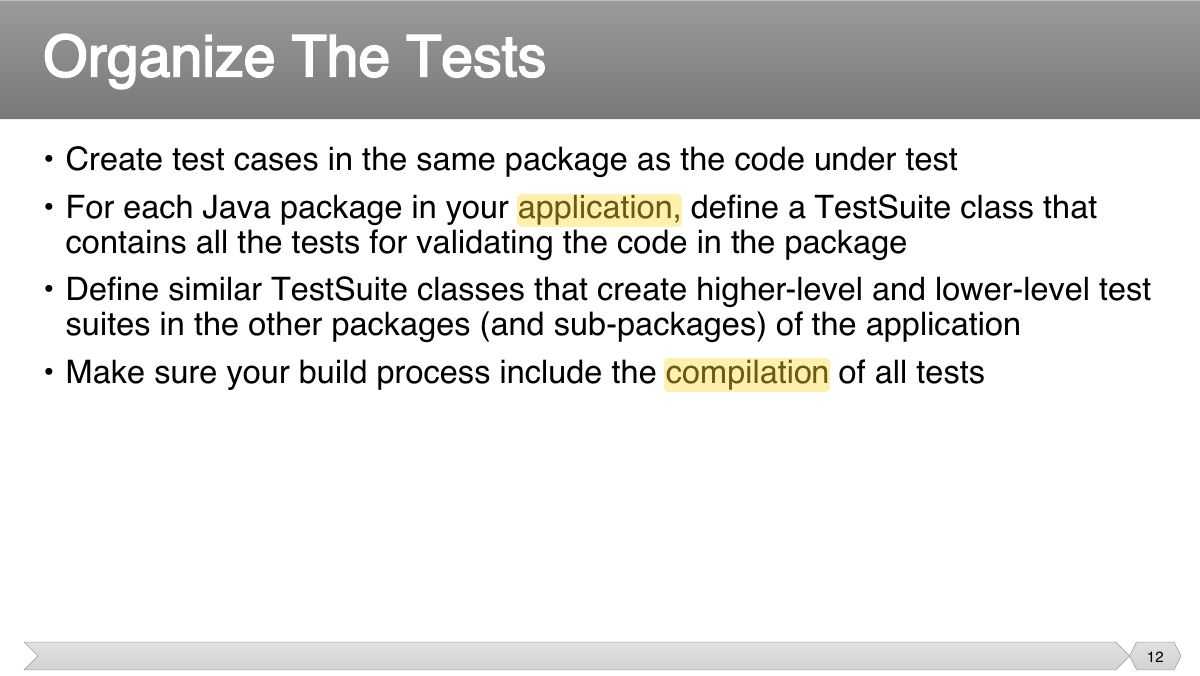
- 12 • Create test cases in the same package as the code under test • For each Java package in your application, define a TestSuite class that
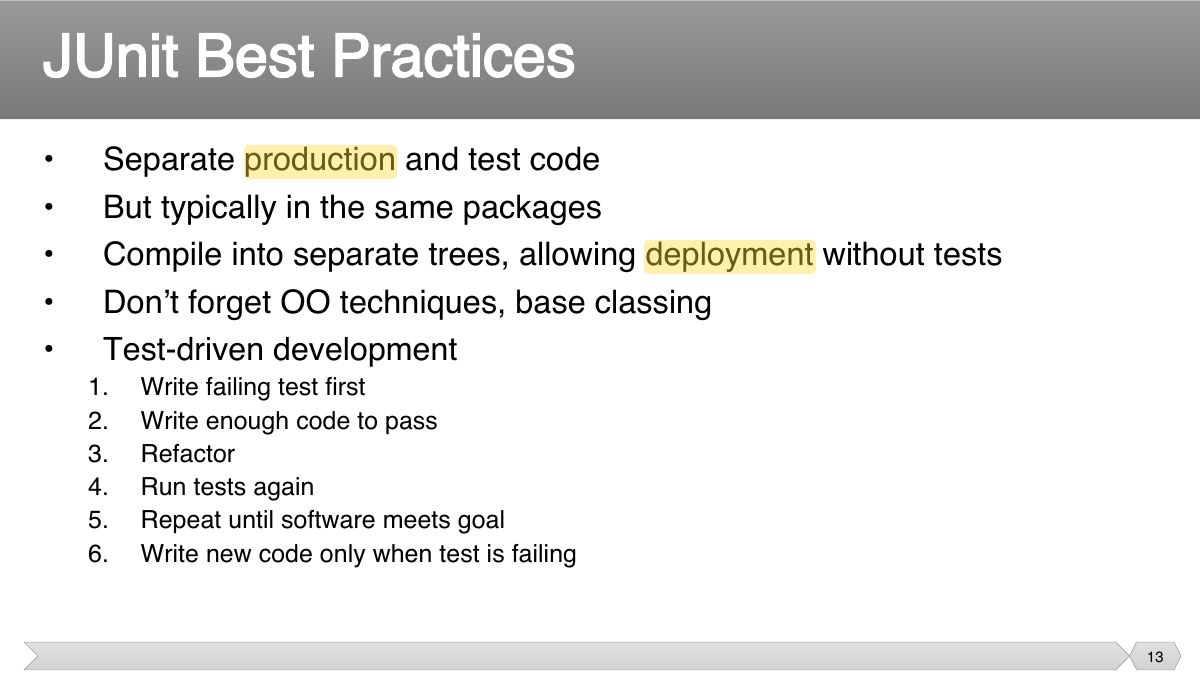
- 13 • Separate production and test code • But typically in the same packages
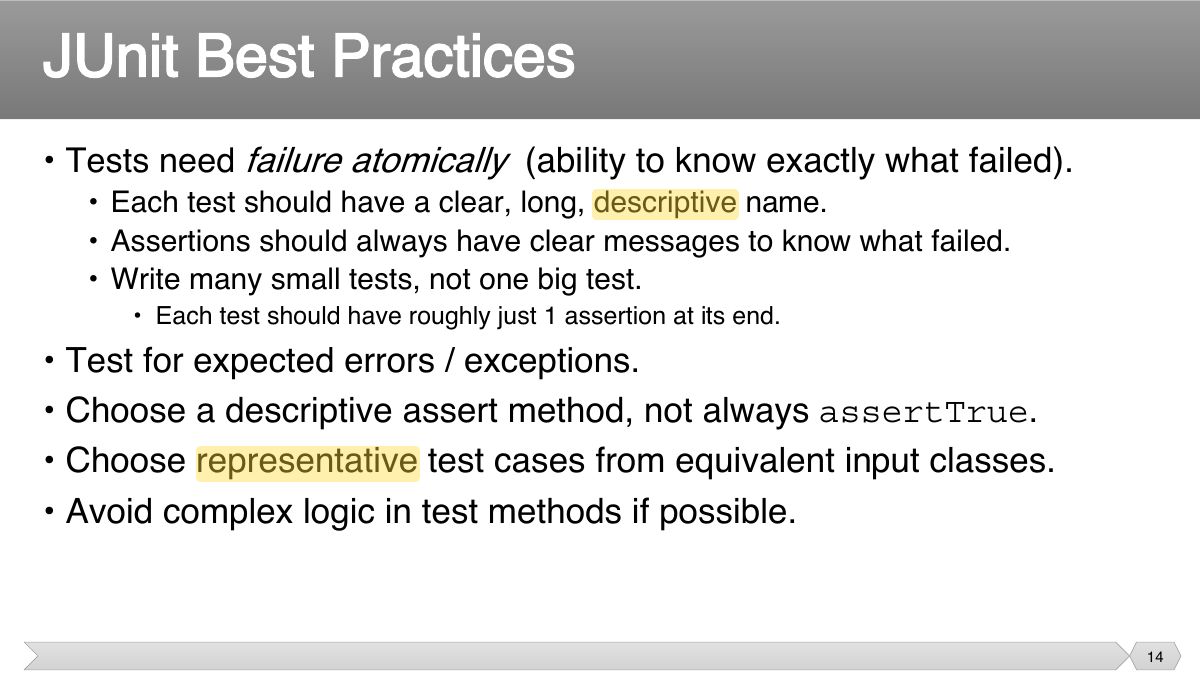
- 14 • Tests need failure atomically (ability to know exactly what failed).
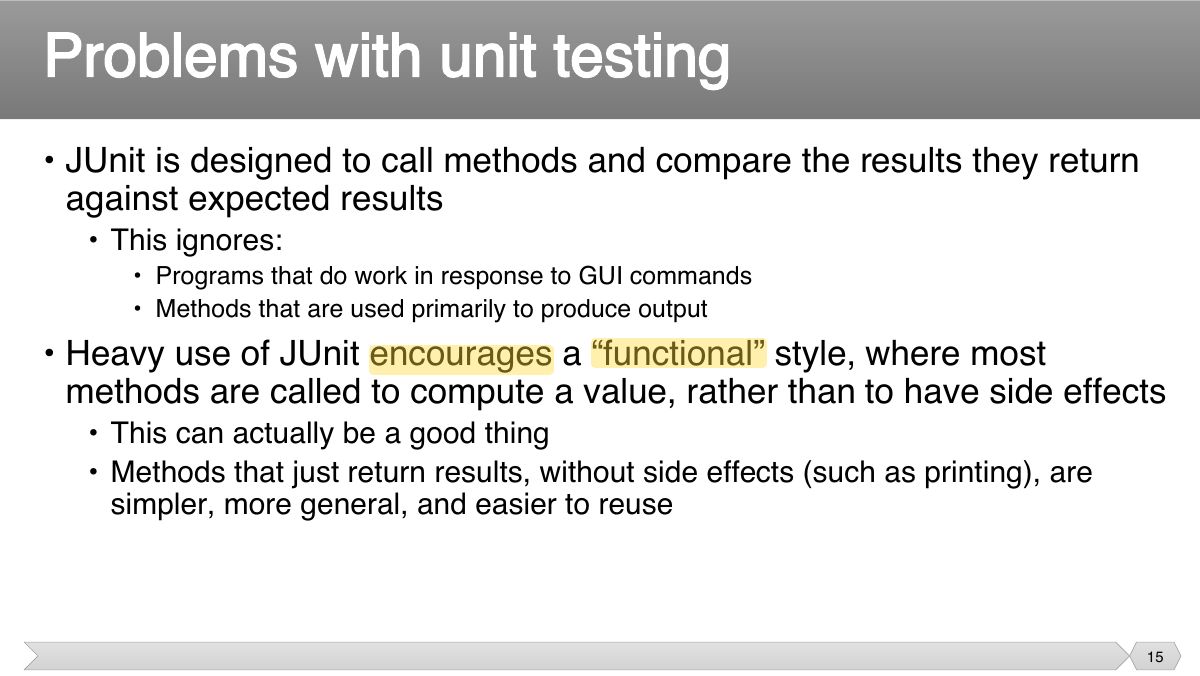
- 15 • JUnit is designed to call methods and compare the results they return against expected results
- 16 Slide 16
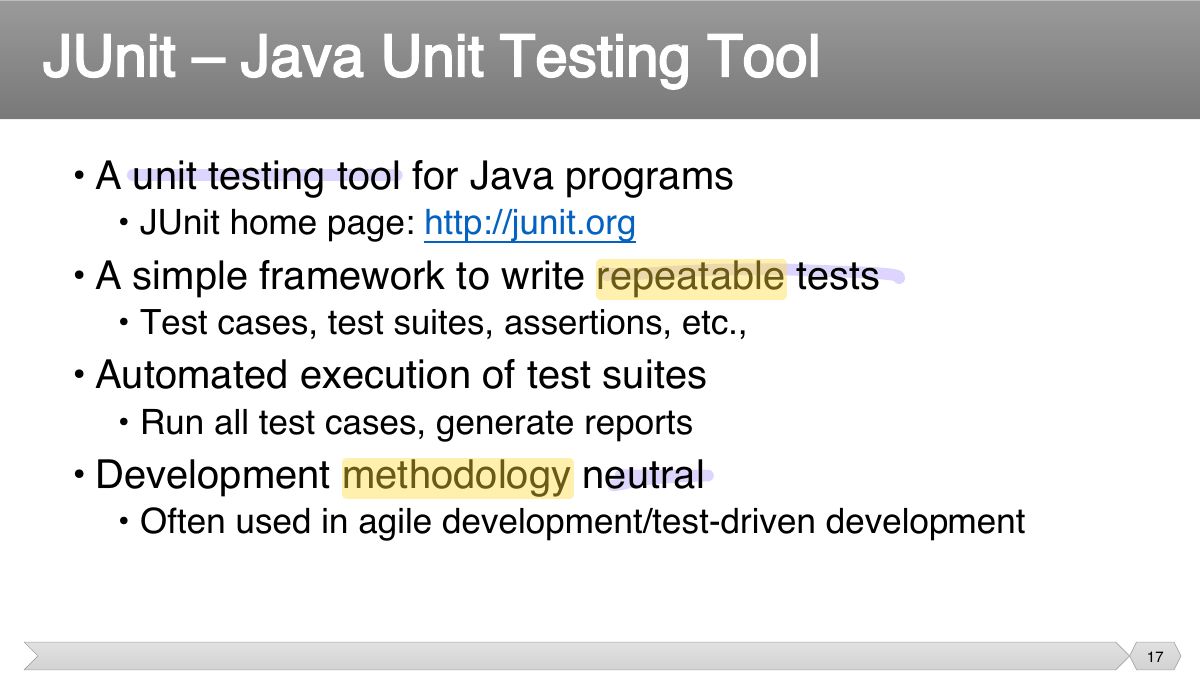
- 17 • A unit testing tool for Java programs
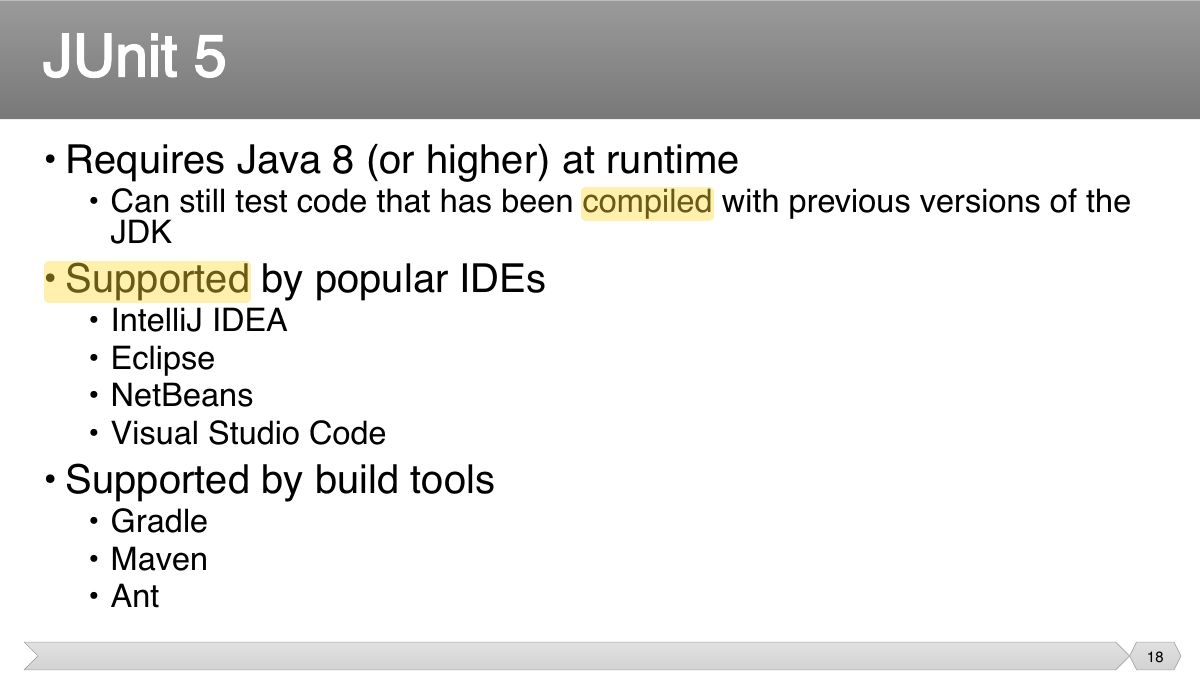
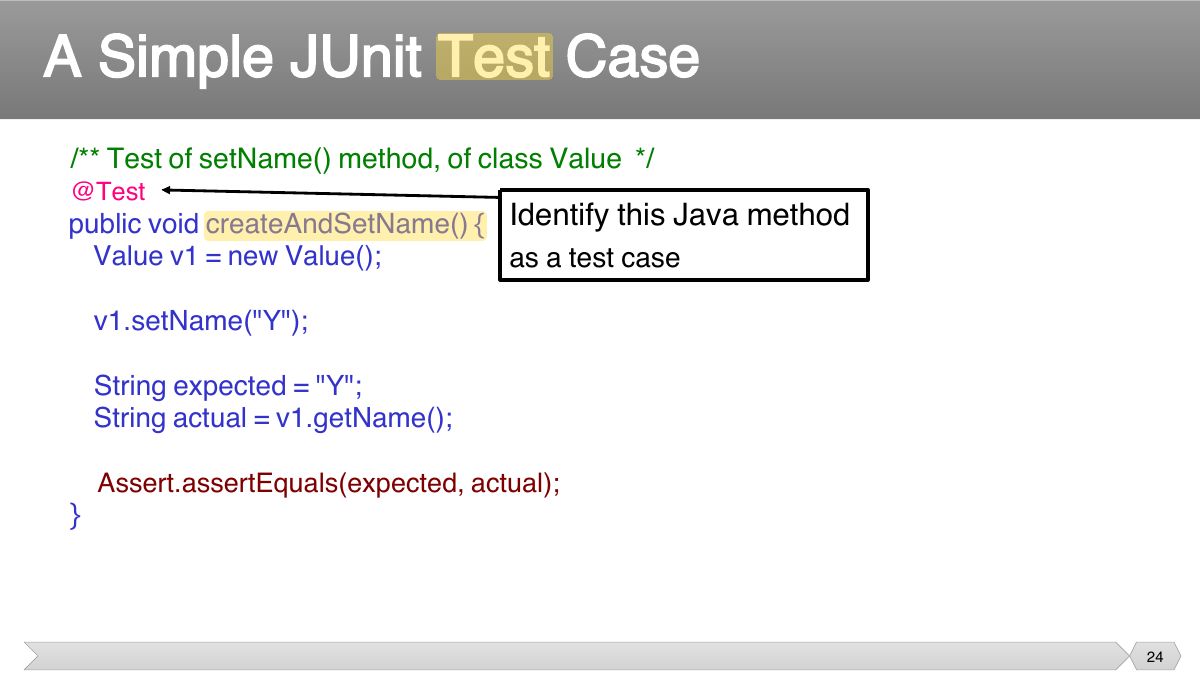
- 18 • Requires Java 8 (or higher) at runtime
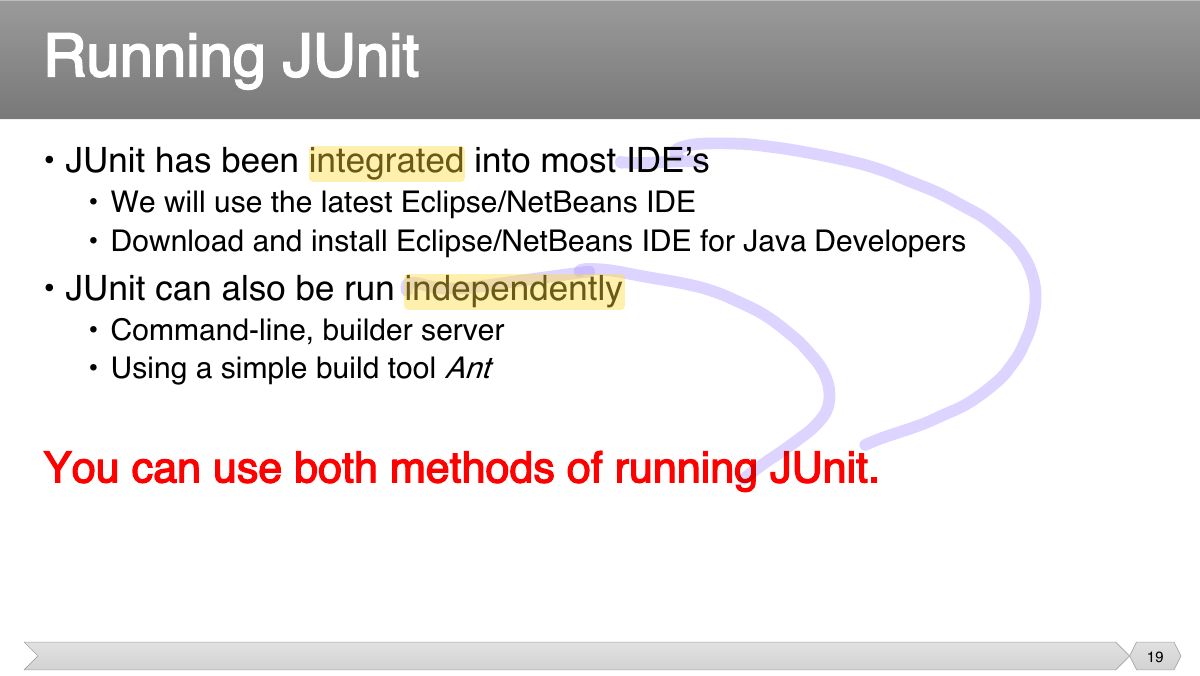
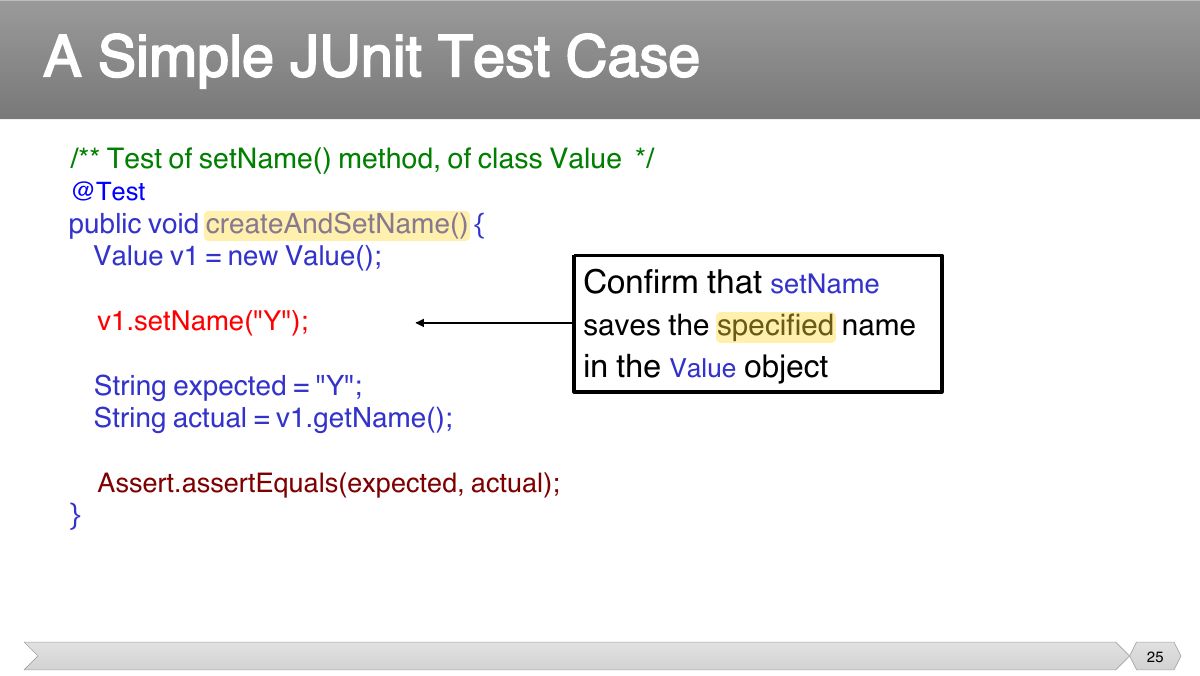
- 19 • JUnit has been integrated into most IDE’s
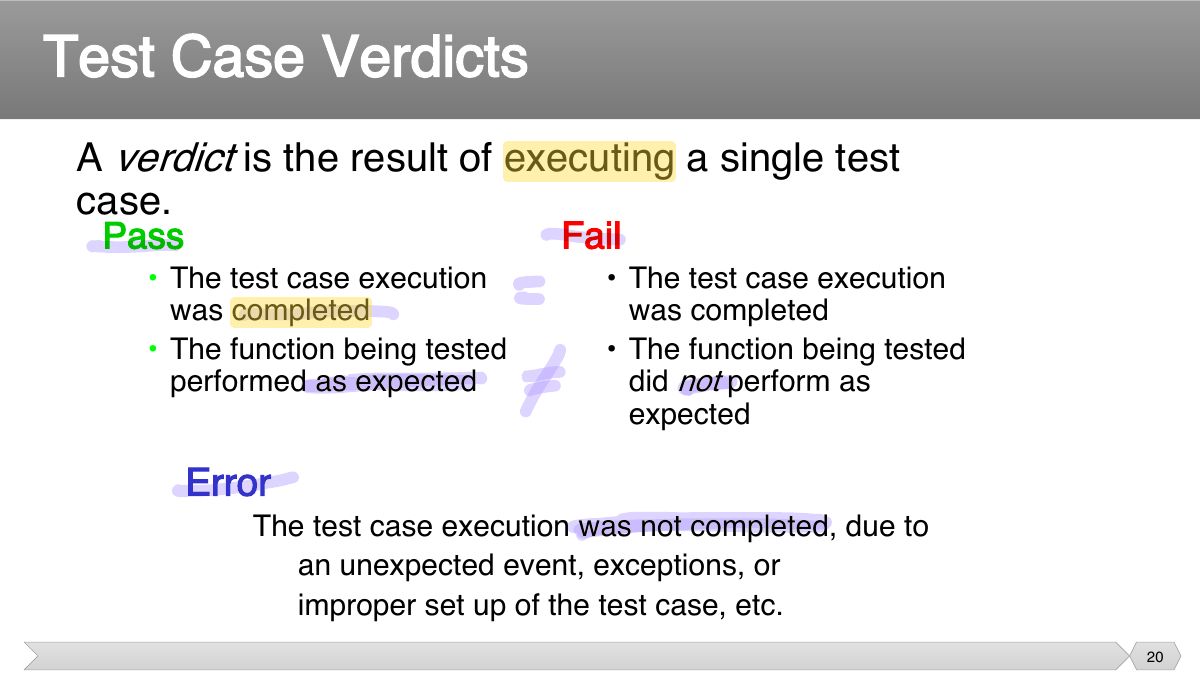
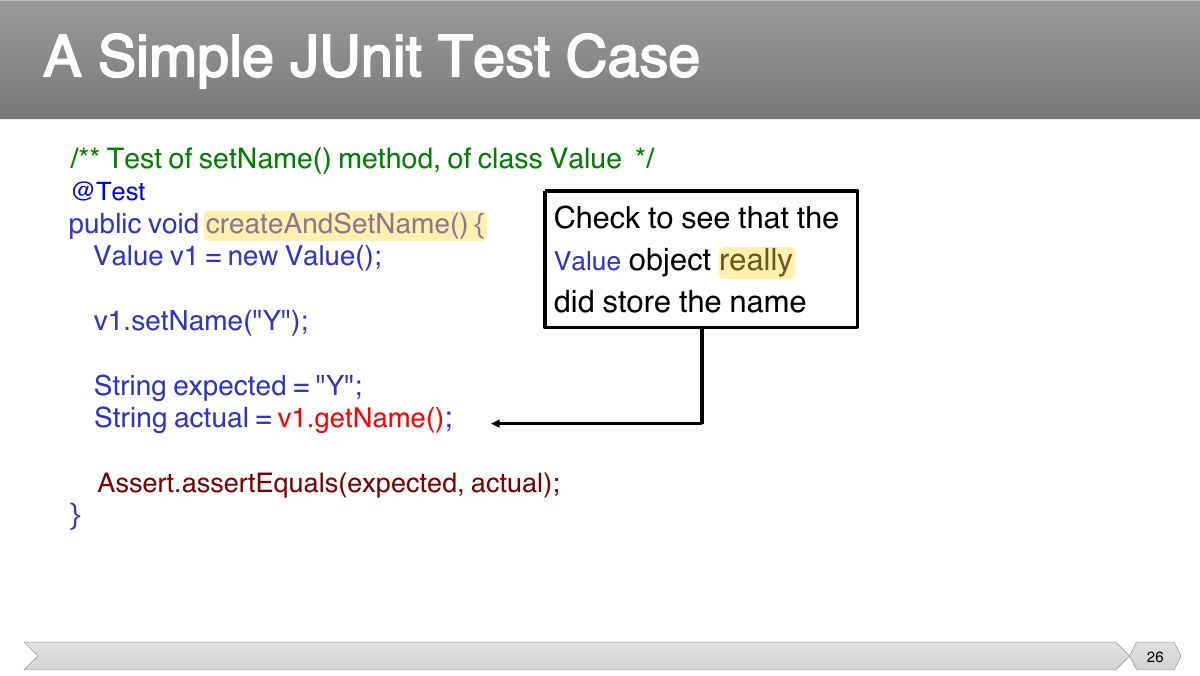
- 20 A verdict is the result of executing a single test case.
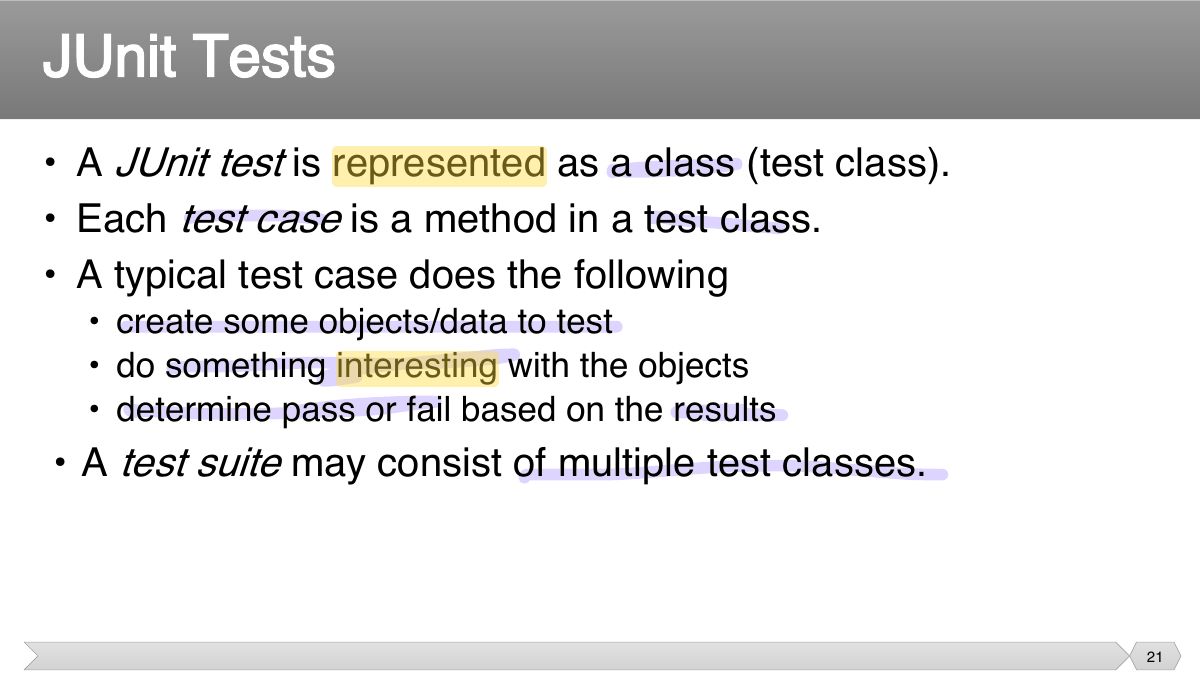
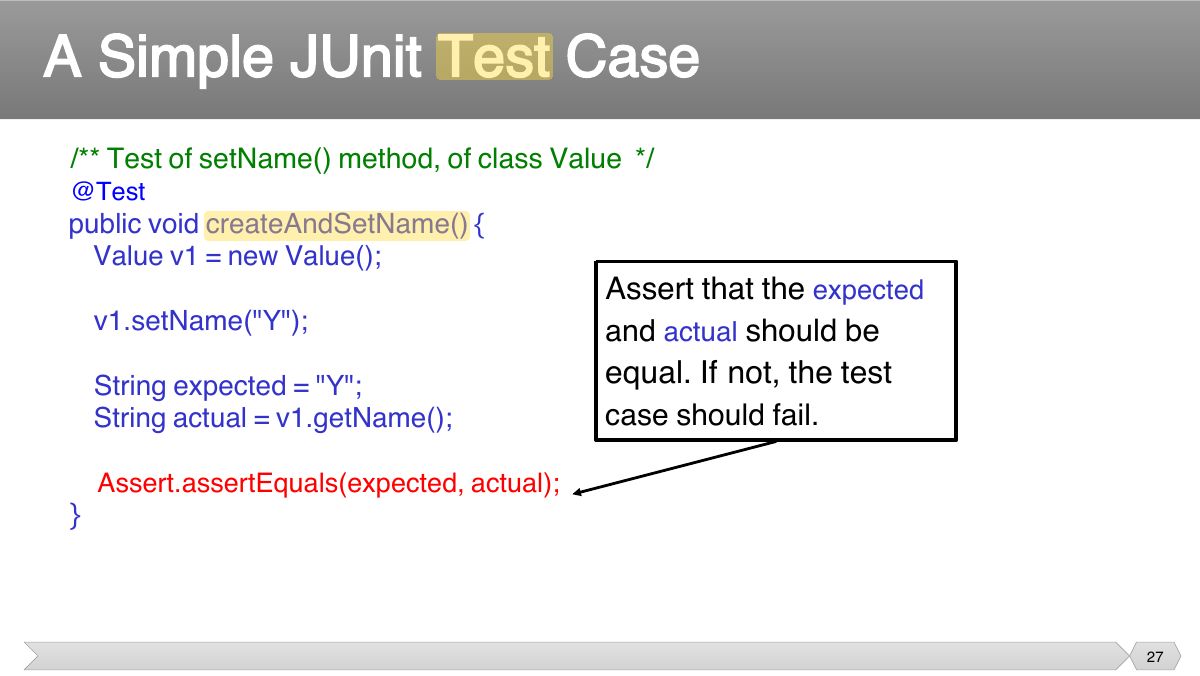
- 21 • A JUnit test is represented as a class (test class). • Each test case is a method in a test class.
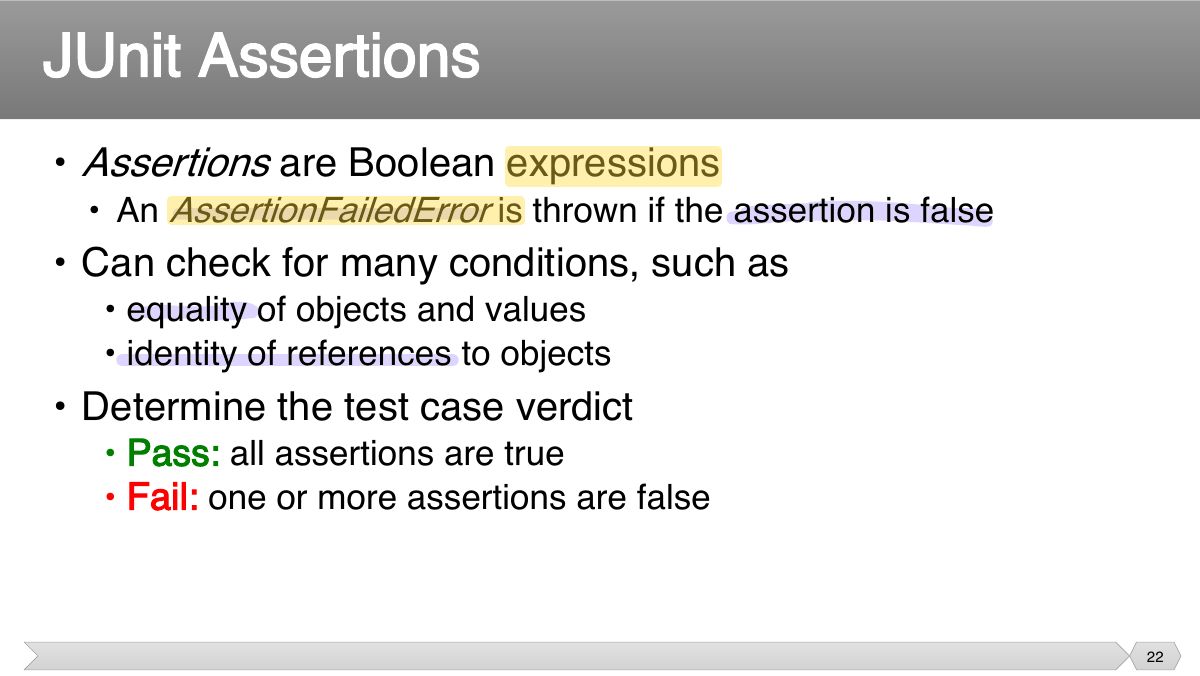
- 22 • Assertions are Boolean expressions
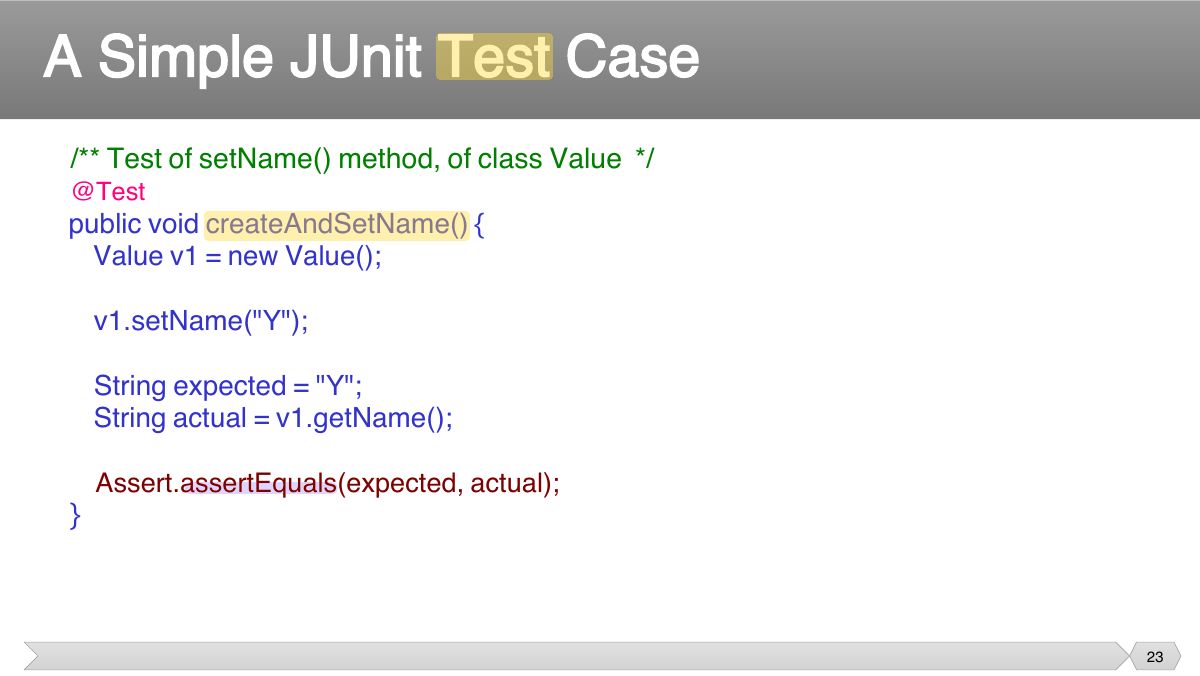
- 23 /** Test of setName method, of class Value */
- 24 /** Test of setName method, of class Value */
- 25 /** Test of setName method, of class Value */
- 26 /** Test of setName method, of class Value */
- 27 /** Test of setName method, of class Value */
- 28 • Each test method represents a single test case
- 29 • Download and install JDK ▪ Download and install Eclipse/NetBeans IDE for Java Developers
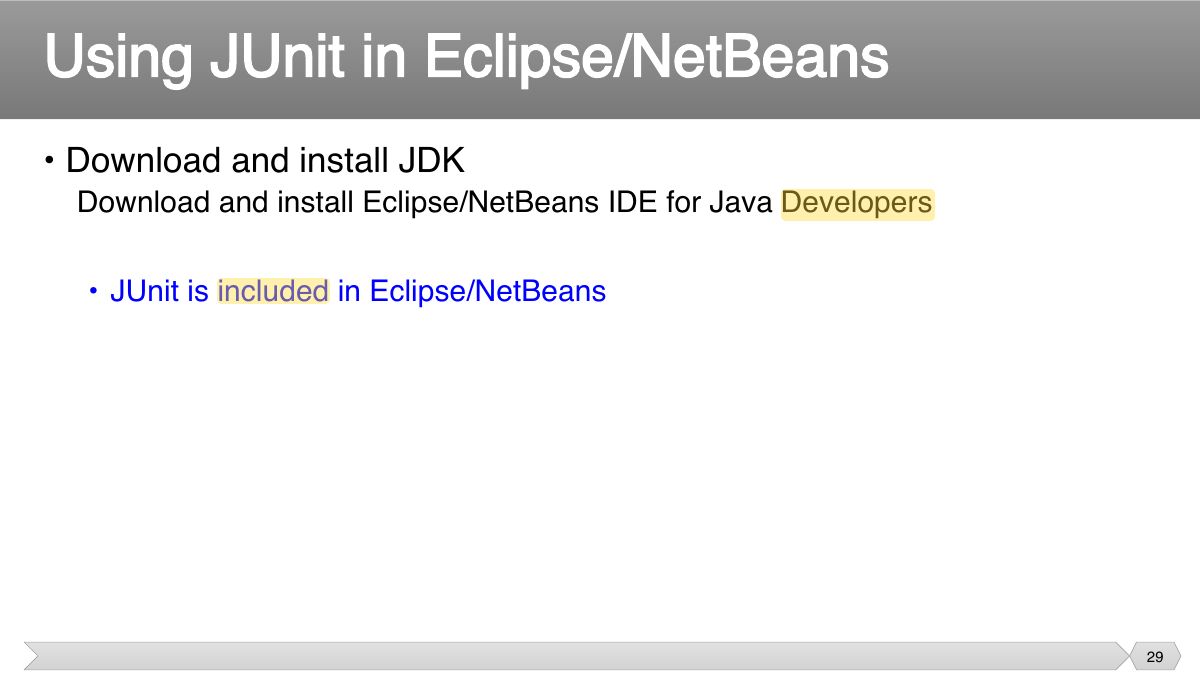
- 30 • Download the Sample Code
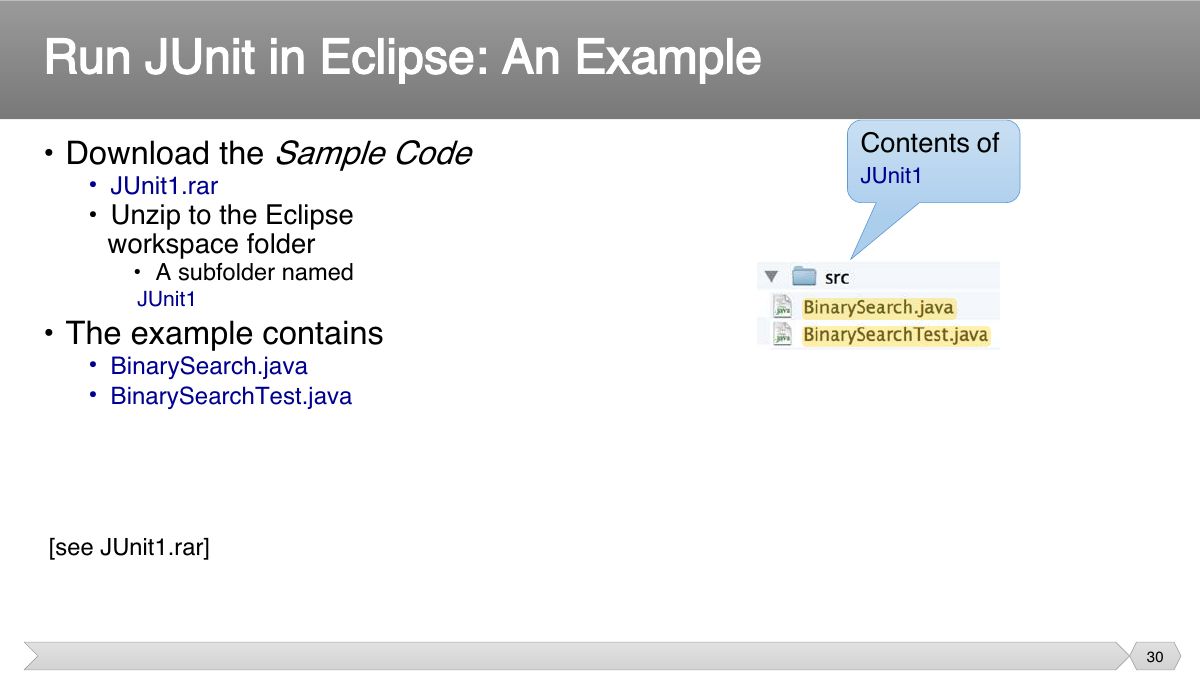
- 31 The Example Program: The Class Under Test
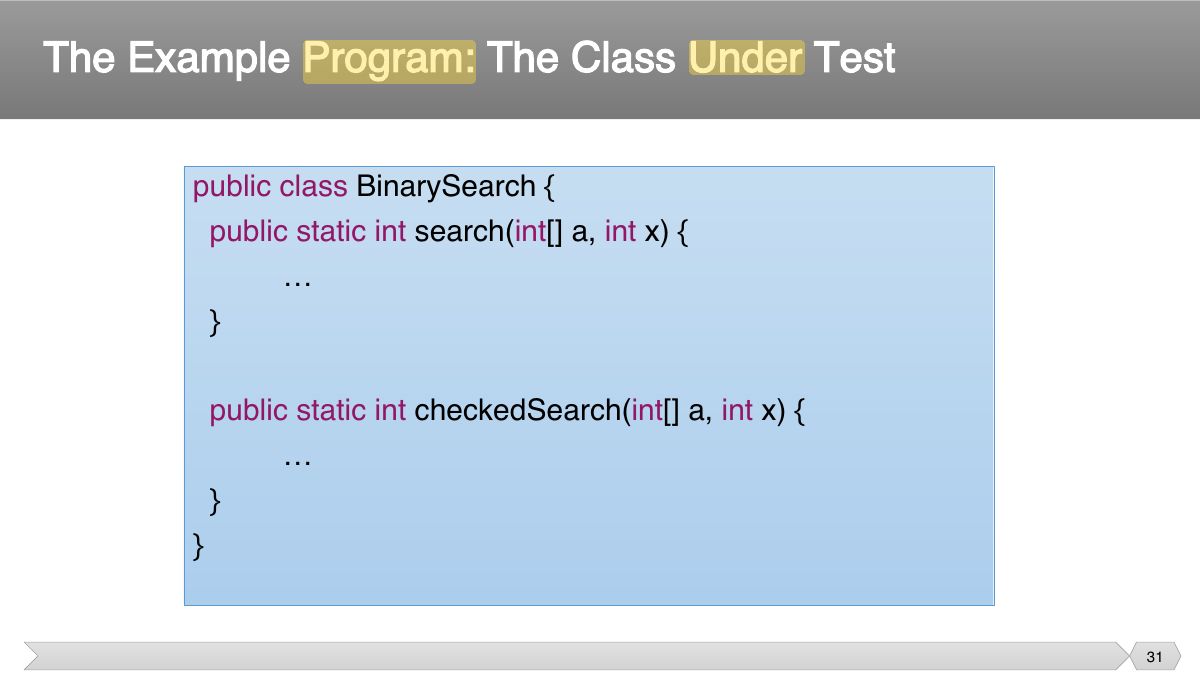
- 32 The JUnit Test
- 33 The JUnit Test (cont’d)
- 34 • Start Eclipse IDE
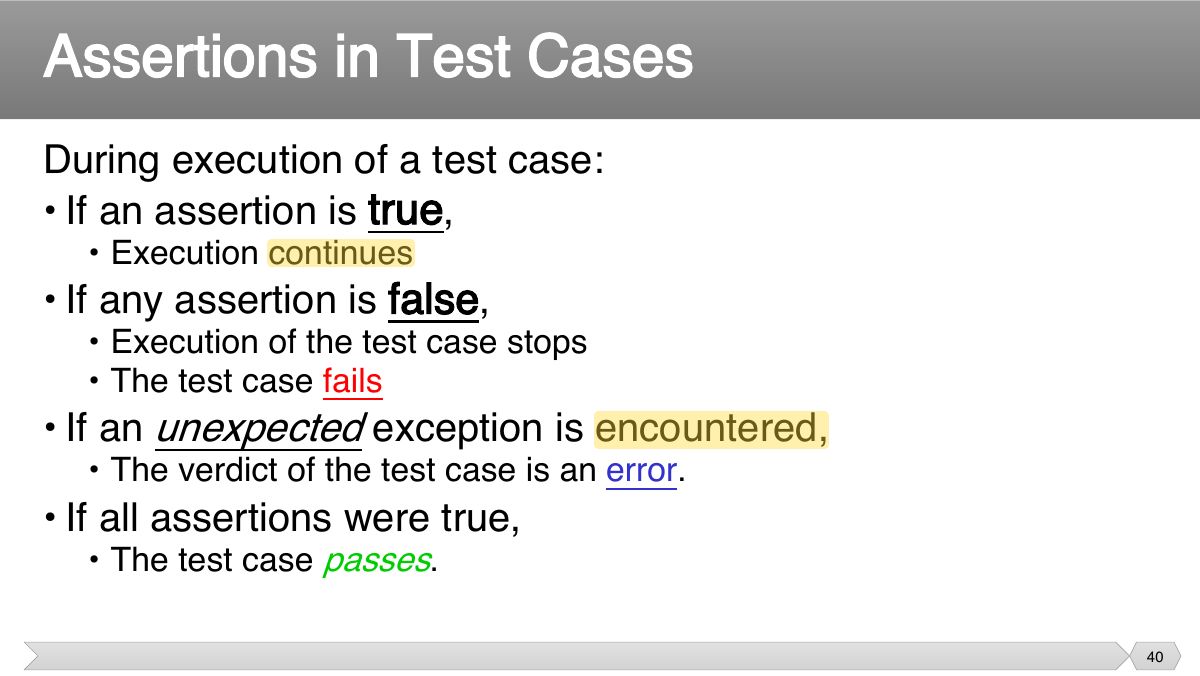
- 35 • Click “Next” • Java Settings
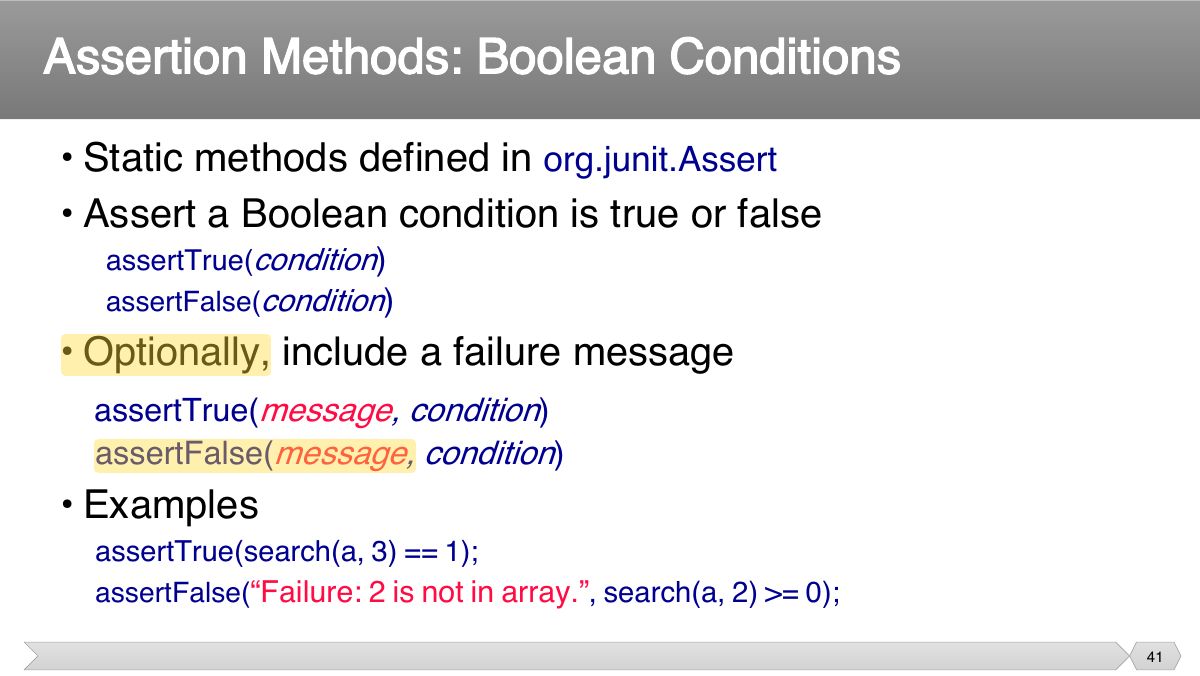
- 36 • Add Library
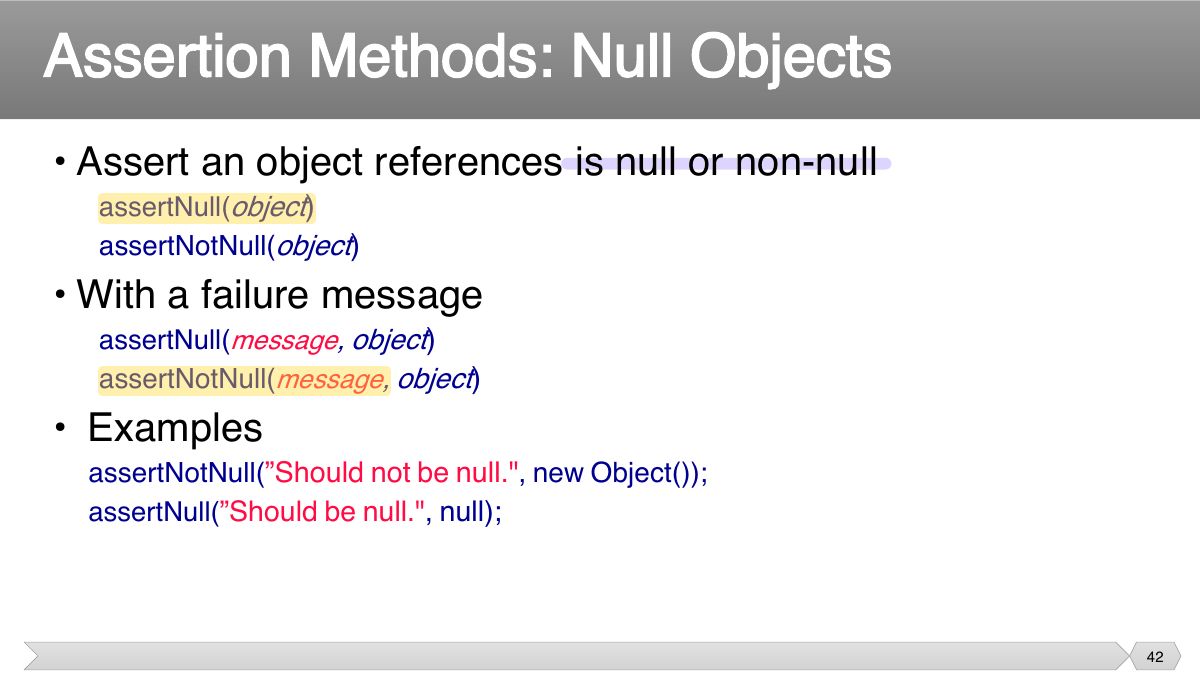
- 37 Run JUnit in Eclipse: An Example
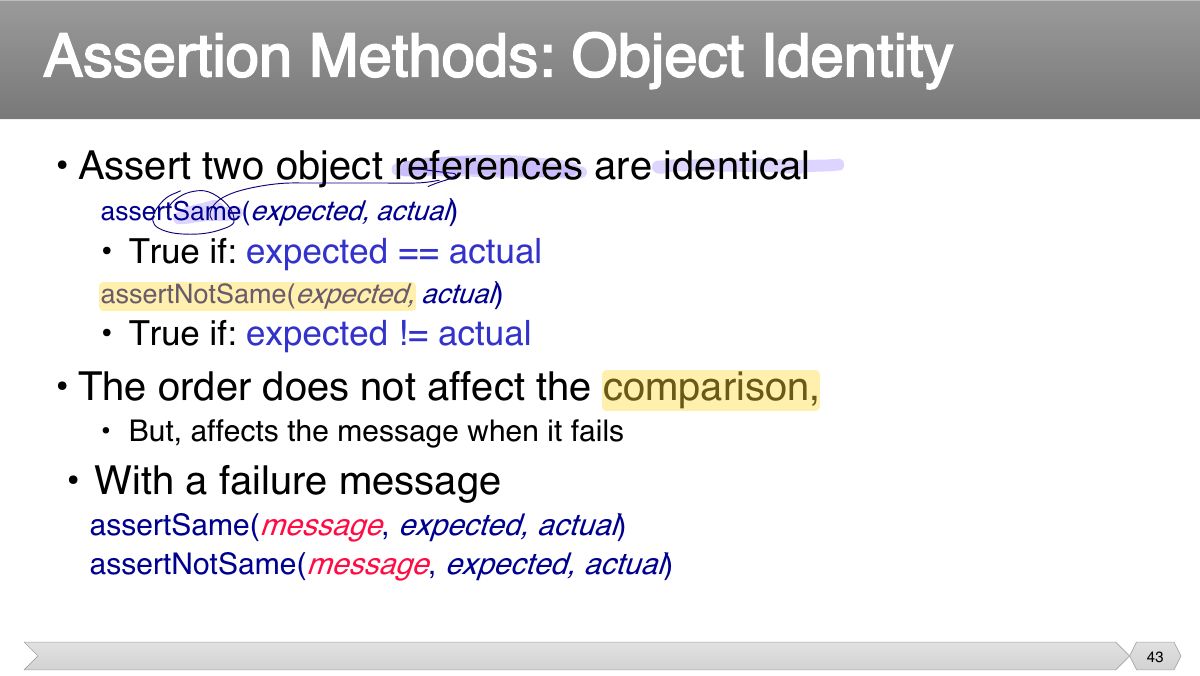
- 38 Run JUnit in Eclipse: An Example
- 39 Slide 39
- 40 During execution of a test case: • If an assertion is true ,
- 41 • Static methods defined in org.junit.Assert • Assert a Boolean condition is true or false
- 42 • Assert an object references is null or non-null
- 43 • Assert two object references are identical
- 44 • Examples
- 45 • Assert two objects are equal:
- 46 • Examples
- 47 • Assert two arrays are equal:
- 48 • Examples
- 49 • For comparing floating point values ( double or float ) requires an additional parameter delta .
- 50 • A.k.a., robustness testing • The expected outcome of a test is an exception.
- 51 • Specify an expected exception in a test case
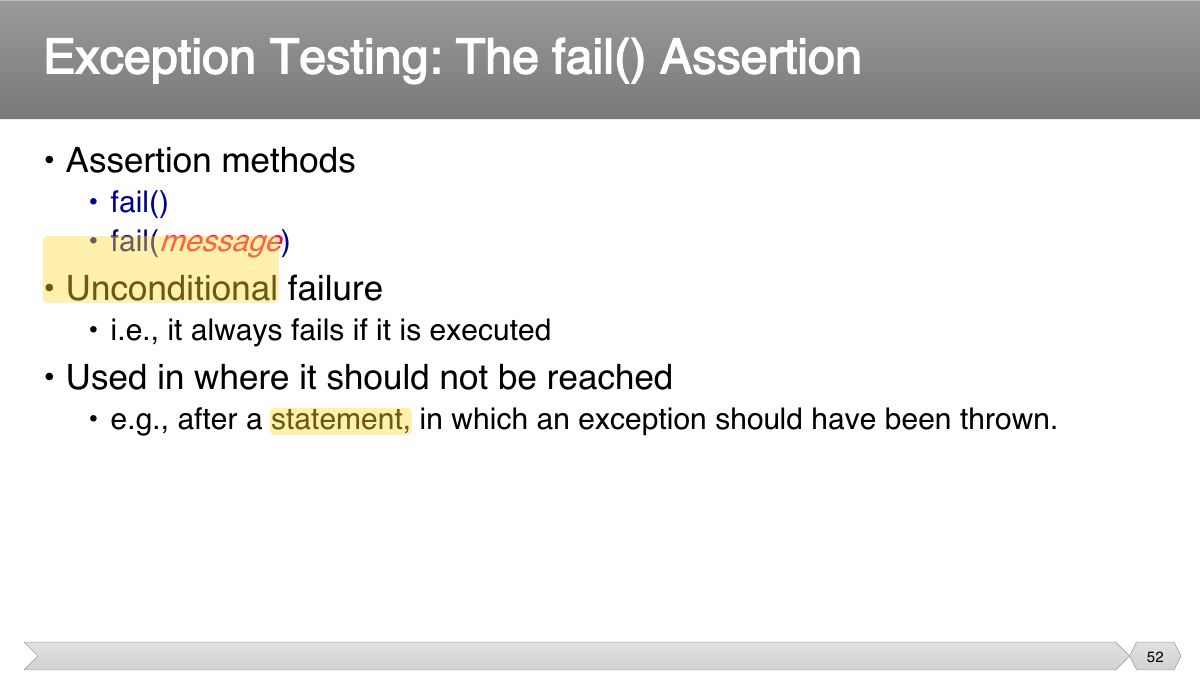
- 52 • Assertion methods
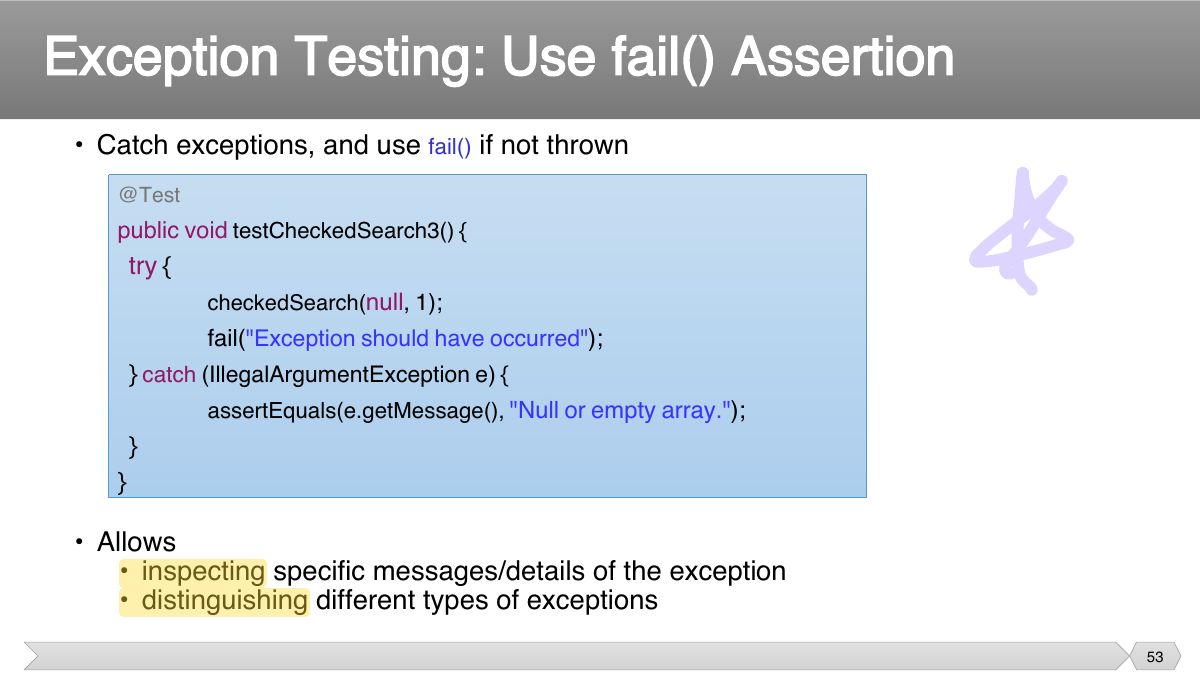
- 53 • Catch exceptions, and use if not thrown
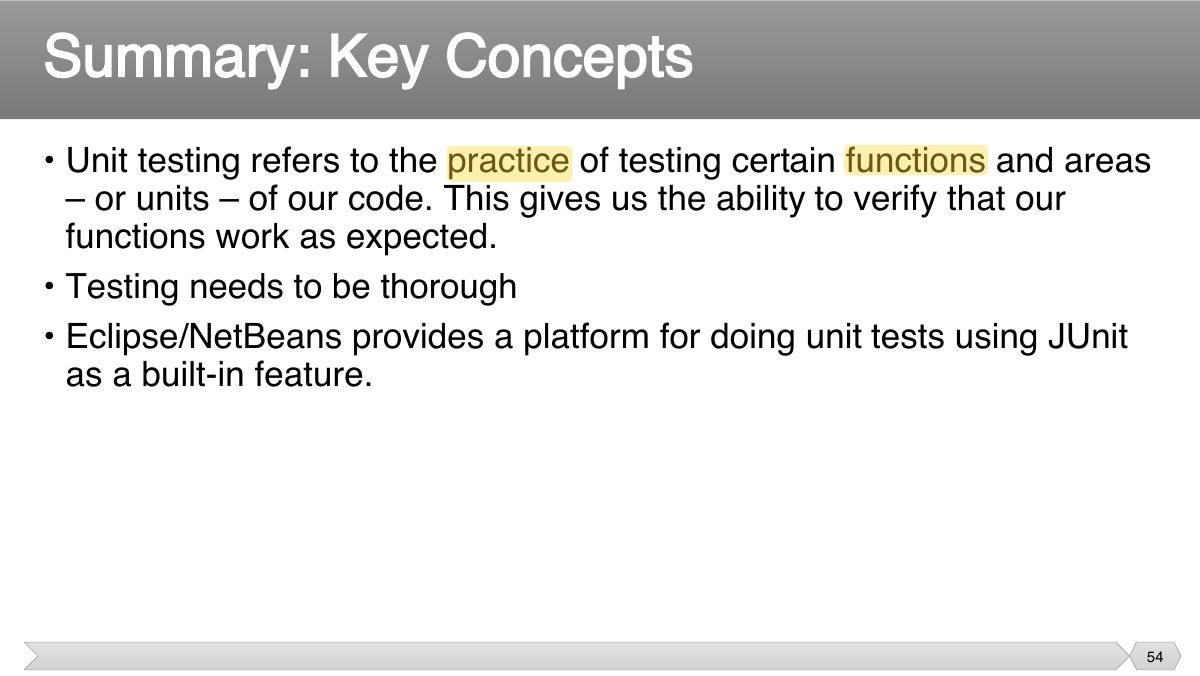
- 54 • Unit testing refers to the practice of testing certain functions and areas – or units – of our code. This gives us the ability to verify that our
- 55 Slide 55
- 56 • Each test case should be independent. • Test cases should be independent of execution order.
- 57 • The context in which a test case is executed. • Typically include:
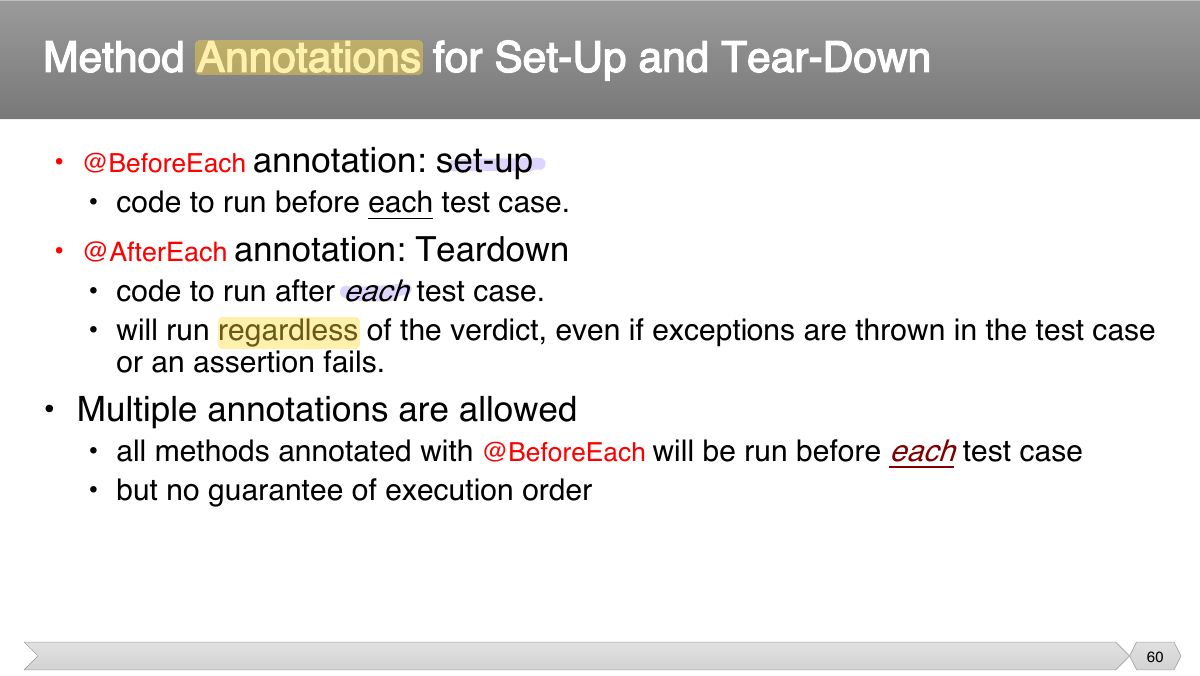
- 58 • Tasks that must be done prior to each test case • Examples:
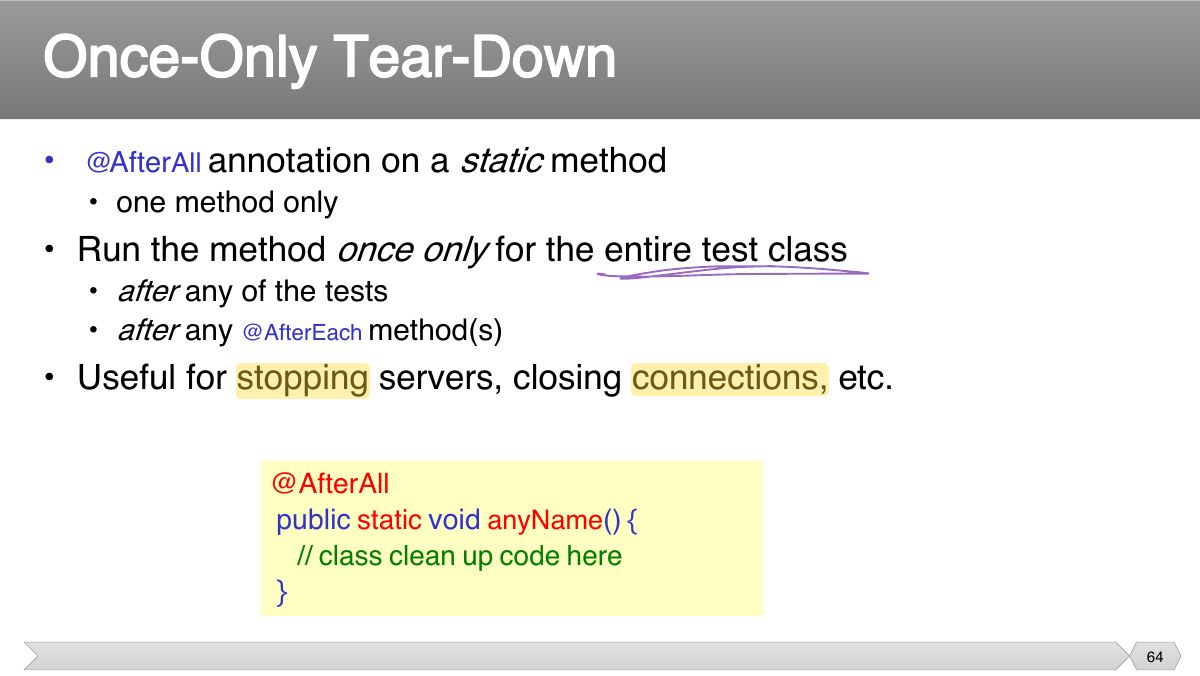
- 59 • Tasks to clean up after execution of each test case. • Ensures
- 60 annotation: set-up
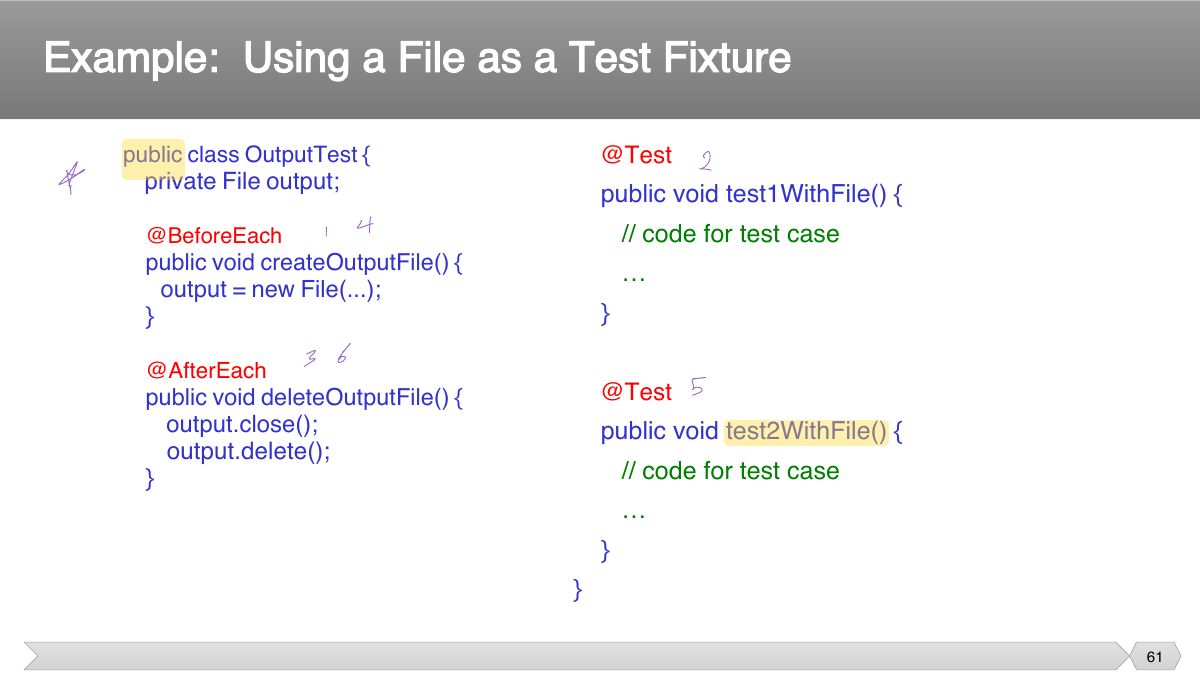
- 61 public class OutputTest {
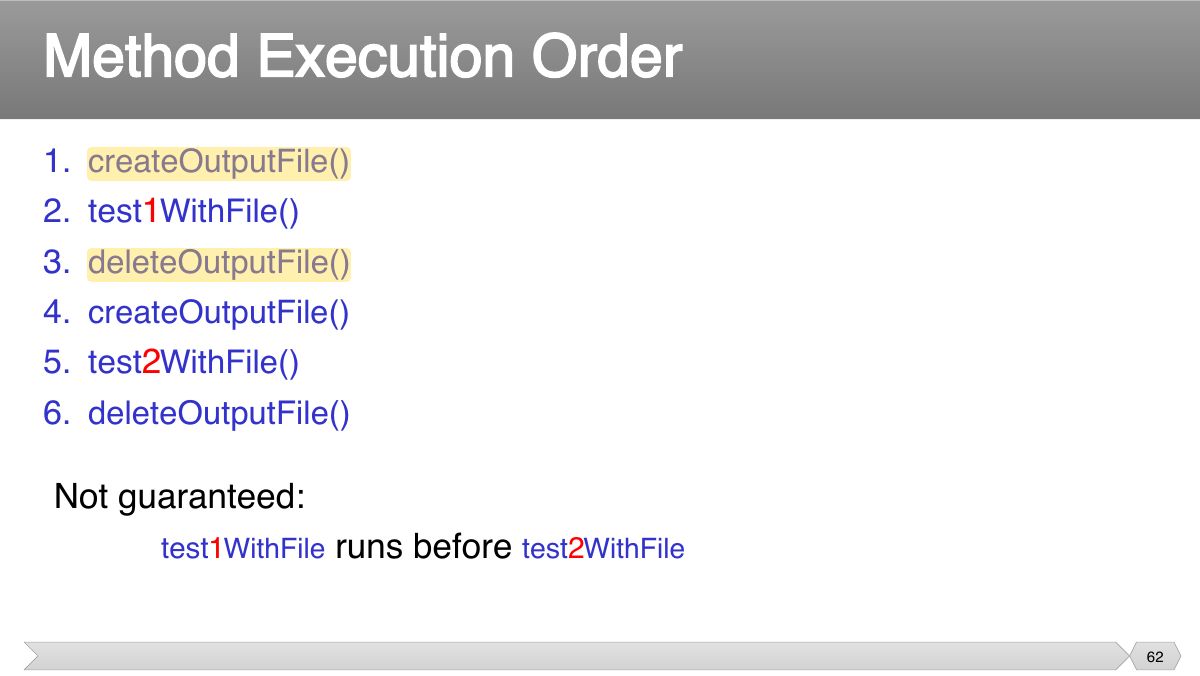
- 62 1. createOutputFile 2. test 1 WithFile
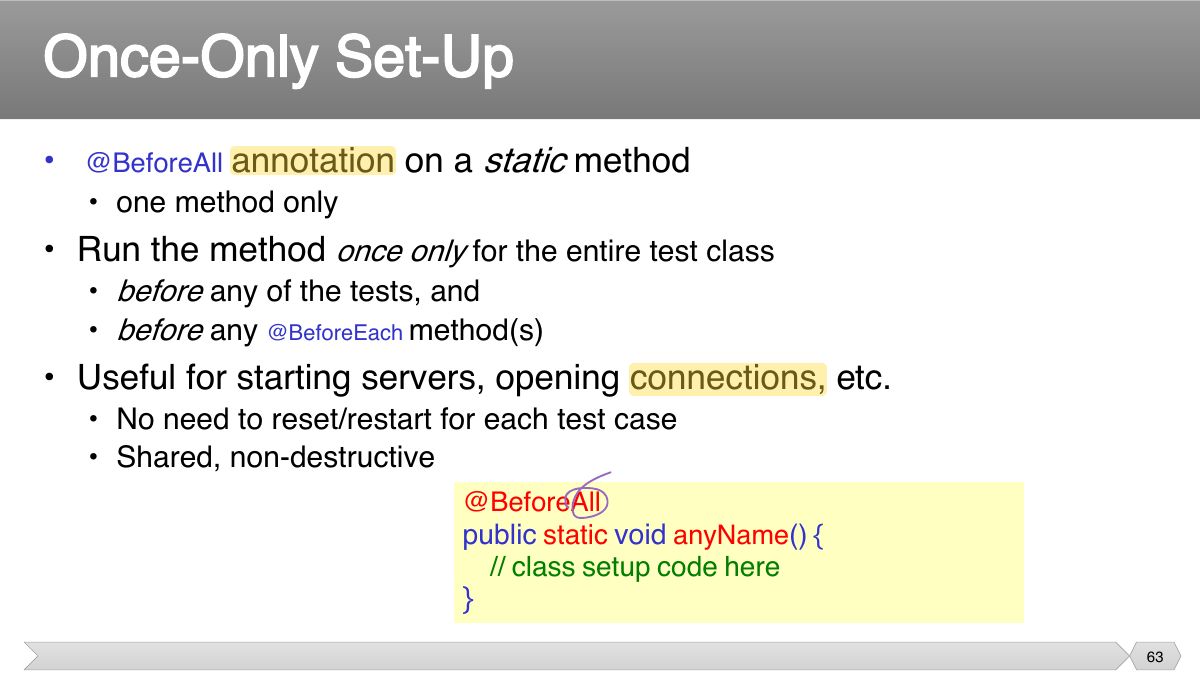
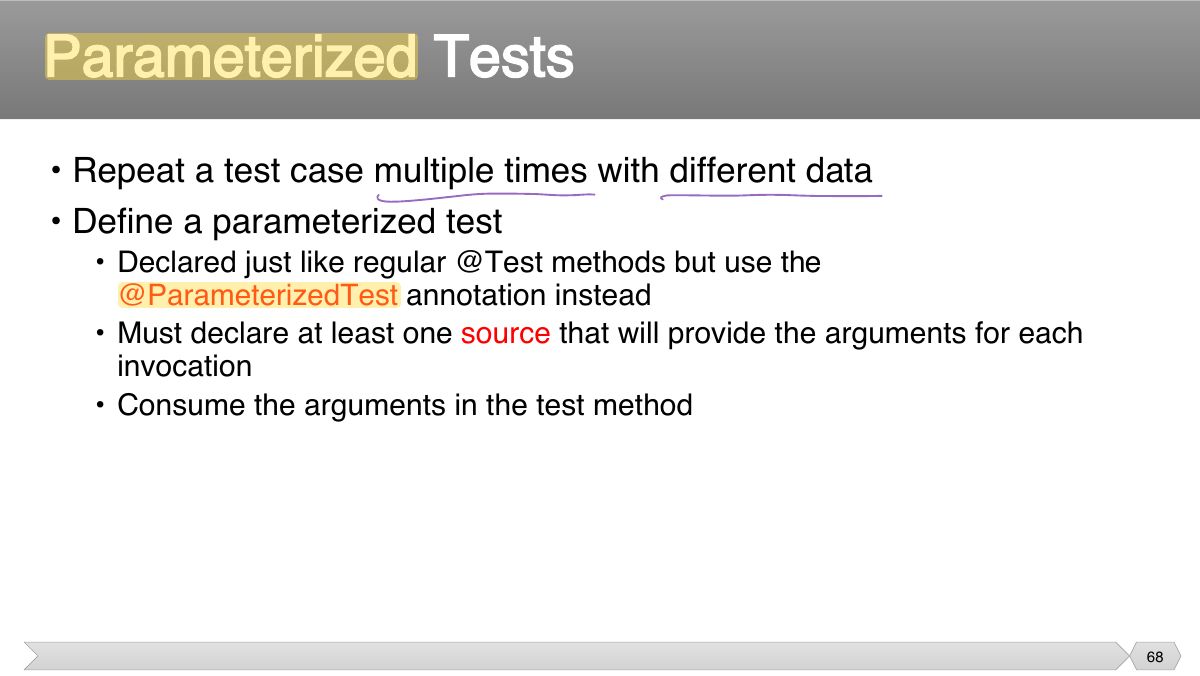
- 63 annotation on a static method • @BeforeAll
- 64 annotation on a static method • After All
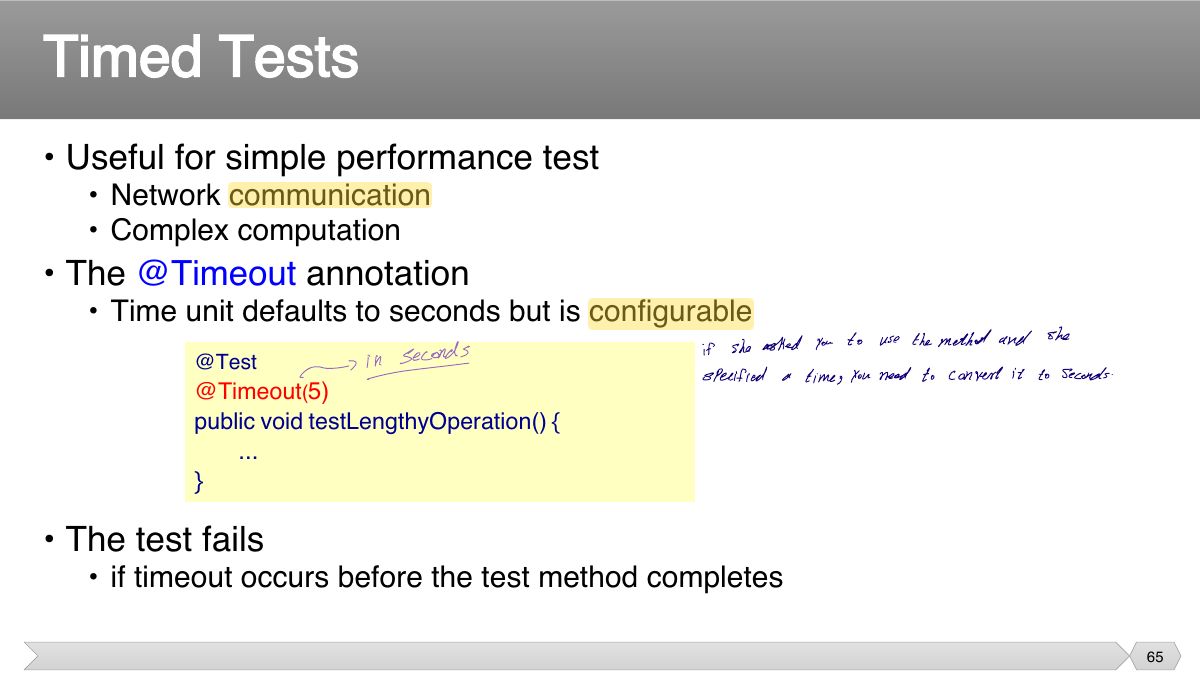
- 65 • Useful for simple performance test
- 66 • JUnit 5 Documentation
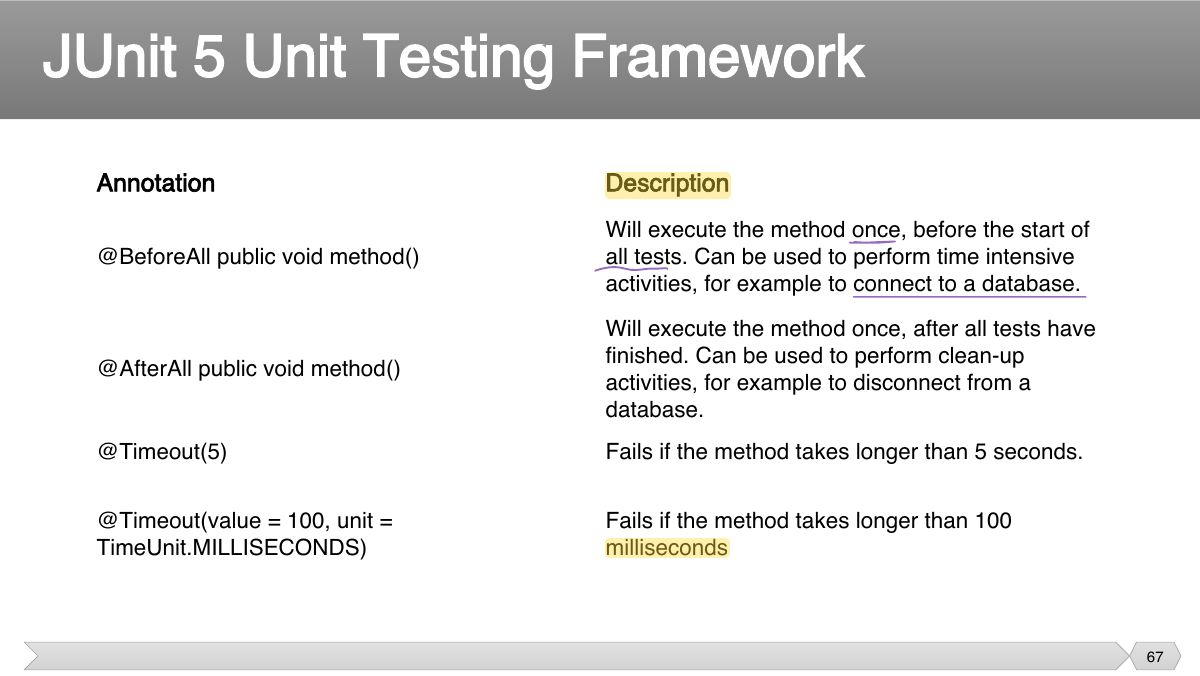
- 67 JUnit 5 Unit Testing Framework
- 68 • Repeat a test case multiple times with different data • Define a parameterized test
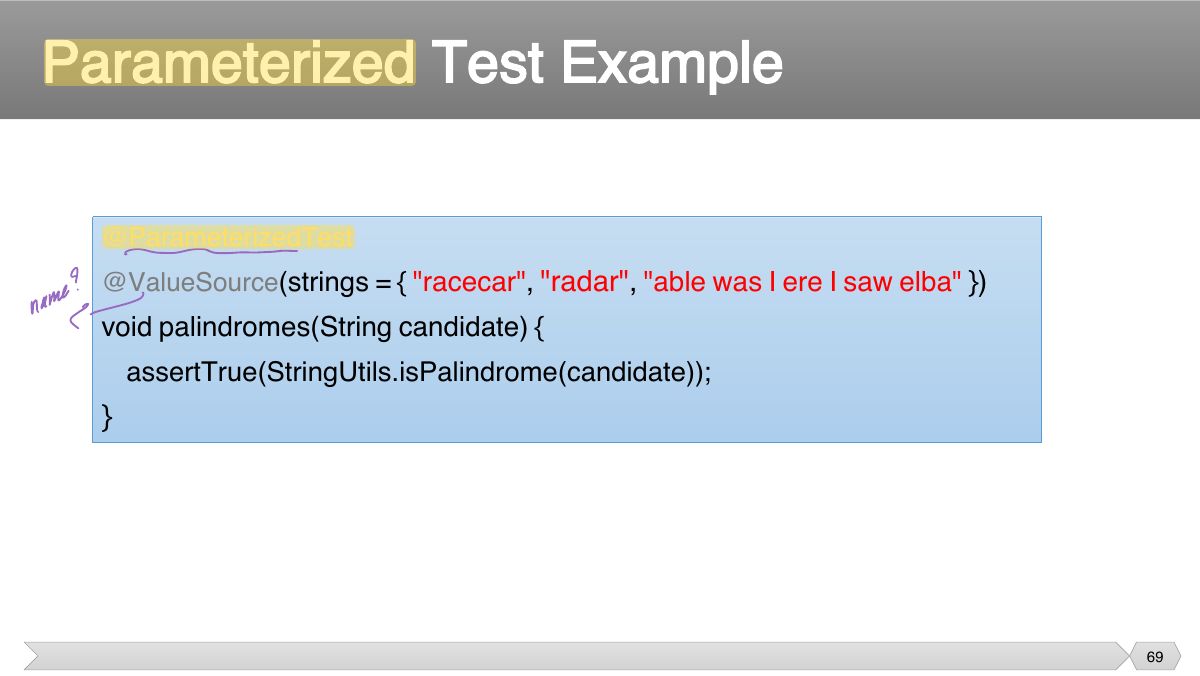
- 69 Parameterized Test Example
Slide 1
• Unit Testing and JUnit
Slide 3
• Testing of an individual software unit
Notes
Unit testing: test one unit (method/class) in isolation, written by developers, run automatically and often.
• Unit testing: Looking for errors in a subsystem in isolation.
• Allows you to write code faster while increasing quality • Elegantly simple
• JUnit helps the programmer:
• JUnit is a framework for writing unit tests
Notes
JUnit: a framework for writing repeatable automated Java tests; a test method is annotated @Test and returns void.
import static org.junit.jupiter.api.Assertions.*; import org.junit.jupiter.api.Test;
• A test method doesn ’ t return a result • If the tests run correctly, a test method does nothing
• In practice, you want to run a group of related tests (e.g. all the tests for a class)
• Create test cases in the same package as the code under test • For each Java package in your application, define a TestSuite class that
• Separate production and test code • But typically in the same packages
• Tests need failure atomically (ability to know exactly what failed).
• JUnit is designed to call methods and compare the results they return against expected results
Slide 16
• A unit testing tool for Java programs
• Requires Java 8 (or higher) at runtime
• JUnit has been integrated into most IDE’s
A verdict is the result of executing a single test case.
• A JUnit test is represented as a class (test class). • Each test case is a method in a test class.
• Assertions are Boolean expressions
/** Test of setName method, of class Value */
/** Test of setName method, of class Value */
/** Test of setName method, of class Value */
/** Test of setName method, of class Value */
/** Test of setName method, of class Value */
• Each test method represents a single test case
• Download and install JDK ▪ Download and install Eclipse/NetBeans IDE for Java Developers
• Download the Sample Code
The Example Program: The Class Under Test
The JUnit Test
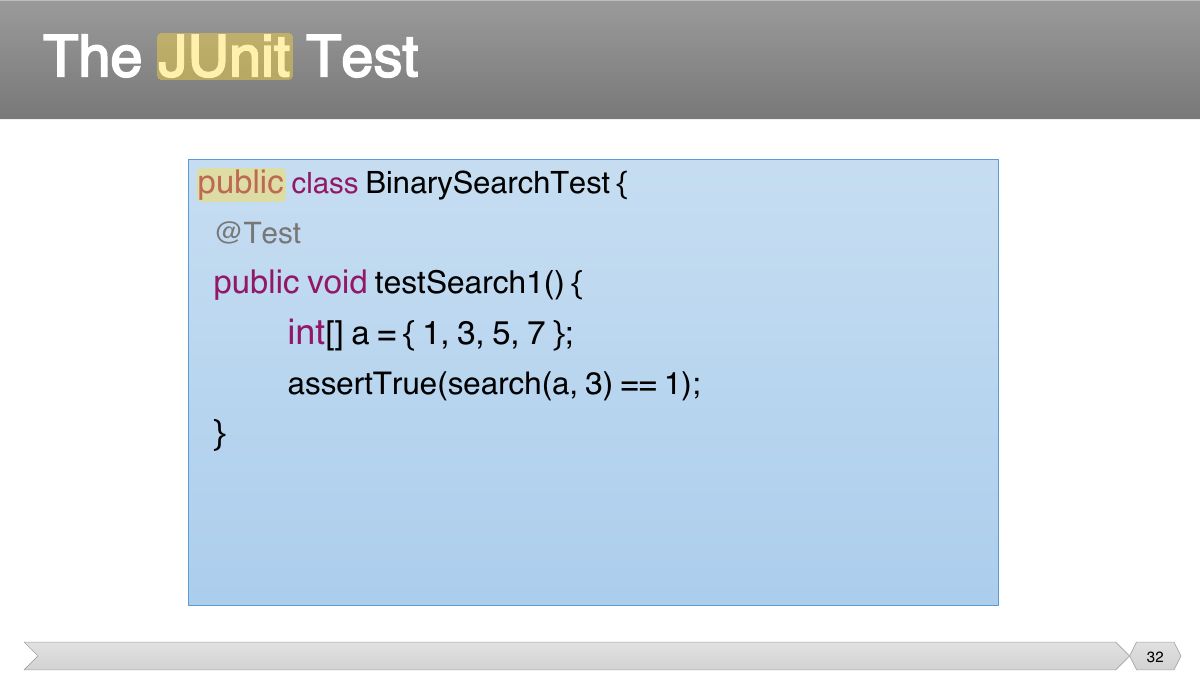
The JUnit Test (cont’d)
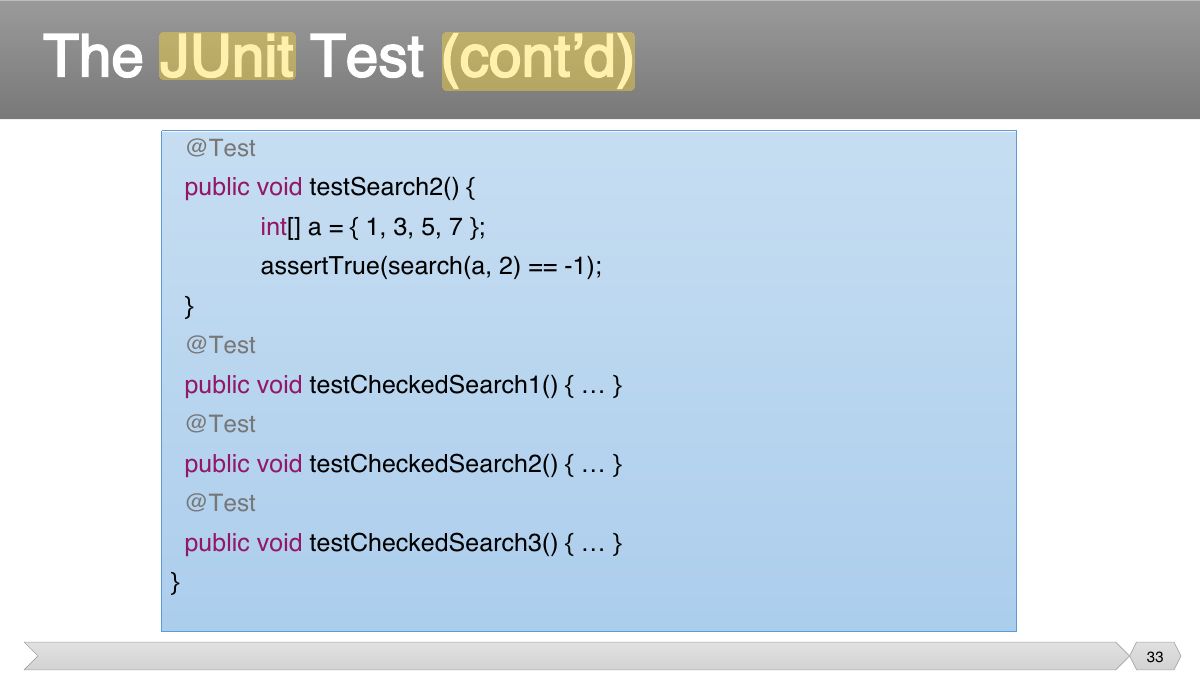
• Start Eclipse IDE
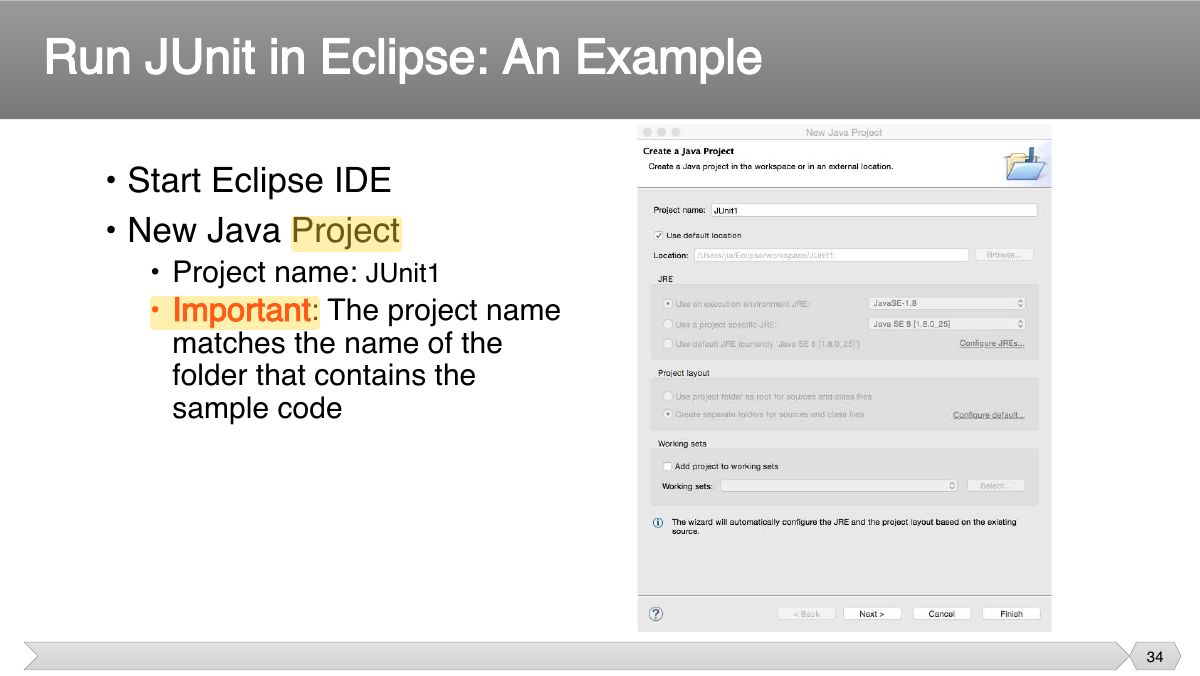
• Click “Next” • Java Settings
• Add Library
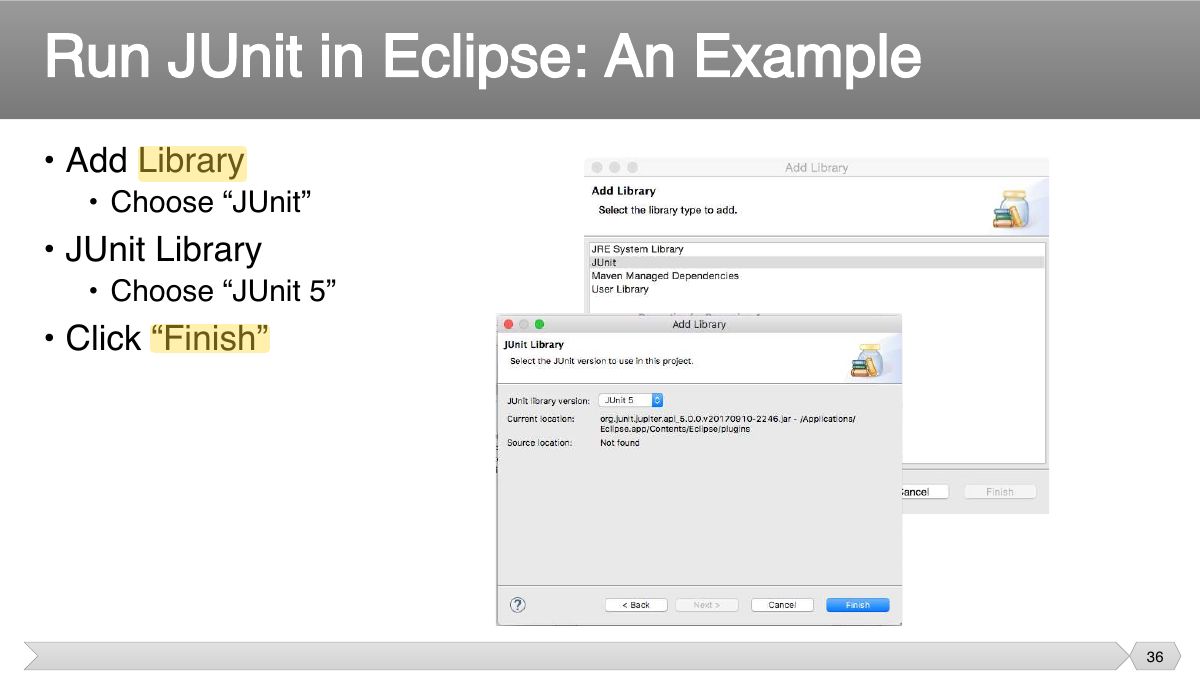
Run JUnit in Eclipse: An Example
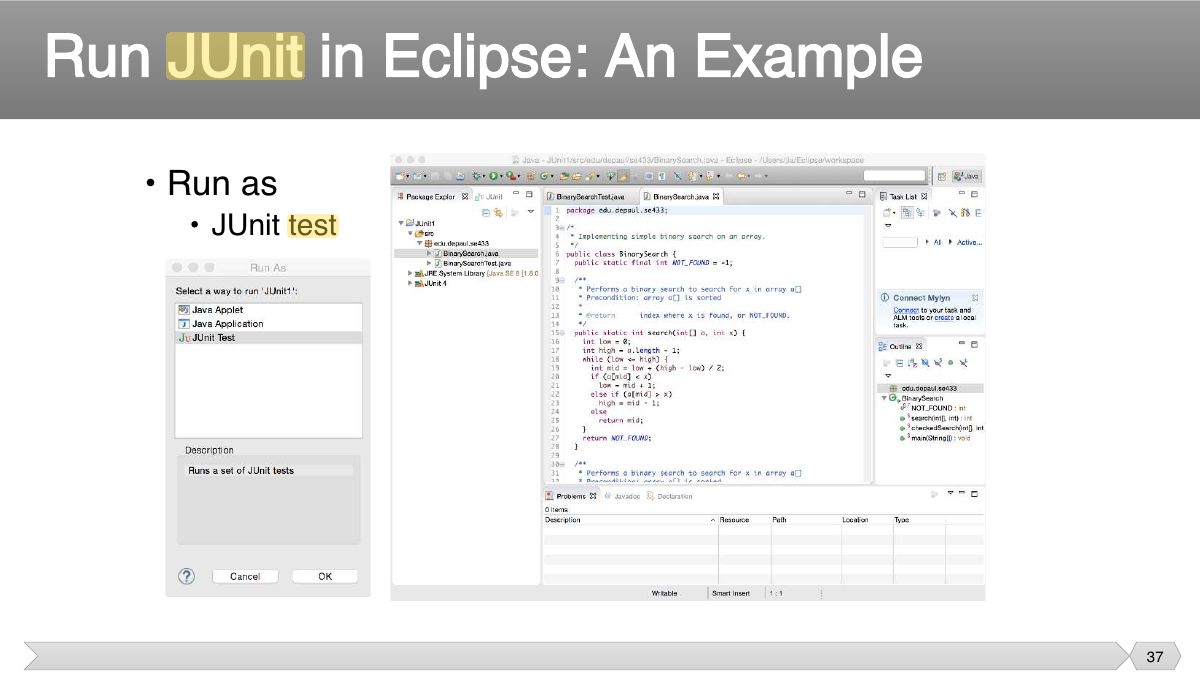
Run JUnit in Eclipse: An Example
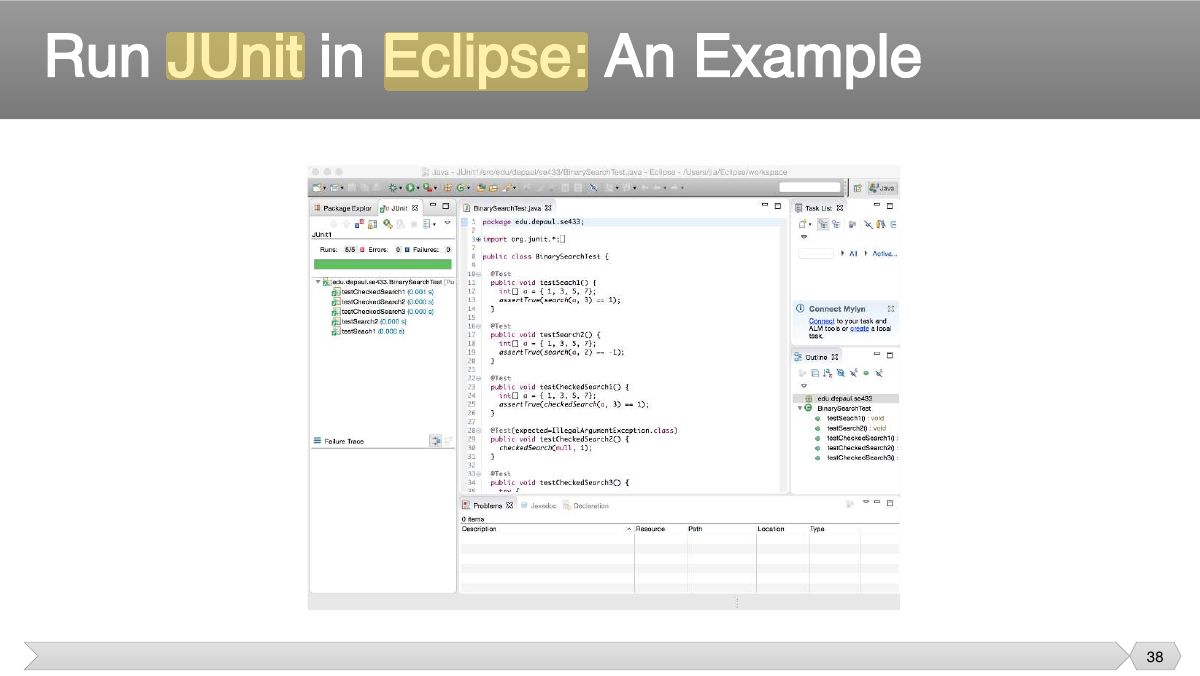
Slide 39
During execution of a test case: • If an assertion is true ,
• Static methods defined in org.junit.Assert • Assert a Boolean condition is true or false
Notes
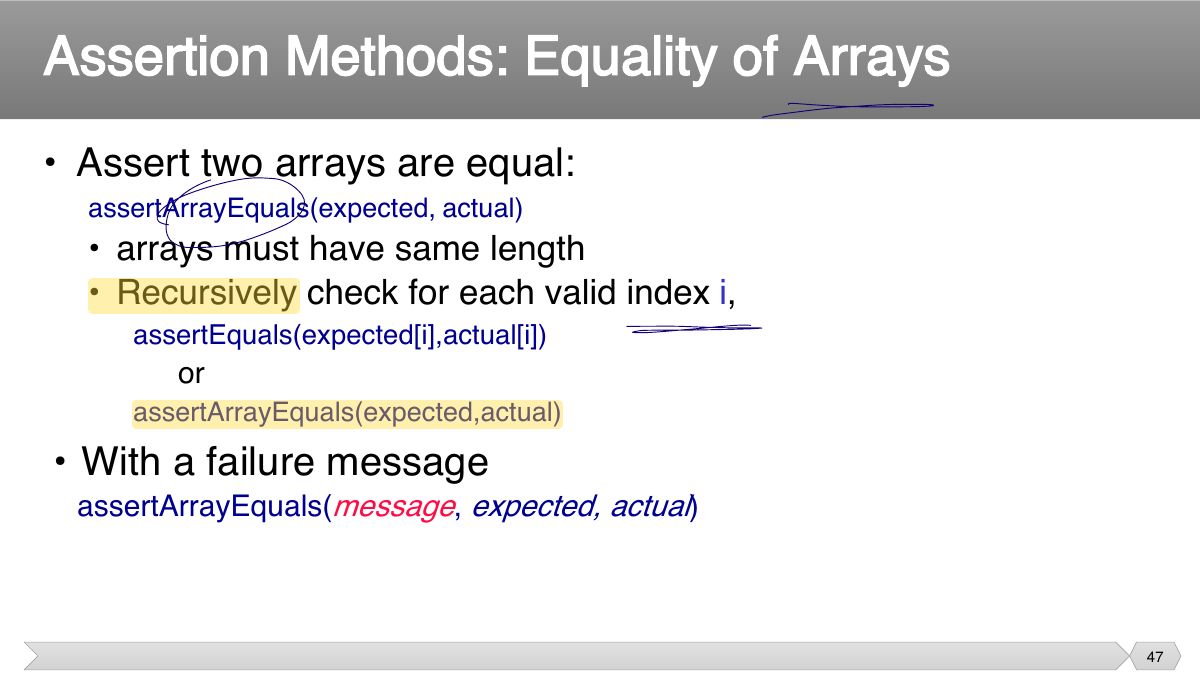
assertEquals(expected, actual), assertTrue, assertFalse, assertNull, assertNotNull, assertSame (same reference), assertArrayEquals.
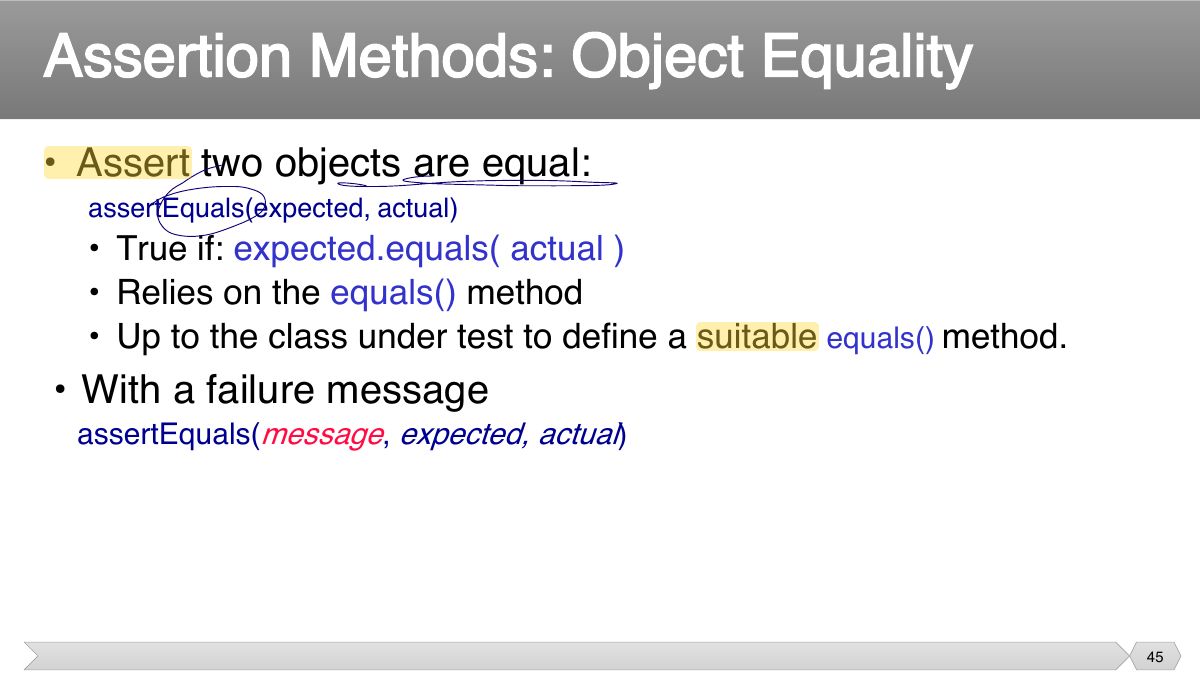
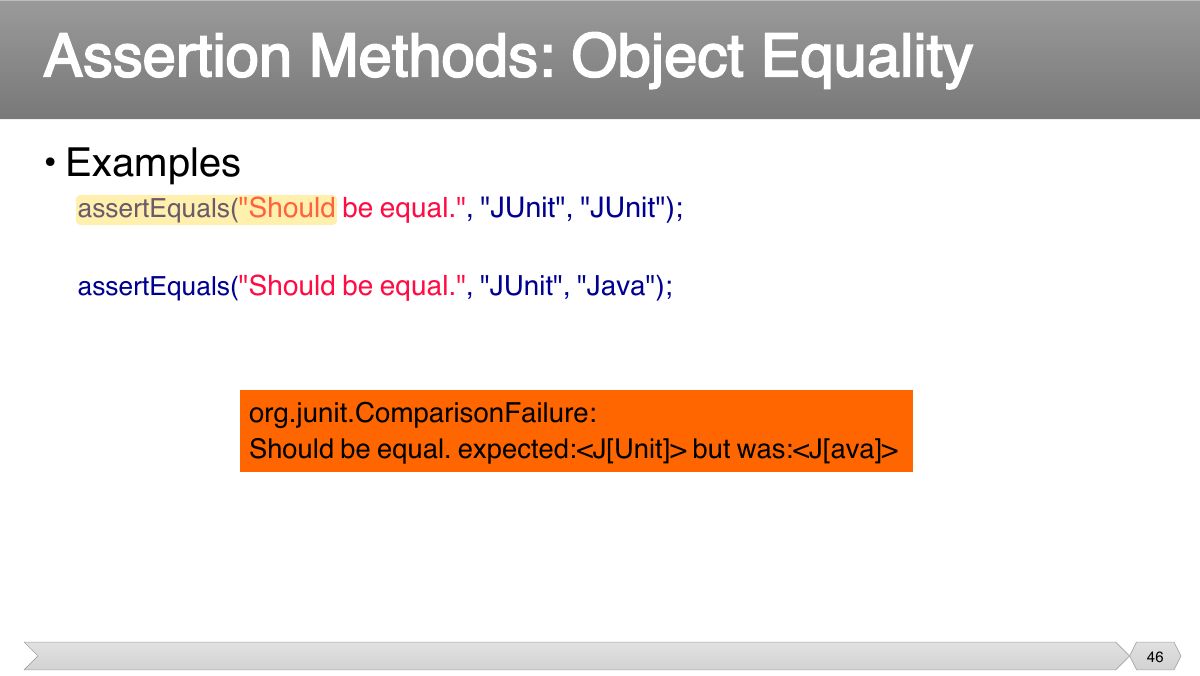
Trap assertEquals uses equals(); assertSame checks the two references are the SAME object.
Exam angle
• Assert an object references is null or non-null
• Assert two object references are identical
• Examples
• Assert two objects are equal:
• Examples
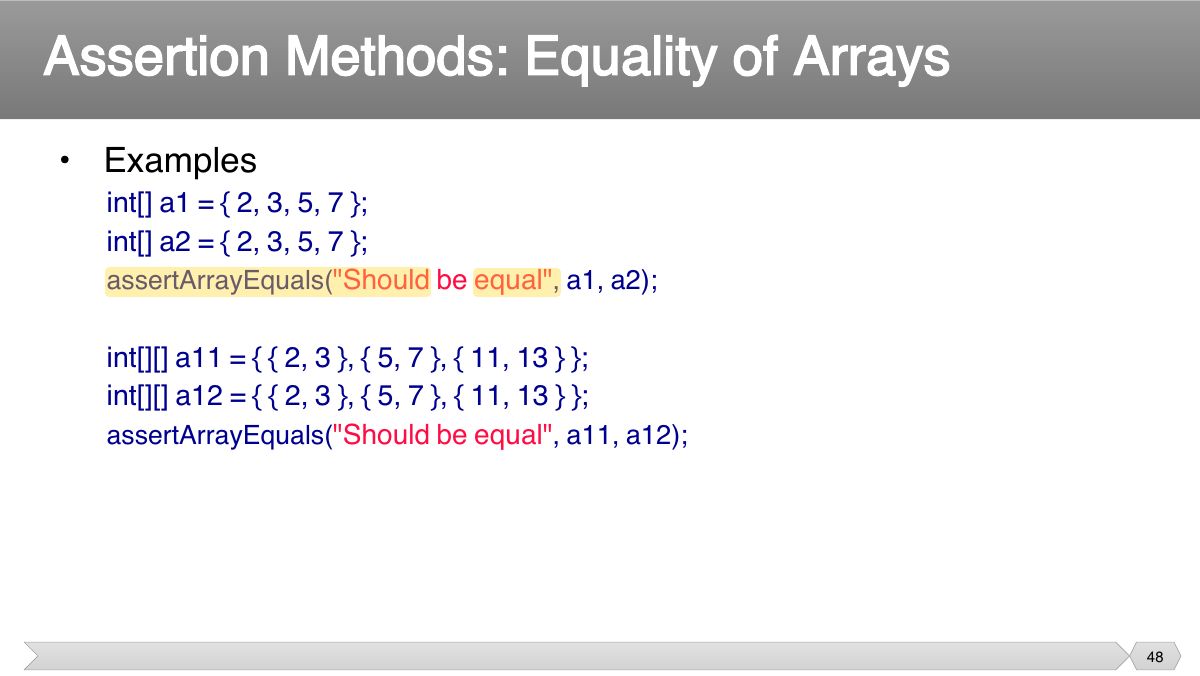
• Assert two arrays are equal:
• Examples
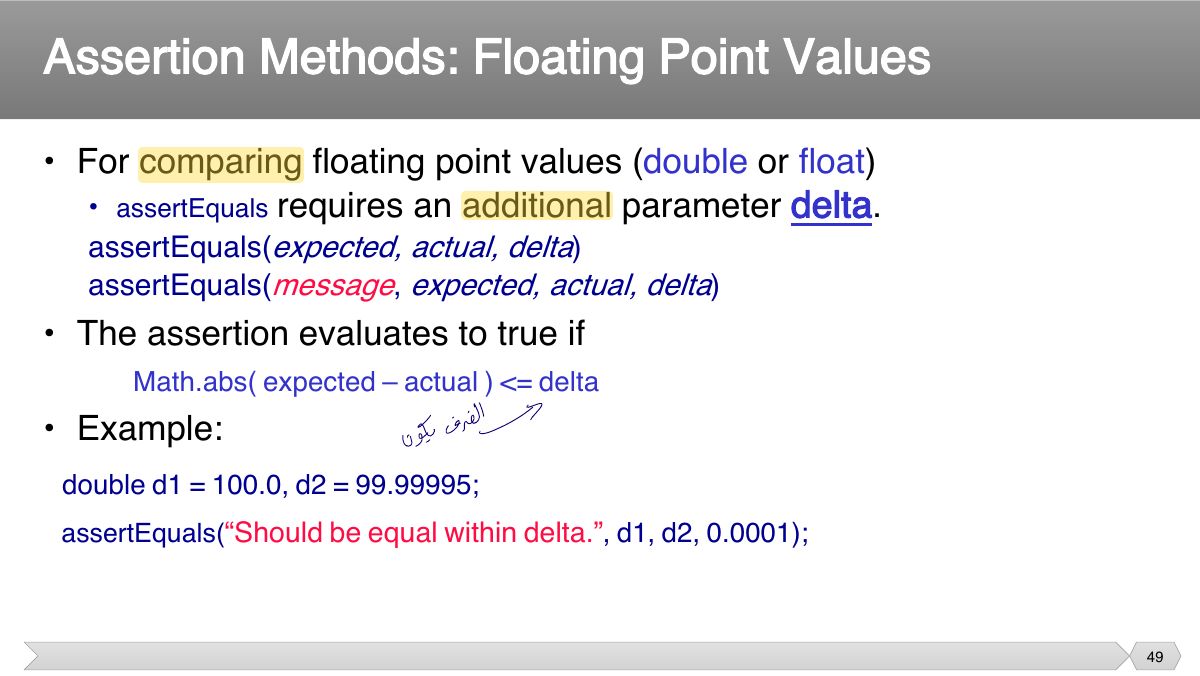
• For comparing floating point values ( double or float ) requires an additional parameter delta .
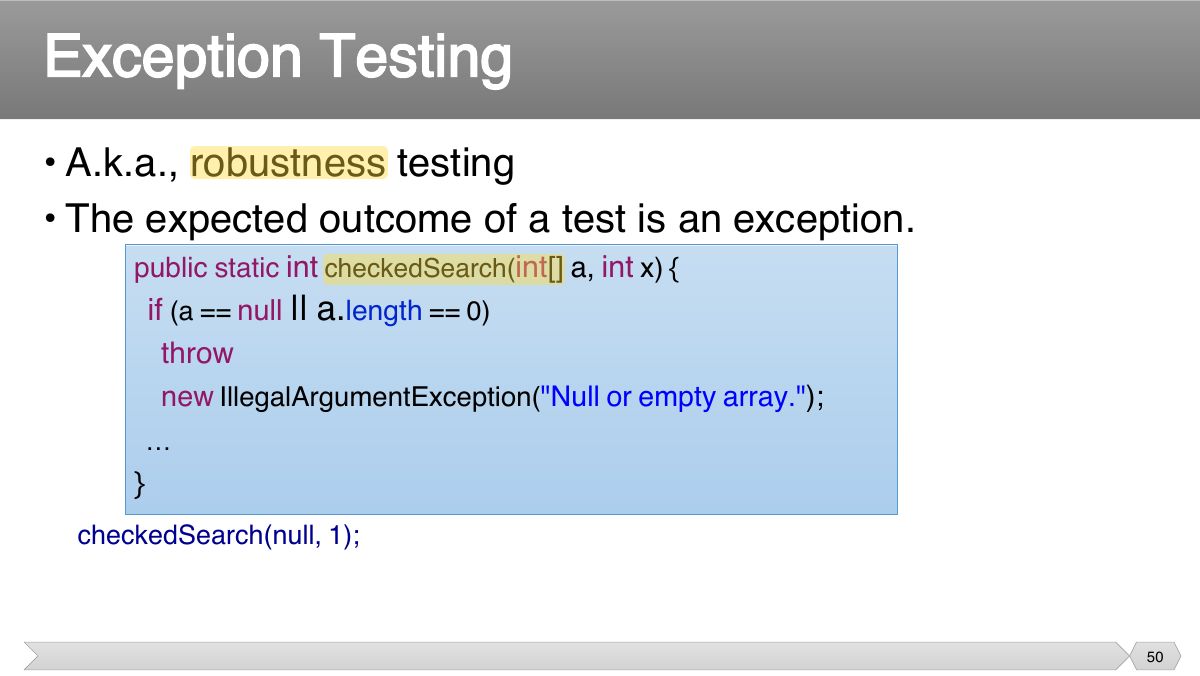
• A.k.a., robustness testing • The expected outcome of a test is an exception.
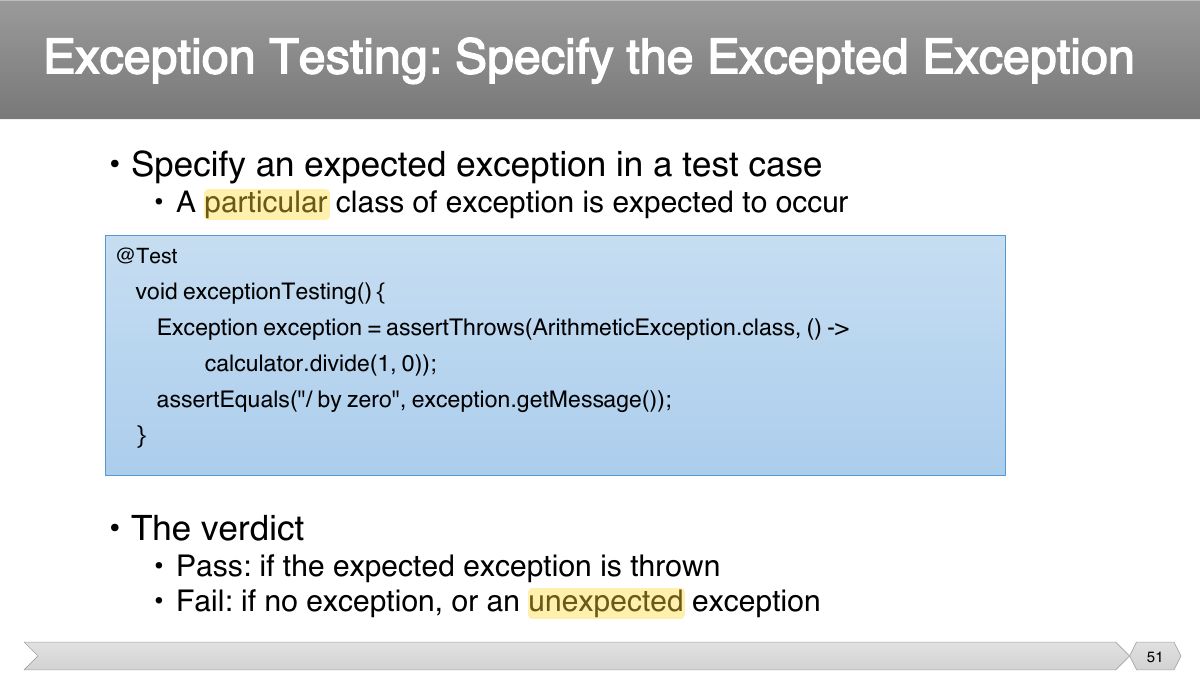
• Specify an expected exception in a test case
Notes
Expected exceptions: assertThrows(IllegalArgumentException.class, () -> obj.method(-1));
Exam angle
JUnit 5 checks that code throws an exception with:
• Assertion methods
• Catch exceptions, and use if not thrown
• Unit testing refers to the practice of testing certain functions and areas – or units – of our code. This gives us the ability to verify that our
Slide 55
• Each test case should be independent. • Test cases should be independent of execution order.
Notes
Each test must be independent of the others (no shared mutable state, any order).
• The context in which a test case is executed. • Typically include:
• Tasks that must be done prior to each test case • Examples:
Notes
@BeforeEach / @AfterEach run before/after EVERY test; @BeforeAll / @AfterAll run once per class and must be static.
Exam angle
Setup code that must run once before all tests in the class uses:
• Tasks to clean up after execution of each test case. • Ensures
annotation: set-up
public class OutputTest {
1. createOutputFile 2. test 1 WithFile
annotation on a static method • @BeforeAll
annotation on a static method • After All
• Useful for simple performance test
• JUnit 5 Documentation
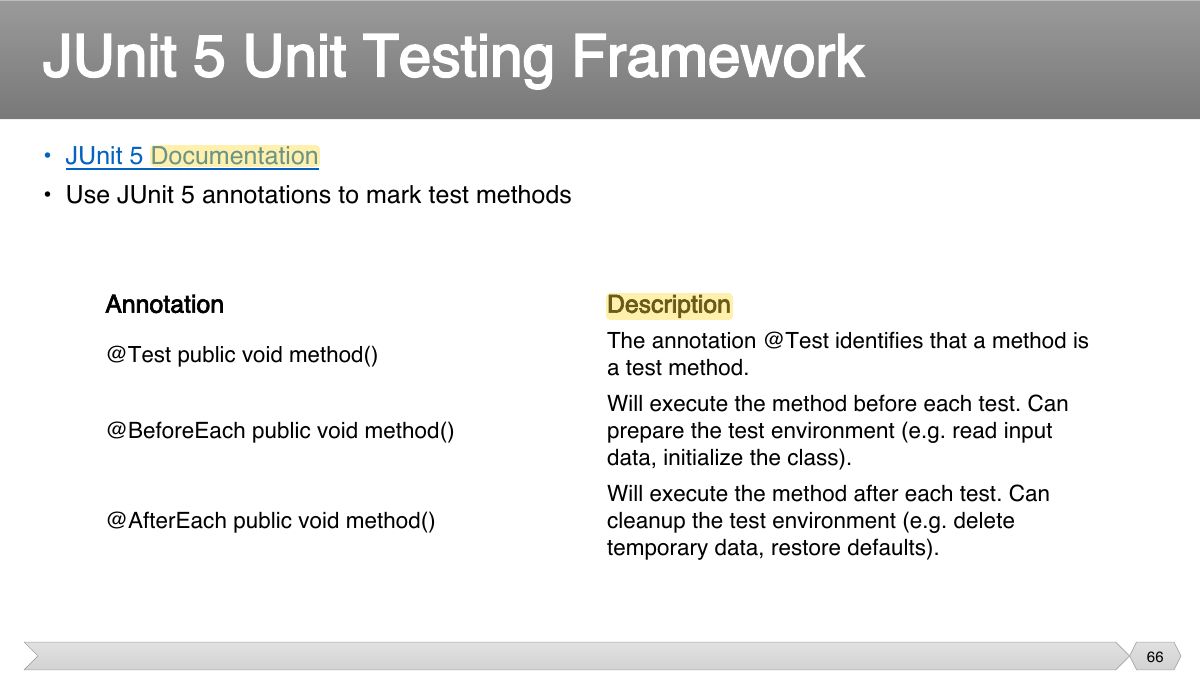
JUnit 5 Unit Testing Framework
• Repeat a test case multiple times with different data • Define a parameterized test
Parameterized Test Example