A field accepts integers 1–100. The equivalence classes are:
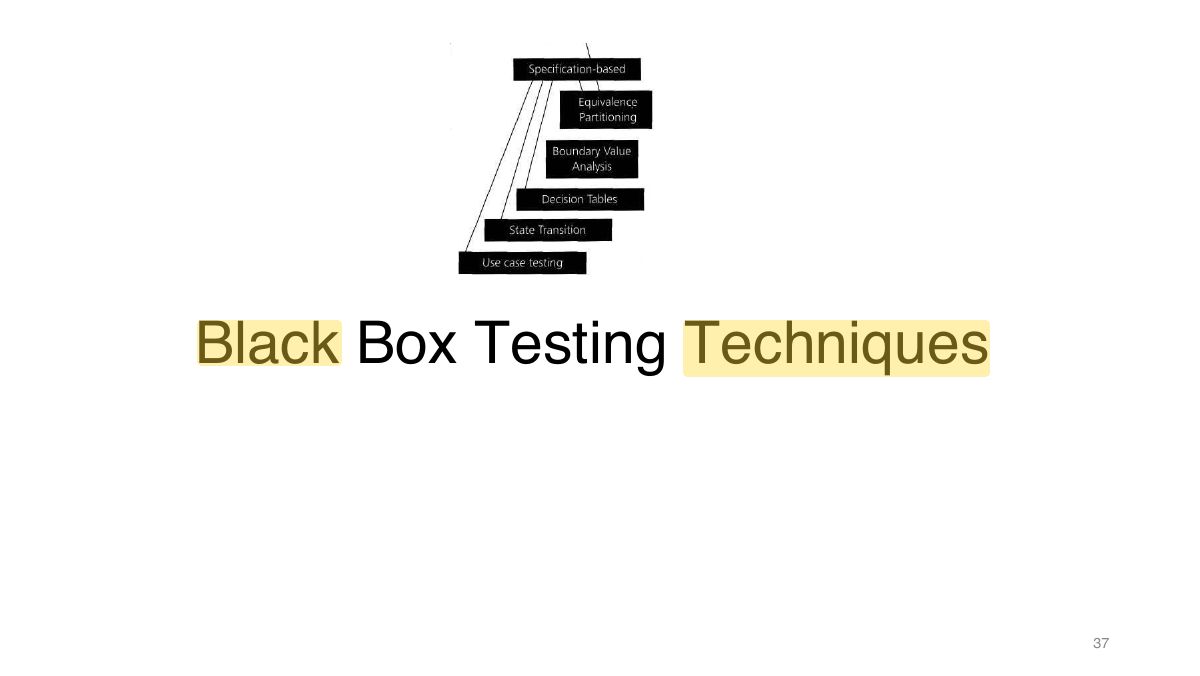
Black-Box Testing Techniques
The black-box version of the test-design lecture: equivalence partitioning, boundary value analysis, decision tables, state transition and use-case testing, non-functional testing, error guessing and exploratory testing.
How to read this page
Every original slide is shown unchanged. Yellow marks on a slide point to a numbered note: hover or tap a mark to jump to its note, and hover a note to see its marks. Questions tagged Past exam appeared on a real paper; Prediction questions are likely angles, not confirmed. Pick an answer to each question: a wrong pick tells you why it is wrong, so you can try again.
All 117 slides
- 1 Slide 1
- 2 • The test development process • Categories of test design techniques
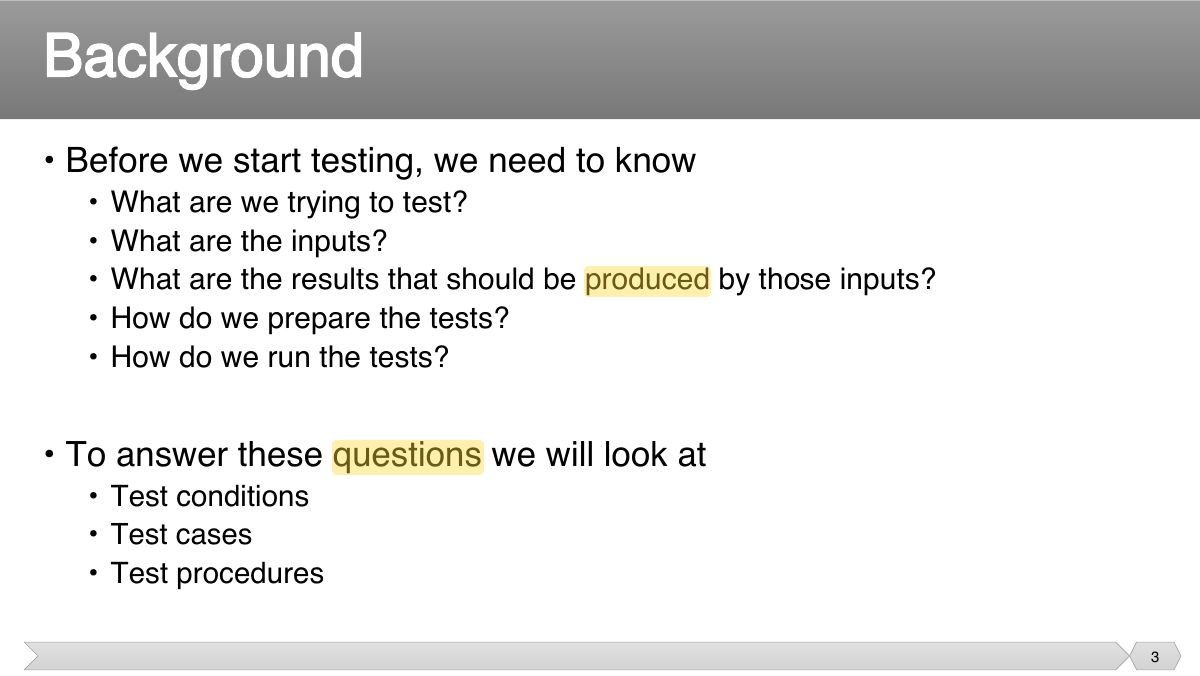
- 3 • Before we start testing, we need to know
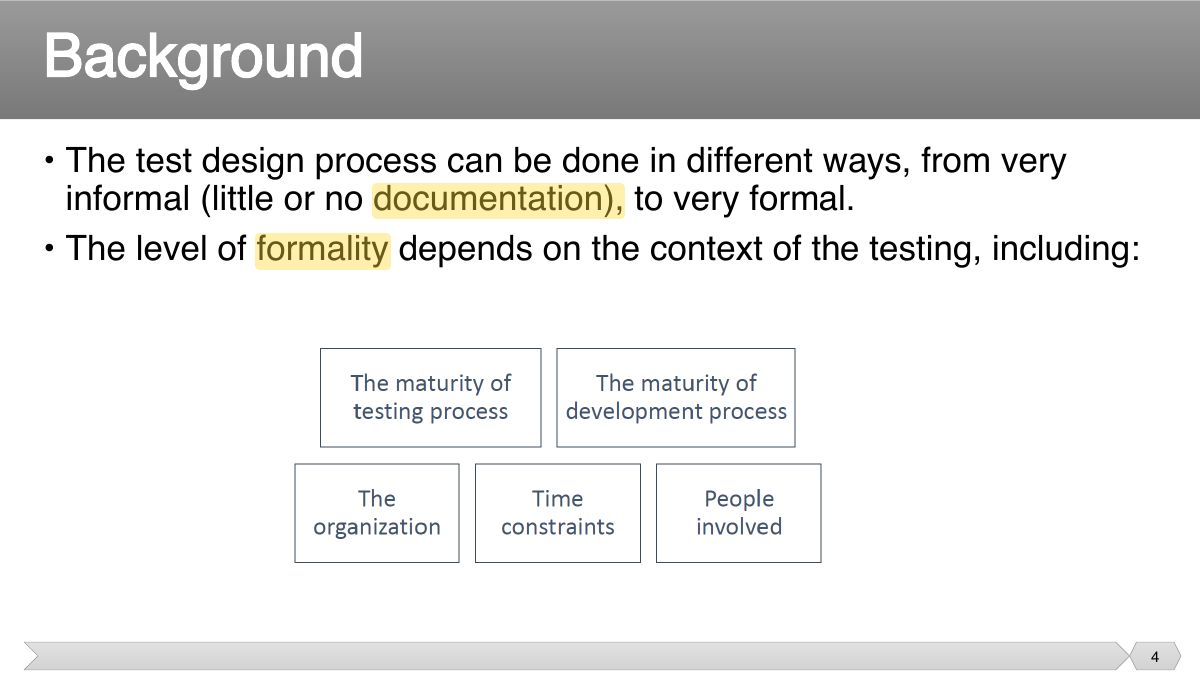
- 4 • The test design process can be done in different ways, from very informal (little or no documentation), to very formal.
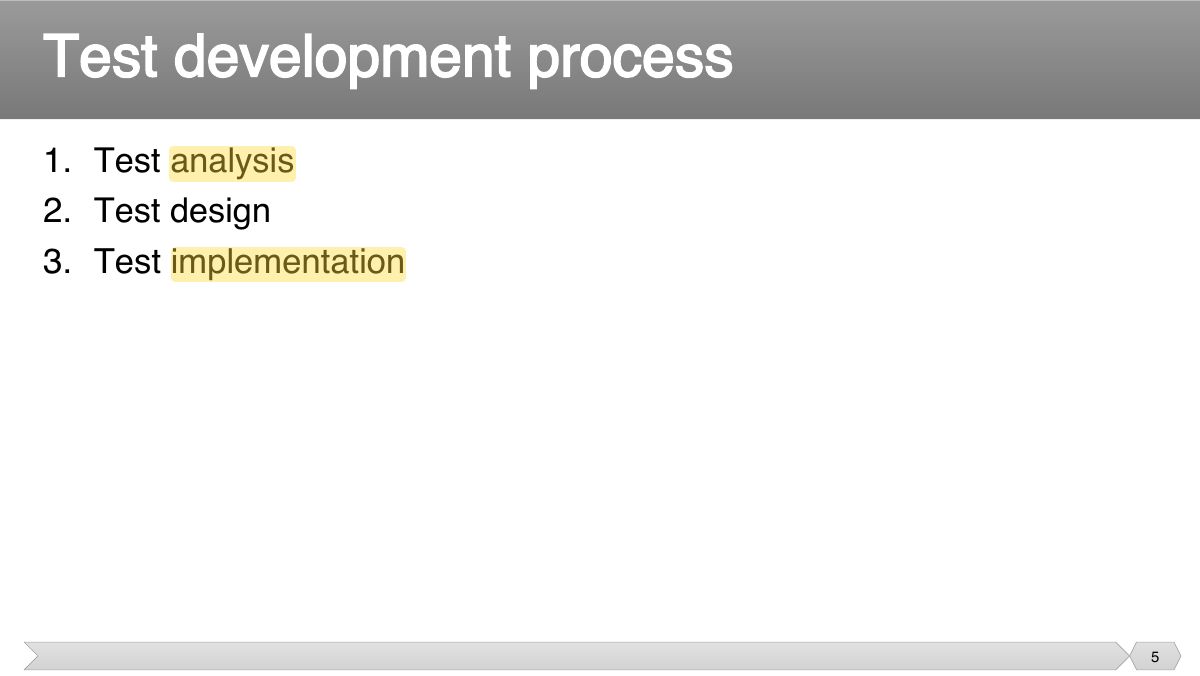
- 5 1. Test analysis 2. Test design
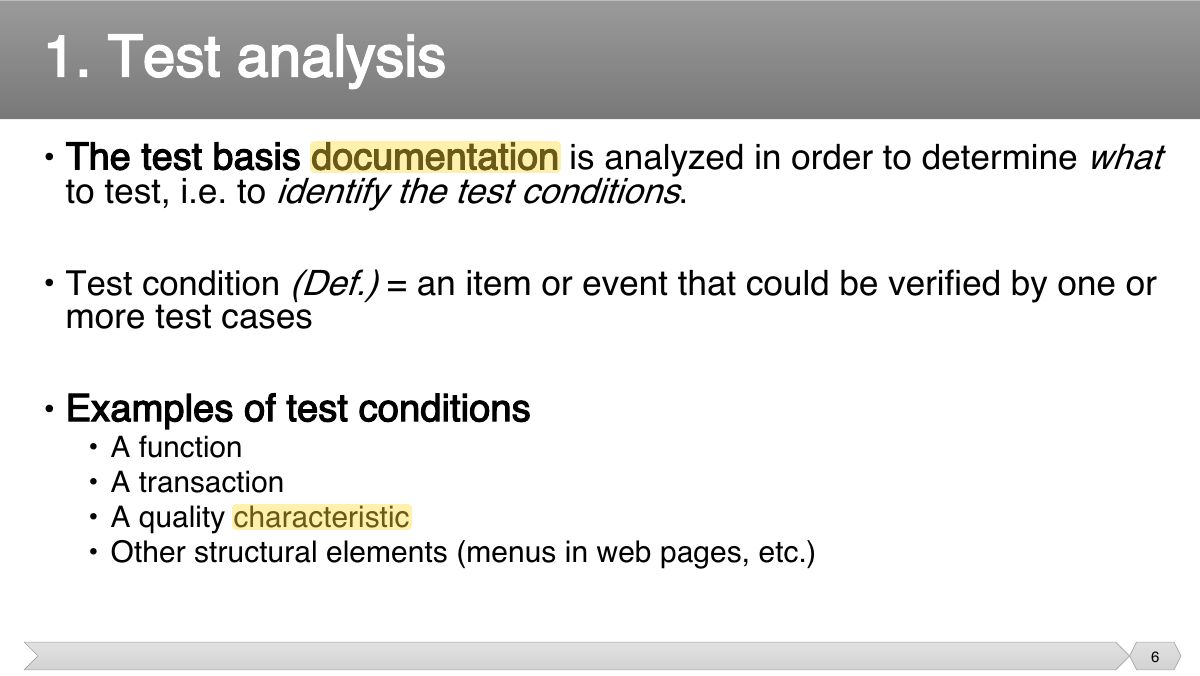
- 6 • The test basis documentation is analyzed in order to determine what to test, i.e. to identify the test conditions .
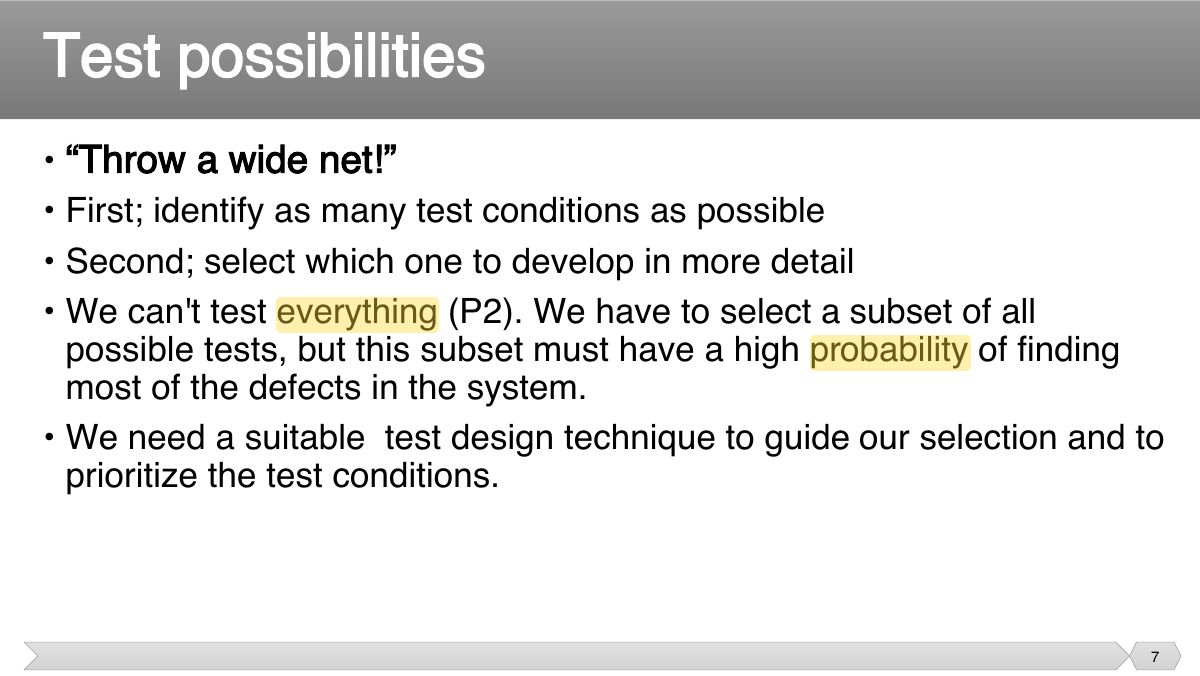
- 7 • “Throw a wide net!” • First; identify as many test conditions as possible
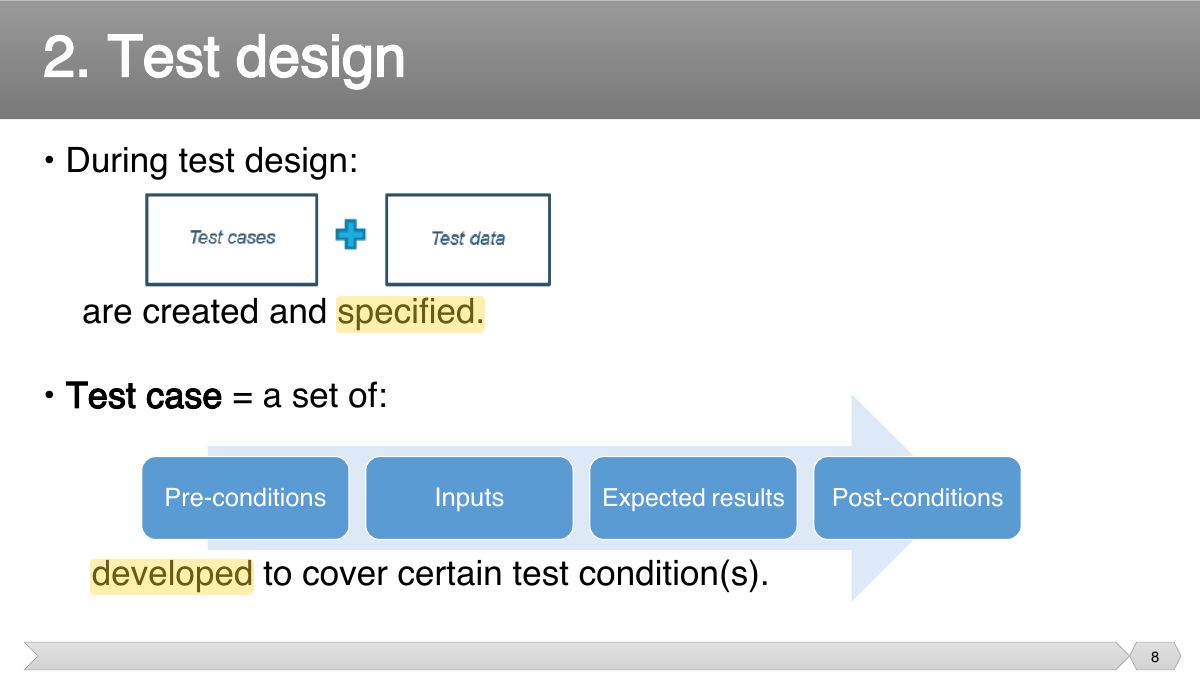
- 8 • During test design:
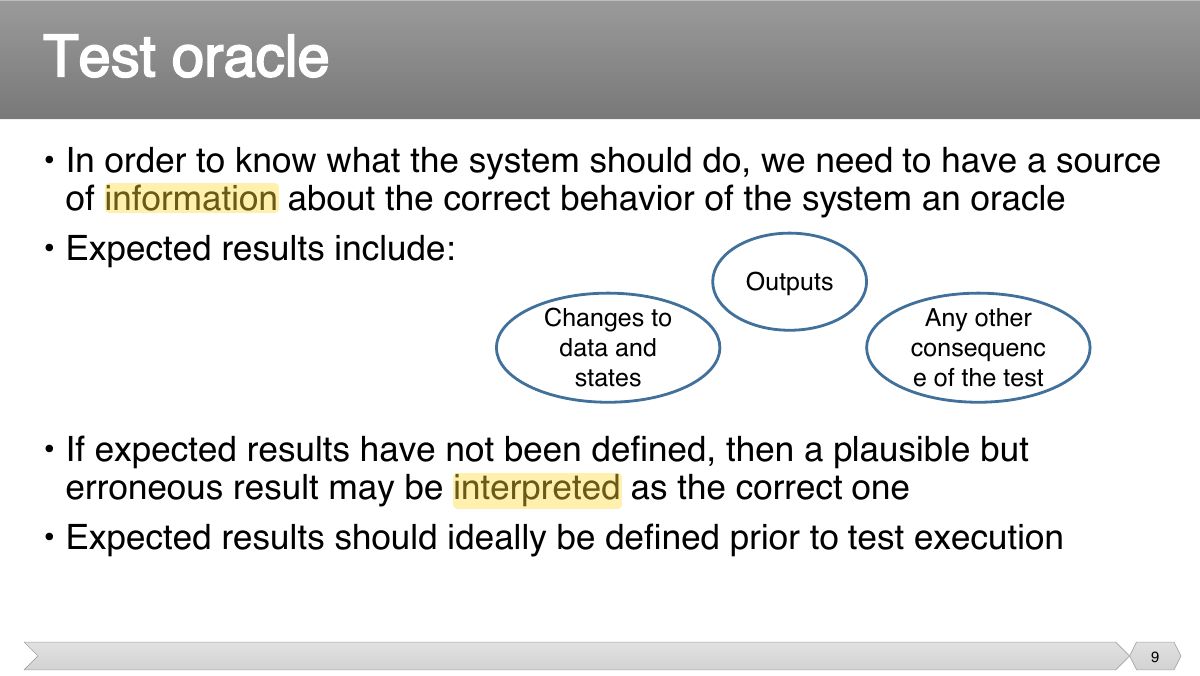
- 9 • In order to know what the system should do, we need to have a source of information about the correct behavior of the system an oracle
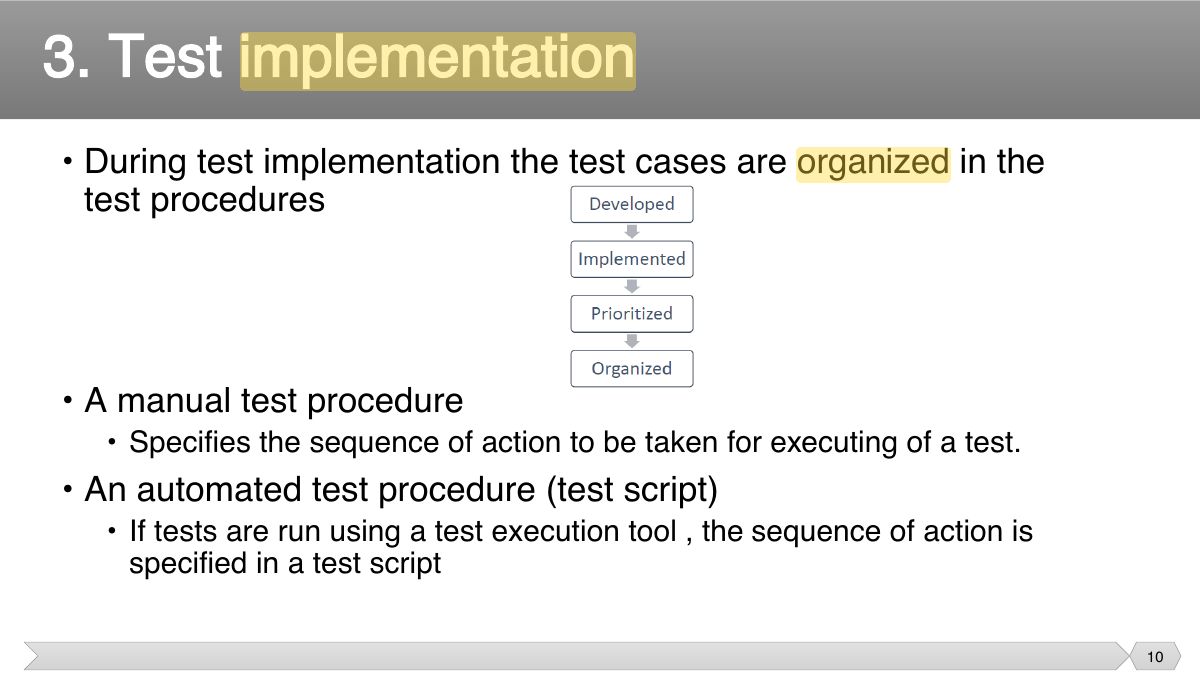
- 10 • During test implementation the test cases are organized in the test procedures
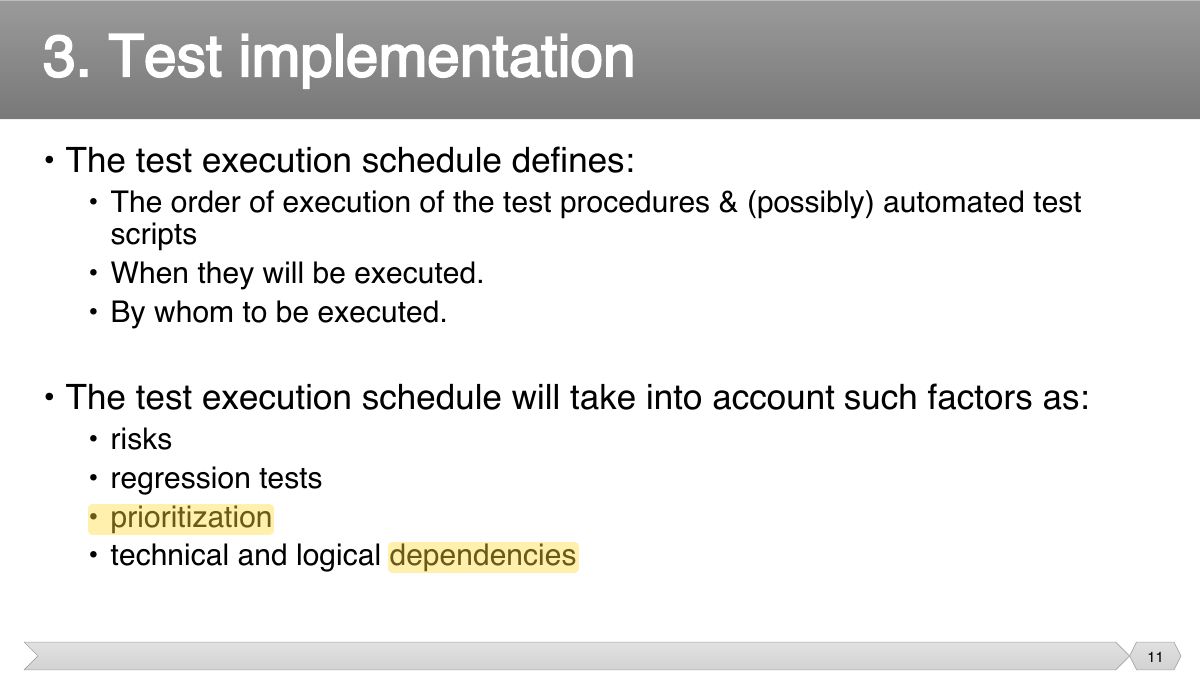
- 11 • The test execution schedule defines:
- 12 • Writing the test procedure is another opportunity to prioritize the tests, to ensure that the best testing is done in the time available.
- 13 Slide 13
- 14 • The
- 15 • Aug 1, 2012.
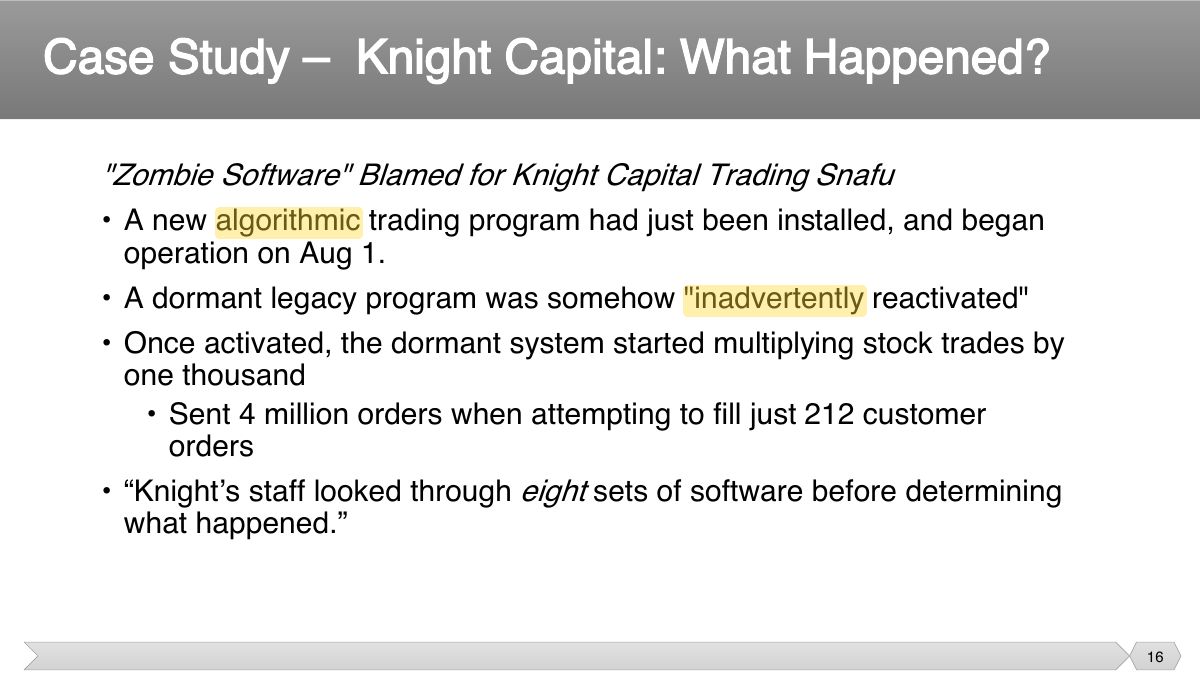
- 16 "Zombie Software" Blamed for Knight Capital Trading Snafu • A new algorithmic trading program had just been installed, and began
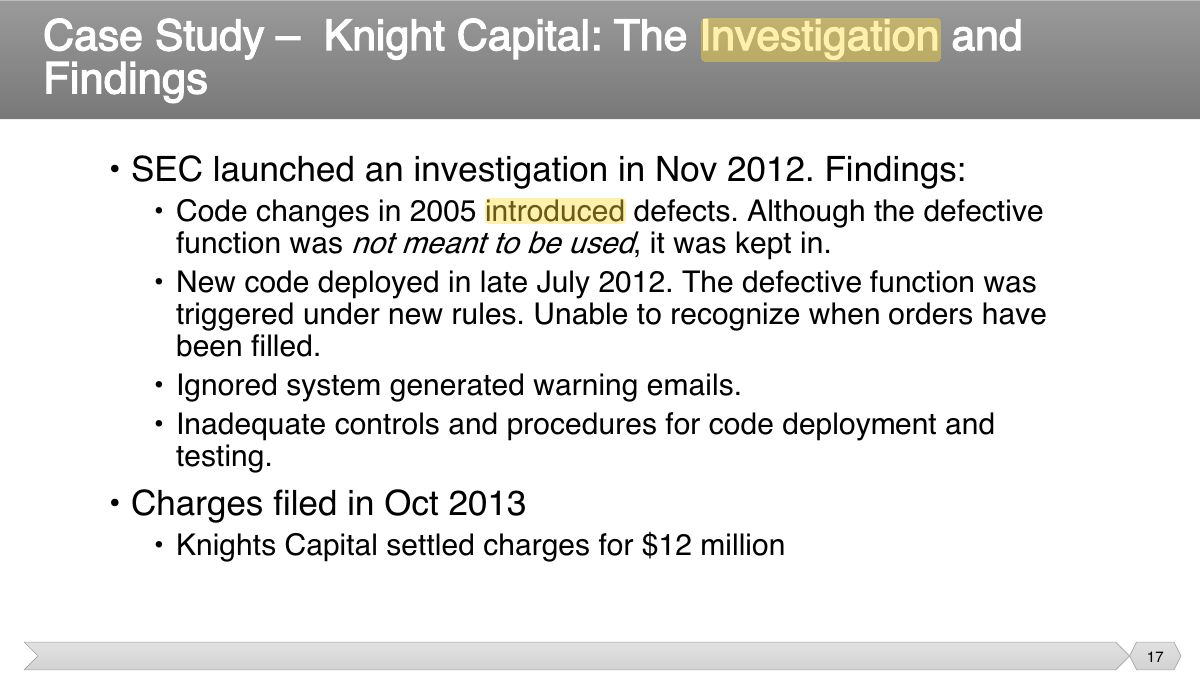
- 17 • SEC launched an investigation in Nov 2012. Findings:
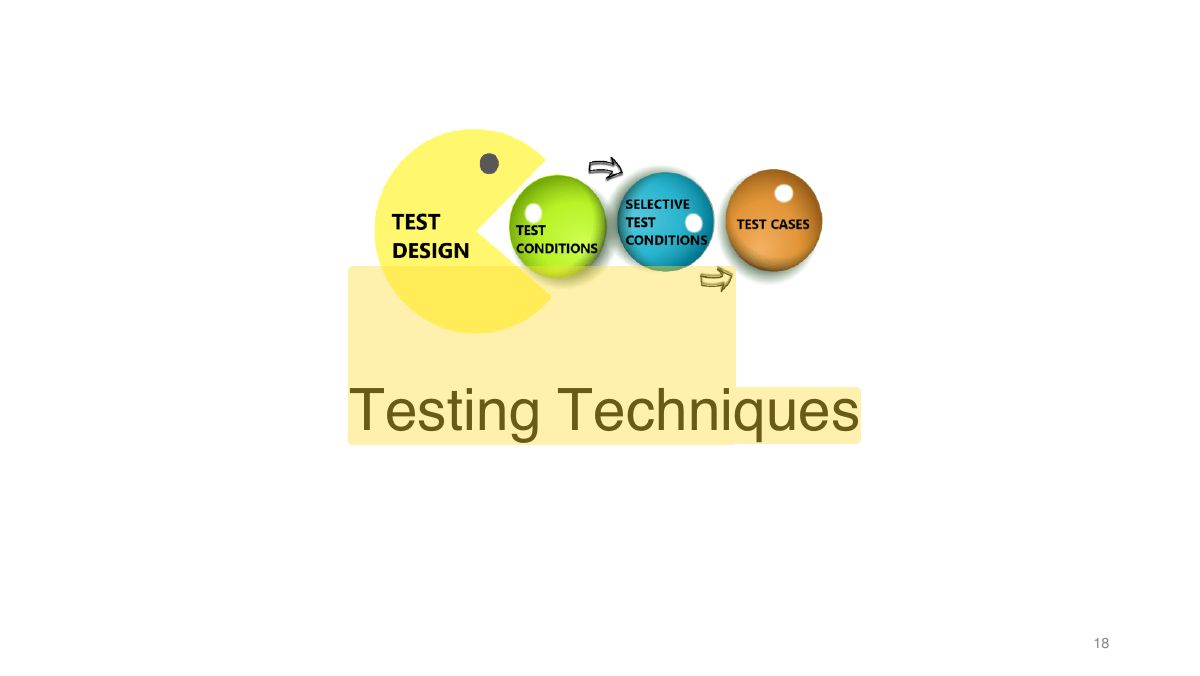
- 18 Slide 18
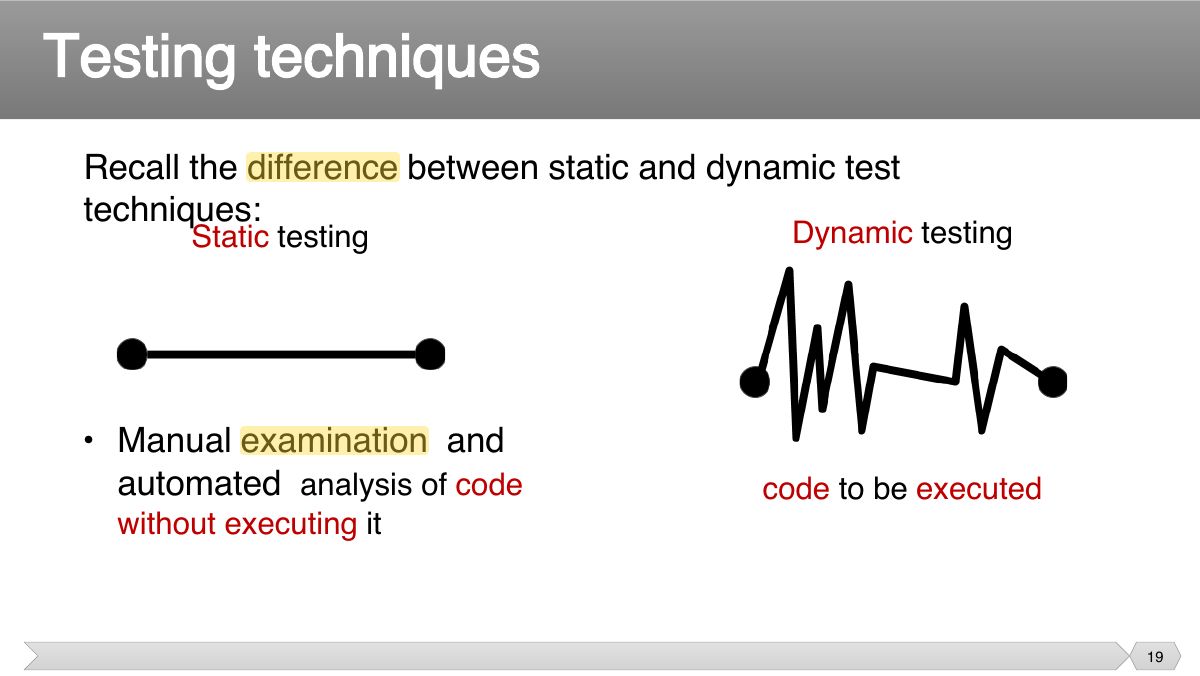
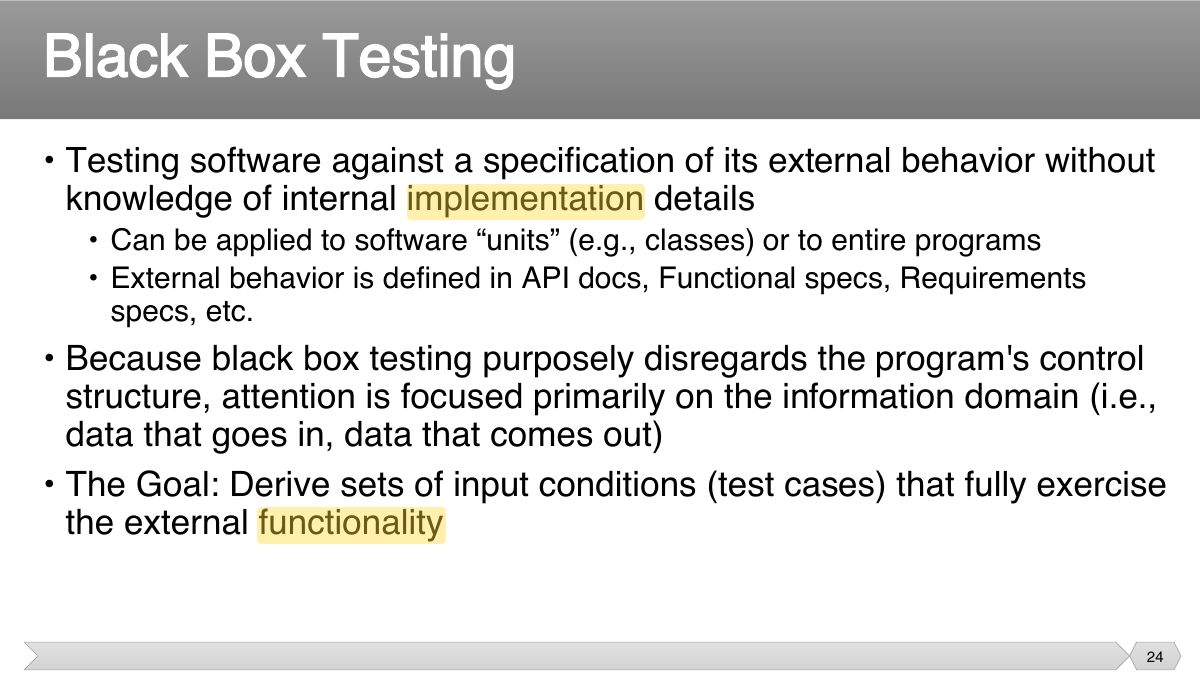
- 19 Recall the difference between static and dynamic test techniques:
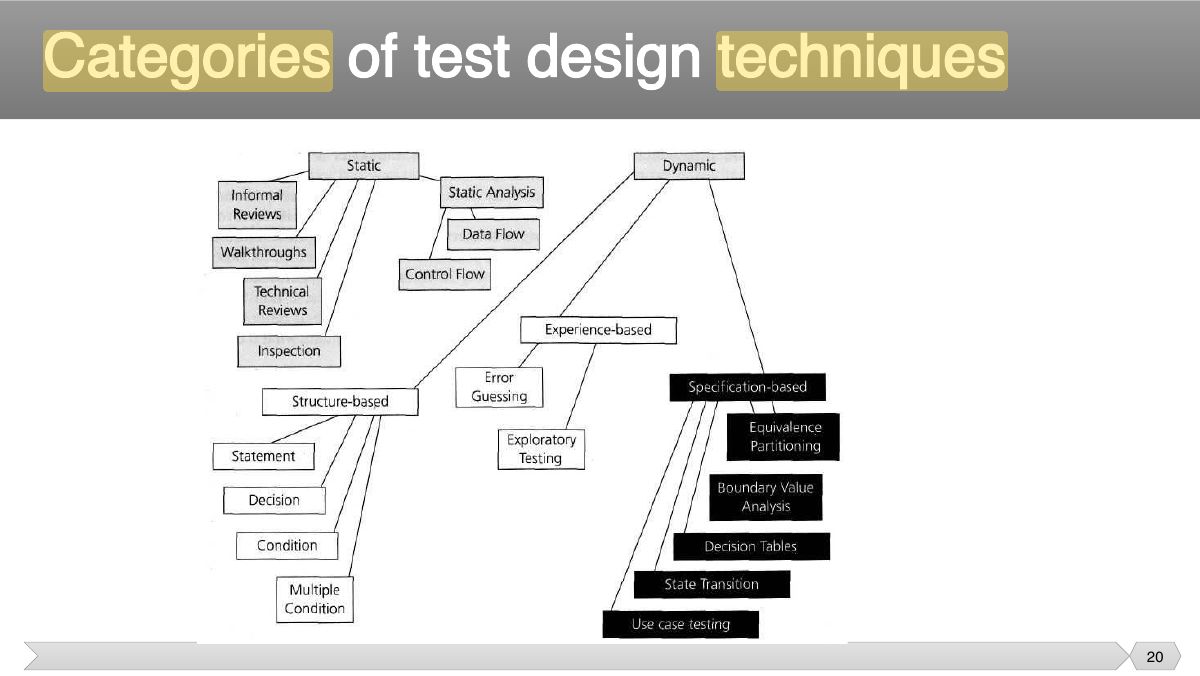
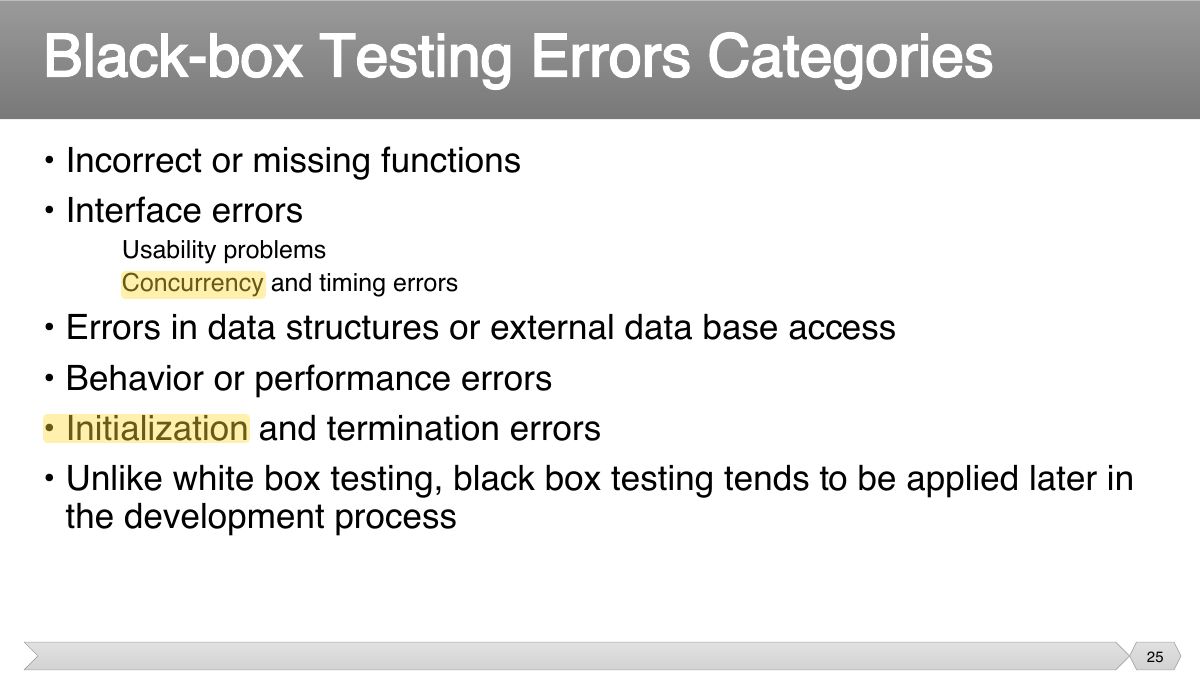
- 20 Categories of test design techniques
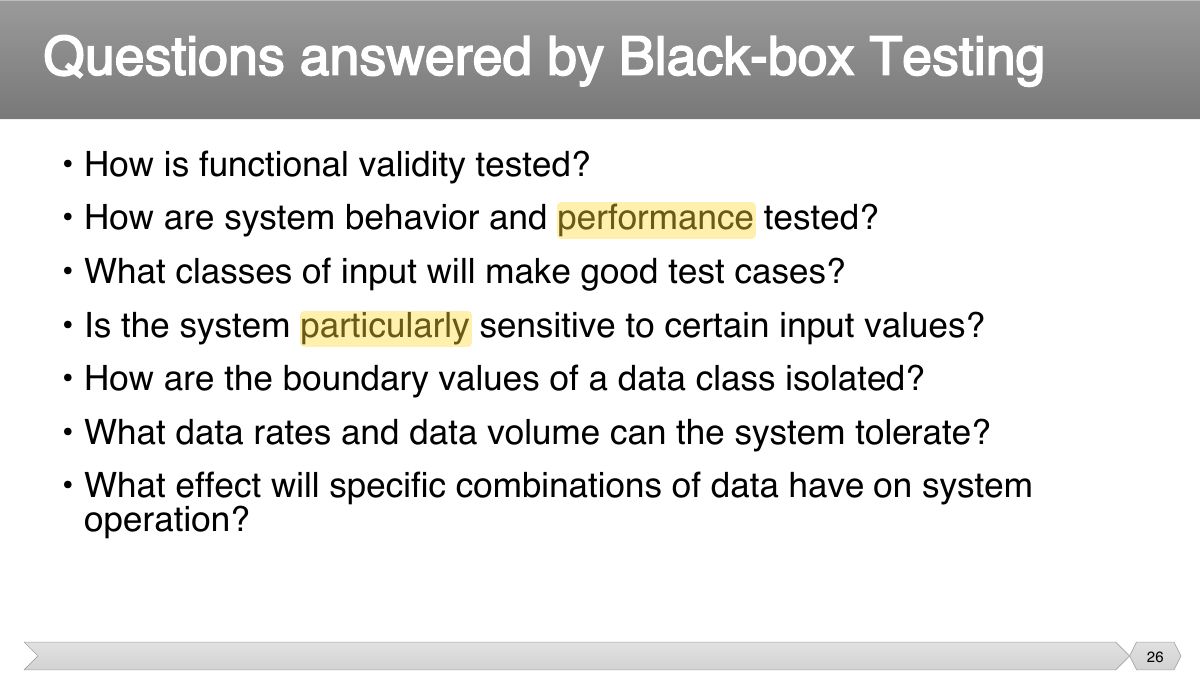
- 21 Slide 21
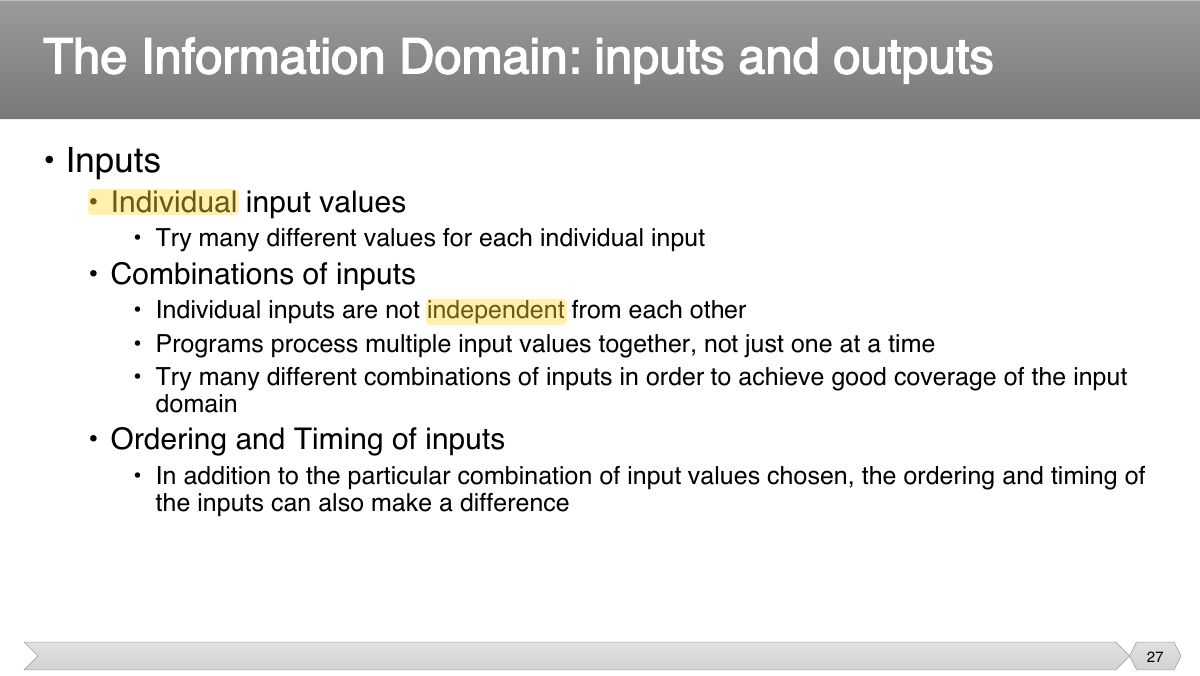
- 22 • Derive test cases from the functional specifications
- 23 • Derive systematically test cases from specification • Test cases are derived from how the software is constructed for
- 24 • Testing software against a specification of its external behavior without knowledge of internal implementation details
- 25 • Incorrect or missing functions • Interface errors
- 26 • How is functional validity tested? • How are system behavior and performance tested?
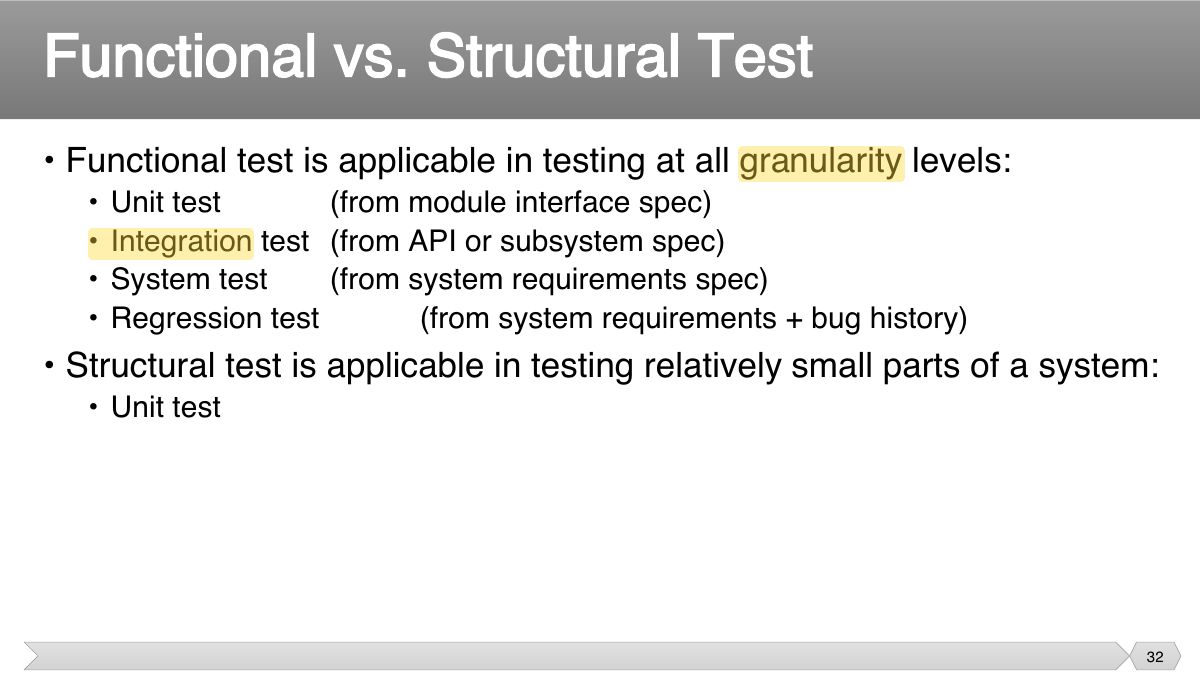
- 27 • Inputs
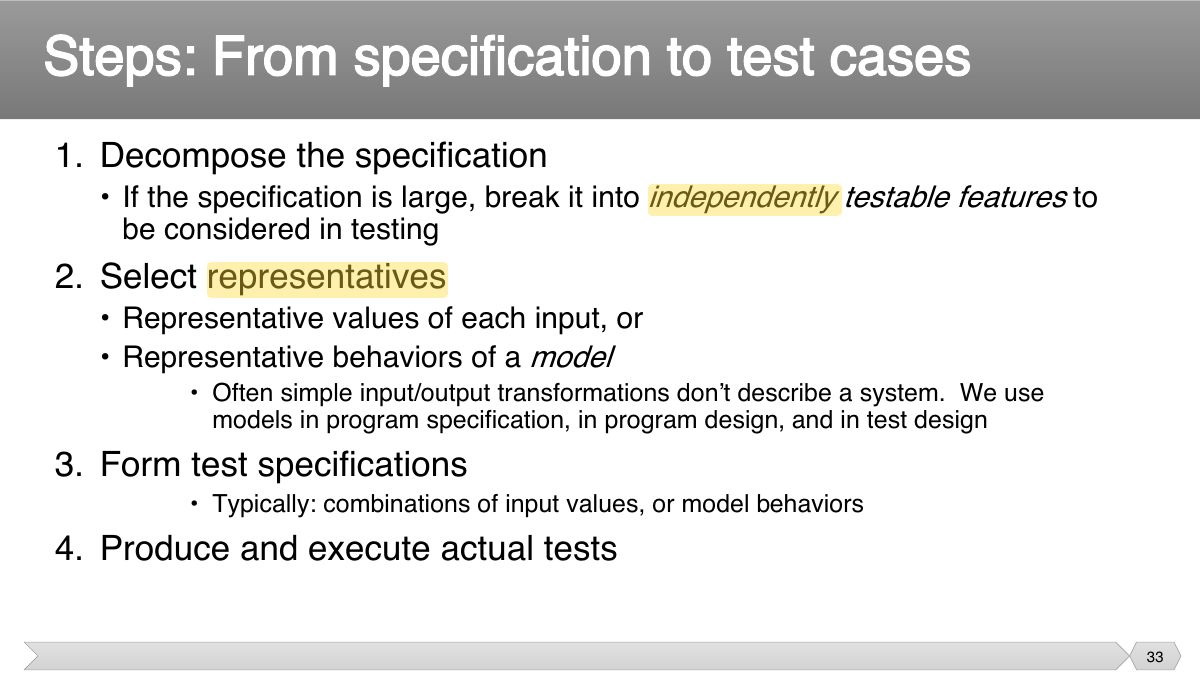
- 28 • Defining the input domain
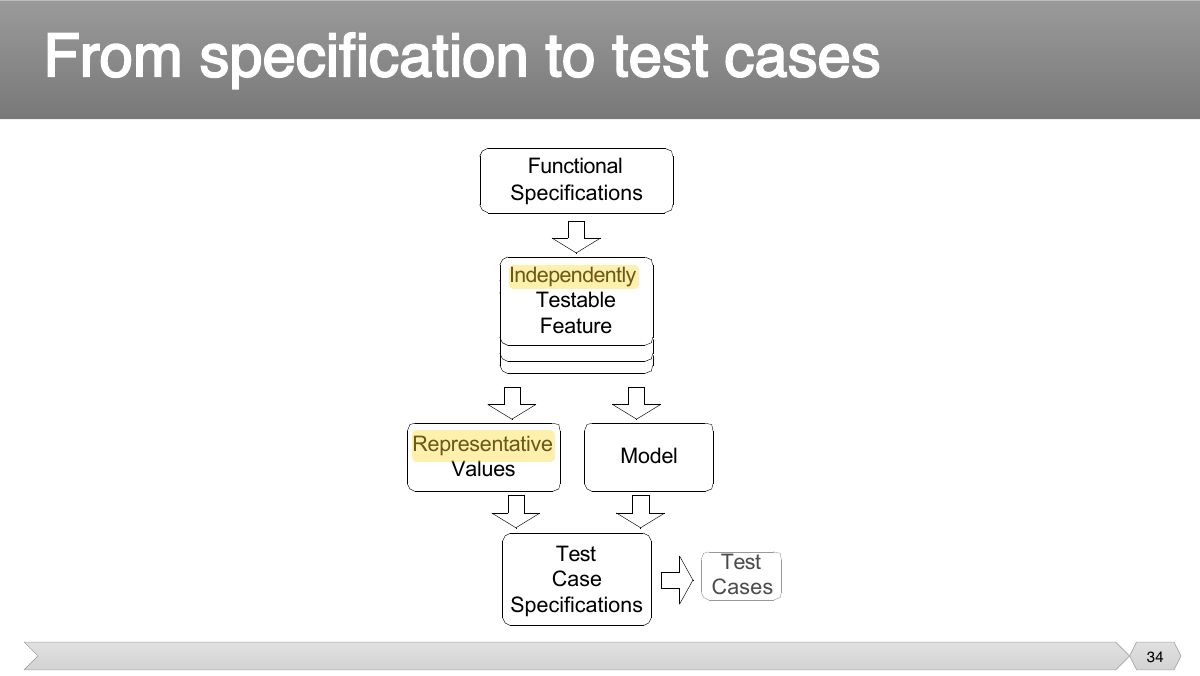
- 29 • Early.
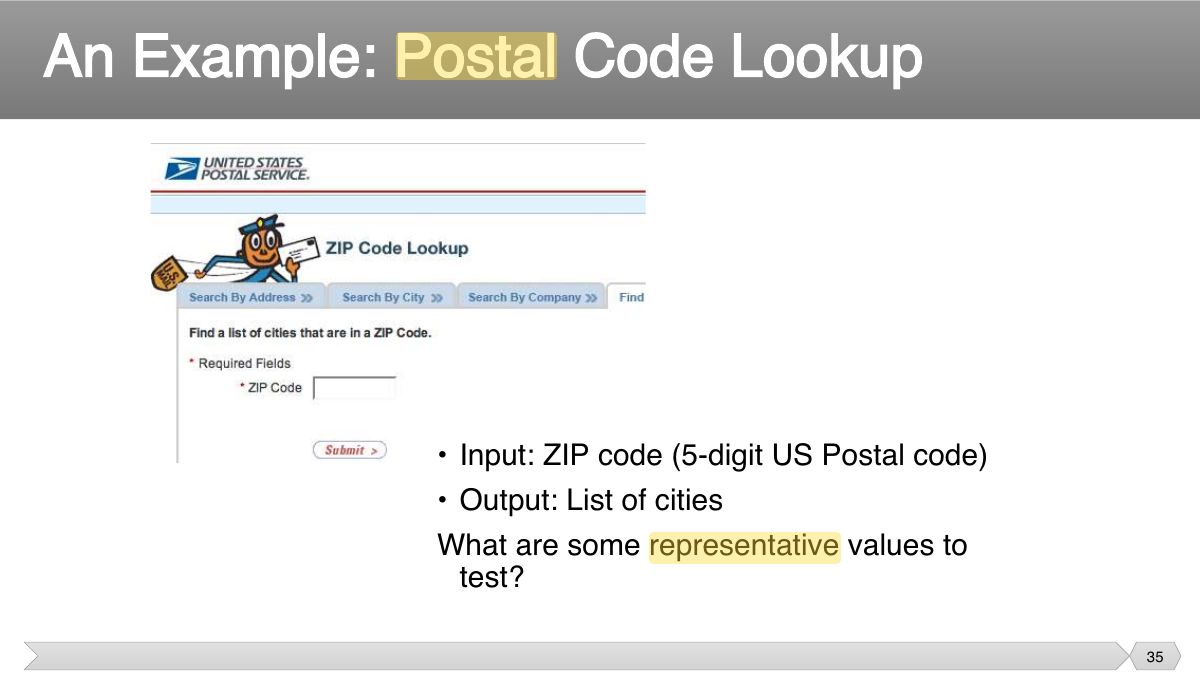
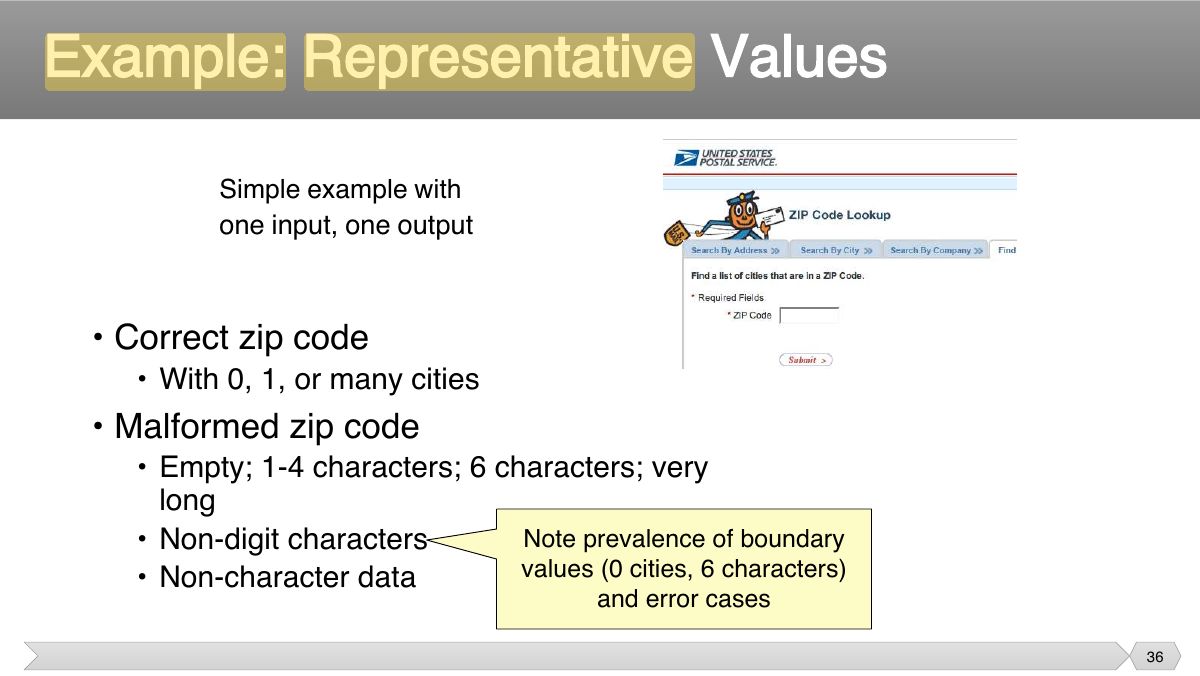
- 30 • Program code is not necessary
- 31 • Different testing strategies (functional, structural, fault-based, model- based) are most effective for different classes of faults
- 32 • Functional test is applicable in testing at all granularity levels:
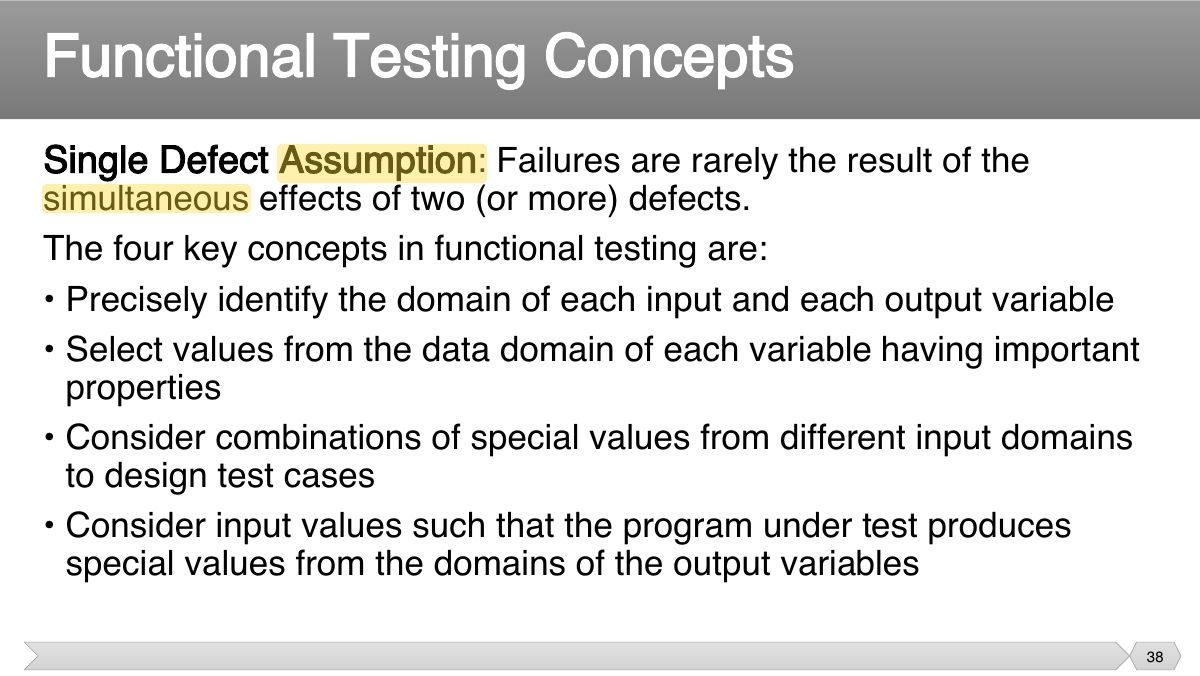
- 33 1. Decompose the specification
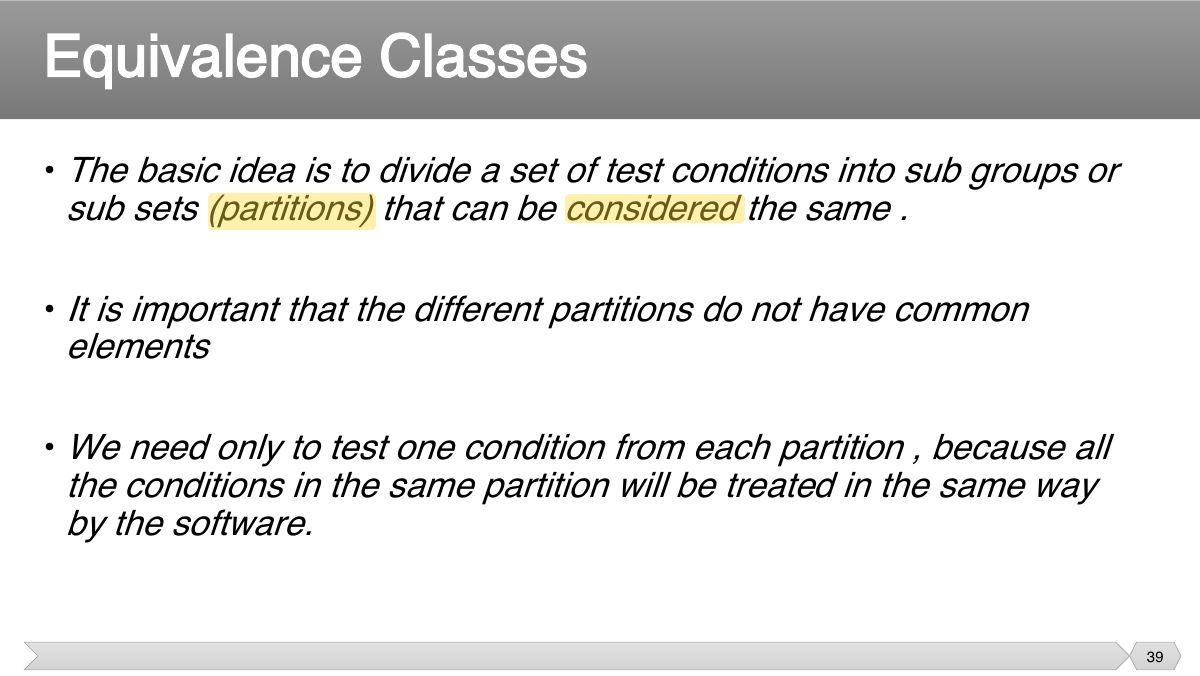
- 34 Functional Specifications
- 35 An Example: Postal Code Lookup
- 36 Example: Representative Values
- 37 Slide 37
- 38 Single Defect Assumption : Failures are rarely the result of the
- 39 • The basic idea is to divide a set of test conditions into sub groups or sub sets (partitions) that can be considered the same .
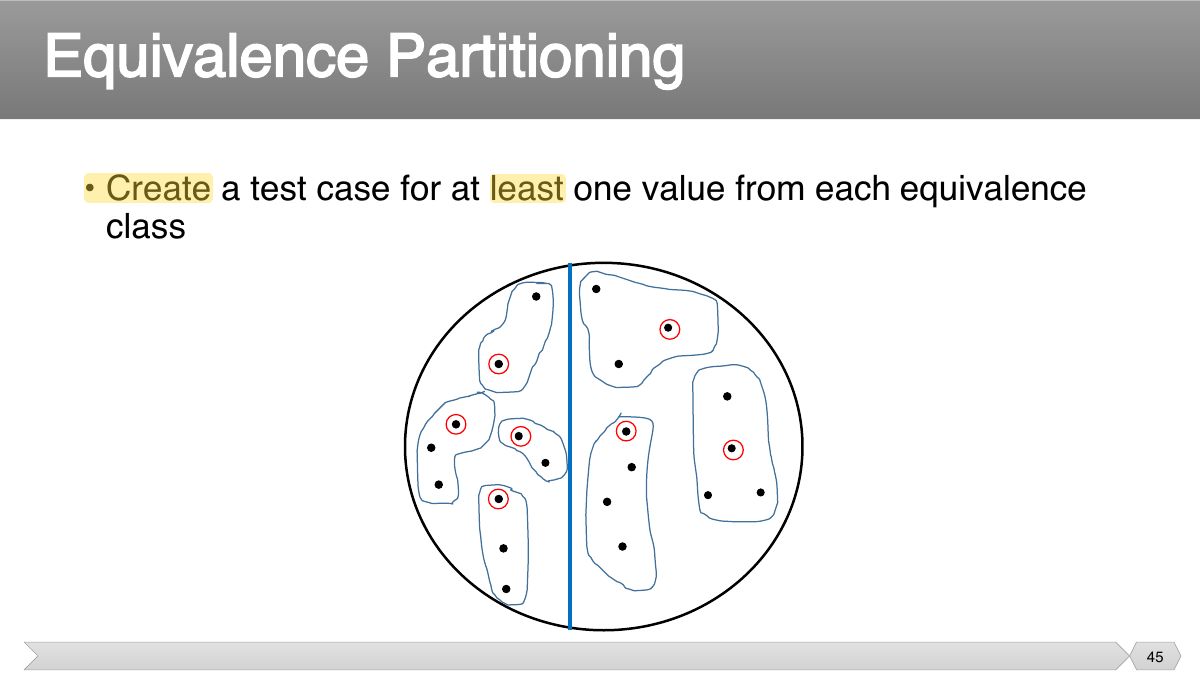
- 40 • A black-box testing method that divides the input domain of a program into classes of data from which test cases are derived
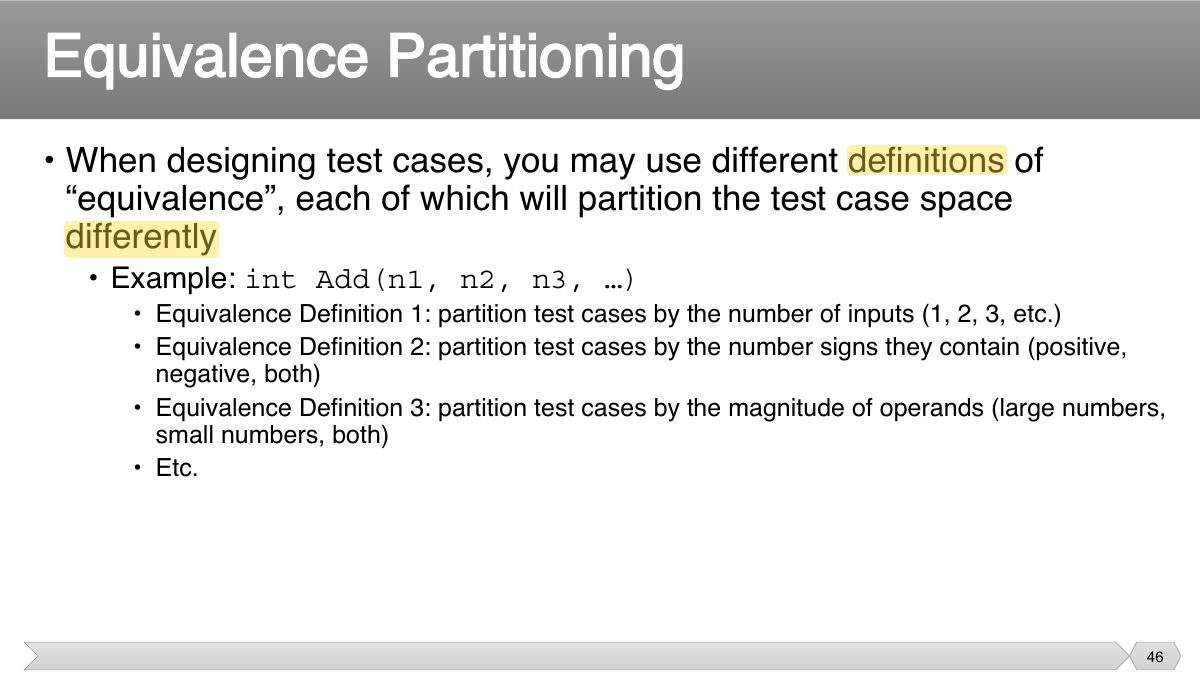
- 41 • Typically the universe of all possible test cases is so large that you cannot try them all
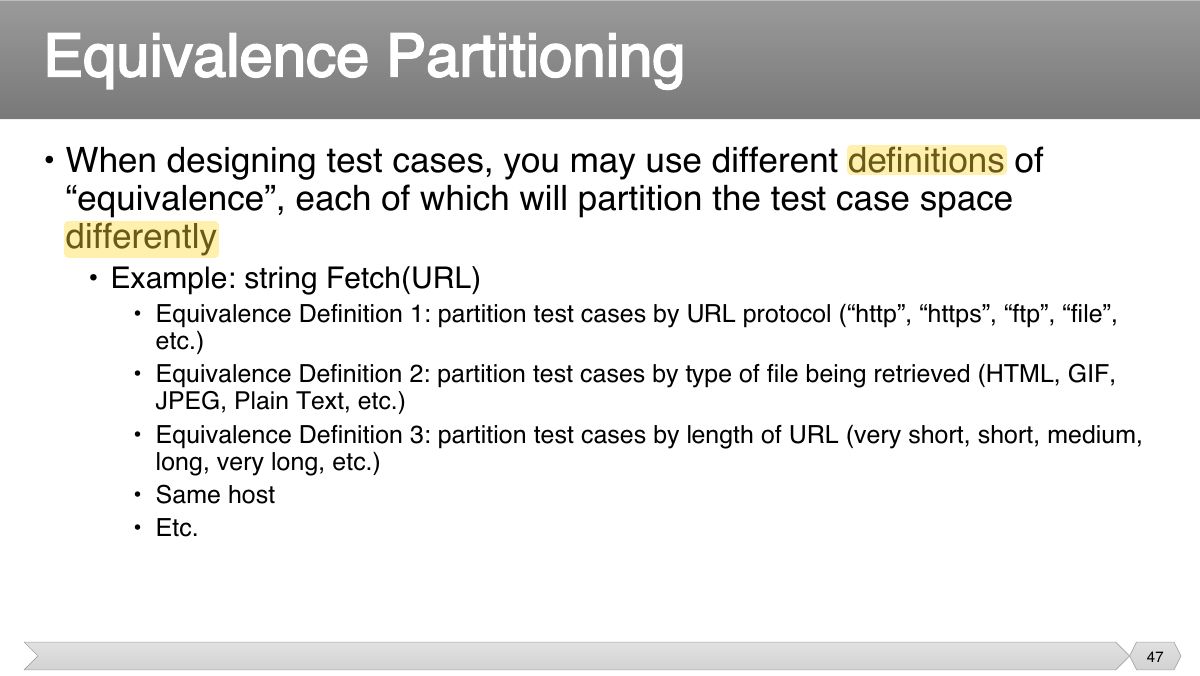
- 42 • Partition the test cases into "equivalence classes” • Each equivalence class contains a set of "equivalent" test cases
- 43 Equivalence Partitioning
- 44 Equivalence Partitioning
- 45 Equivalence Partitioning
- 46 • When designing test cases, you may use different definitions of “equivalence”, each of which will partition the test case space
- 47 • When designing test cases, you may use different definitions of “equivalence”, each of which will partition the test case space
- 48 • Test multiple values in each equivalence class. • Often you’re not sure if you have defined the equivalence classes
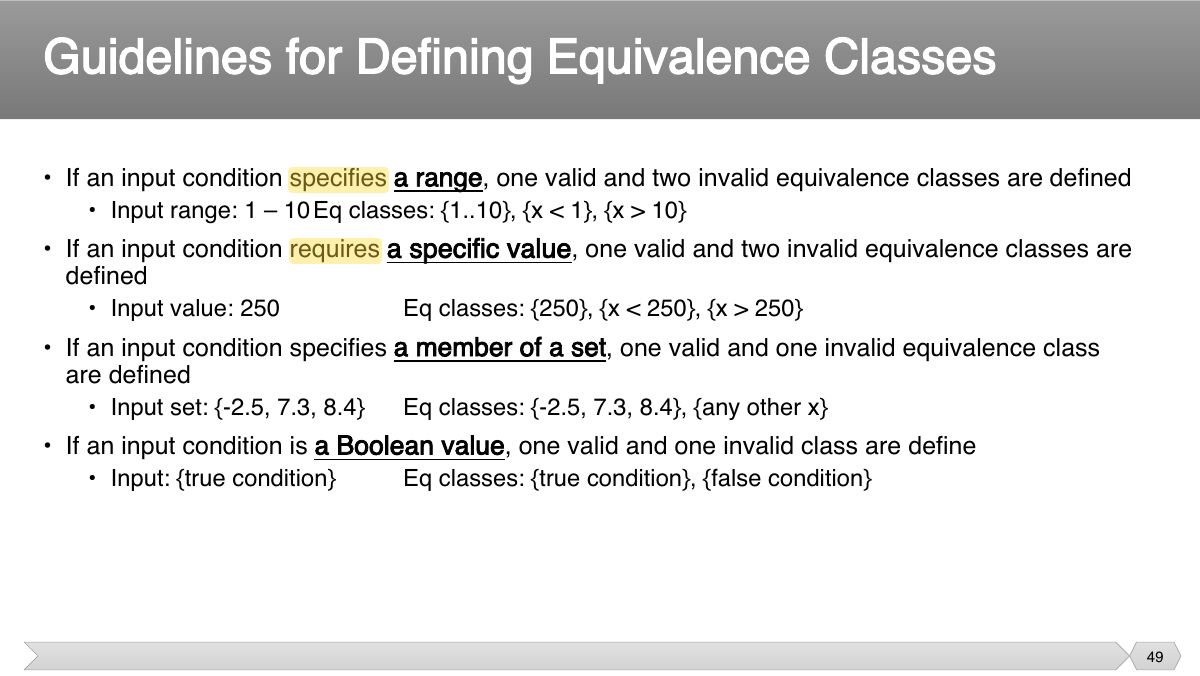
- 49 Guidelines for Defining Equivalence Classes
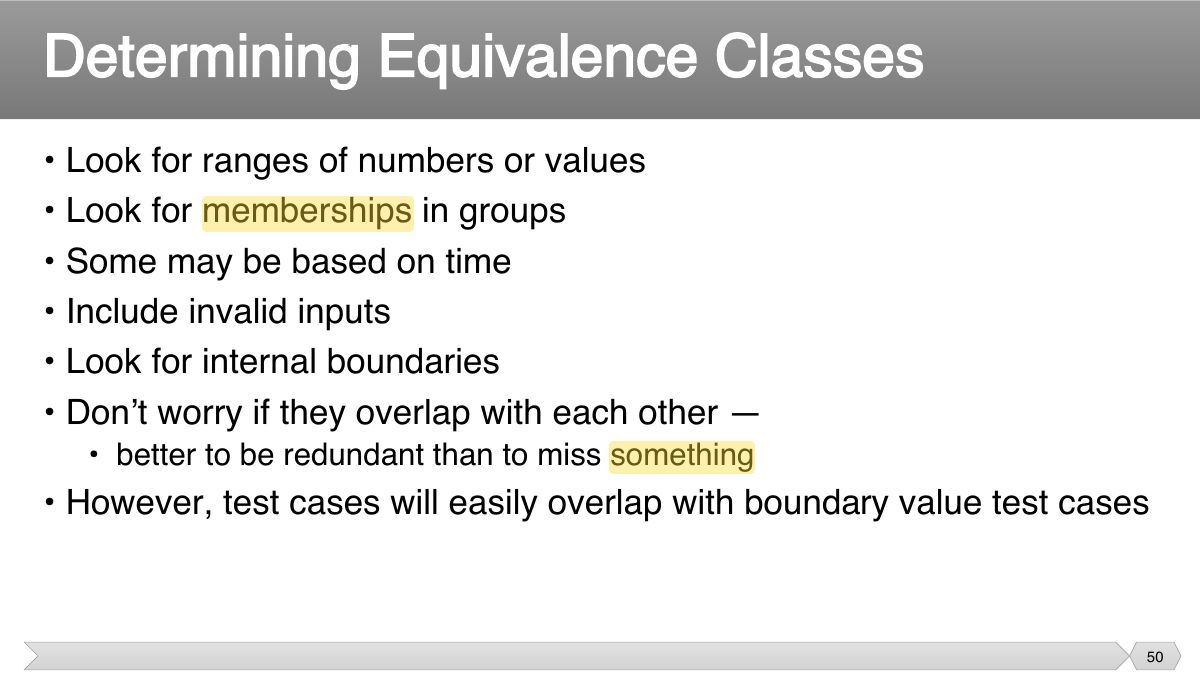
- 50 • Look for ranges of numbers or values • Look for memberships in groups
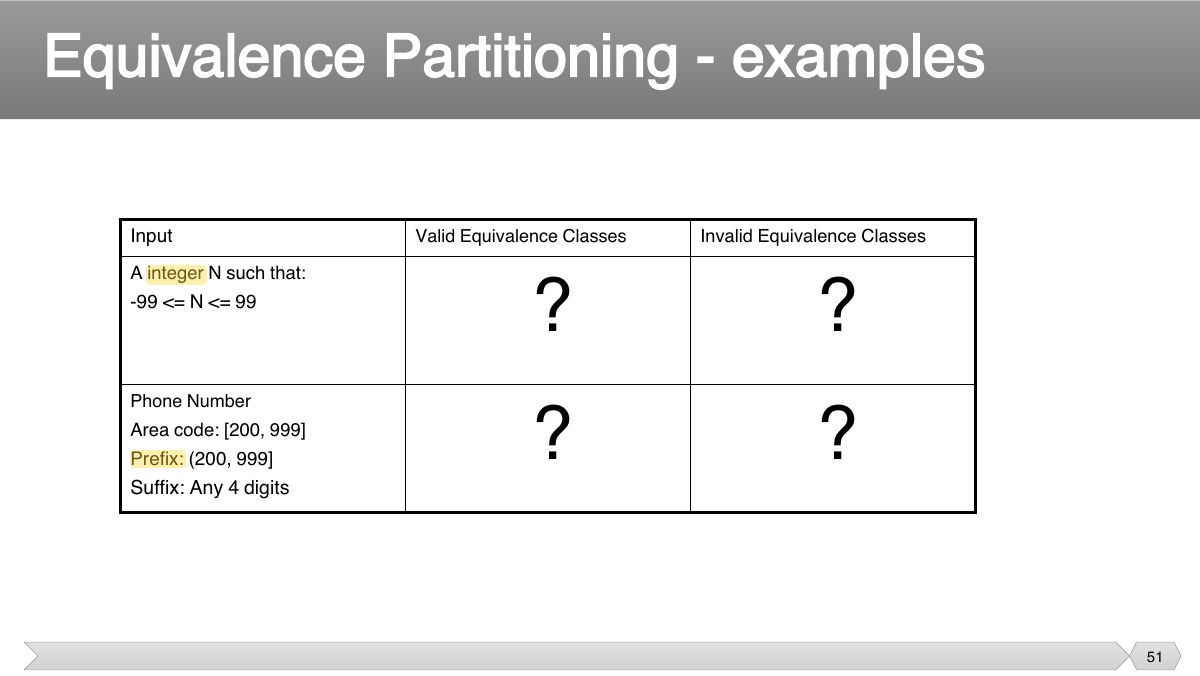
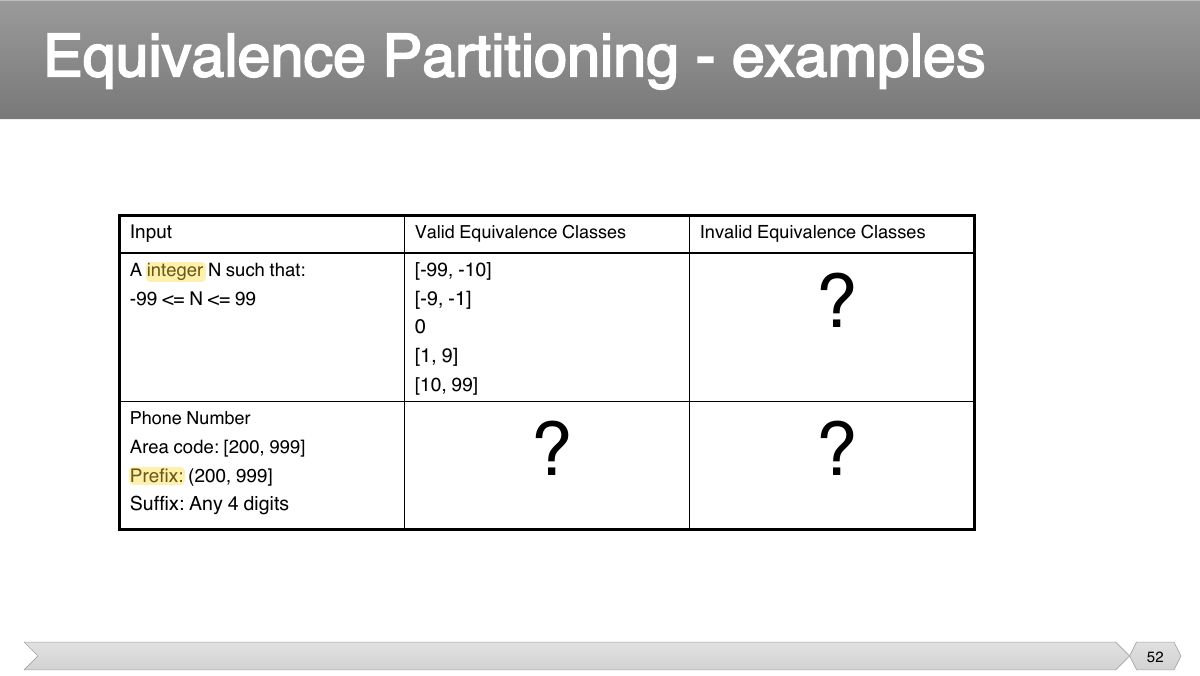
- 51 Equivalence Partitioning - examples
- 52 Equivalence Partitioning - examples
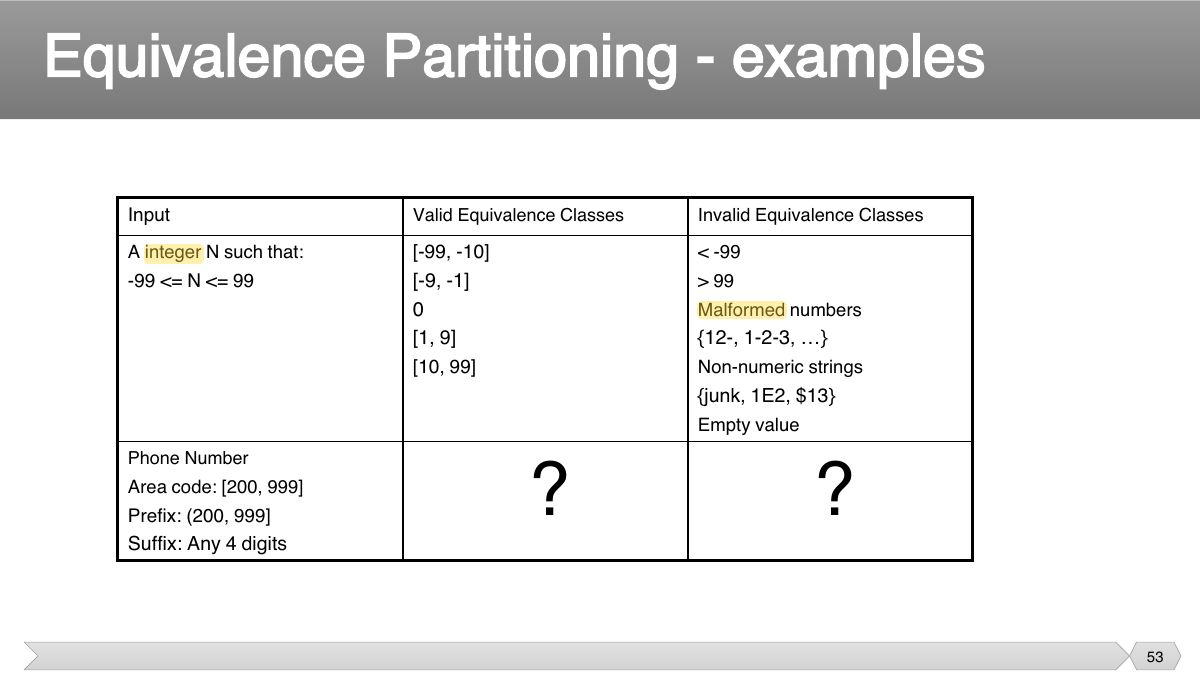
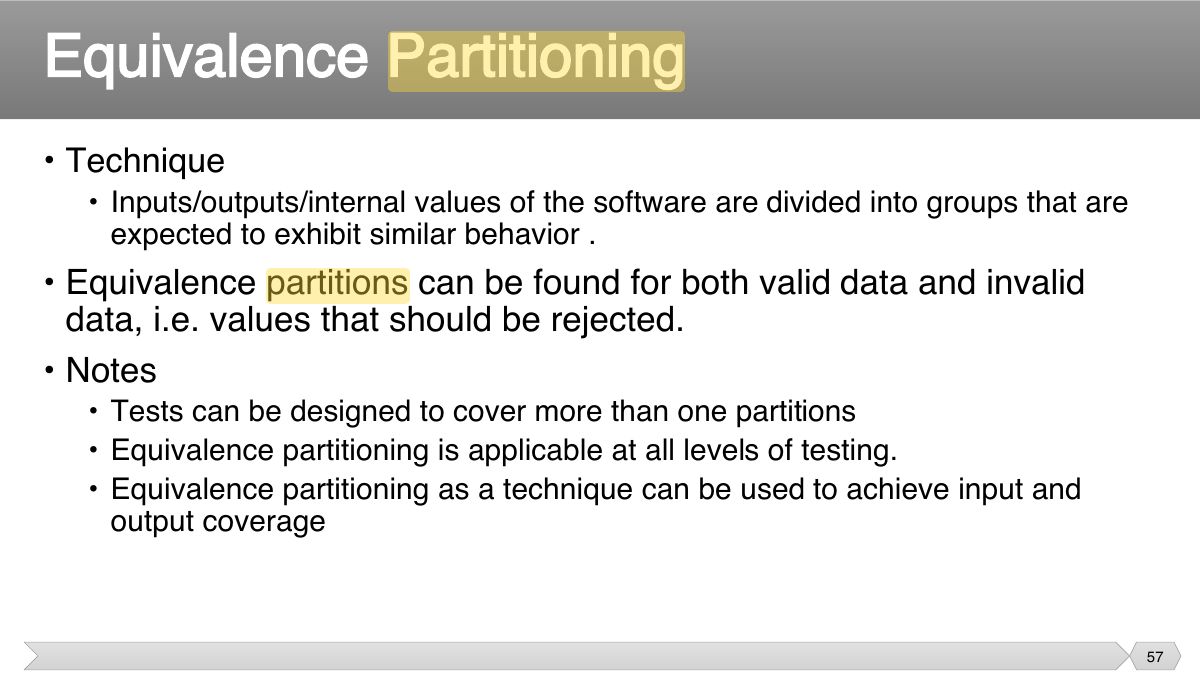
- 53 Equivalence Partitioning - examples
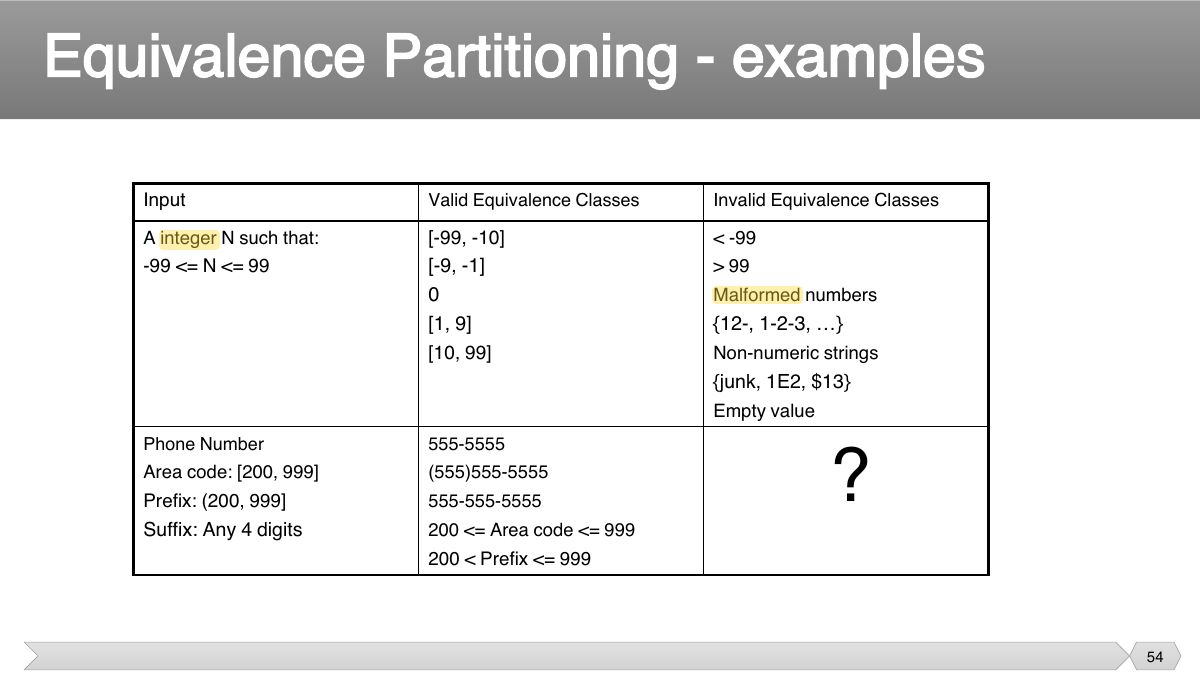
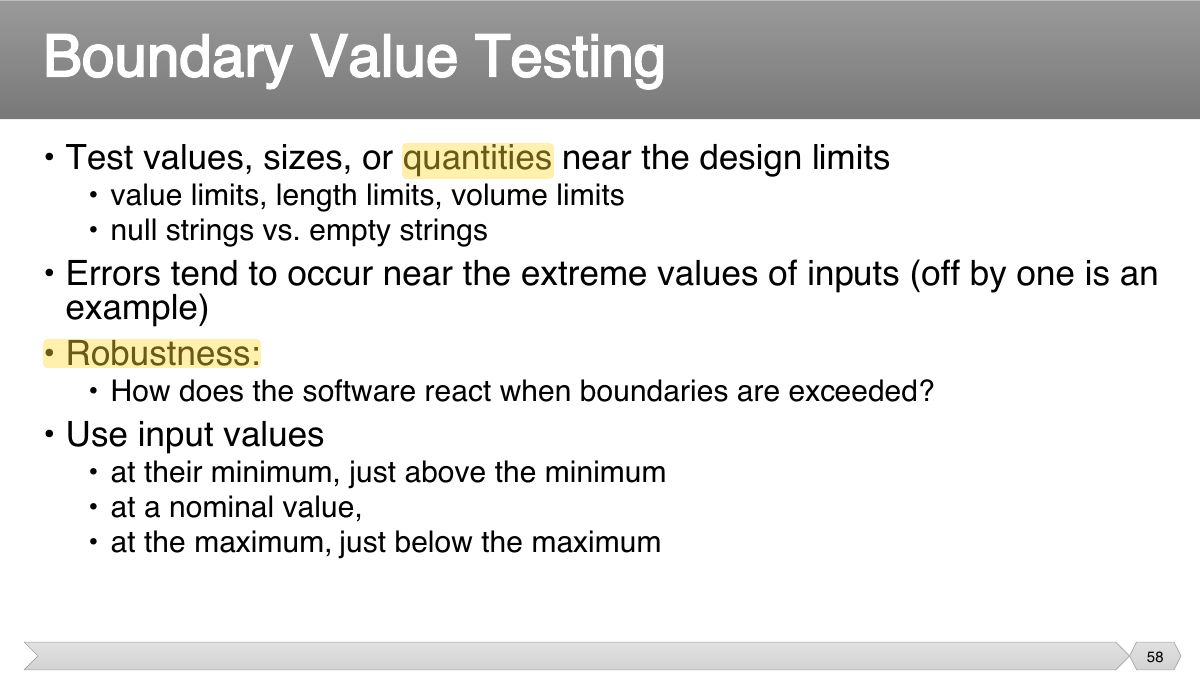
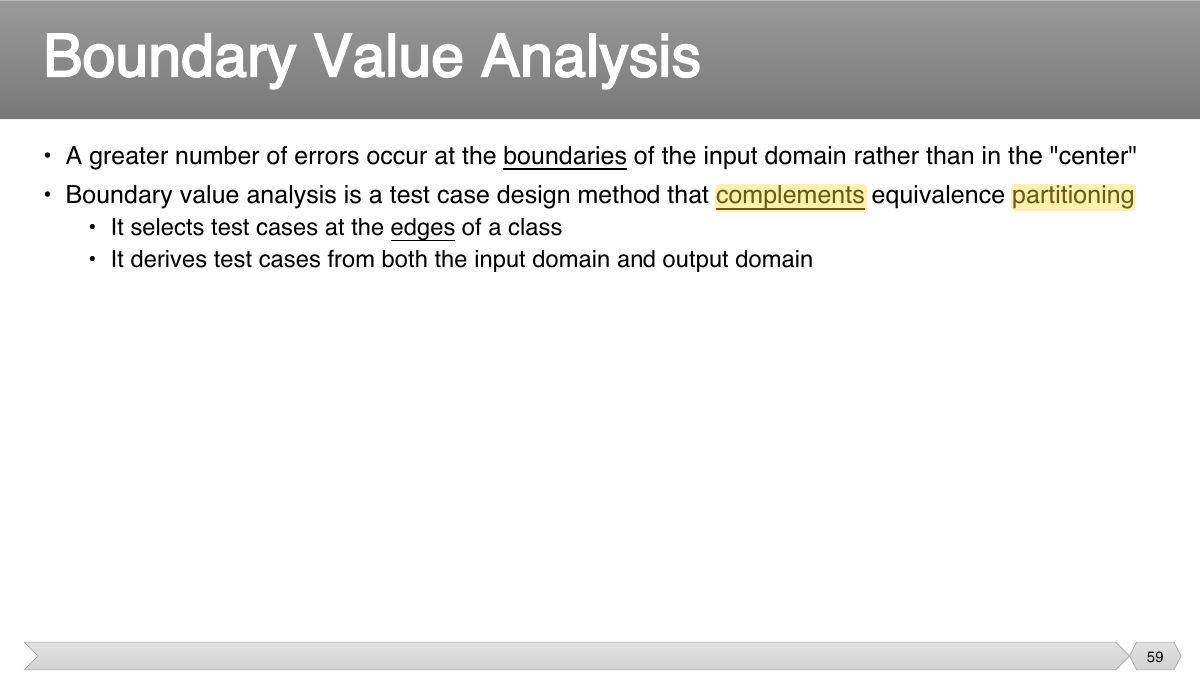
- 54 Equivalence Partitioning - examples
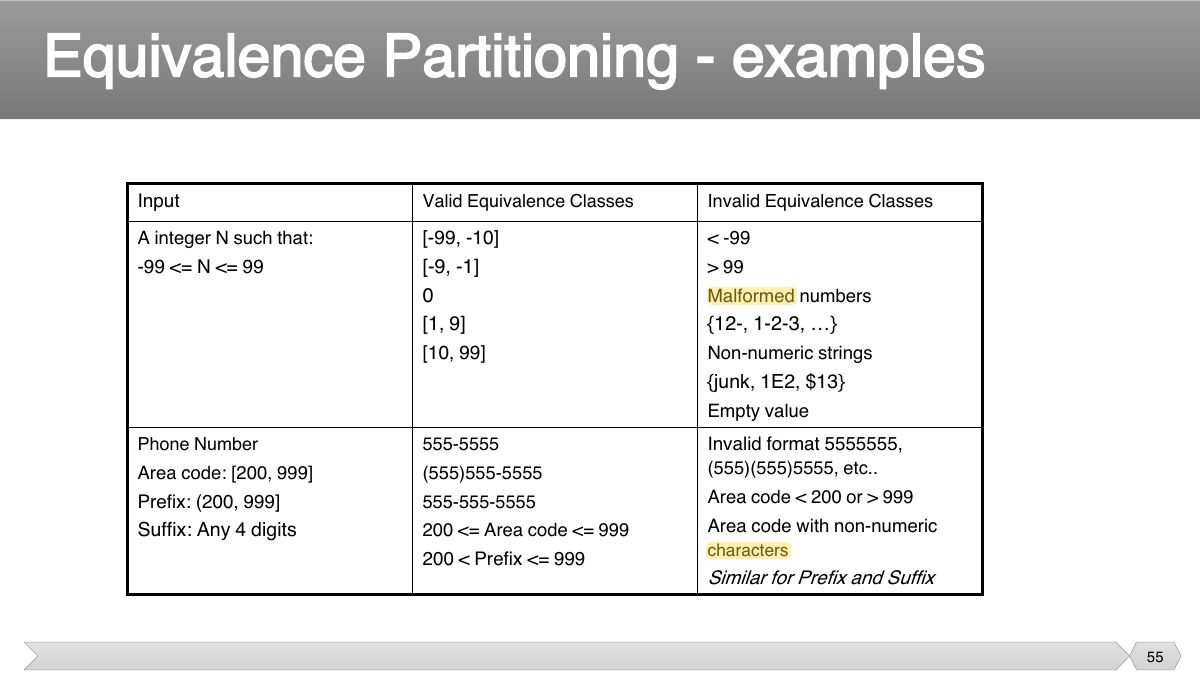
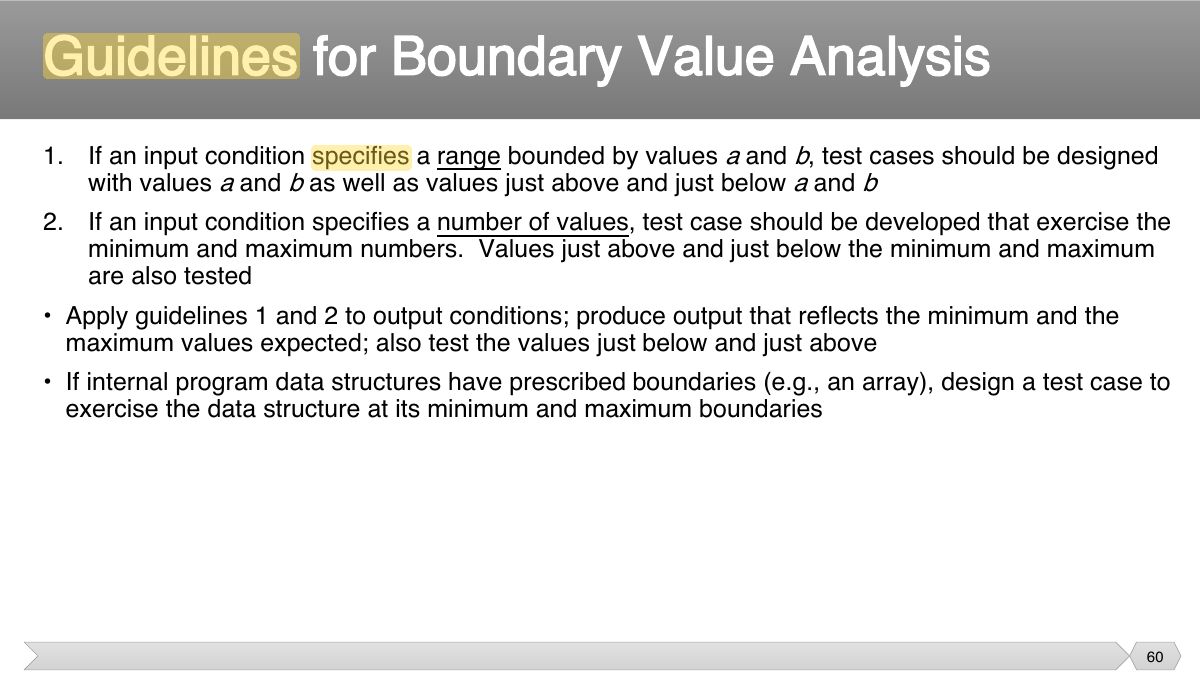
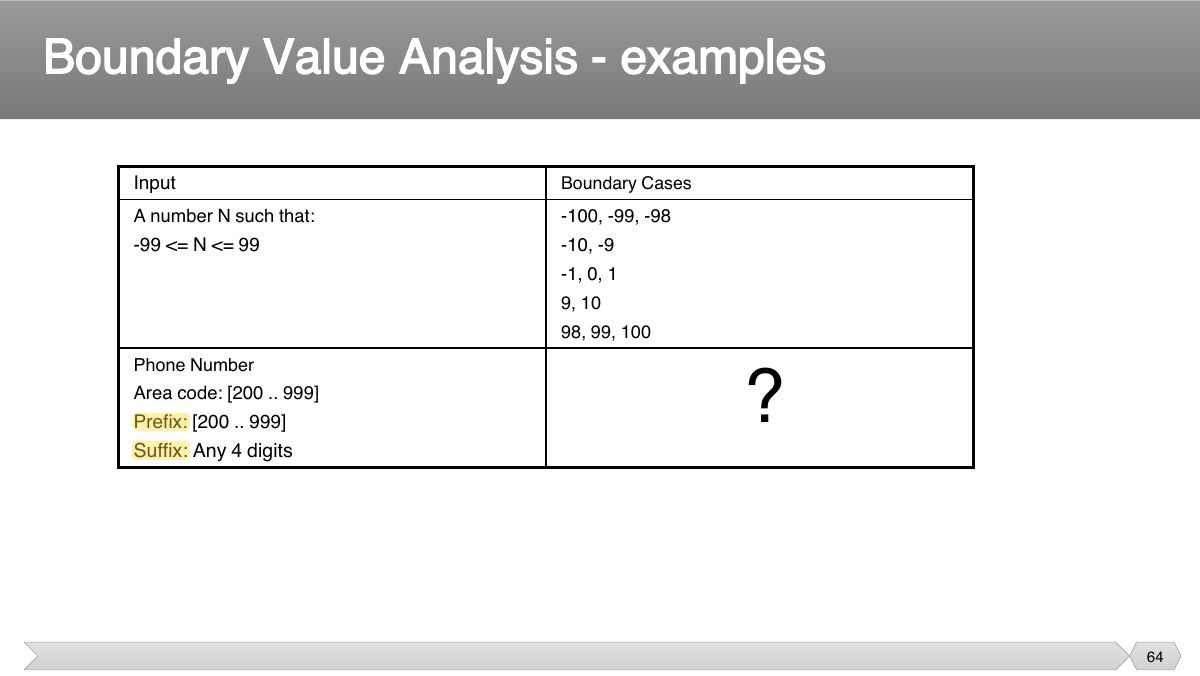
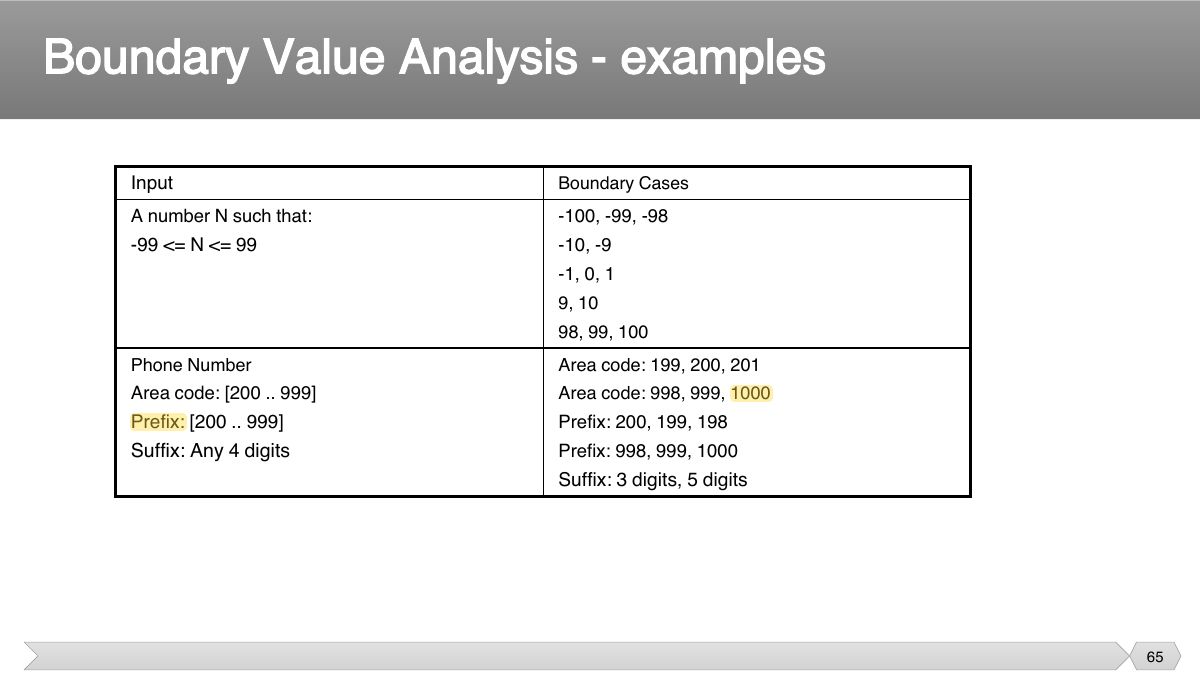
- 55 Equivalence Partitioning - examples
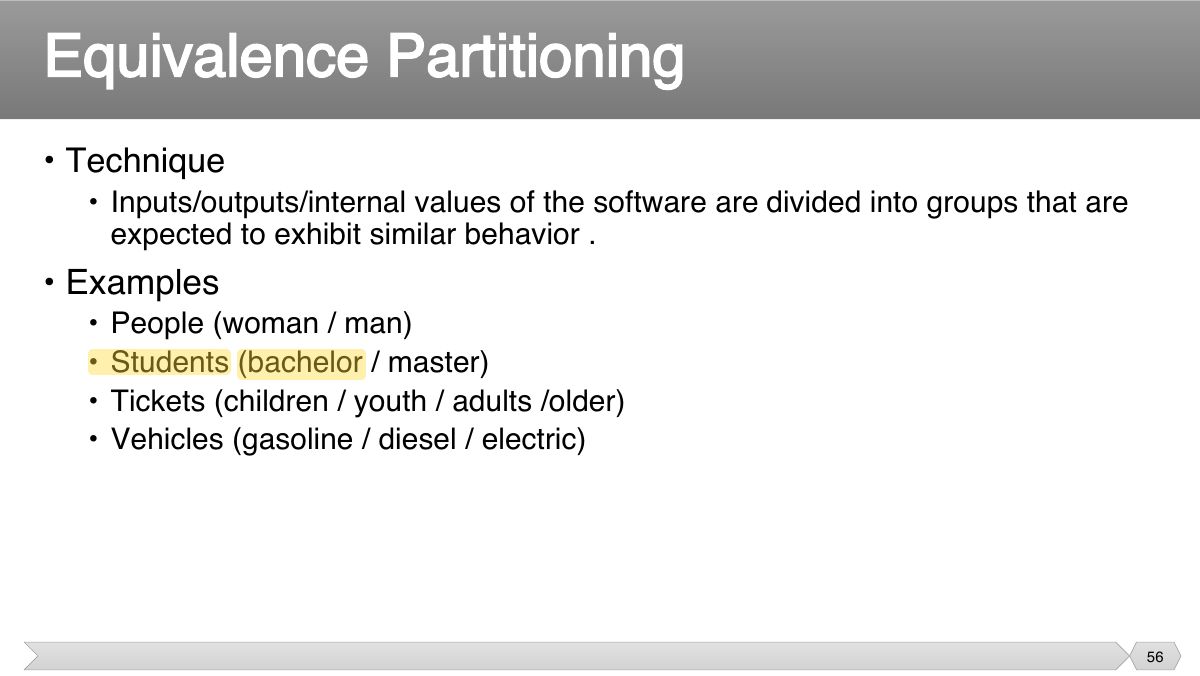
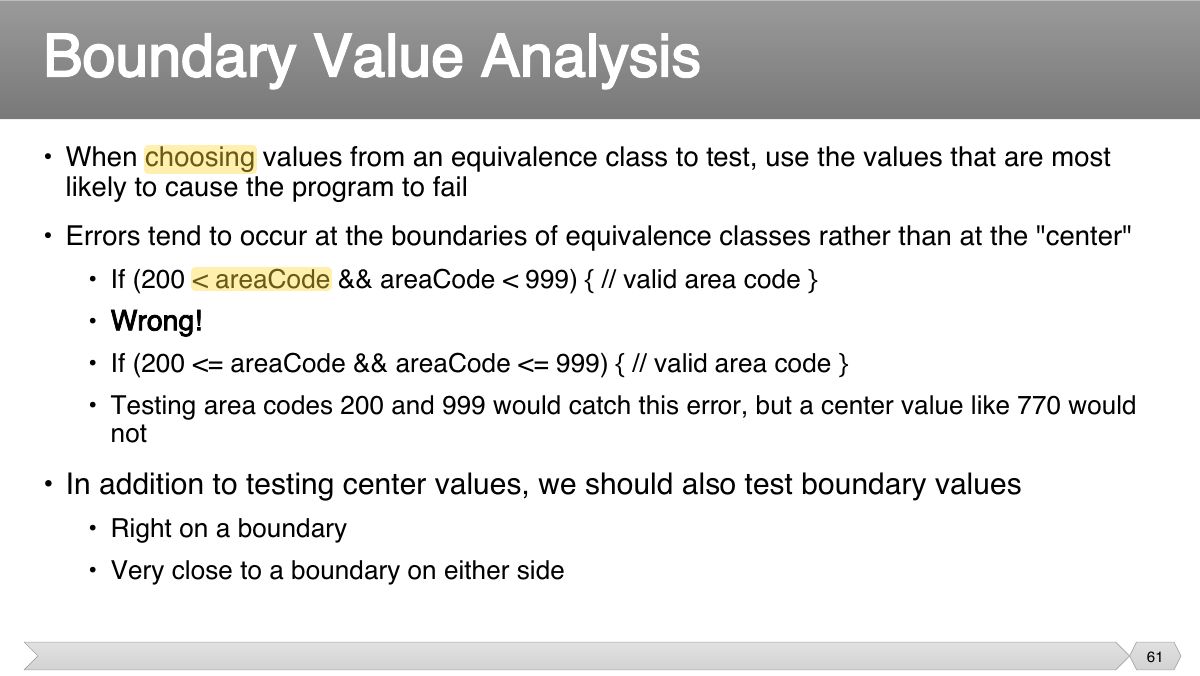
- 56 • Technique
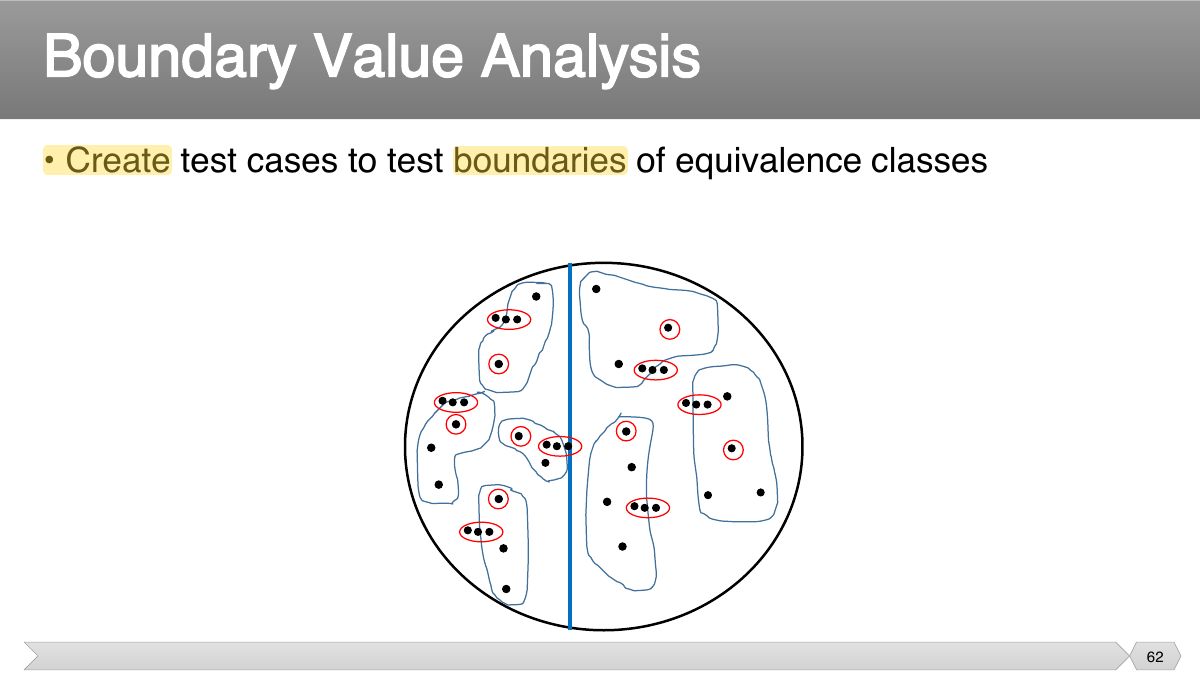
- 57 • Technique
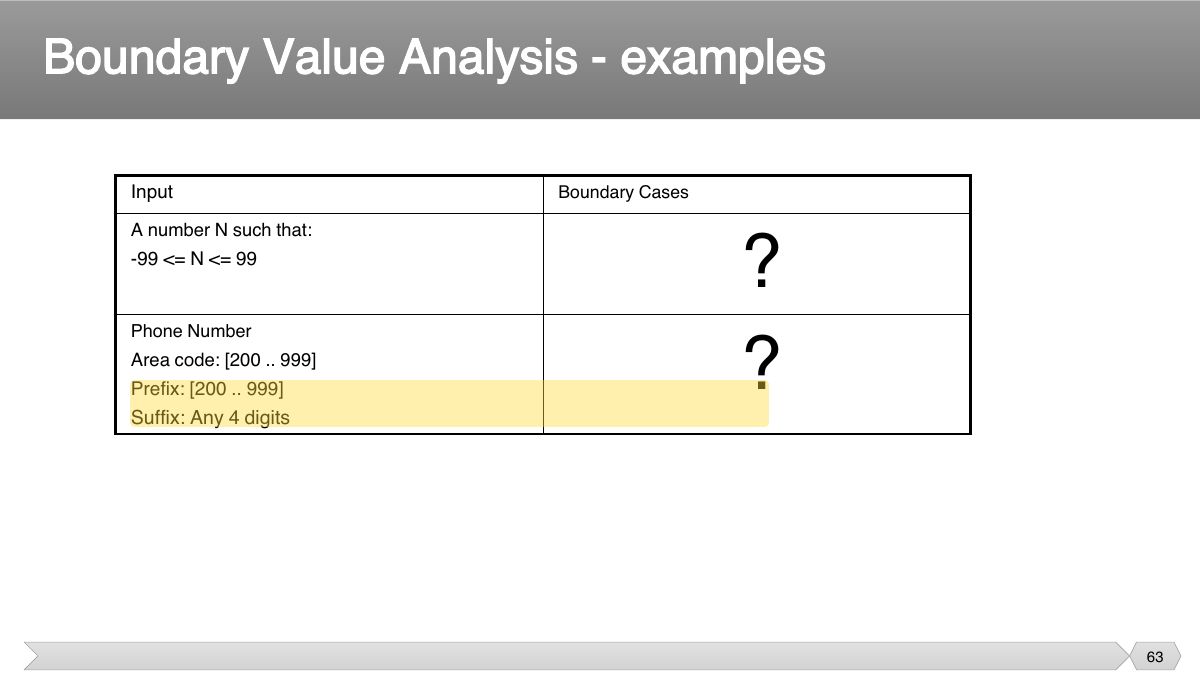
- 58 • Test values, sizes, or quantities near the design limits
- 59 • A greater number of errors occur at the boundaries of the input domain rather than in the "center"
- 60 1. If an input condition specifies a range bounded by values a b and , test cases should be designed with values a b and as well as values just above and just below a b and
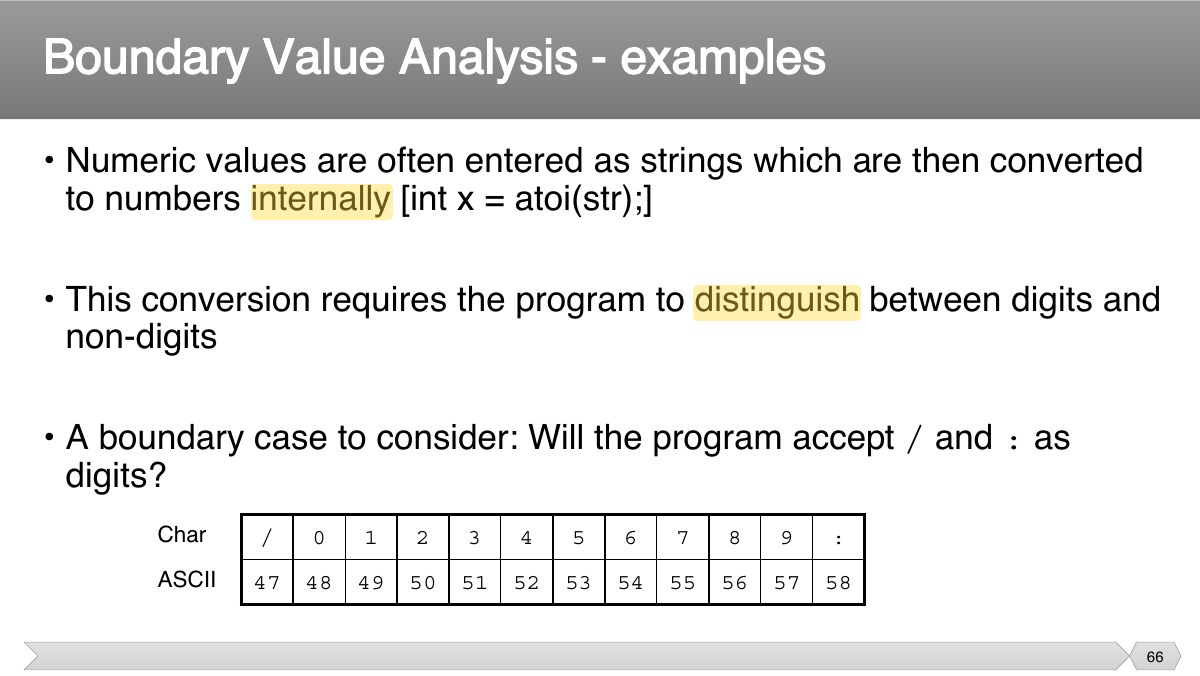
- 61 • When choosing values from an equivalence class to test, use the values that are most likely to cause the program to fail
- 62 • Create test cases to test boundaries of equivalence classes
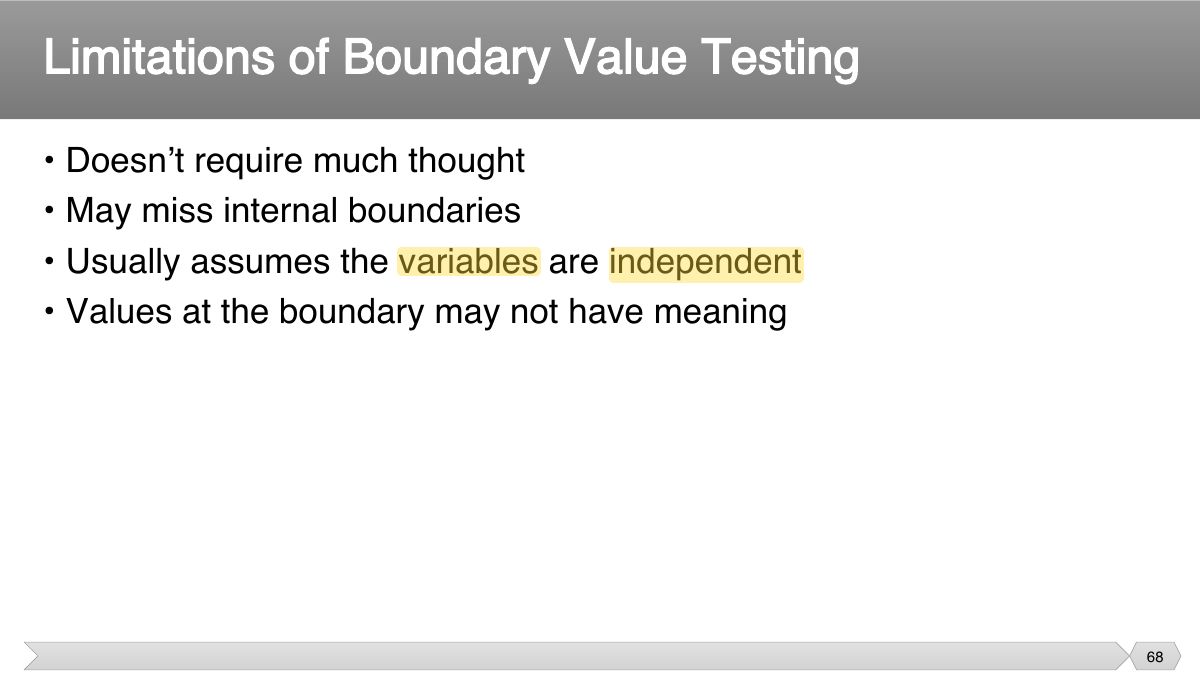
- 63 Boundary Value Analysis - examples
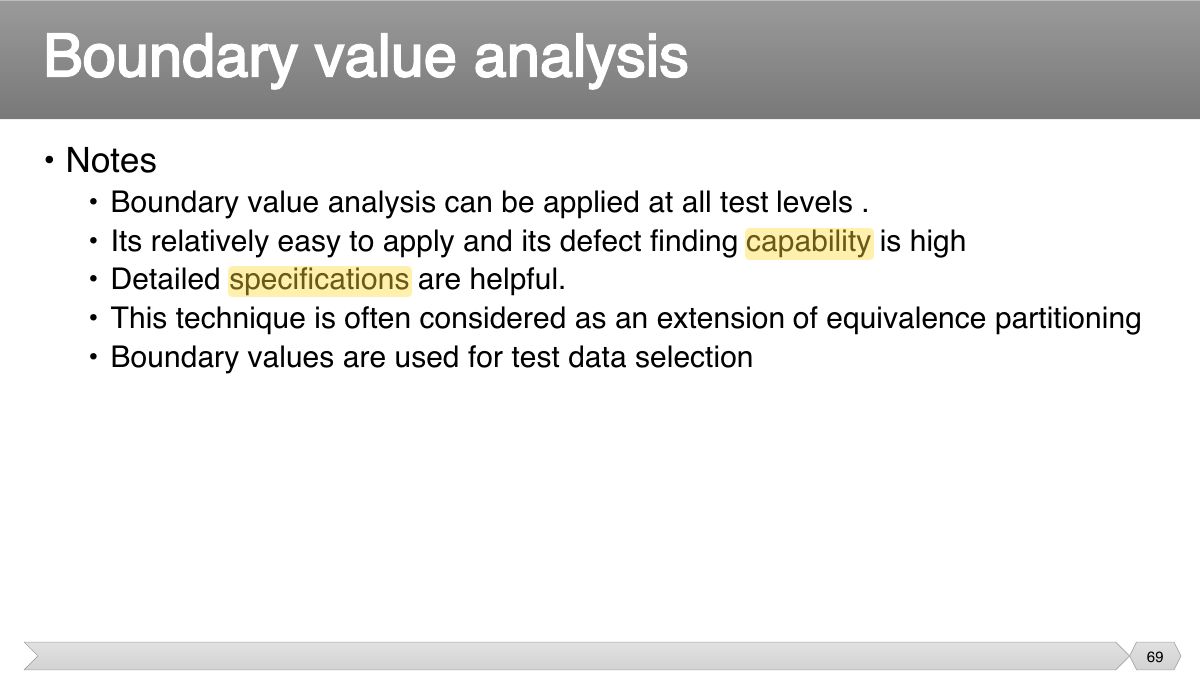
- 64 Boundary Value Analysis - examples
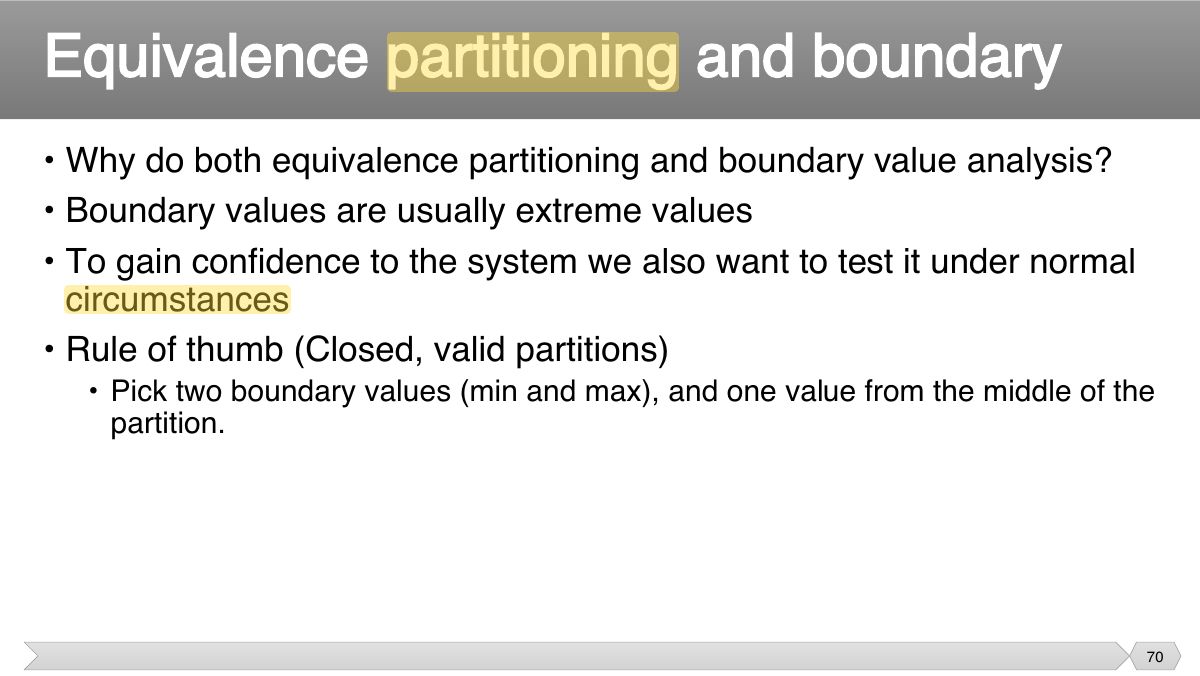
- 65 Boundary Value Analysis - examples
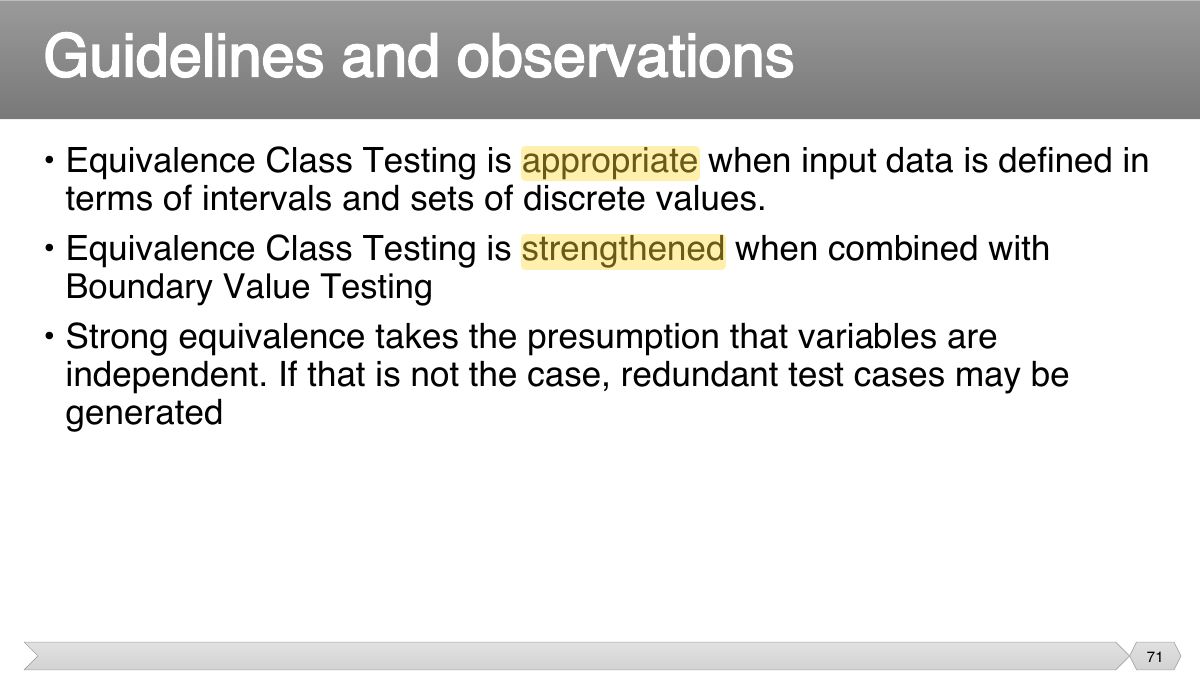
- 66 • Numeric values are often entered as strings which are then converted to numbers internally [int x = atoi(str);]
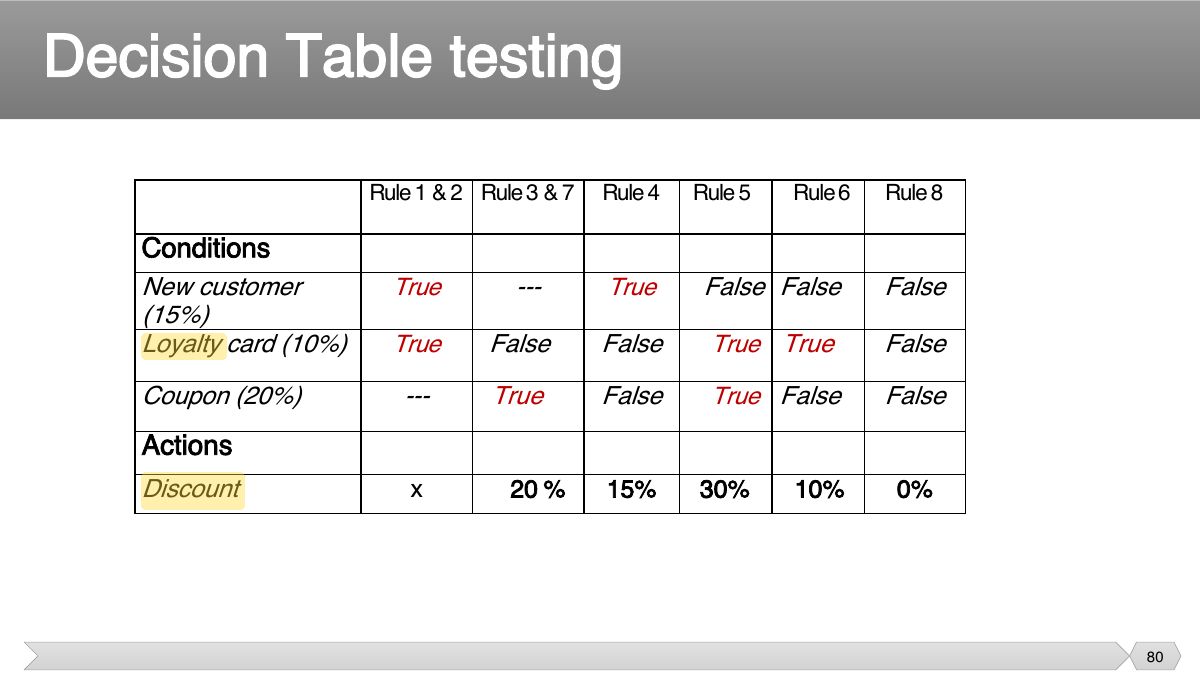
- 67 • Don't get so wrapped up in testing boundary cases that you neglect to test "normal" input values
- 68 • Doesn’t require much thought • May miss internal boundaries
- 69 • Notes
- 70 • Why do both equivalence partitioning and boundary value analysis? • Boundary values are usually extreme values
- 71 • Equivalence Class Testing is appropriate when input data is defined in terms of intervals and sets of discrete values.
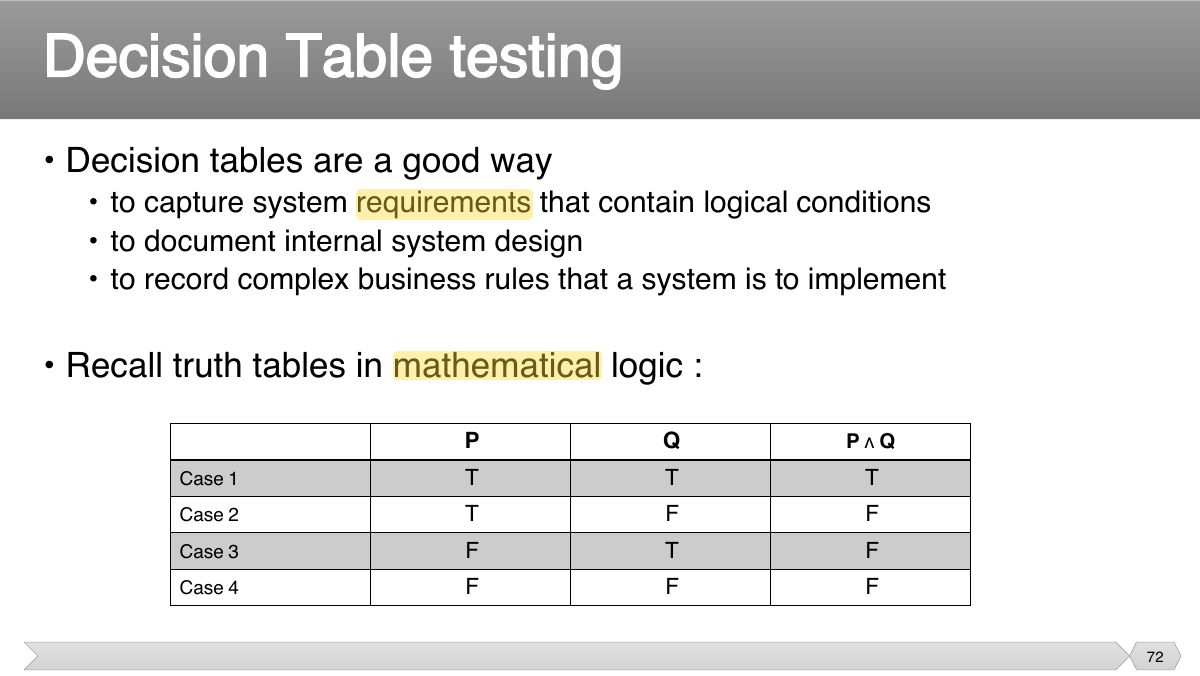
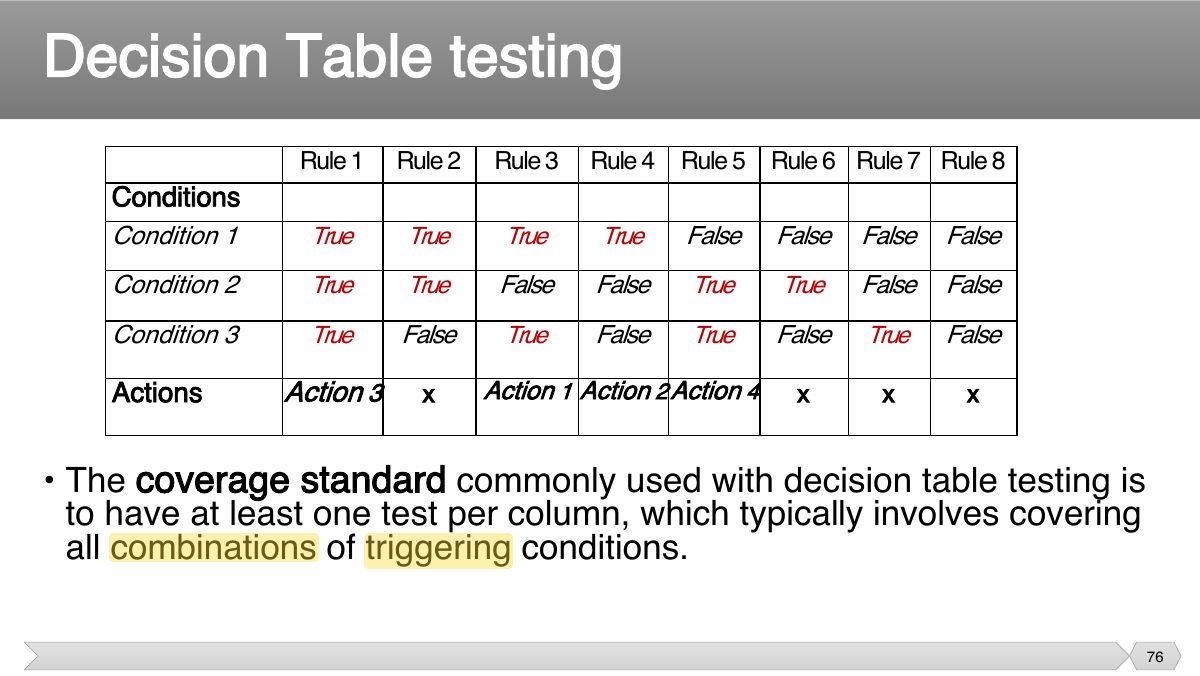
- 72 • Decision tables are a good way
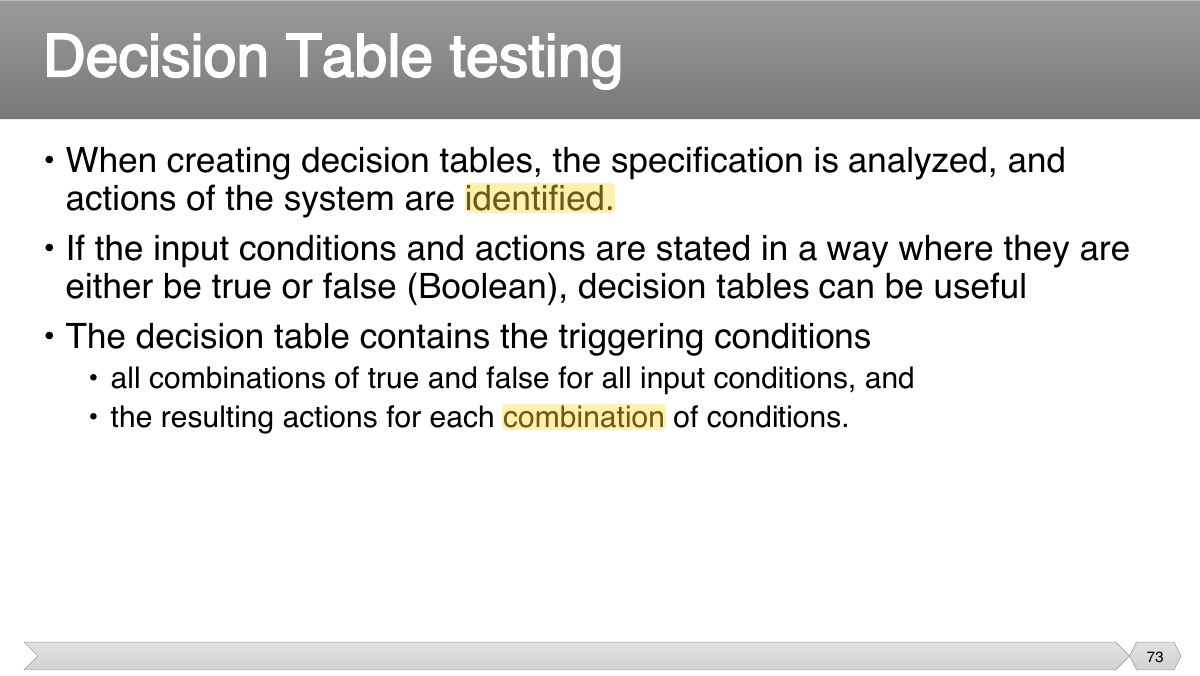
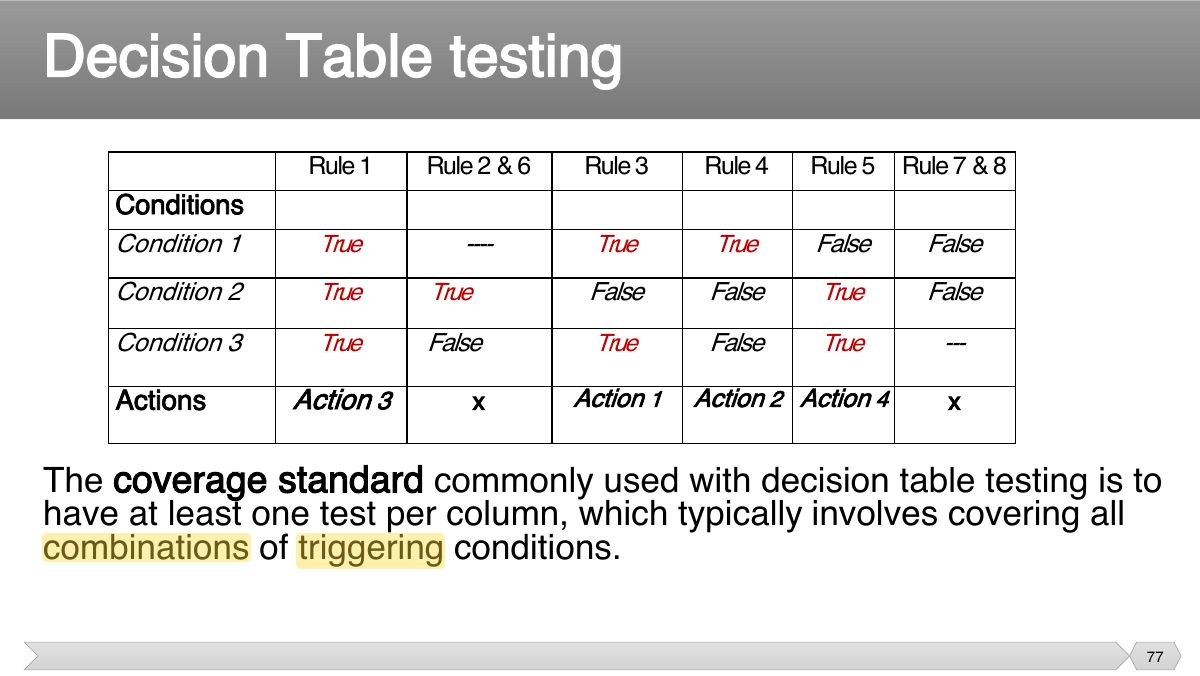
- 73 • When creating decision tables, the specification is analyzed, and actions of the system are identified.
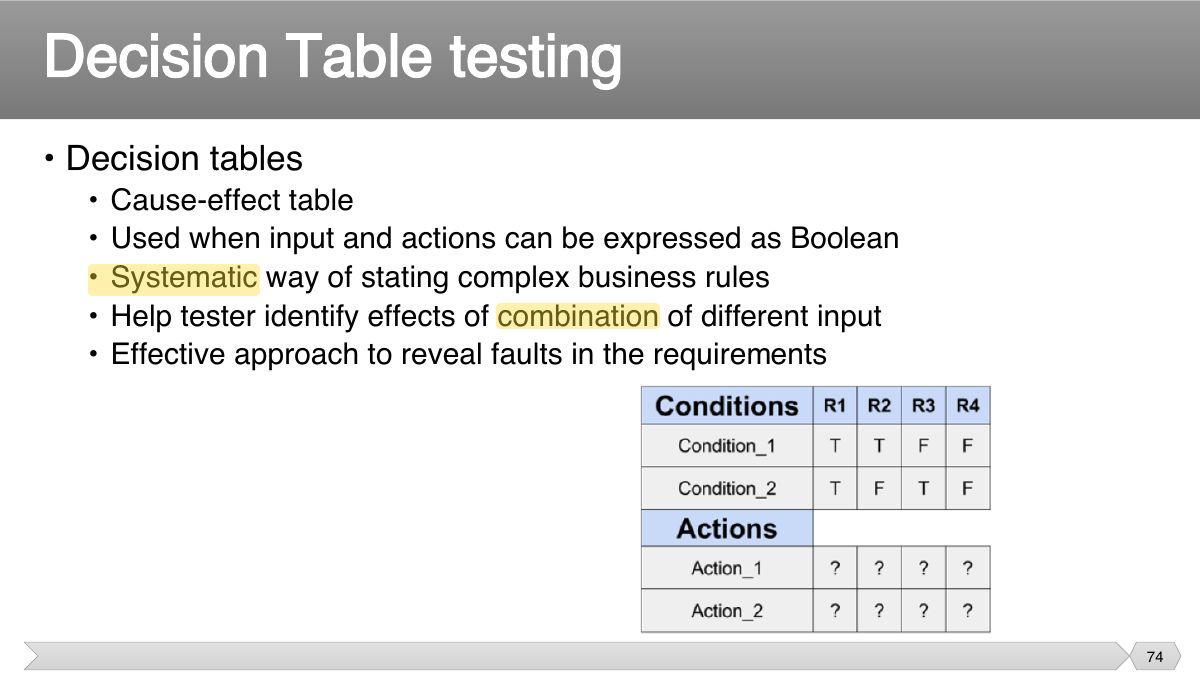
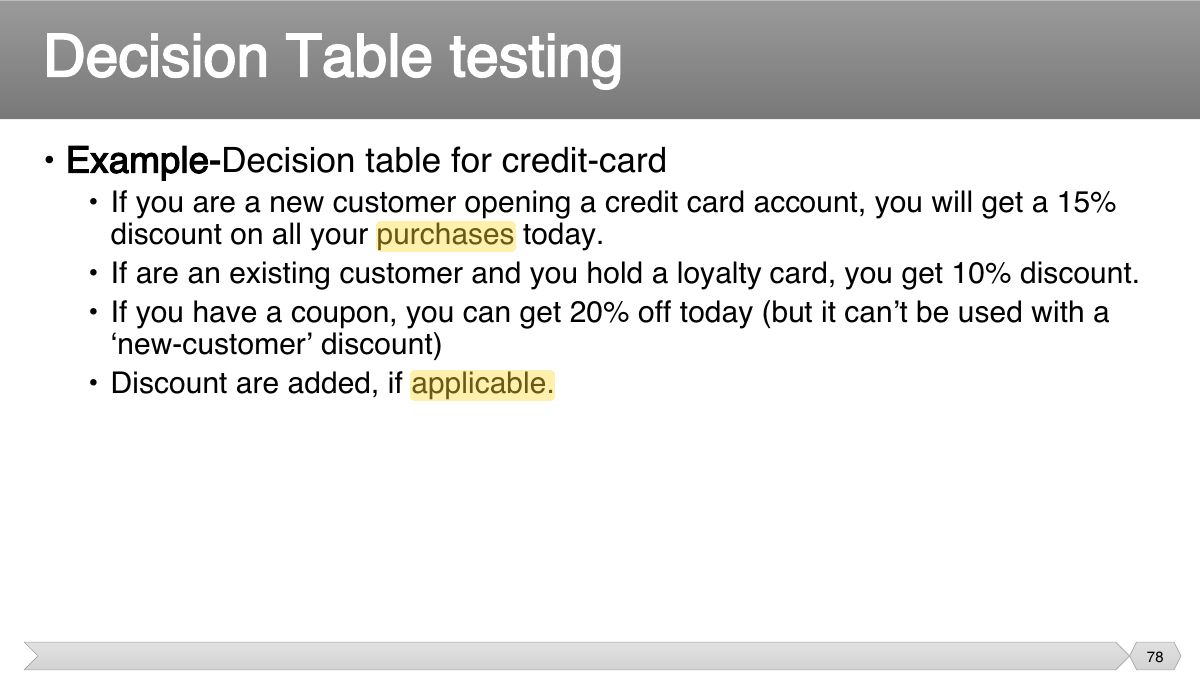
- 74 • Decision tables
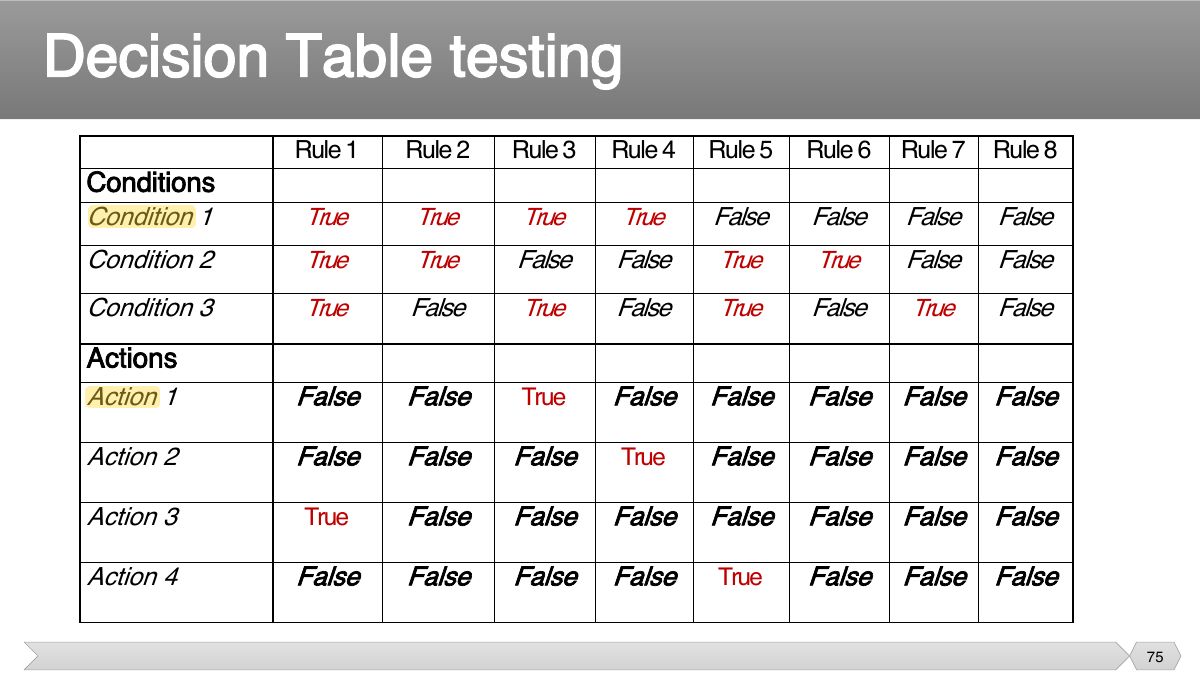
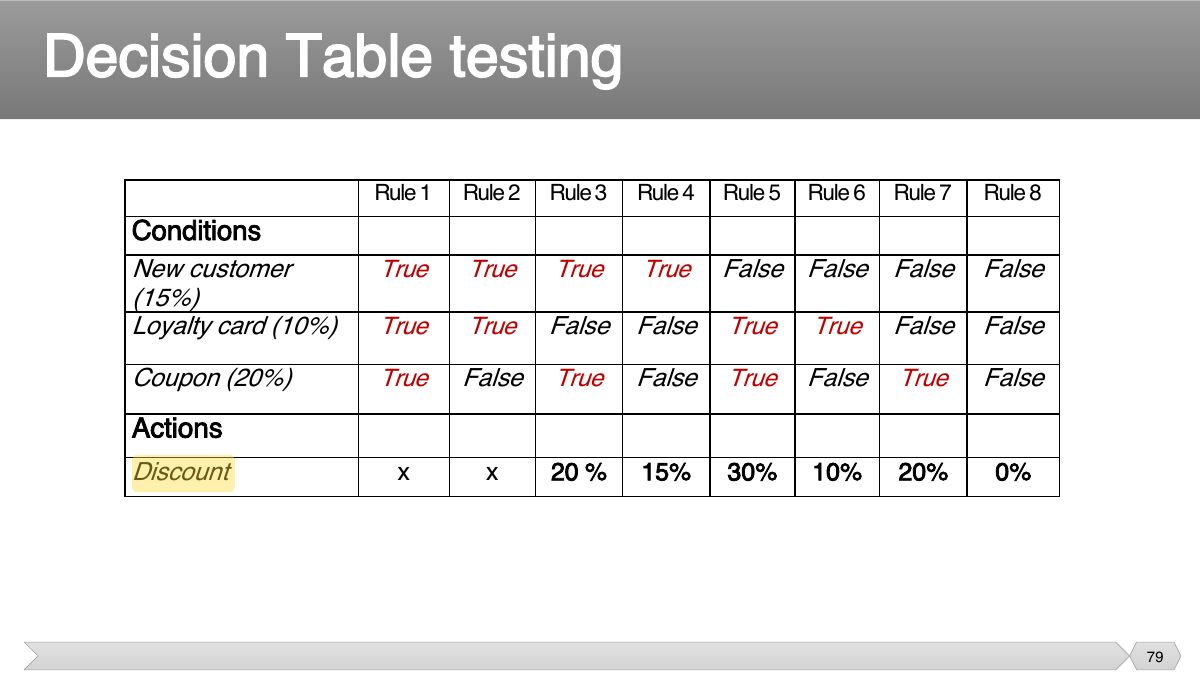
- 75 Rule 1 Rule 2 Rule 3 Rule 4 Rule Rule Rule 7 Rule 8 5 6
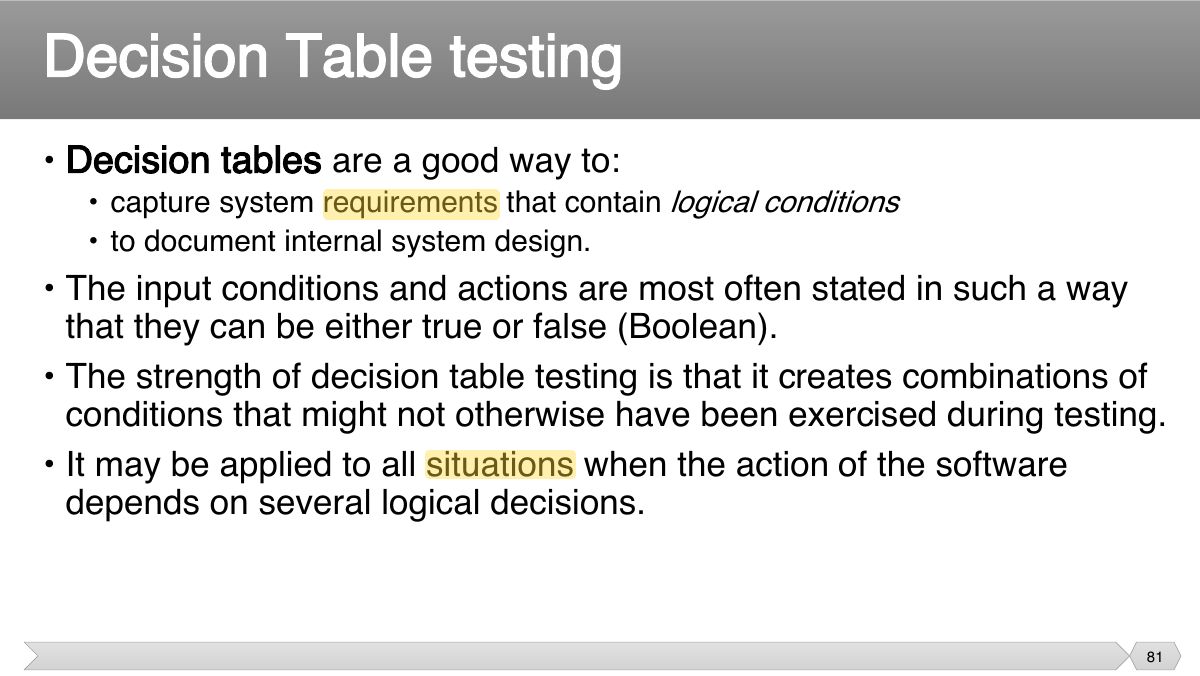
- 76 Rule 1 Rule 2 Rule 3 Rule 4 Rule Rule Rule 7 Rule 5 6 8
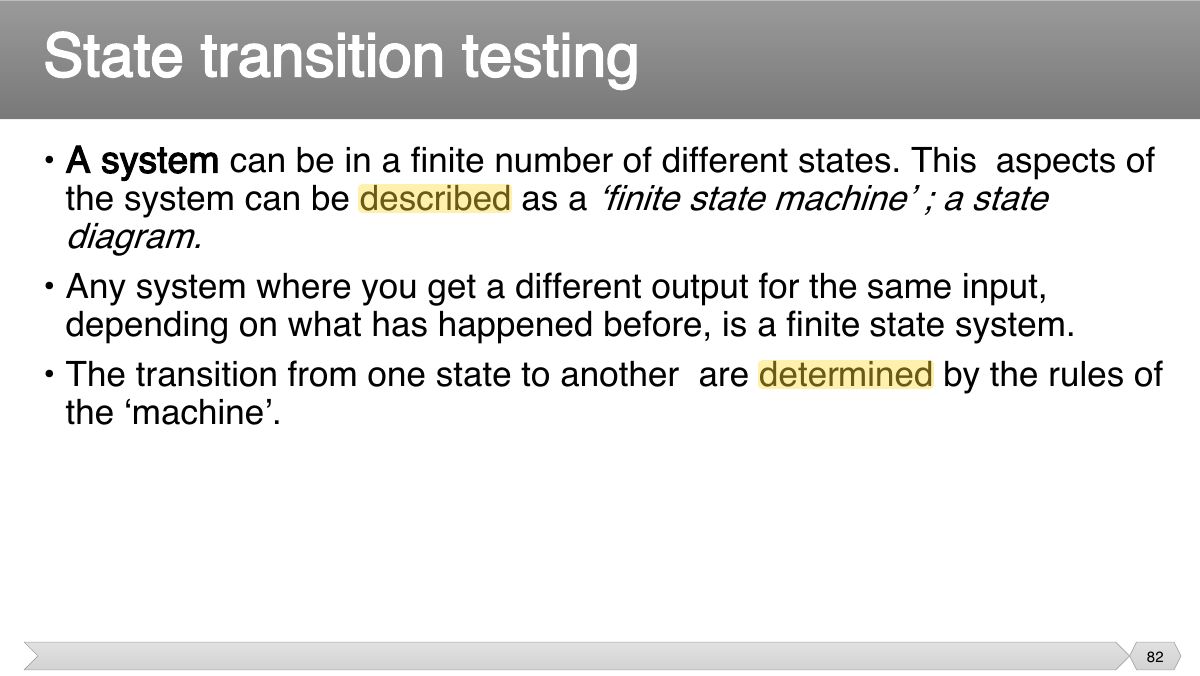
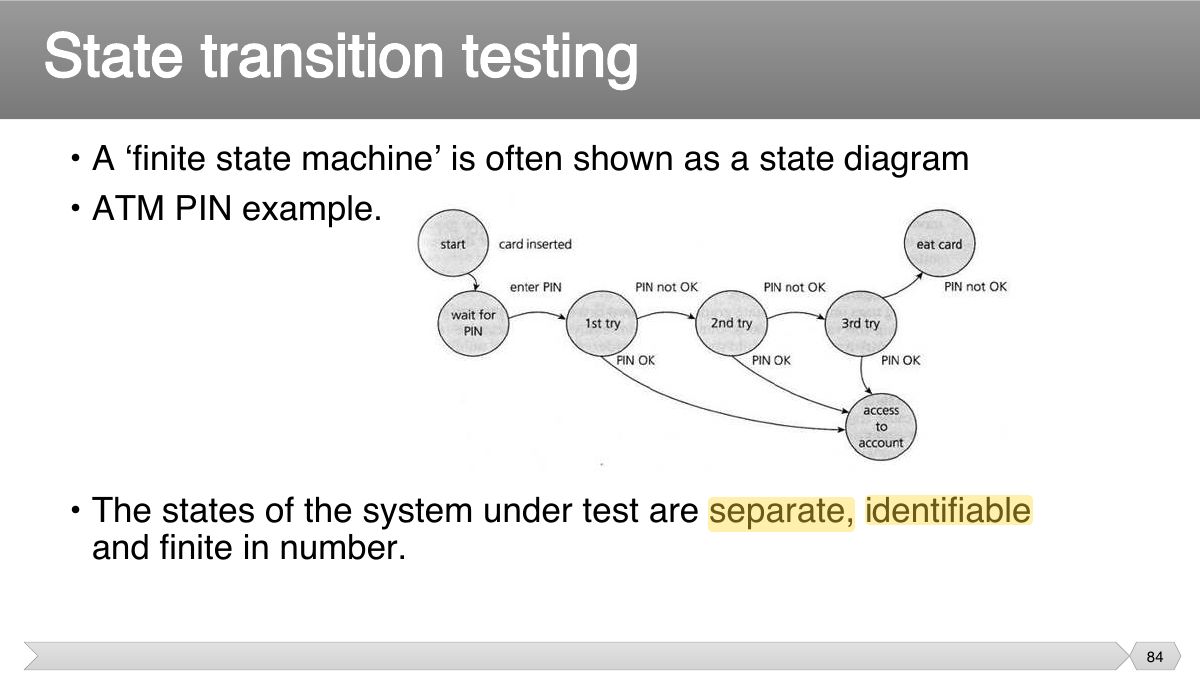
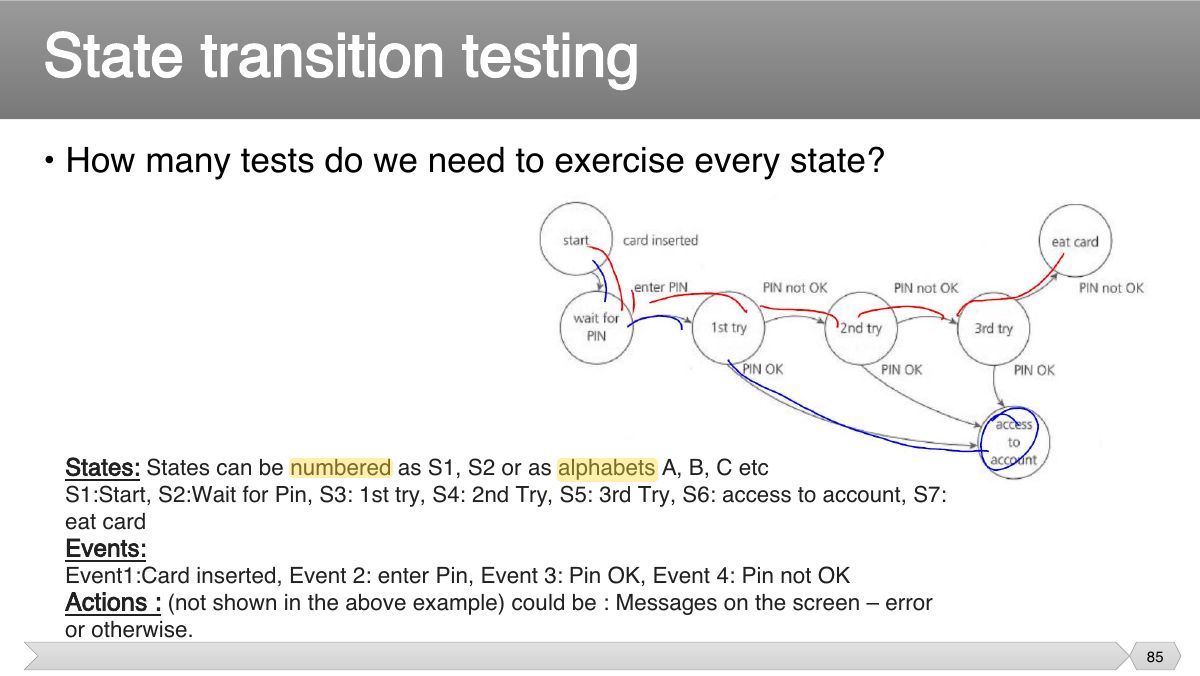
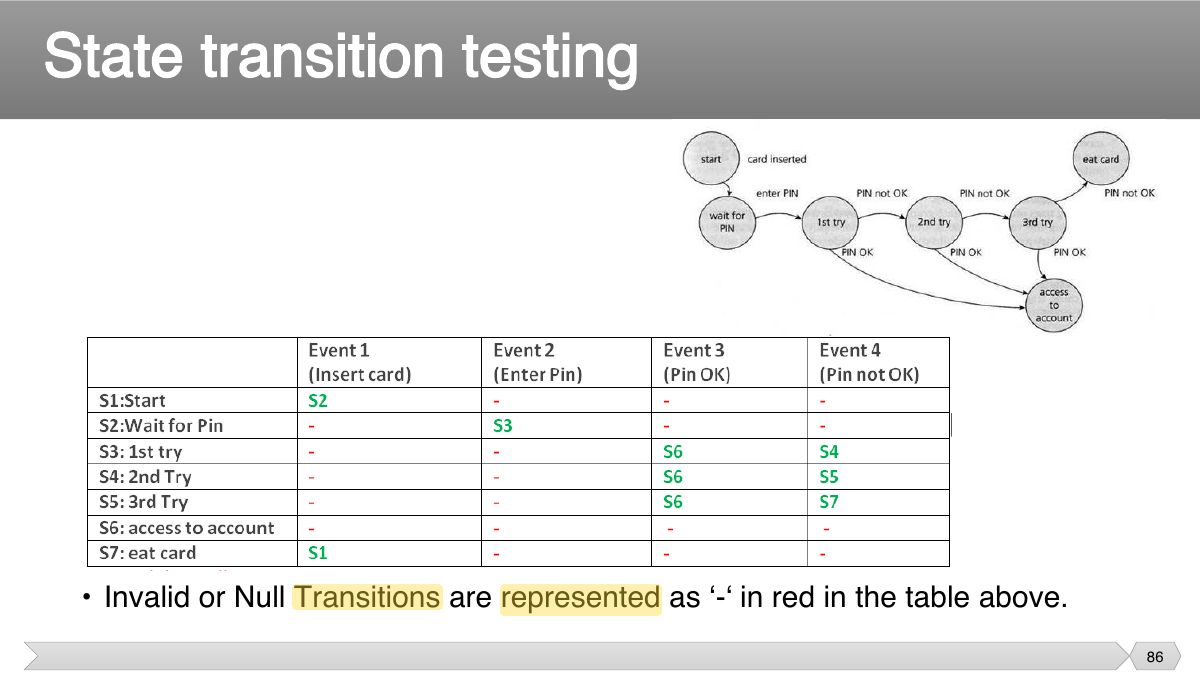
- 77 Rule 1 Rule 2 & 6 Rule 3 Rule 4 Rule Rule & 8 5 7
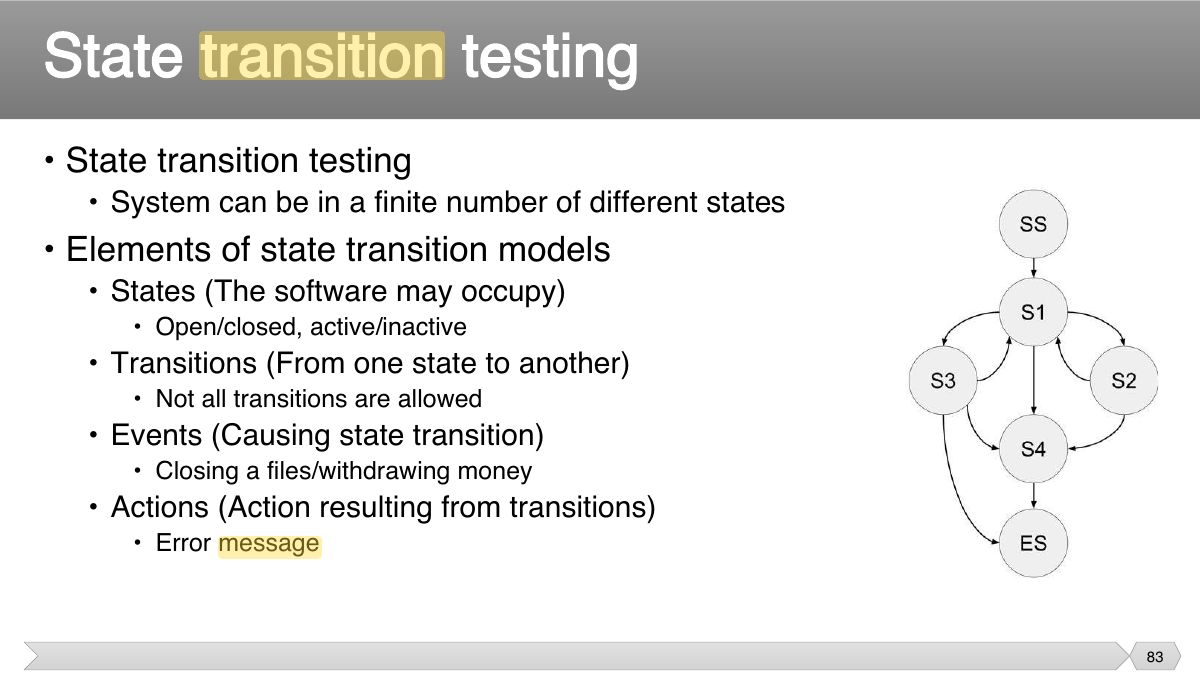
- 78 • Example- Decision table for credit-card
- 79 Decision Table testing
- 80 Decision Table testing
- 81 • Decision tables are a good way to:
- 82 • A system can be in a finite number of different states. This aspects of the system can be described as a ‘finite state machine’ ; a state
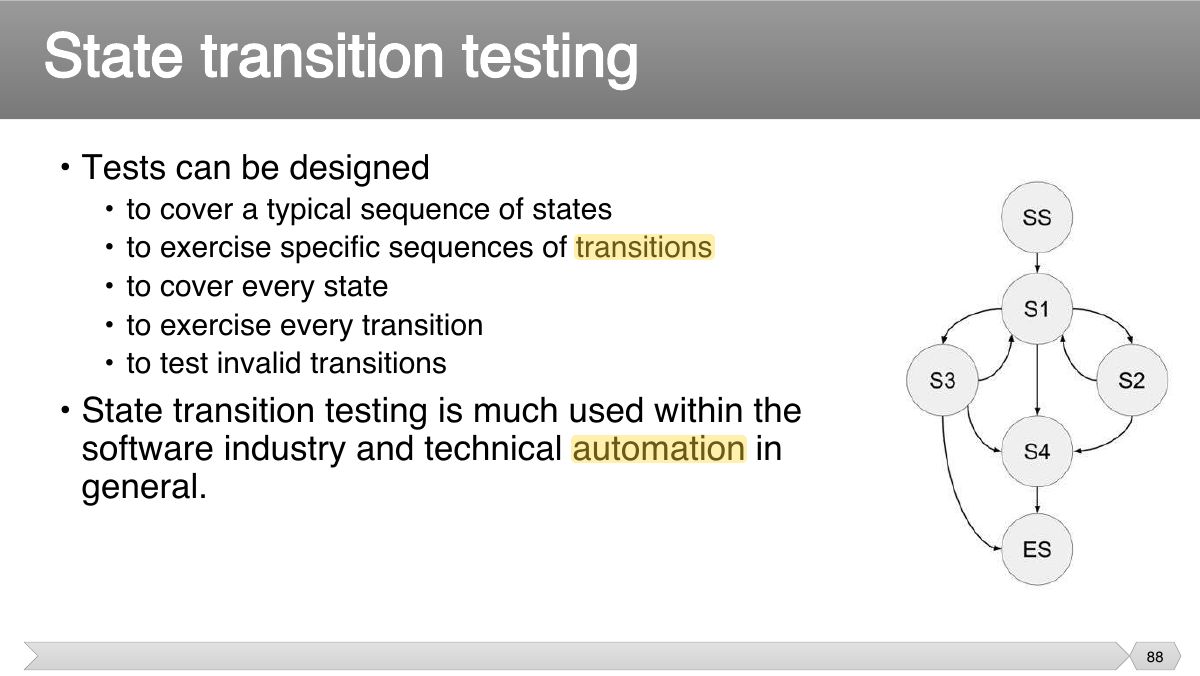
- 83 • State transition testing
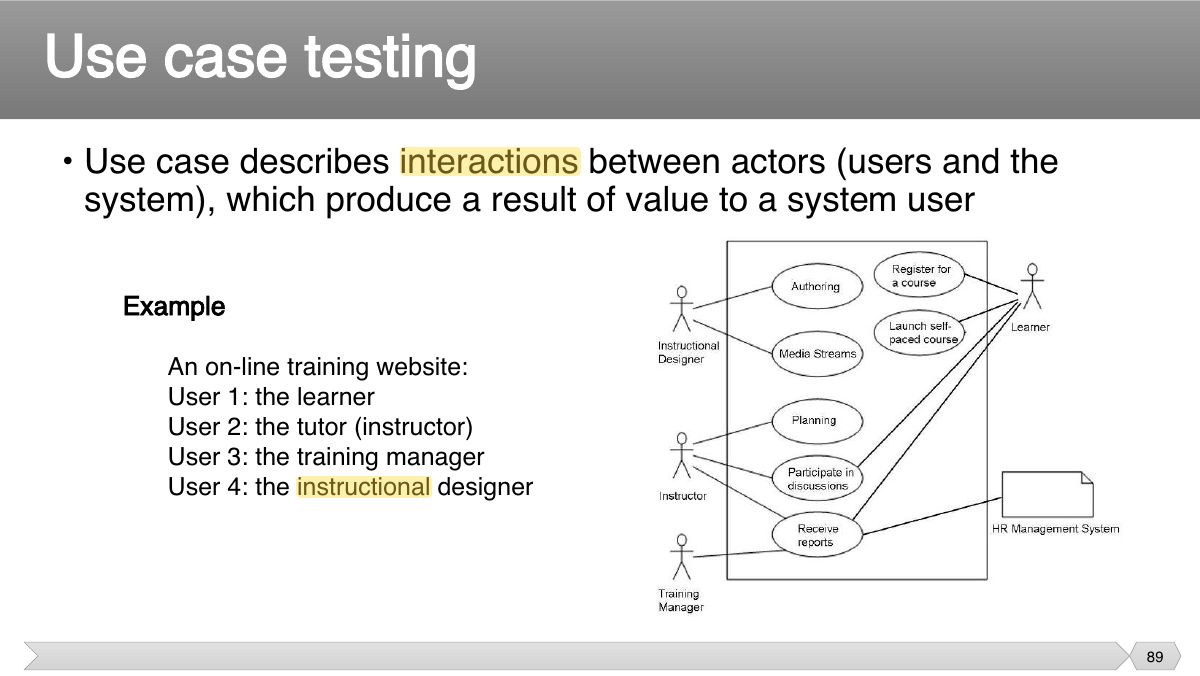
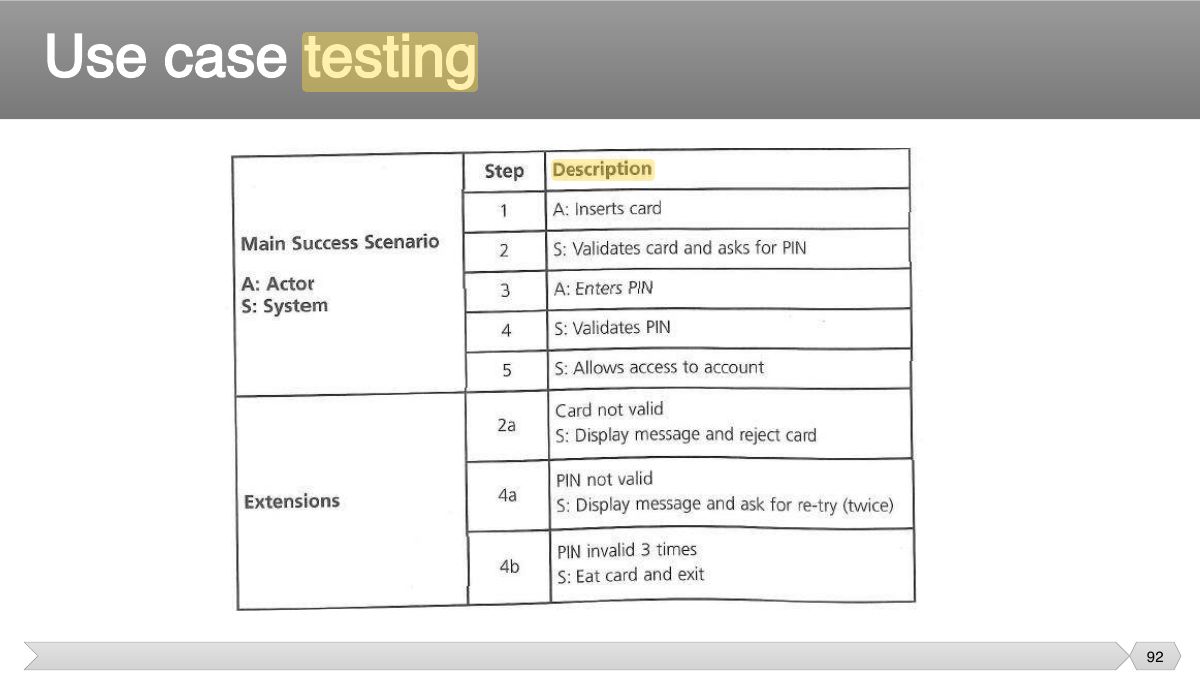
- 84 • A ‘finite state machine’ is often shown as a state diagram • ATM PIN example.
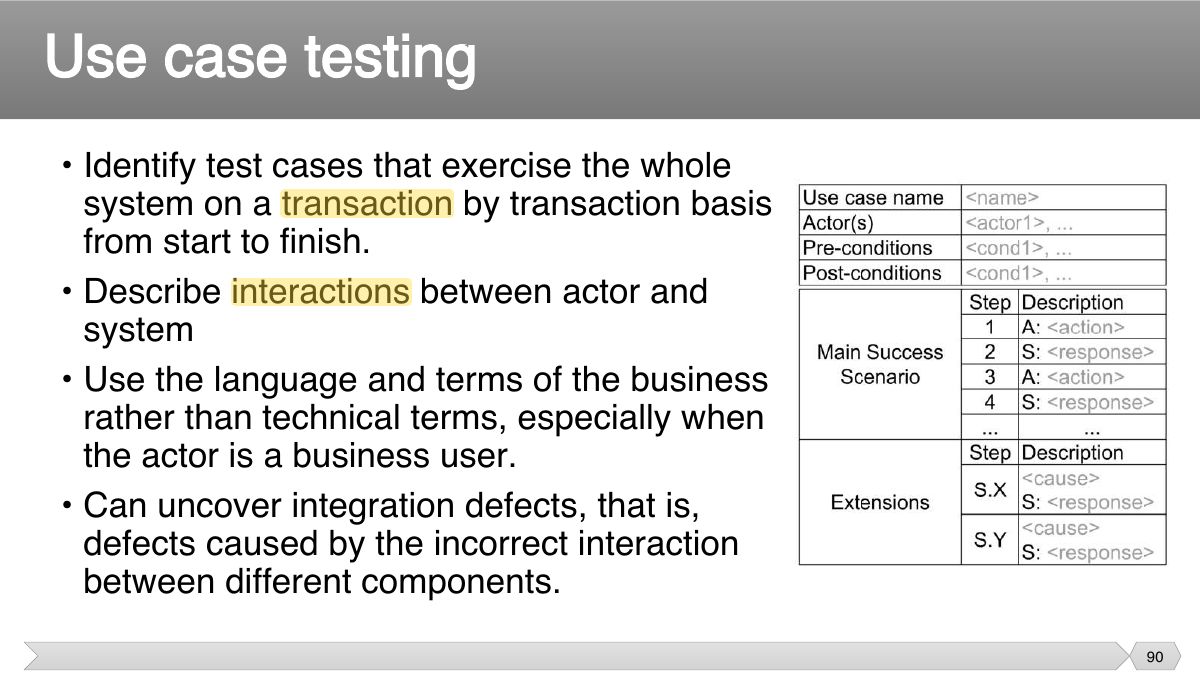
- 85 • How many tests do we need to exercise every state?
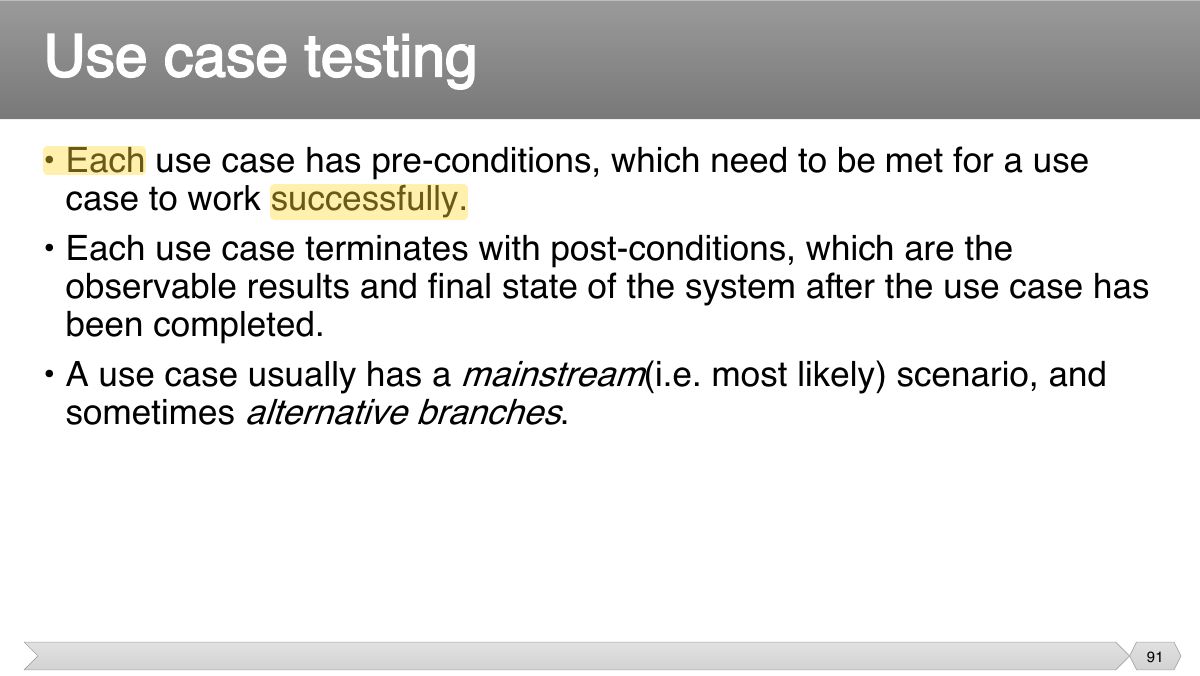
- 86 State transition testing
- 87 • Why state transition testing?
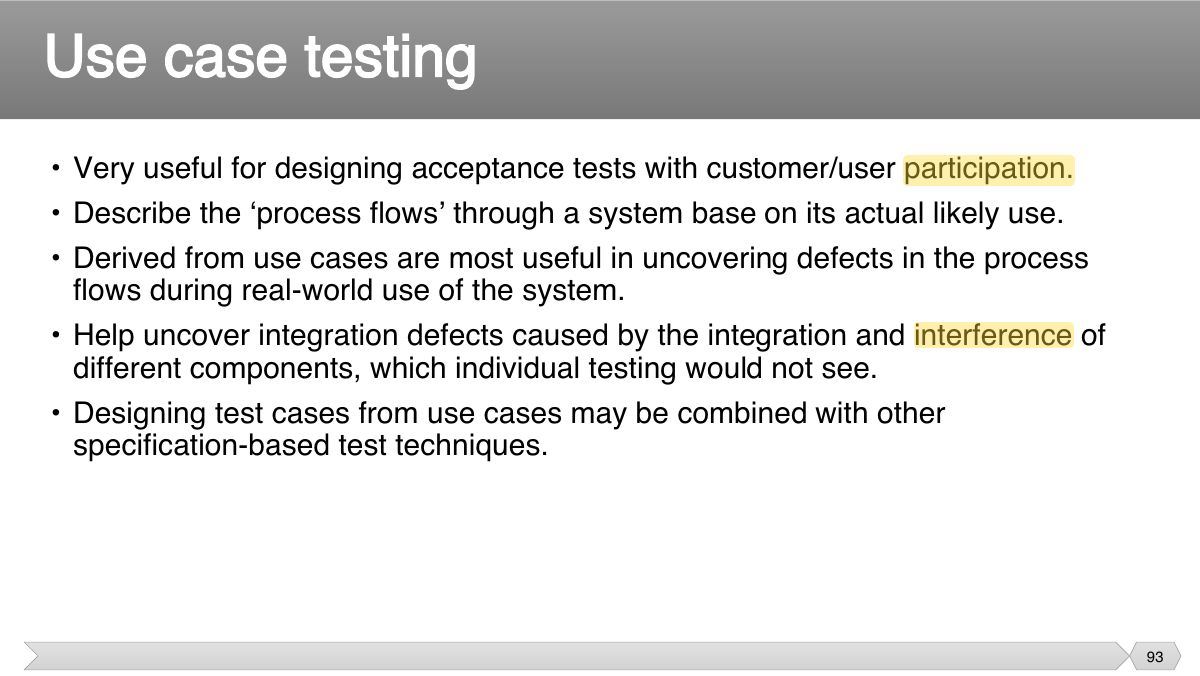
- 88 • Tests can be designed
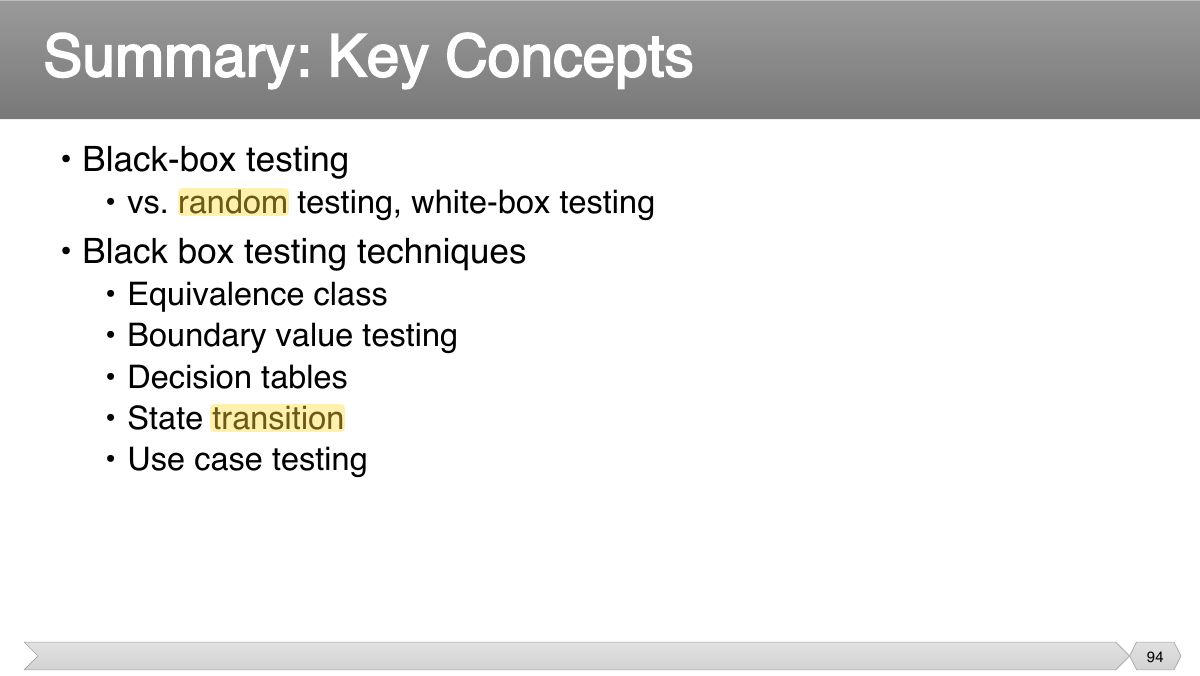
- 89 • Use case describes interactions between actors (users and the system), which produce a result of value to a system user
- 90 • Identify test cases that exercise the whole system on a transaction by transaction basis
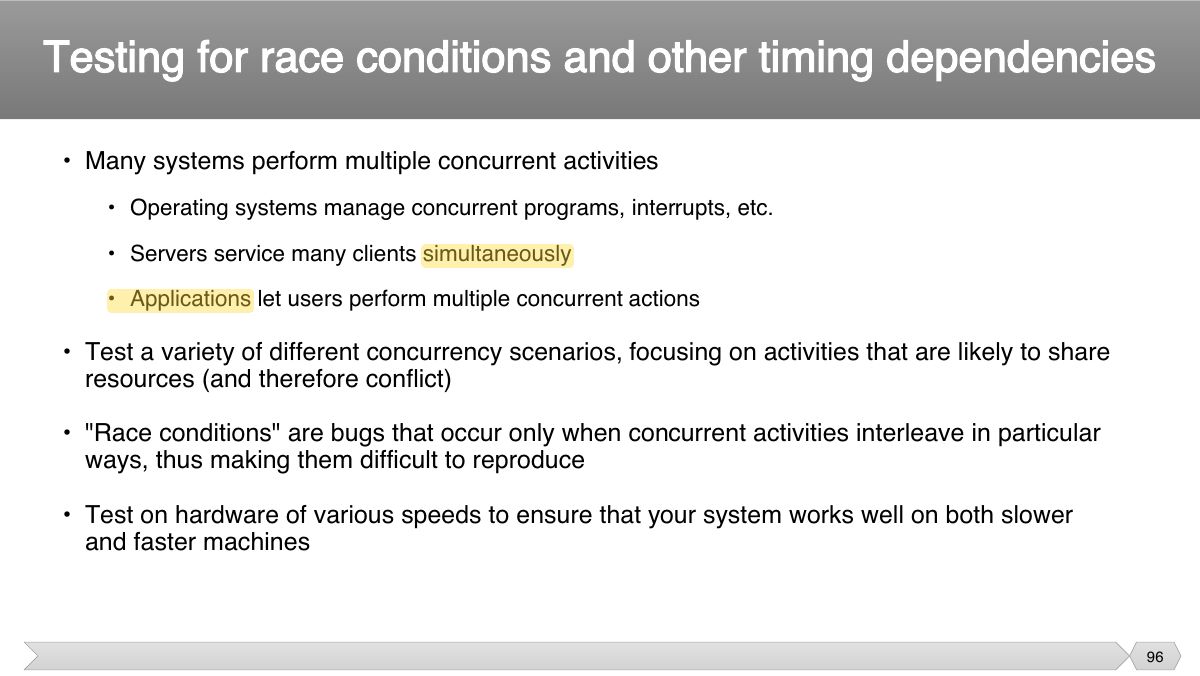
- 91 • Each use case has pre-conditions, which need to be met for a use case to work successfully.
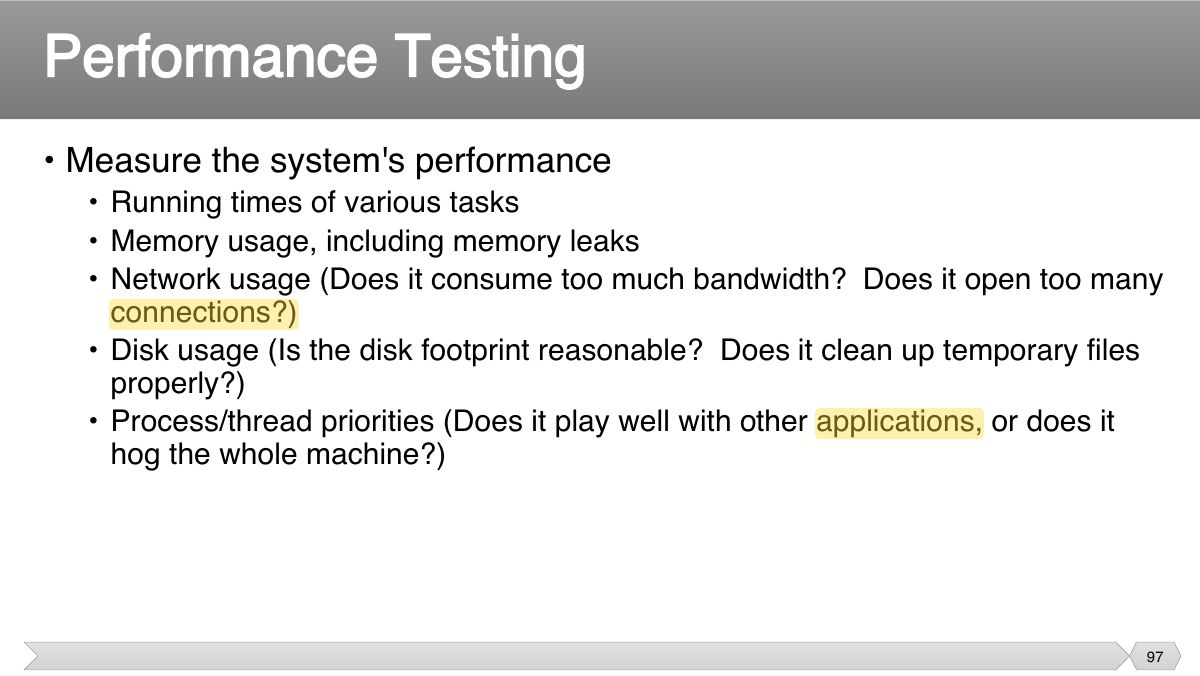
- 92 Use case testing
- 93 • Very useful for designing acceptance tests with customer/user participation. • Describe the ‘process flows’ through a system base on its actual likely use.
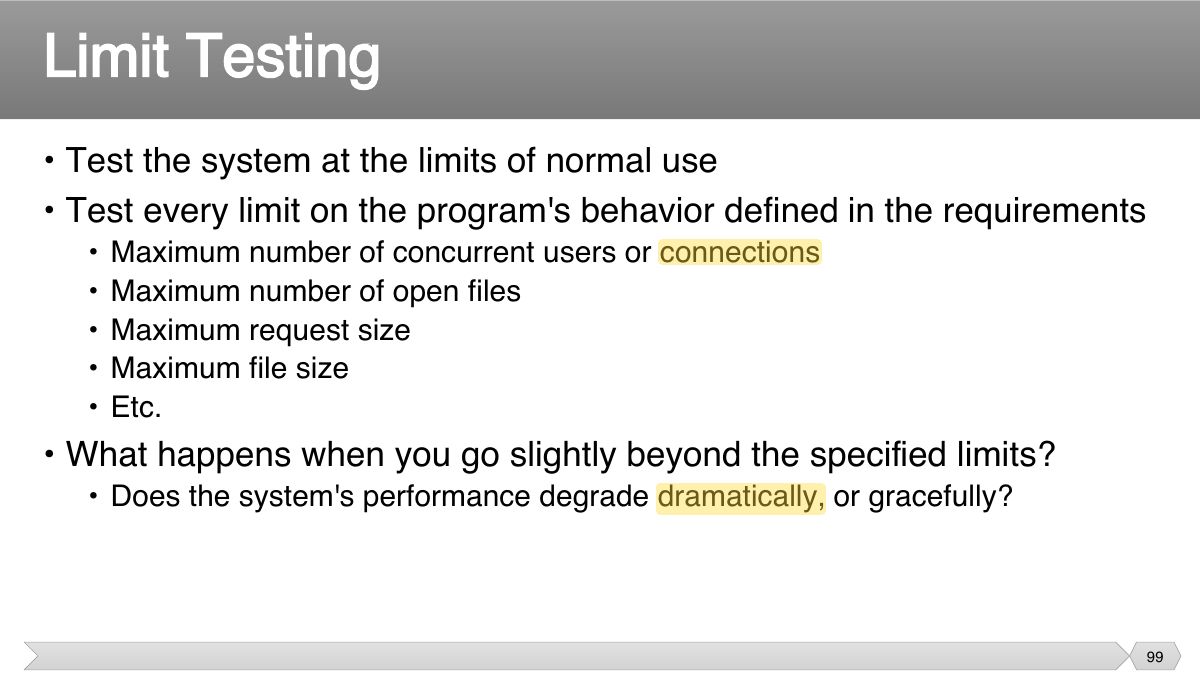
- 94 • Black-box testing
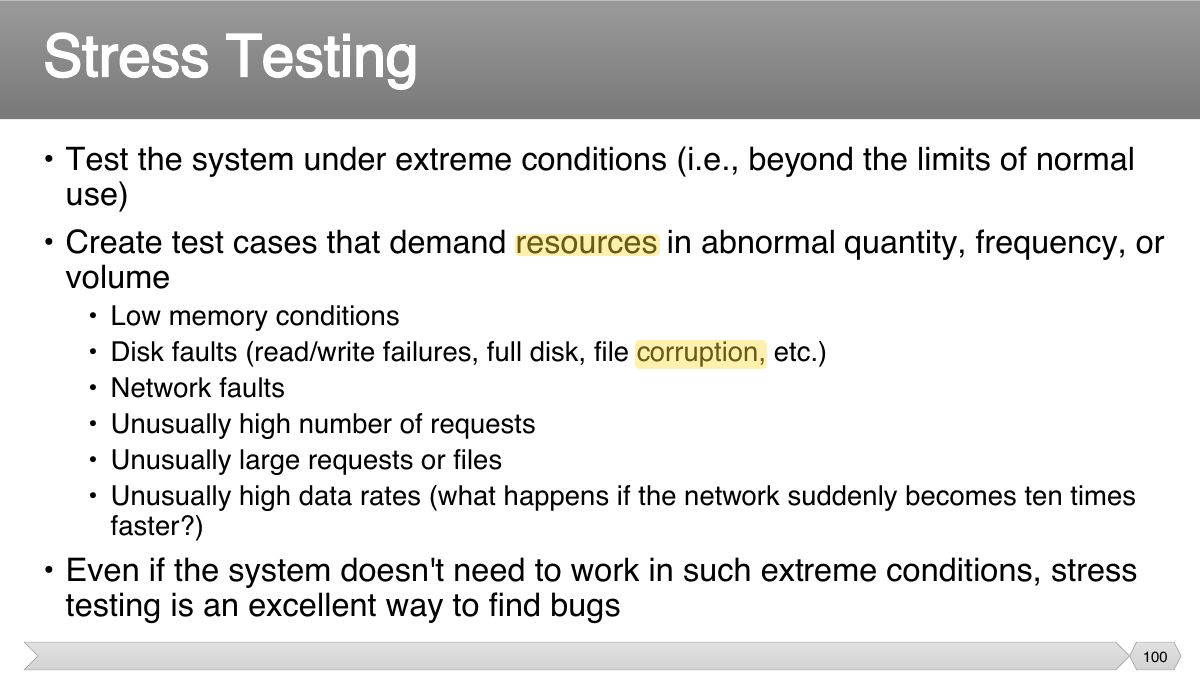
- 95 Slide 95
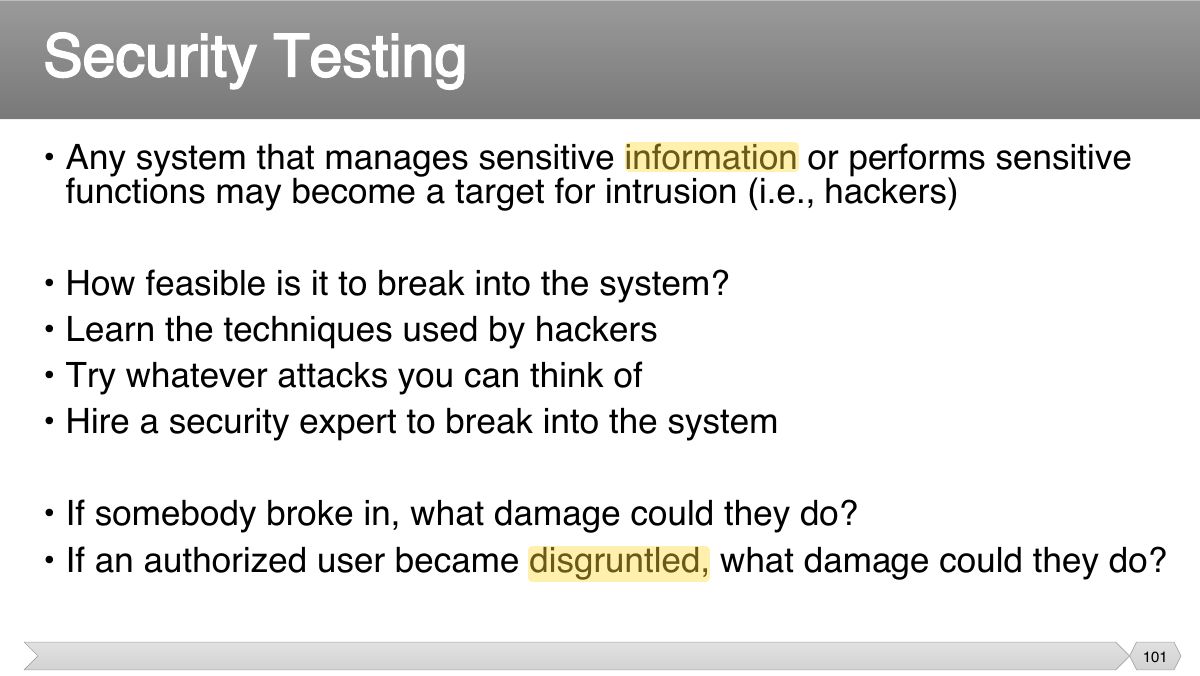
- 96 • Many systems perform multiple concurrent activities
- 97 • Measure the system's performance
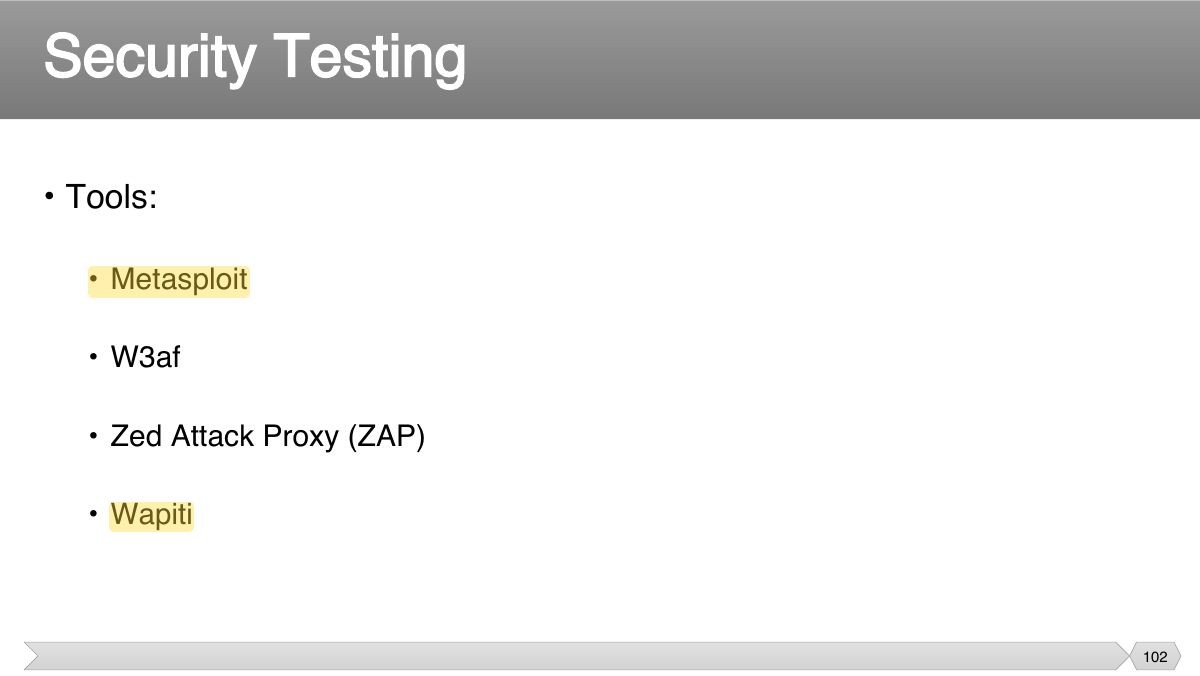
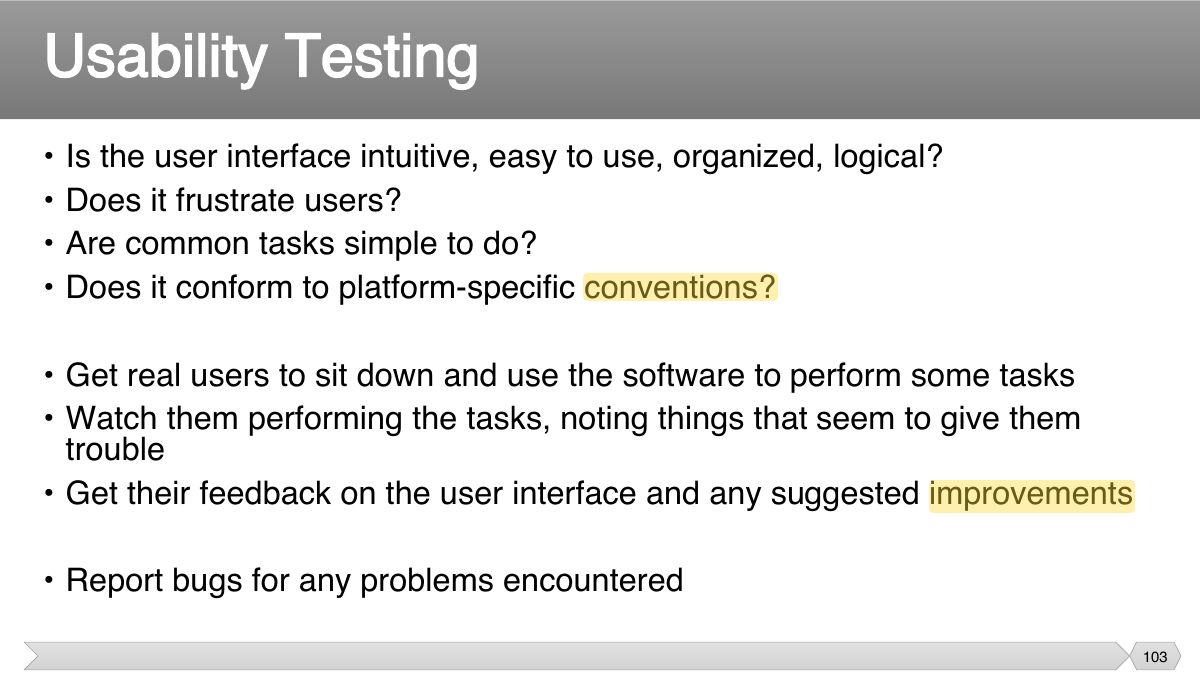
- 98 Performance Testing
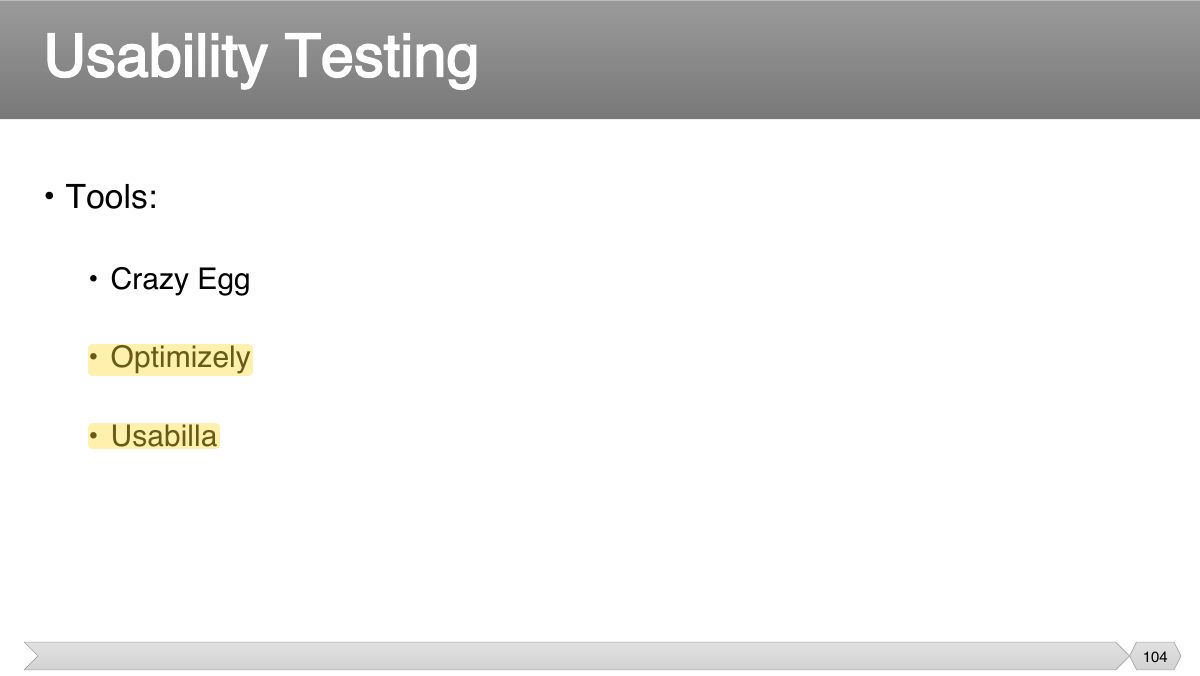
- 99 • Test the system at the limits of normal use • Test every limit on the program's behavior defined in the requirements
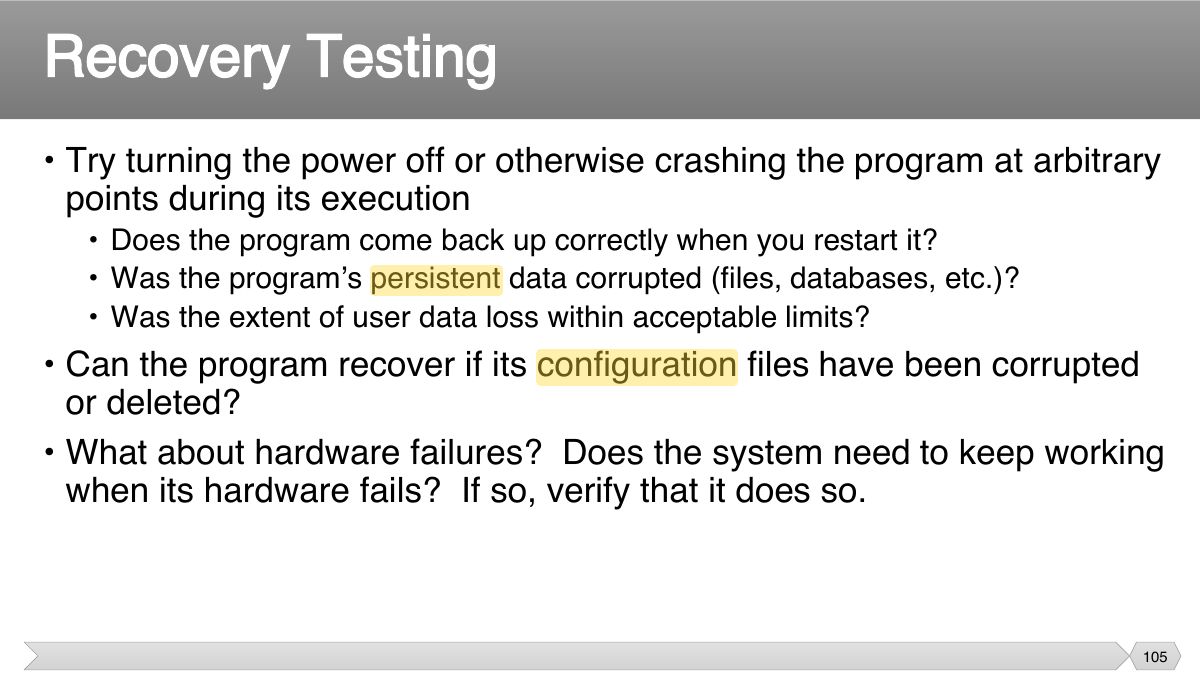
- 100 • Test the system under extreme conditions (i.e., beyond the limits of normal use)
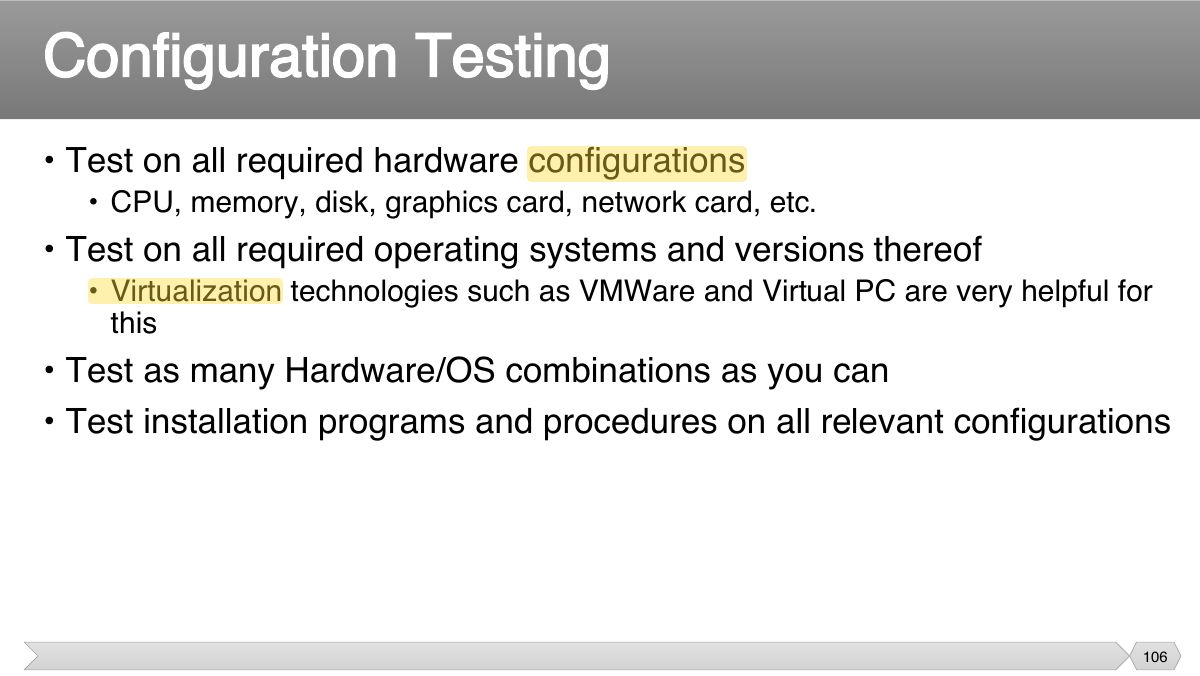
- 101 • Any system that manages sensitive information or performs sensitive functions may become a target for intrusion (i.e., hackers)
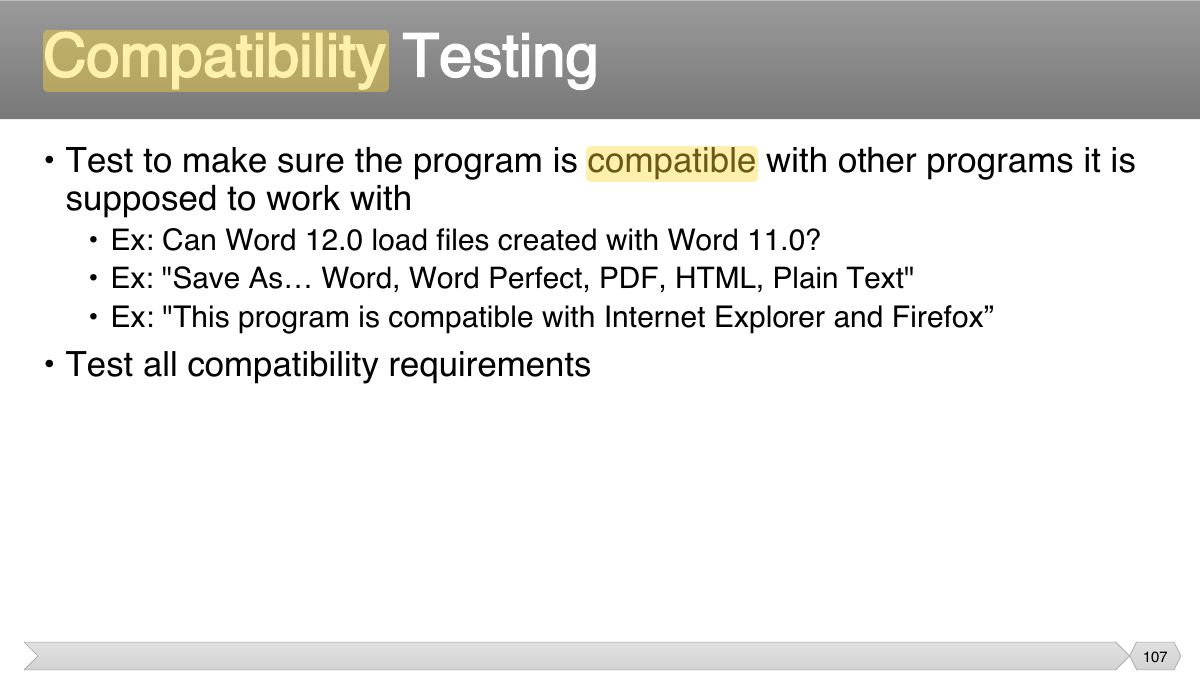
- 102 Security Testing
- 103 • Is the user interface intuitive, easy to use, organized, logical? • Does it frustrate users?
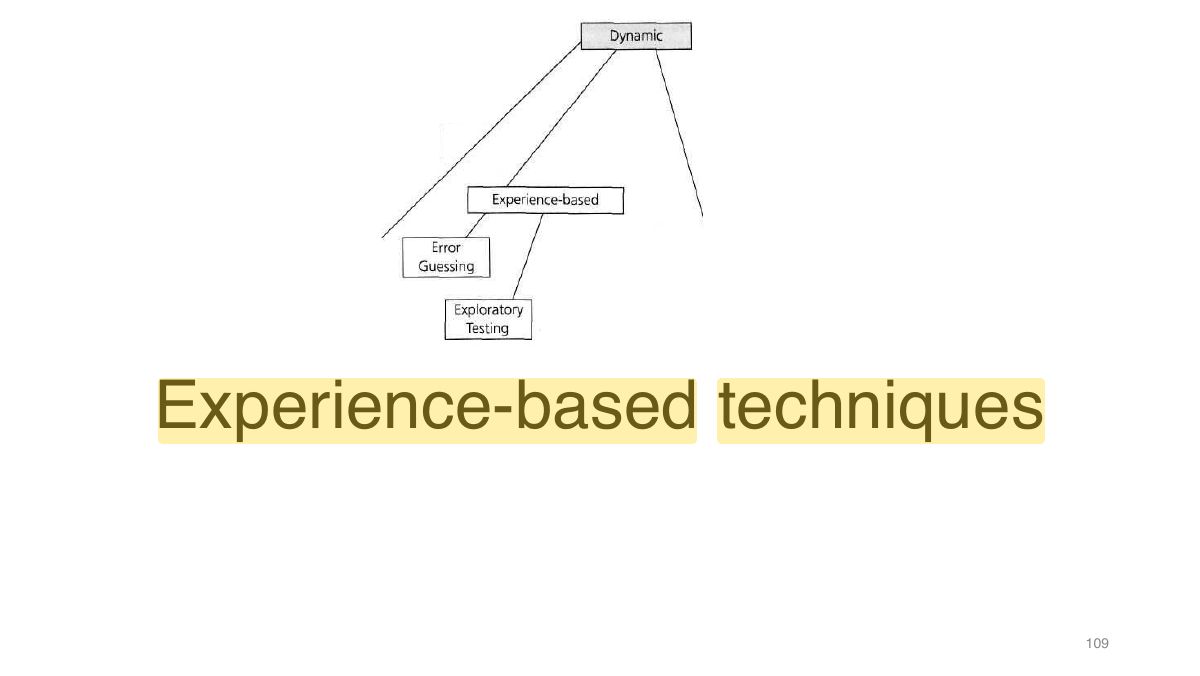
- 104 Usability Testing
- 105 • Try turning the power off or otherwise crashing the program at arbitrary points during its execution
- 106 • Test on all required hardware configurations
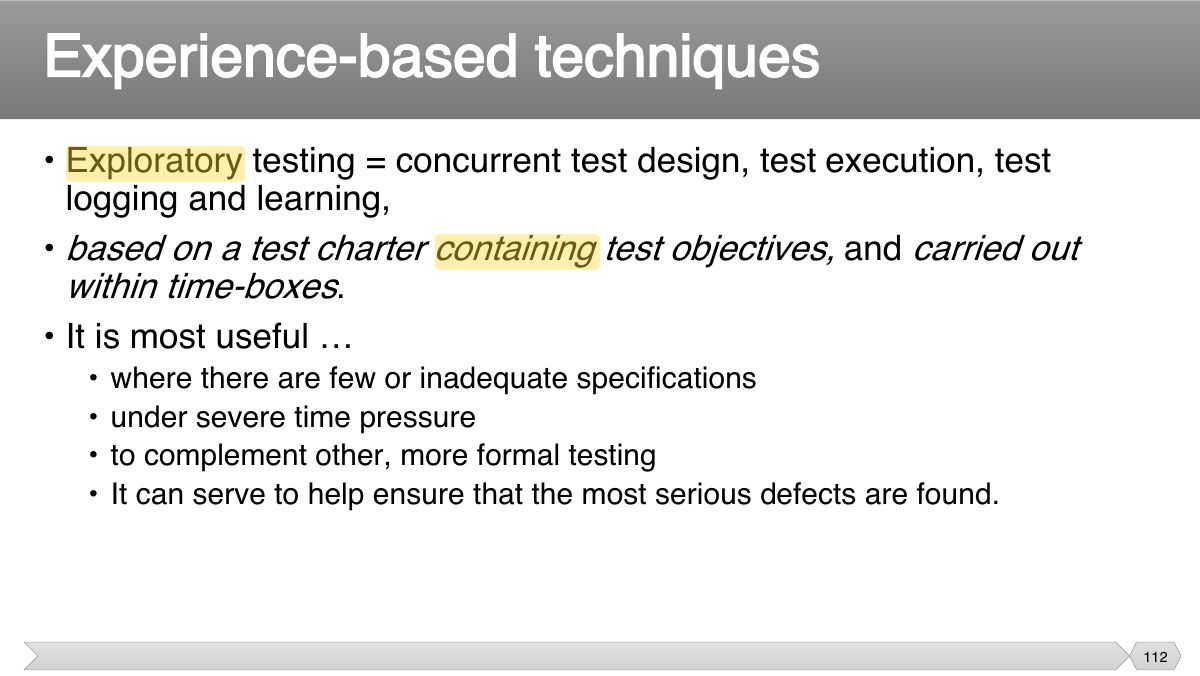
- 107 • Test to make sure the program is compatible with other programs it is supposed to work with
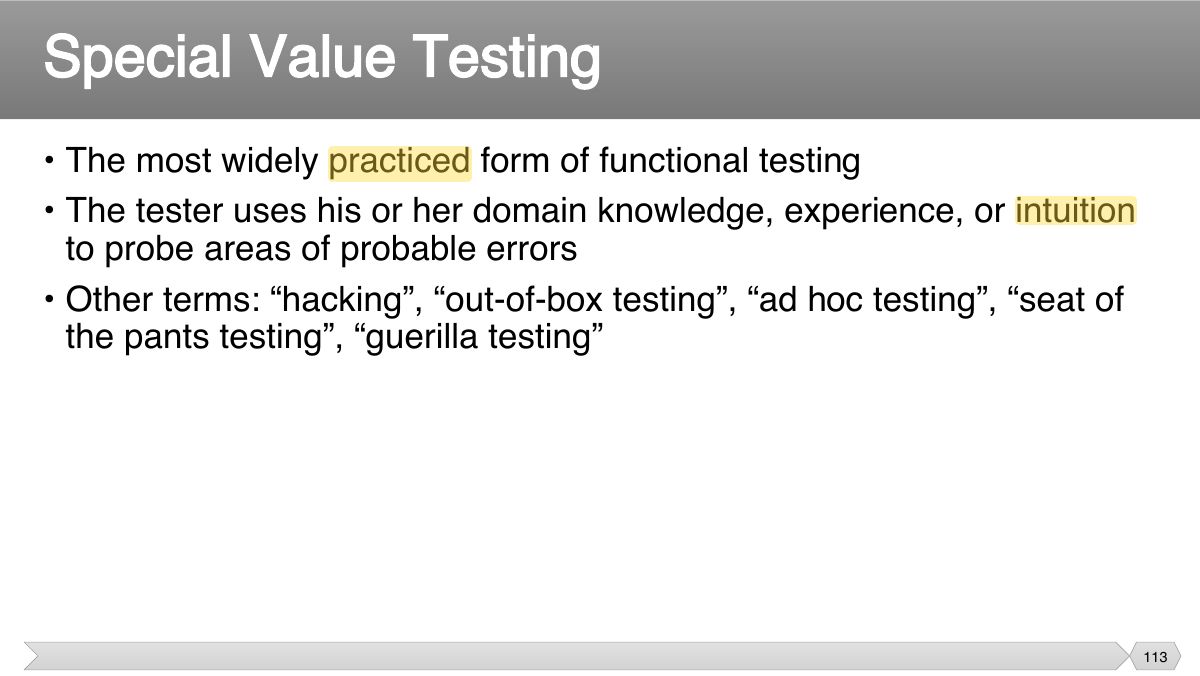
- 108 • Test all instructions given in the documentation to ensure their completeness and accuracy
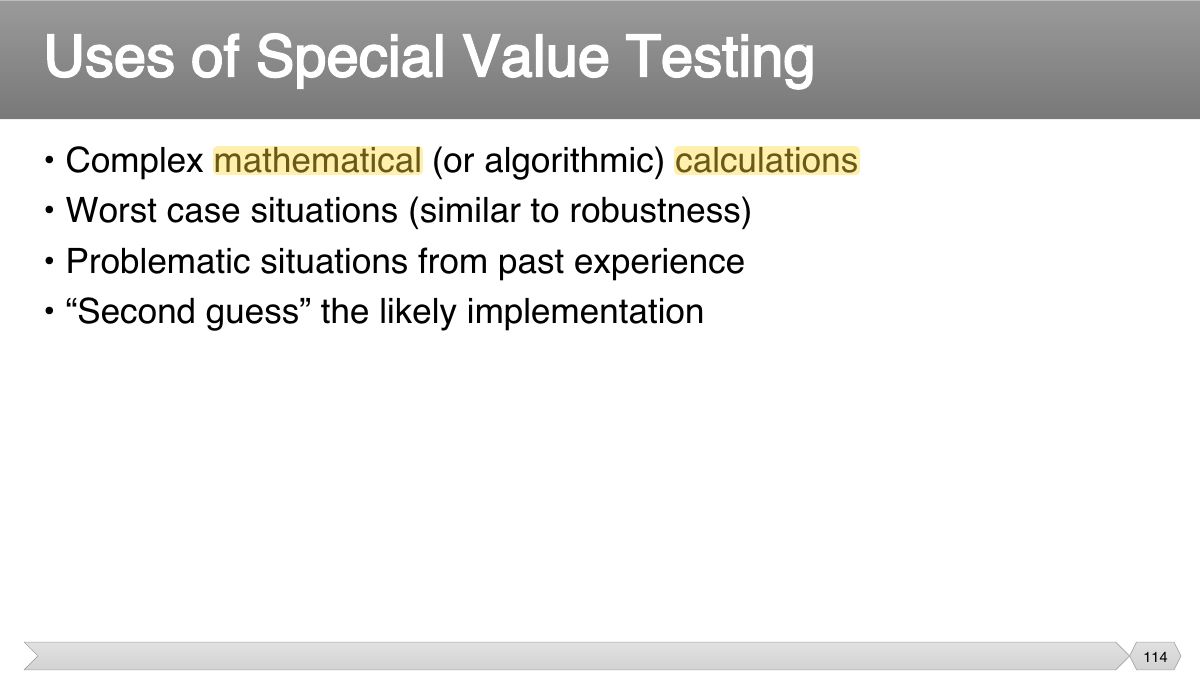
- 109 Slide 109
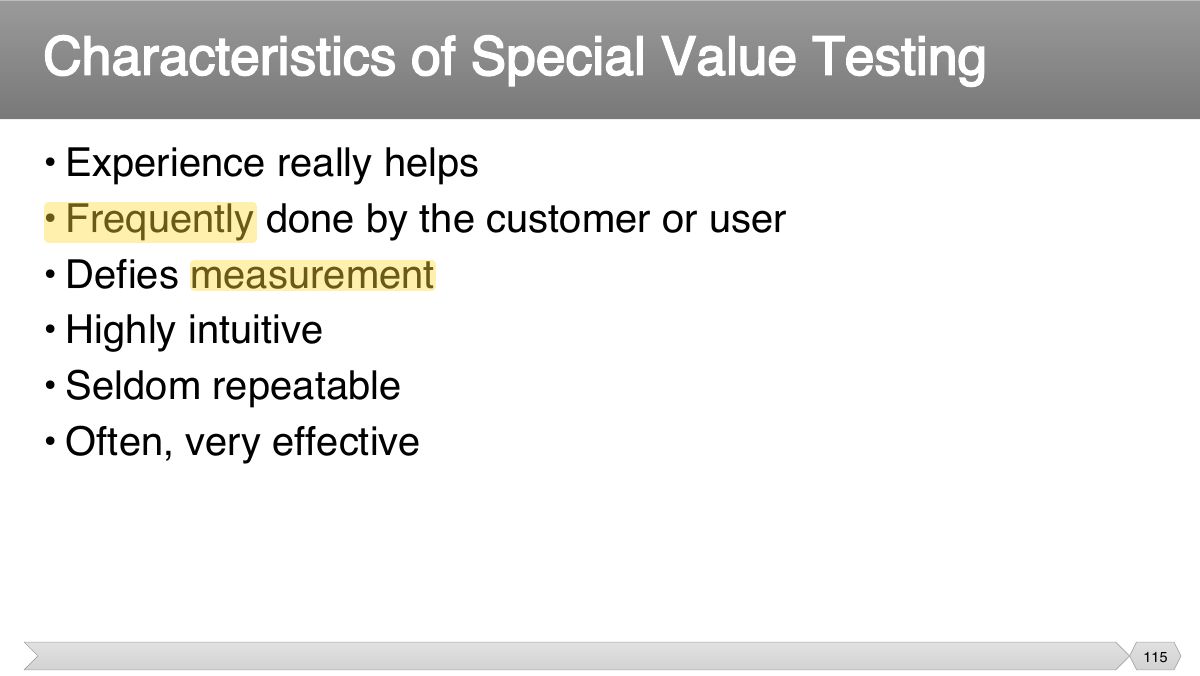
- 110 • Tests are derived from the tester’s skill and intuition and their experience with similar applications and technologies.
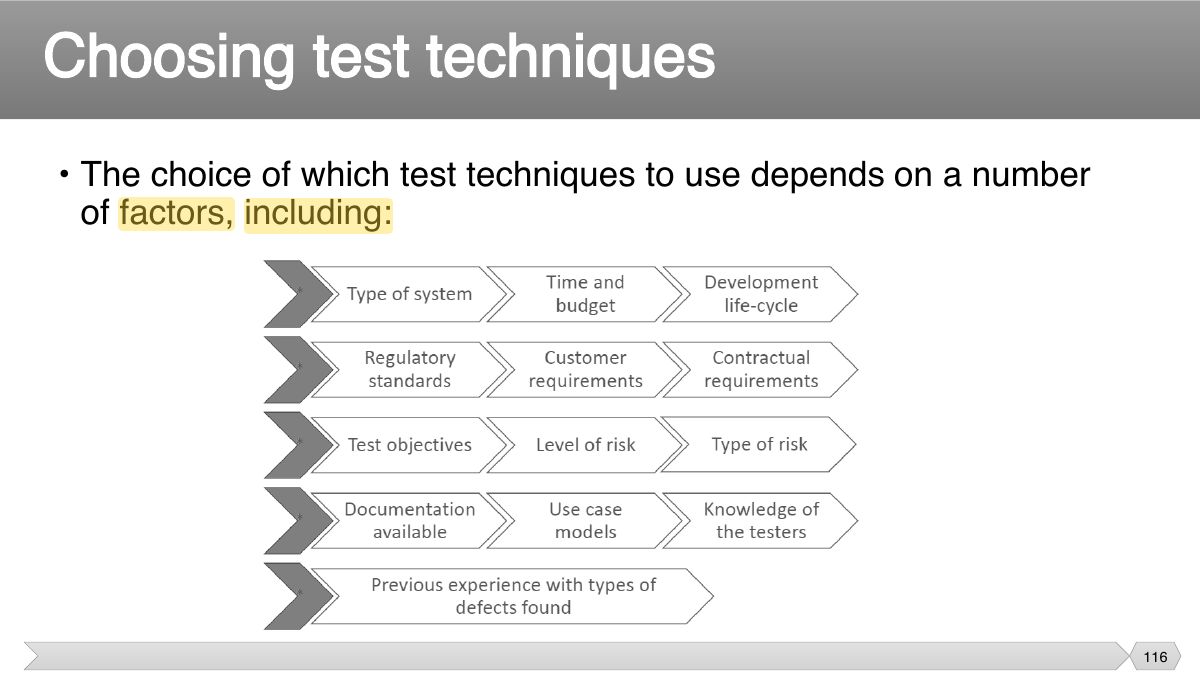
- 111 • Error guessing = a commonly used experienced-based technique. • Generally testers anticipate defects based on experience.
- 112 • Exploratory testing = concurrent test design, test execution, test logging and learning,
- 113 • The most widely practiced form of functional testing • The tester uses his or her domain knowledge, experience, or intuition
- 114 • Complex mathematical (or algorithmic) calculations • Worst case situations (similar to robustness)
- 115 • Experience really helps • Frequently done by the customer or user
- 116 • The choice of which test techniques to use depends on a number of factors, including:
- 117 • Case Study – Knight Capital • Testing techniques
Slide 1
• The test development process • Categories of test design techniques
• Before we start testing, we need to know
• The test design process can be done in different ways, from very informal (little or no documentation), to very formal.
1. Test analysis 2. Test design
Notes
Test development: test analysis (what to test: test conditions) → test design (how: test cases) → test implementation (procedures, scripts, schedule).
• The test basis documentation is analyzed in order to determine what to test, i.e. to identify the test conditions .
• “Throw a wide net!” • First; identify as many test conditions as possible
• During test design:
• In order to know what the system should do, we need to have a source of information about the correct behavior of the system an oracle
• During test implementation the test cases are organized in the test procedures
• The test execution schedule defines:
• Writing the test procedure is another opportunity to prioritize the tests, to ensure that the best testing is done in the time available.
Slide 13
Notes
Knight Capital (2012): dead "zombie" code reactivated during a deployment lost $440M in 45 minutes: missing regression and deployment testing.
• The
• Aug 1, 2012.
"Zombie Software" Blamed for Knight Capital Trading Snafu • A new algorithmic trading program had just been installed, and began
• SEC launched an investigation in Nov 2012. Findings:
Slide 18
Recall the difference between static and dynamic test techniques:
Notes
Black-box (specification-based) vs. white-box (structure-based) vs. experience-based techniques.
Categories of test design techniques
Slide 21
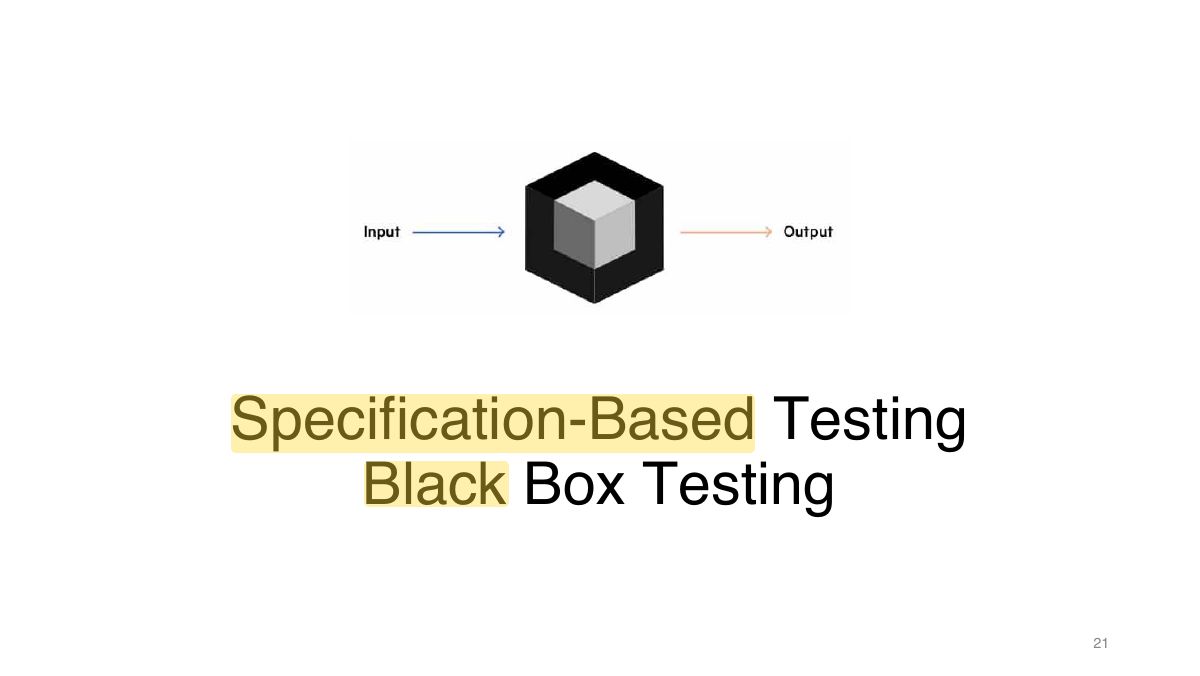
• Derive test cases from the functional specifications
• Derive systematically test cases from specification • Test cases are derived from how the software is constructed for
• Testing software against a specification of its external behavior without knowledge of internal implementation details
• Incorrect or missing functions • Interface errors
• How is functional validity tested? • How are system behavior and performance tested?
• Inputs
• Defining the input domain
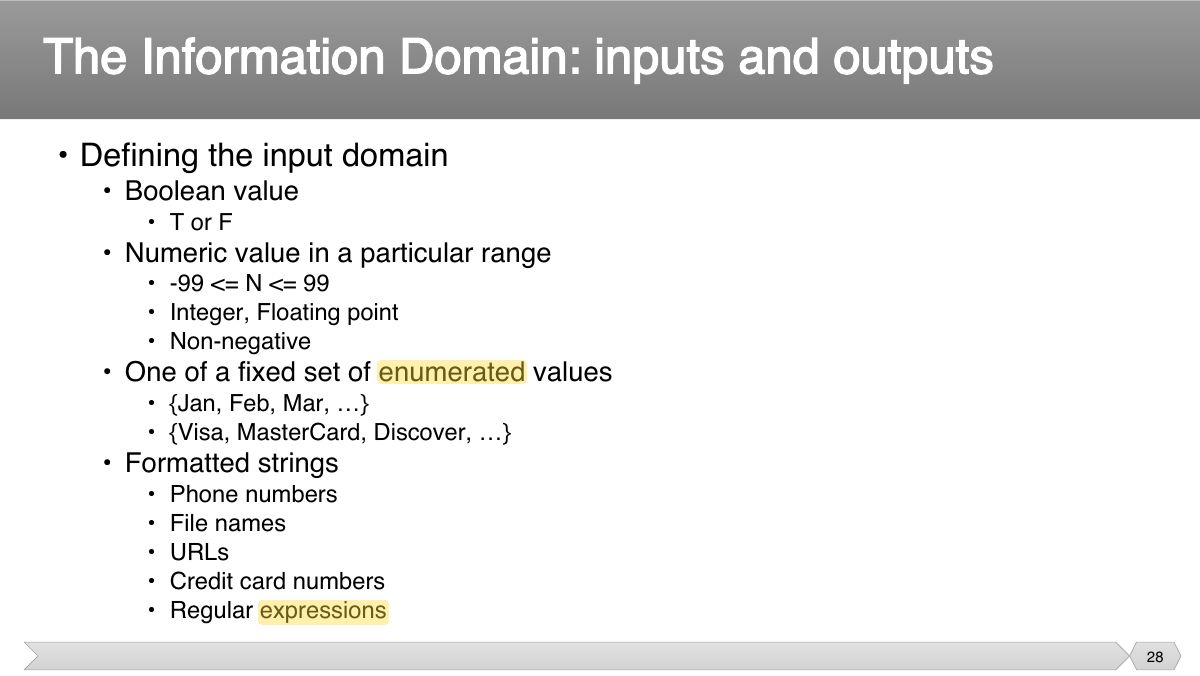
• Early.
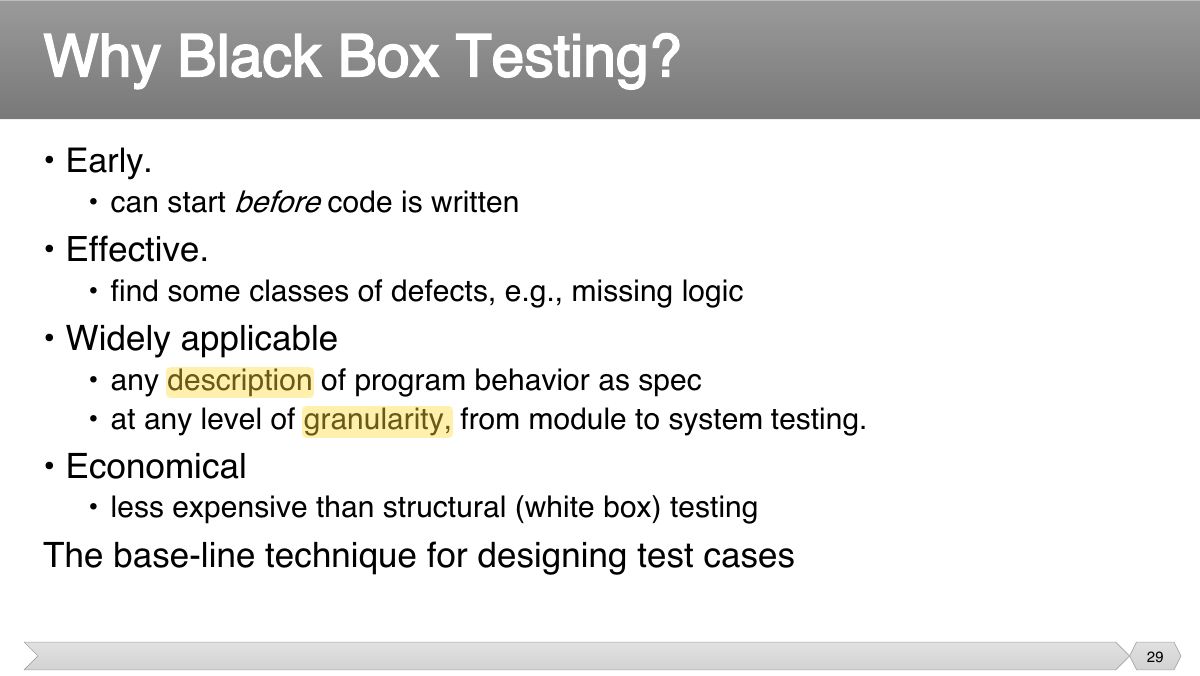
• Program code is not necessary
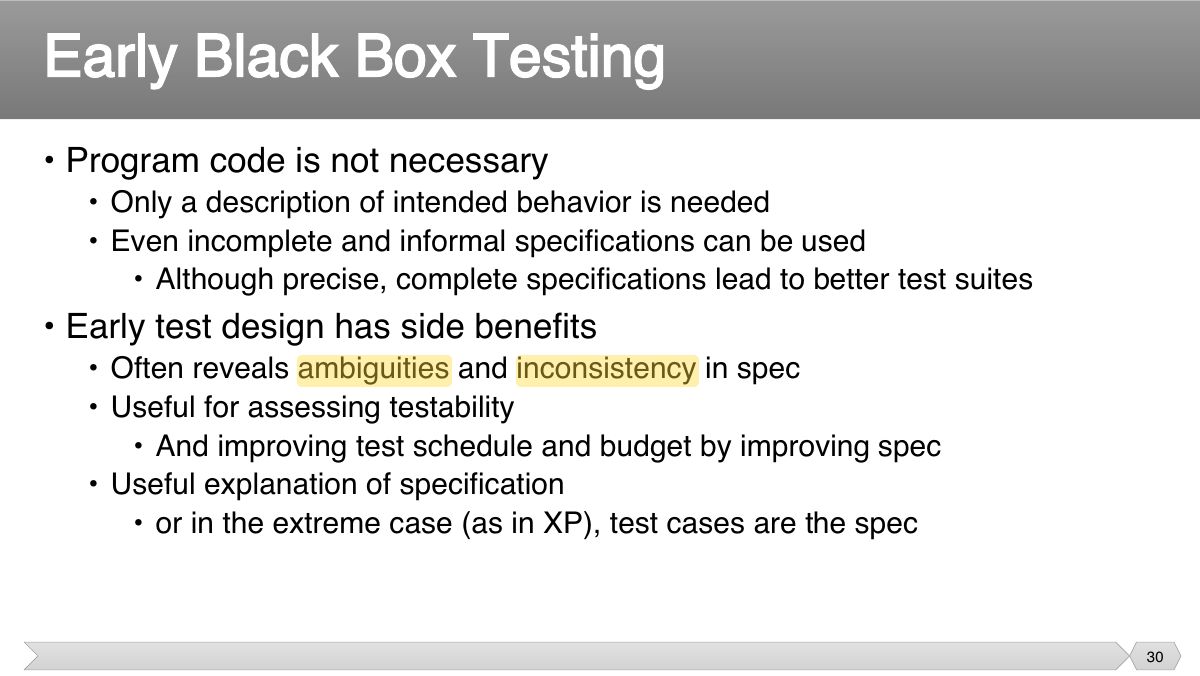
• Different testing strategies (functional, structural, fault-based, model- based) are most effective for different classes of faults
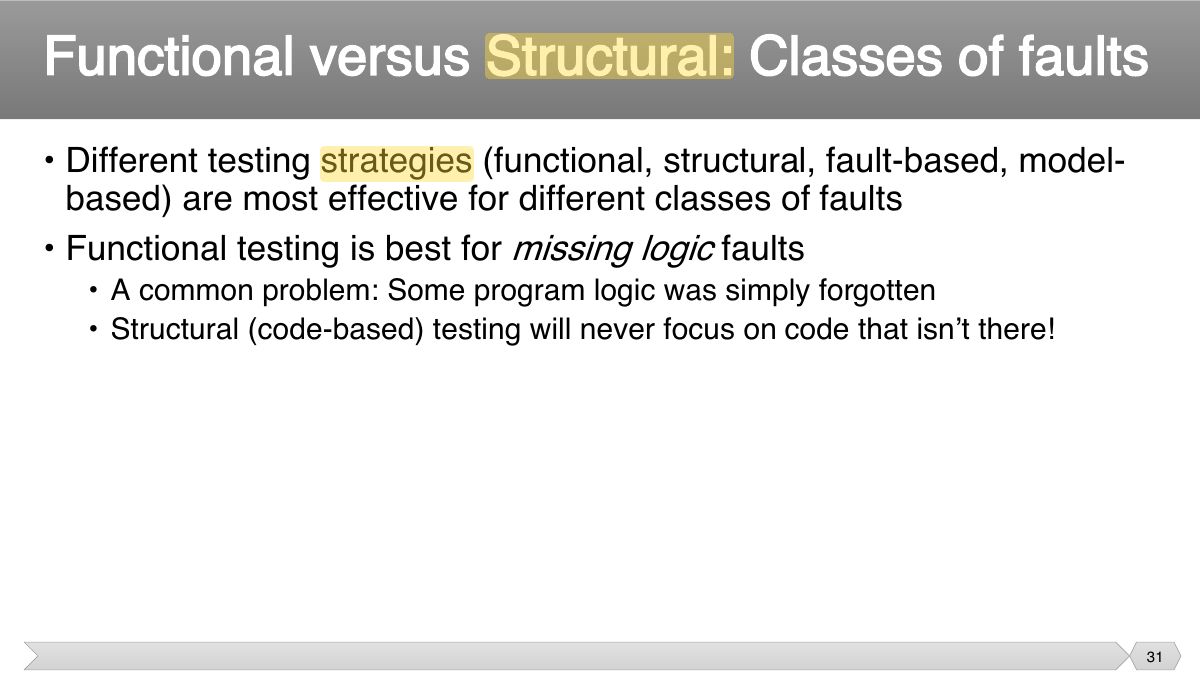
• Functional test is applicable in testing at all granularity levels:
1. Decompose the specification
Functional Specifications
An Example: Postal Code Lookup
Example: Representative Values
Slide 37
Single Defect Assumption : Failures are rarely the result of the
• The basic idea is to divide a set of test conditions into sub groups or sub sets (partitions) that can be considered the same .
Notes
Equivalence partitioning: divide inputs into classes expected to behave the same; one test per class (valid and invalid).
Exam angle
• A black-box testing method that divides the input domain of a program into classes of data from which test cases are derived
• Typically the universe of all possible test cases is so large that you cannot try them all
• Partition the test cases into "equivalence classes” • Each equivalence class contains a set of "equivalent" test cases
Equivalence Partitioning
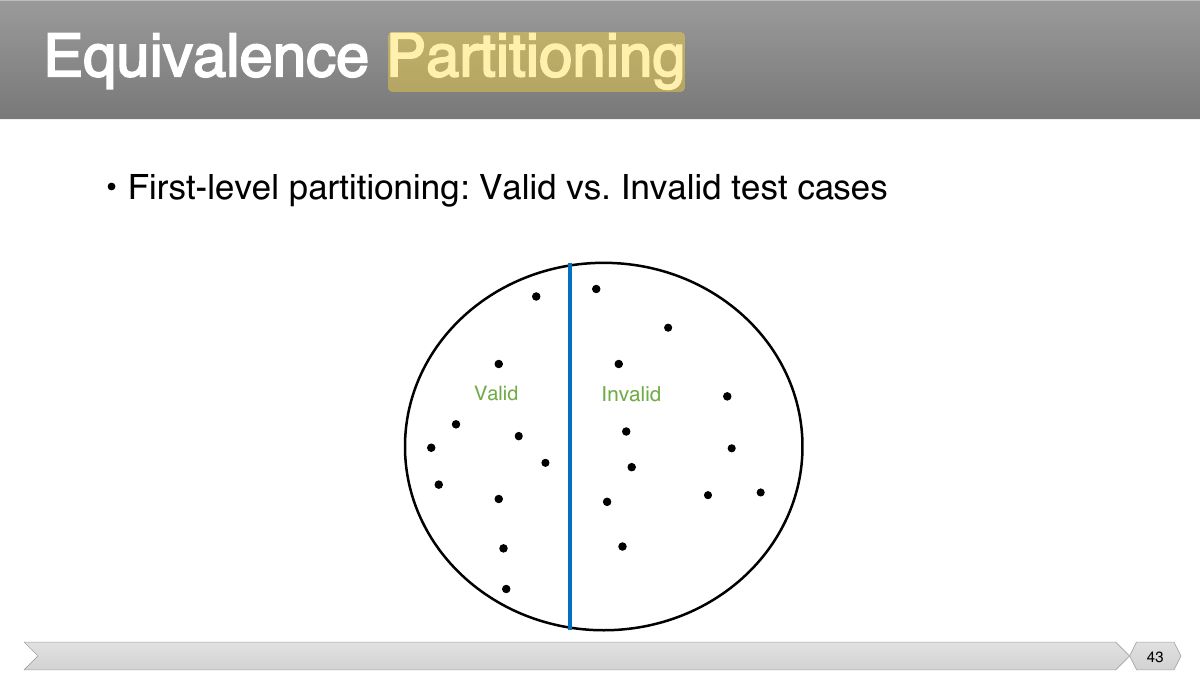
Equivalence Partitioning
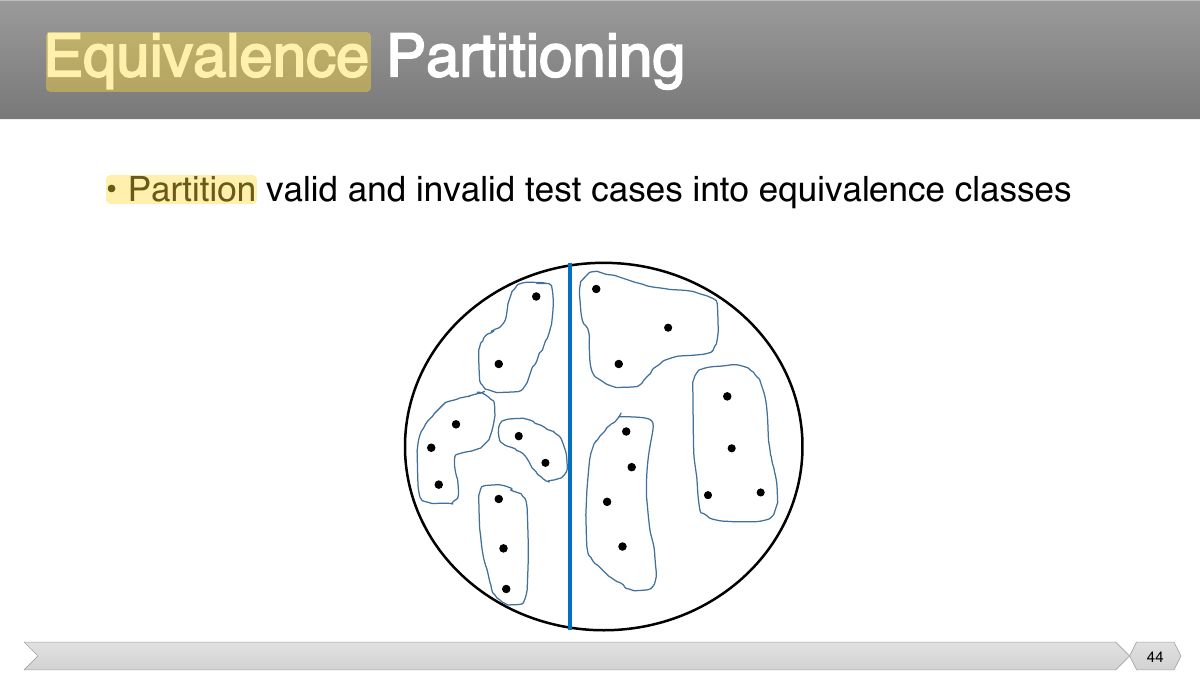
Equivalence Partitioning
• When designing test cases, you may use different definitions of “equivalence”, each of which will partition the test case space
• When designing test cases, you may use different definitions of “equivalence”, each of which will partition the test case space
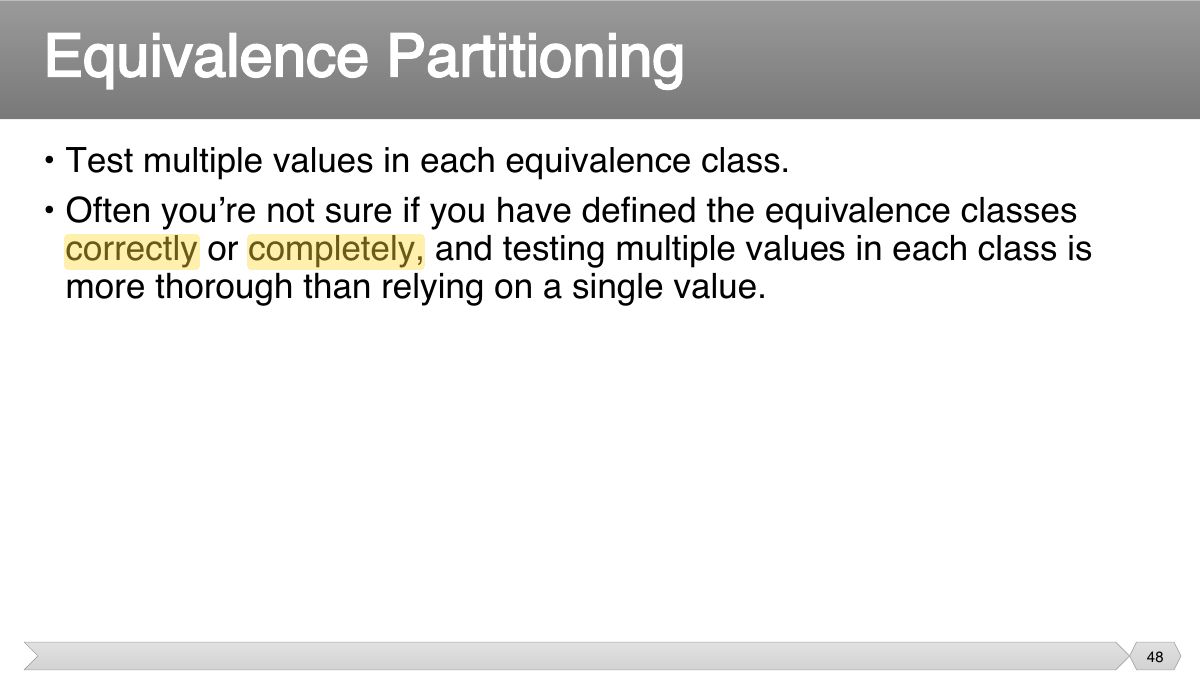
• Test multiple values in each equivalence class. • Often you’re not sure if you have defined the equivalence classes
Guidelines for Defining Equivalence Classes
• Look for ranges of numbers or values • Look for memberships in groups
Equivalence Partitioning - examples
Equivalence Partitioning - examples
Equivalence Partitioning - examples
Equivalence Partitioning - examples
Equivalence Partitioning - examples
• Technique
Notes
Boundary value analysis: errors cluster at edges: test min, max and just outside/inside them.
Exam angle
For a valid range 18–65, two-value BVA tests:
• Technique
• Test values, sizes, or quantities near the design limits
• A greater number of errors occur at the boundaries of the input domain rather than in the "center"
1. If an input condition specifies a range bounded by values a b and , test cases should be designed with values a b and as well as values just above and just below a b and
• When choosing values from an equivalence class to test, use the values that are most likely to cause the program to fail
• Create test cases to test boundaries of equivalence classes
Boundary Value Analysis - examples
Boundary Value Analysis - examples
Boundary Value Analysis - examples
• Numeric values are often entered as strings which are then converted to numbers internally [int x = atoi(str);]
• Don't get so wrapped up in testing boundary cases that you neglect to test "normal" input values
• Doesn’t require much thought • May miss internal boundaries
• Notes
• Why do both equivalence partitioning and boundary value analysis? • Boundary values are usually extreme values
• Equivalence Class Testing is appropriate when input data is defined in terms of intervals and sets of discrete values.
• Decision tables are a good way
Notes
Decision tables: combinations of conditions → actions; each rule (column) is a test case; collapse rules whose outcome doesn’t depend on a condition.
Exam angle
Four independent binary conditions give at most how many rules?
• When creating decision tables, the specification is analyzed, and actions of the system are identified.
• Decision tables
Rule 1 Rule 2 Rule 3 Rule 4 Rule Rule Rule 7 Rule 8 5 6
Rule 1 Rule 2 Rule 3 Rule 4 Rule Rule Rule 7 Rule 5 6 8
Rule 1 Rule 2 & 6 Rule 3 Rule 4 Rule Rule & 8 5 7
• Example- Decision table for credit-card
Decision Table testing
Decision Table testing
• Decision tables are a good way to:
• A system can be in a finite number of different states. This aspects of the system can be described as a ‘finite state machine’ ; a state
Notes
State transition testing: states, events, transitions and actions; cover every valid transition and try invalid (null) ones.
Exam angle
Testing an ATM that locks the card after 3 wrong PINs is best done with:
• State transition testing
• A ‘finite state machine’ is often shown as a state diagram • ATM PIN example.
• How many tests do we need to exercise every state?
State transition testing
• Why state transition testing?
• Tests can be designed
• Use case describes interactions between actors (users and the system), which produce a result of value to a system user
Notes
Use-case testing: one test per main and alternative flow; good for acceptance and system tests.
• Identify test cases that exercise the whole system on a transaction by transaction basis
• Each use case has pre-conditions, which need to be met for a use case to work successfully.
Use case testing
• Very useful for designing acceptance tests with customer/user participation. • Describe the ‘process flows’ through a system base on its actual likely use.
• Black-box testing
Slide 95
• Many systems perform multiple concurrent activities
• Measure the system's performance
Notes
Non-functional: performance (response time), load (expected volume), stress (beyond the limits), security, usability, recovery, compatibility.
Exam angle
Pushing a system beyond its normal capacity to see how it fails is:
Performance Testing
• Test the system at the limits of normal use • Test every limit on the program's behavior defined in the requirements
• Test the system under extreme conditions (i.e., beyond the limits of normal use)
• Any system that manages sensitive information or performs sensitive functions may become a target for intrusion (i.e., hackers)
Security Testing
• Is the user interface intuitive, easy to use, organized, logical? • Does it frustrate users?
Usability Testing
• Try turning the power off or otherwise crashing the program at arbitrary points during its execution
• Test on all required hardware configurations
• Test to make sure the program is compatible with other programs it is supposed to work with
• Test all instructions given in the documentation to ensure their completeness and accuracy
Slide 109
• Tests are derived from the tester’s skill and intuition and their experience with similar applications and technologies.
• Error guessing = a commonly used experienced-based technique. • Generally testers anticipate defects based on experience.
Notes
Error guessing: use experience to anticipate likely mistakes (empty inputs, zero, nulls).
• Exploratory testing = concurrent test design, test execution, test logging and learning,
Notes
Exploratory testing: simultaneous learning, test design and execution, often time-boxed.
• The most widely practiced form of functional testing • The tester uses his or her domain knowledge, experience, or intuition
• Complex mathematical (or algorithmic) calculations • Worst case situations (similar to robustness)
• Experience really helps • Frequently done by the customer or user
• The choice of which test techniques to use depends on a number of factors, including:
• Case Study – Knight Capital • Testing techniques