"Are we building the right product?" is:
Testing throughout the Software Development Life Cycle
Verification vs. validation, the V-model and iterative models, the test levels (component, integration, system, acceptance) with their objectives, test basis and typical defects, the test types (functional, non-functional, structural, change-related), and maintenance testing.
How to read this page
Every original slide is shown unchanged. Yellow marks on a slide point to a numbered note: hover or tap a mark to jump to its note, and hover a note to see its marks. Questions tagged Past exam appeared on a real paper; Prediction questions are likely angles, not confirmed. Pick an answer to each question: a wrong pick tells you why it is wrong, so you can try again.
All 44 slides
- 1 Slide 1
- 2 • Software development models • Test Levels
- 3 • Testing is important in the software development life cycle • The life cycle model will determine how to organize the testing
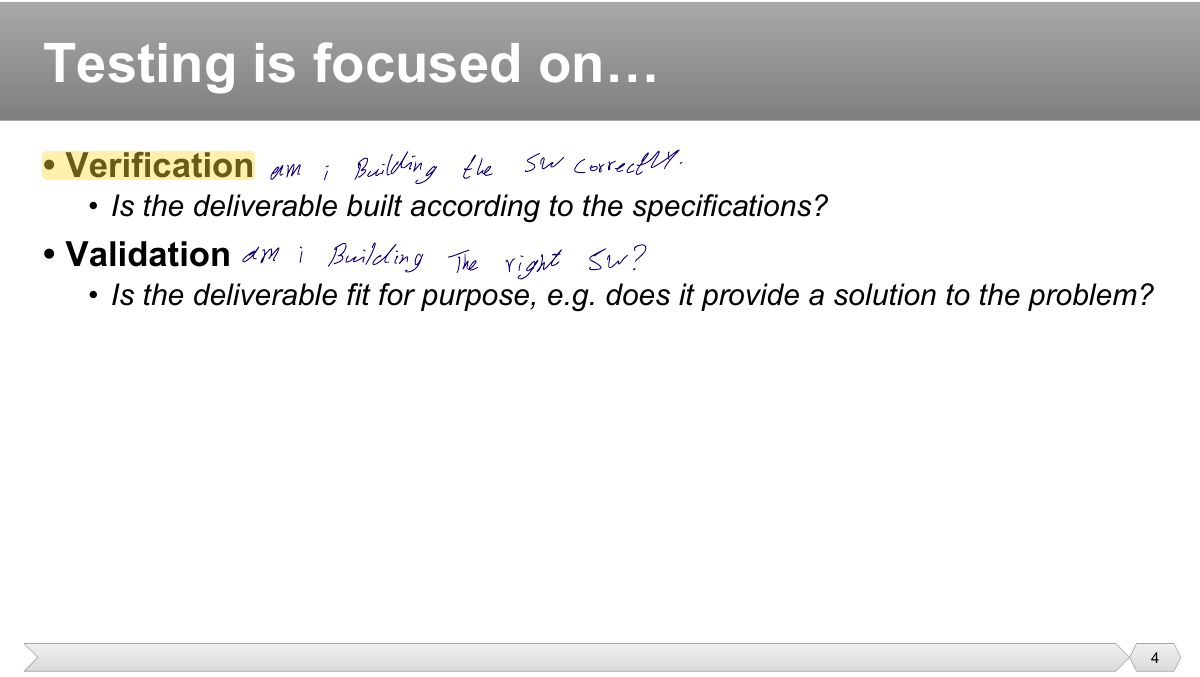
- 4 • Verification
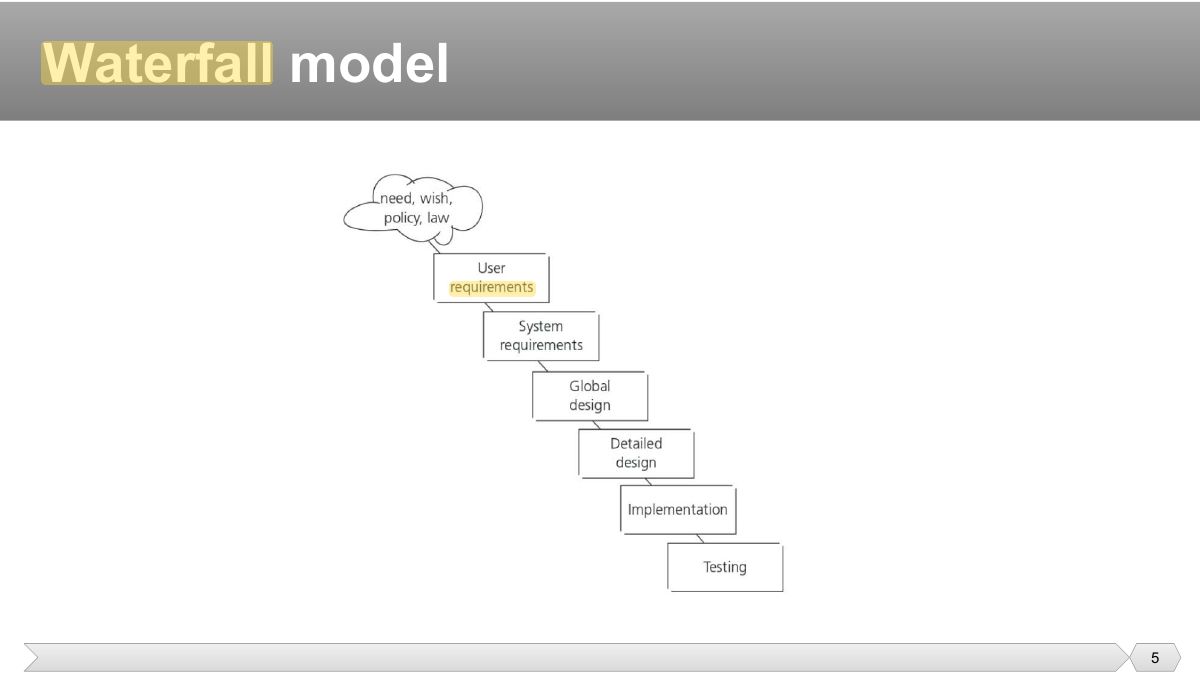
- 5 Waterfall model
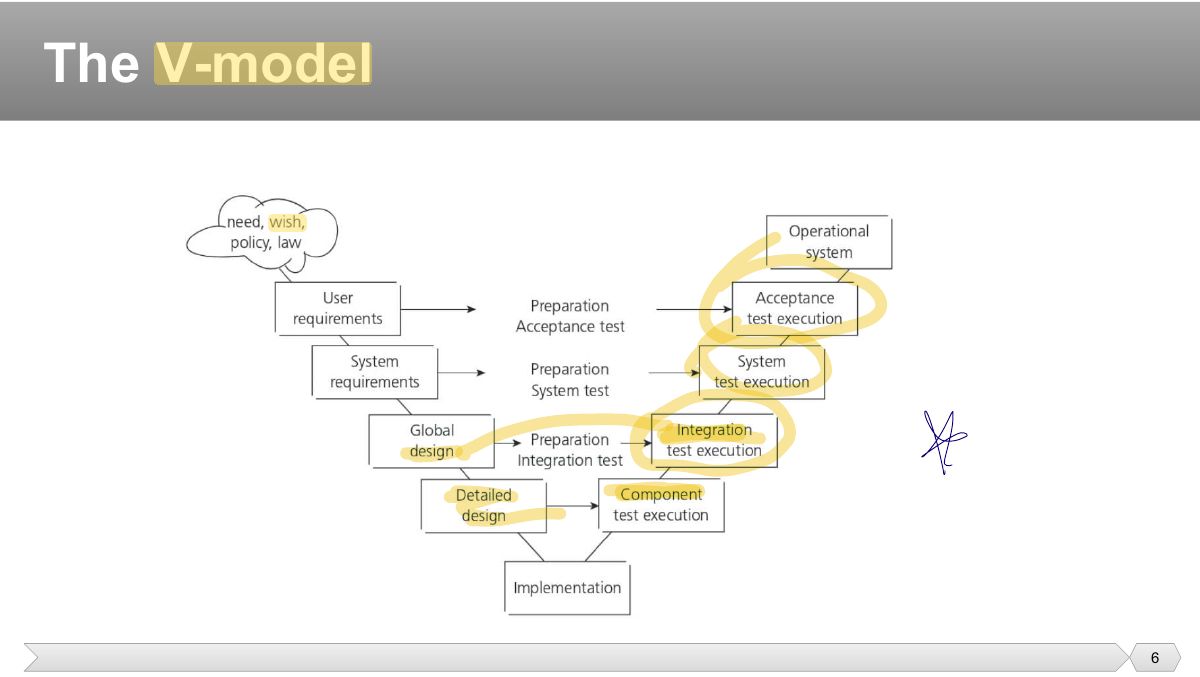
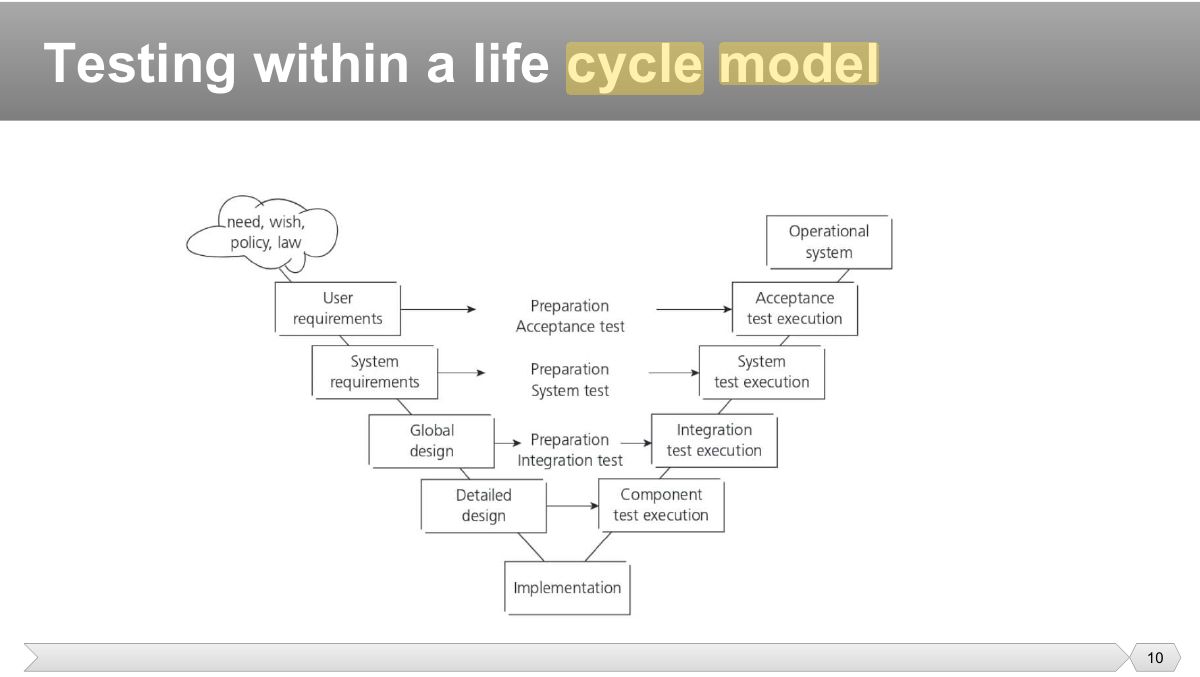
- 6 The V-model
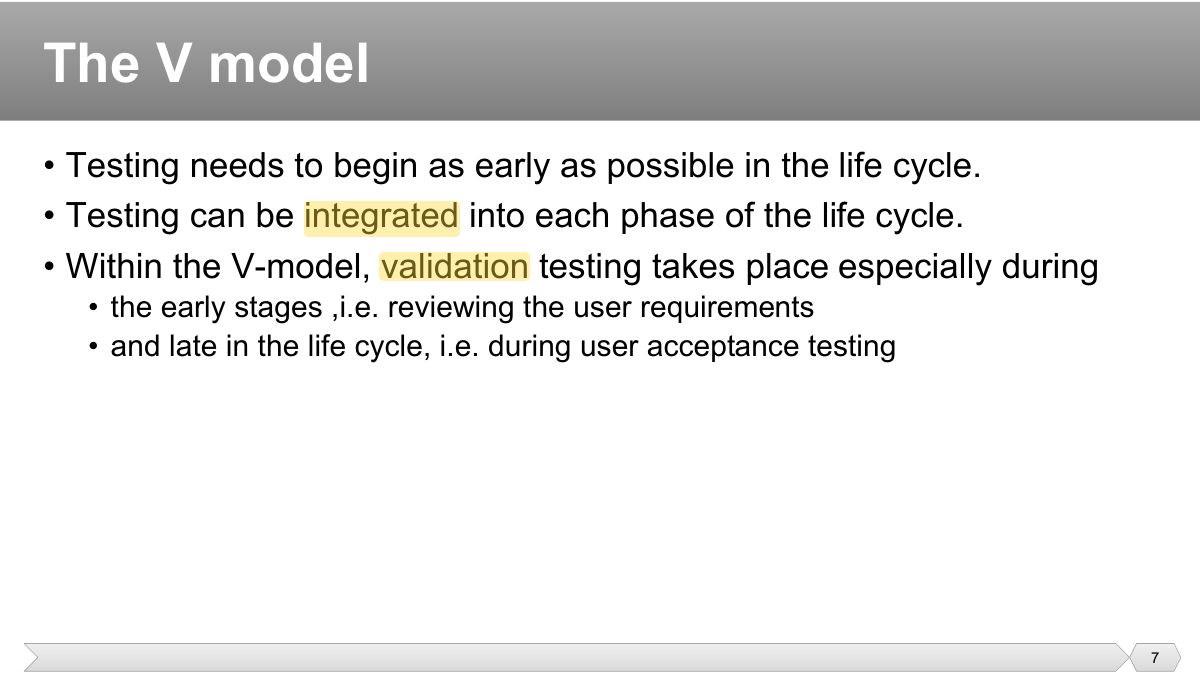
- 7 • Testing needs to begin as early as possible in the life cycle. • Testing can be integrated into each phase of the life cycle.
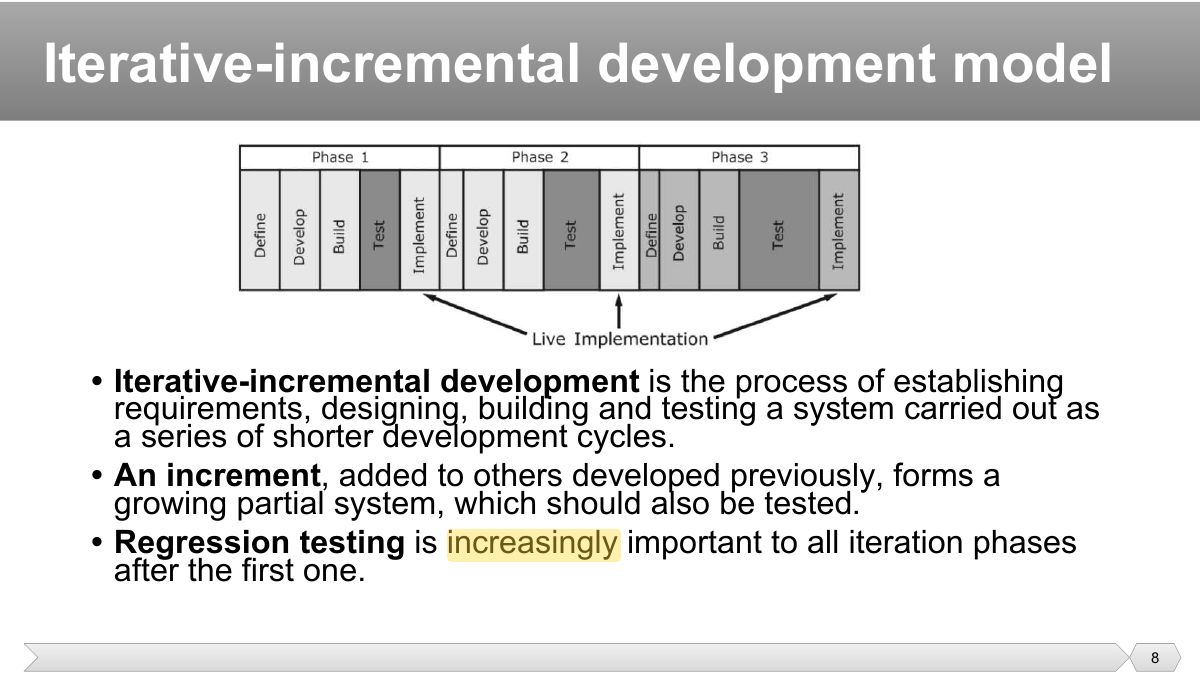
- 8 Iterative-incremental development model
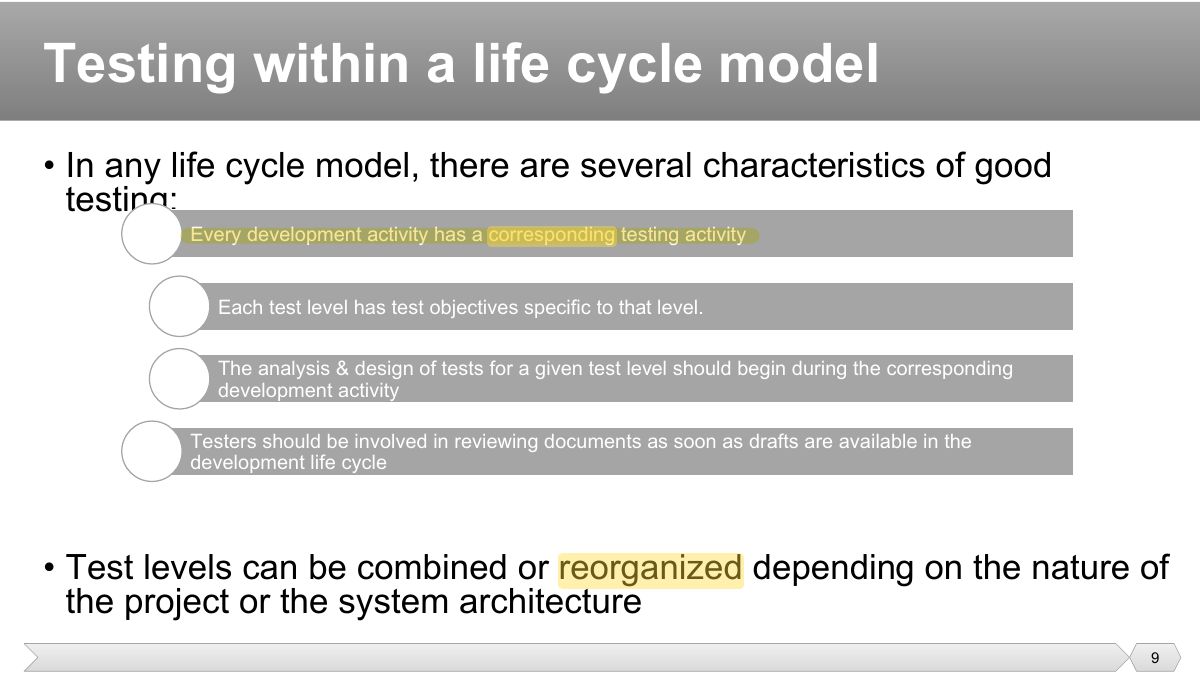
- 9 • In any life cycle model, there are several characteristics of good testing:
- 10 Testing within a life cycle model
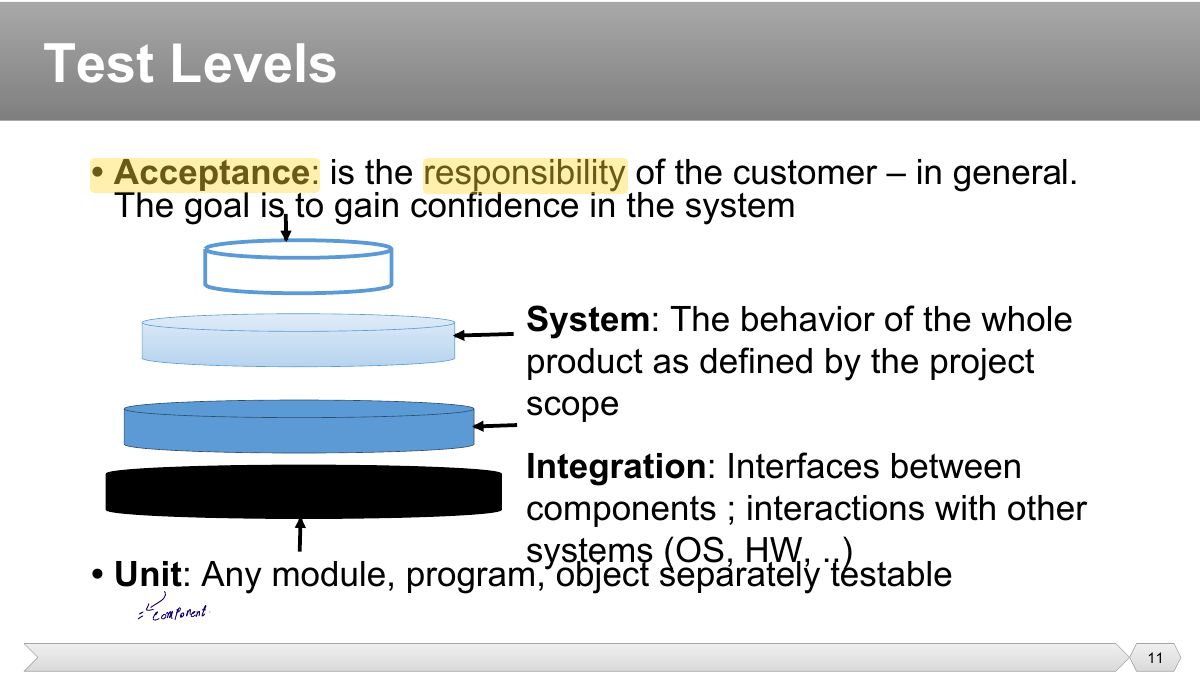
- 11 • Acceptance : is the responsibility of the customer – in general. The goal is to gain confidence in the system
- 12 • For each test level, please note:
- 13 • Verifying the functioning of software items (modules, methods, objects, classes etc.) that are separately testable
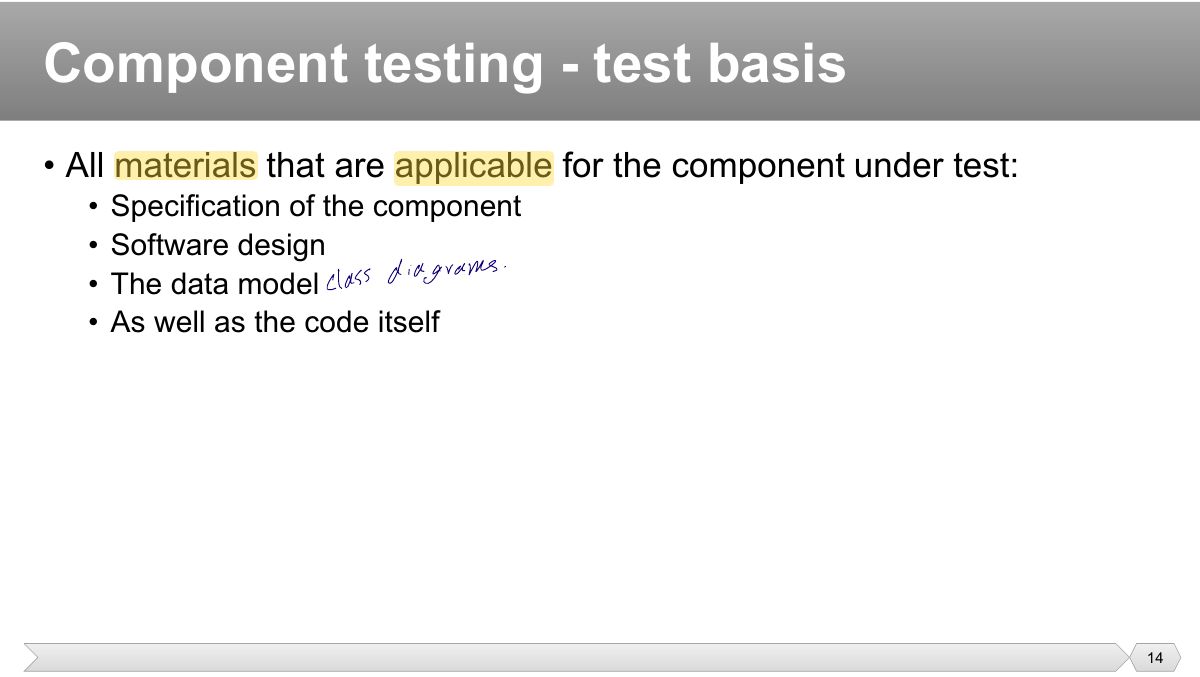
- 14 • All materials that are applicable for the component under test:
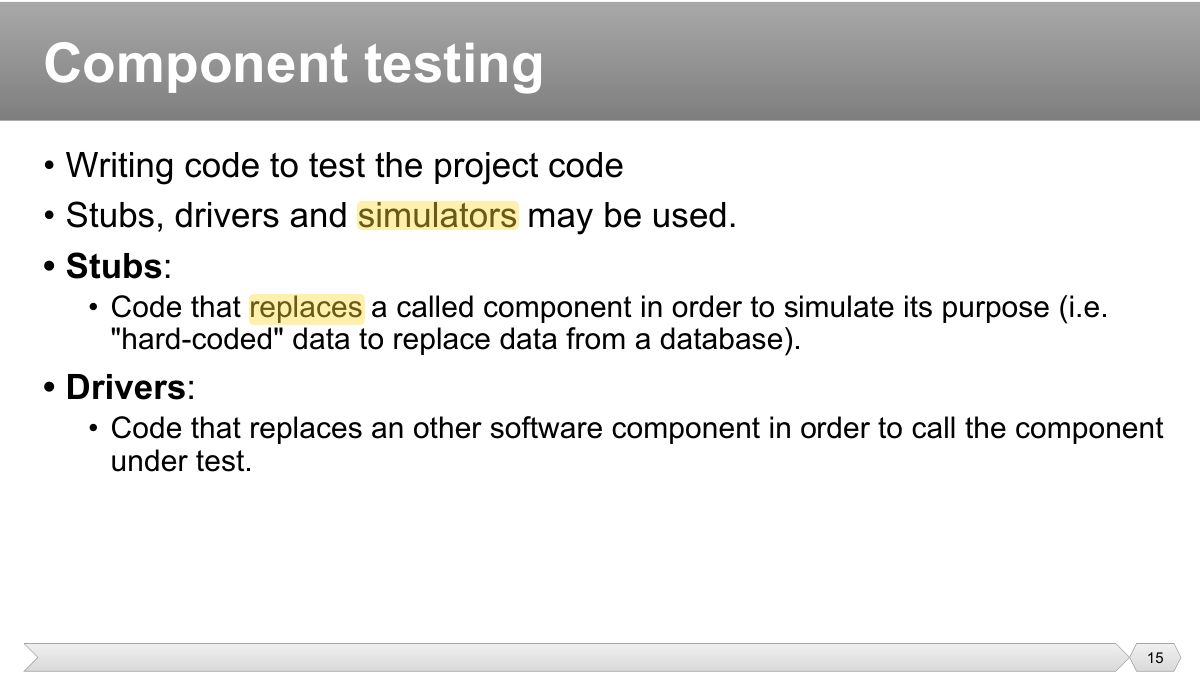
- 15 • Writing code to test the project code • Stubs, drivers and simulators may be used.
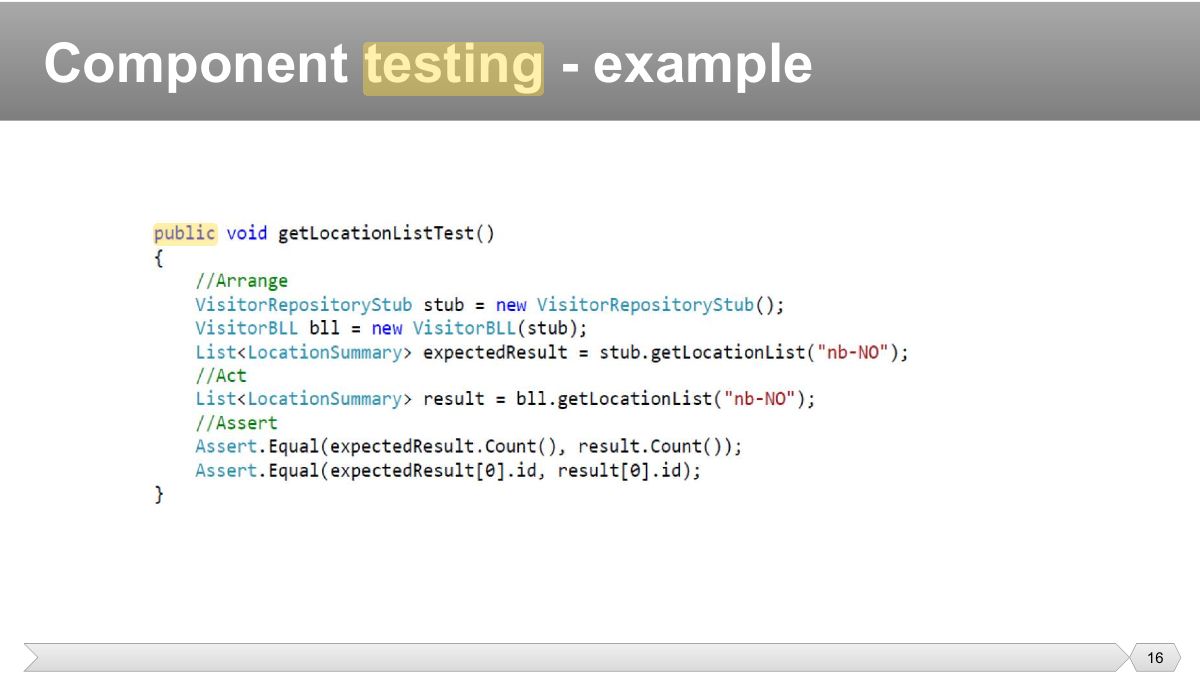
- 16 Component testing - example
- 17 • Component testing usually involves the programmer who wrote the code.
- 18 • Tests interfaces between components
- 19 • Software and system design • The system architecture
- 20 • The item under test includes
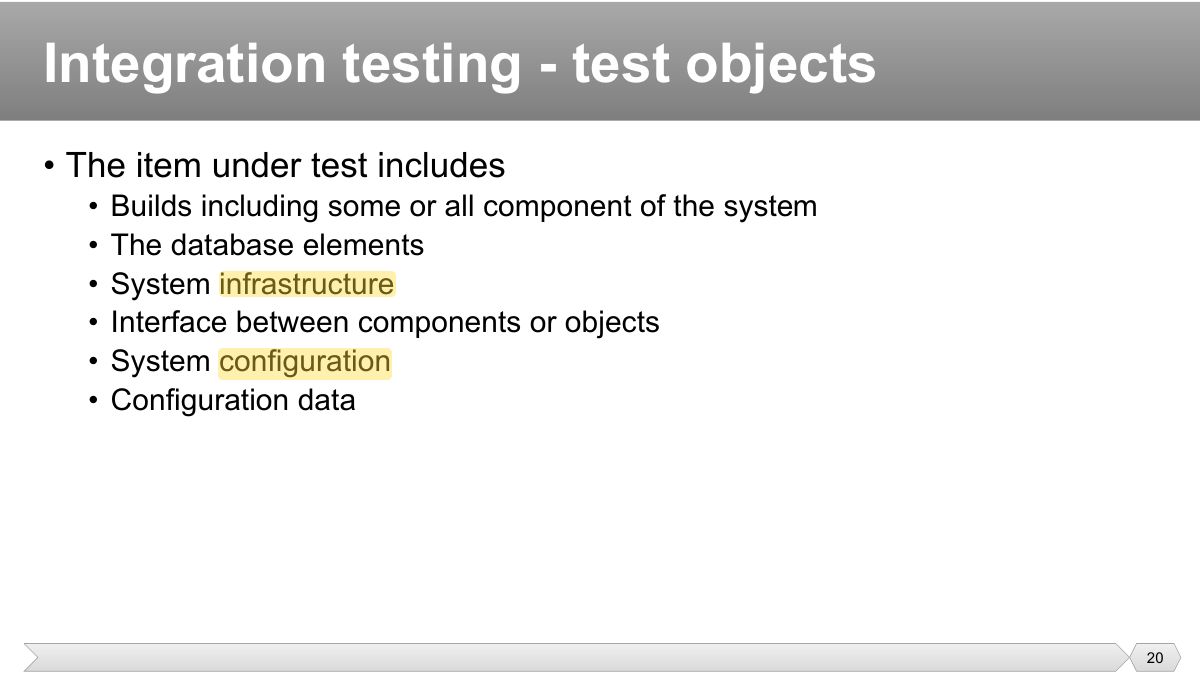
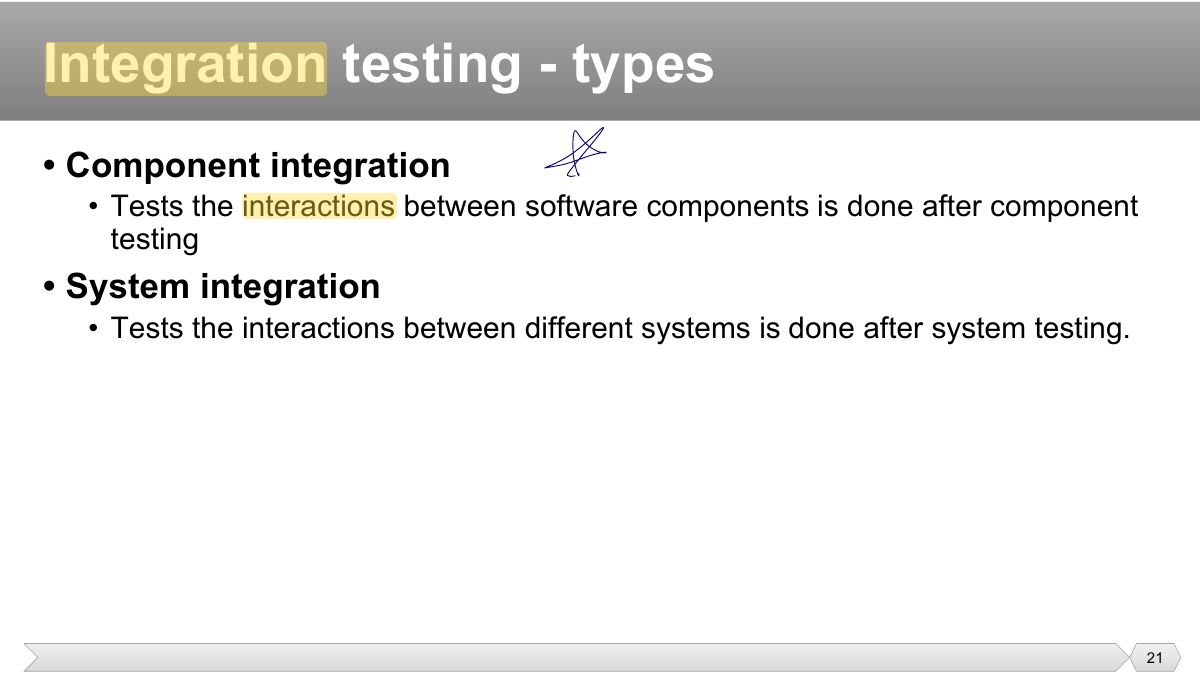
- 21 • Component integration
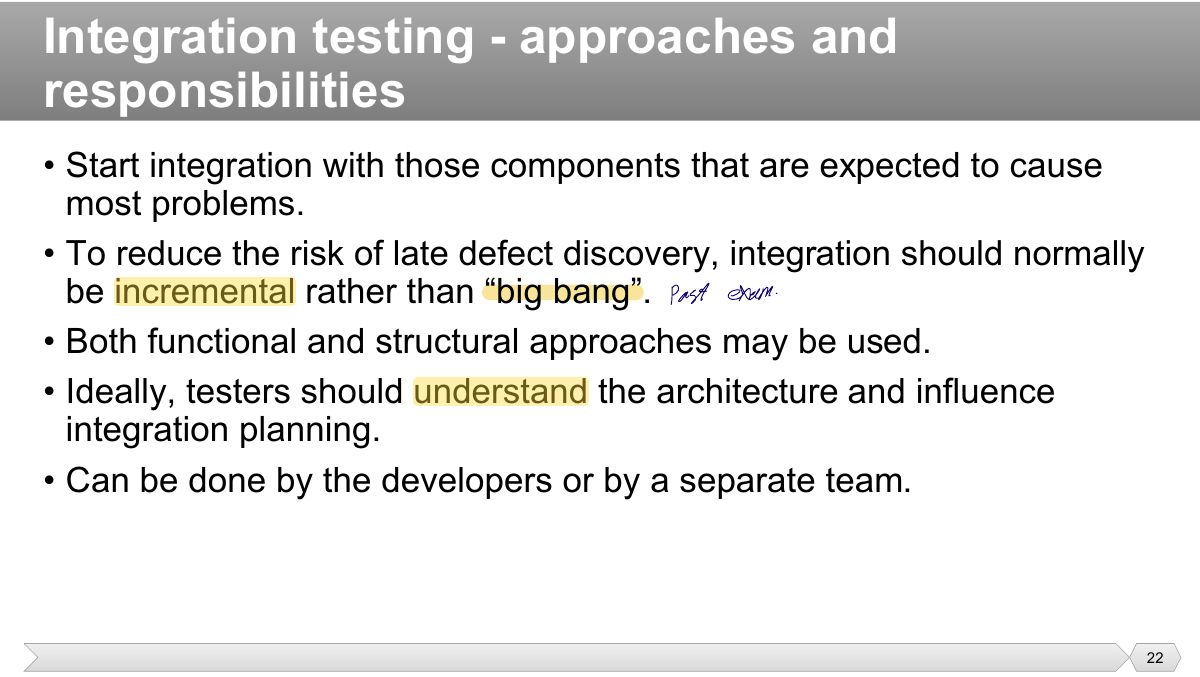
- 22 • Start integration with those components that are expected to cause most problems.
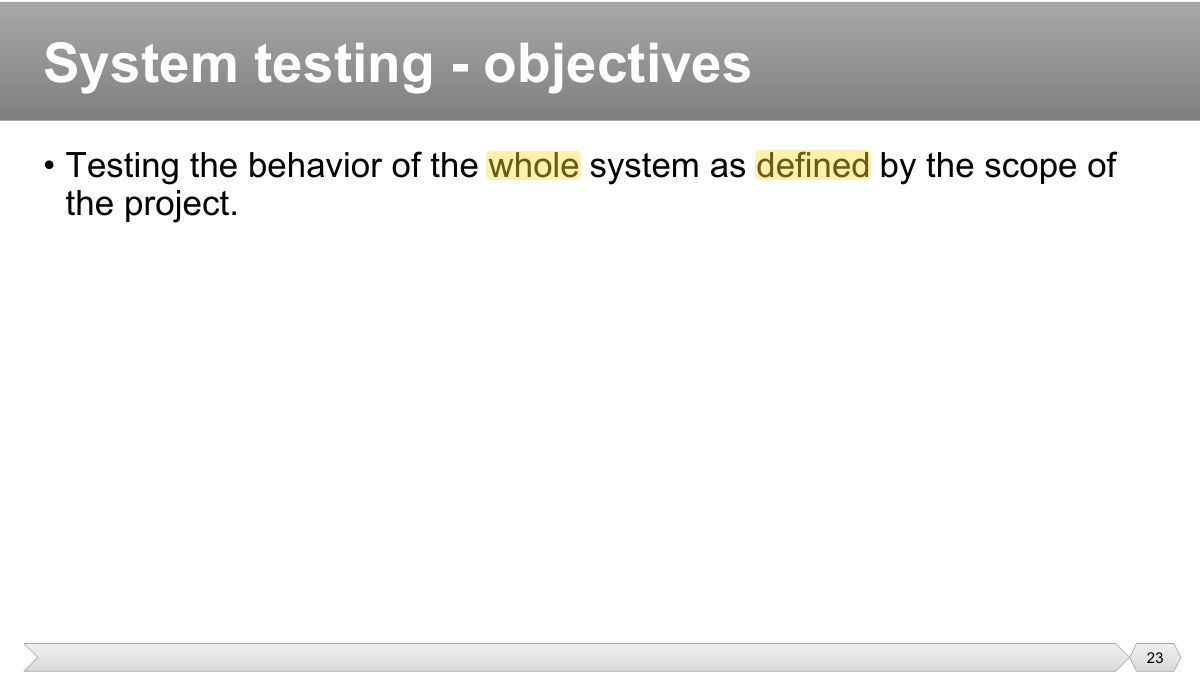
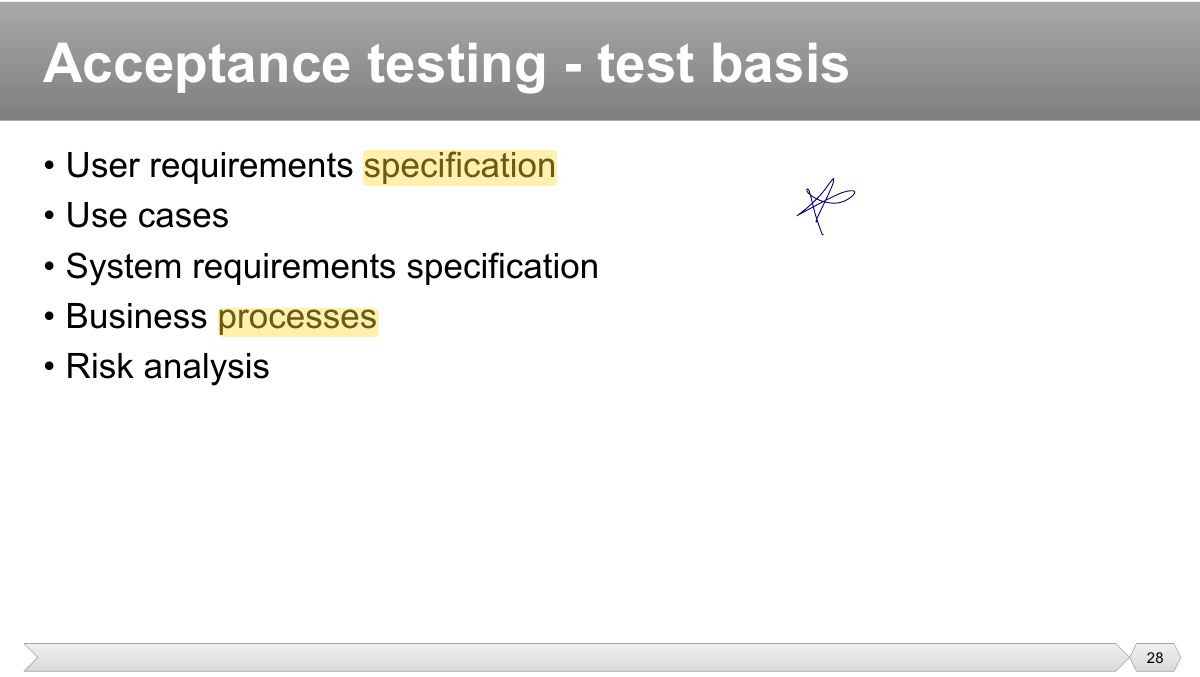
- 23 • Testing the behavior of the whole system as defined by the scope of the project.
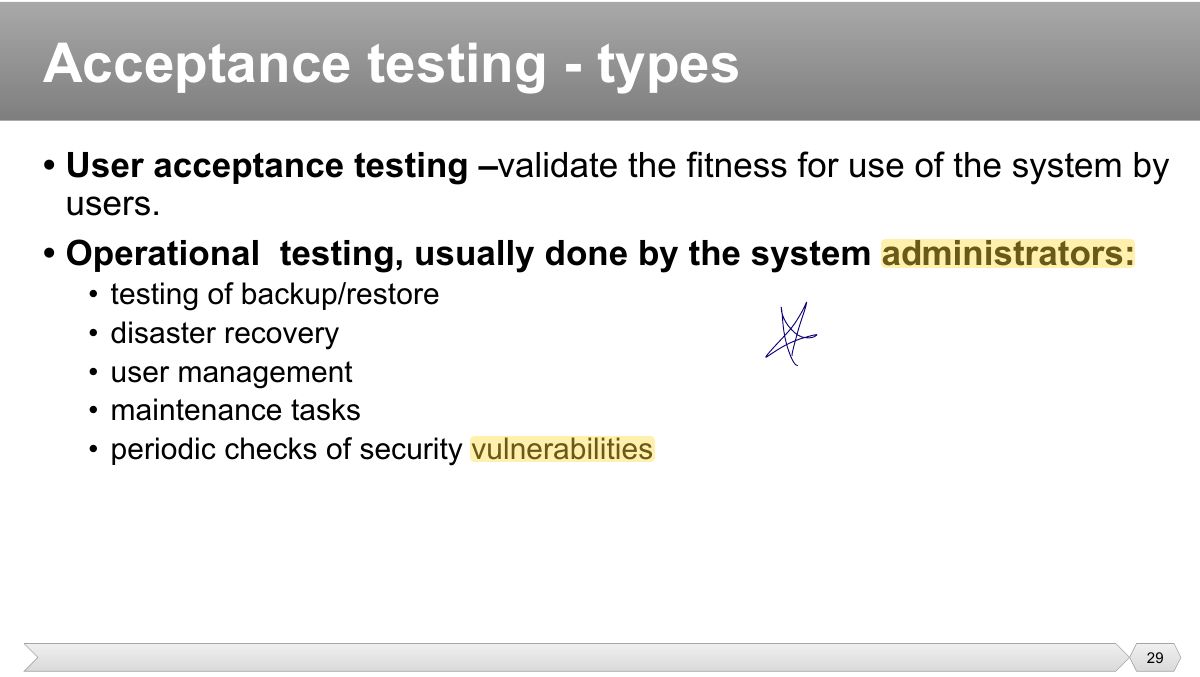
- 24 • System requirements specification , both functional and non functional • Business processes
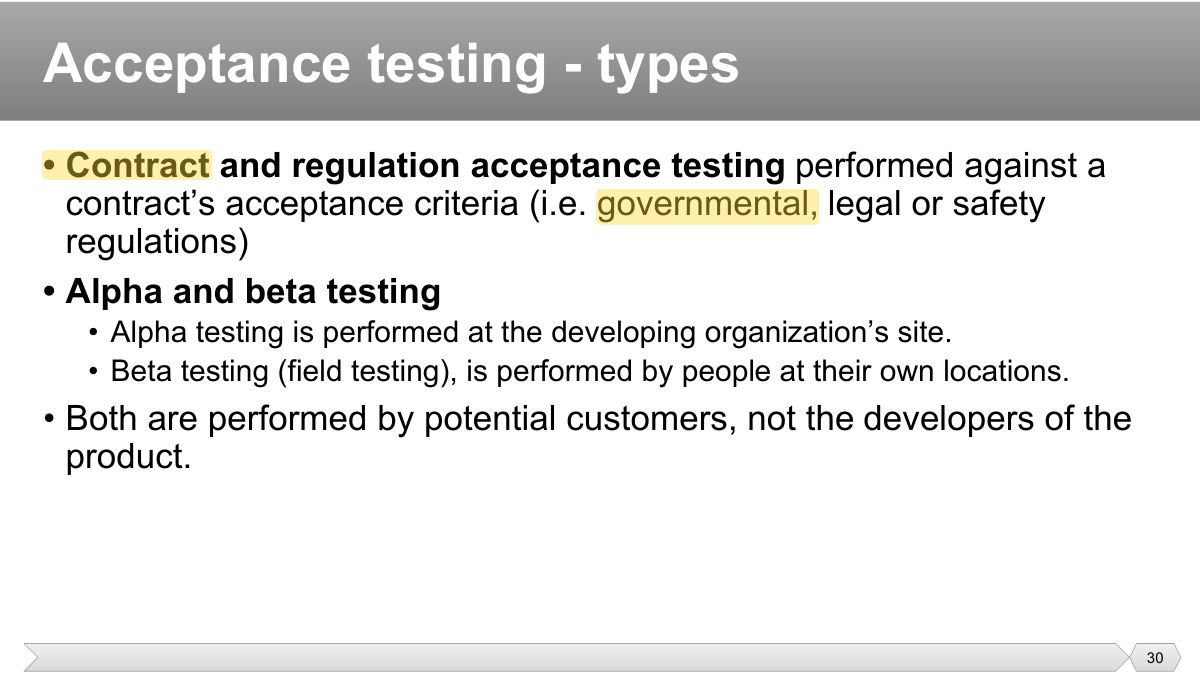
- 25 • The entire integrated system • User manuals
- 26 ee
- 27 • The questions to be answered:
- 28 • User requirements specification • Use cases
- 29 • User acceptance testing – validate the fitness for use of the system by users.
- 30 • Contract and regulation acceptance testing performed against a contract’s acceptance criteria (i.e. governmental, legal or safety
- 31 • Customers or users of a system • Stakeholders may be involved
- 32 Test Types
- 33 • Objectives
- 34 • Objectives
- 35 Software Product Quality
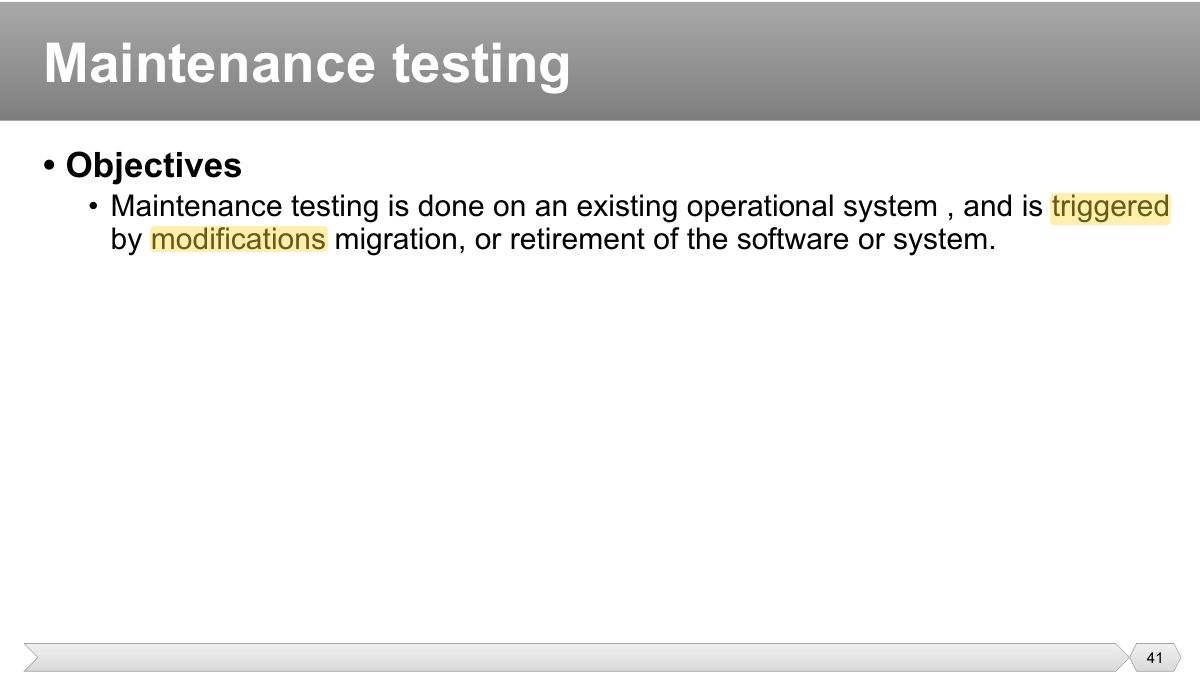
- 36 • Objectives
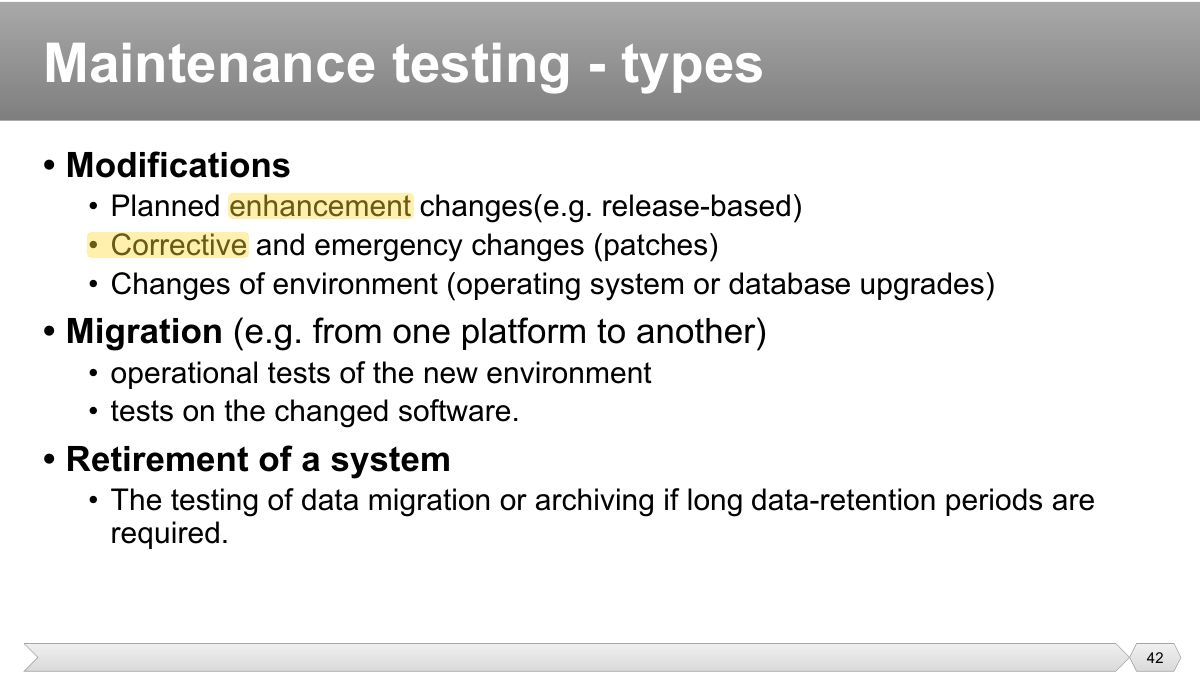
- 37 • Test basis
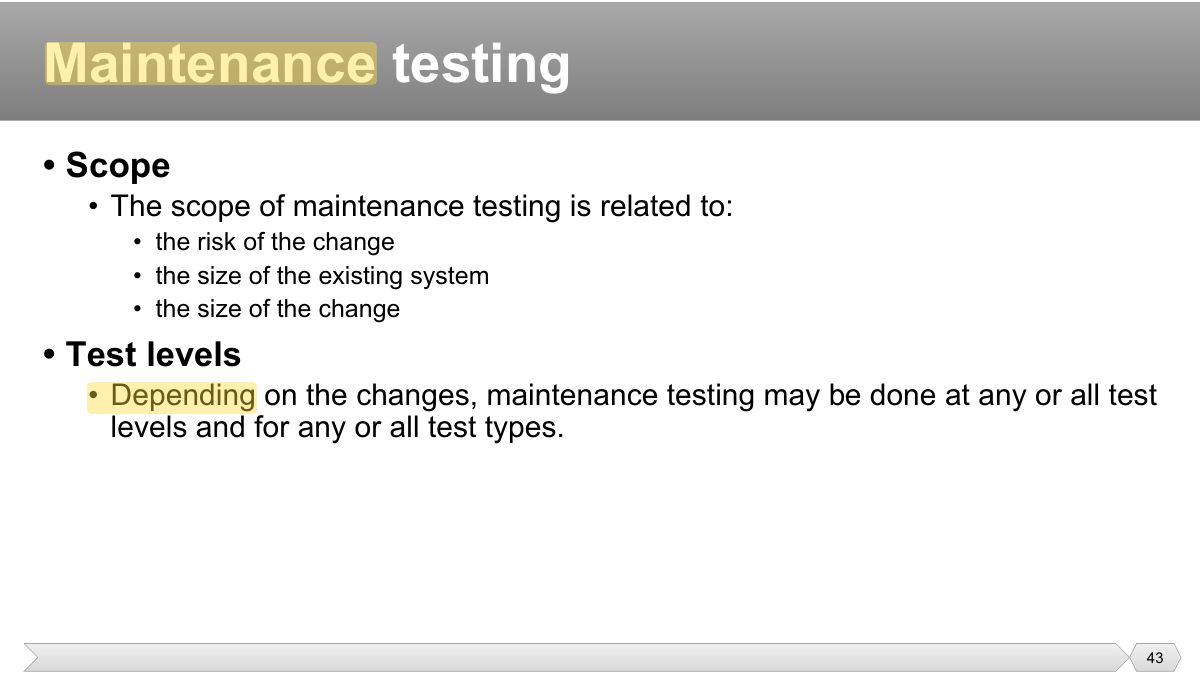
- 38 • Confirmation testing
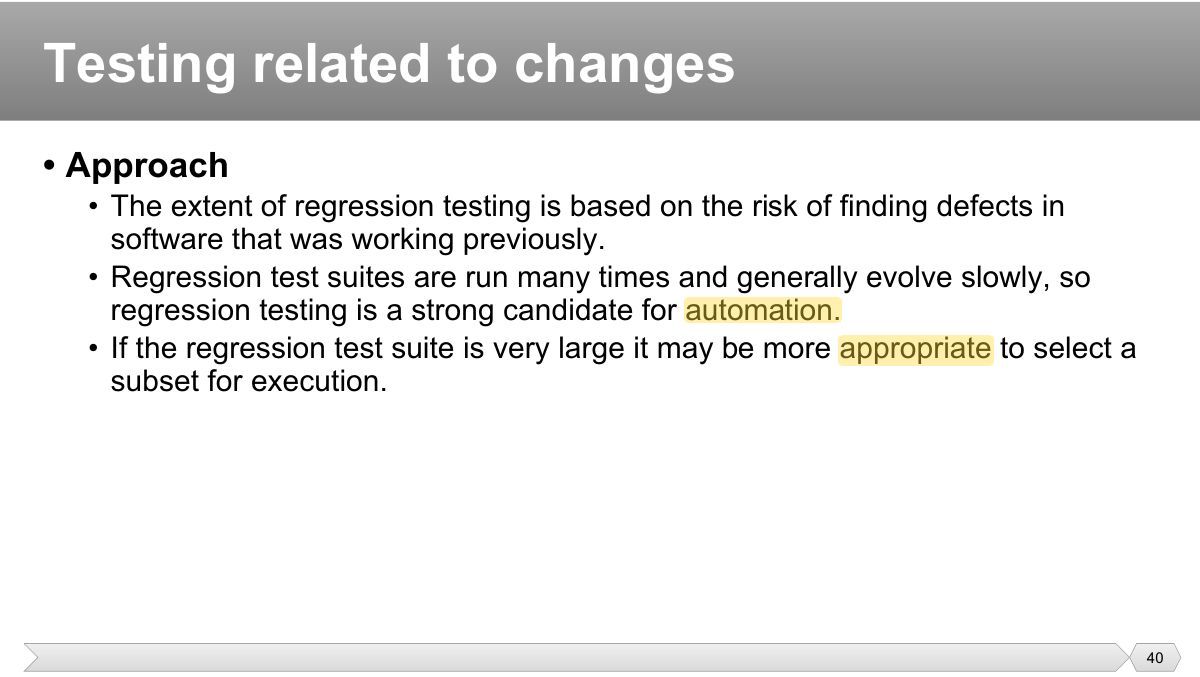
- 39 • Objective
- 40 • Approach
- 41 • Objectives
- 42 • Modifications
- 43 • Scope
- 44 • Approach
Slide 1
• Software development models • Test Levels
• Testing is important in the software development life cycle • The life cycle model will determine how to organize the testing
• Verification
Notes
Verification: "Are we building the product RIGHT?" (meets its specification). Validation: "Are we building the RIGHT product?" (meets users’ needs).
Tip Verification: "Are we building the product RIGHT?" (meets its specification). Validation: "Are we building the RIGHT product?" (meets users’ needs).
Exam angle
Waterfall model
Notes
V-model: each development phase on the left has a matching test level on the right (requirements ↔ acceptance, design ↔ system/integration, code ↔ component).
The V-model
• Testing needs to begin as early as possible in the life cycle. • Testing can be integrated into each phase of the life cycle.
Notes
Testing should begin as early as possible: reviews of requirements and designs find defects when they are cheapest.
Iterative-incremental development model
• In any life cycle model, there are several characteristics of good testing:
Testing within a life cycle model
• Acceptance : is the responsibility of the customer – in general. The goal is to gain confidence in the system
• For each test level, please note:
• Verifying the functioning of software items (modules, methods, objects, classes etc.) that are separately testable
Notes
Component (unit) testing: individual components in isolation, usually by developers, often with stubs and drivers.
• All materials that are applicable for the component under test:
• Writing code to test the project code • Stubs, drivers and simulators may be used.
Component testing - example
• Component testing usually involves the programmer who wrote the code.
• Tests interfaces between components
• Software and system design • The system architecture
• The item under test includes
• Component integration
• Start integration with those components that are expected to cause most problems.
• Testing the behavior of the whole system as defined by the scope of the project.
Notes
System testing: the behaviour of the whole system against the requirements, in an environment close to production.
• System requirements specification , both functional and non functional • Business processes
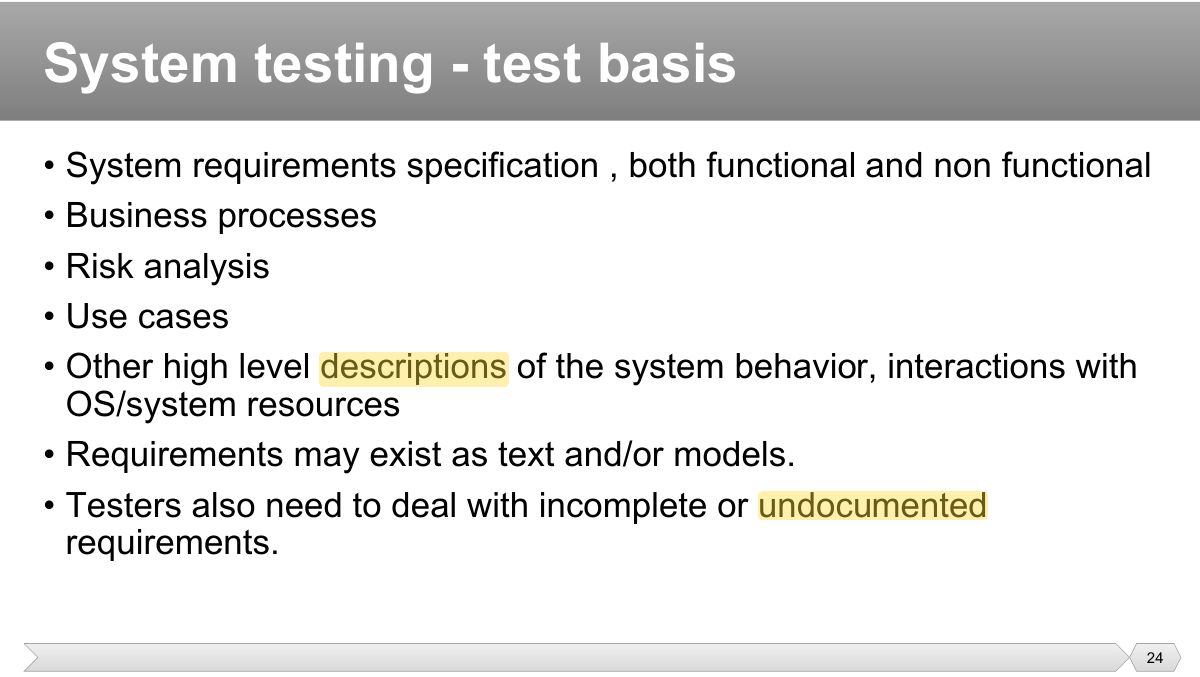
• The entire integrated system • User manuals
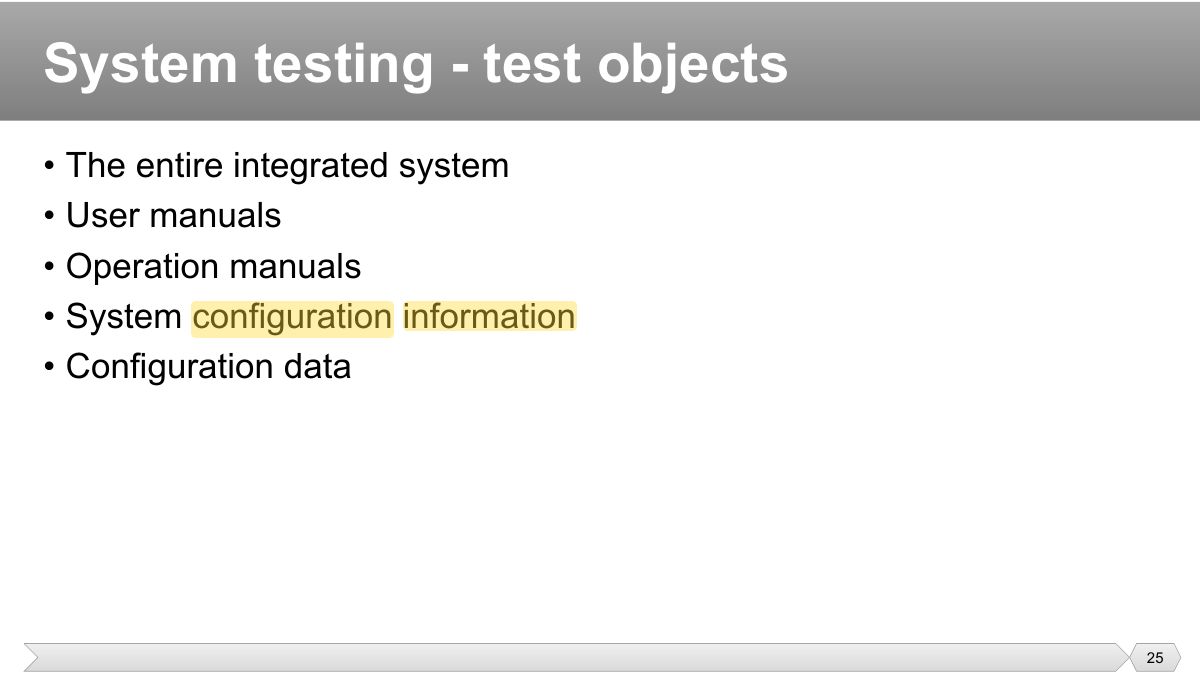
ee
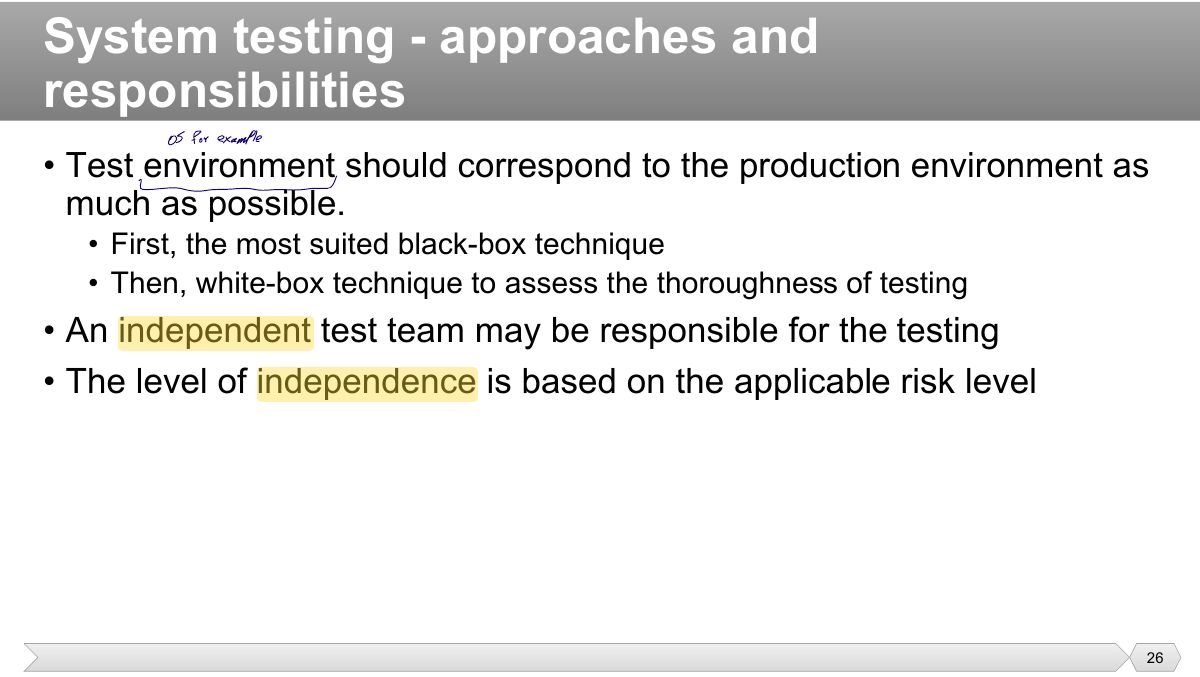
• The questions to be answered:
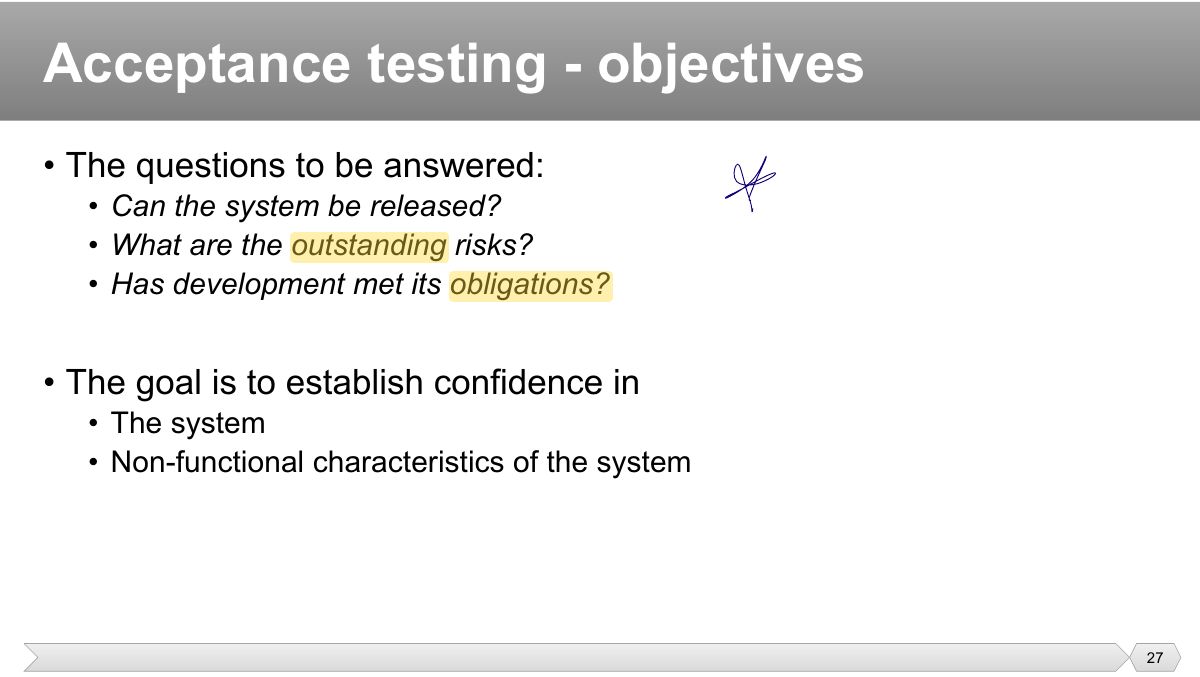
• User requirements specification • Use cases
Notes
Acceptance testing: establish confidence that the system is fit for use: user acceptance, operational, contract and regulation, alpha and beta.
Exam angle
Testing against contract requirements before the customer signs off is:
• User acceptance testing – validate the fitness for use of the system by users.
• Contract and regulation acceptance testing performed against a contract’s acceptance criteria (i.e. governmental, legal or safety
• Customers or users of a system • Stakeholders may be involved
Test Types
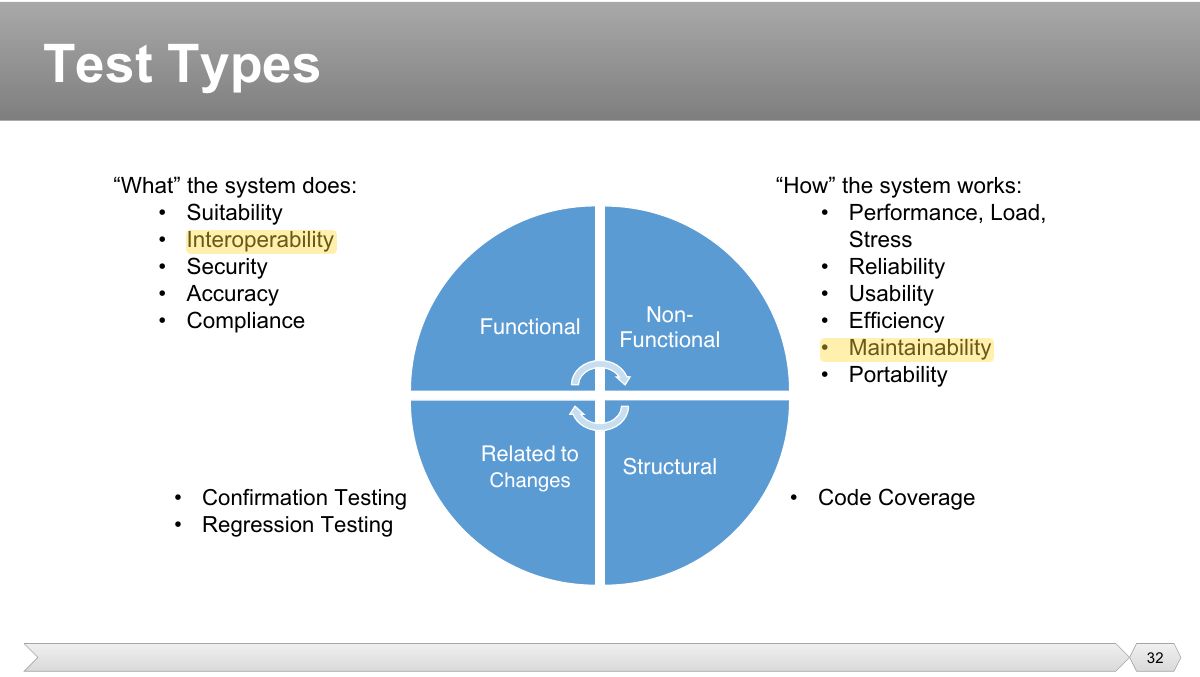
• Objectives
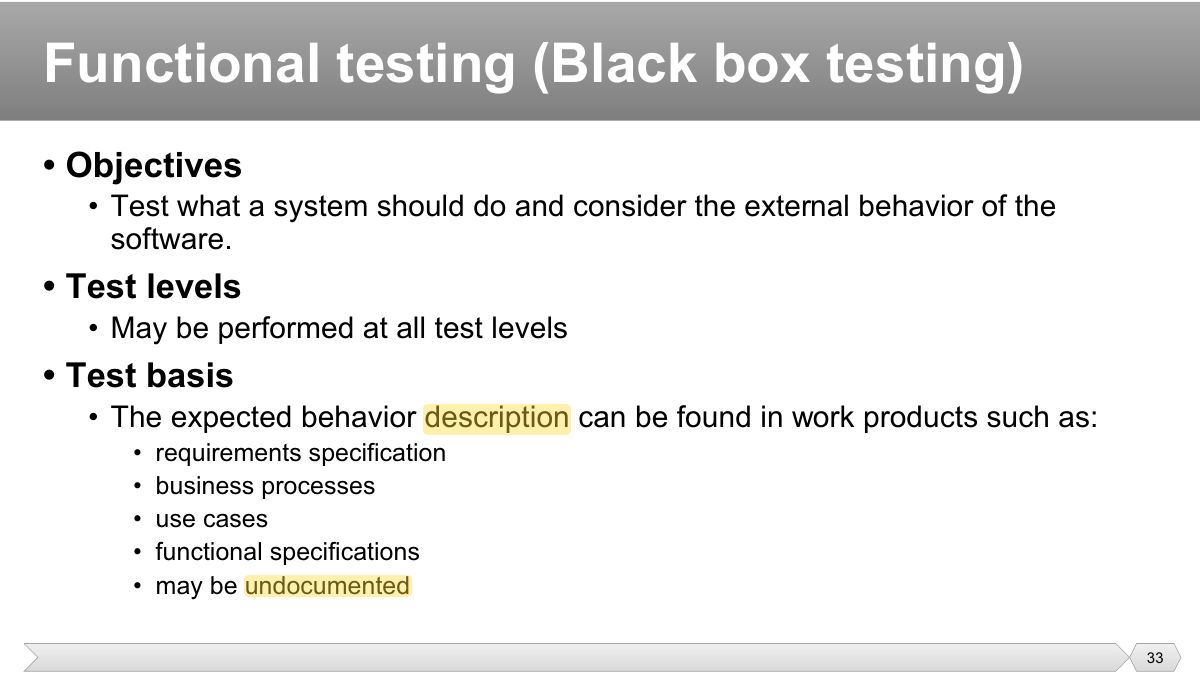
• Objectives
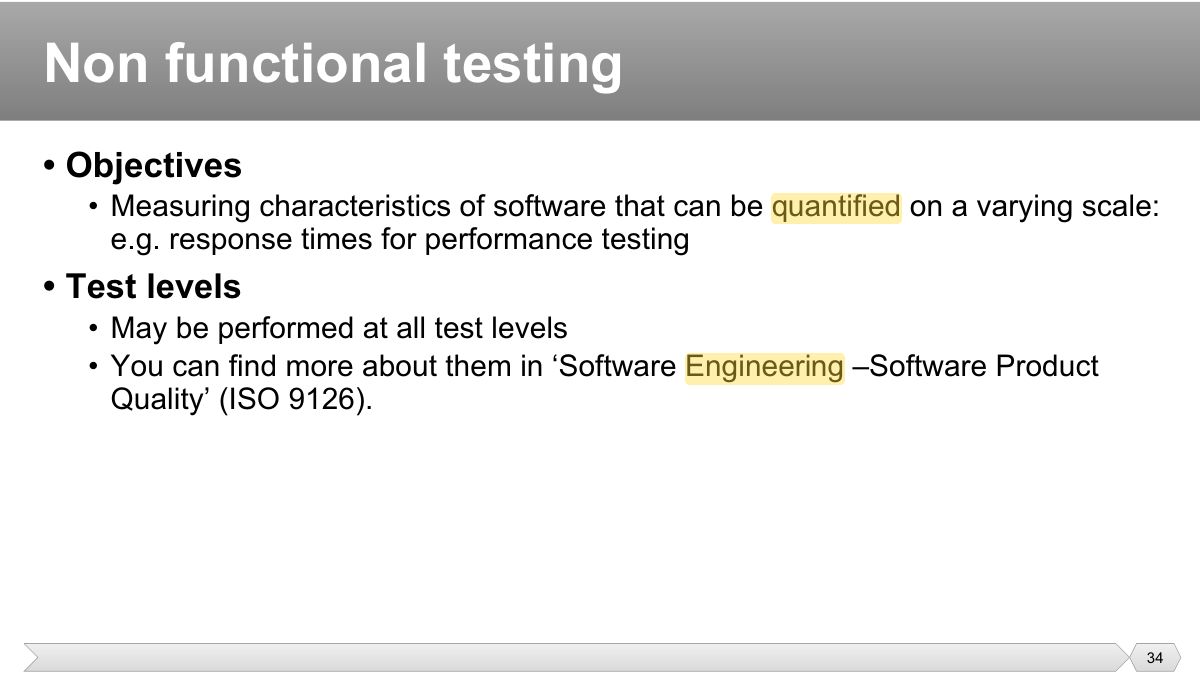
Software Product Quality
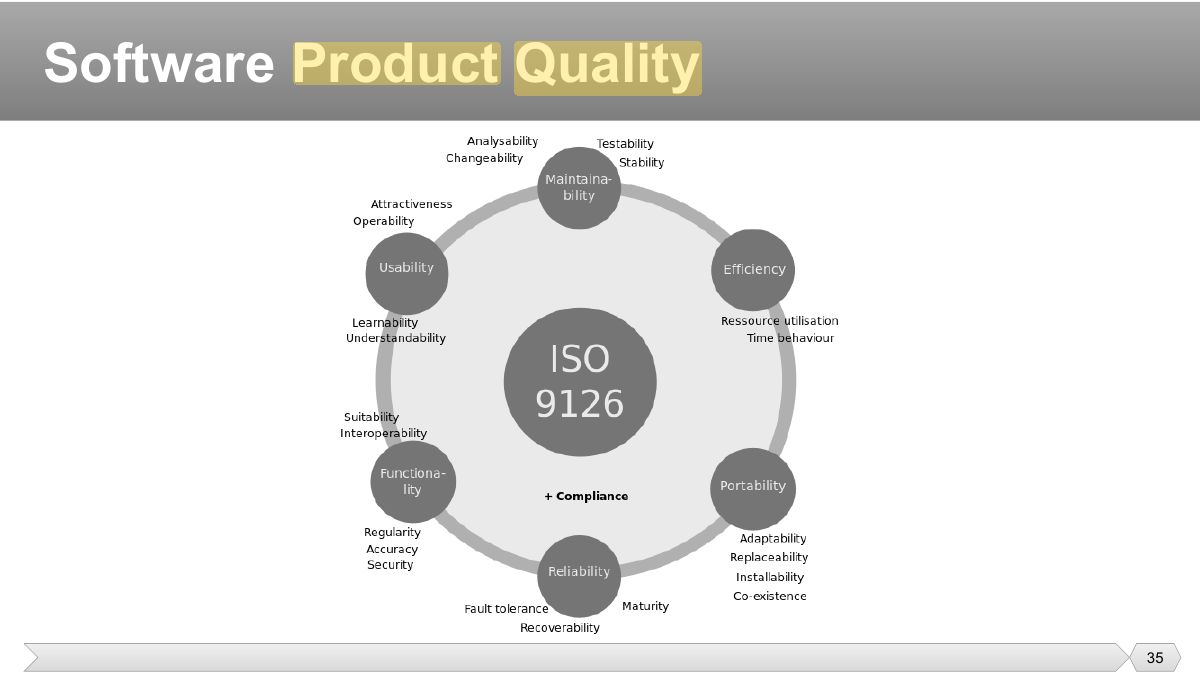
• Objectives
• Test basis
• Confirmation testing
Notes
Confirmation testing (re-testing): check that a fixed defect is really fixed. Regression testing: check that the change broke nothing else.
Trap Re-testing confirms the FIX; regression testing looks for SIDE EFFECTS.
Exam angle
Running the failed test again after a bug fix is:
• Objective
• Approach
• Objectives
Notes
Maintenance testing: triggered by modifications, migration or retirement of a live system; includes impact analysis and regression testing.
• Modifications
• Scope
• Approach