SE371 · Chapter 1 · Annotated SlidesIntroduction to the Web
Original
Overview

Introduction to the Web

A short history of the internet (circuit vs. packet switching), the birth of the web, static vs. dynamic sites and Web 2.0, the client–server model, internet protocols and the layered architecture, IP addresses and ports, DNS and domain names, URLs, HTTP requests, methods and response codes, browsers, web servers and development stacks.

How to read this page

Every original slide is shown unchanged. Yellow marks on a slide point to a numbered note: hover or tap a mark to jump to its note, and hover a note to see its marks. Questions tagged Past exam appeared on a real paper; Prediction questions are likely angles, not confirmed. Pick an answer to each question: a wrong pick tells you why it is wrong, so you can try again.

All 59 slides
  1. 1 Fundamentals of Web Development
  2. 2 Course Syllabus
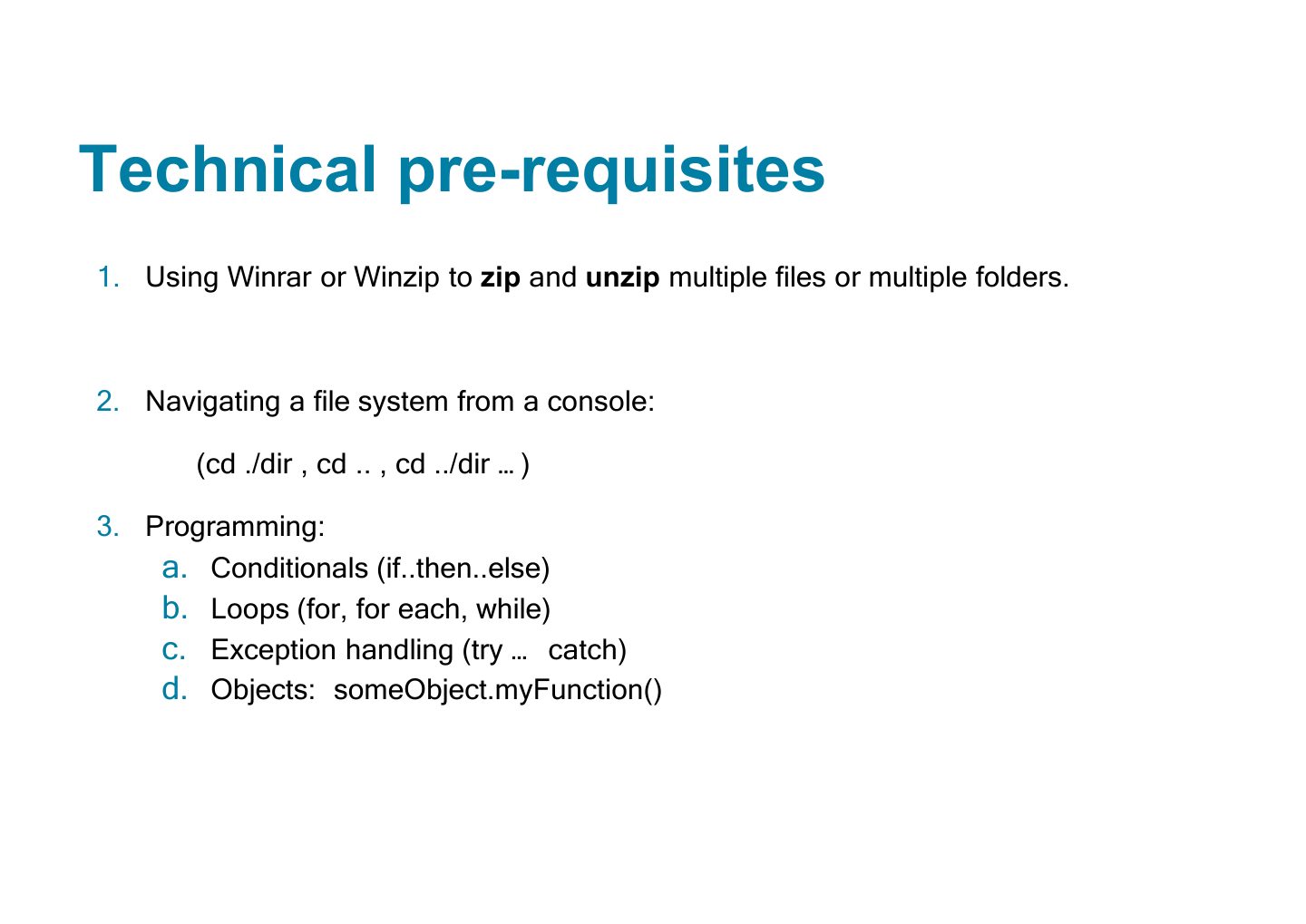
  3. 3 Technical pre-requisites
  4. 4 In this chapter you will learn . . .
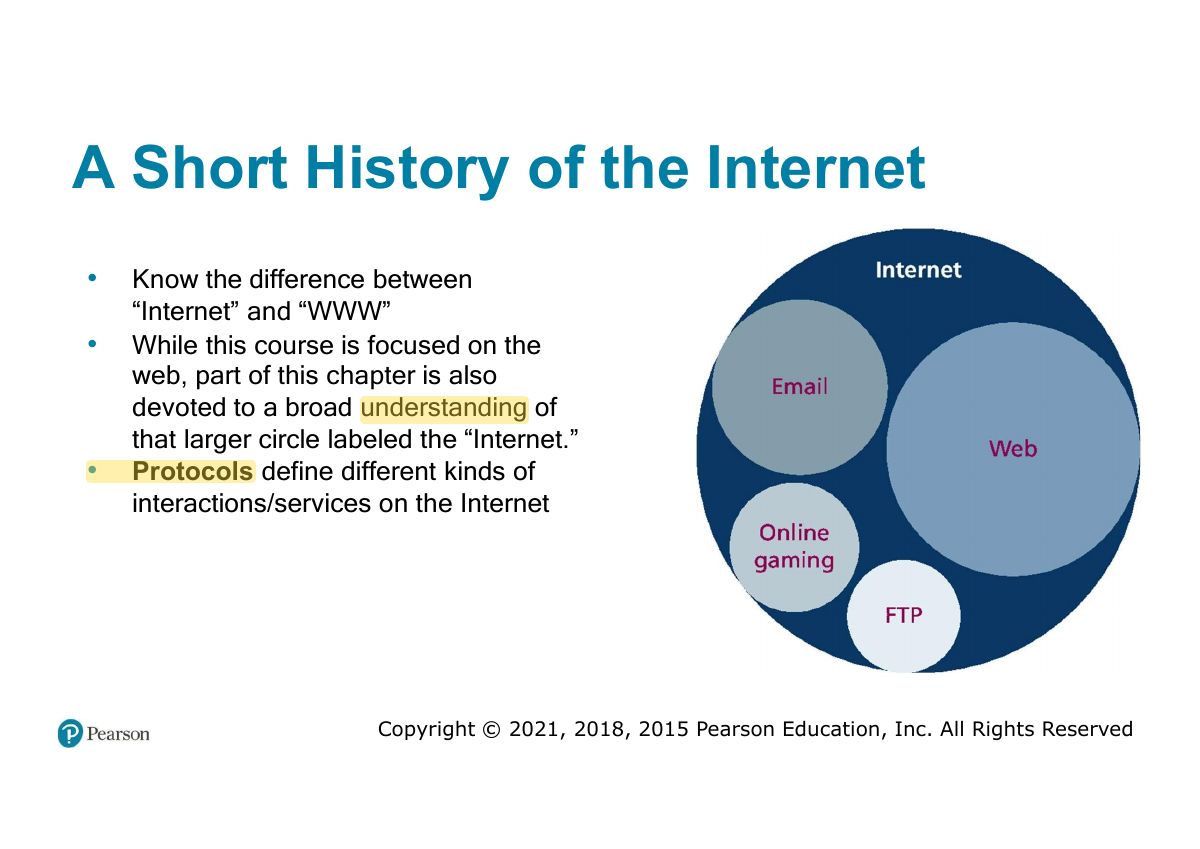
  5. 5 A Short History of the Internet
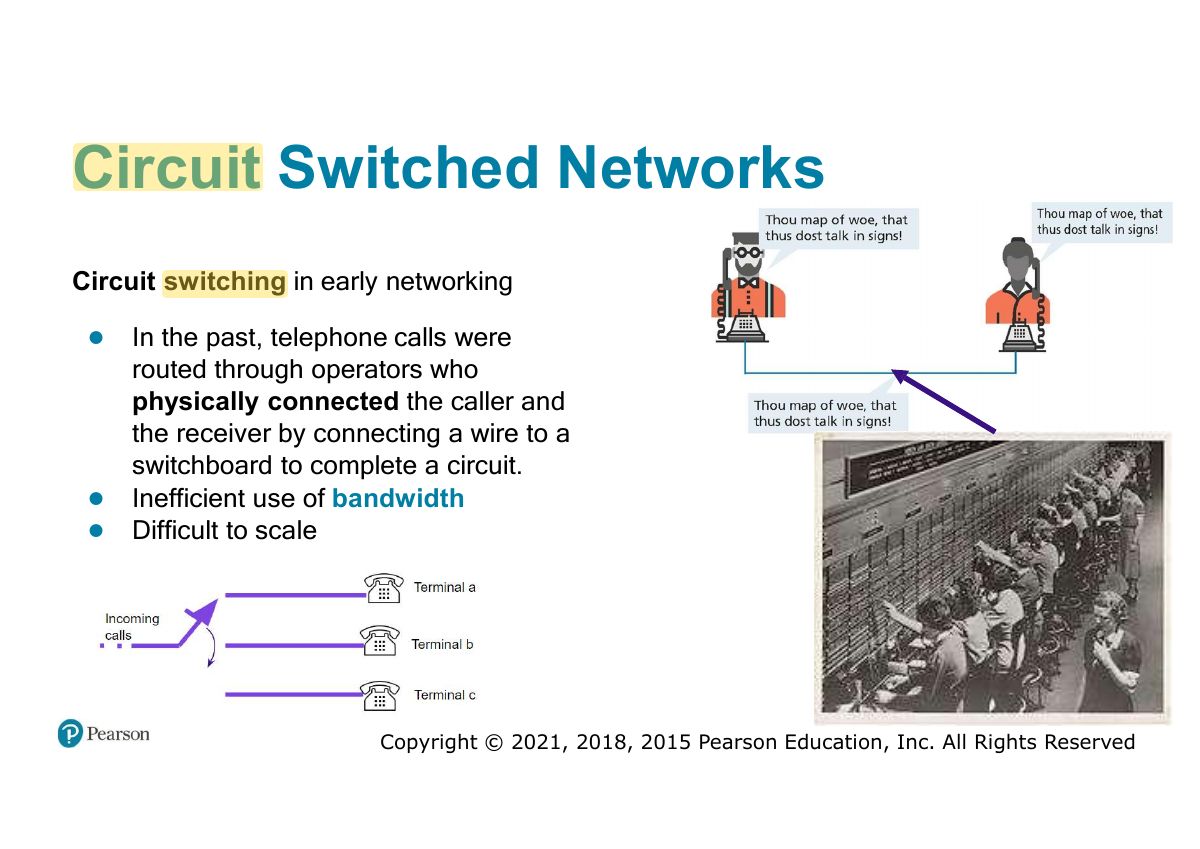
  6. 6 Circuit Switched Networks
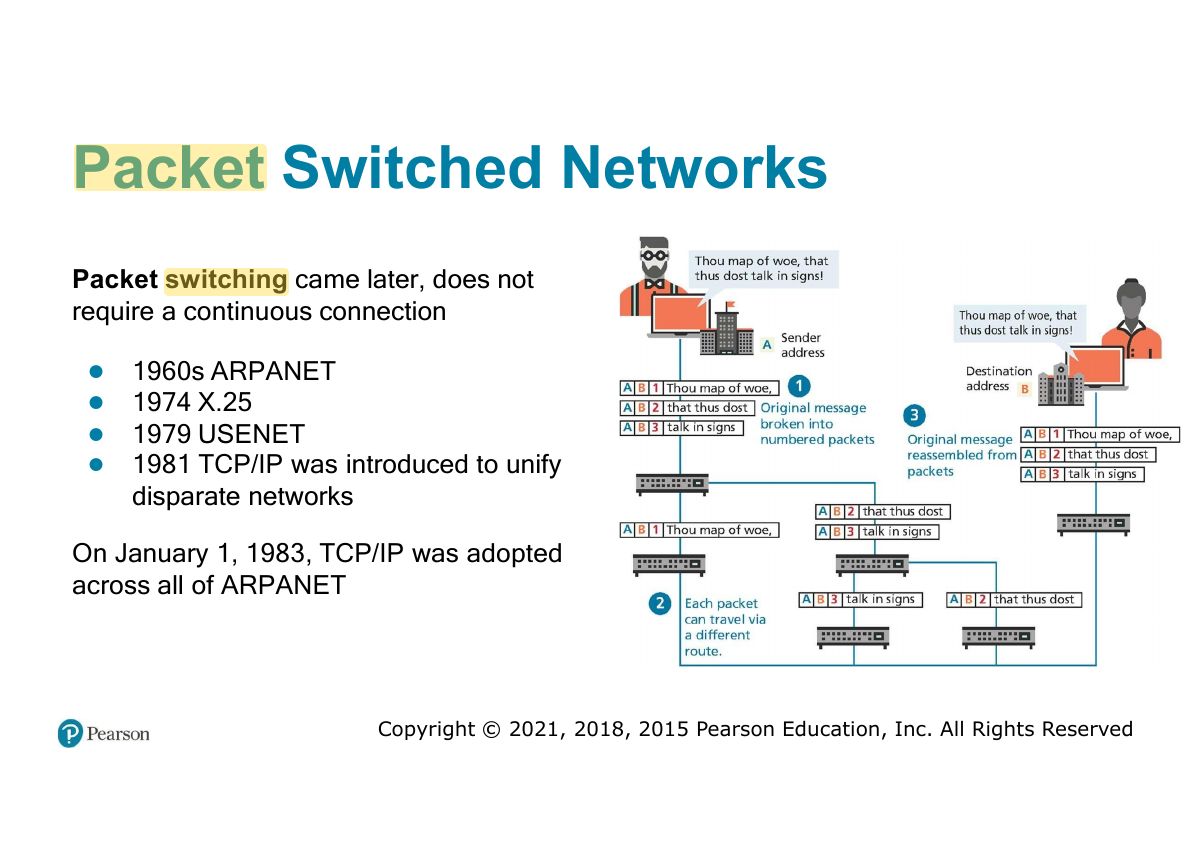
  7. 7 Packet Switched Networks
  8. 8 The Birth of the Web
  9. 9 Web Applications in Comparison to
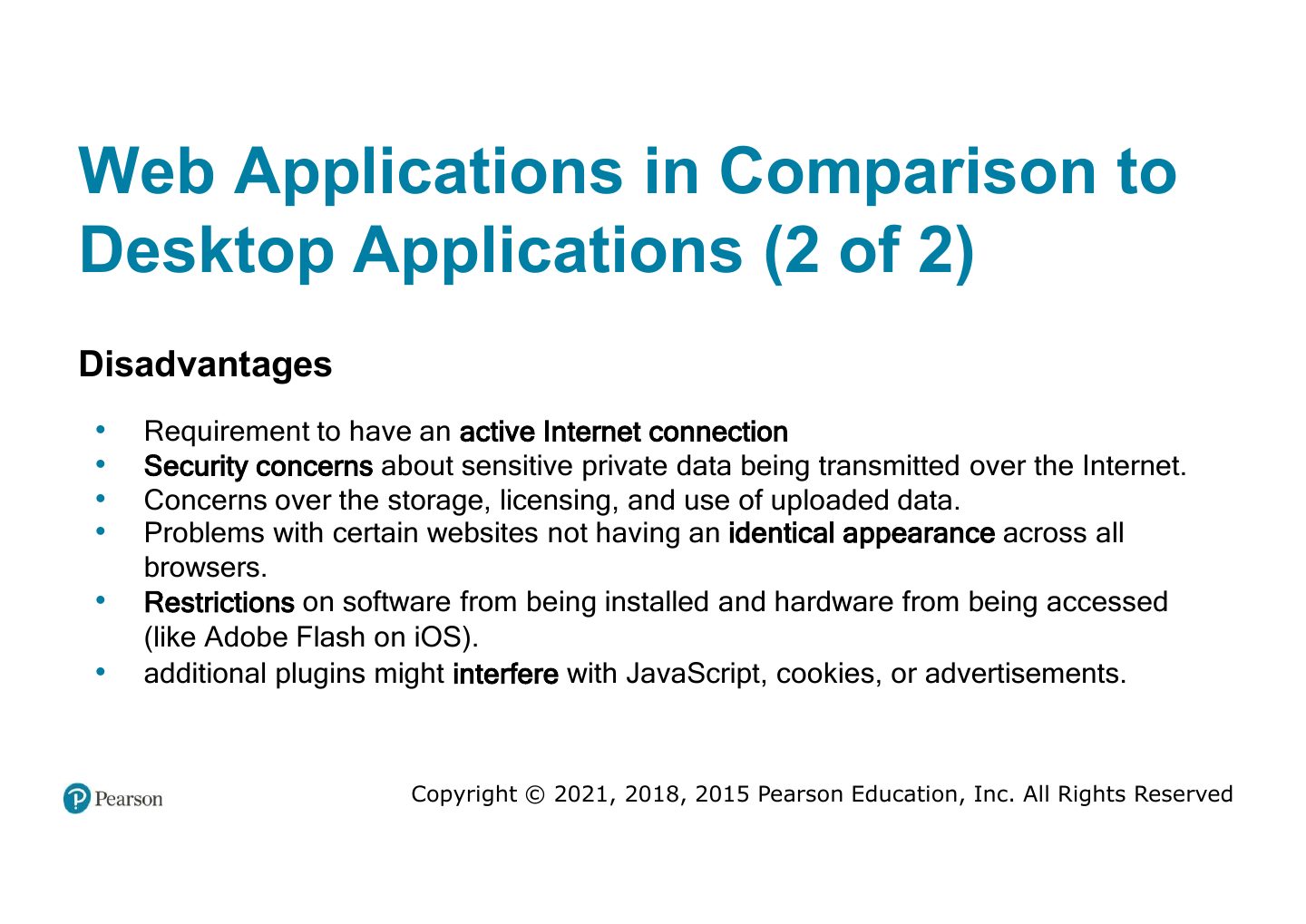
  10. 10 Web Applications in Comparison to
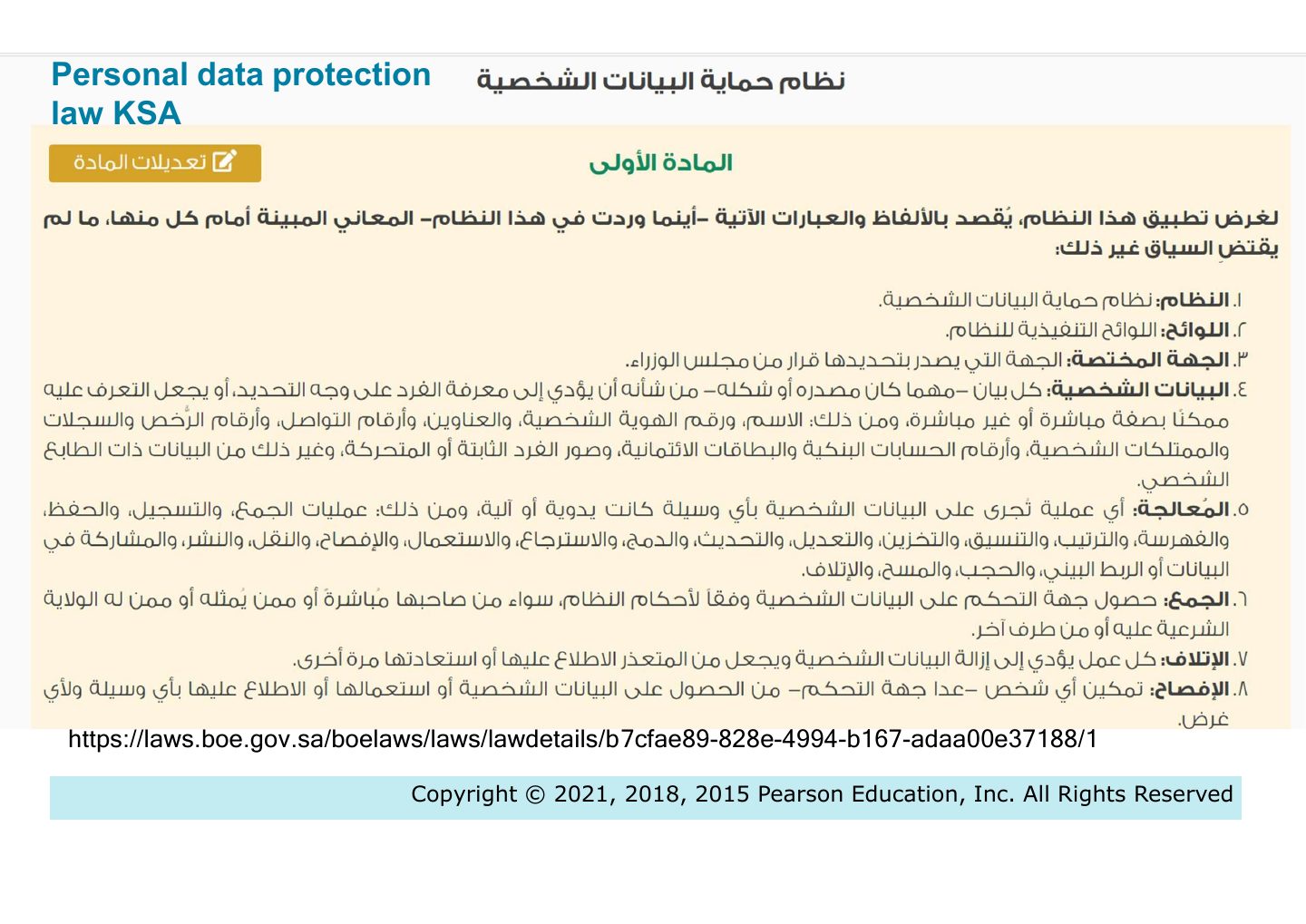
  11. 11 Personal data protection law KSA
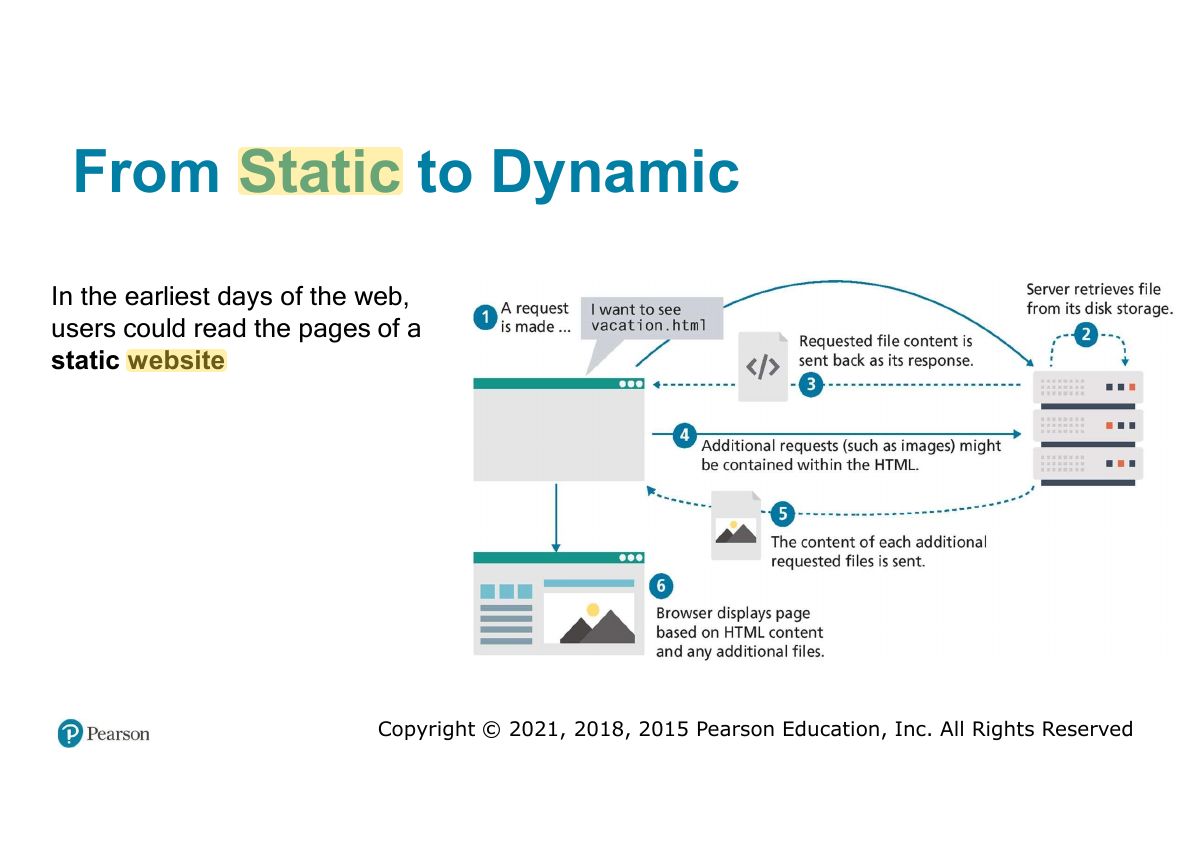
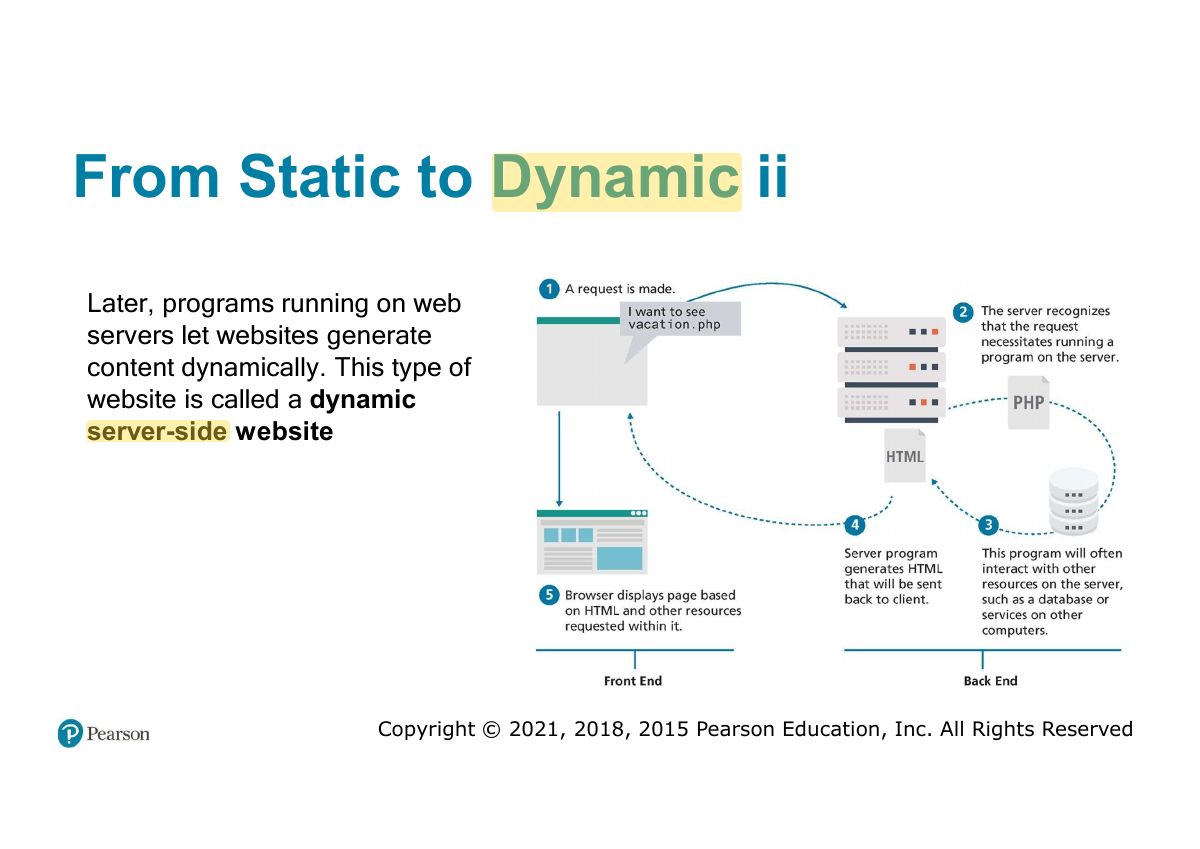
  12. 12 From Static to Dynamic
  13. 13 From Static to Dynamic ii
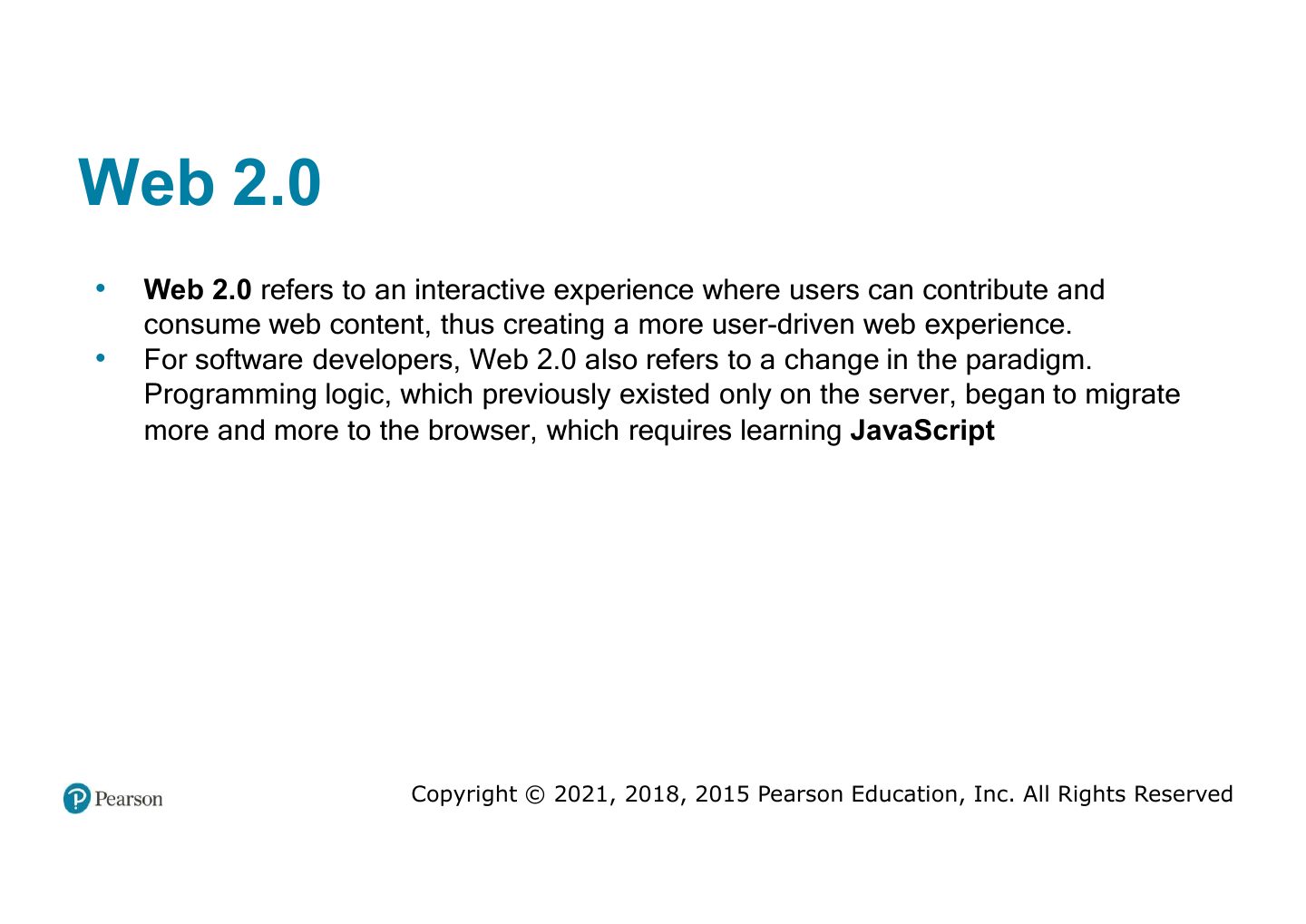
  14. 14 Web 2.0
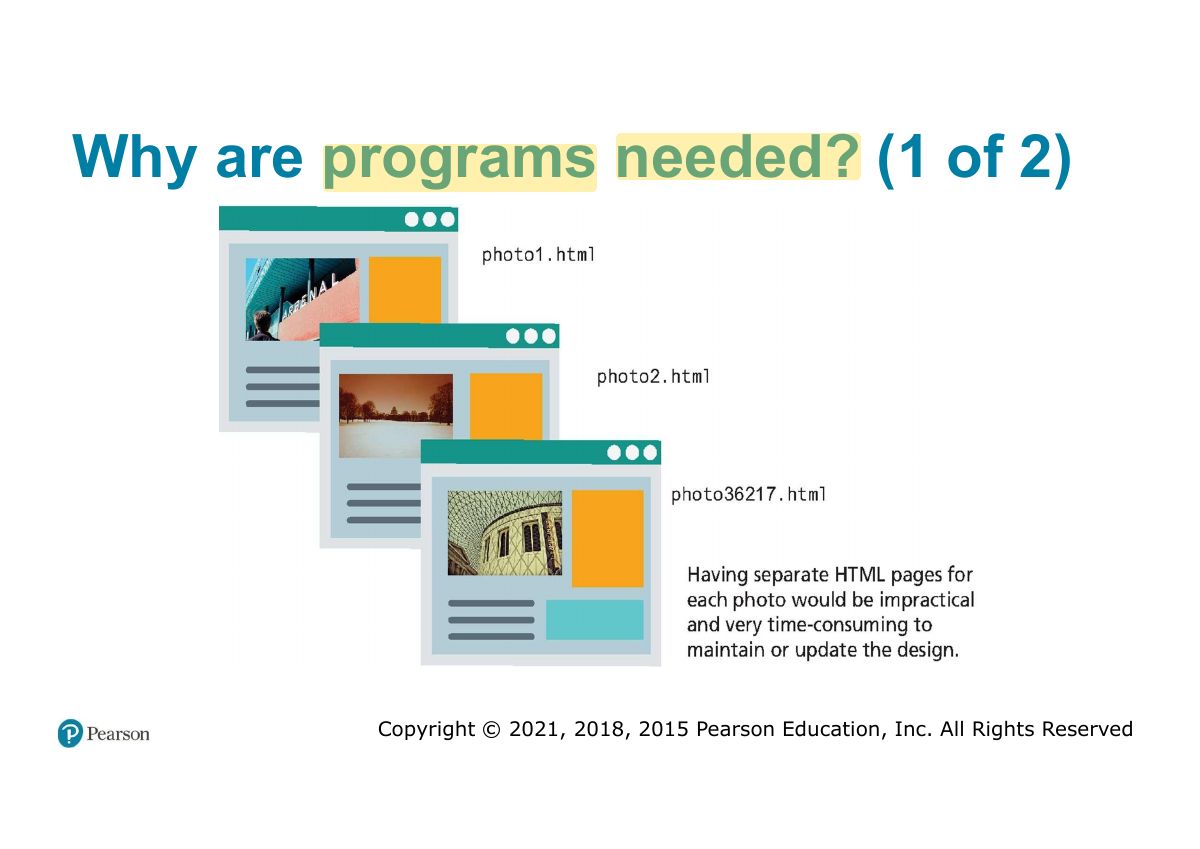
  15. 15 Why are programs needed? (1 of 2)
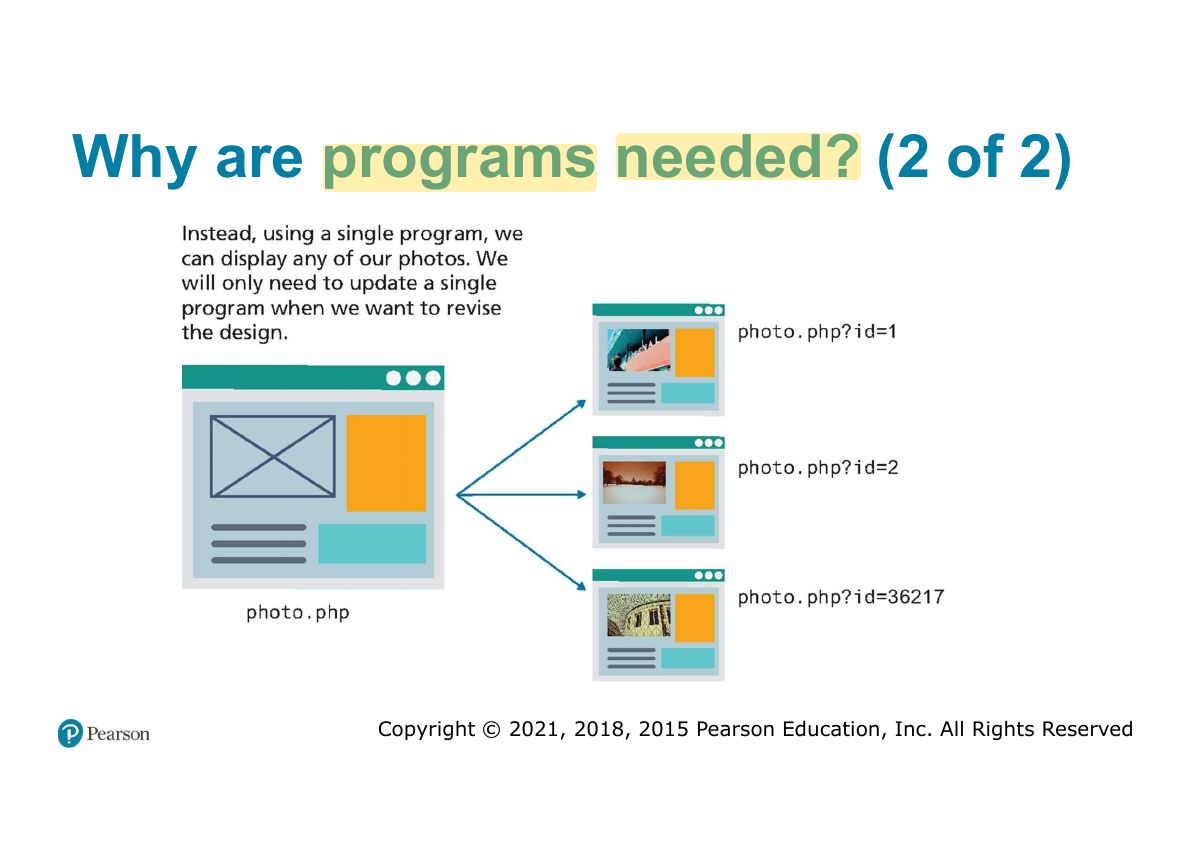
  16. 16 Why are programs needed? (2 of 2)
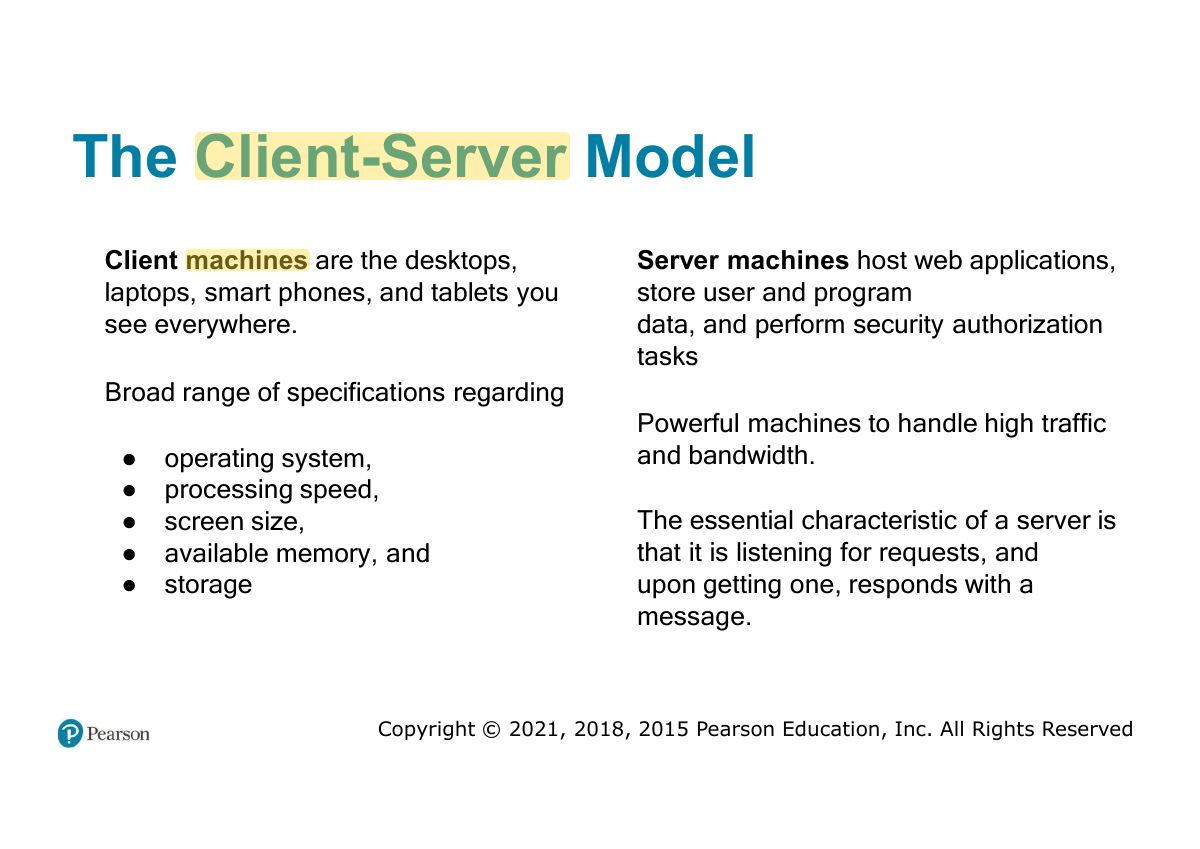
  17. 17 The Client-Server Model
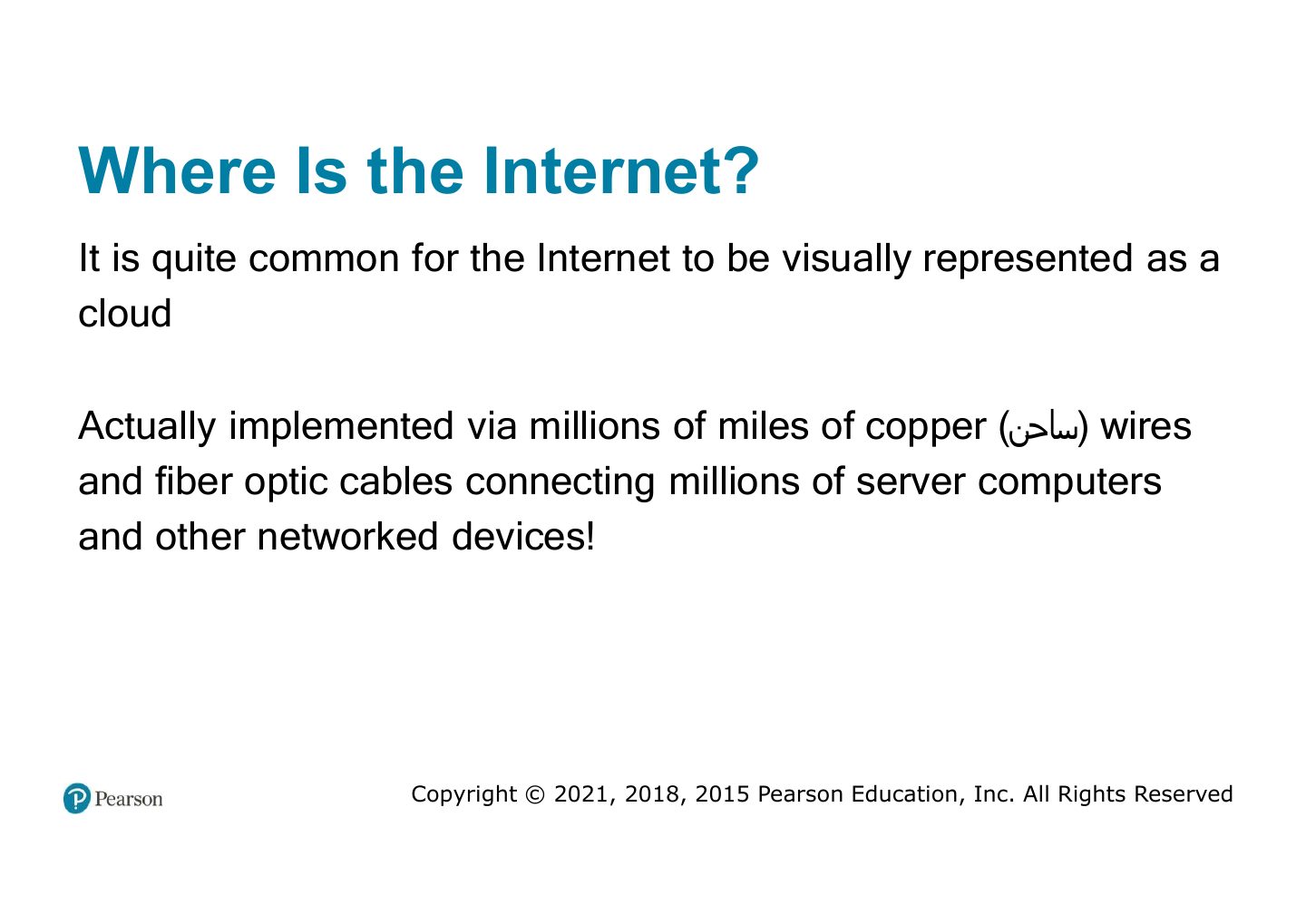
  18. 18 Where Is the Internet?
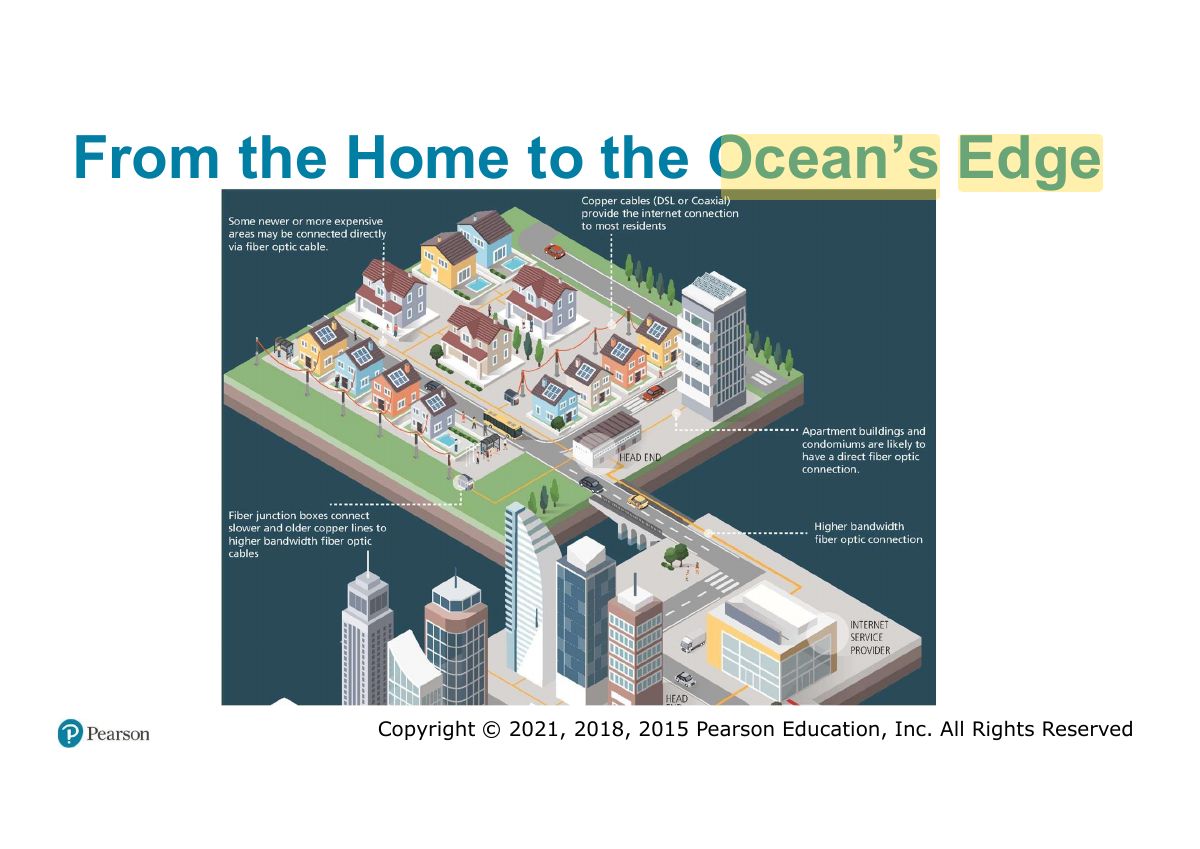
  19. 19 From the Home to the Ocean s Edge ’
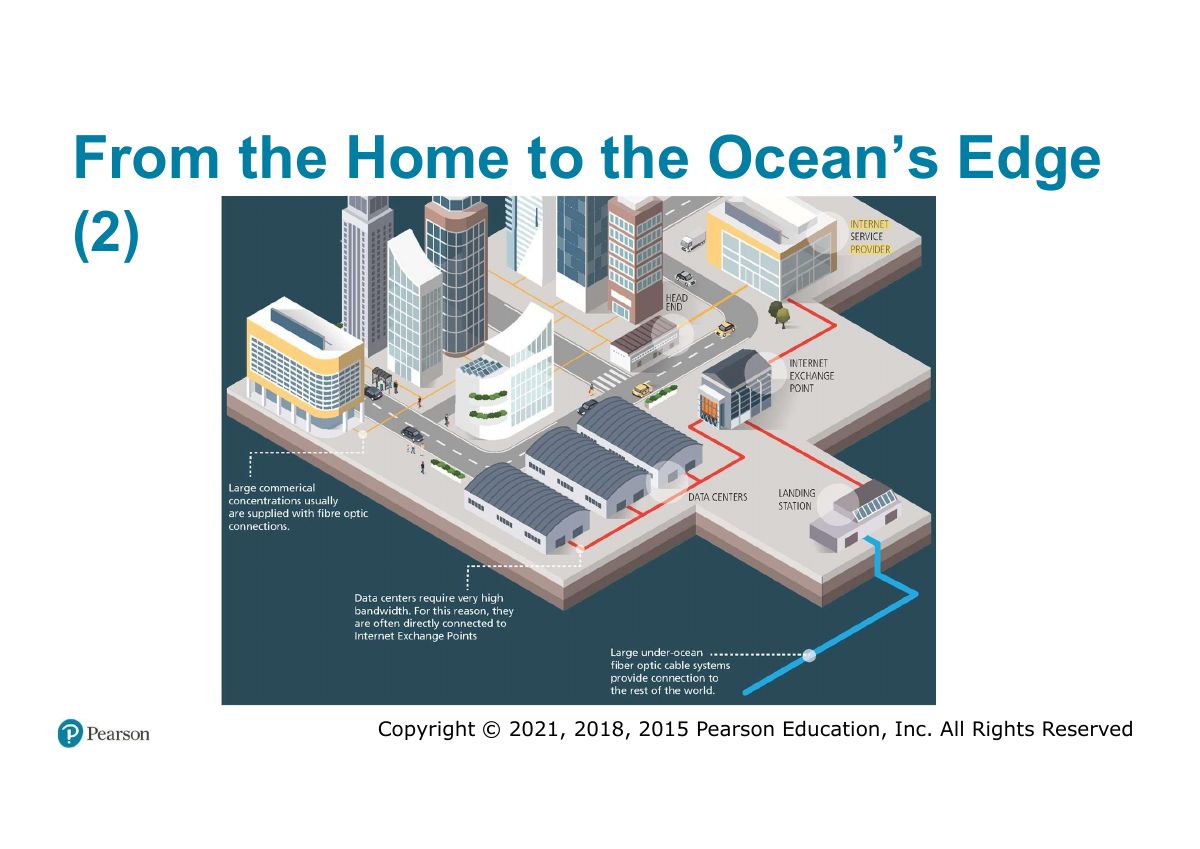
  20. 20 From the Home to the Ocean s Edge ’
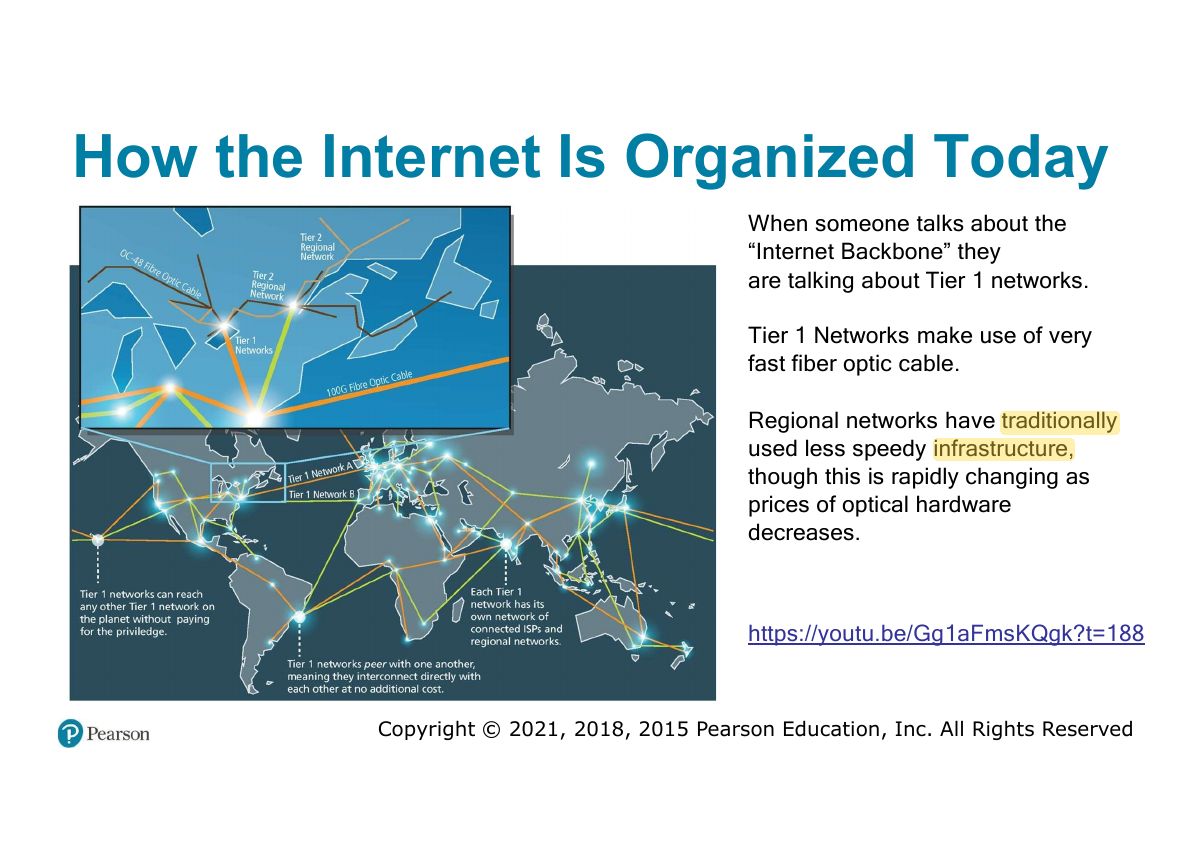
  21. 21 How the Internet Is Organized Today
  22. 22 Fundamentals of Web Development
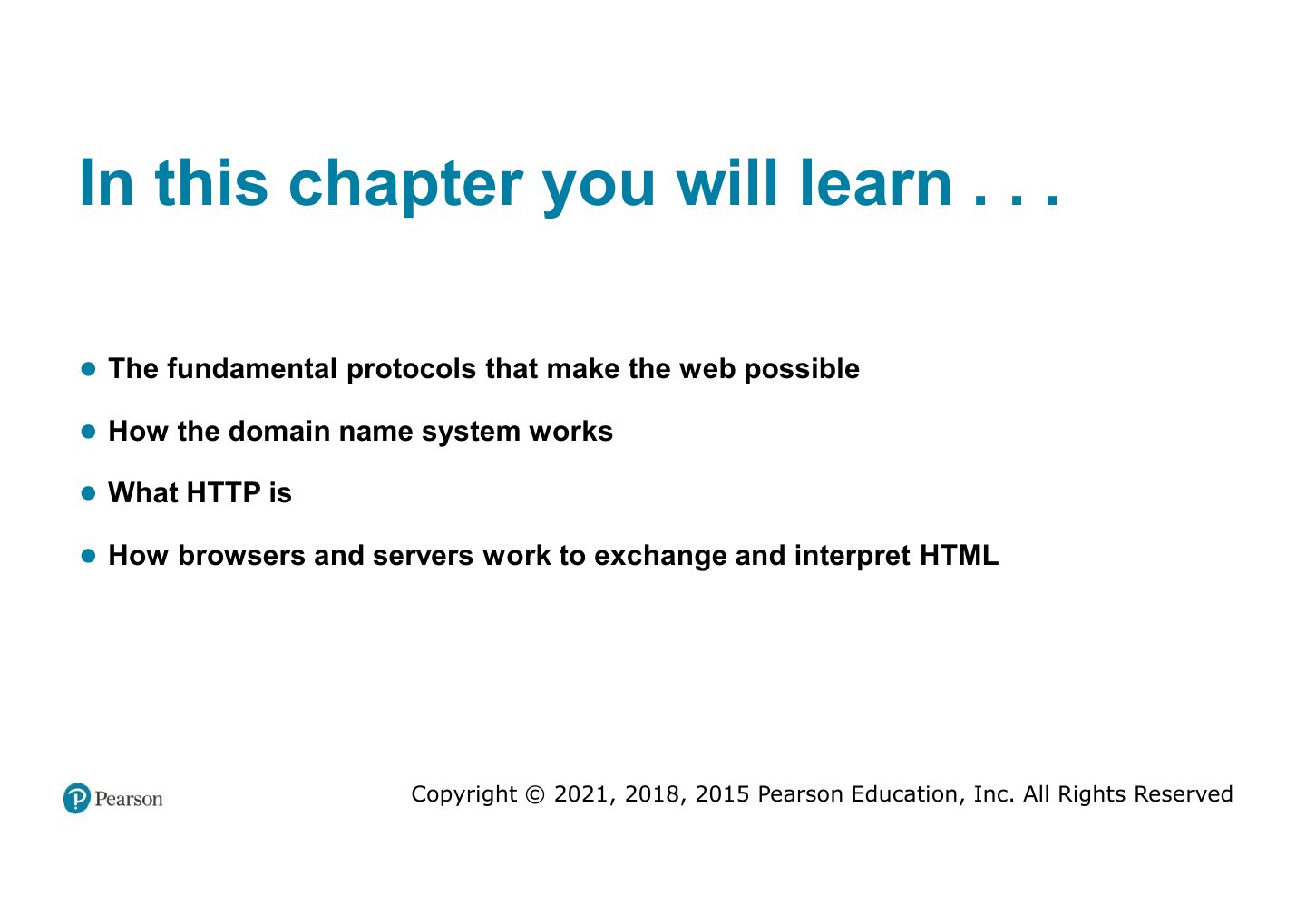
  23. 23 In this chapter you will learn . . .
  24. 24 Internet protocols
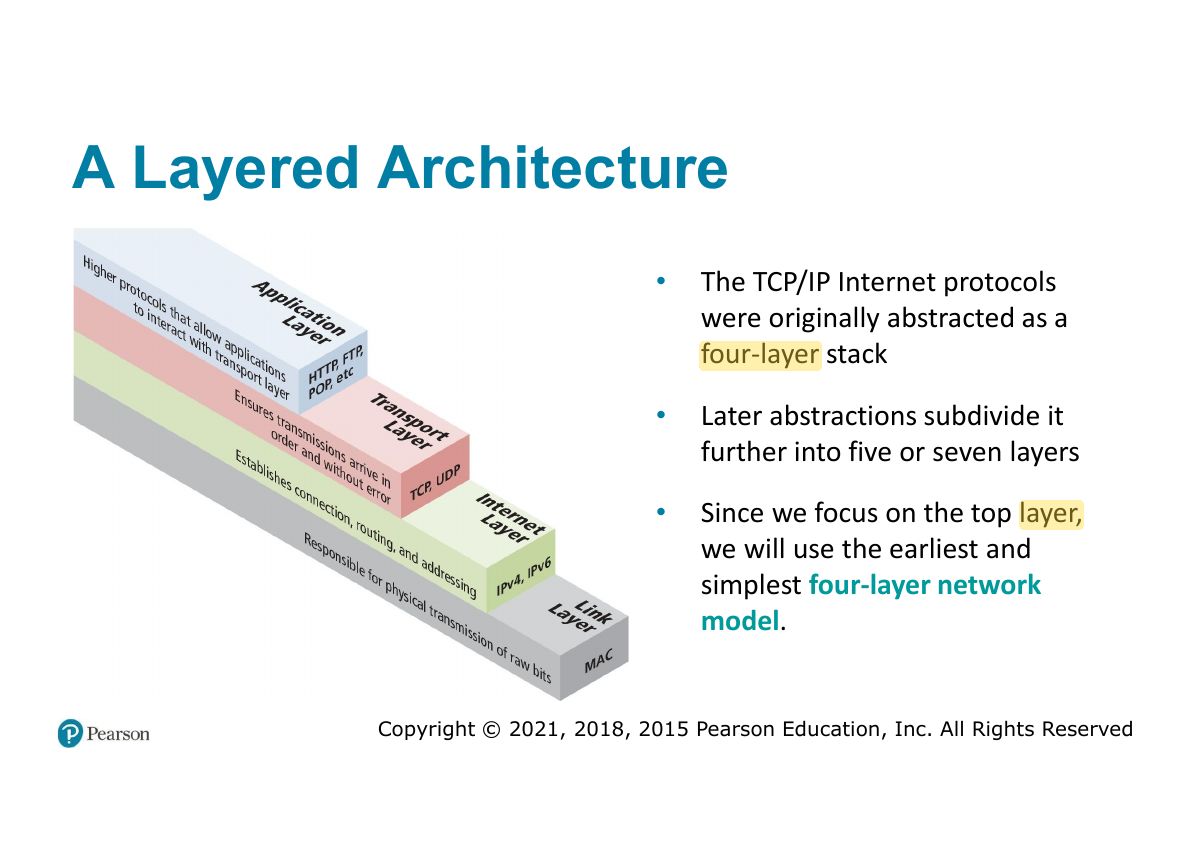
  25. 25 A Layered Architecture
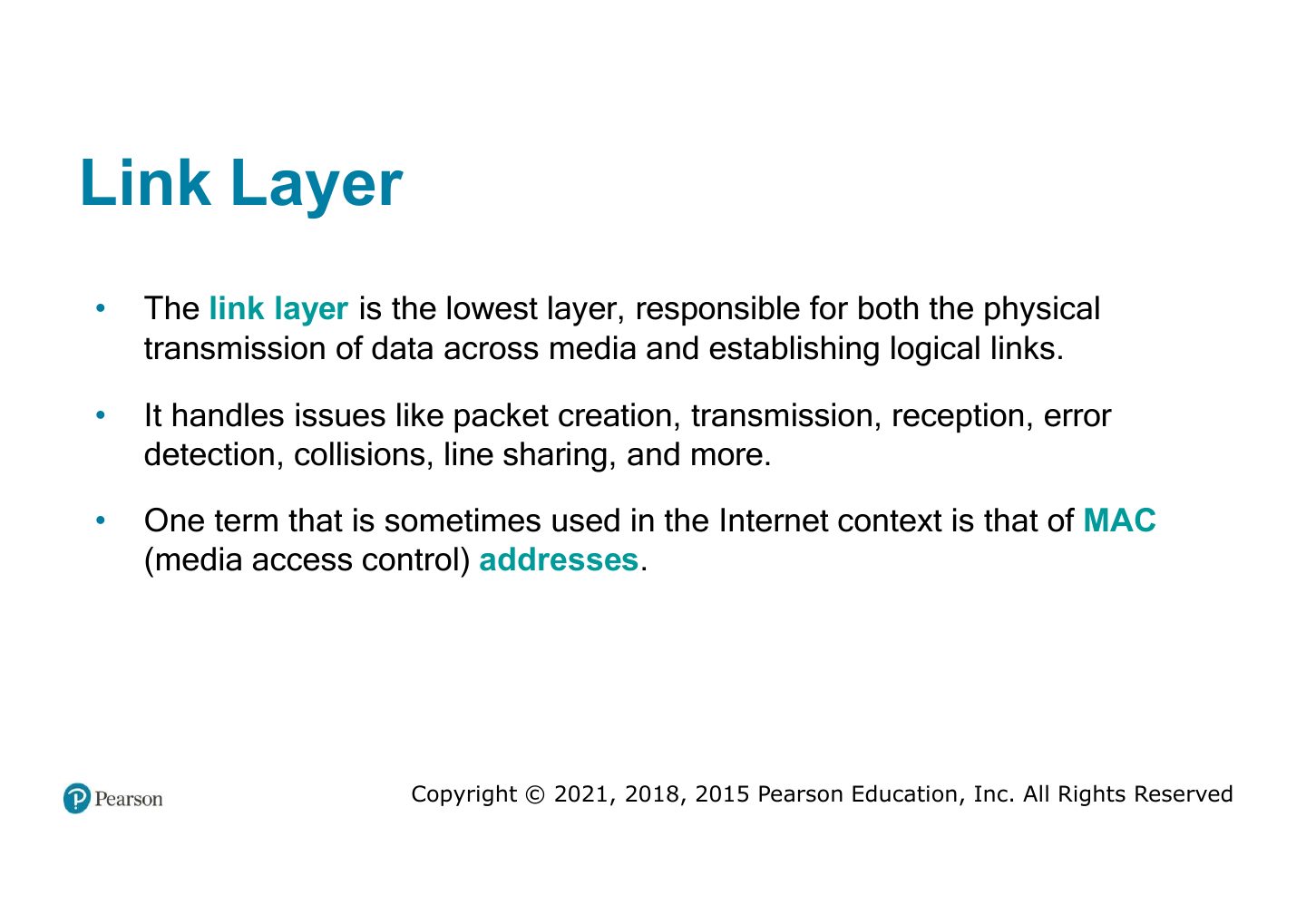
  26. 26 Link Layer
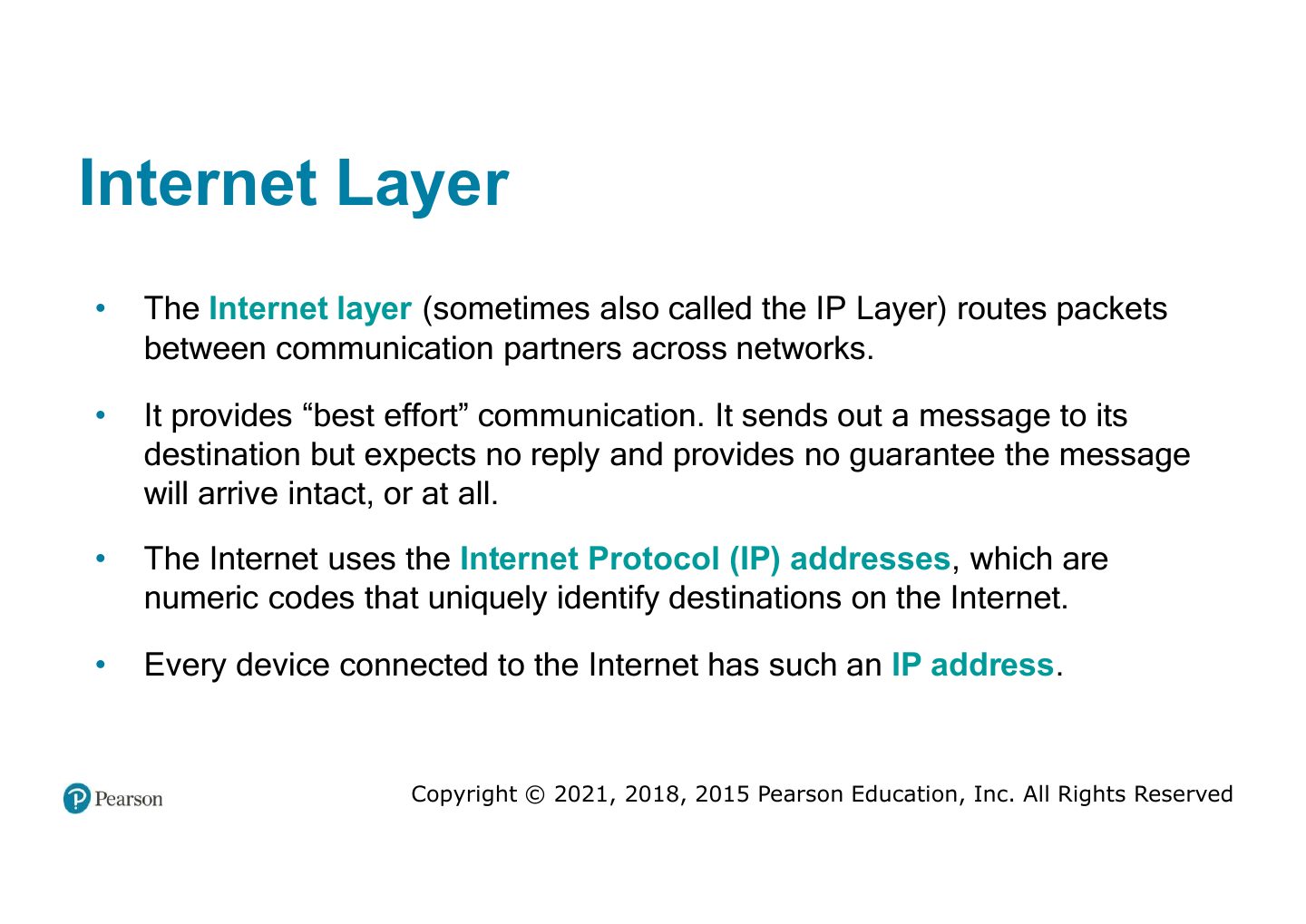
  27. 27 Internet Layer
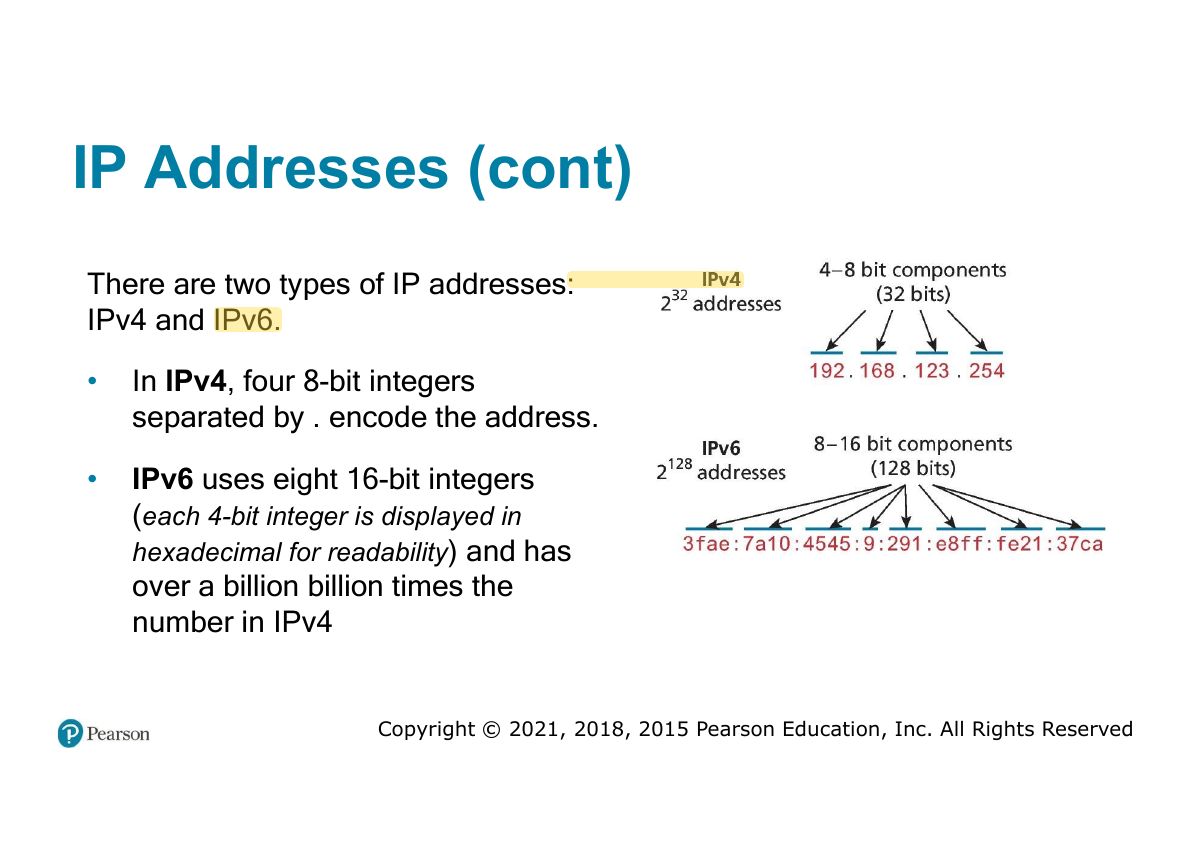
  28. 28 IP Addresses (cont)
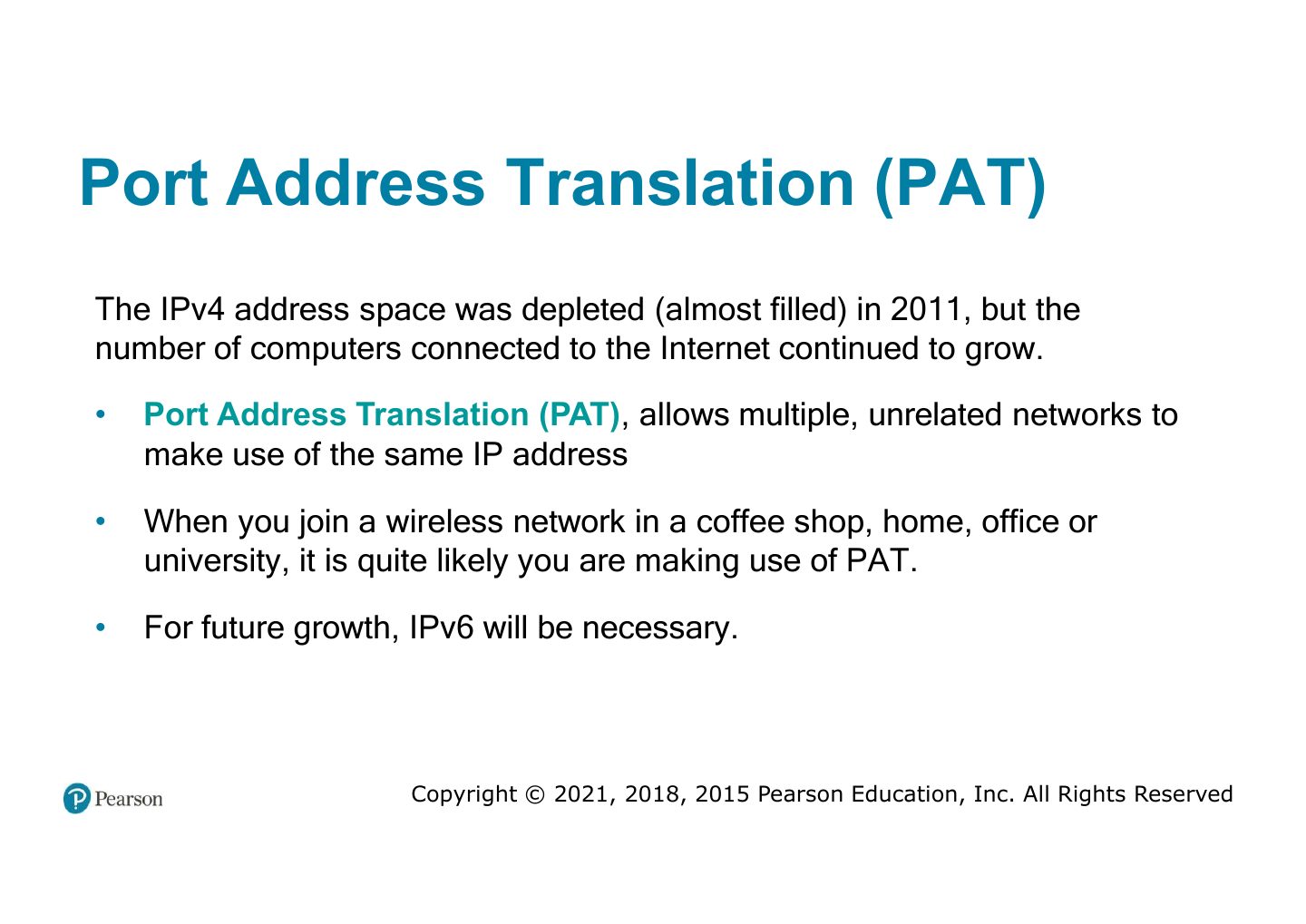
  29. 29 Port Address Translation (PAT)
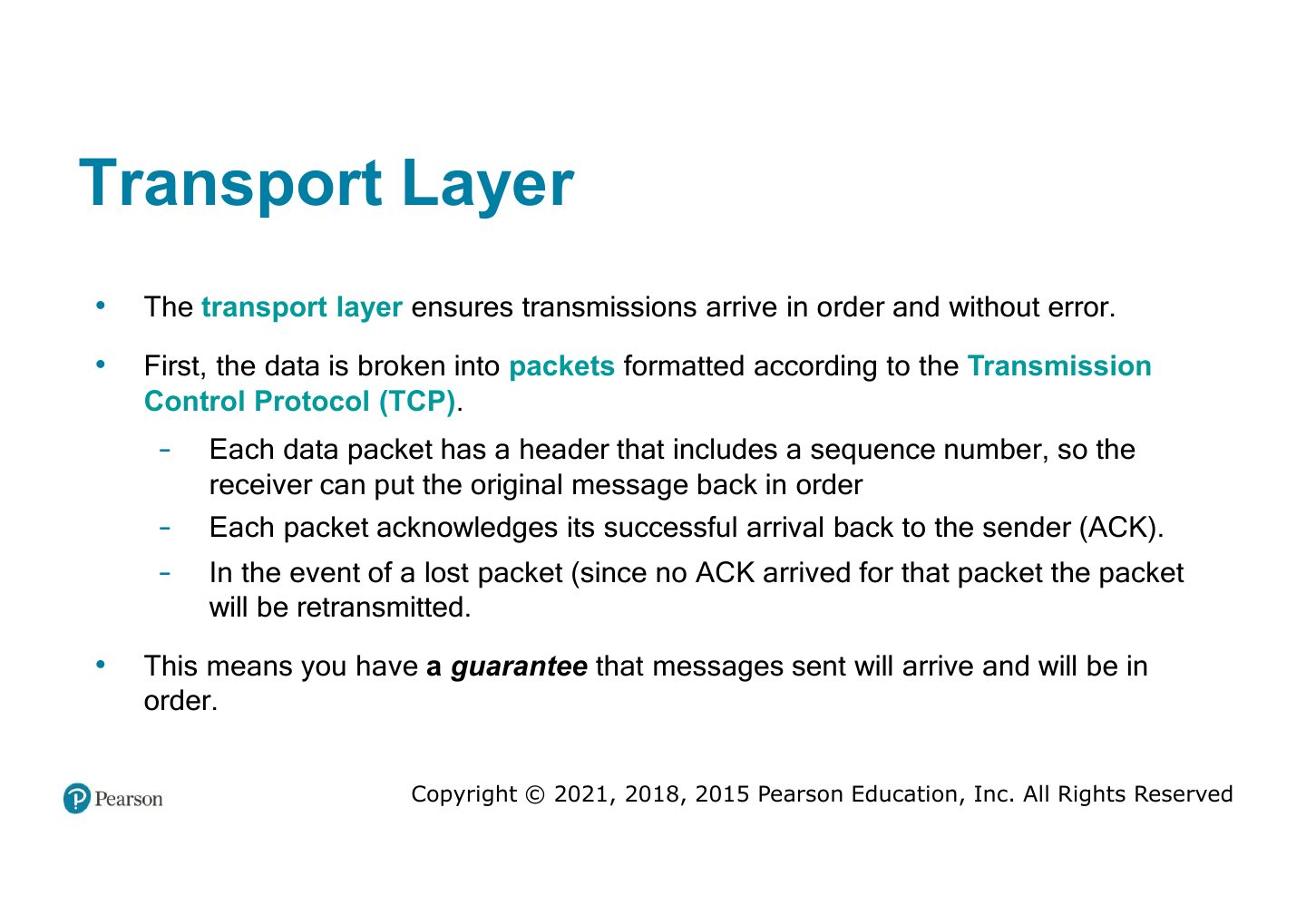
  30. 30 Transport Layer
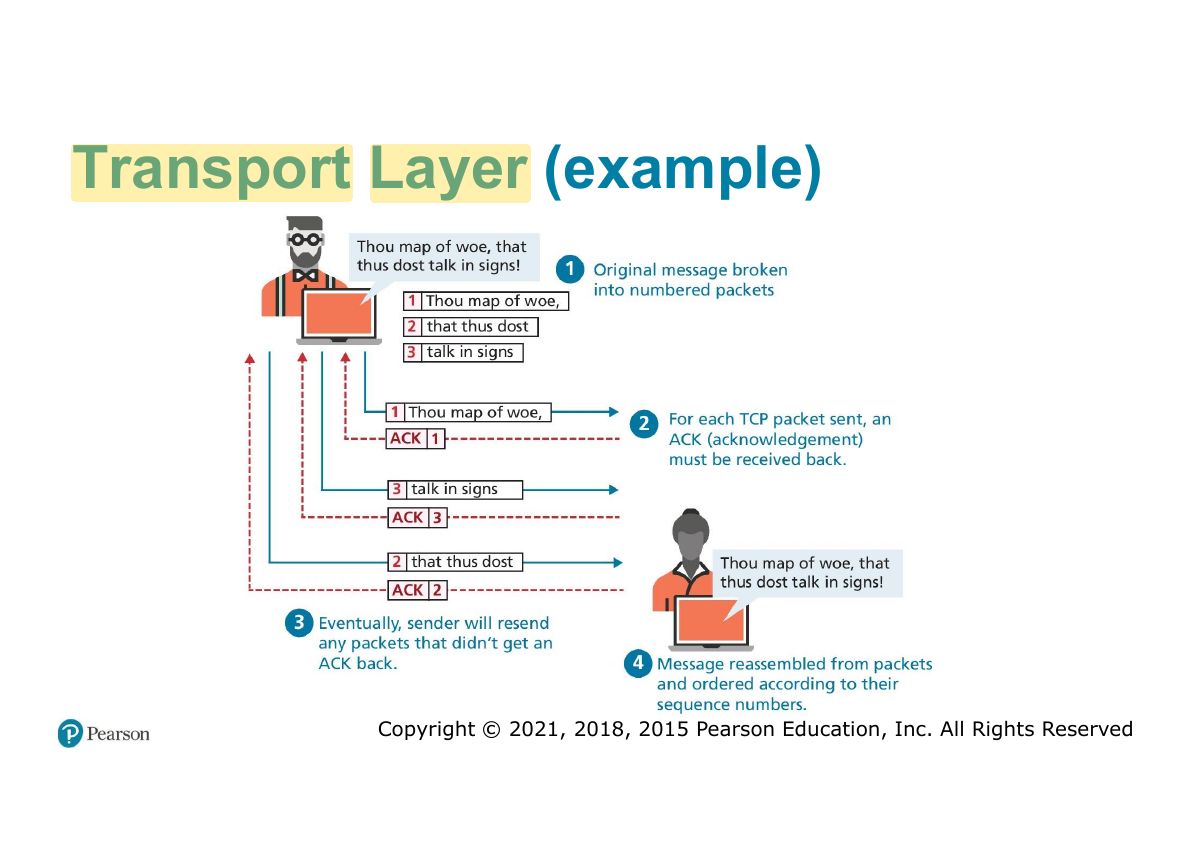
  31. 31 Transport Layer (example)
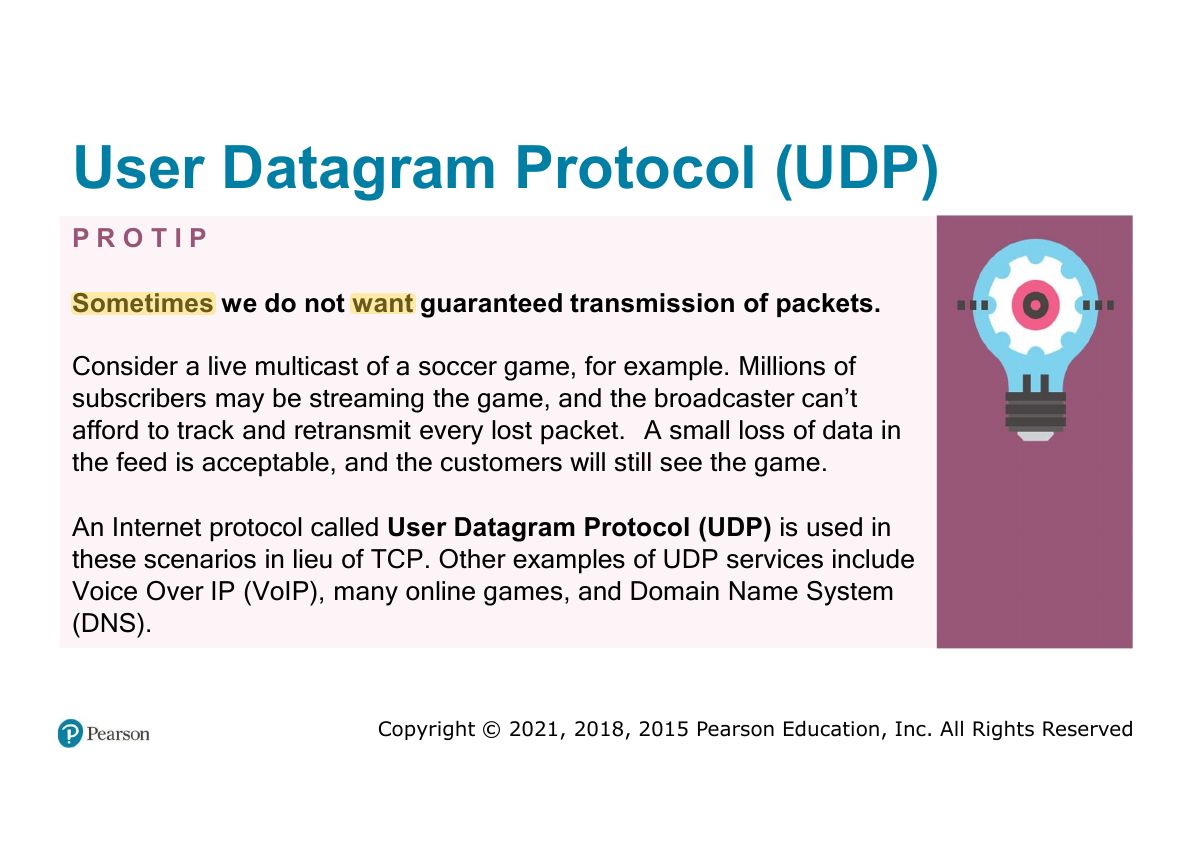
  32. 32 User Datagram Protocol (UDP)
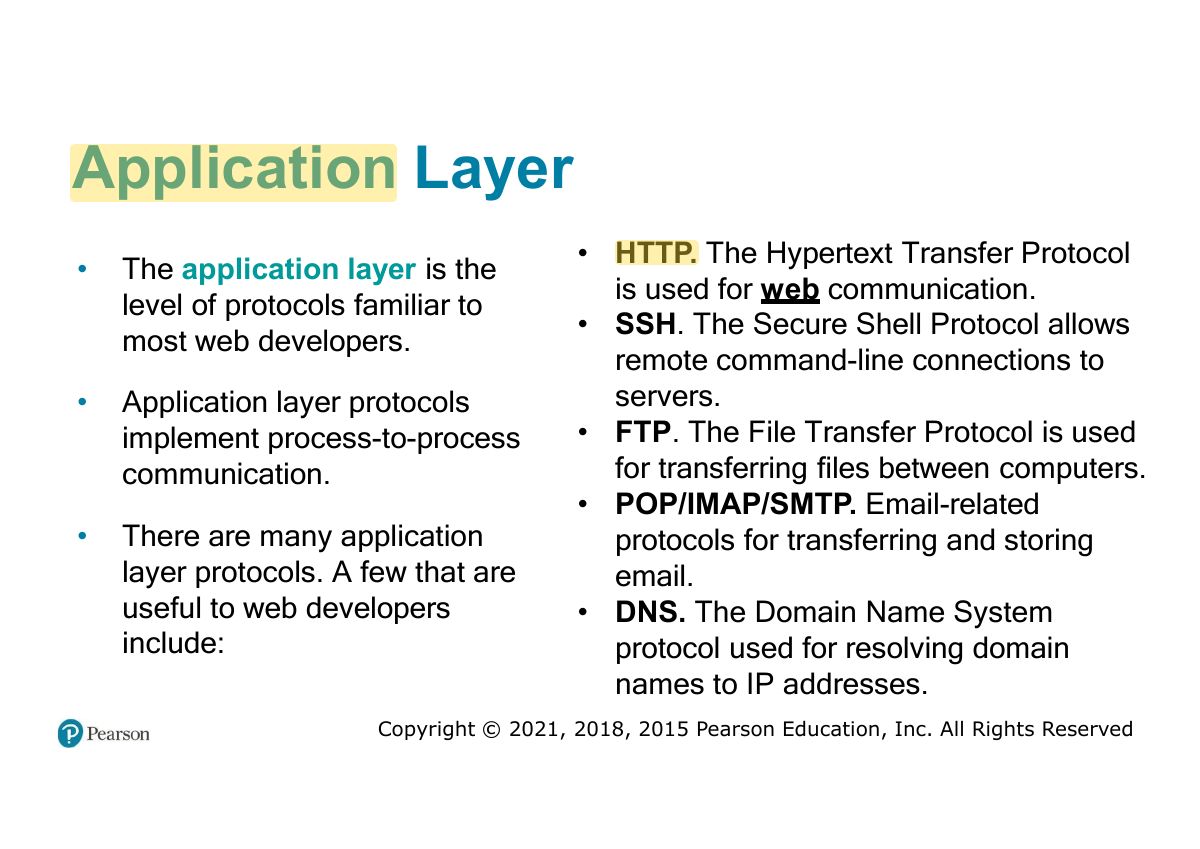
  33. 33 Application Layer
  34. 34 Domain Name System
  35. 35 DNS Overview
  36. 36 Name Levels
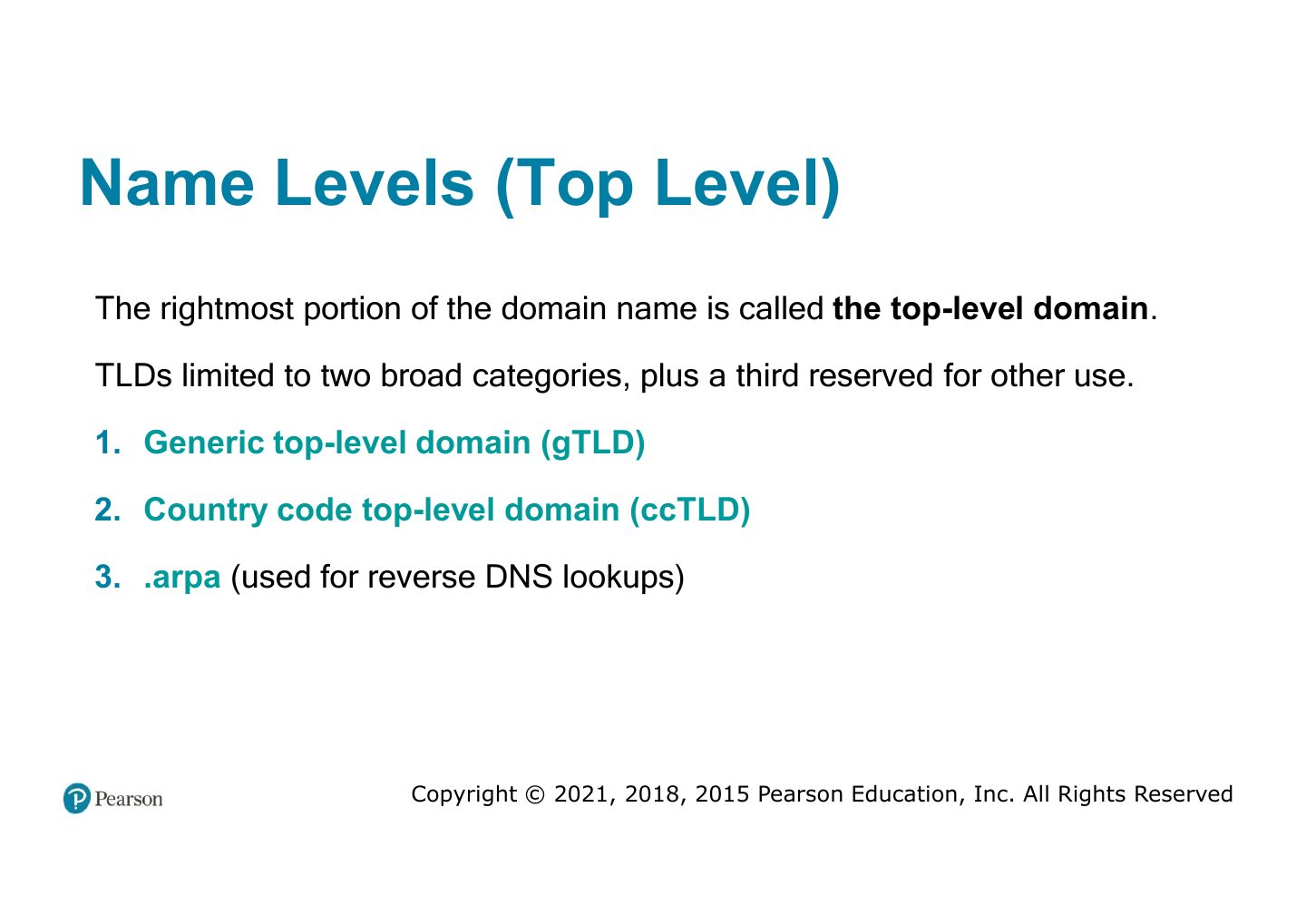
  37. 37 Name Levels (Top Level)
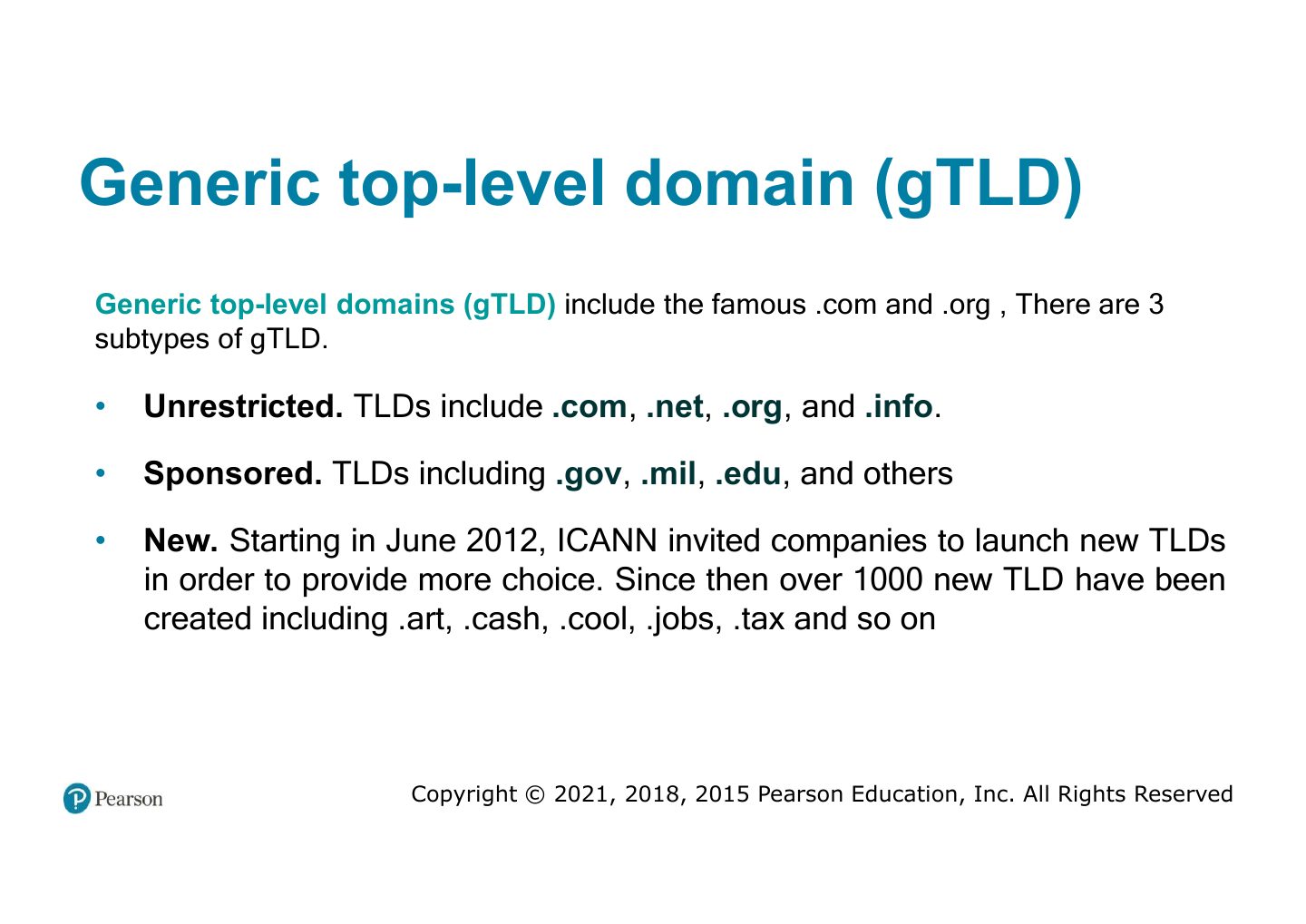
  38. 38 Generic top-level domain (gTLD)
  39. 39 Country code top-level domain
  40. 40 Name Registration
  41. 41 Domain Name Registrars in KSA
  42. 42 Domain name registration process
  43. 43 Address Resolution
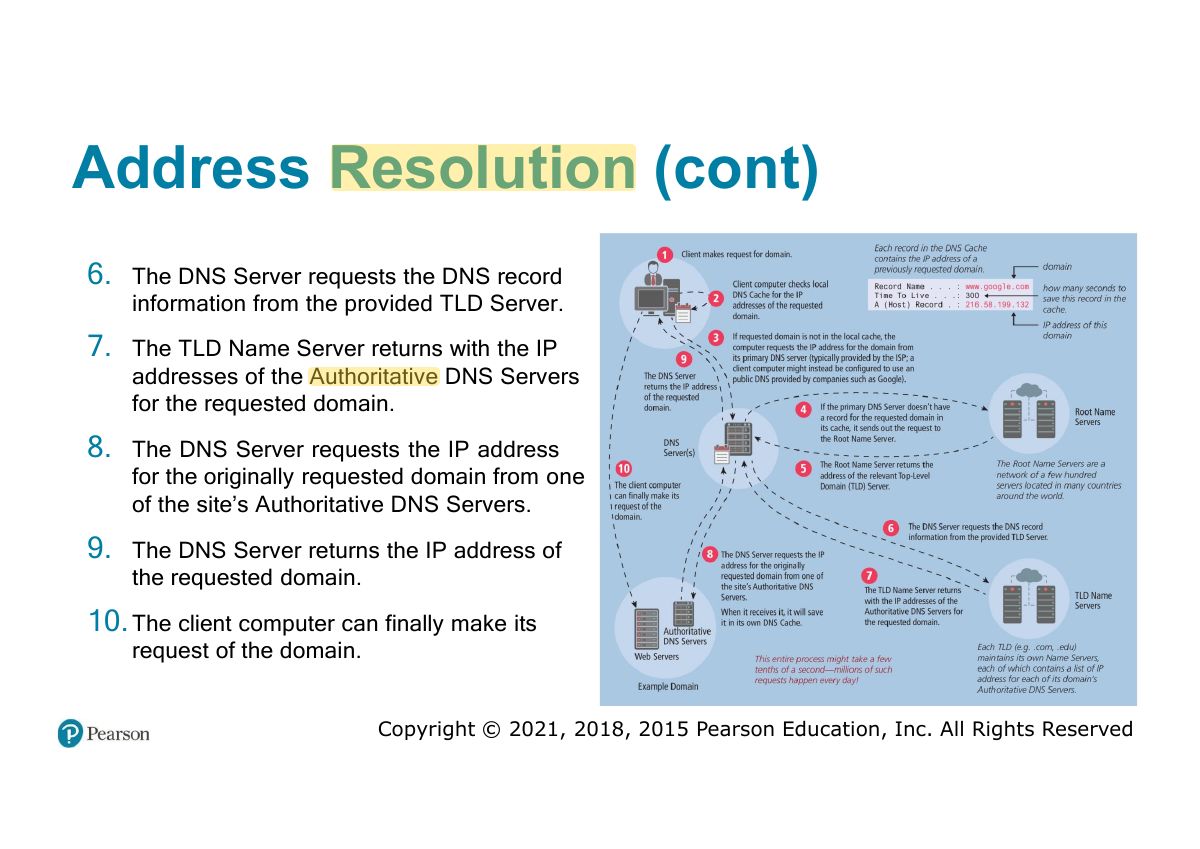
  44. 44 Address Resolution (cont)
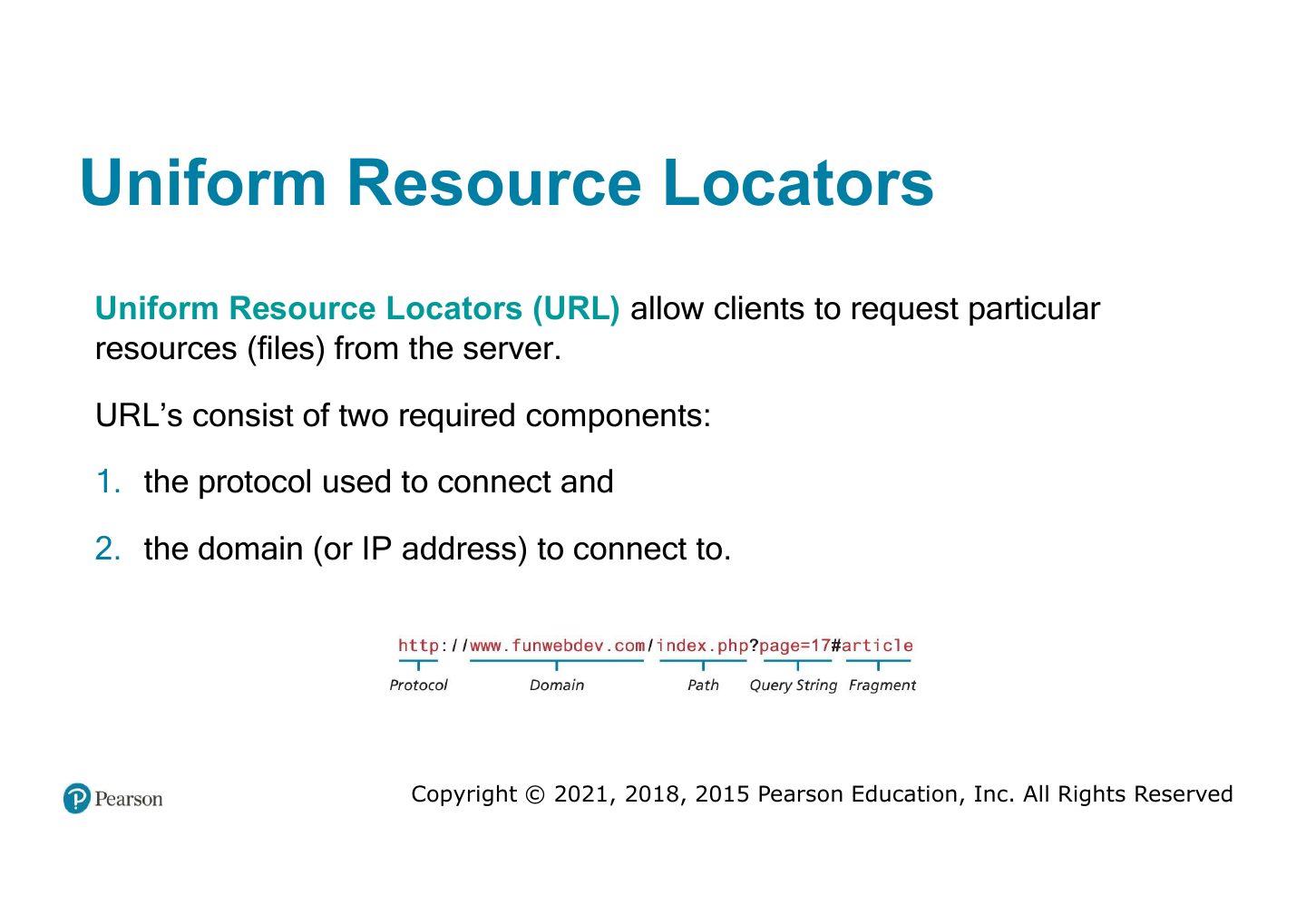
  45. 45 Uniform Resource Locators
  46. 46 Port (URL)
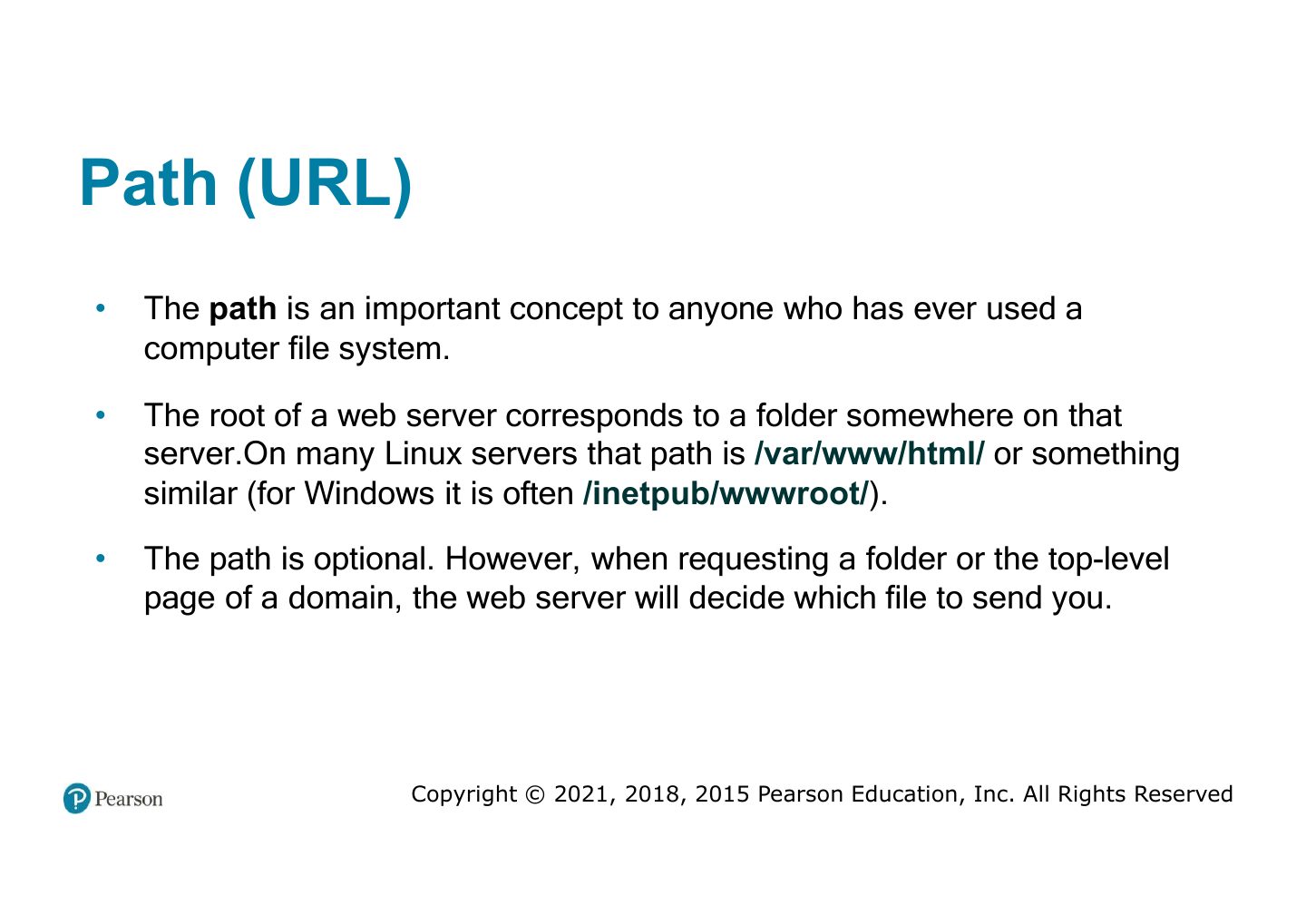
  47. 47 Path (URL)
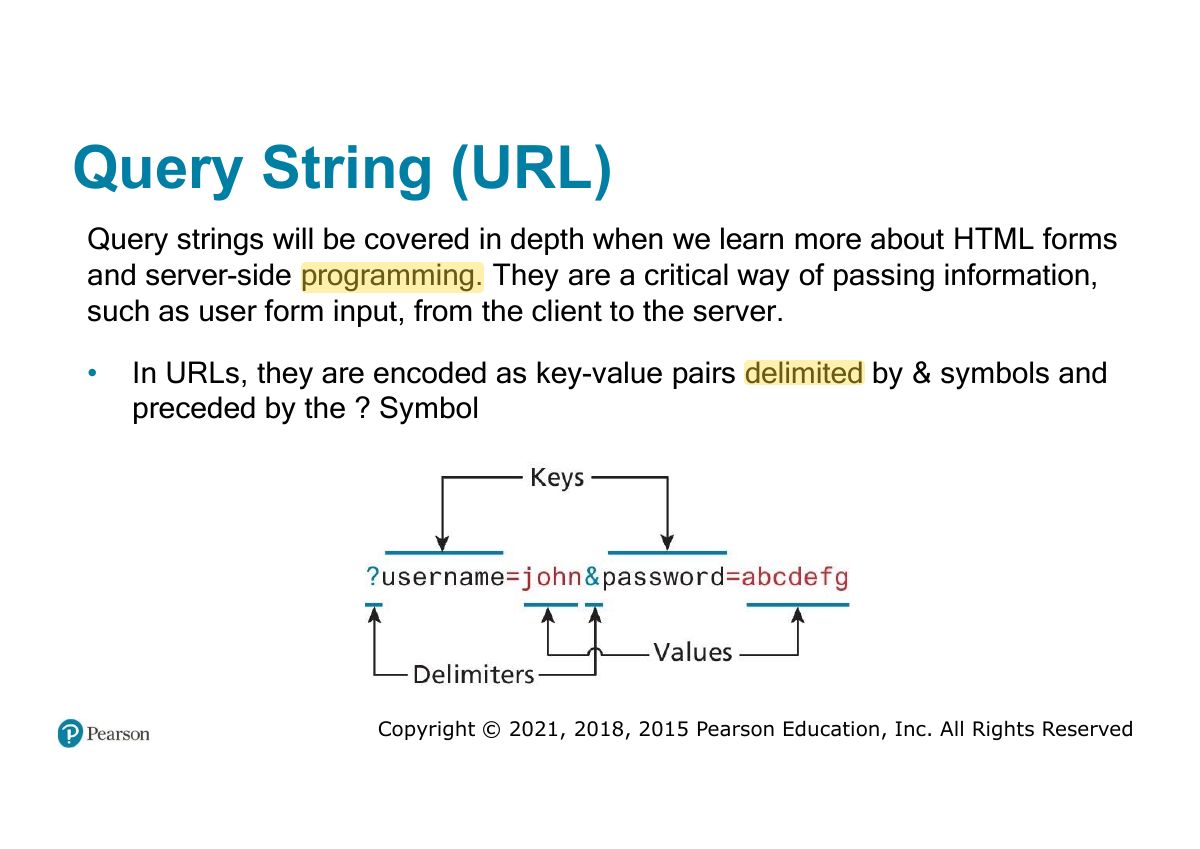
  48. 48 Query String (URL)
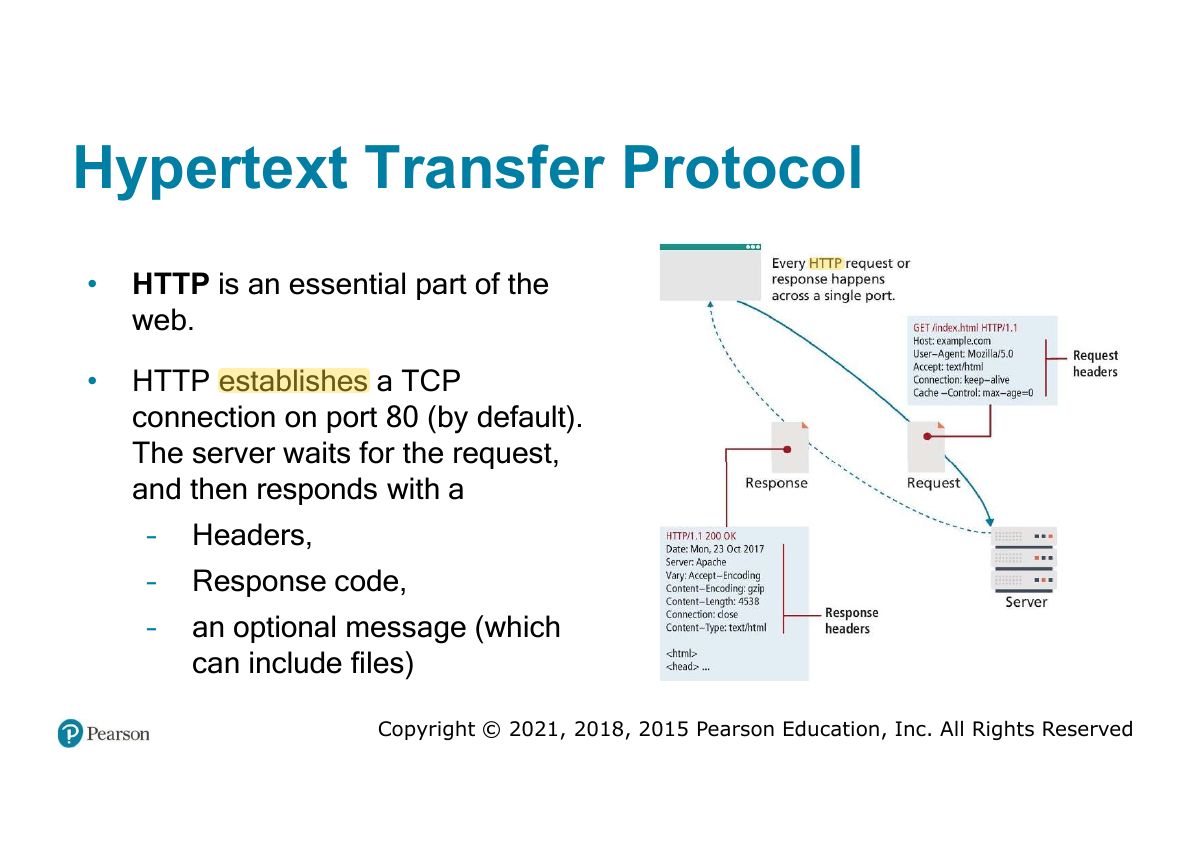
  49. 49 Hypertext Transfer Protocol
  50. 50 HTTP Headers
  51. 51 HTTP Request Methods
  52. 52 GET Request
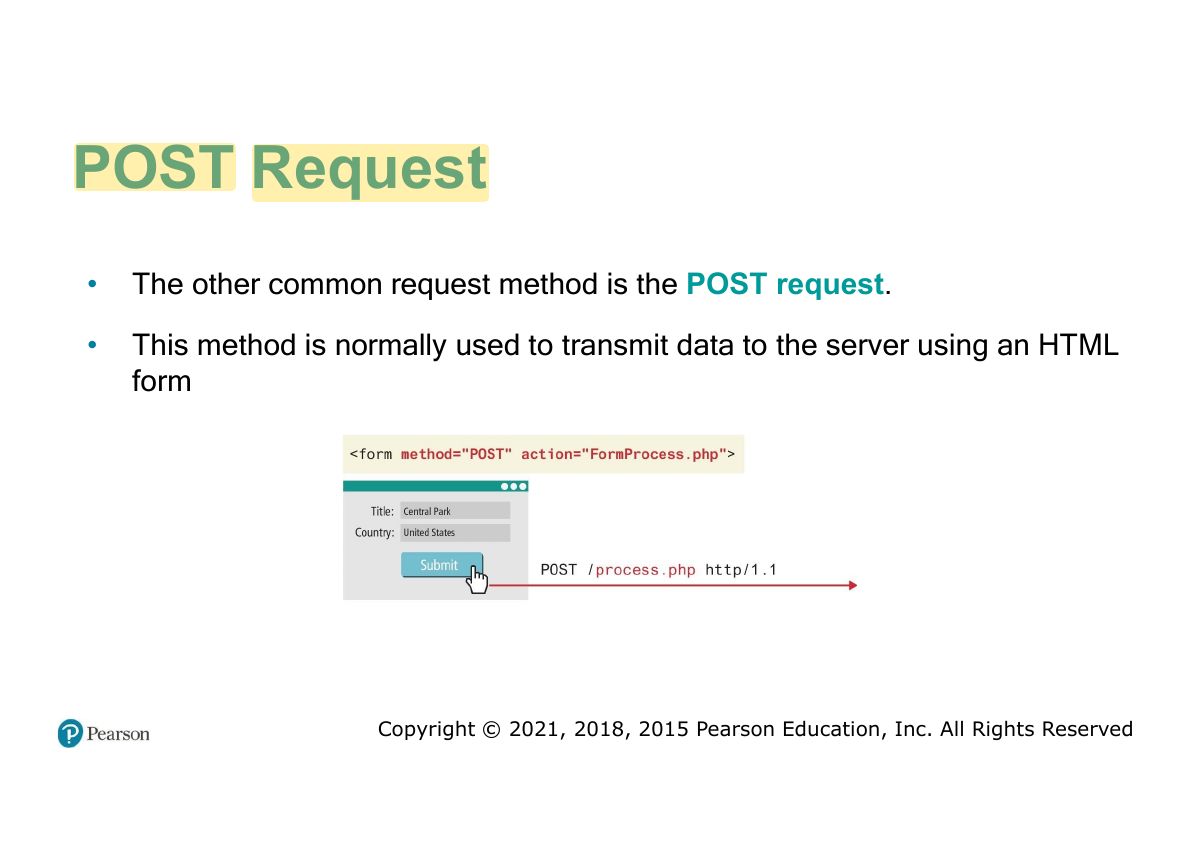
  53. 53 POST Request
  54. 54 Response Codes
  55. 55 HTTP Response Codes
  56. 56 Web Browsers (Fetching a web page)
  57. 57 Web Servers
  58. 58 Web Development stacks
  59. 59 Slide 59
Slide 1 / 59

Fundamentals of Web Development

Slide 1: Fundamentals of Web Development
Slide 2 / 59

Course Syllabus

Slide 2: Course Syllabus
Slide 3 / 59

Technical pre-requisites

Slide 3: Technical pre-requisites
Slide 4 / 59

In this chapter you will learn . . .

Slide 4: In this chapter you will learn . . .
Slide 5 / 59

A Short History of the Internet

Slide 5: A Short History of the Internet
Slide 6 / 59

Circuit Switched Networks

Slide 6: Circuit Switched Networks
Slide 7 / 59

Packet Switched Networks

Slide 7: Packet Switched Networks

Notes

  1. Packet switching: data split into packets routed independently, sharing lines (the internet). Circuit switching: a dedicated path for the whole call (telephone).
Slide 8 / 59

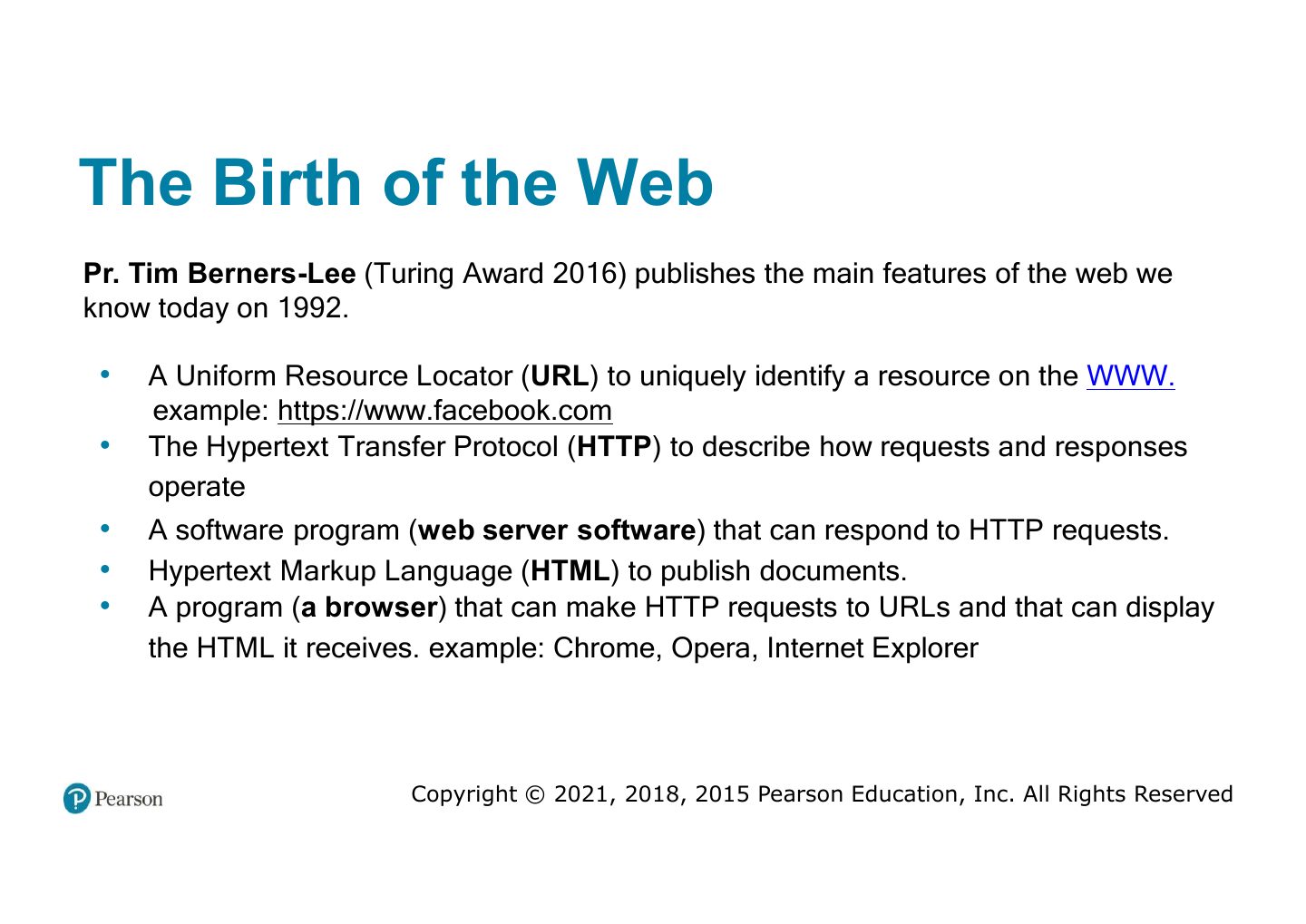
The Birth of the Web

Slide 8: The Birth of the Web

Exam angle

PredictionQ1

The web and the internet are the same thing.
Slide 9 / 59

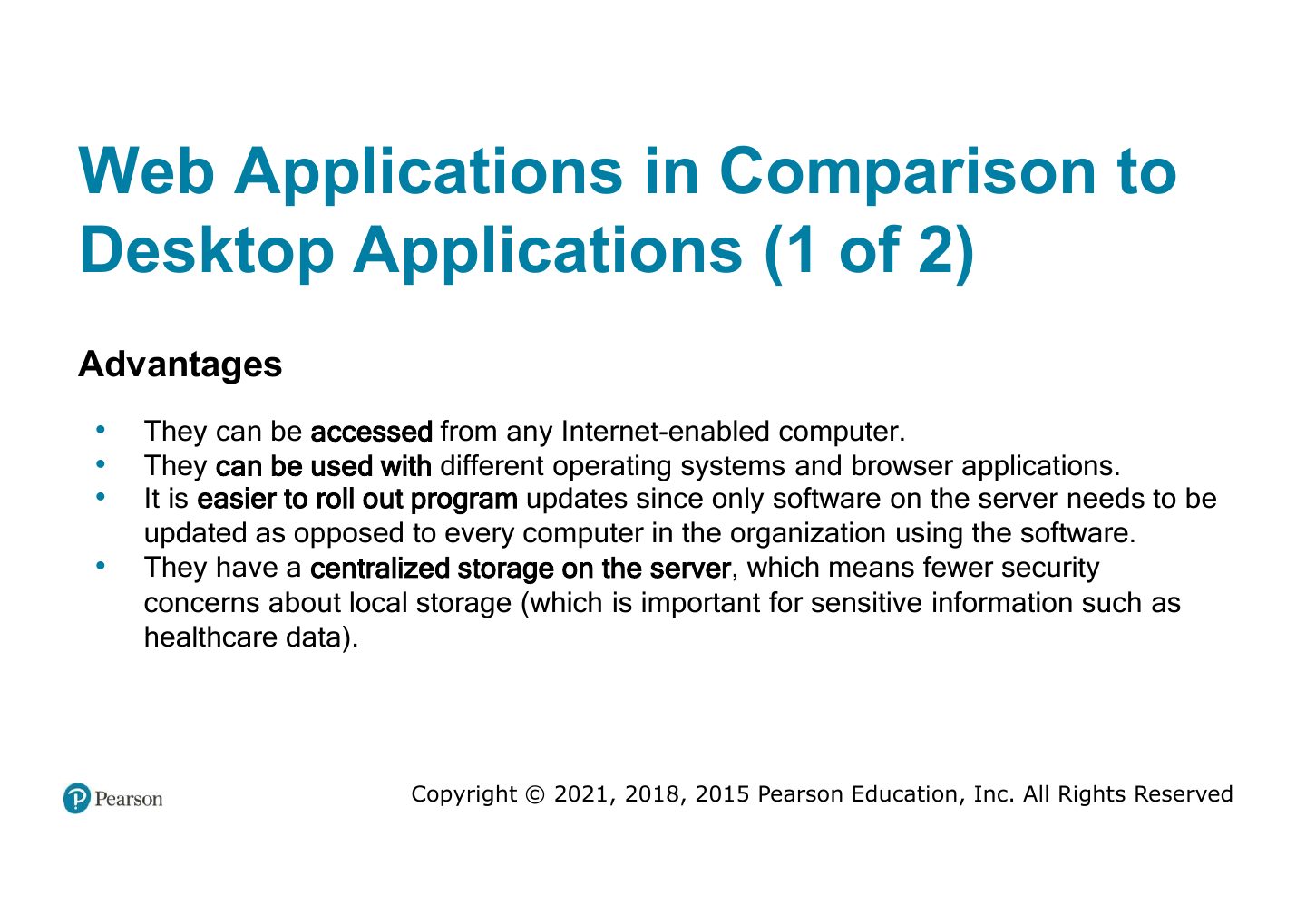
Web Applications in Comparison to

Slide 9: Web Applications in Comparison to
Slide 10 / 59

Web Applications in Comparison to

Slide 10: Web Applications in Comparison to
Slide 11 / 59

Personal data protection law KSA

Slide 11: Personal data protection law KSA
Slide 12 / 59

From Static to Dynamic

Slide 12: From Static to Dynamic

Notes

  1. Static sites: the same HTML file for everyone. Dynamic sites: pages generated by server programs, often from a database.
Slide 13 / 59

From Static to Dynamic ii

Slide 13: From Static to Dynamic ii
Slide 14 / 59

Web 2.0

Slide 14: Web 2.0
Slide 15 / 59

Why are programs needed? (1 of 2)

Slide 15: Why are programs needed? (1 of 2)
Slide 16 / 59

Why are programs needed? (2 of 2)

Slide 16: Why are programs needed? (2 of 2)
Slide 17 / 59

The Client-Server Model

Slide 17: The Client-Server Model
Slide 18 / 59

Where Is the Internet?

Slide 18: Where Is the Internet?
Slide 19 / 59

From the Home to the Ocean s Edge ’

Slide 19: From the Home to the Ocean s Edge ’
Slide 20 / 59

From the Home to the Ocean s Edge ’

Slide 20: From the Home to the Ocean s Edge ’
Slide 21 / 59

How the Internet Is Organized Today

Slide 21: How the Internet Is Organized Today
Slide 22 / 59

Fundamentals of Web Development

Slide 22: Fundamentals of Web Development
Slide 23 / 59

In this chapter you will learn . . .

Slide 23: In this chapter you will learn . . .
Slide 24 / 59

Internet protocols

Slide 24: Internet protocols
Slide 25 / 59

A Layered Architecture

Slide 25: A Layered Architecture

Notes

  1. Four-layer TCP/IP: link → internet (IP) → transport (TCP/UDP) → application (HTTP, DNS…).
Slide 26 / 59

Link Layer

Slide 26: Link Layer
Slide 27 / 59

Internet Layer

Slide 27: Internet Layer
Slide 28 / 59

IP Addresses (cont)

Slide 28: IP Addresses (cont)

Notes

  1. IPv4 is 32 bits (four 0–255 numbers); IPv6 is 128 bits.

Exam angle

PredictionQ1

An IPv4 address is how many bits?

Slide 29 / 59

Port Address Translation (PAT)

Slide 29: Port Address Translation (PAT)
Slide 30 / 59

Transport Layer

Slide 30: Transport Layer

Notes

  1. TCP: reliable, ordered, connection-based. UDP: fast, connectionless, no guarantees (video, DNS).

Exam angle

PredictionQ1

Which protocol guarantees delivery and order?
Slide 31 / 59

Transport Layer (example)

Slide 31: Transport Layer (example)
Slide 32 / 59

User Datagram Protocol (UDP)

Slide 32: User Datagram Protocol (UDP)
Slide 33 / 59

Application Layer

Slide 33: Application Layer
Slide 34 / 59

Domain Name System

Slide 34: Domain Name System
Slide 35 / 59

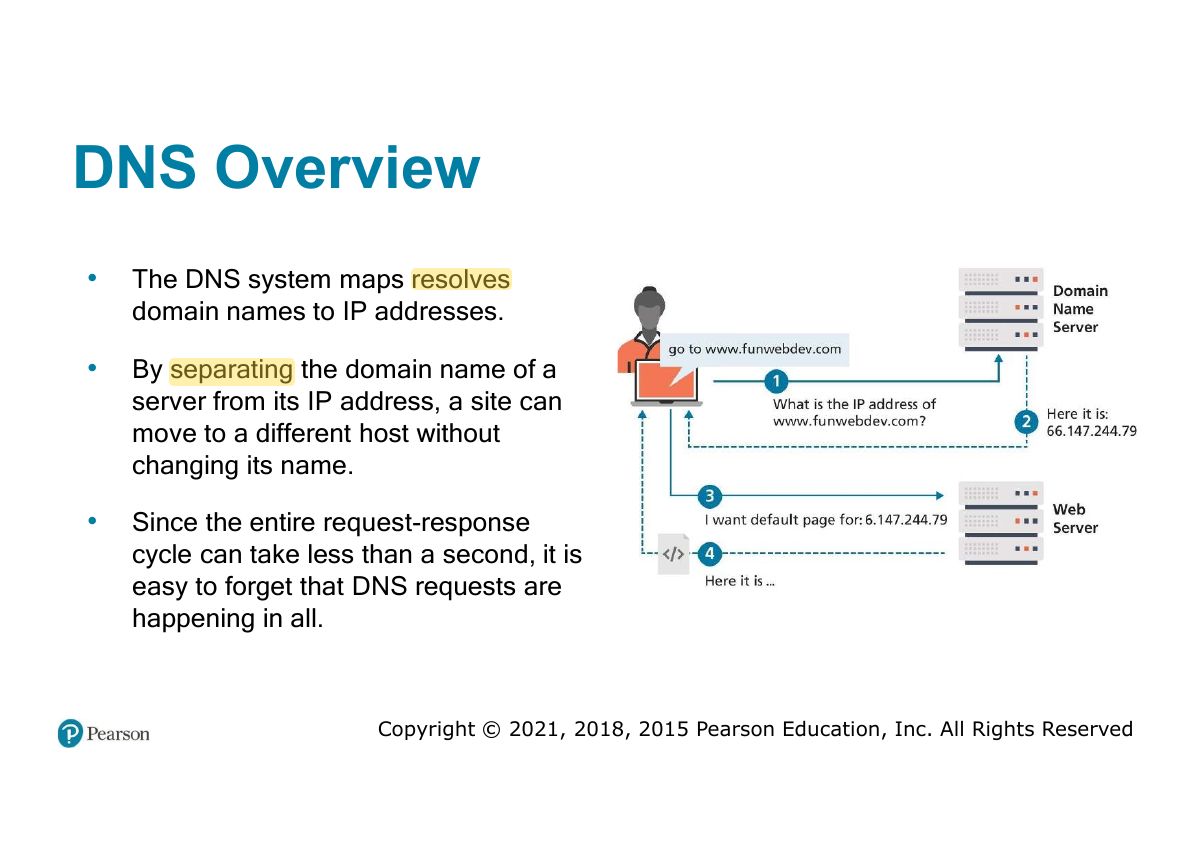
DNS Overview

Slide 35: DNS Overview
Slide 36 / 59

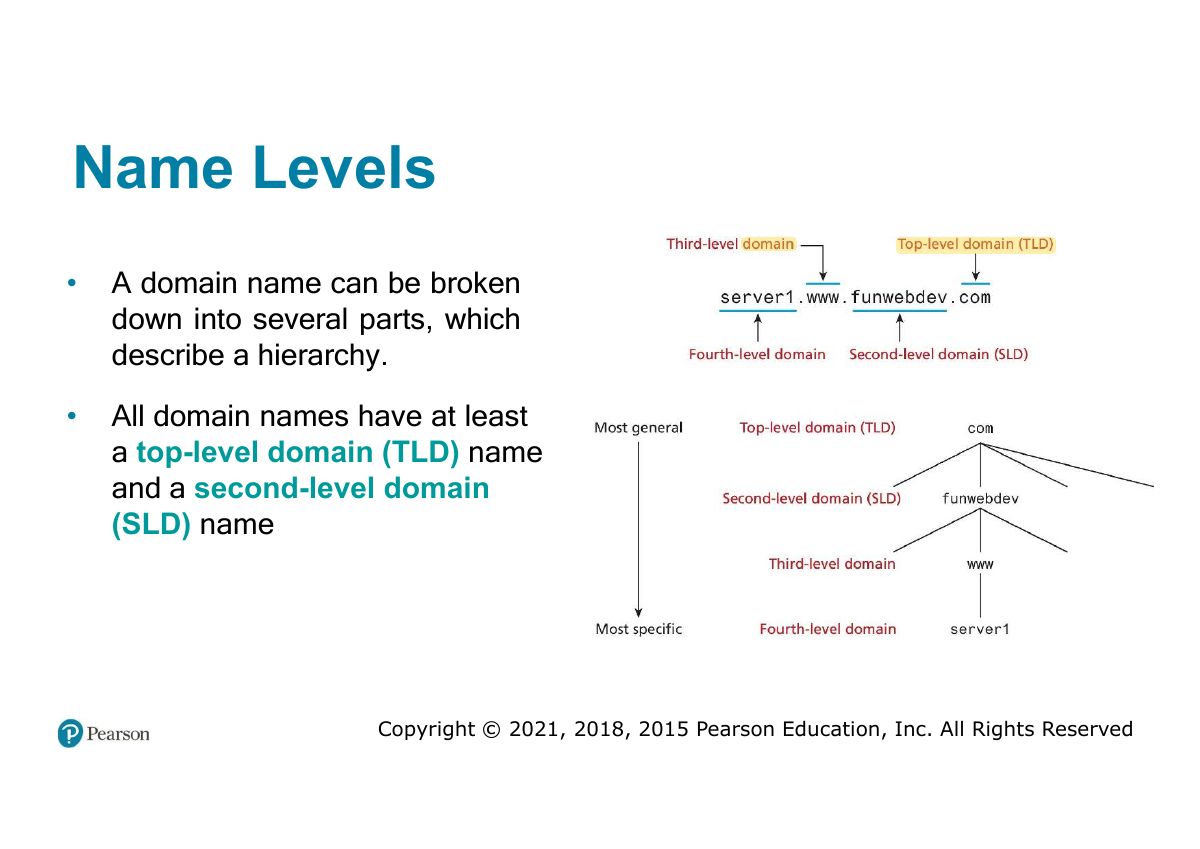
Name Levels

Slide 36: Name Levels

Notes

  1. Name levels read right to left: top-level domain (.com, .sa), second-level (psu), subdomains (www).
Slide 37 / 59

Name Levels (Top Level)

Slide 37: Name Levels (Top Level)
Slide 38 / 59

Generic top-level domain (gTLD)

Slide 38: Generic top-level domain (gTLD)
Slide 39 / 59

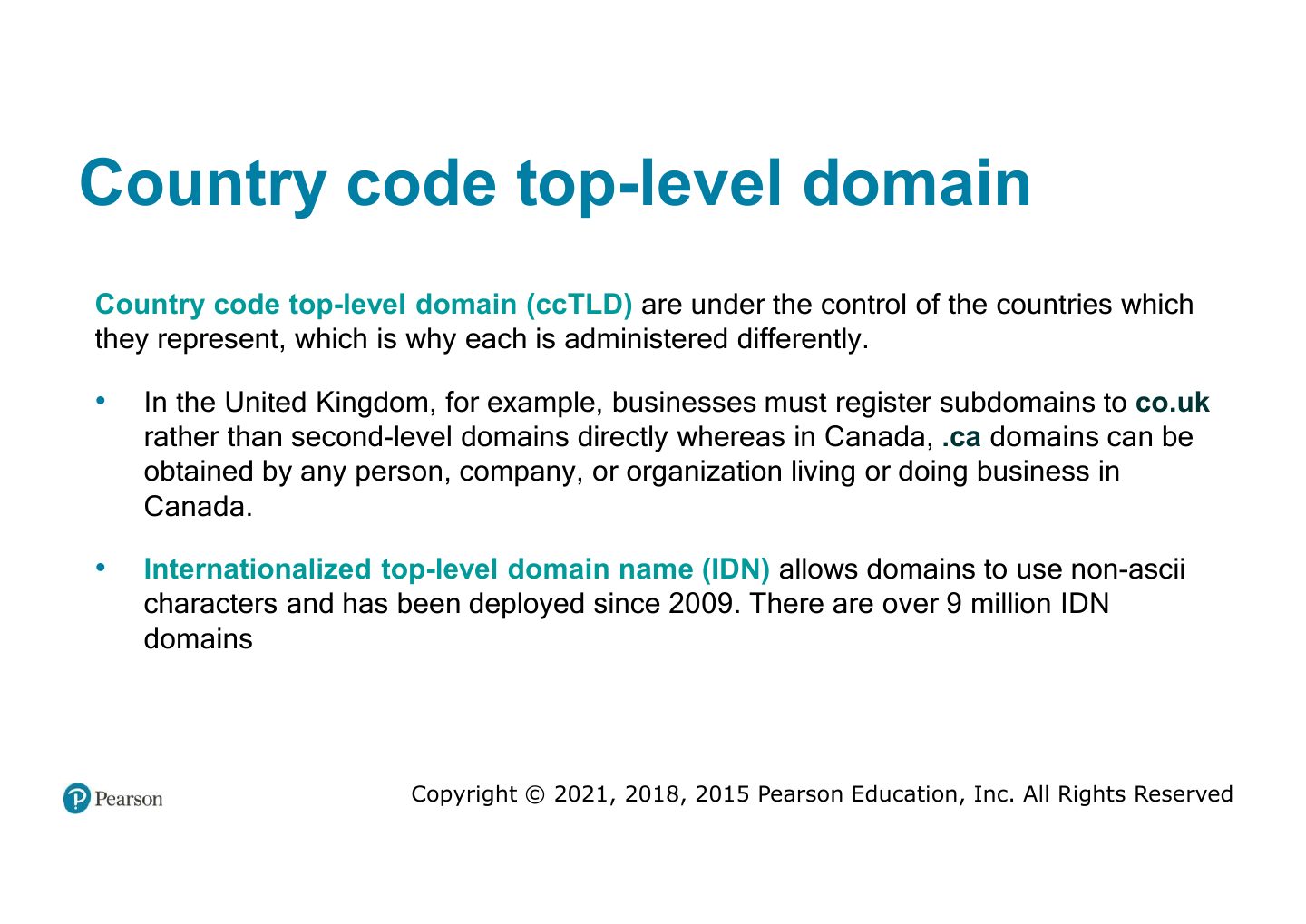
Country code top-level domain

Slide 39: Country code top-level domain
Slide 40 / 59

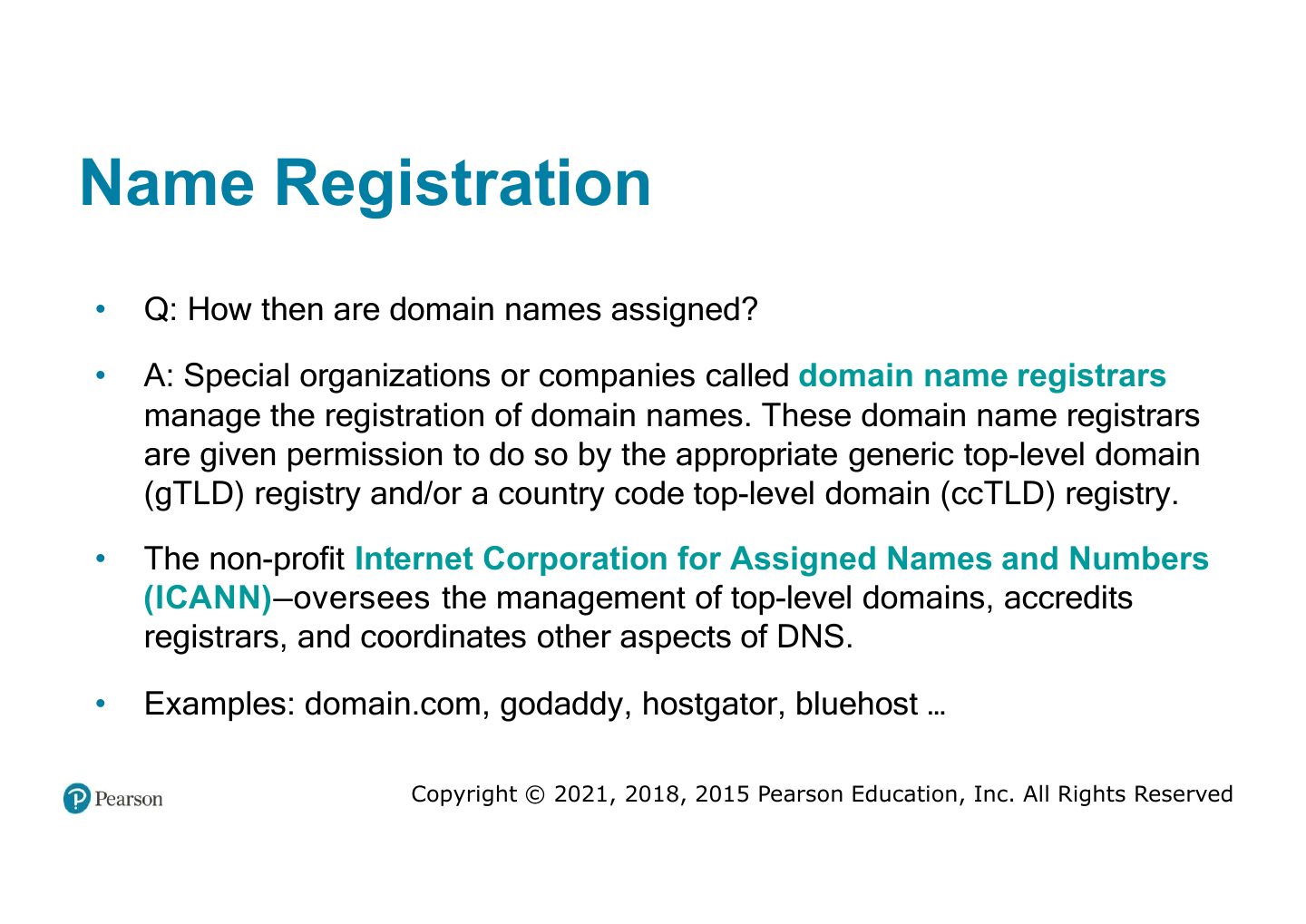
Name Registration

Slide 40: Name Registration
Slide 41 / 59

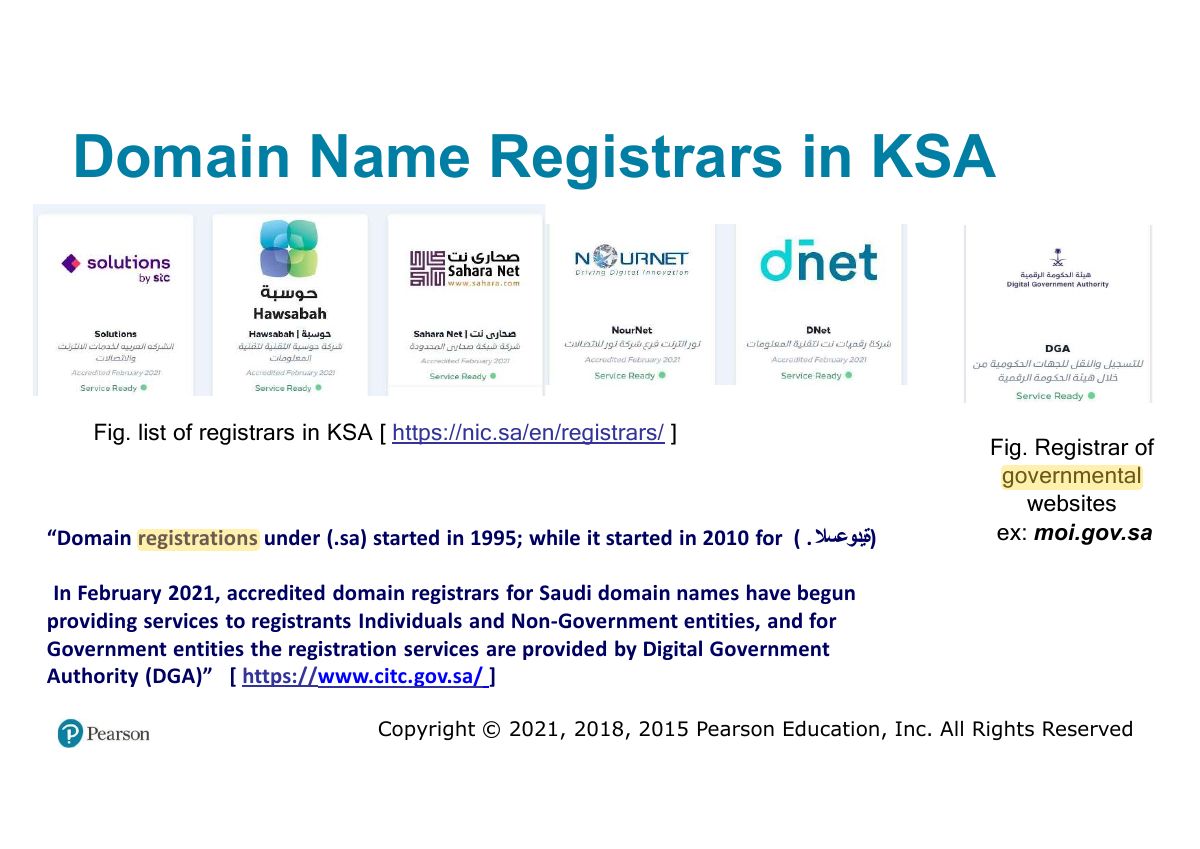
Domain Name Registrars in KSA

Slide 41: Domain Name Registrars in KSA
Slide 42 / 59

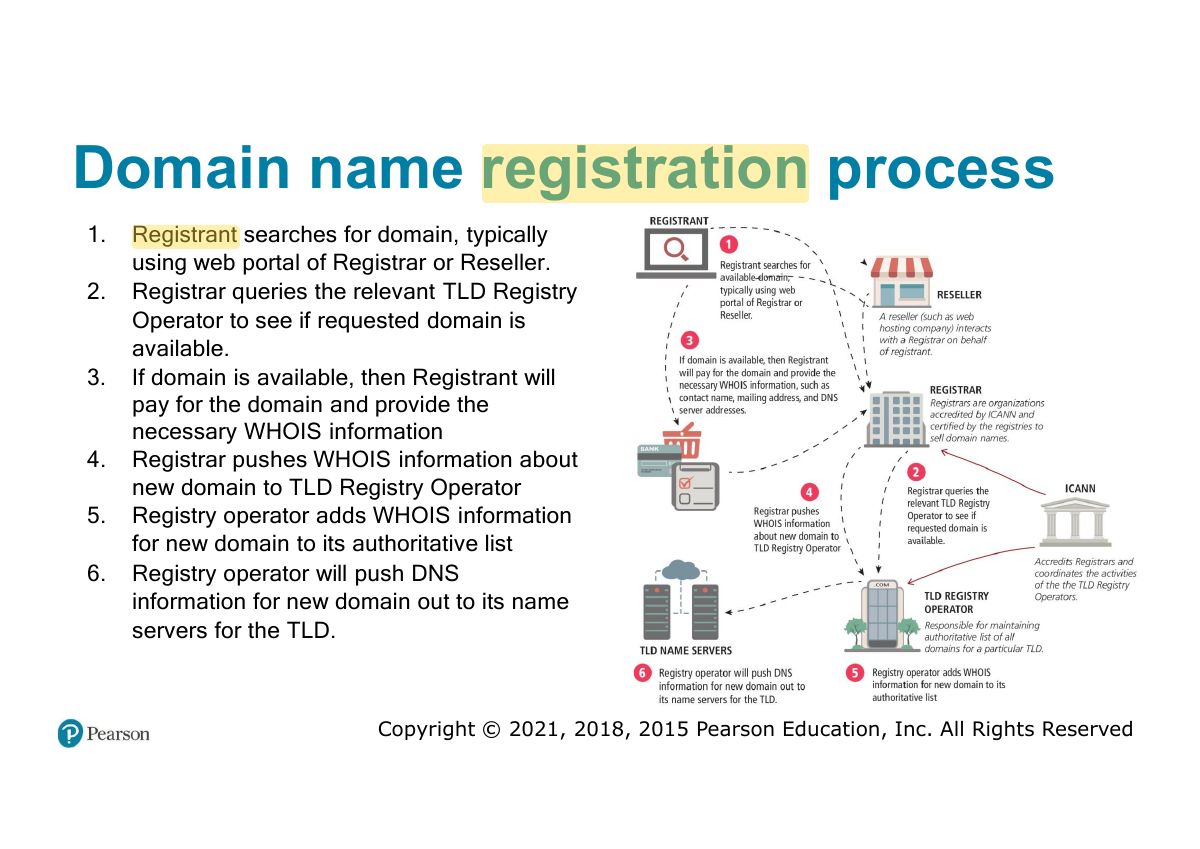
Domain name registration process

Slide 42: Domain name registration process
Slide 43 / 59

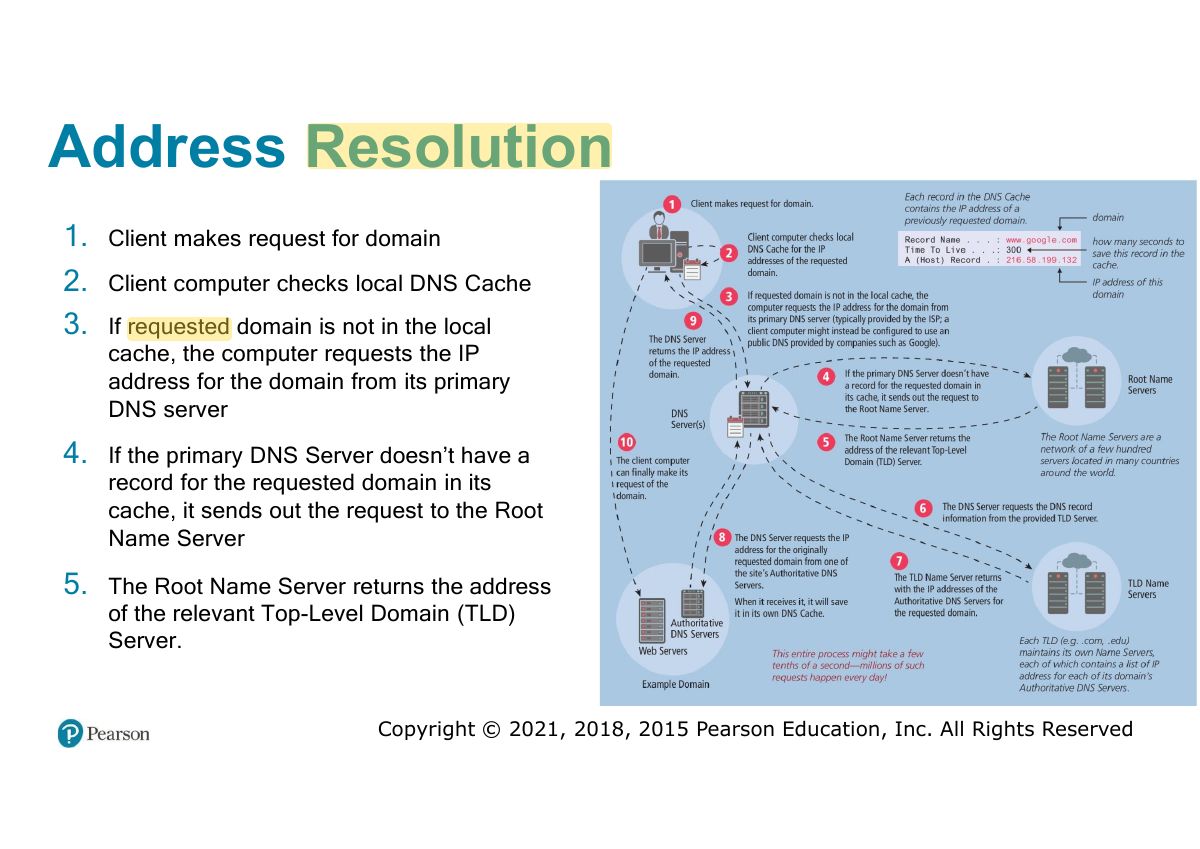
Address Resolution

Slide 43: Address Resolution

Notes

  1. Resolution: browser → local cache → resolver → root → TLD server → authoritative server → IP back to the browser.
Slide 44 / 59

Address Resolution (cont)

Slide 44: Address Resolution (cont)
Slide 45 / 59

Uniform Resource Locators

Slide 45: Uniform Resource Locators

Notes

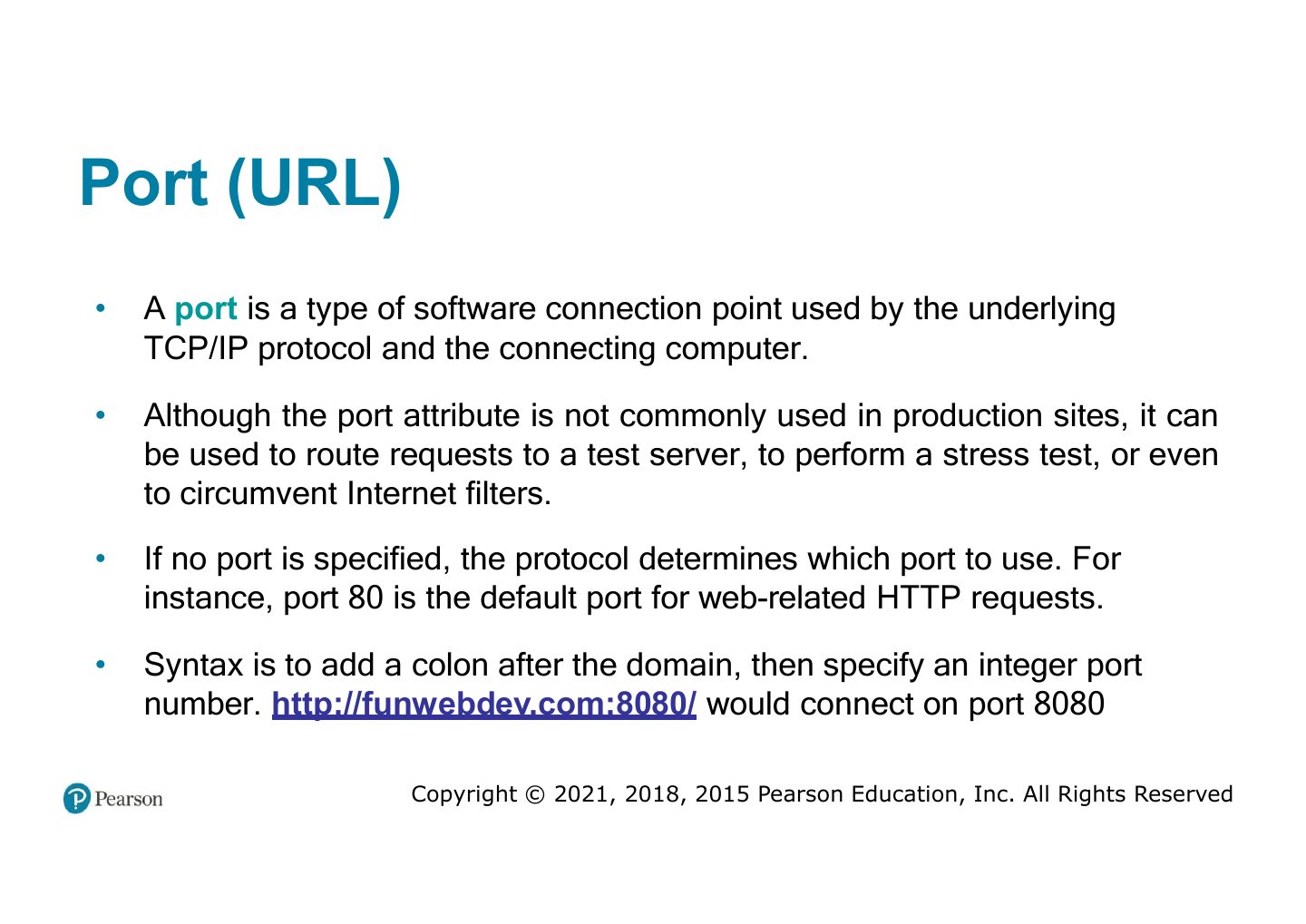
  1. URL = protocol://domain:port/path?query#fragment.

Exam angle

PredictionQ1

In https://shop.com:8080/items?id=5, the query string is:
Slide 46 / 59

Port (URL)

Slide 46: Port (URL)
Slide 47 / 59

Path (URL)

Slide 47: Path (URL)
Slide 48 / 59

Query String (URL)

Slide 48: Query String (URL)
Slide 49 / 59

Hypertext Transfer Protocol

Slide 49: Hypertext Transfer Protocol

Notes

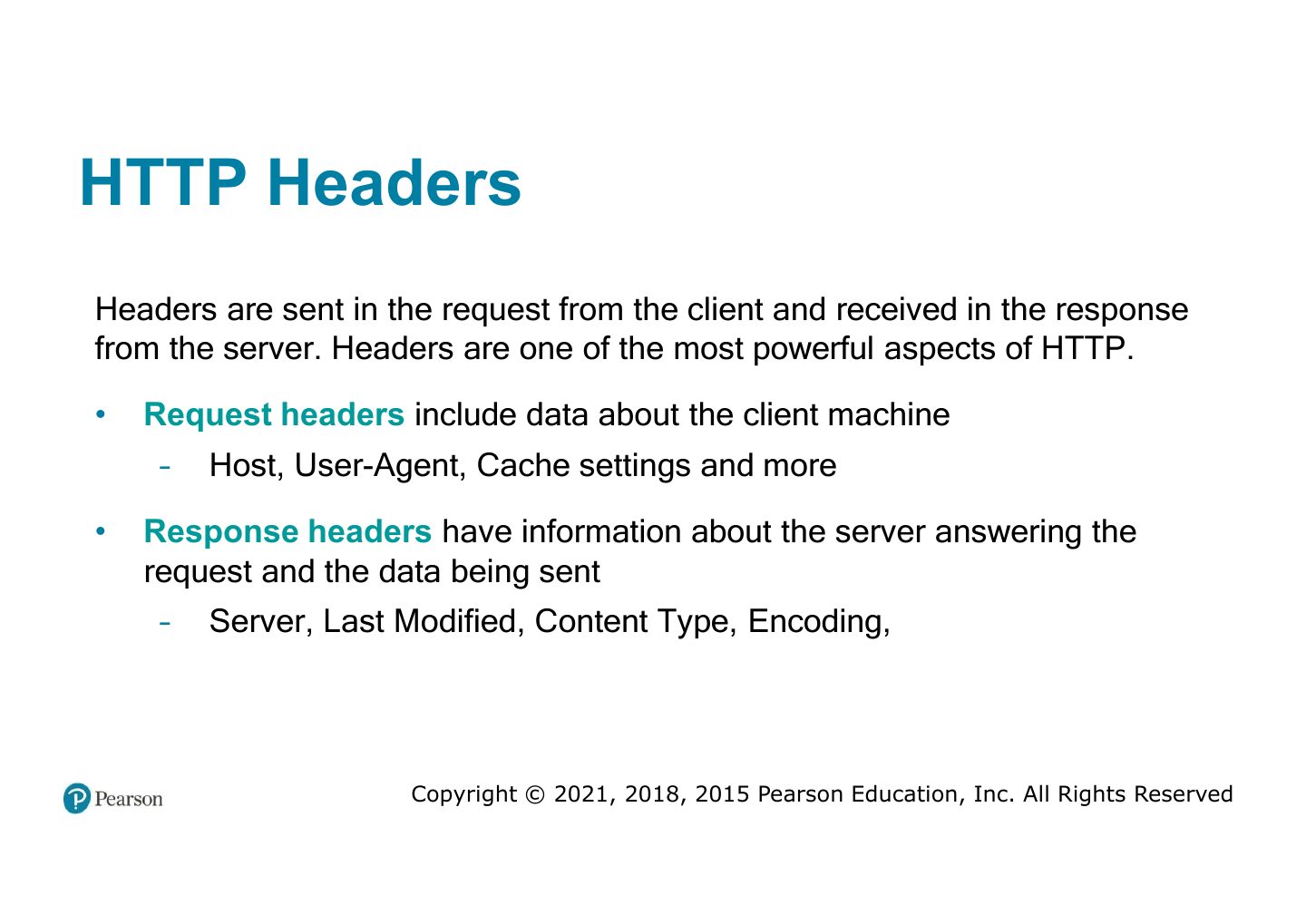
  1. HTTP: stateless request–response protocol; headers carry metadata (Host, User-Agent, Content-Type…).
Slide 50 / 59

HTTP Headers

Slide 50: HTTP Headers
Slide 51 / 59

HTTP Request Methods

Slide 51: HTTP Request Methods

Notes

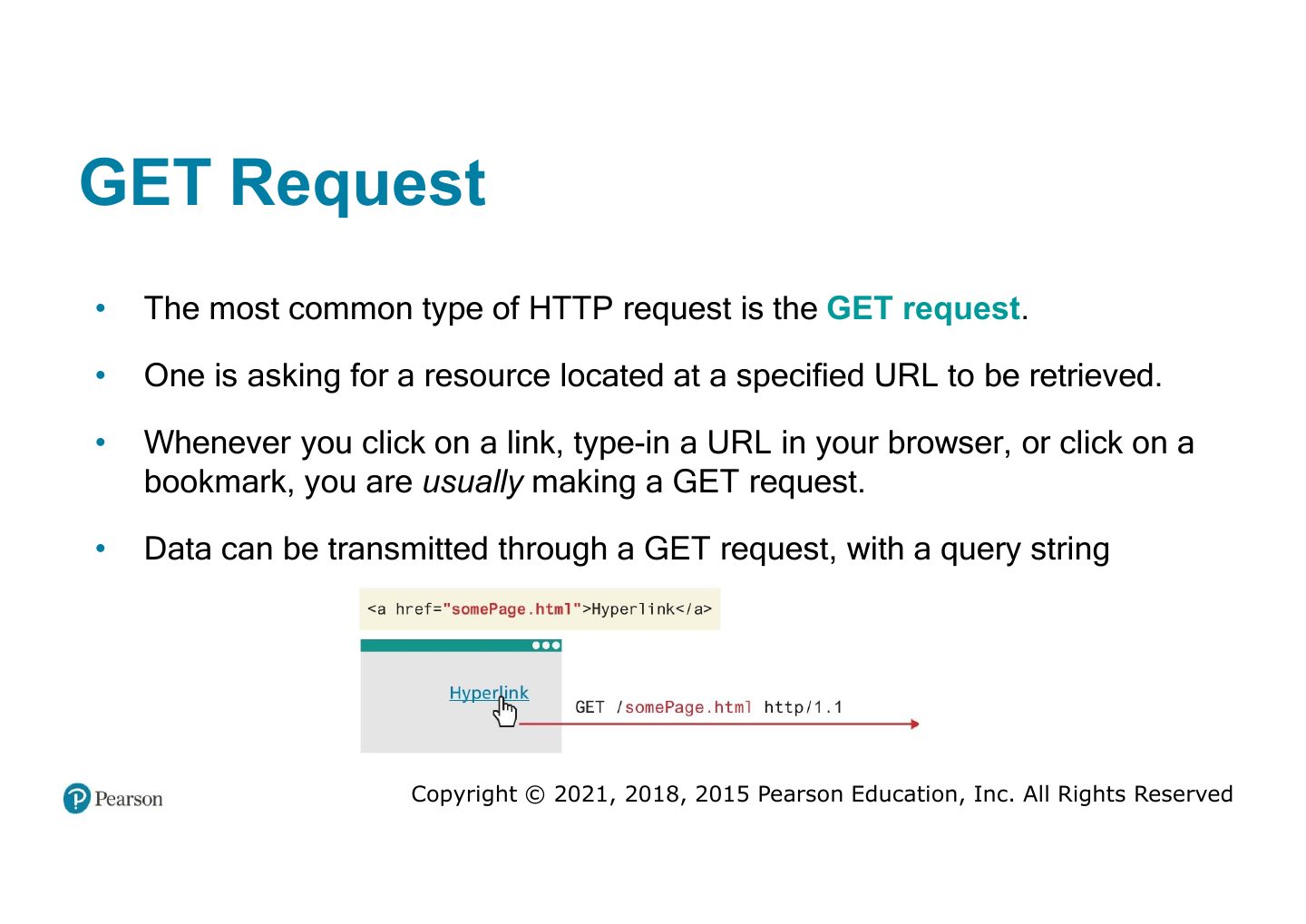
  1. GET: data in the URL query string (bookmarkable, cached, length-limited, visible). POST: data in the request body (forms that change data).

  2. Trap GET requests should not change data; use POST (or PUT/DELETE) for changes.

Exam angle

PredictionQ1

Which method sends form data in the request body rather than the URL?
Slide 52 / 59

GET Request

Slide 52: GET Request
Slide 53 / 59

POST Request

Slide 53: POST Request
Slide 54 / 59

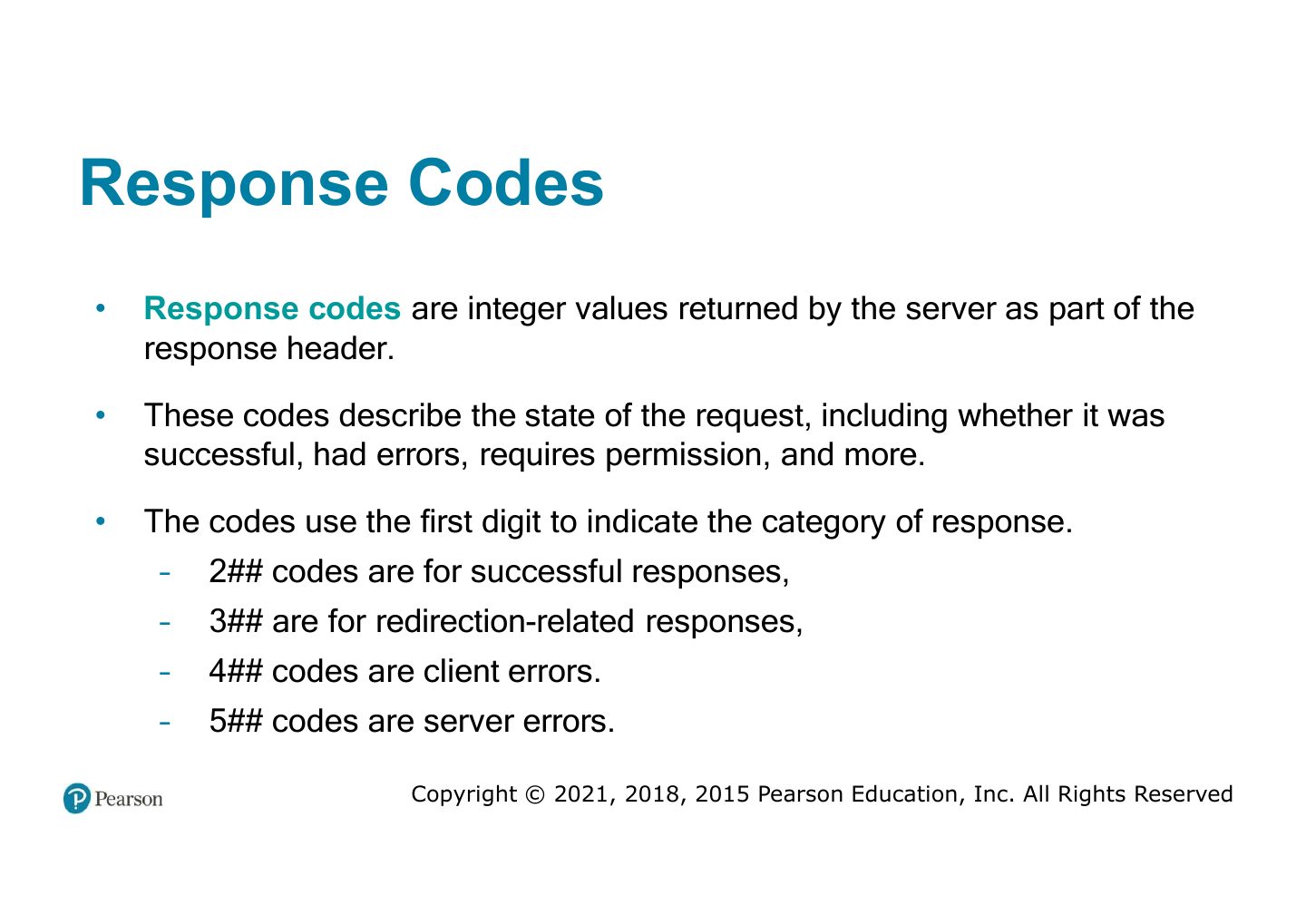
Response Codes

Slide 54: Response Codes

Notes

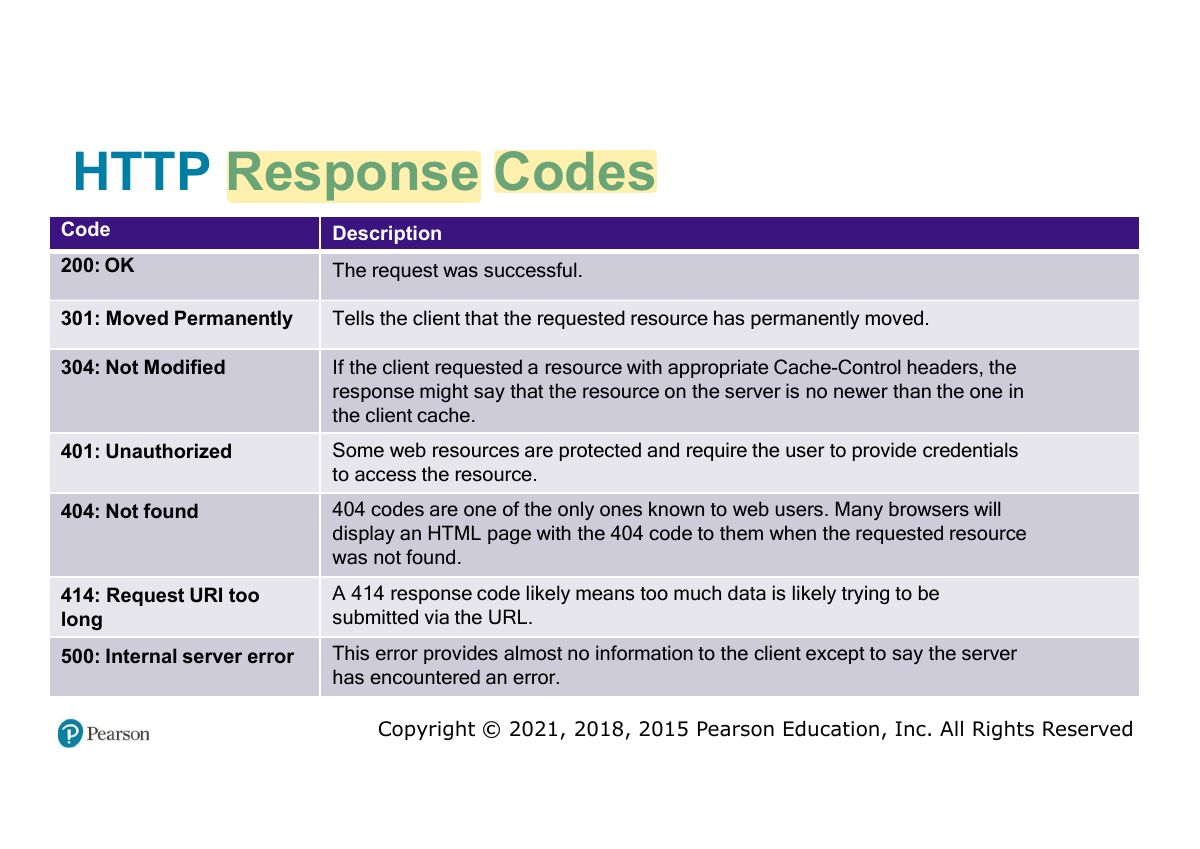
  1. Status codes: 2xx success (200 OK), 3xx redirect (301, 304), 4xx client error (404 Not Found, 403), 5xx server error (500).

Exam angle

PredictionQ1

HTTP 404 means:

PredictionQ2

A 500 status code is a:

Slide 55 / 59

HTTP Response Codes

Slide 55: HTTP Response Codes
Slide 56 / 59

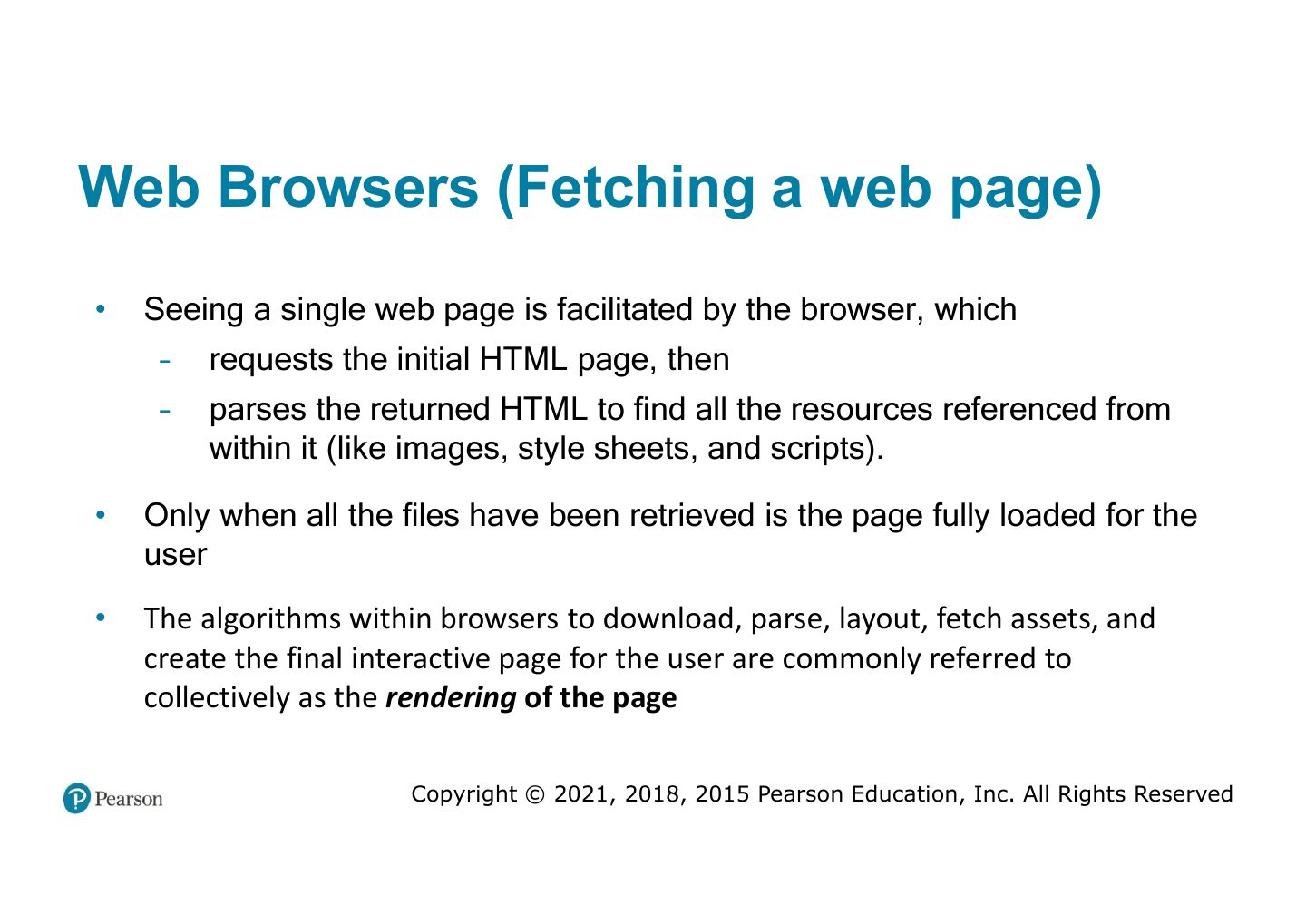
Web Browsers (Fetching a web page)

Slide 56: Web Browsers (Fetching a web page)
Slide 57 / 59

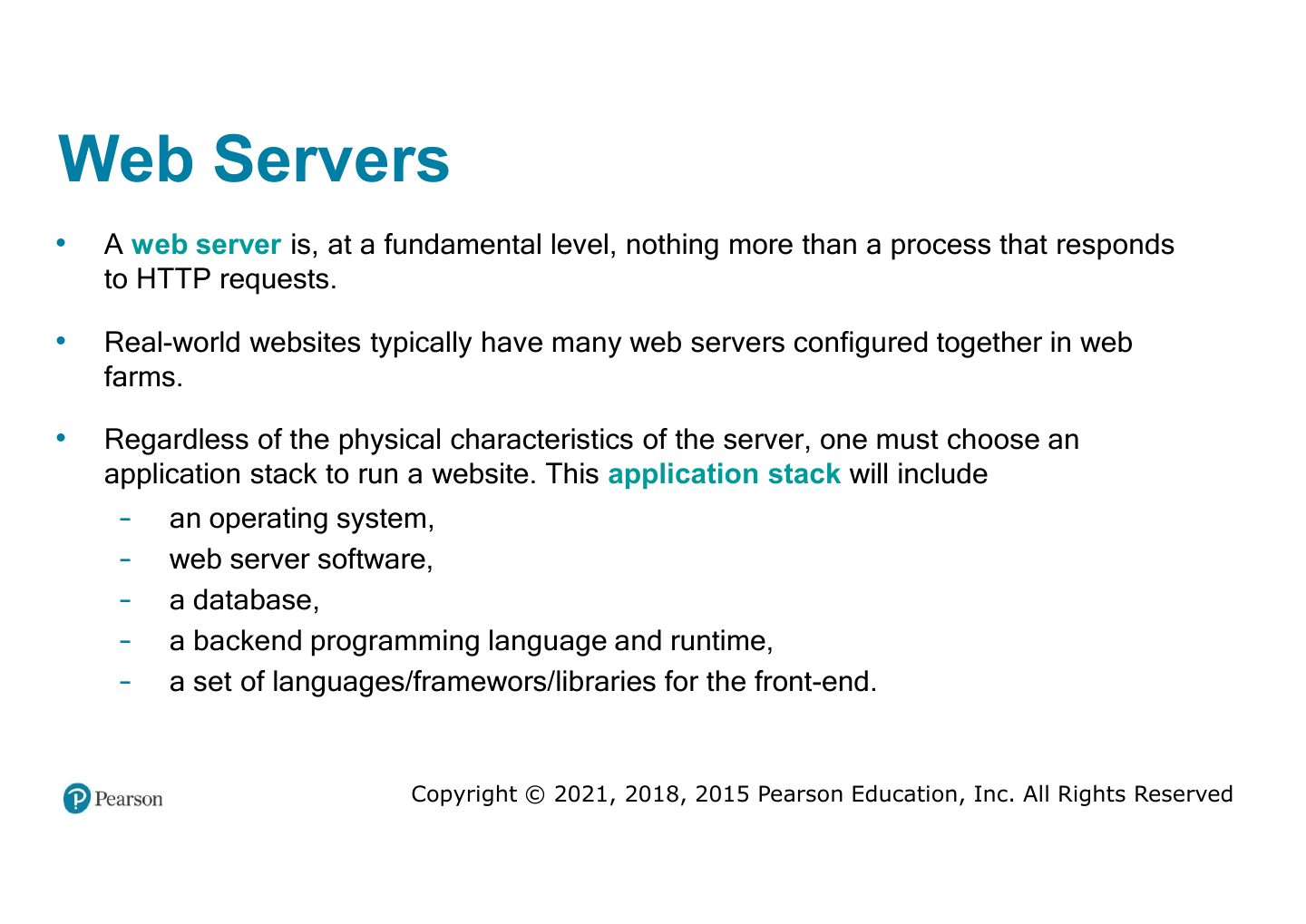
Web Servers

Slide 57: Web Servers
Slide 58 / 59

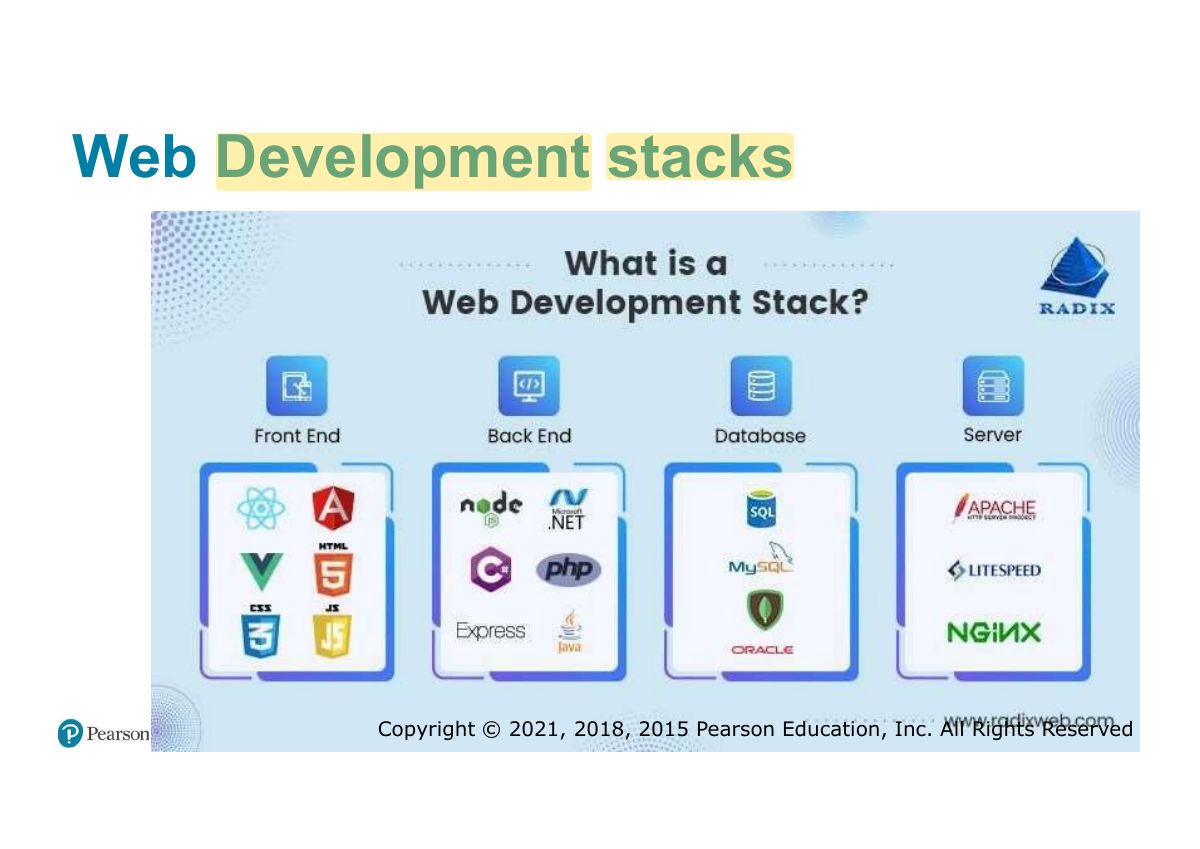
Web Development stacks

Slide 58: Web Development stacks

Notes

  1. Stacks: LAMP (Linux, Apache, MySQL, PHP), MEAN/MERN (MongoDB, Express, Angular/React, Node).

Slide 59 / 59

Slide 59

Slide 59: Slide 59