A progress bar while uploading supports which heuristic?
Inspections, Heuristics and Walkthroughs
Inspection methods without users: heuristic evaluation with Nielsen’s revised heuristics, number of evaluators, the three stages, advantages and problems, cognitive and pluralistic walkthroughs, and A/B testing.
How to read this page
Every original slide is shown unchanged. Yellow marks on a slide point to a numbered note: hover or tap a mark to jump to its note, and hover a note to see its marks. Questions tagged Past exam appeared on a real paper; Prediction questions are likely angles, not confirmed. Pick an answer to each question: a wrong pick tells you why it is wrong, so you can try again.
All 24 slides
- 1 Slide 1
- 2 Recap
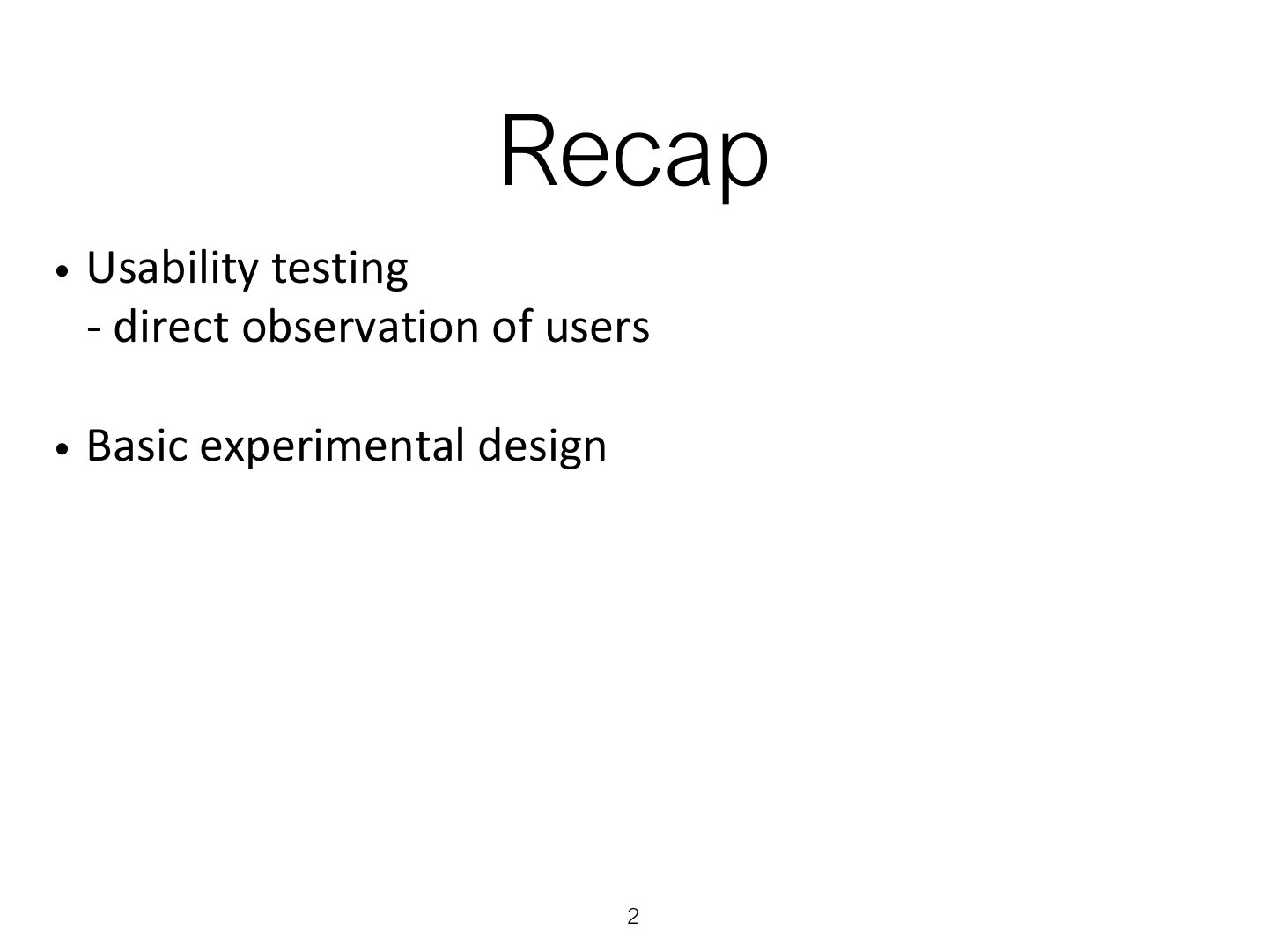
- 3 Overview
- 4 Learning Outcomes
- 5 Introduction
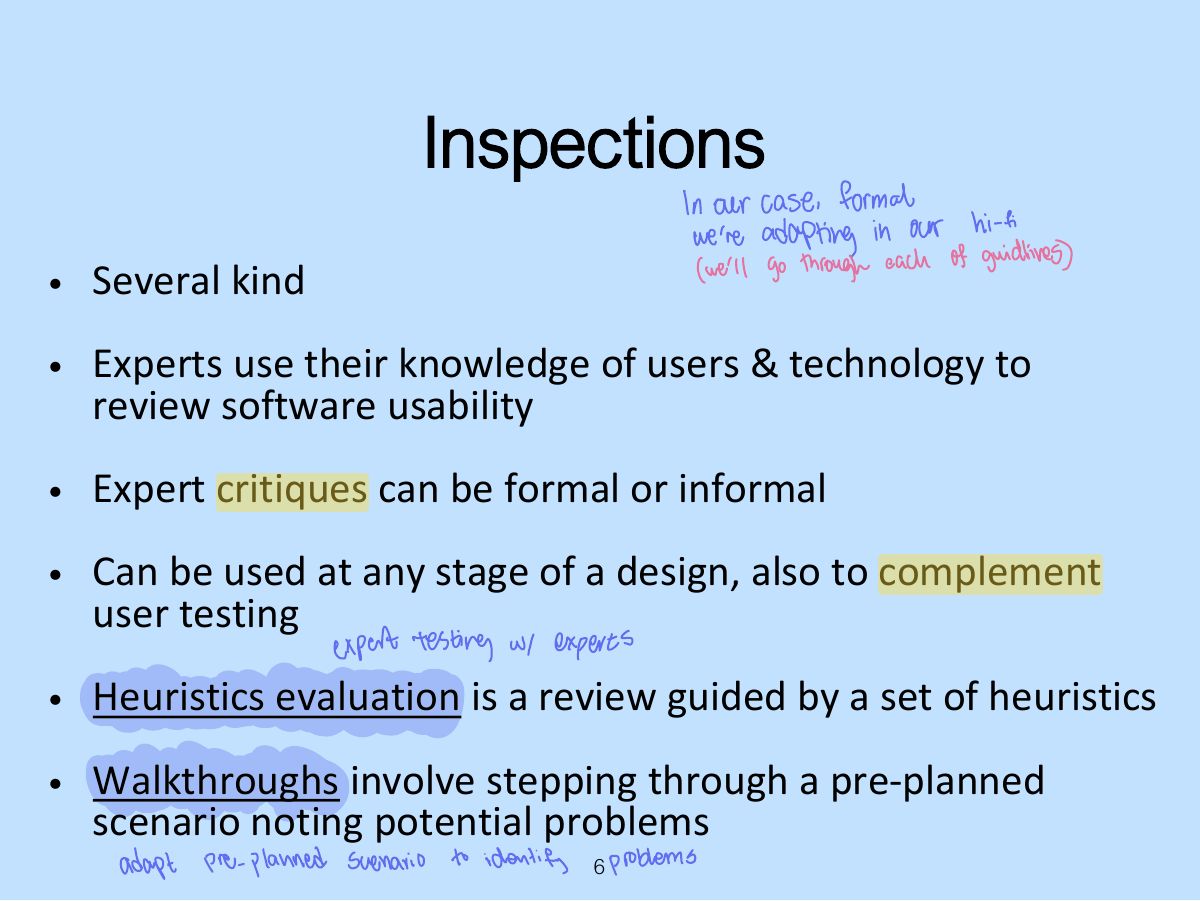
- 6 Inspections
- 7 Heuristic evaluation
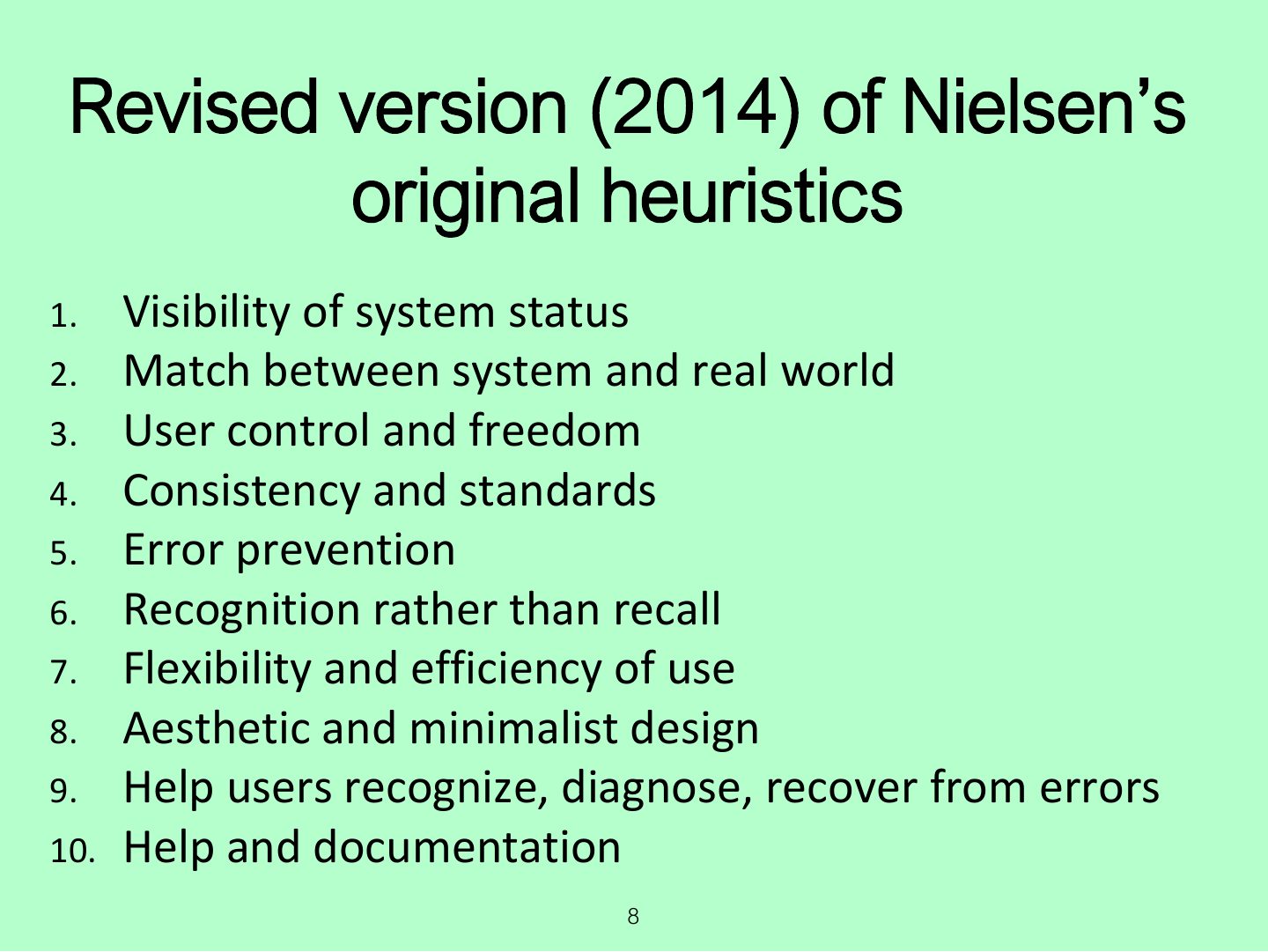
- 8 Revised version (2014) of Nielsen’s original heuristics
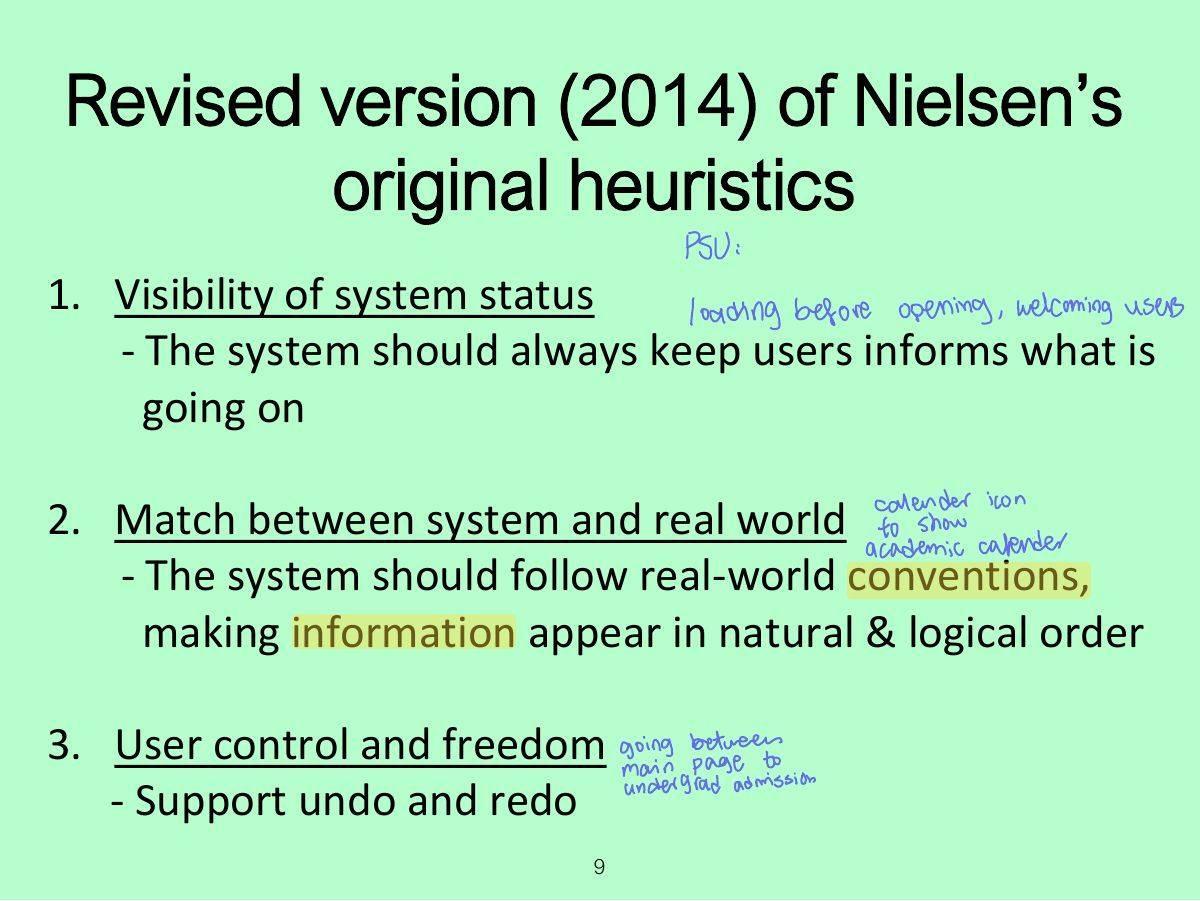
- 9 Revised version (2014) of Nielsen’s original heuristics
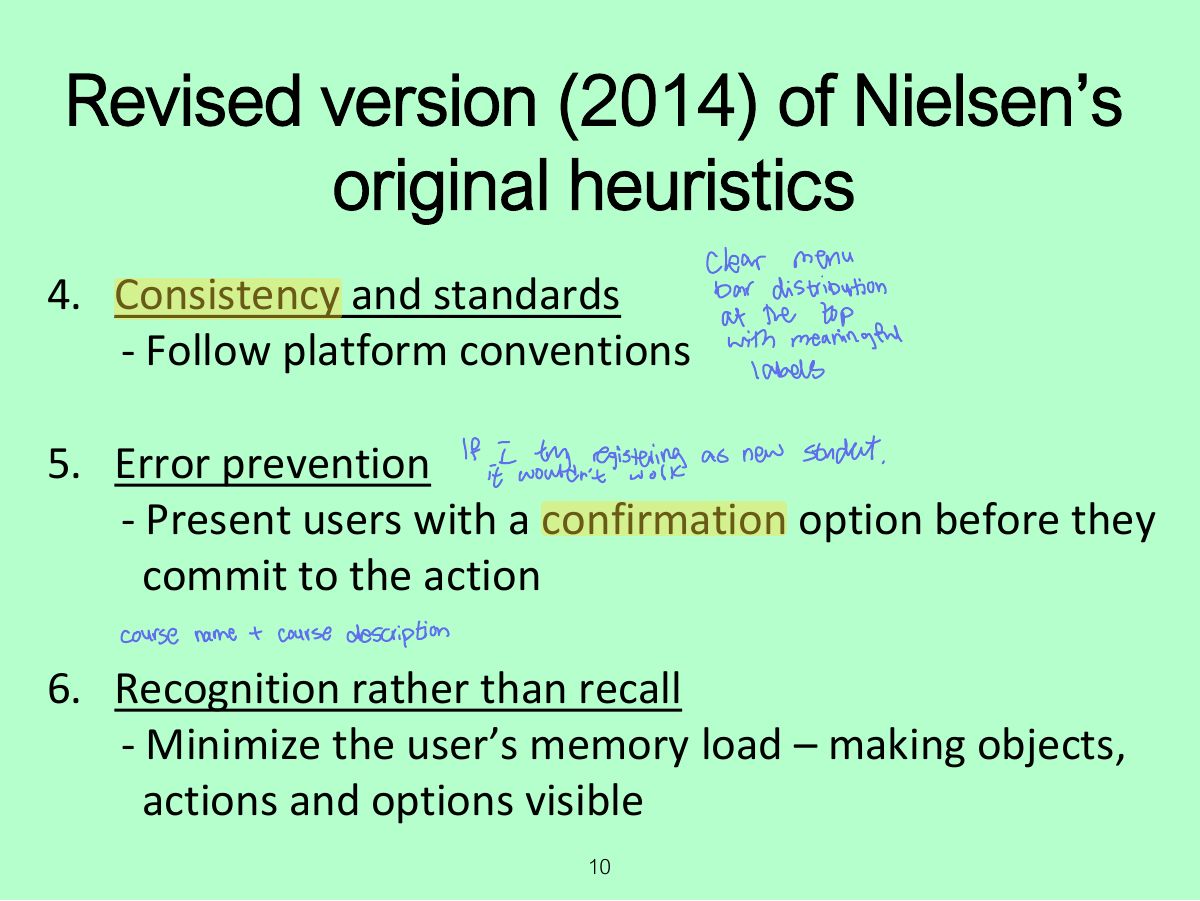
- 10 Revised version (2014) of Nielsen’s original heuristics
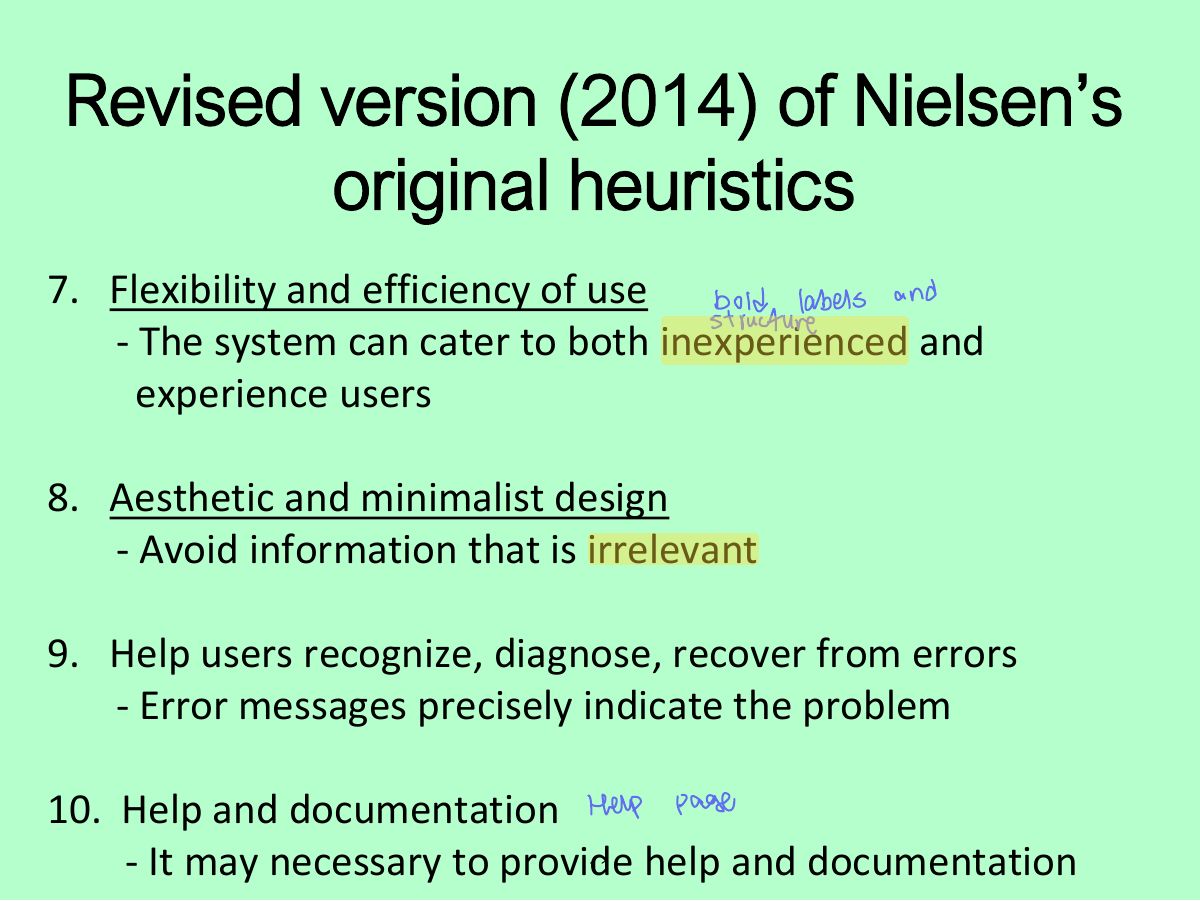
- 11 Revised version (2014) of Nielsen’s original heuristics
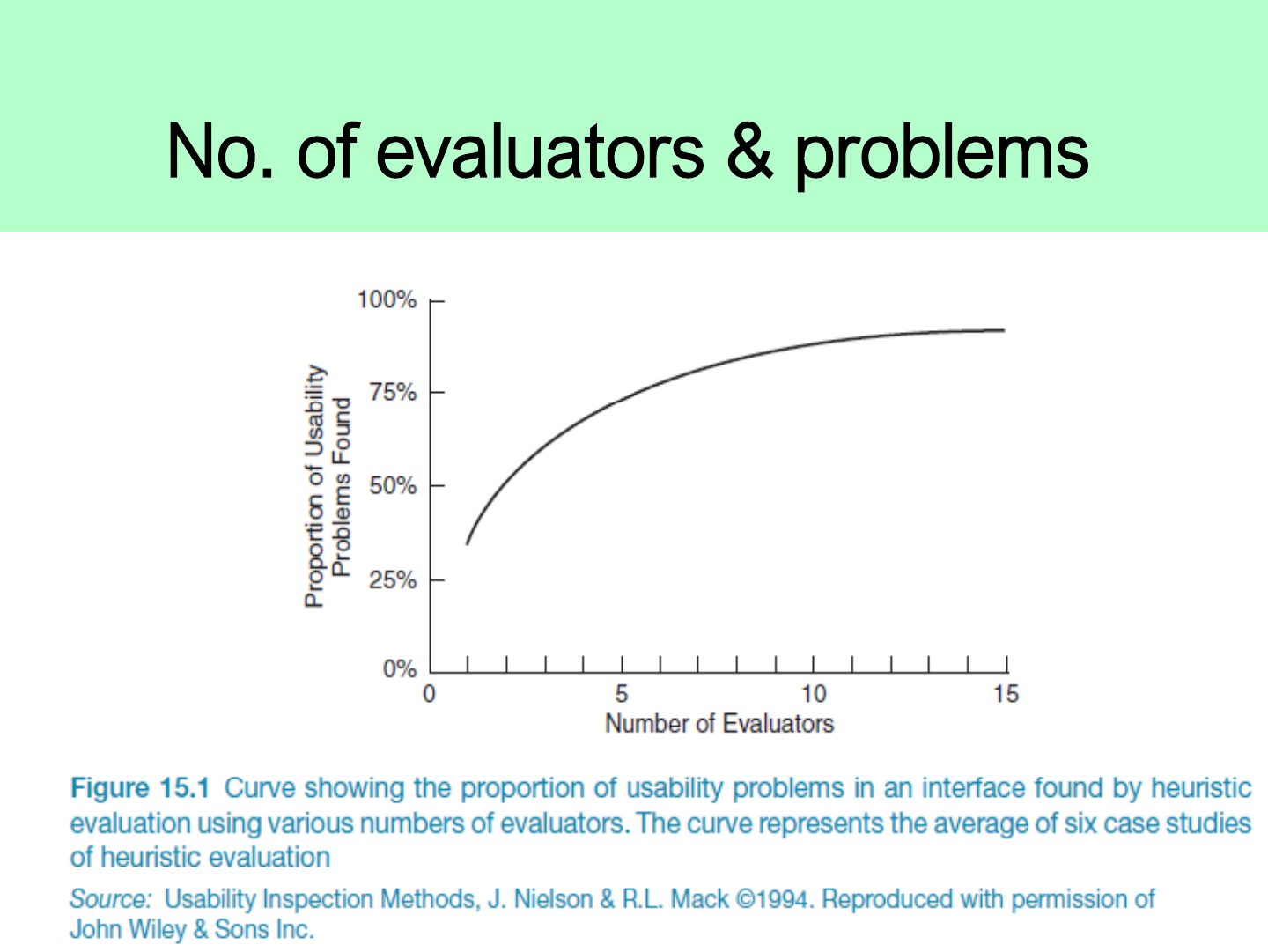
- 12 No. of evaluators & problems
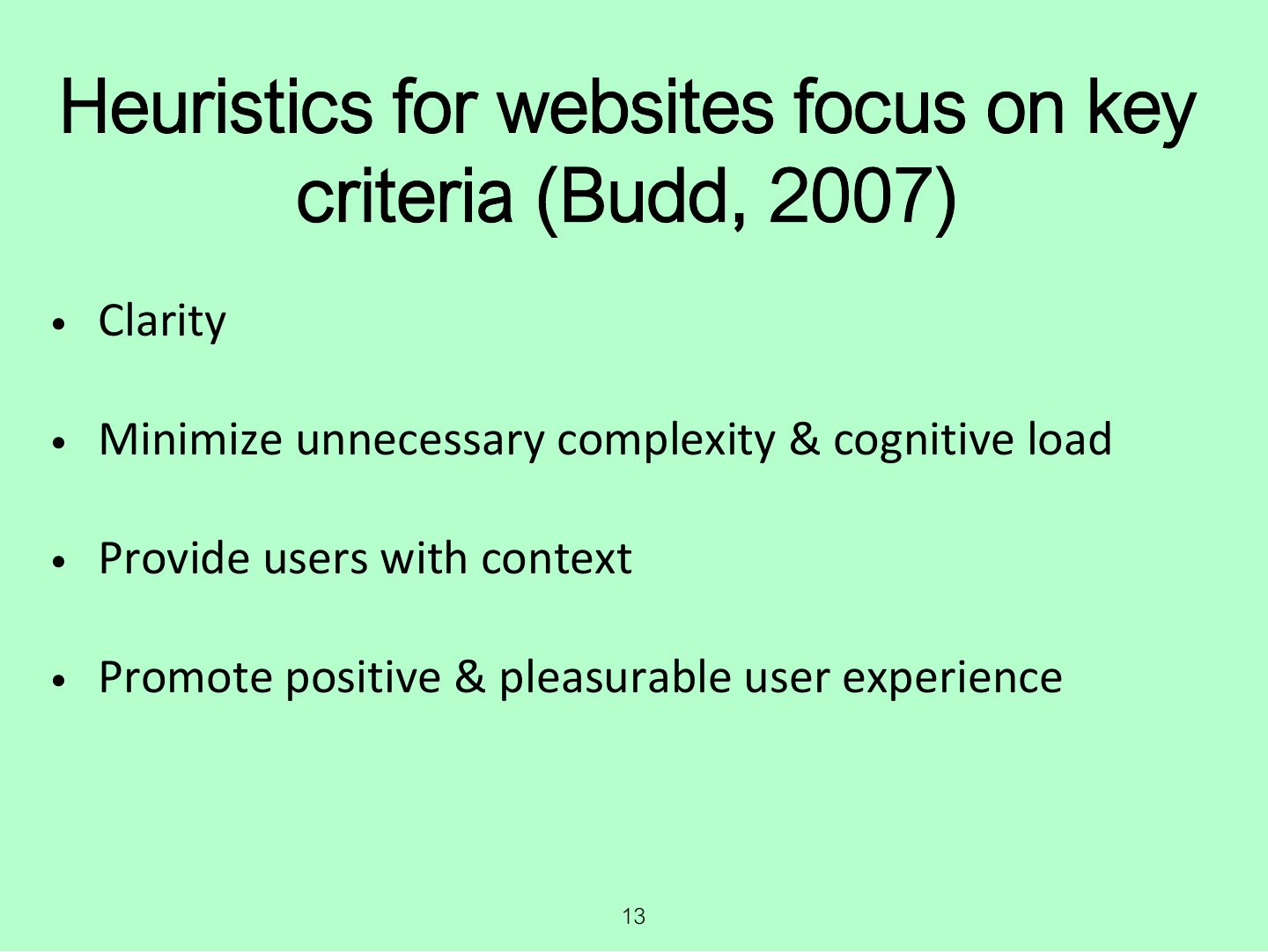
- 13 Heuristics for websites focus on key criteria (Budd, 2007)
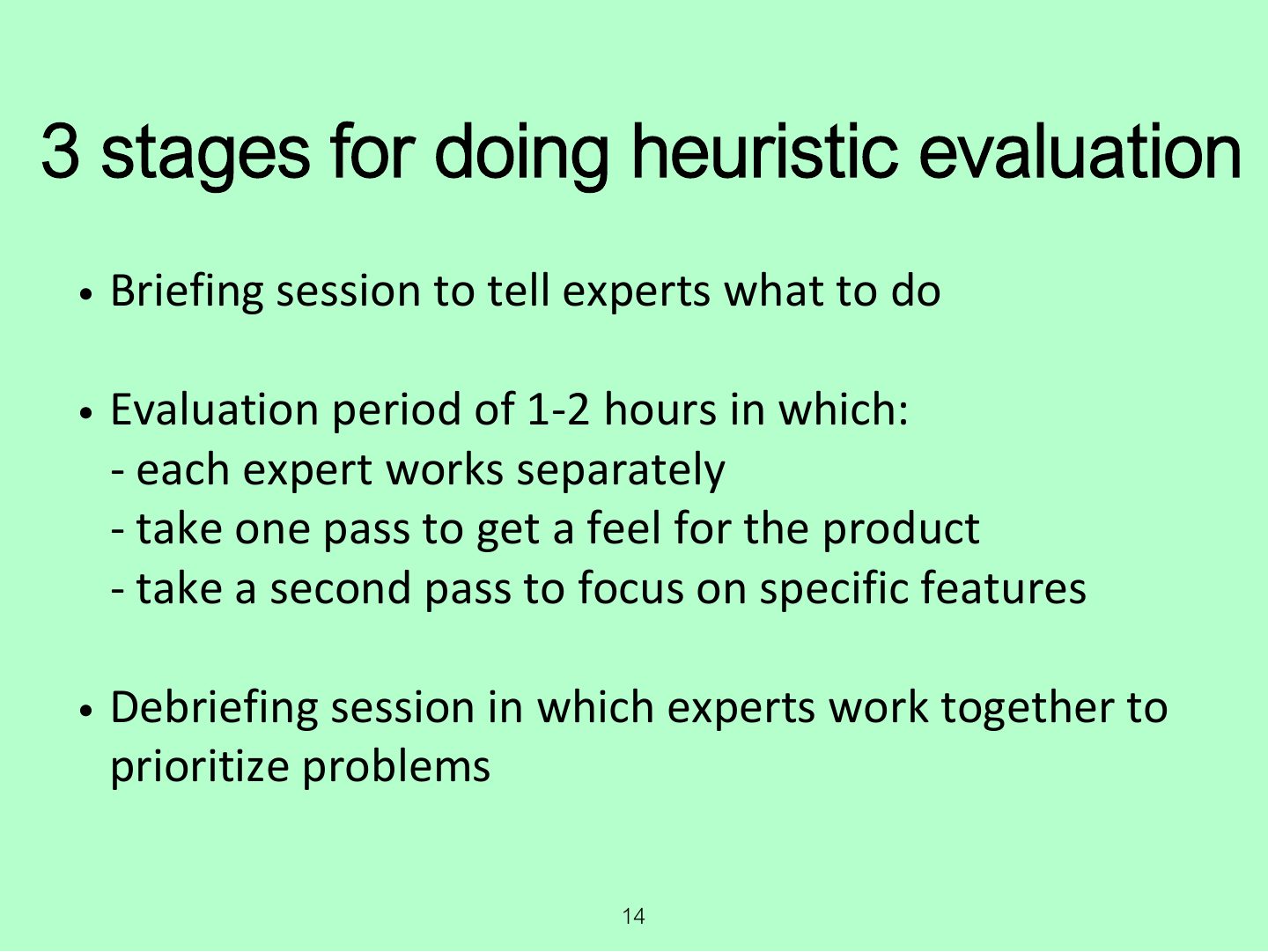
- 14 3 stages for doing heuristic evaluation
- 15 Activity
- 16 Discussion
- 17 Advantages and problems
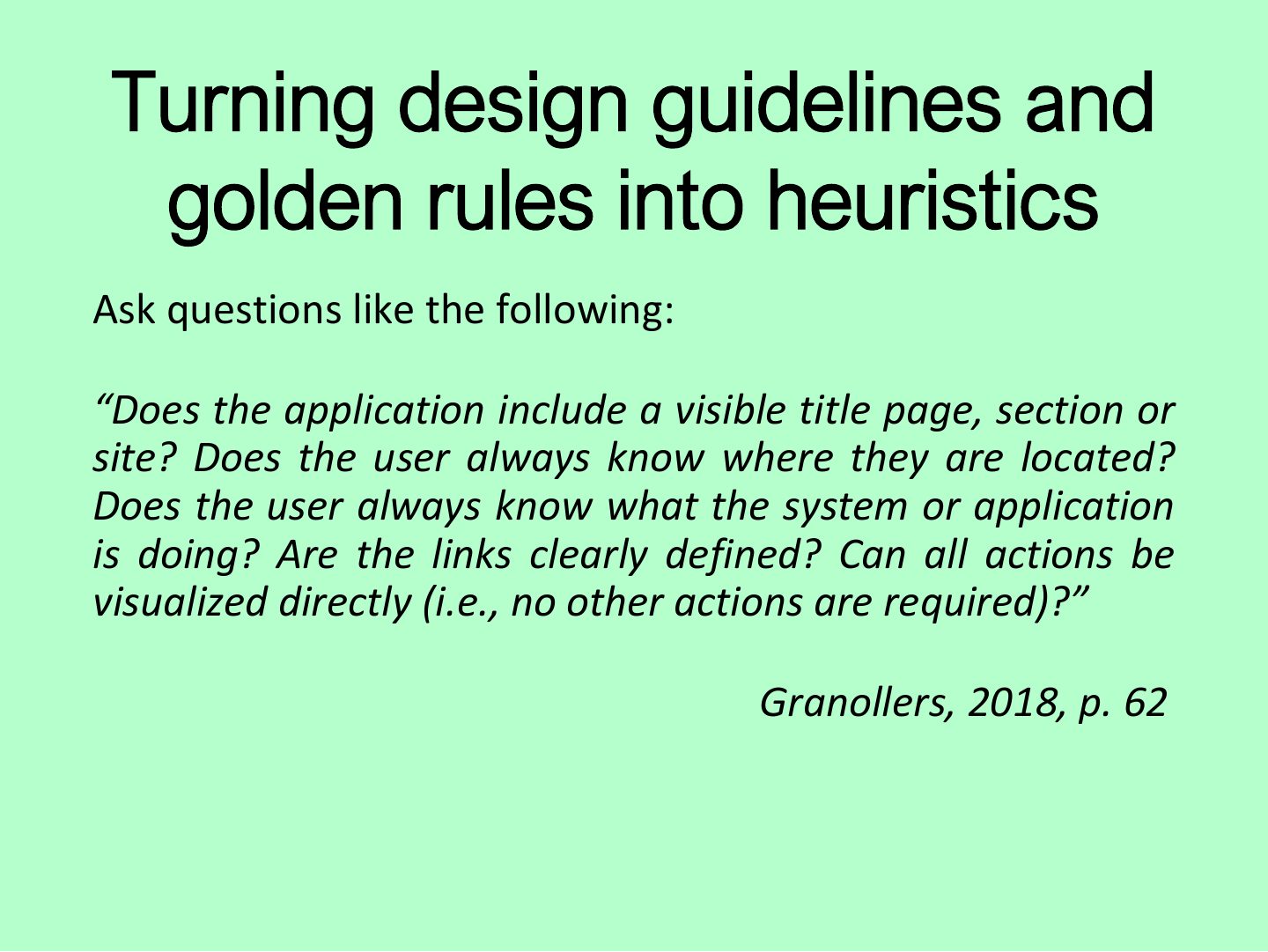
- 18 Turning design guidelines and golden rules into heuristics
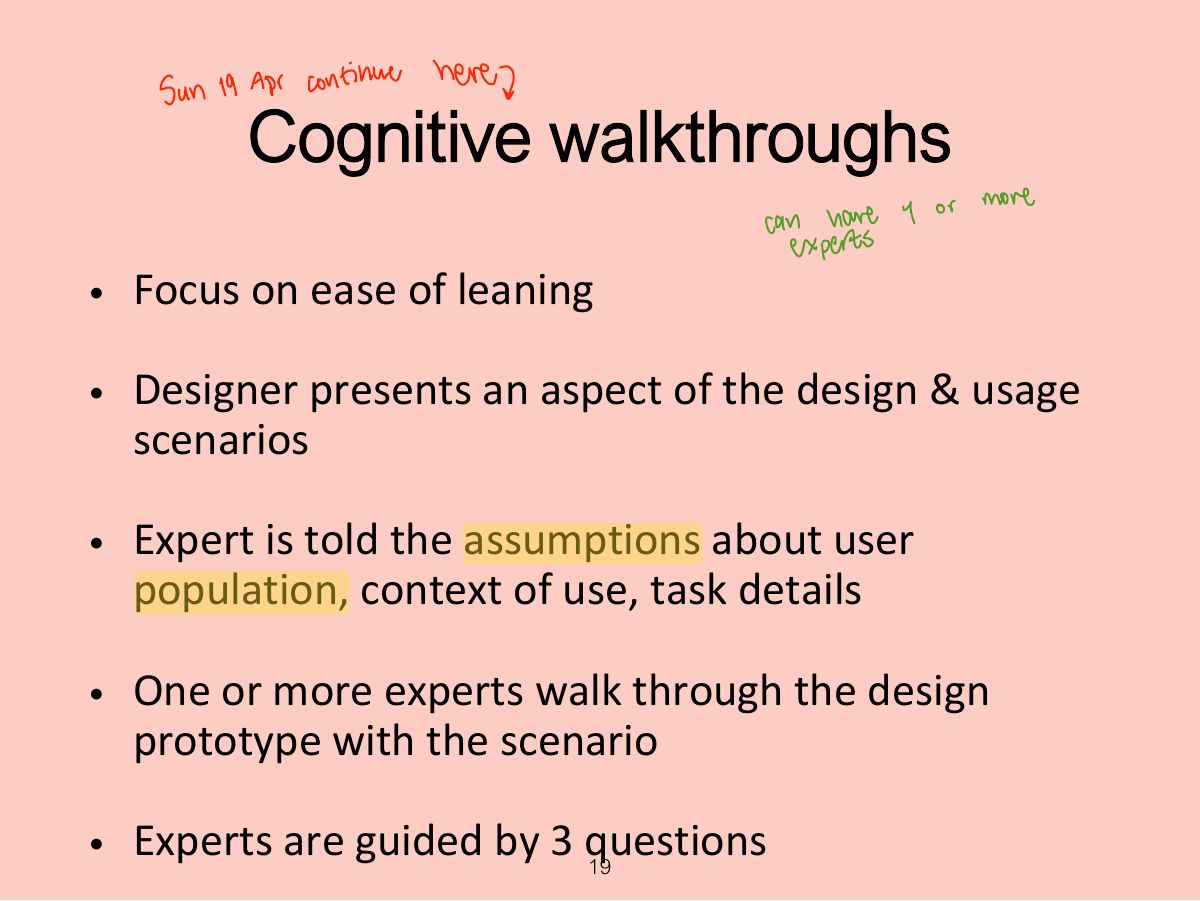
- 19 Cognitive walkthroughs
- 20 The 3 questions
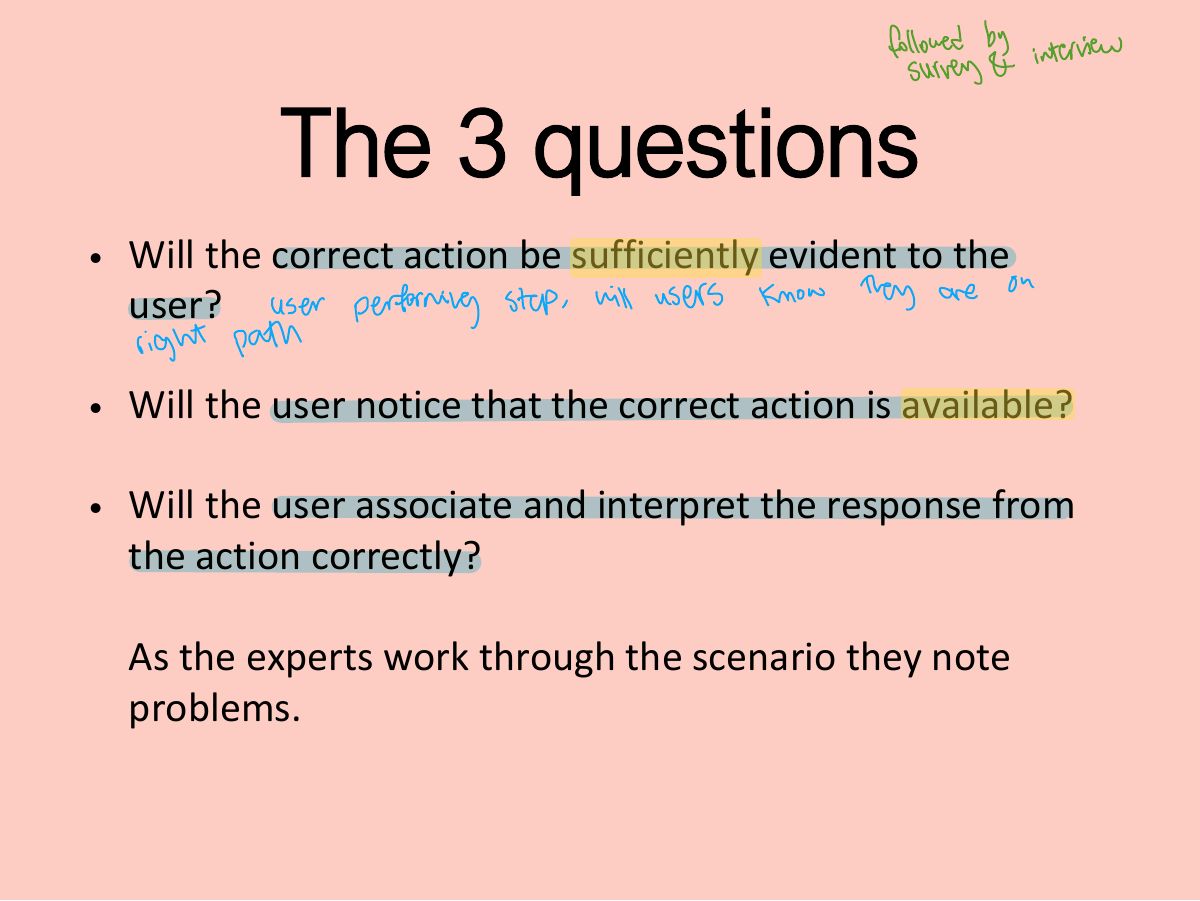
- 21 The 3 questions
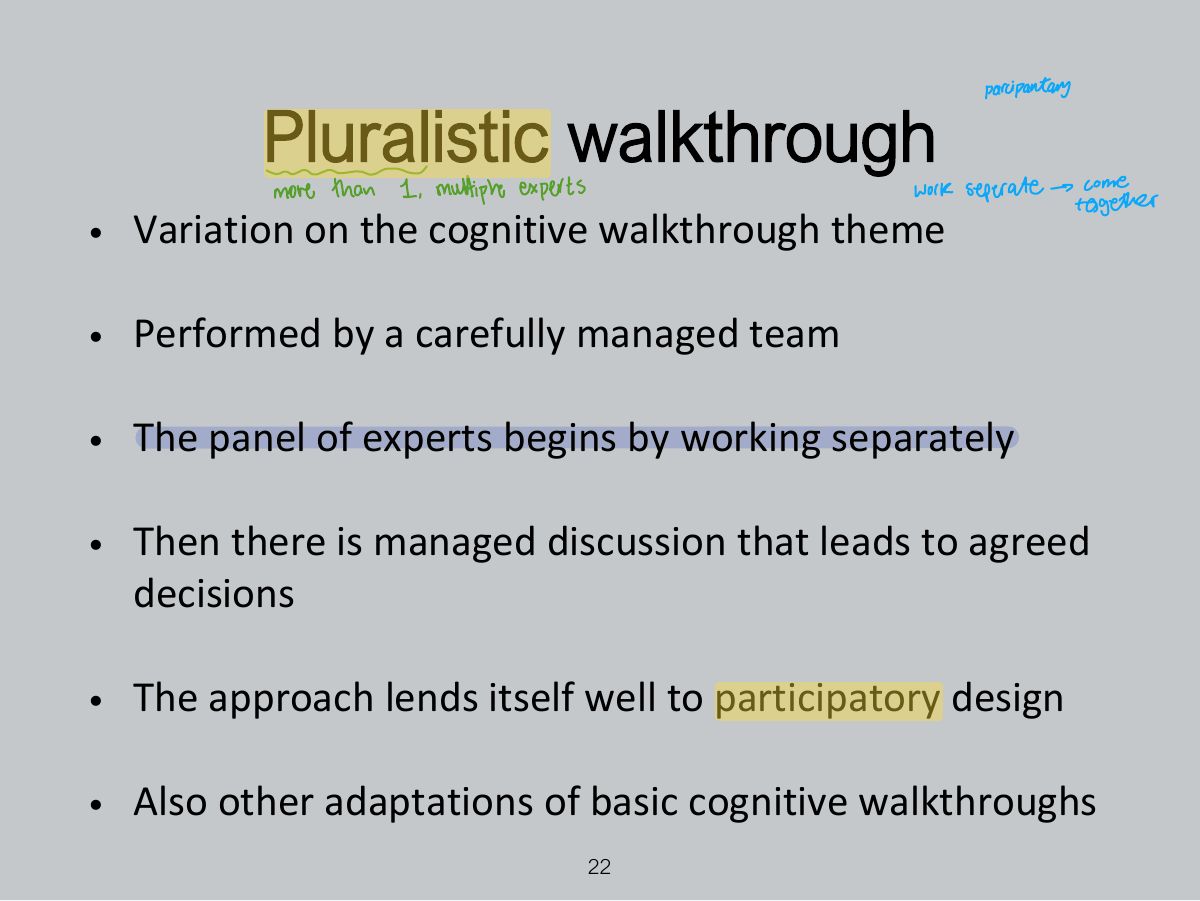
- 22 Pluralistic walkthrough
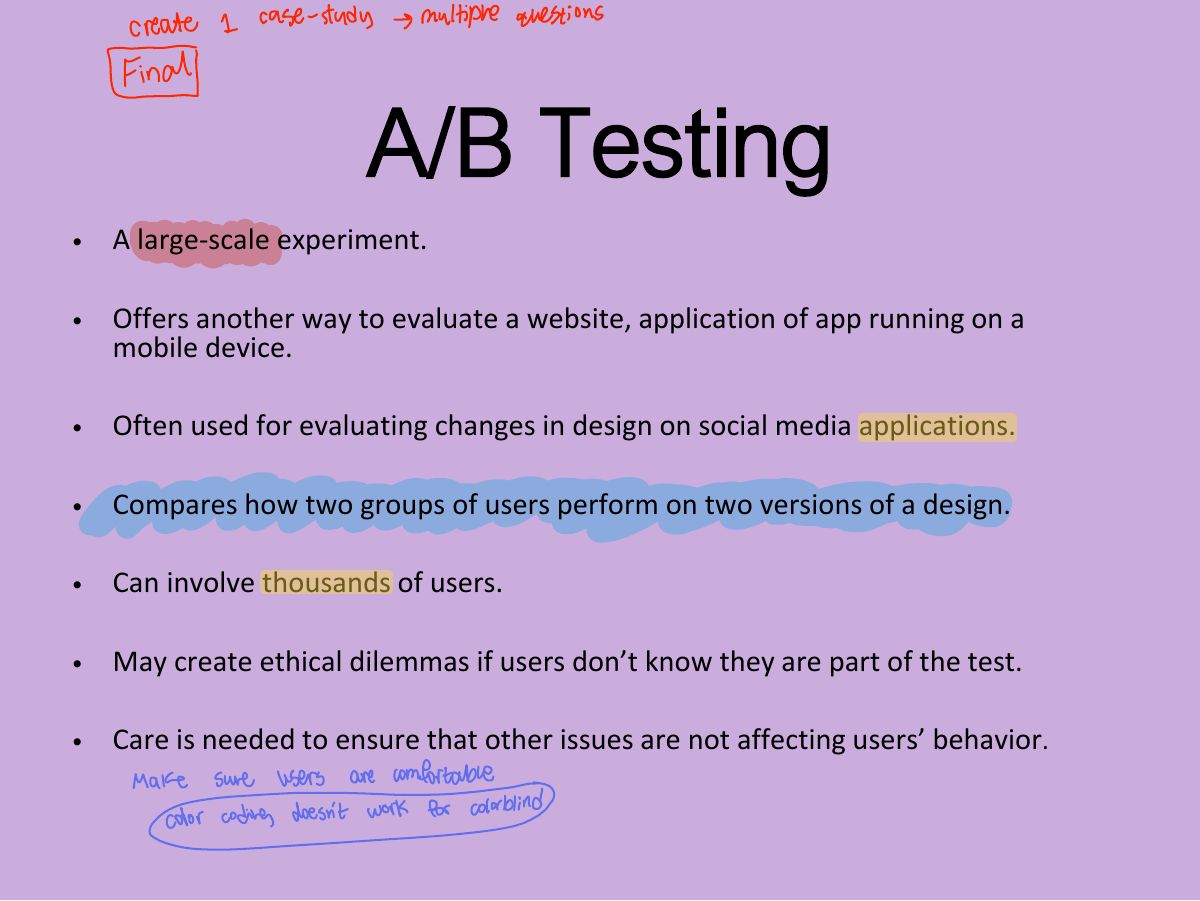
- 23 A/B Testing
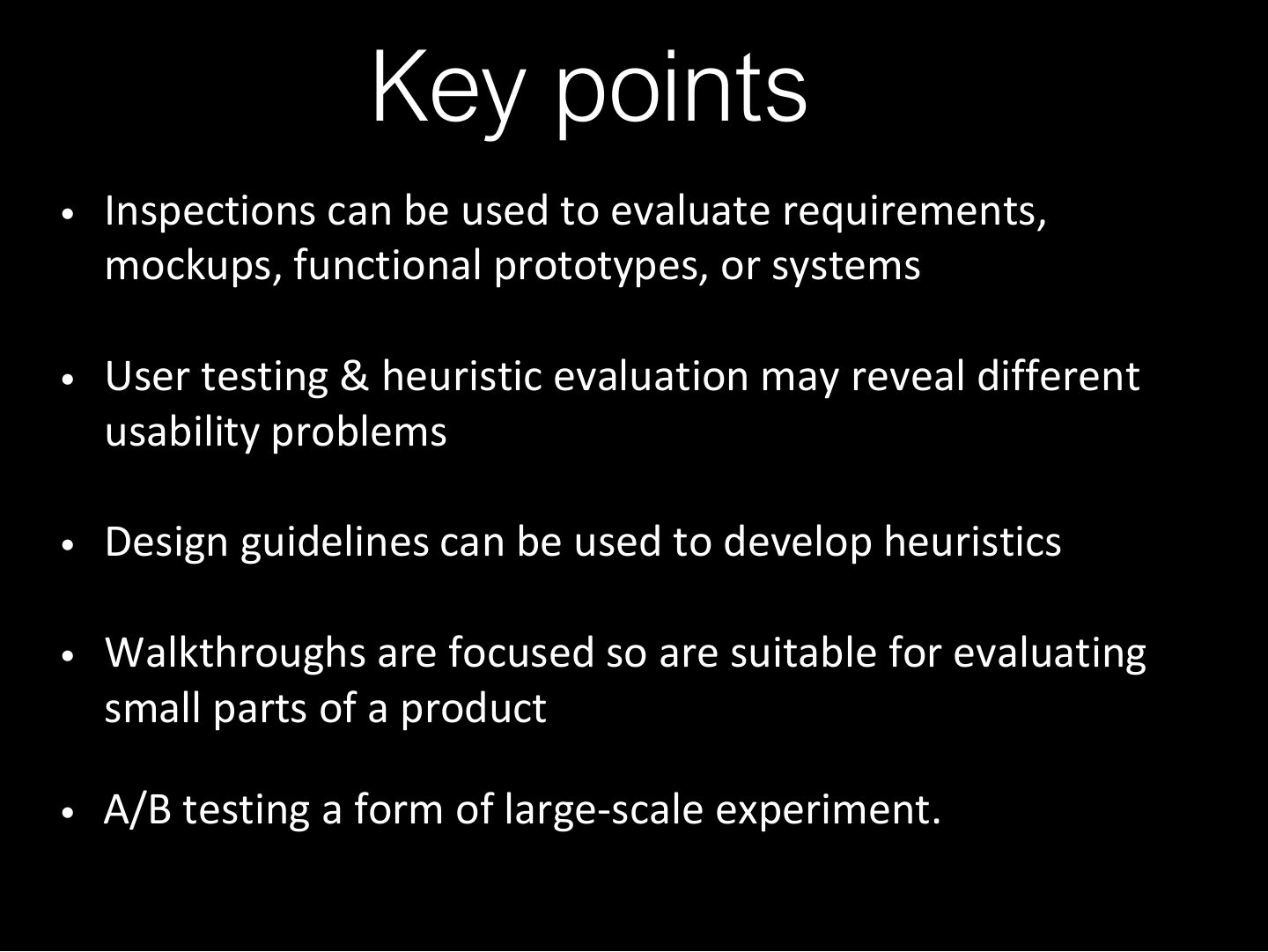
- 24 Key points
Slide 1
Recap
Overview
Learning Outcomes
Introduction
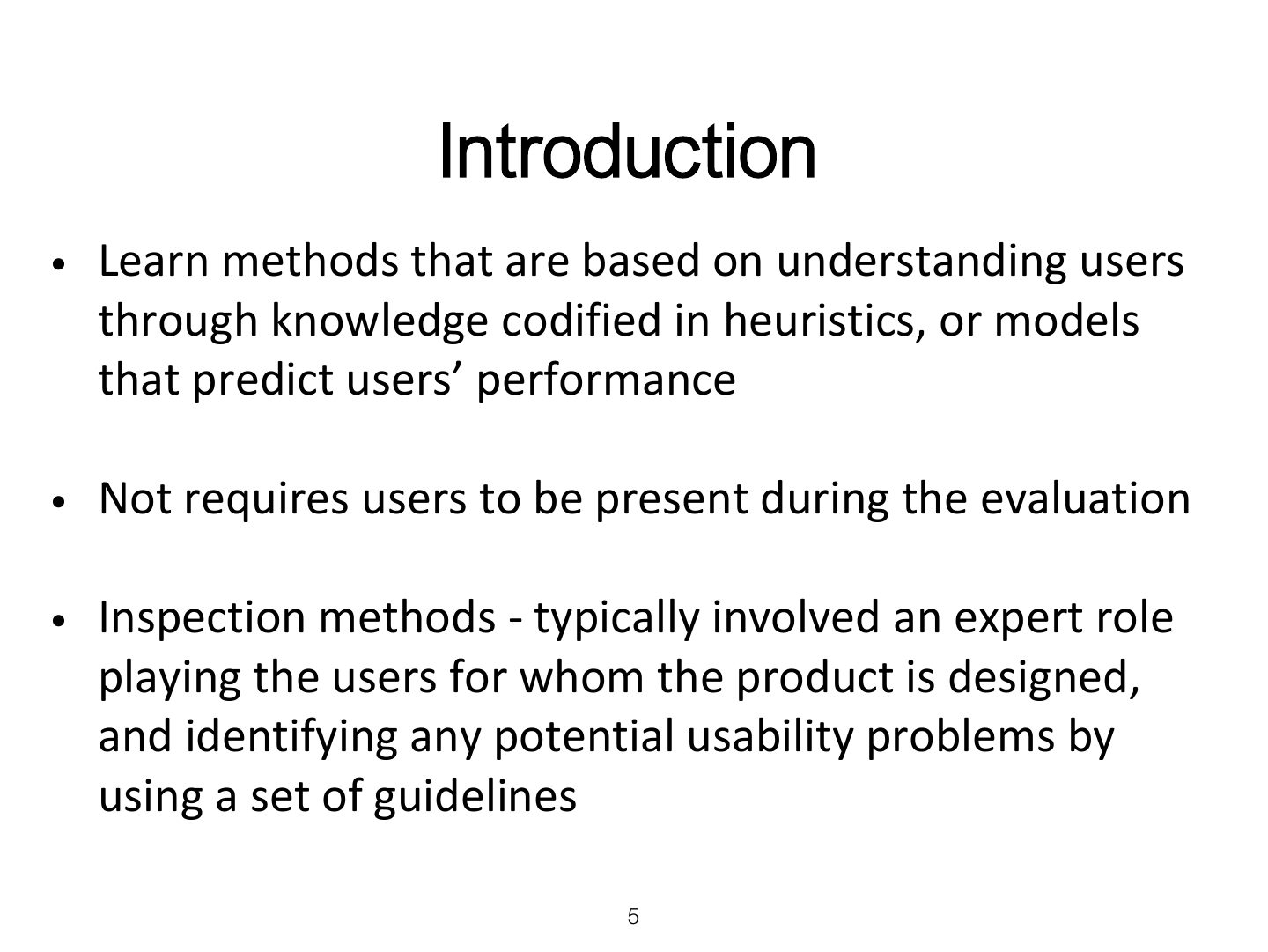
Inspections
Notes
Inspections: experts role-play users to find problems (no users needed).
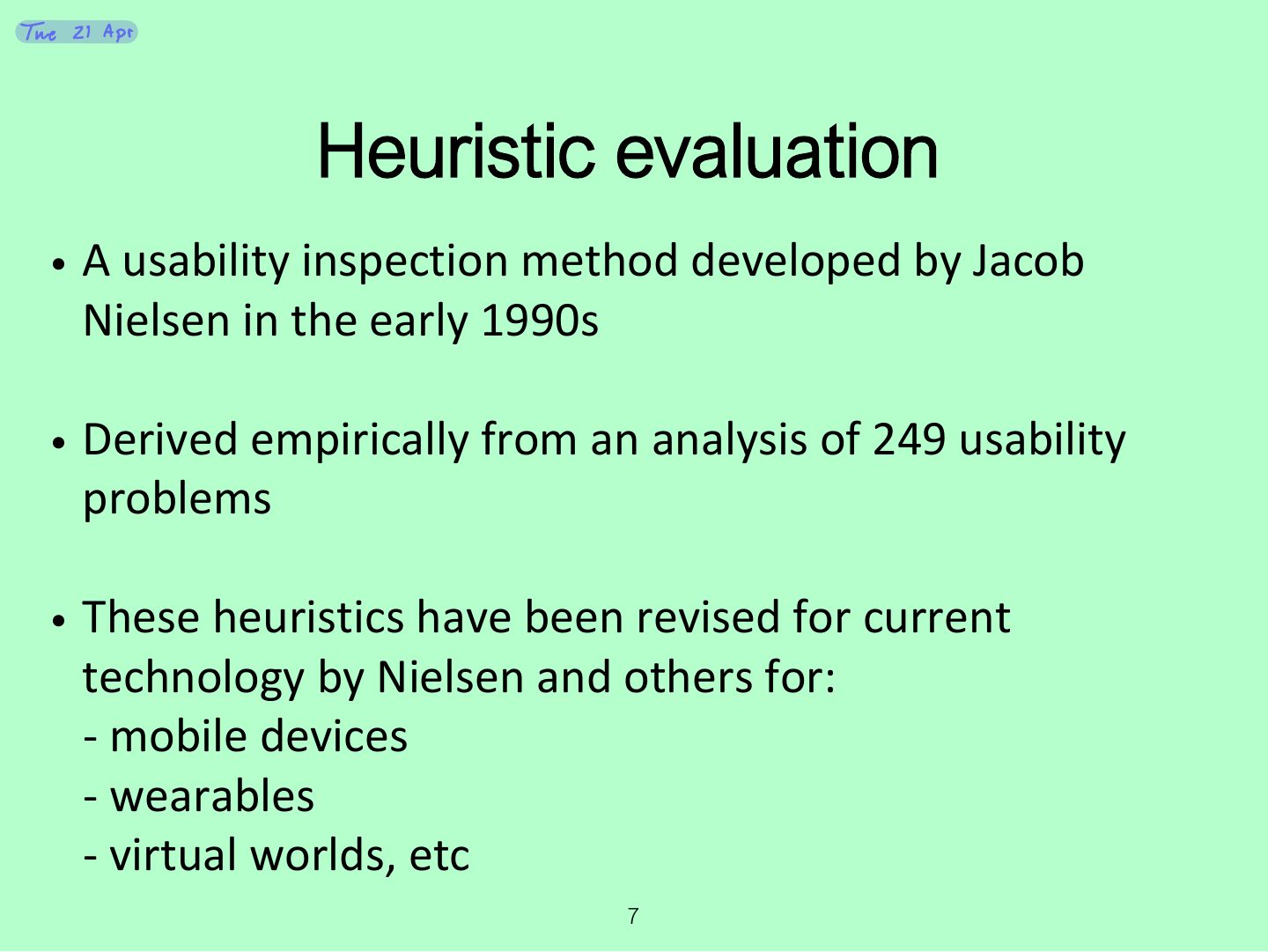
Heuristic evaluation
Notes
Heuristic evaluation: experts check the interface against usability principles (heuristics).
Revised version (2014) of Nielsen’s original heuristics
Notes
Tip Nielsen’s 10: visibility of system status · match with the real world · user control and freedom · consistency and standards · error prevention · recognition rather than recall · flexibility and efficiency · aesthetic and minimalist design · help users recognize, diagnose and recover from errors · help and documentation.
Exam angle
An "Undo" button supports:
Revised version (2014) of Nielsen’s original heuristics
Revised version (2014) of Nielsen’s original heuristics
Revised version (2014) of Nielsen’s original heuristics
No. of evaluators & problems
Notes
One evaluator finds ~35% of problems; 3–5 evaluators find ~75%.
Exam angle
How many evaluators are typically recommended for heuristic evaluation?
Heuristics for websites focus on key criteria (Budd, 2007)
3 stages for doing heuristic evaluation
Notes
Three stages: briefing session → evaluation period (each expert alone, two passes) → debriefing session (prioritize problems).
Activity
Discussion
Advantages and problems
Notes
Advantages: cheap, quick, no users. Problems: false alarms, misses, experts aren’t real users.
Turning design guidelines and golden rules into heuristics
Cognitive walkthroughs
Notes
Cognitive walkthrough: simulate a user’s problem solving step by step; focuses on LEARNABILITY (ease of learning).
Memory trick Three questions: Will the user know what to do? Will they see how to do it? Will they understand from the feedback whether it worked?
Exam angle
Cognitive walkthroughs mainly evaluate:
The 3 questions
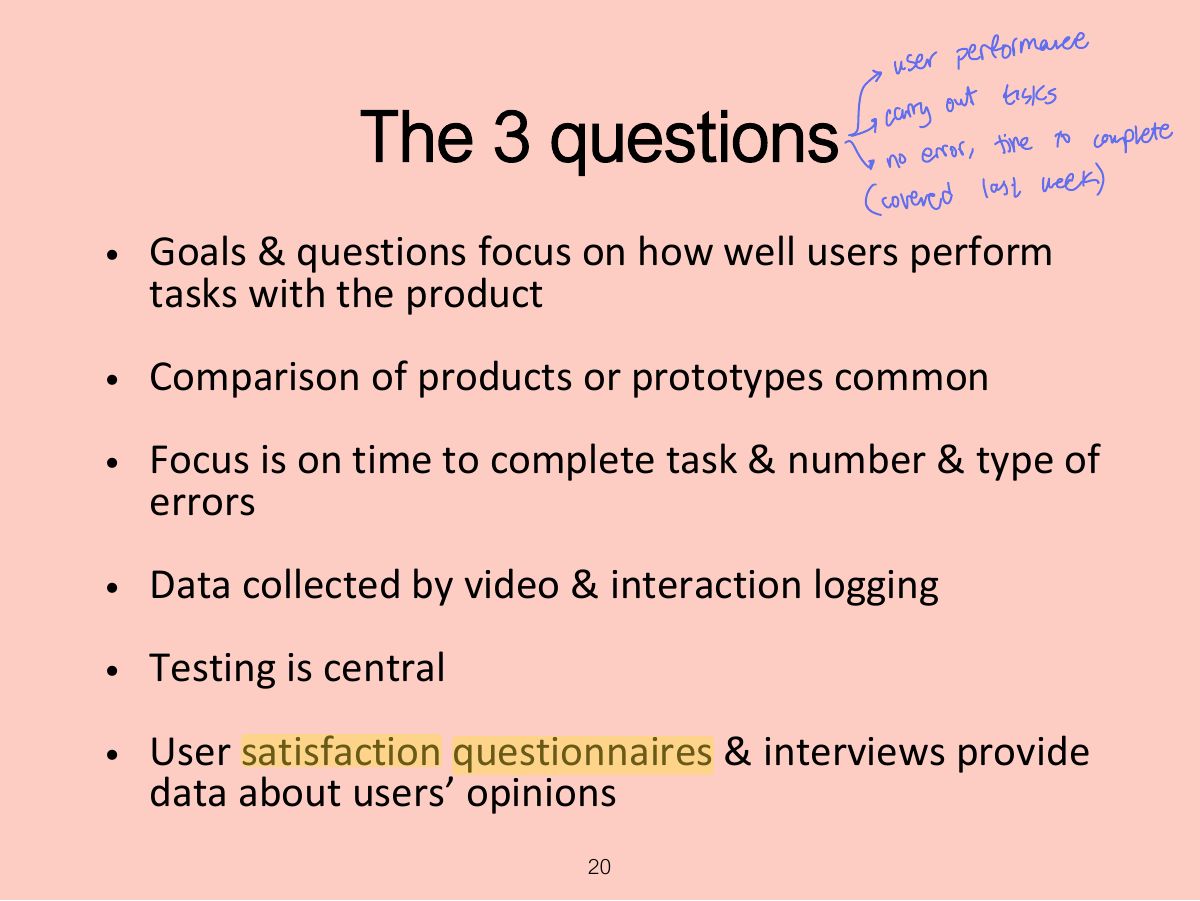
The 3 questions
Pluralistic walkthrough
Notes
Pluralistic walkthrough: users, developers and usability experts step through a scenario together.
A/B Testing
Notes
A/B testing: show two versions to different groups of real users online and compare a metric (clicks, conversions).
Exam angle
Showing half of visitors a green button and half a blue one, then comparing clicks, is:
Key points