In DECIDE, the "I" stands for:
DECIDE, Usability Testing and Experiments
The DECIDE framework, usability testing (labs, portable and remote testing, eye tracking, data types, how many participants), experiments and experimental design (different, same or matched participants), and field studies.
How to read this page
Every original slide is shown unchanged. Yellow marks on a slide point to a numbered note: hover or tap a mark to jump to its note, and hover a note to see its marks. Questions tagged Past exam appeared on a real paper; Prediction questions are likely angles, not confirmed. Pick an answer to each question: a wrong pick tells you why it is wrong, so you can try again.
All 28 slides
- 1 Slide 1
- 2 Overview
- 3 Learning Outcomes
- 4 1) DECIDE: a framework to guide evaluation
- 5 1.1) Determine the goals
- 6 1.2) Explore the questions
- 7 1.3) Choose the evaluation approach methods
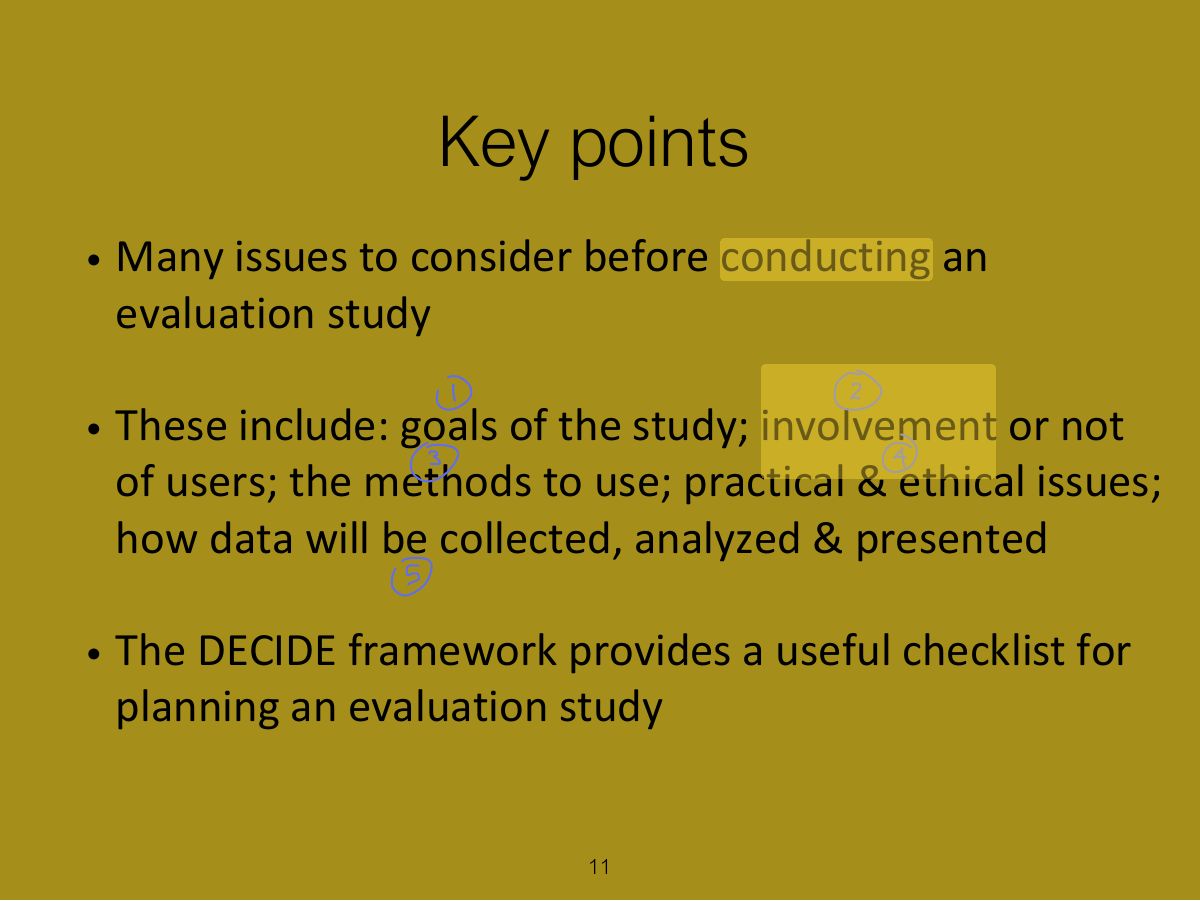
- 8 1.4) Identify practical issues
- 9 1.5) Decide about ethical issues
- 10 1.6) Evaluate, interpret & present data
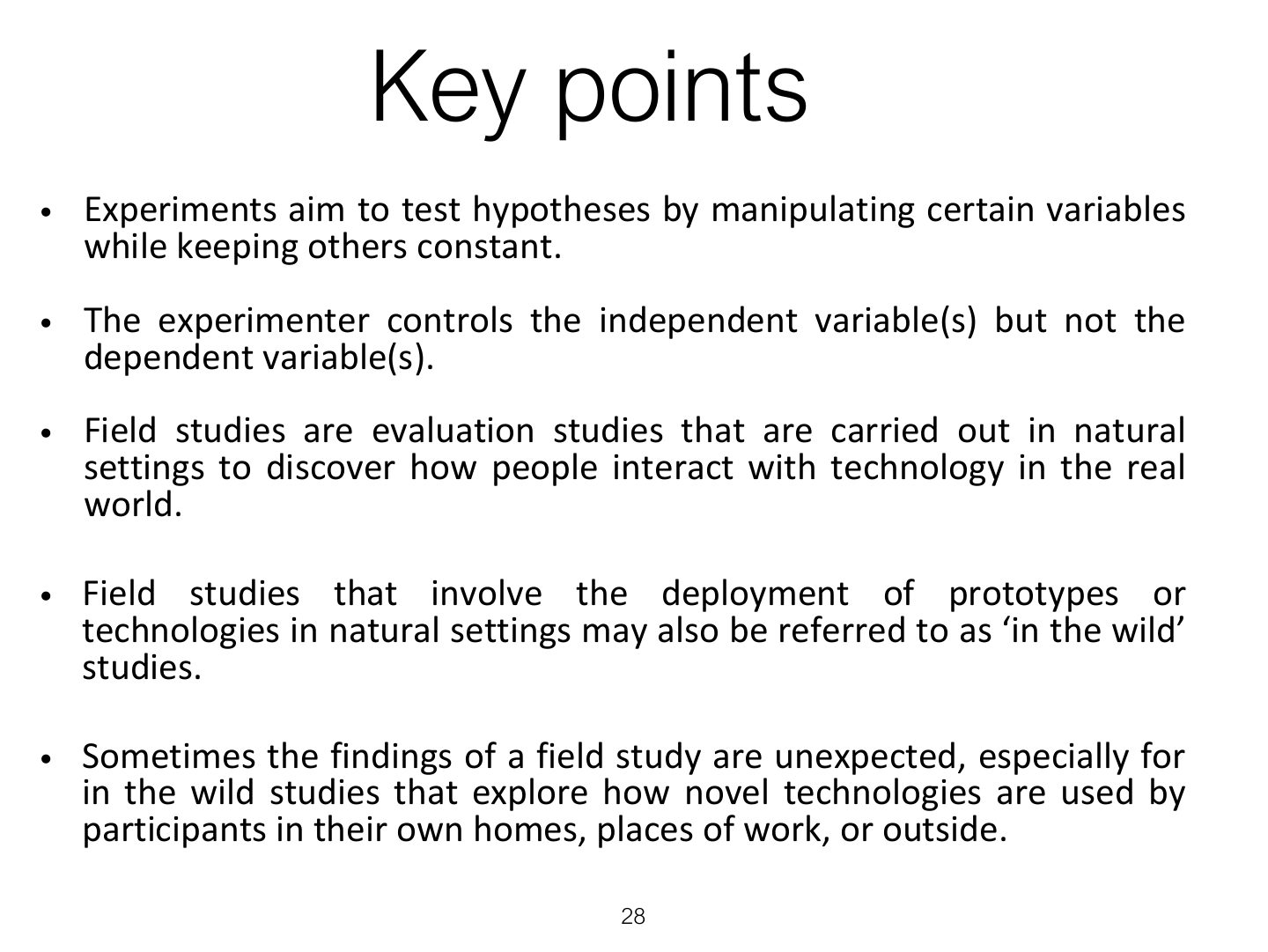
- 11 Key points
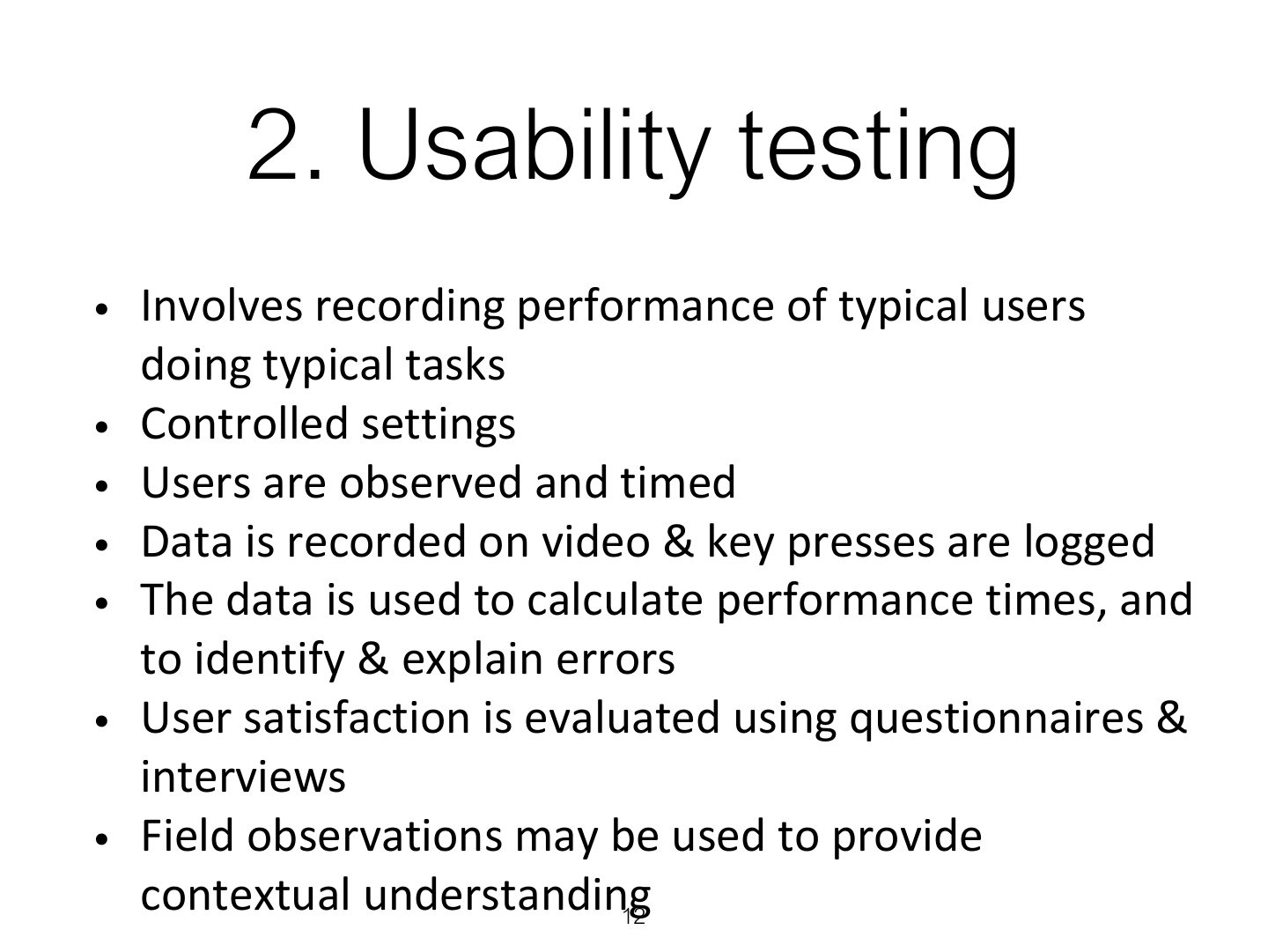
- 12 2. Usability testing
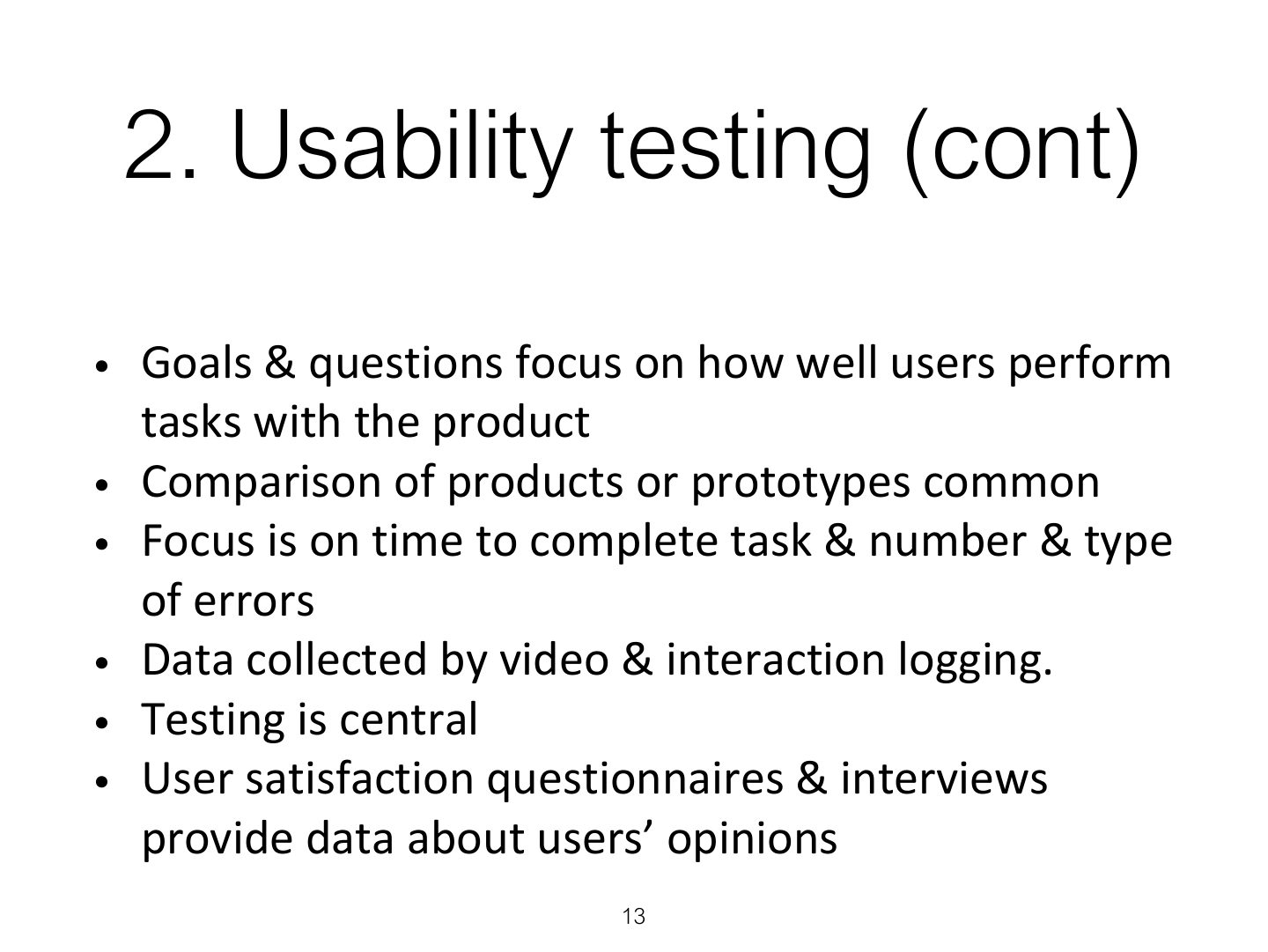
- 13 2. Usability testing (cont)
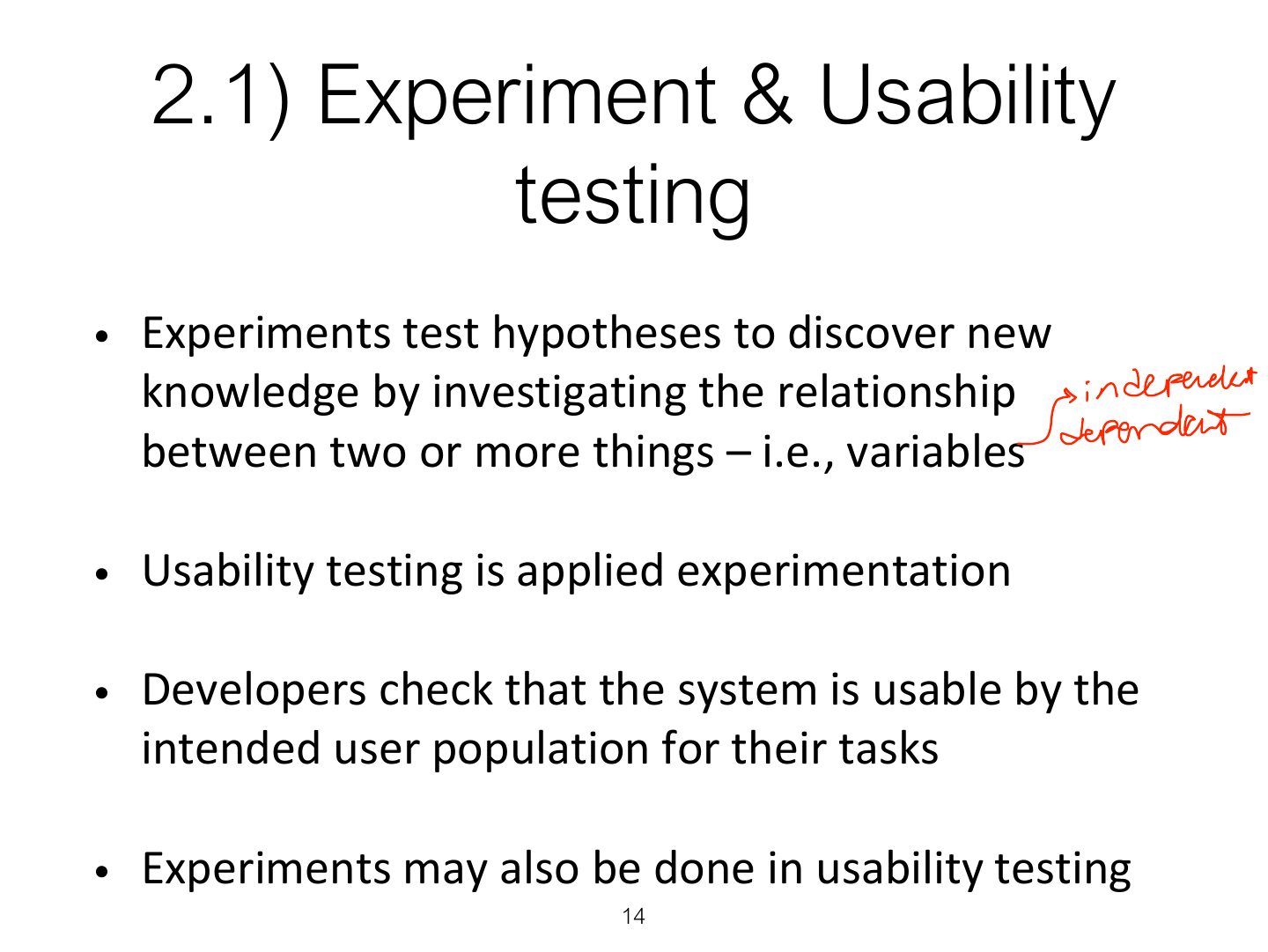
- 14 2.1) Experiment & Usability testing
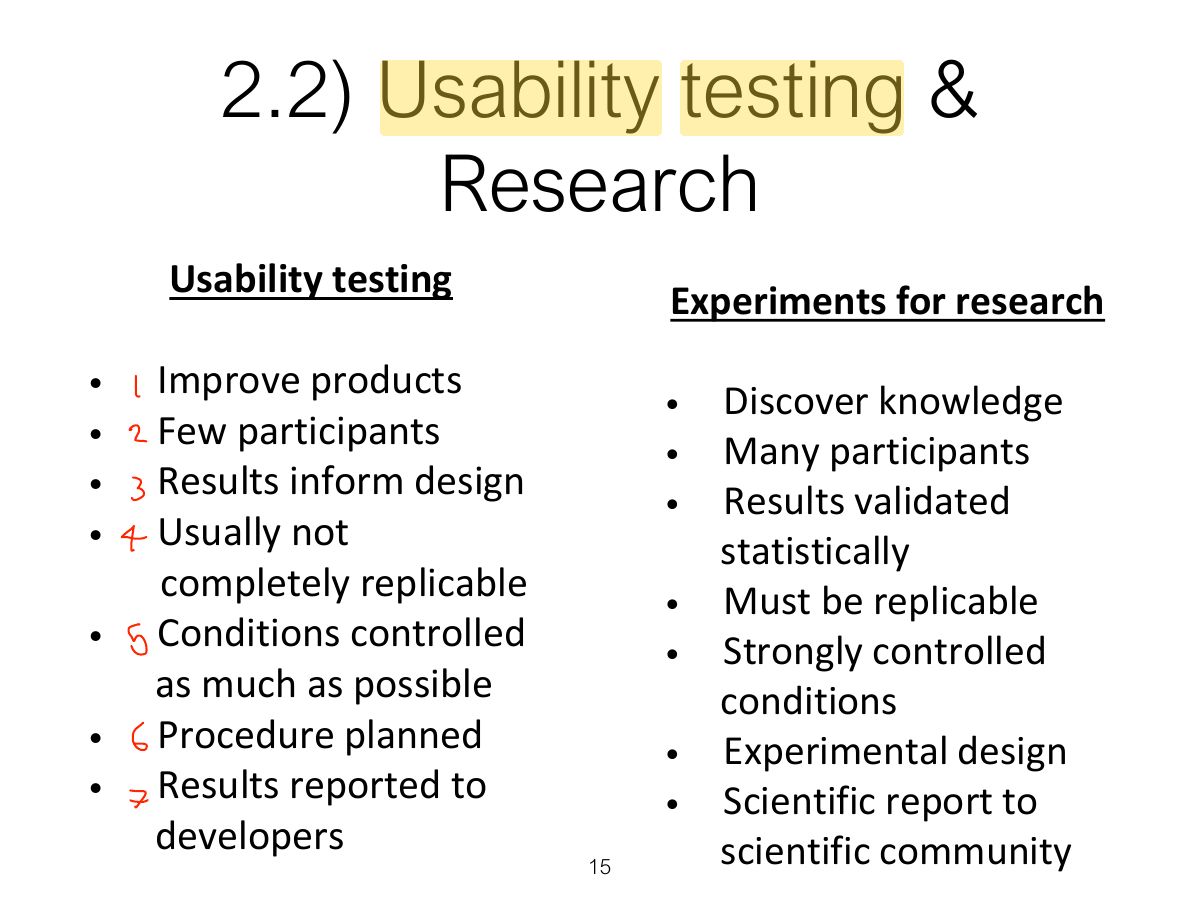
- 15 2.2) Usability testing & Research
- 16 2.3) Usability lab with observers watching a user & assistant
- 17 2.4) Portable equipment for use in the field
- 18 Tobii Glasses Mobile Eye- Tracking System
- 19 2.5) Remote Usability Testing
- 20 2.5) Testing conditions
- 21 2.6) Some type of data
- 22 2.7) How many participants is enough for user testing?
- 23 3. Experiments
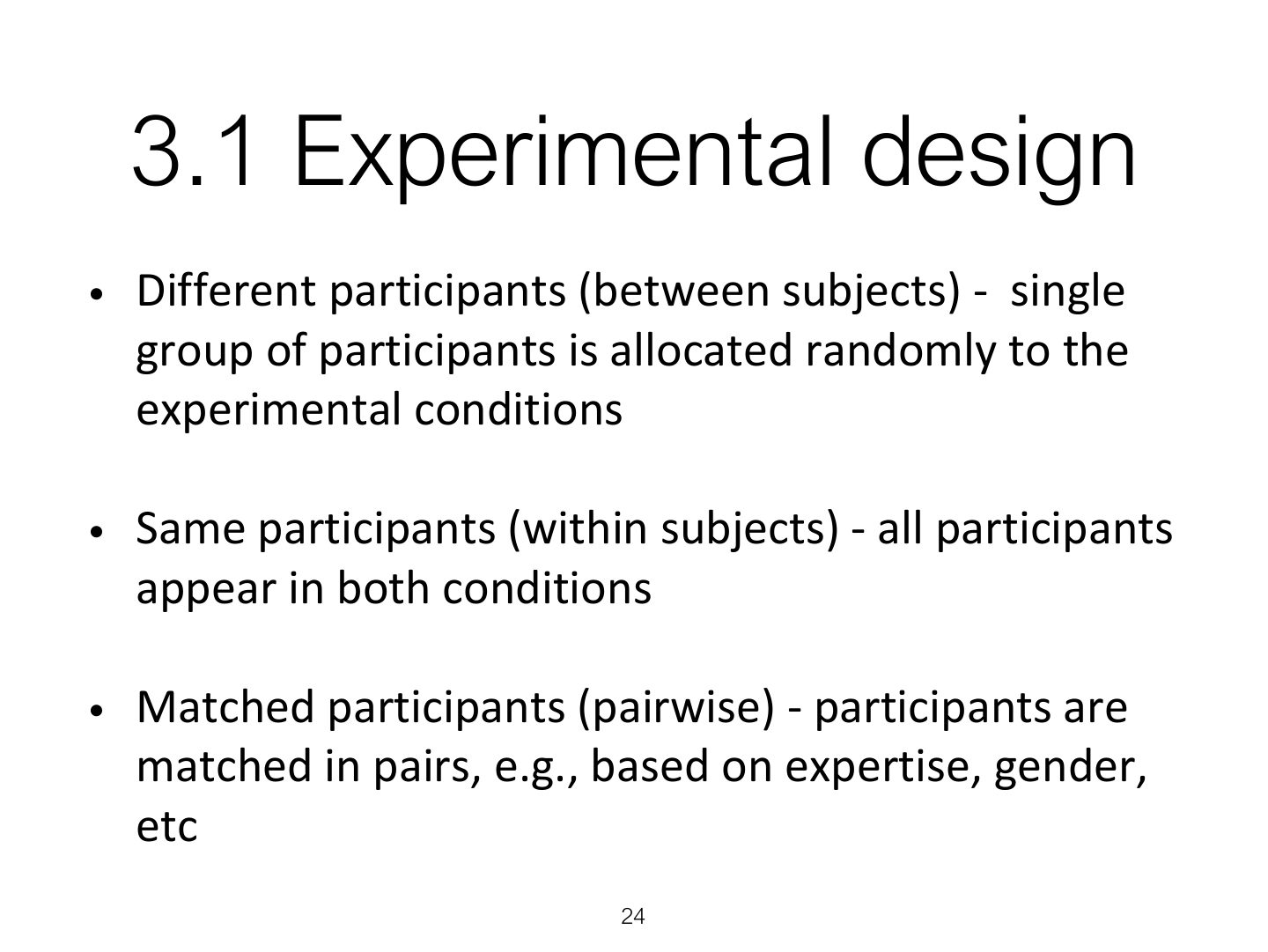
- 24 3.1 Experimental design
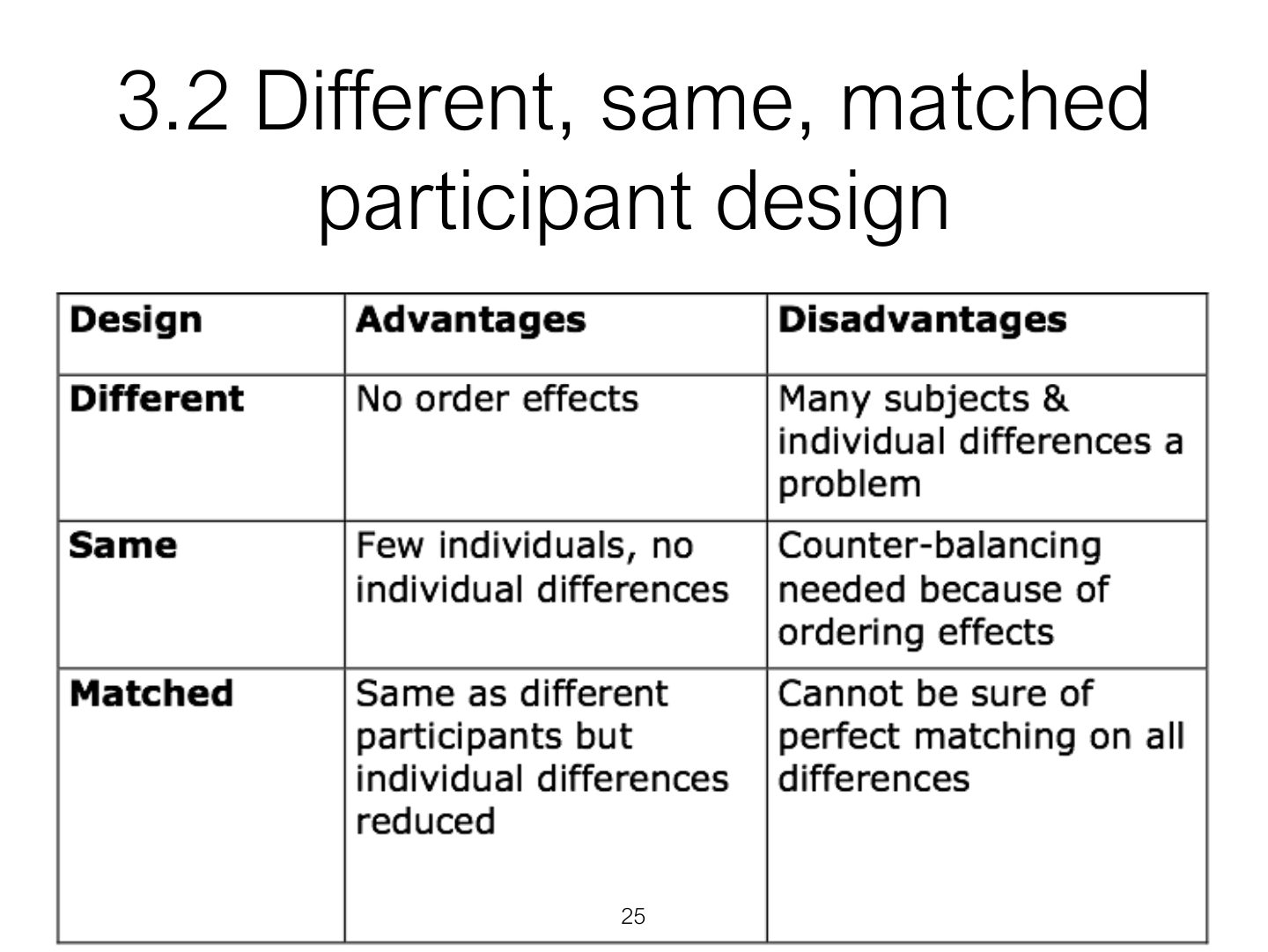
- 25 3.2 Different, same, matched participant design
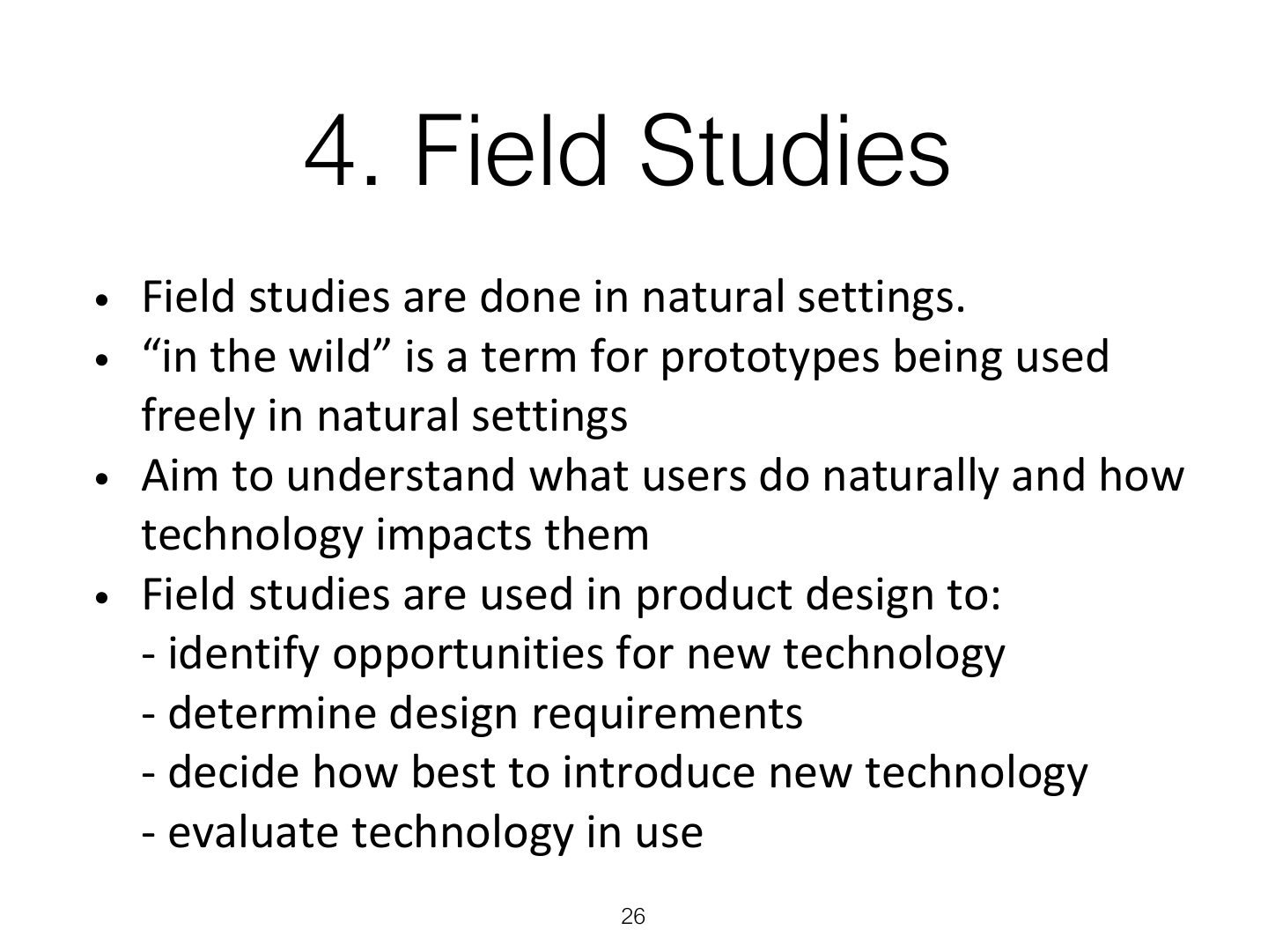
- 26 4. Field Studies
- 27 Key points
- 28 Key points
Slide 1
Overview
Learning Outcomes
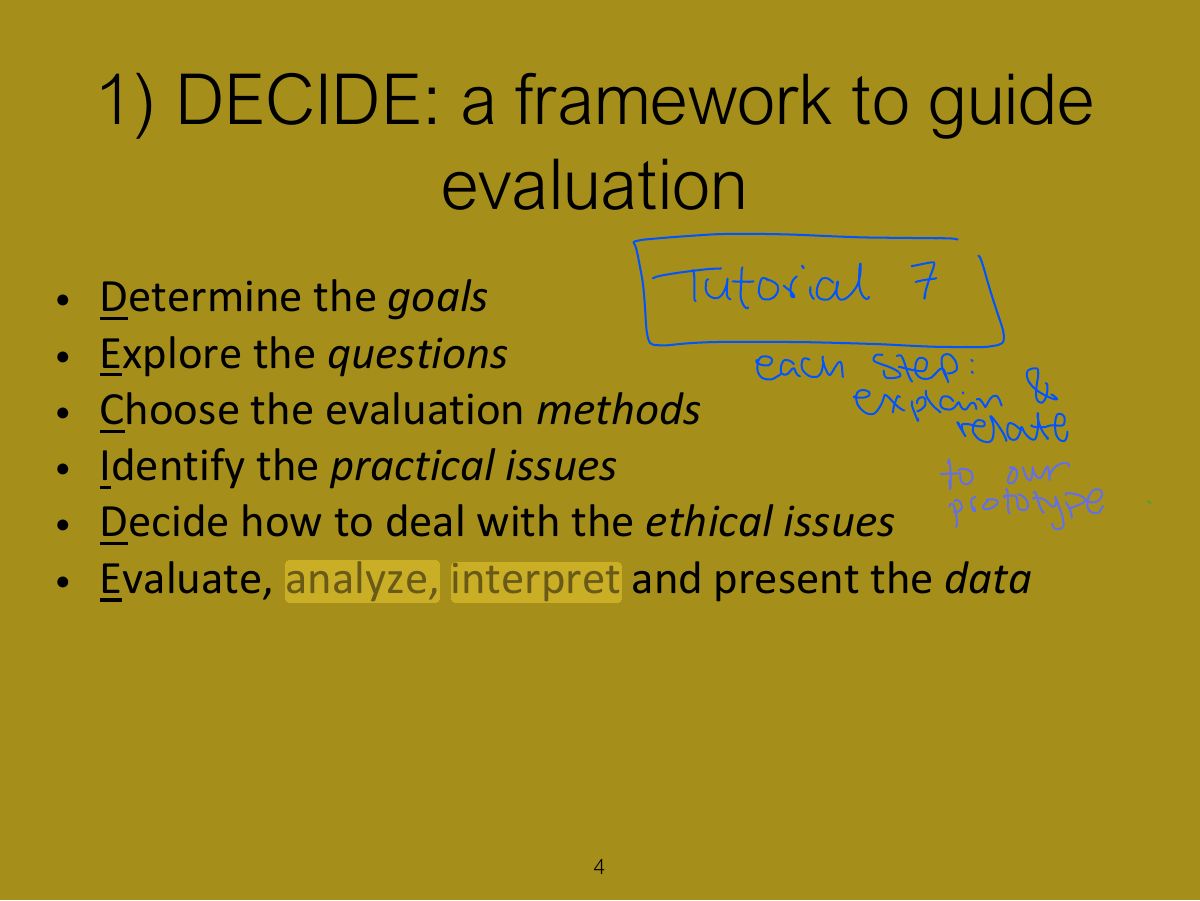
1) DECIDE: a framework to guide evaluation
Notes
Tip DECIDE: Determine the goals, Explore the questions, Choose the approach and methods, Identify practical issues, Decide about ethical issues, Evaluate, interpret and present the data.
Exam angle
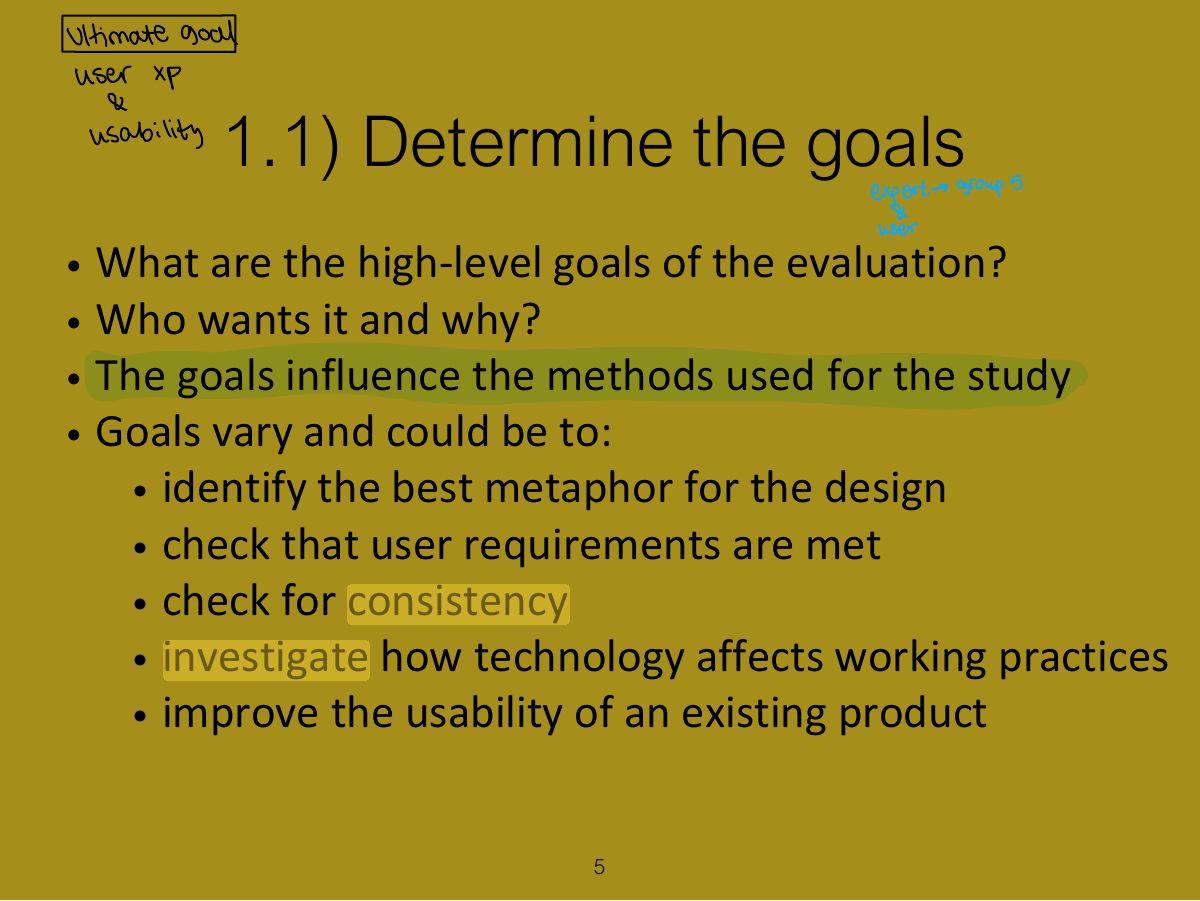
1.1) Determine the goals
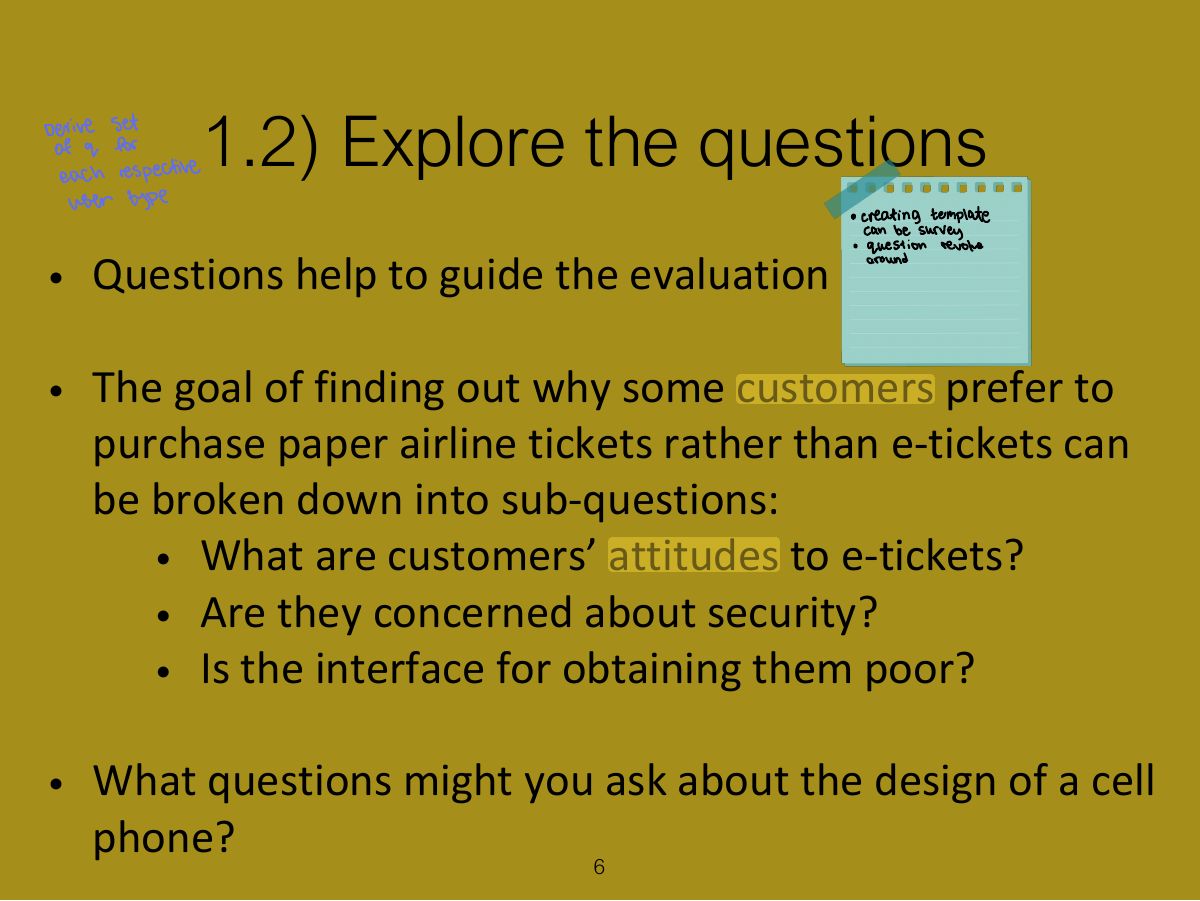
1.2) Explore the questions
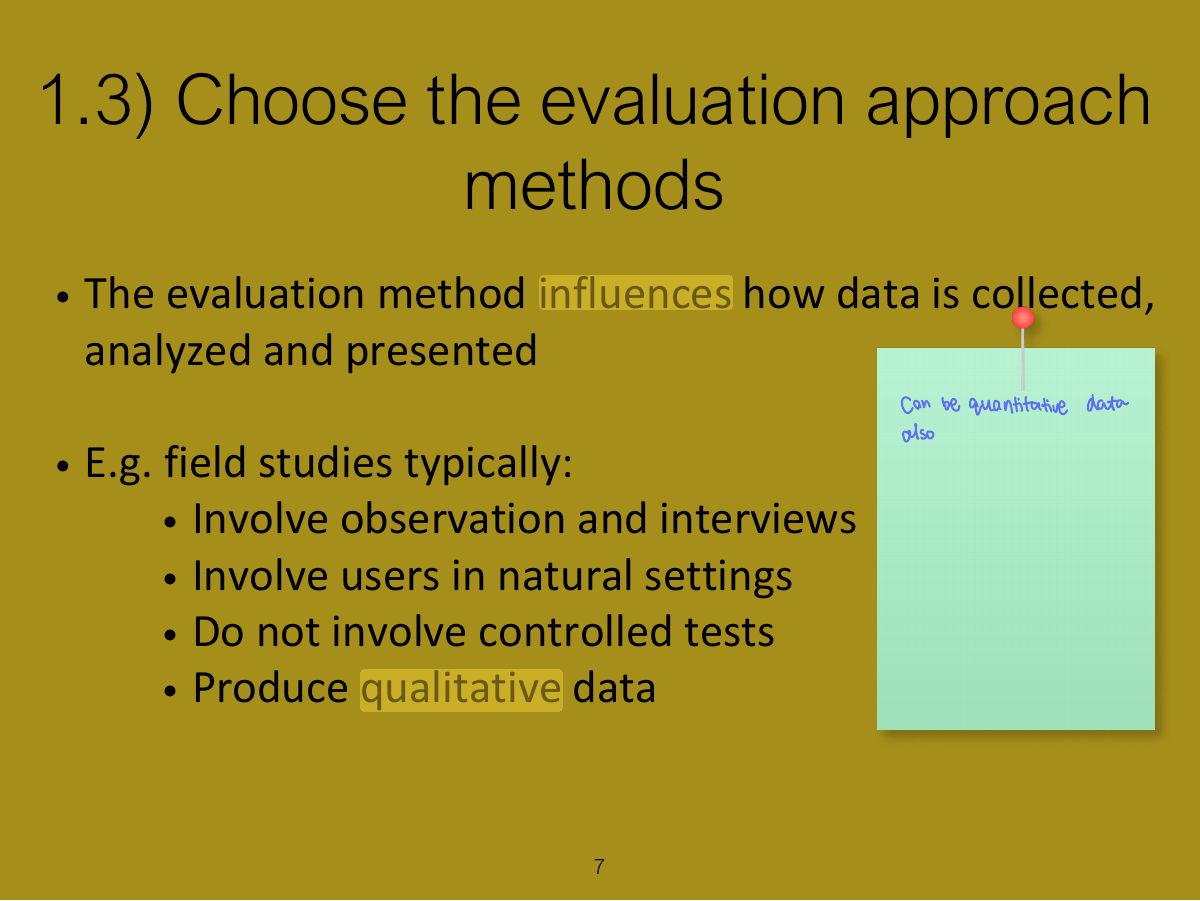
1.3) Choose the evaluation approach methods
1.4) Identify practical issues
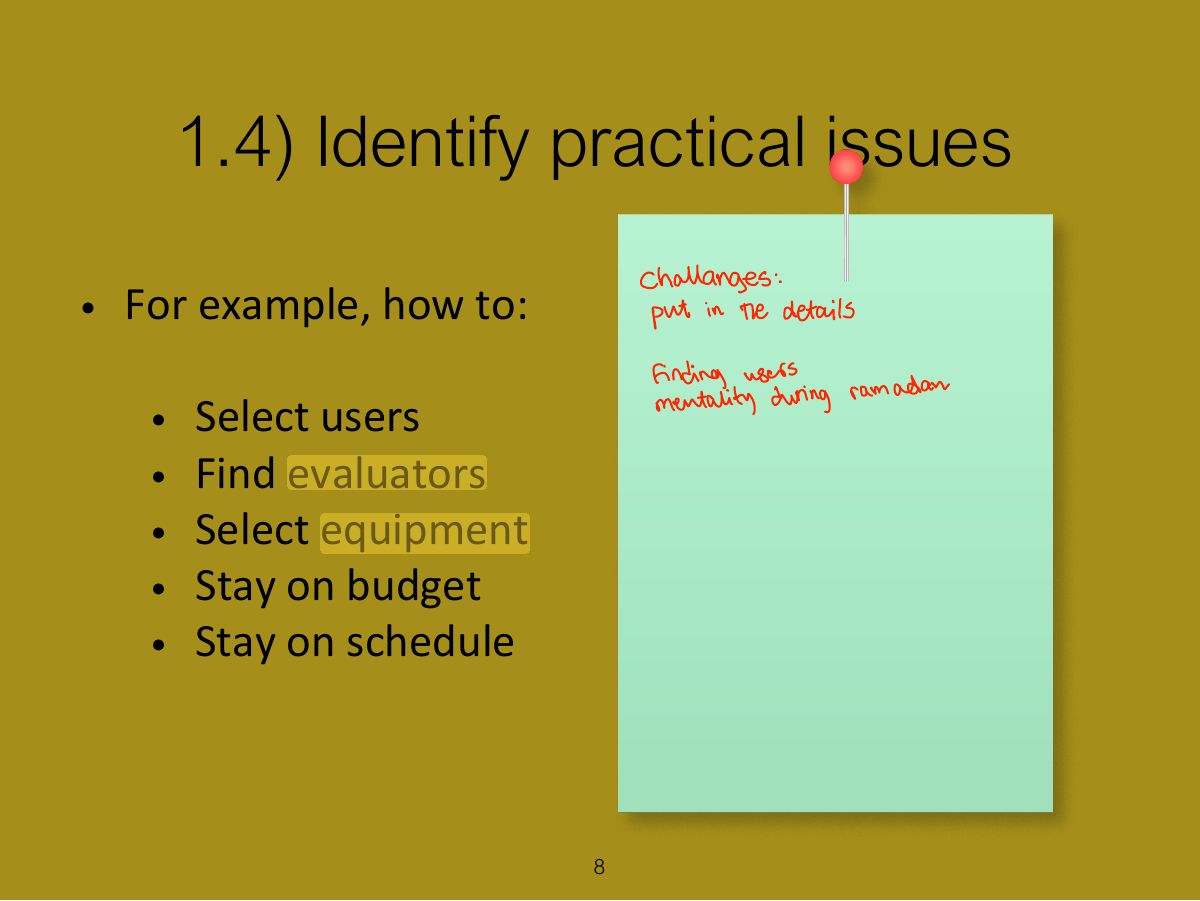
1.5) Decide about ethical issues
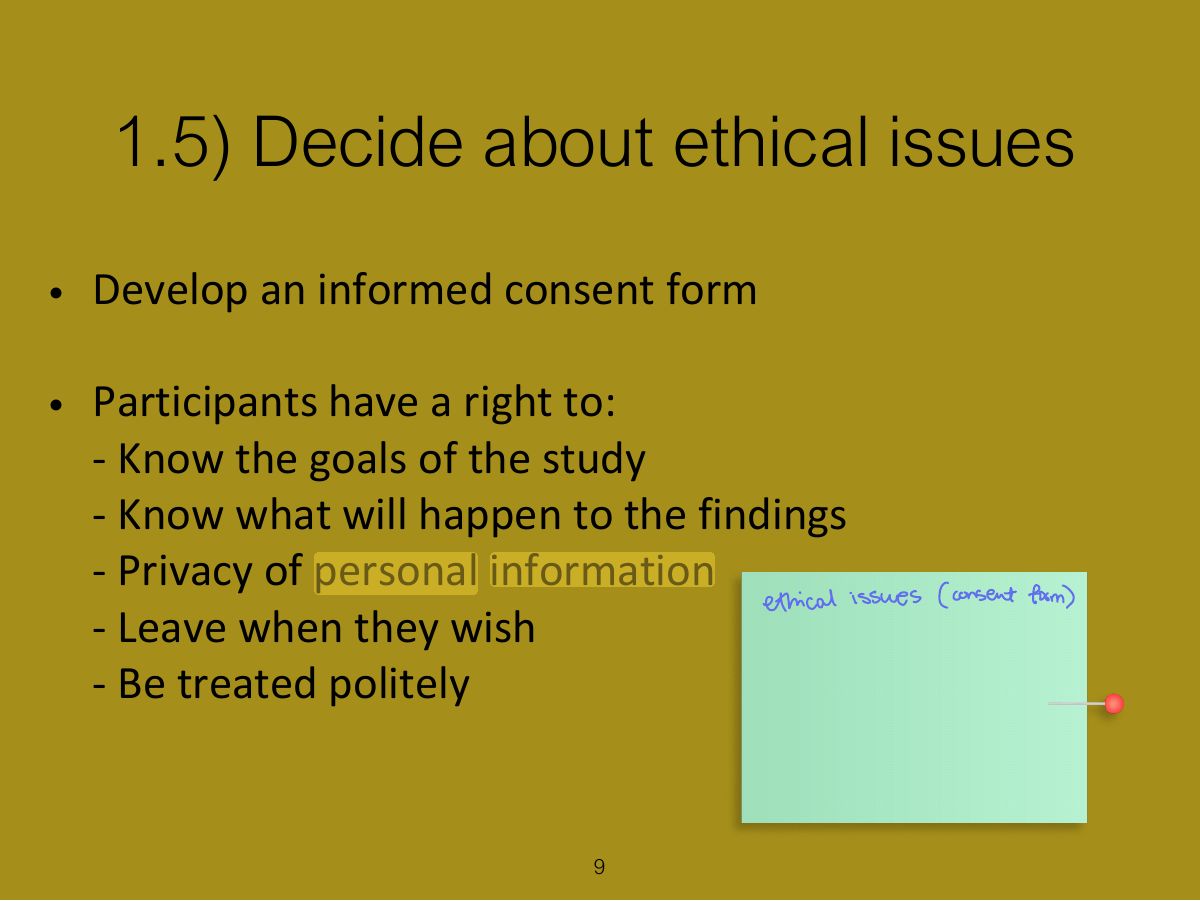
1.6) Evaluate, interpret & present data
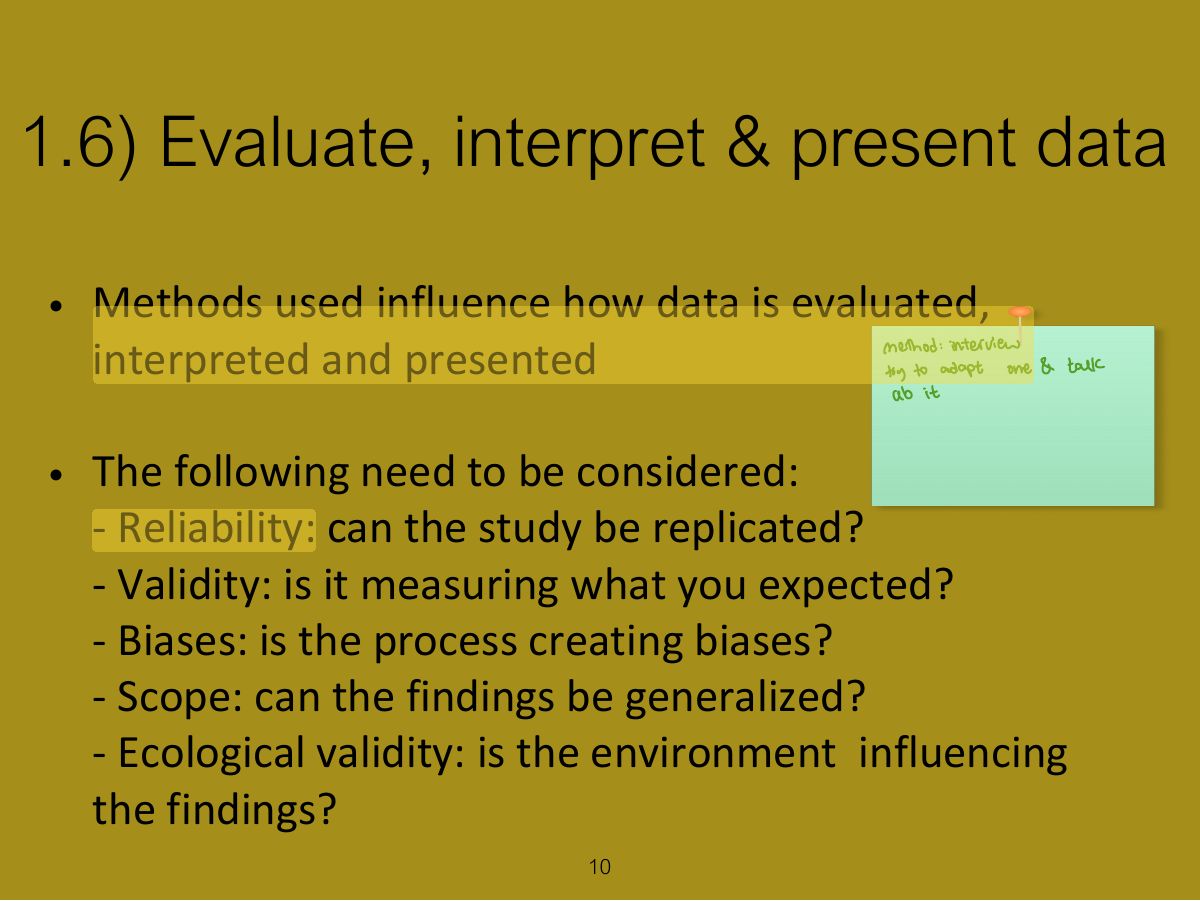
Key points
2. Usability testing
Notes
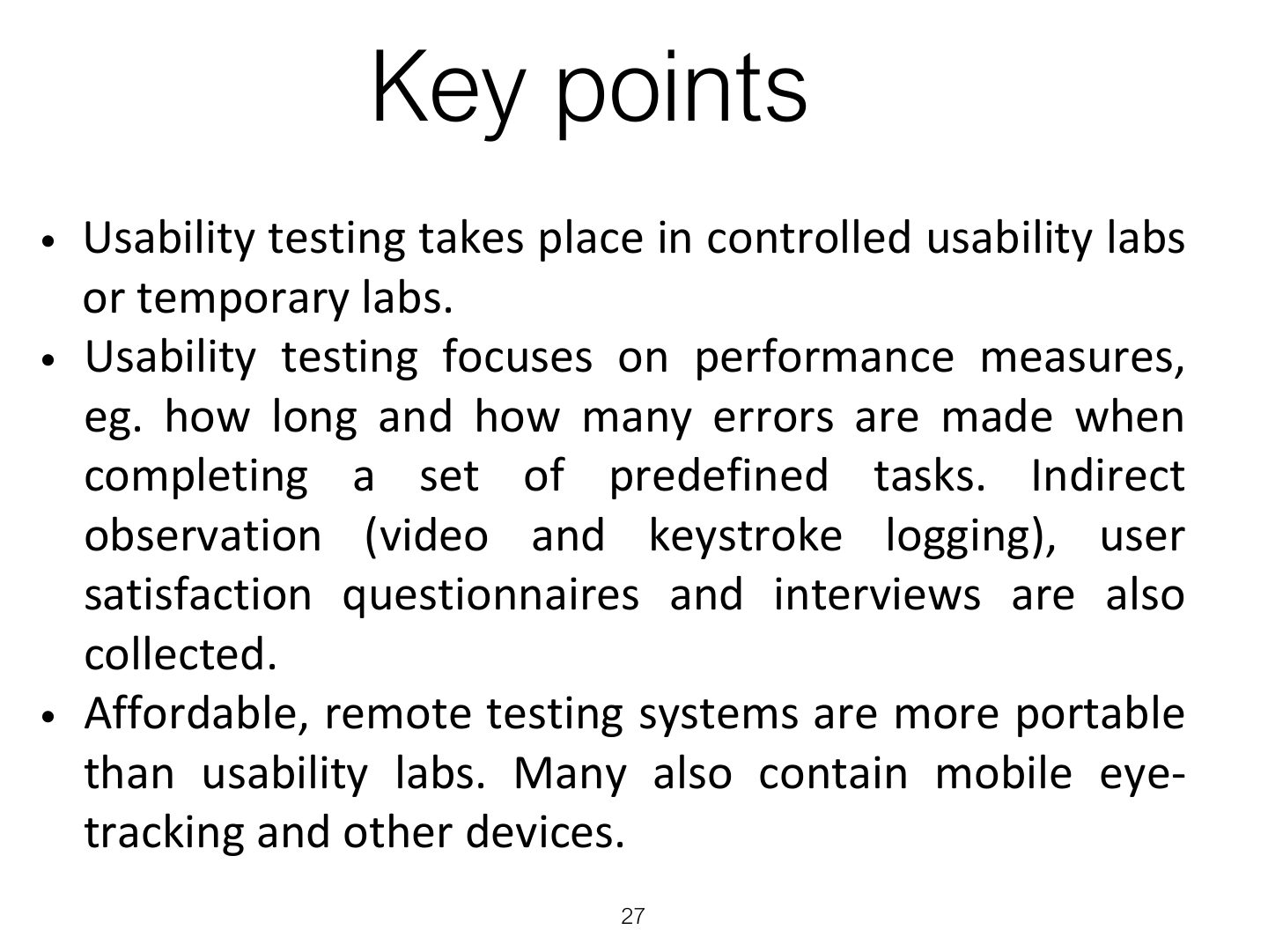
Usability testing: measure users’ performance on typical tasks in controlled conditions (time, errors, satisfaction, think-aloud).
2. Usability testing (cont)
2.1) Experiment & Usability testing
2.2) Usability testing & Research
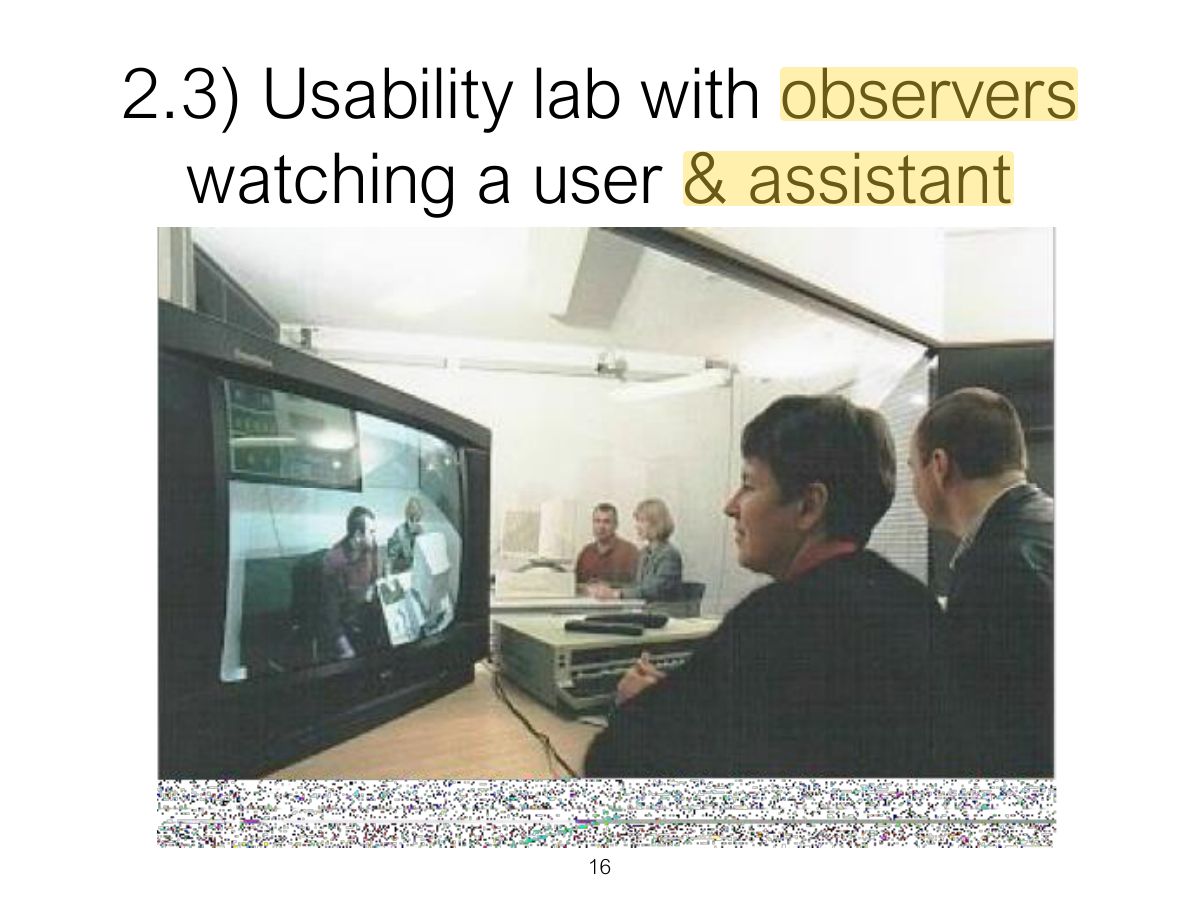
2.3) Usability lab with observers watching a user & assistant
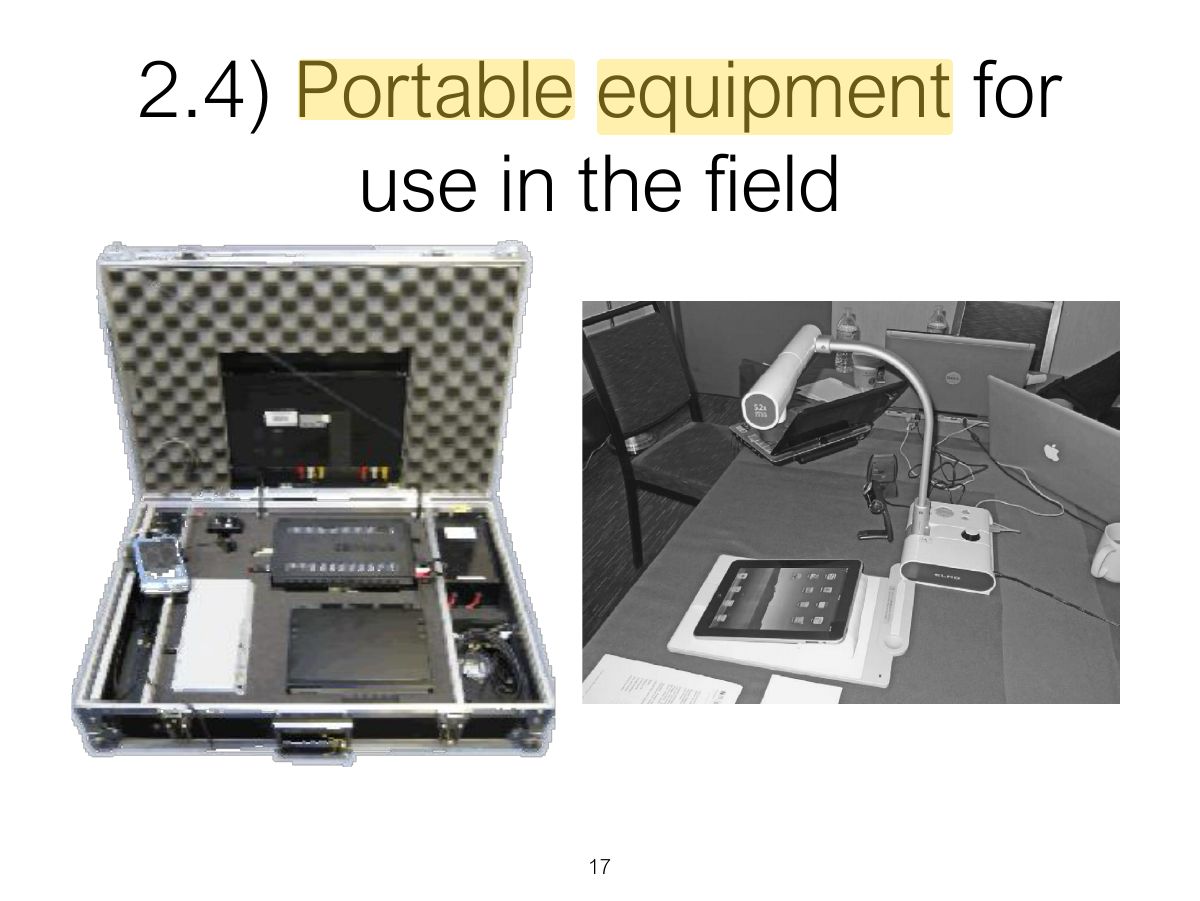
2.4) Portable equipment for use in the field
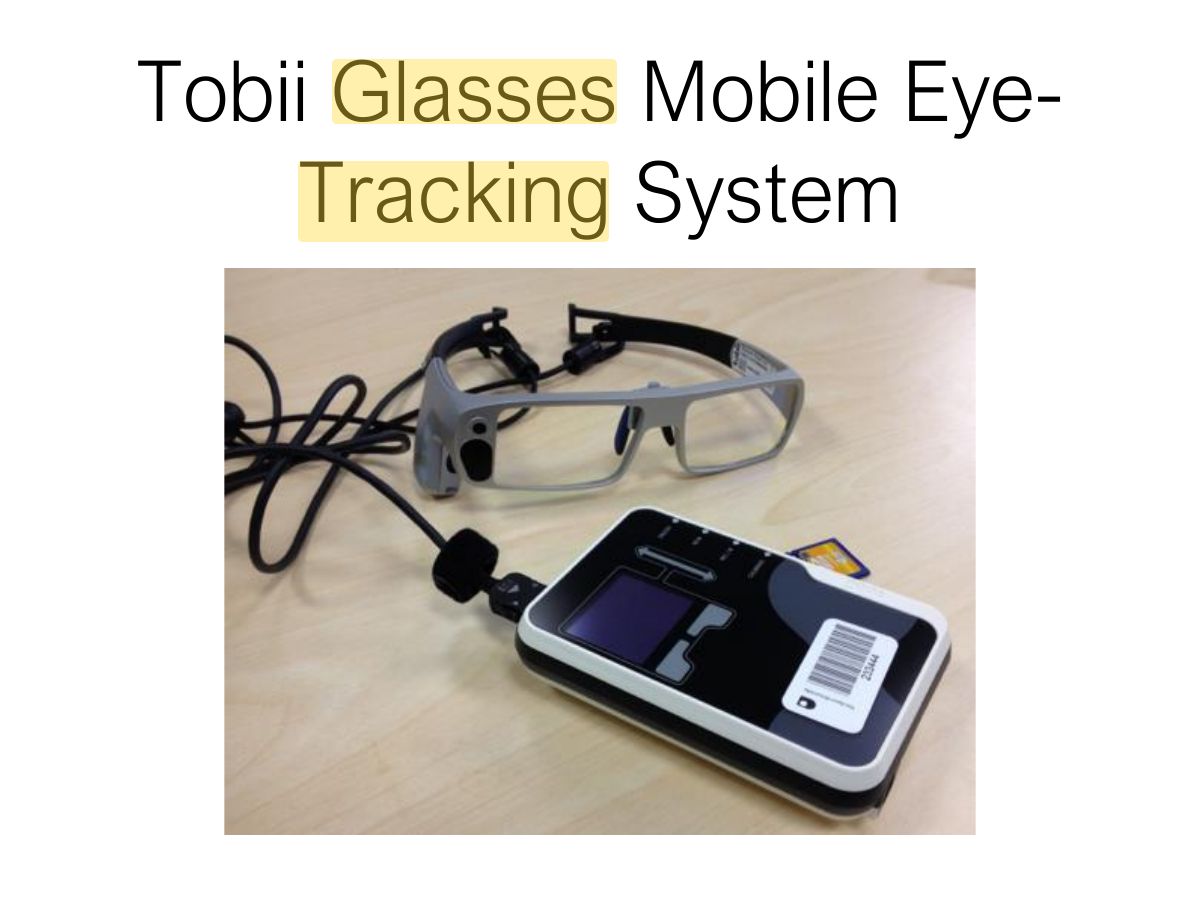
Tobii Glasses Mobile Eye- Tracking System
Notes
Eye tracking shows where users look (heat maps, gaze plots).
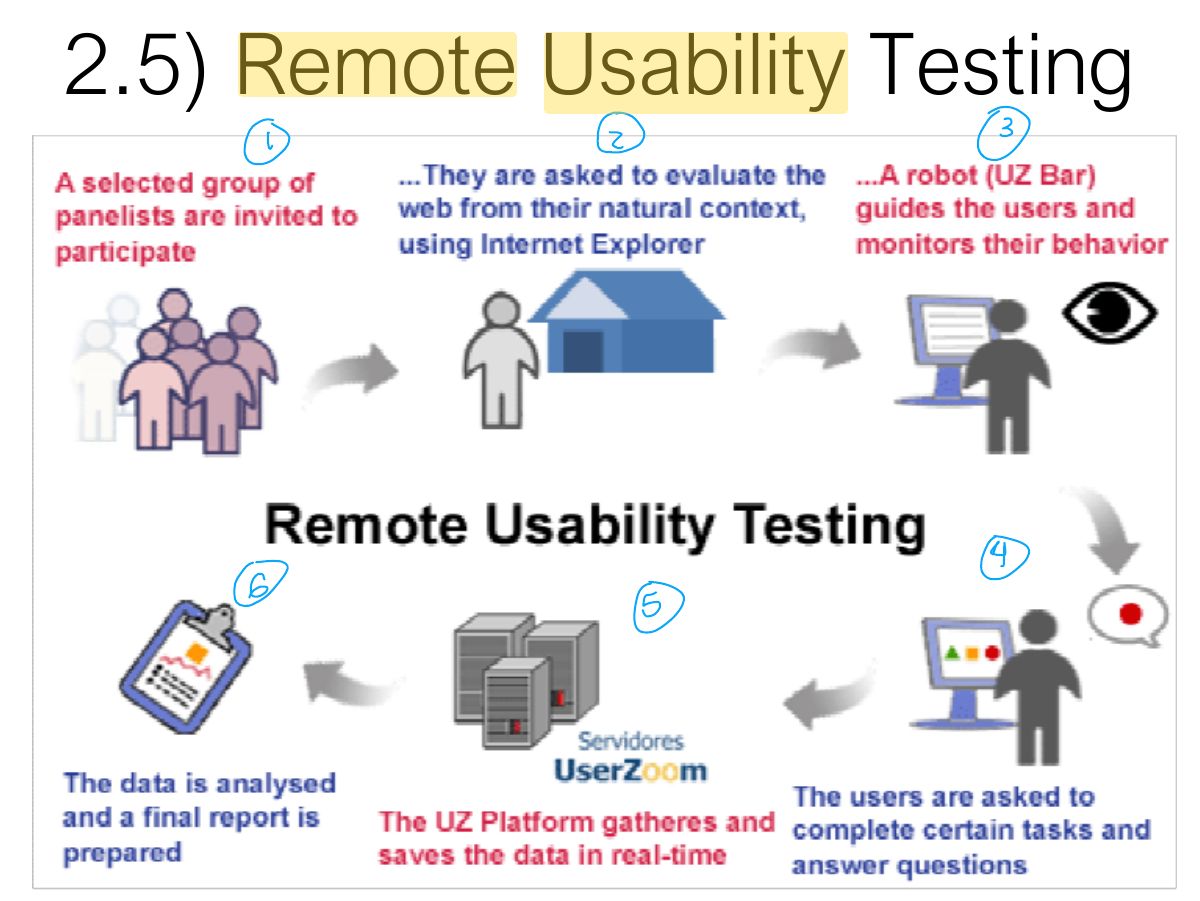
2.5) Remote Usability Testing
Notes
Remote usability testing: users test from their own location; recorded online.
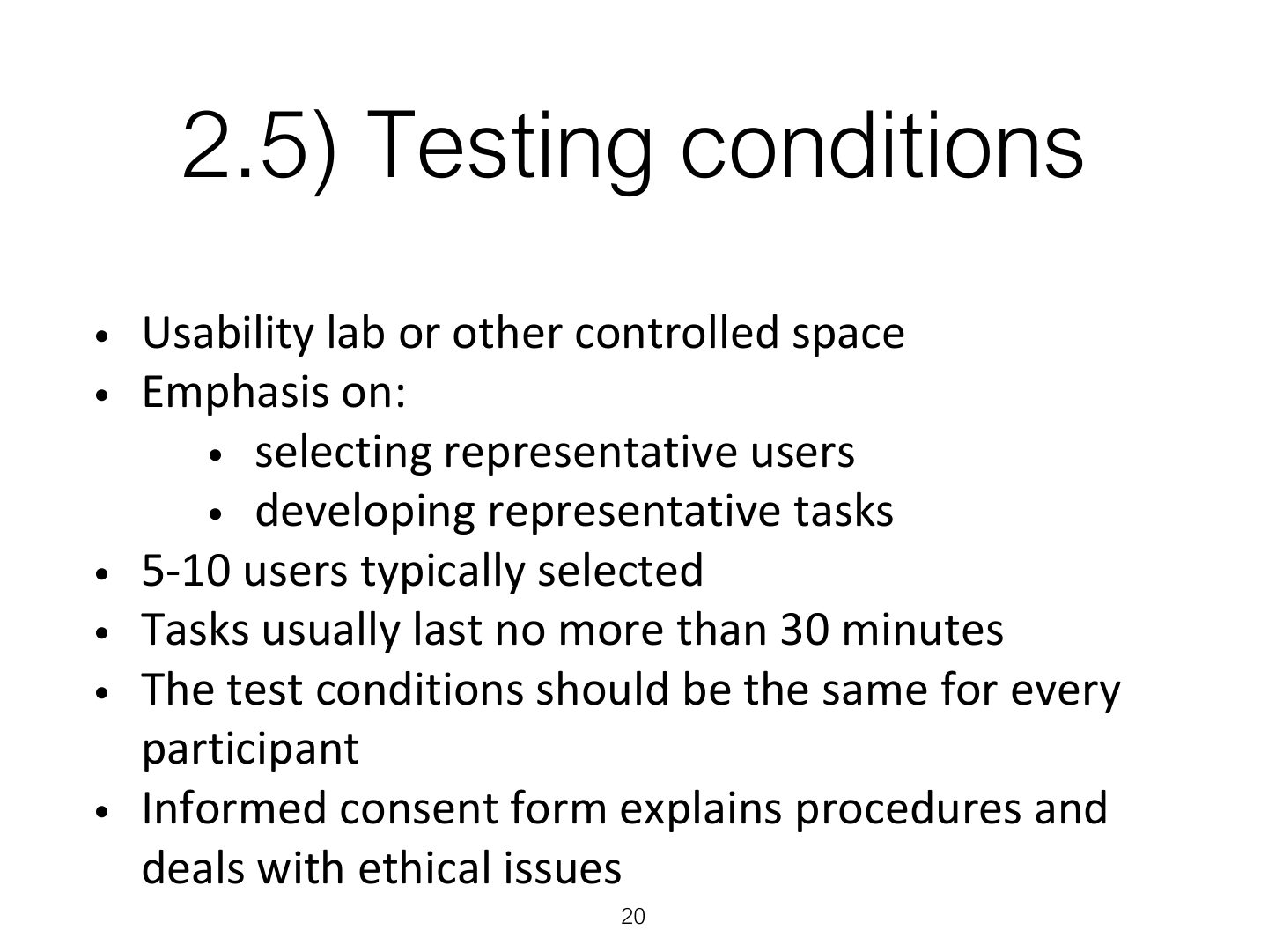
2.5) Testing conditions
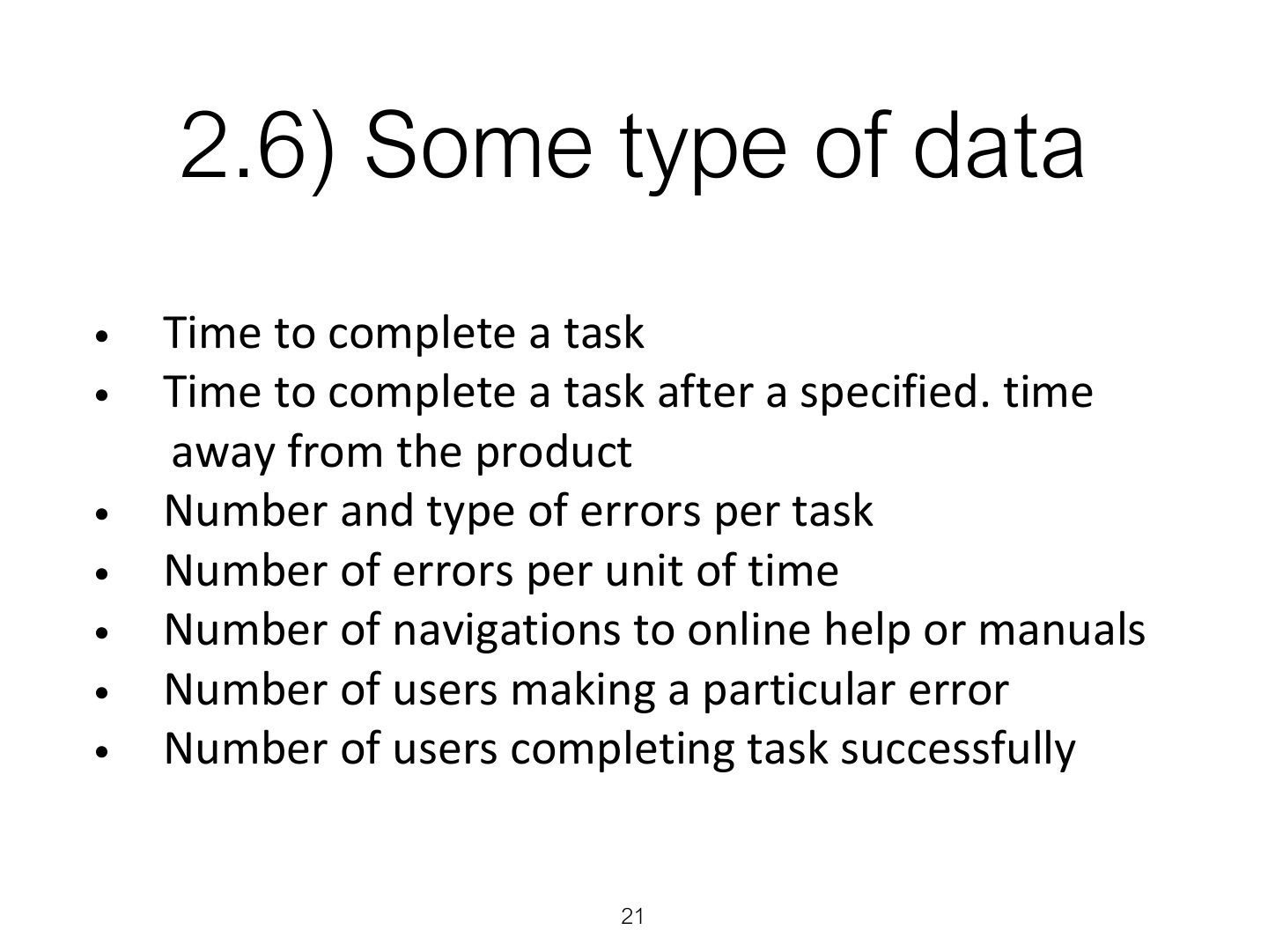
2.6) Some type of data
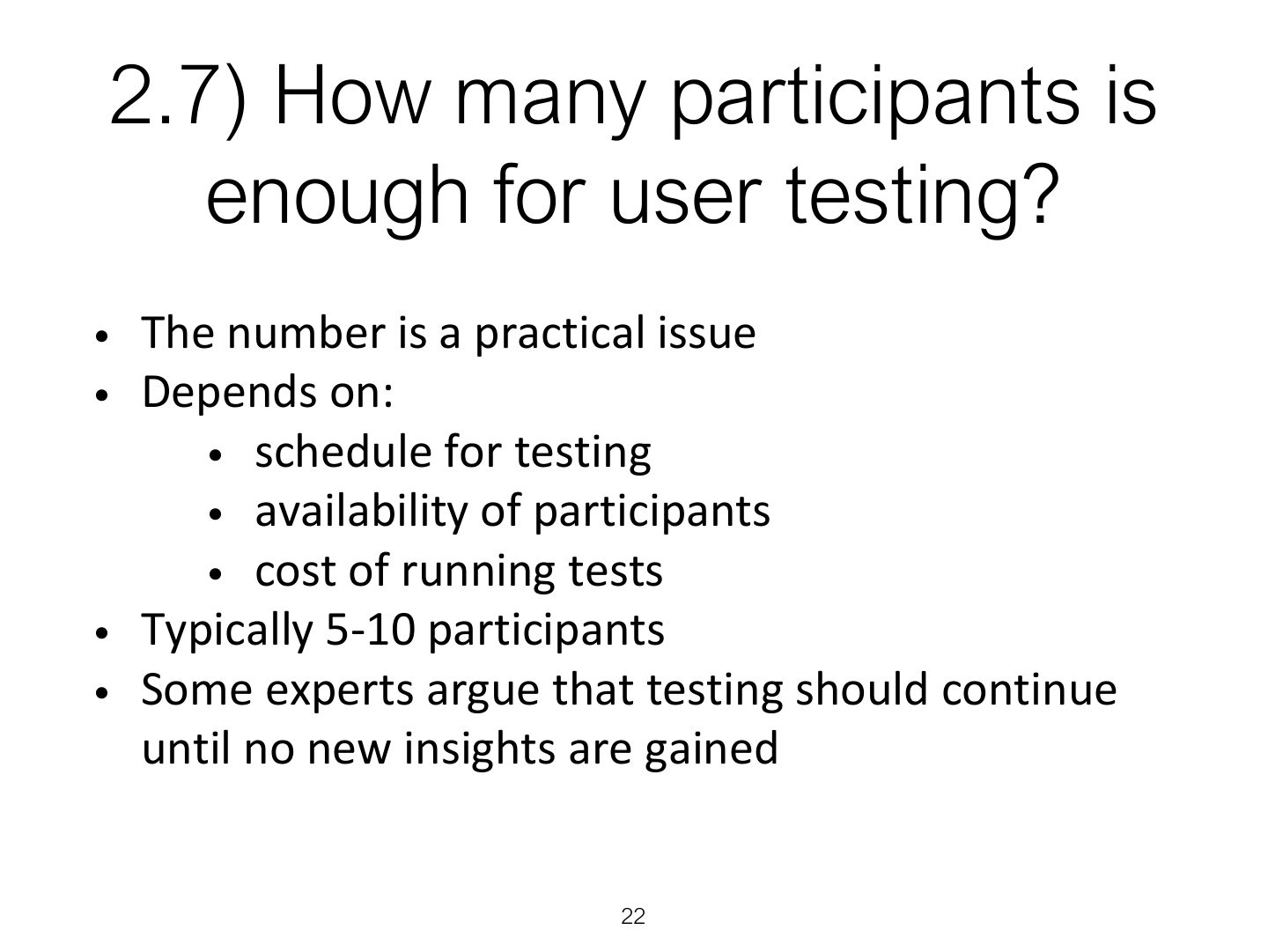
2.7) How many participants is enough for user testing?
Notes
About 5–12 participants are often enough for a usability test (Nielsen: 5 users find most problems).
Exam angle
According to Nielsen, about how many users find most usability problems in a test?
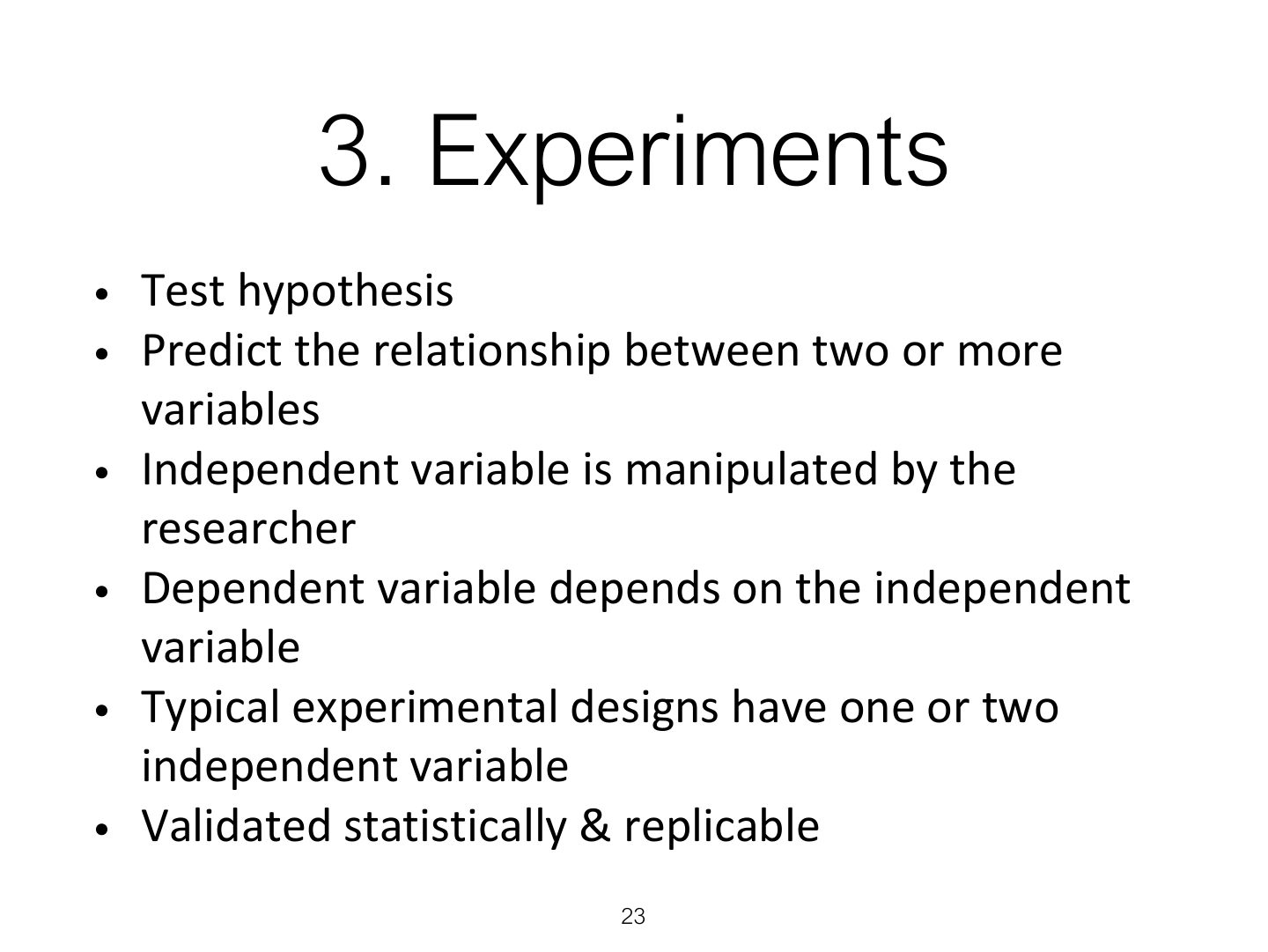
3. Experiments
Notes
Experiments test a hypothesis: independent variable (what you change) → dependent variable (what you measure).
Exam angle
In an experiment comparing two menu designs on task time, the menu design is the:
3.1 Experimental design
3.2 Different, same, matched participant design
Notes
Designs: different participants (between-subjects: no order effects, needs more people), same participants (within-subjects: fewer people, order effects → counterbalance), matched participants.
Trap Within-subjects (same participants) designs suffer from ORDER effects; fix with counterbalancing.
Exam angle
Each participant tries both designs. This is a:
4. Field Studies
Notes
Field studies: observe real use in natural settings; less control, more realism.
Key points
Key points