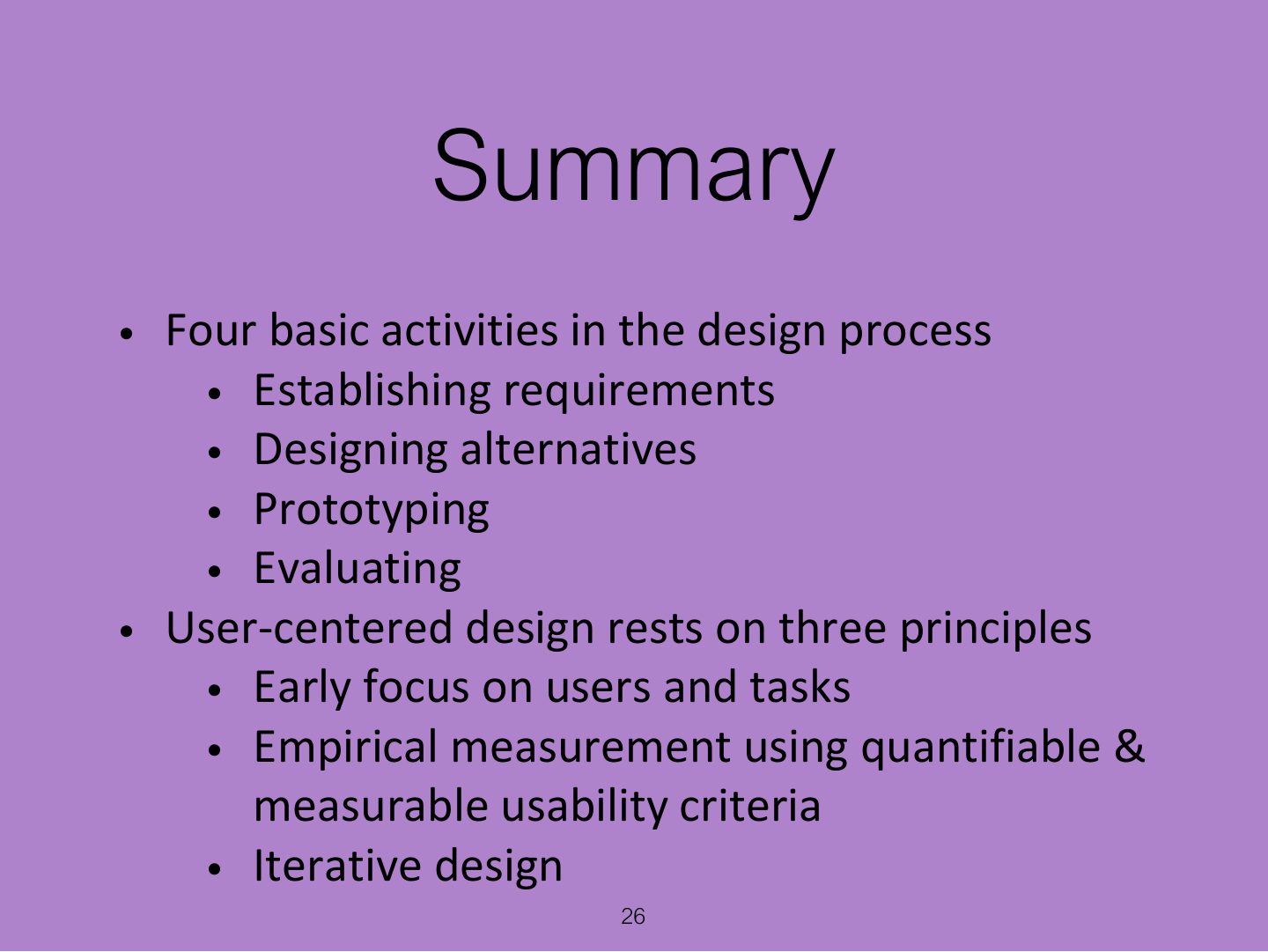
Which is NOT a principle of user-centred design?
The Process of Interaction Design
What interaction design involves, the problem space, degrees of user involvement, the user-centred approach, the four basic activities and lifecycle models (simple, Google design sprint, research and design), three key characteristics, and practical issues: users, needs, alternatives and choosing between them.
How to read this page
Every original slide is shown unchanged. Yellow marks on a slide point to a numbered note: hover or tap a mark to jump to its note, and hover a note to see its marks. Questions tagged Past exam appeared on a real paper; Prediction questions are likely angles, not confirmed. Pick an answer to each question: a wrong pick tells you why it is wrong, so you can try again.
All 26 slides
- 1 Slide 1
- 2 Overview
- 3 Learning Outcomes
- 4 What is Interaction Design?
- 5 Understanding the Problem Space
- 6 Degrees of User Involvement
- 7 Degrees of User Involvement
- 8 What is a User-Centered Approach?
- 9 Four basic Activities of Interaction Design
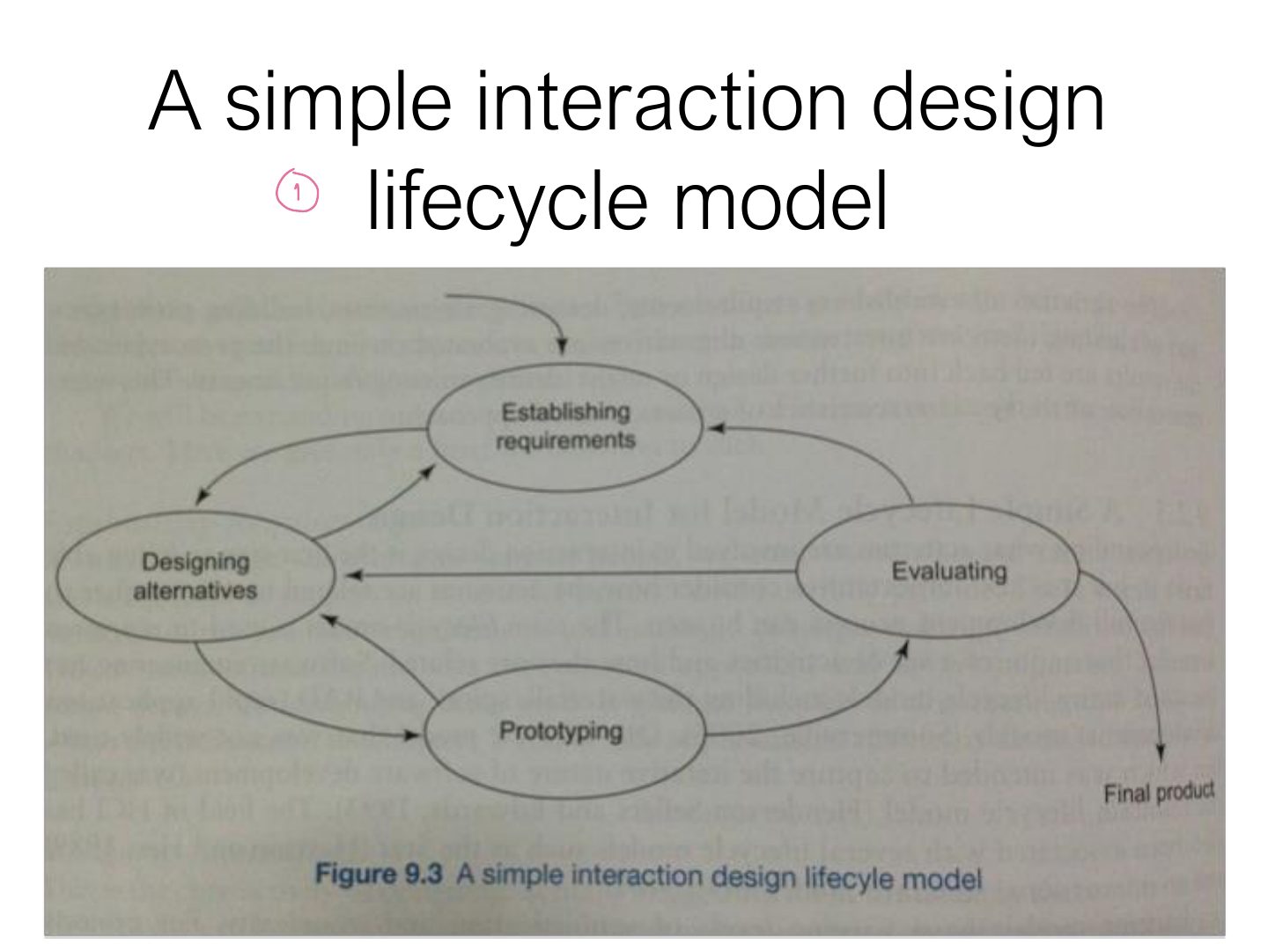
- 10 A simple interaction design lifecycle model
- 11 Another Lifecycle Model: Google Design Sprints
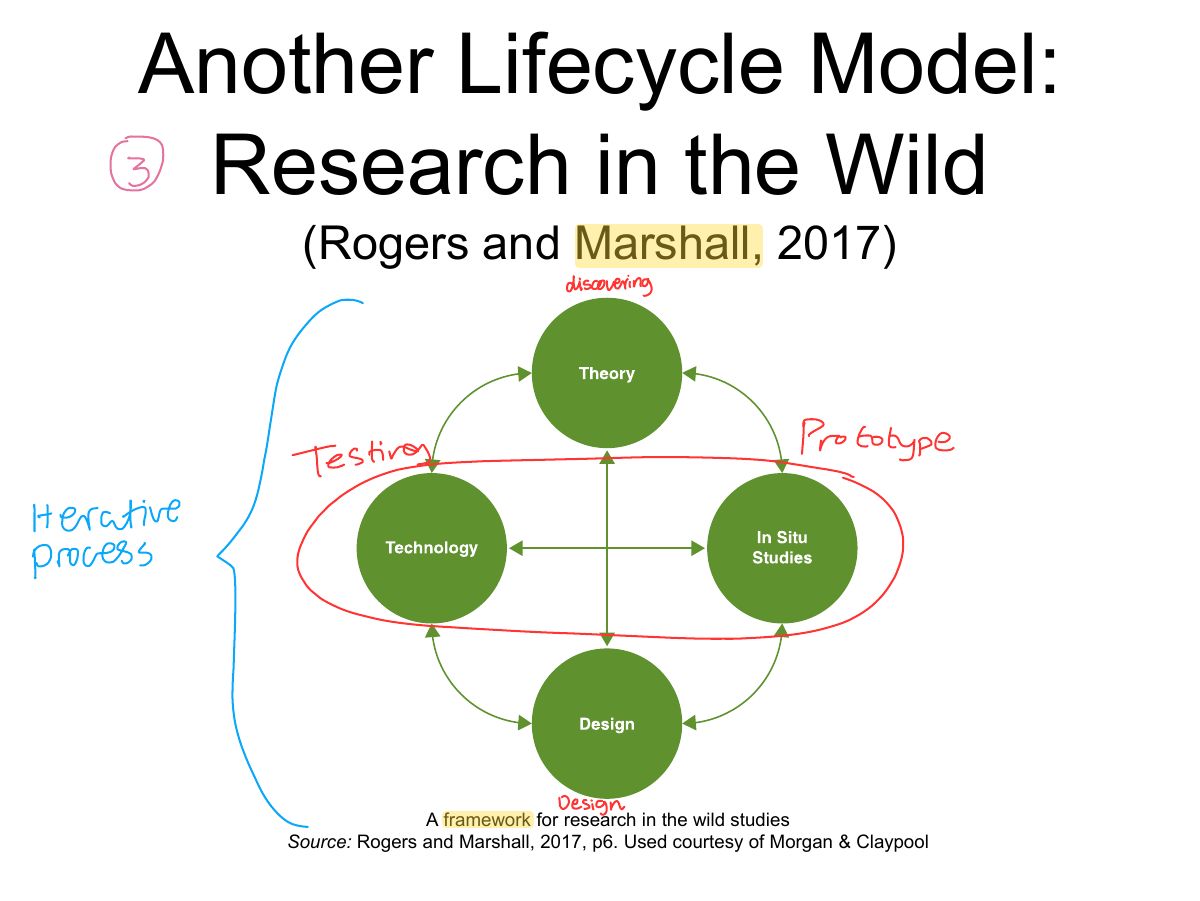
- 12 Another Lifecycle Model: Research in the Wild
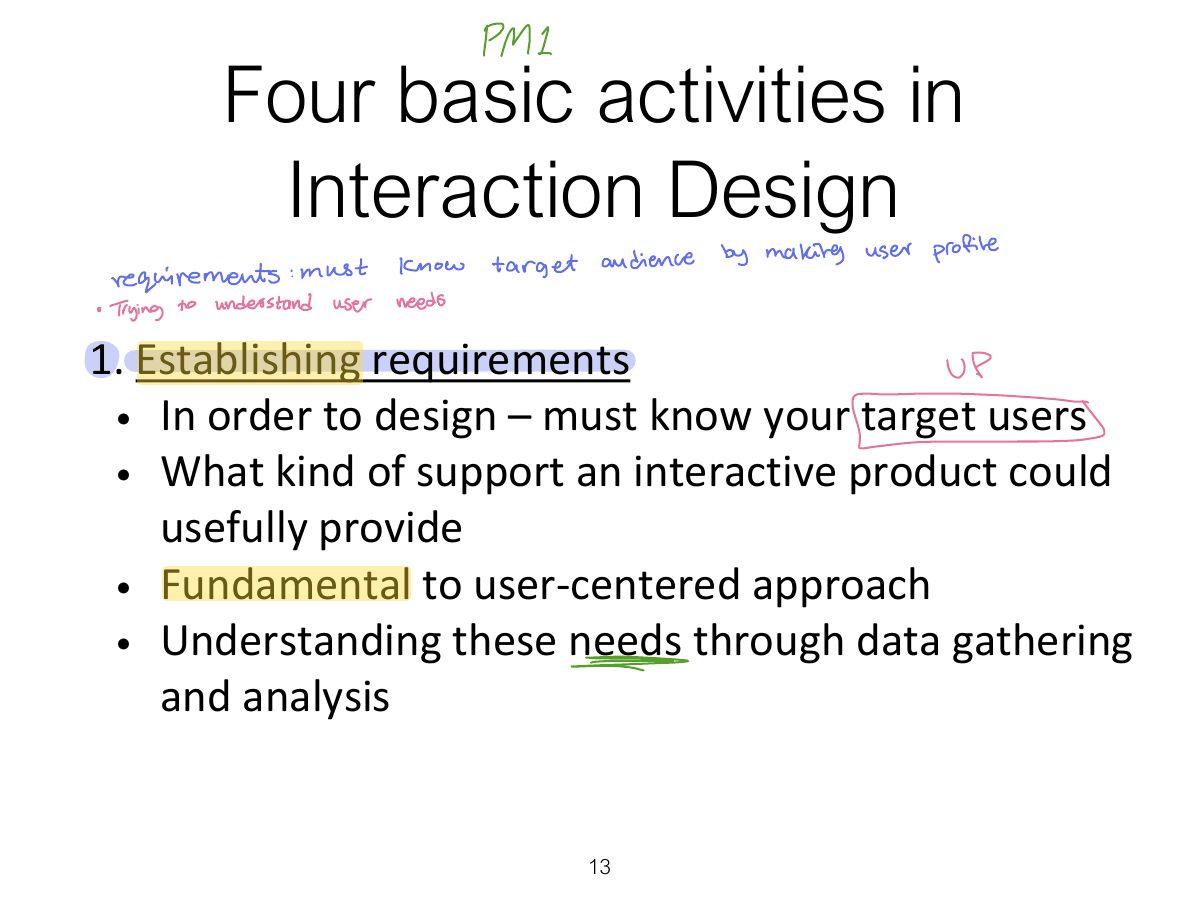
- 13 Four basic activities in Interaction Design
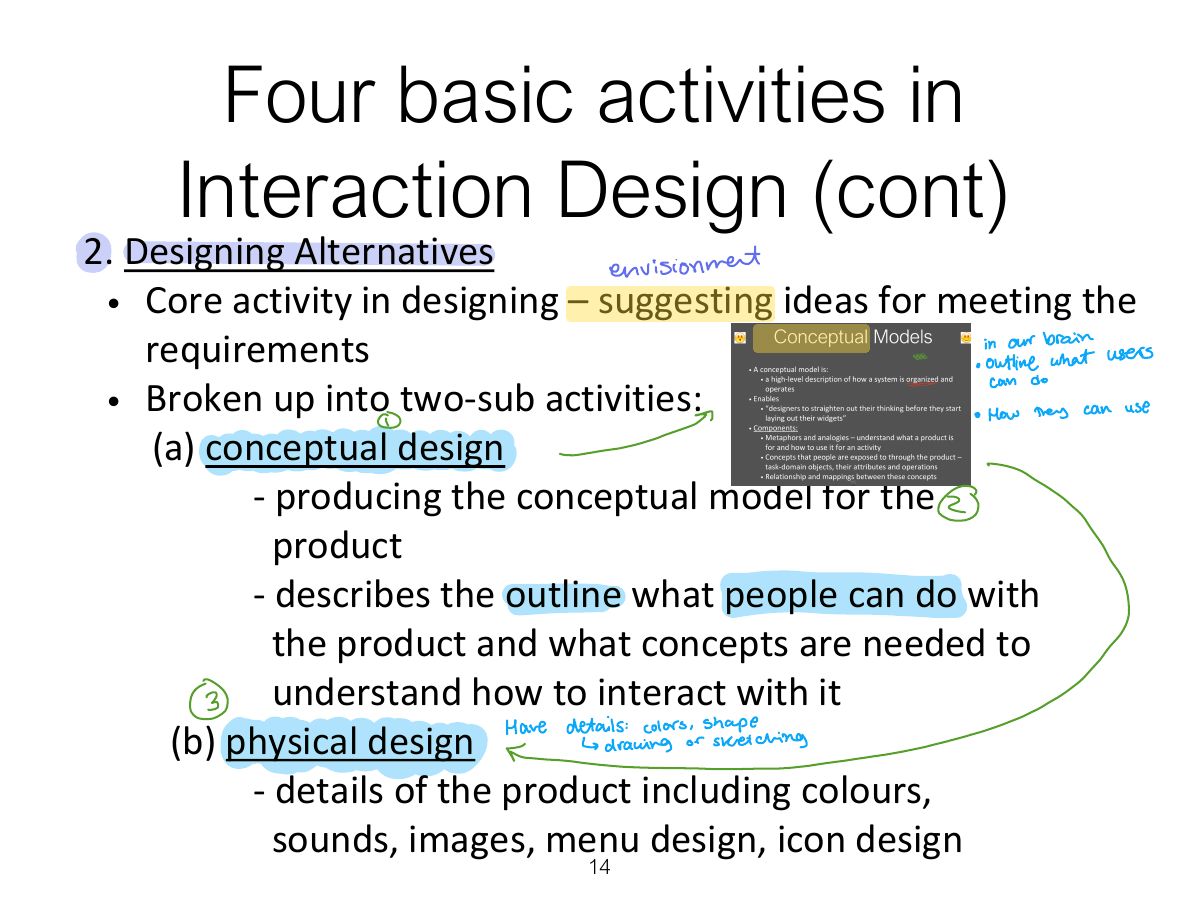
- 14 Four basic activities in Interaction Design (cont)
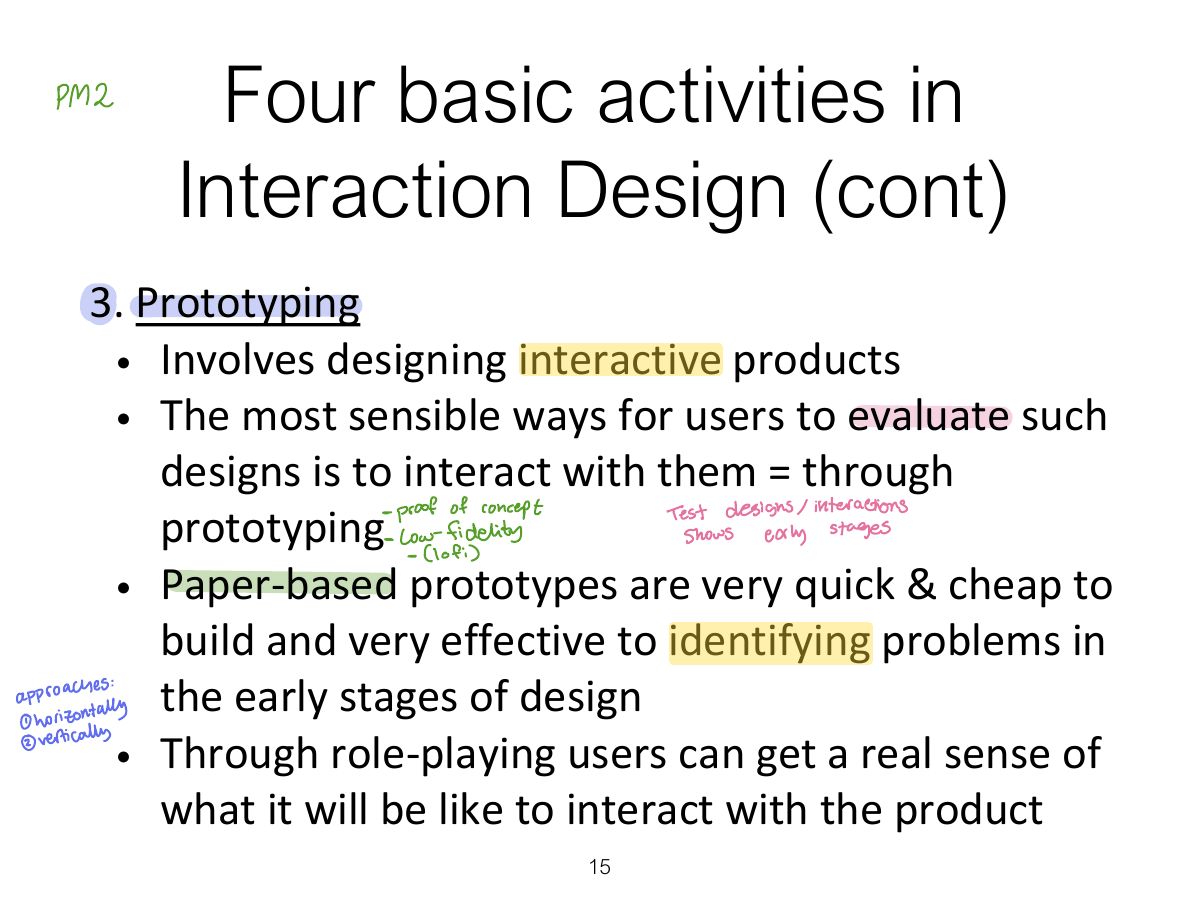
- 15 Four basic activities in Interaction Design (cont)
- 16 Four basic activities in Interaction Design (cont)
- 17 Three key characteristics
- 18 Some practical issues
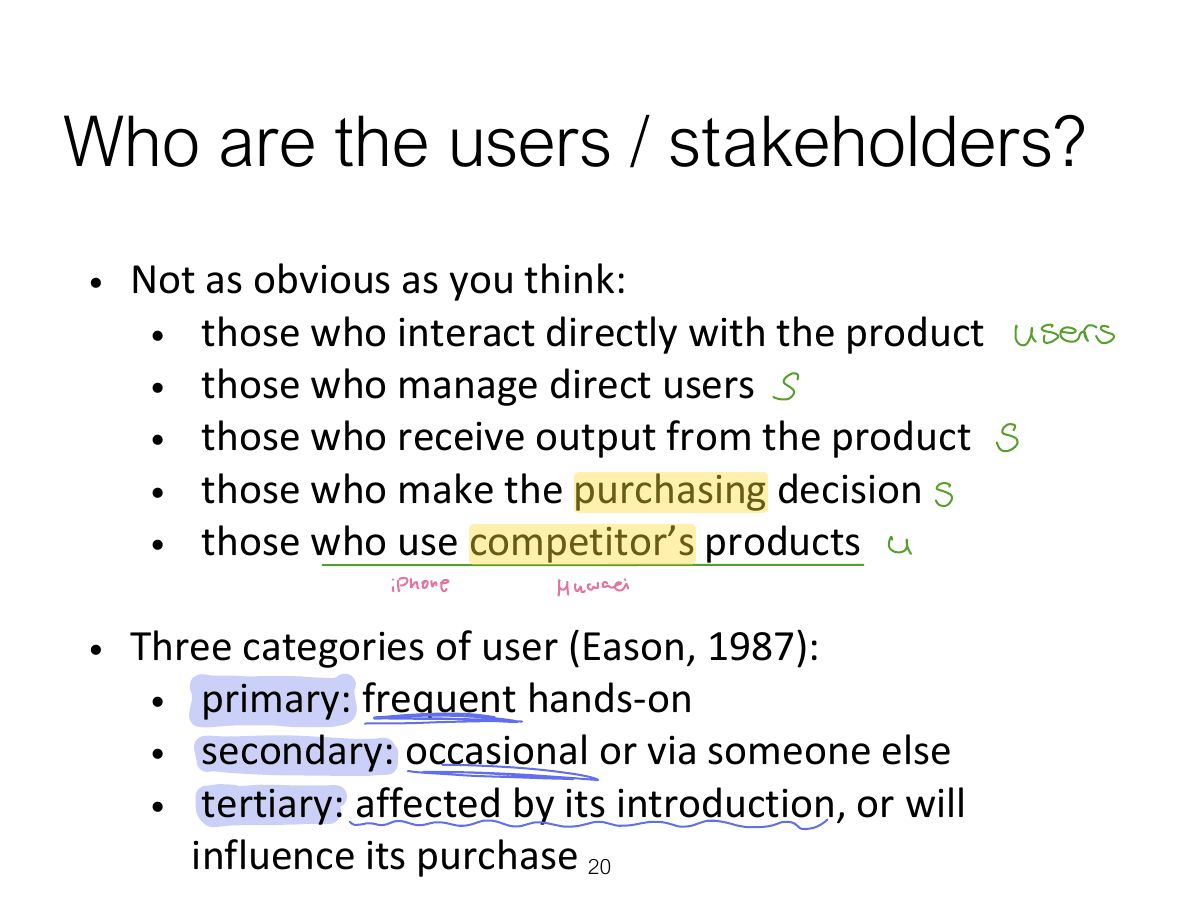
- 19 Who are the users / stakeholders?
- 20 Who are the users / stakeholders?
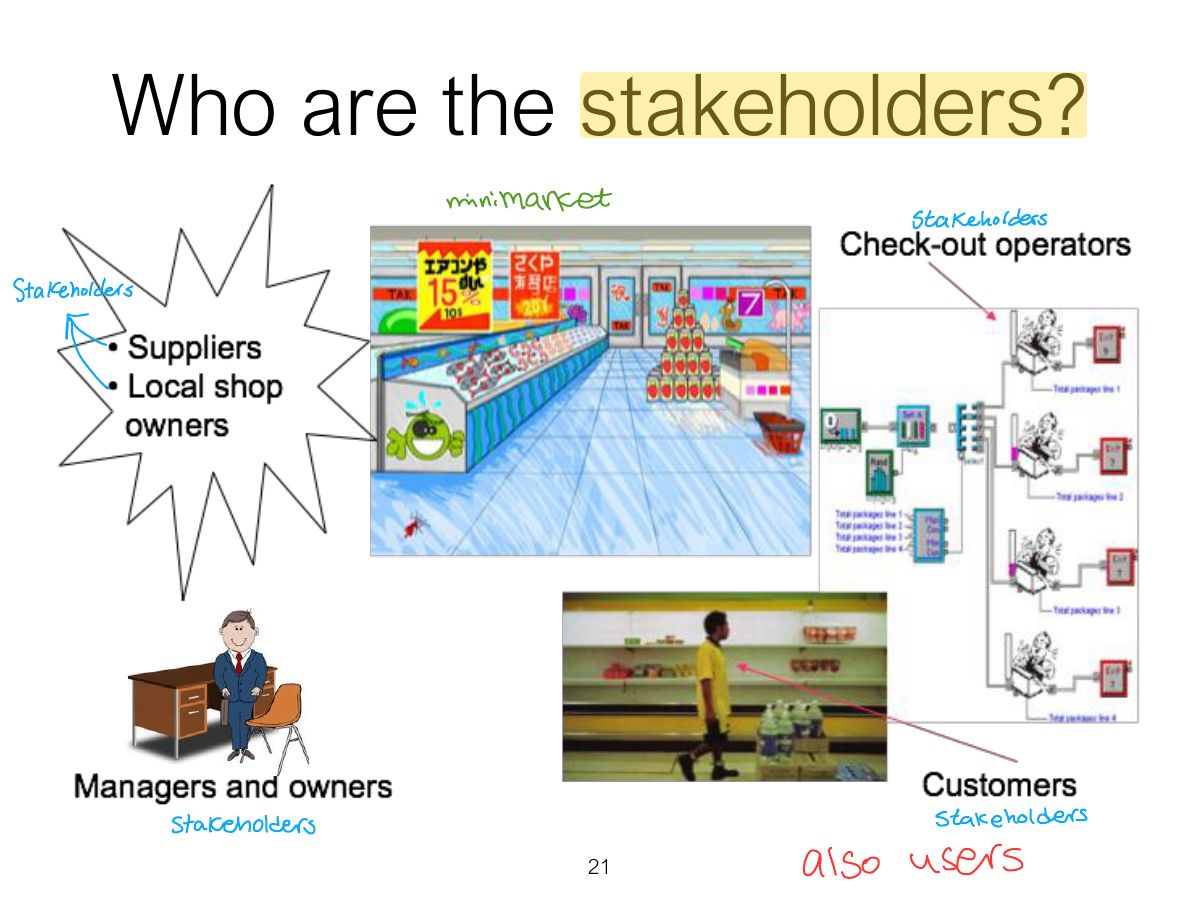
- 21 Who are the stakeholders?
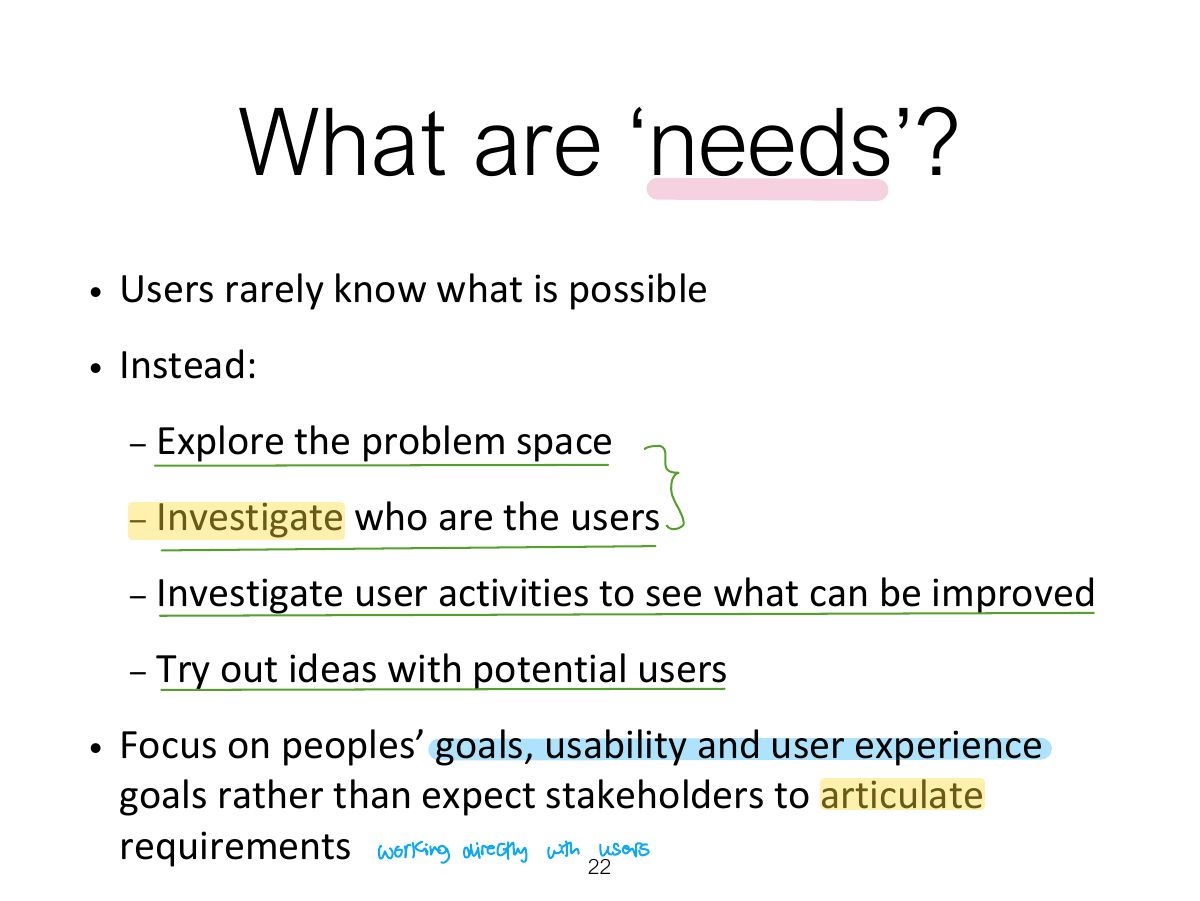
- 22 What are ‘needs’?
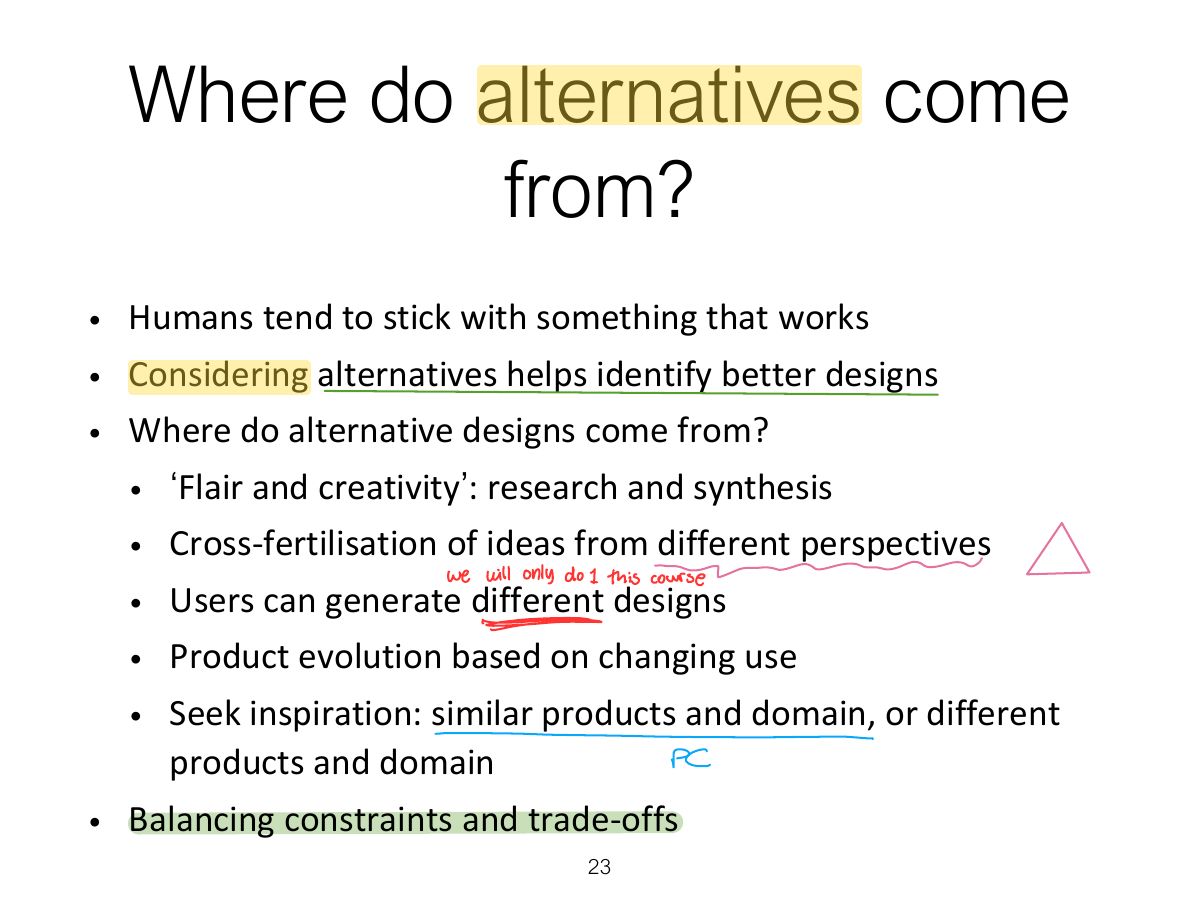
- 23 Where do alternatives come from?
- 24 How to choose alternative designs?
- 25 Testing prototypes to choose among alternatives
- 26 Summary
Slide 1
Overview
Learning Outcomes
What is Interaction Design?
Understanding the Problem Space
Degrees of User Involvement
Notes
User involvement ranges from full-time members of the team to occasional consultation; involvement manages expectations and creates ownership.
Degrees of User Involvement
What is a User-Centered Approach?
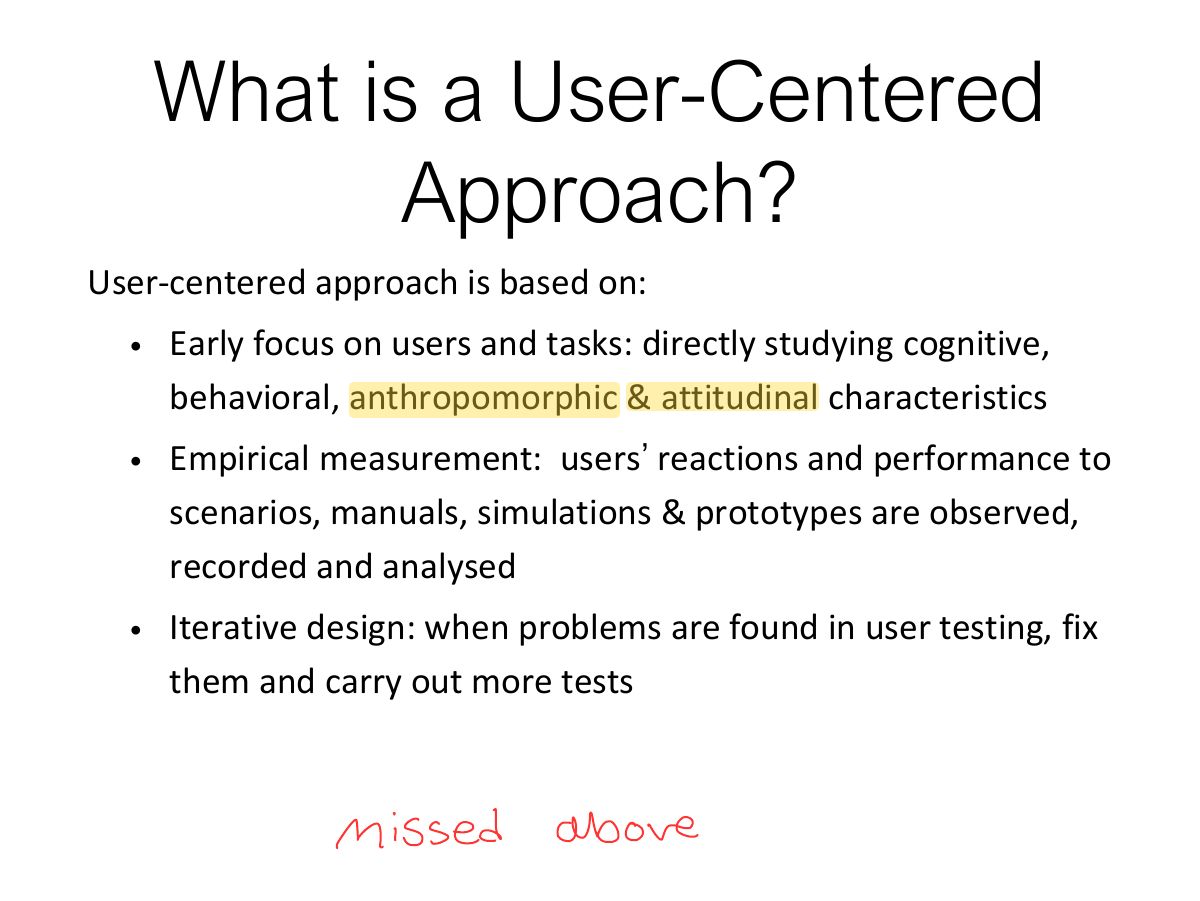
Exam angle
Four basic Activities of Interaction Design
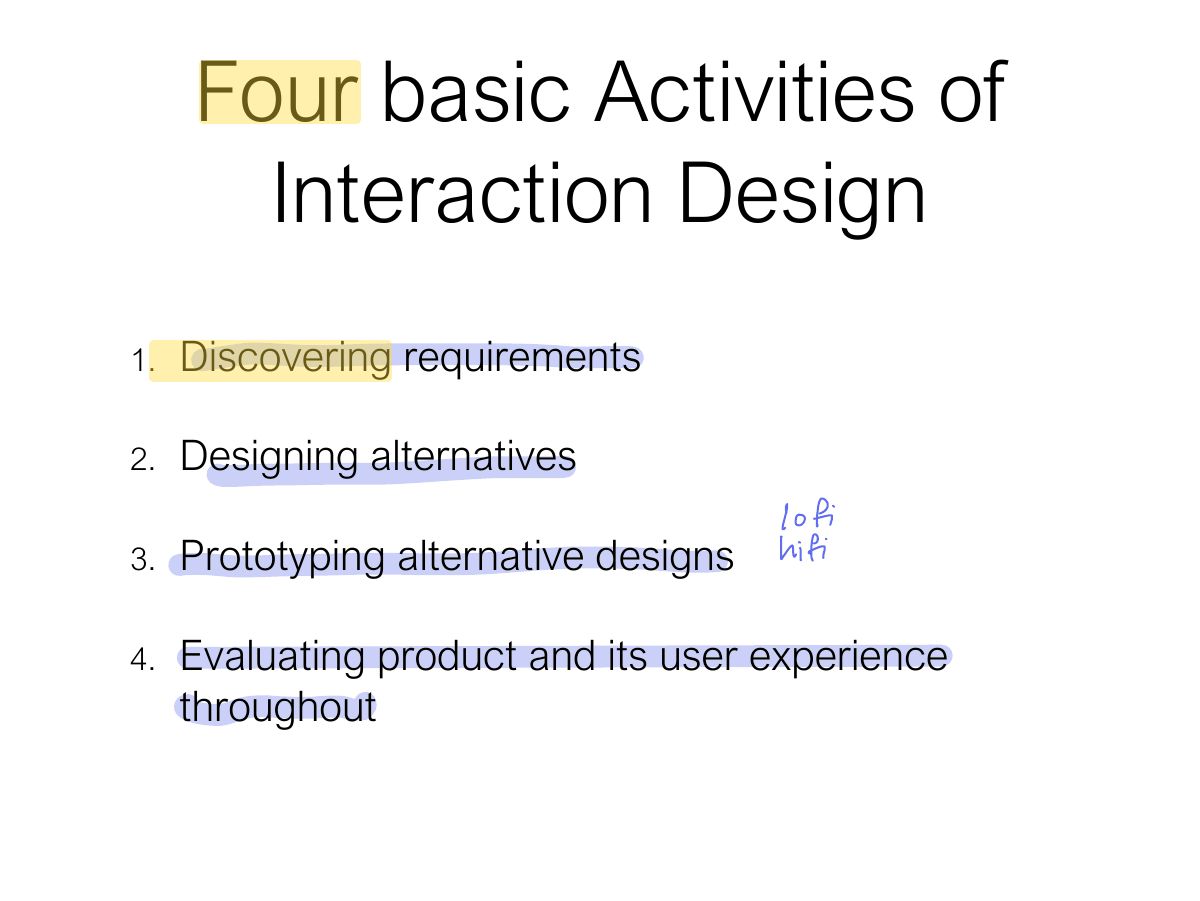
Notes
Memory trick Discover → Design → Prototype → Evaluate → repeat.
A simple interaction design lifecycle model
Another Lifecycle Model: Google Design Sprints
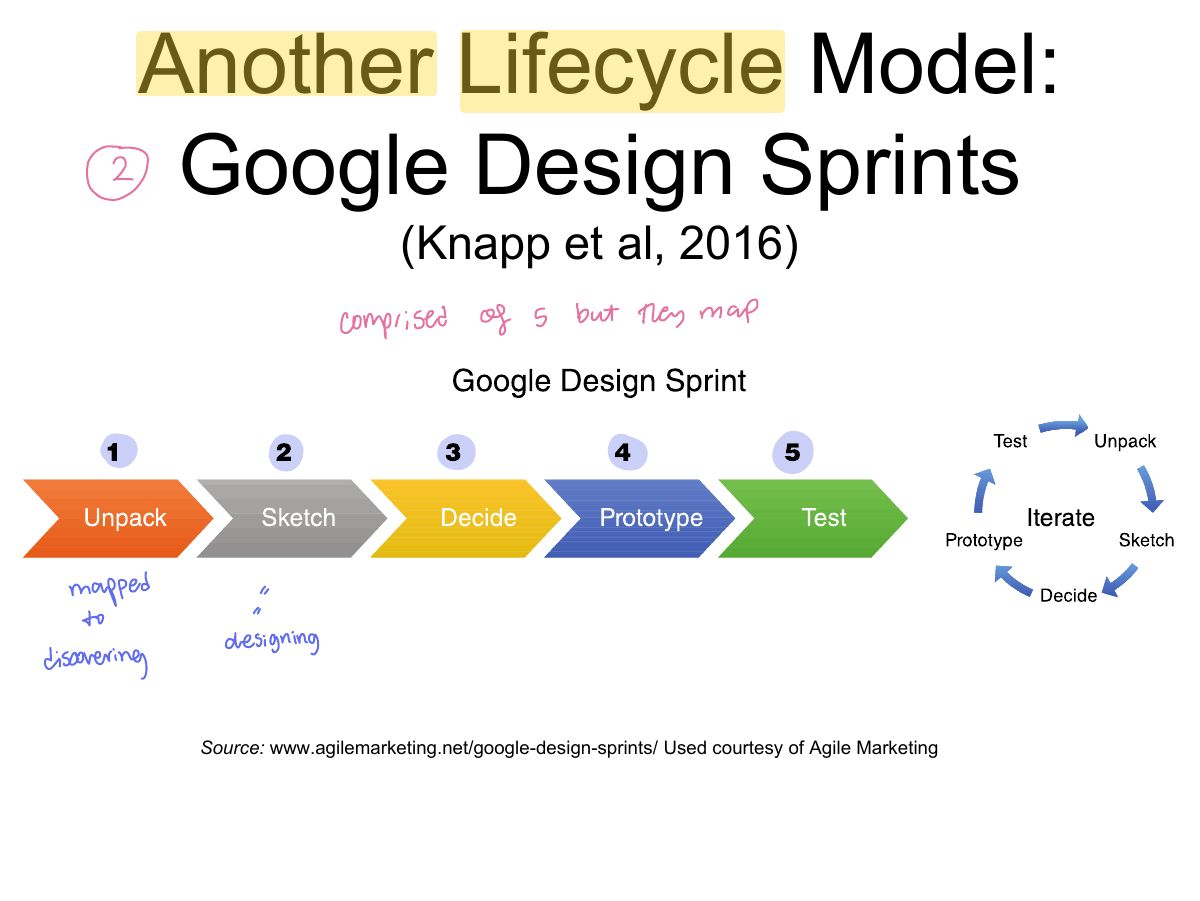
Notes
Google Design Sprint (5 days): unpack, sketch, decide, prototype, test.
Another Lifecycle Model: Research in the Wild
Four basic activities in Interaction Design
Four basic activities in Interaction Design (cont)
Four basic activities in Interaction Design (cont)
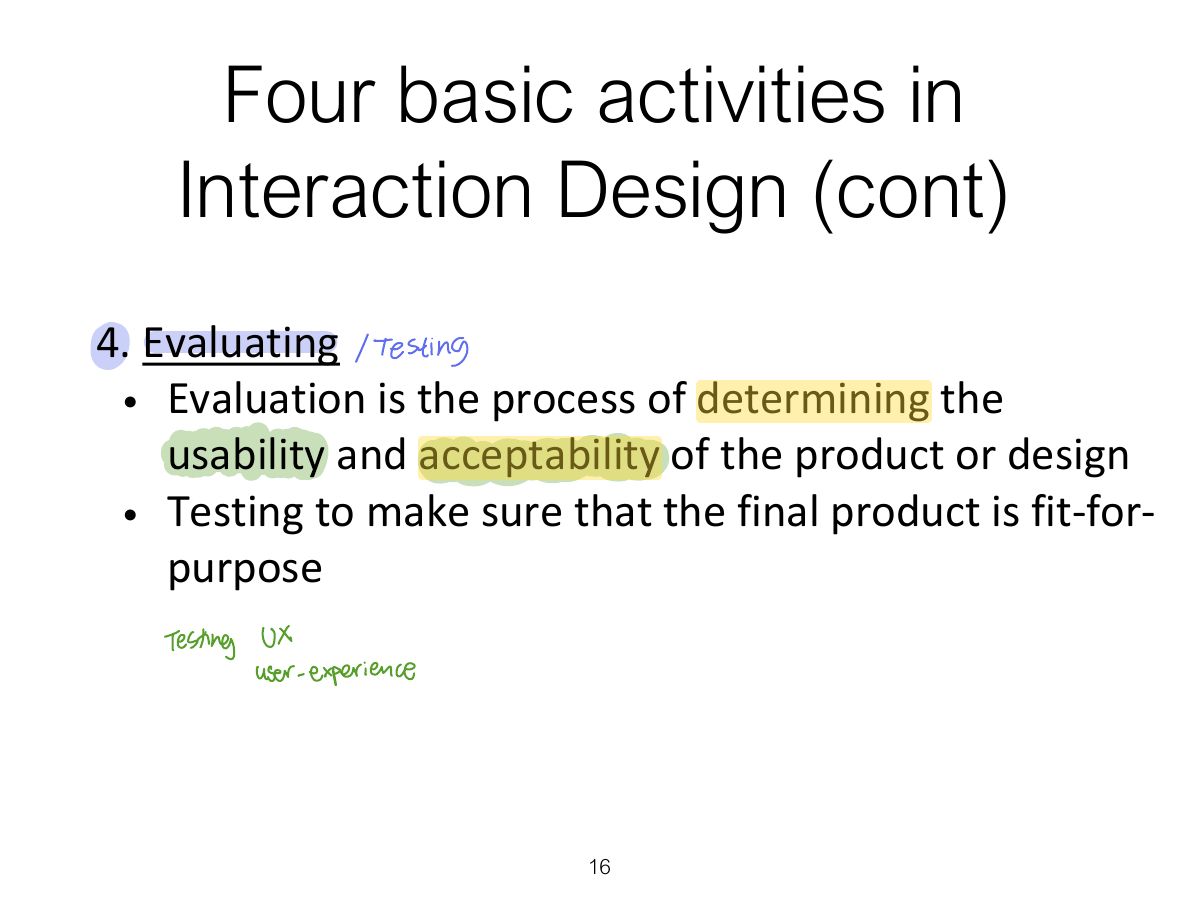
Four basic activities in Interaction Design (cont)
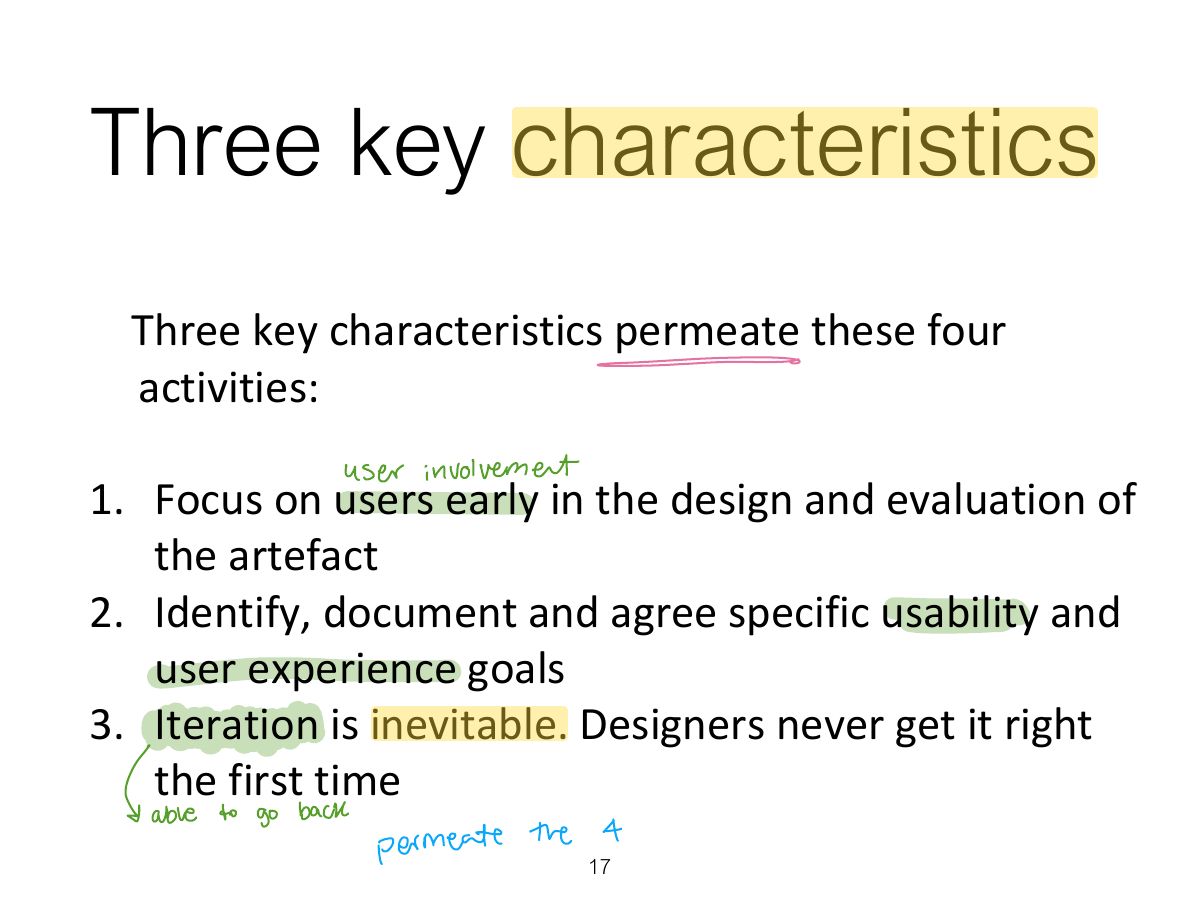
Three key characteristics
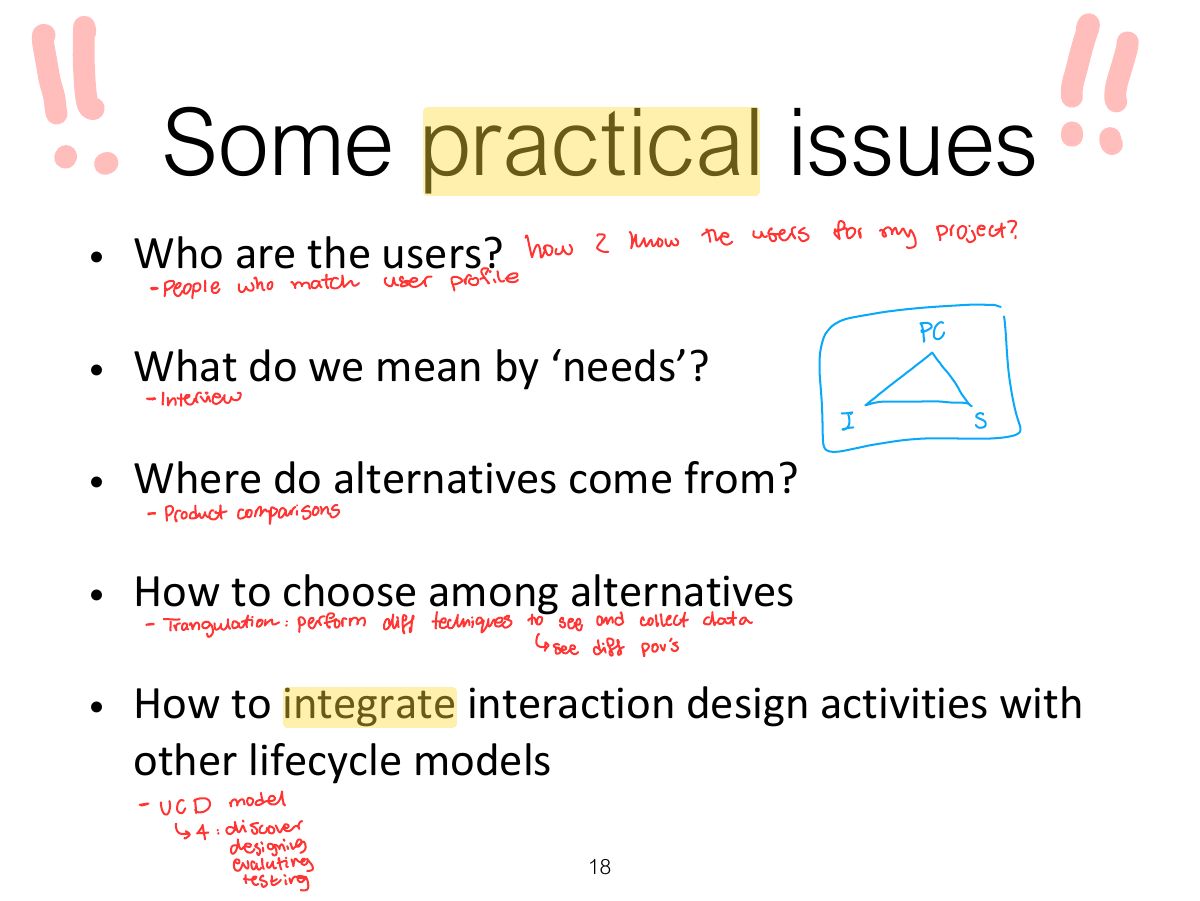
Some practical issues
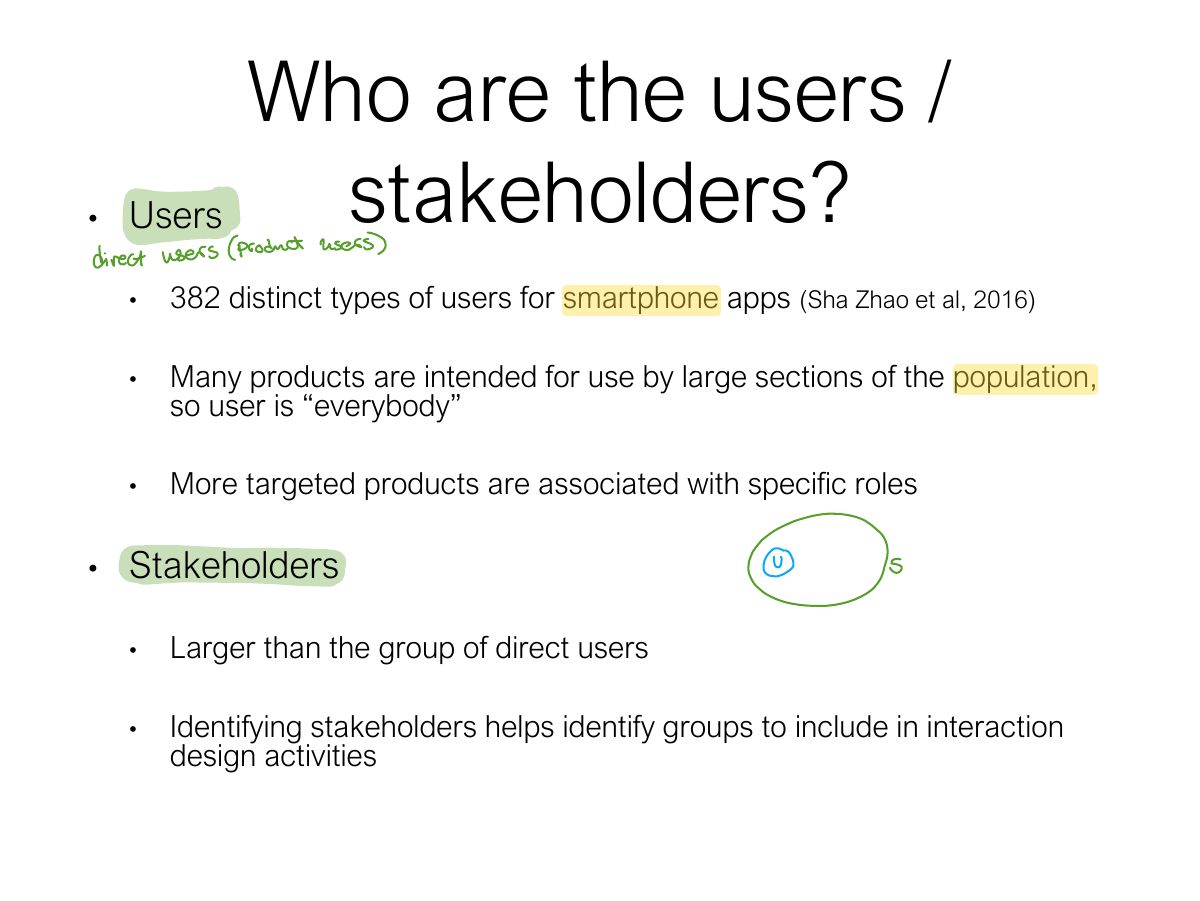
Who are the users / stakeholders?
Notes
Stakeholders: everyone affected by the product’s success or failure, not only the direct users.
Who are the users / stakeholders?
Who are the stakeholders?
What are ‘needs’?
Notes
Users rarely know what is possible; find needs by understanding their characteristics and capabilities, what they want to achieve, and how they do it now.
Where do alternatives come from?
How to choose alternative designs?
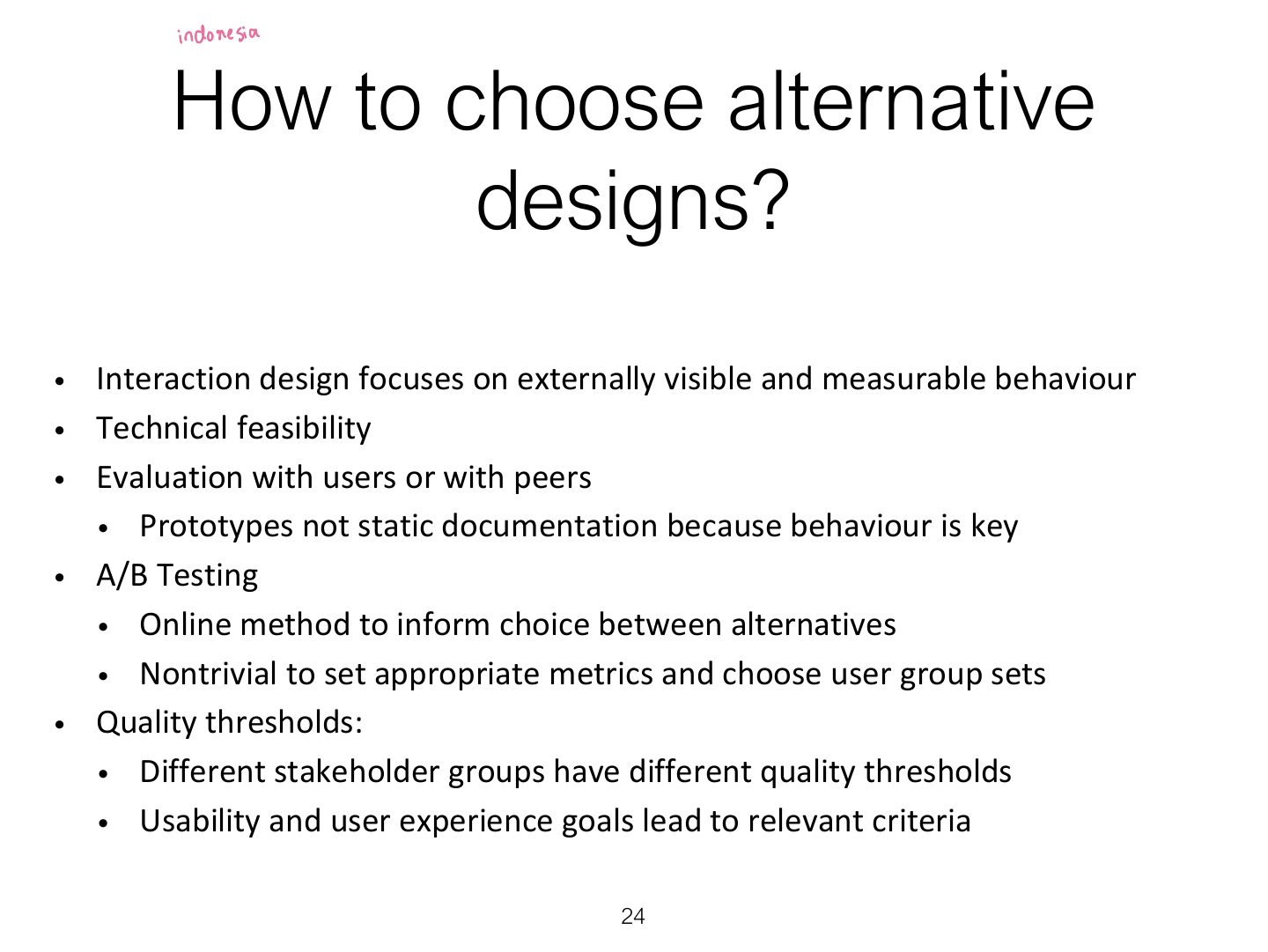
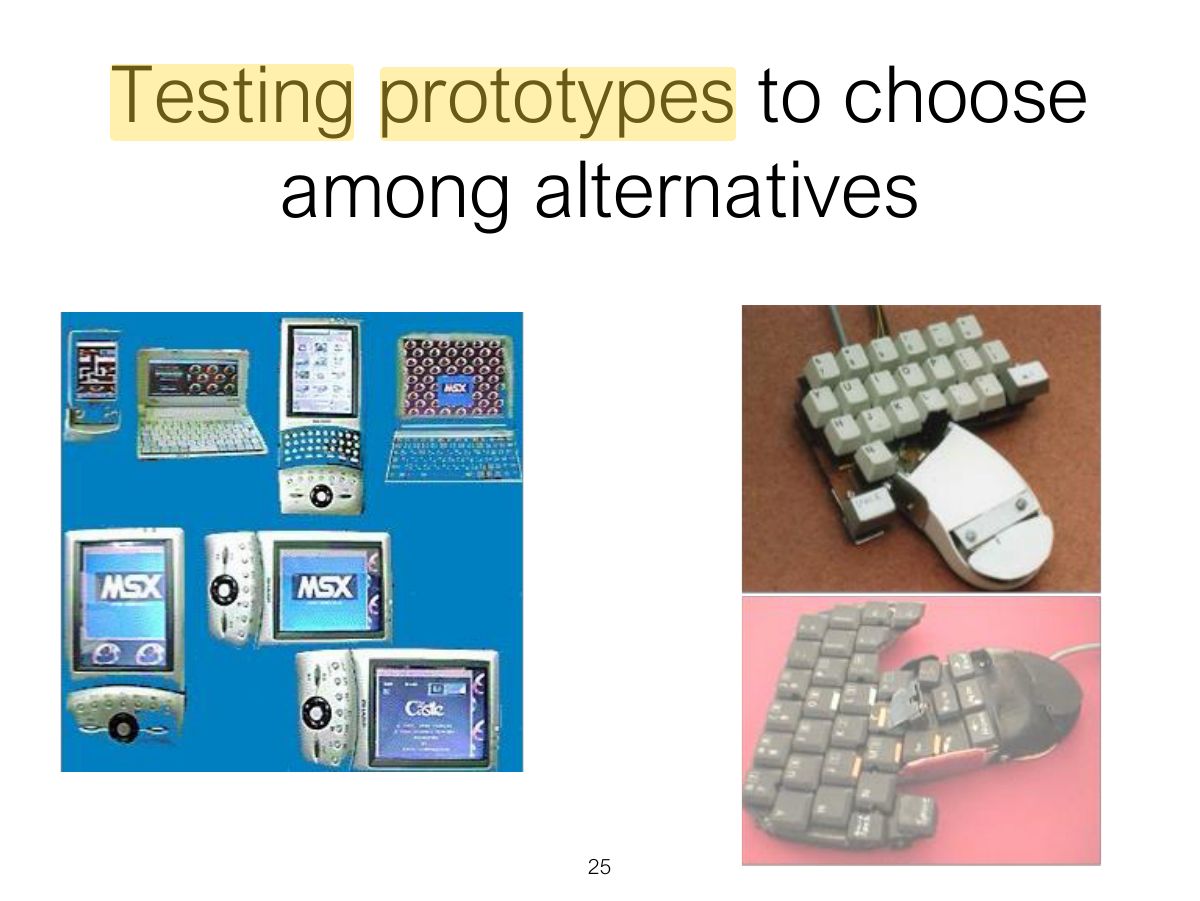
Testing prototypes to choose among alternatives
Summary