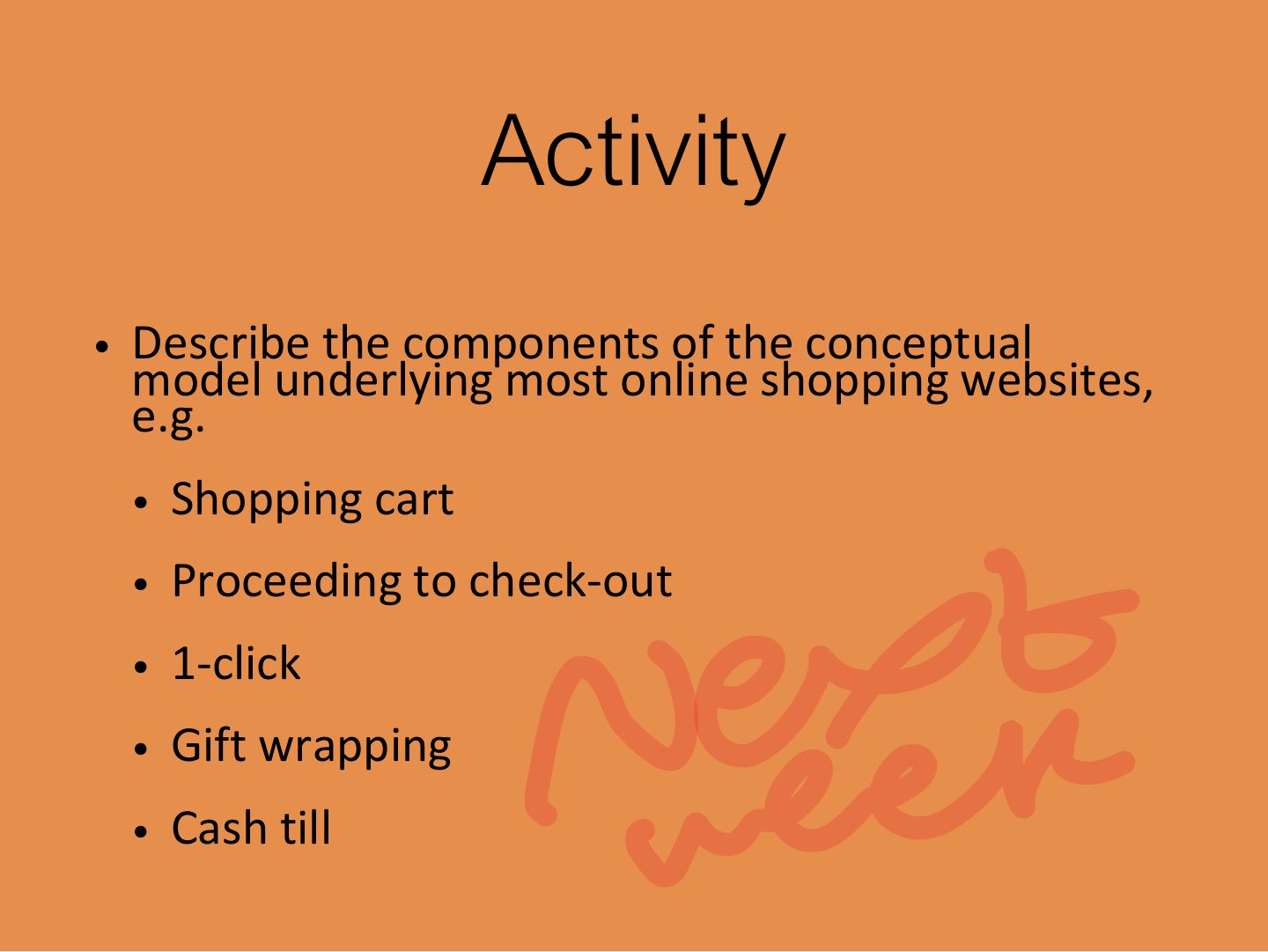
An online "shopping cart" is an example of:
Interaction and Interfaces
Understanding the problem space (assumptions and claims), conceptual models and interface metaphors, the interaction types (instructing, conversing, manipulating, exploring, responding) and direct manipulation, then a tour of 20 interface types from command-based and WIMP to VR, mobile, speech, touch, tangible, wearable and brain–computer interfaces.
How to read this page
Every original slide is shown unchanged. Yellow marks on a slide point to a numbered note: hover or tap a mark to jump to its note, and hover a note to see its marks. Questions tagged Past exam appeared on a real paper; Prediction questions are likely angles, not confirmed. Pick an answer to each question: a wrong pick tells you why it is wrong, so you can try again.
All 115 slides
- 1 Slide 1
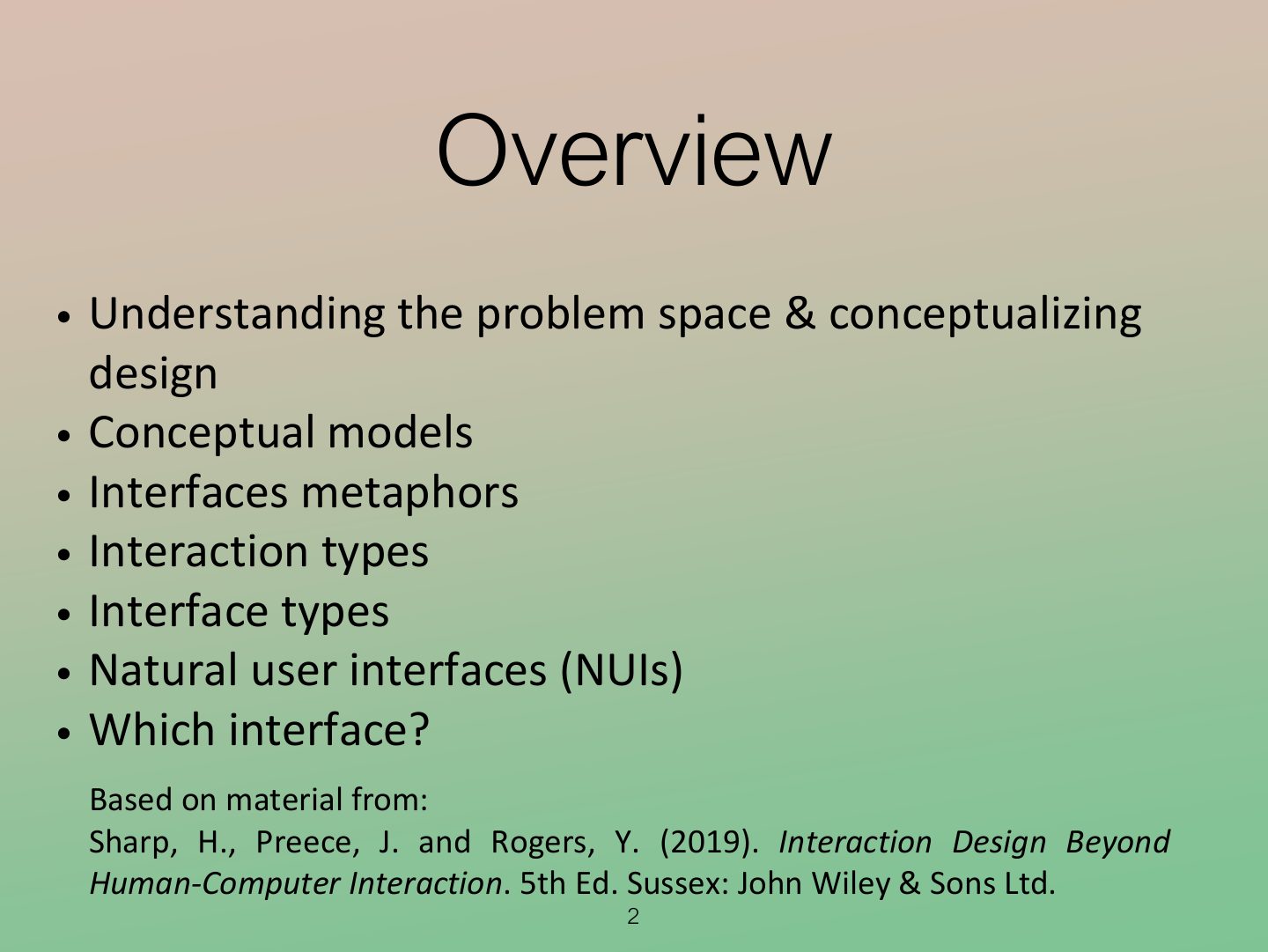
- 2 Overview
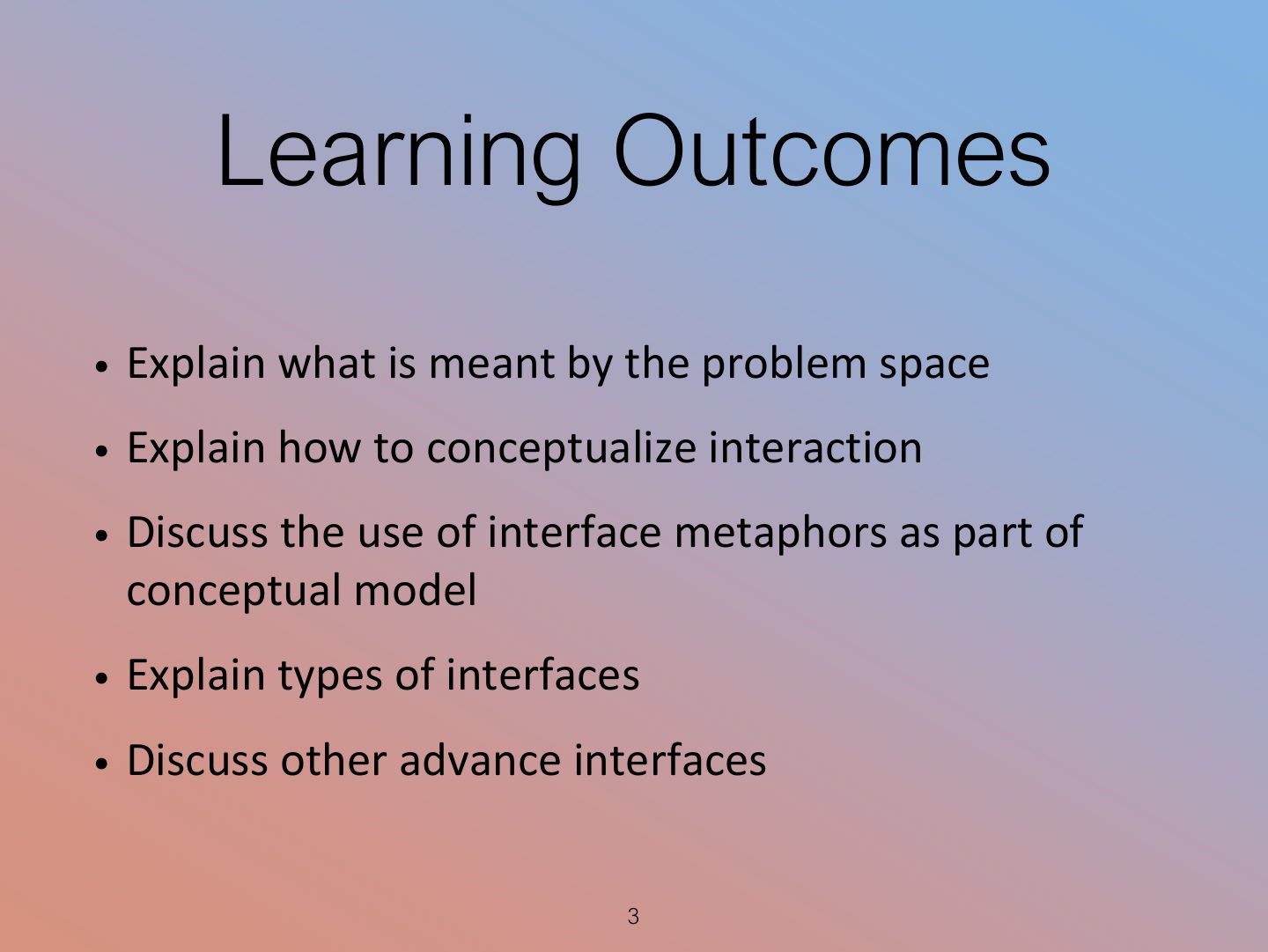
- 3 Learning Outcomes
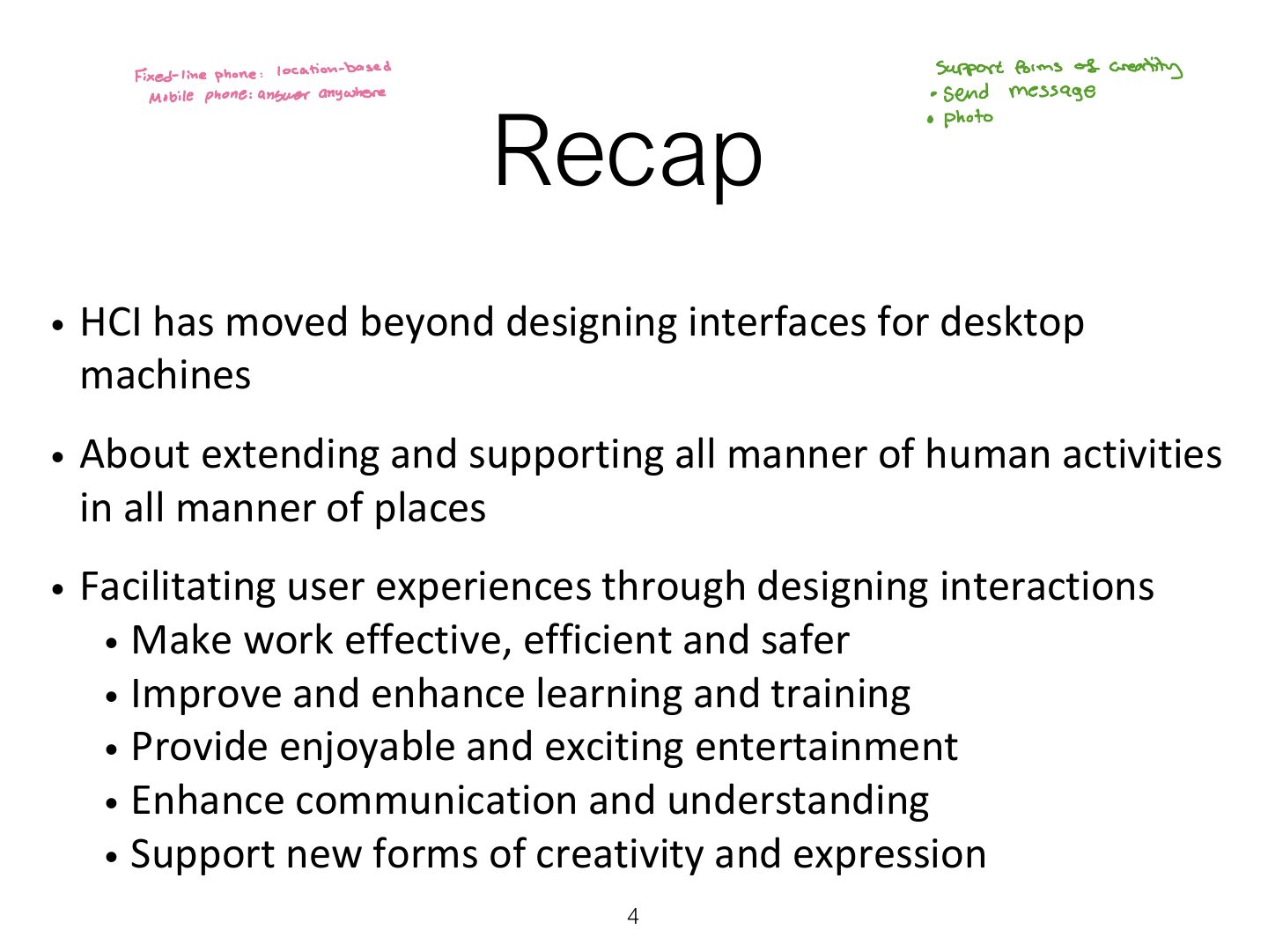
- 4 Recap
- 5 Understanding the Problem Space
- 6 What is a Claim?
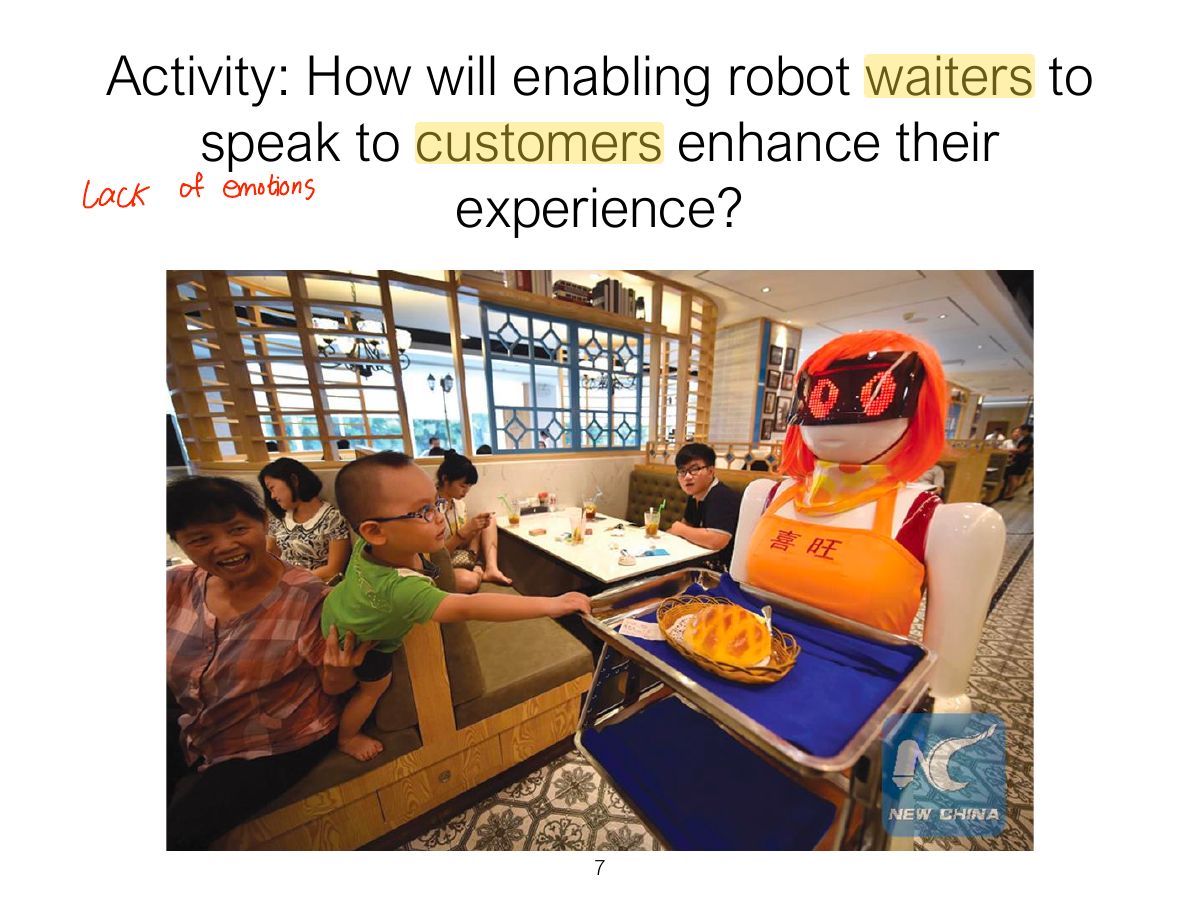
- 7 Activity: How will enabling robot waiters to speak to customers enhance their
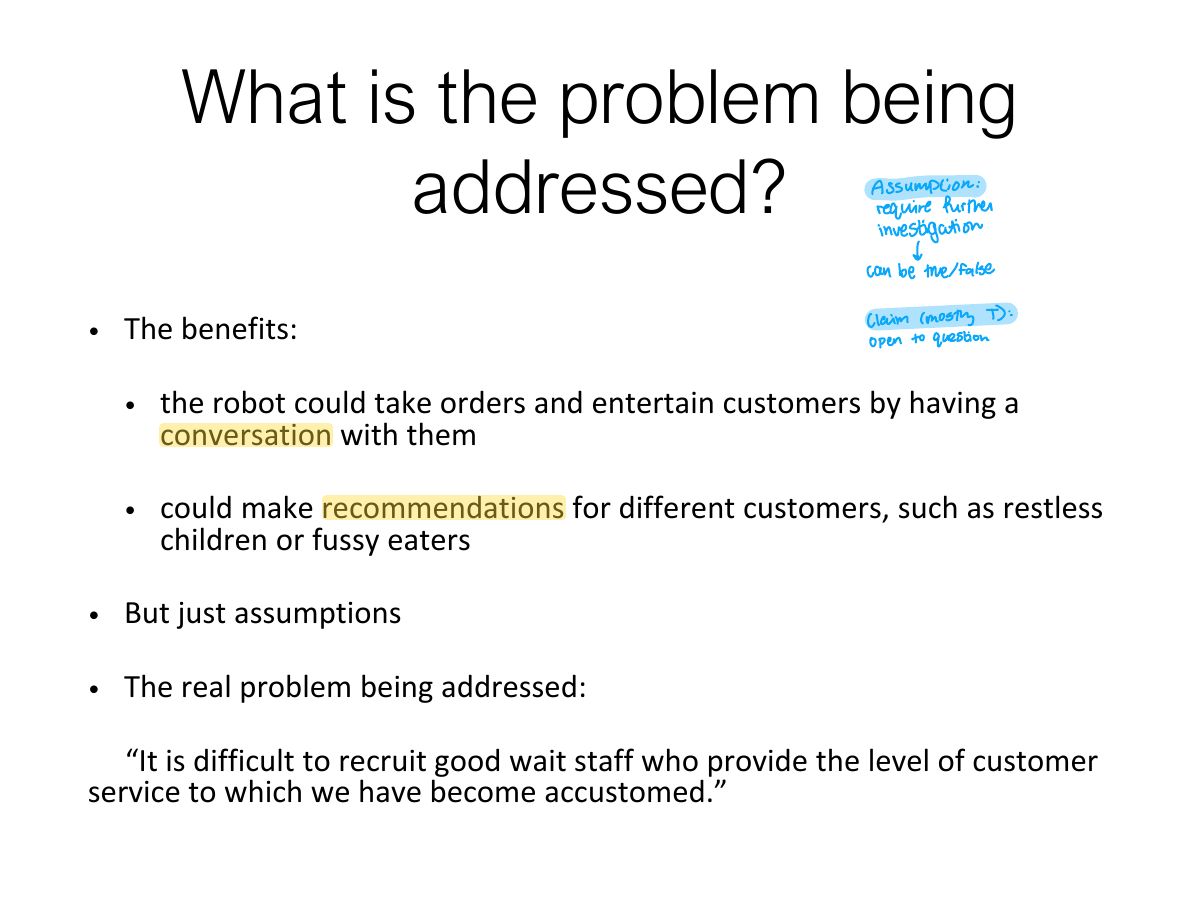
- 8 What is the problem being addressed?
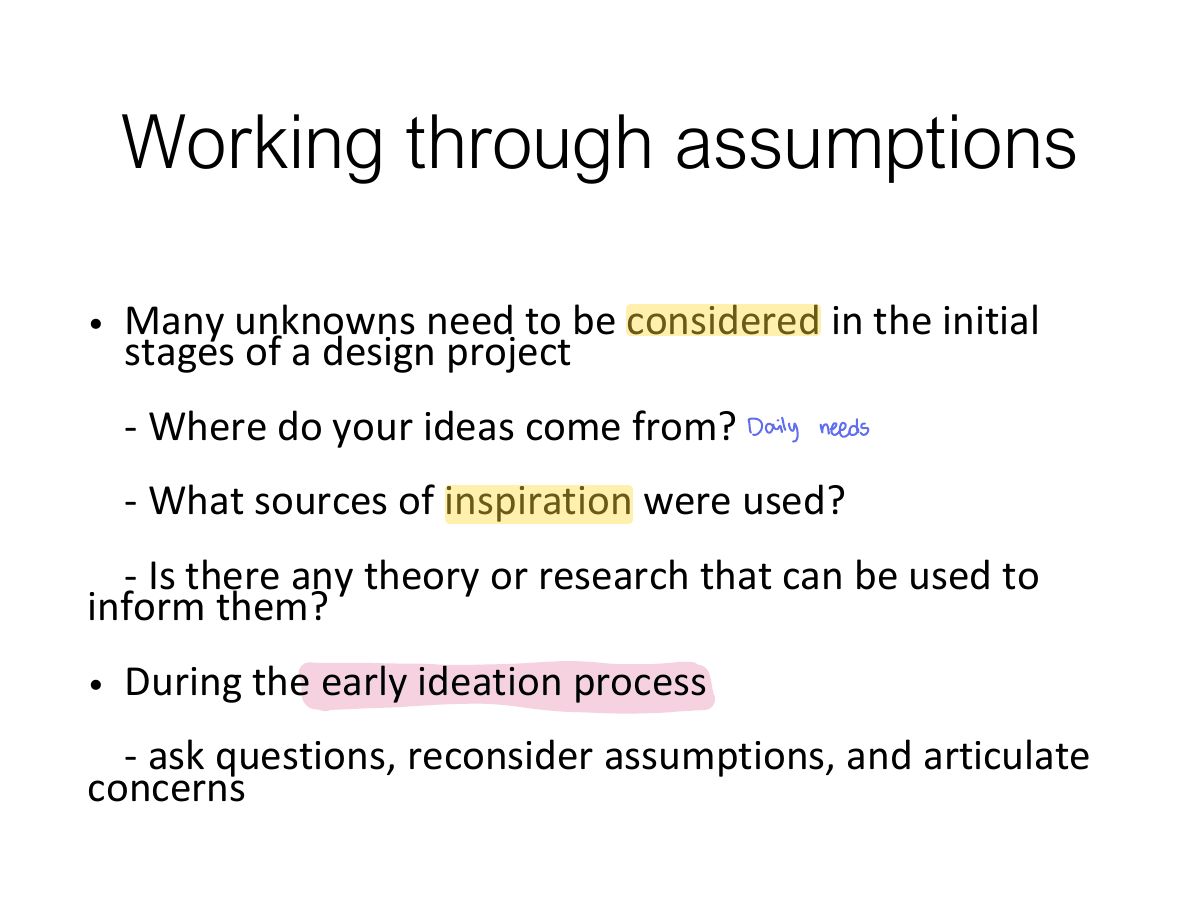
- 9 Working through assumptions
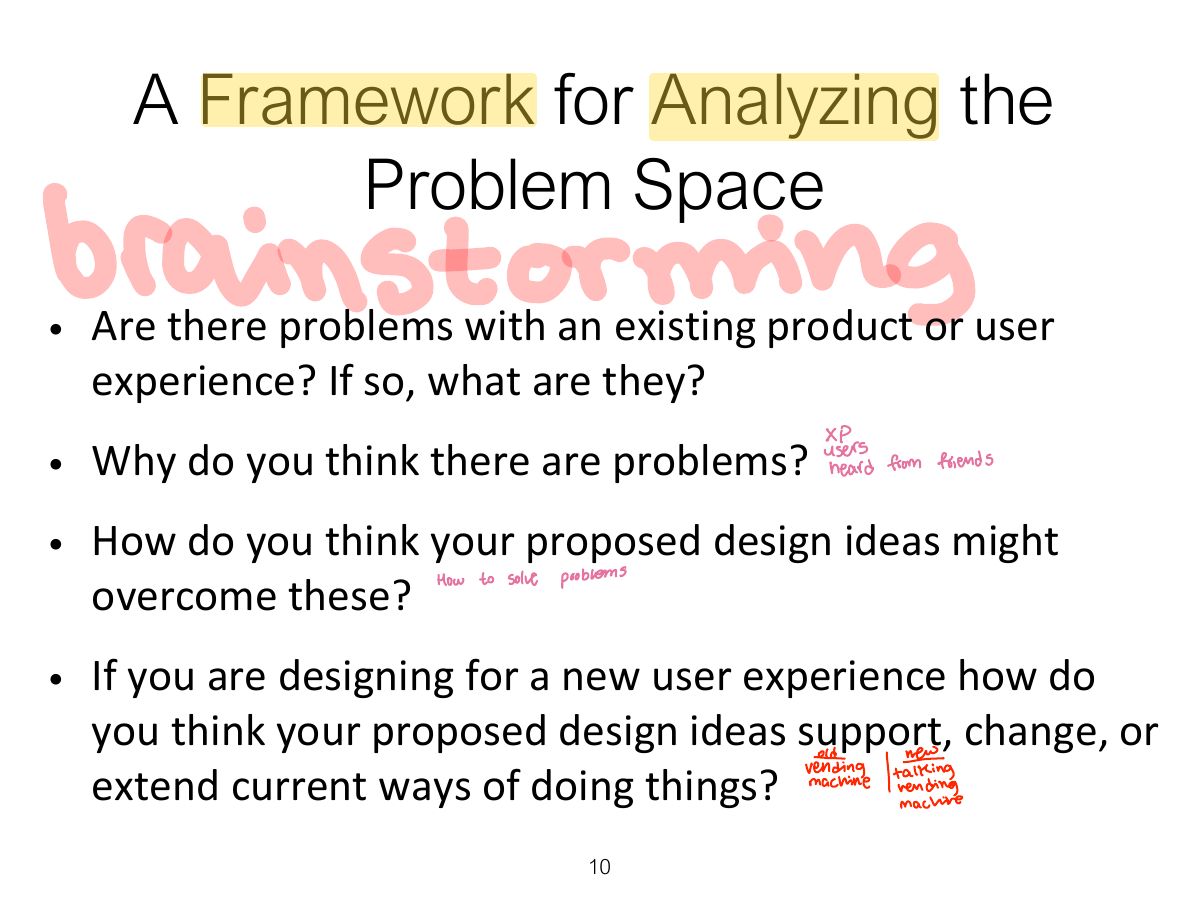
- 10 A Framework for Analyzing the Problem Space
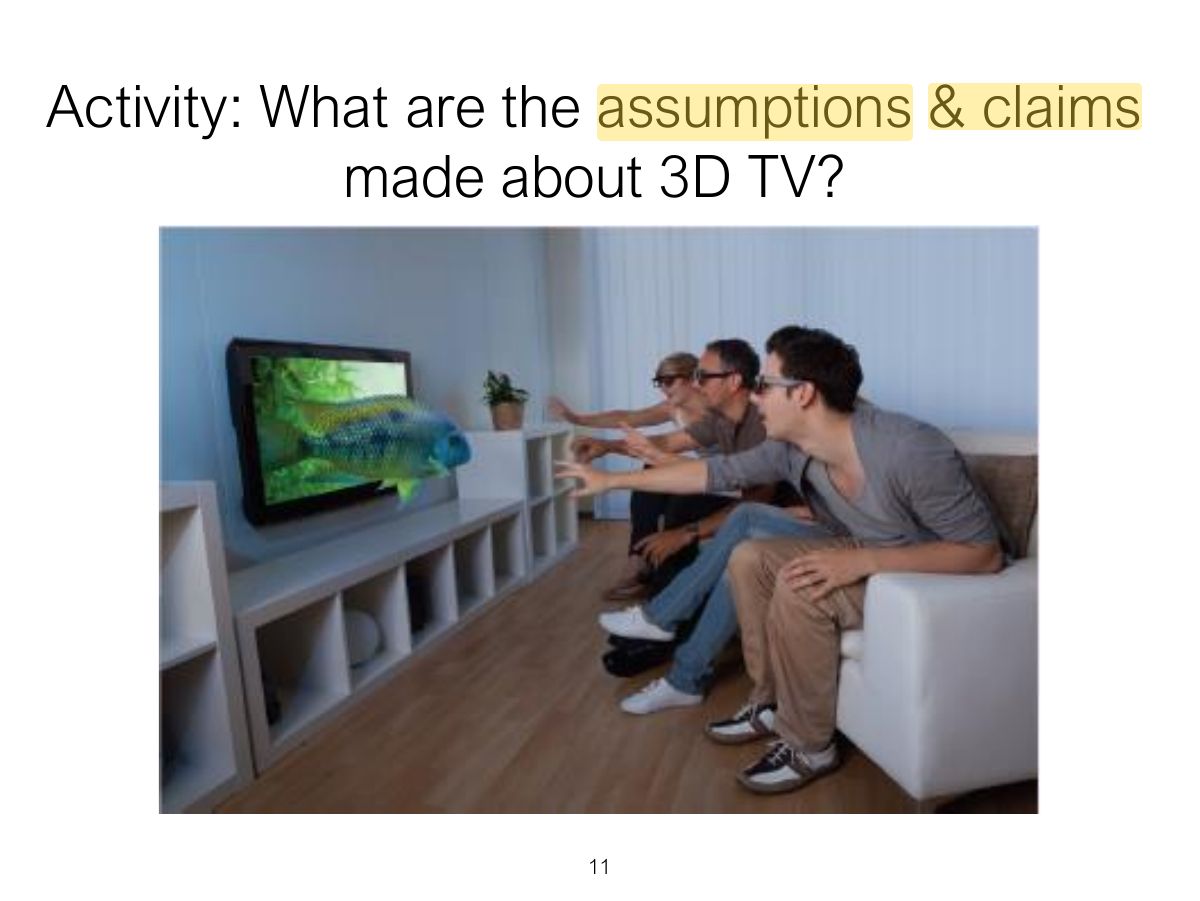
- 11 Activity: What are the assumptions & claims made about 3D TV?
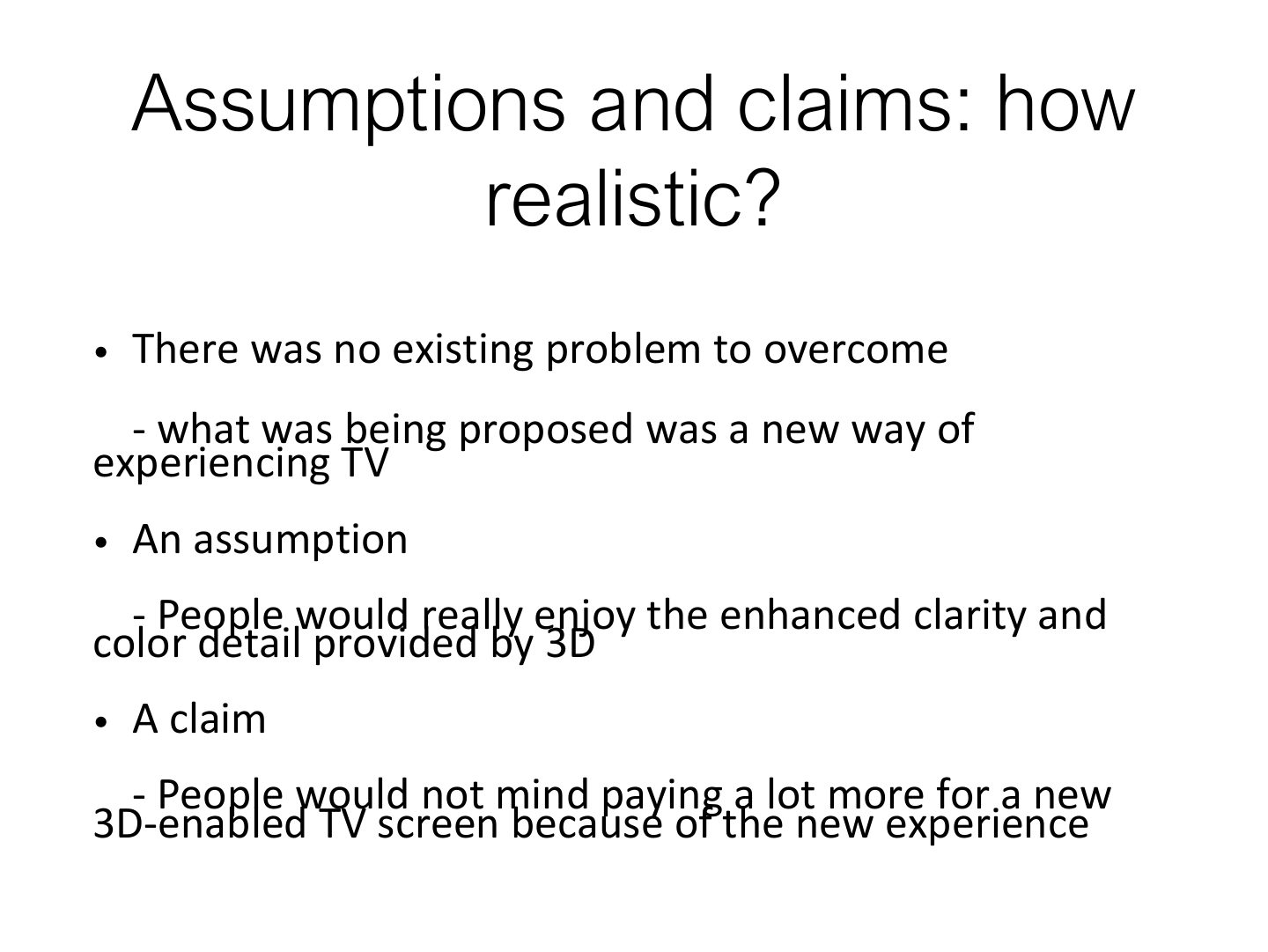
- 12 Assumptions and claims: how realistic?
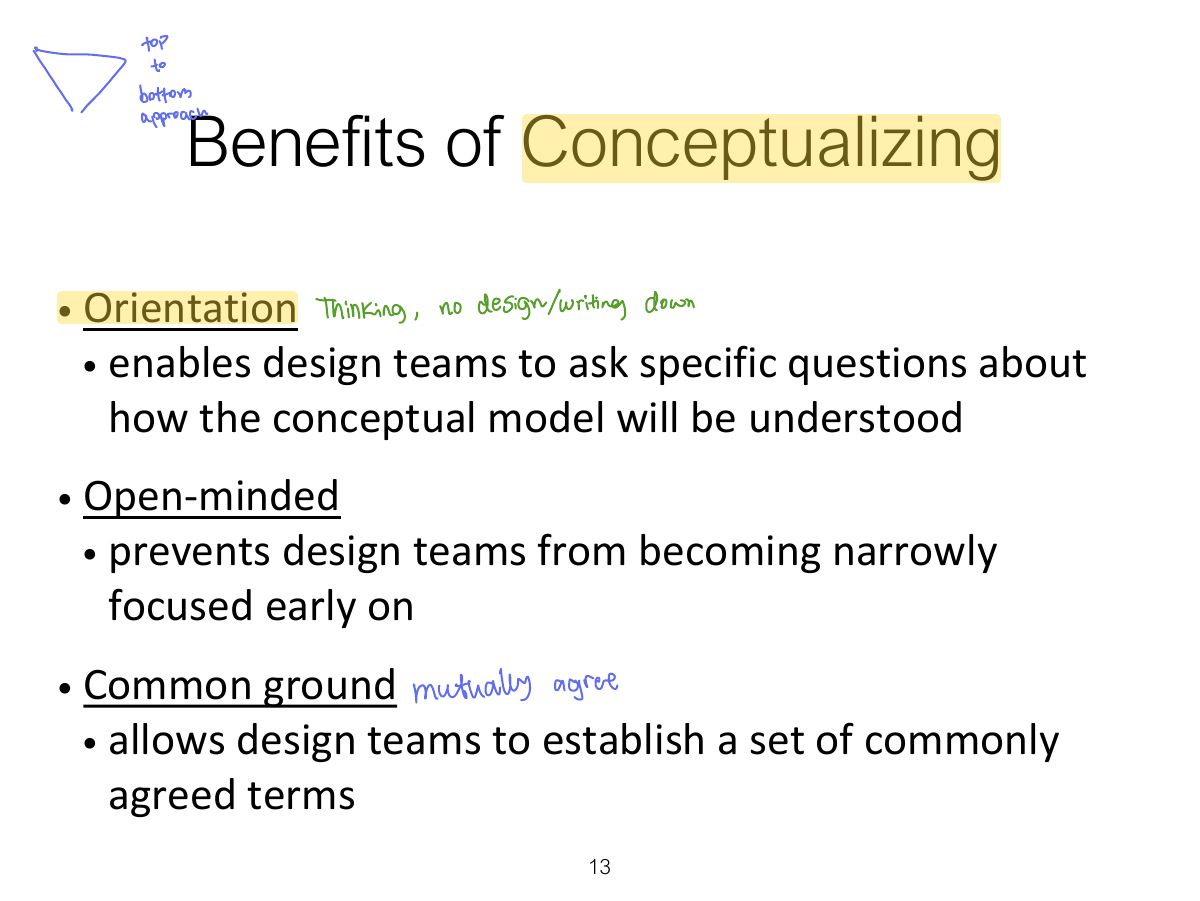
- 13 Benefits of Conceptualizing
- 14 From Problem Space to Design Space
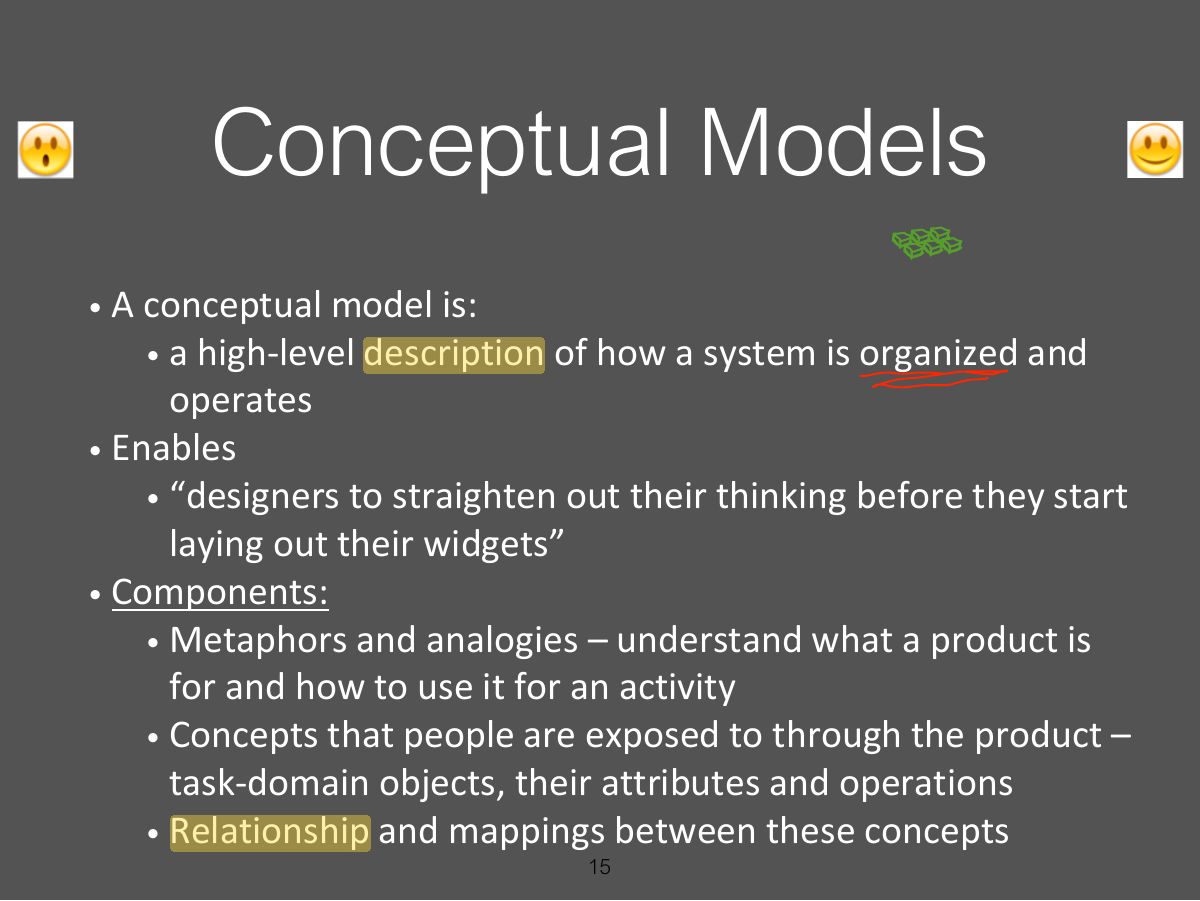
- 15 Conceptual Models
- 16 First Steps in Formulating a
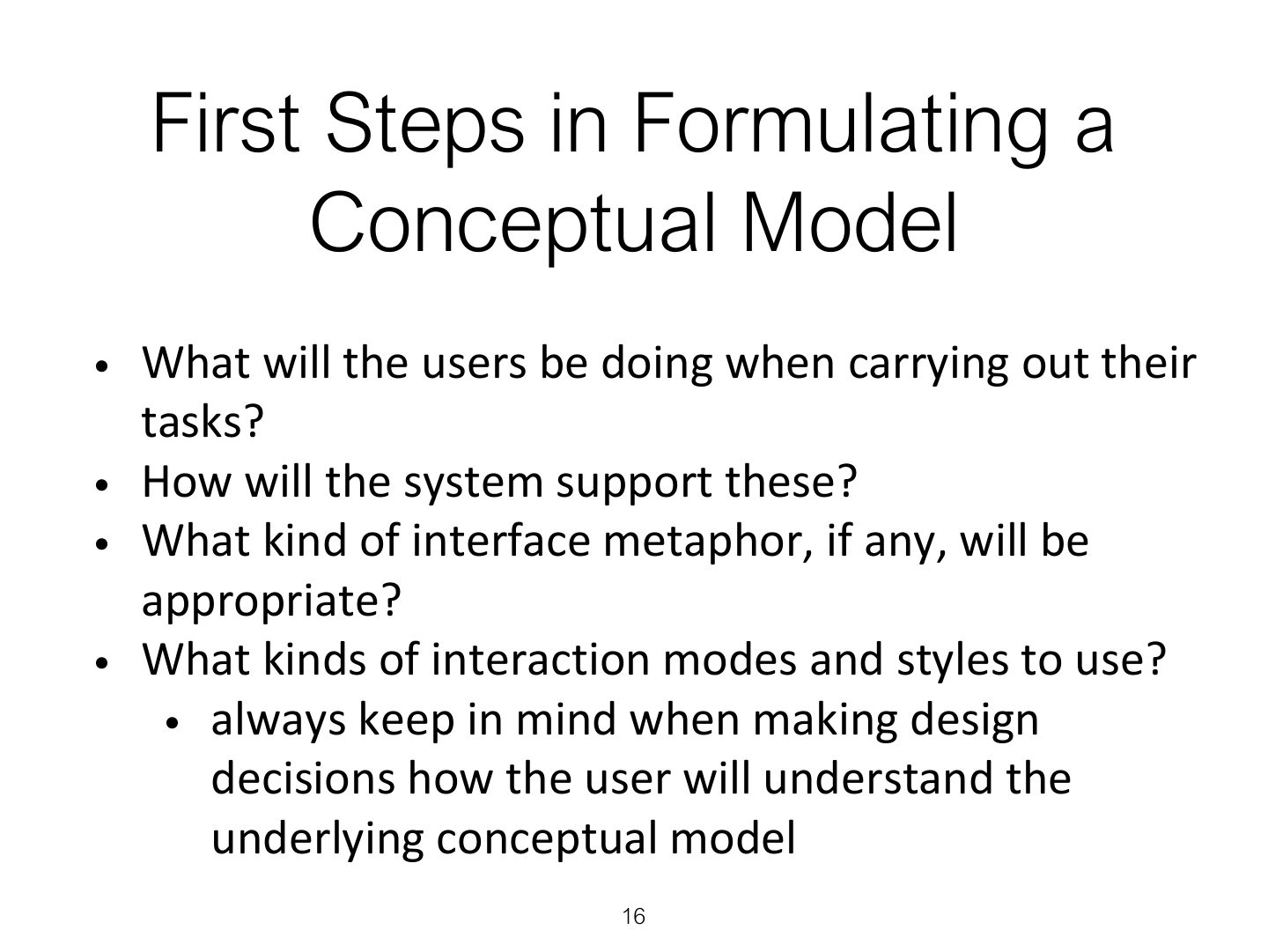
- 17 Conceptual models
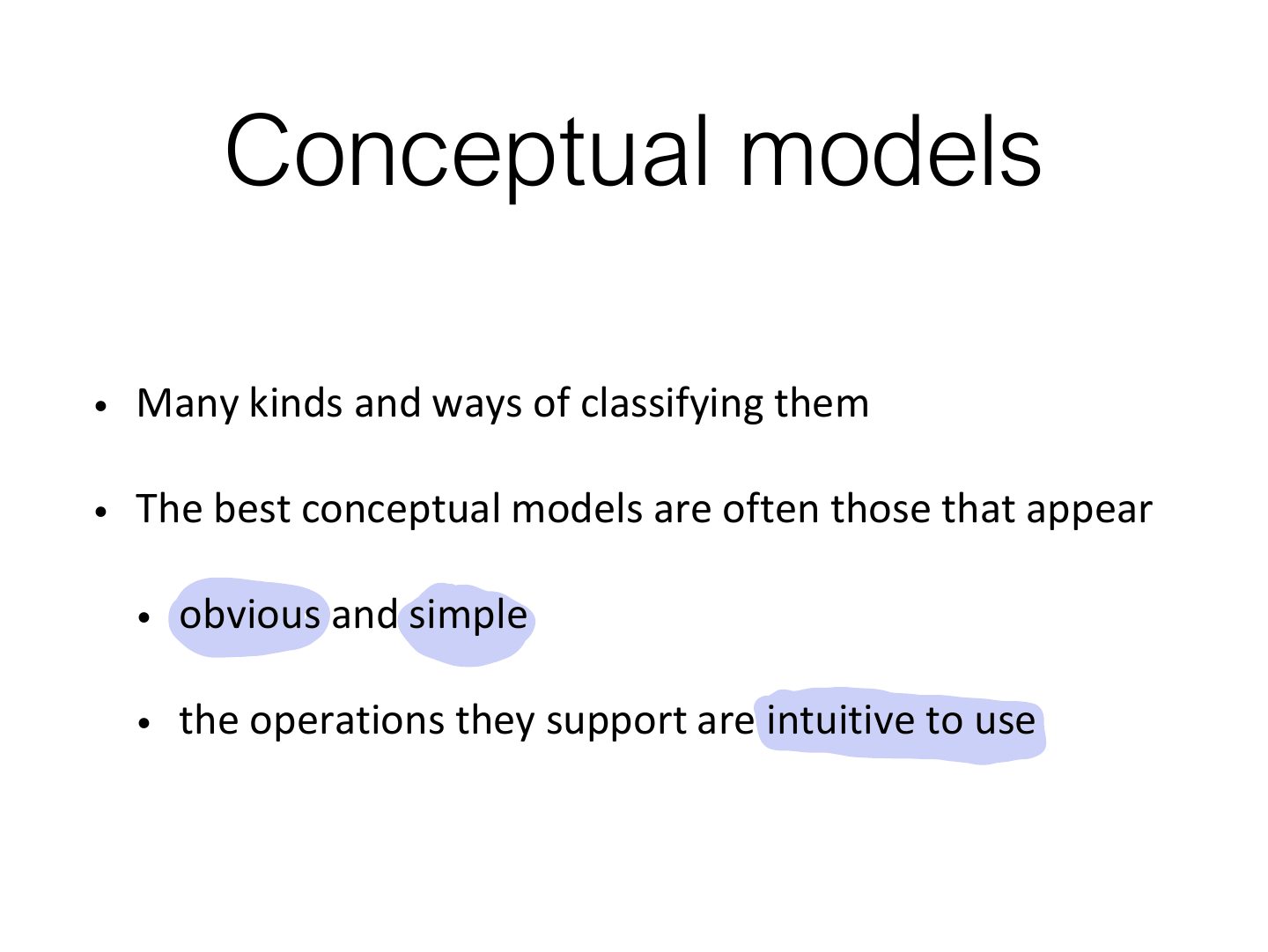
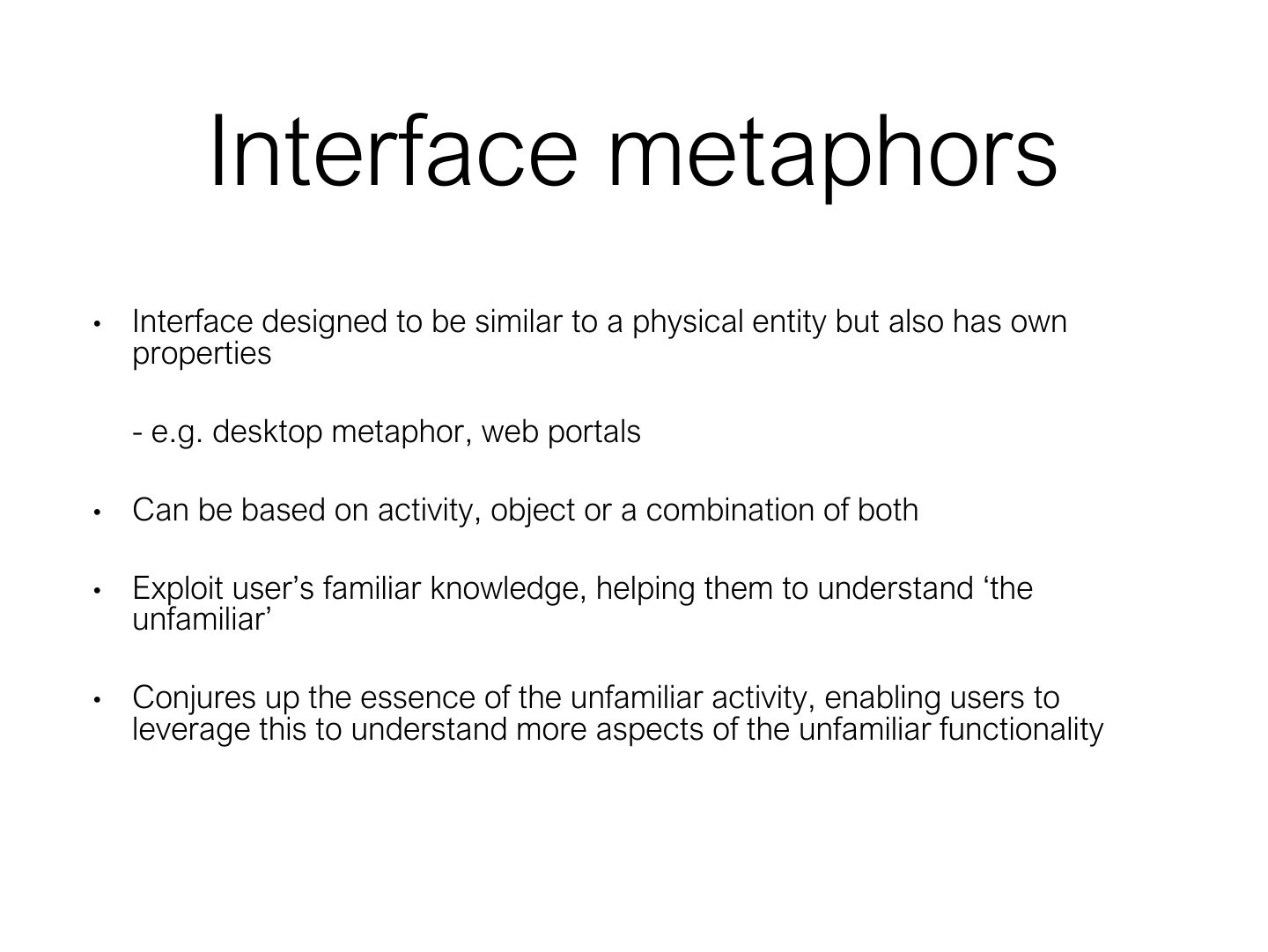
- 18 Interface metaphors
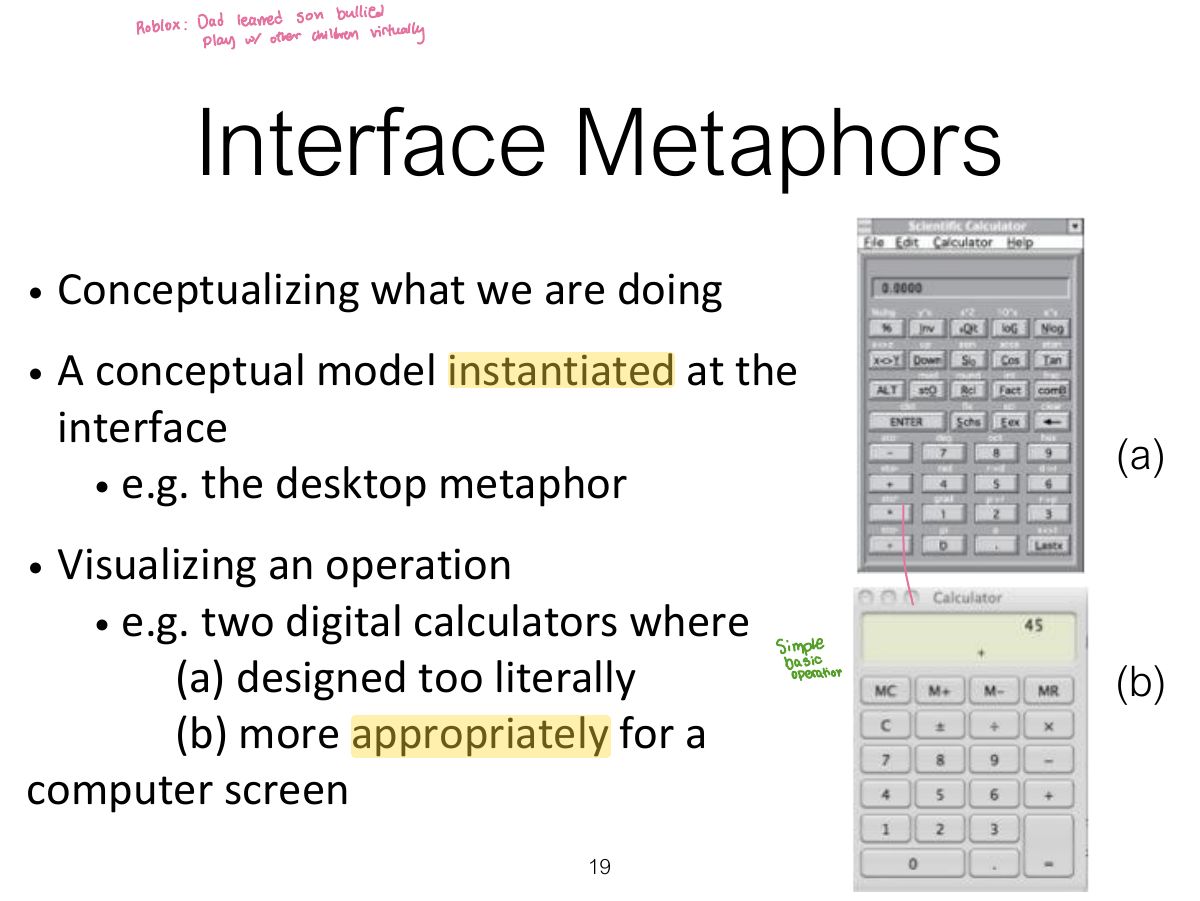
- 19 Interface Metaphors
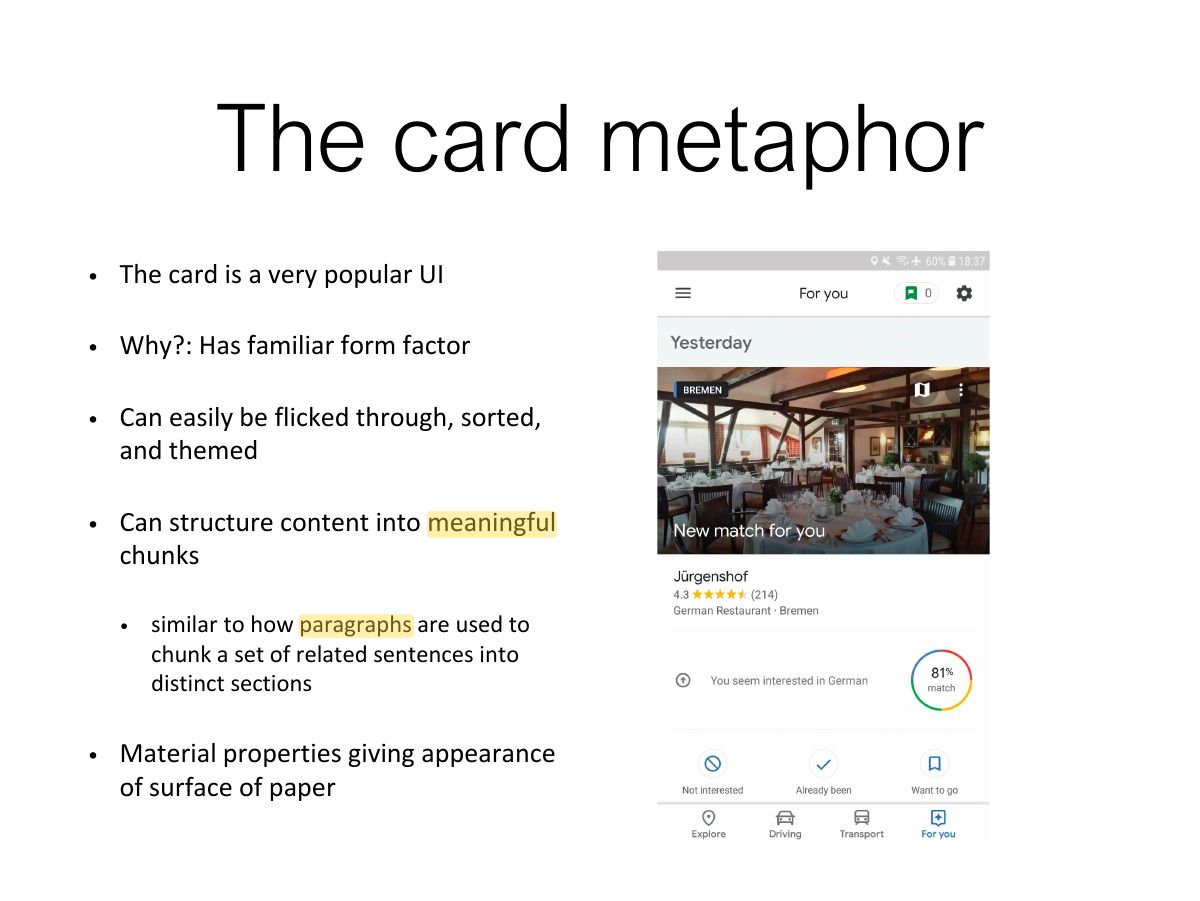
- 20 The card metaphor
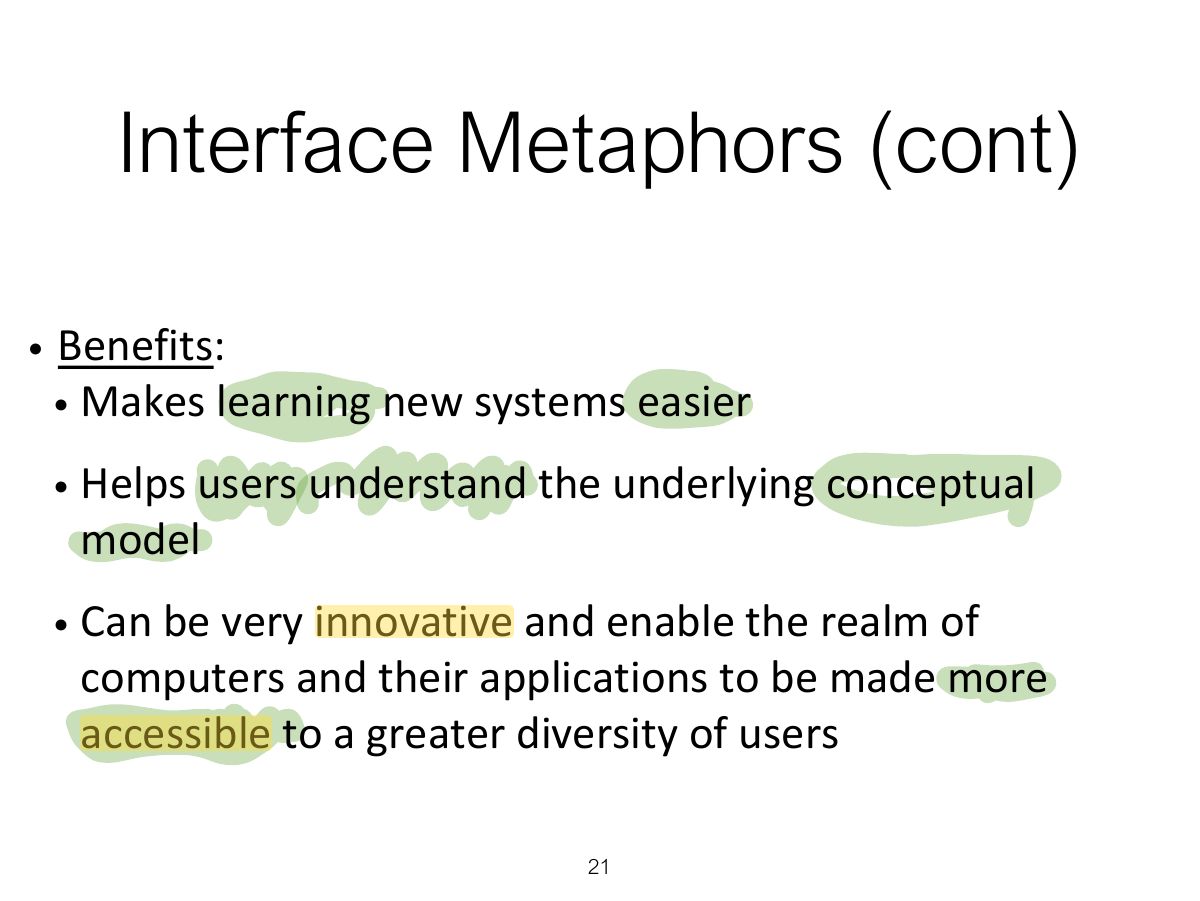
- 21 Interface Metaphors (cont)
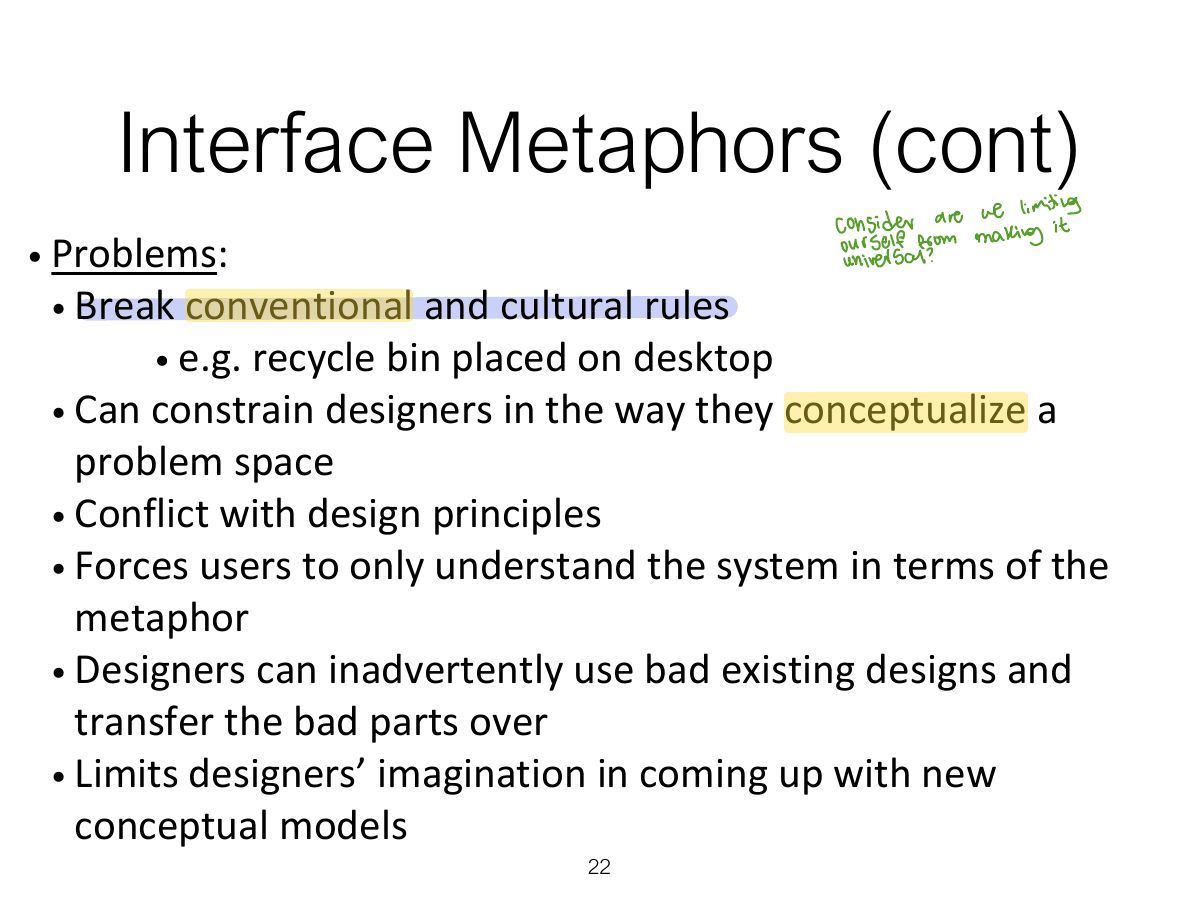
- 22 Interface Metaphors (cont)
- 23 Activity
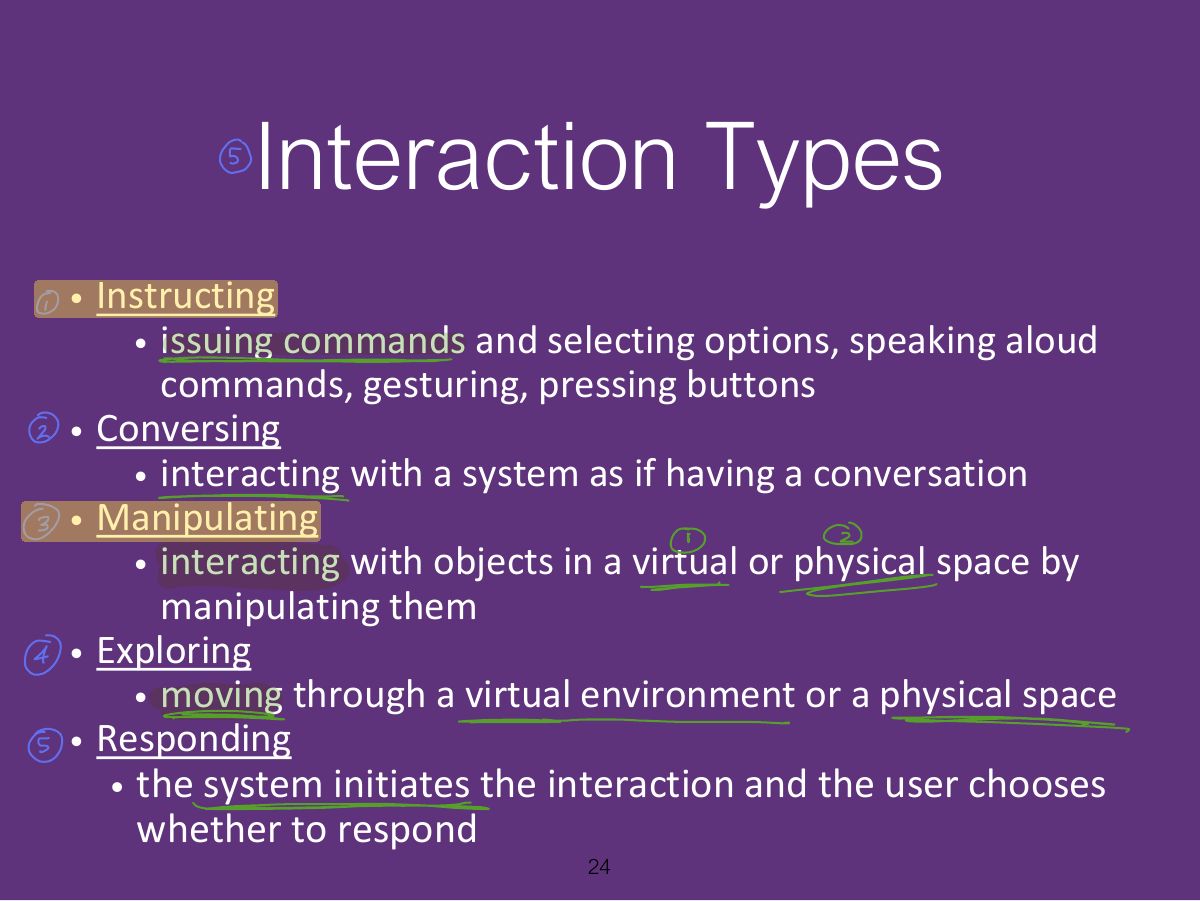
- 24 Interaction Types
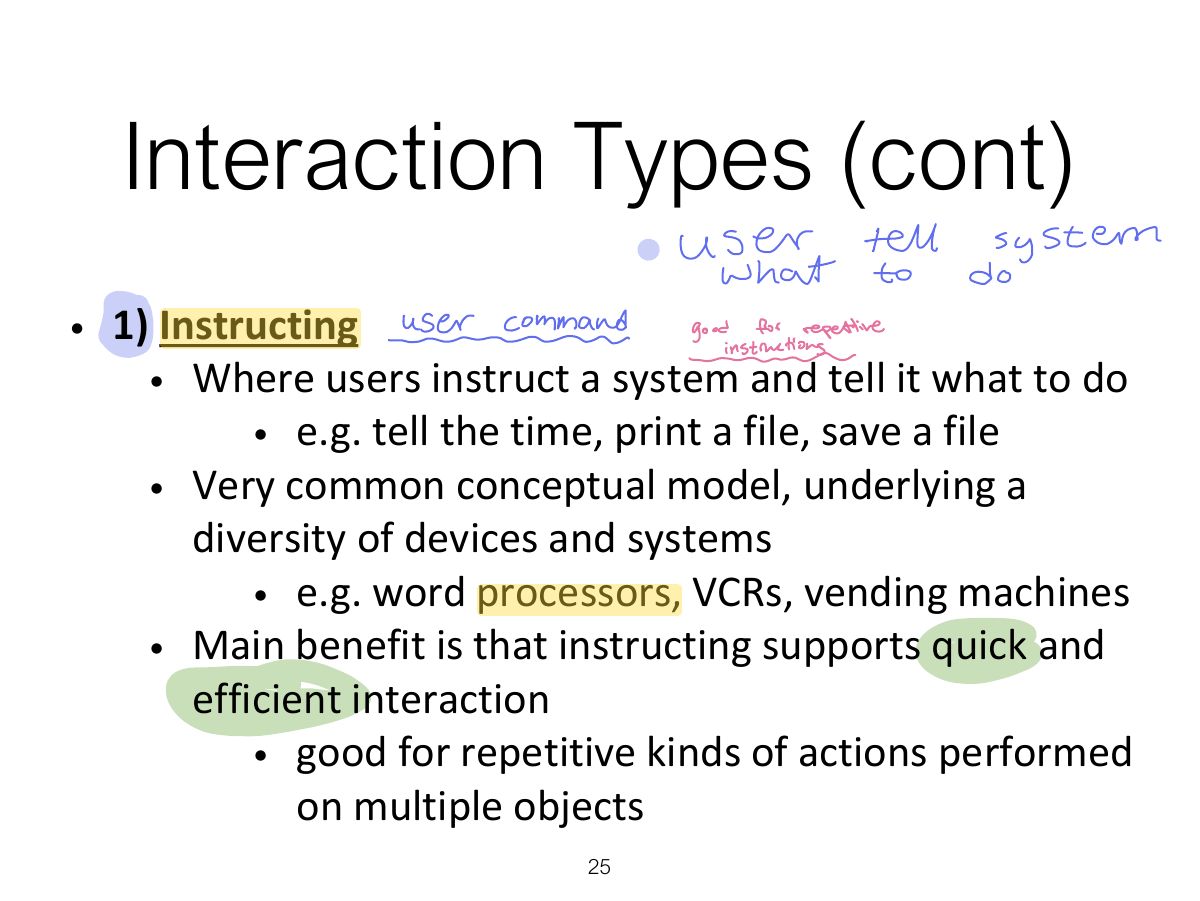
- 25 Interaction Types (cont)
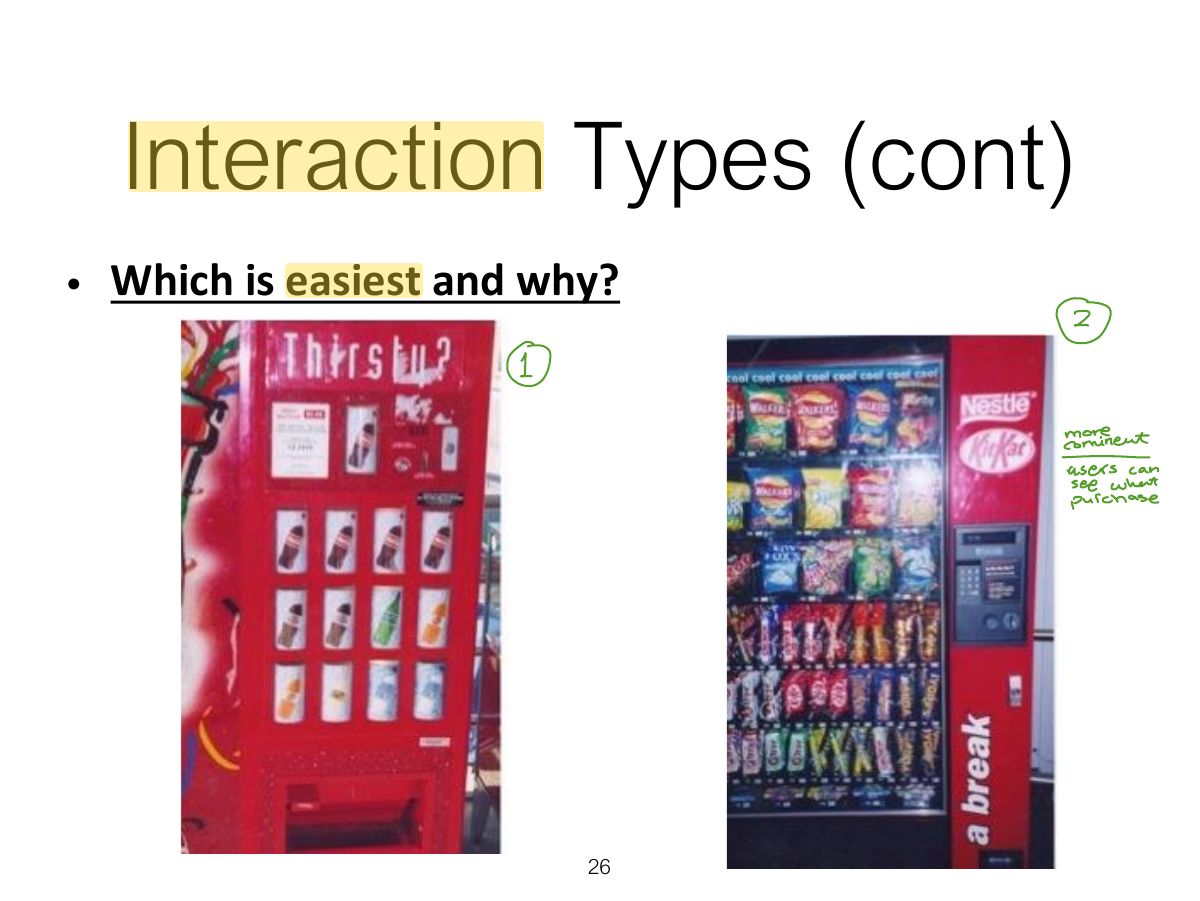
- 26 Interaction Types (cont)
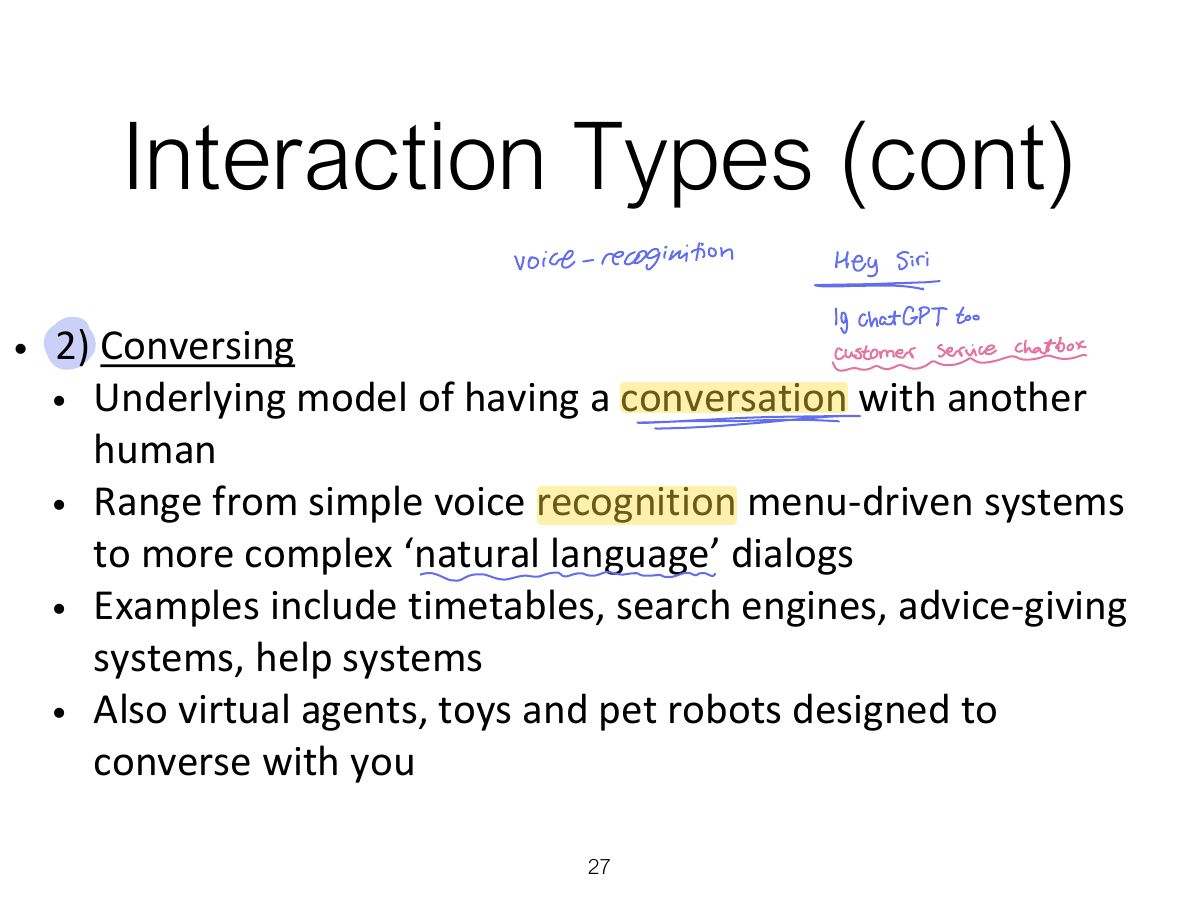
- 27 Interaction Types (cont)
- 28 Pros and cons of conversational model
- 29 Slide 29
- 30 Interaction Types (cont)
- 31 Interaction Types (cont)
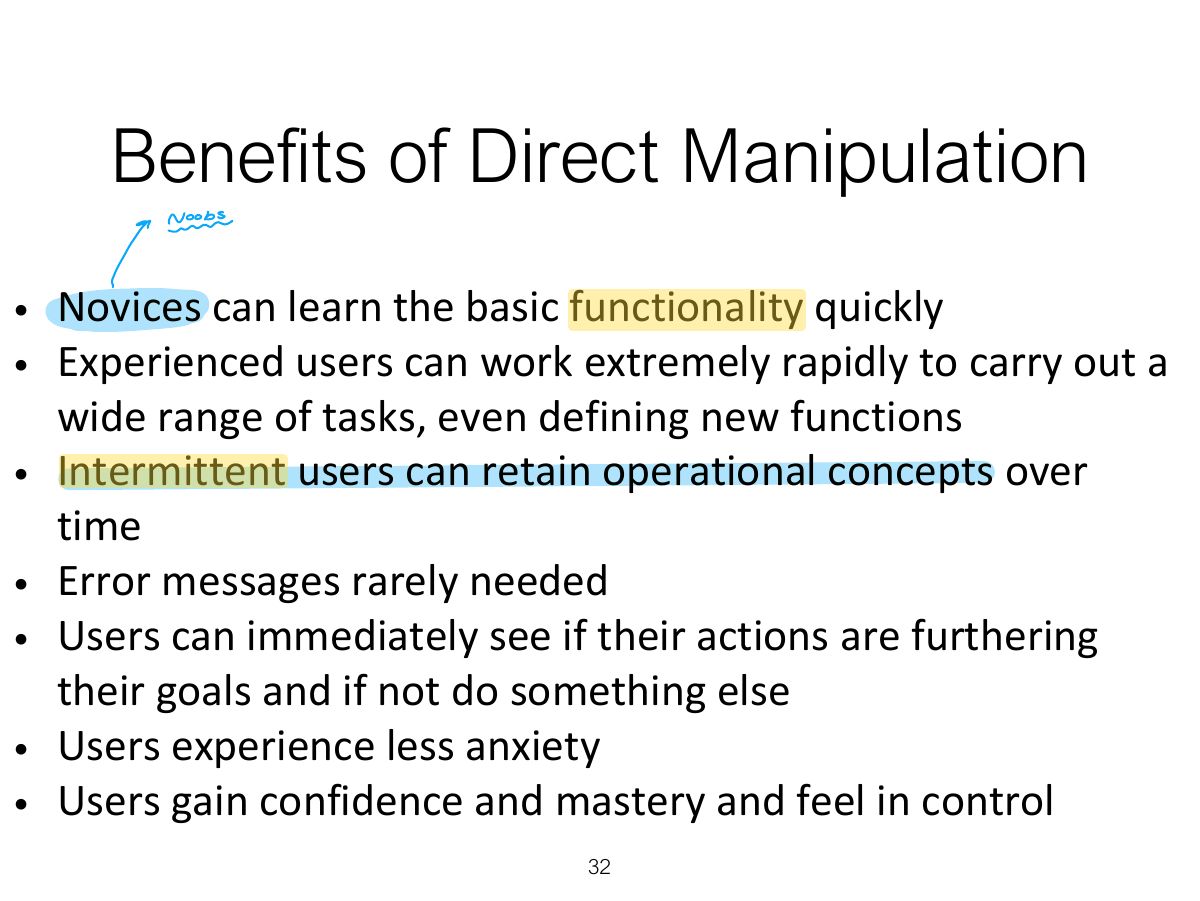
- 32 Benefits of Direct Manipulation
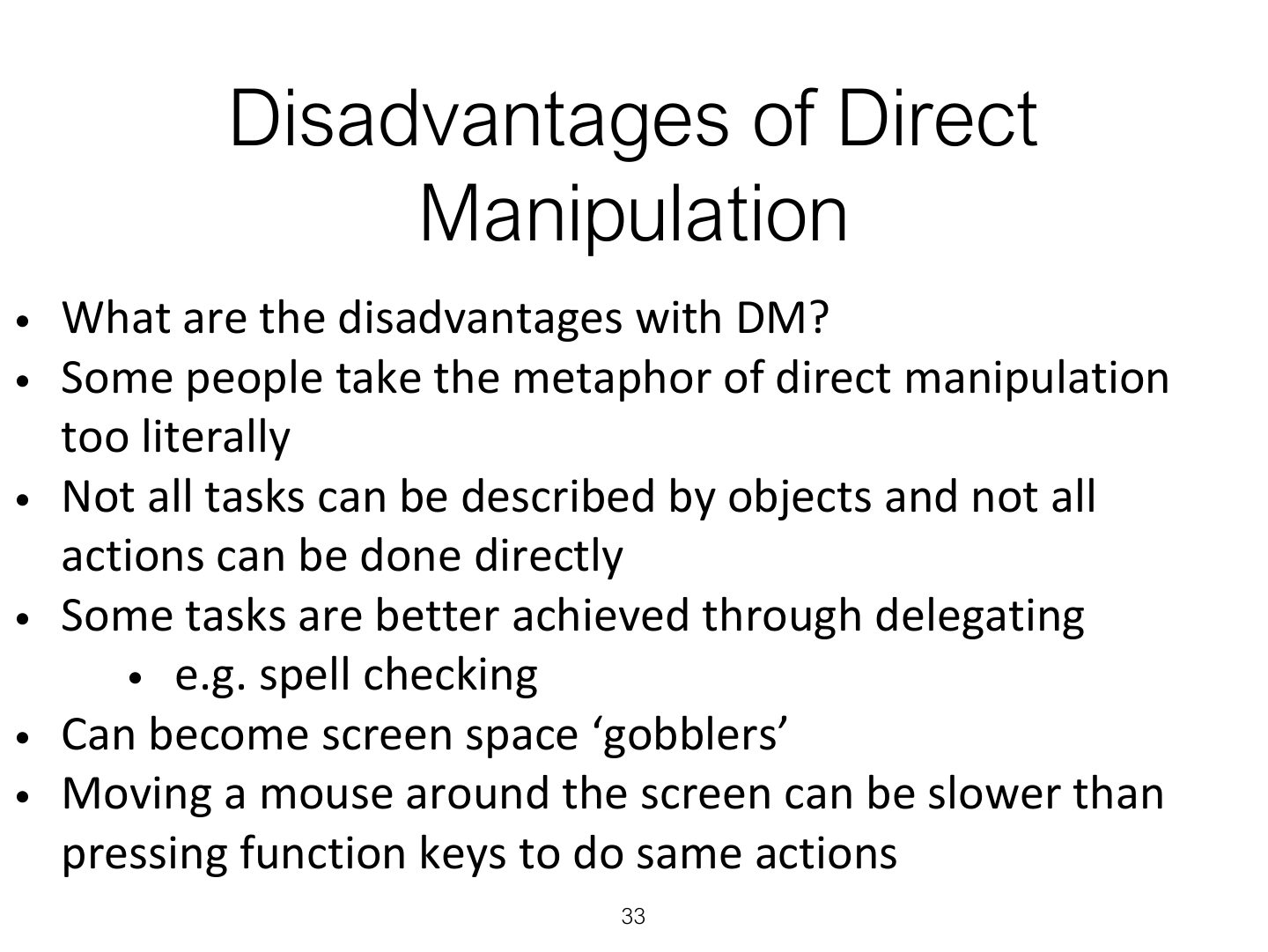
- 33 Disadvantages of Direct
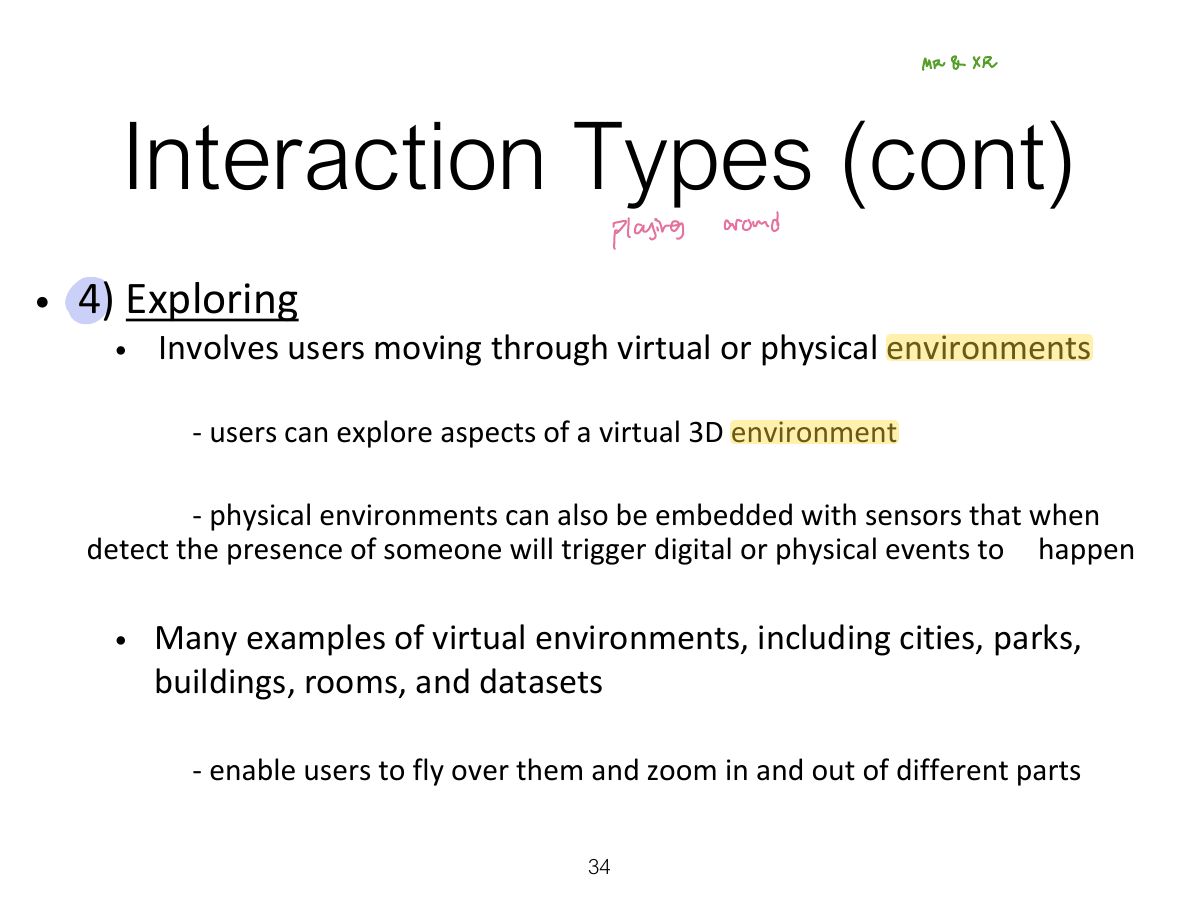
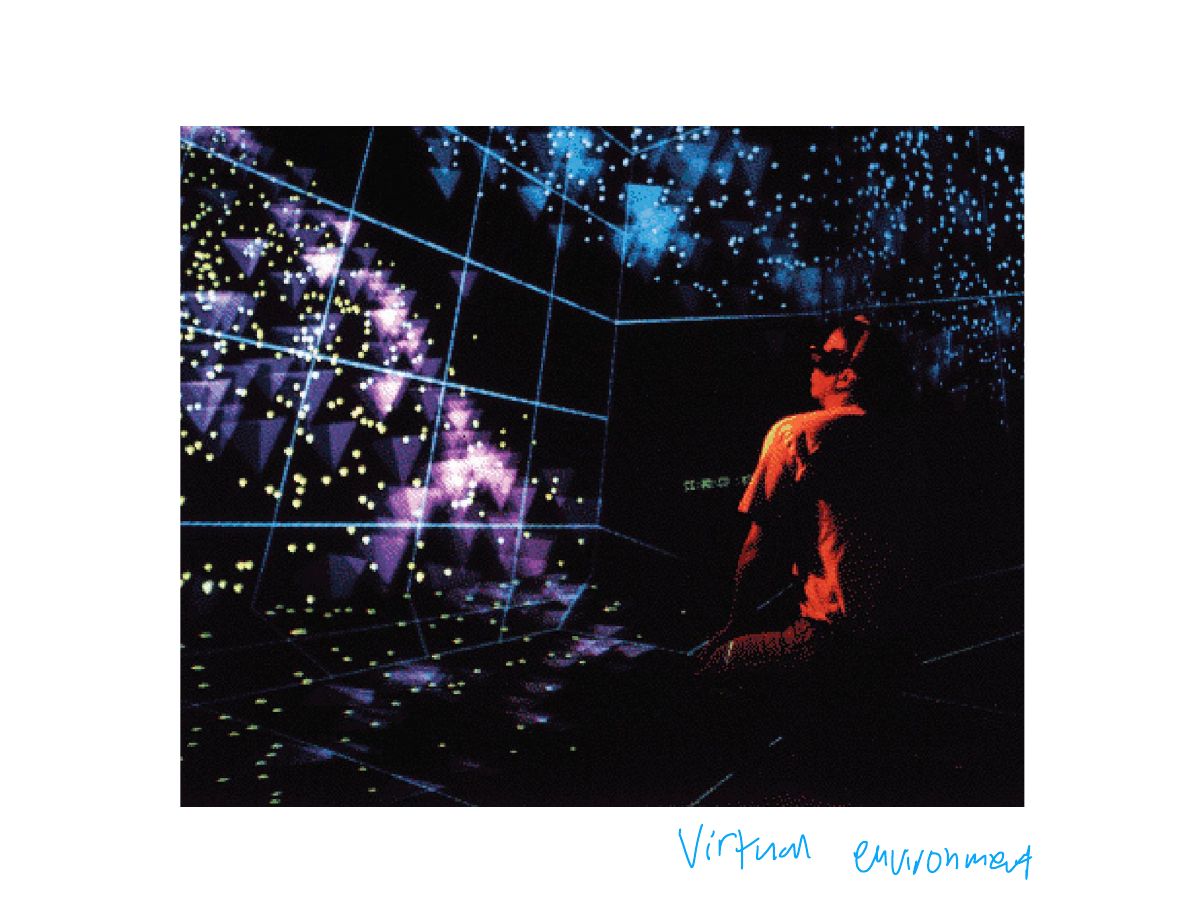
- 34 Interaction Types (cont)
- 35 Slide 35
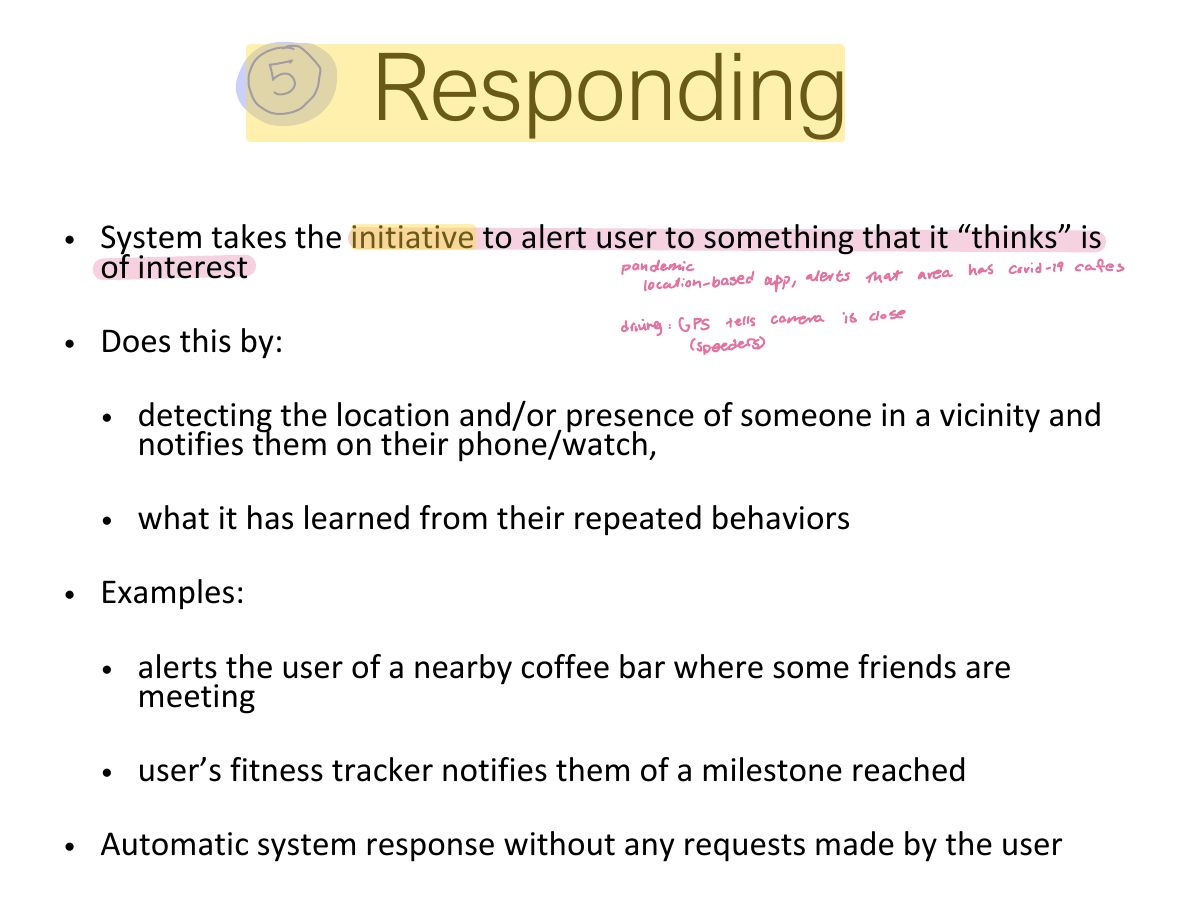
- 36 Responding
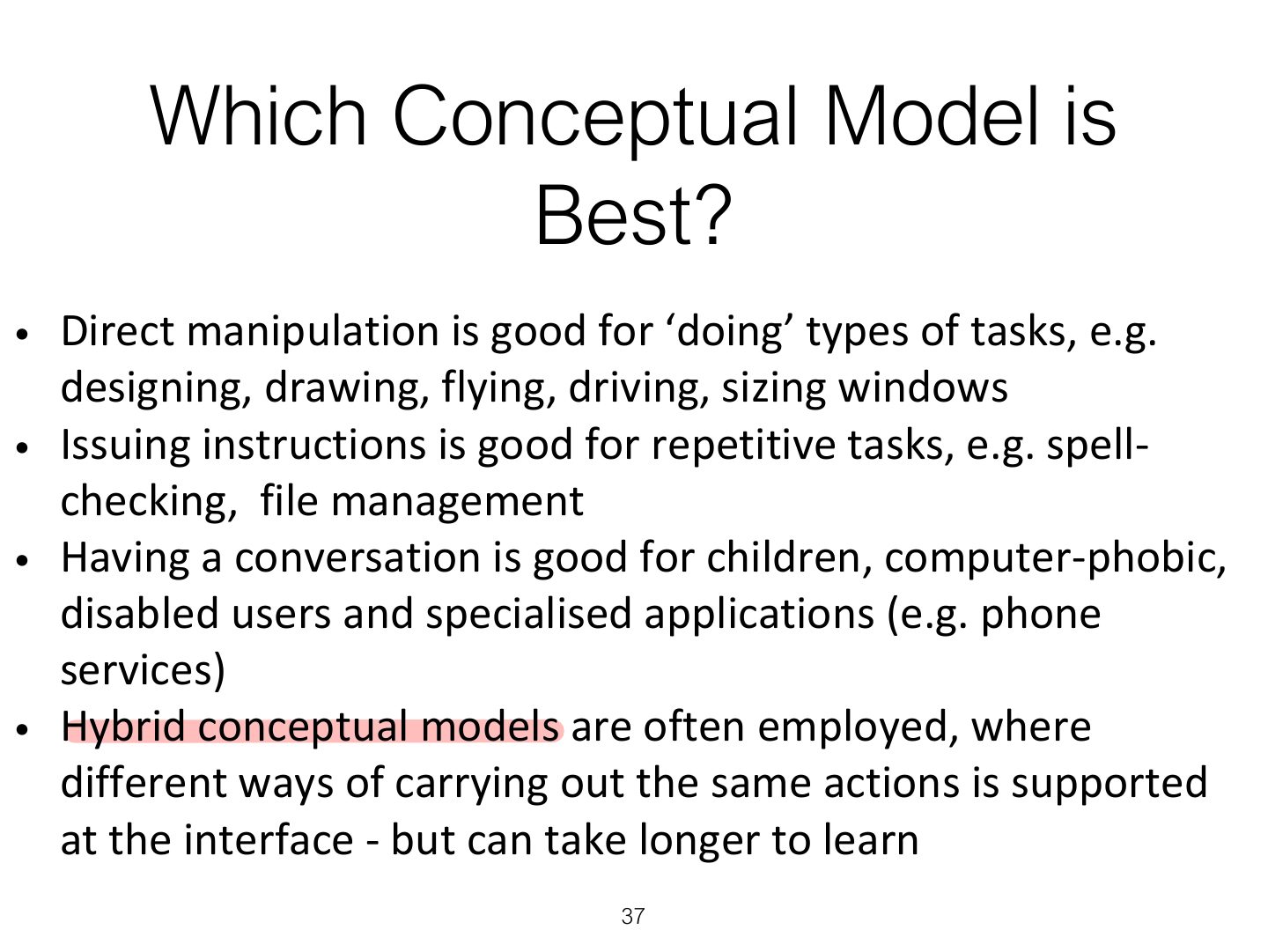
- 37 Which Conceptual Model is
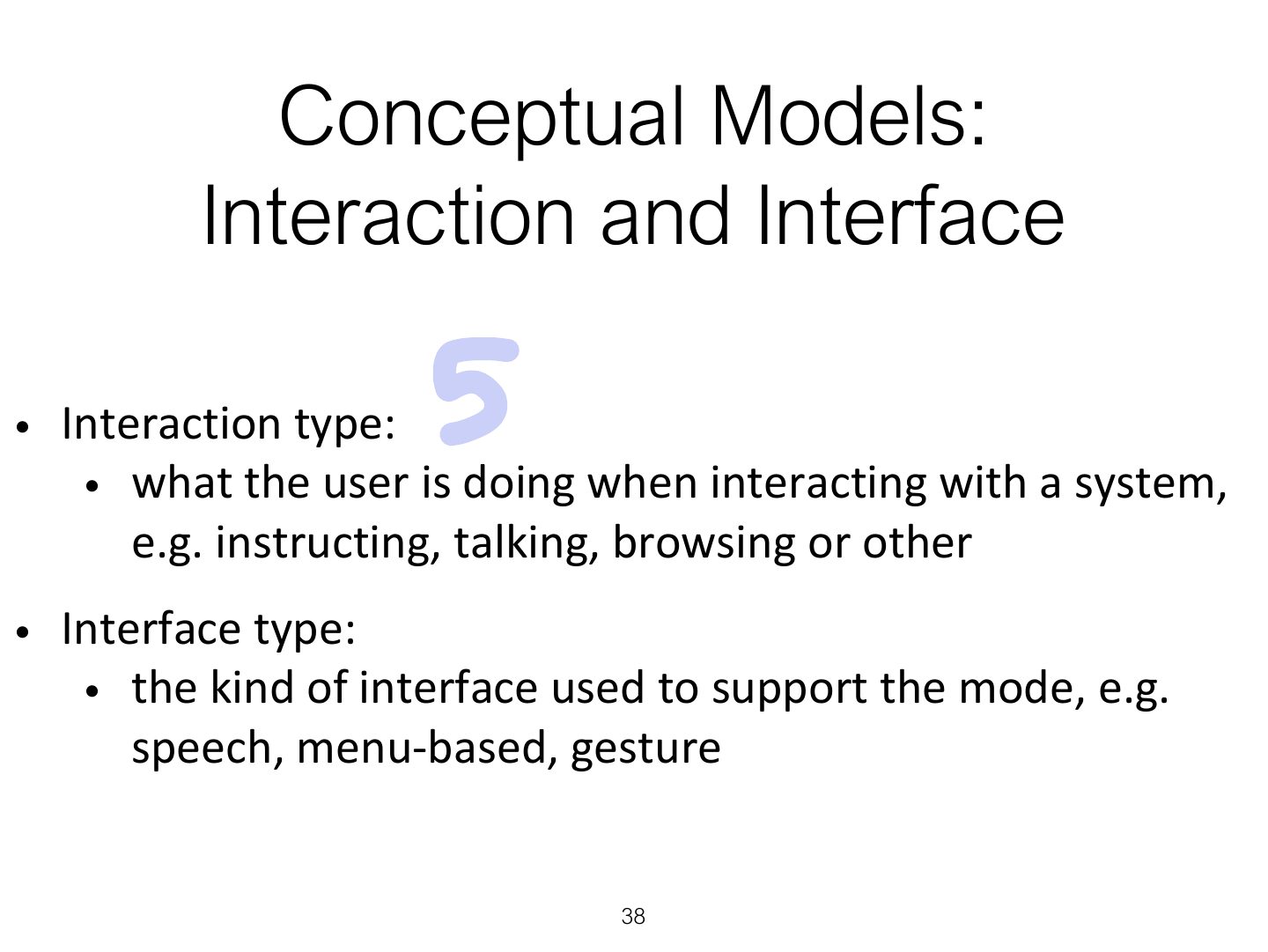
- 38 Conceptual Models:
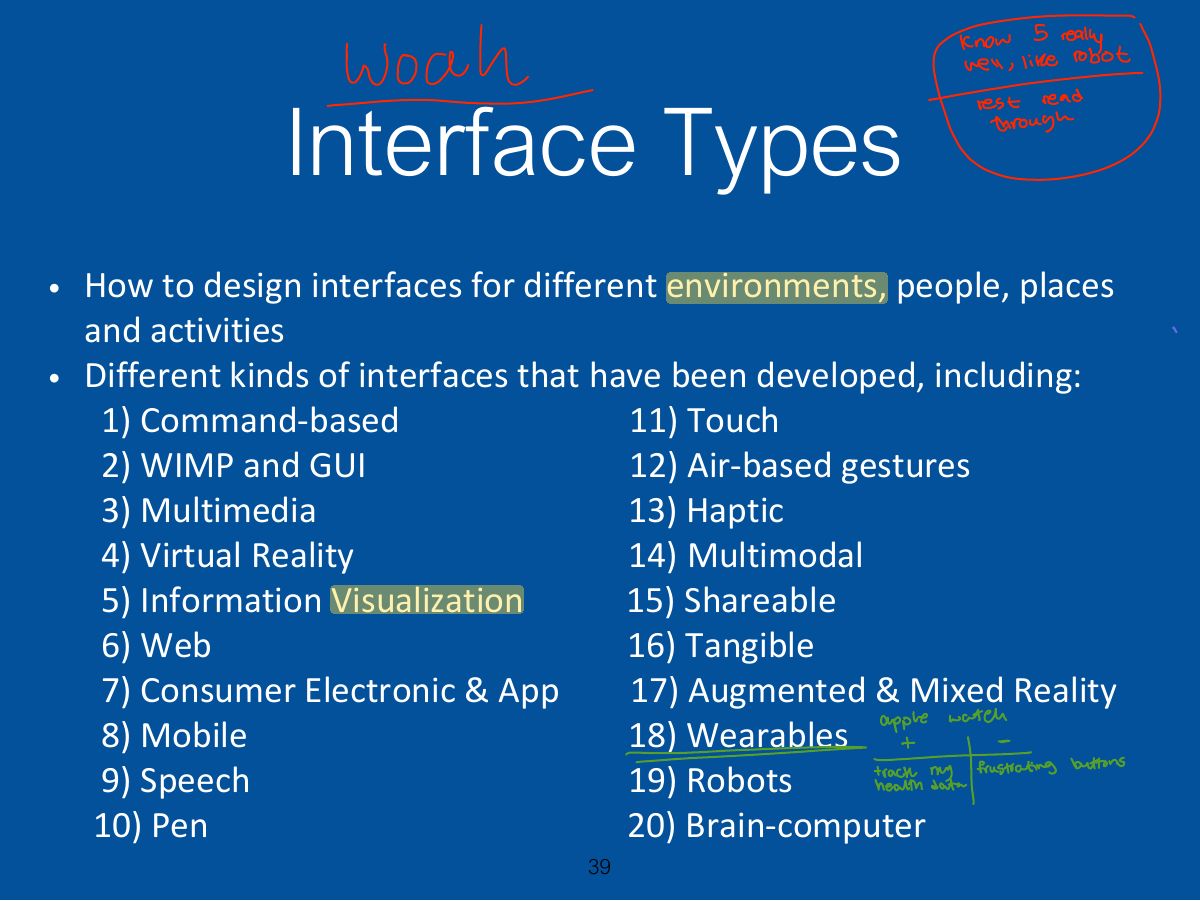
- 39 Interface Types
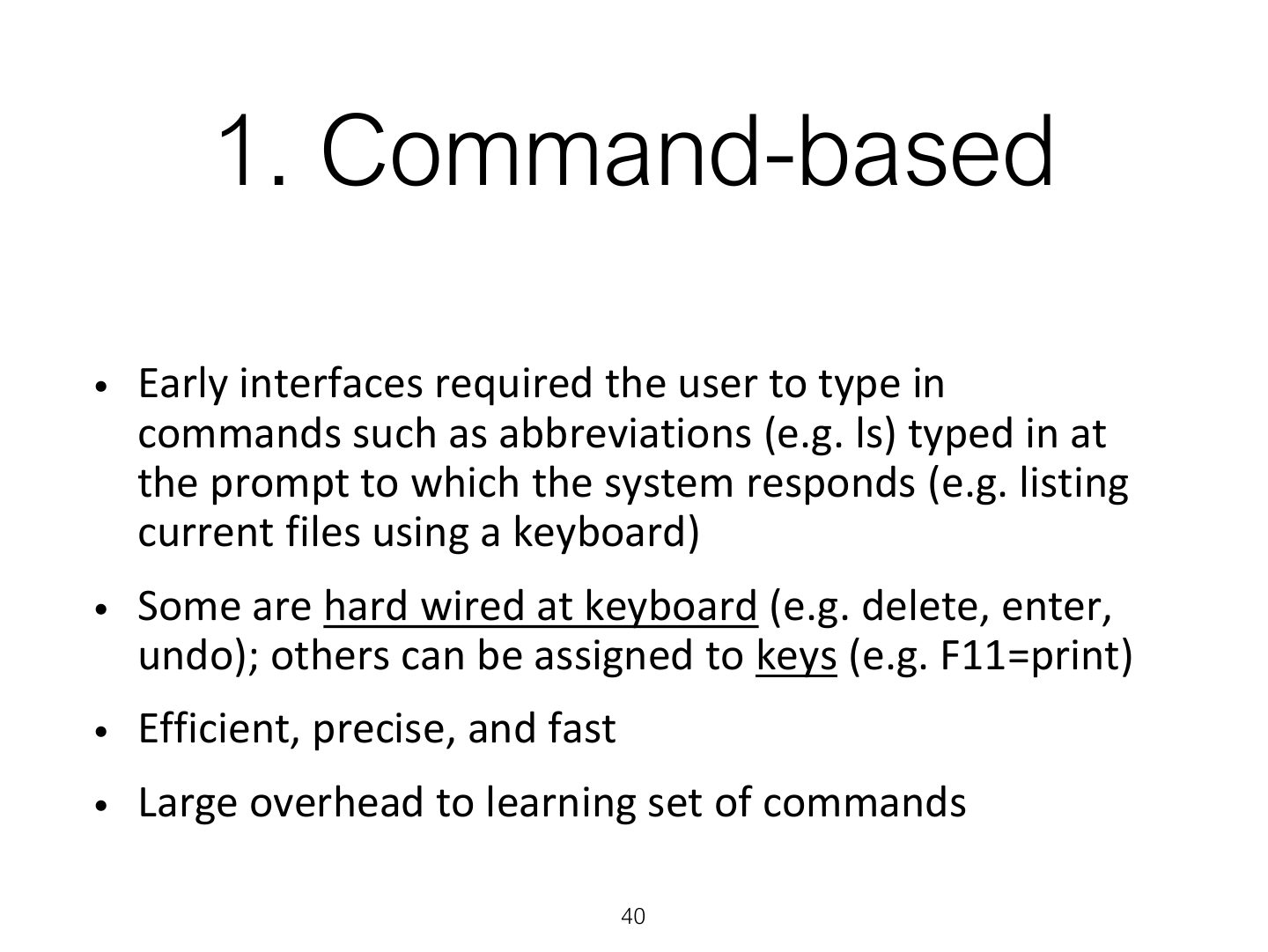
- 40 1. Command-based
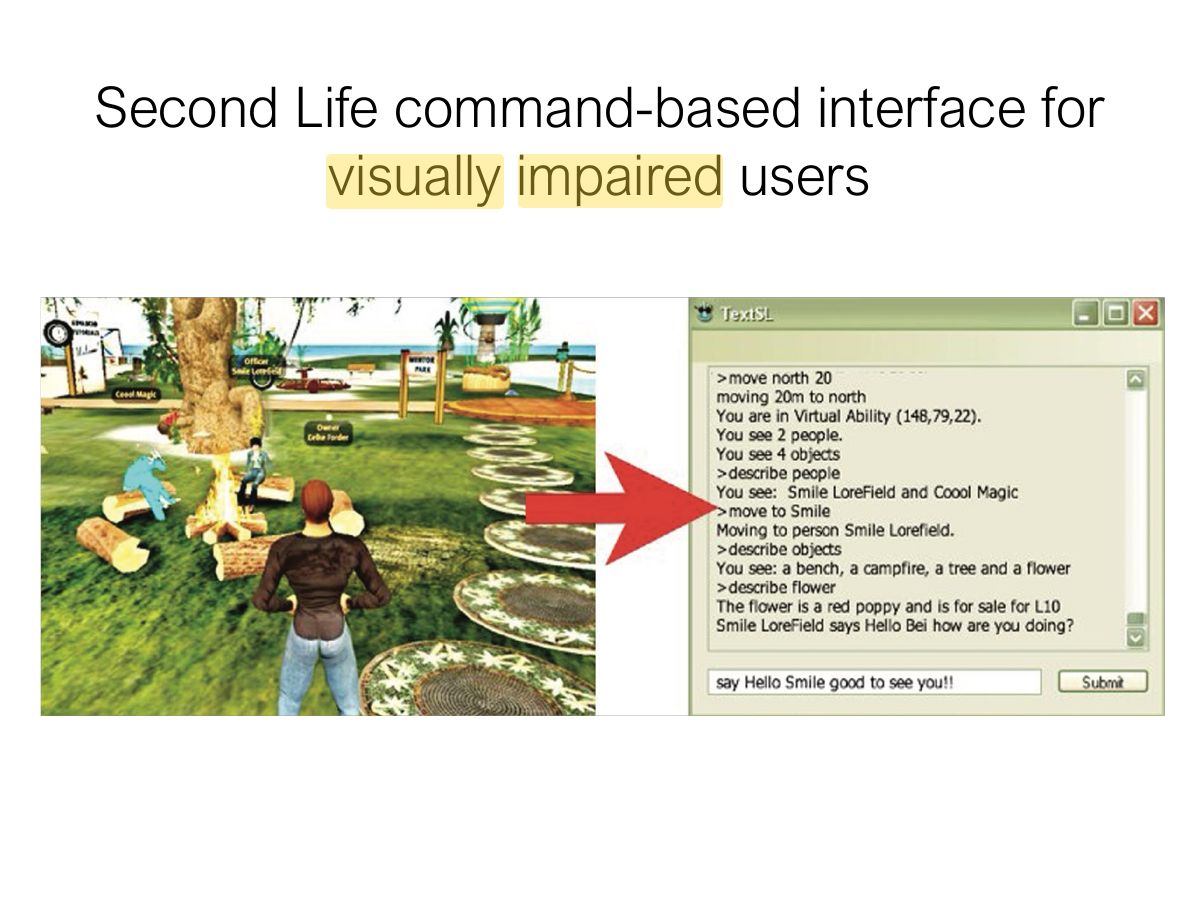
- 41 Second Life command-based interface for visually impaired users
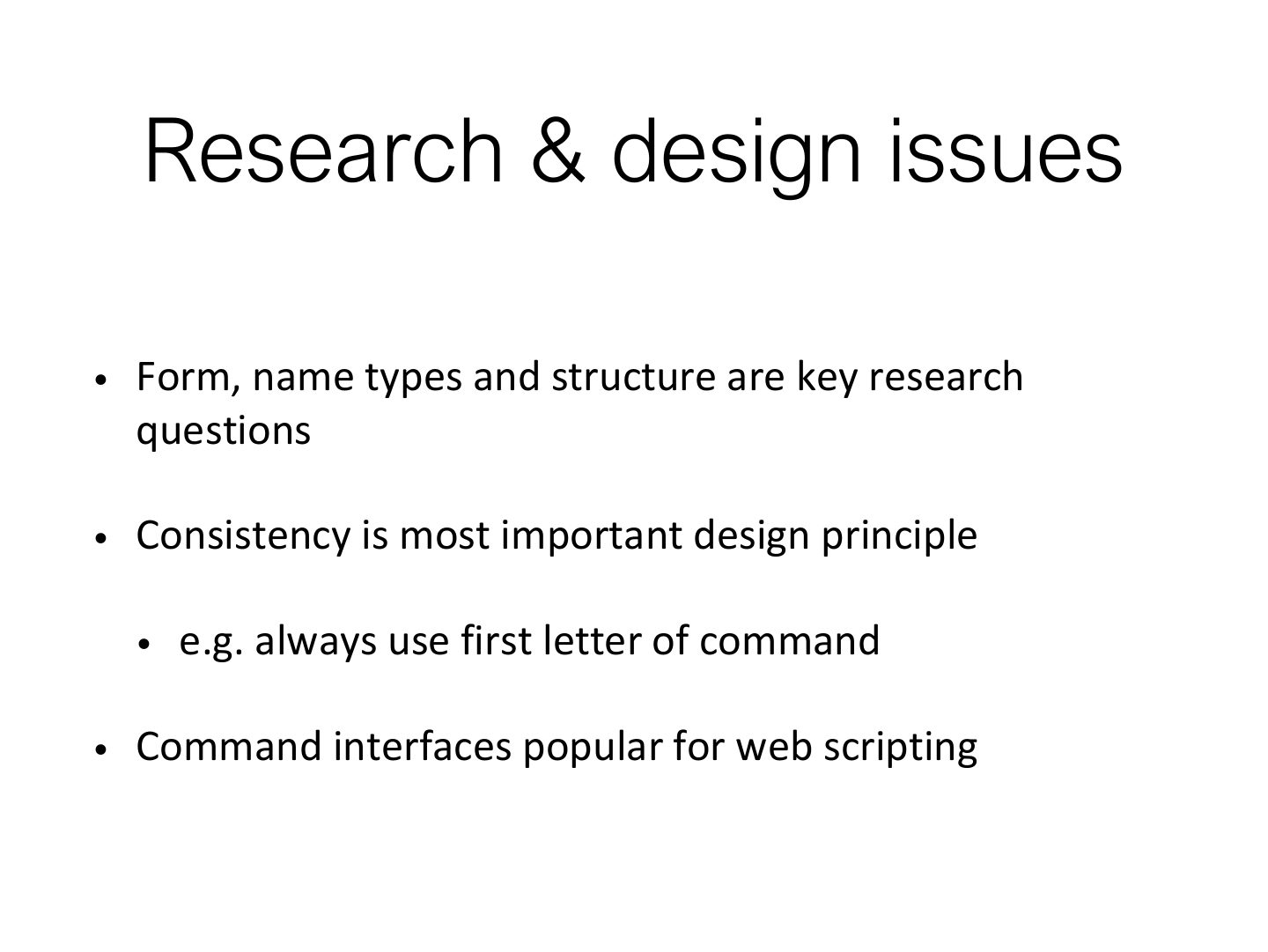
- 42 Research & design issues
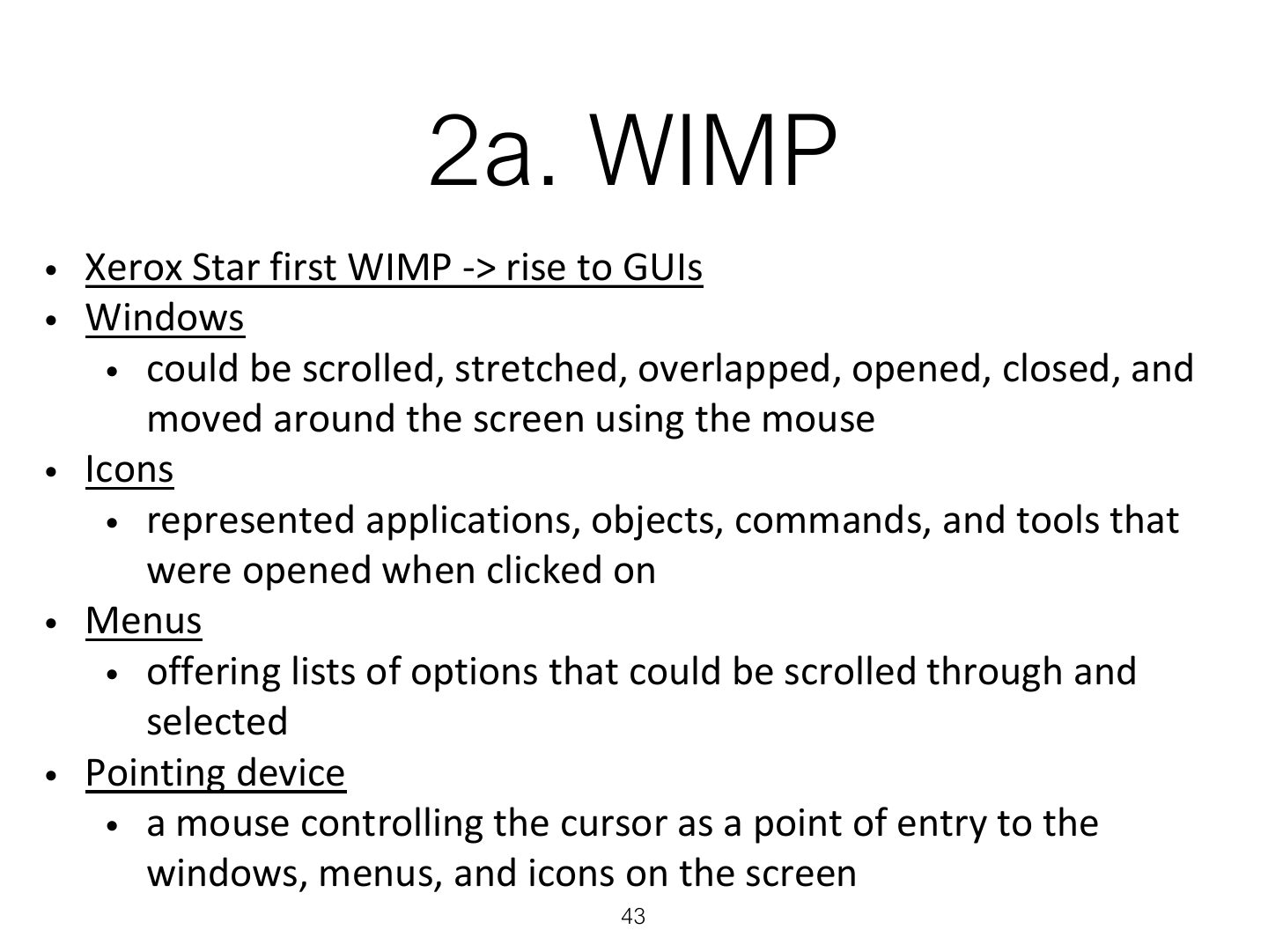
- 43 2a. WIMP
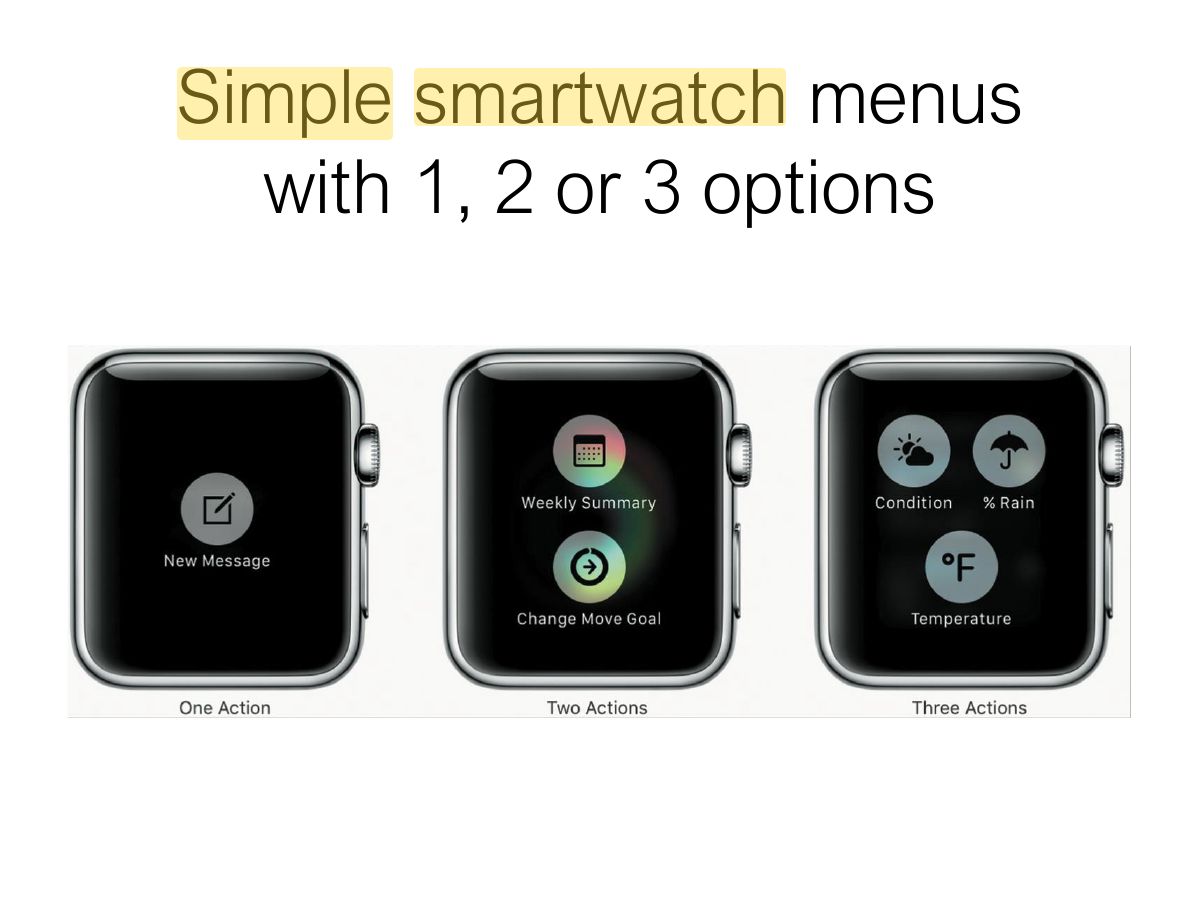
- 44 Simple smartwatch menus with 1, 2 or 3 options
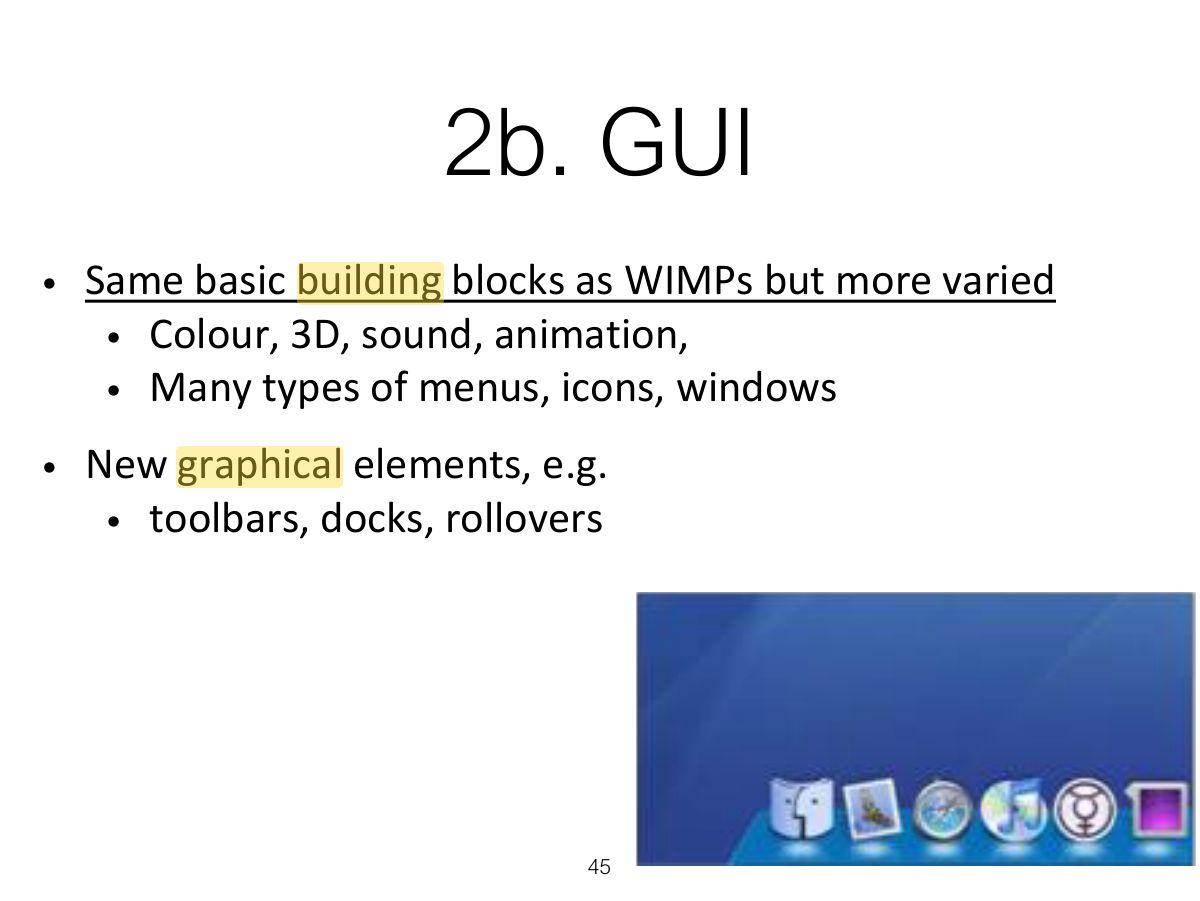
- 45 2b. GUI
- 46 i - Window design
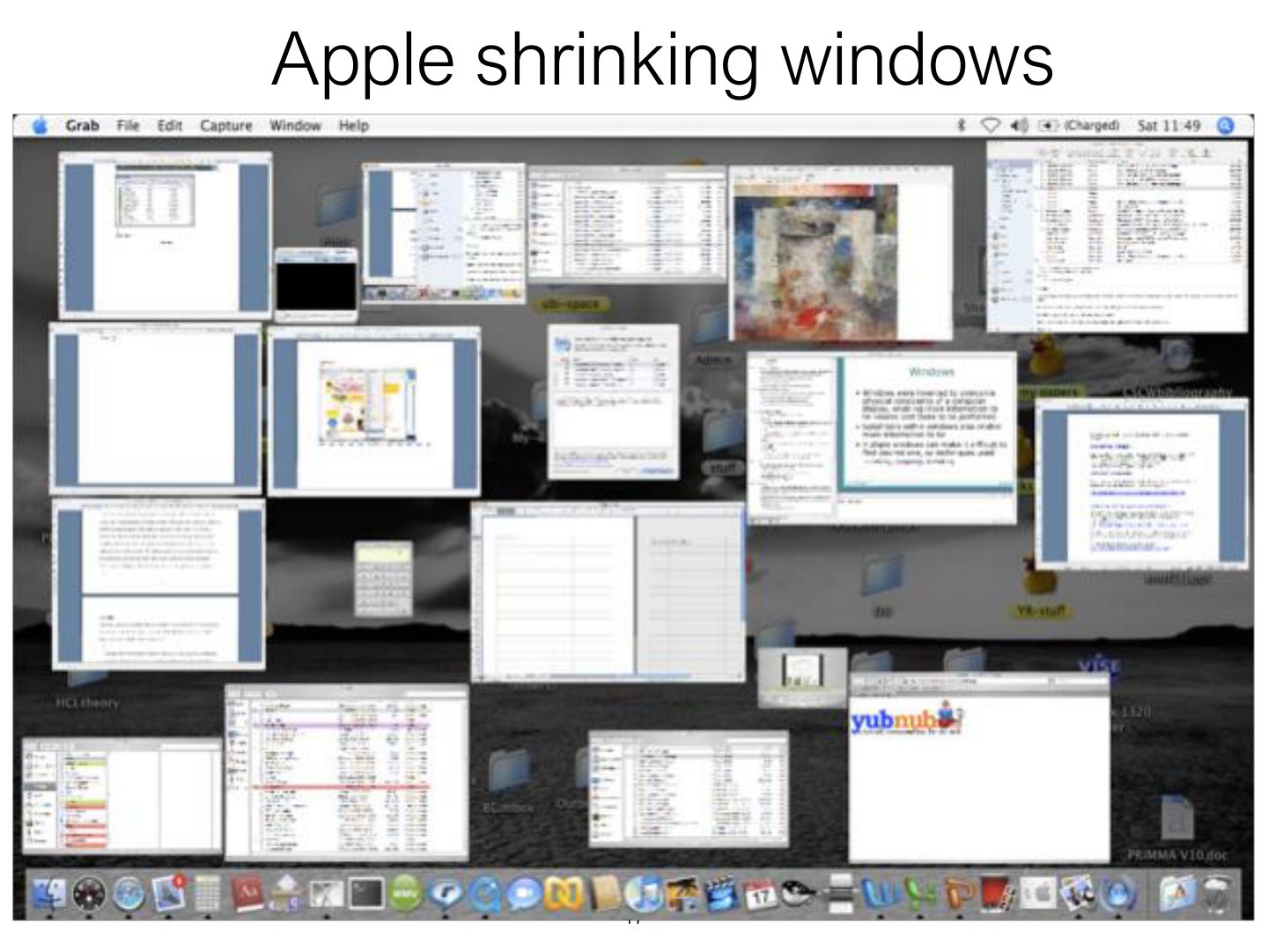
- 47 Apple shrinking windows
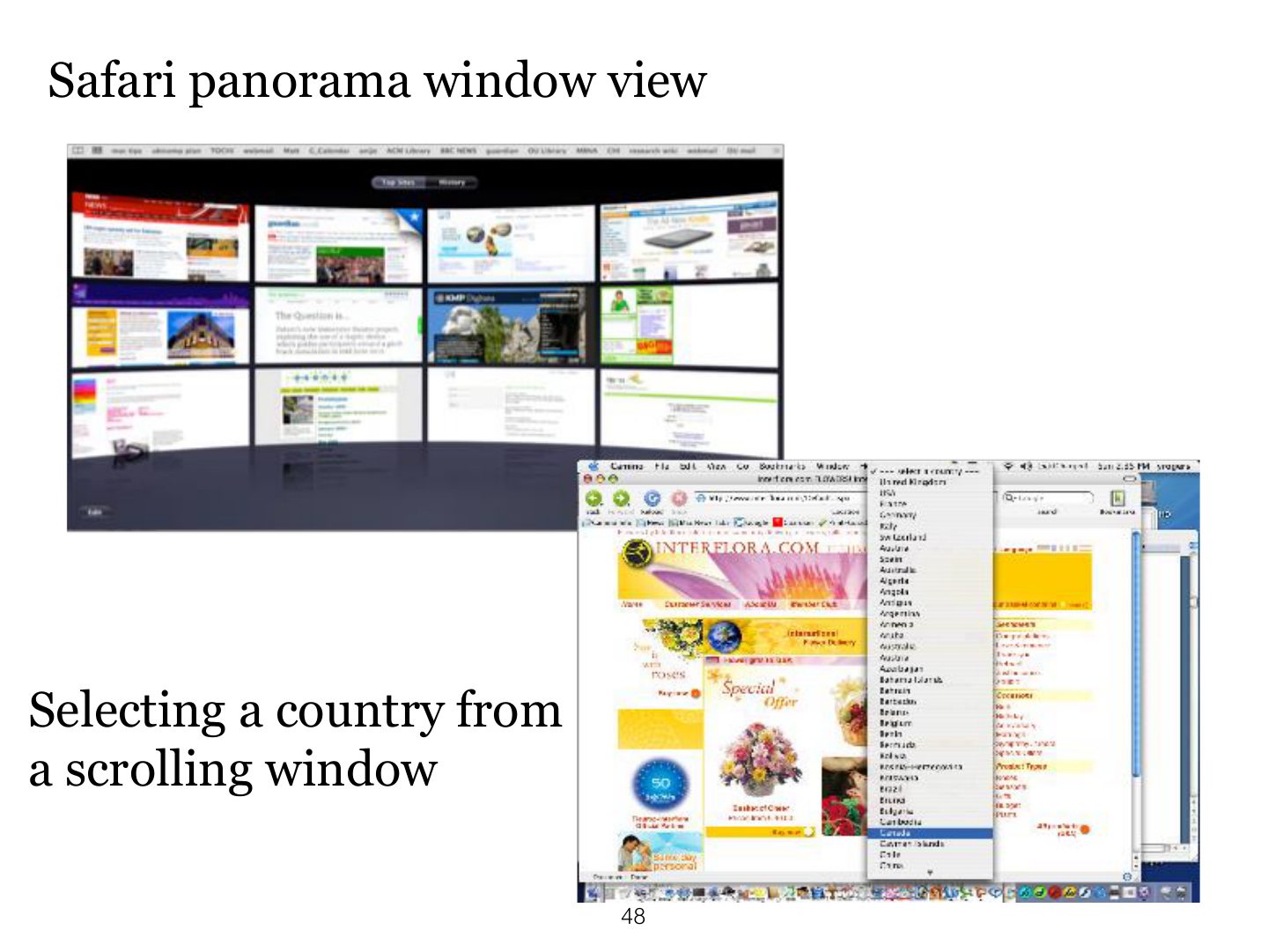
- 48 Safari panorama window view
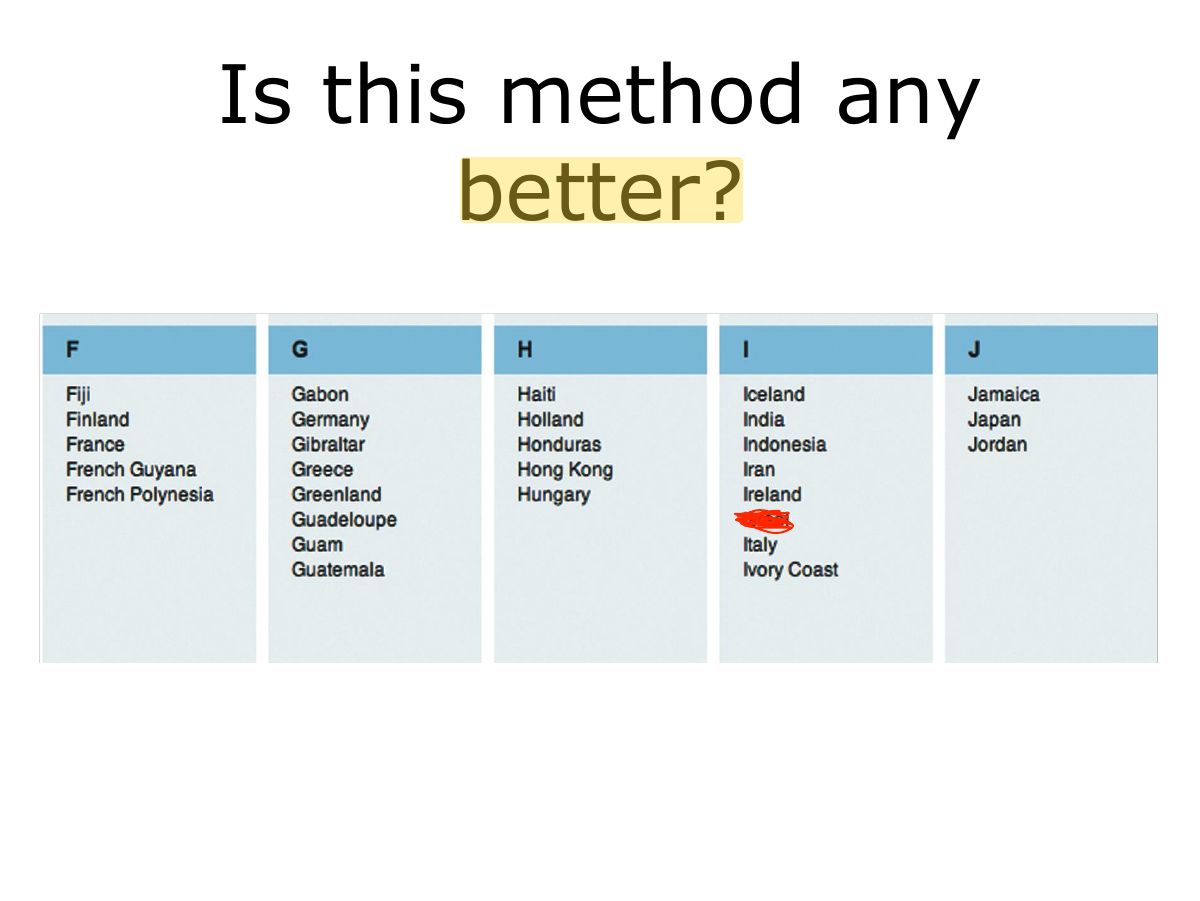
- 49 Is this method any better?
- 50 Research & design issues
- 51 ii- Menus design
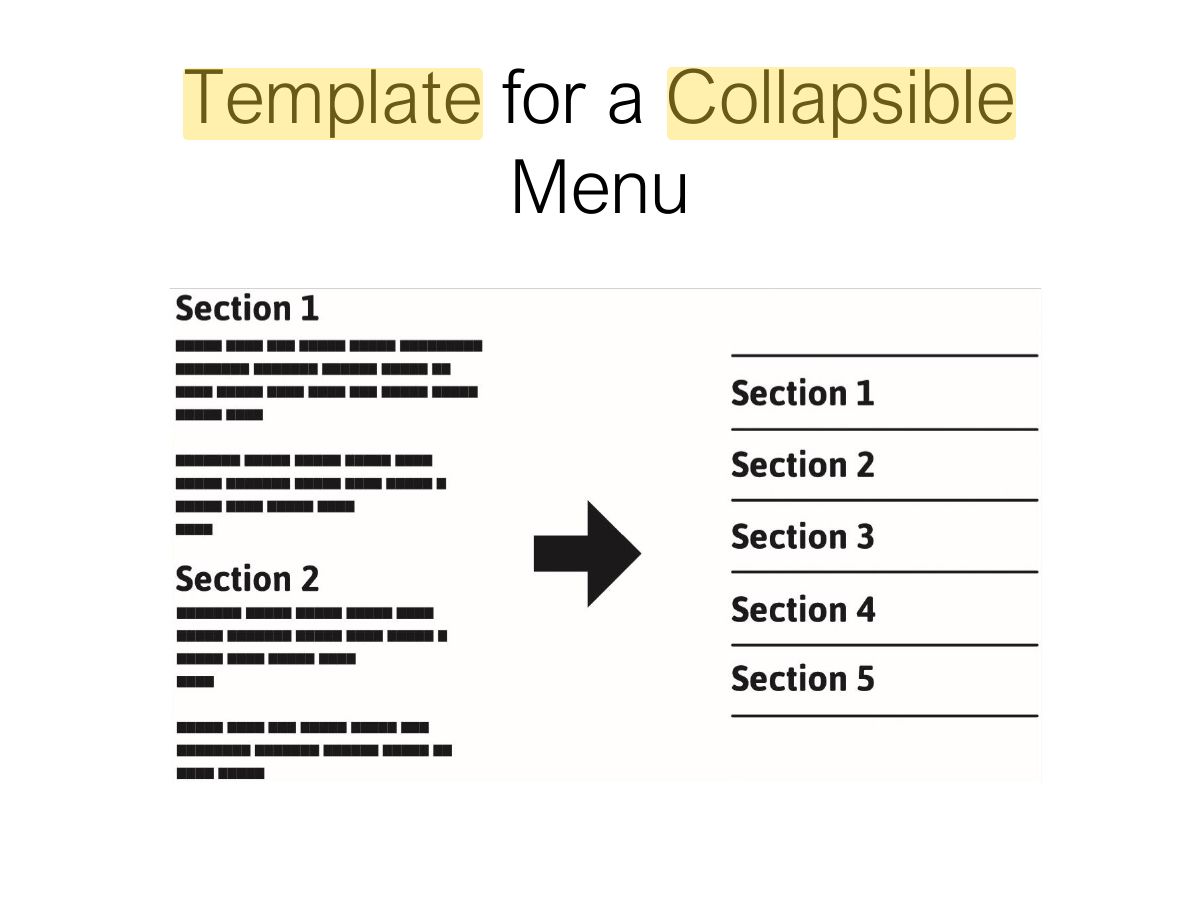
- 52 Template for a Collapsible Menu
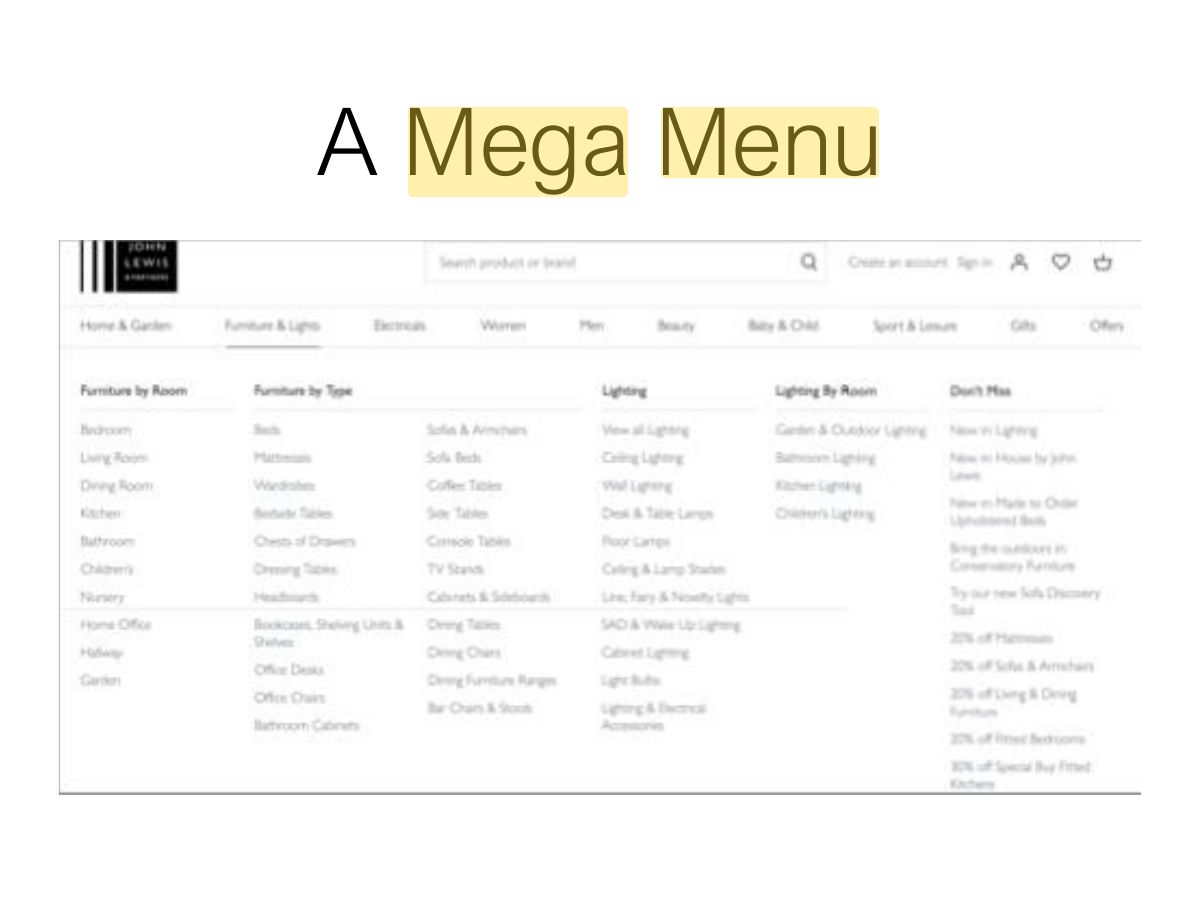
- 53 A Mega Menu
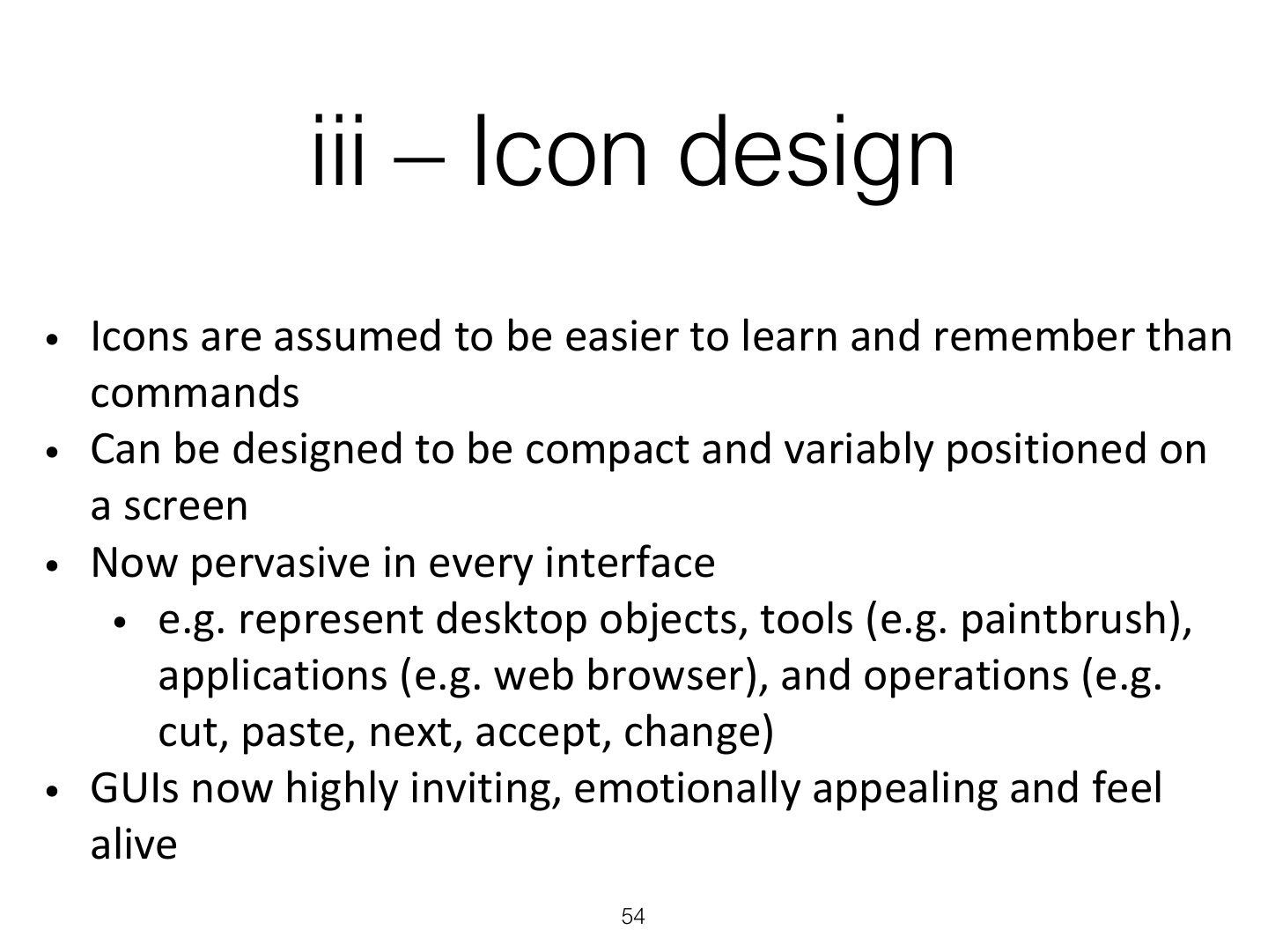
- 54 iii – Icon design
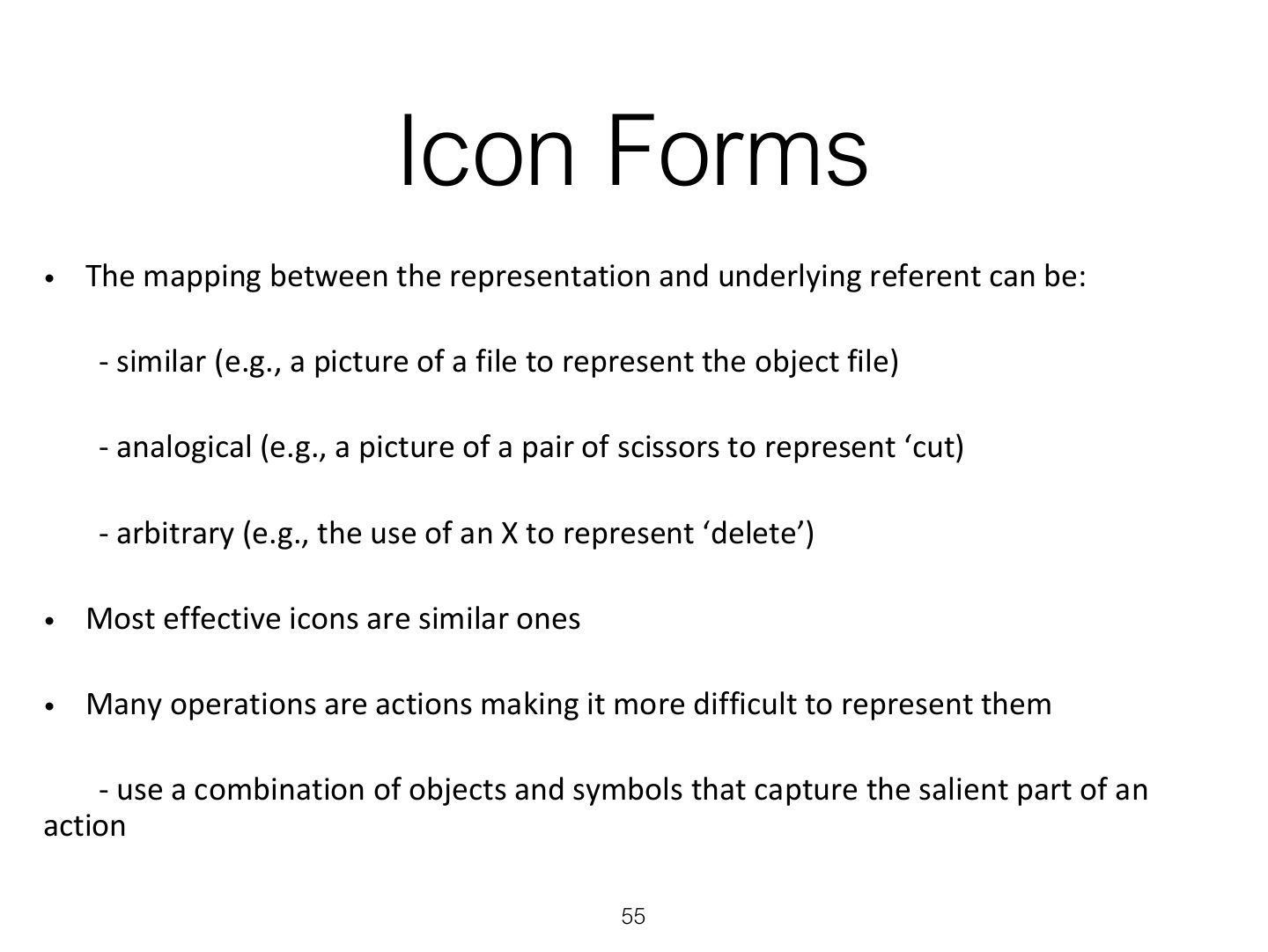
- 55 Icon Forms
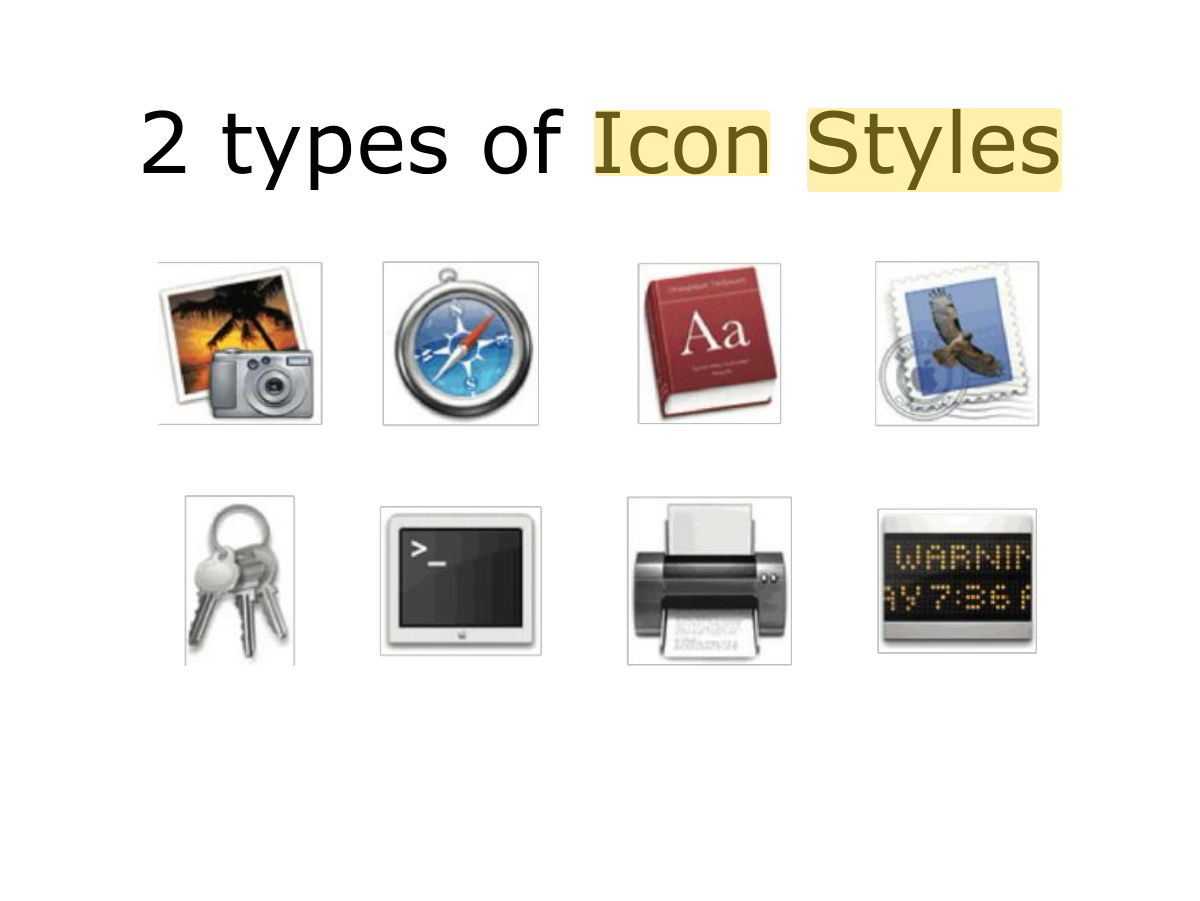
- 56 2 types of Icon Styles
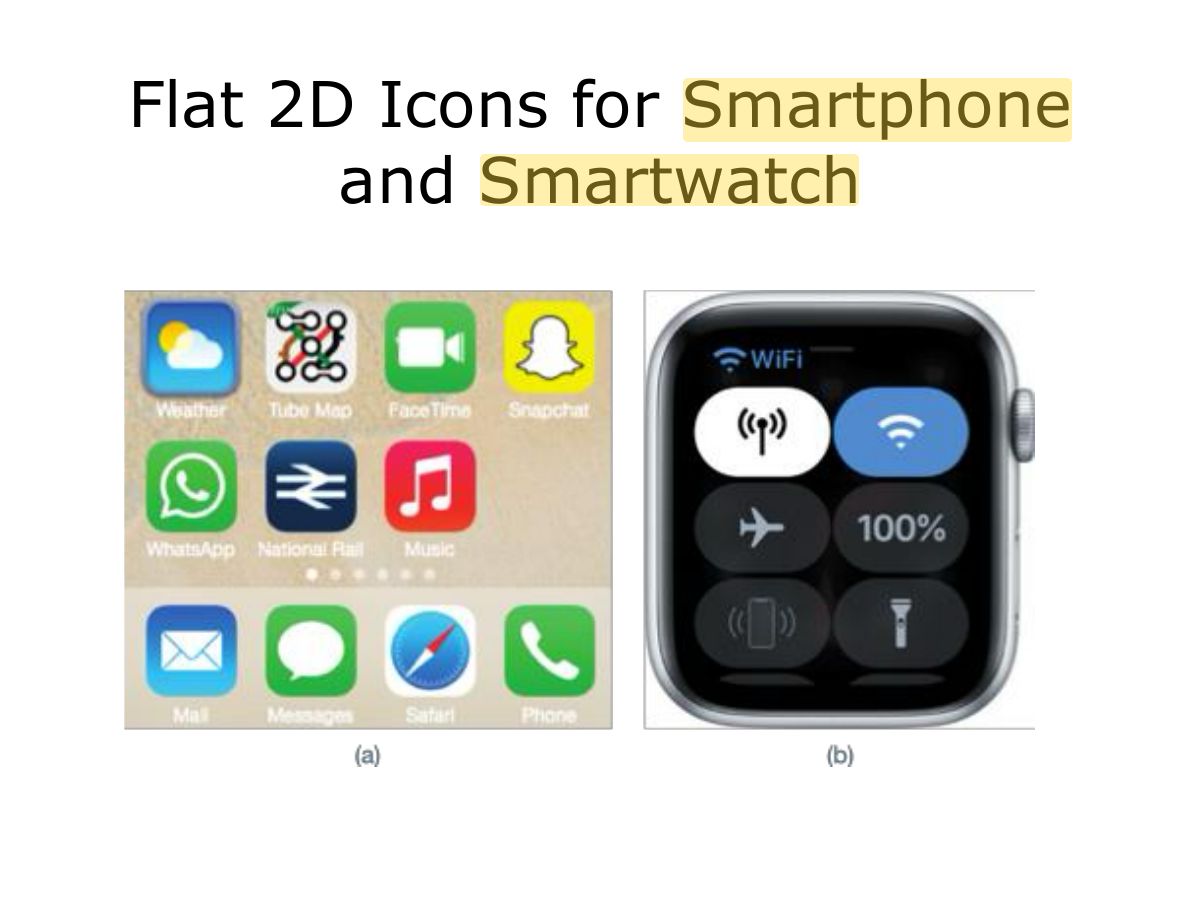
- 57 Flat 2D Icons for Smartphone and Smartwatch
- 58 Research & design issues
- 59 3. Multimedia
- 60 3. Multimedia (cont)
- 61 Research & design issues
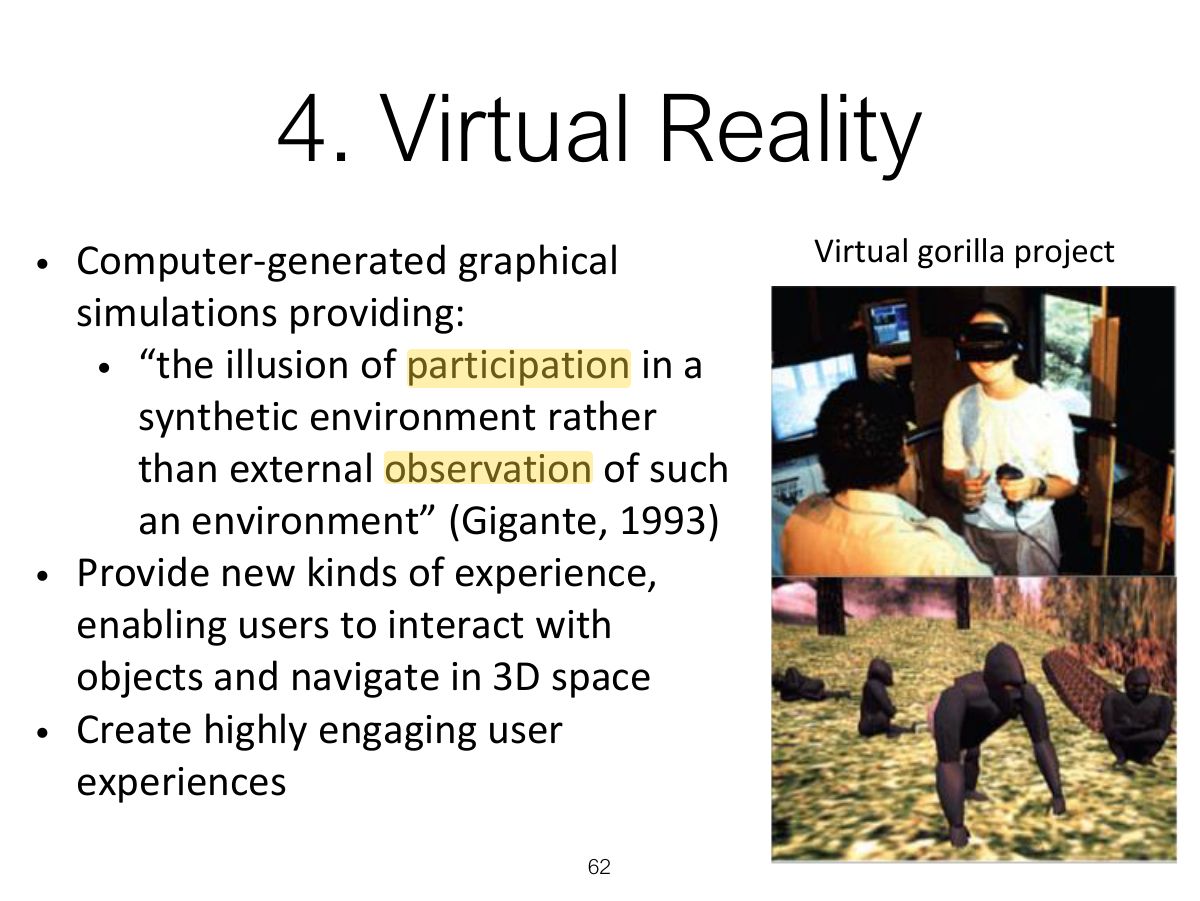
- 62 4. Virtual Reality
- 63 4. Virtual Reality (cont)
- 64 Research & design issues
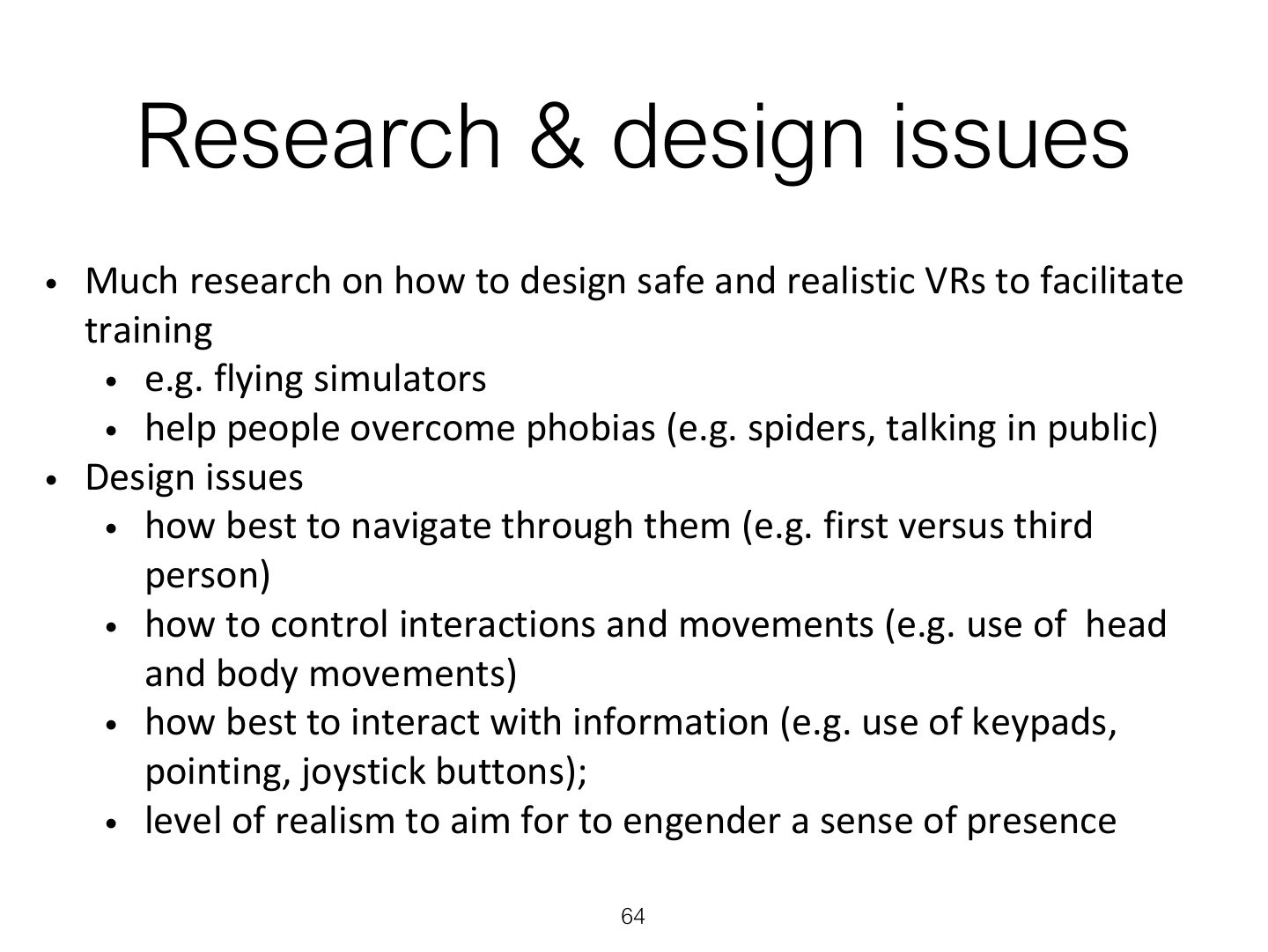
- 65 5. Information Visualization
- 66 Research & design issues
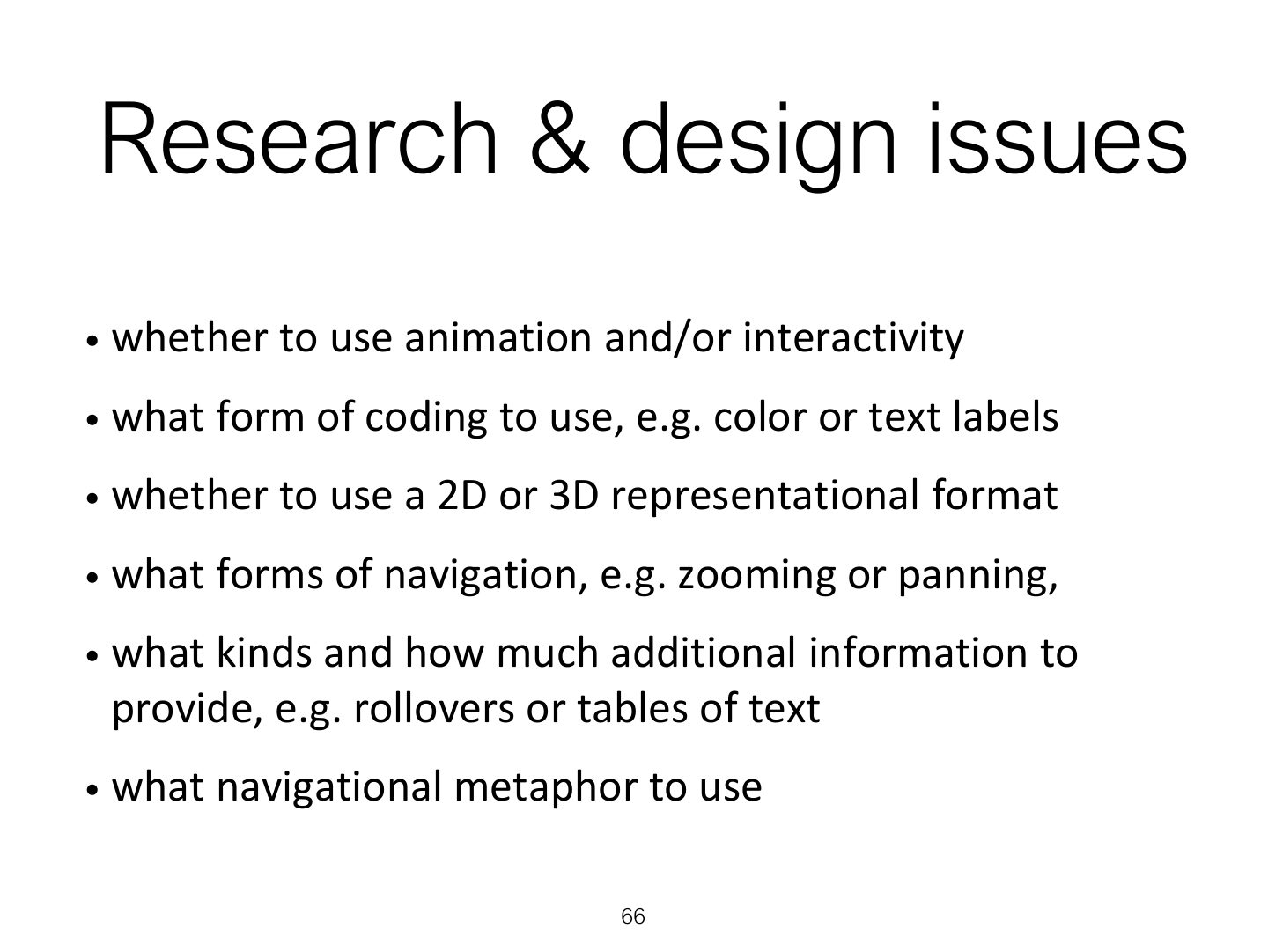
- 67 6. Web
- 68 Usability VS Attractive?
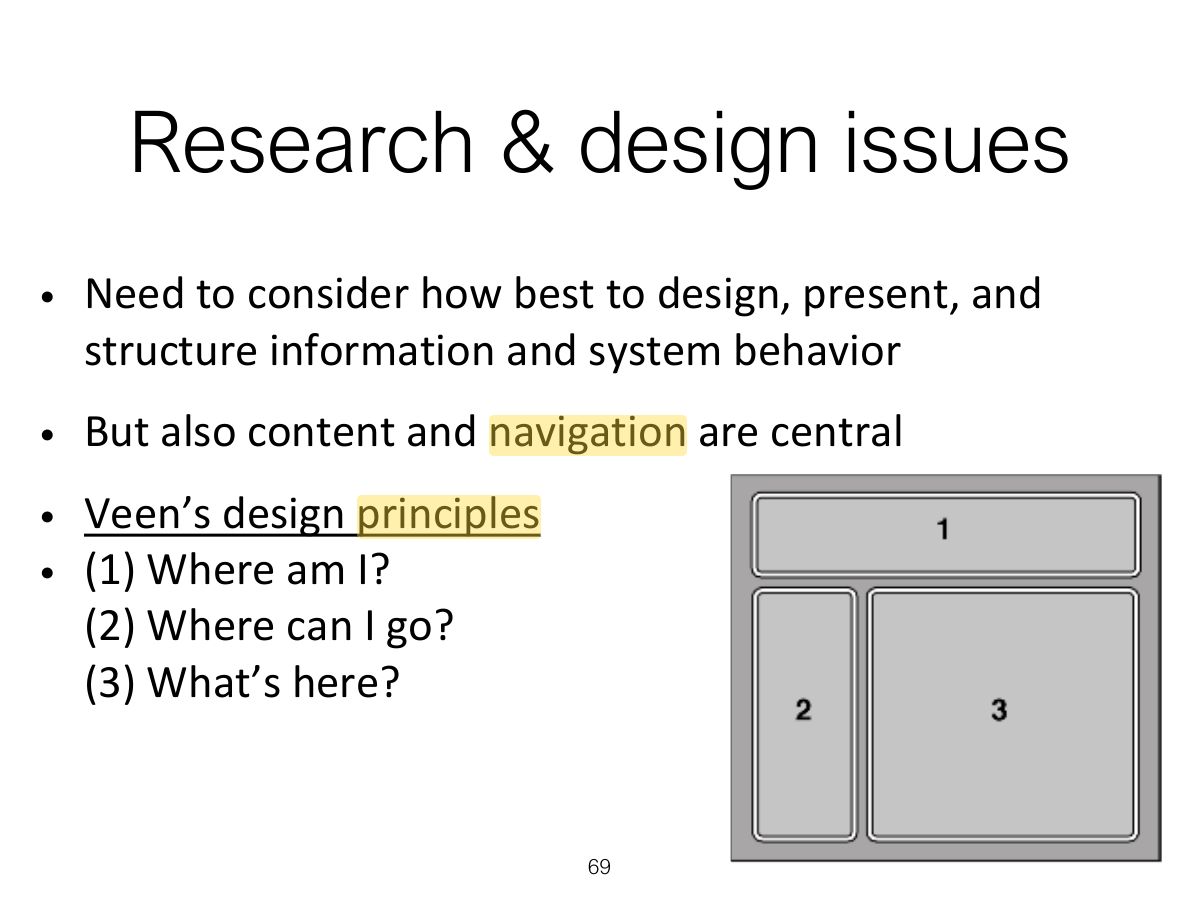
- 69 Research & design issues
- 70 Activity
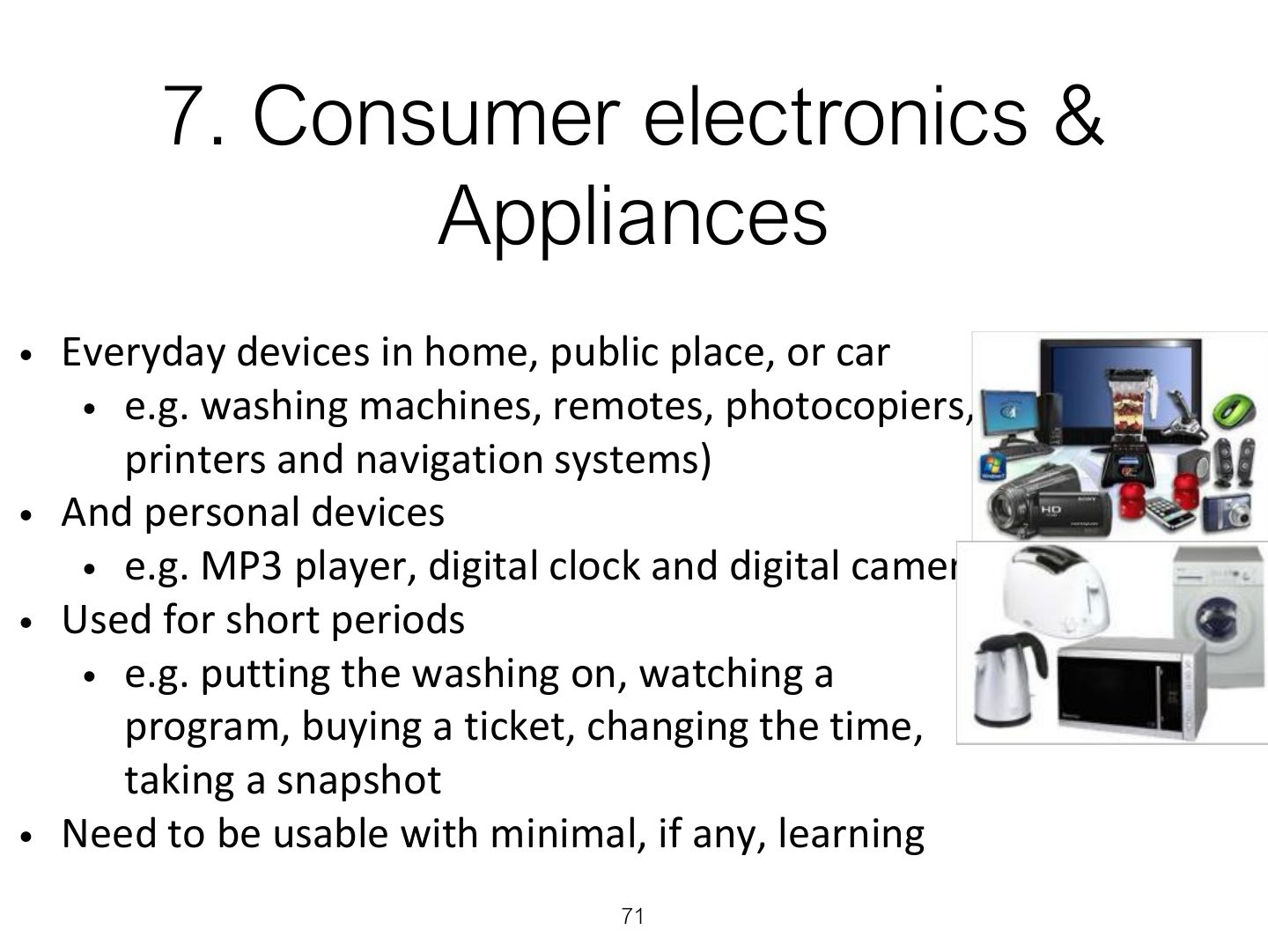
- 71 7. Consumer electronics &
- 72 Research & design issues
- 73 8. Mobile
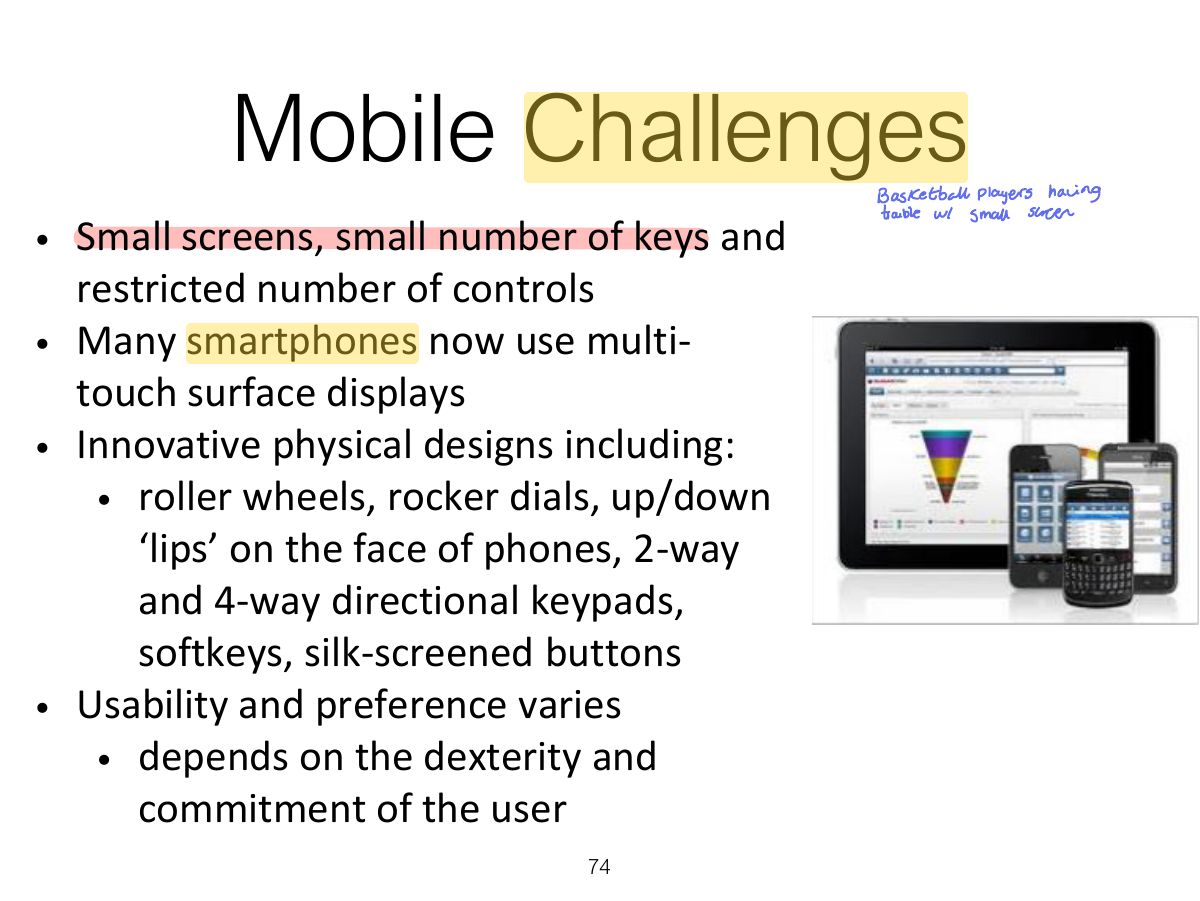
- 74 Mobile Challenges
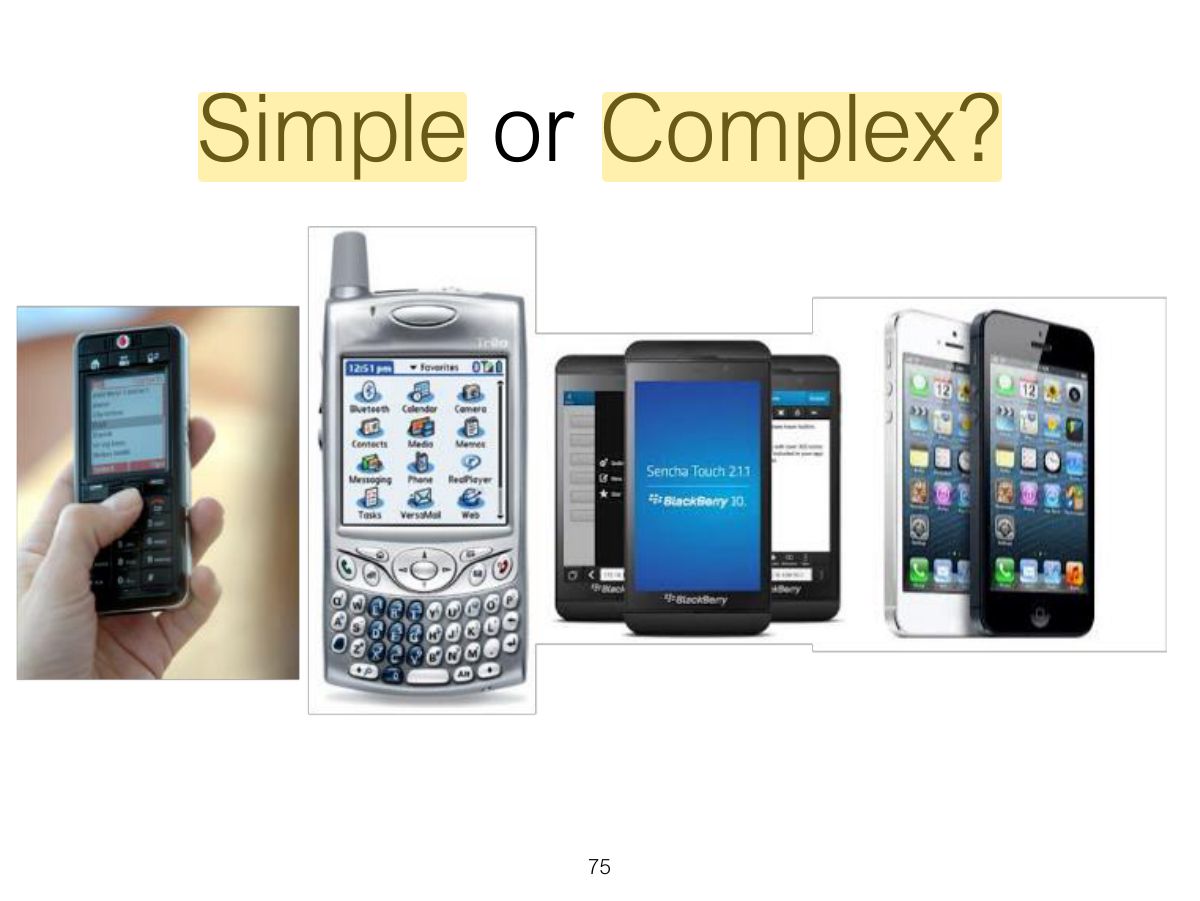
- 75 Simple or Complex?
- 76 Research & design issues
- 77 9. Speech
- 78 Get me a human operator!
- 79 Format
- 80 Research & design issues
- 81 10. Pen
- 82 10. Pen (cont)
- 83 11. Touch
- 84 Research & design issues
- 85 Research & design issues (cont)
- 86 12. Air-based Gestures
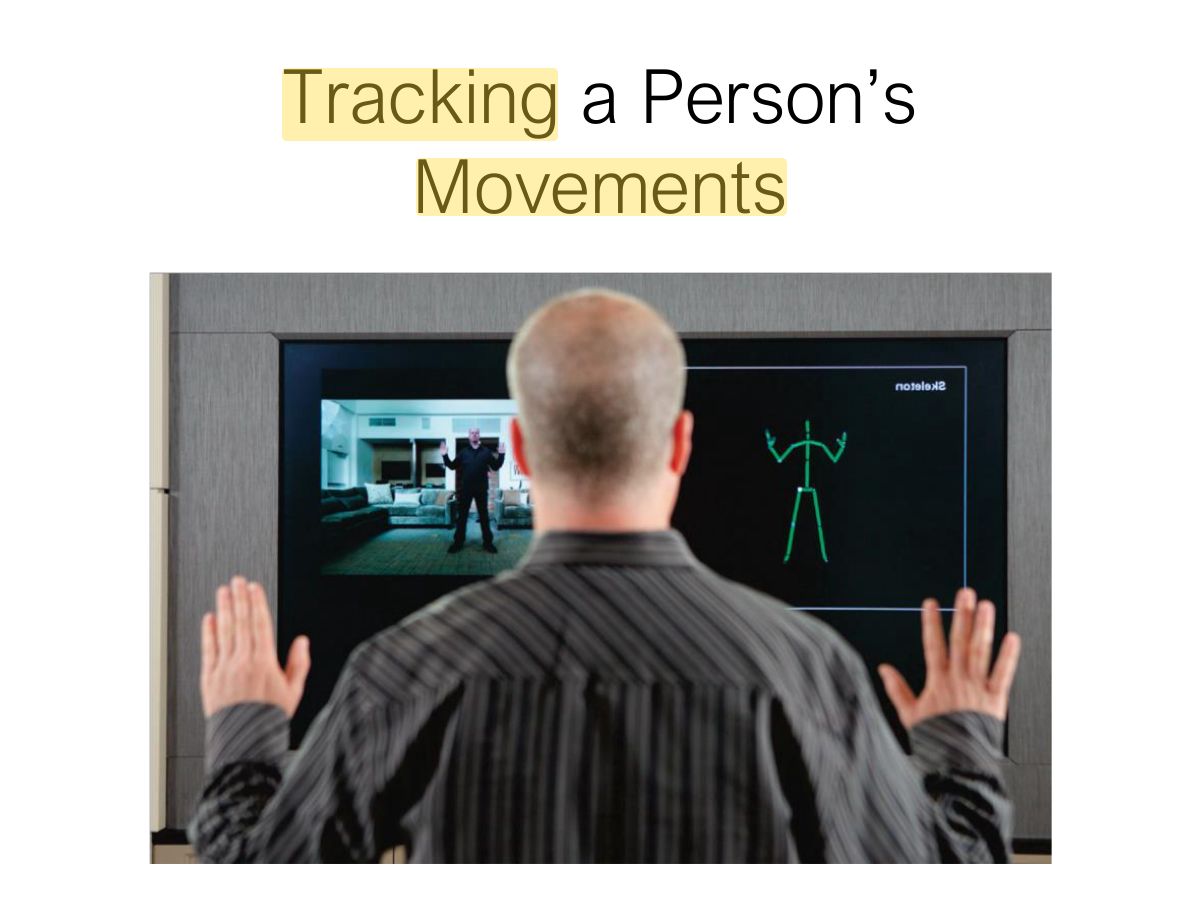
- 87 Home Entertainment
- 88 Research & design issues
- 89 13. Haptic
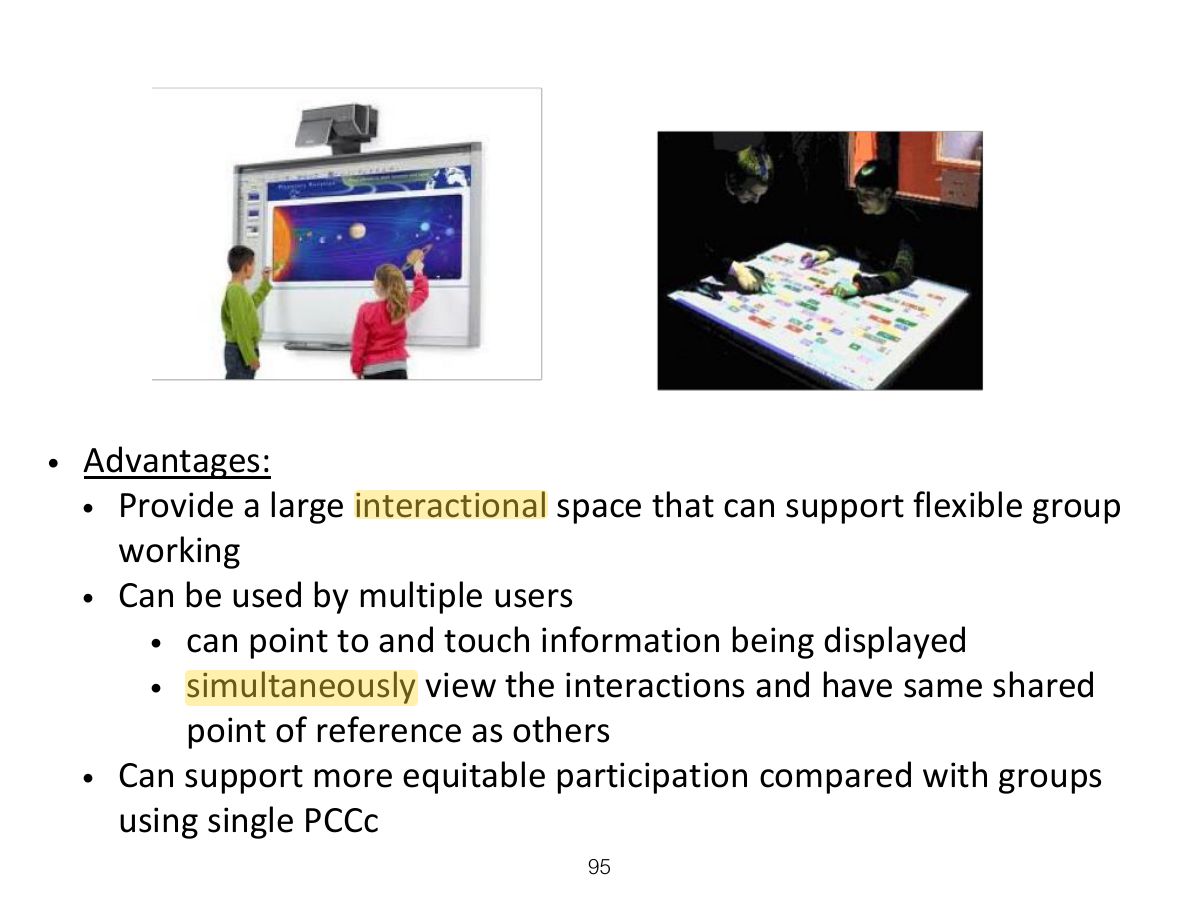
- 90 Research & design issues
- 91 14. Multi-modal
- 92 Tracking a Person’s Movements
- 93 Research & design issues
- 94 15. Shareable
- 95 Slide 95
- 96 Research & design issues
- 97 16. Tangible
- 98 Examples
- 99 Benefits
- 100 Research & design issues
- 101 17. Augmented & Mixed Reality
- 102 Research & design issues
- 103 18. Wearable
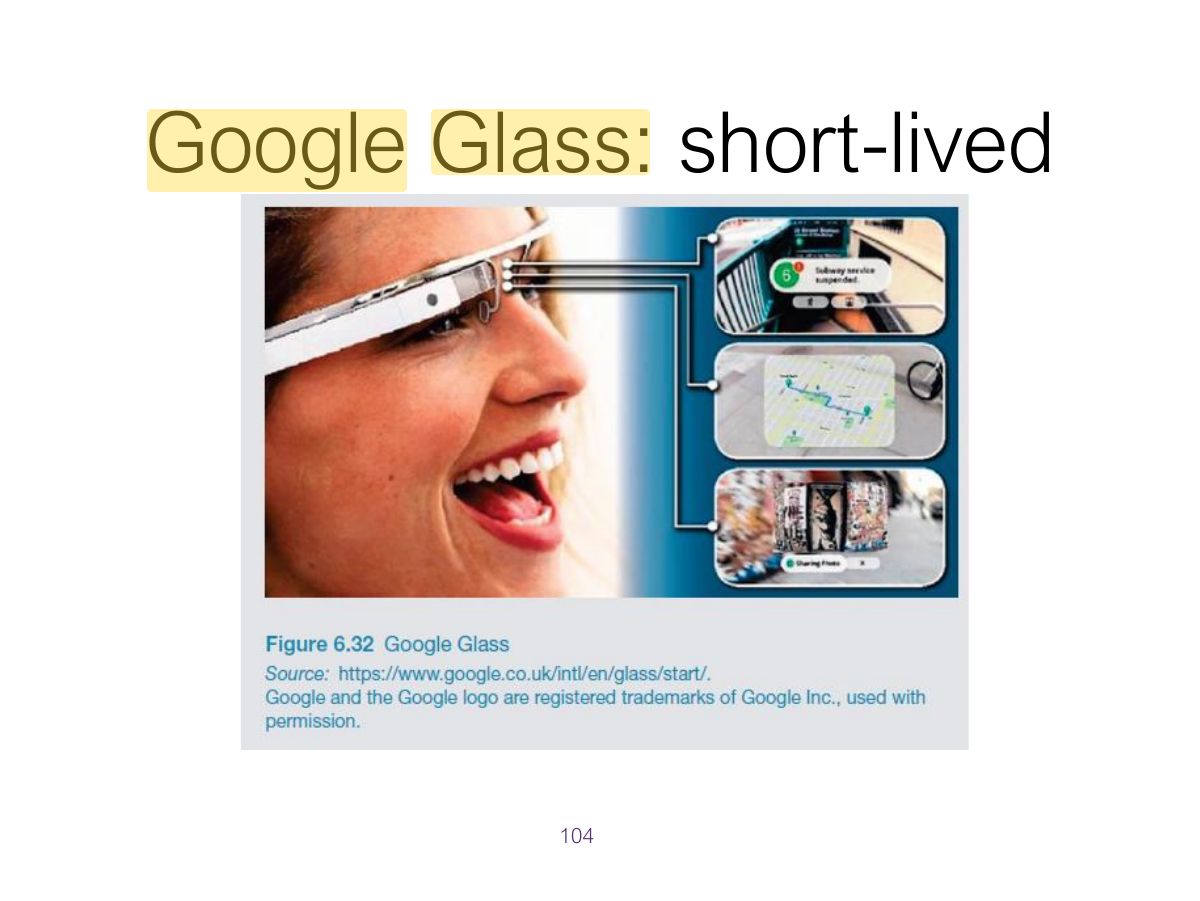
- 104 Google Glass: short-lived
- 105 Research & design issues
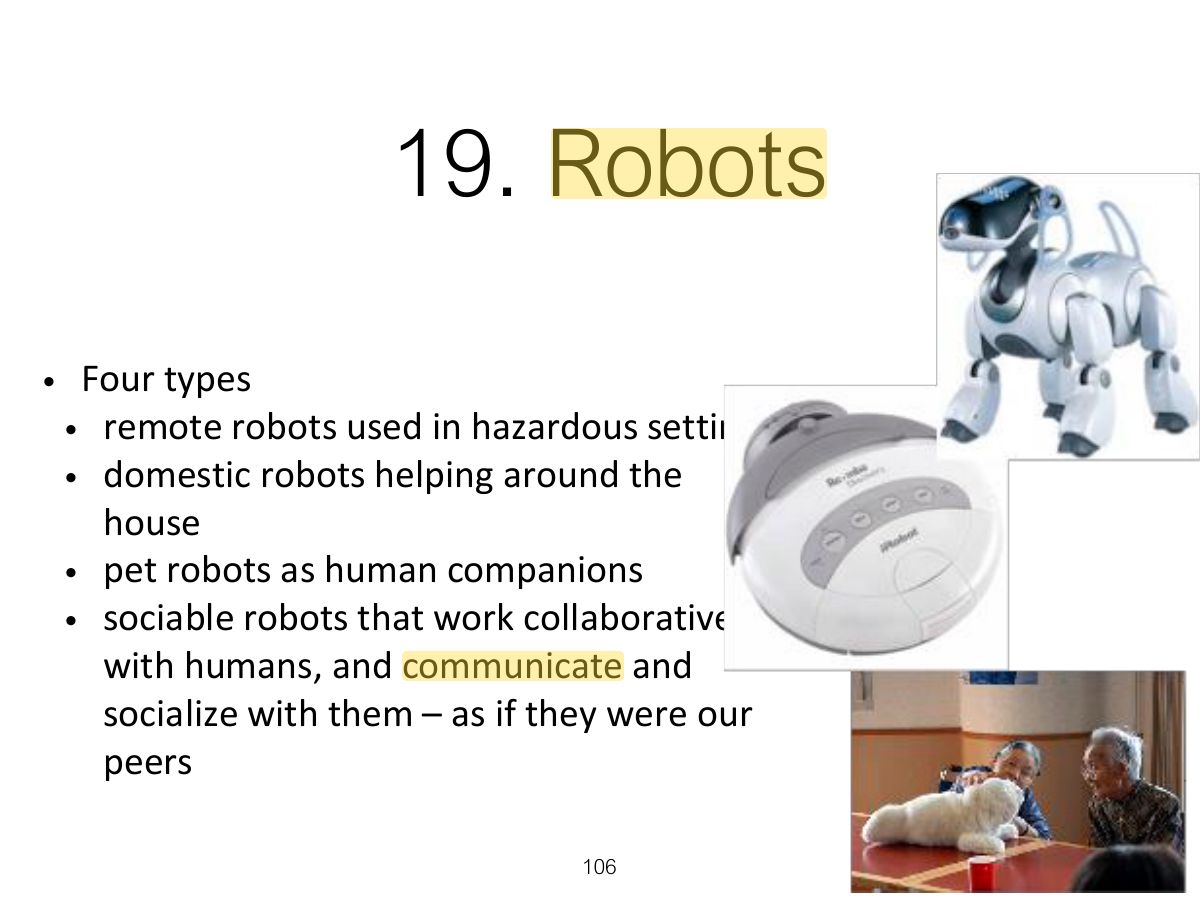
- 106 19. Robots
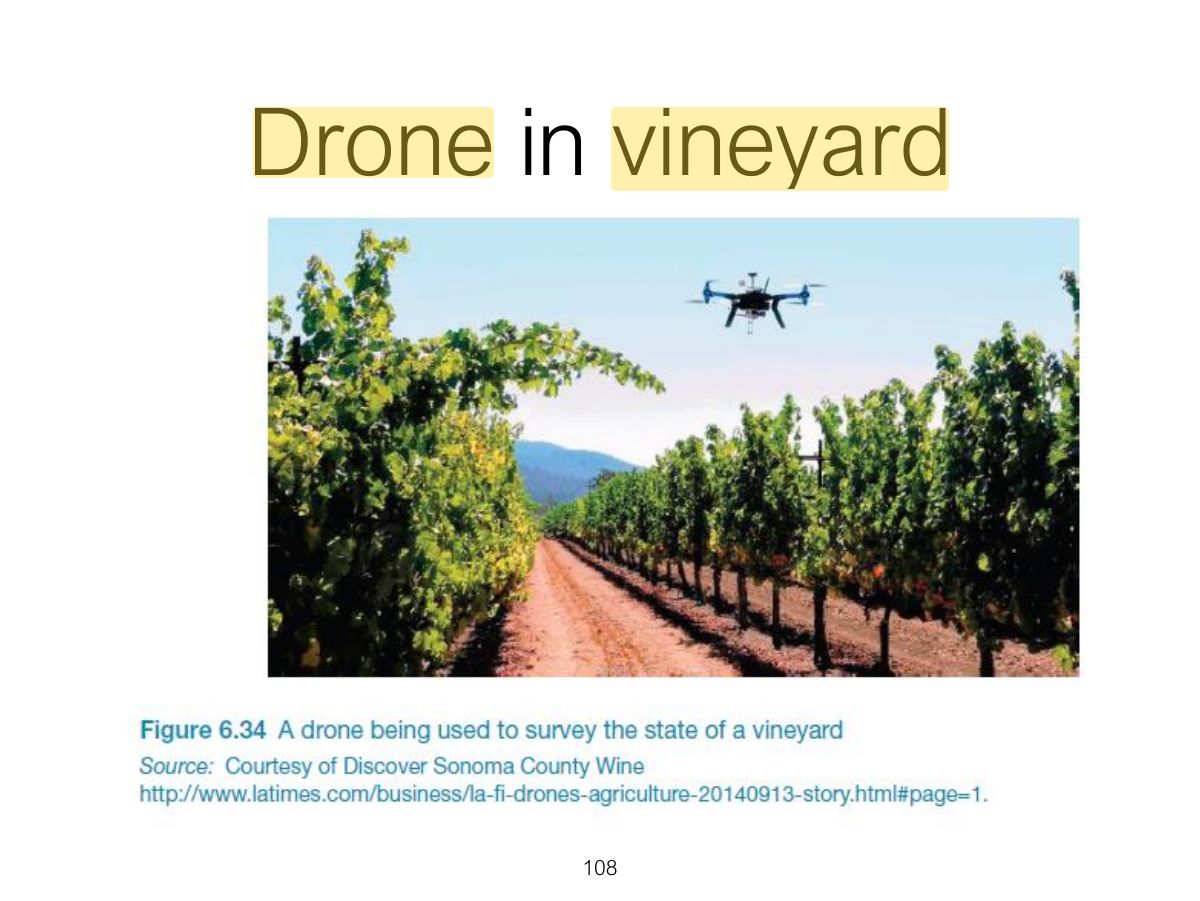
- 107 Drones
- 108 Drone in vineyard
- 109 Research & design issues
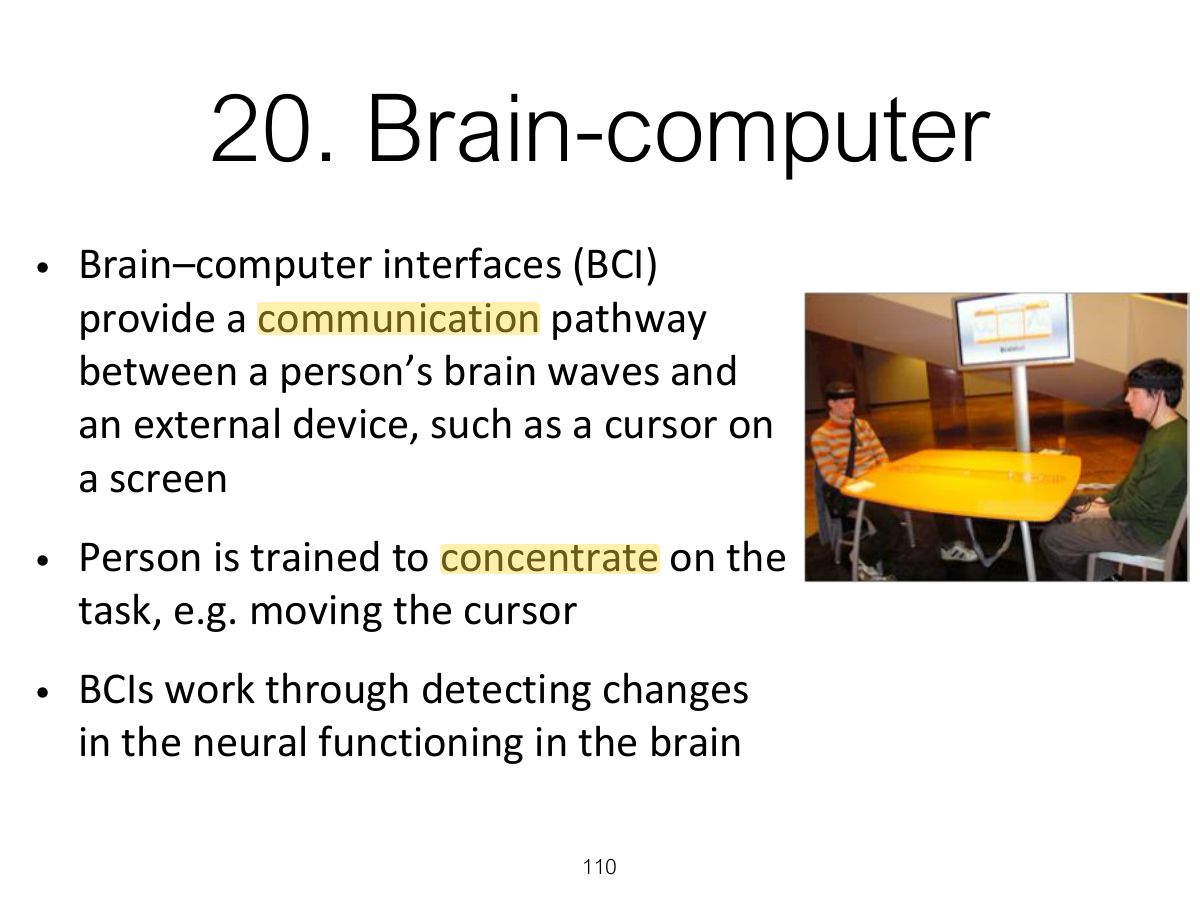
- 110 20. Brain-computer
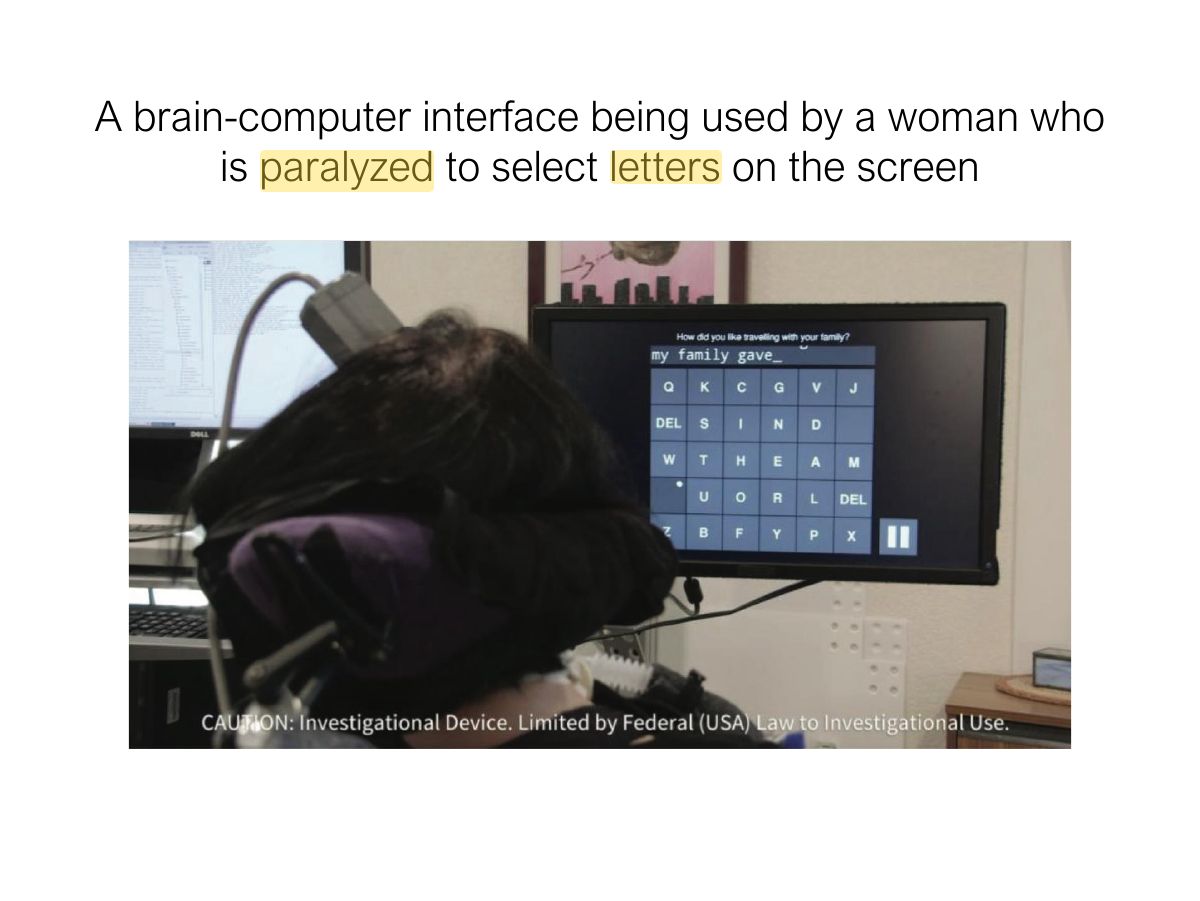
- 111 A brain-computer interface being used by a woman who is paralyzed to select letters on the screen
- 112 Natural User Interfaces (NUIs)
- 113 Which Interface?
- 114 Which Interface? (cont)
- 115 Summary
Slide 1
Overview
Learning Outcomes
Recap
Understanding the Problem Space
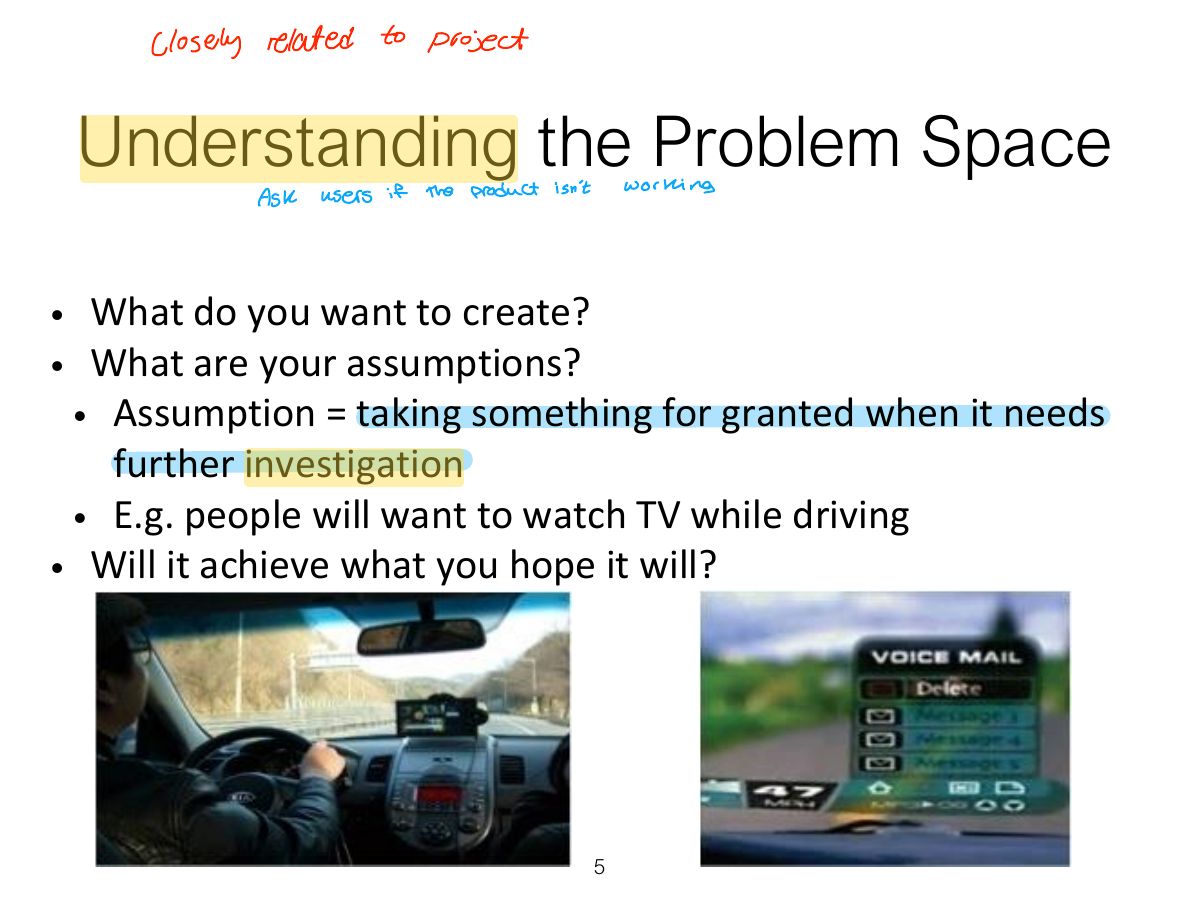
Notes
Problem space: understand what you are designing and why before how; make assumptions and claims explicit.
What is a Claim?
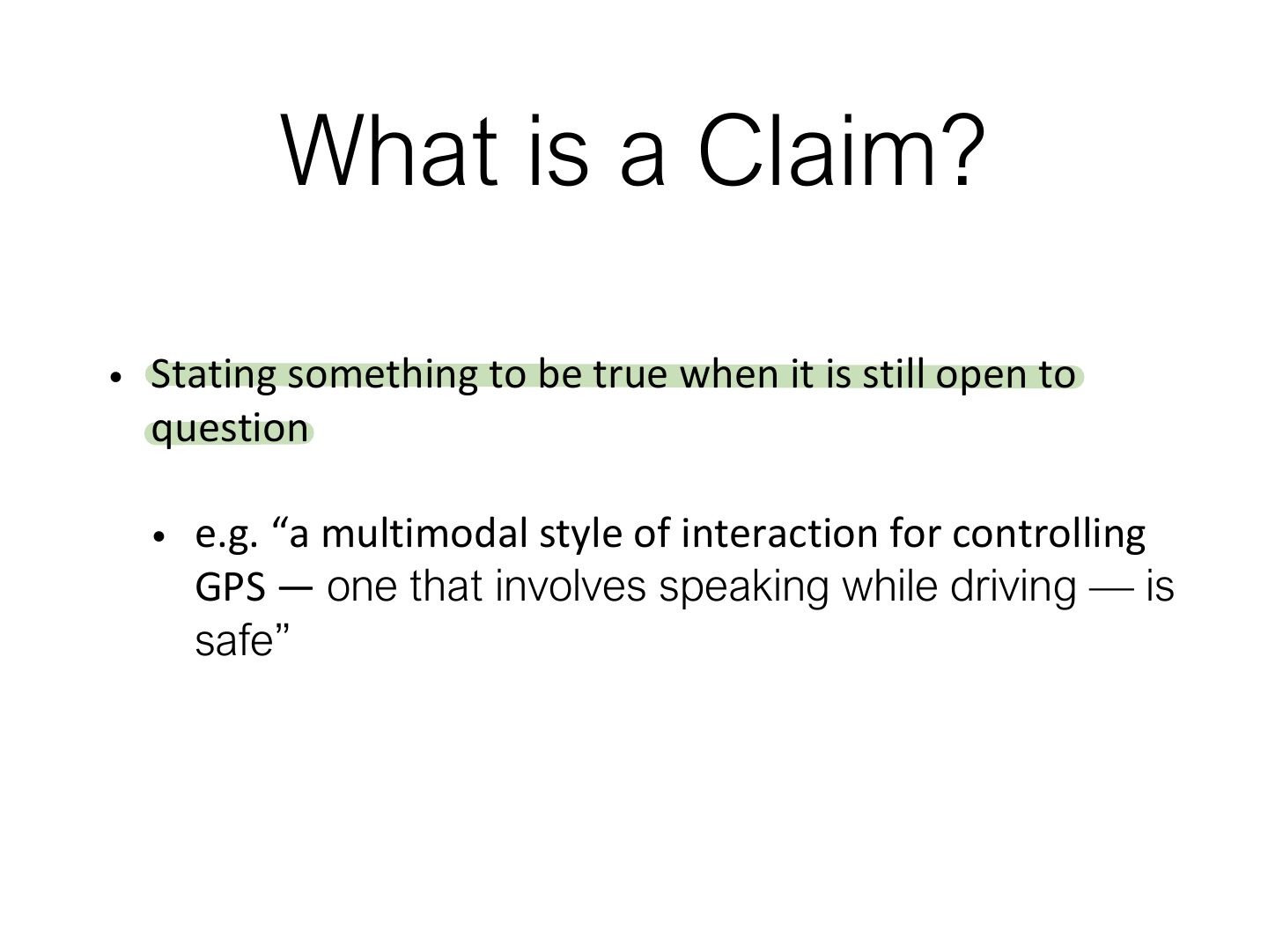
Notes
Assumption: something taken for granted that needs checking. Claim: something stated as true that is open to question.
Activity: How will enabling robot waiters to speak to customers enhance their
What is the problem being addressed?
Working through assumptions
A Framework for Analyzing the Problem Space
Activity: What are the assumptions & claims made about 3D TV?
Assumptions and claims: how realistic?
Benefits of Conceptualizing
From Problem Space to Design Space
Conceptual Models
First Steps in Formulating a
Conceptual models
Interface metaphors
Notes
Interface metaphor: uses familiar knowledge (desktop, shopping cart, cards) to help users understand.
Exam angle
Interface Metaphors
The card metaphor
Interface Metaphors (cont)
Interface Metaphors (cont)
Activity
Interaction Types
Notes
Interaction types: instructing (commands), conversing (dialog), manipulating (direct manipulation), exploring (moving through space), responding (system takes the initiative).
Exam angle
Asking a voice assistant "What’s the weather?" is which interaction type?
Dragging a file to the trash is:
Interaction Types (cont)
Interaction Types (cont)
Interaction Types (cont)
Pros and cons of conversational model
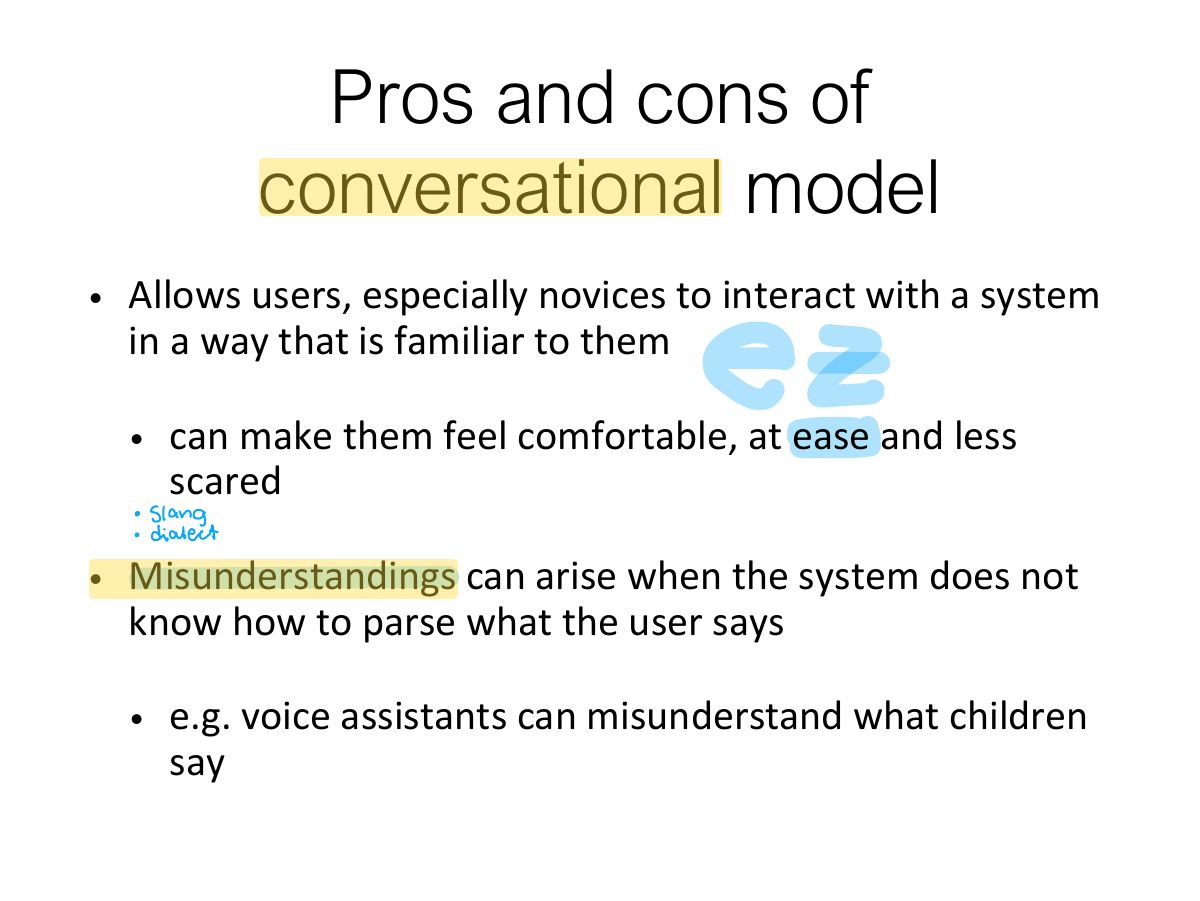
Slide 29
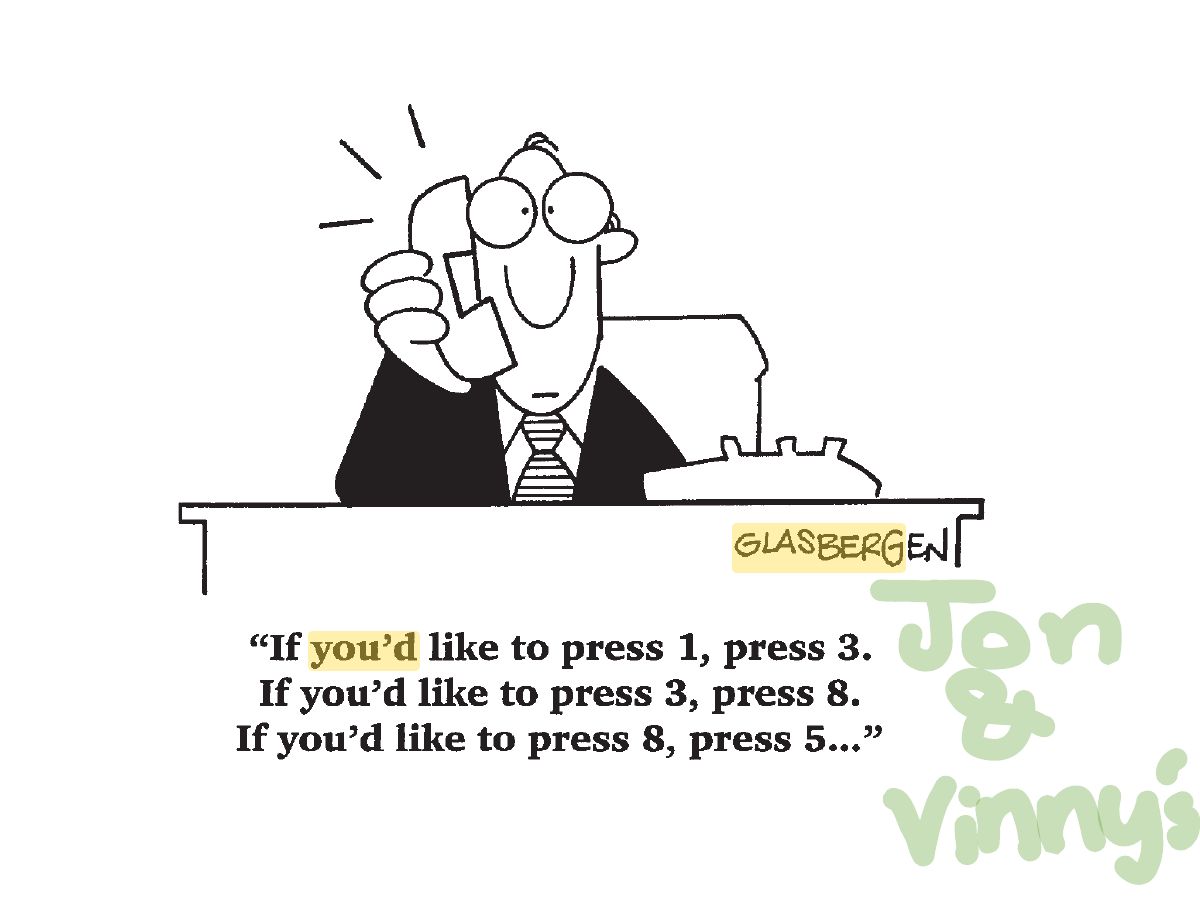
Interaction Types (cont)
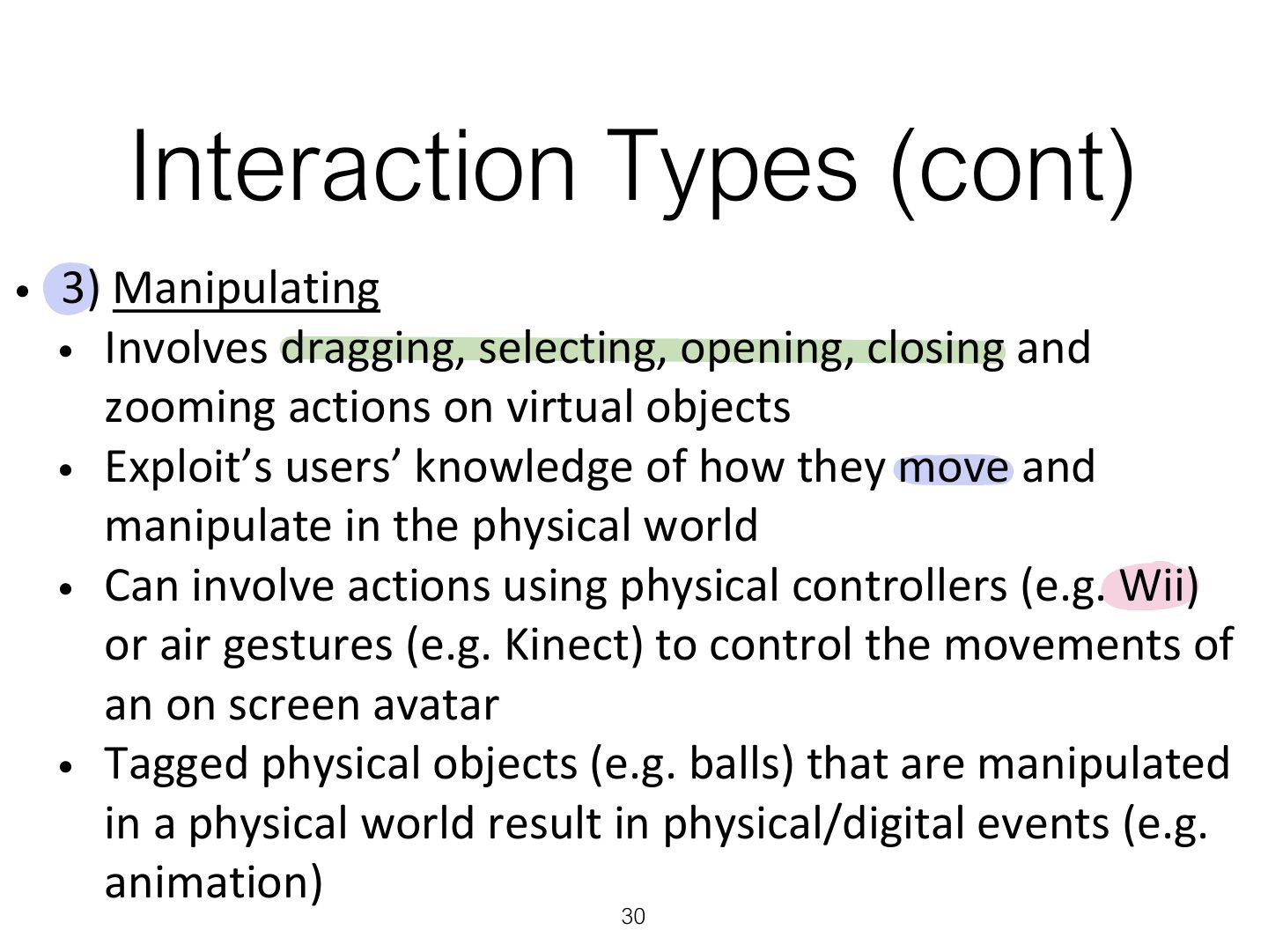
Interaction Types (cont)
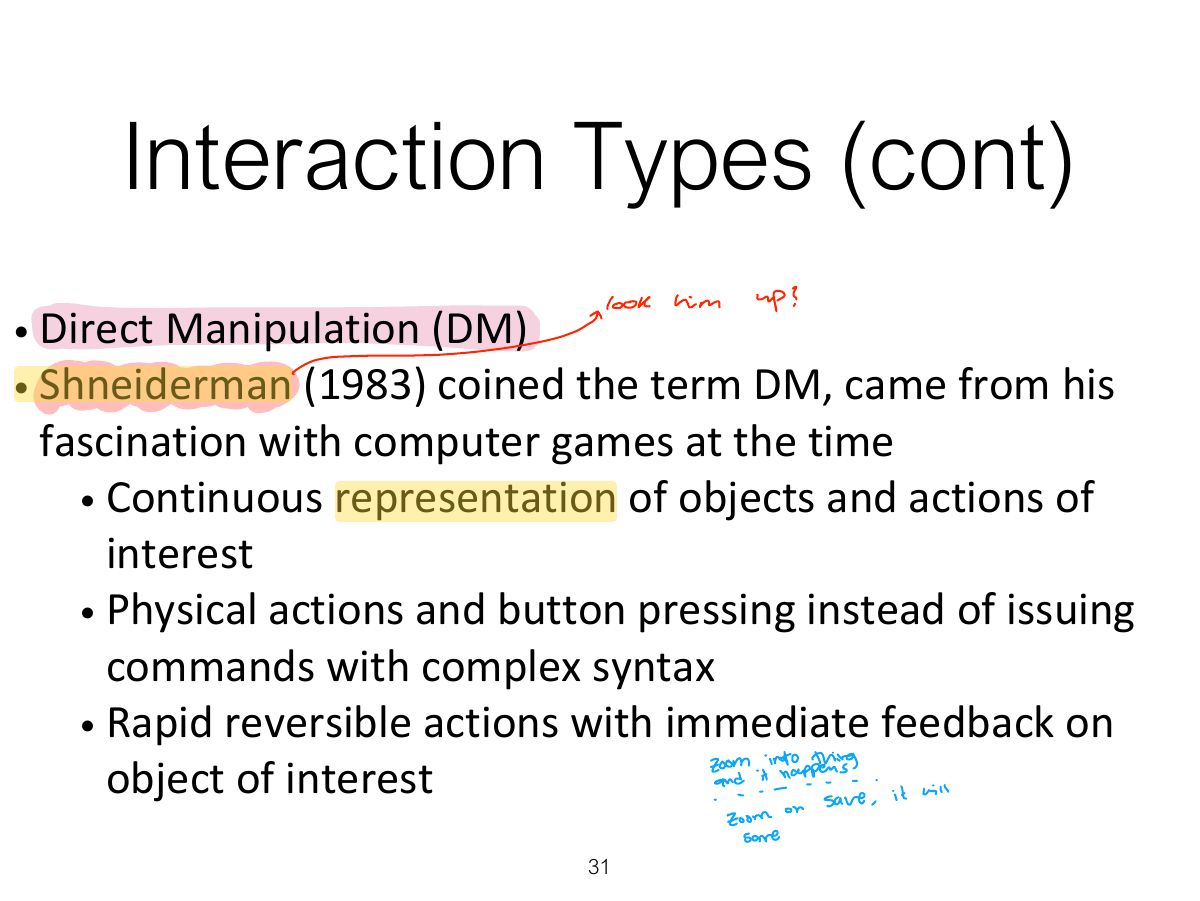
Benefits of Direct Manipulation
Notes
Direct manipulation (Shneiderman): visible objects, rapid reversible incremental actions, physical actions instead of commands. Easy to learn; can be slow for experts.
Disadvantages of Direct
Interaction Types (cont)
Slide 35
Responding
Which Conceptual Model is
Conceptual Models:
Interface Types
1. Command-based
Notes
Command-based: powerful and fast for experts; hard to learn (recall).
Second Life command-based interface for visually impaired users
Research & design issues
2a. WIMP
Notes
WIMP: Windows, Icons, Menus, Pointer. GUI extends it with toolbars, dialog boxes, etc.
Simple smartwatch menus with 1, 2 or 3 options
2b. GUI
i - Window design
Apple shrinking windows
Safari panorama window view
Is this method any better?
Research & design issues
ii- Menus design
Template for a Collapsible Menu
A Mega Menu
iii – Icon design
Icon Forms
2 types of Icon Styles
Flat 2D Icons for Smartphone and Smartwatch
Research & design issues
3. Multimedia
3. Multimedia (cont)
Research & design issues
4. Virtual Reality
Notes
VR: computer-generated immersive environments; presence; risk of motion sickness.
4. Virtual Reality (cont)
Research & design issues
5. Information Visualization
Research & design issues
6. Web
Usability VS Attractive?
Research & design issues
Activity
7. Consumer electronics &
Research & design issues
8. Mobile
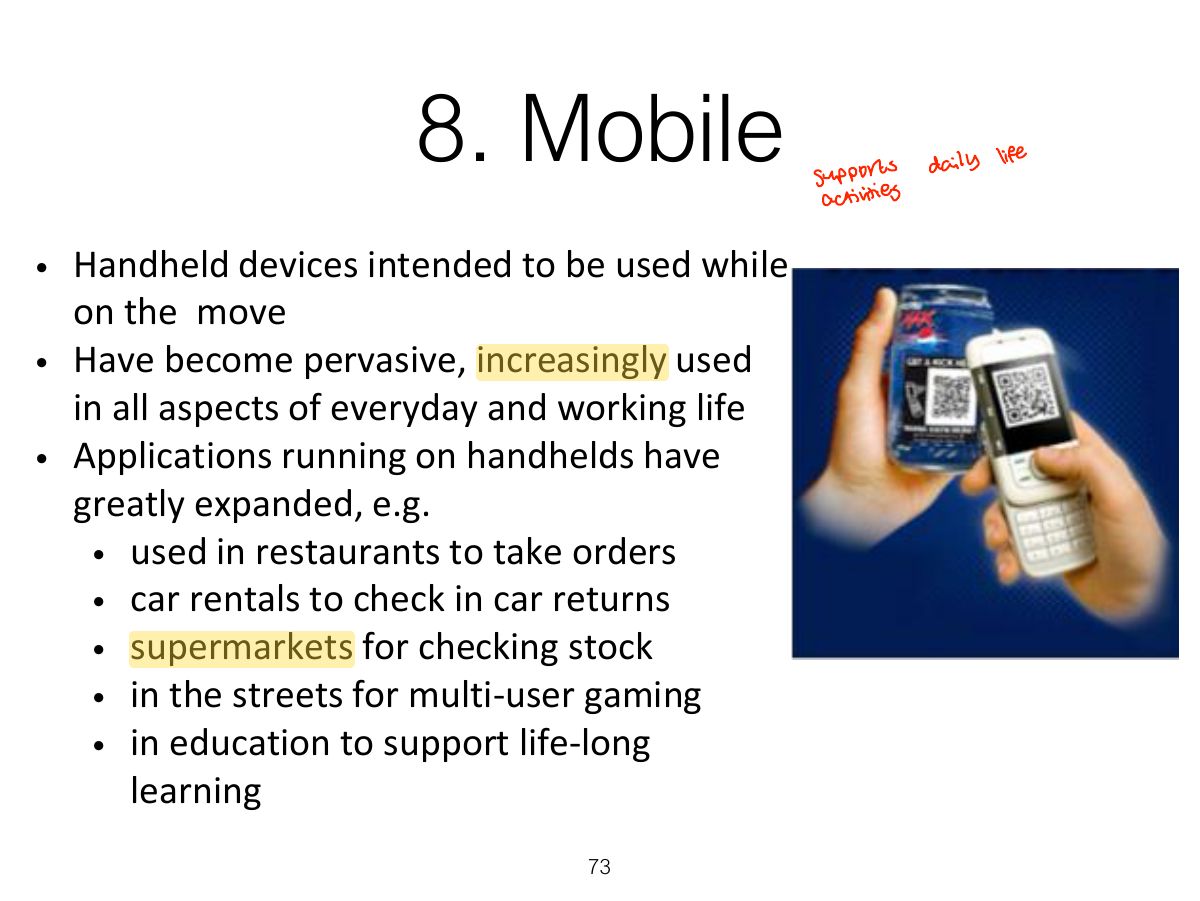
Notes
Mobile: small screens, touch, context of use; keep it simple, big targets.
Mobile Challenges
Simple or Complex?
Research & design issues
9. Speech
Notes
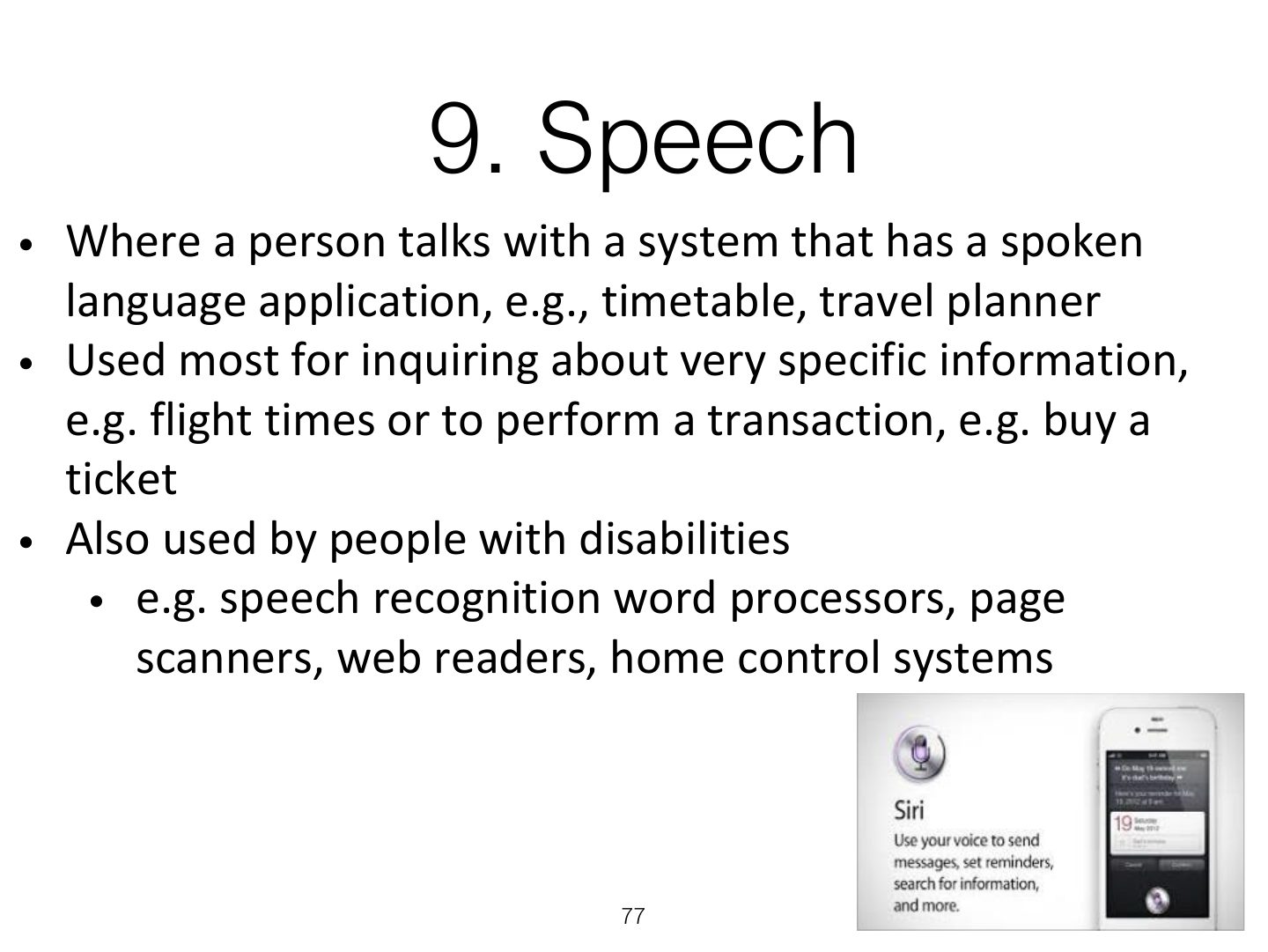
Speech interfaces: good for hands-busy situations; problems with recognition and long menus.
Get me a human operator!
Format
Research & design issues
10. Pen
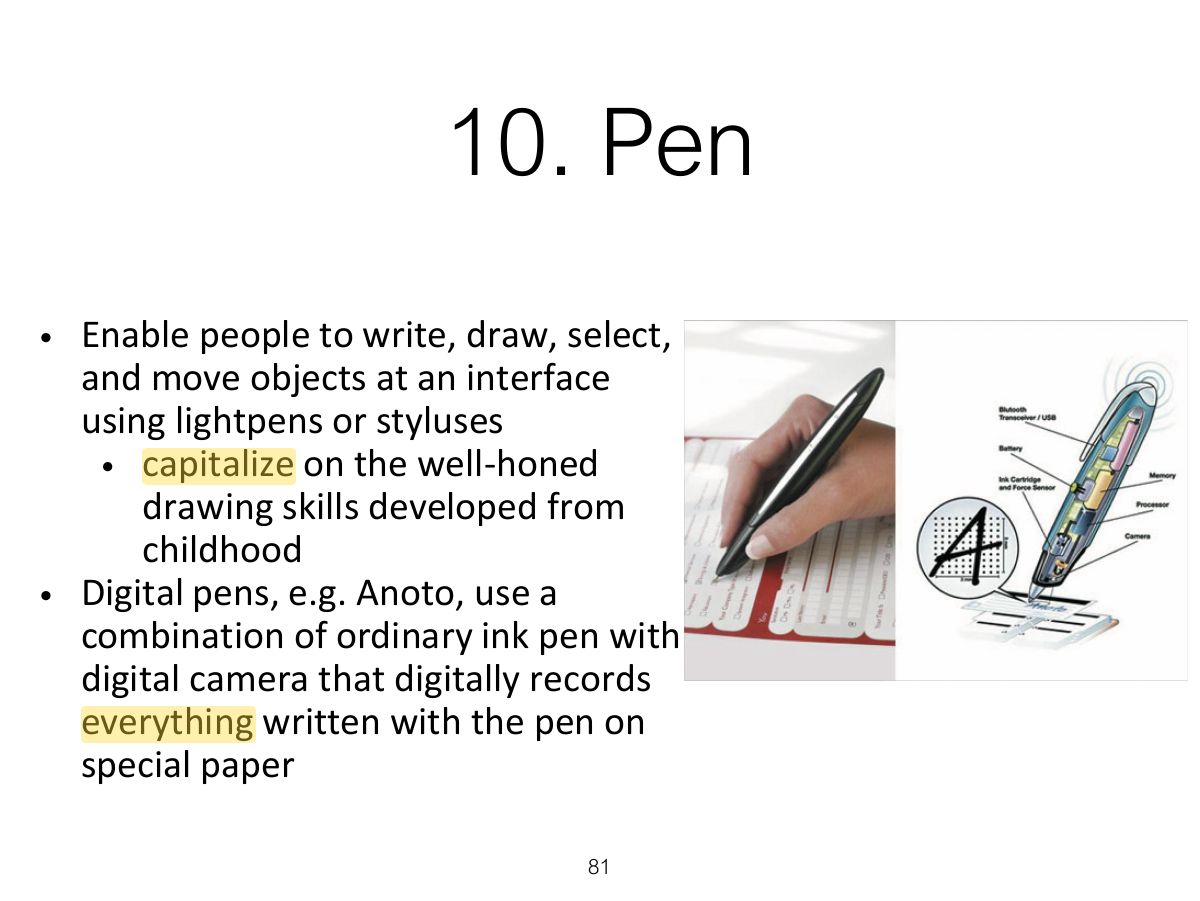
10. Pen (cont)
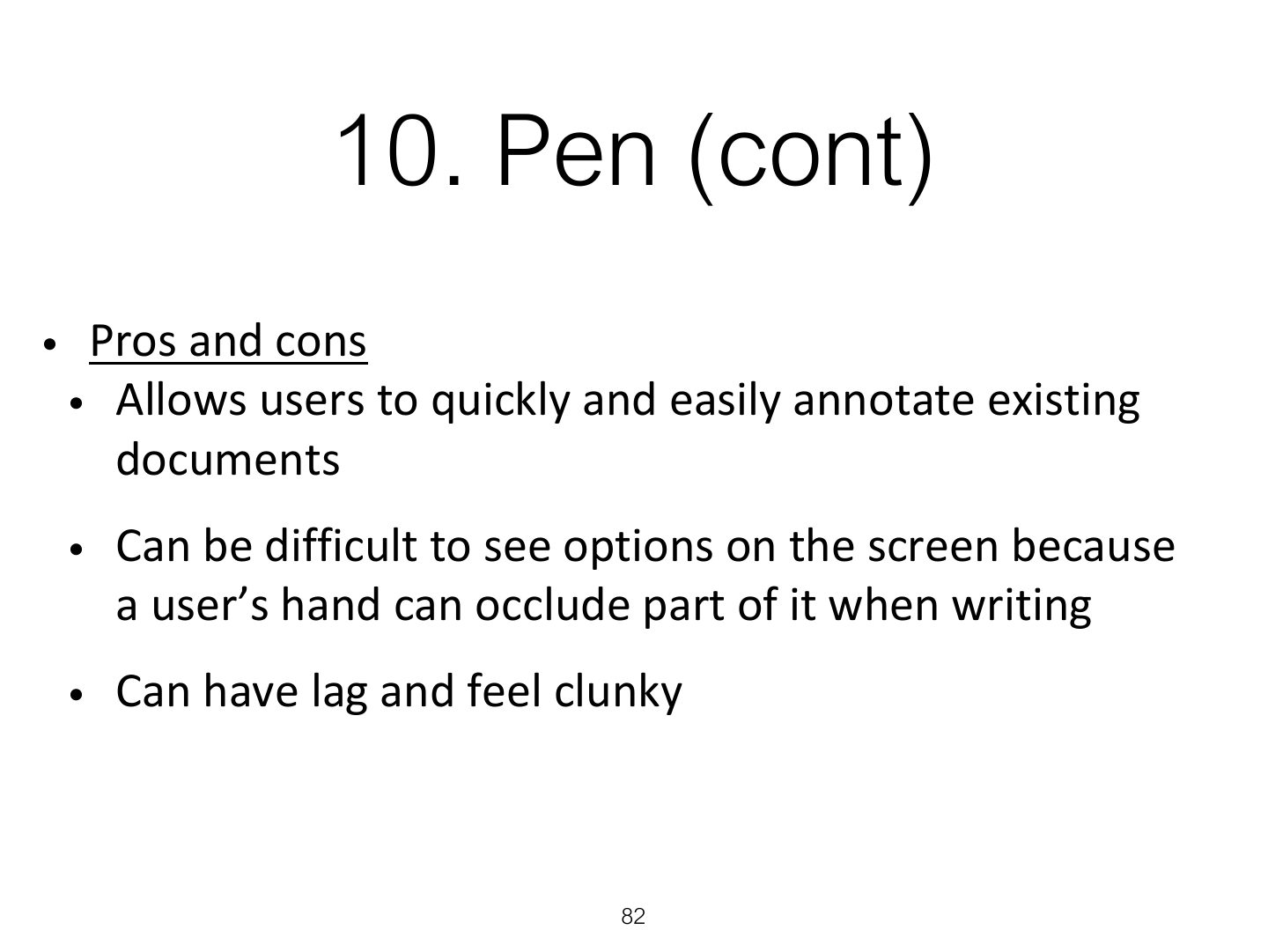
11. Touch
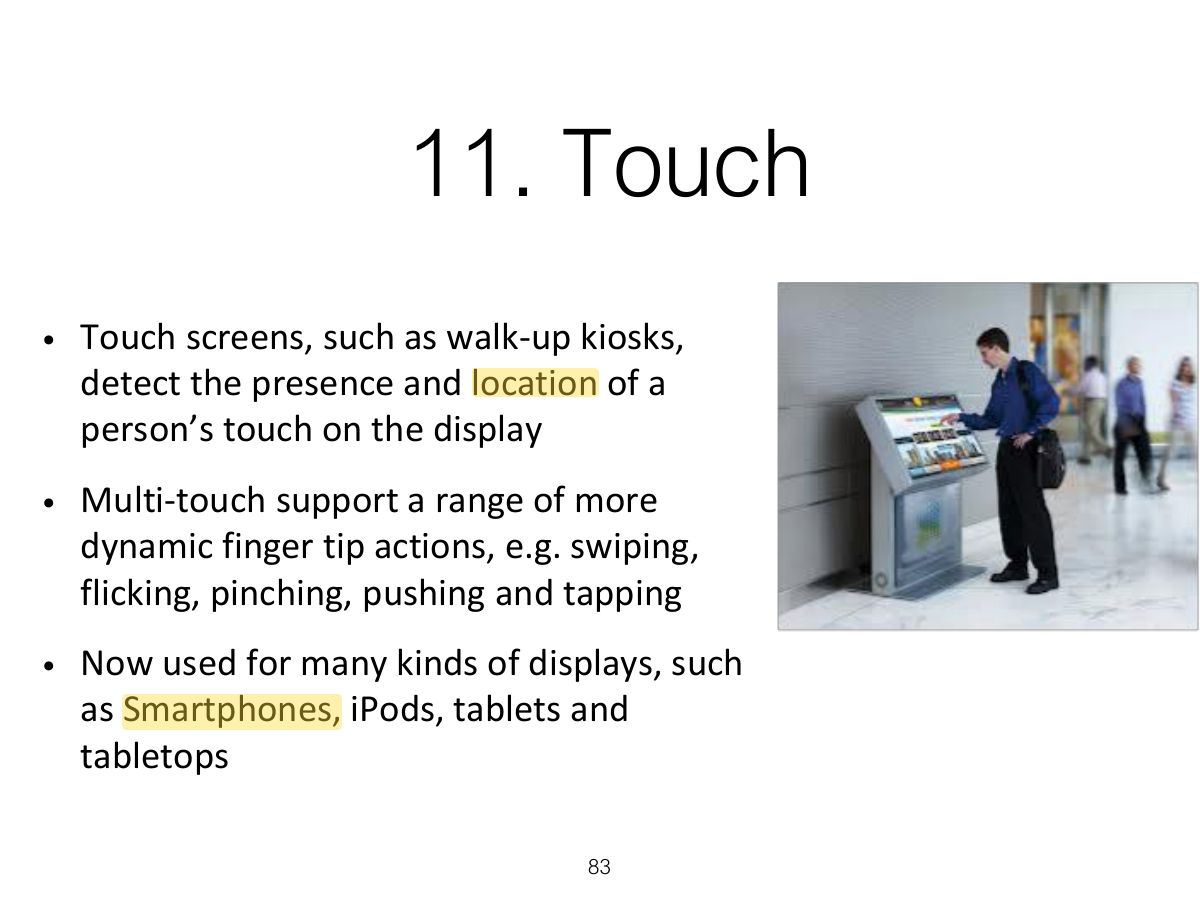
Notes
Touch: single and multi-touch gestures (swipe, pinch).
Research & design issues
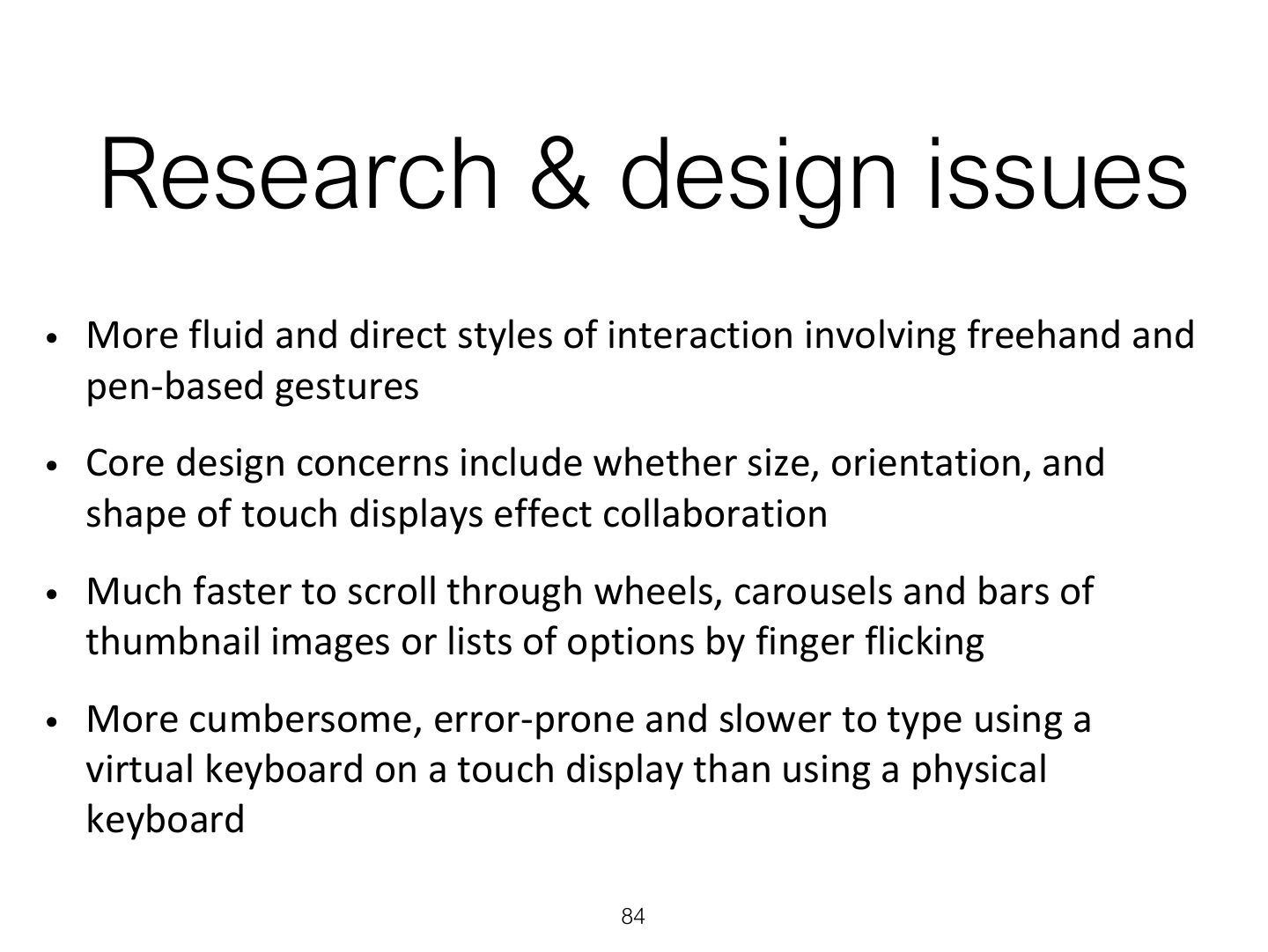
Research & design issues (cont)
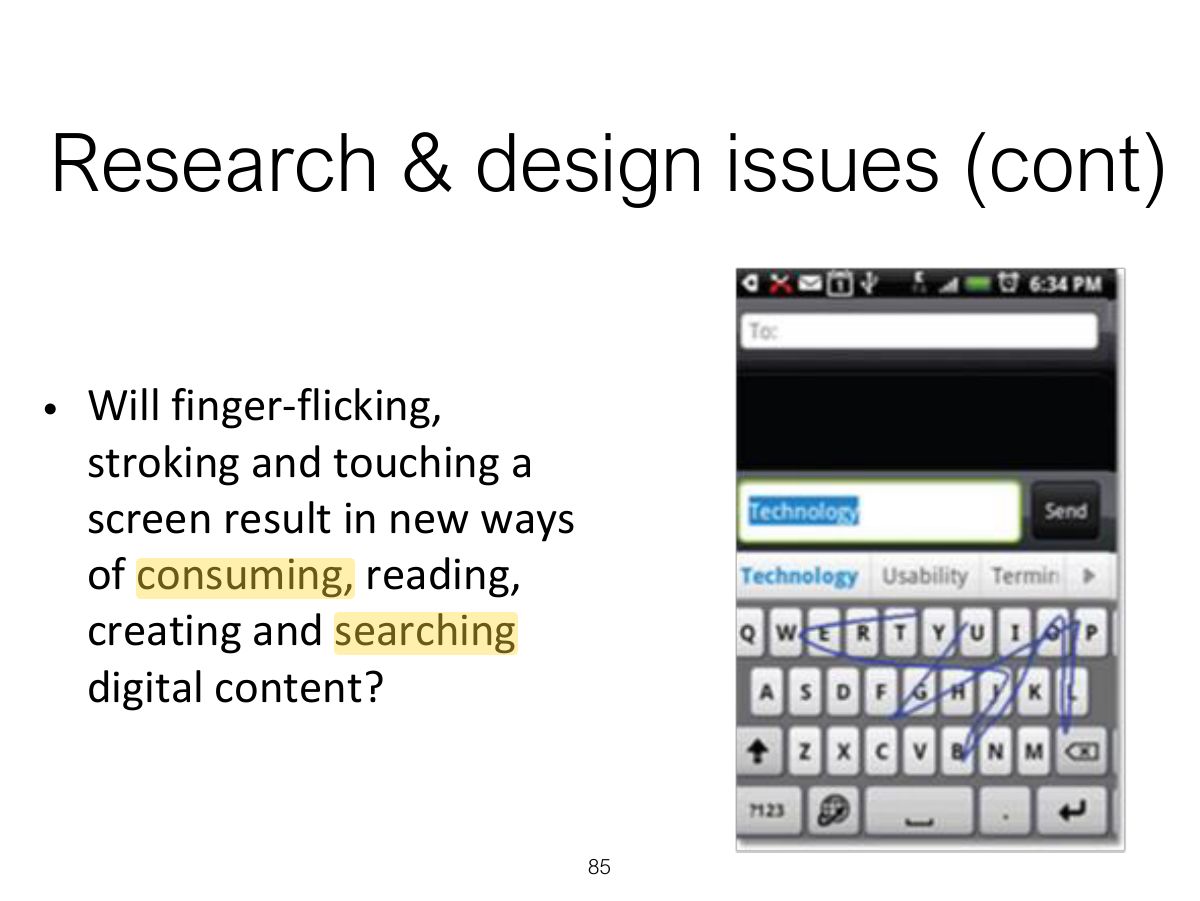
12. Air-based Gestures
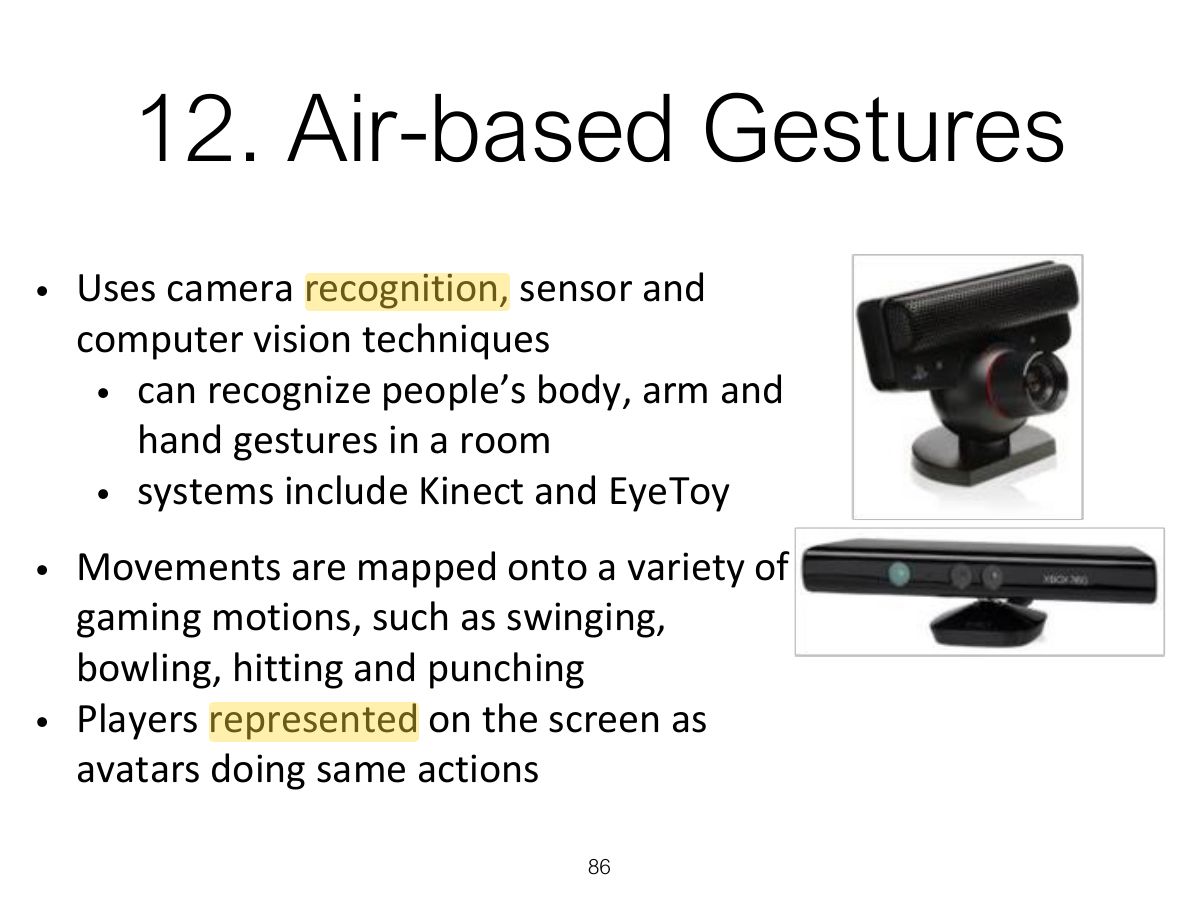
Home Entertainment
Research & design issues
13. Haptic
Research & design issues
14. Multi-modal
Tracking a Person’s Movements
Research & design issues
15. Shareable
Slide 95
Research & design issues
16. Tangible
Examples
Benefits
Research & design issues
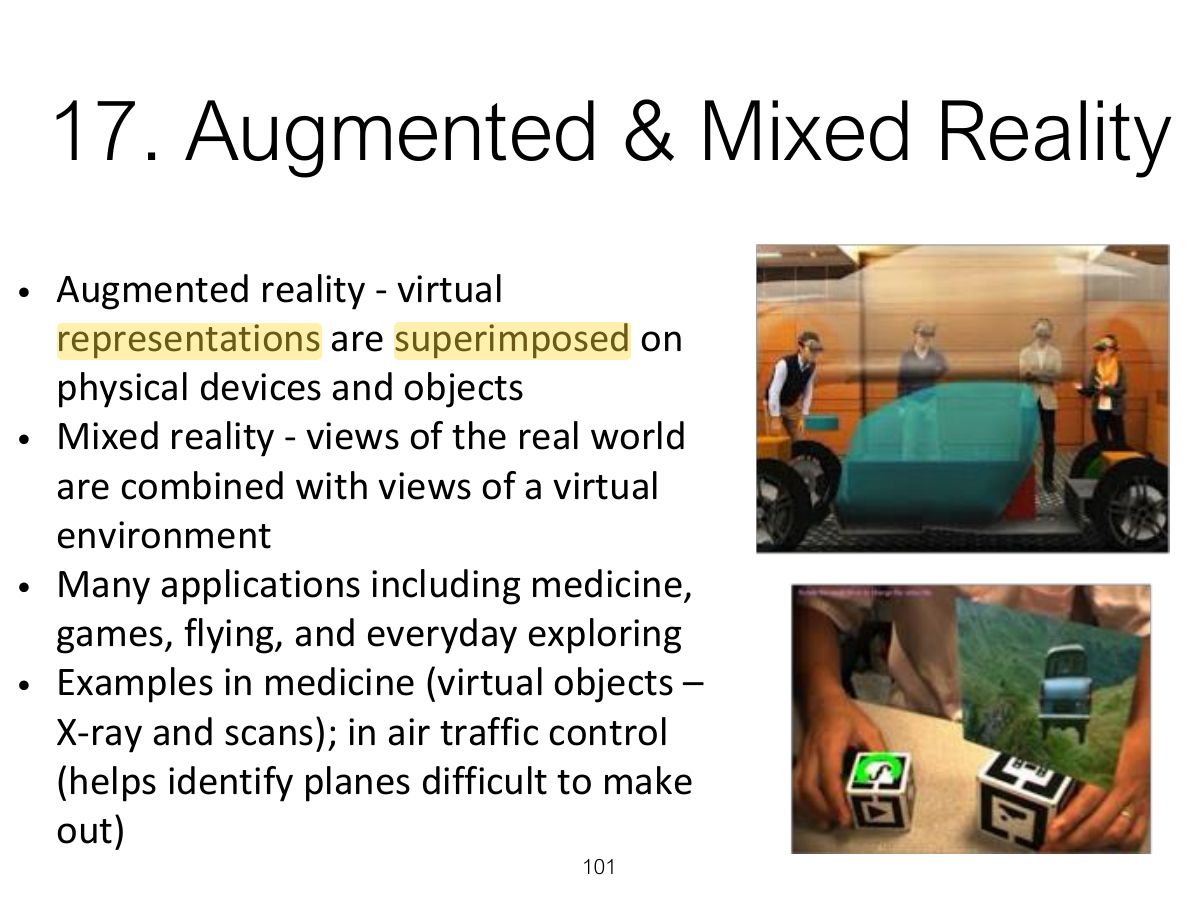
17. Augmented & Mixed Reality
Notes
AR overlays digital information on the real world; mixed reality blends both.
Exam angle
Overlaying directions on a live camera view of the street is:
Research & design issues
18. Wearable
Google Glass: short-lived
Research & design issues
19. Robots
Drones
Drone in vineyard
Research & design issues
20. Brain-computer
A brain-computer interface being used by a woman who is paralyzed to select letters on the screen
Natural User Interfaces (NUIs)
Which Interface?
Notes
Choose the interface by the users, their tasks, context and the product’s goals, not by novelty.
Which Interface? (cont)
Summary