Graphical menus are easier than command lines mainly because:
Cognitive Aspects
What cognition is (fast vs. slow thinking), the cognitive processes (attention, perception, memory, learning, reading/speaking/listening, problem-solving) with design implications, and cognitive frameworks: mental models, the gulfs of execution and evaluation, information processing, distributed, external and embodied cognition.
How to read this page
Every original slide is shown unchanged. Yellow marks on a slide point to a numbered note: hover or tap a mark to jump to its note, and hover a note to see its marks. Questions tagged Past exam appeared on a real paper; Prediction questions are likely angles, not confirmed. Pick an answer to each question: a wrong pick tells you why it is wrong, so you can try again.
All 74 slides
- 1 Slide 1
- 2 Overview
- 3 Learning Outcomes
- 4 What is cognition?
- 5 Which involves fast vs slow thinking?
- 6 Why do we need to understand users?
- 7 Cognitive processes
- 8 1. Attention
- 9 Activity: Find the price of a double room at the Holiday Inn in Bradley
- 10 Activity: Find the price for a double room at the Quality Inn in Columbia
- 11 Activity
- 12 Multitasking & attention
- 13 Multitasking experiment
- 14 Multitasking at work
- 15 Is it OK to use a phone when driving?
- 16 NO.....
- 17 Are hands-free phones safer to use when driving?
- 18 Design implications for attention
- 19 2. Perception
- 20 Is color contrast good? Find italian
- 21 Are borders and white space better? Find french
- 22 Activity
- 23 Which is easiest to read and why?
- 24 Design implications
- 25 Design implications
- 26 3. Memory
- 27 3. Memory
- 28 Processing in memory
- 29 Context is important
- 30 Activity
- 31 Recognition VS Recall
- 32 The problem with the classic
- 33 What some designers get up to...
- 34 Why?
- 35 Personal information management (PIM)
- 36 Personal information management
- 37 Personal information management (cont)
- 38 Personal information management (cont)
- 39 Apple ’ s Spotlight search tool
- 40 Memory aids
- 41 Memory load
- 42 Digital Forgetting
- 43 Design implications
- 44 4. Learning
- 45 Learning
- 46 Design implications
- 47 5. Reading, speaking & listening
- 48 Applications
- 49 Design implications
- 50 6. Problem Solving, planning, reasoning and decision making
- 51 Design implications
- 52 Dilemma
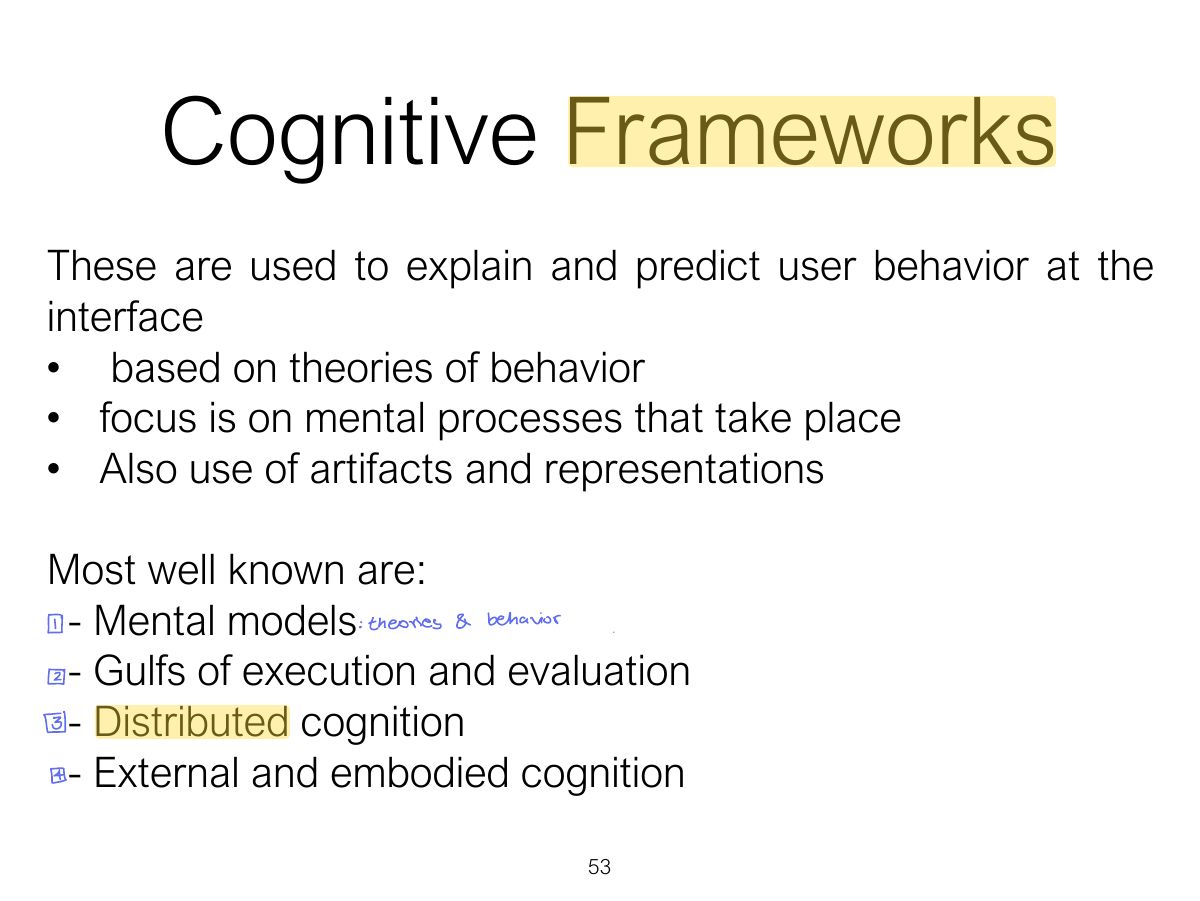
- 53 Cognitive Frameworks
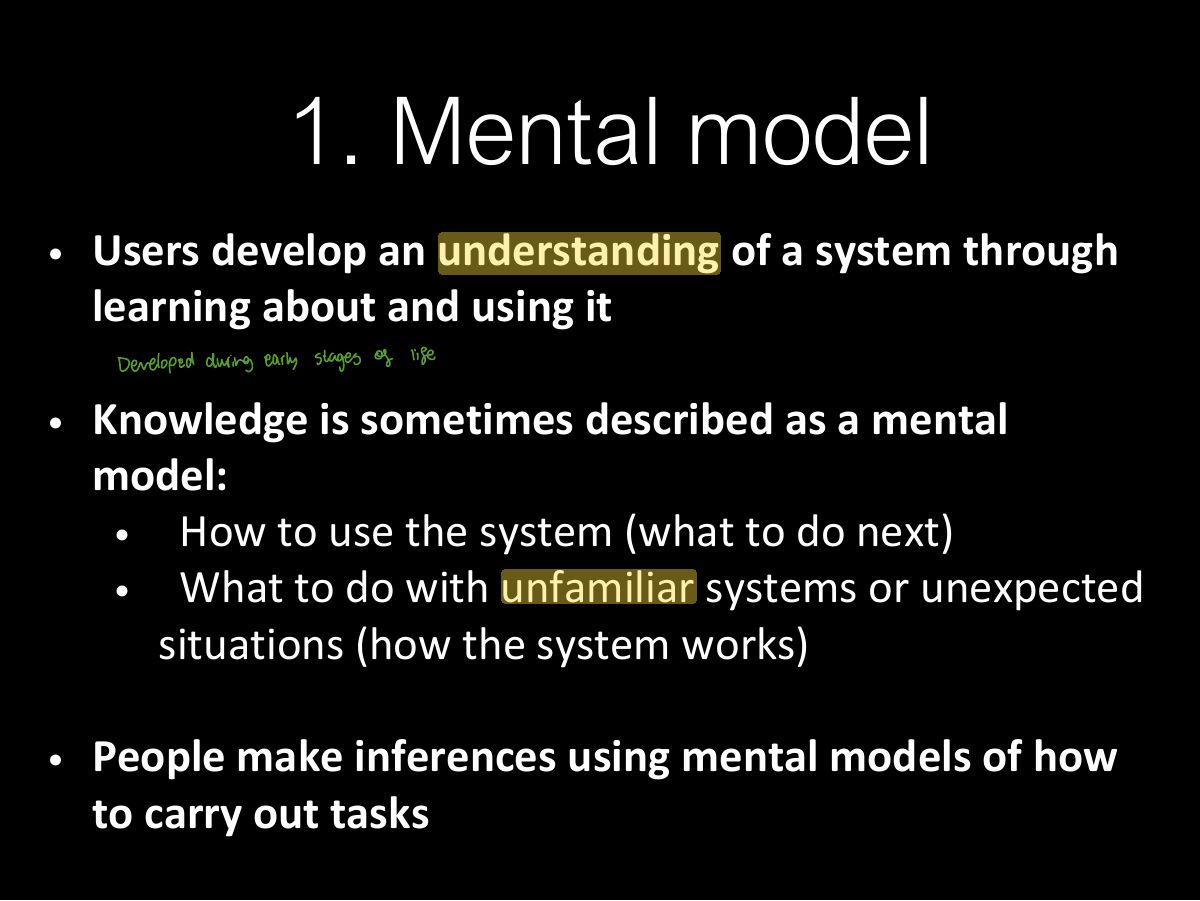
- 54 1. Mental model
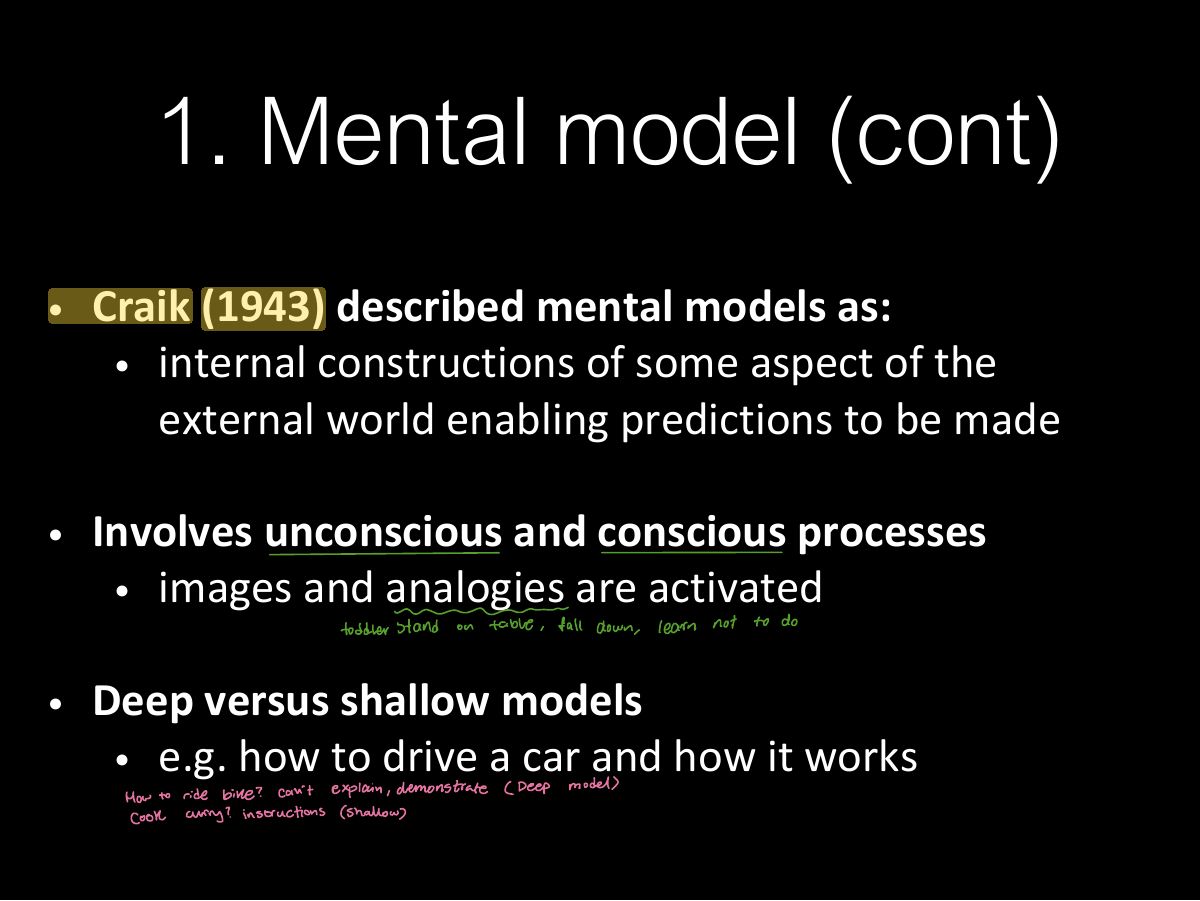
- 55 1. Mental model (cont)
- 56 Everyday reasoning and mental
- 57 Heating up a room or oven that is
- 58 Heating up a room or oven that is
- 59 Exercise: ATMs
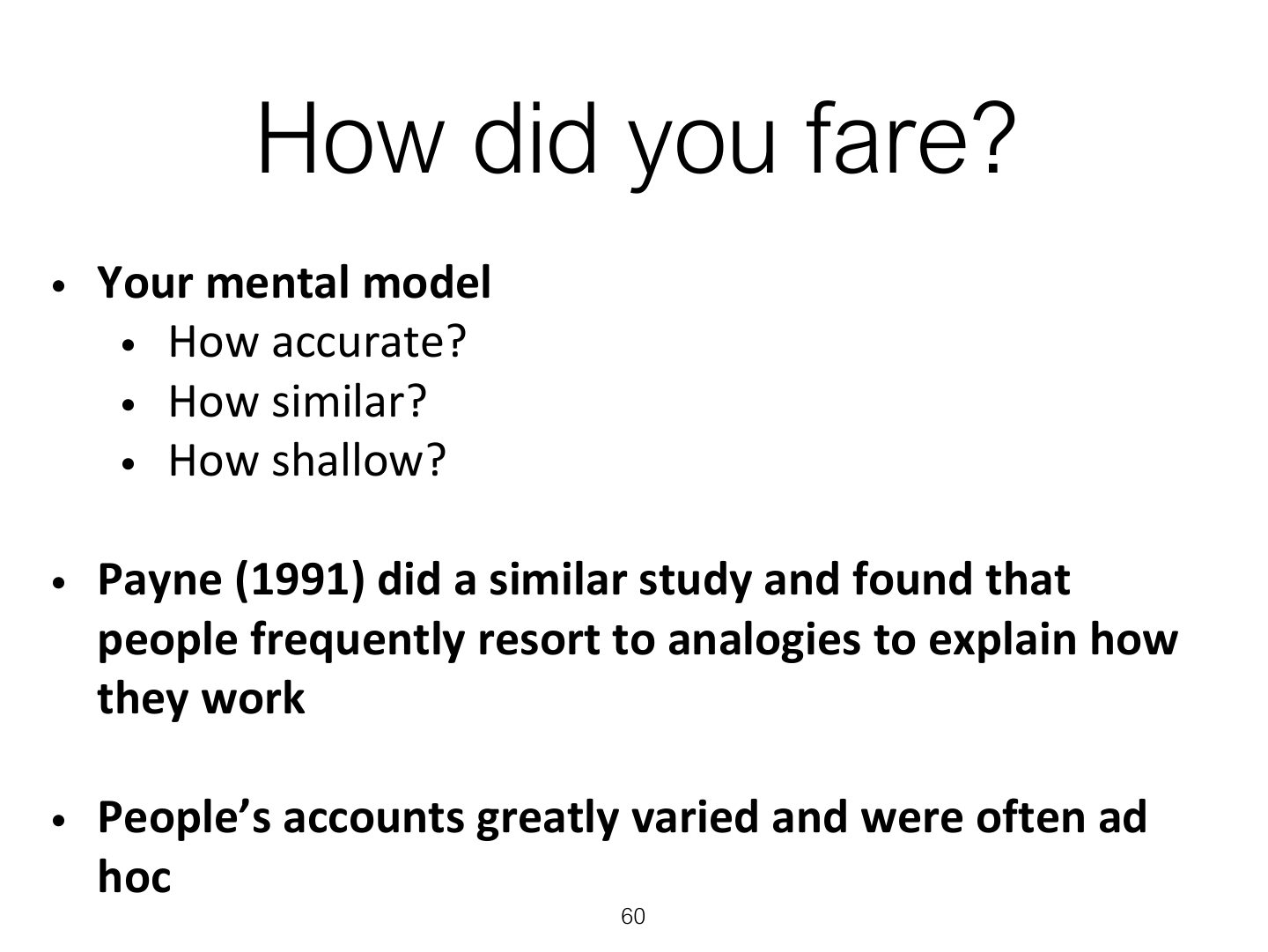
- 60 How did you fare?
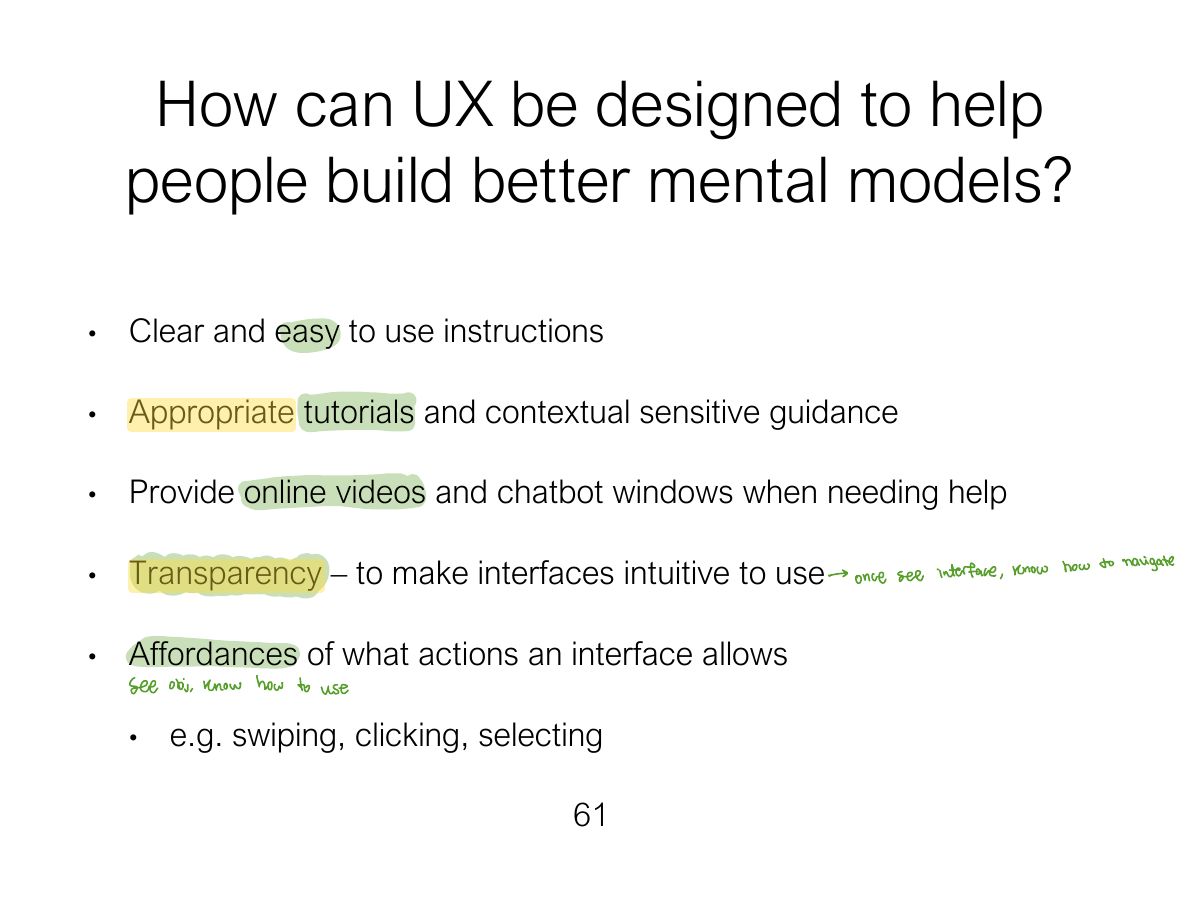
- 61 How can UX be designed to help people build better mental models?
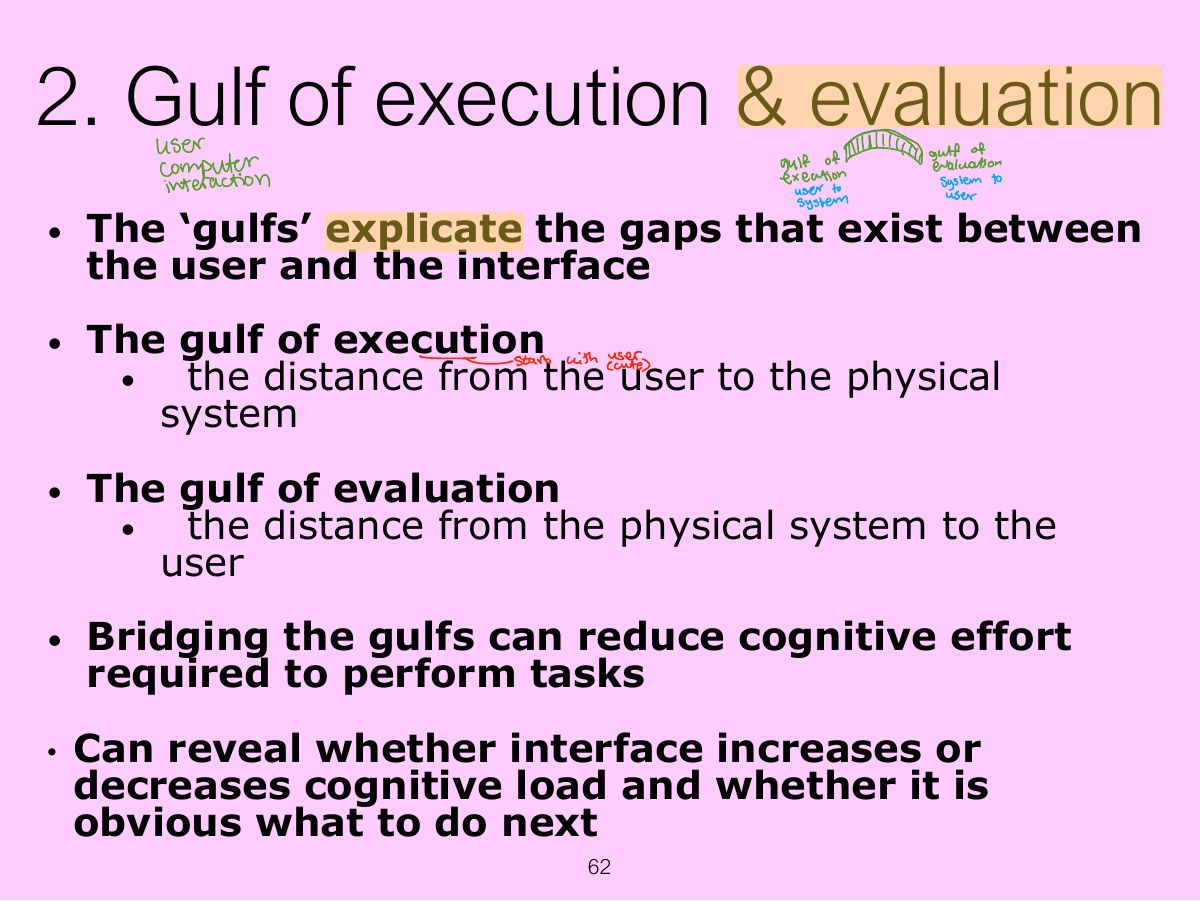
- 62 2. Gulf of execution & evaluation
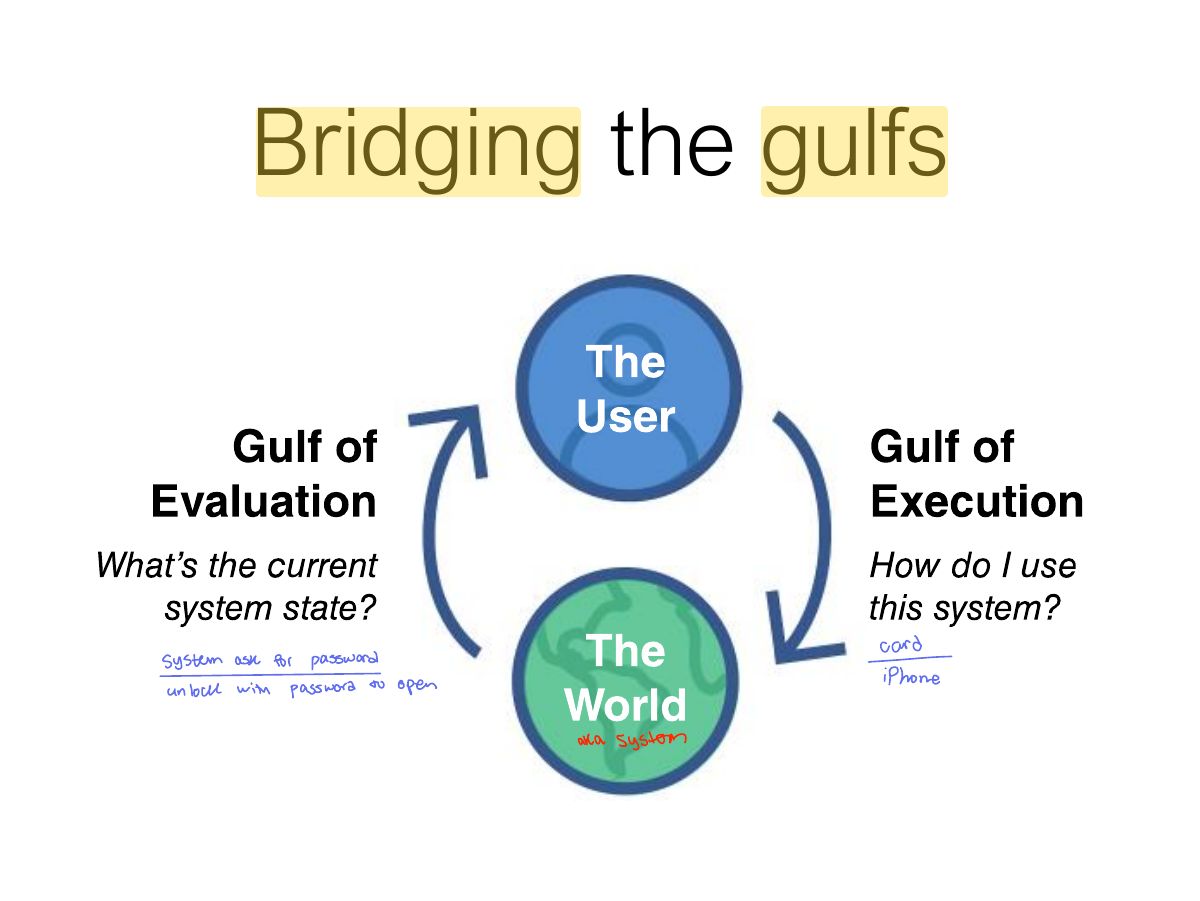
- 63 Bridging the gulfs
- 64 3. Information processing
- 65 Limitations
- 66 4. Distributed Cognition
- 67 Slide 67
- 68 What’s Involved
- 69 5. External Cognition
- 70 Externalizing to reduce memory
- 71 Computational offloading
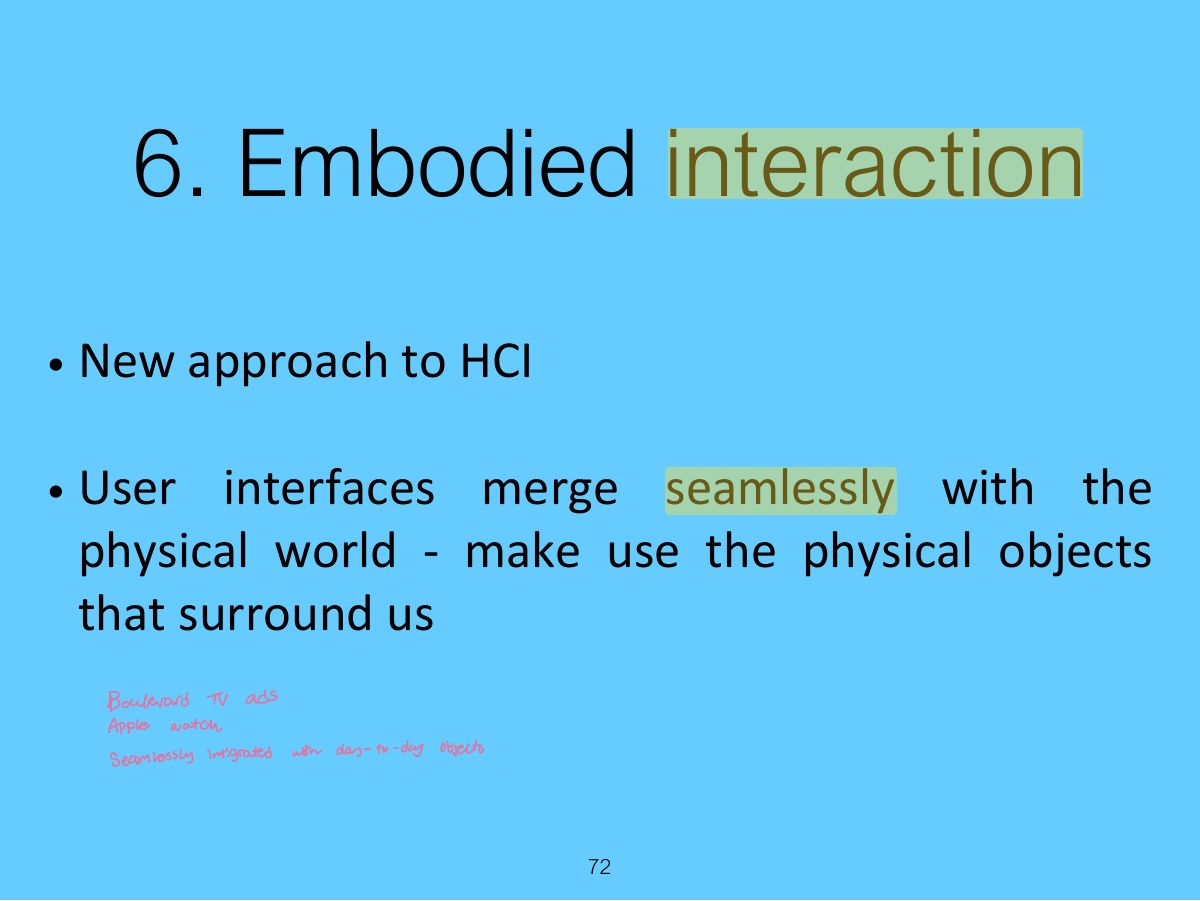
- 72 6. Embodied interaction
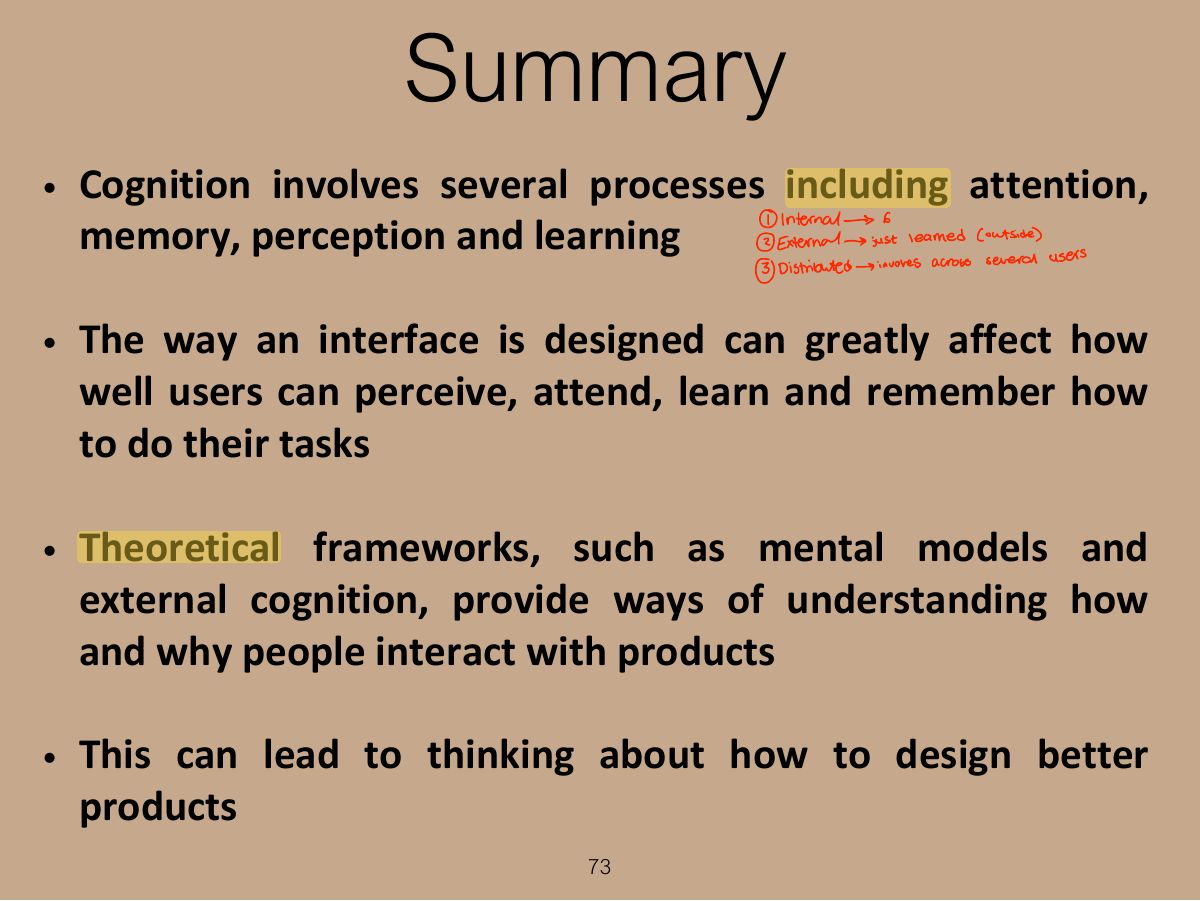
- 73 Summary
- 74 Extra Activity
Slide 1
Overview
Learning Outcomes
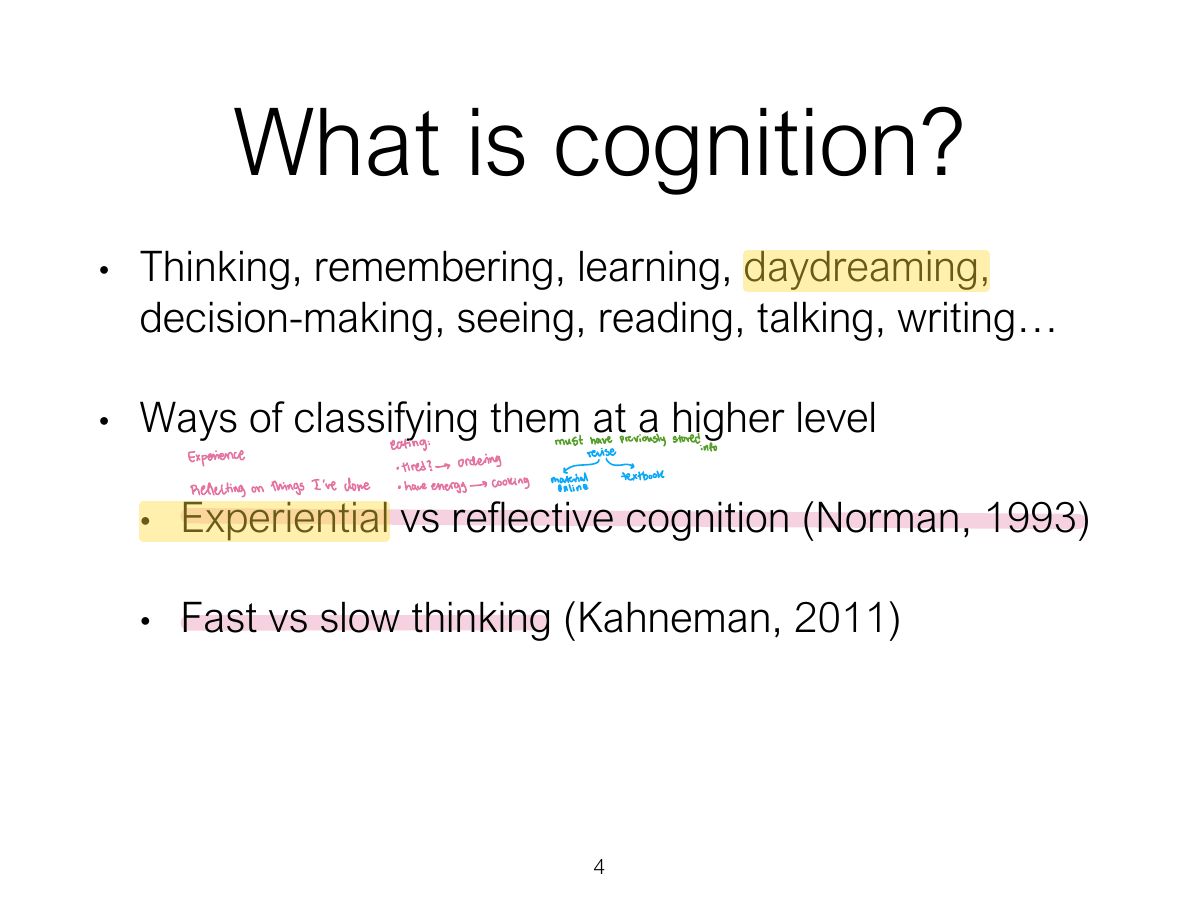
What is cognition?
Notes
Cognition: what goes on in our heads when we carry out everyday activities: thinking, remembering, learning, deciding, seeing, reading…
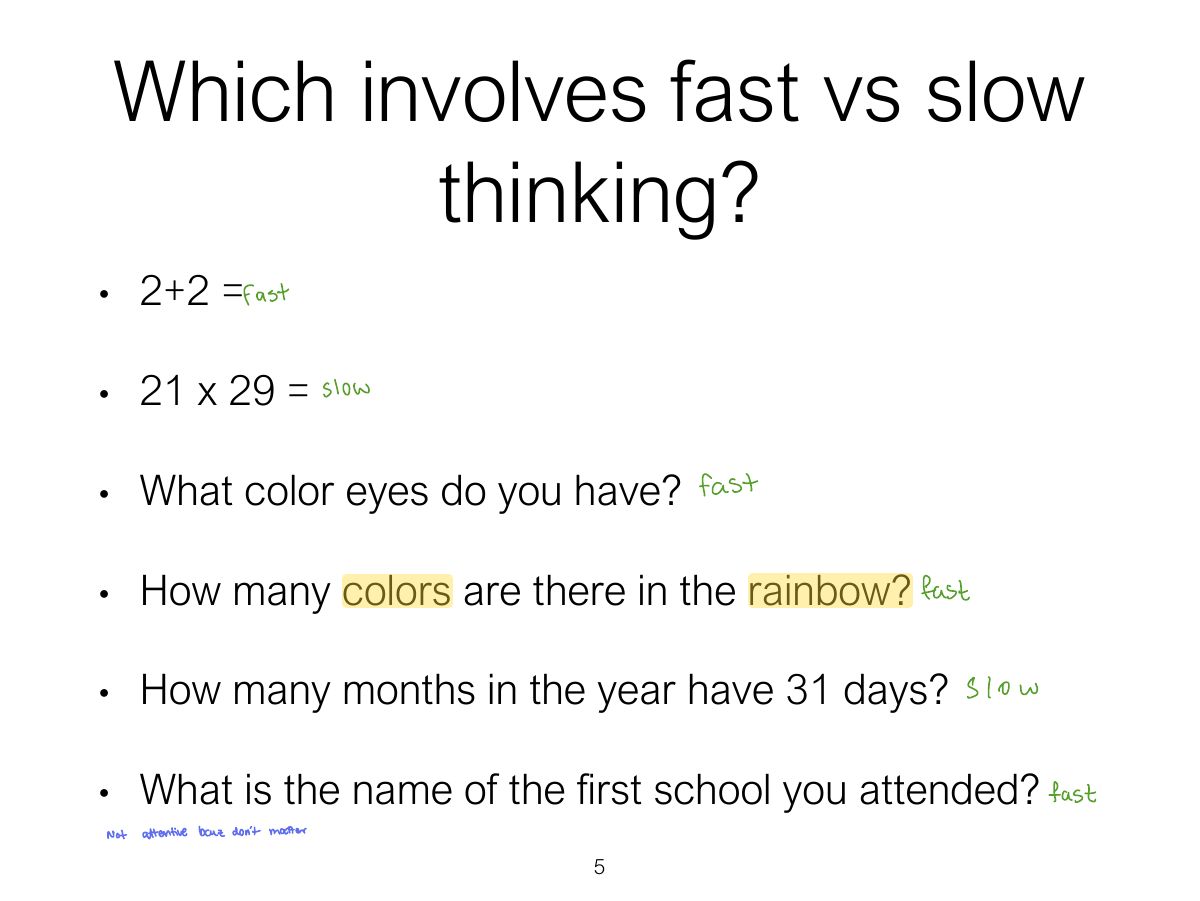
Which involves fast vs slow thinking?
Notes
Fast thinking (experiential, automatic) vs. slow thinking (reflective, effortful).
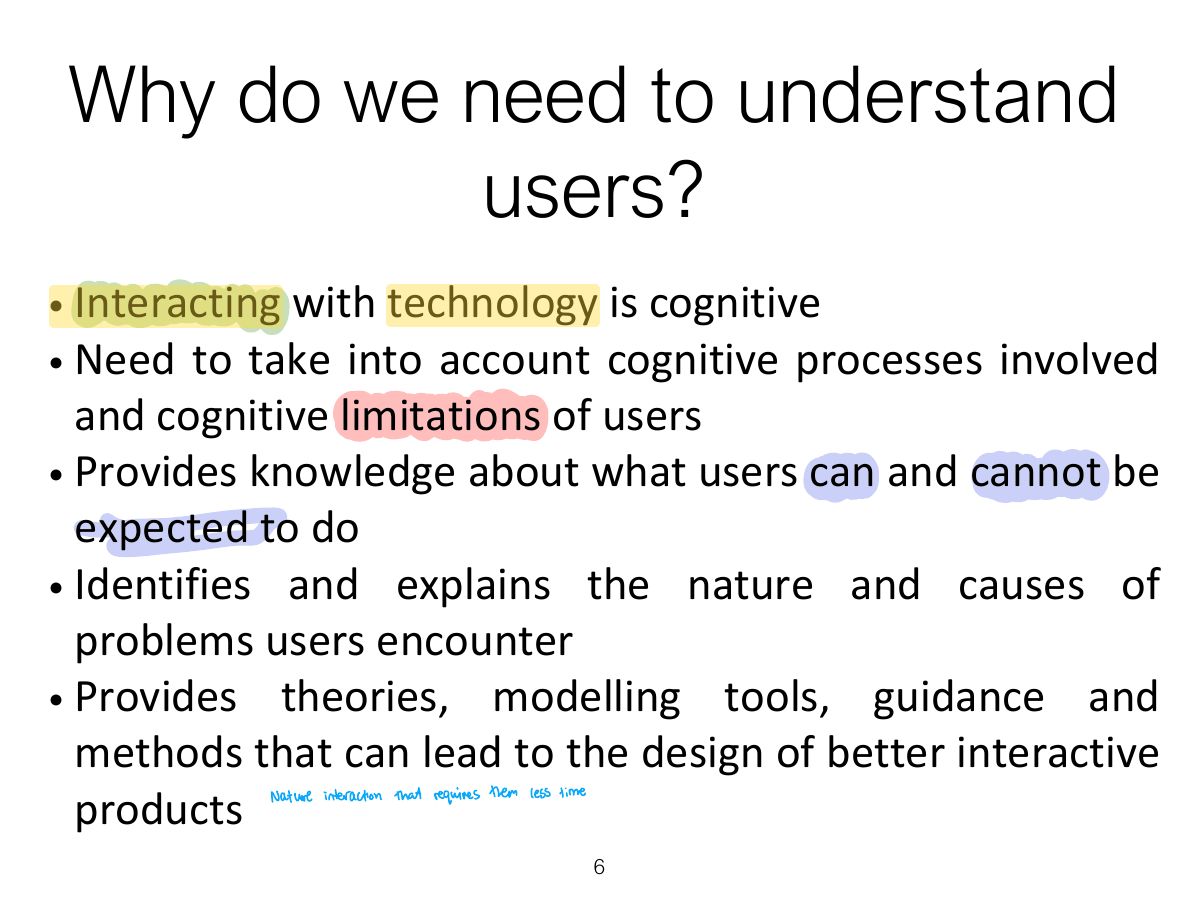
Why do we need to understand users?
Cognitive processes
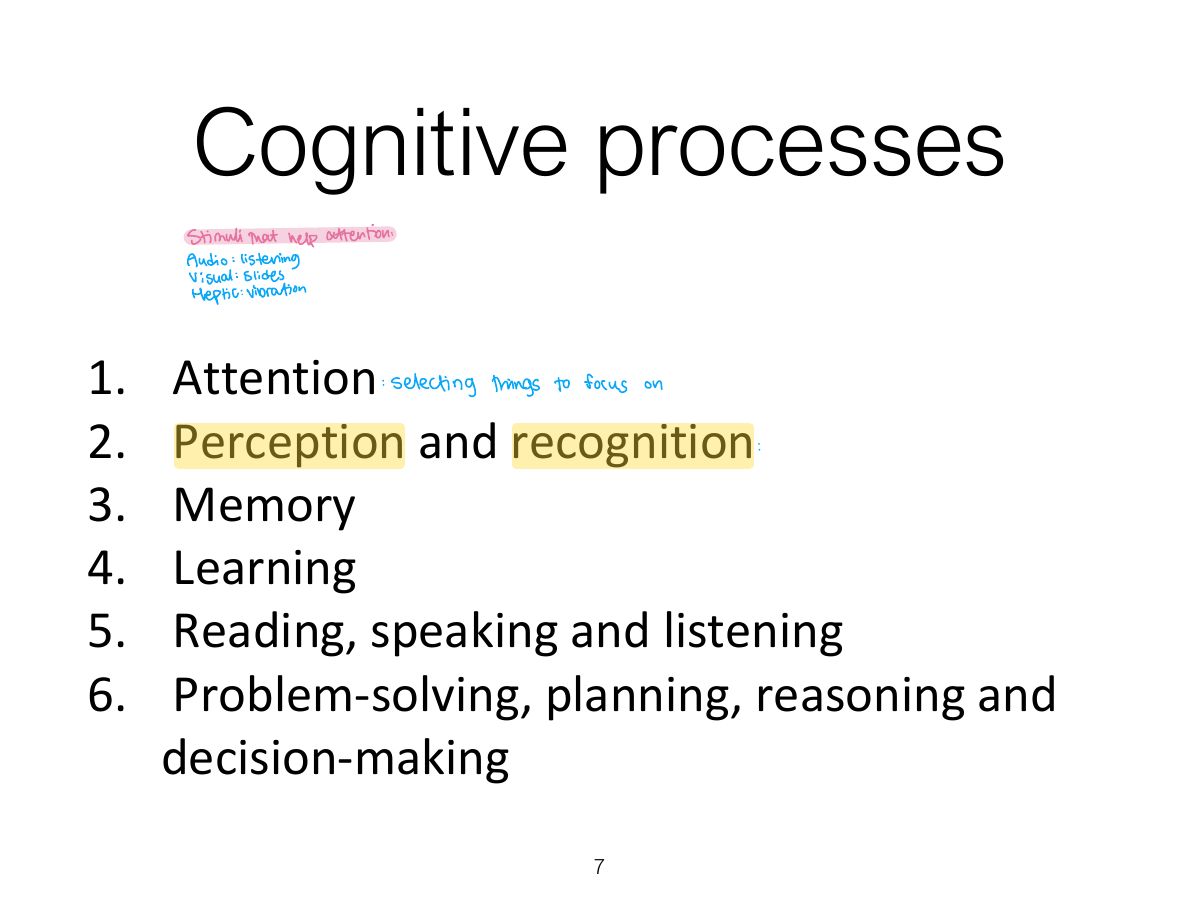
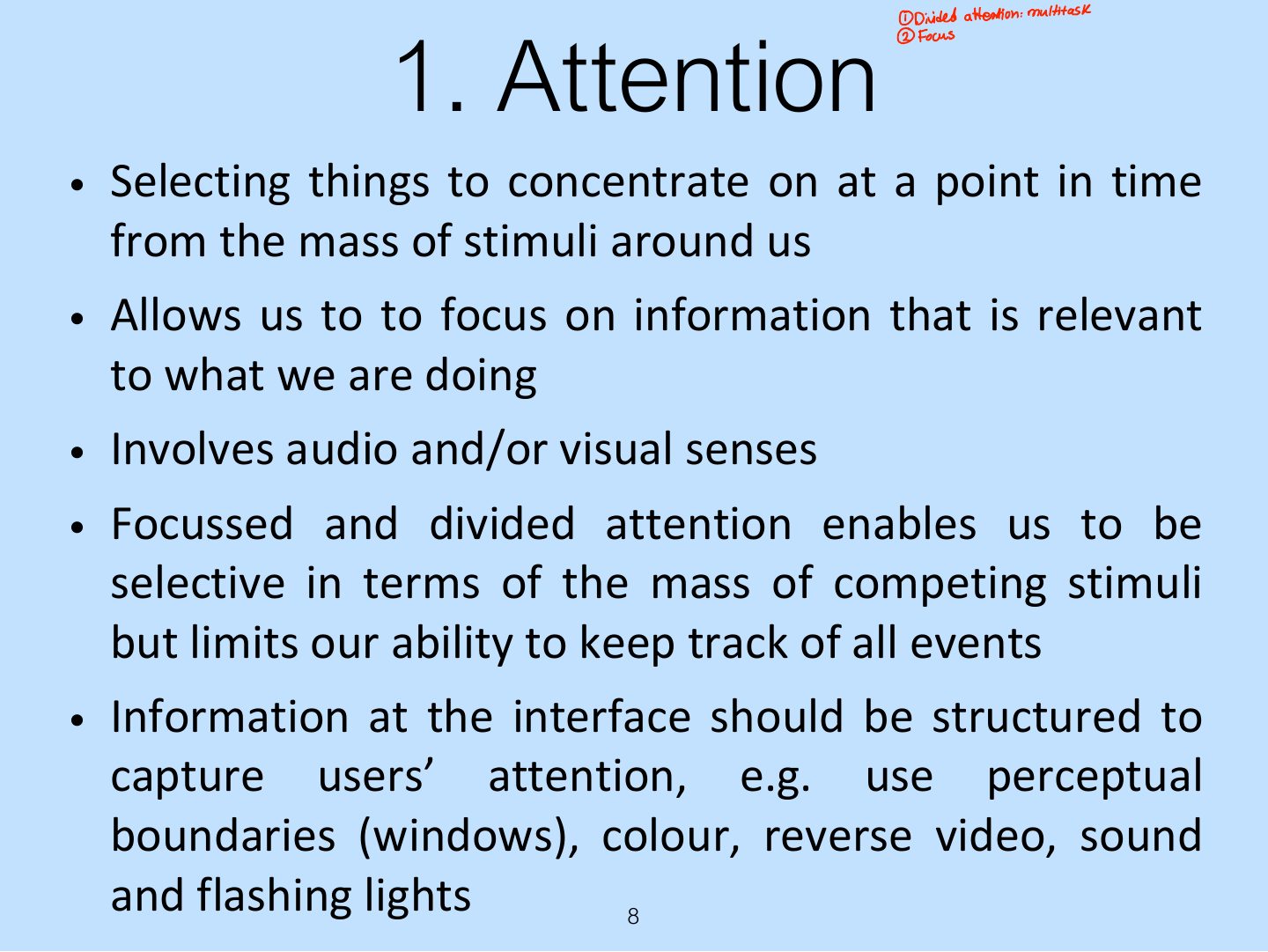
1. Attention
Notes
Attention: selecting things to concentrate on; depends on clear goals and how information is displayed.
Activity: Find the price of a double room at the Holiday Inn in Bradley

Activity: Find the price for a double room at the Quality Inn in Columbia

Activity
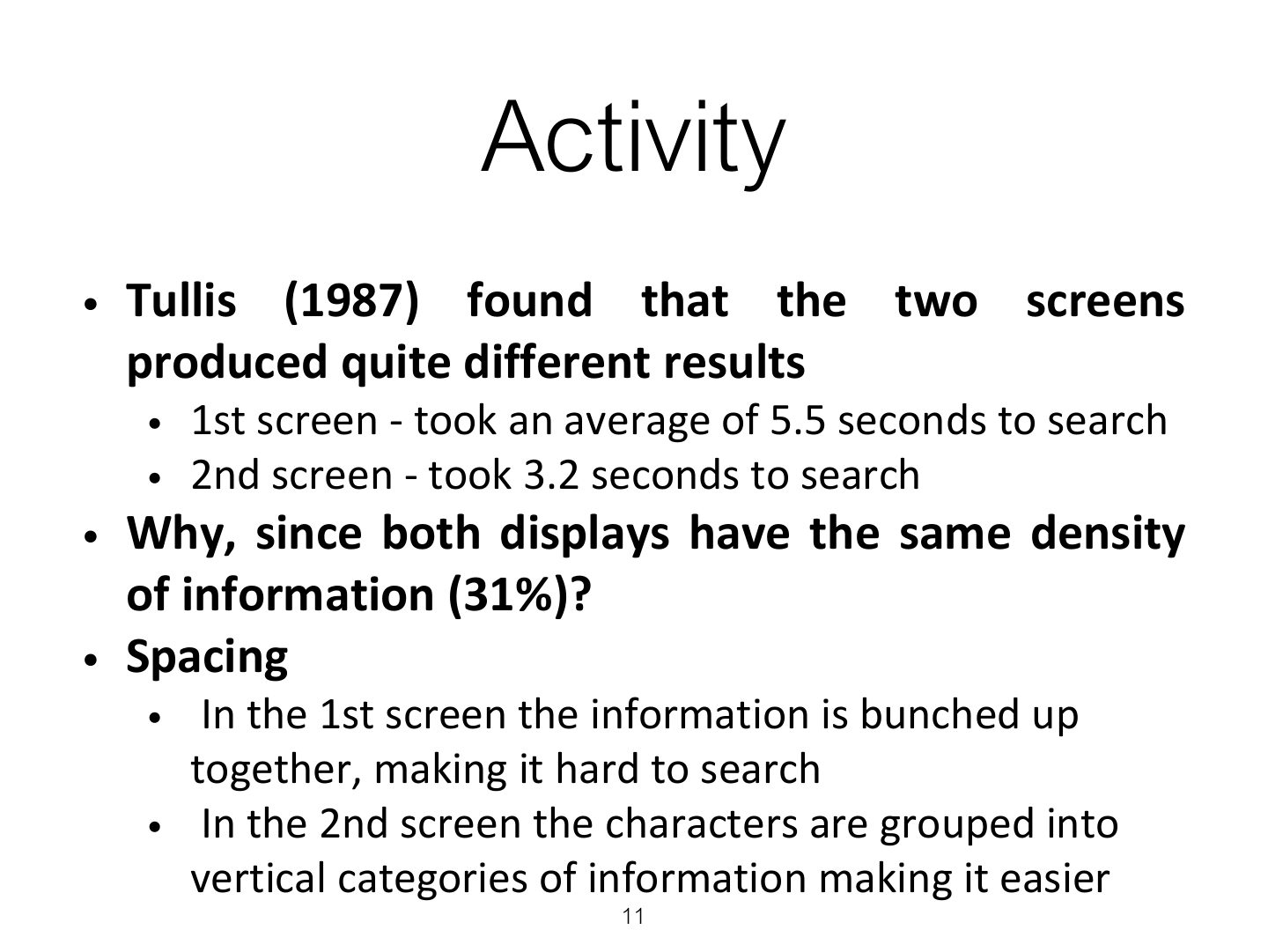
Multitasking & attention
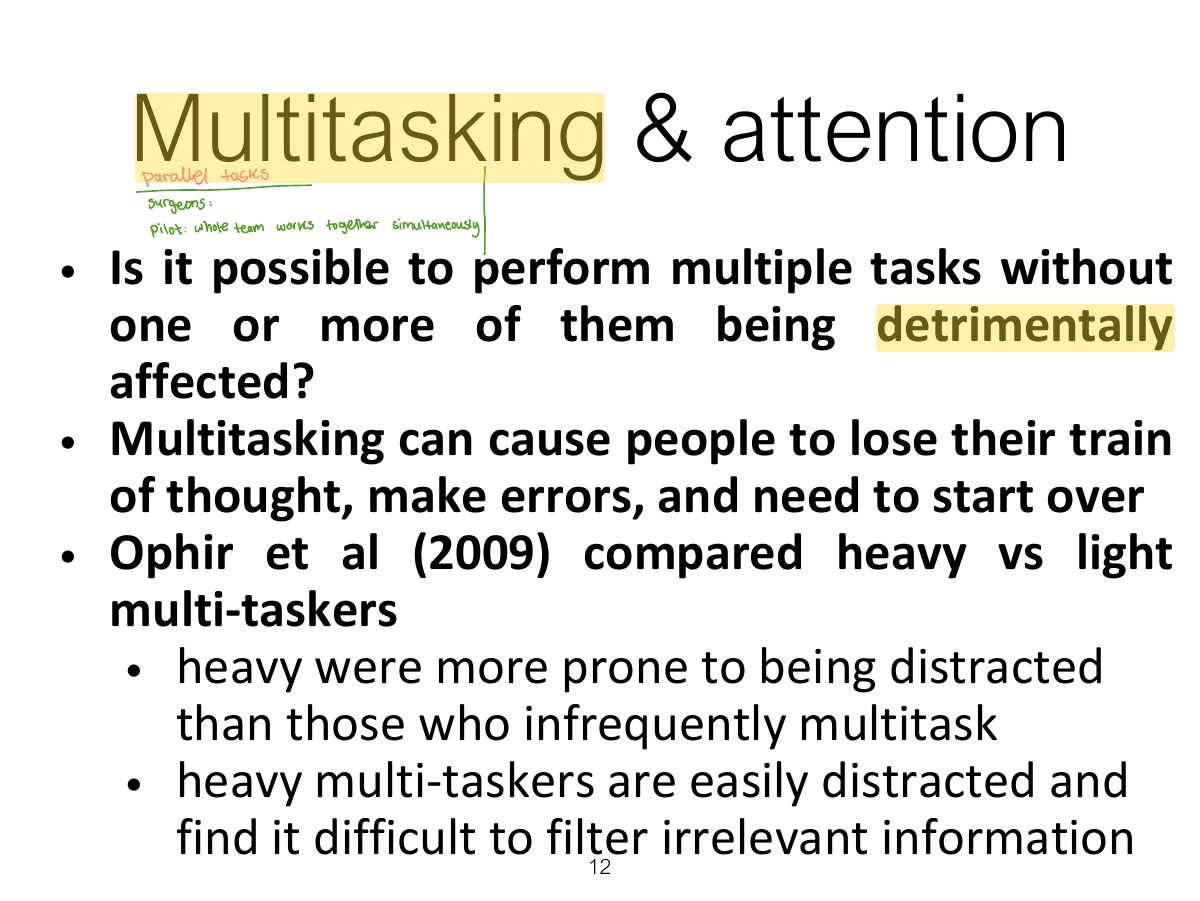
Multitasking experiment
Multitasking at work
Is it OK to use a phone when driving?

NO.....
Are hands-free phones safer to use when driving?
Design implications for attention
2. Perception
Notes
Perception: how information is acquired through the senses and turned into experiences. Use contrast, white space and grouping.
Is color contrast good? Find italian

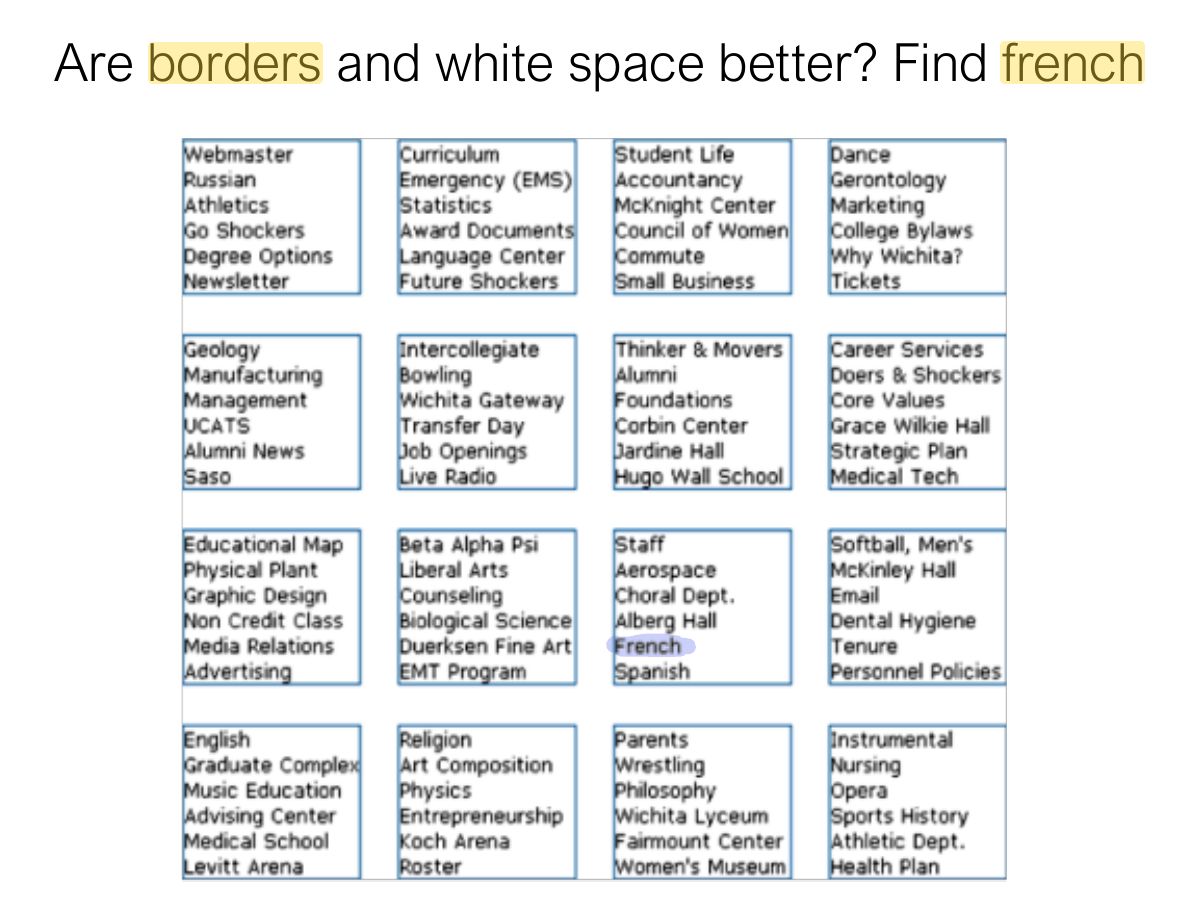
Are borders and white space better? Find french
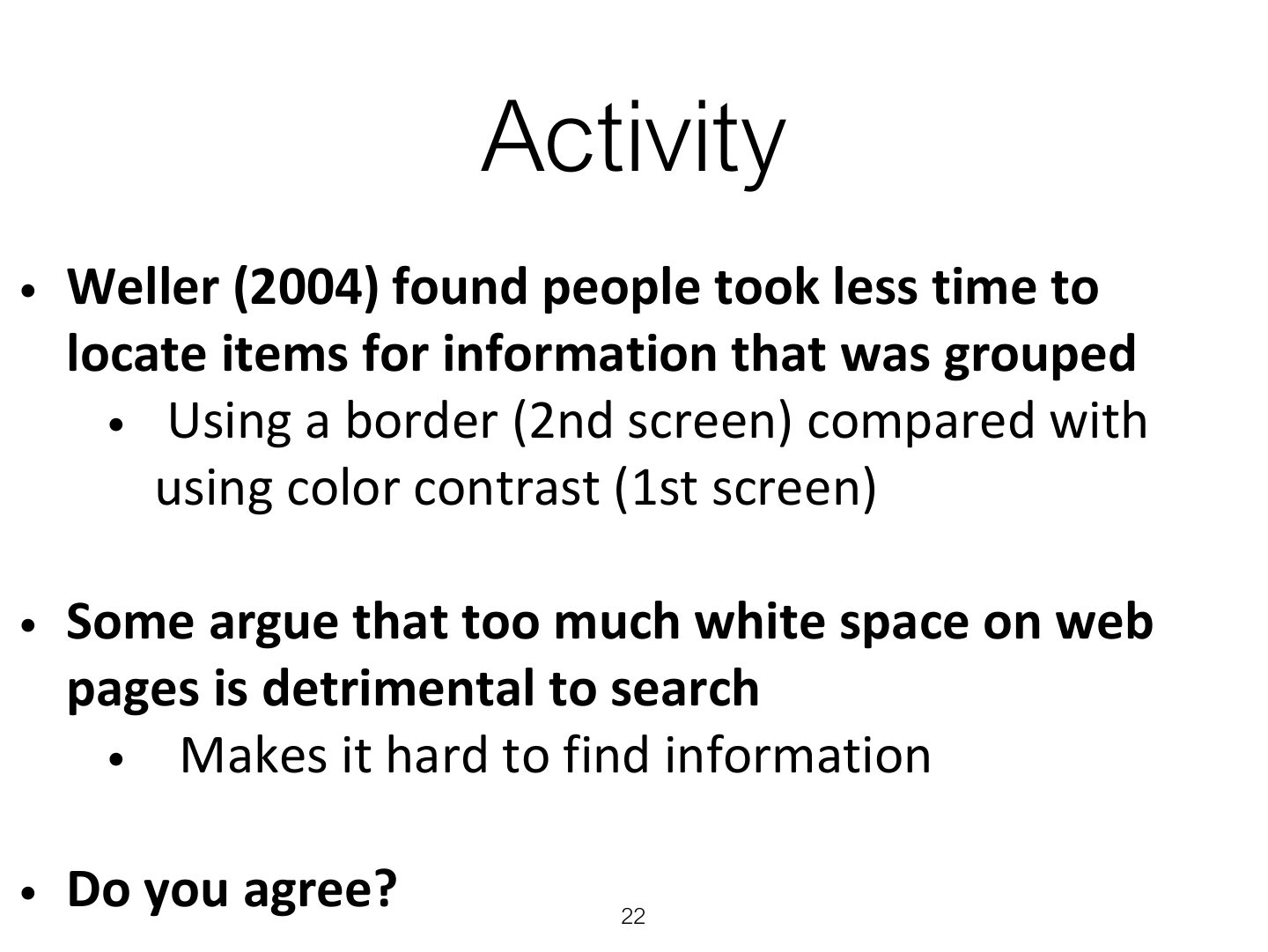
Activity
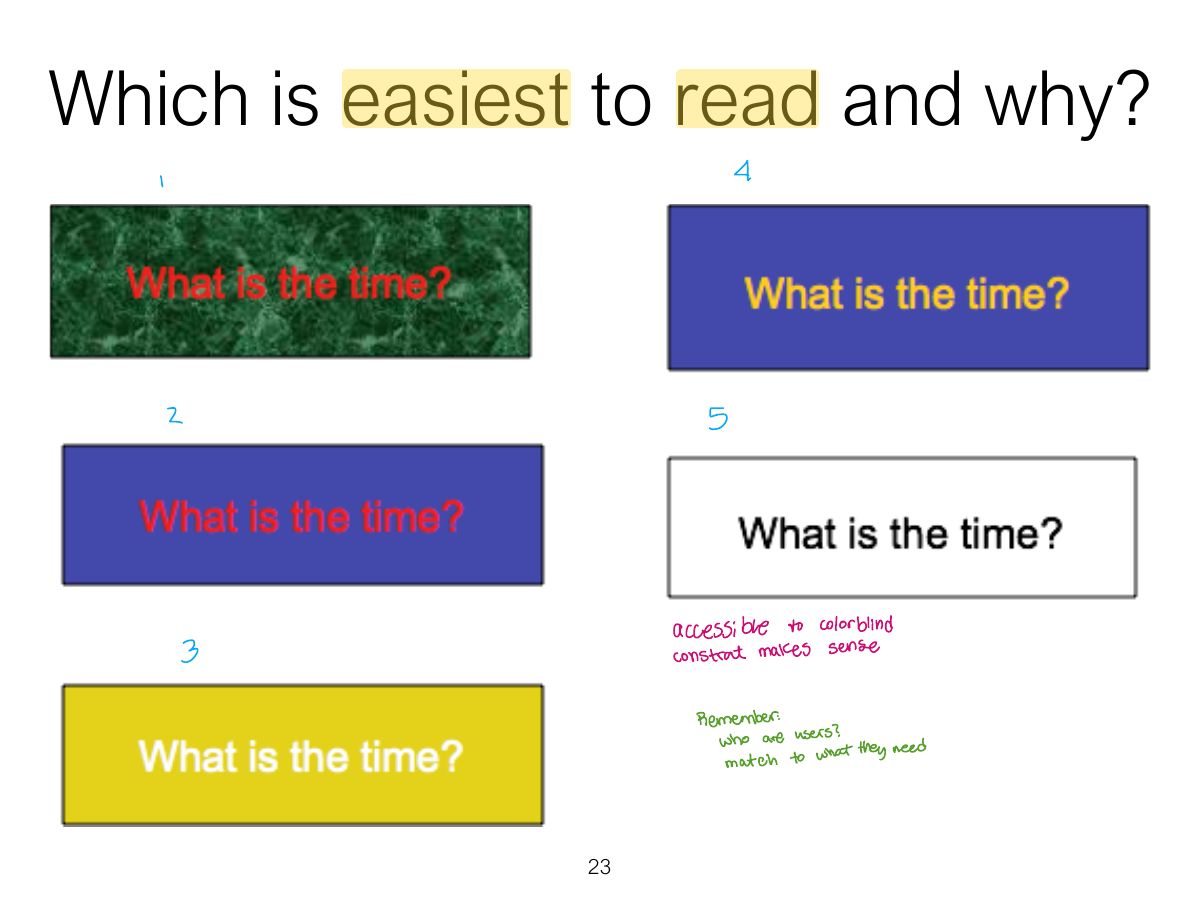
Which is easiest to read and why?
Design implications
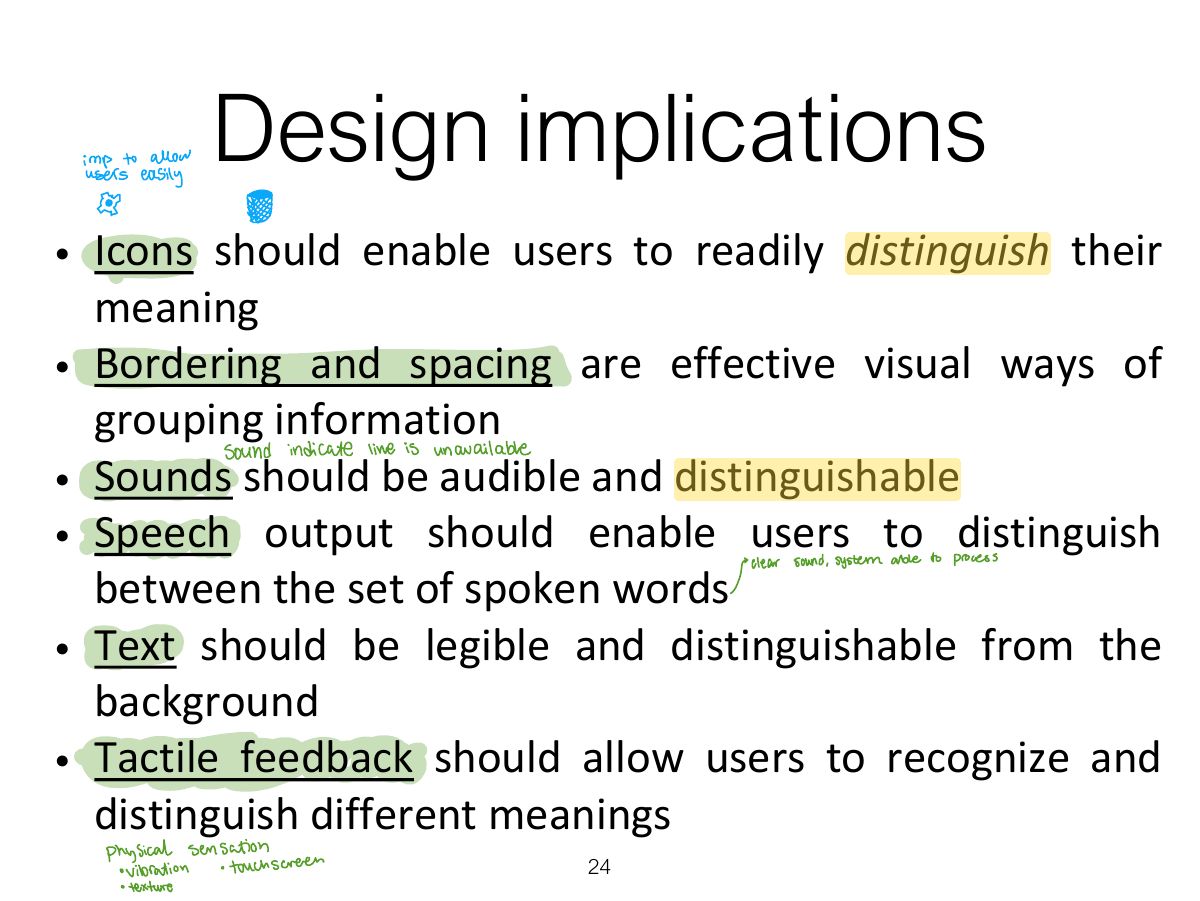
Design implications
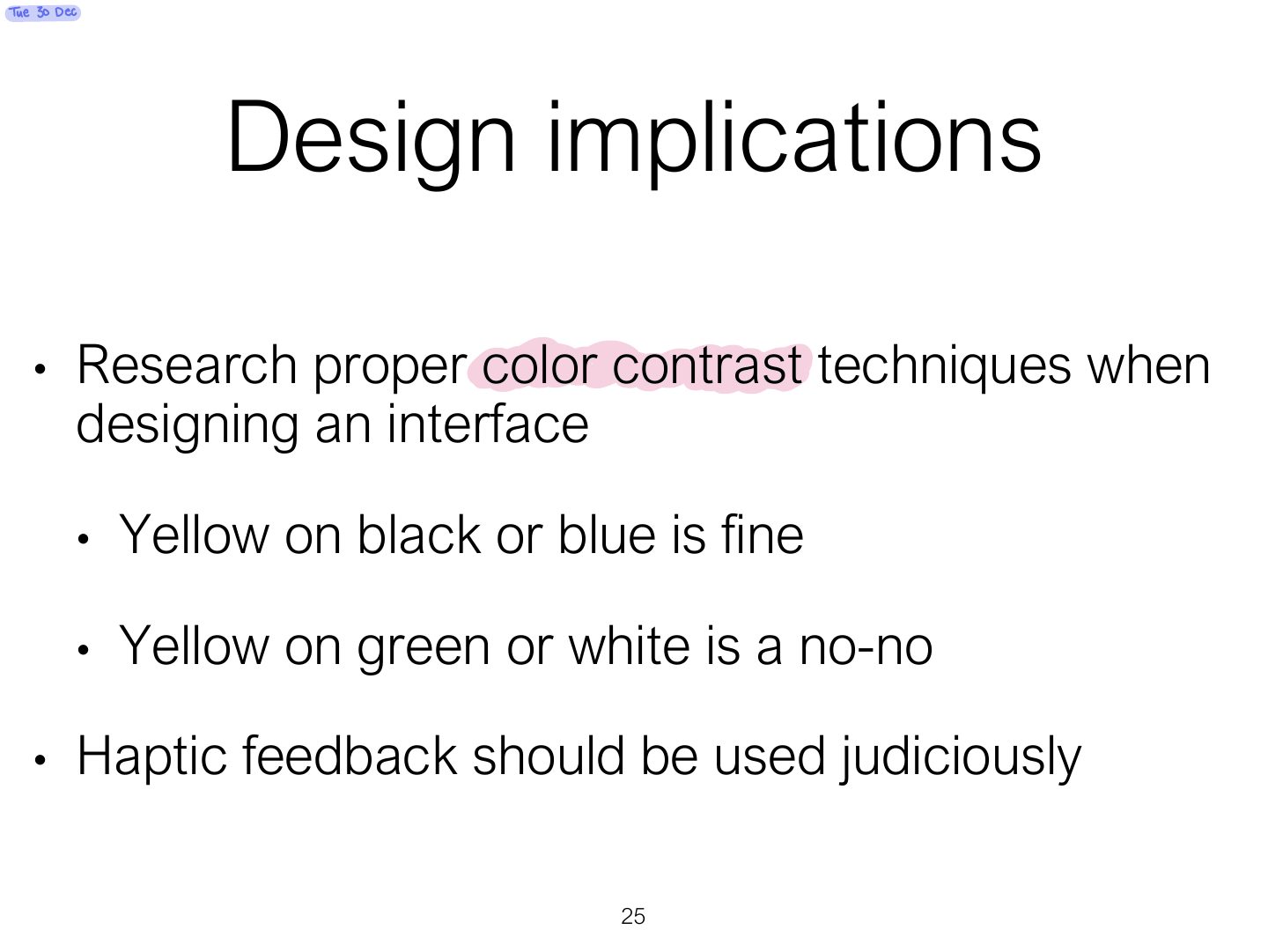
3. Memory
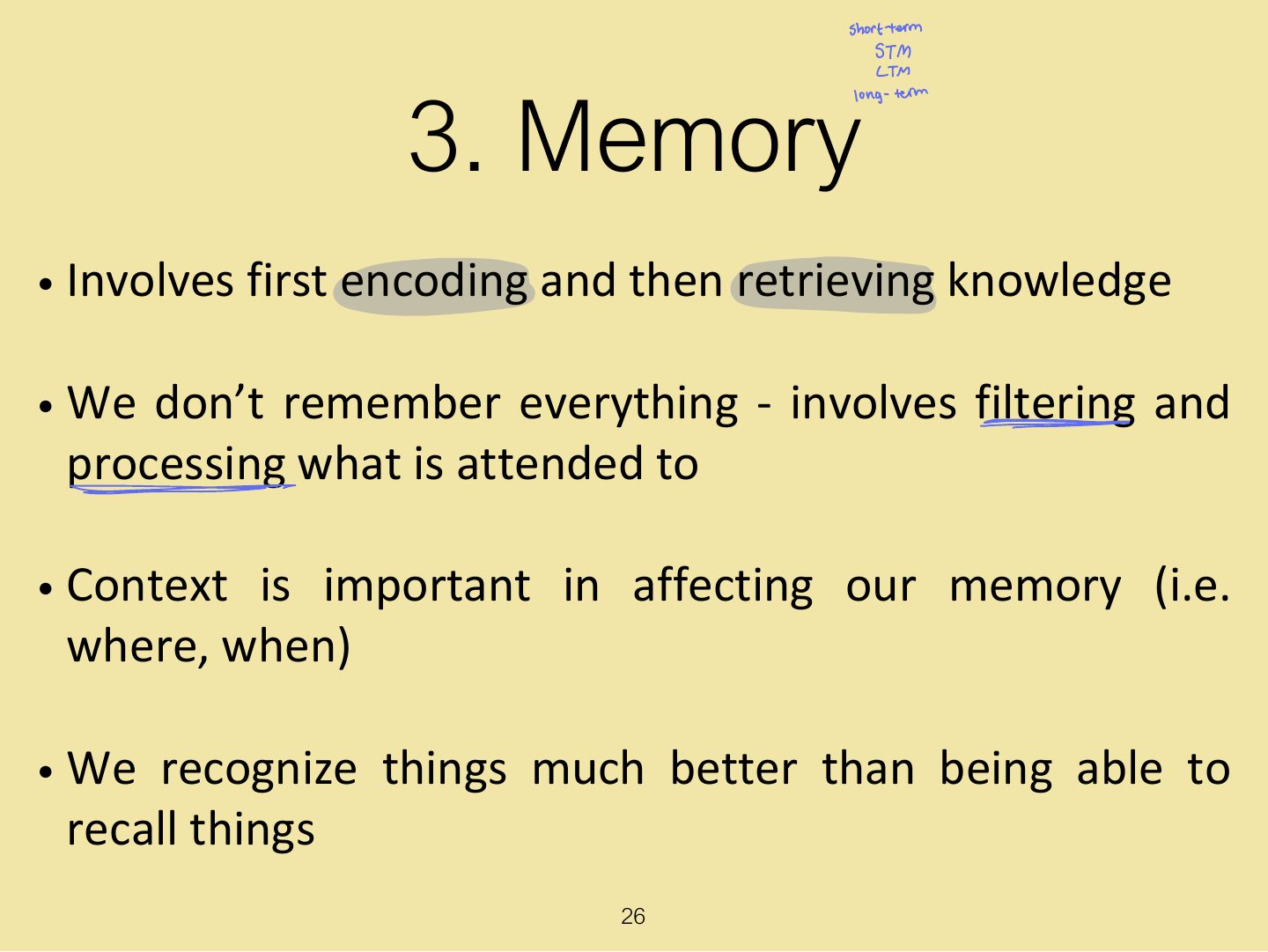
3. Memory
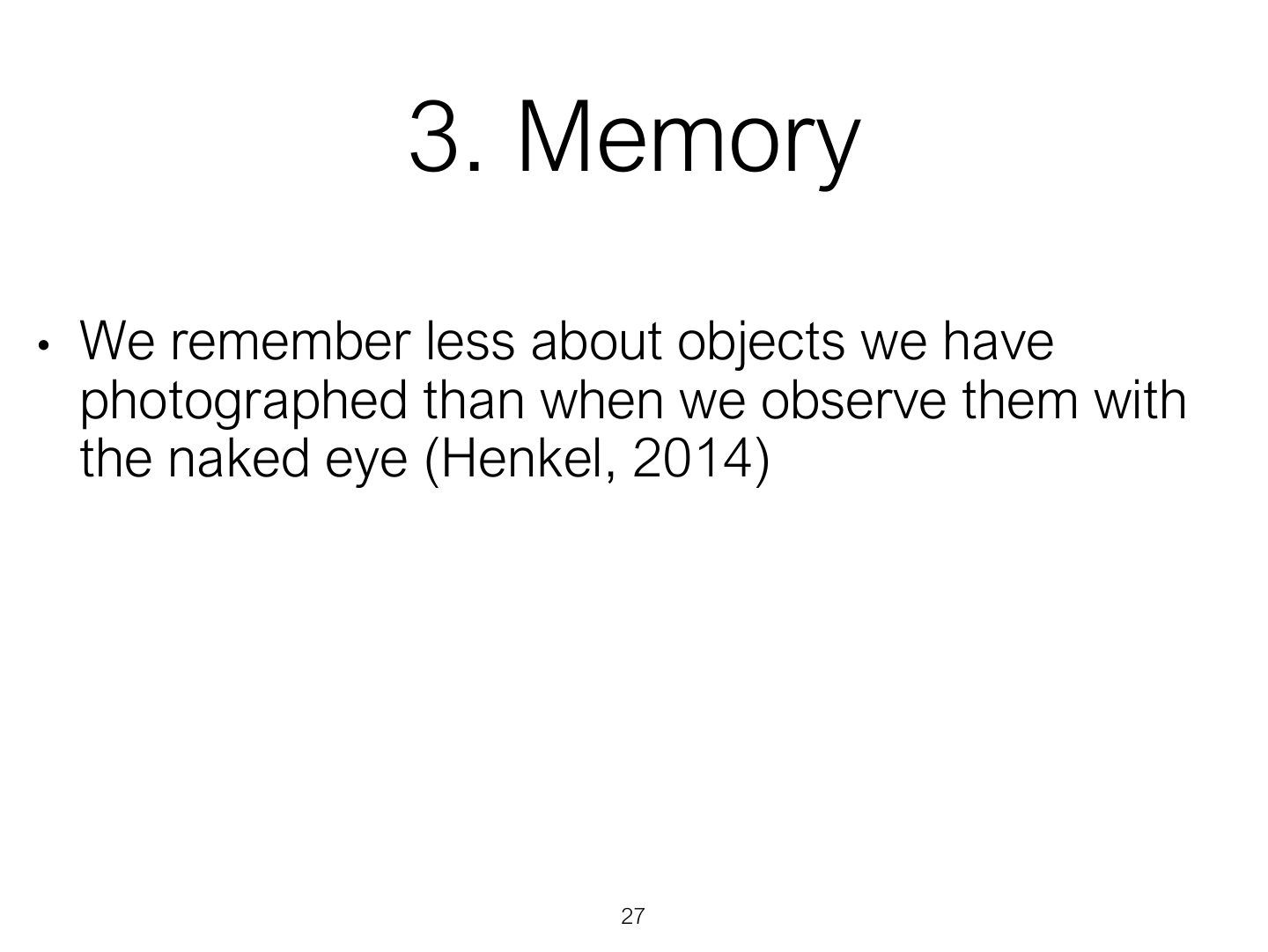
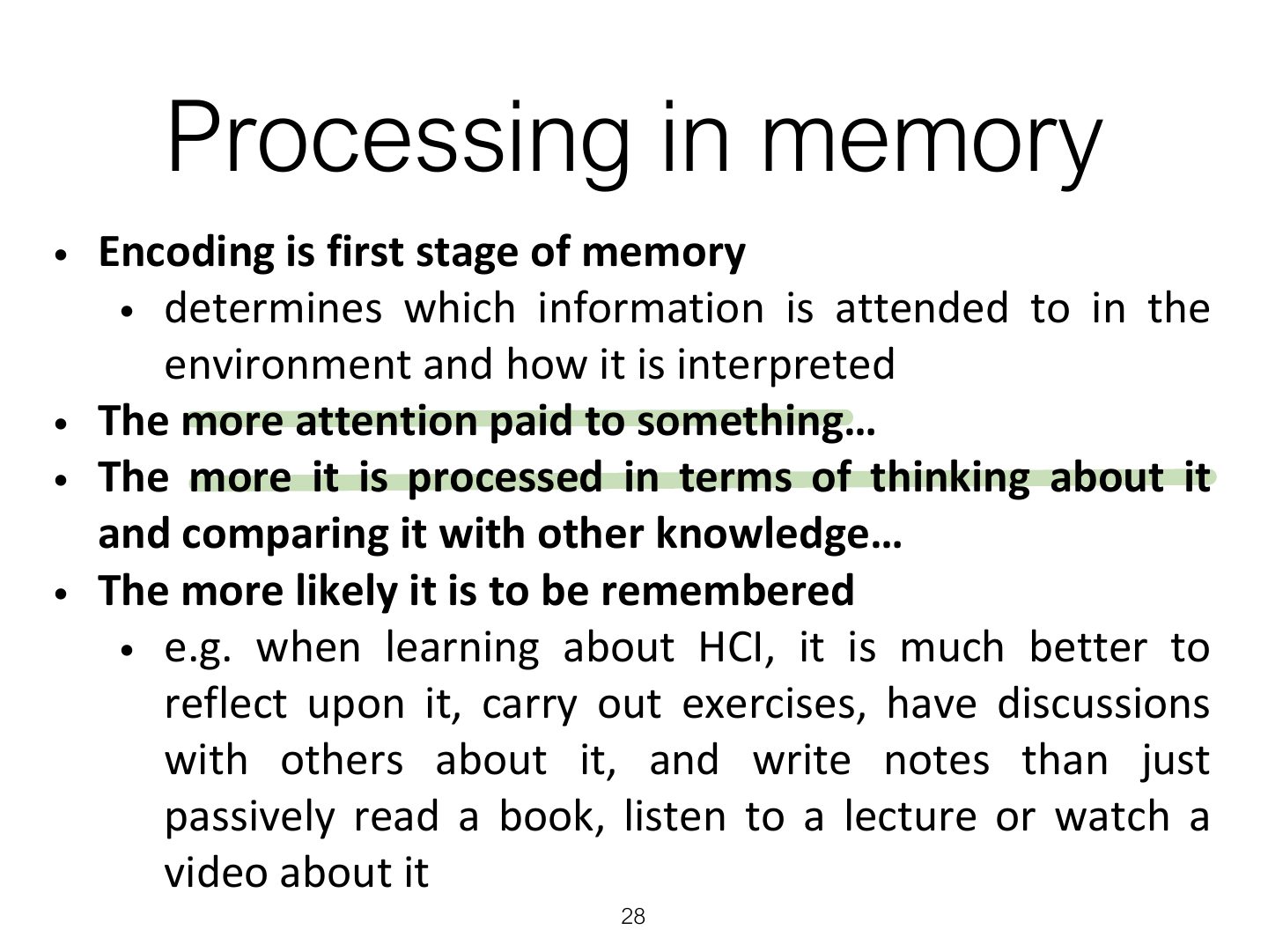
Processing in memory
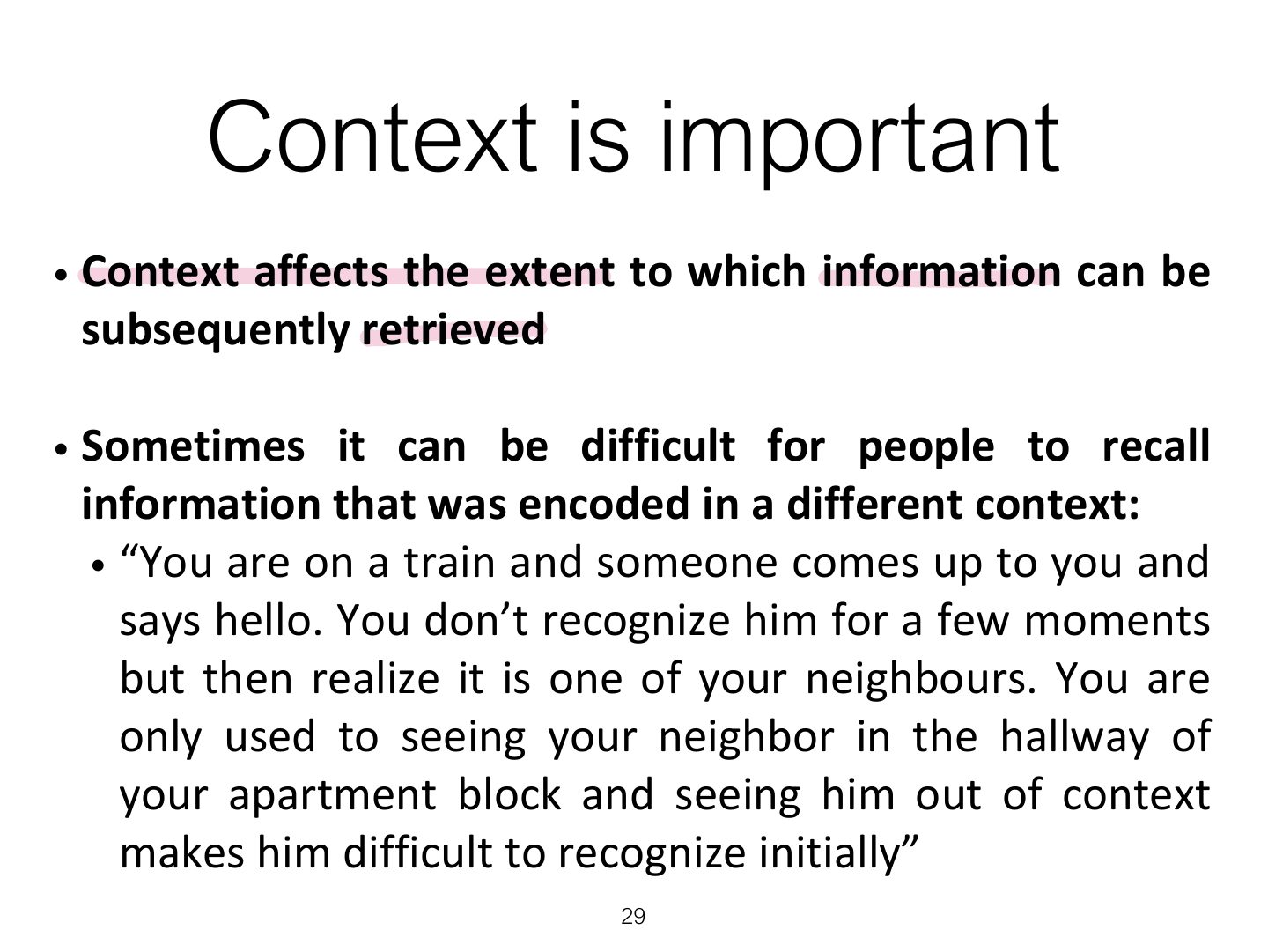
Context is important
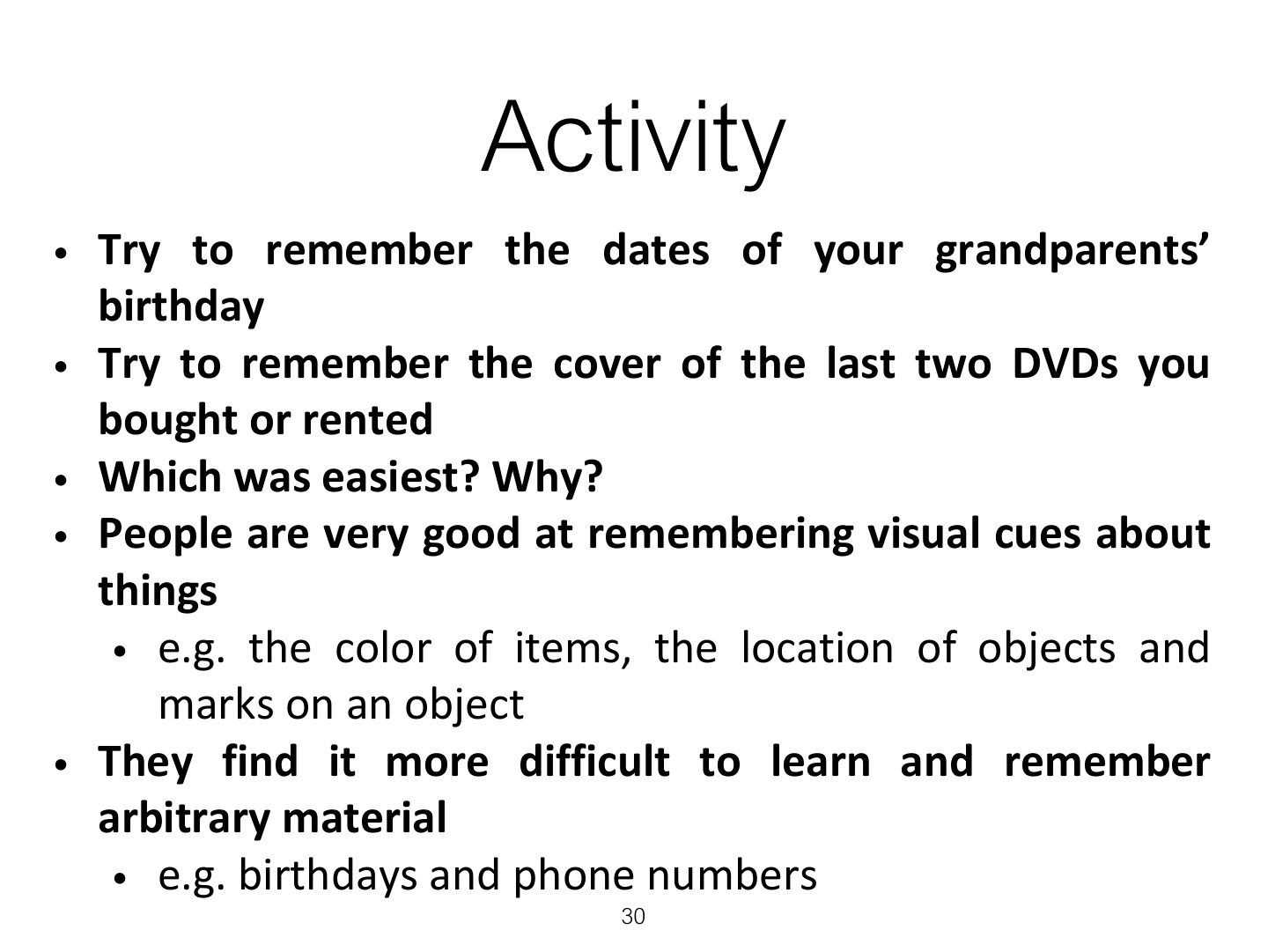
Activity
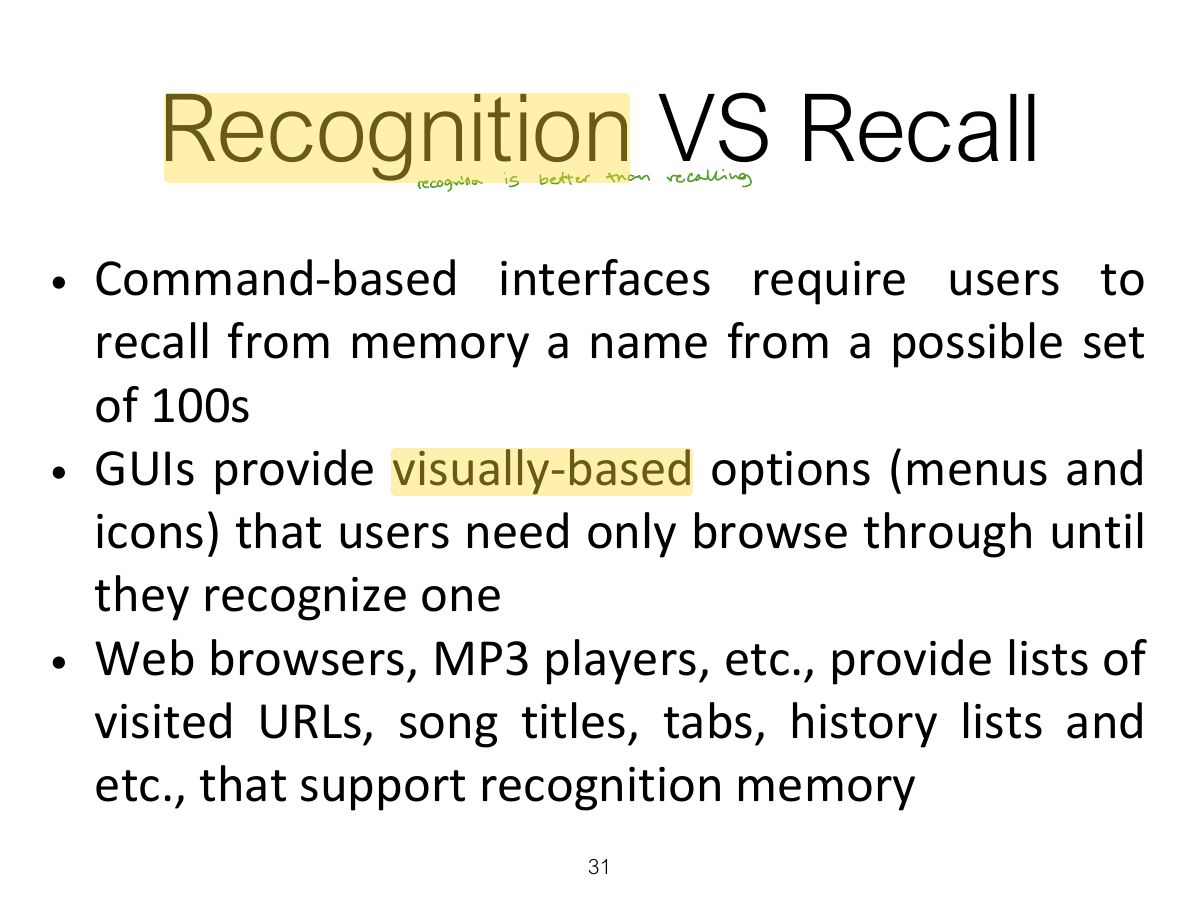
Recognition VS Recall
Notes
Recognition is easier than recall: GUIs show options so users recognize rather than remember commands.
Memory trick Menus and icons = recognition; command lines = recall.
Exam angle
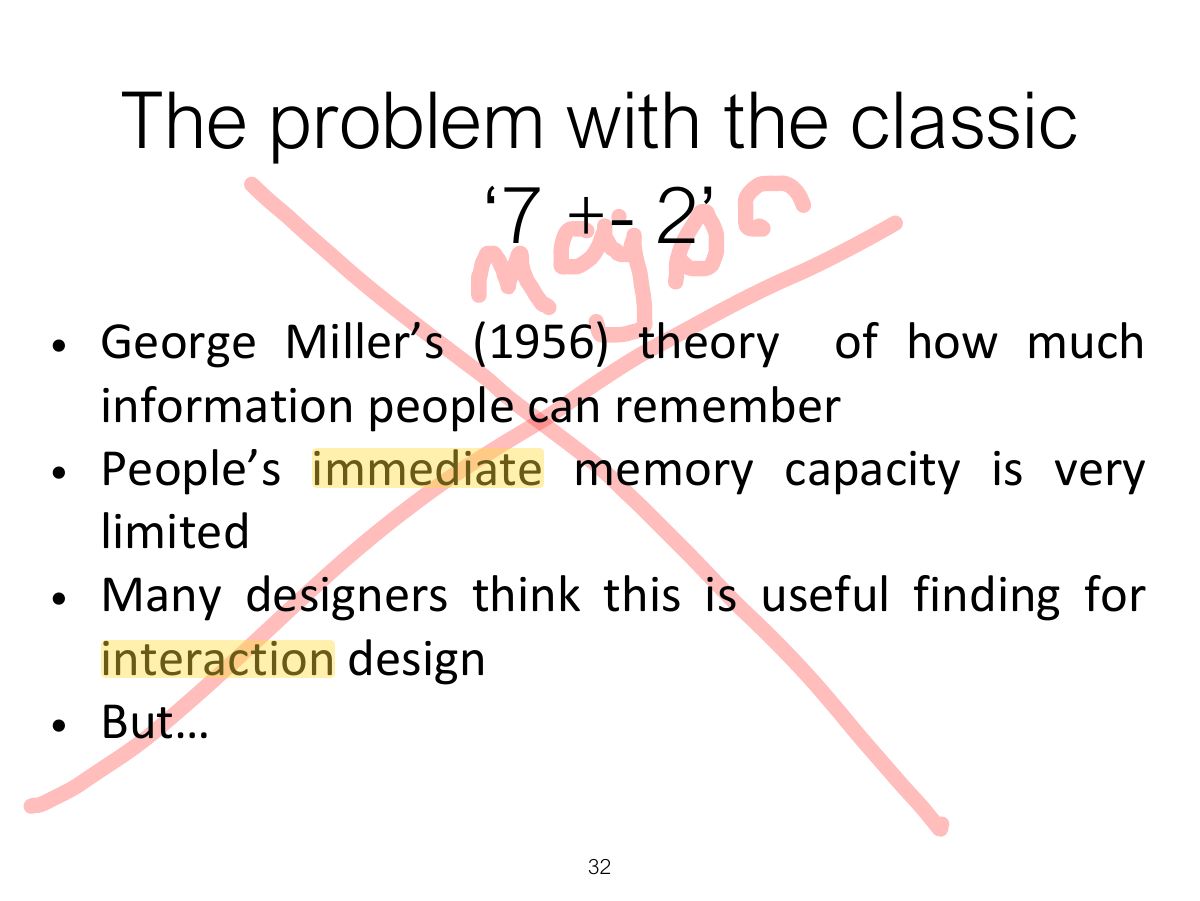
The problem with the classic
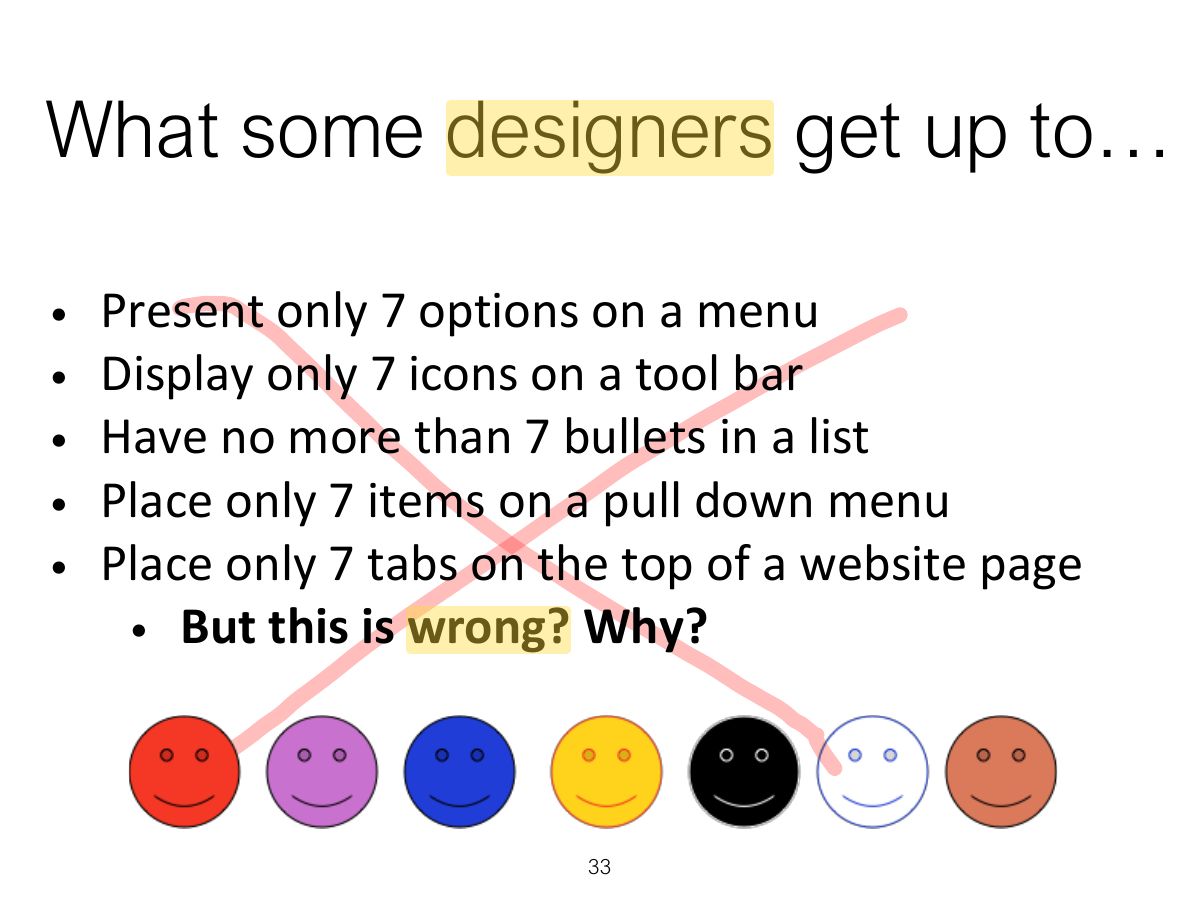
What some designers get up to...
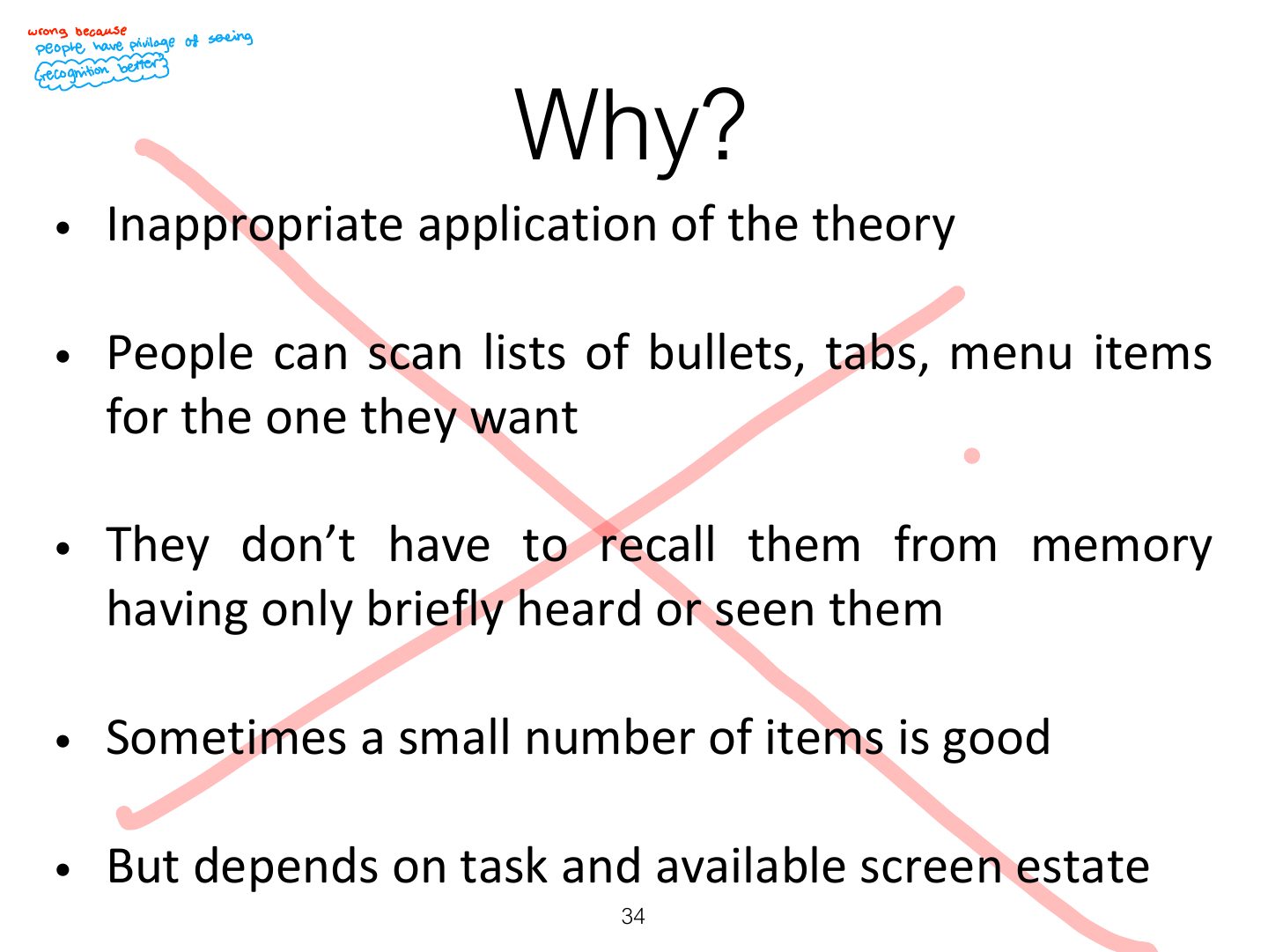
Why?
Personal information management (PIM)
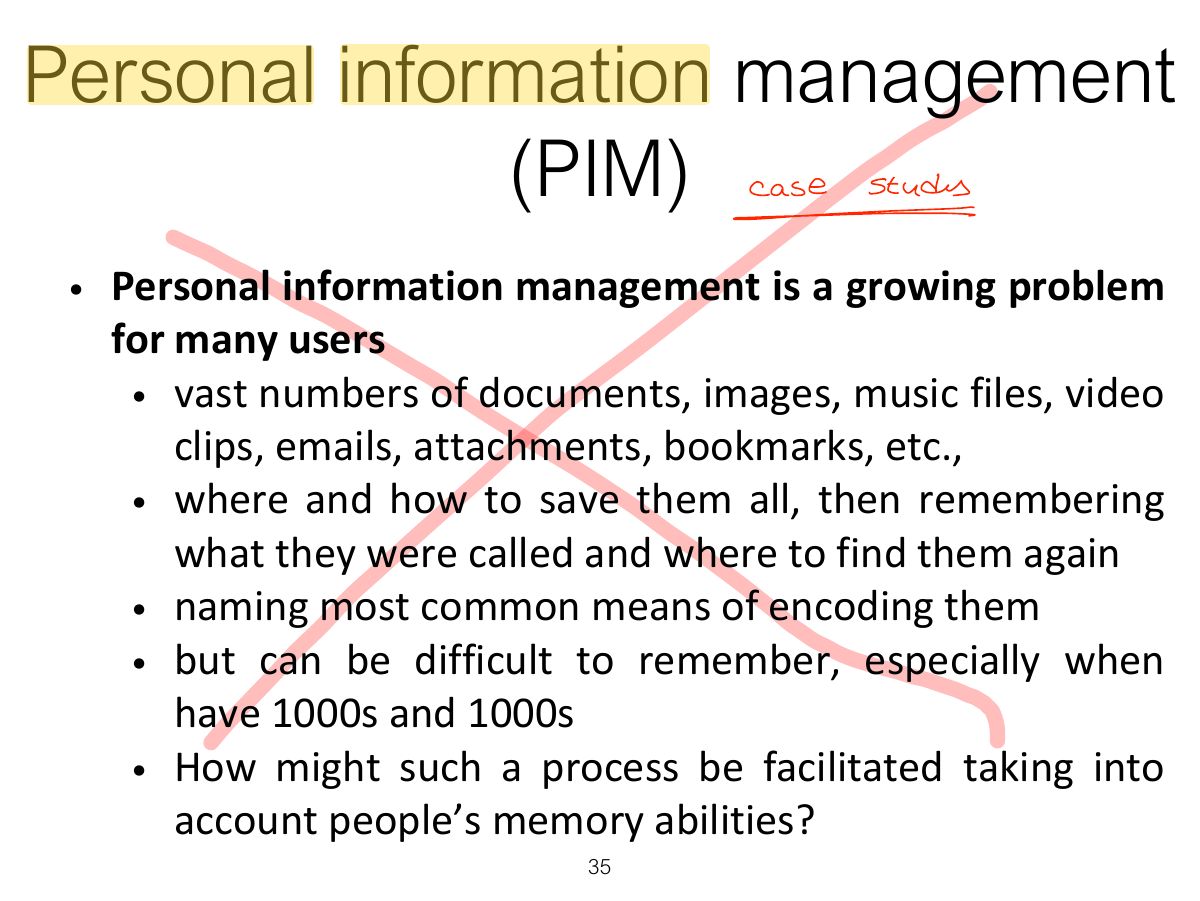
Personal information management
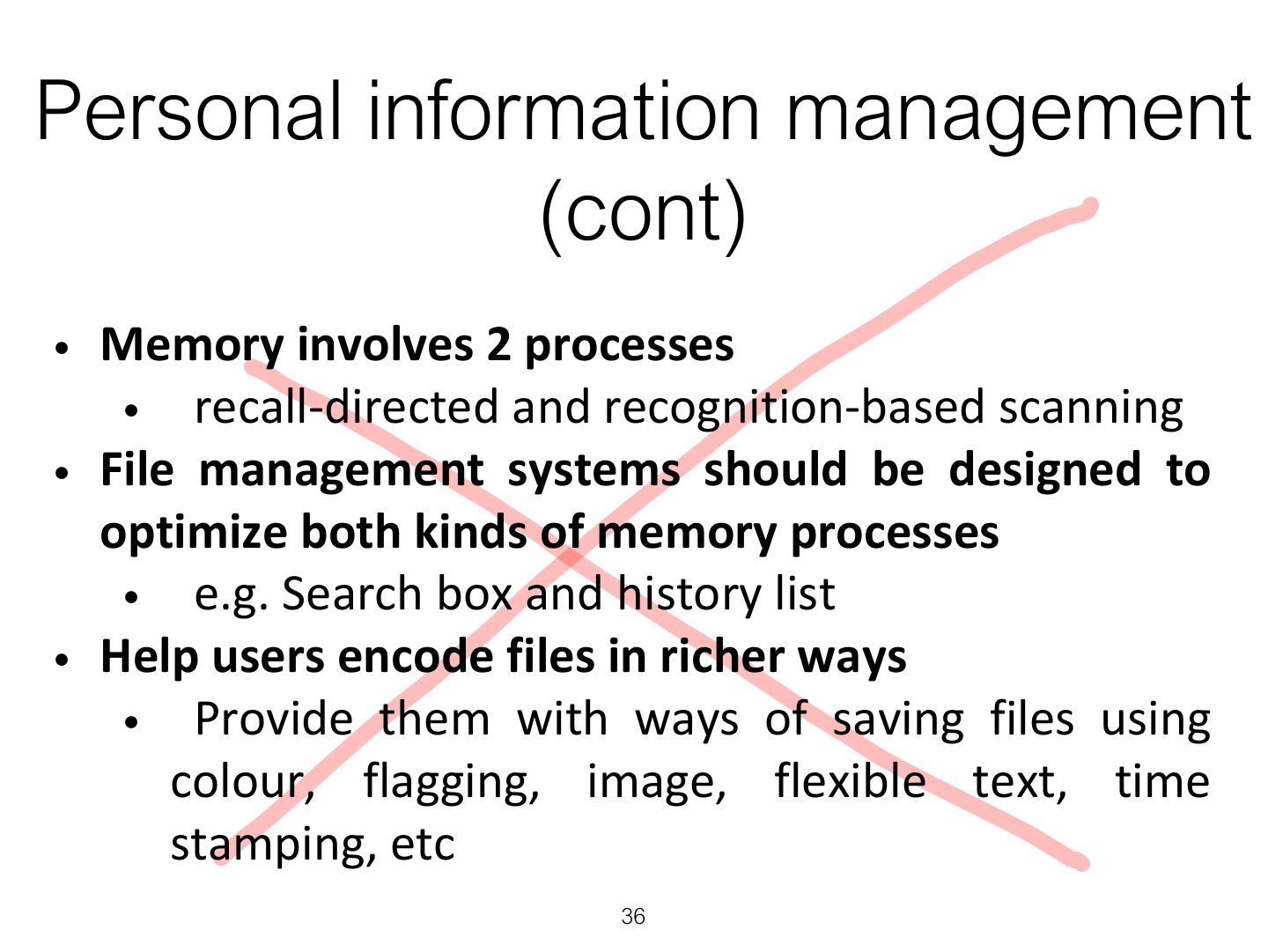
Personal information management (cont)
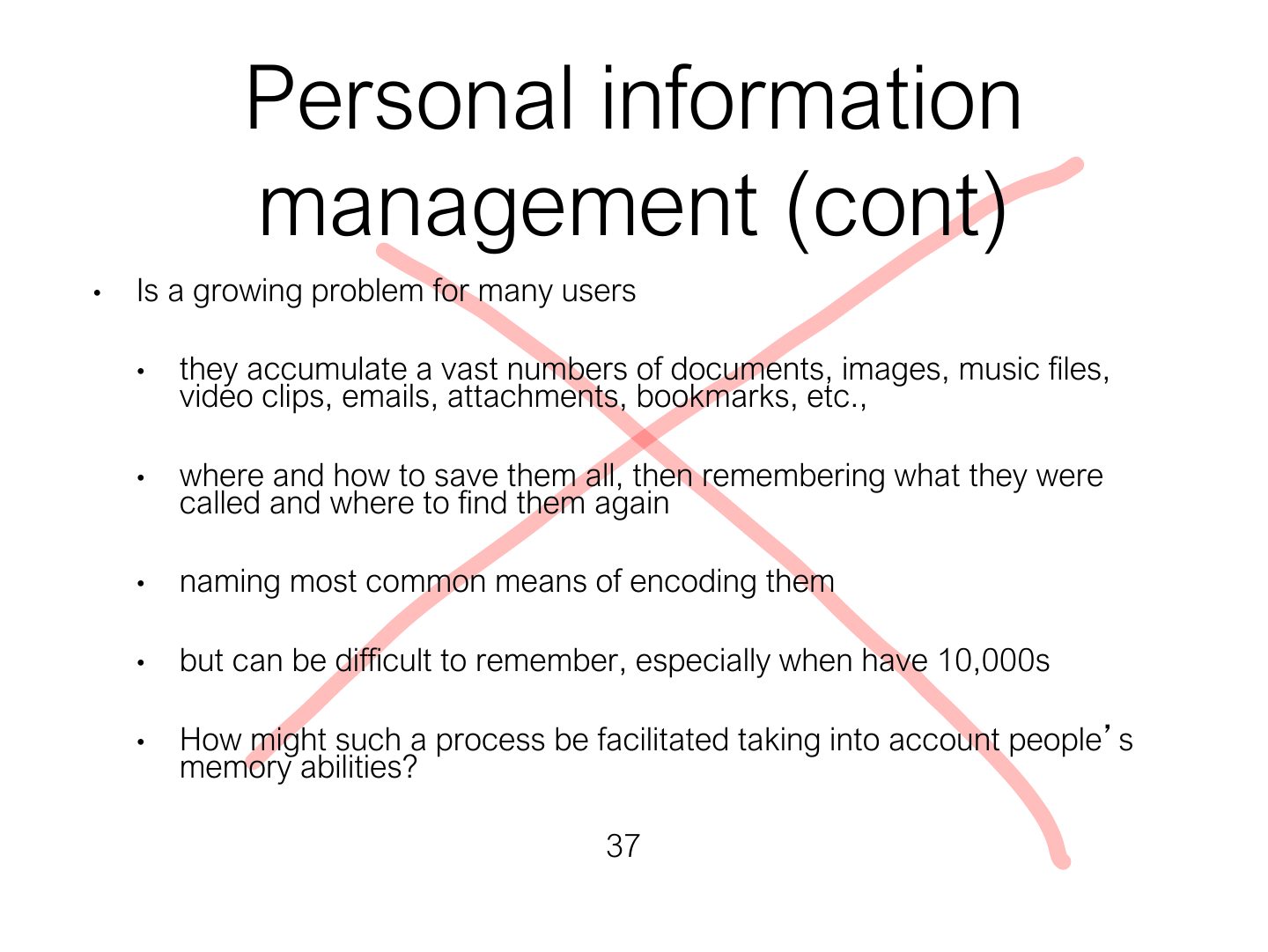
Personal information management (cont)
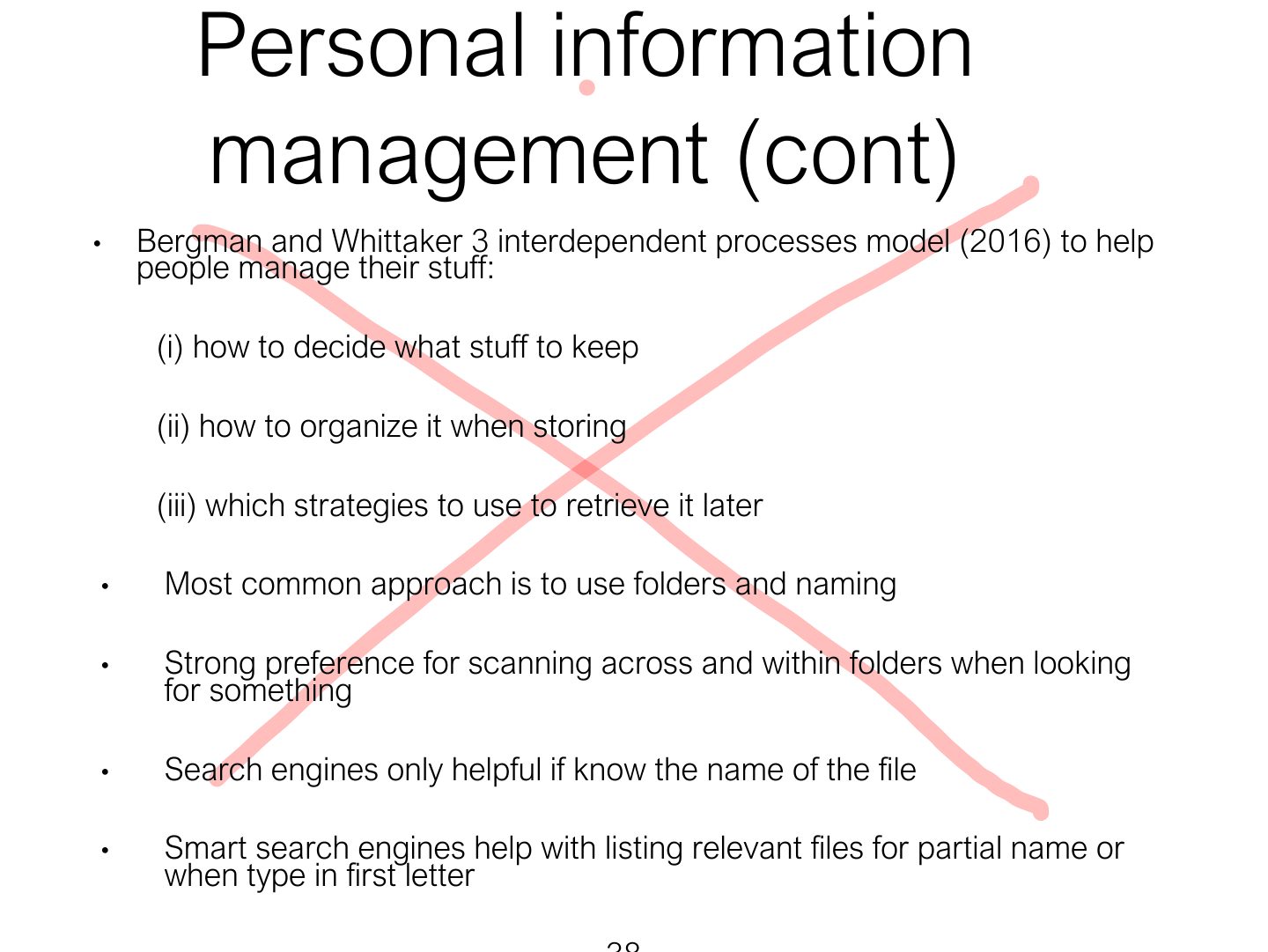
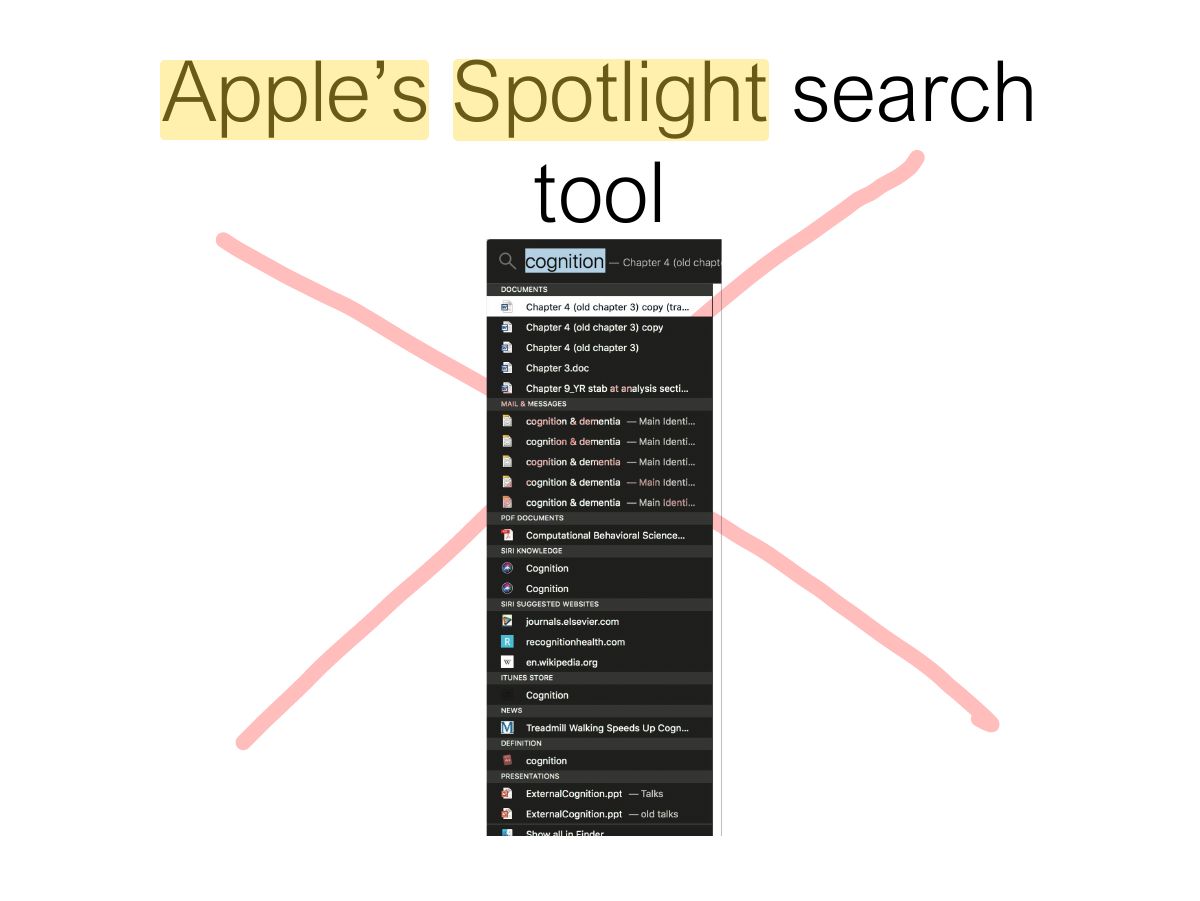
Apple ’ s Spotlight search tool
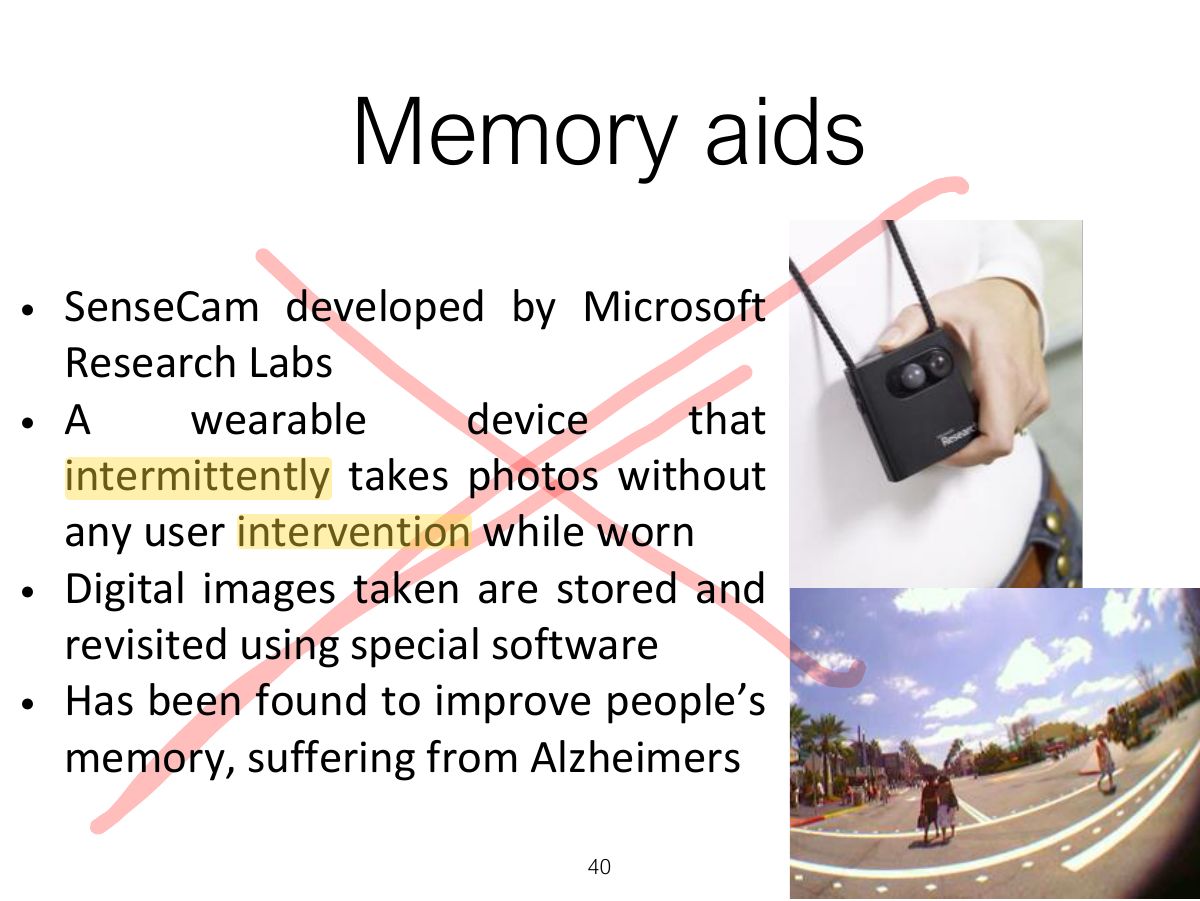
Memory aids
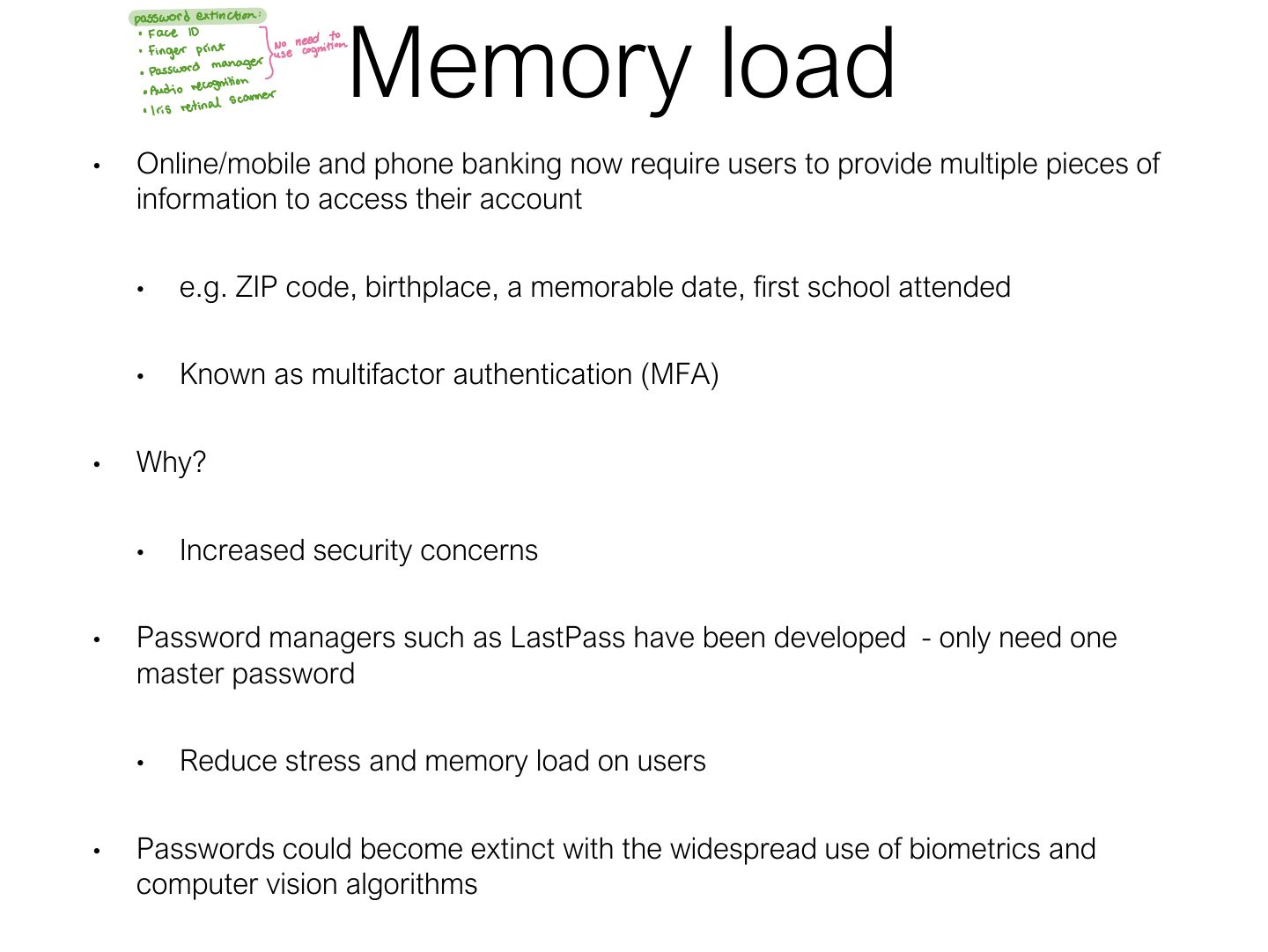
Memory load
Notes
Memory load: 7 ± 2 (Miller) is about short-term memory items, NOT a rule for menu length.
Trap Don’t use "7 ± 2" to limit menu items or tabs: the items are visible, so no recall is needed.
Exam angle
Miller’s 7 ± 2 means menus should never have more than 7 items.
- Menus rely on recognition, not short-term memory.
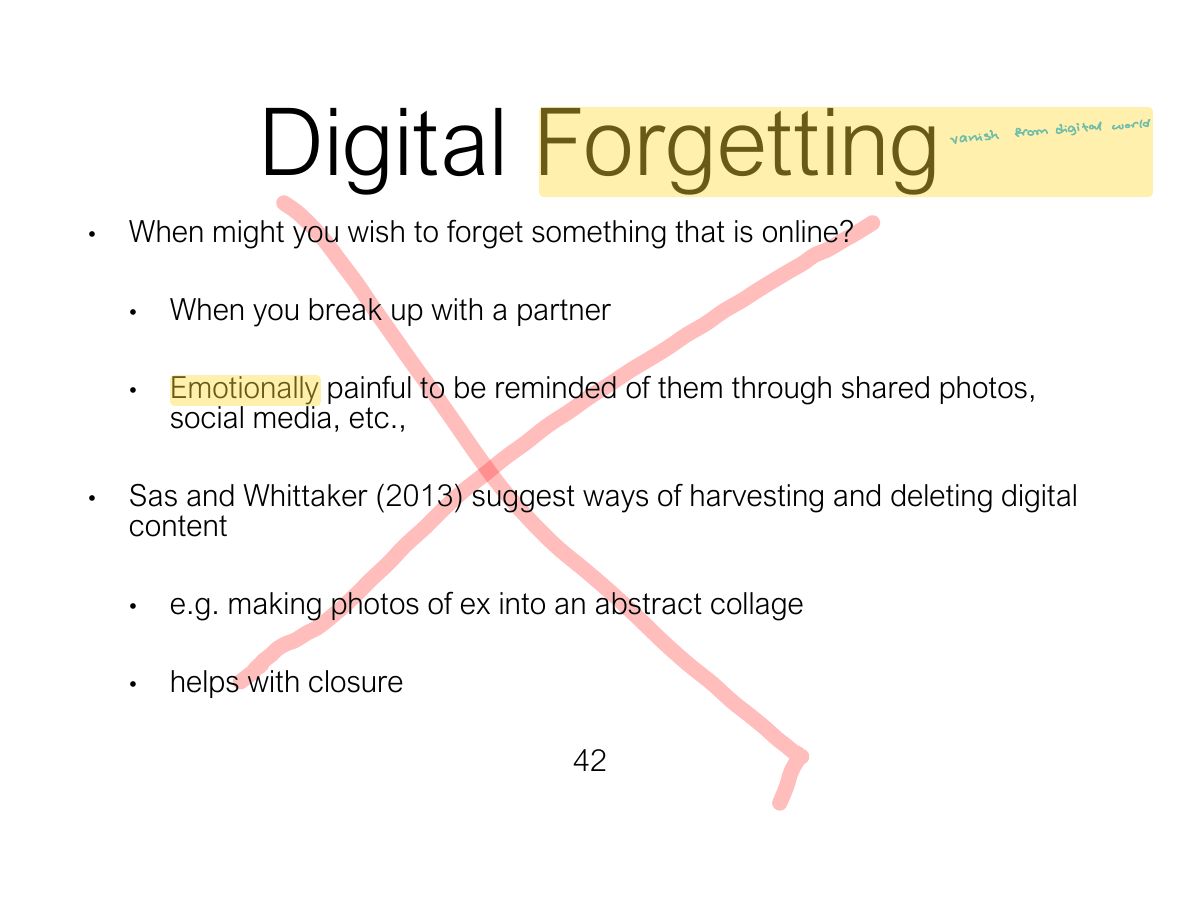
Digital Forgetting
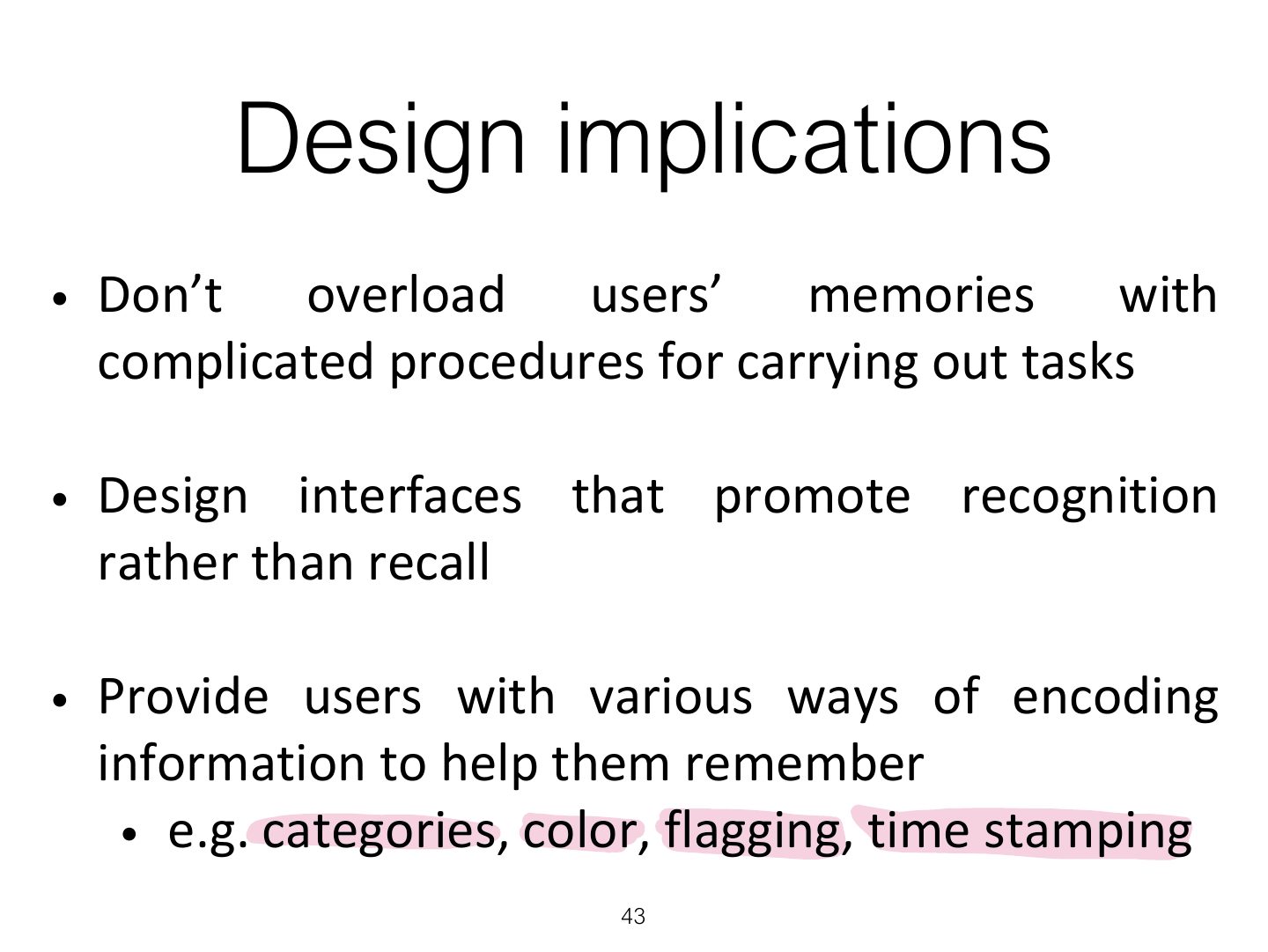
Design implications
4. Learning
Notes
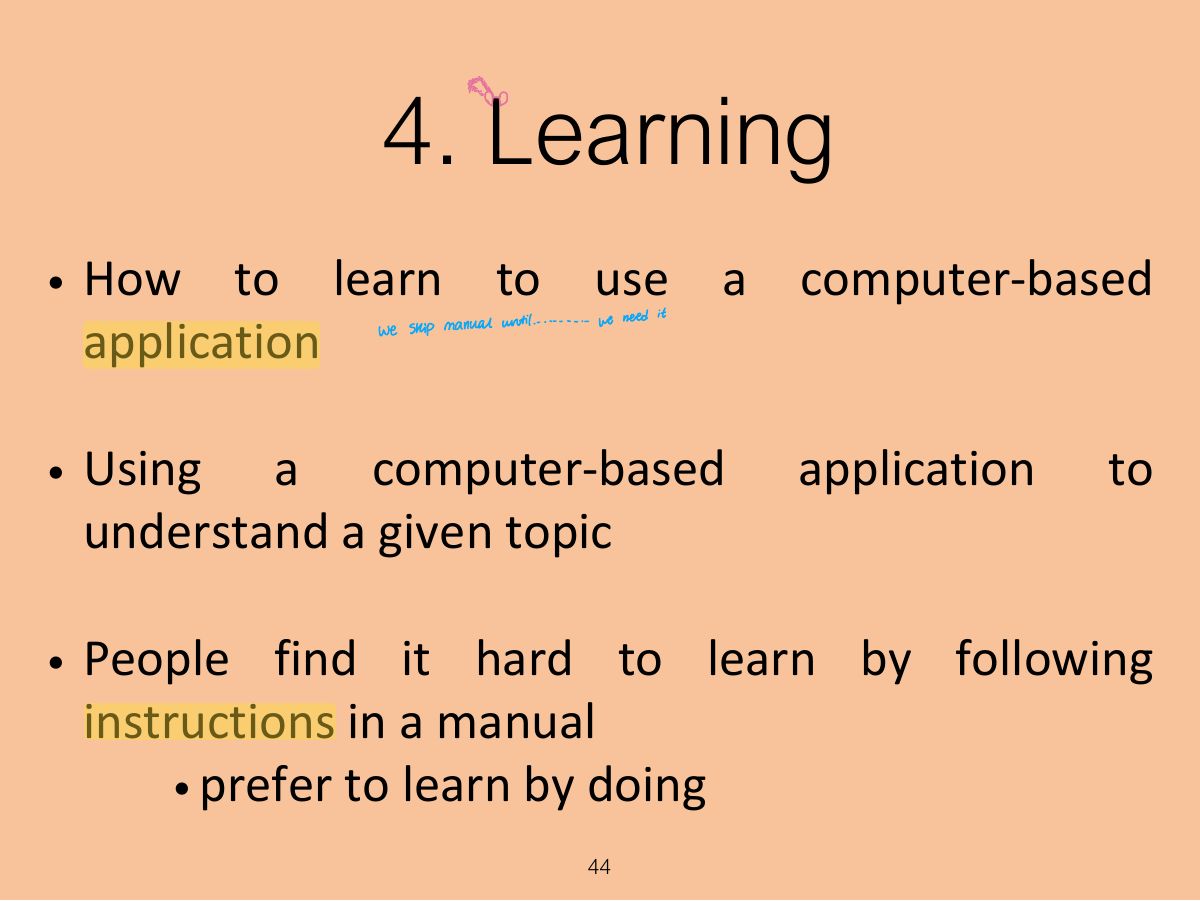
Learning: people prefer learning by doing; design for exploration and undo.
Learning
Design implications
5. Reading, speaking & listening
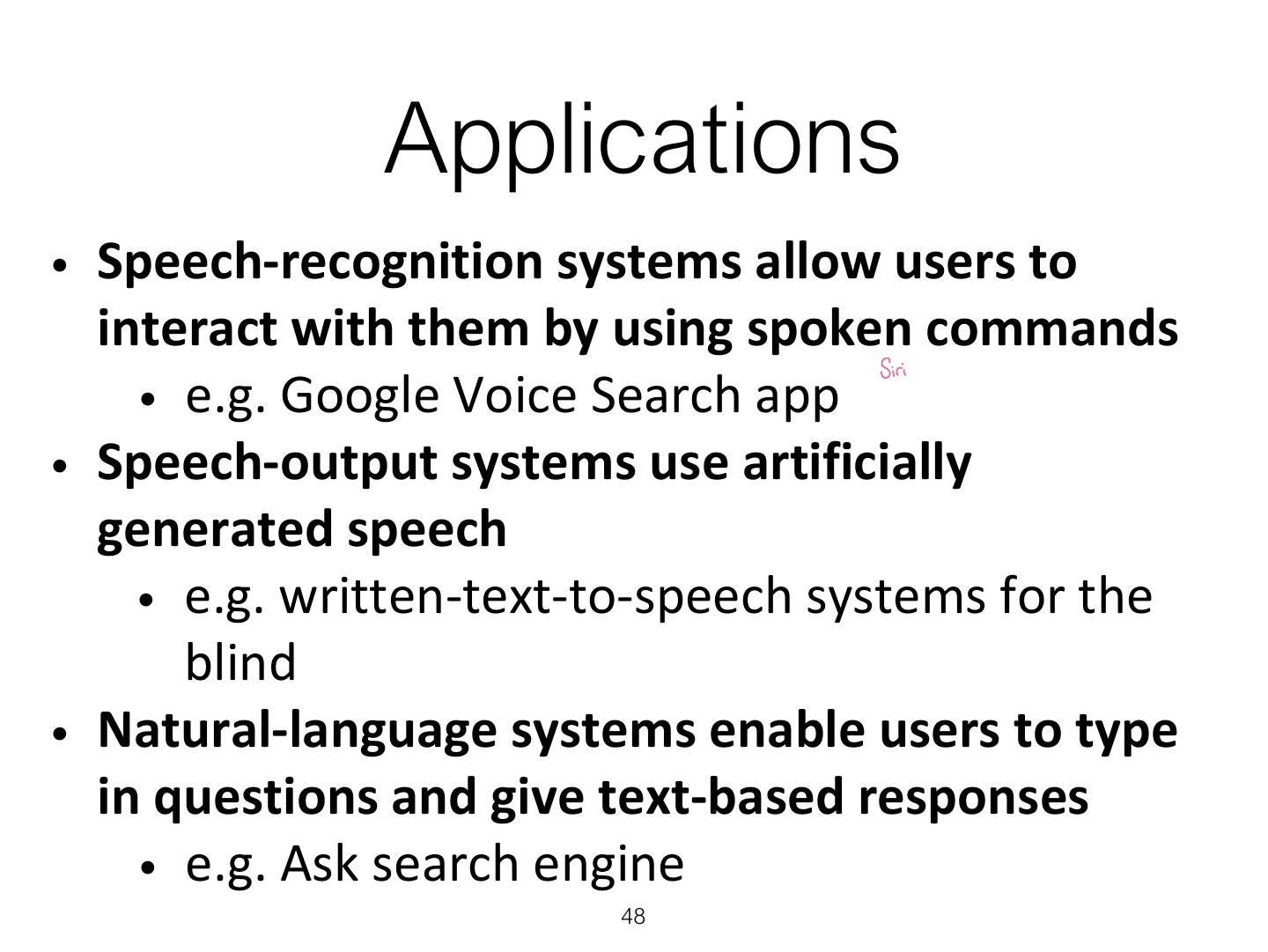
Applications
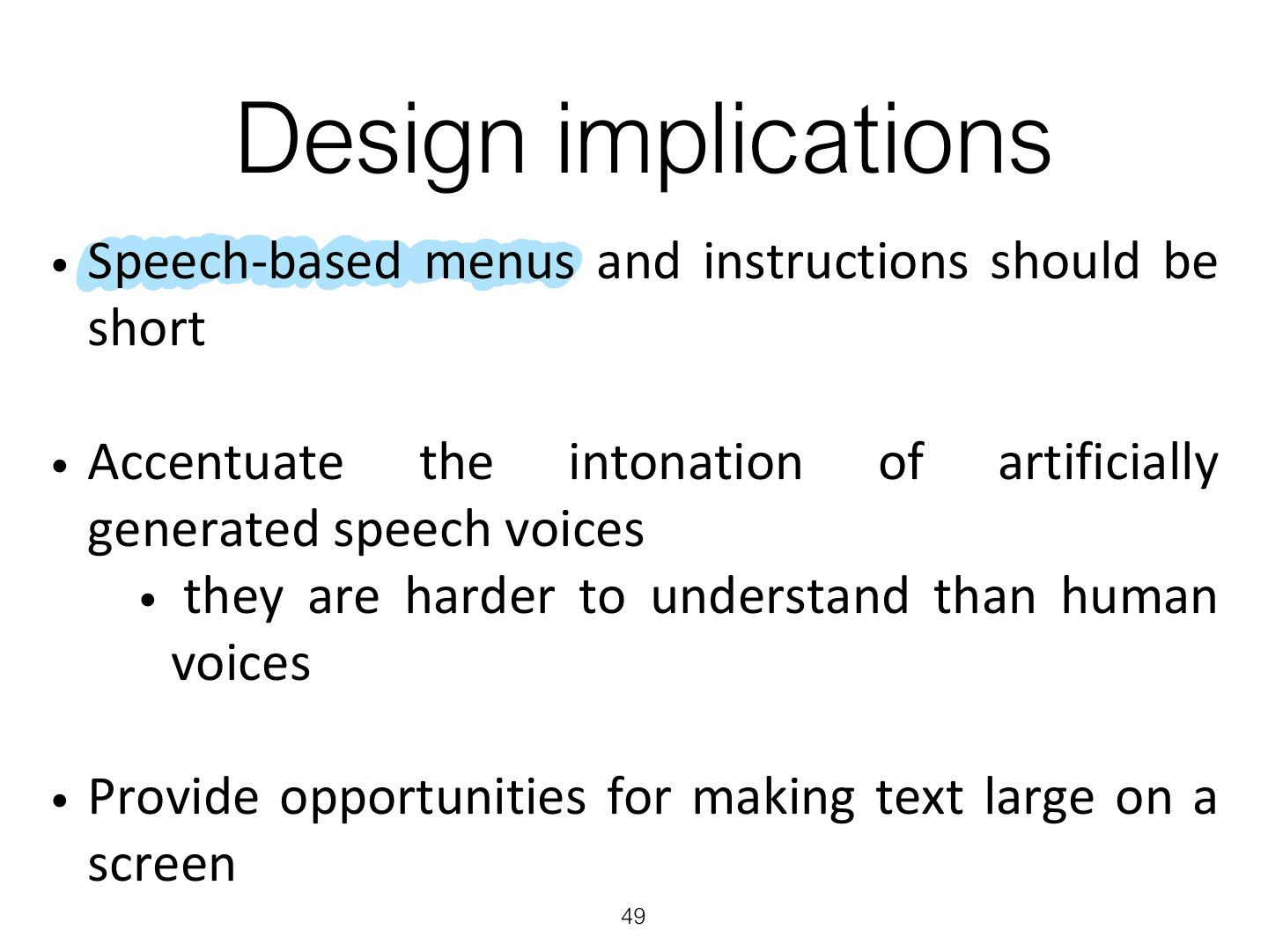
Design implications
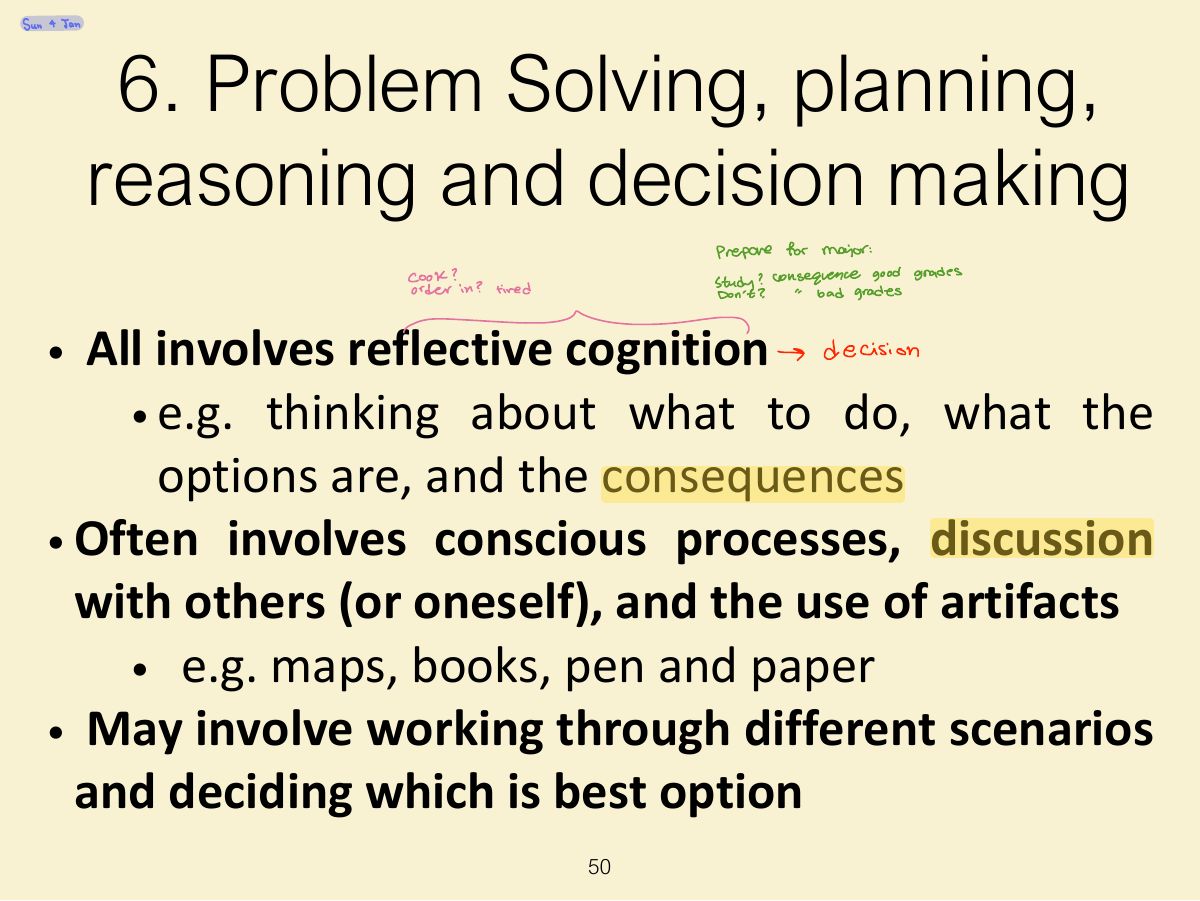
6. Problem Solving, planning, reasoning and decision making
Notes
Problem solving / planning / reasoning / decision-making: reflective cognition; show information needed for comparisons.
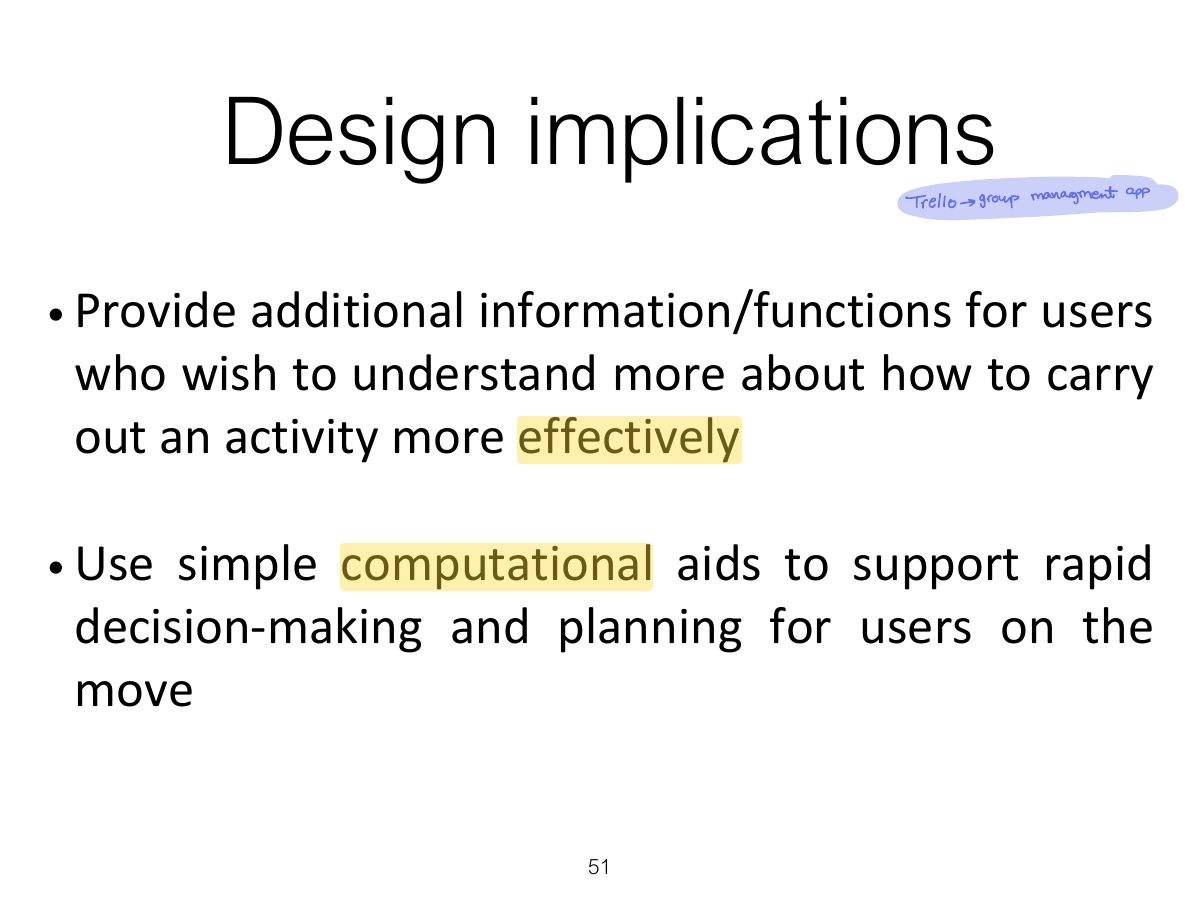
Design implications
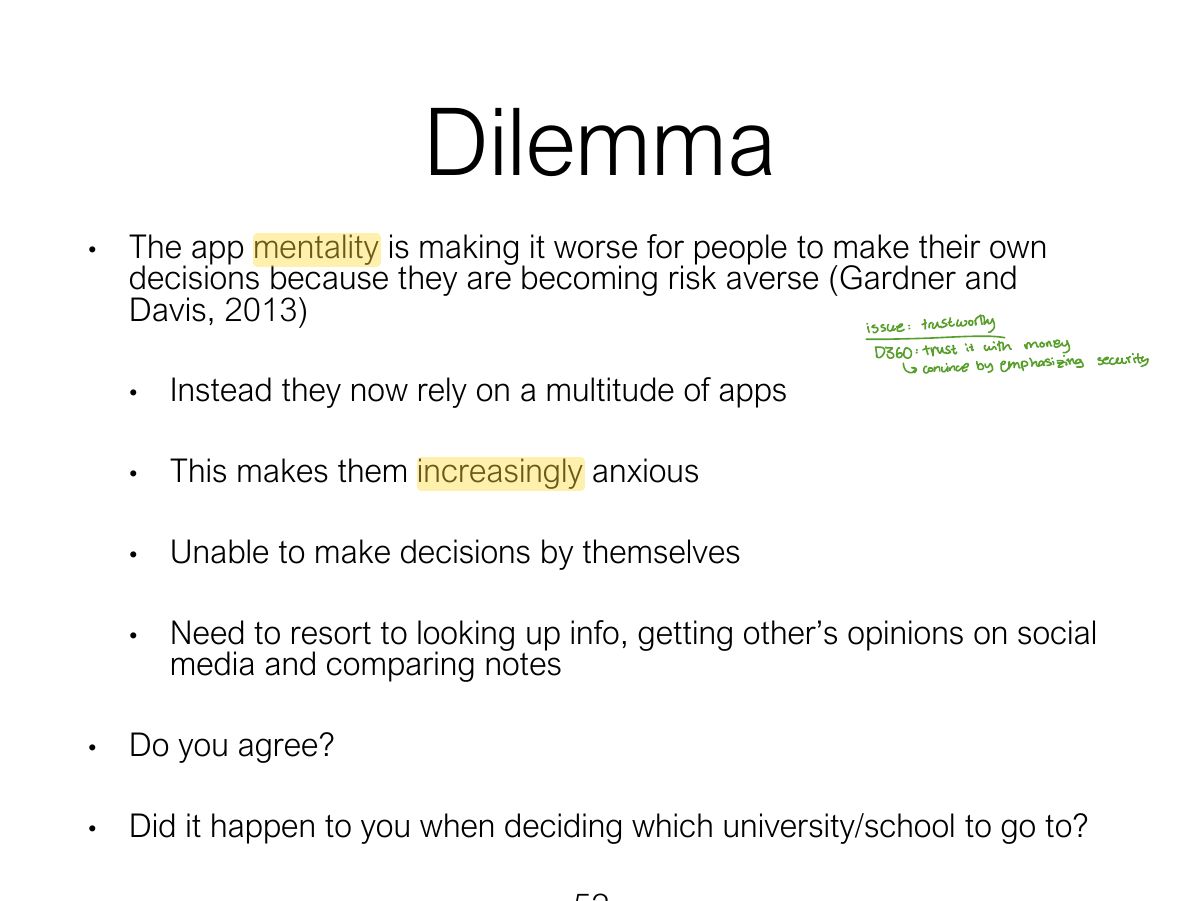
Dilemma
Cognitive Frameworks
1. Mental model
Notes
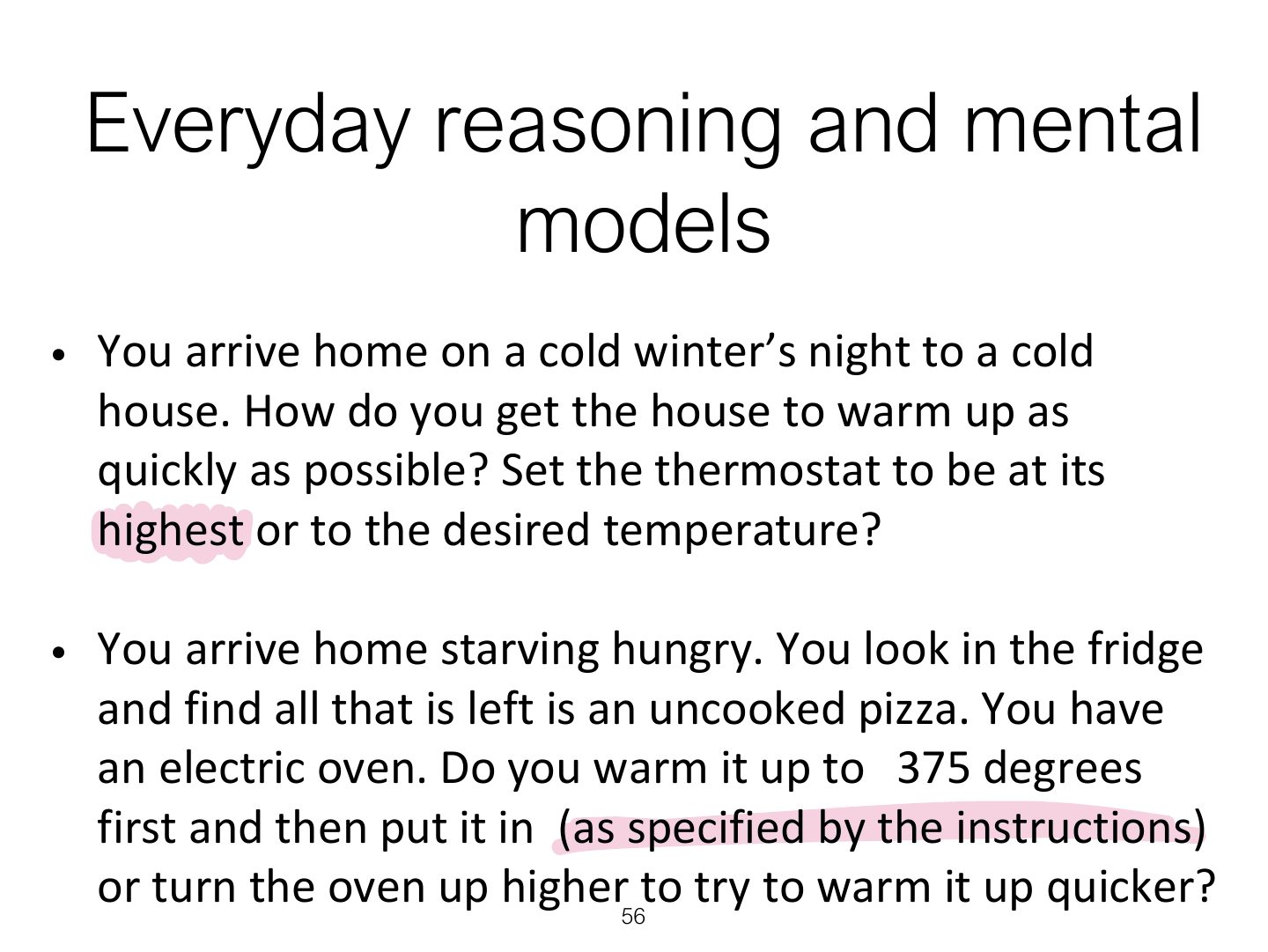
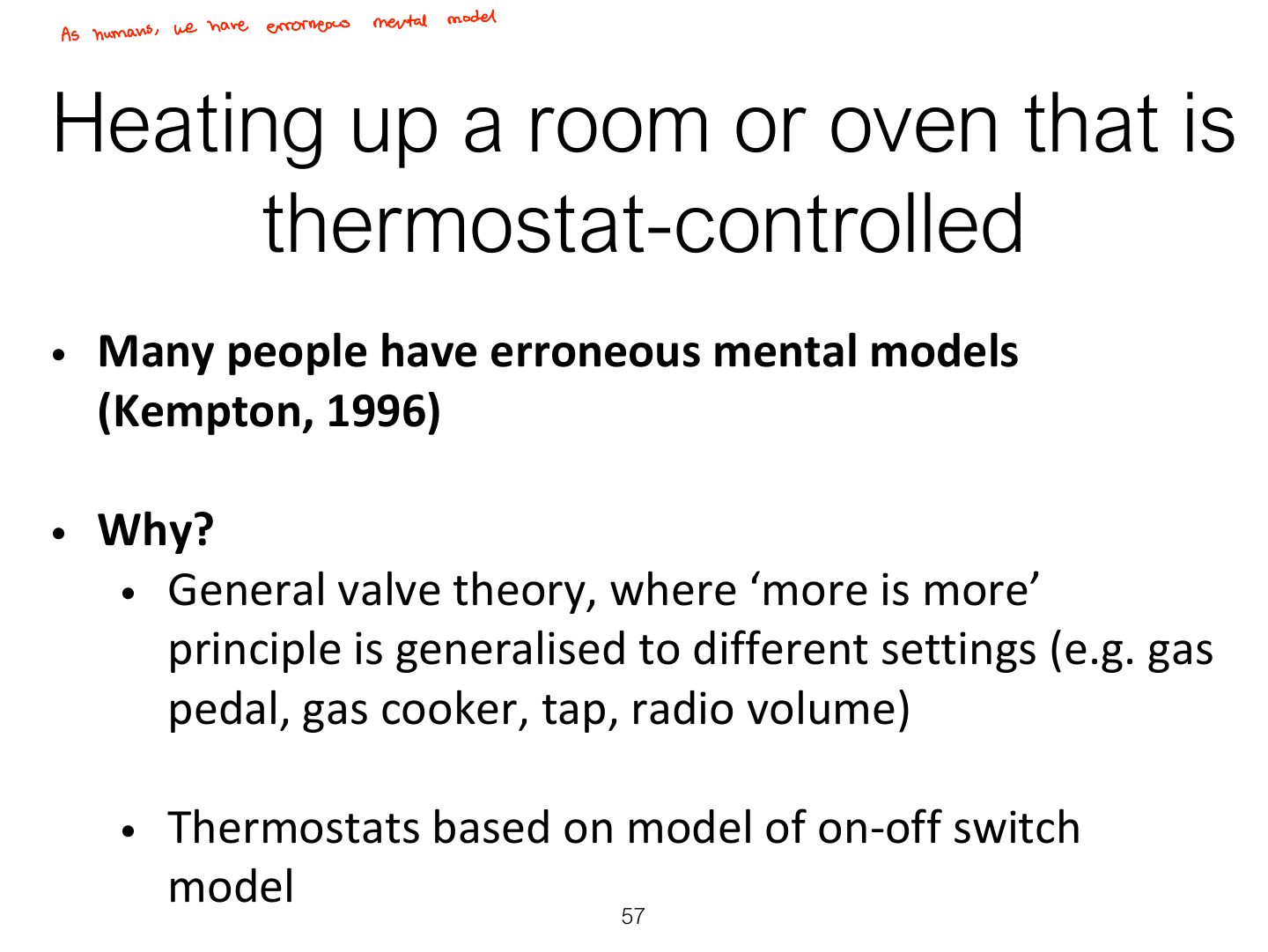
Mental model: a user’s internal model of how a system works; often wrong (turning the thermostat up higher heats faster).
Exam angle
Setting the thermostat to maximum to heat a room faster reflects a faulty:
1. Mental model (cont)
Everyday reasoning and mental
Heating up a room or oven that is
Heating up a room or oven that is
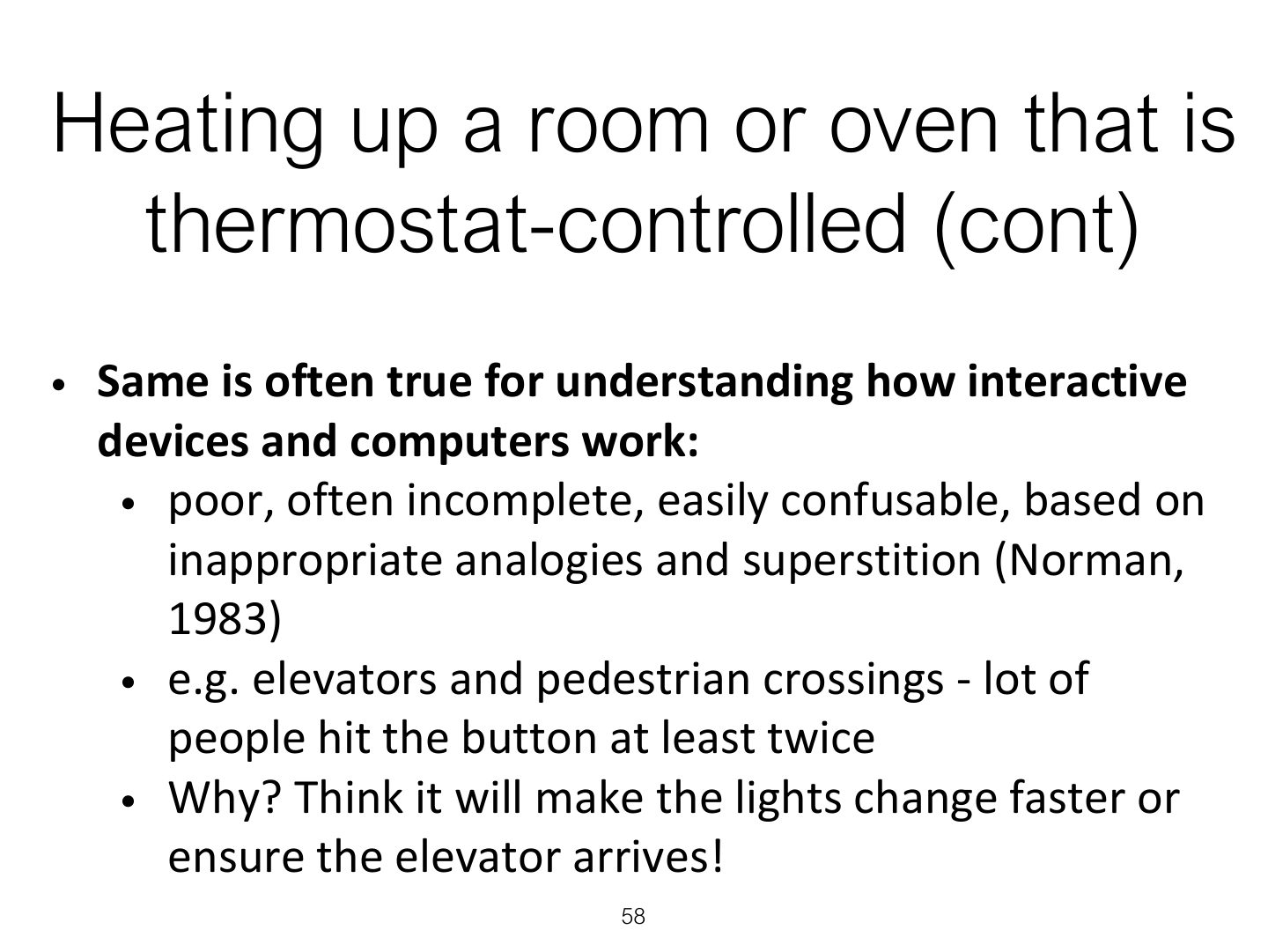
Exercise: ATMs
How did you fare?
How can UX be designed to help people build better mental models?
2. Gulf of execution & evaluation
Notes
Gulf of execution: gap between what users want to do and what the system lets them do. Gulf of evaluation: gap between the system state and the user’s ability to interpret it.
Exam angle
Users can’t tell whether their file was saved. This is a gulf of:
Bridging the gulfs
3. Information processing
Notes
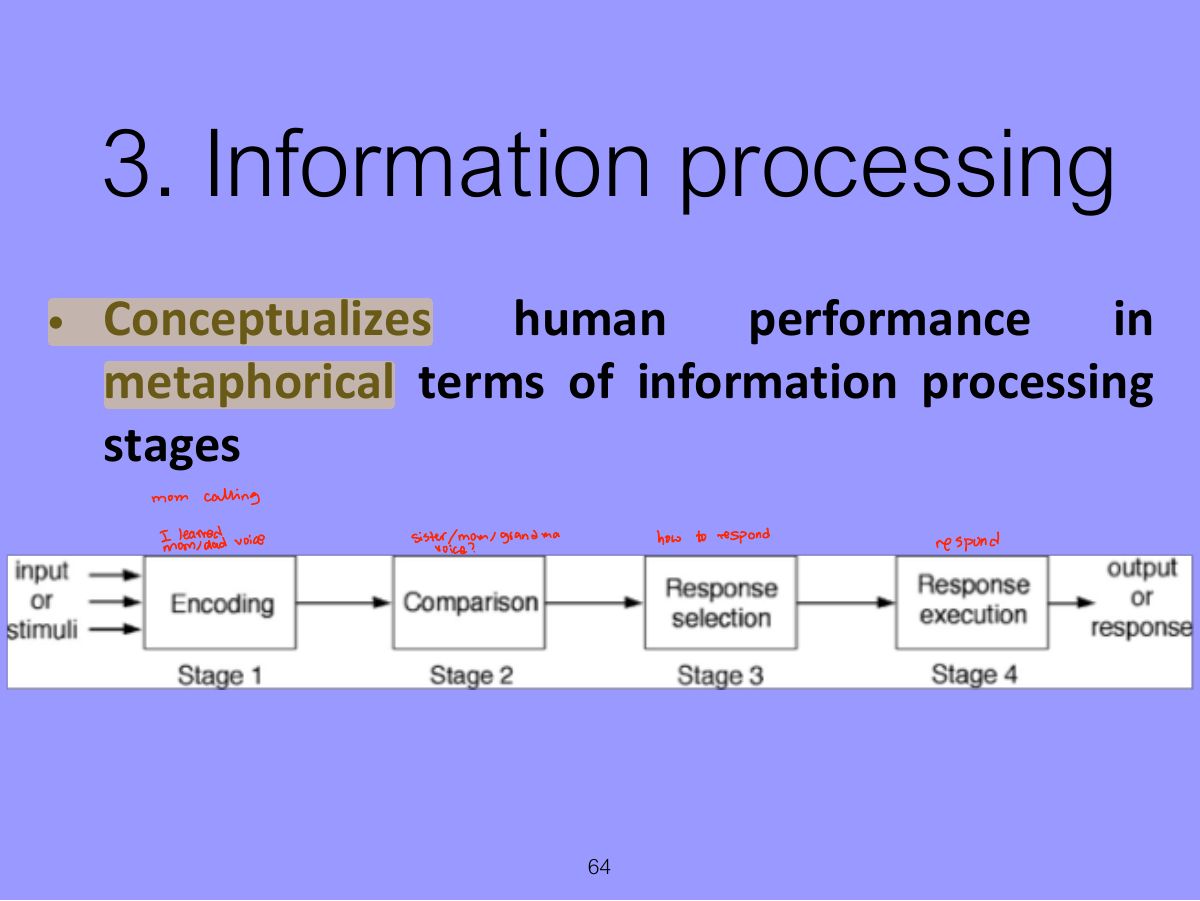
Information processing: mind as a series of stages: encode → compare → select response → execute.
Limitations
4. Distributed Cognition
Notes
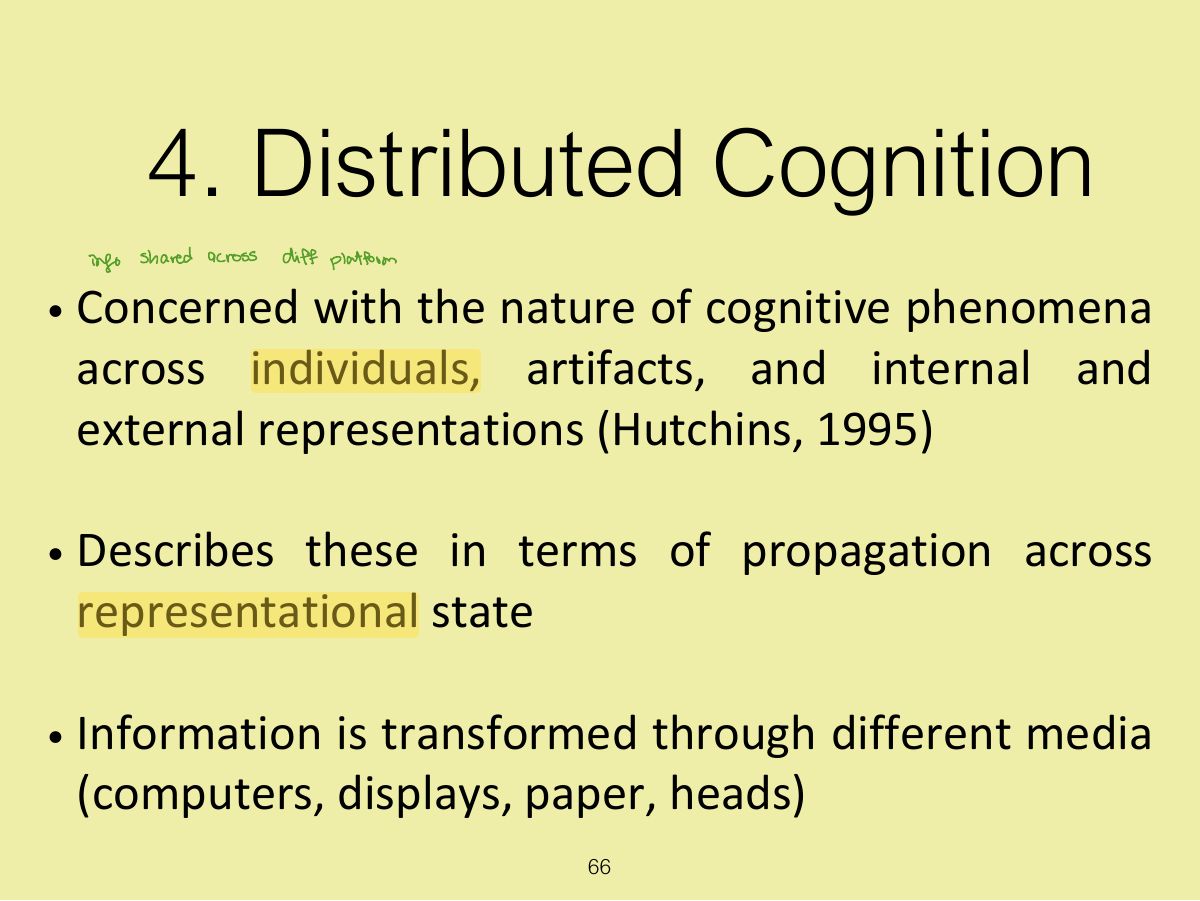
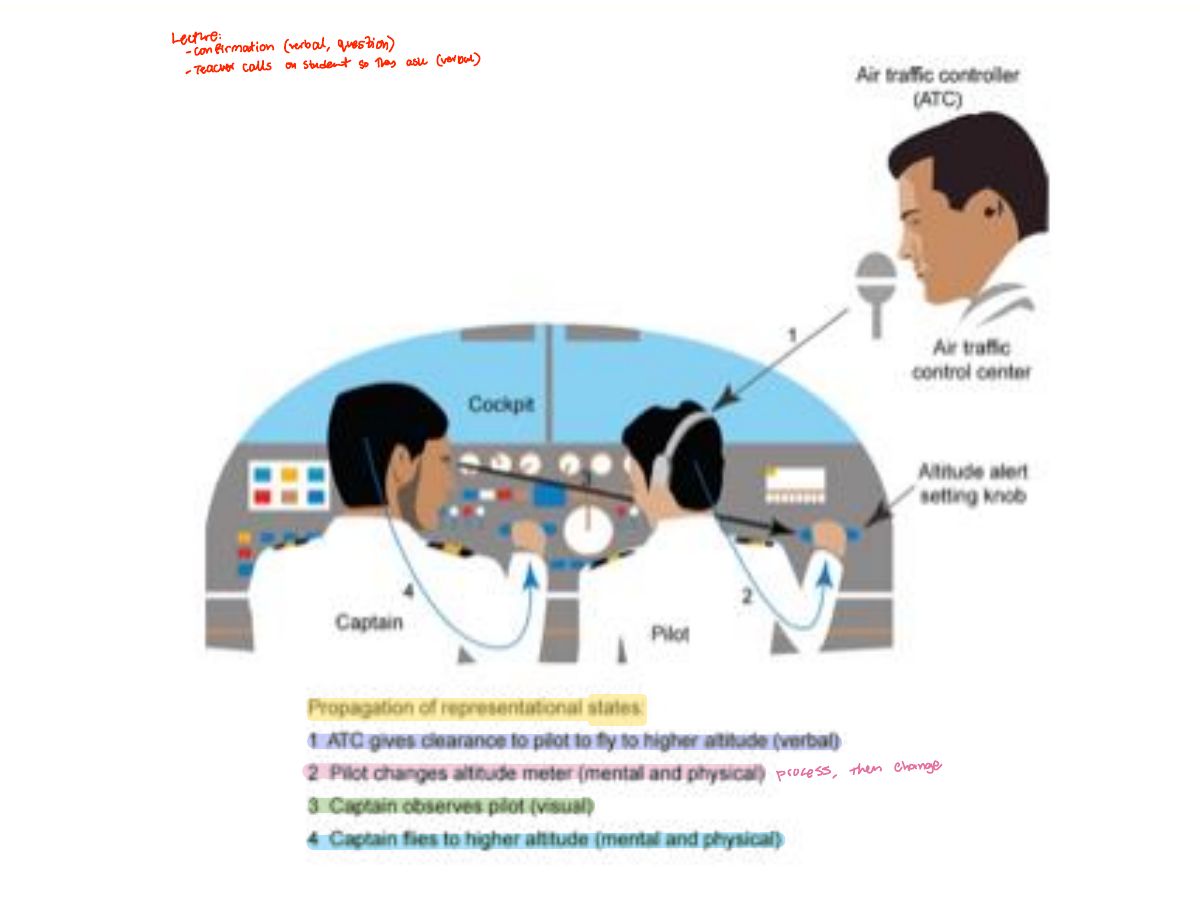
Distributed cognition: cognition spread across people, tools and the environment (e.g. an air-traffic control team).
Slide 67
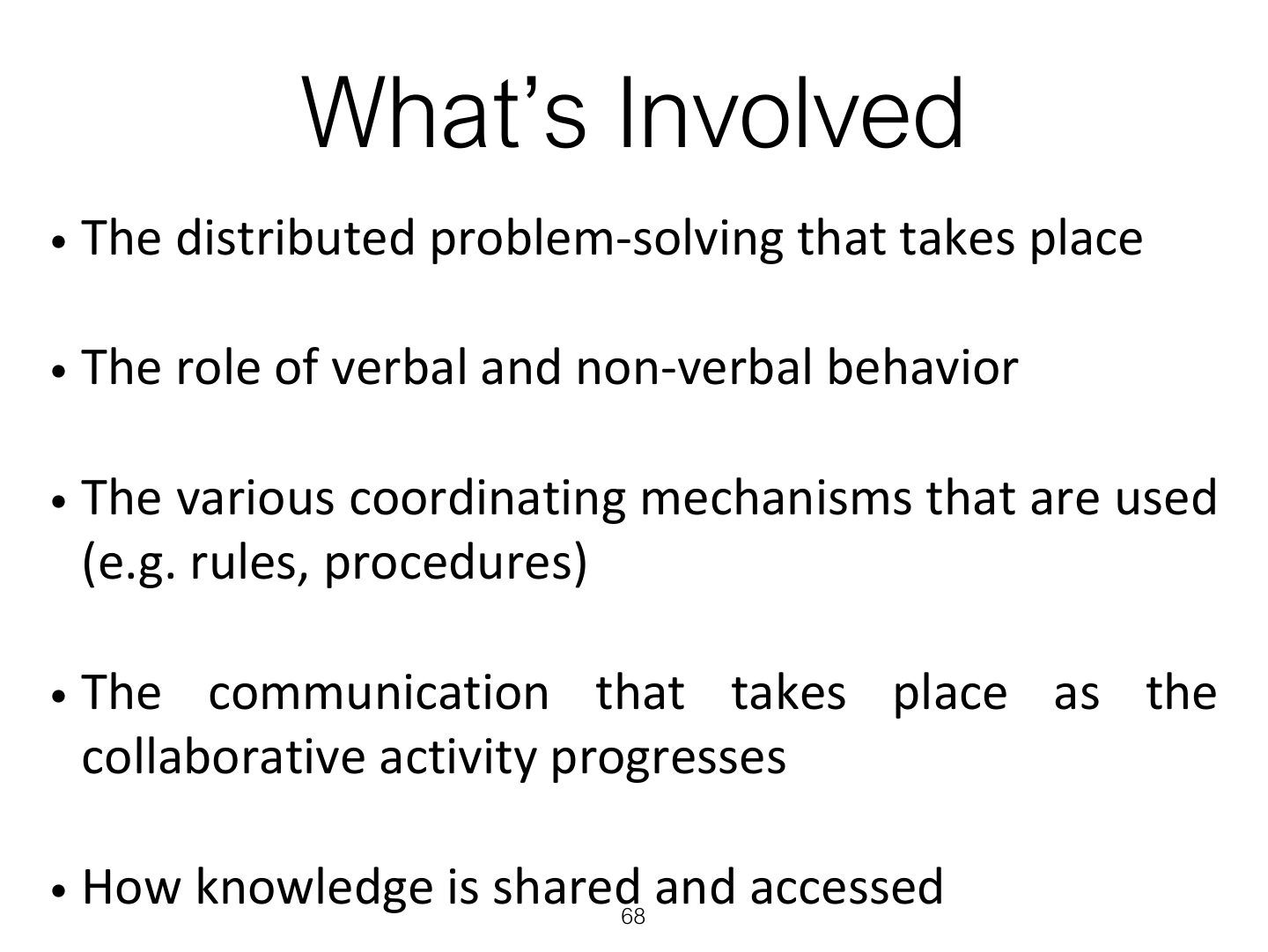
What’s Involved
5. External Cognition
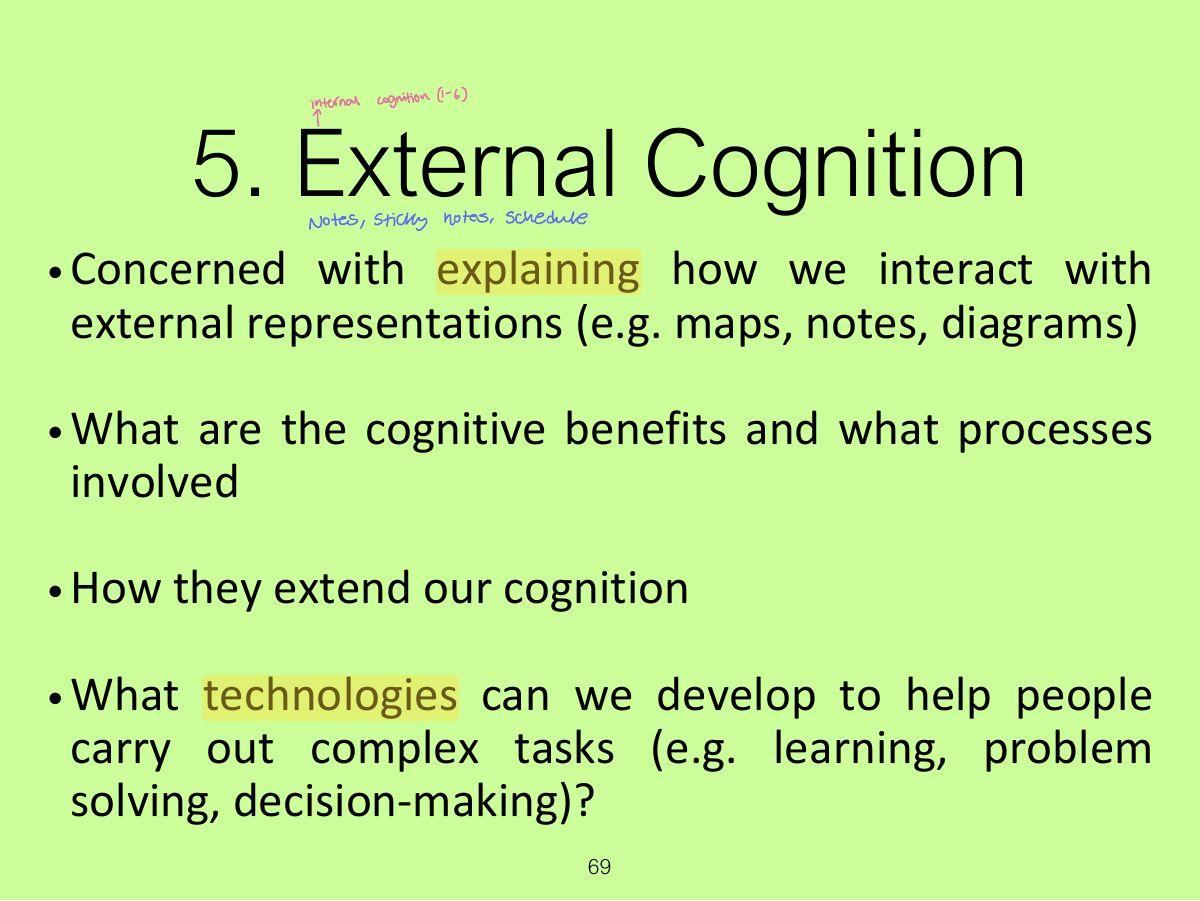
Notes
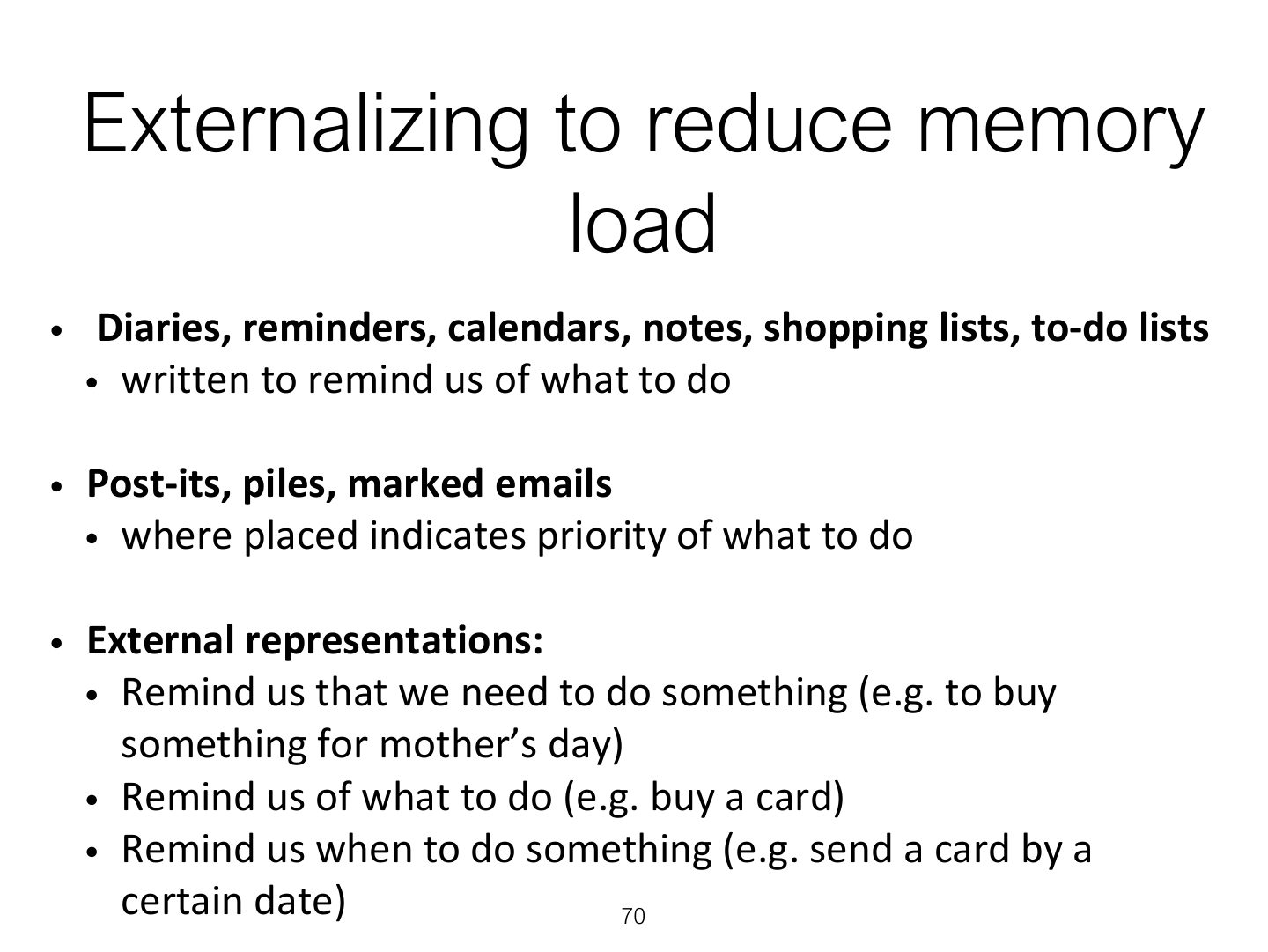
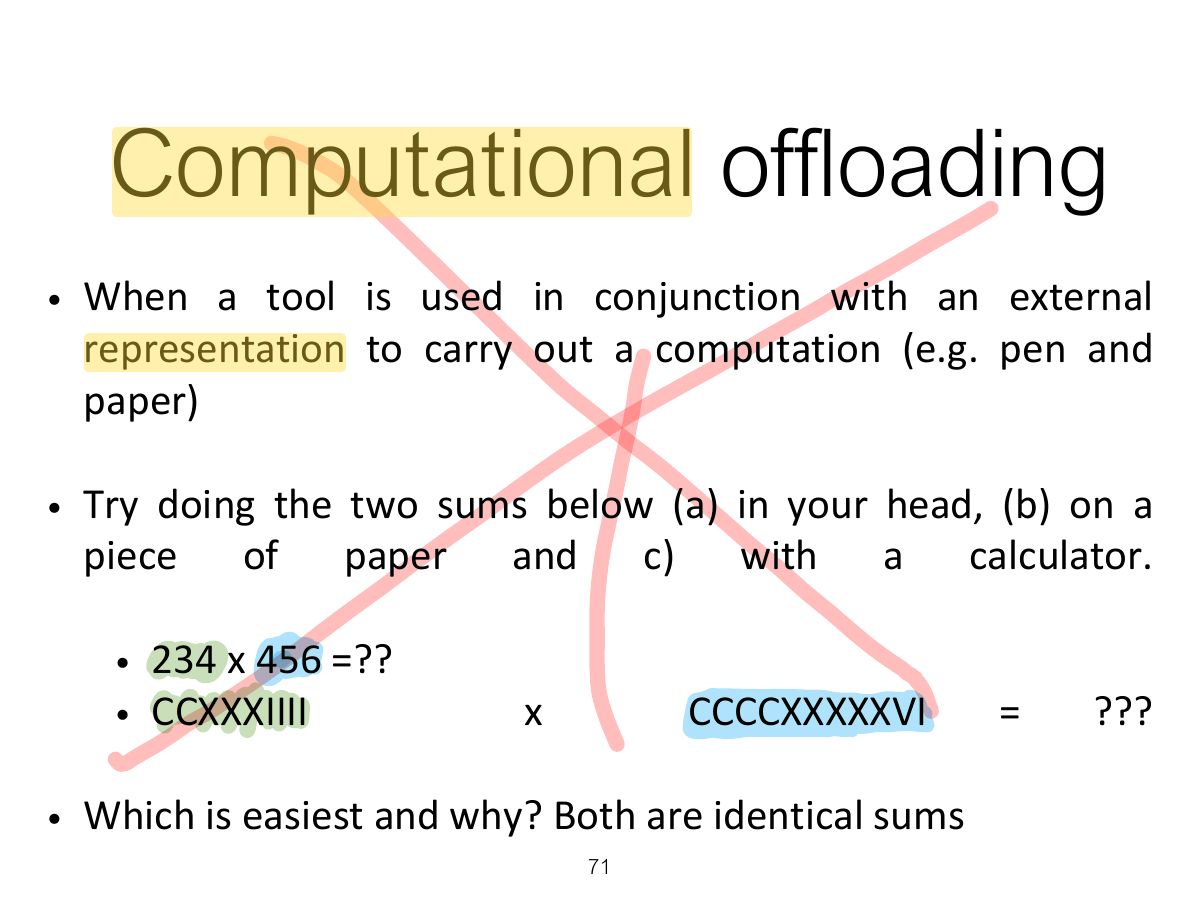
External cognition: using external representations (notes, calendars) to reduce memory load and do computational offloading.
Externalizing to reduce memory
Computational offloading
6. Embodied interaction
Notes
Embodied interaction: thinking through the body and physical interaction.
Summary
Extra Activity