SE365 · Lecture 1 · Annotated SlidesIntroduction to Human–Computer Interaction
Original
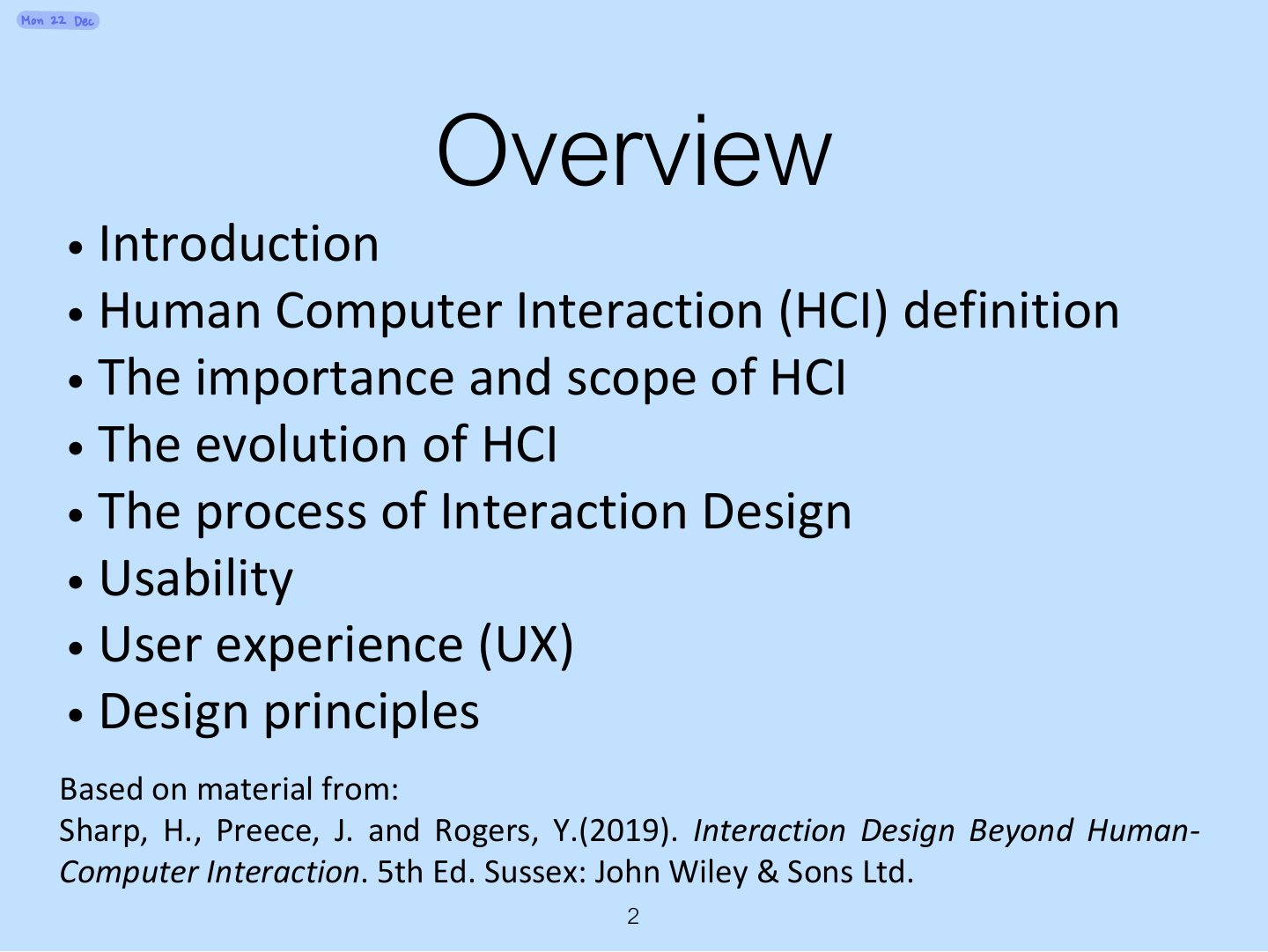
Overview

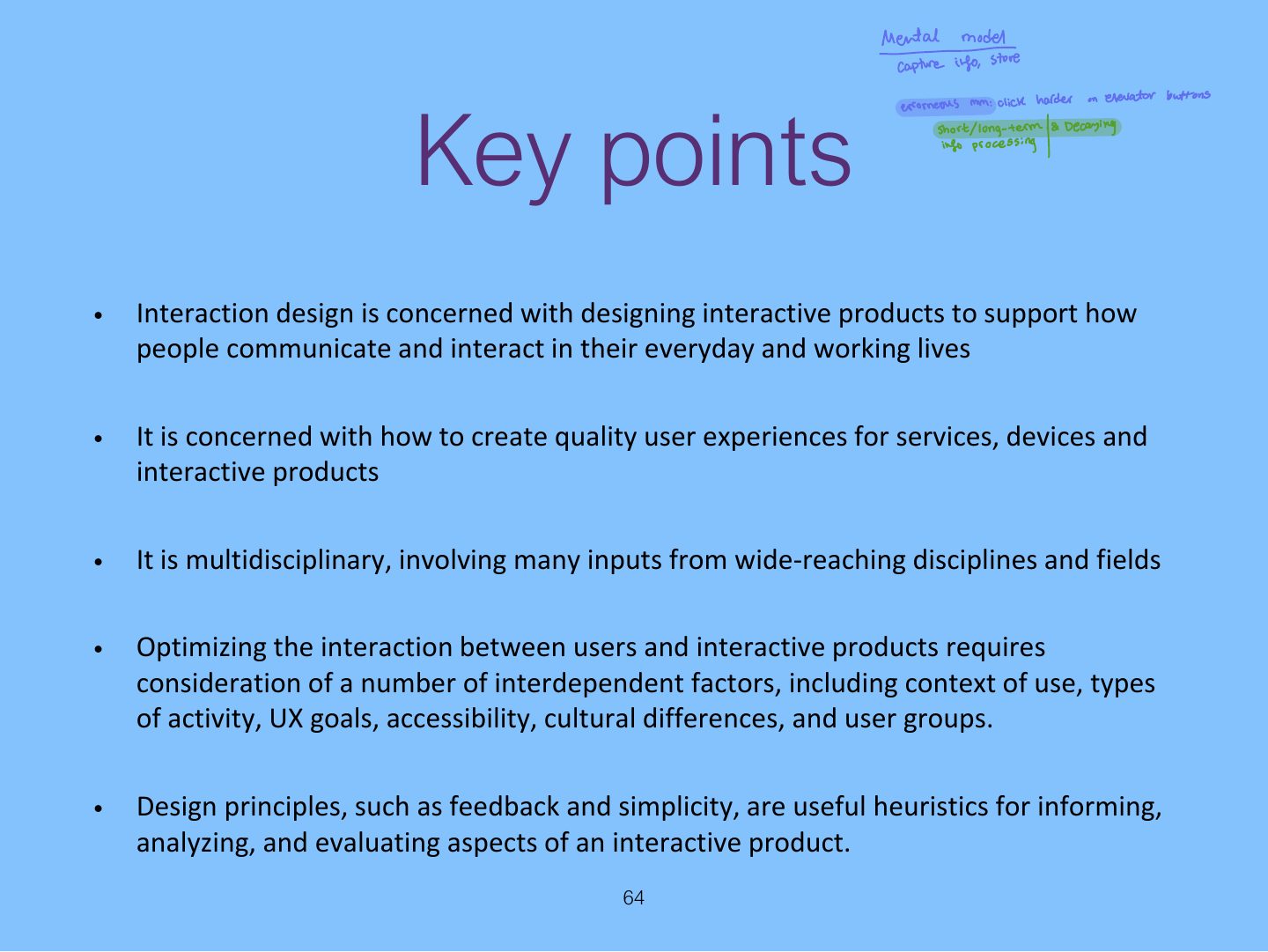
Introduction to Human–Computer Interaction

Good and bad design, what HCI and interaction design are and how they relate to UX, accessibility and inclusiveness, the process of interaction design, usability and user-experience goals, and Norman’s design principles (visibility, feedback, constraints, consistency, affordance).

How to read this page

Every original slide is shown unchanged. Yellow marks on a slide point to a numbered note: hover or tap a mark to jump to its note, and hover a note to see its marks. Questions tagged Past exam appeared on a real paper; Prediction questions are likely angles, not confirmed. Pick an answer to each question: a wrong pick tells you why it is wrong, so you can try again.
All 64 slides
  1. 1 SE 365
  2. 2 Overview
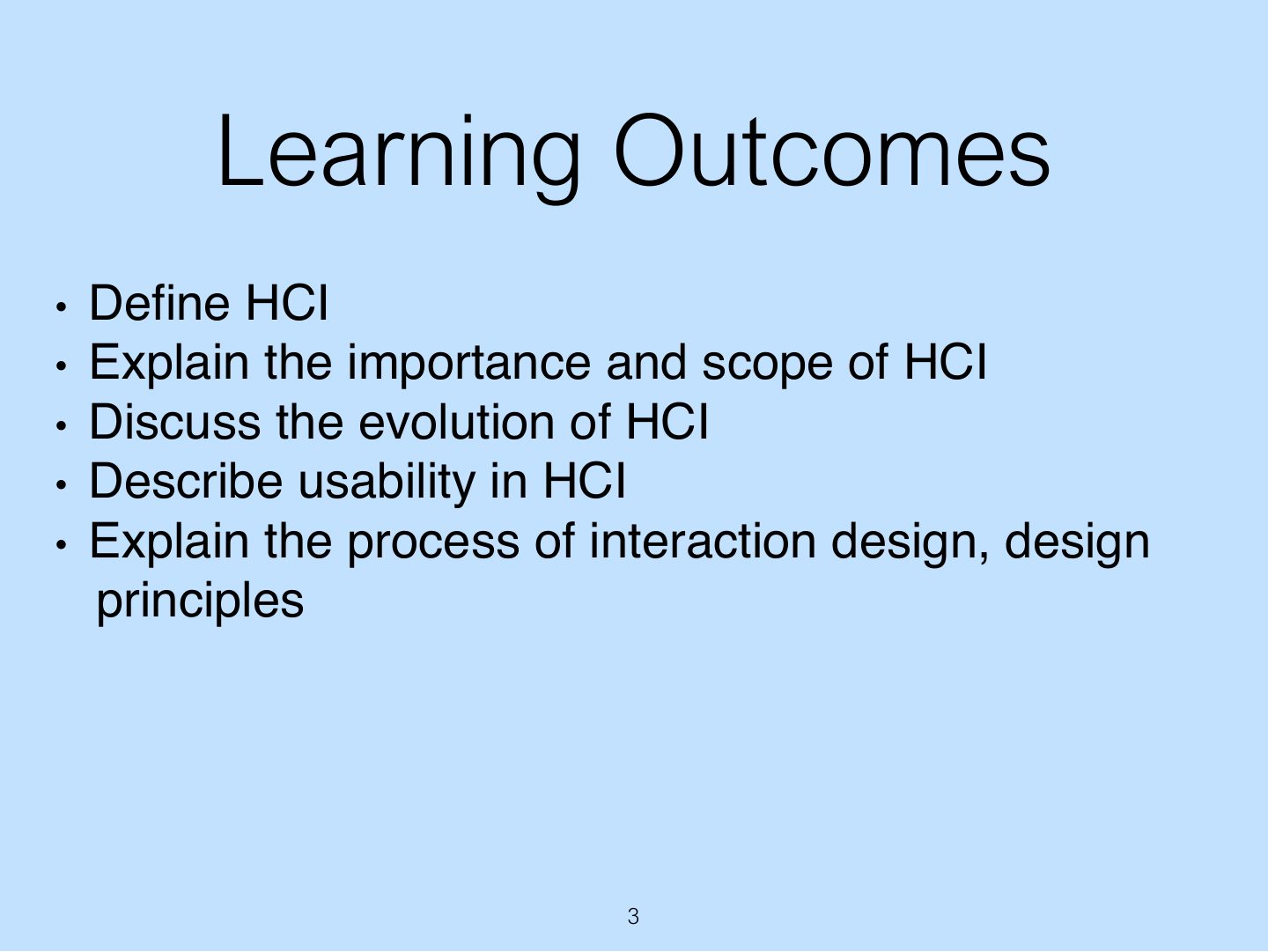
  3. 3 Learning Outcomes
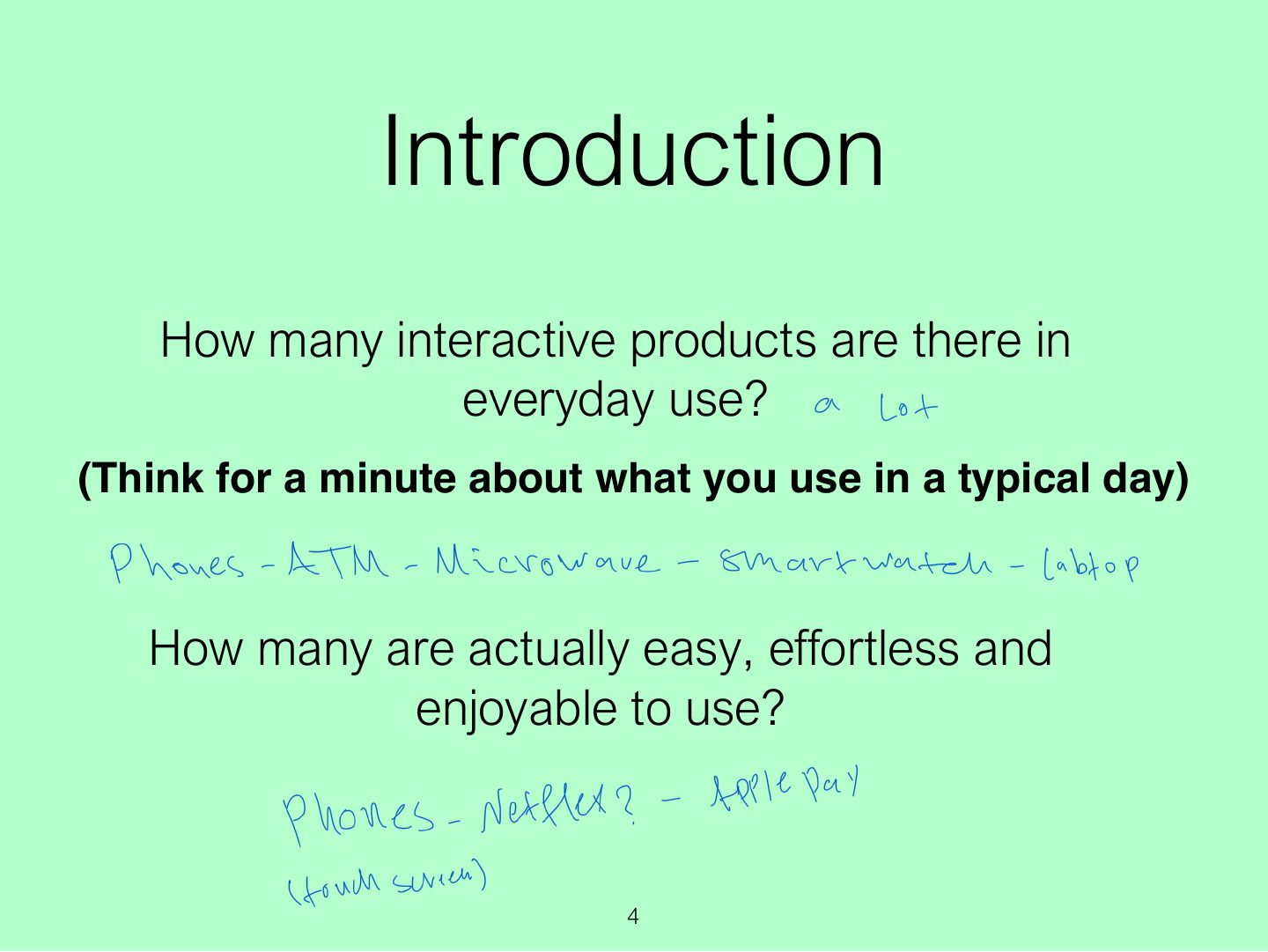
  4. 4 Introduction
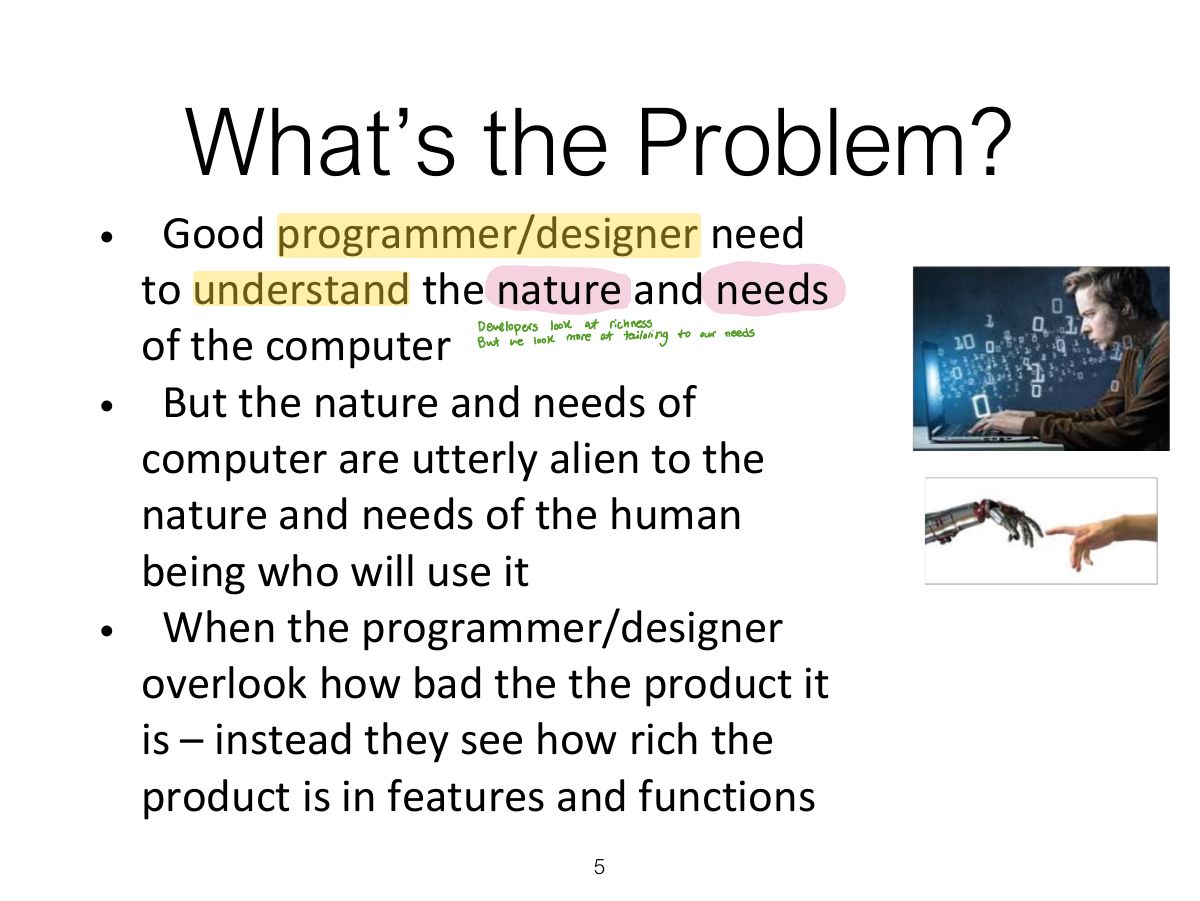
  5. 5 What’s the Problem?
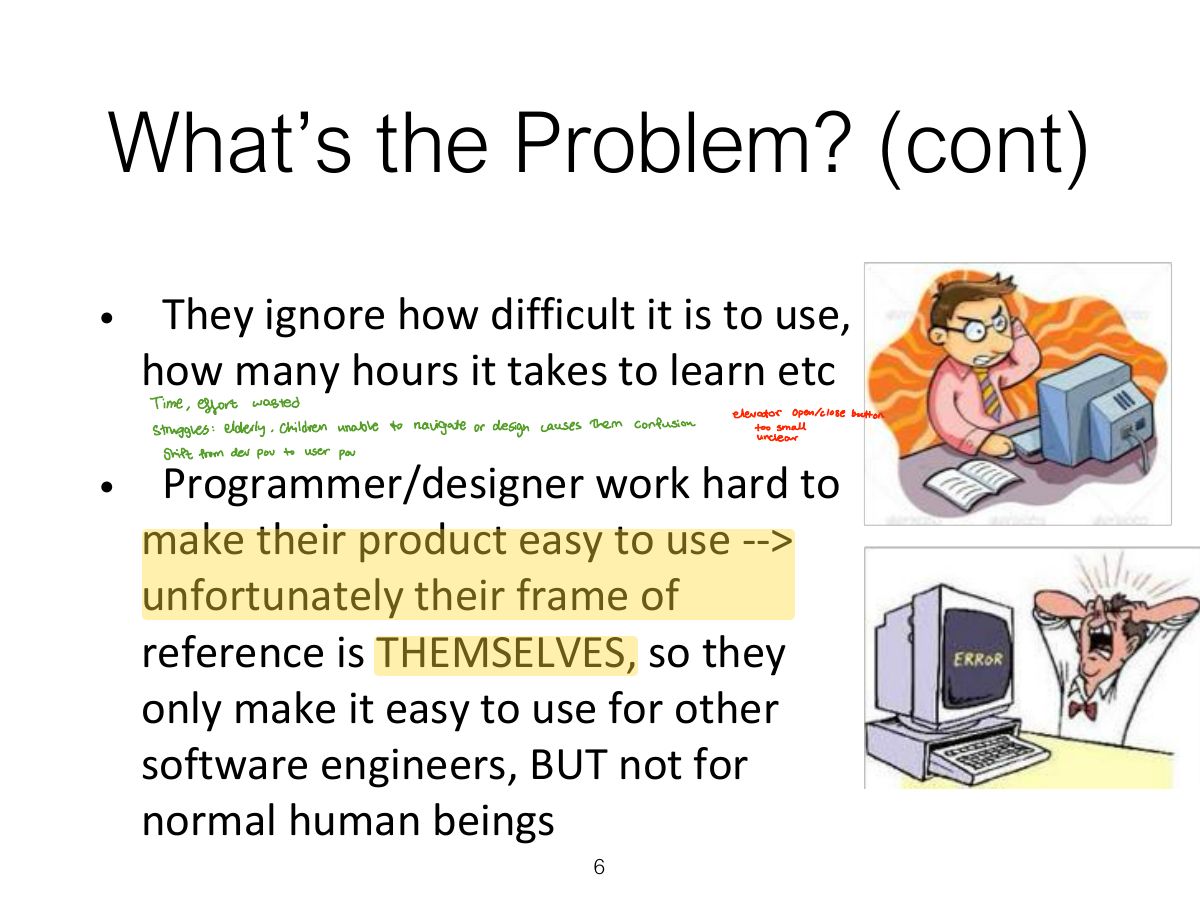
  6. 6 What’s the Problem? (cont)
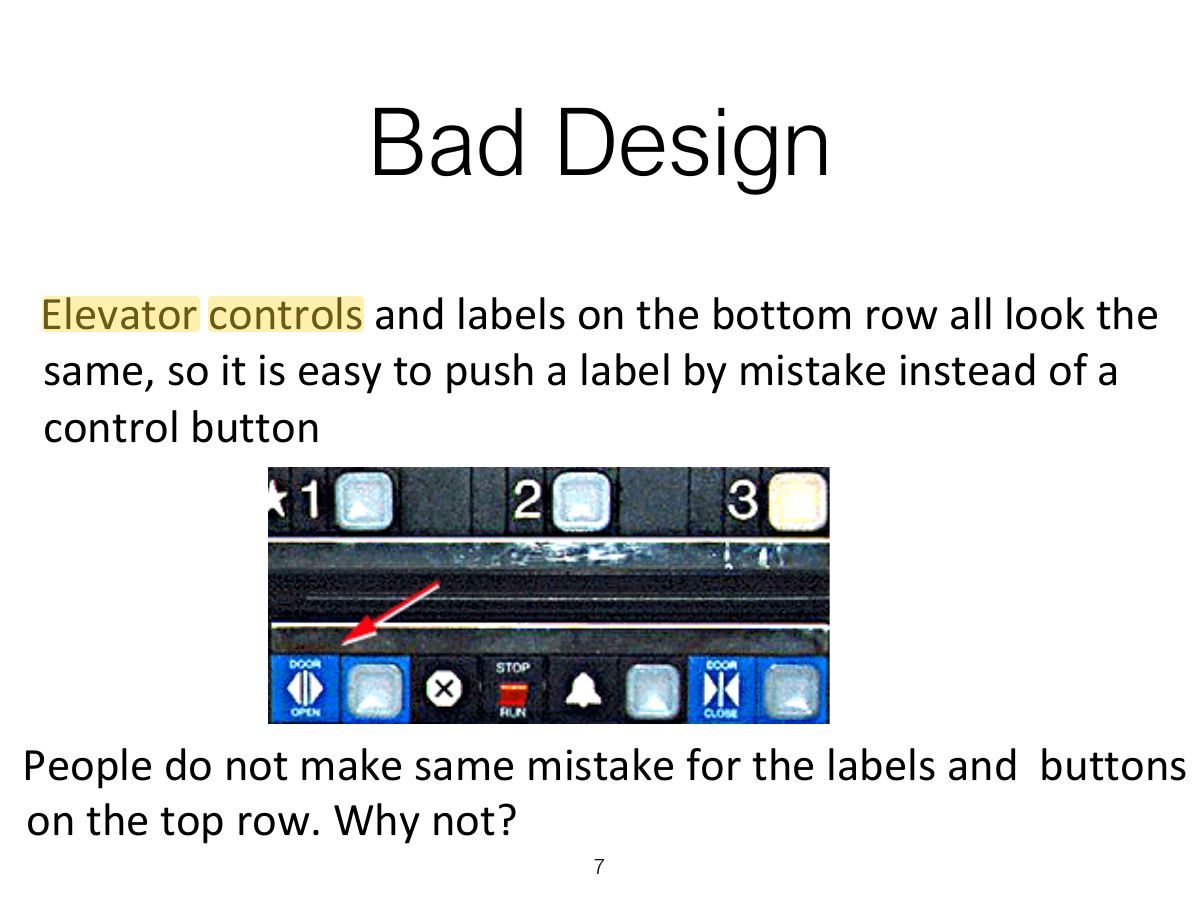
  7. 7 Bad Design
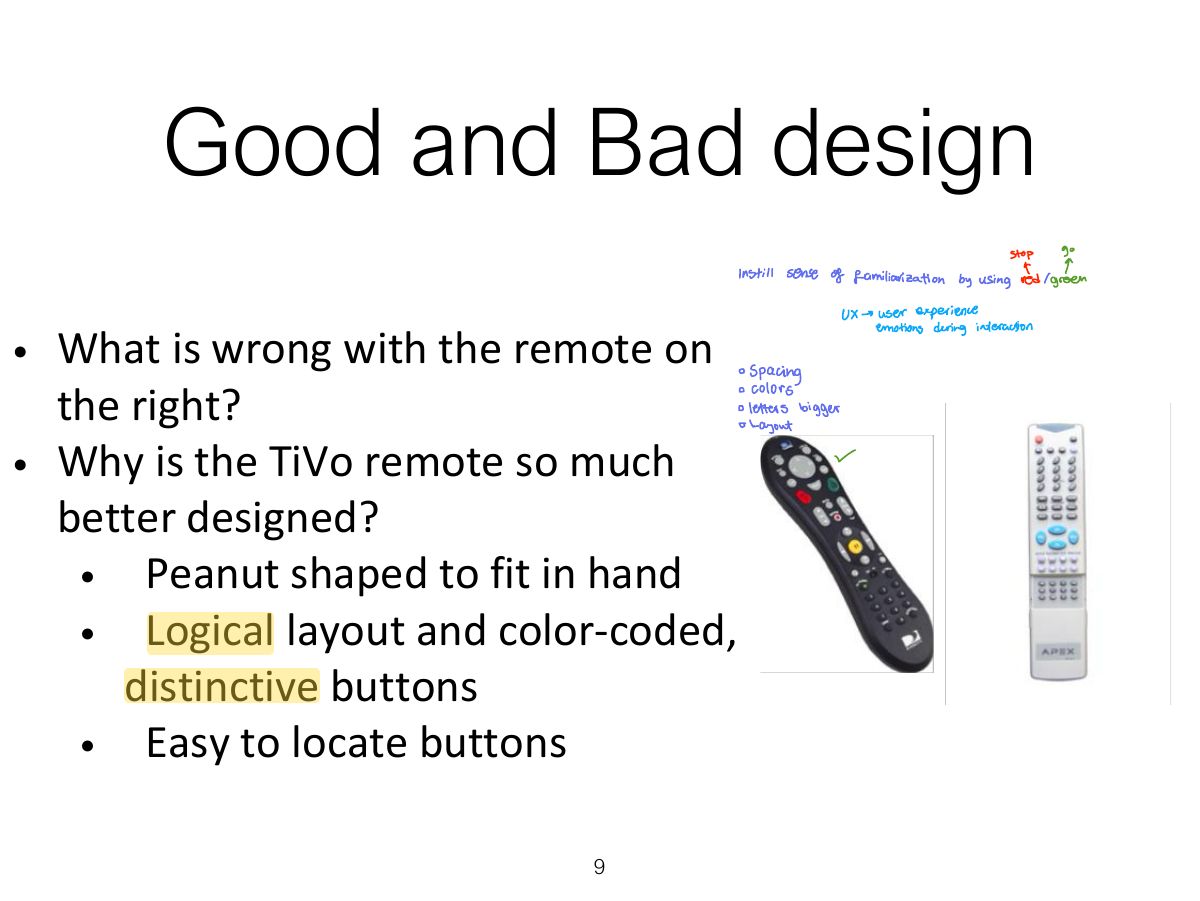
  8. 8 Why is this vending machine so bad?
  9. 9 Good and Bad design
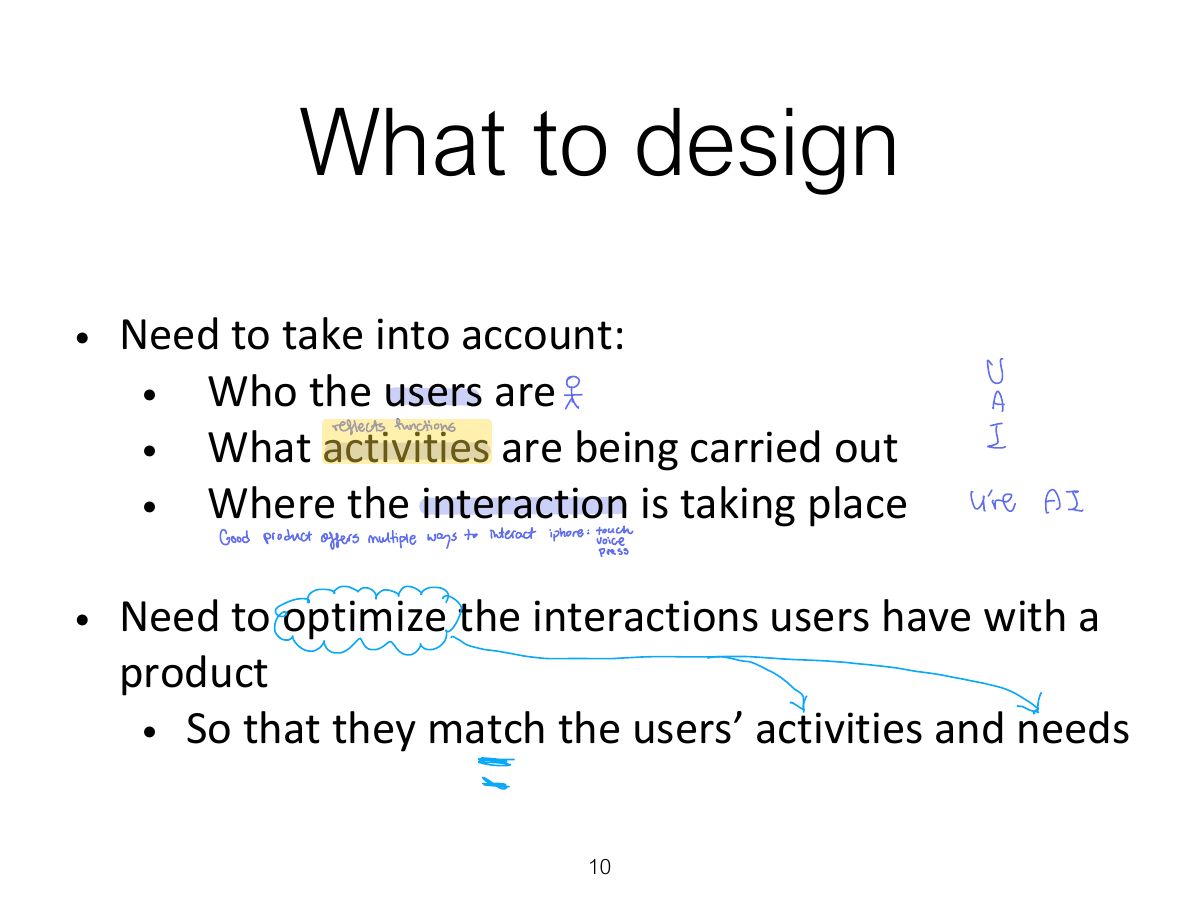
  10. 10 What to design
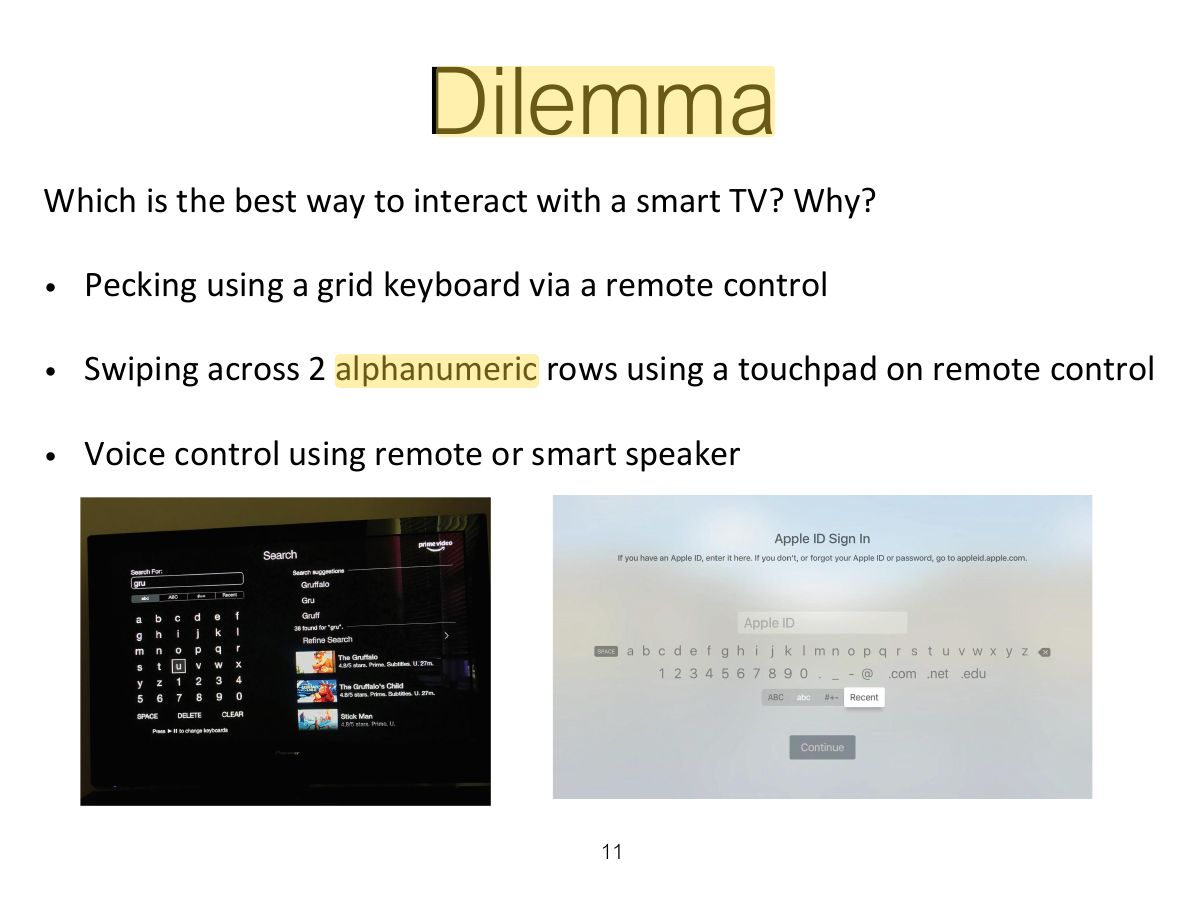
  11. 11 Dilemma
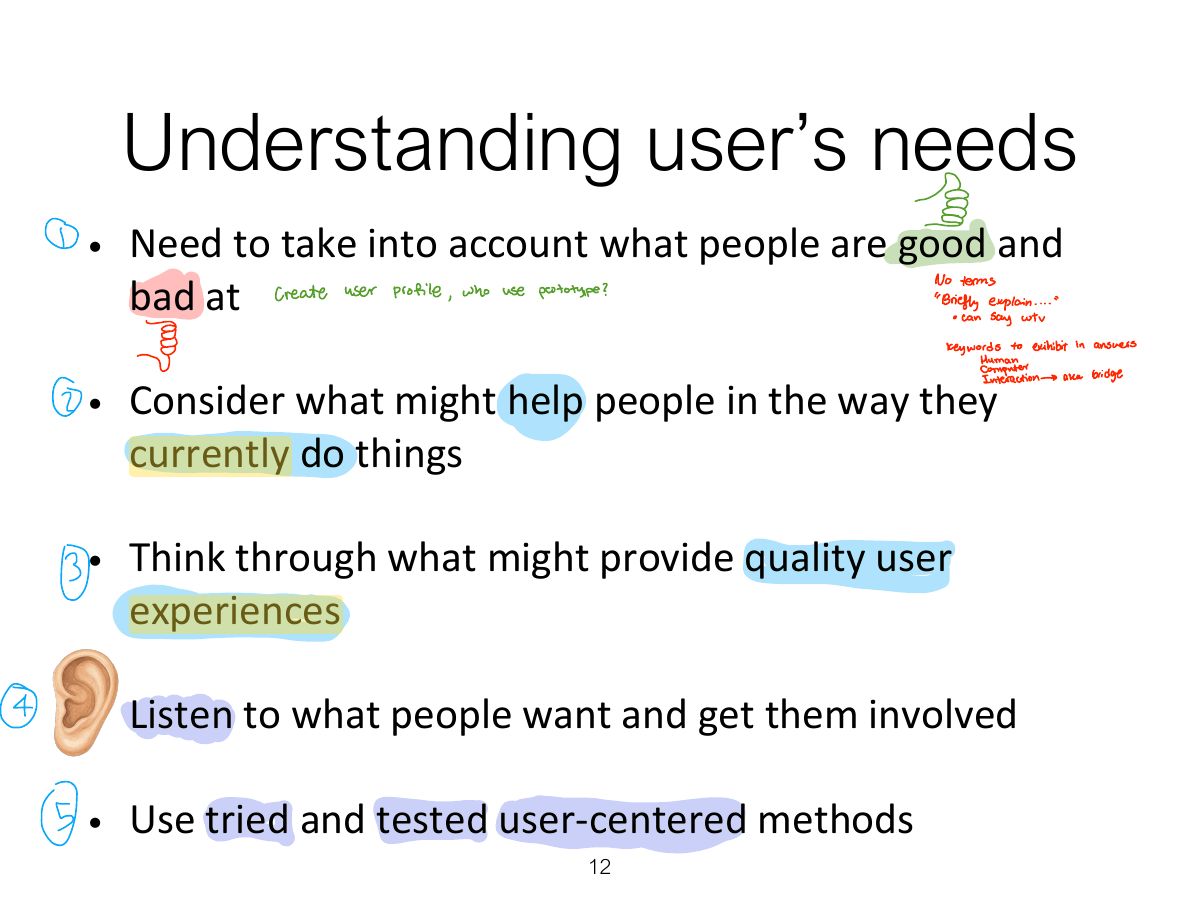
  12. 12 Understanding user’s needs
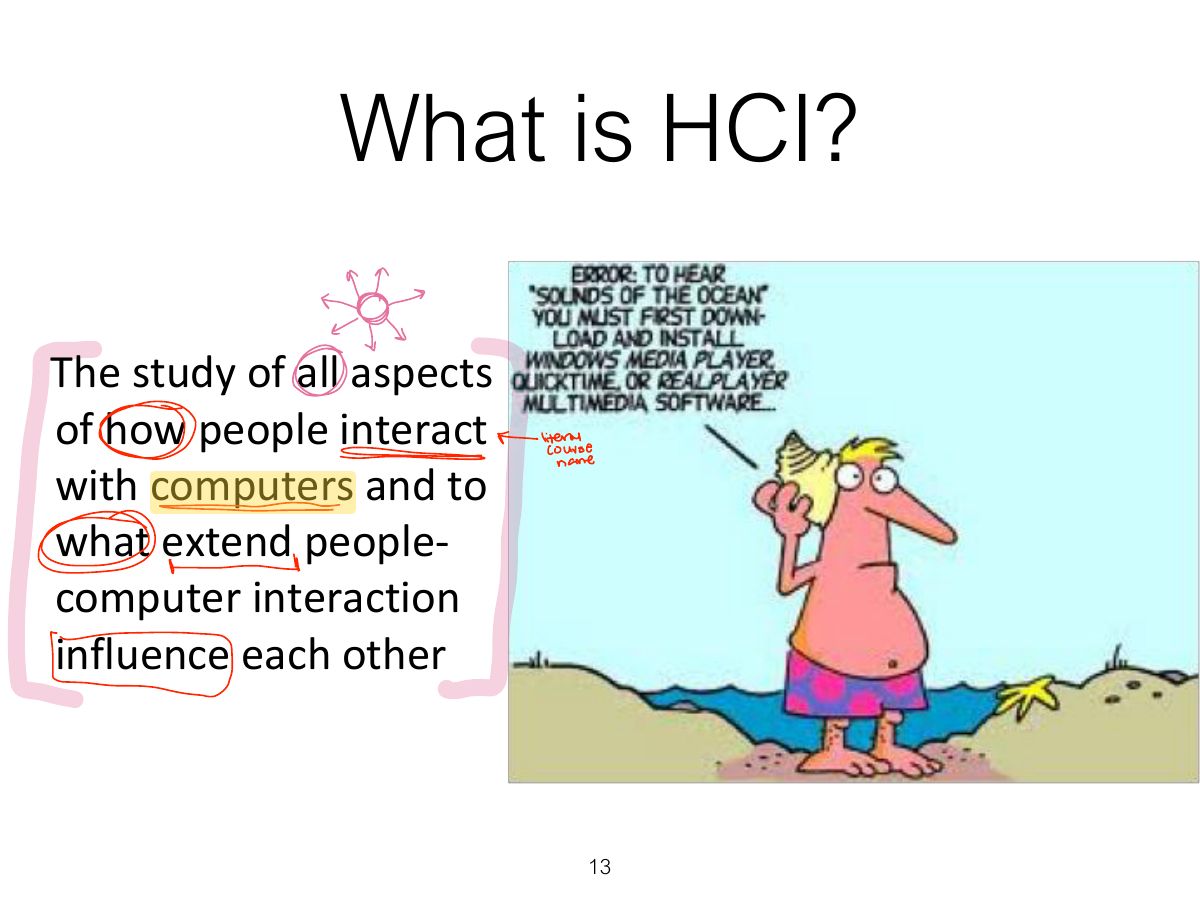
  13. 13 What is HCI?
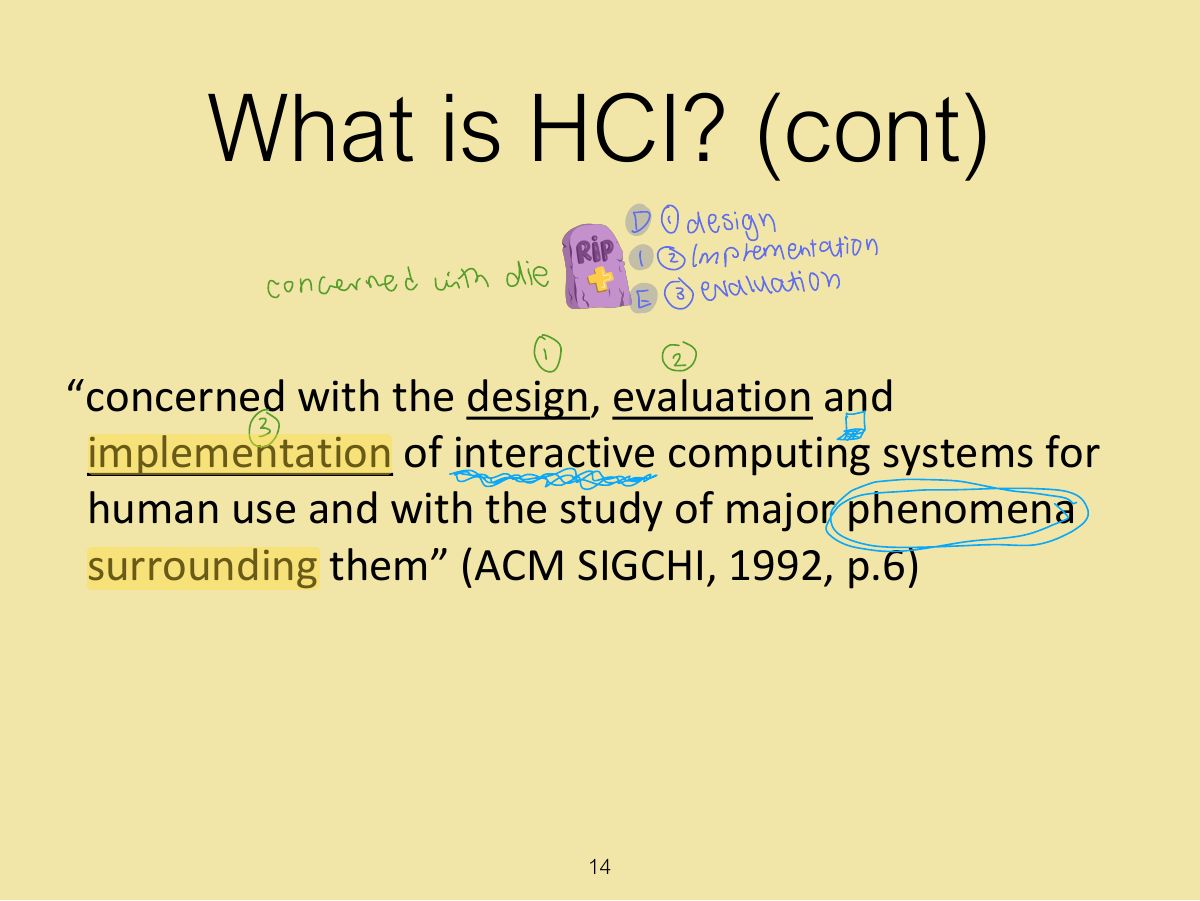
  14. 14 What is HCI? (cont)
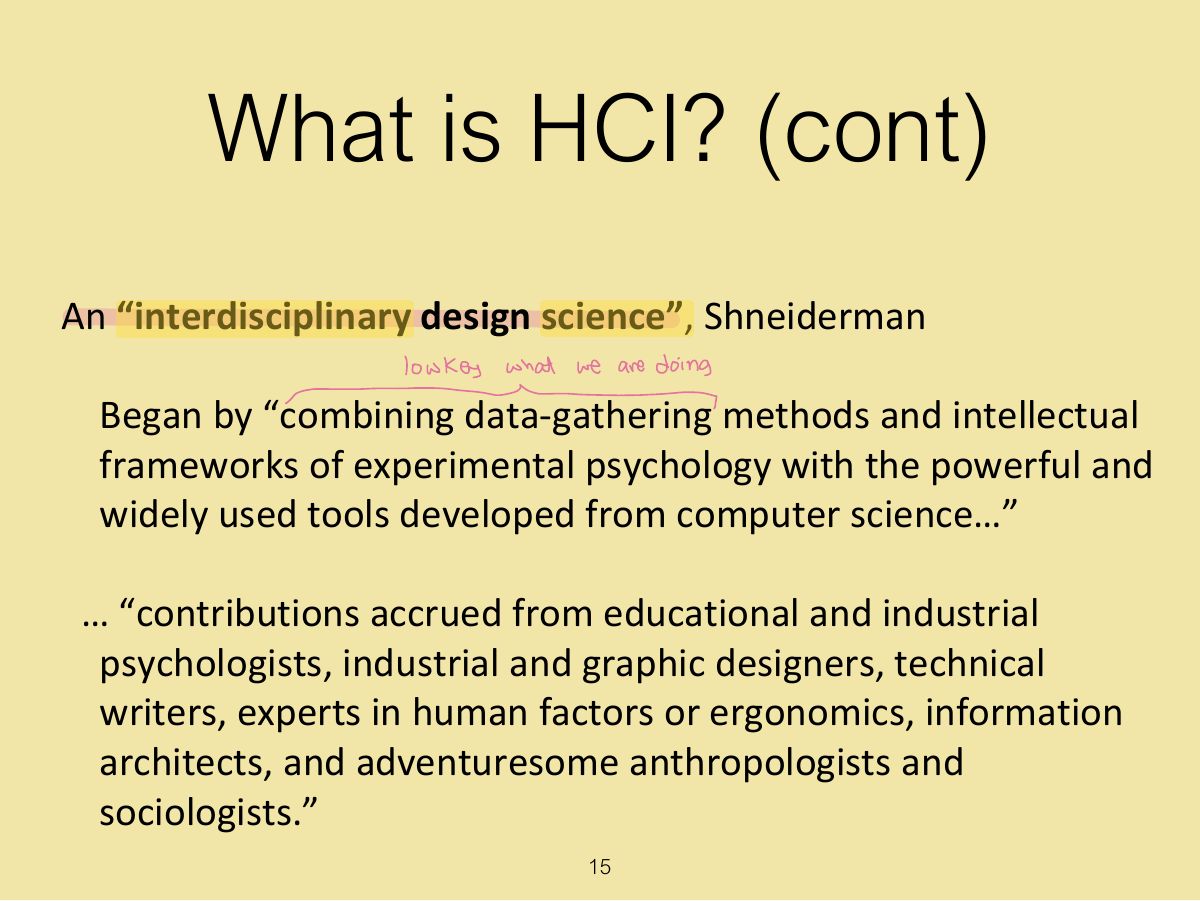
  15. 15 What is HCI? (cont)
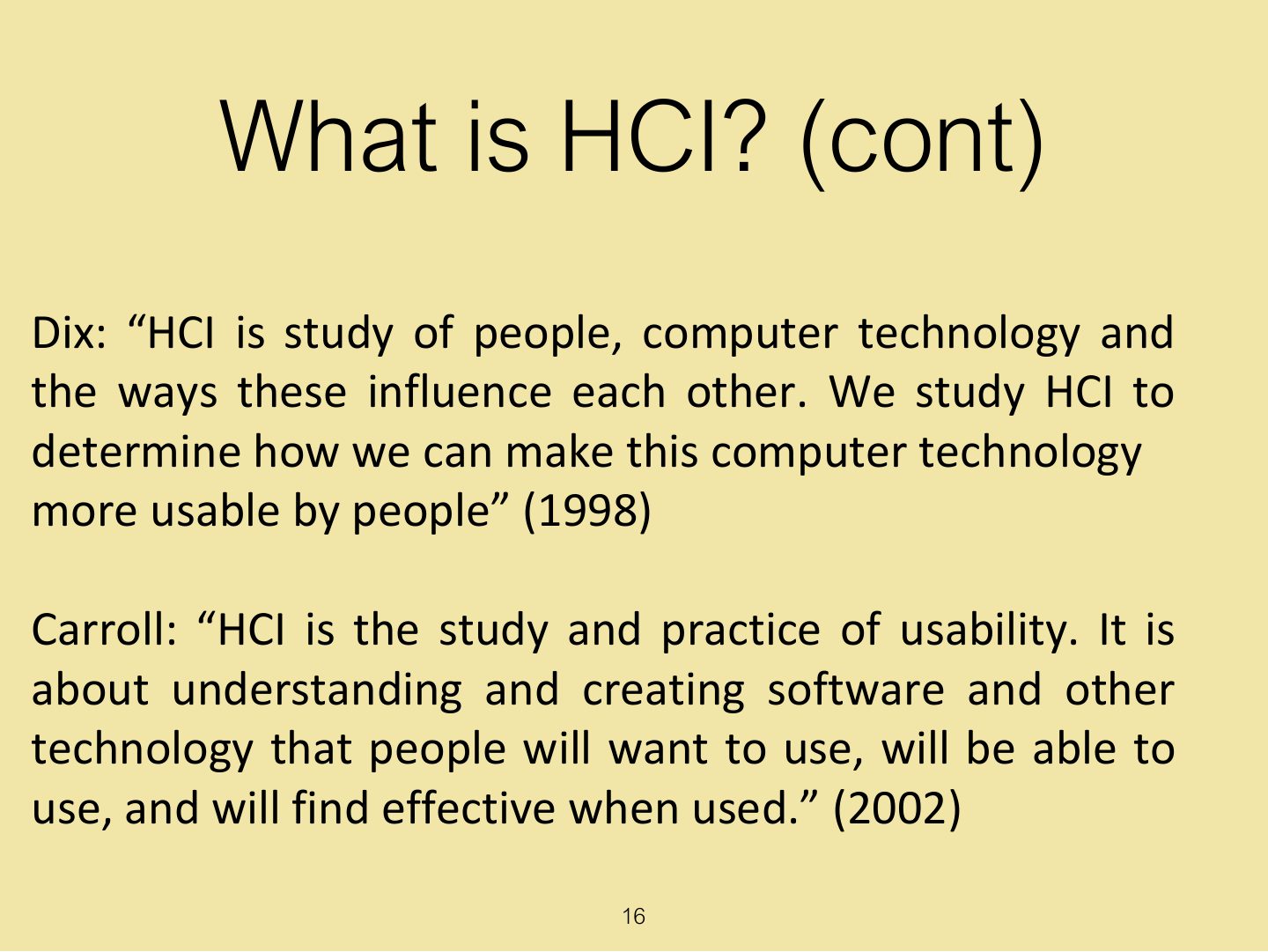
  16. 16 What is HCI? (cont)
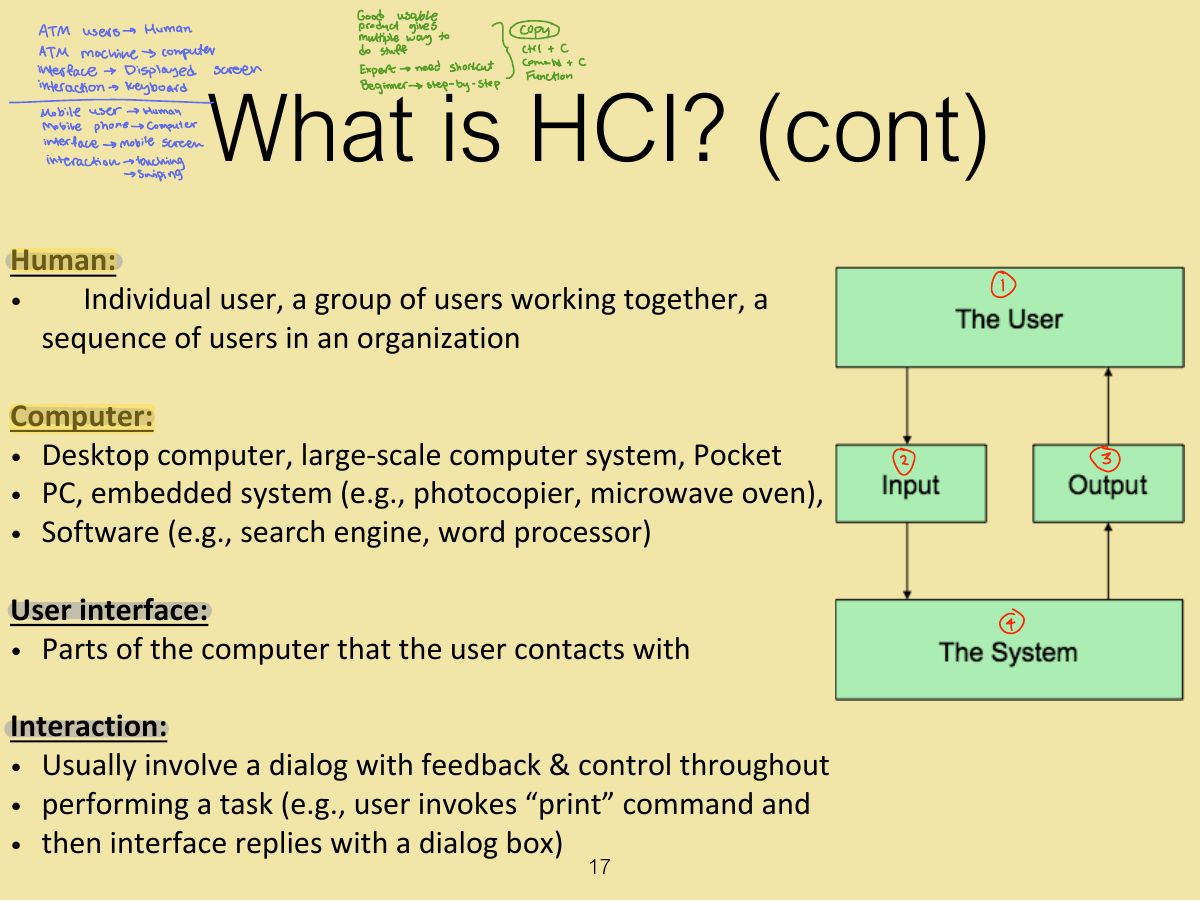
  17. 17 What is HCI? (cont)
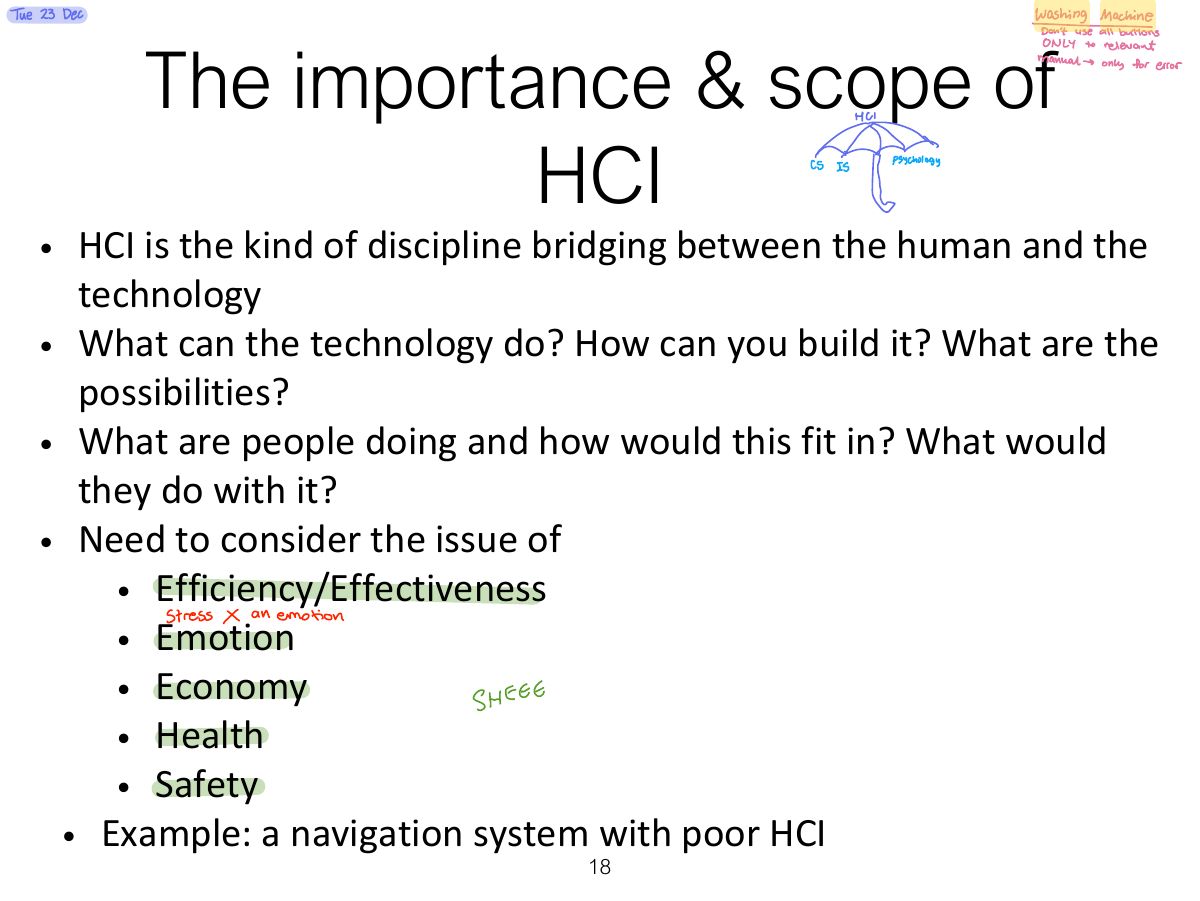
  18. 18 The importance & scope of HCI
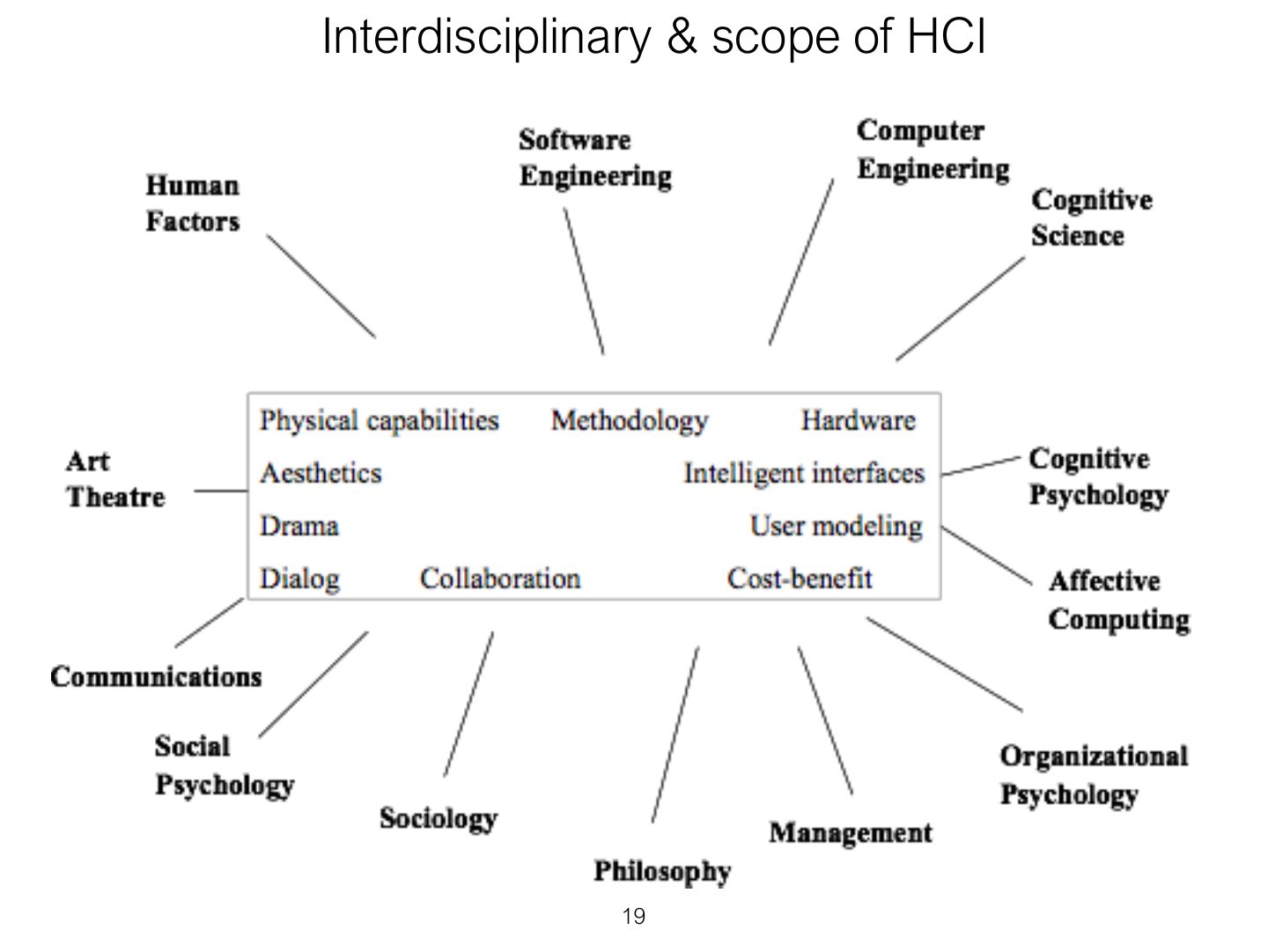
  19. 19 Interdisciplinary & scope of HCI
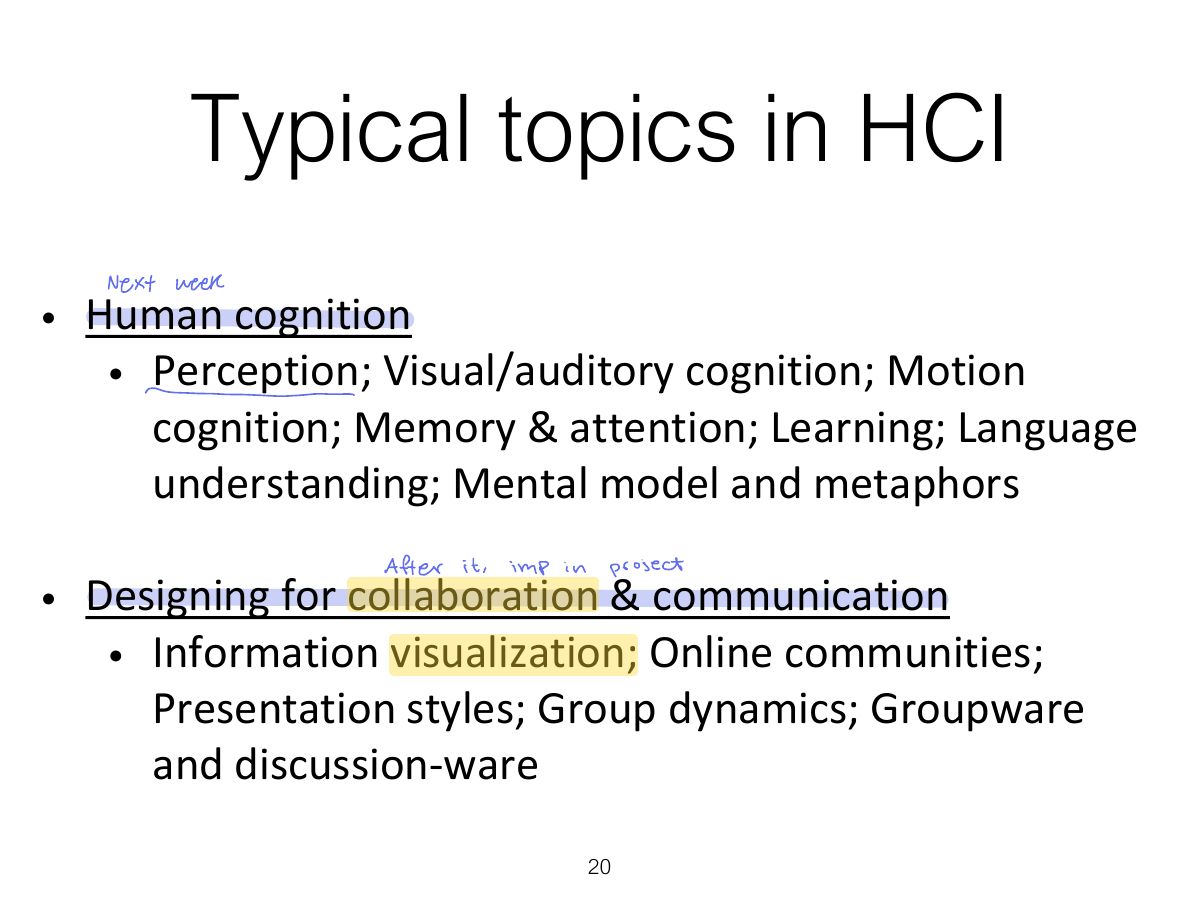
  20. 20 Typical topics in HCI
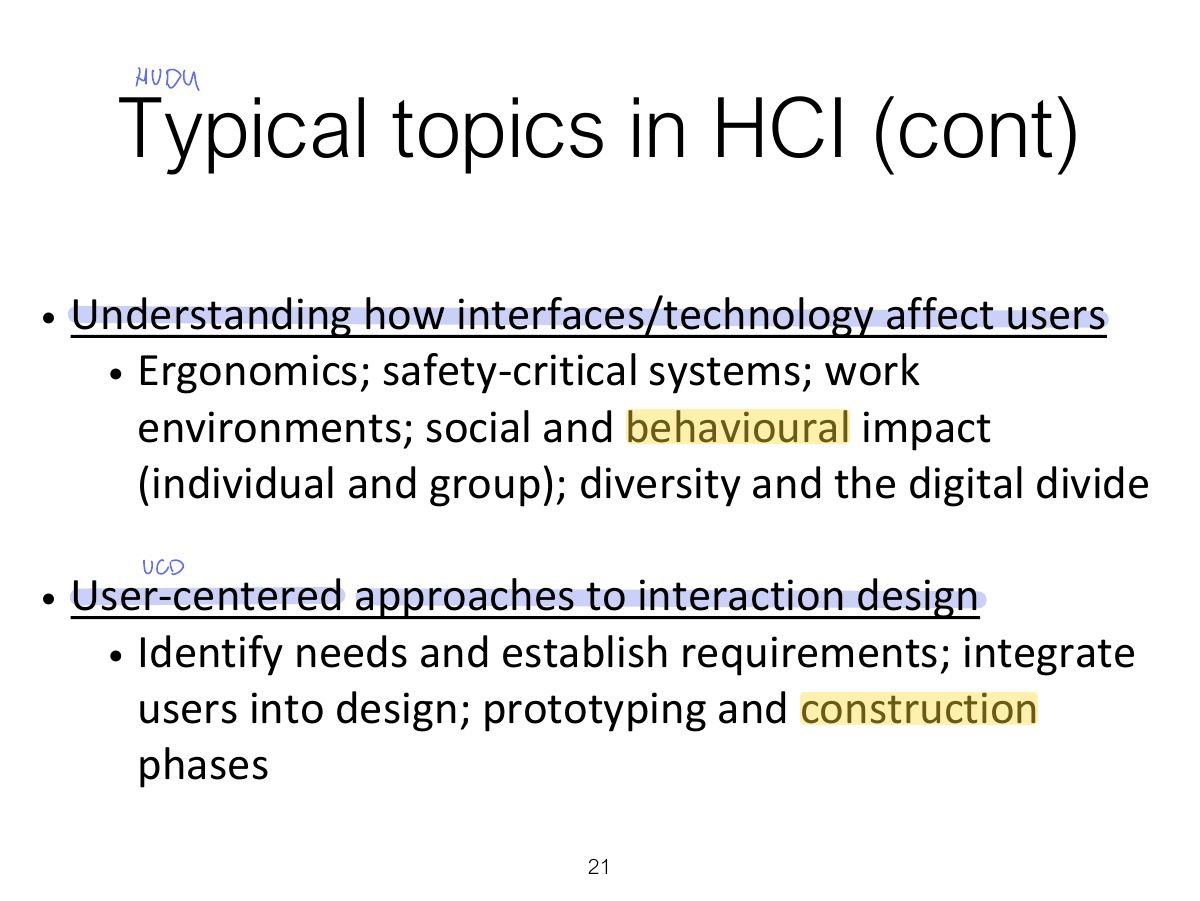
  21. 21 Typical topics in HCI (cont)
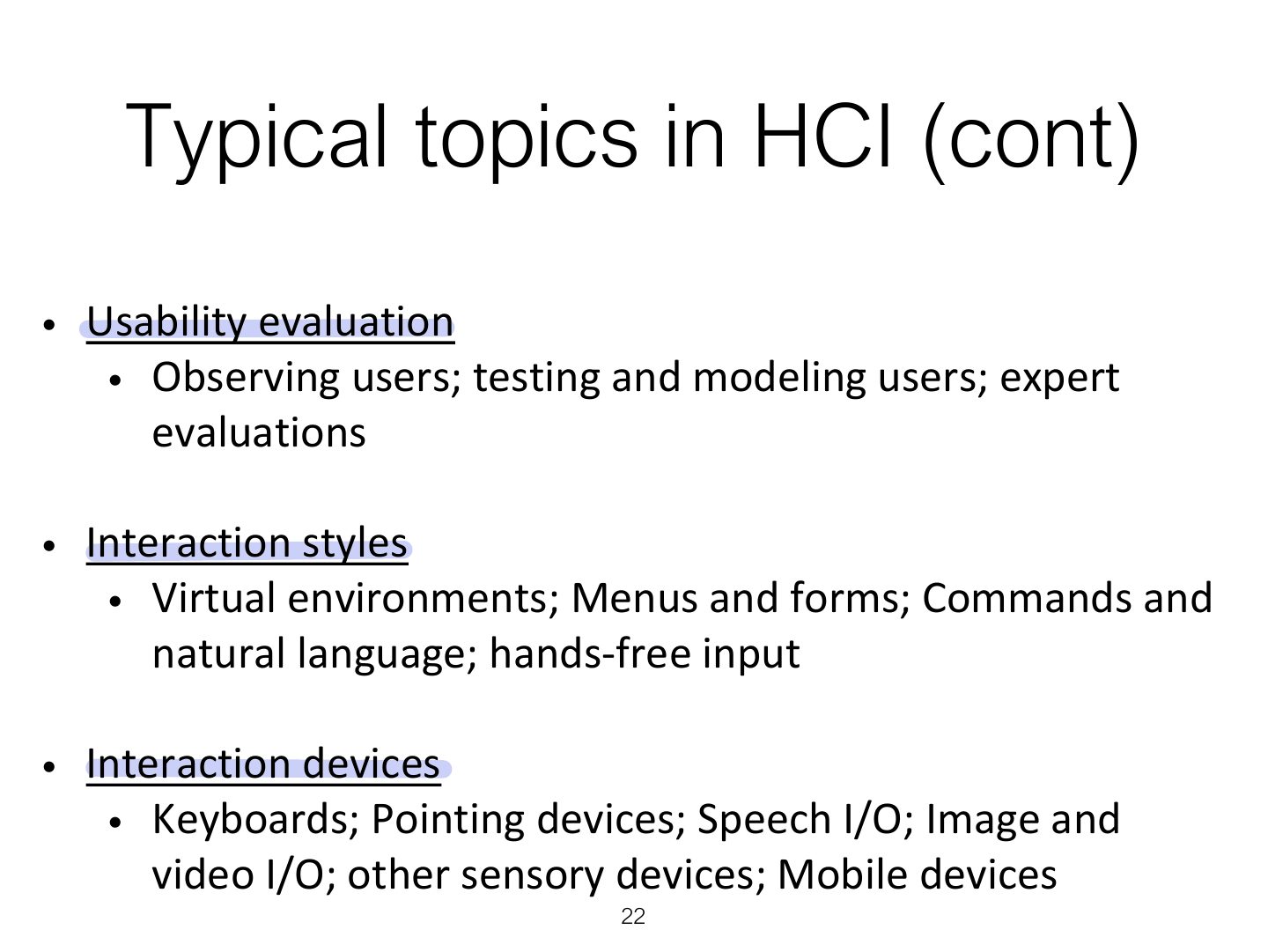
  22. 22 Typical topics in HCI (cont)
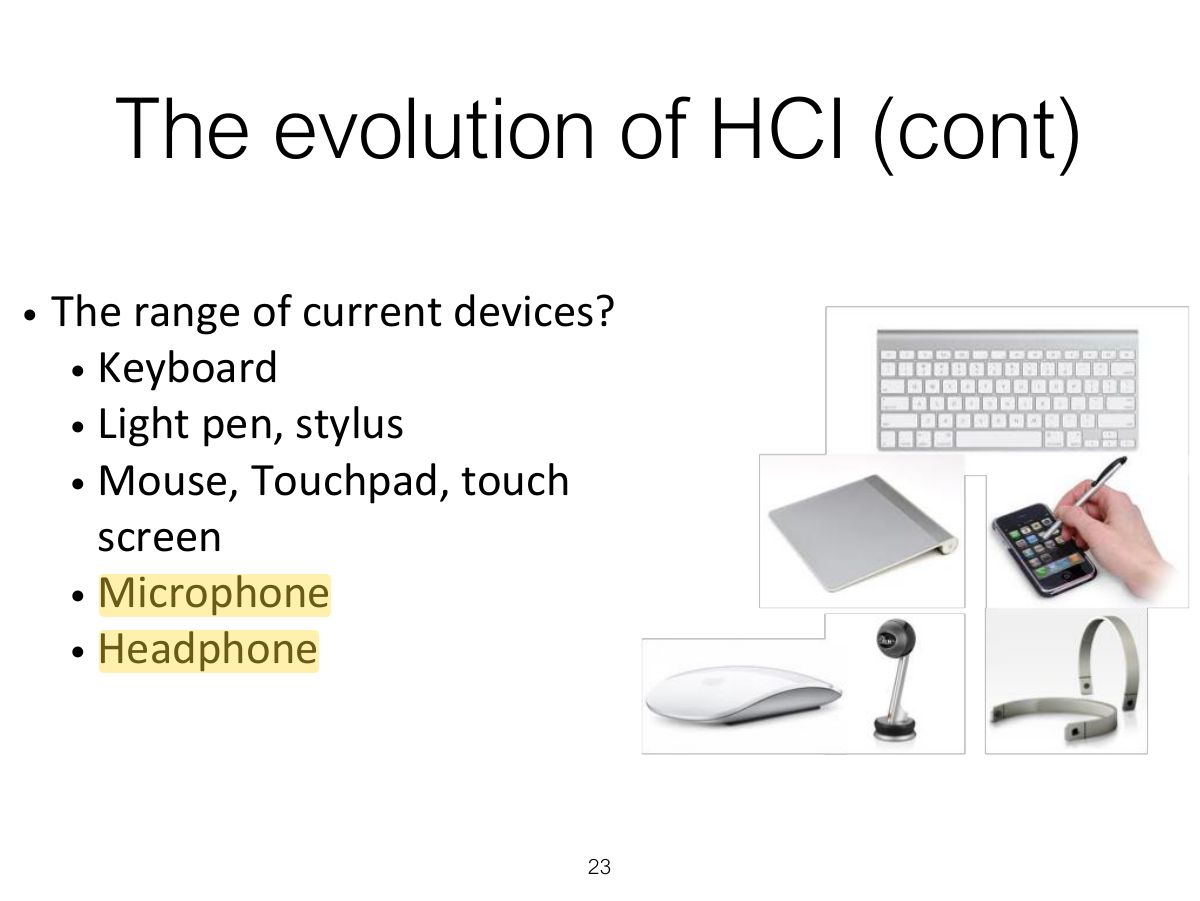
  23. 23 The evolution of HCI (cont)
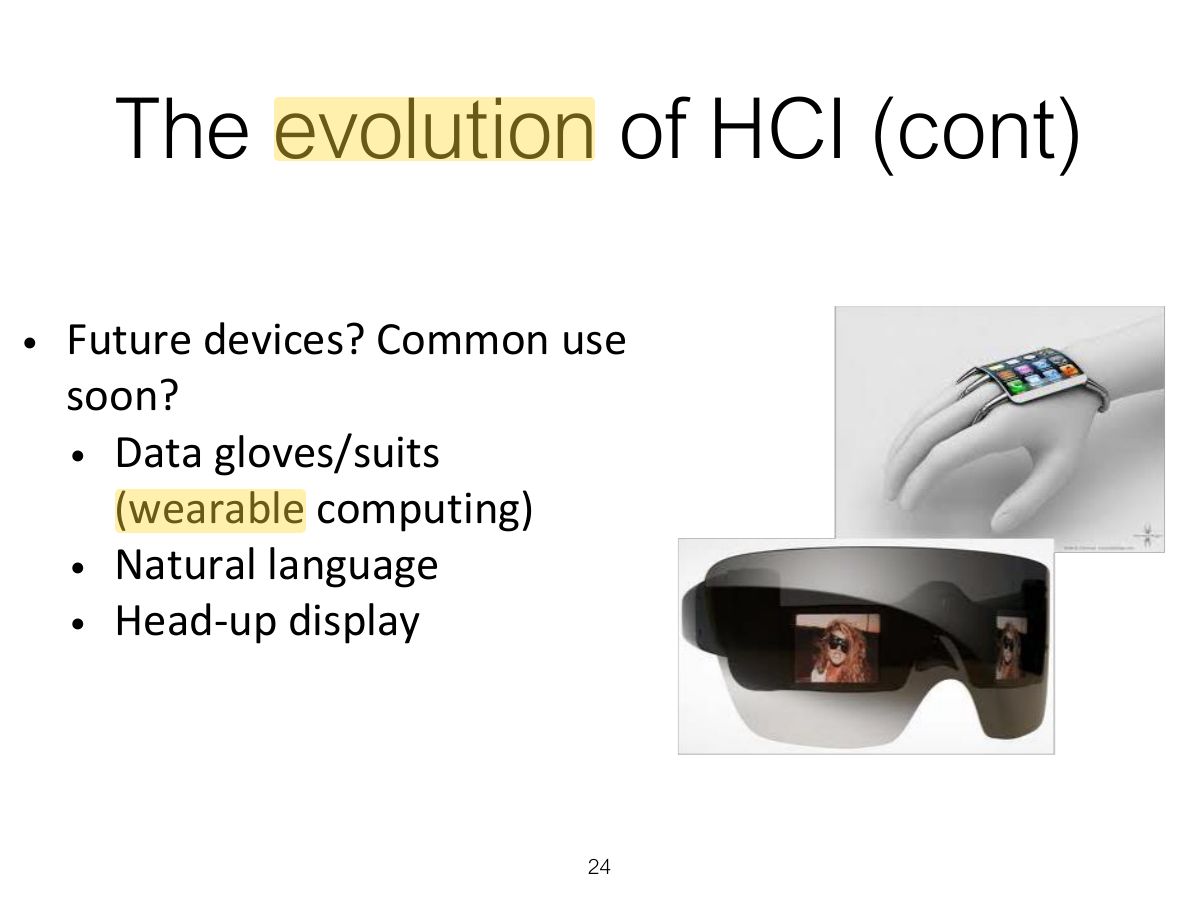
  24. 24 The evolution of HCI (cont)
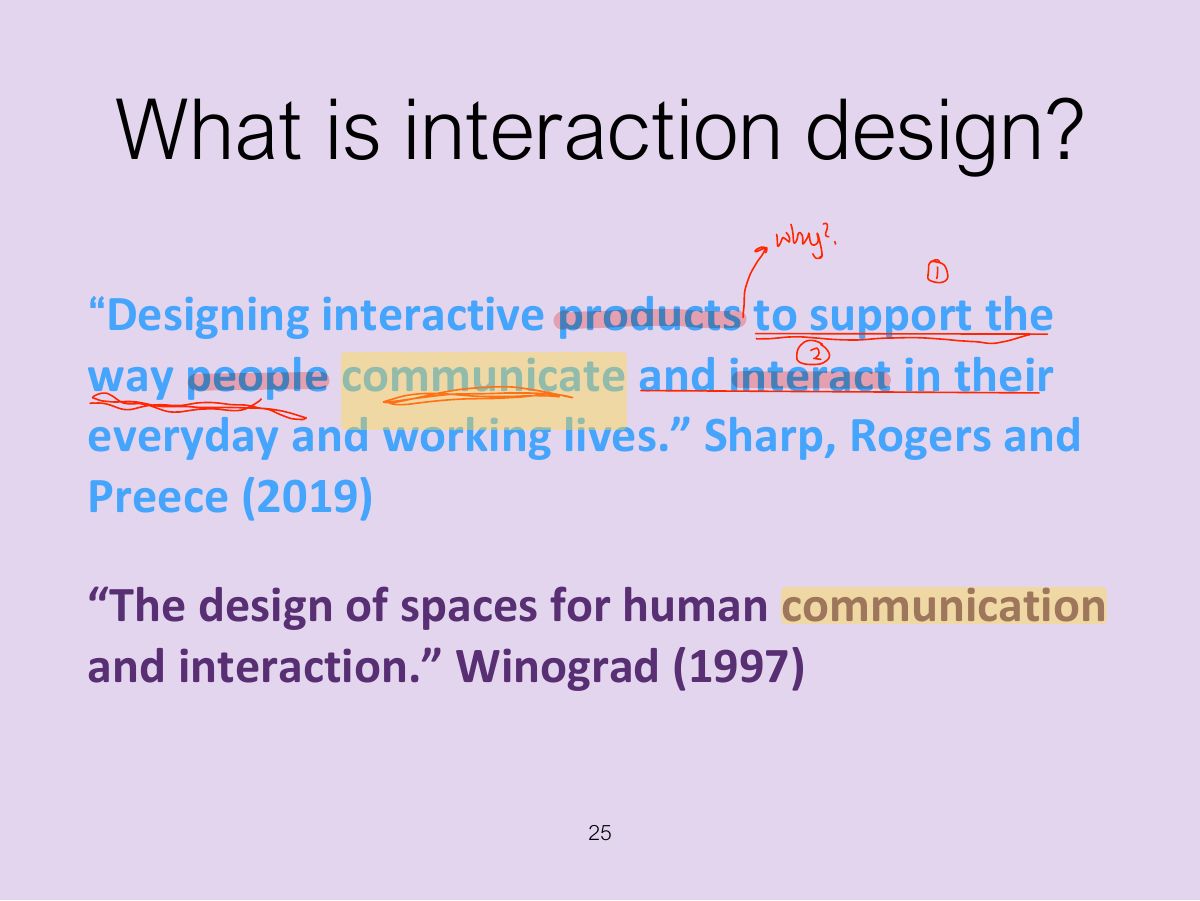
  25. 25 What is interaction design?
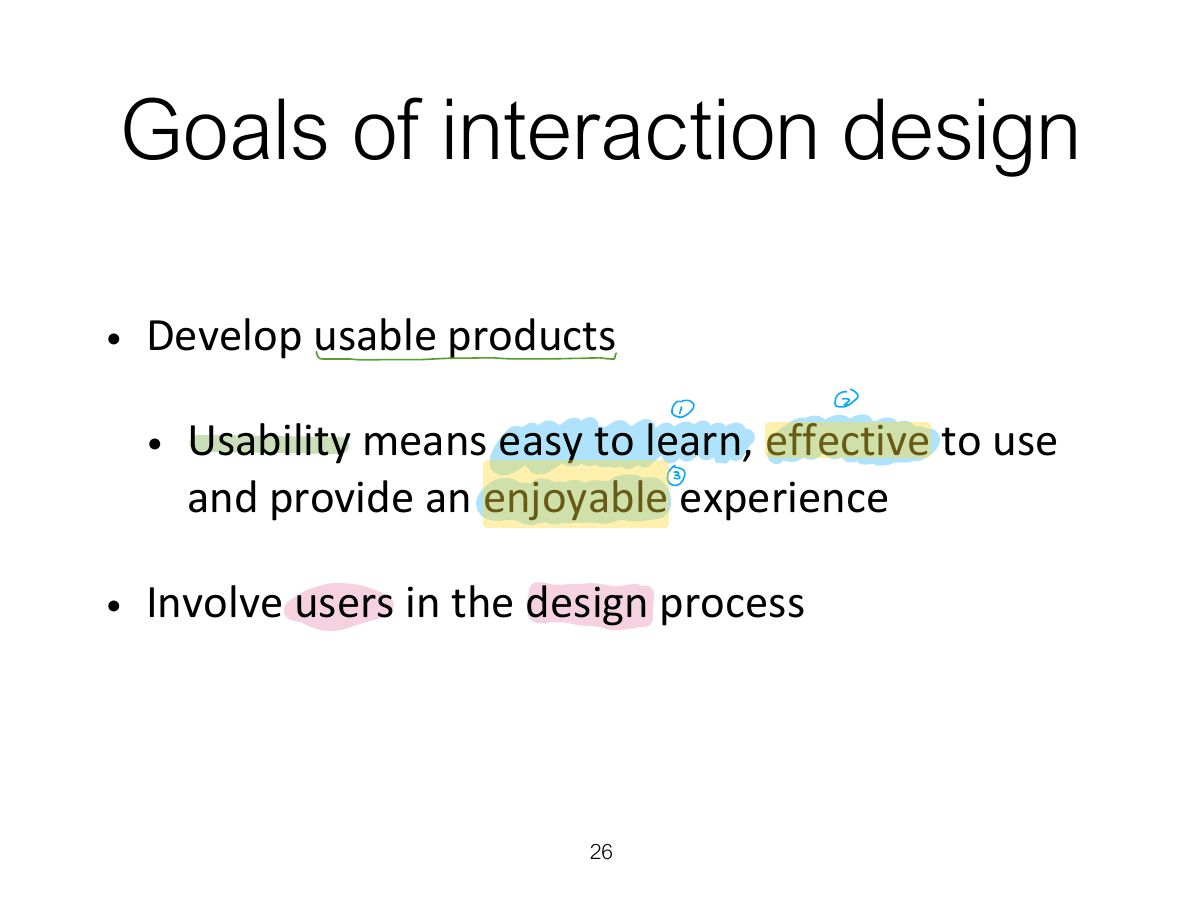
  26. 26 Goals of interaction design
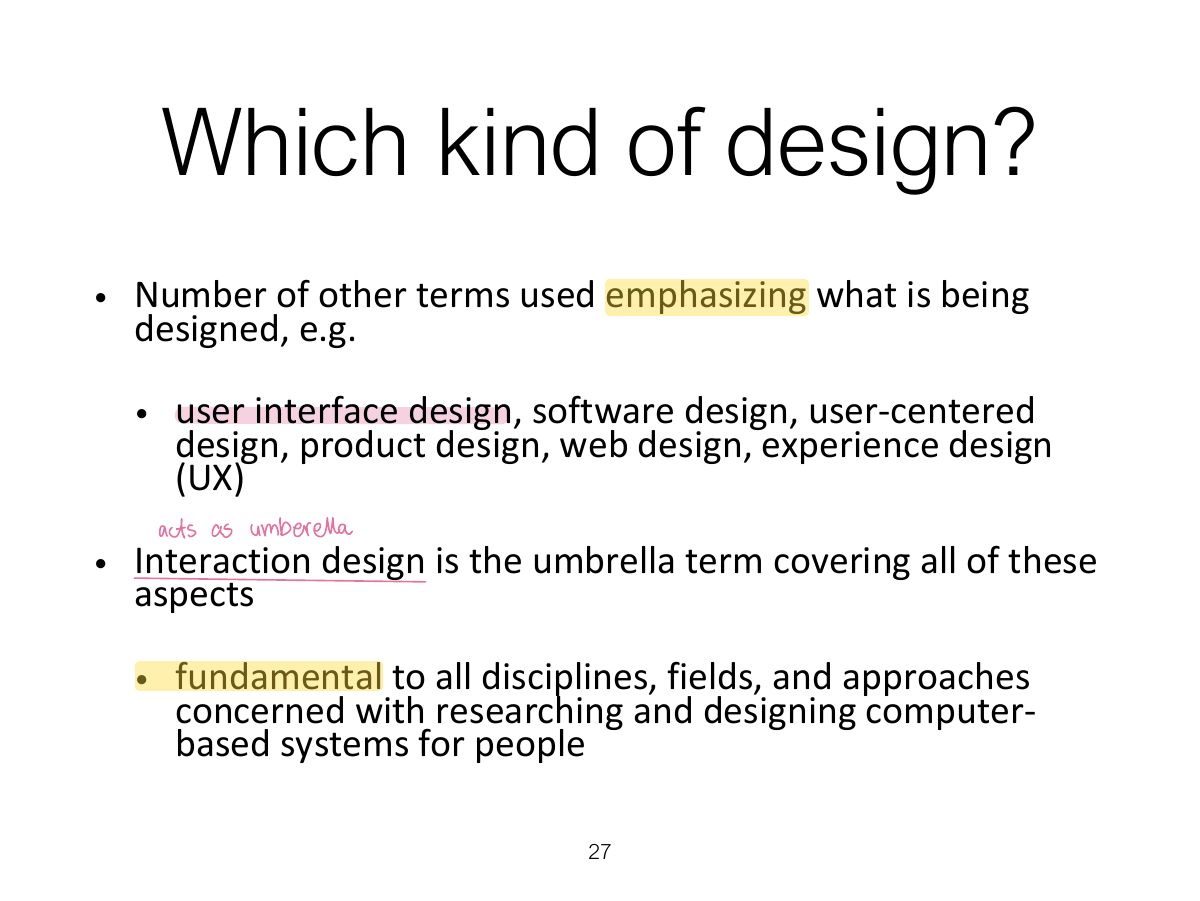
  27. 27 Which kind of design?
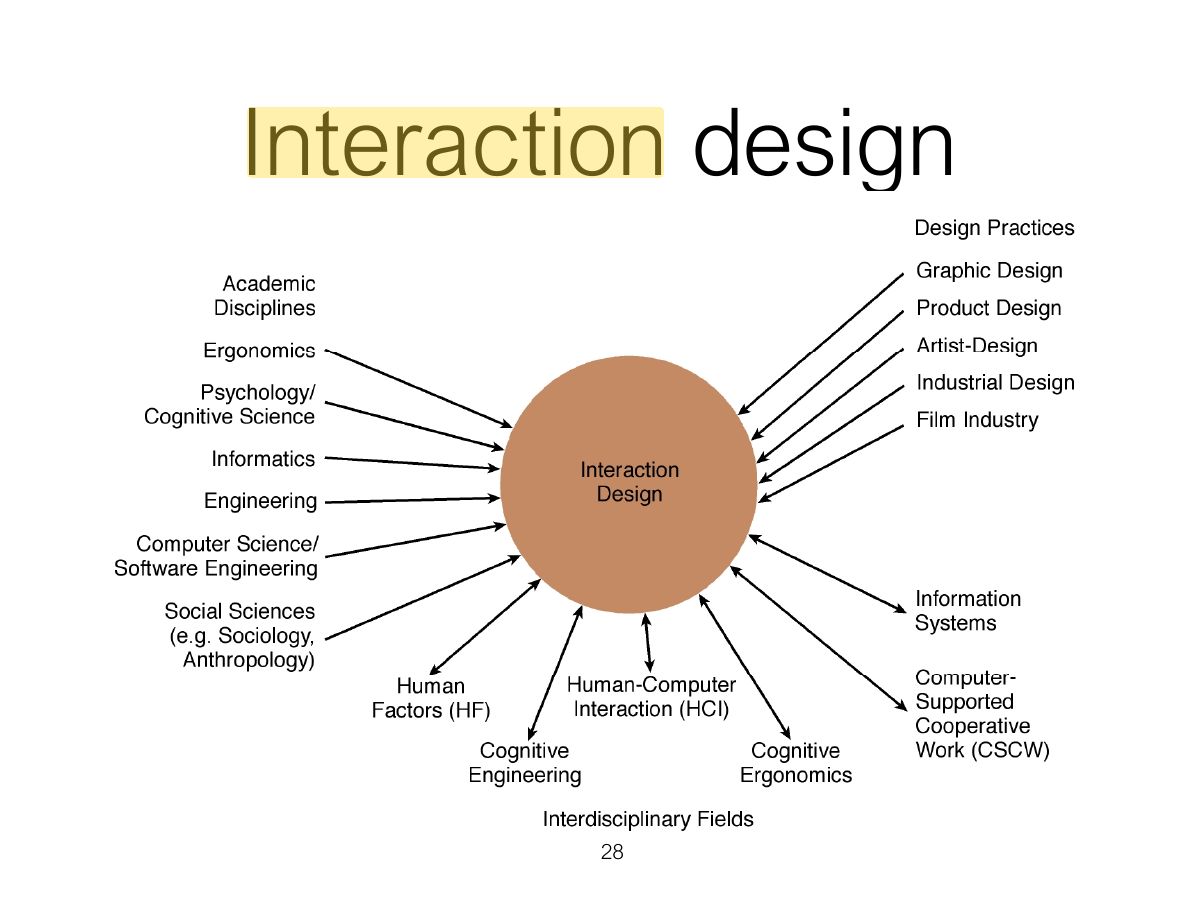
  28. 28 Interaction design
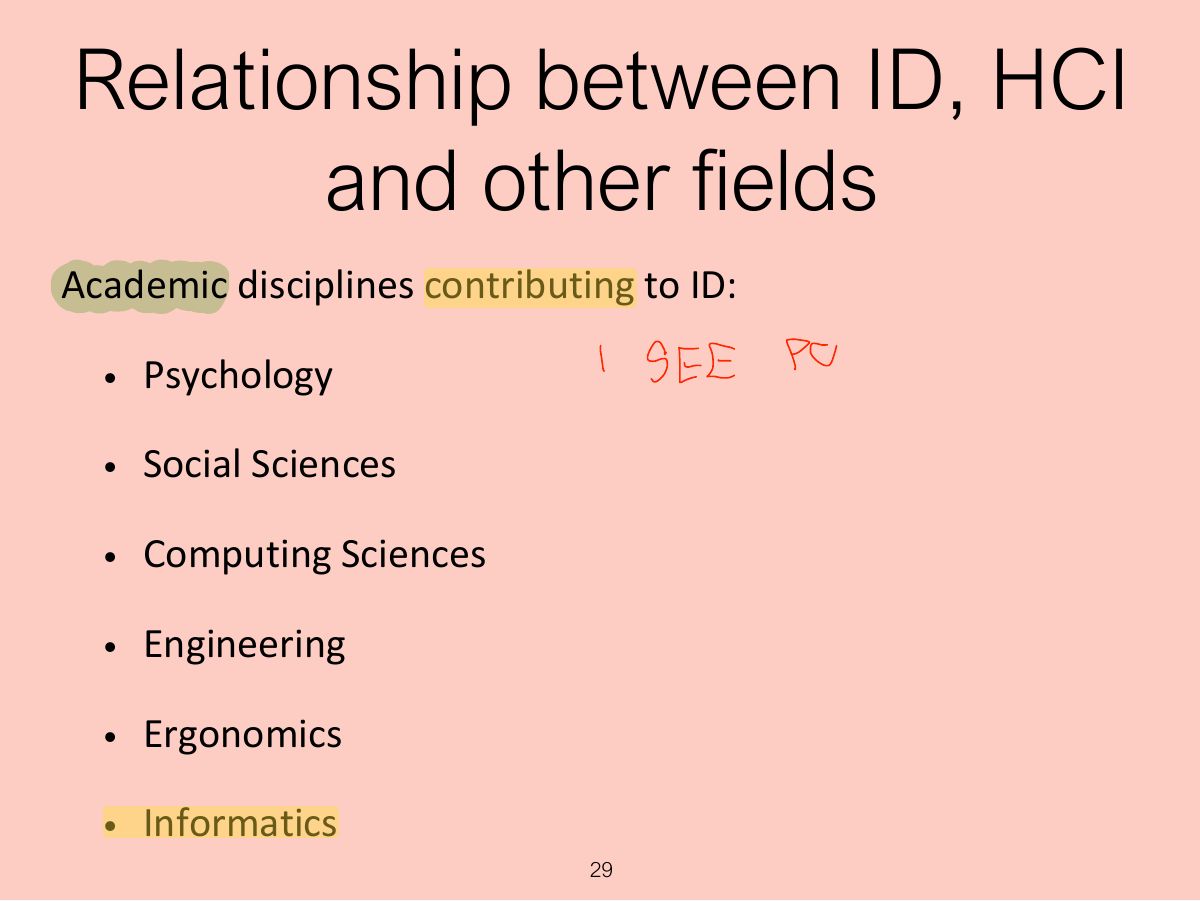
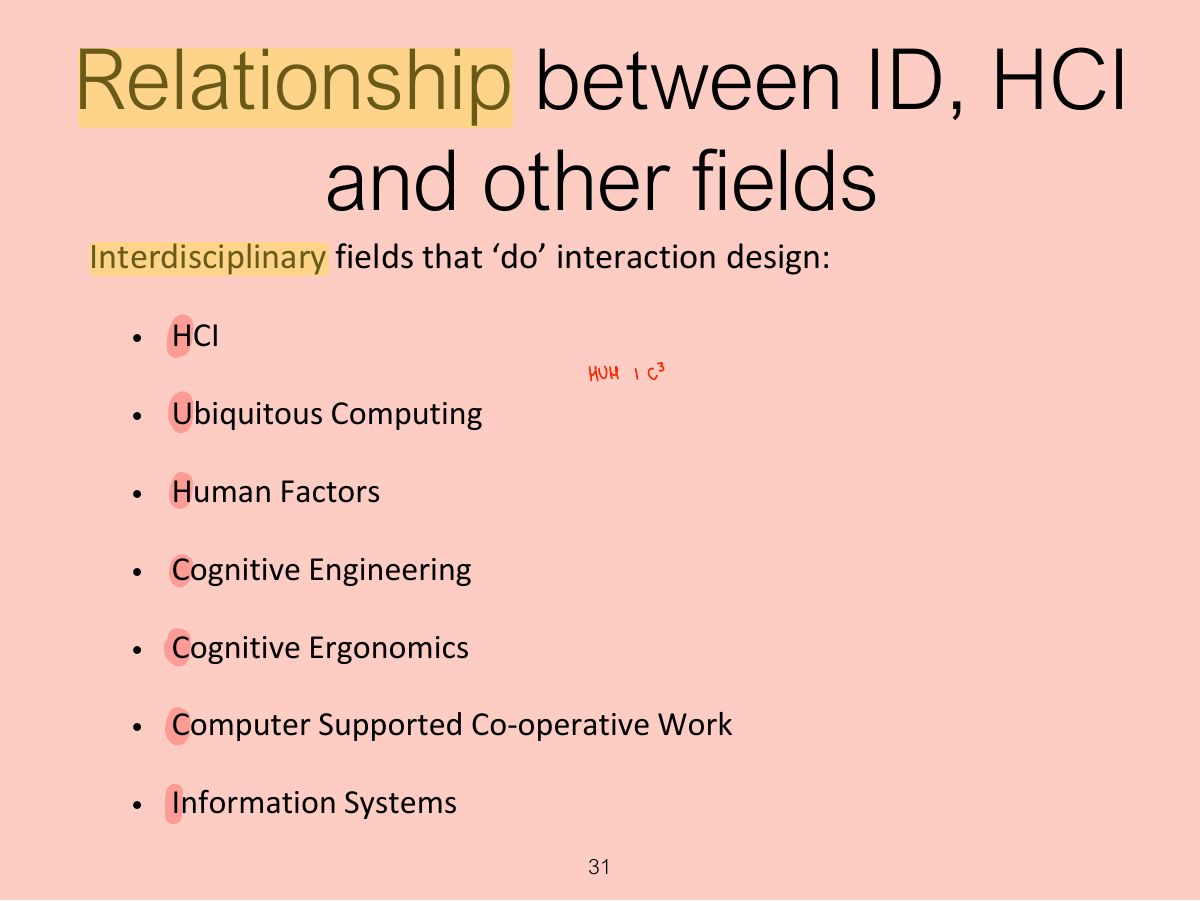
  29. 29 Relationship between ID, HCI and other fields
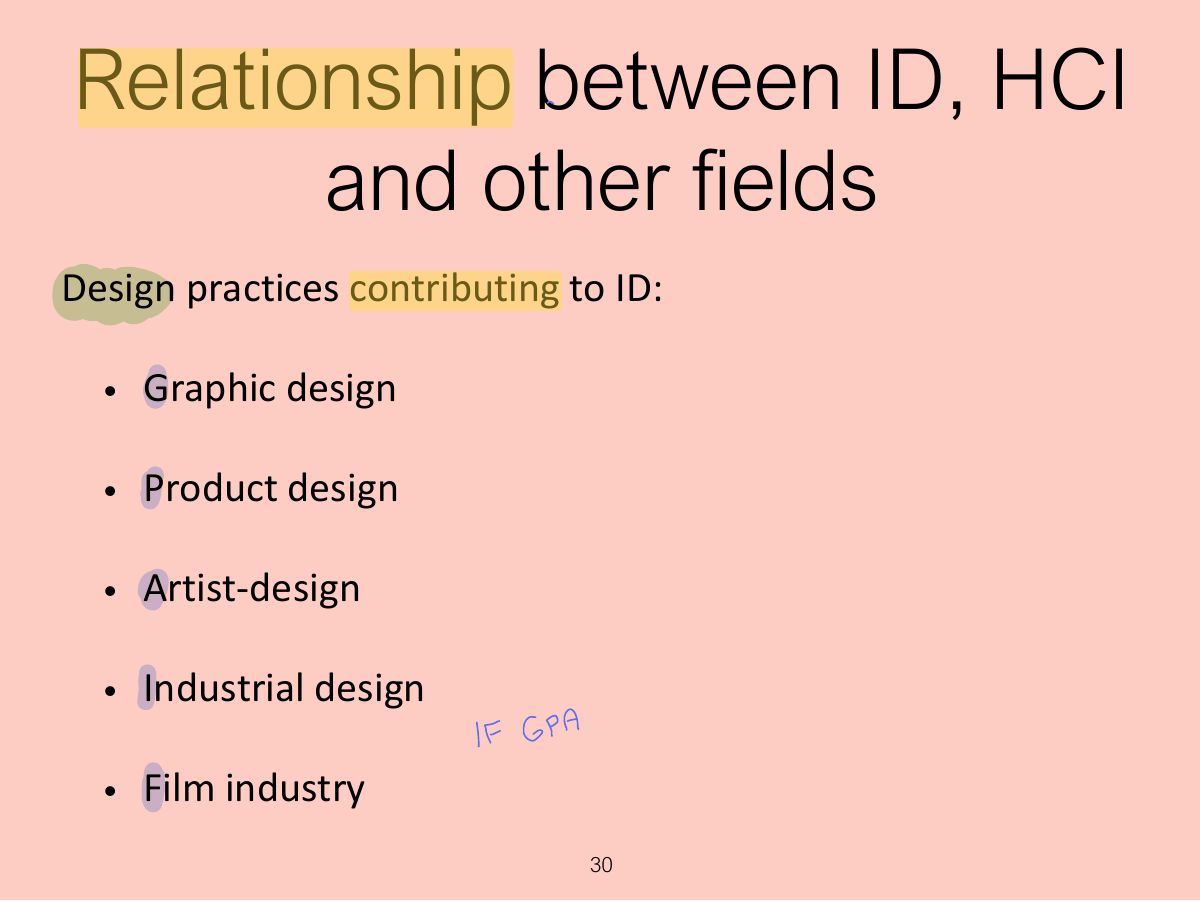
  30. 30 Relationship between ID, HCI and other fields
  31. 31 Relationship between ID, HCI and other fields
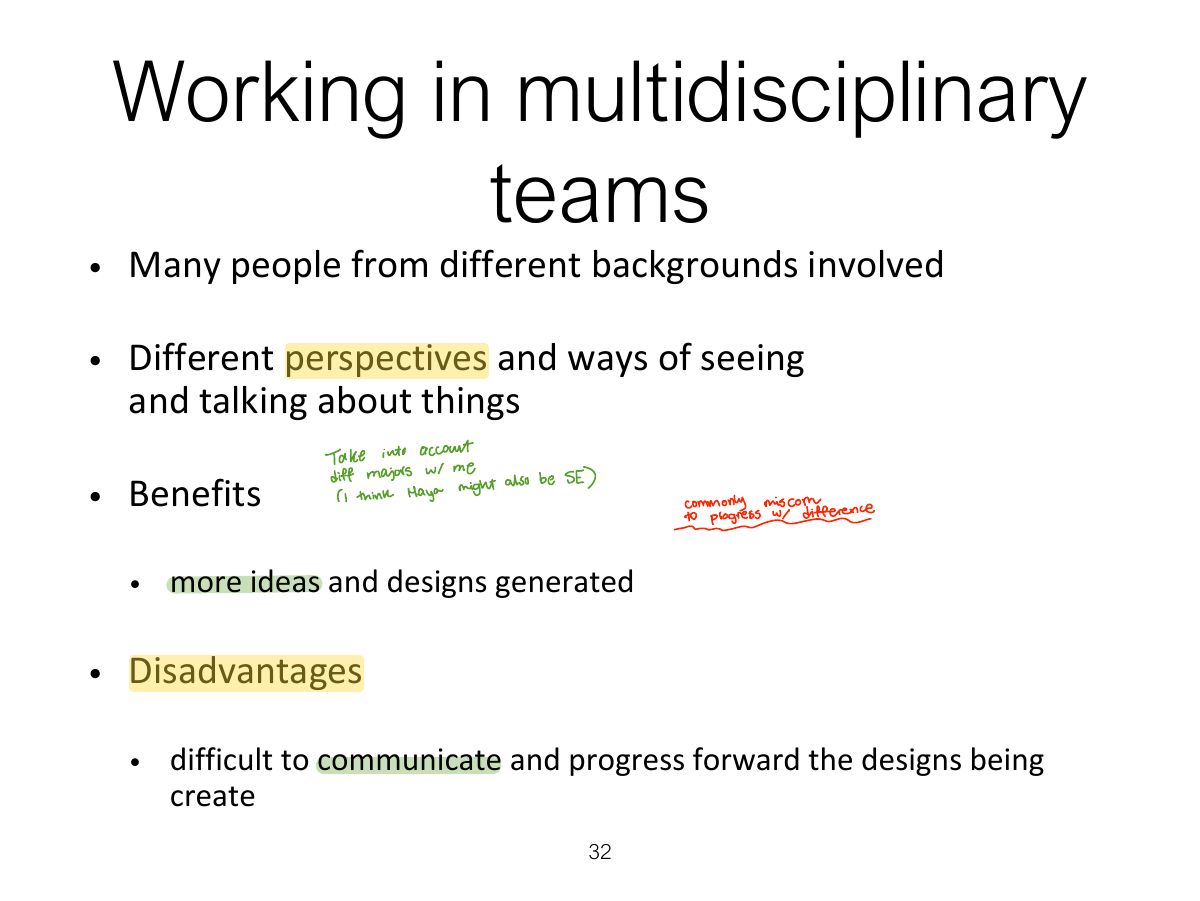
  32. 32 Working in multidisciplinary teams
  33. 33 Interaction design in business
  34. 34 The User Experience
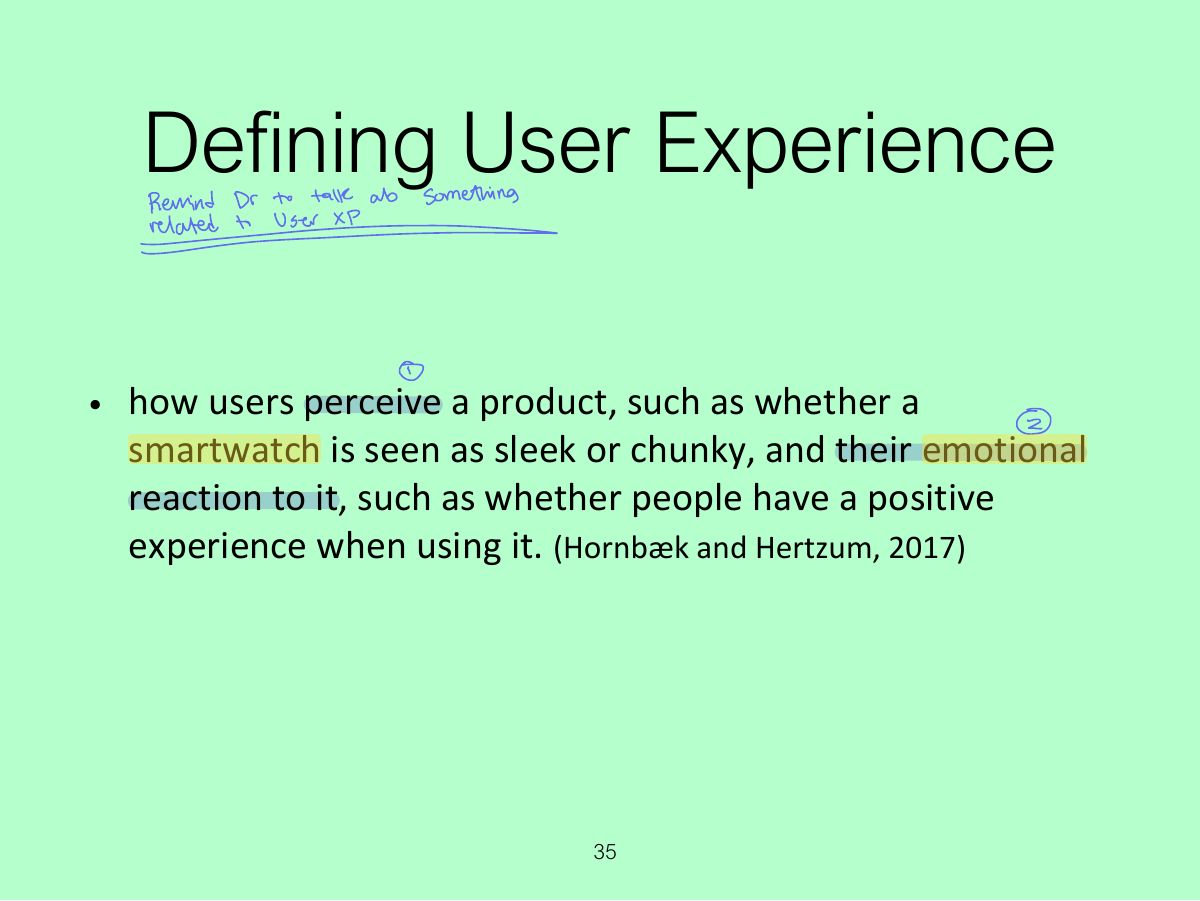
  35. 35 Defining User Experience
  36. 36 Why was the iPod user experience such a success?
  37. 37 Core characteristics of interaction design
  38. 38 Why?
  39. 39 Accessibility and Inclusiveness
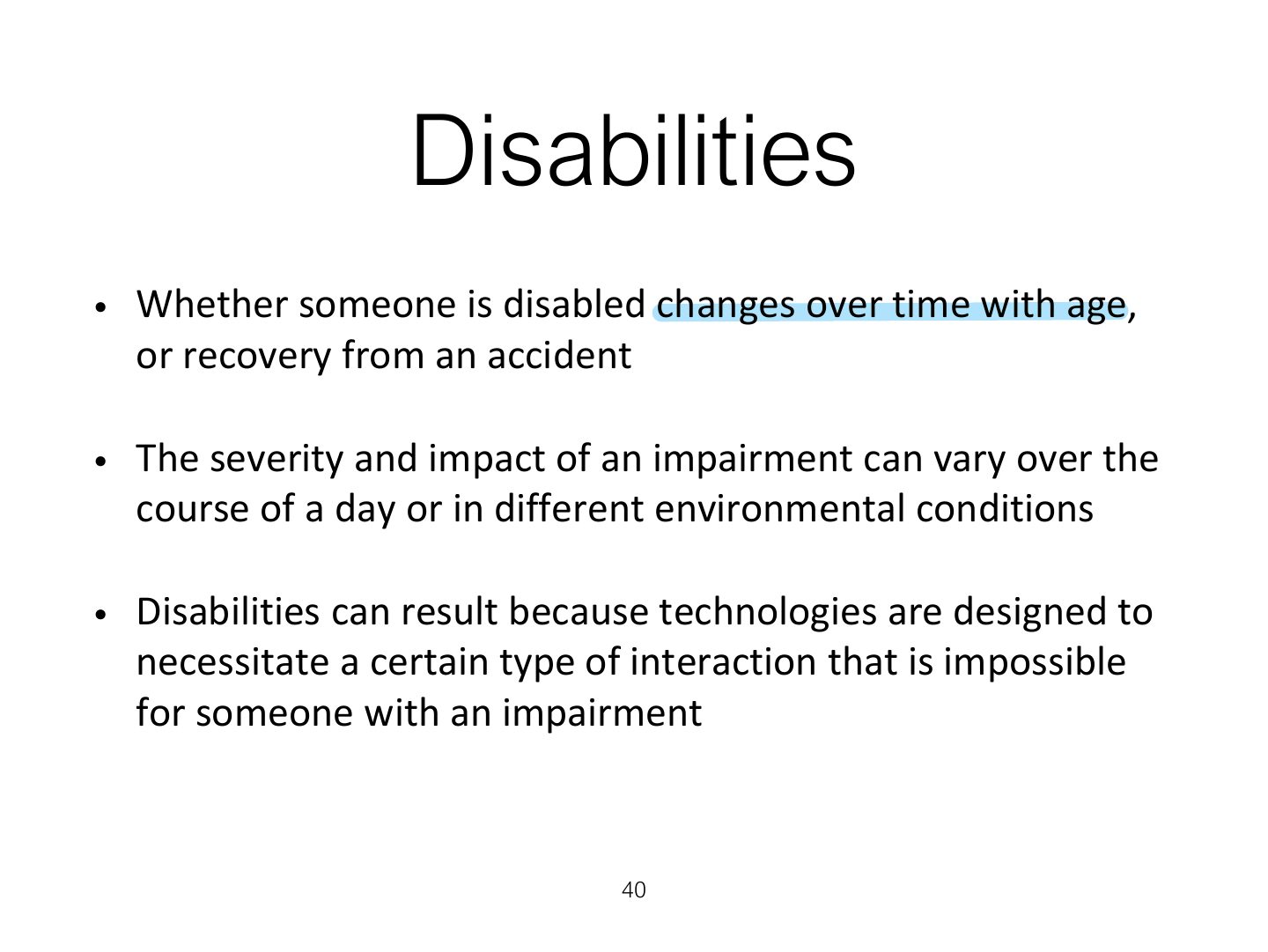
  40. 40 Disabilities
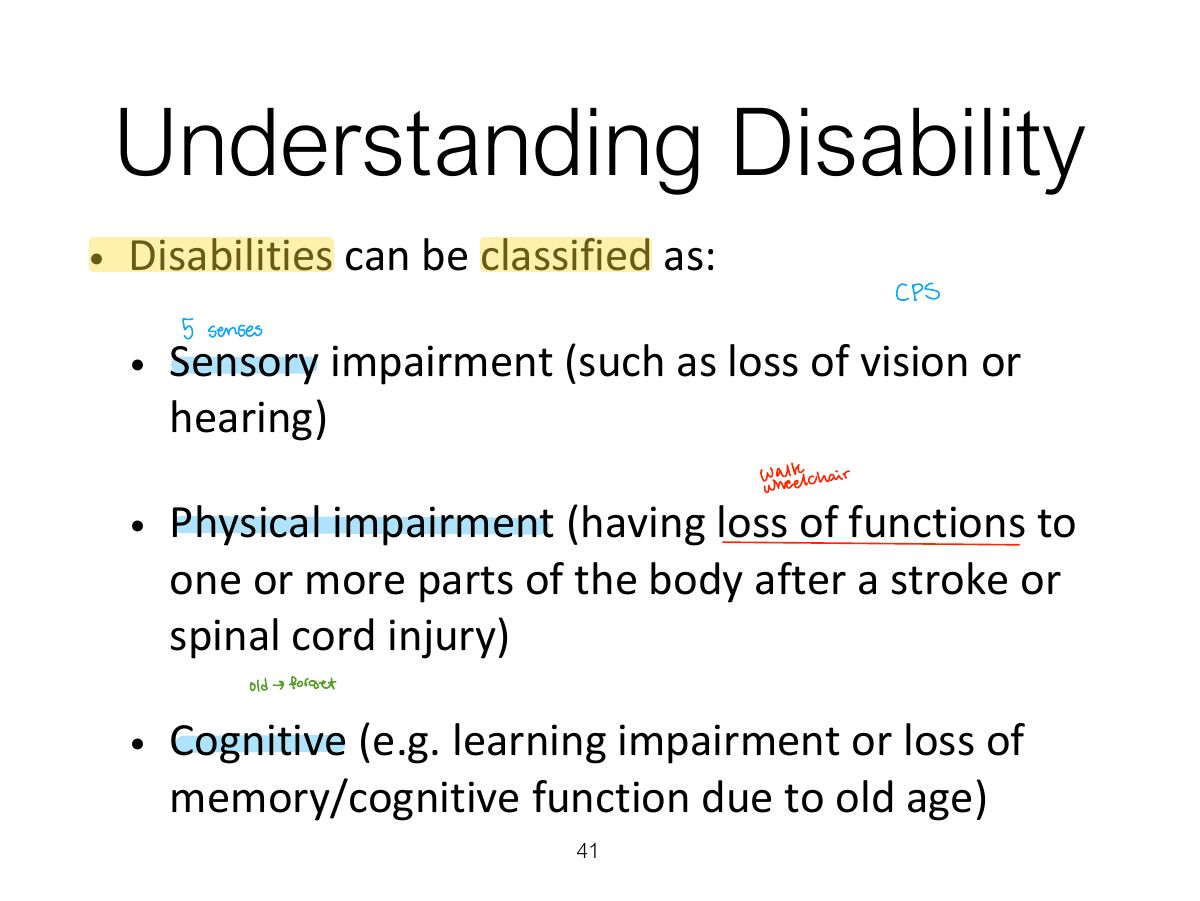
  41. 41 Understanding Disability
  42. 42 Understanding Disability
  43. 43 Being Cool About Disability
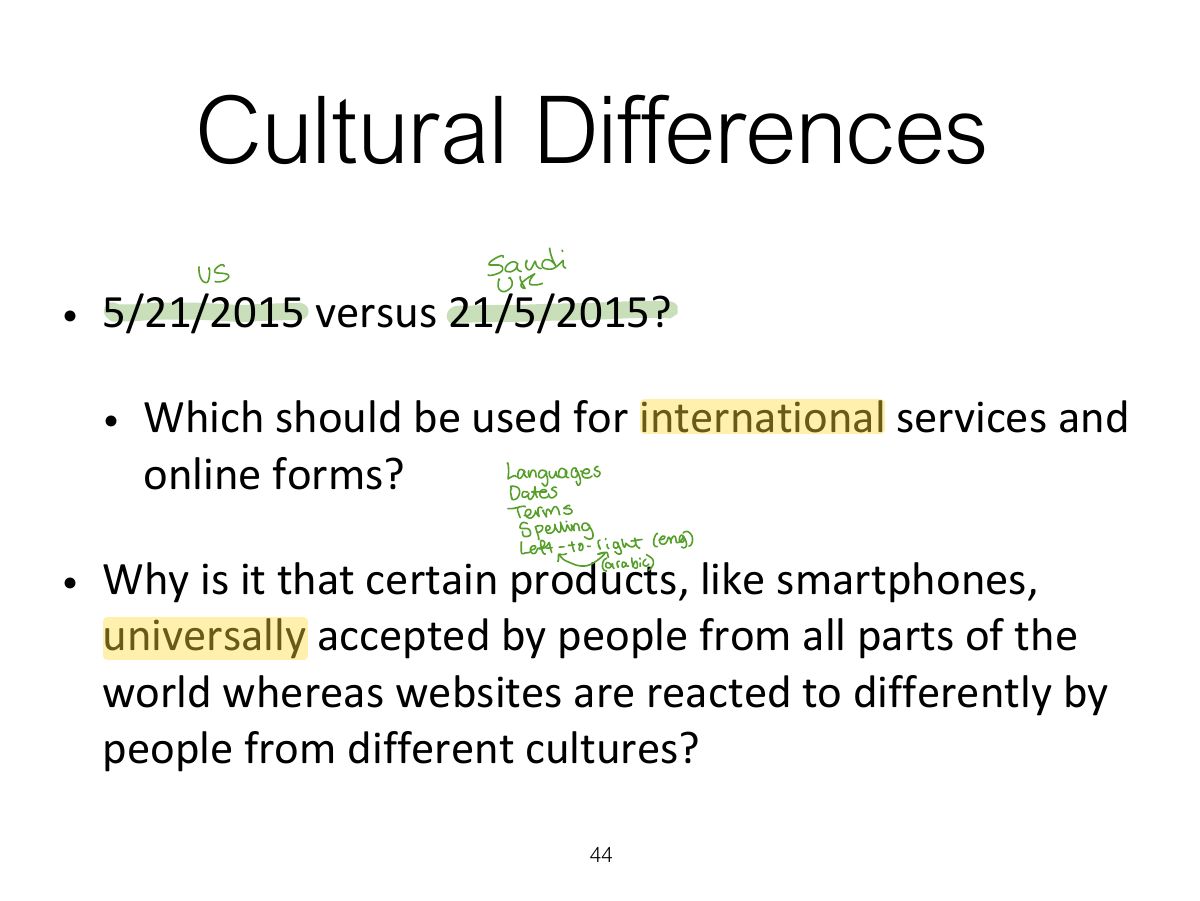
  44. 44 Cultural Differences
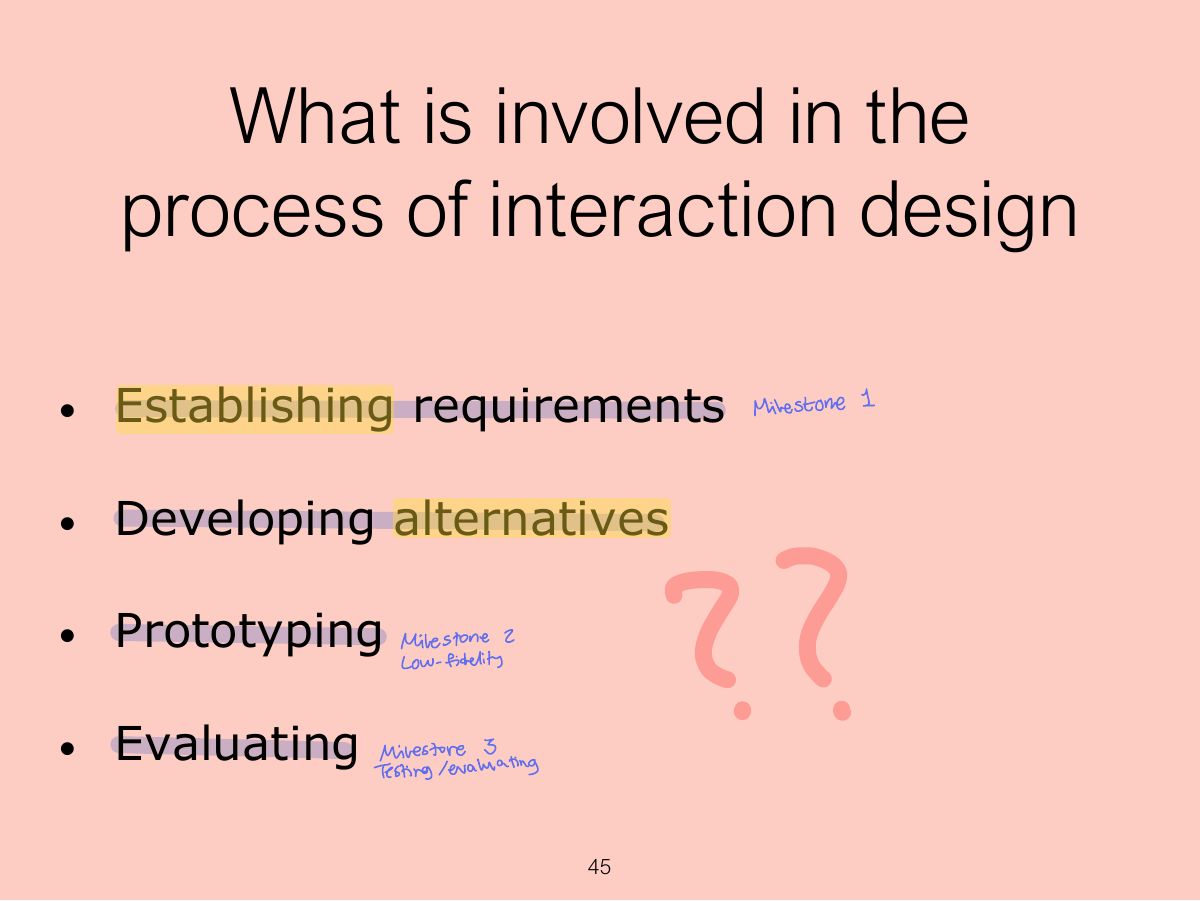
  45. 45 What is involved in the process of interaction design
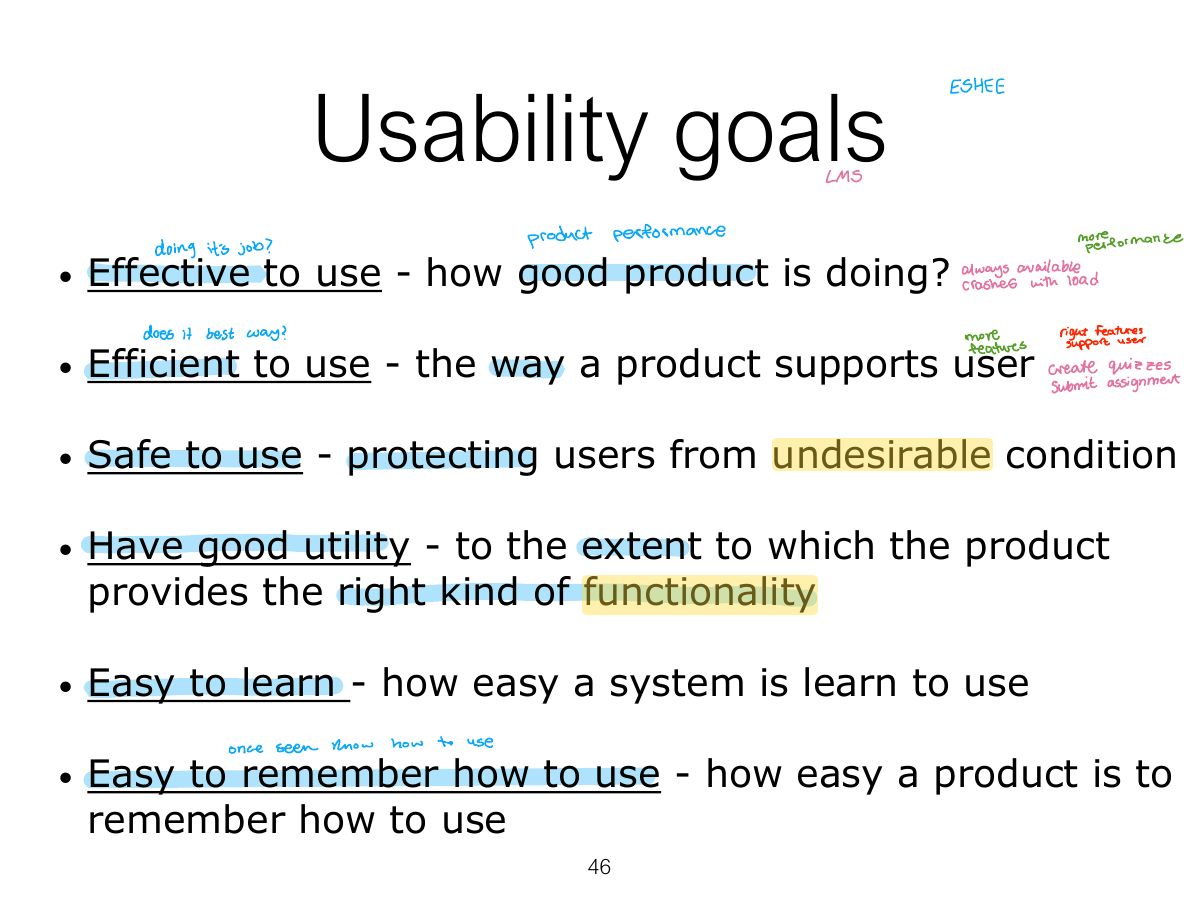
  46. 46 Usability goals
  47. 47 Usability dimensions vary is importance
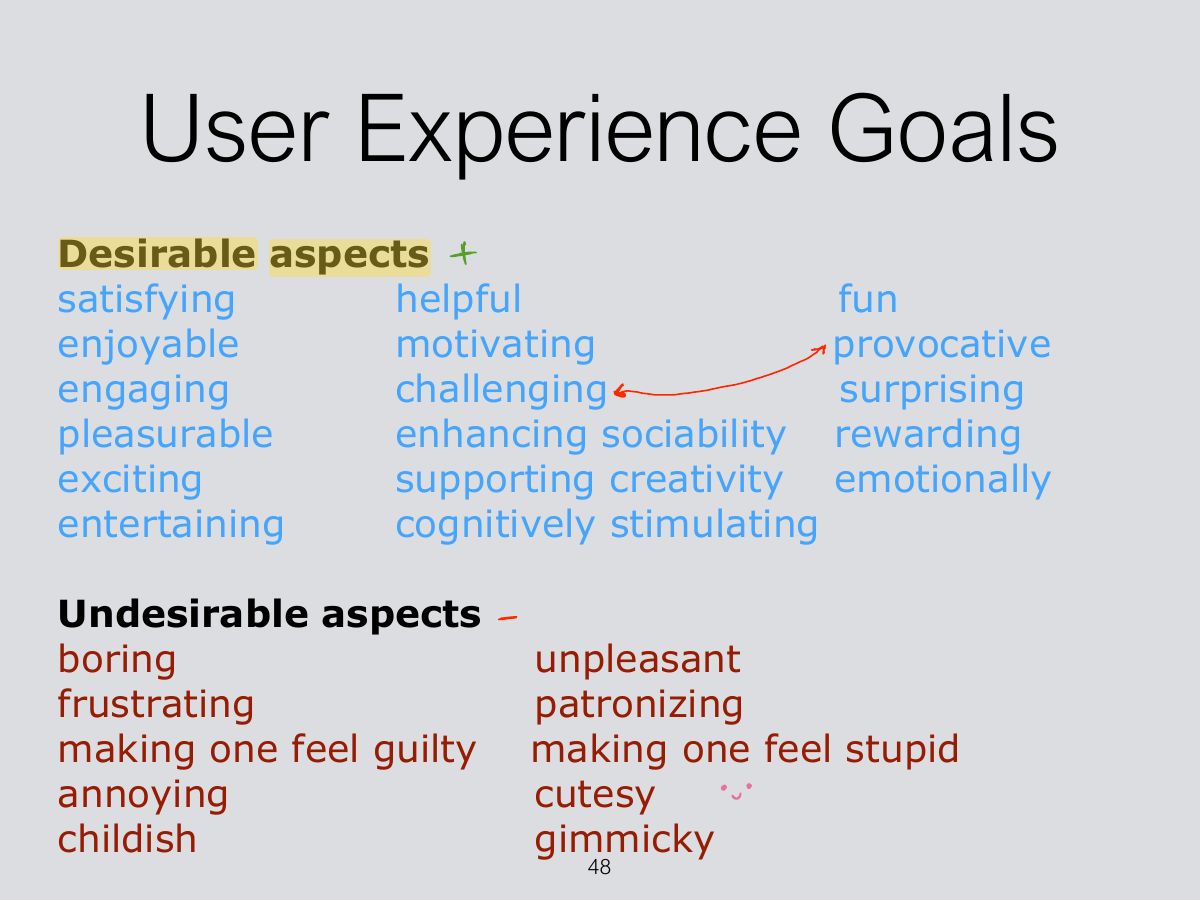
  48. 48 User Experience Goals
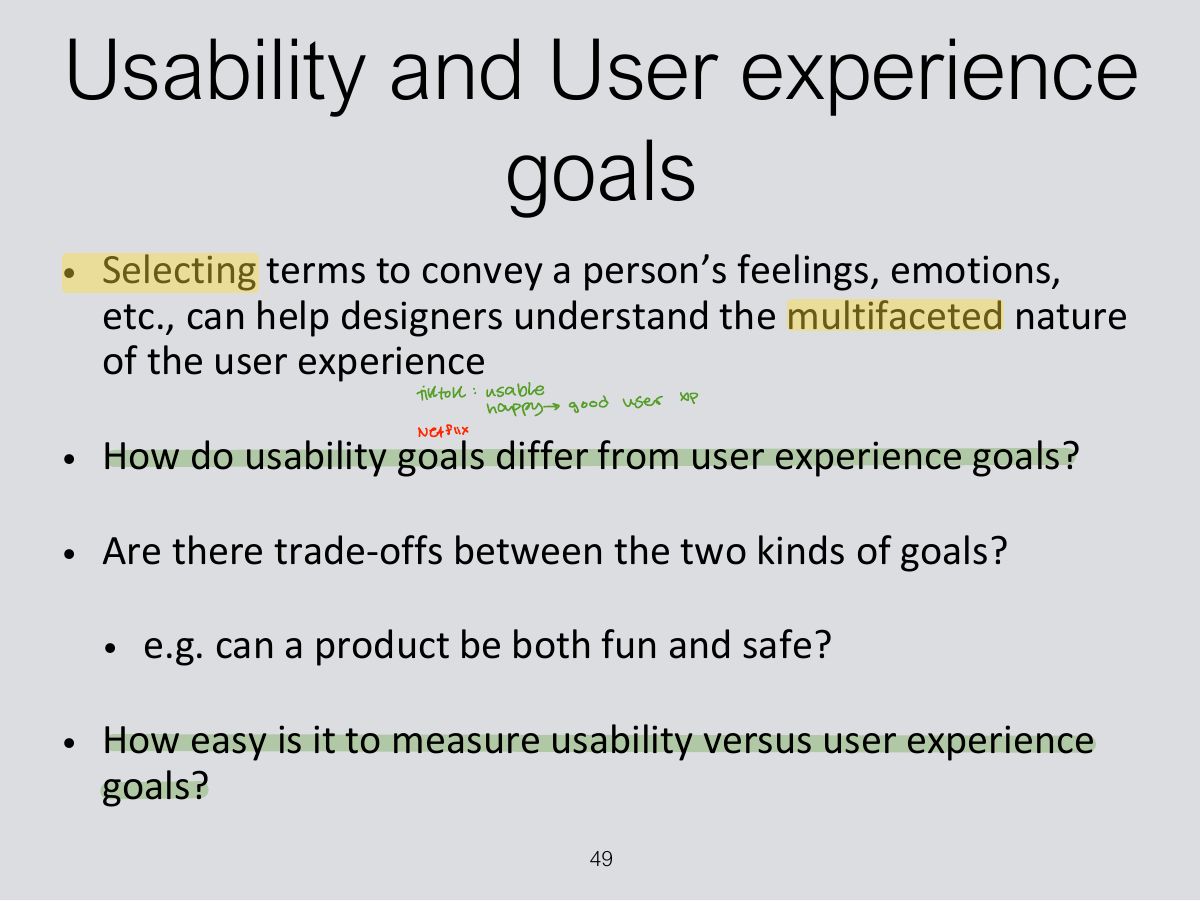
  49. 49 Usability and User experience goals
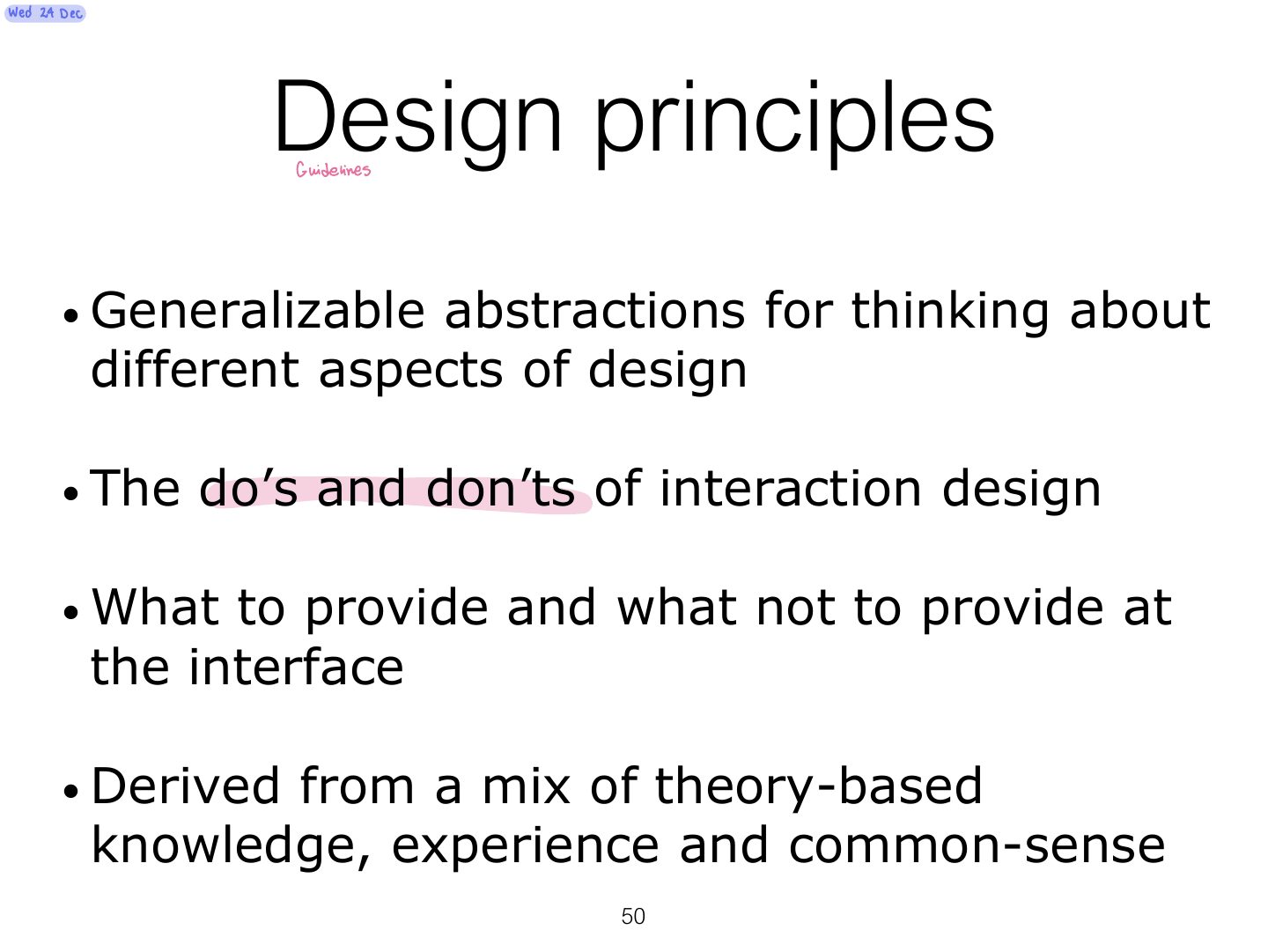
  50. 50 Design principles
  51. 51 Design principles (cont)
  52. 52 Design principles (cont)
  53. 53 What do I do if I am wearing black?
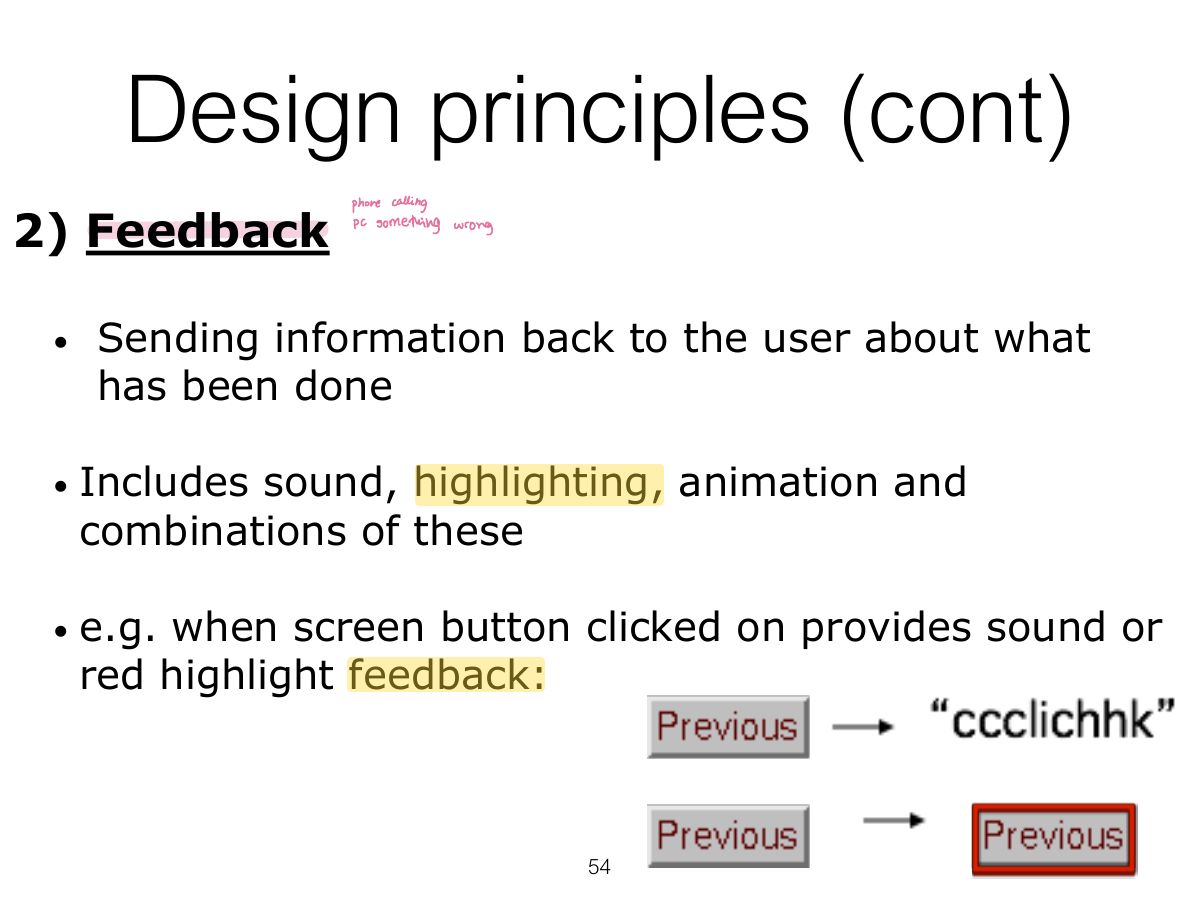
  54. 54 Design principles (cont)
  55. 55 Design principles (cont)
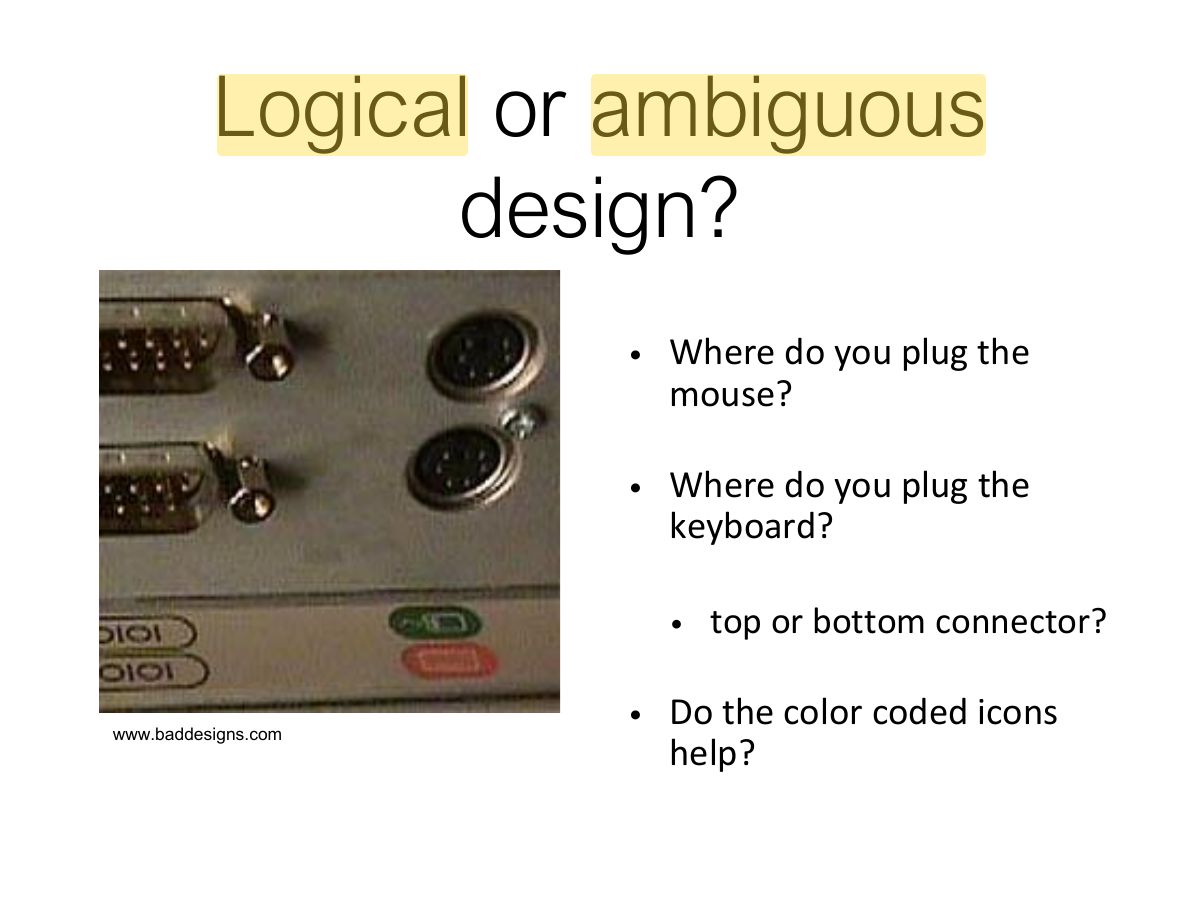
  56. 56 Logical or ambiguous design?
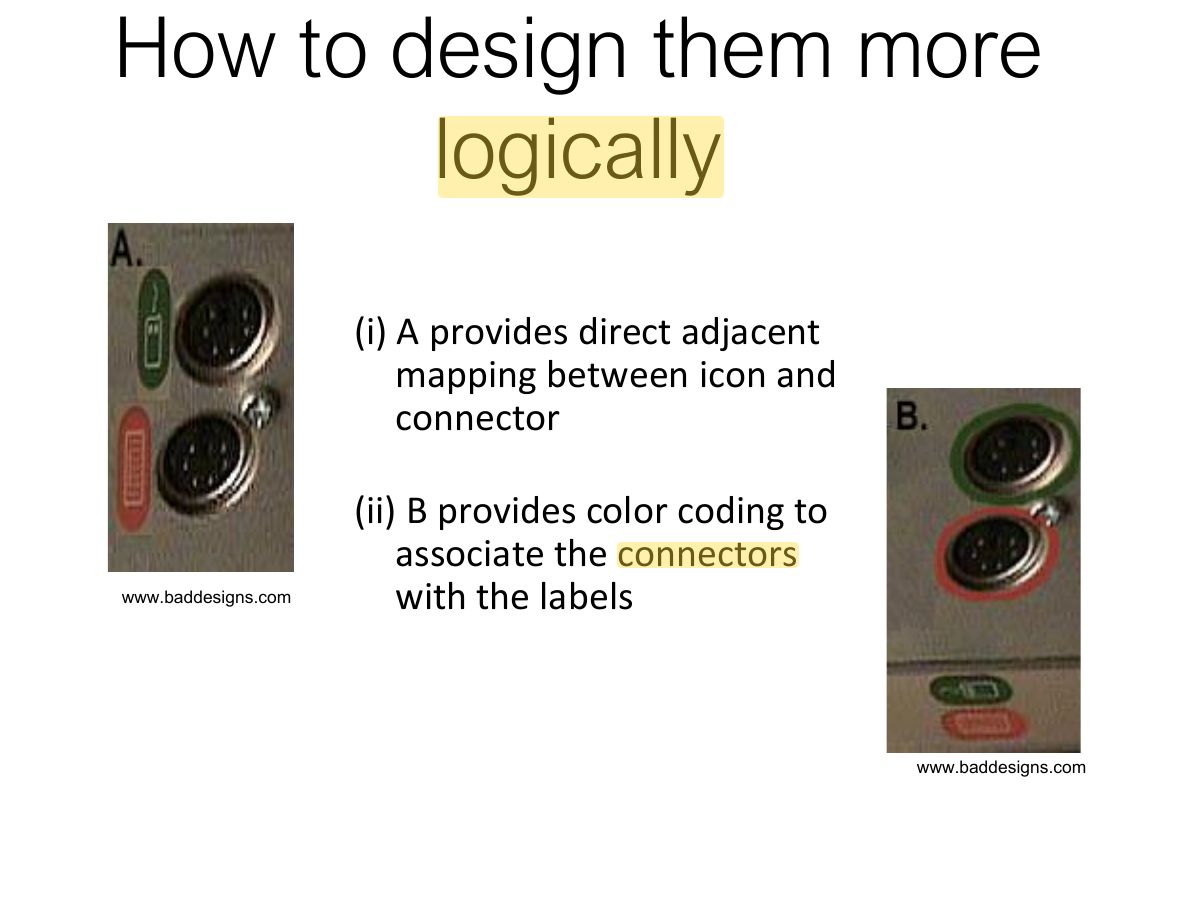
  57. 57 How to design them more logically
  58. 58 Design principles (cont)
  59. 59 When consistency breaks down
  60. 60 Internal and external consistency
  61. 61 Design principles (cont)
  62. 62 Design principles (cont)
  63. 63 Activity
  64. 64 Key points
Slide 1 / 64

SE 365

Slide 1: SE 365
Slide 2 / 64

Overview

Slide 2: Overview
Slide 3 / 64

Learning Outcomes

Slide 3: Learning Outcomes
Slide 4 / 64

Introduction

Slide 4: Introduction
Slide 5 / 64

What’s the Problem?

Slide 5: What’s the Problem?
Slide 6 / 64

What’s the Problem? (cont)

Slide 6: What’s the Problem? (cont)
Slide 7 / 64

Bad Design

Slide 7: Bad Design

Notes

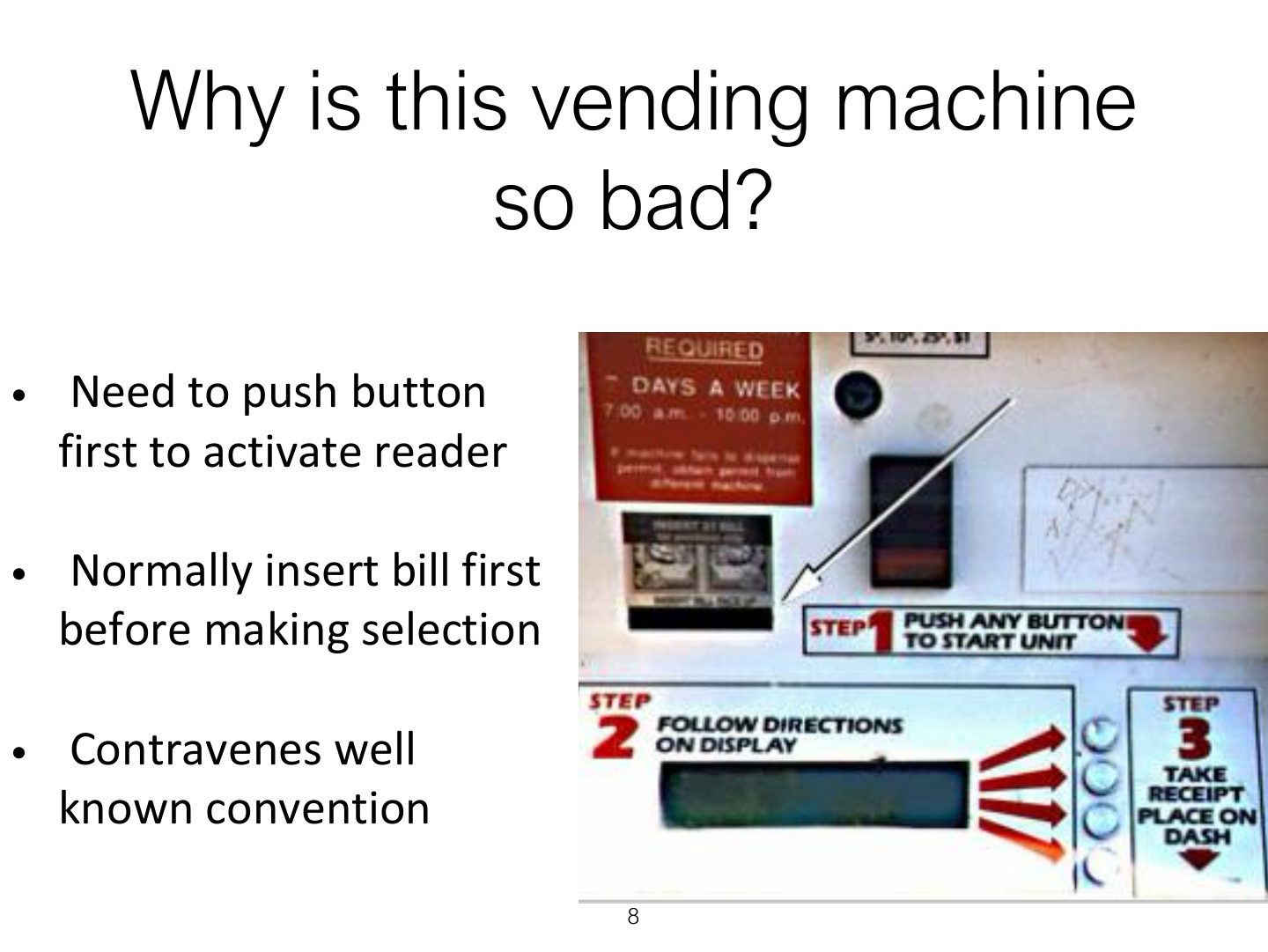
  1. Bad design ignores how people actually use things (the confusing vending machine, voice-mail system).
Slide 8 / 64

Why is this vending machine so bad?

Slide 8: Why is this vending machine so bad?
Slide 9 / 64

Good and Bad design

Slide 9: Good and Bad design
Slide 10 / 64

What to design

Slide 10: What to design
Slide 11 / 64

Dilemma

Slide 11: Dilemma
Slide 12 / 64

Understanding user’s needs

Slide 12: Understanding user’s needs
Slide 13 / 64

What is HCI?

Slide 13: What is HCI?

Notes

  1. HCI: the design, evaluation and implementation of interactive computing systems for human use, and the study of the phenomena around them.
Slide 14 / 64

What is HCI? (cont)

Slide 14: What is HCI? (cont)
Slide 15 / 64

What is HCI? (cont)

Slide 15: What is HCI? (cont)
Slide 16 / 64

What is HCI? (cont)

Slide 16: What is HCI? (cont)
Slide 17 / 64

What is HCI? (cont)

Slide 17: What is HCI? (cont)
Slide 18 / 64

The importance & scope of HCI

Slide 18: The importance & scope of HCI
Slide 19 / 64

Interdisciplinary & scope of HCI

Slide 19: Interdisciplinary & scope of HCI
Slide 20 / 64

Typical topics in HCI

Slide 20: Typical topics in HCI
Slide 21 / 64

Typical topics in HCI (cont)

Slide 21: Typical topics in HCI (cont)
Slide 22 / 64

Typical topics in HCI (cont)

Slide 22: Typical topics in HCI (cont)
Slide 23 / 64

The evolution of HCI (cont)

Slide 23: The evolution of HCI (cont)
Slide 24 / 64

The evolution of HCI (cont)

Slide 24: The evolution of HCI (cont)
Slide 25 / 64

What is interaction design?

Slide 25: What is interaction design?
Slide 26 / 64

Goals of interaction design

Slide 26: Goals of interaction design
Slide 27 / 64

Which kind of design?

Slide 27: Which kind of design?
Slide 28 / 64

Interaction design

Slide 28: Interaction design
Slide 29 / 64

Relationship between ID, HCI and other fields

Slide 29: Relationship between ID, HCI and other fields

Notes

  1. Interaction design is the umbrella; HCI, UX, human factors, cognitive ergonomics and others overlap with it.
Slide 30 / 64

Relationship between ID, HCI and other fields

Slide 30: Relationship between ID, HCI and other fields
Slide 31 / 64

Relationship between ID, HCI and other fields

Slide 31: Relationship between ID, HCI and other fields
Slide 32 / 64

Working in multidisciplinary teams

Slide 32: Working in multidisciplinary teams
Slide 33 / 64

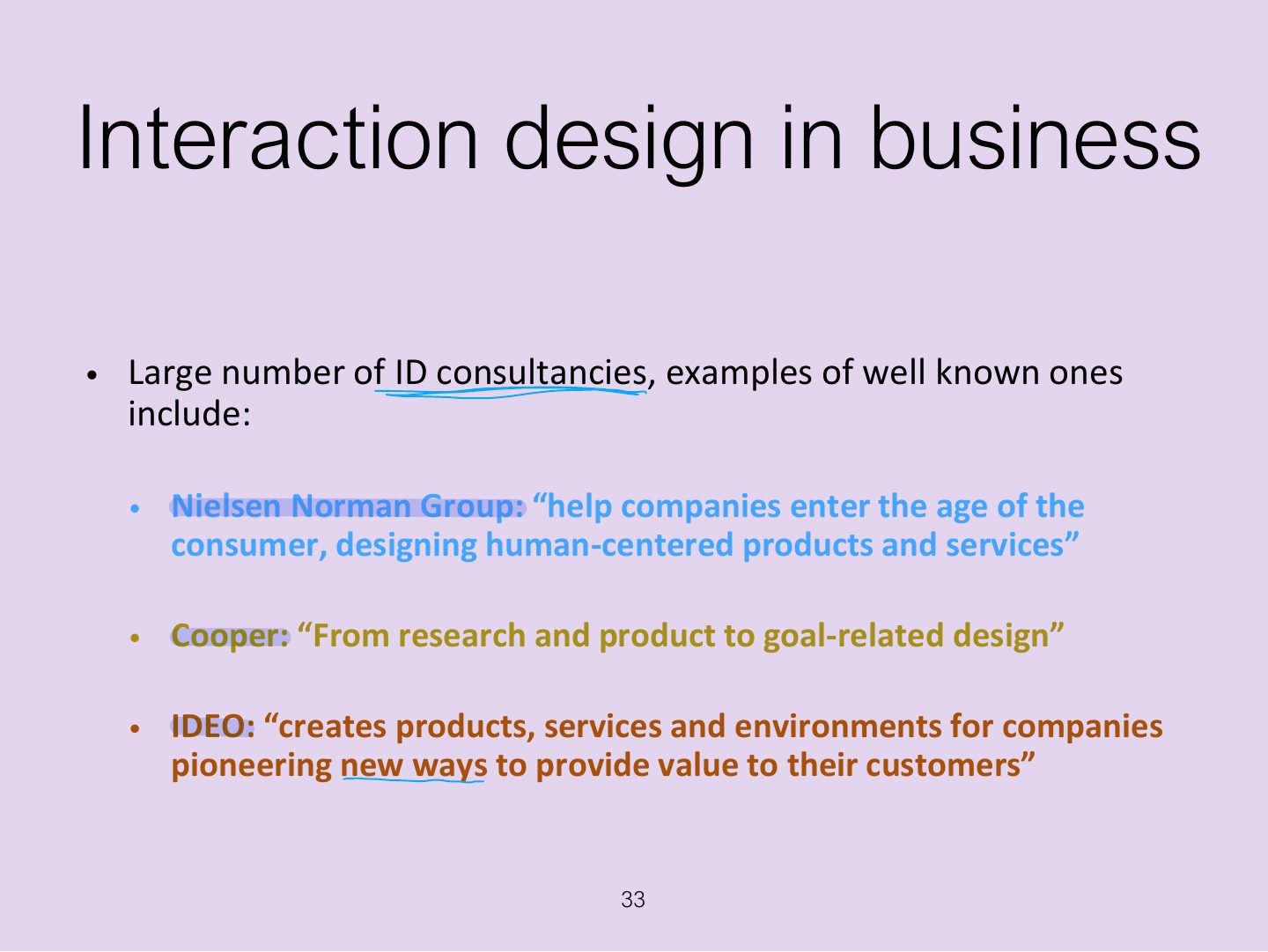
Interaction design in business

Slide 33: Interaction design in business
Slide 34 / 64

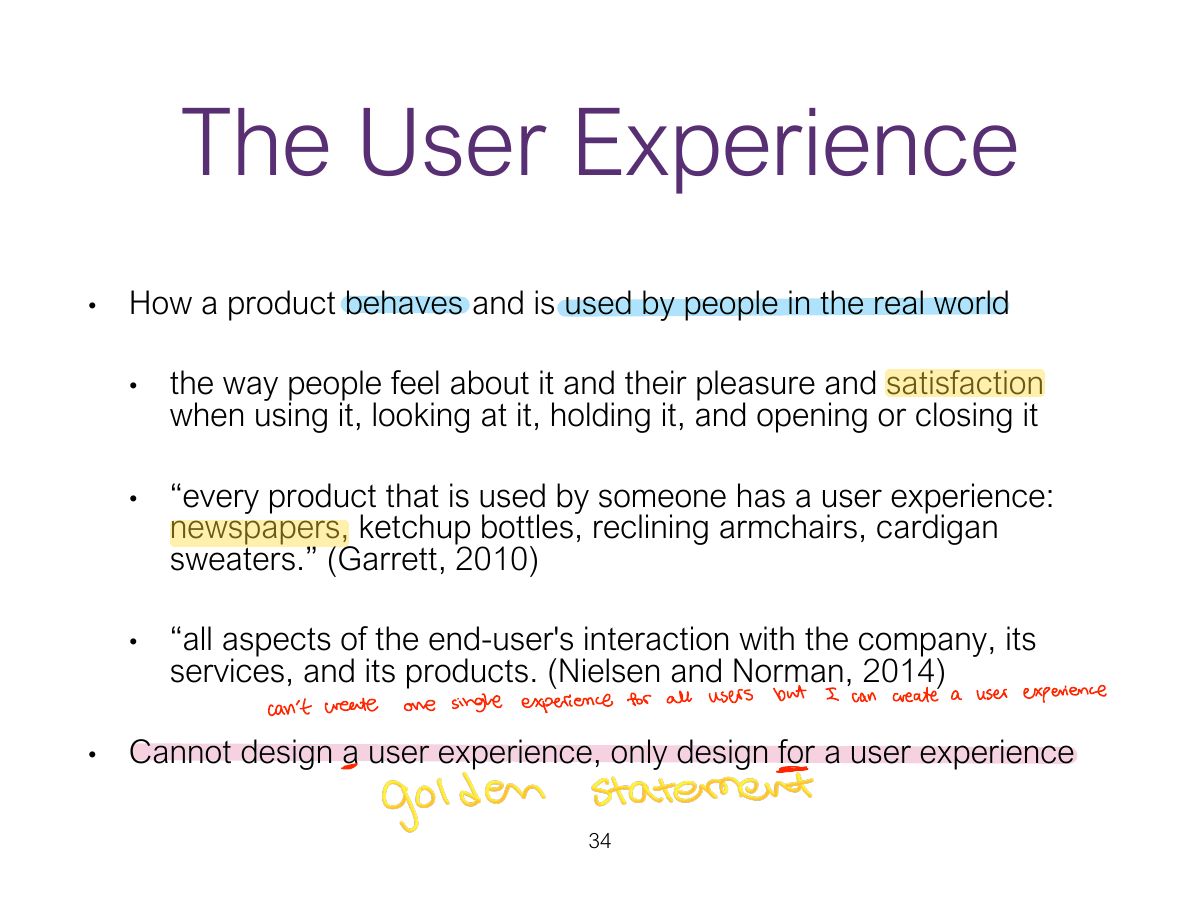
The User Experience

Slide 34: The User Experience

Exam angle

PredictionQ1

Designers can design a user experience directly.
Slide 35 / 64

Defining User Experience

Slide 35: Defining User Experience
Slide 36 / 64

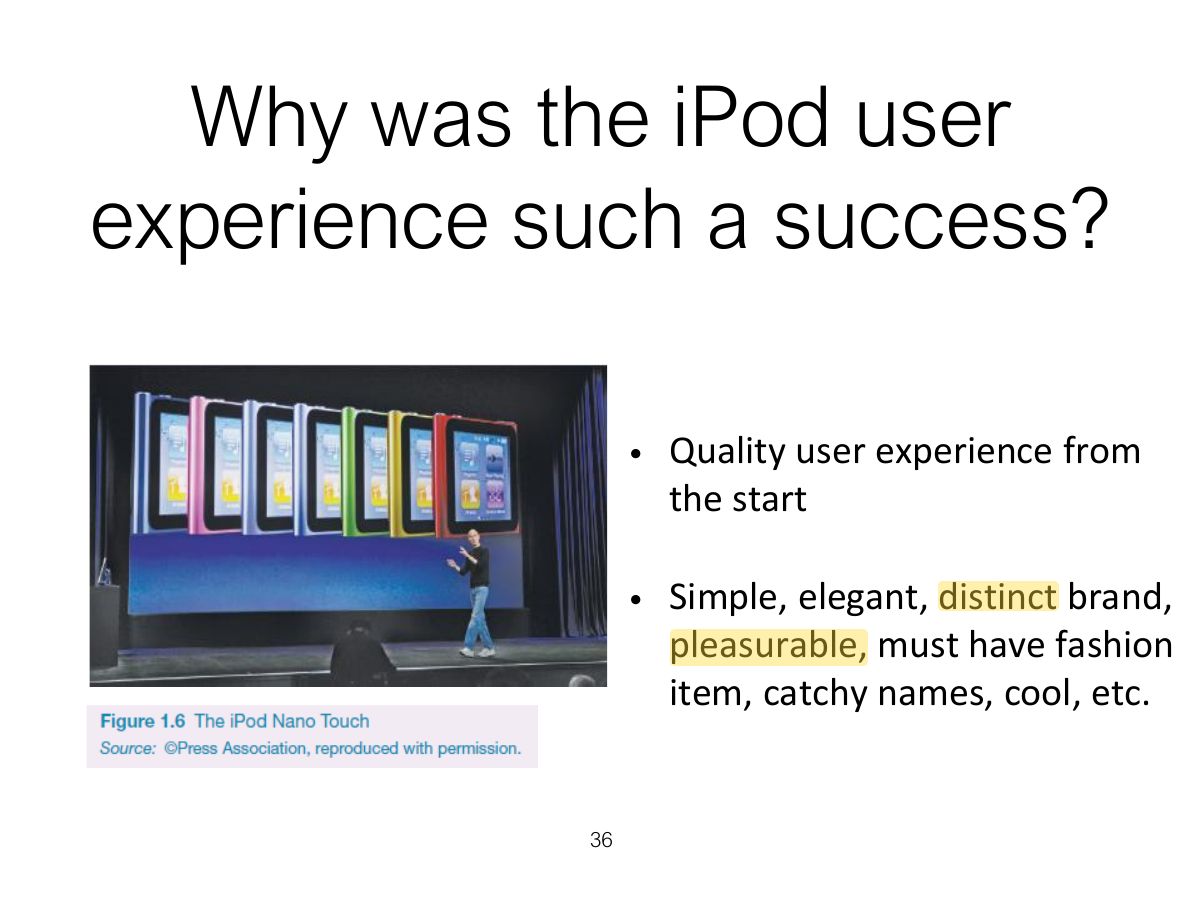
Why was the iPod user experience such a success?

Slide 36: Why was the iPod user experience such a success?
Slide 37 / 64

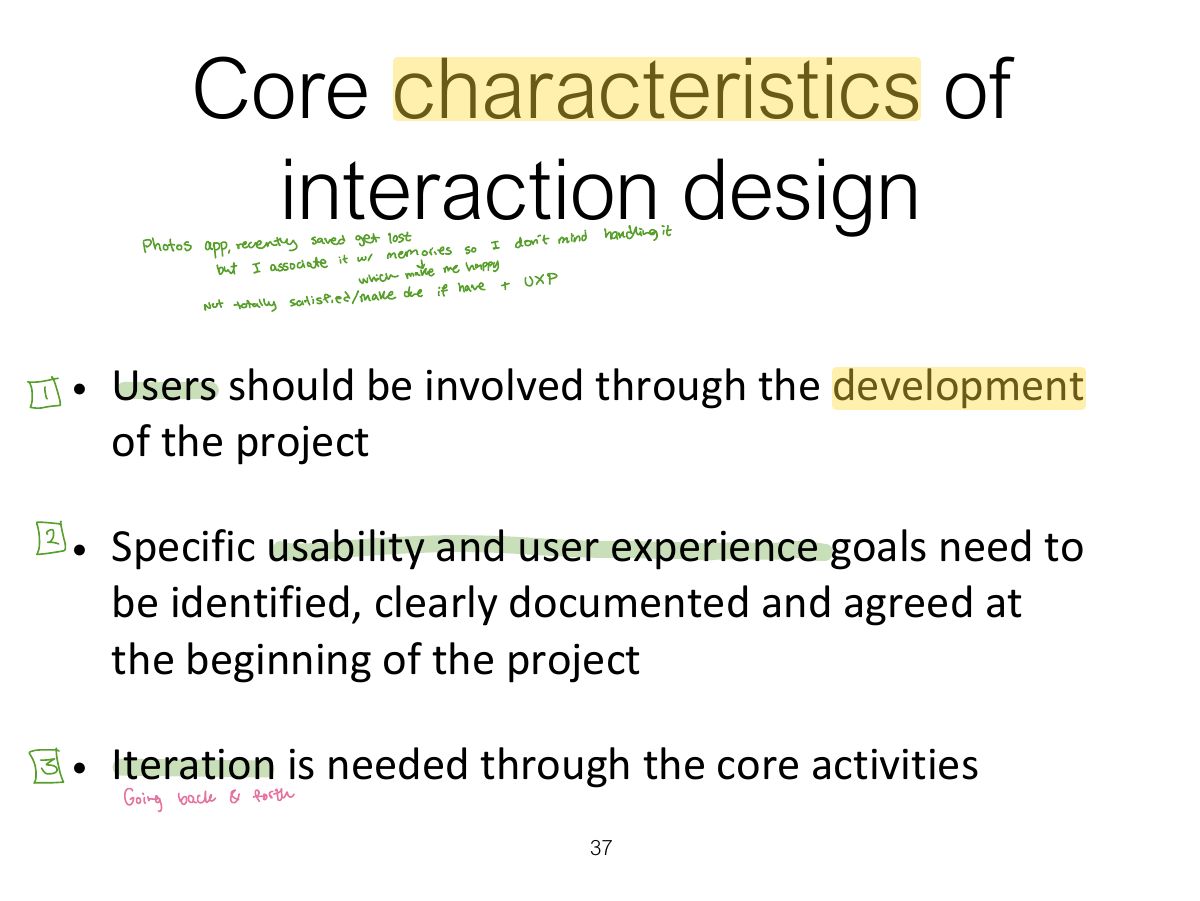
Core characteristics of interaction design

Slide 37: Core characteristics of interaction design
Slide 38 / 64

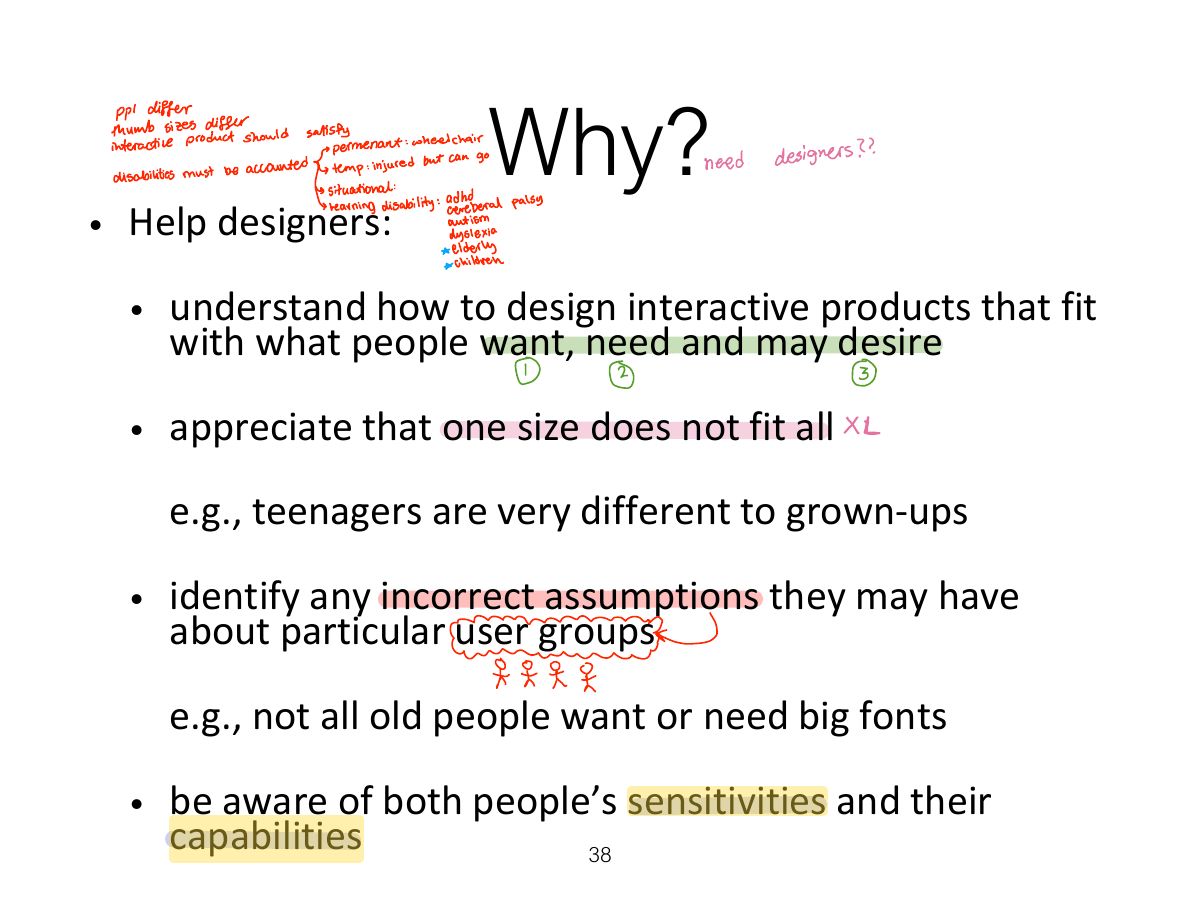
Why?

Slide 38: Why?
Slide 39 / 64

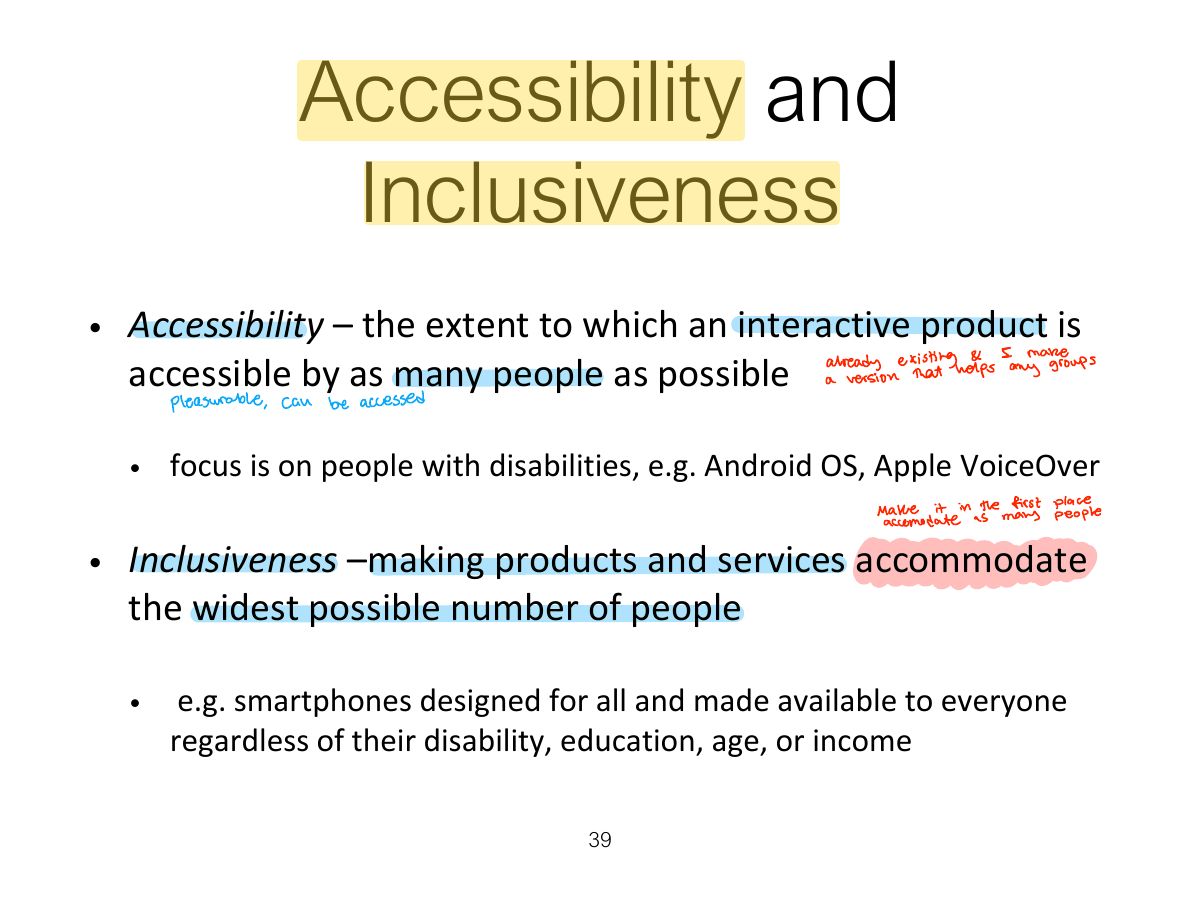
Accessibility and Inclusiveness

Slide 39: Accessibility and Inclusiveness

Notes

  1. Accessibility: how far a product can be used by as many people as possible (including people with disabilities). Inclusiveness: being fair, open and equal to everyone.
Slide 40 / 64

Disabilities

Slide 40: Disabilities
Slide 41 / 64

Understanding Disability

Slide 41: Understanding Disability
Slide 42 / 64

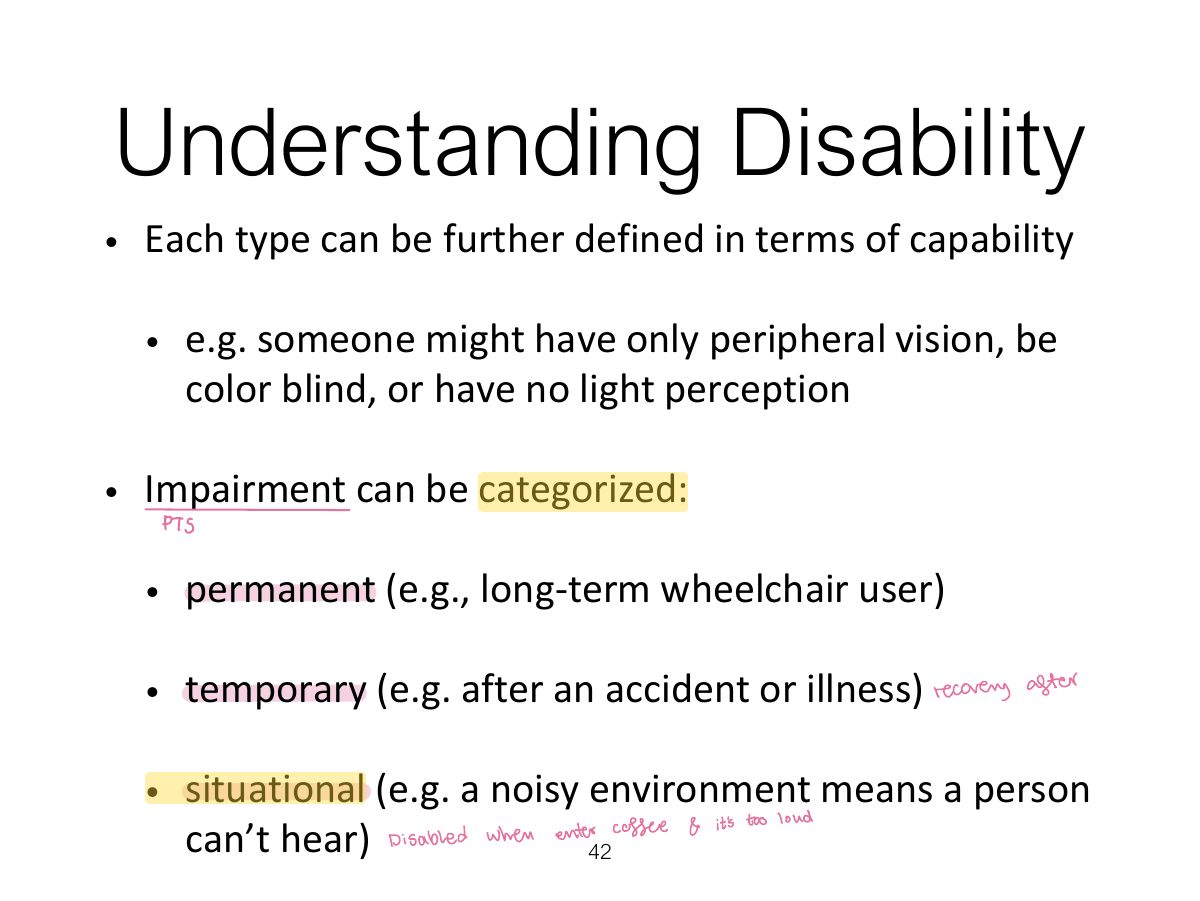
Understanding Disability

Slide 42: Understanding Disability
Slide 43 / 64

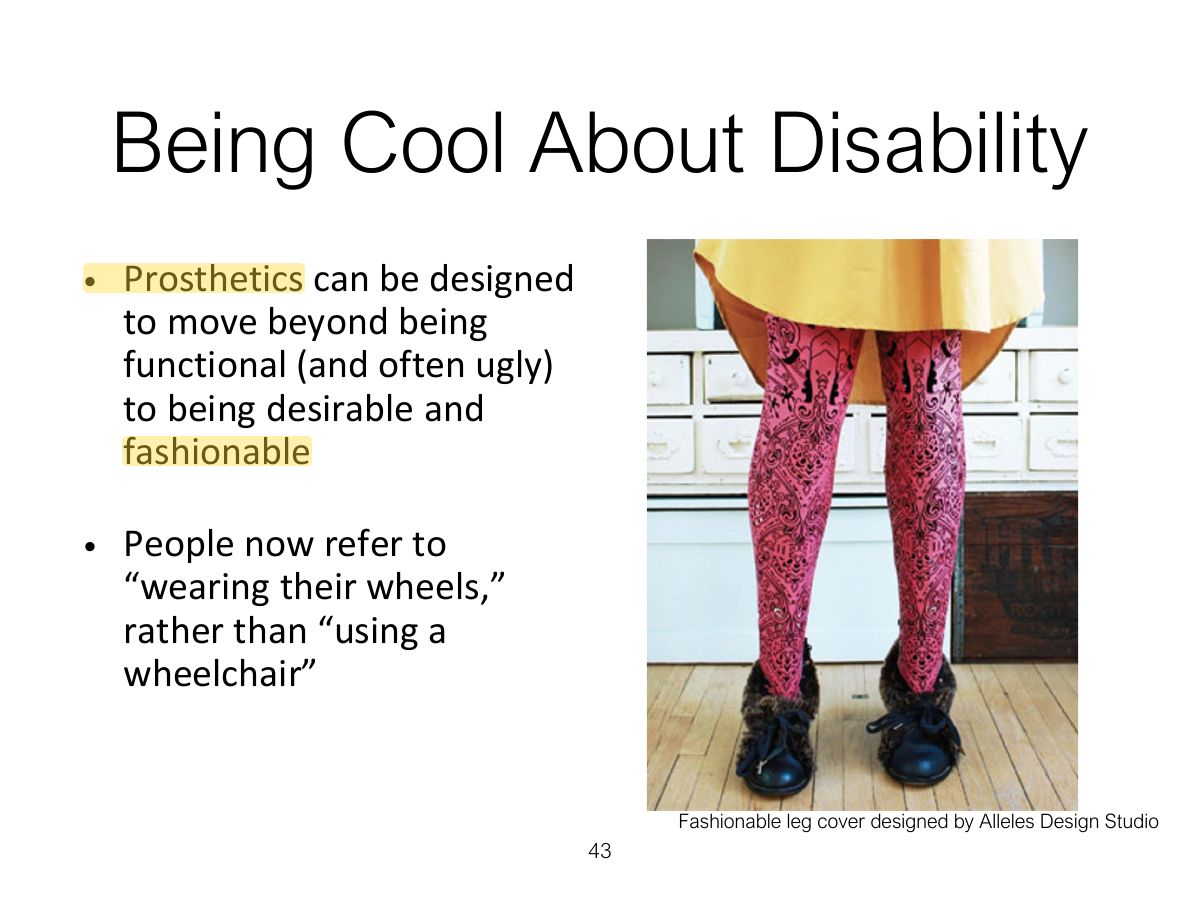
Being Cool About Disability

Slide 43: Being Cool About Disability
Slide 44 / 64

Cultural Differences

Slide 44: Cultural Differences
Slide 45 / 64

What is involved in the process of interaction design

Slide 45: What is involved in the process of interaction design

Notes

  1. Process: discover requirements → design alternatives → prototype → evaluate (iteratively, user-centred).

Slide 46 / 64

Usability goals

Slide 46: Usability goals

Notes

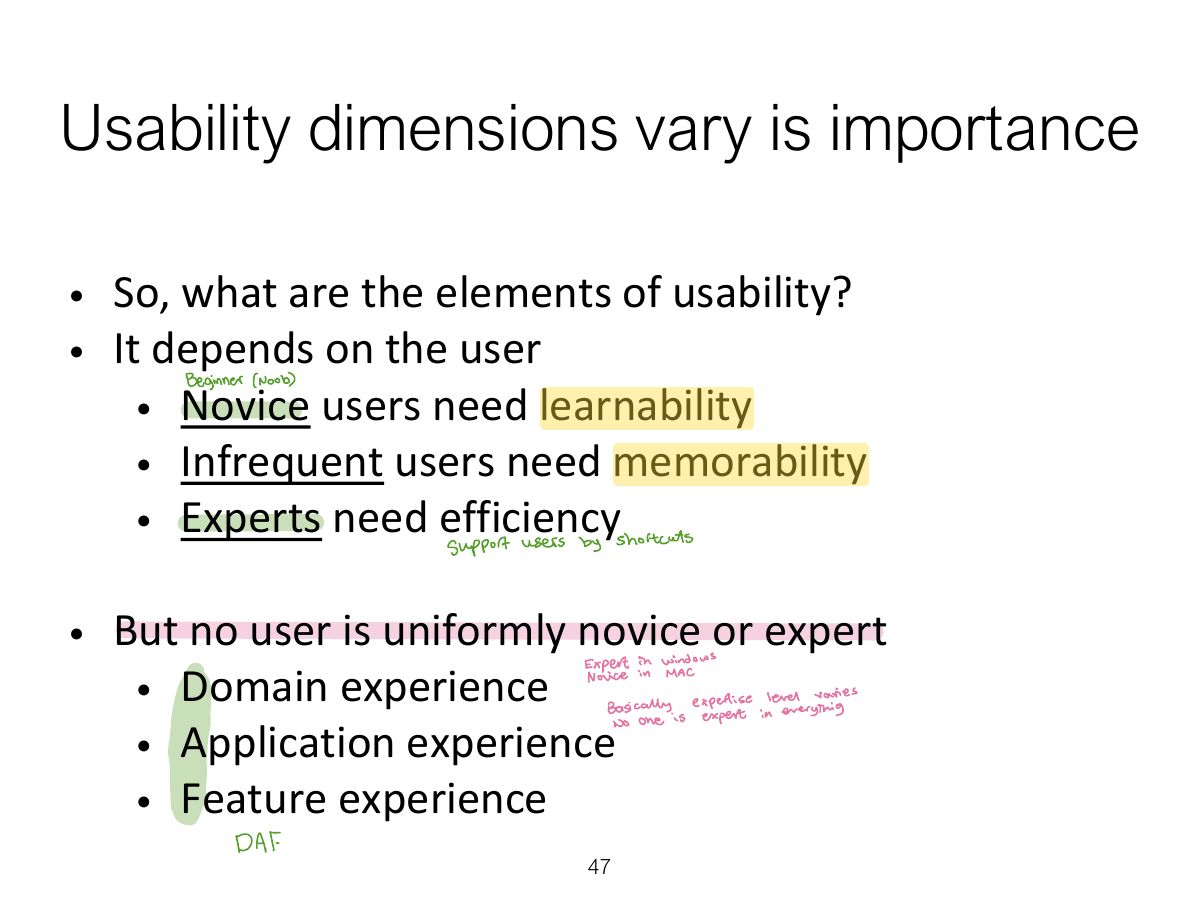
  1. Tip Usability goals: effective, efficient, safe, having good utility, easy to learn (learnability), easy to remember (memorability).

Exam angle

PredictionQ1

"How easy is it to remember how to use a system once learned?" is:

PredictionQ2

Preventing users from making serious errors relates to which usability goal?
Slide 47 / 64

Usability dimensions vary is importance

Slide 47: Usability dimensions vary is importance
Slide 48 / 64

User Experience Goals

Slide 48: User Experience Goals
Slide 49 / 64

Usability and User experience goals

Slide 49: Usability and User experience goals
Slide 50 / 64

Design principles

Slide 50: Design principles

Notes

  1. Norman’s design principles: visibility, feedback, constraints, consistency, affordance (and mapping).
  2. Tip Norman’s design principles: visibility, feedback, constraints, consistency, affordance (and mapping).

Slide 51 / 64

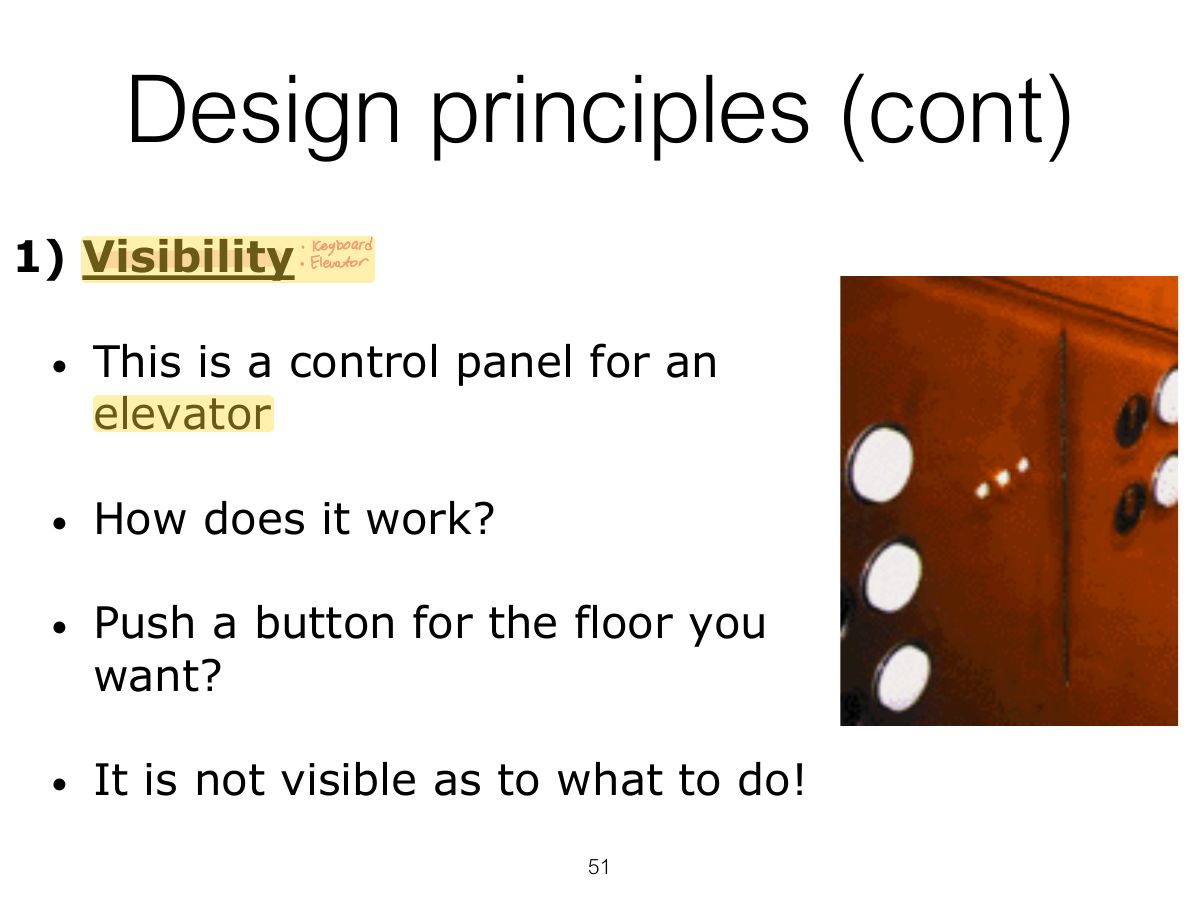
Design principles (cont)

Slide 51: Design principles (cont)

Notes

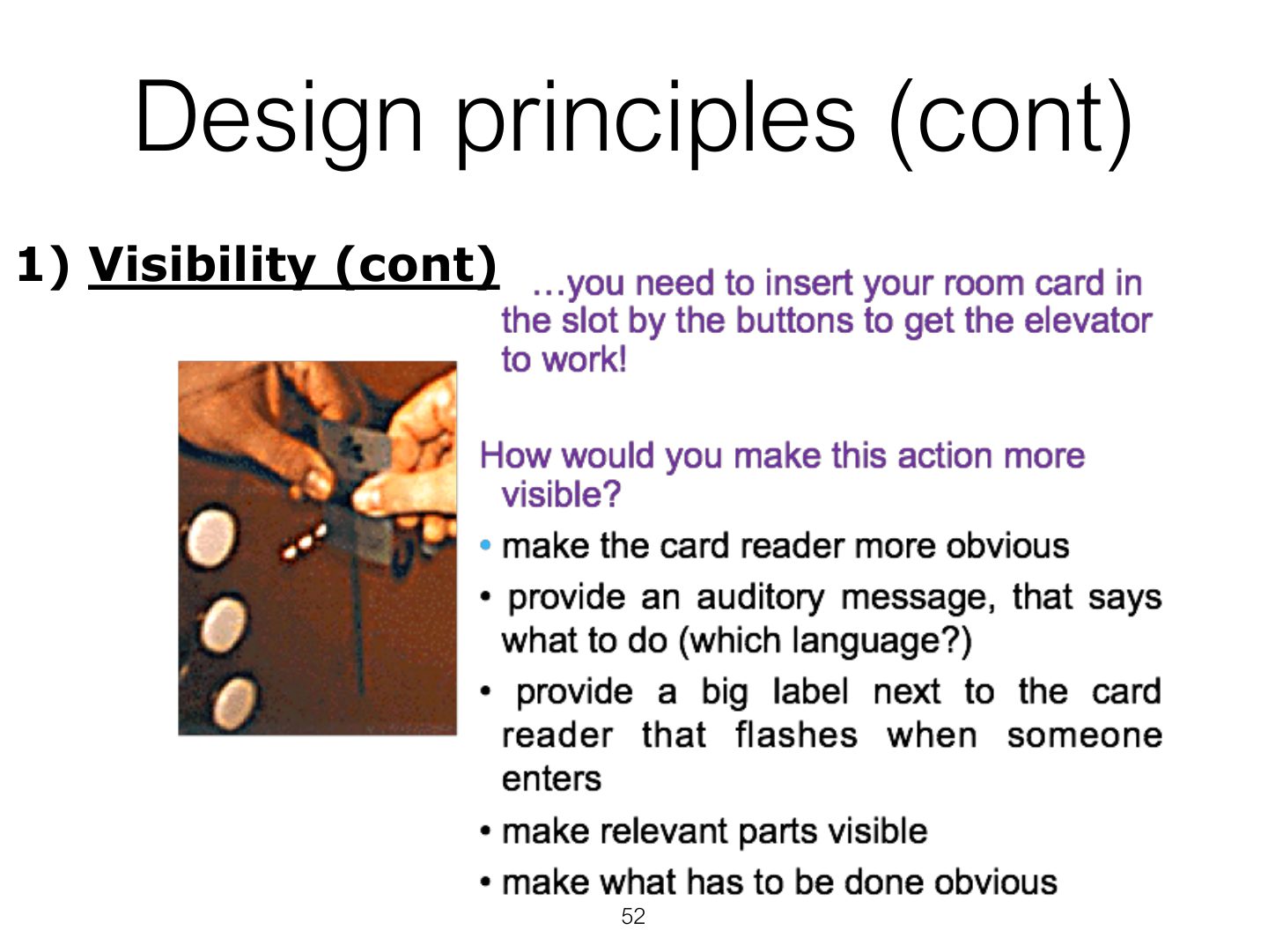
  1. Visibility: the more visible functions are, the more likely users will know what to do next.
Slide 52 / 64

Design principles (cont)

Slide 52: Design principles (cont)

Notes

  1. Feedback: send back information about what action has been done (sound, highlighting, animation).

Exam angle

PredictionQ1

A button that changes colour and clicks when pressed demonstrates:
Slide 53 / 64

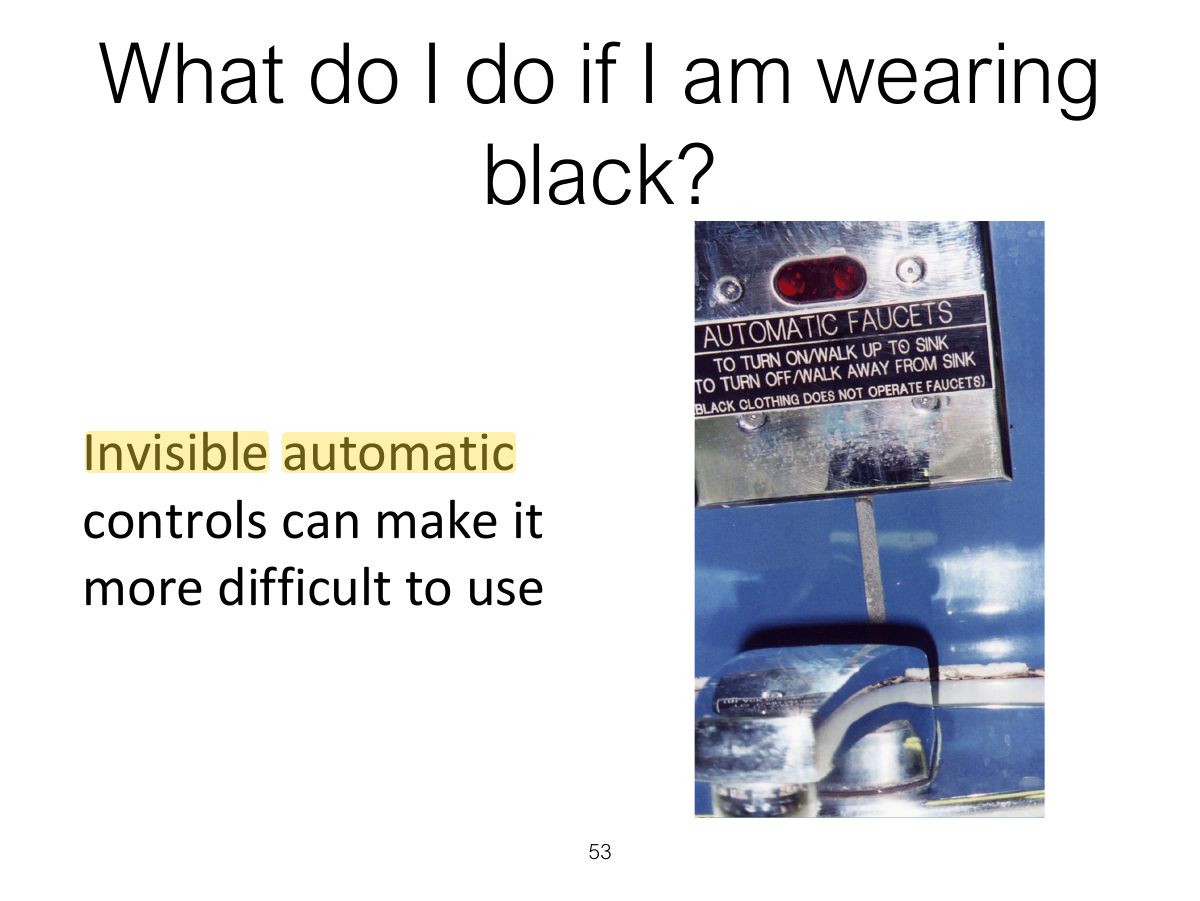
What do I do if I am wearing black?

Slide 53: What do I do if I am wearing black?
Slide 54 / 64

Design principles (cont)

Slide 54: Design principles (cont)

Notes

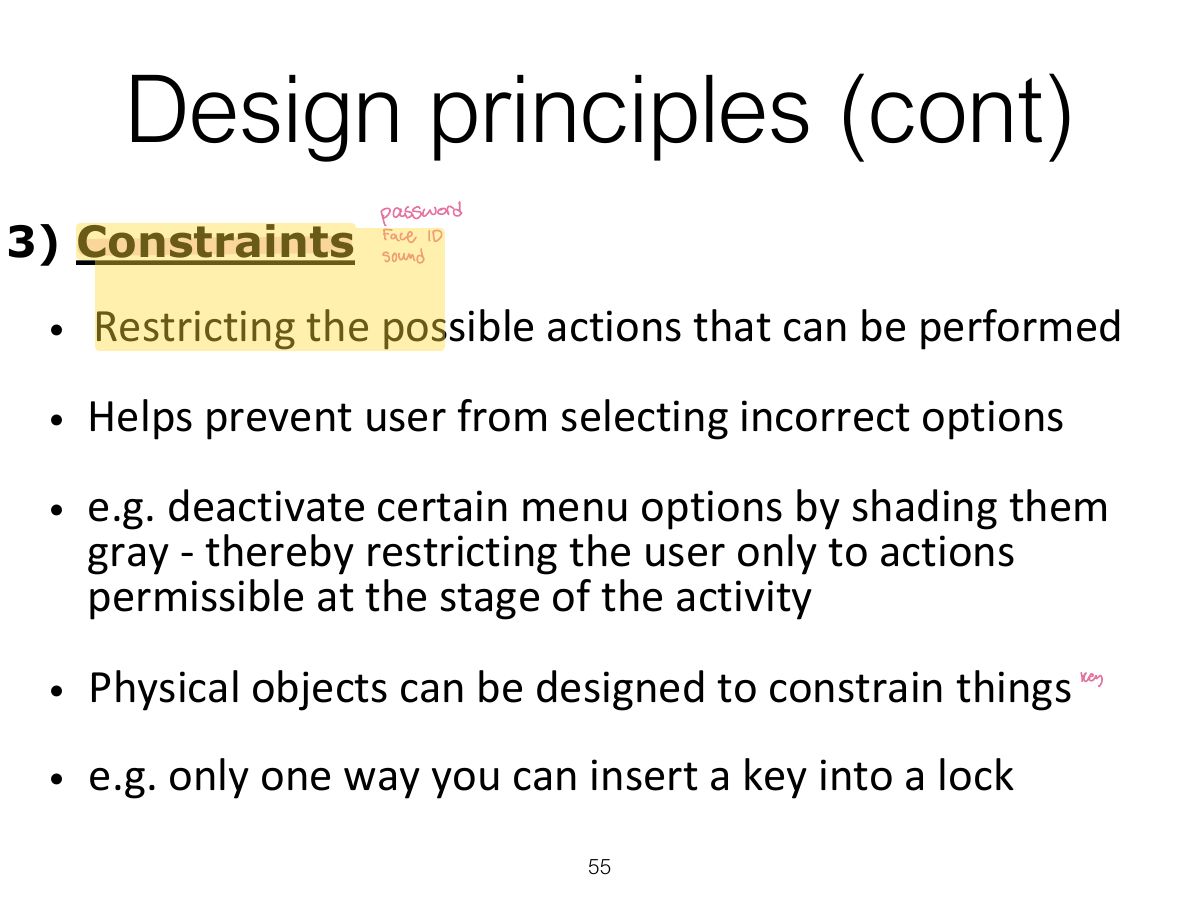
  1. Constraints: restrict the actions possible at a given moment (greyed-out menu options; physical shape).

Exam angle

PredictionQ1

Greying out unavailable menu items is an example of:
Slide 55 / 64

Design principles (cont)

Slide 55: Design principles (cont)
Slide 56 / 64

Logical or ambiguous design?

Slide 56: Logical or ambiguous design?
Slide 57 / 64

How to design them more logically

Slide 57: How to design them more logically
Slide 58 / 64

Design principles (cont)

Slide 58: Design principles (cont)

Notes

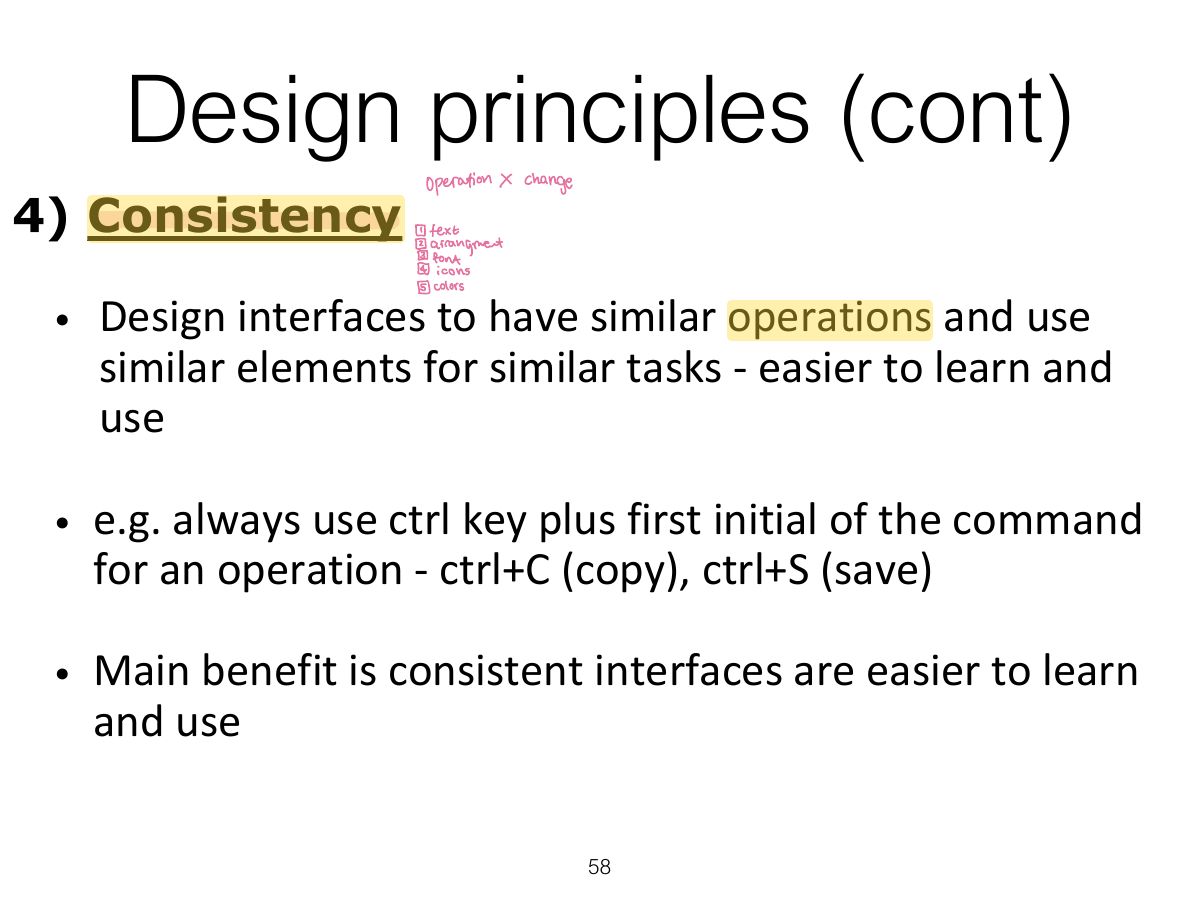
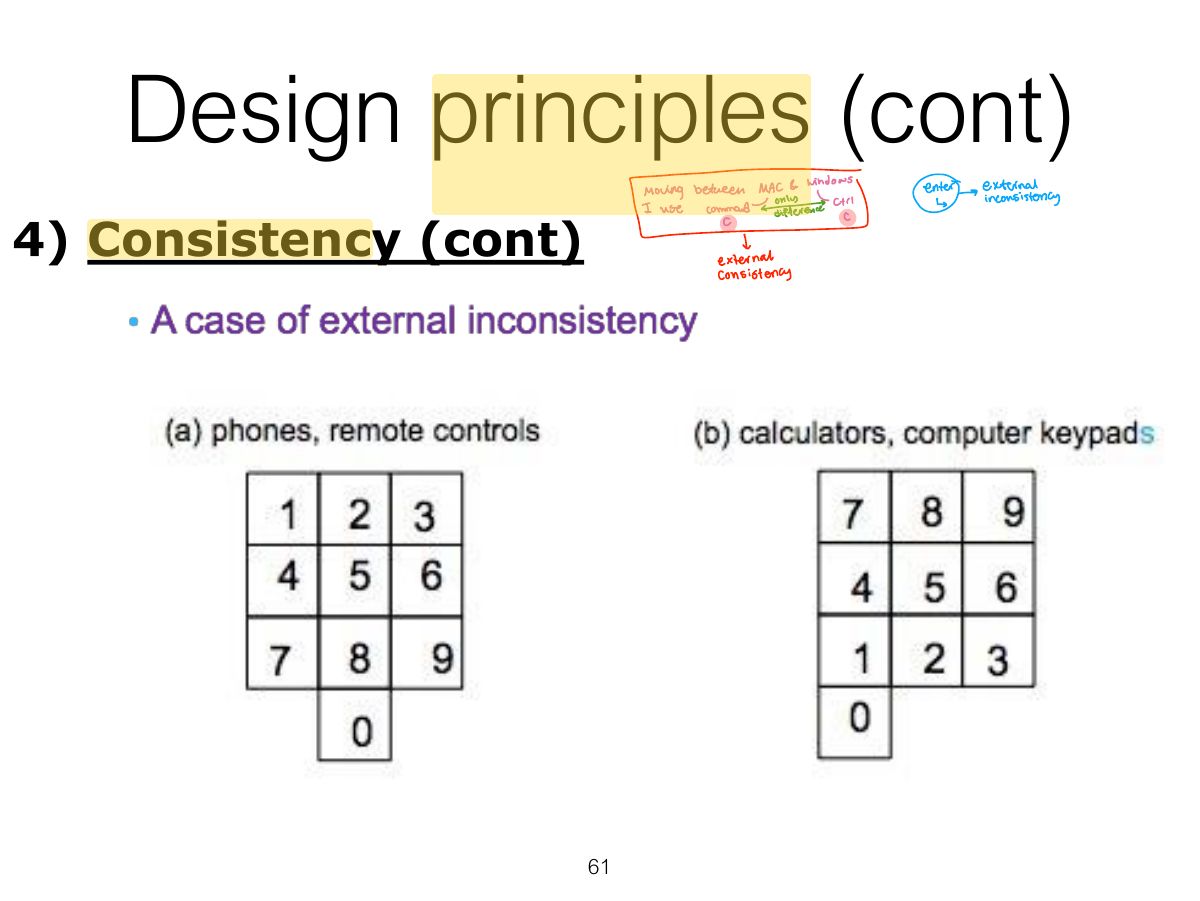
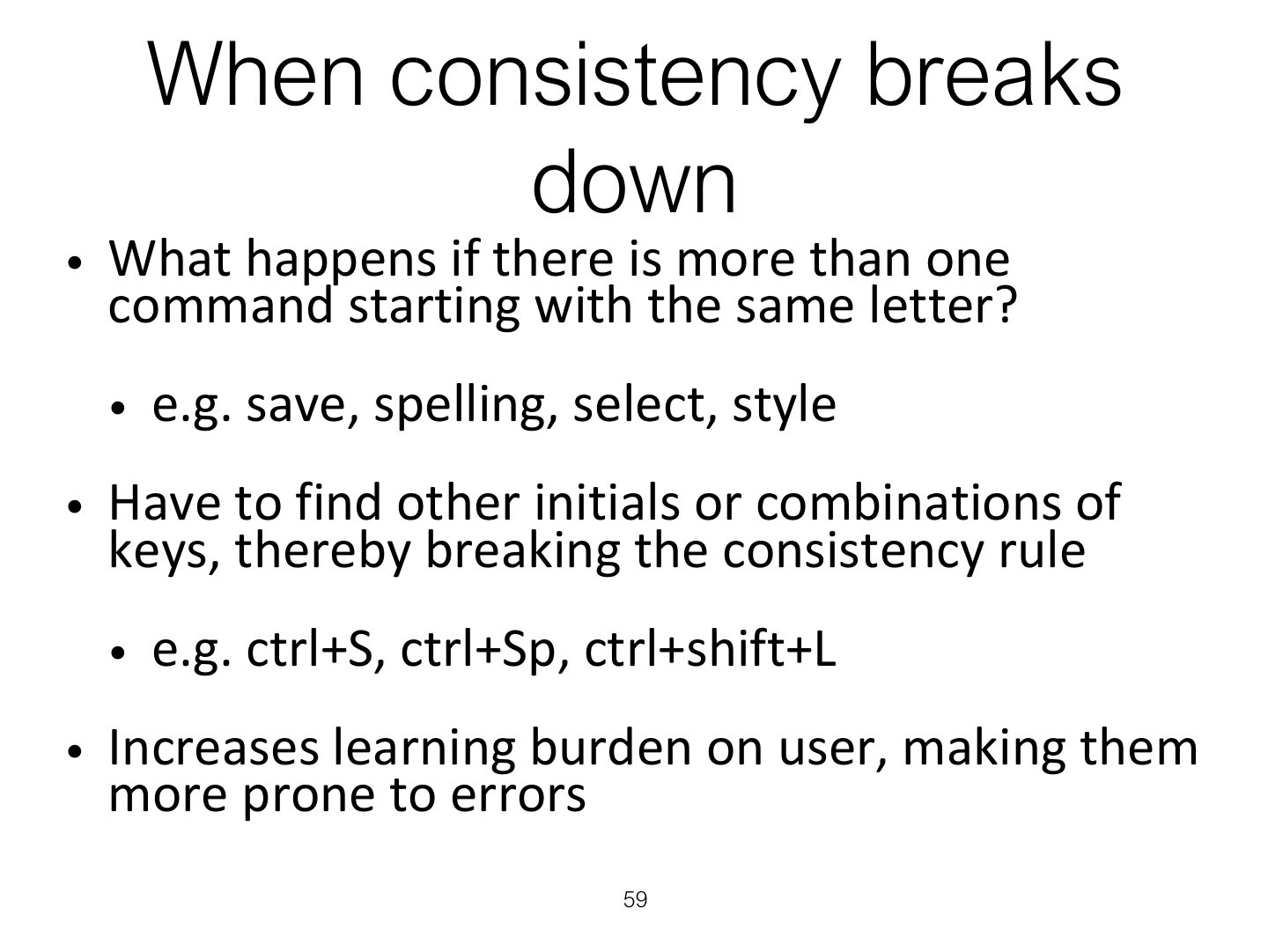
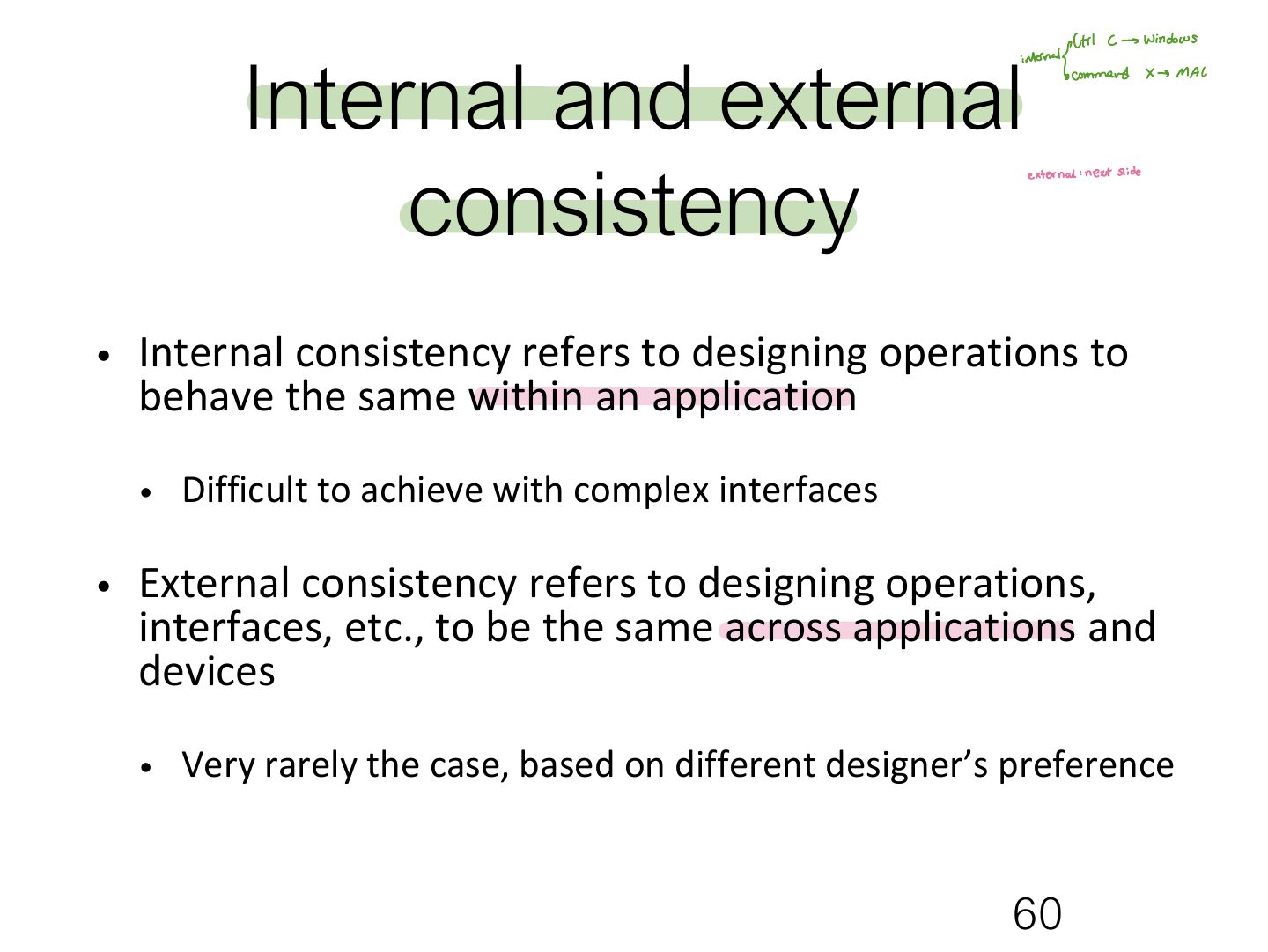
  1. Consistency: similar operations and elements for similar tasks (Ctrl+C everywhere). Internal (within an app) vs. external (across apps/devices).
Slide 59 / 64

When consistency breaks down

Slide 59: When consistency breaks down
Slide 60 / 64

Internal and external consistency

Slide 60: Internal and external consistency
Slide 61 / 64

Design principles (cont)

Slide 61: Design principles (cont)

Notes

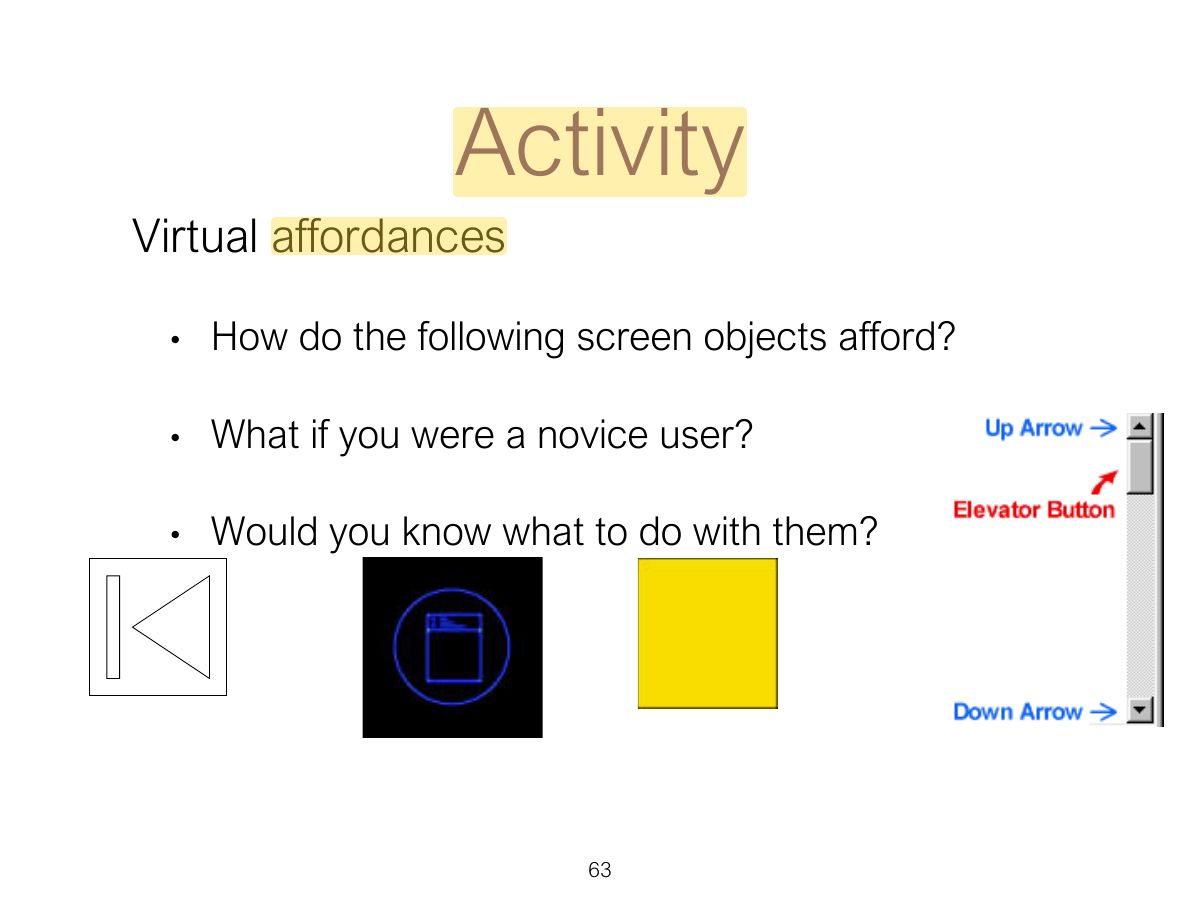
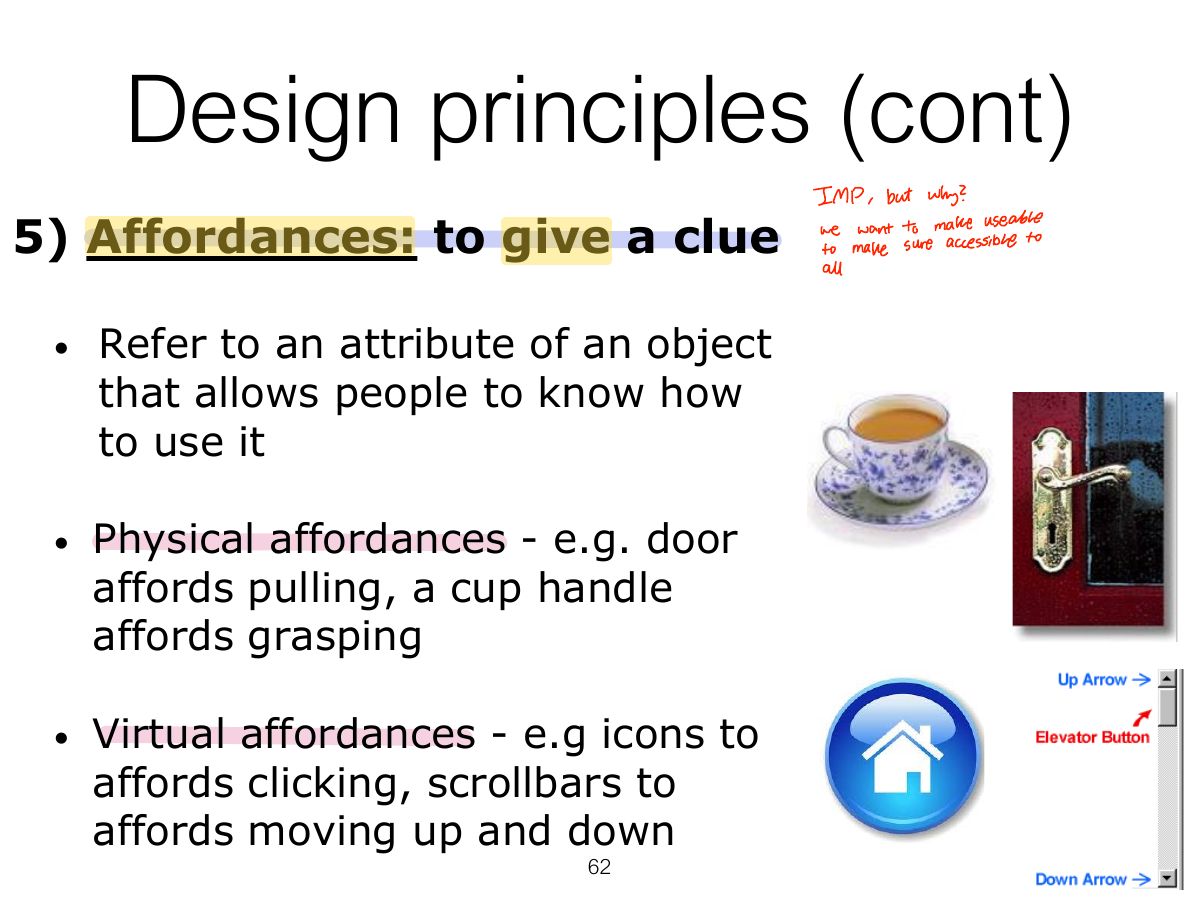
  1. Affordance: an attribute of an object that tells people how to use it (a button invites pushing). Real (physical) vs. perceived (on screen).

  2. Trap Affordance is about what the object suggests; feedback is about what happens AFTER the action.

Exam angle

PredictionQ1

A door handle that "invites" pulling is an example of:
Slide 62 / 64

Design principles (cont)

Slide 62: Design principles (cont)
Slide 63 / 64

Activity

Slide 63: Activity
Slide 64 / 64

Key points

Slide 64: Key points