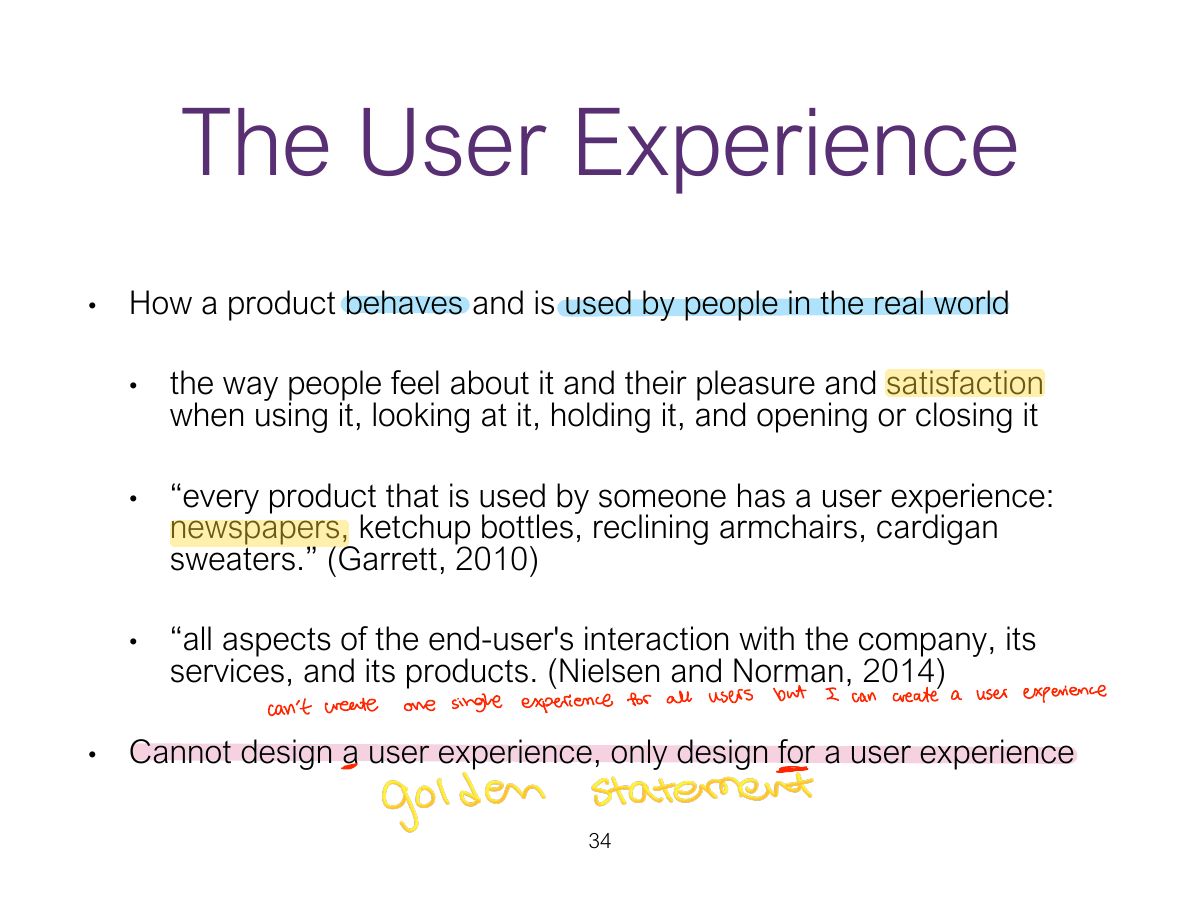
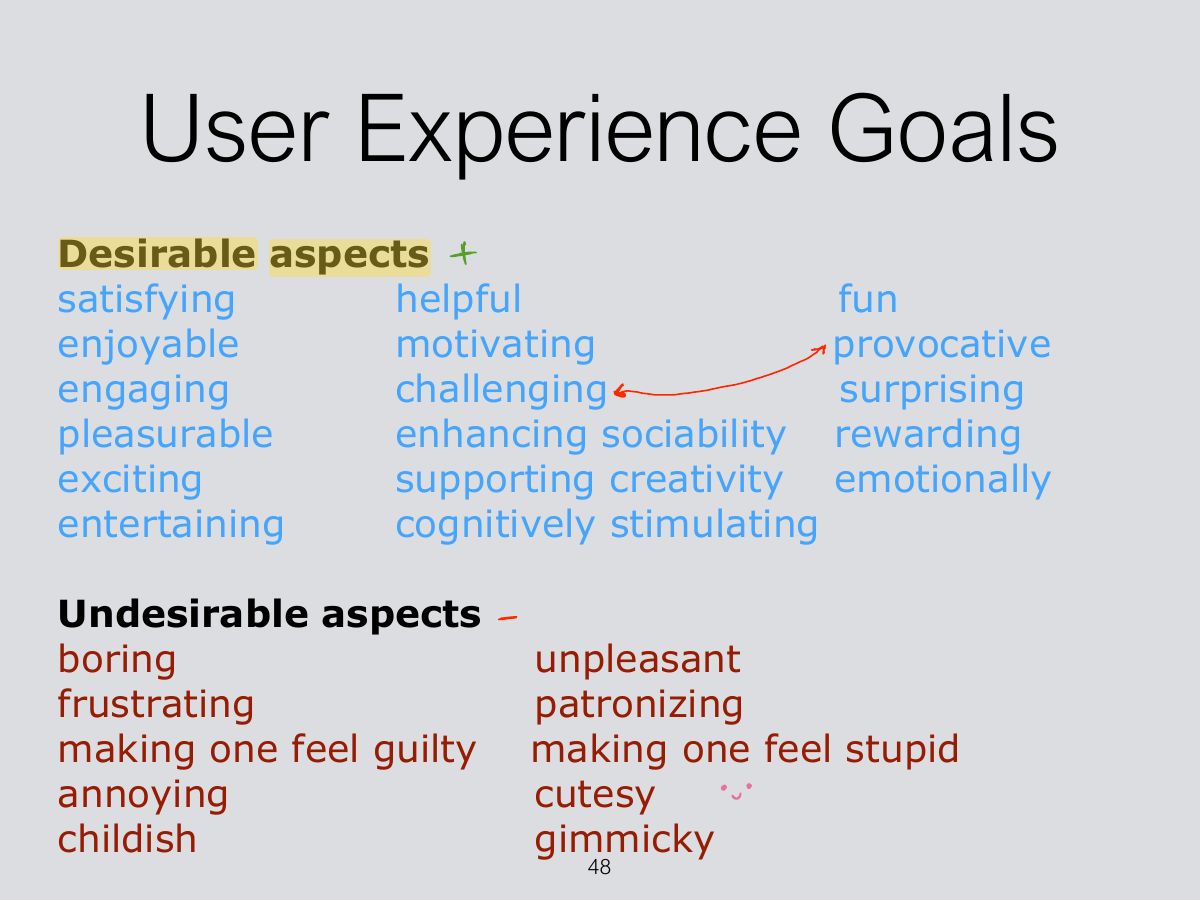
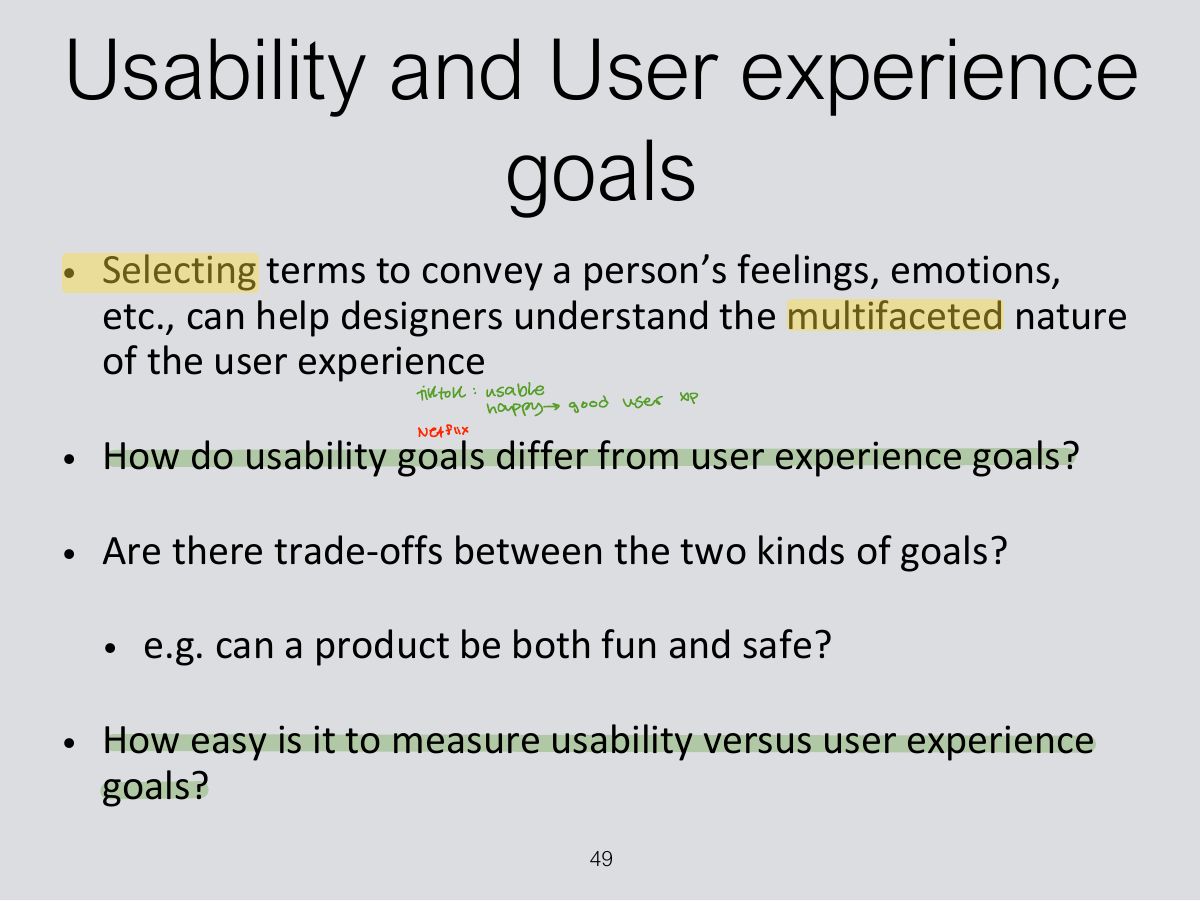
Designers can design a user experience directly.
- They design for a user experience.
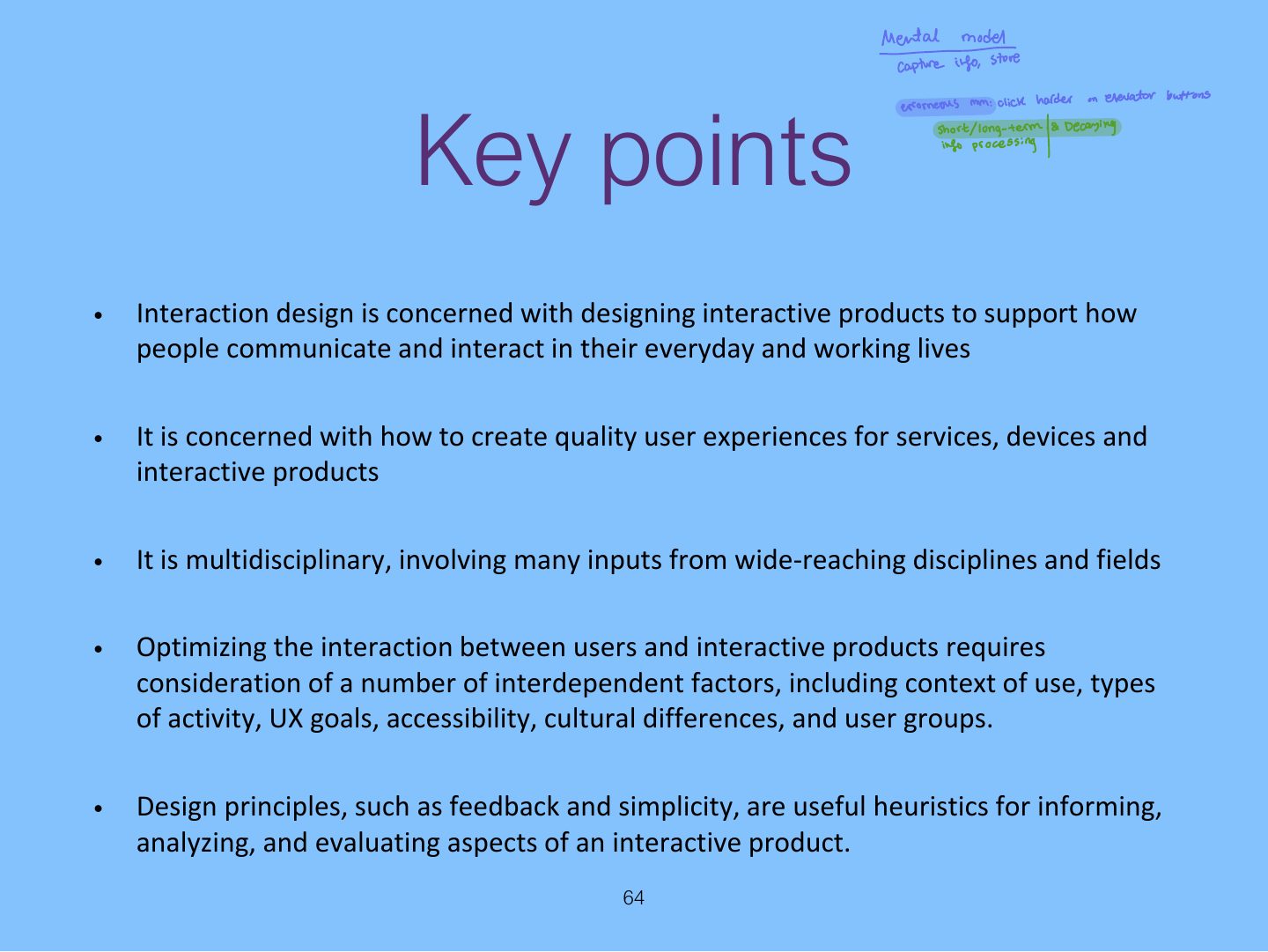
Good and bad design, what HCI and interaction design are and how they relate to UX, accessibility and inclusiveness, the process of interaction design, usability and user-experience goals, and Norman’s design principles (visibility, feedback, constraints, consistency, affordance).
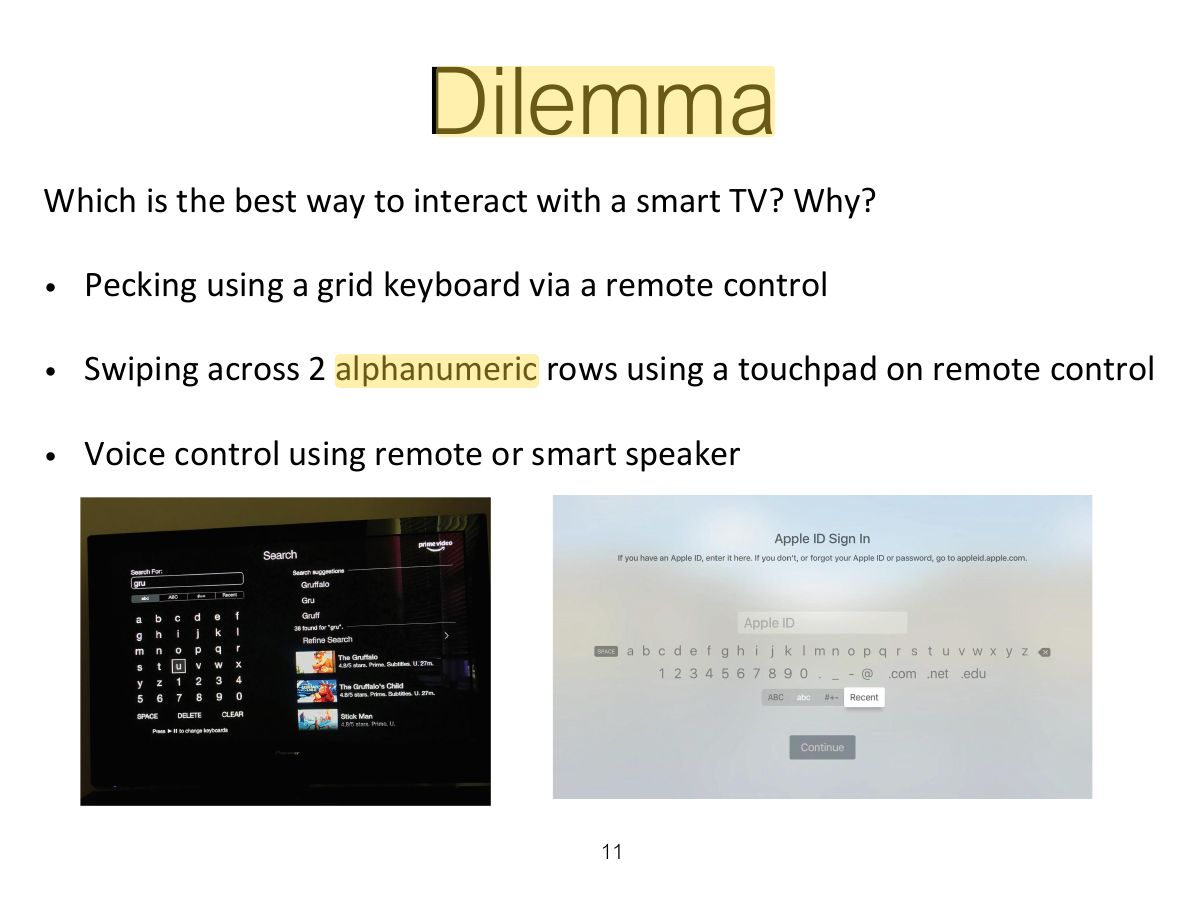
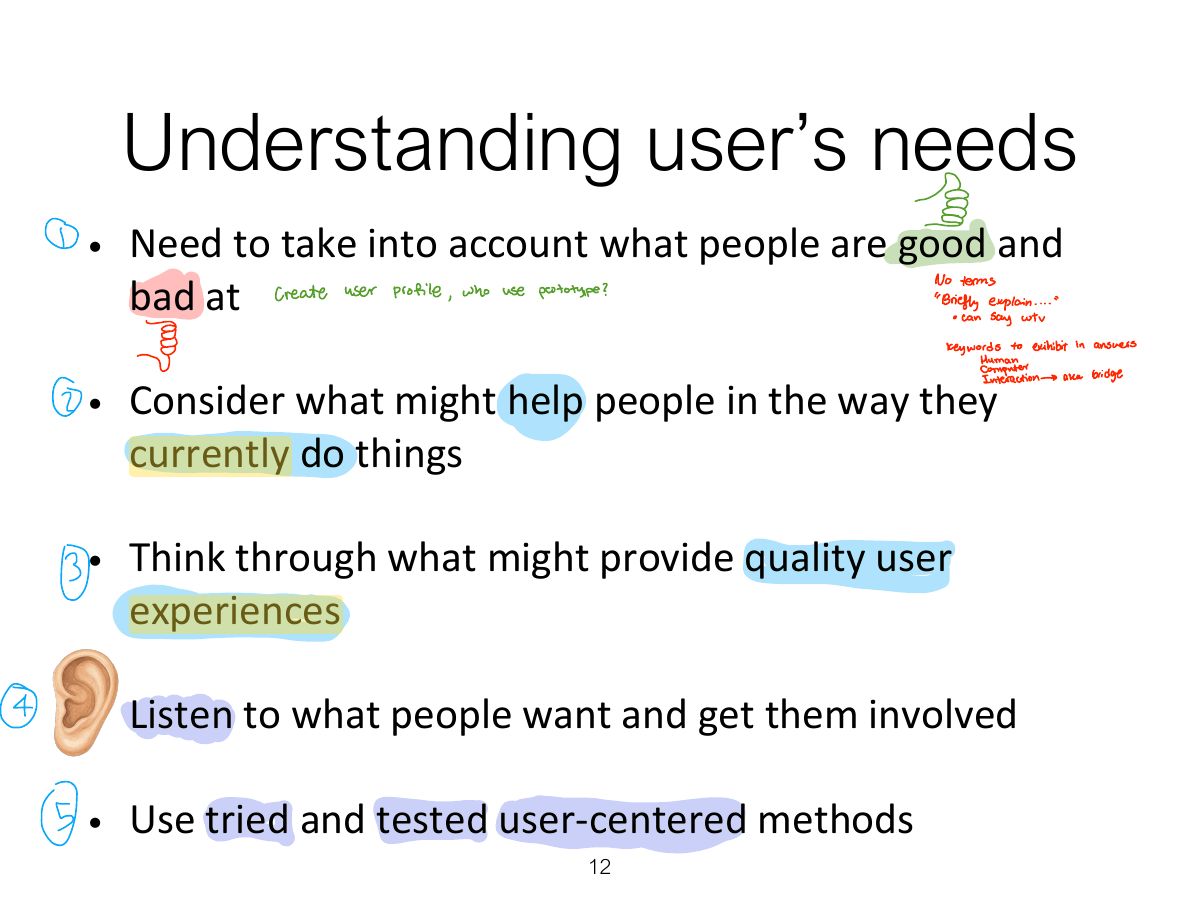
Every original slide is shown unchanged. Yellow marks on a slide point to a numbered note: hover or tap a mark to jump to its note, and hover a note to see its marks. Questions tagged Past exam appeared on a real paper; Prediction questions are likely angles, not confirmed. Pick an answer to each question: a wrong pick tells you why it is wrong, so you can try again.

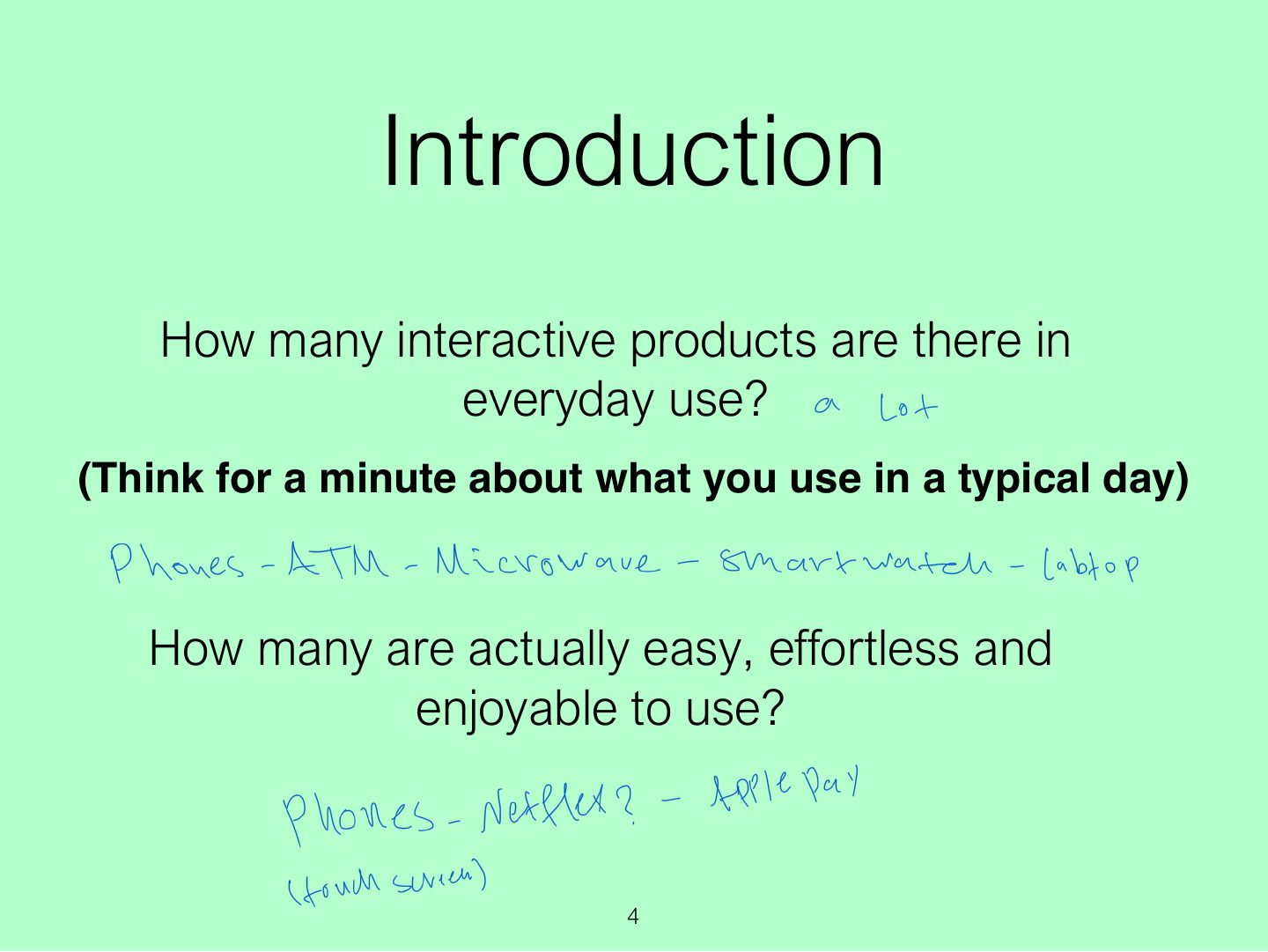
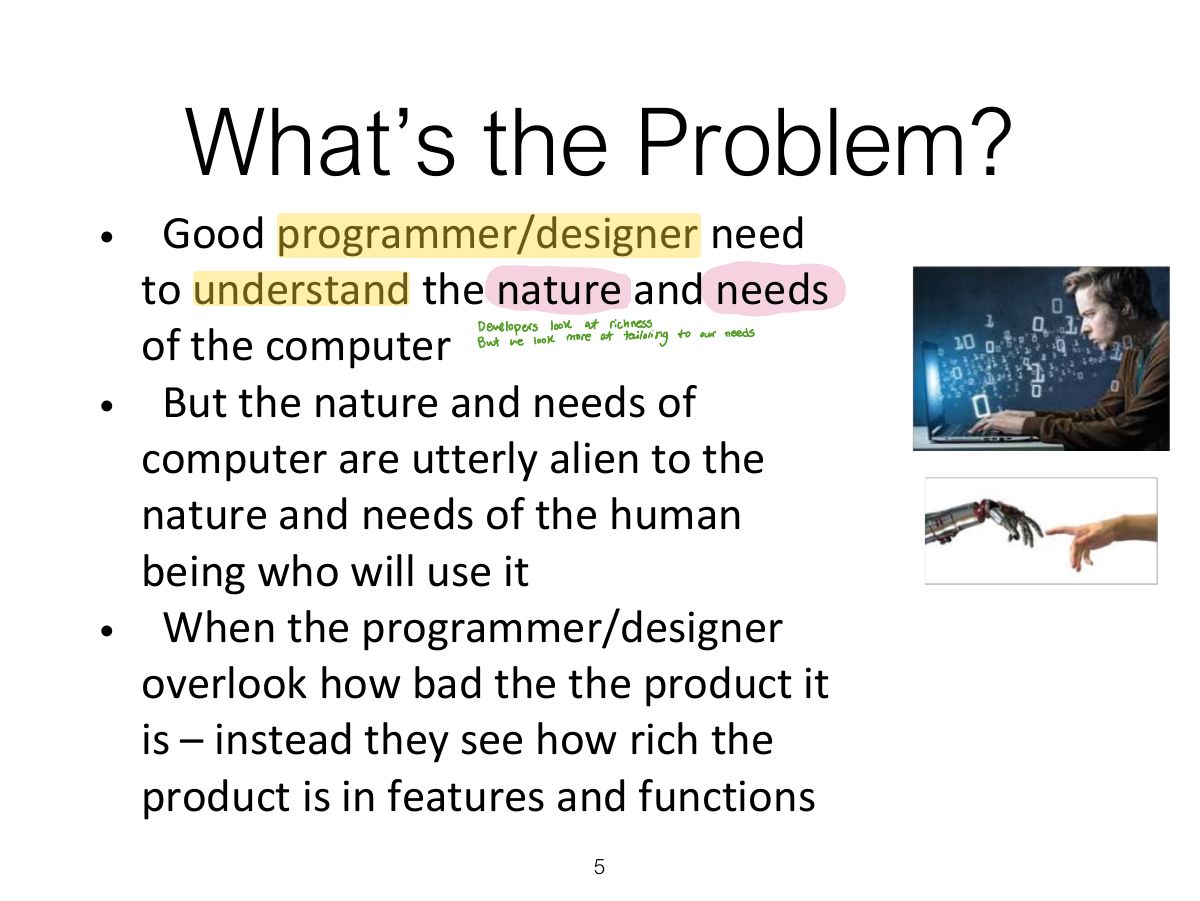
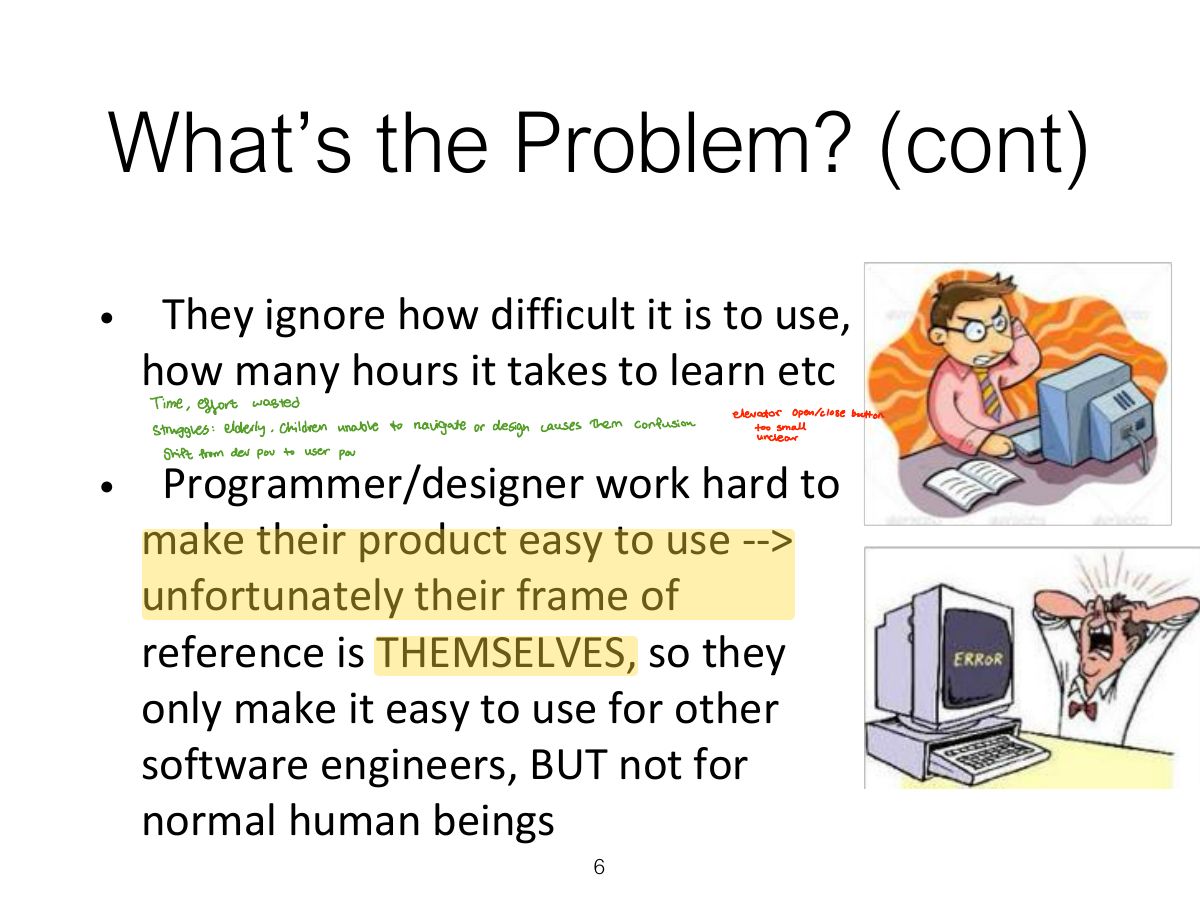
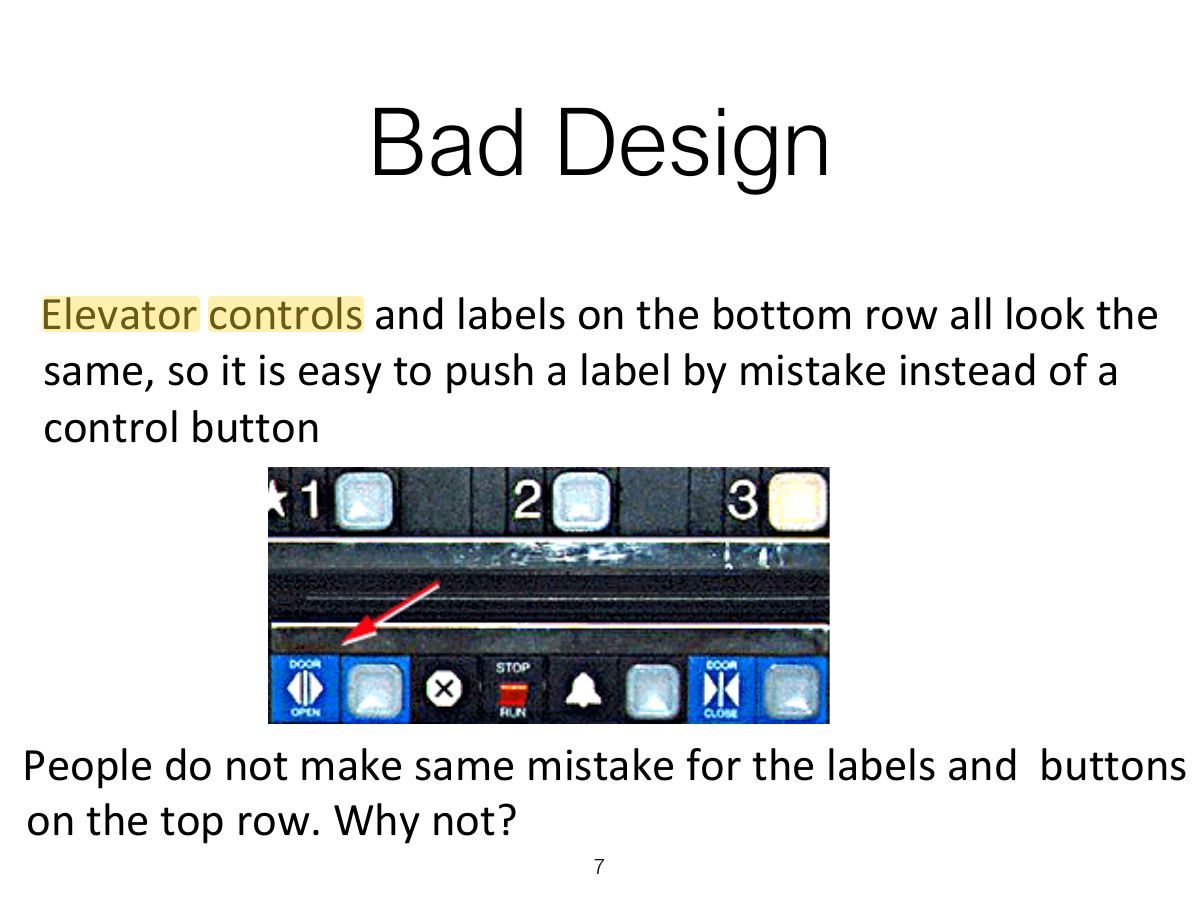
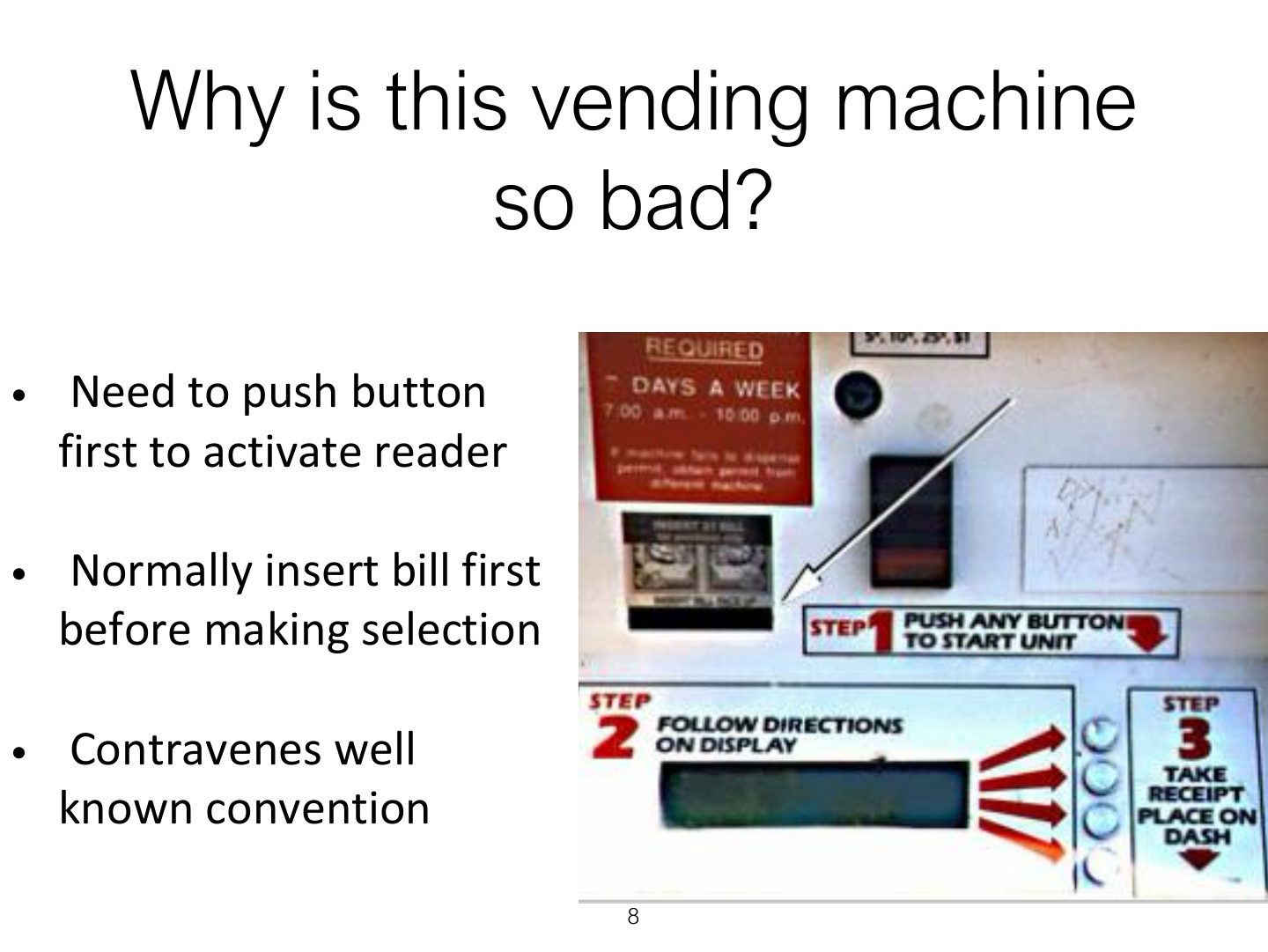
Bad design ignores how people actually use things (the confusing vending machine, voice-mail system).
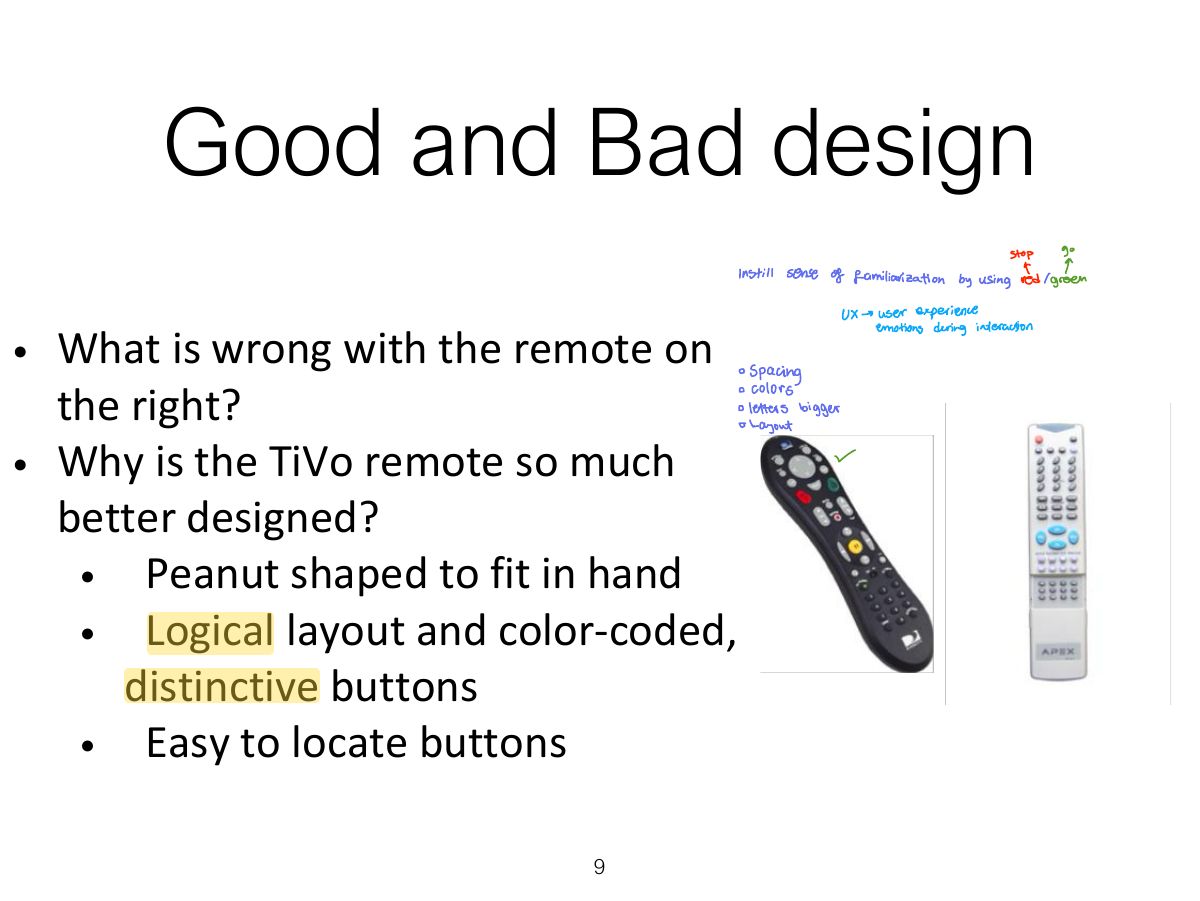
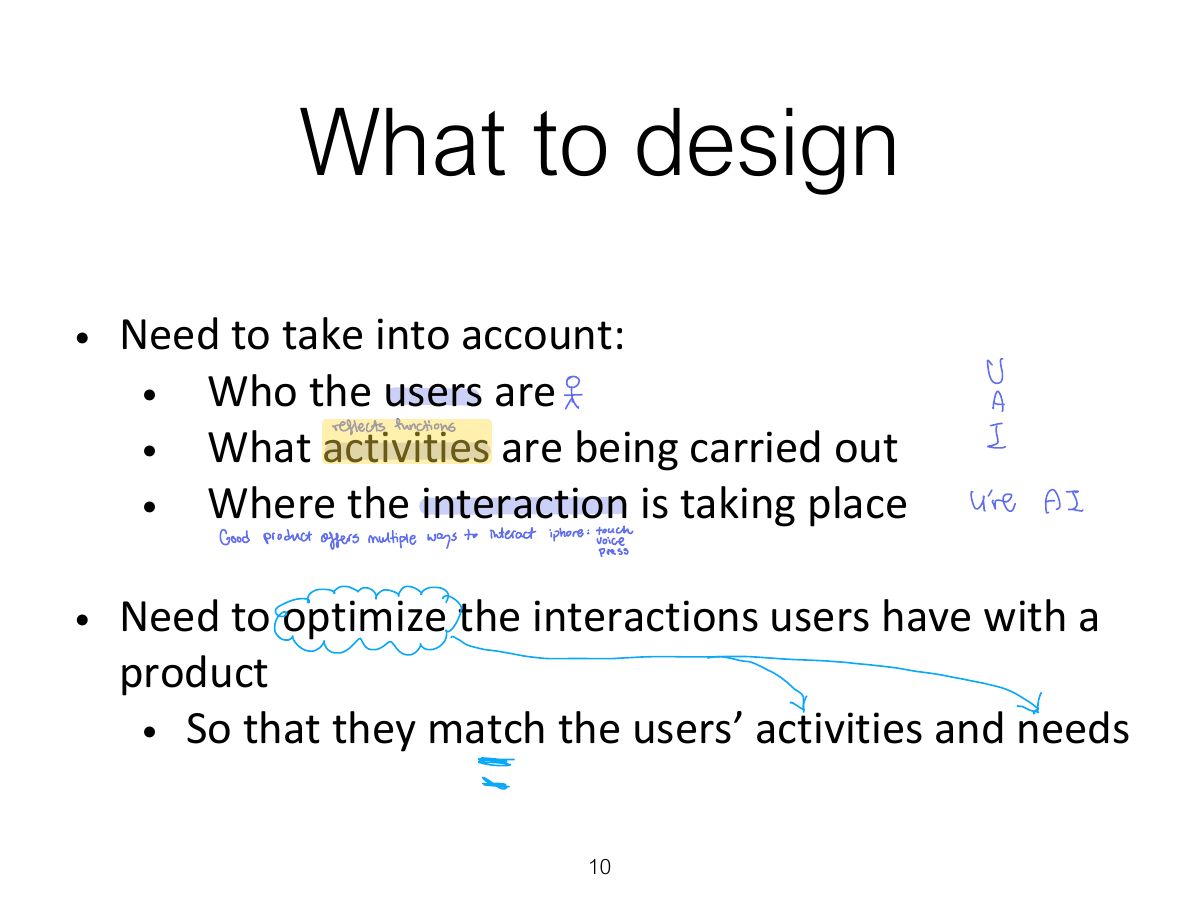
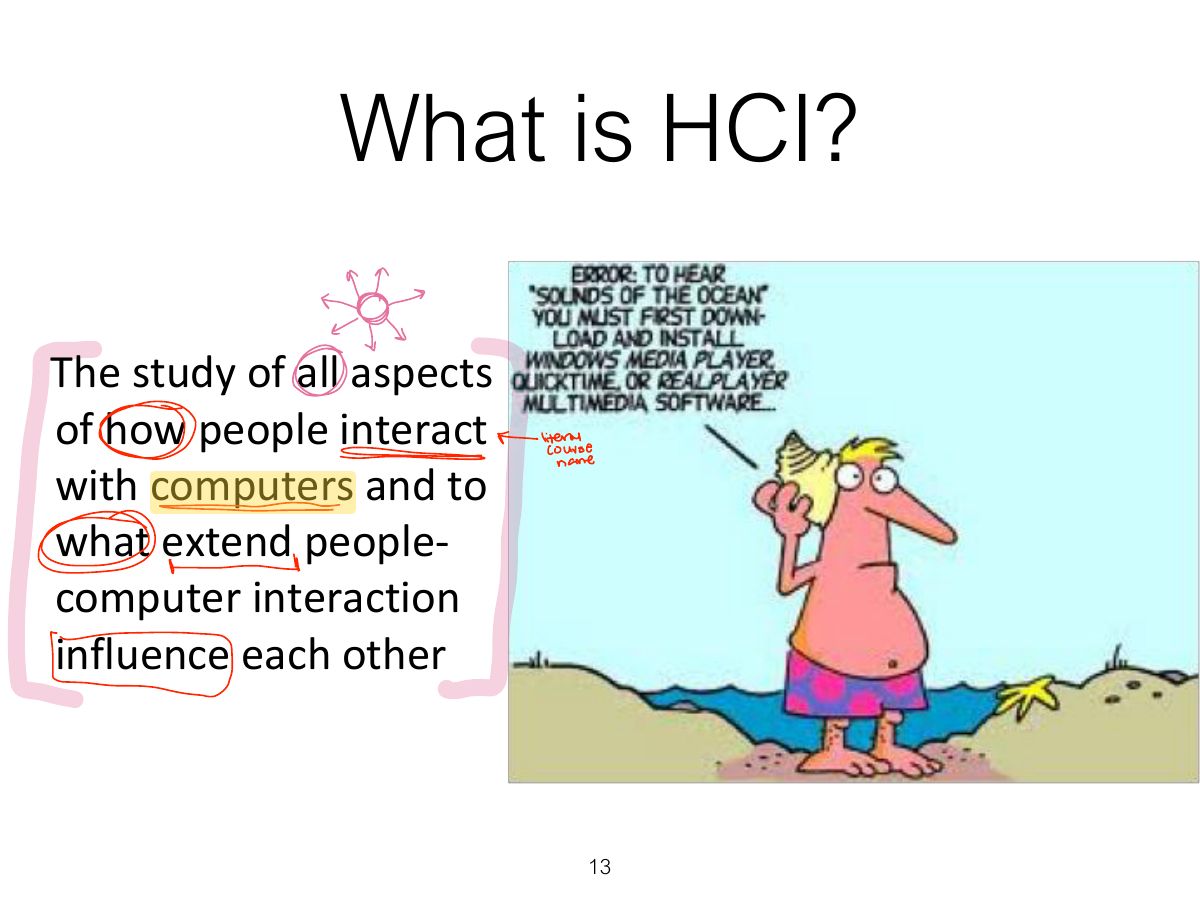
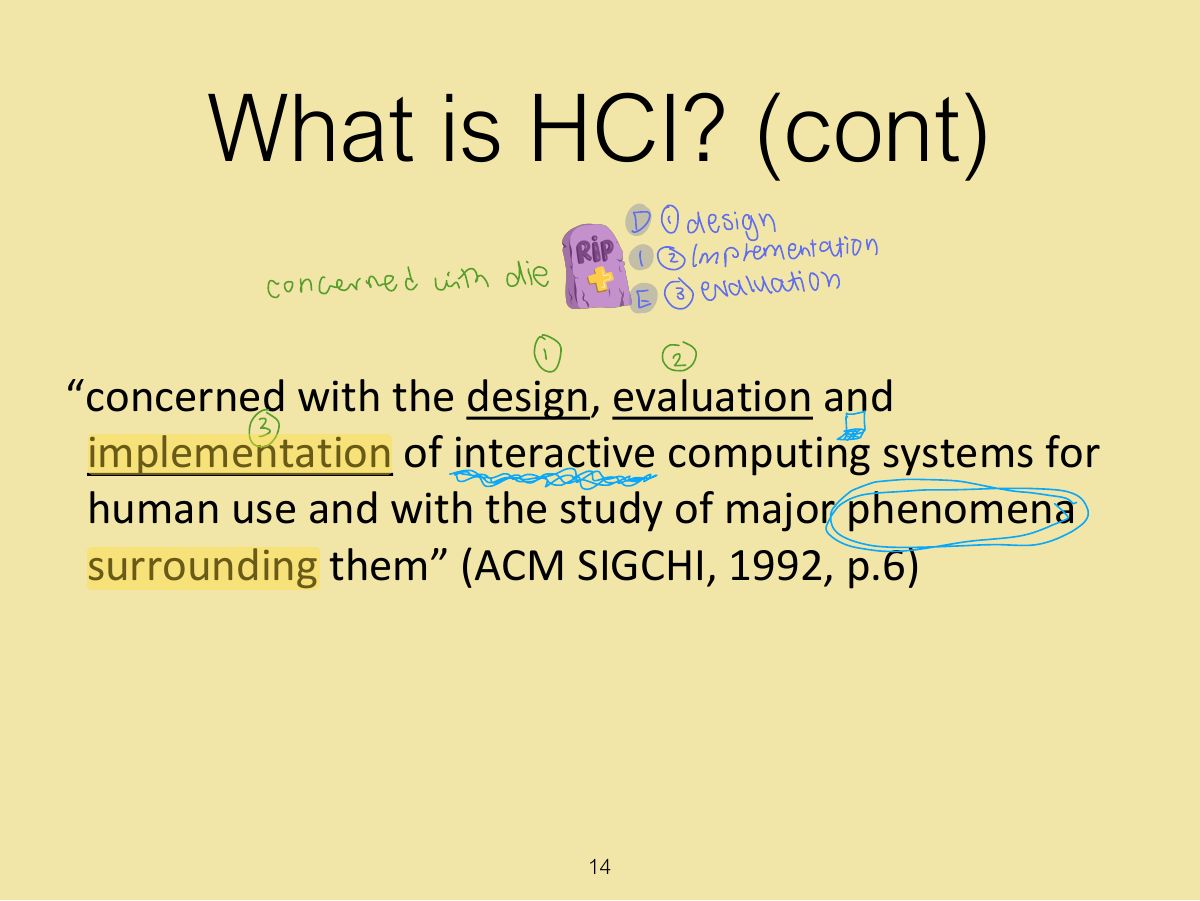
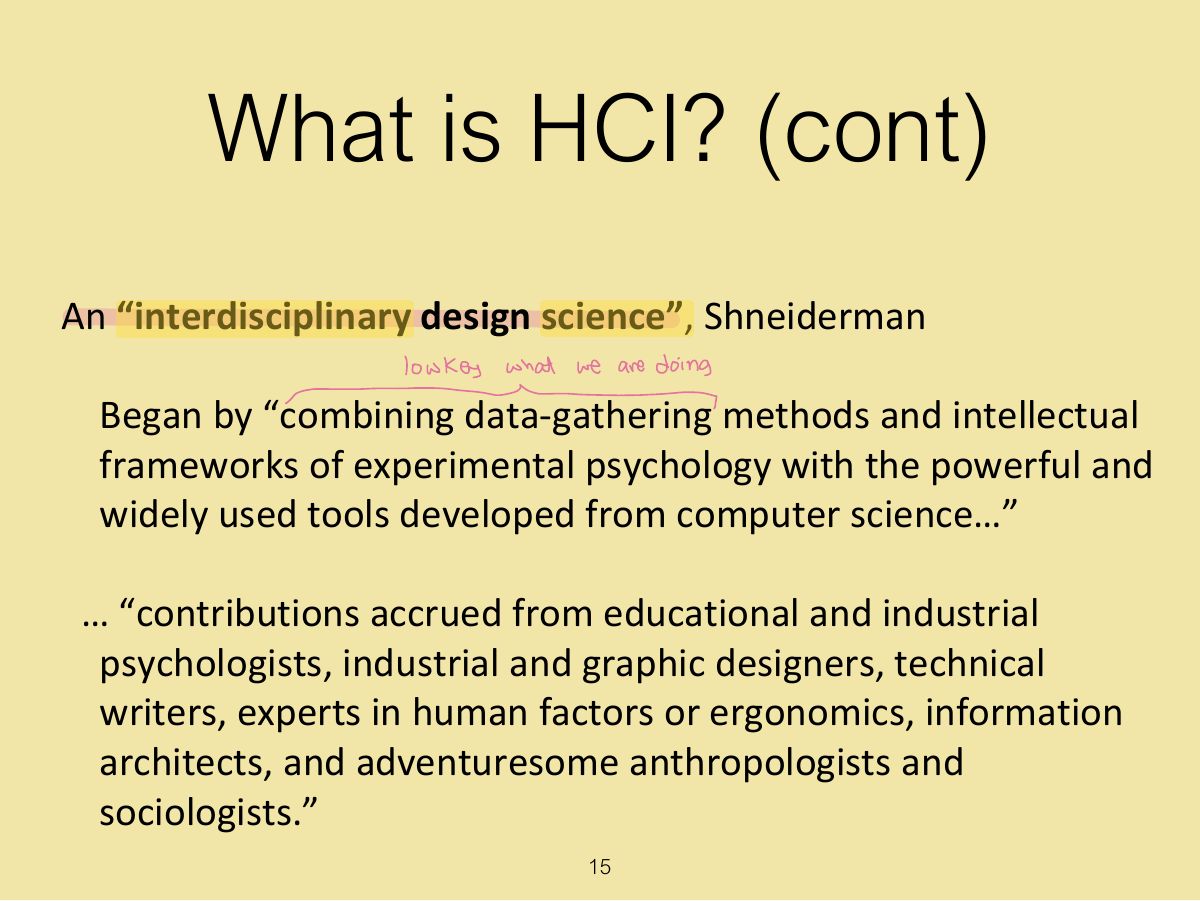
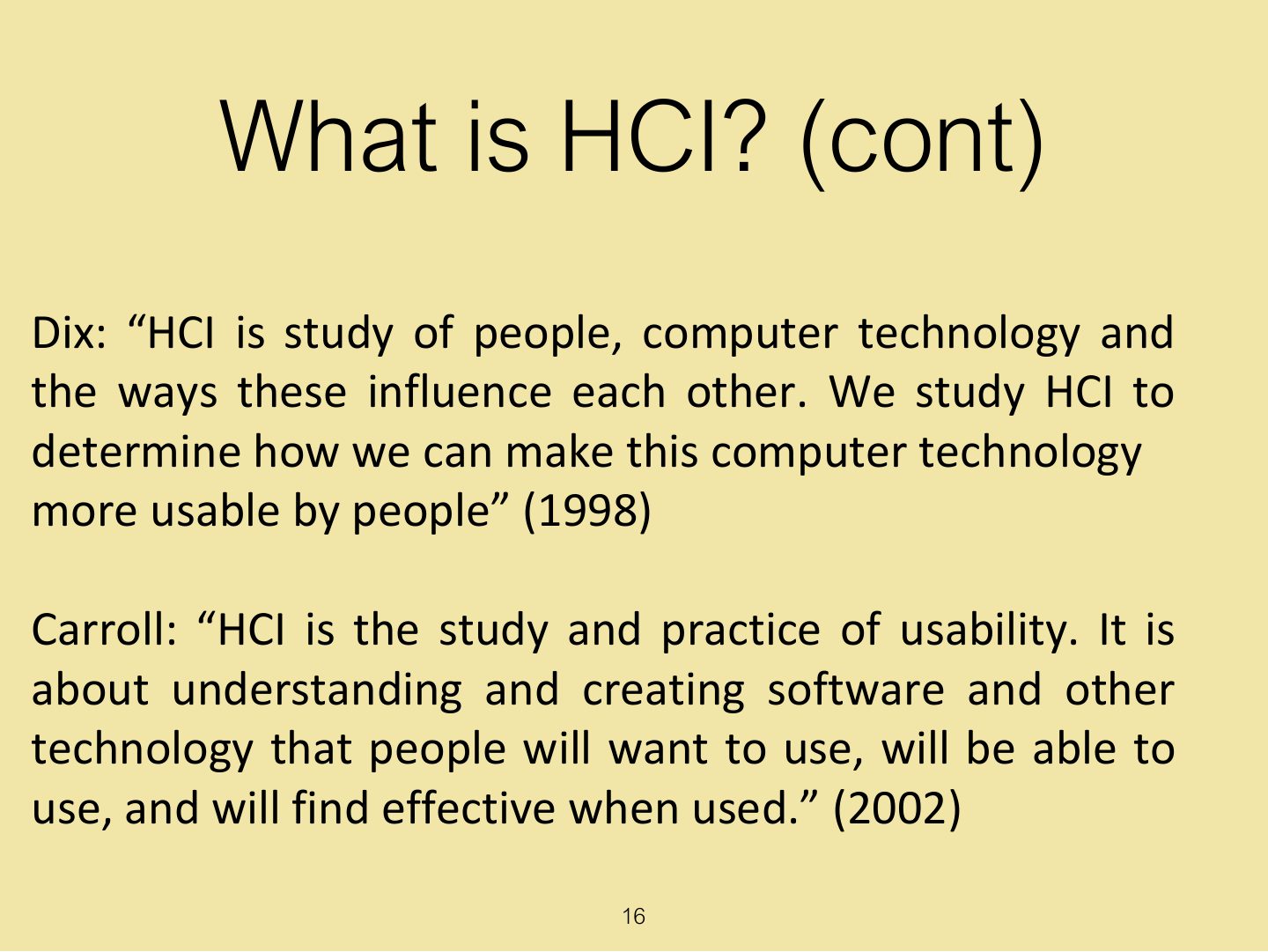
HCI: the design, evaluation and implementation of interactive computing systems for human use, and the study of the phenomena around them.
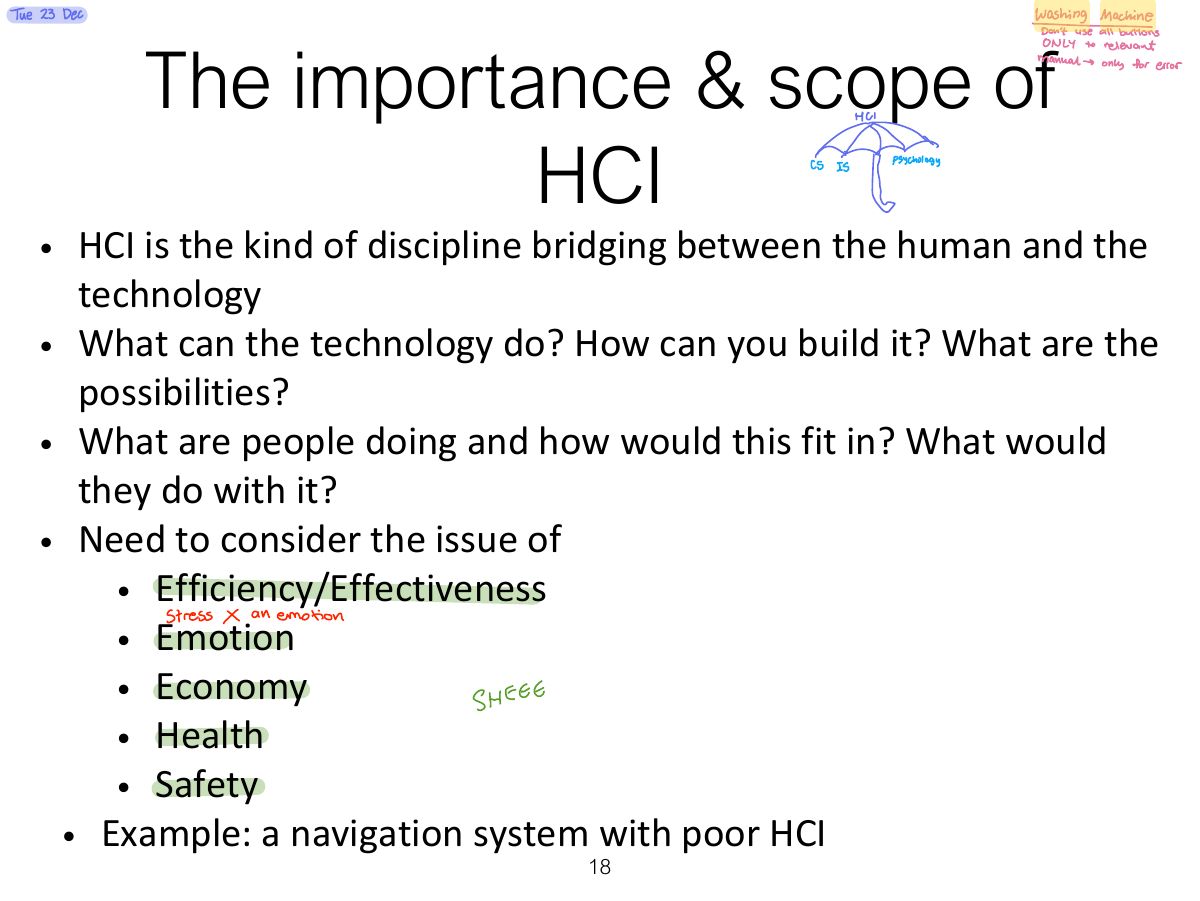
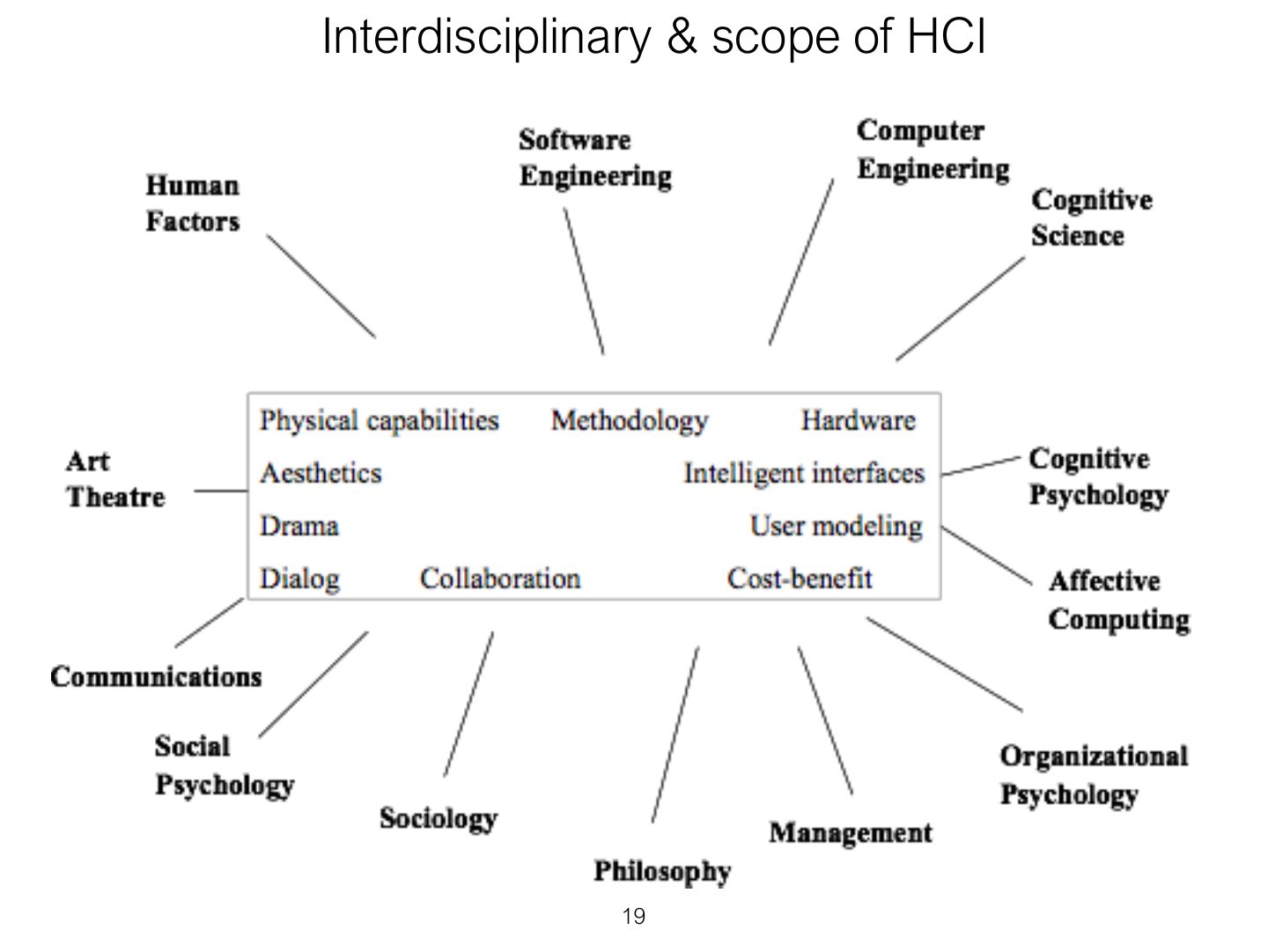
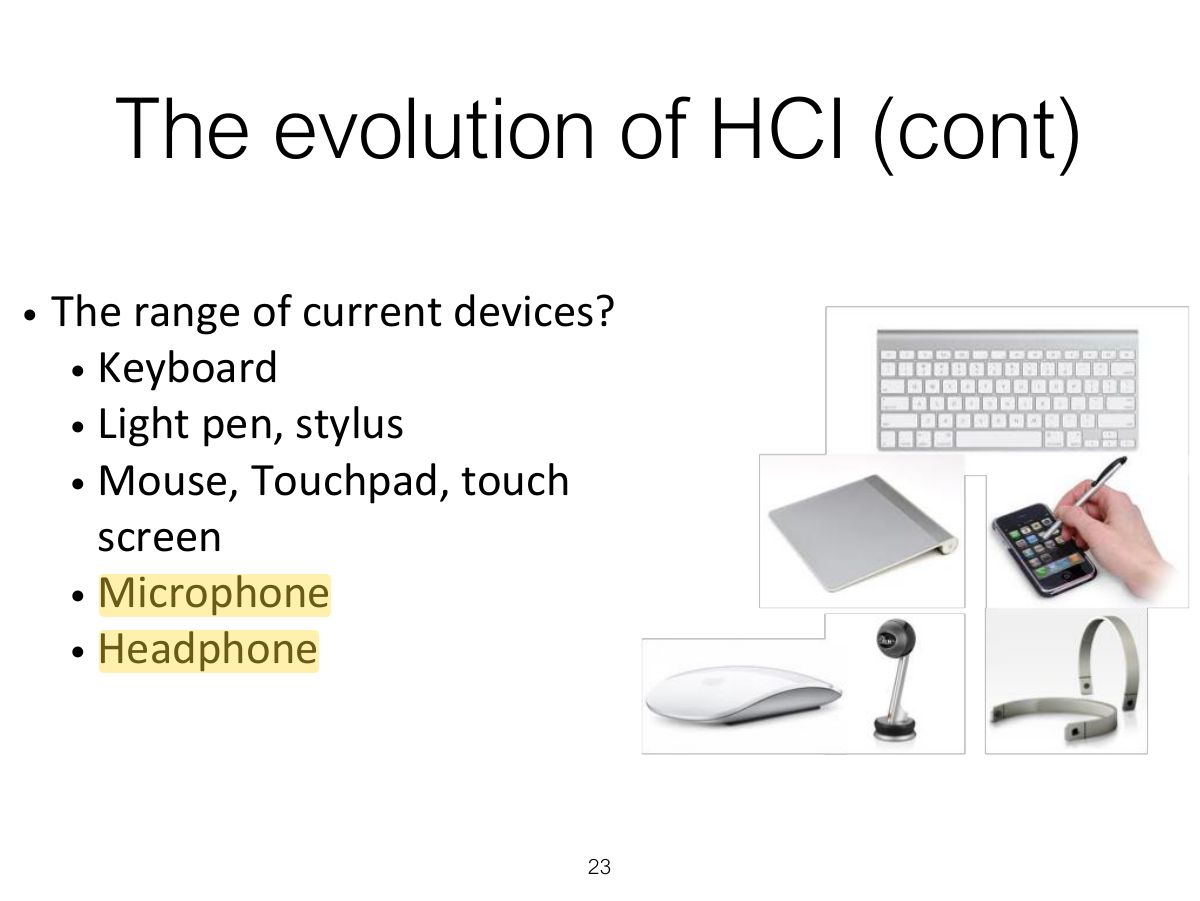
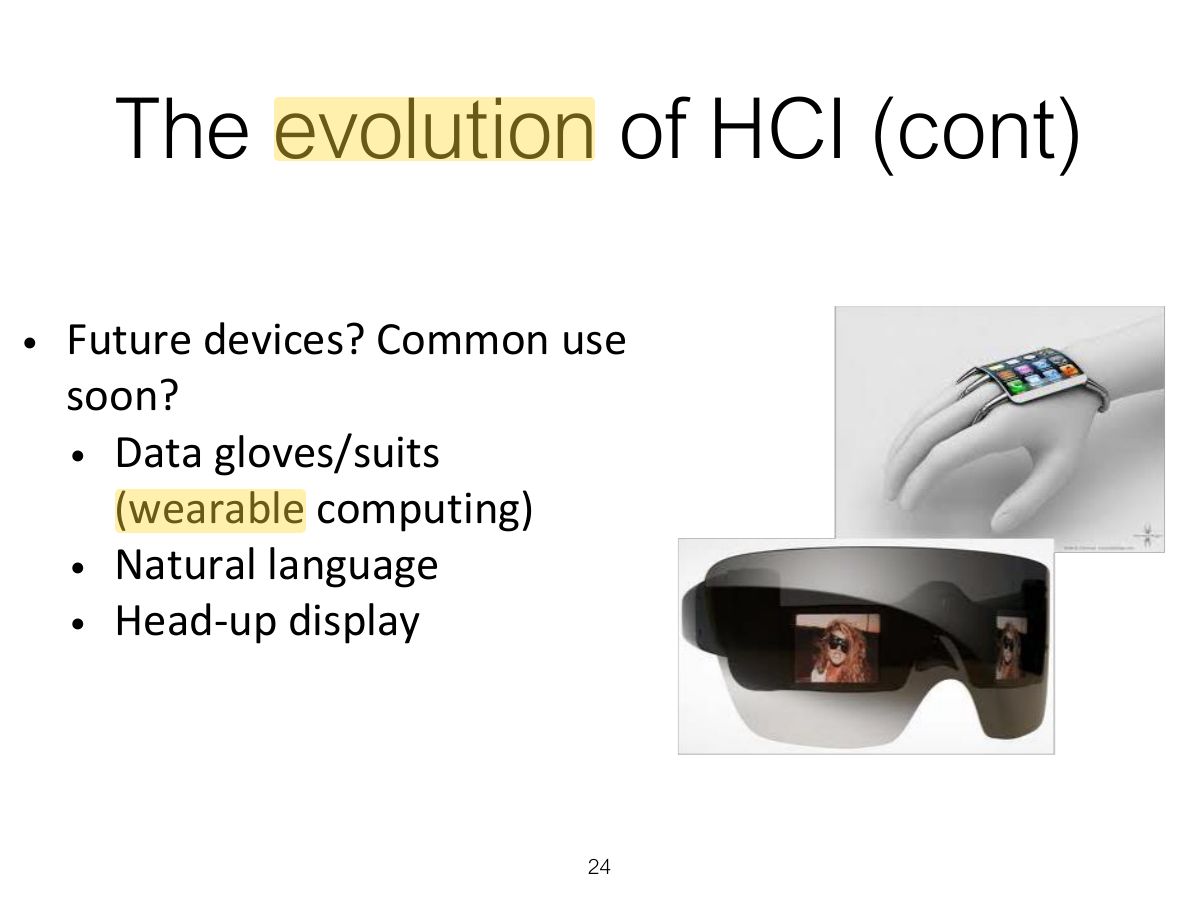
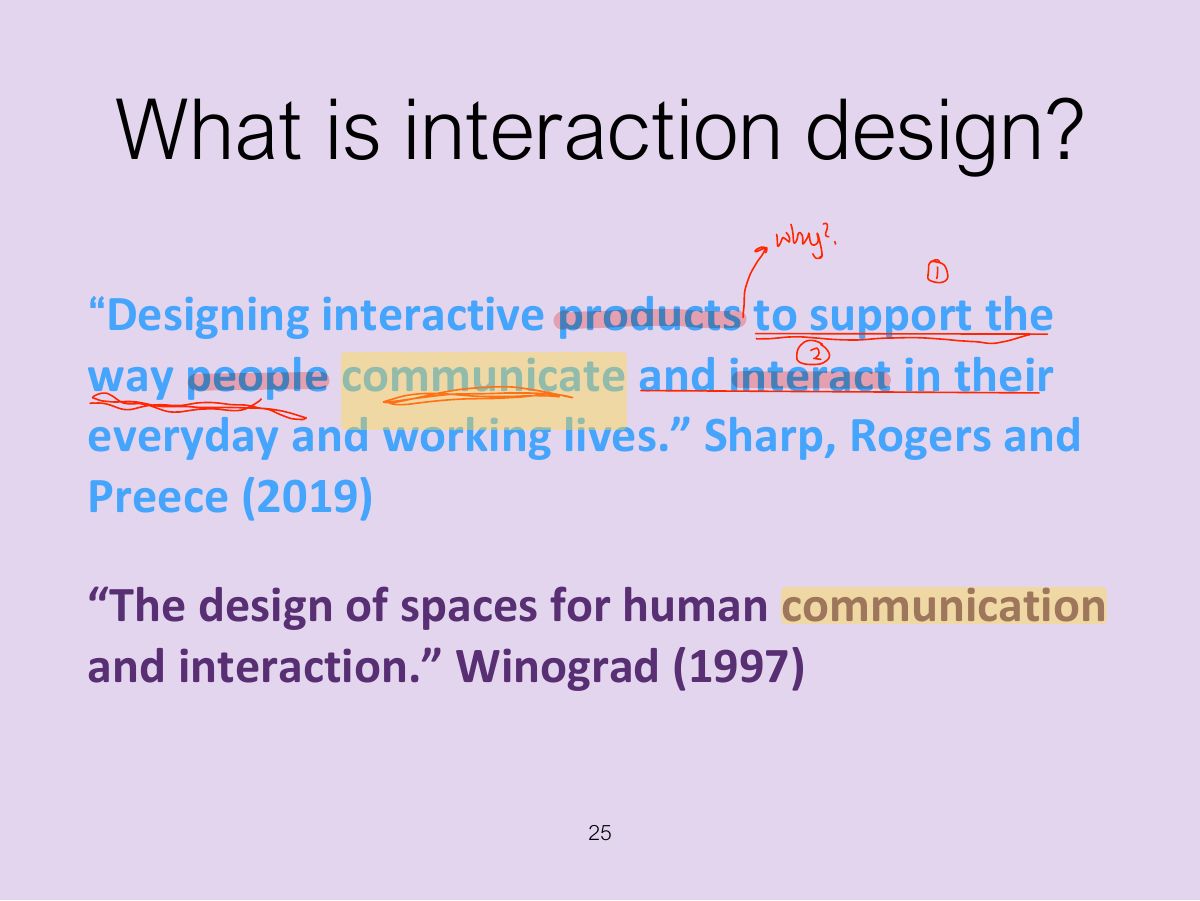
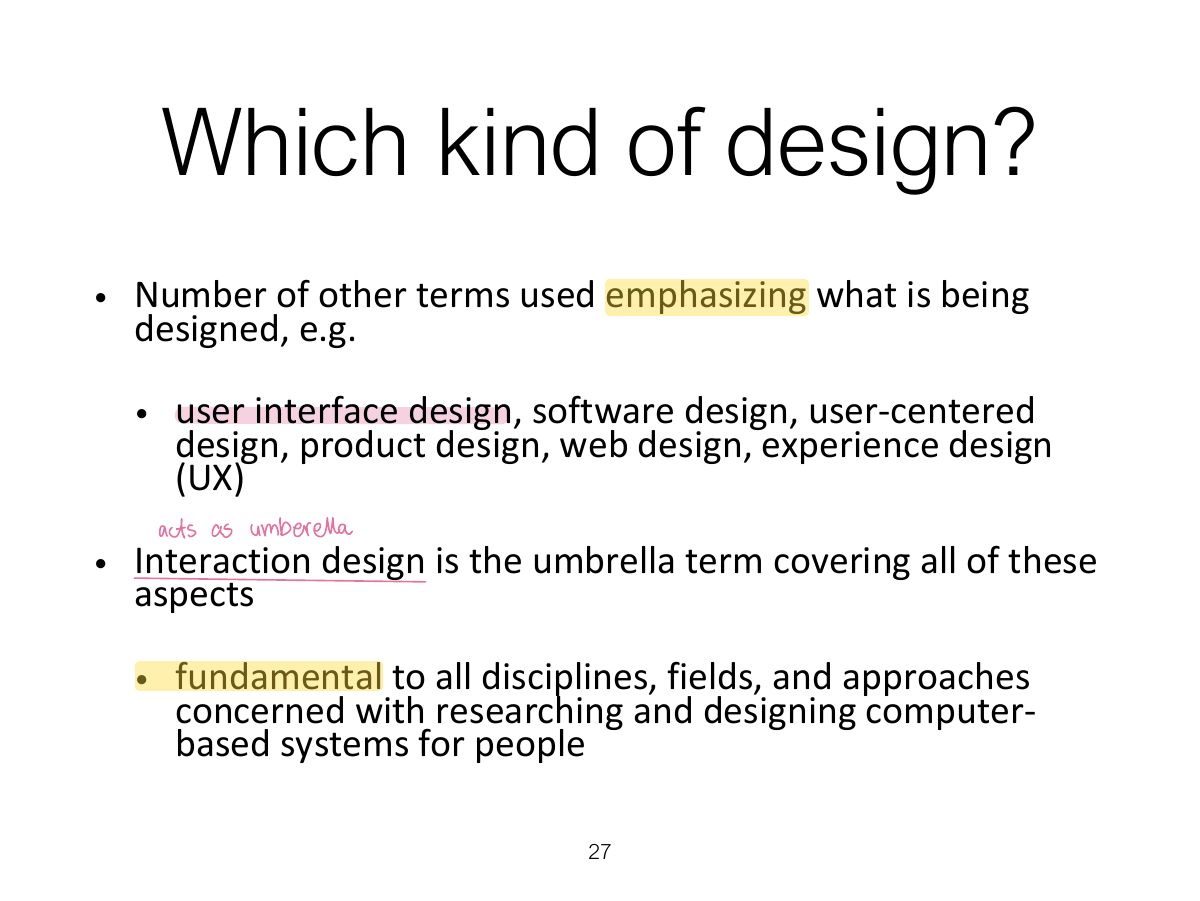
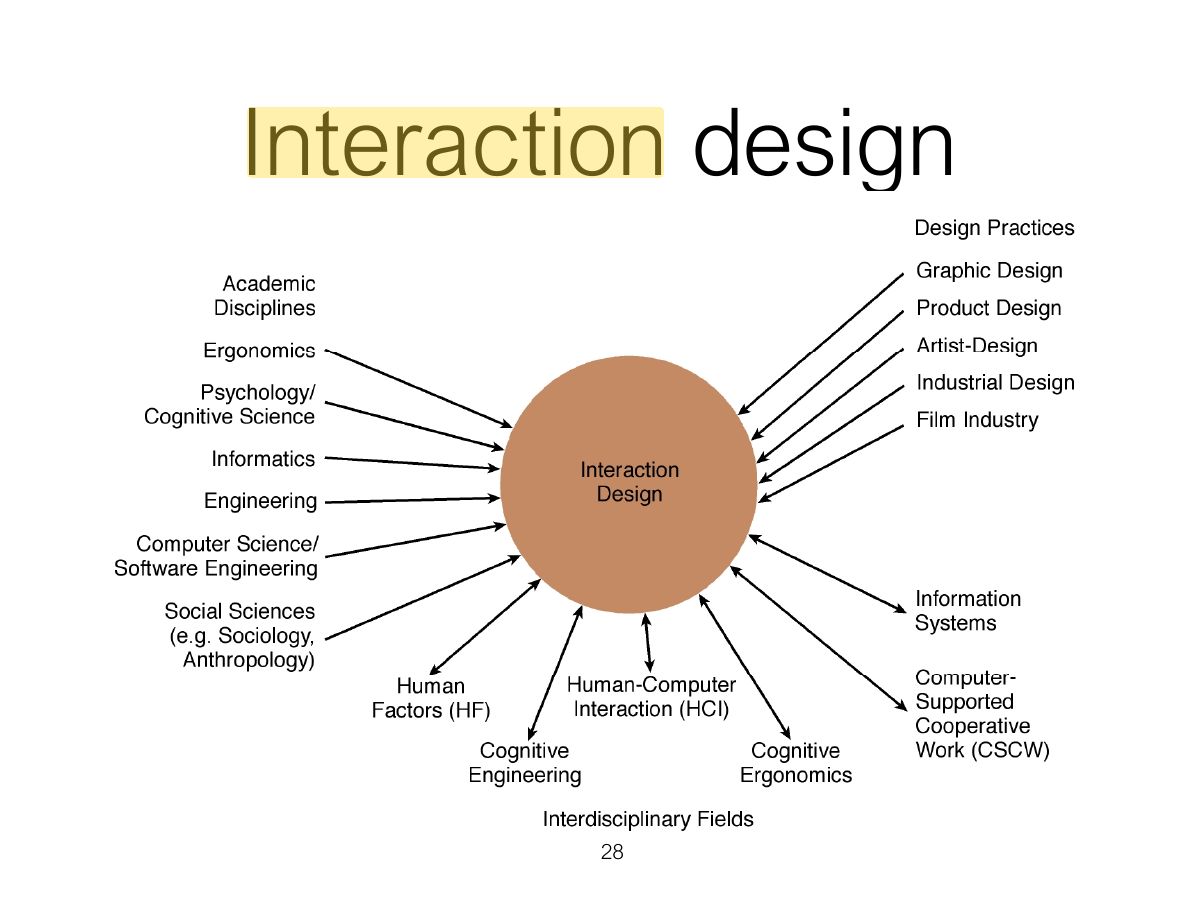
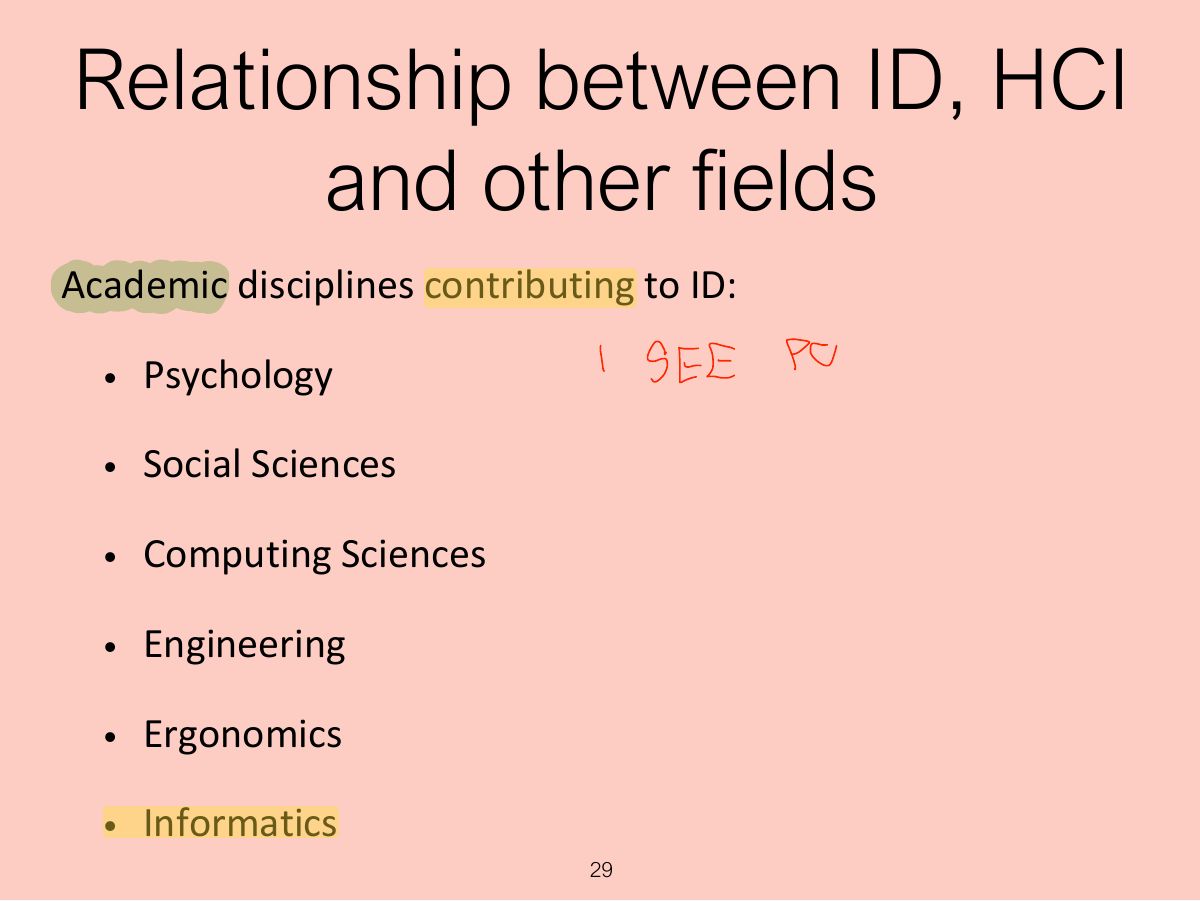
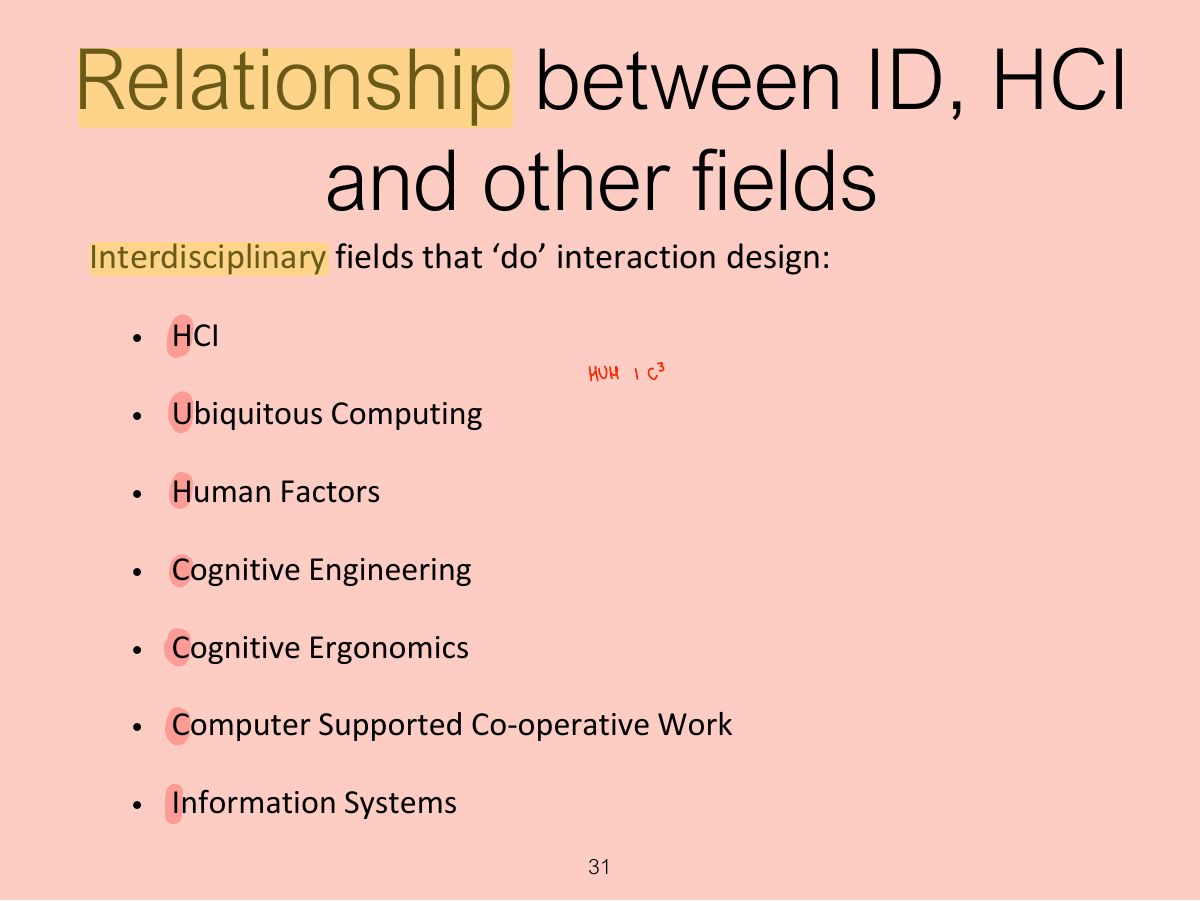
Interaction design is the umbrella; HCI, UX, human factors, cognitive ergonomics and others overlap with it.
Designers can design a user experience directly.
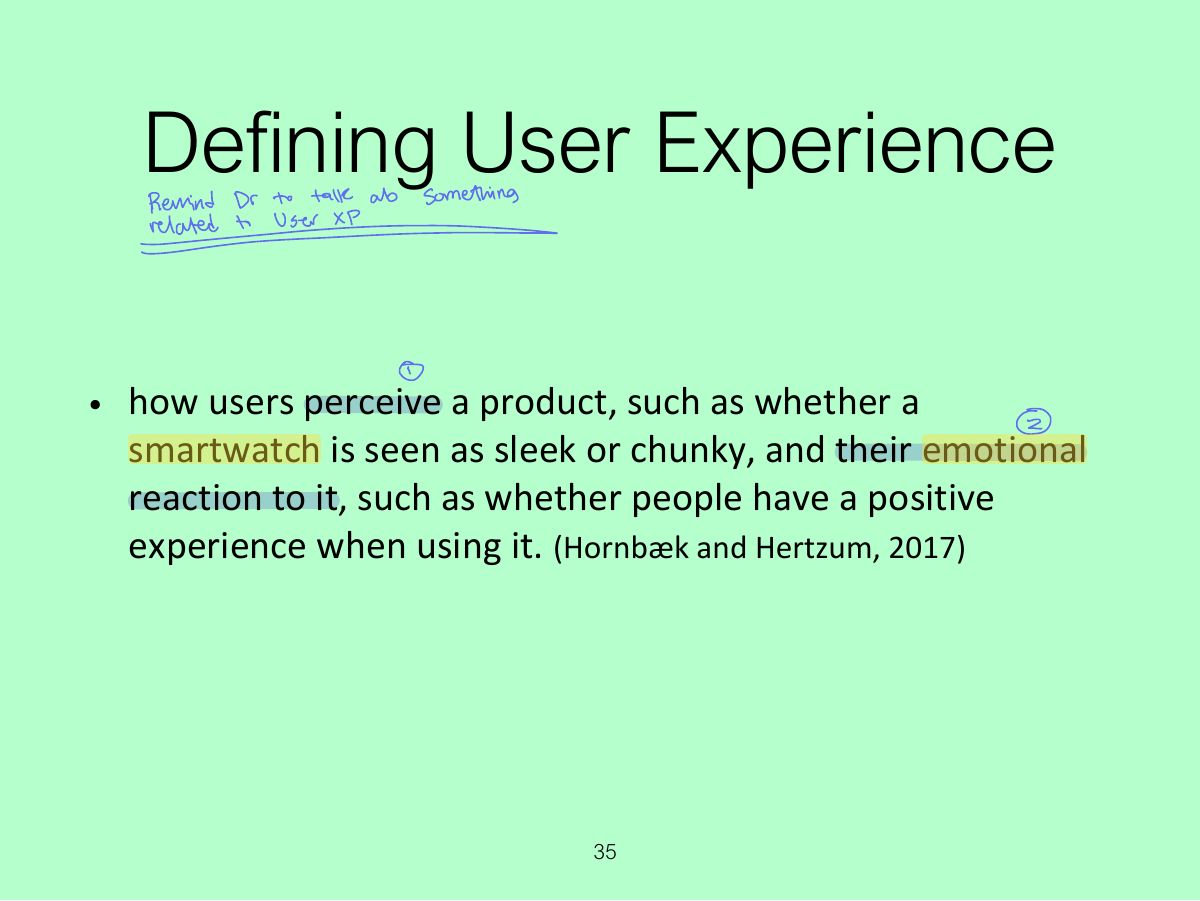
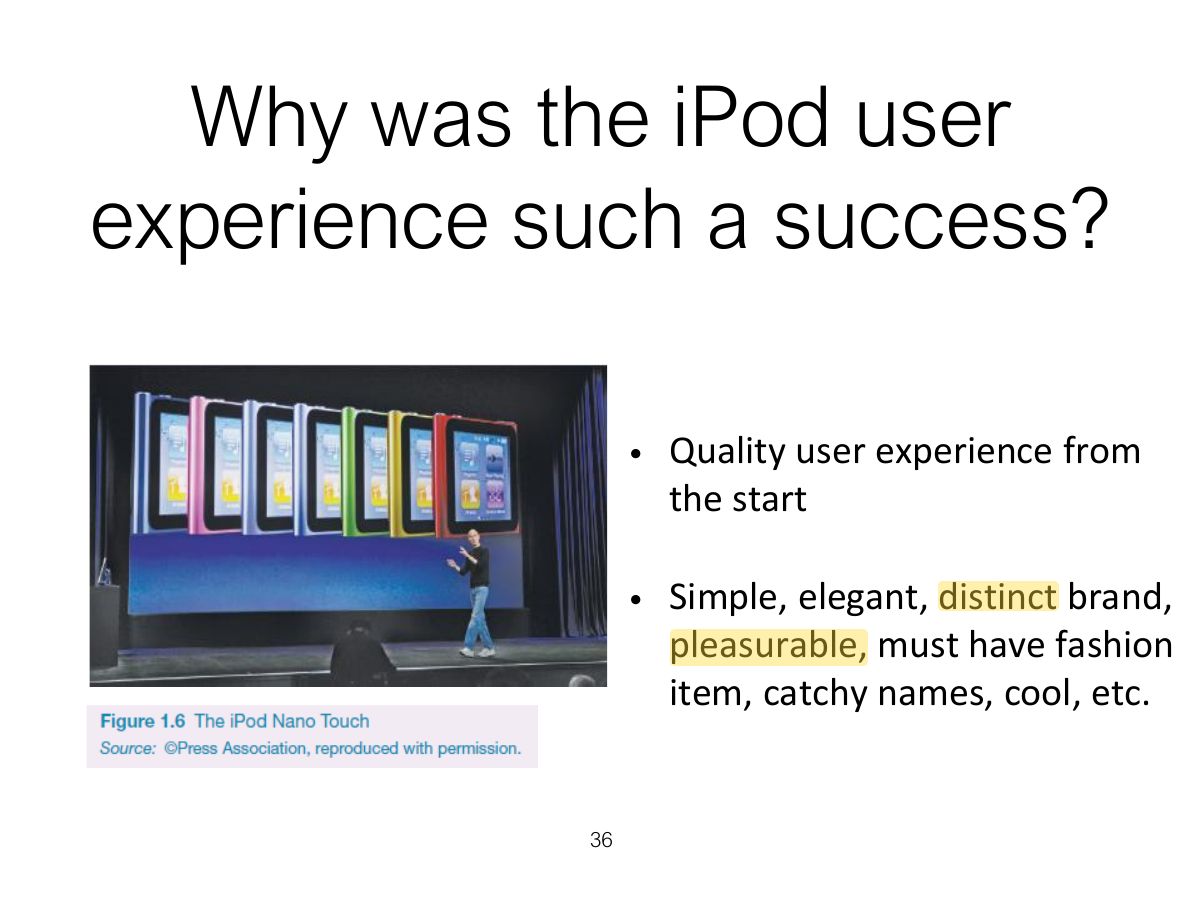
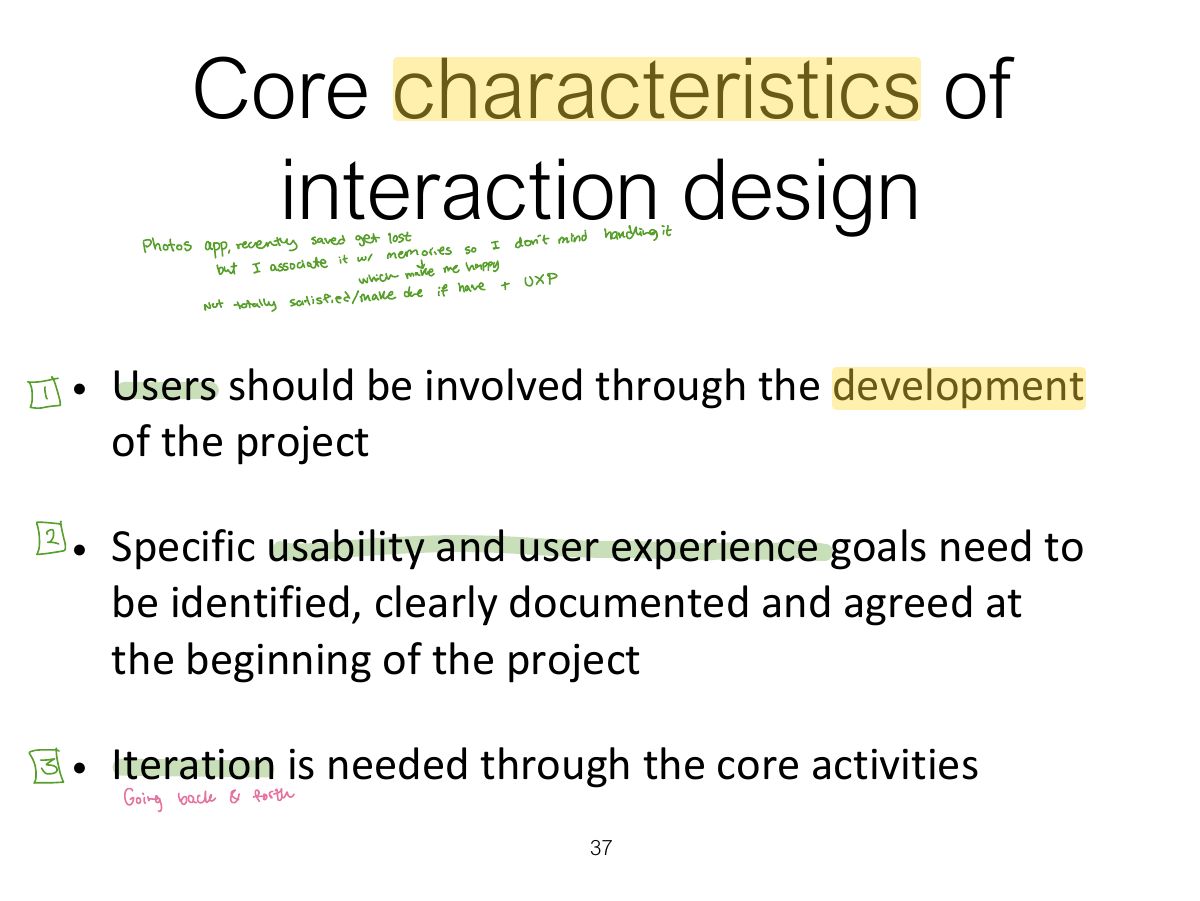
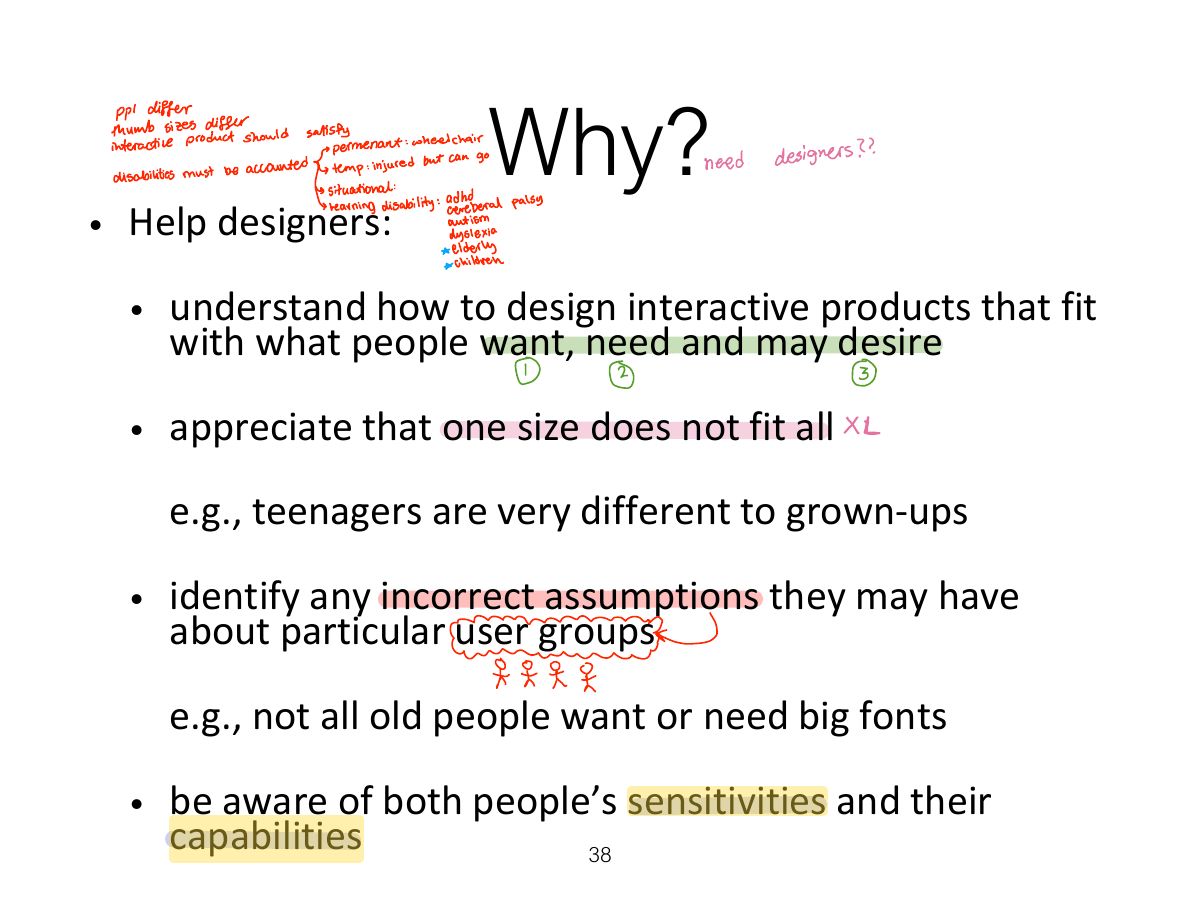
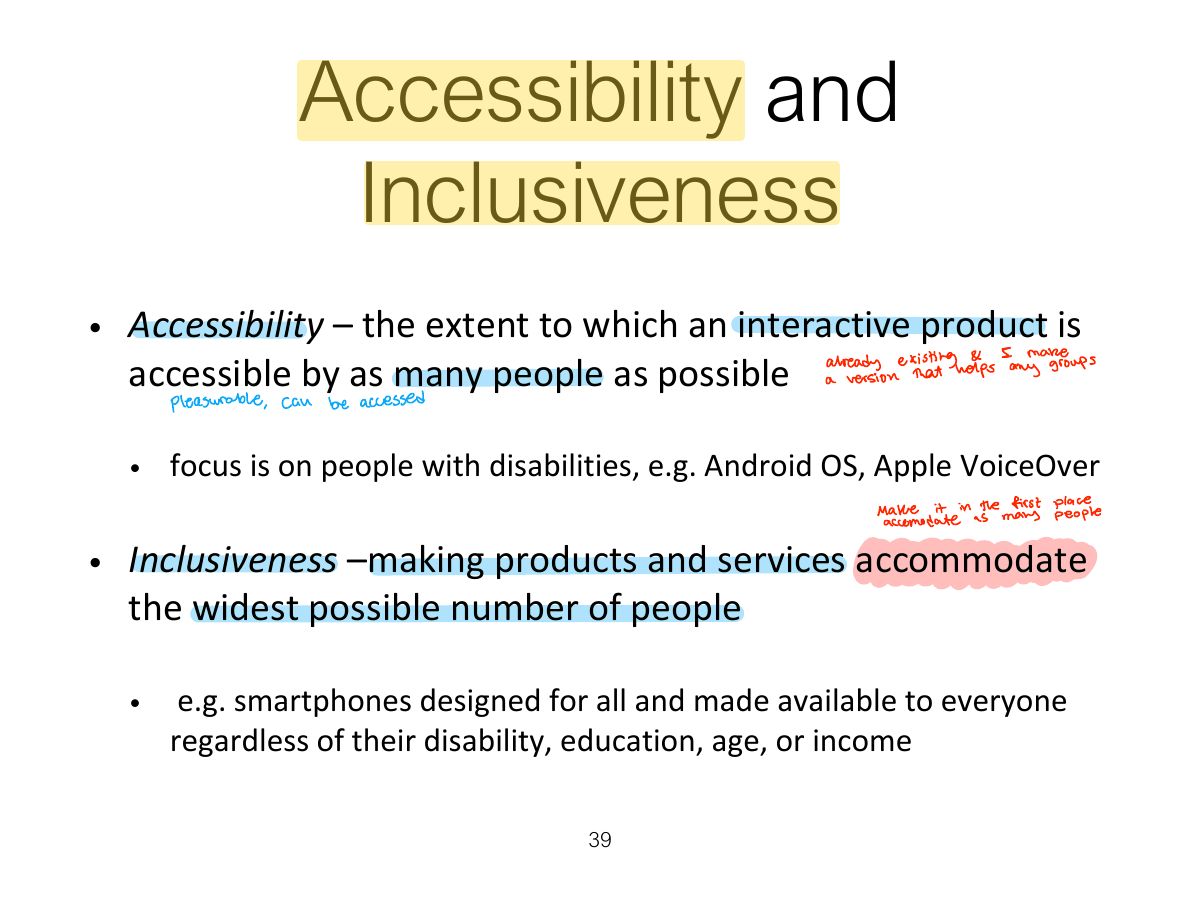
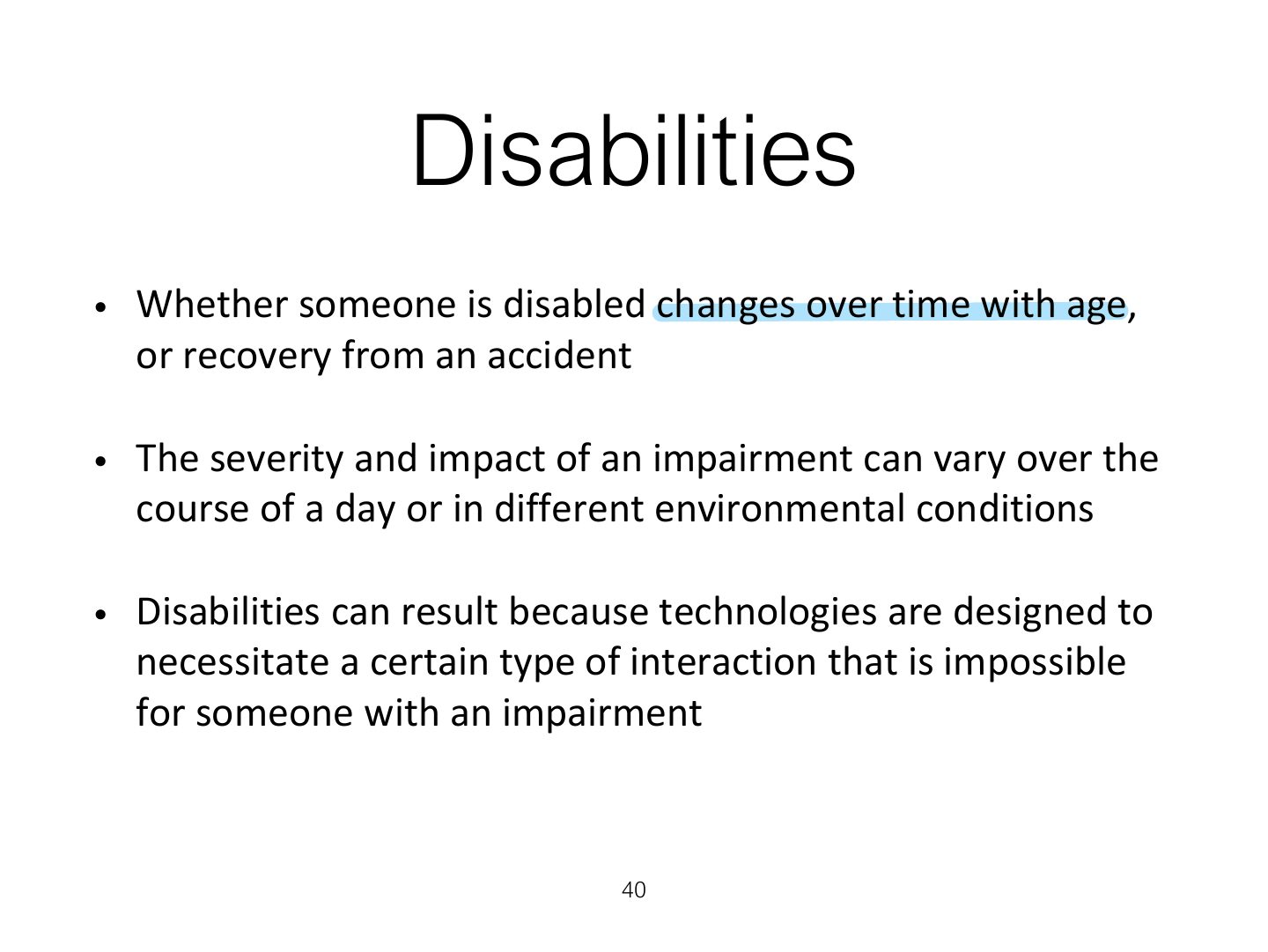
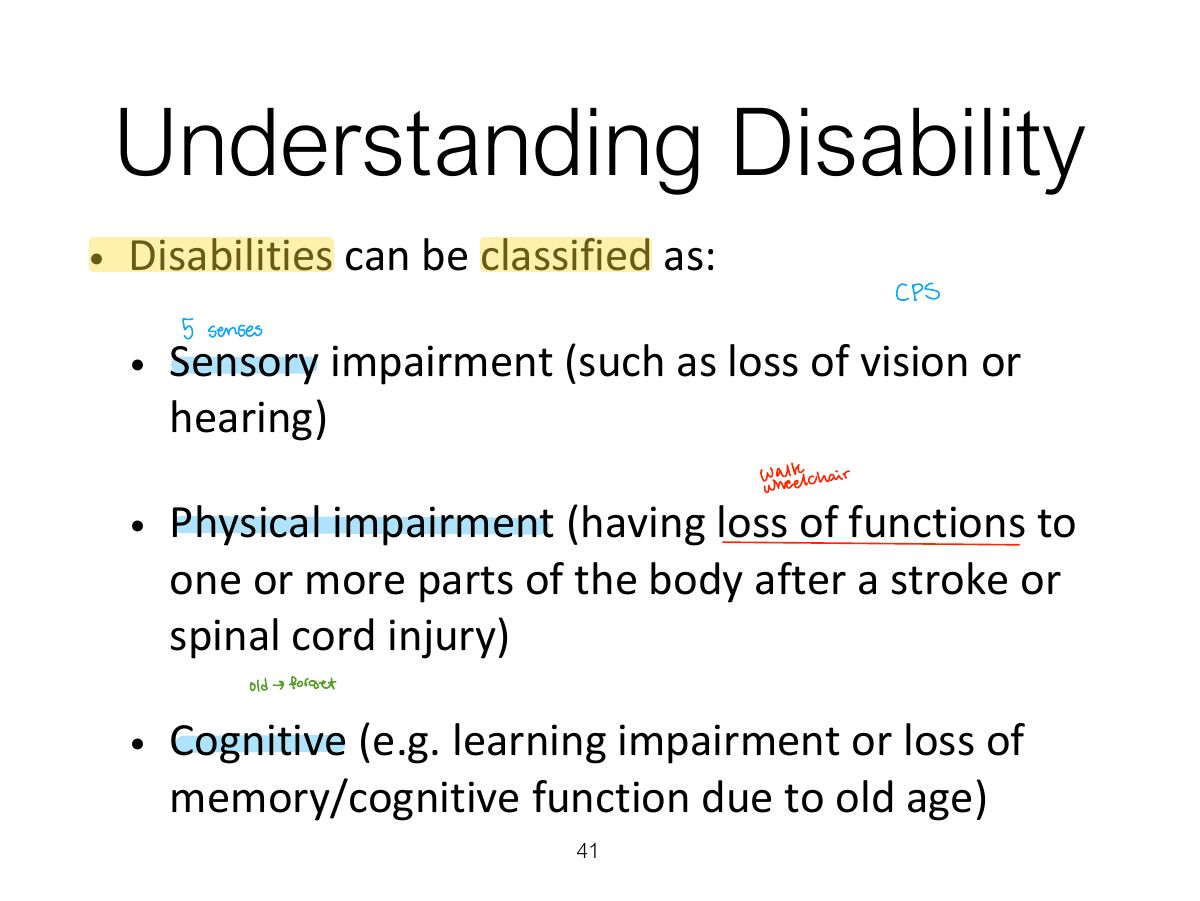
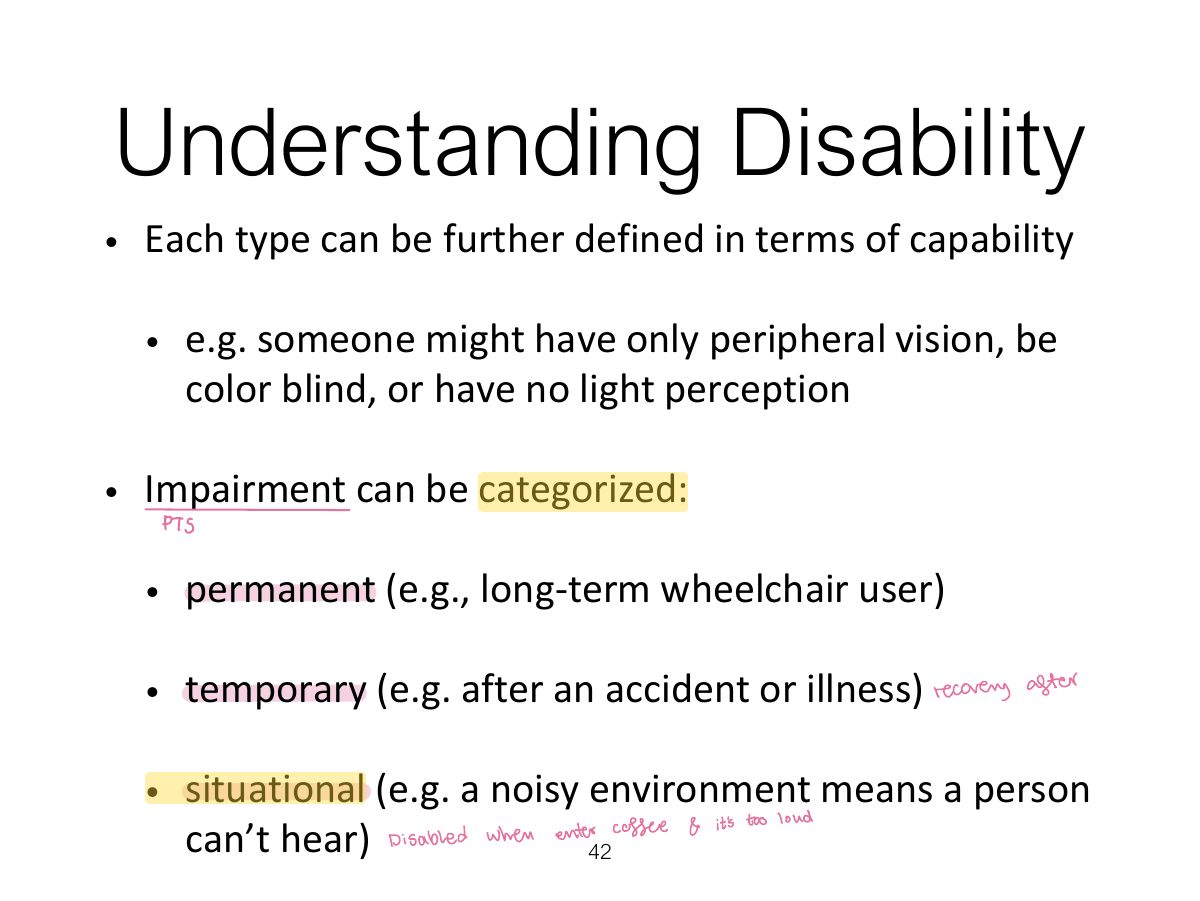
Accessibility: how far a product can be used by as many people as possible (including people with disabilities). Inclusiveness: being fair, open and equal to everyone.
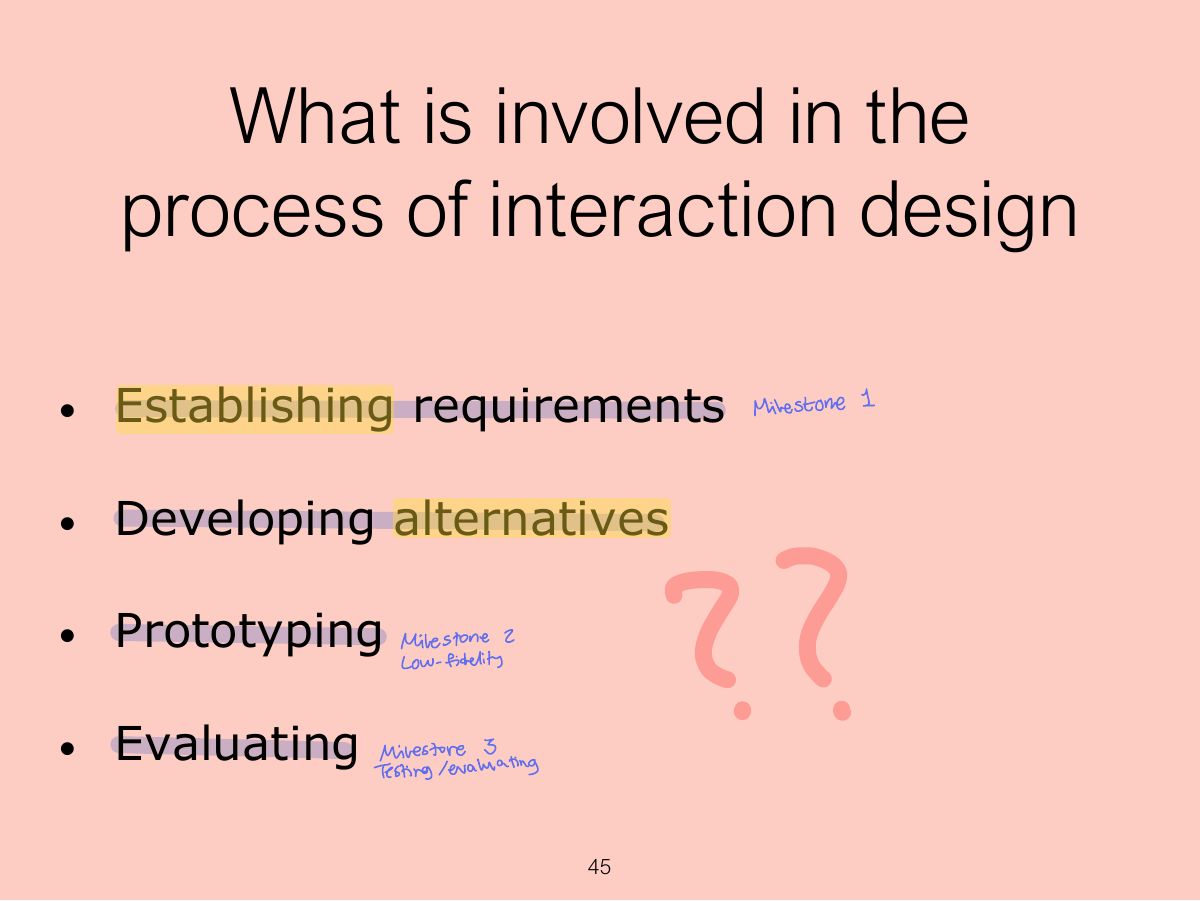
Process: discover requirements → design alternatives → prototype → evaluate (iteratively, user-centred).
Seen again Lecture 5: The Process of Interaction Design, slide 9: the four activities
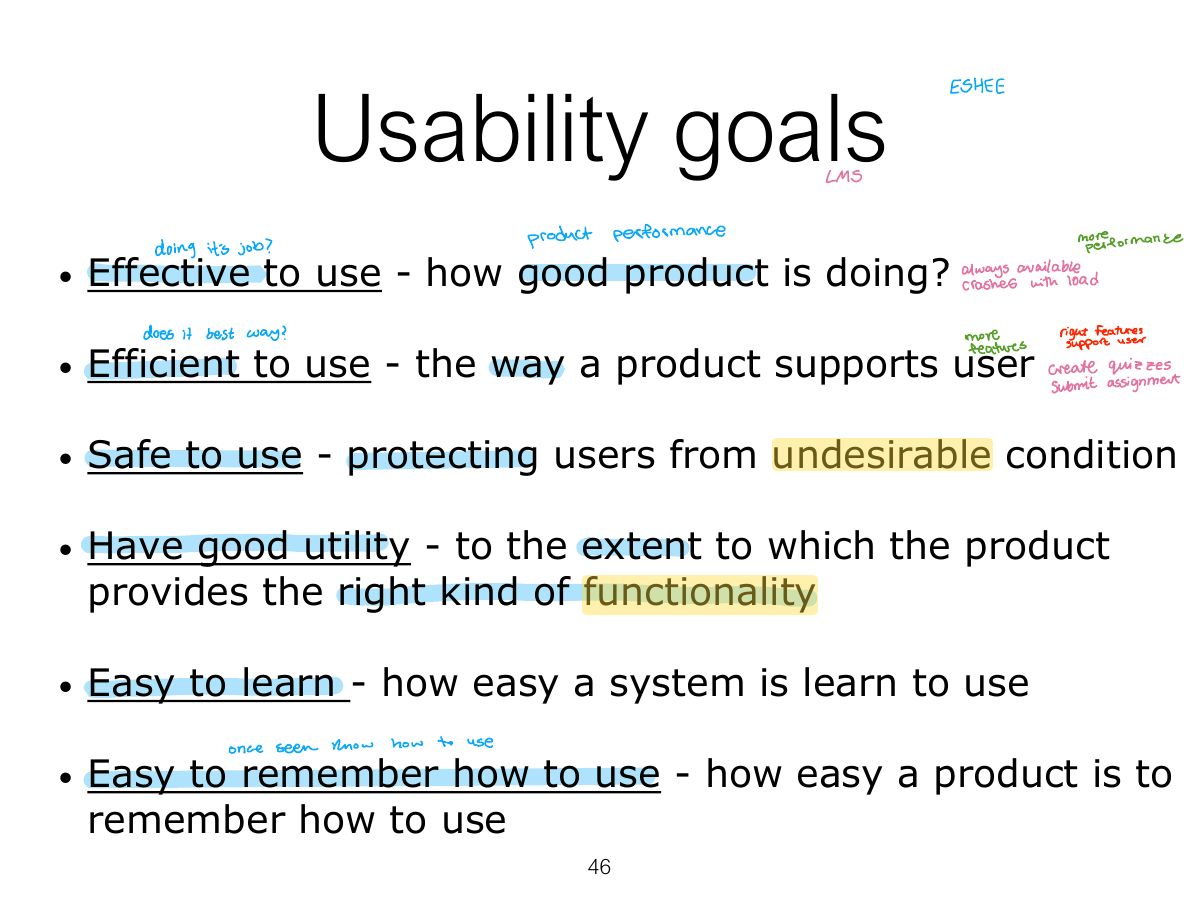
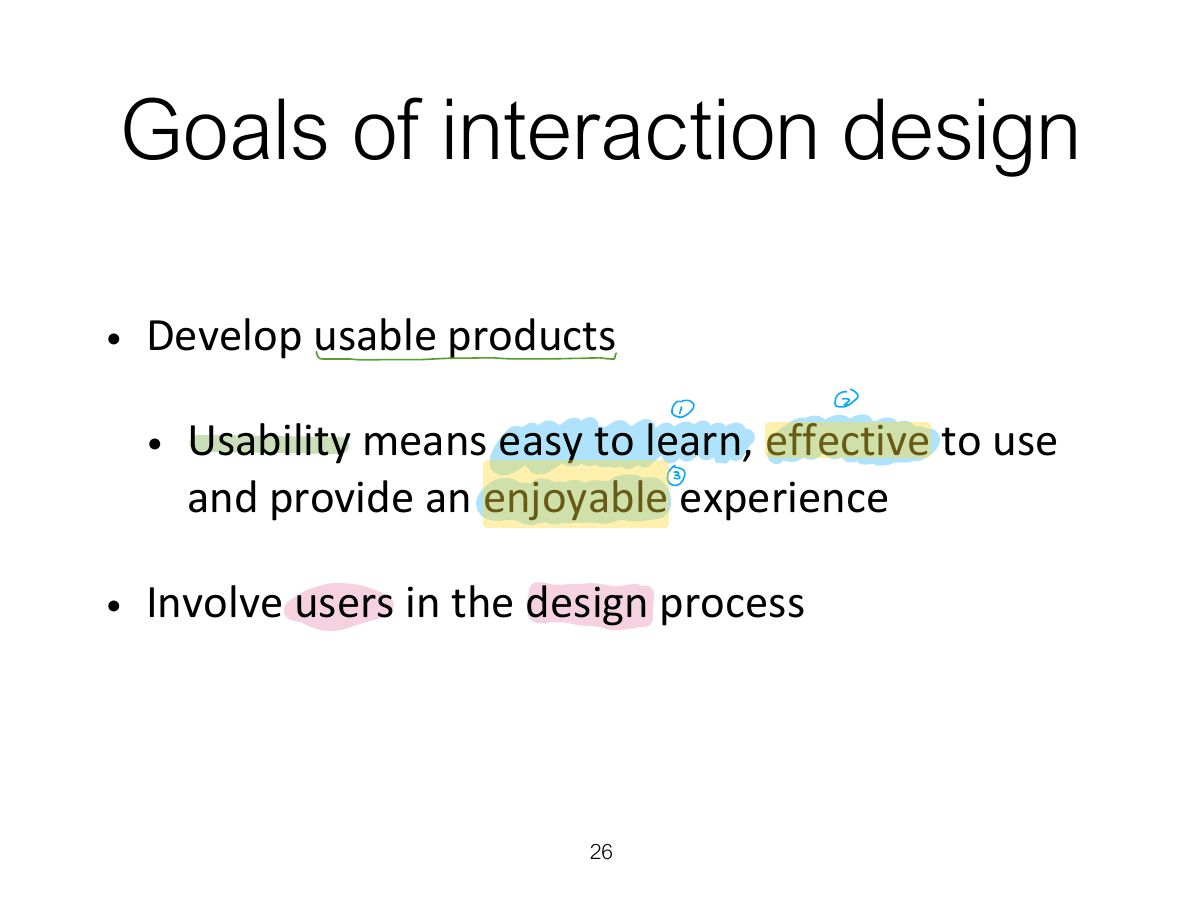
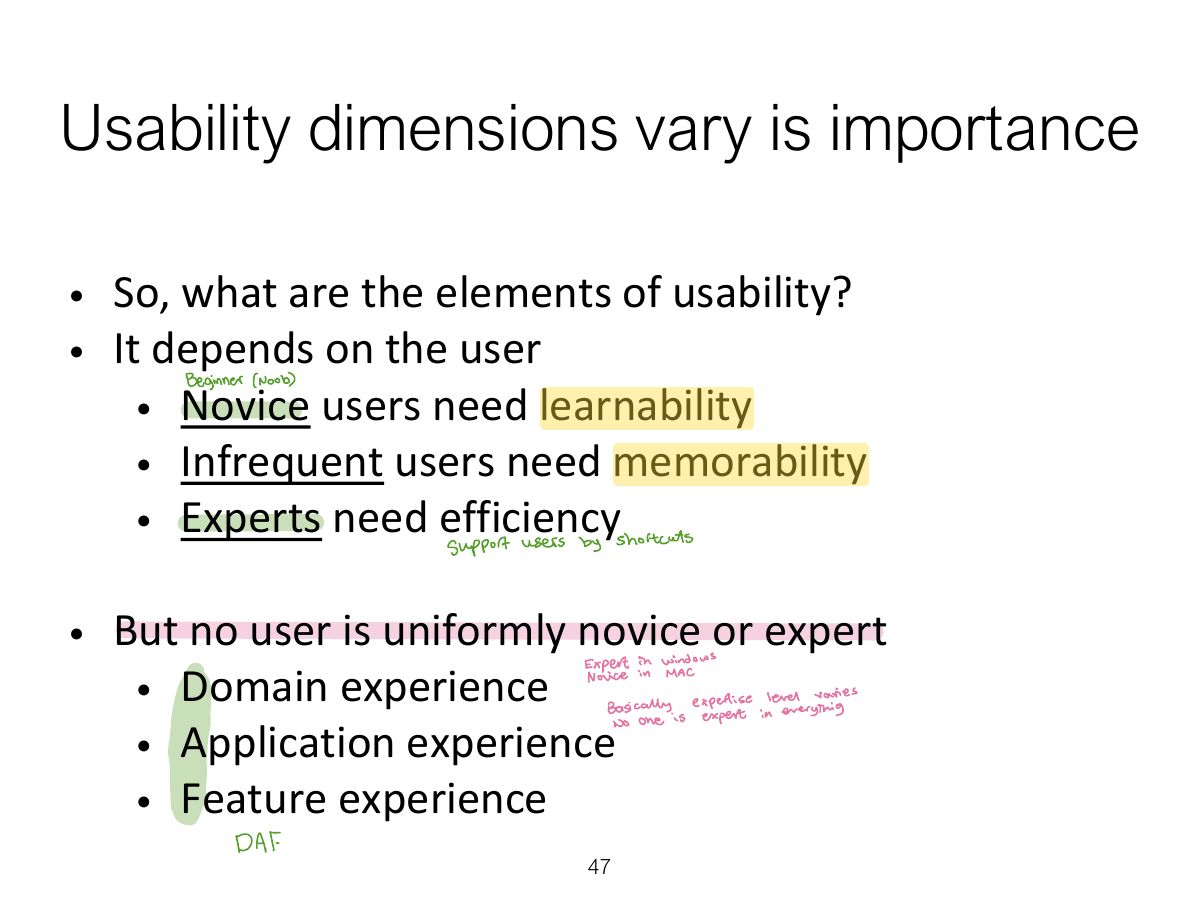
Tip Usability goals: effective, efficient, safe, having good utility, easy to learn (learnability), easy to remember (memorability).
"How easy is it to remember how to use a system once learned?" is:
Preventing users from making serious errors relates to which usability goal?
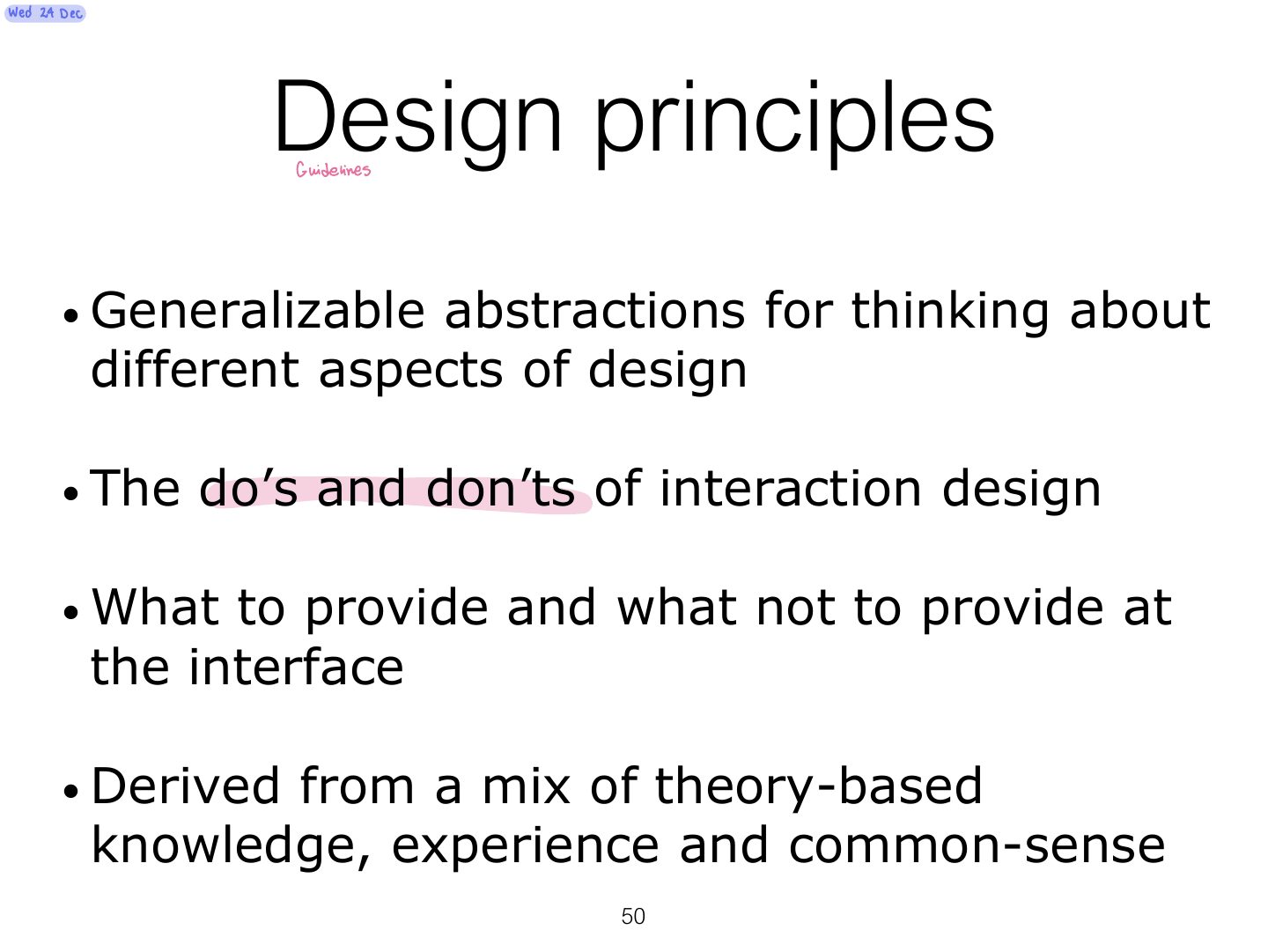
Norman’s design principles: visibility, feedback, constraints, consistency, affordance (and mapping).
Tip Norman’s design principles: visibility, feedback, constraints, consistency, affordance (and mapping).
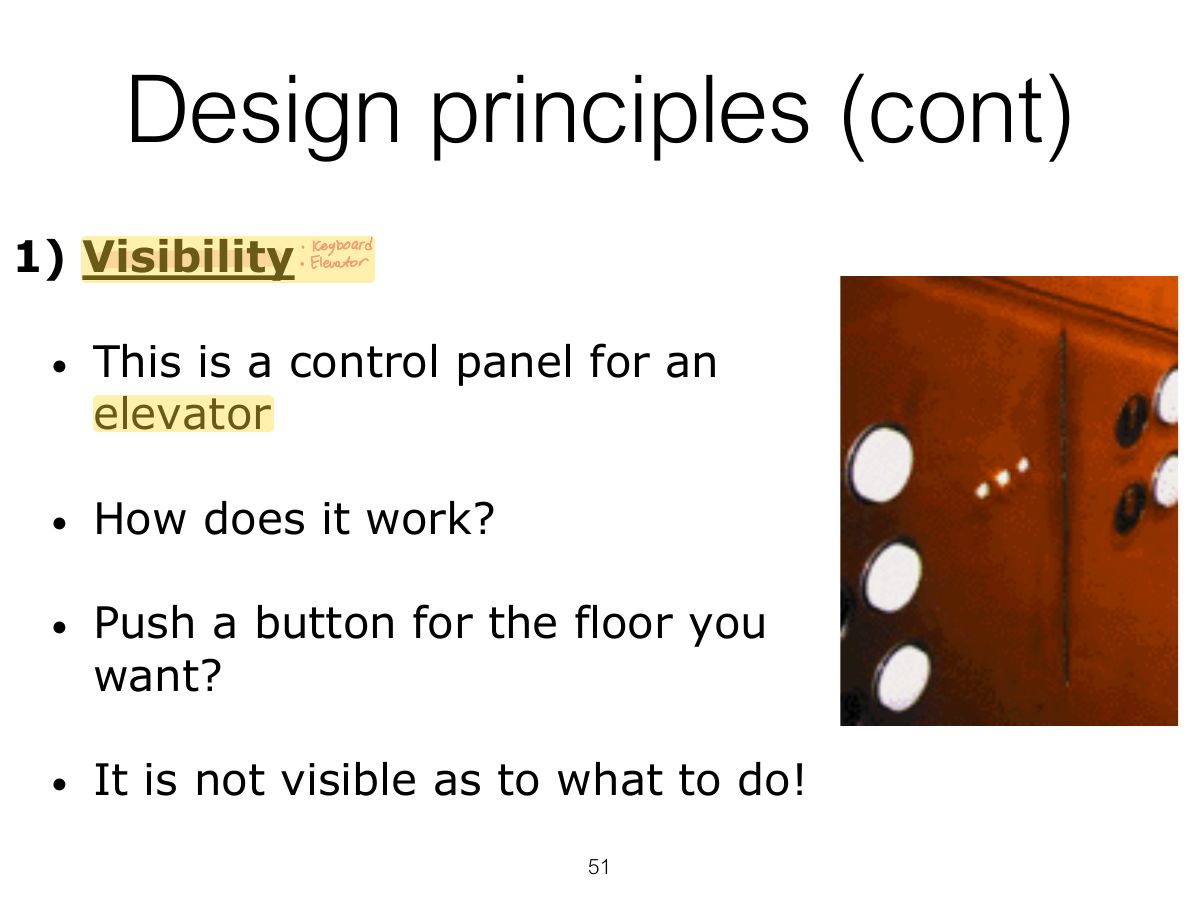
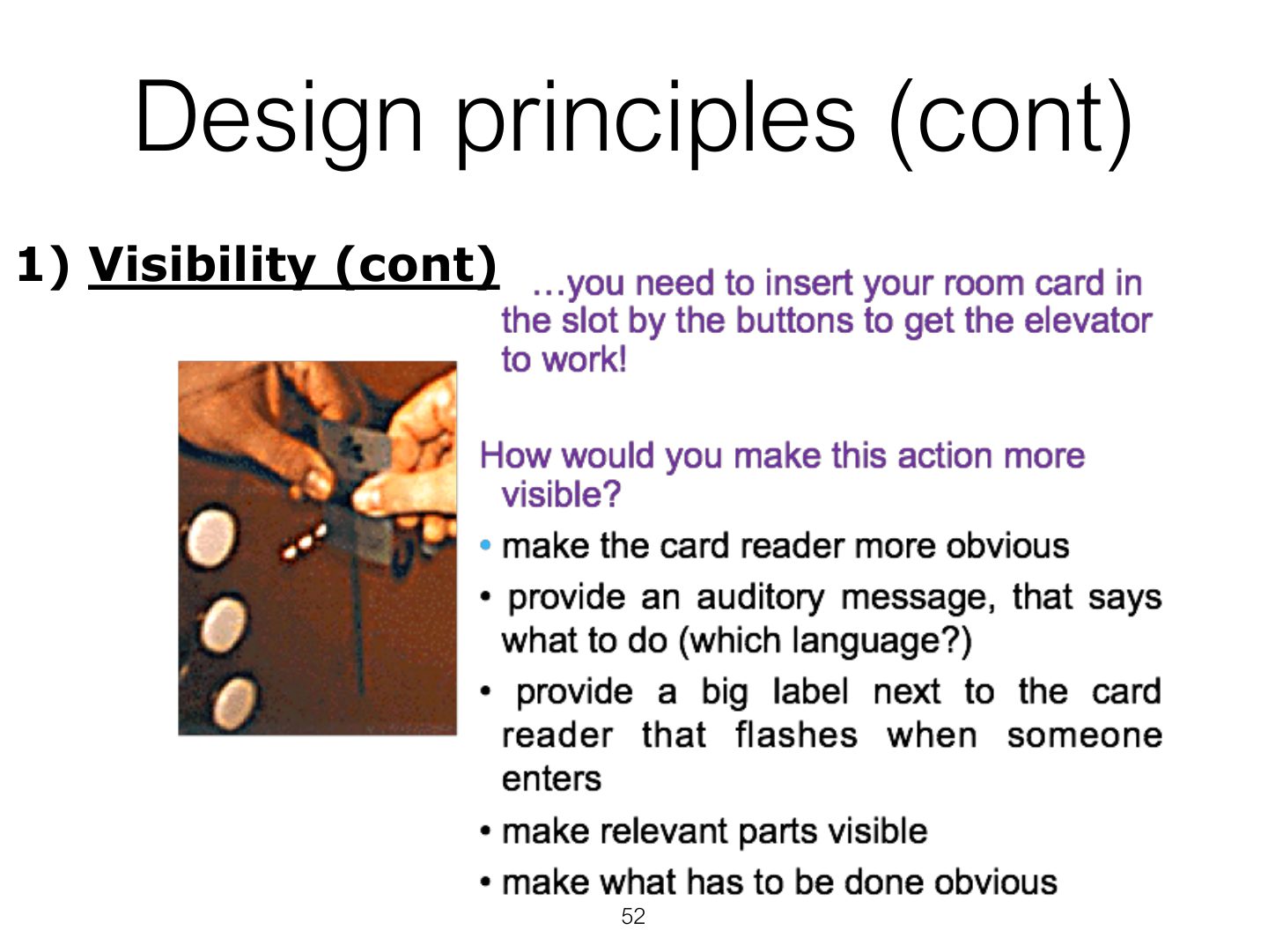
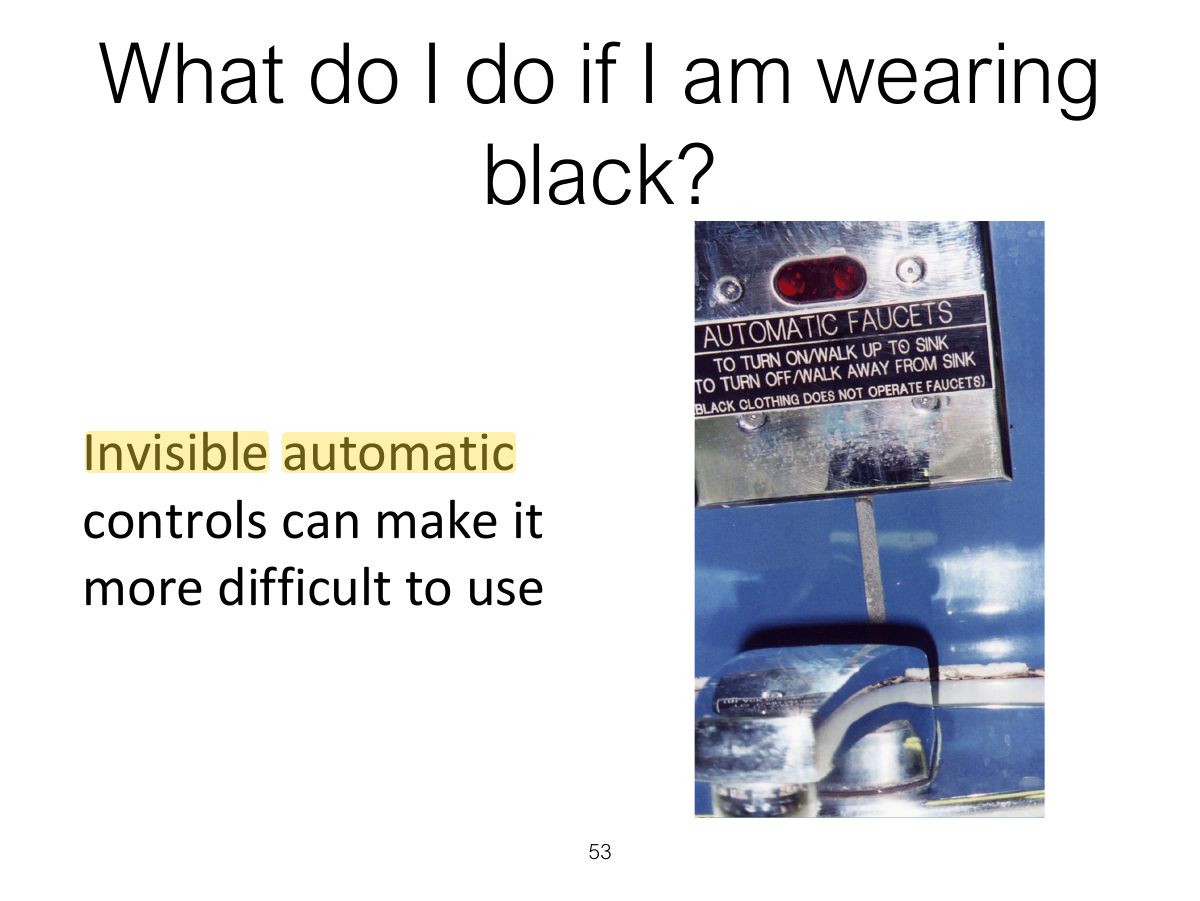
Visibility: the more visible functions are, the more likely users will know what to do next.
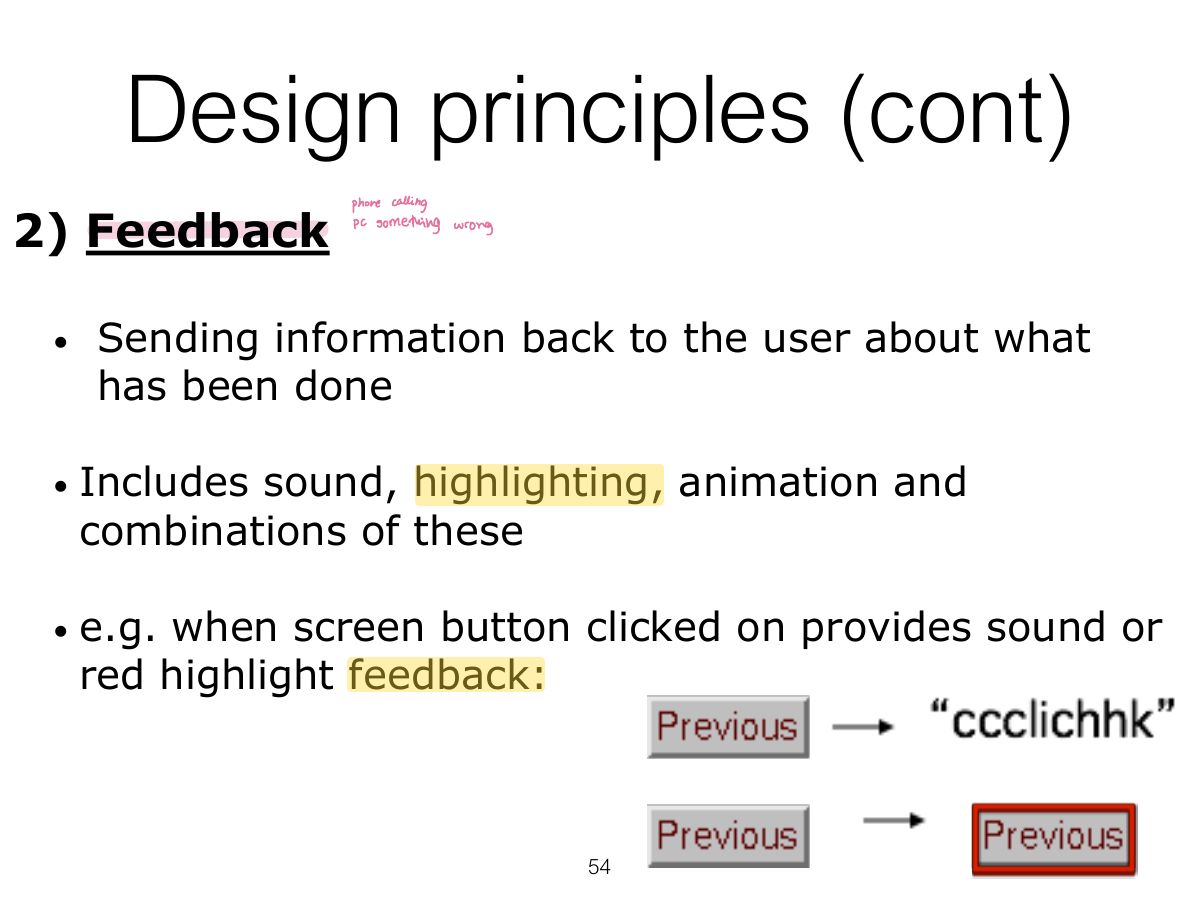
Feedback: send back information about what action has been done (sound, highlighting, animation).
A button that changes colour and clicks when pressed demonstrates:
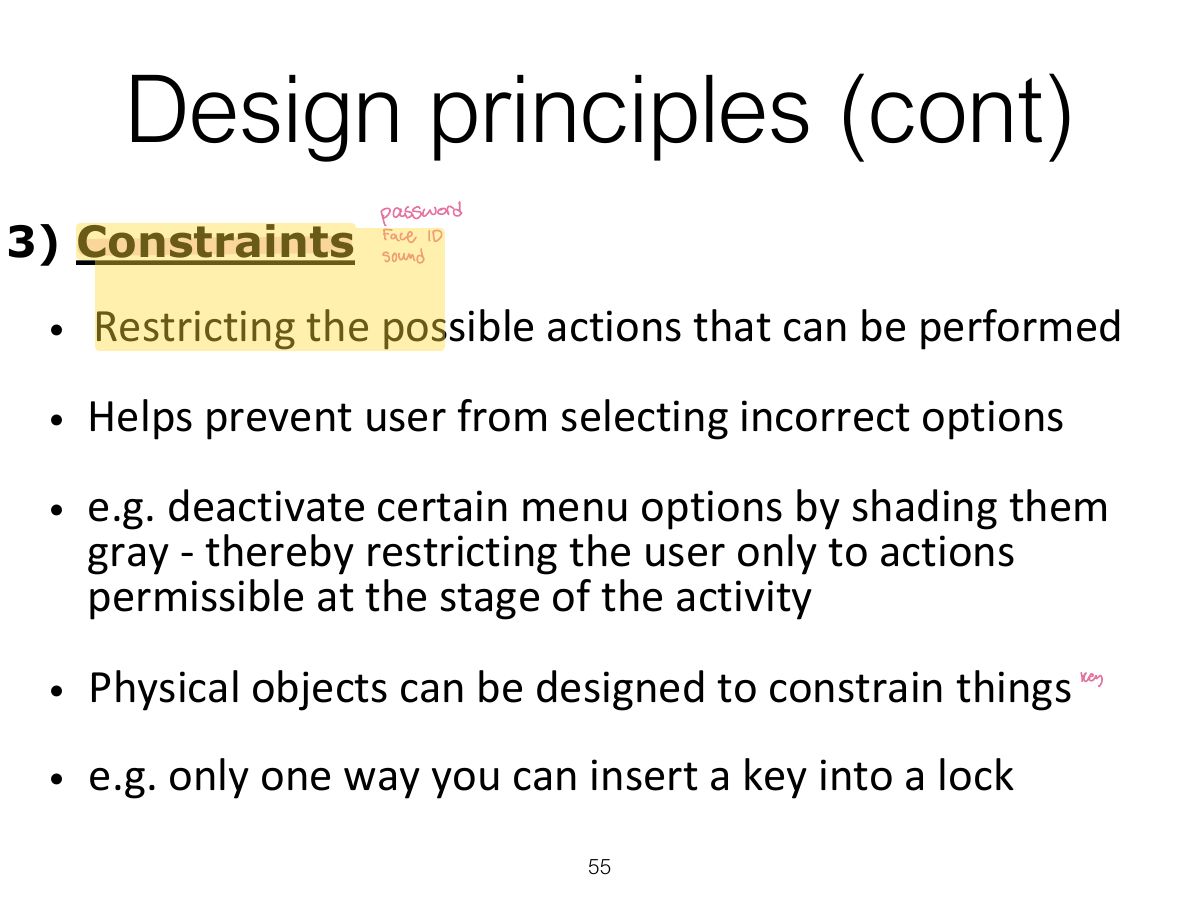
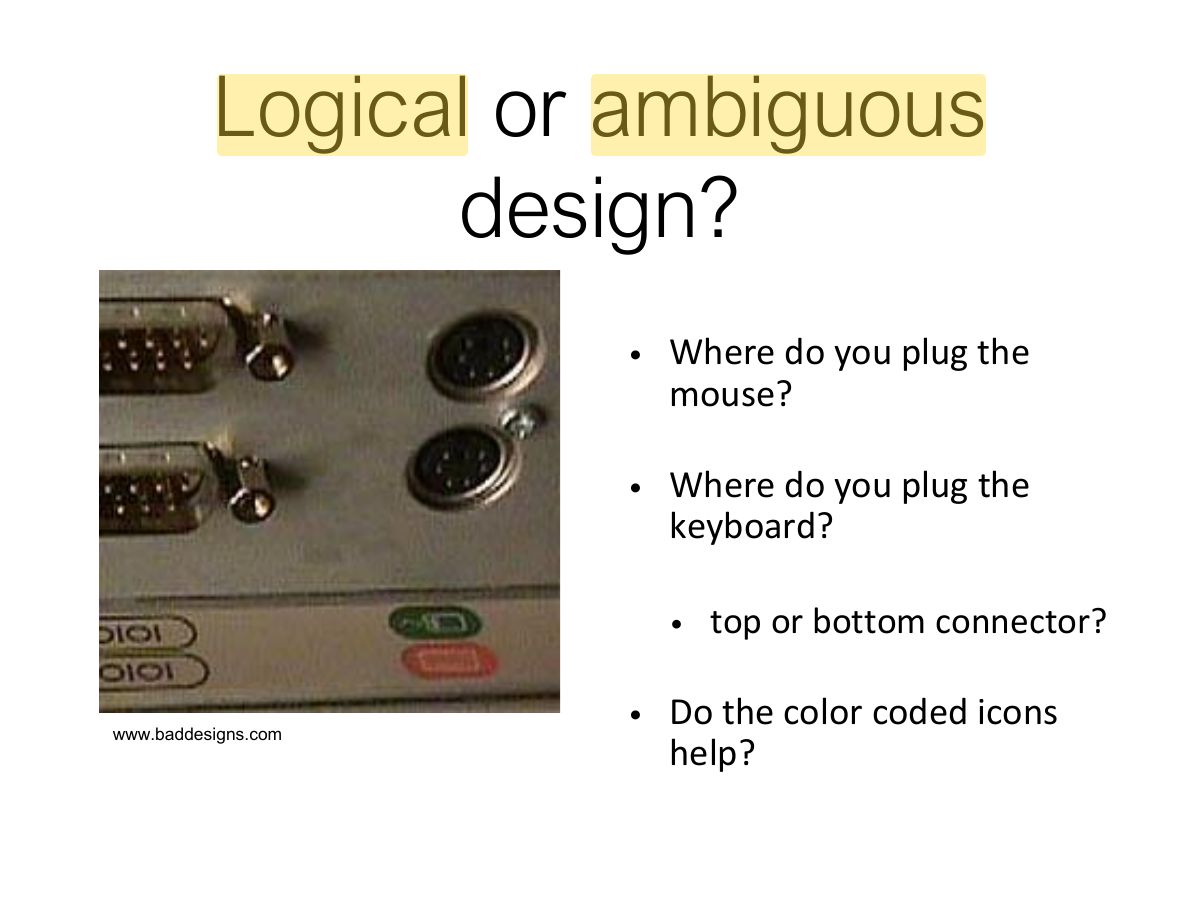
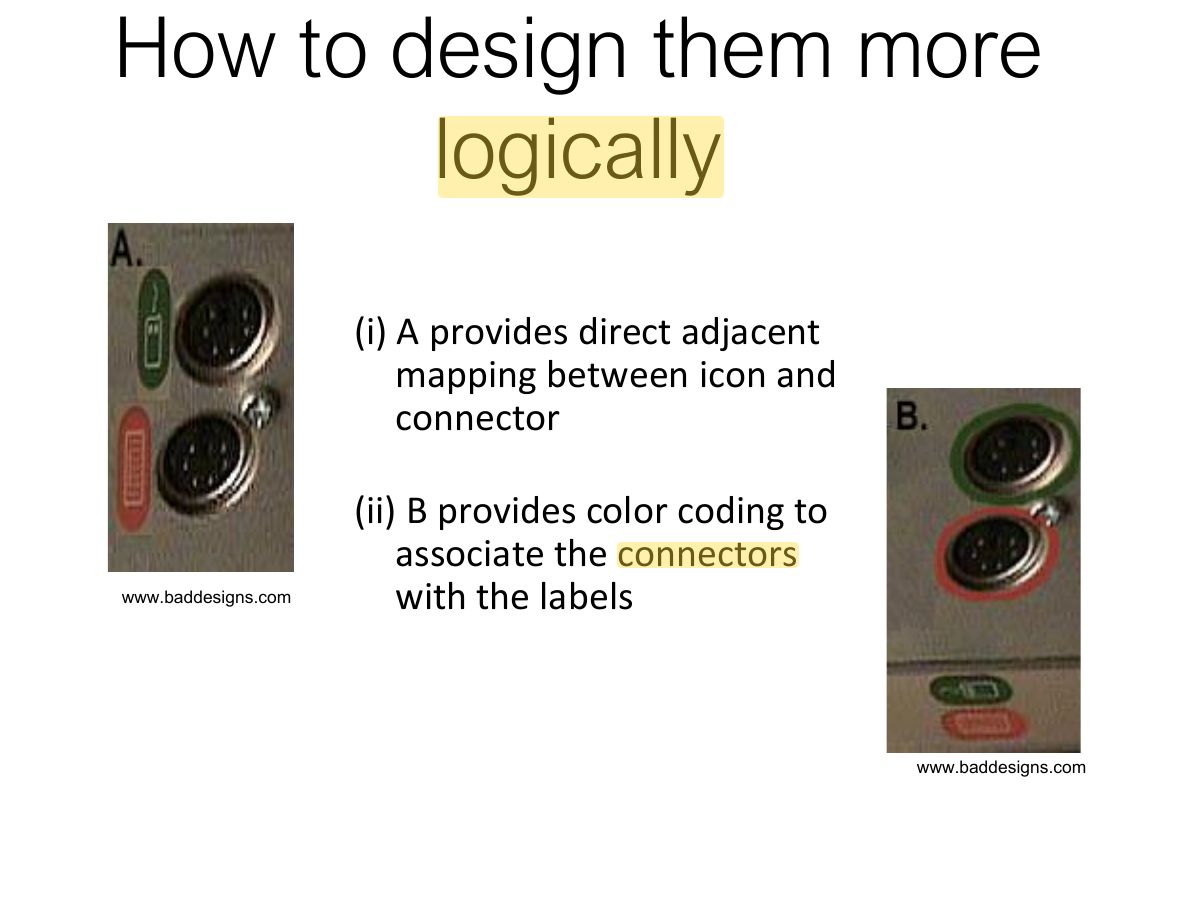
Constraints: restrict the actions possible at a given moment (greyed-out menu options; physical shape).
Greying out unavailable menu items is an example of:
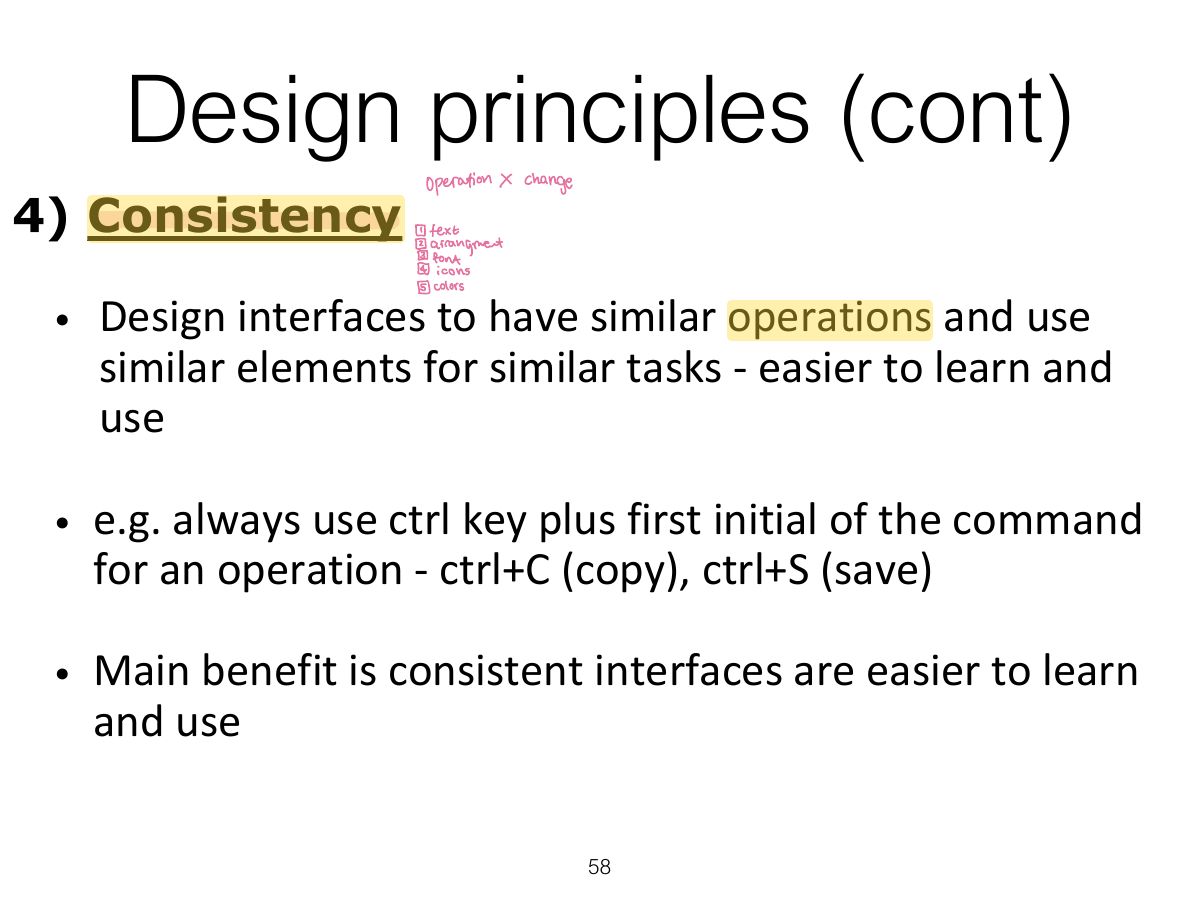
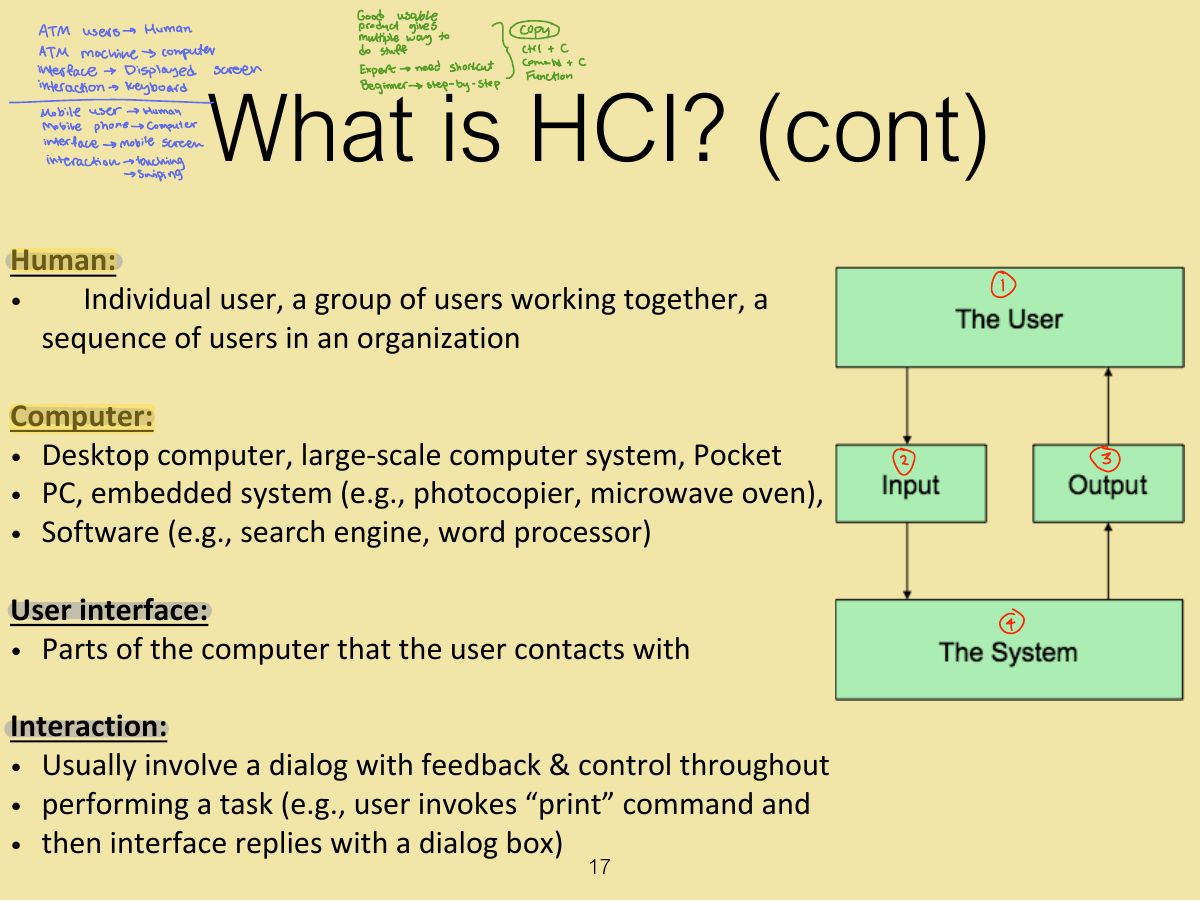
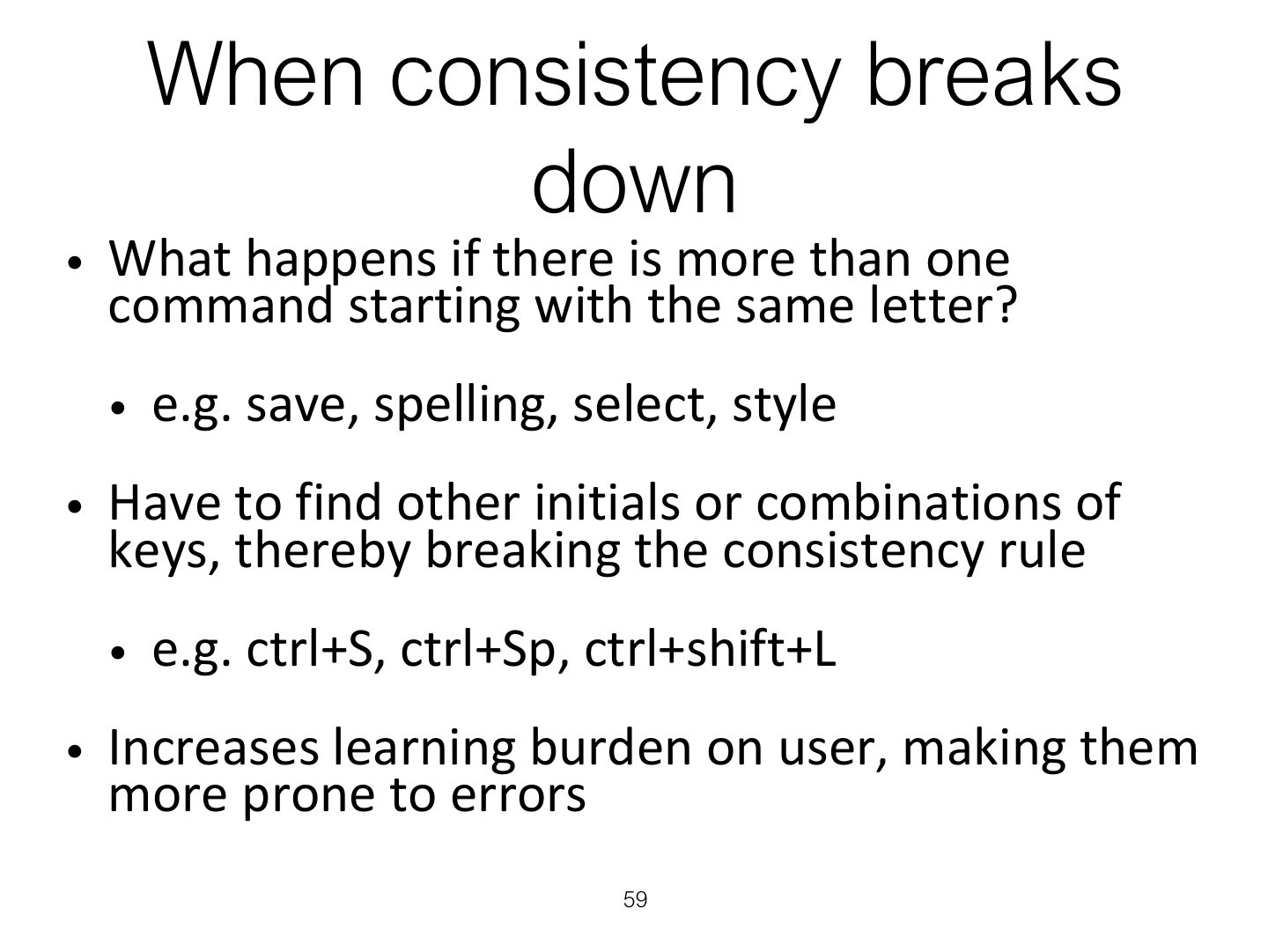
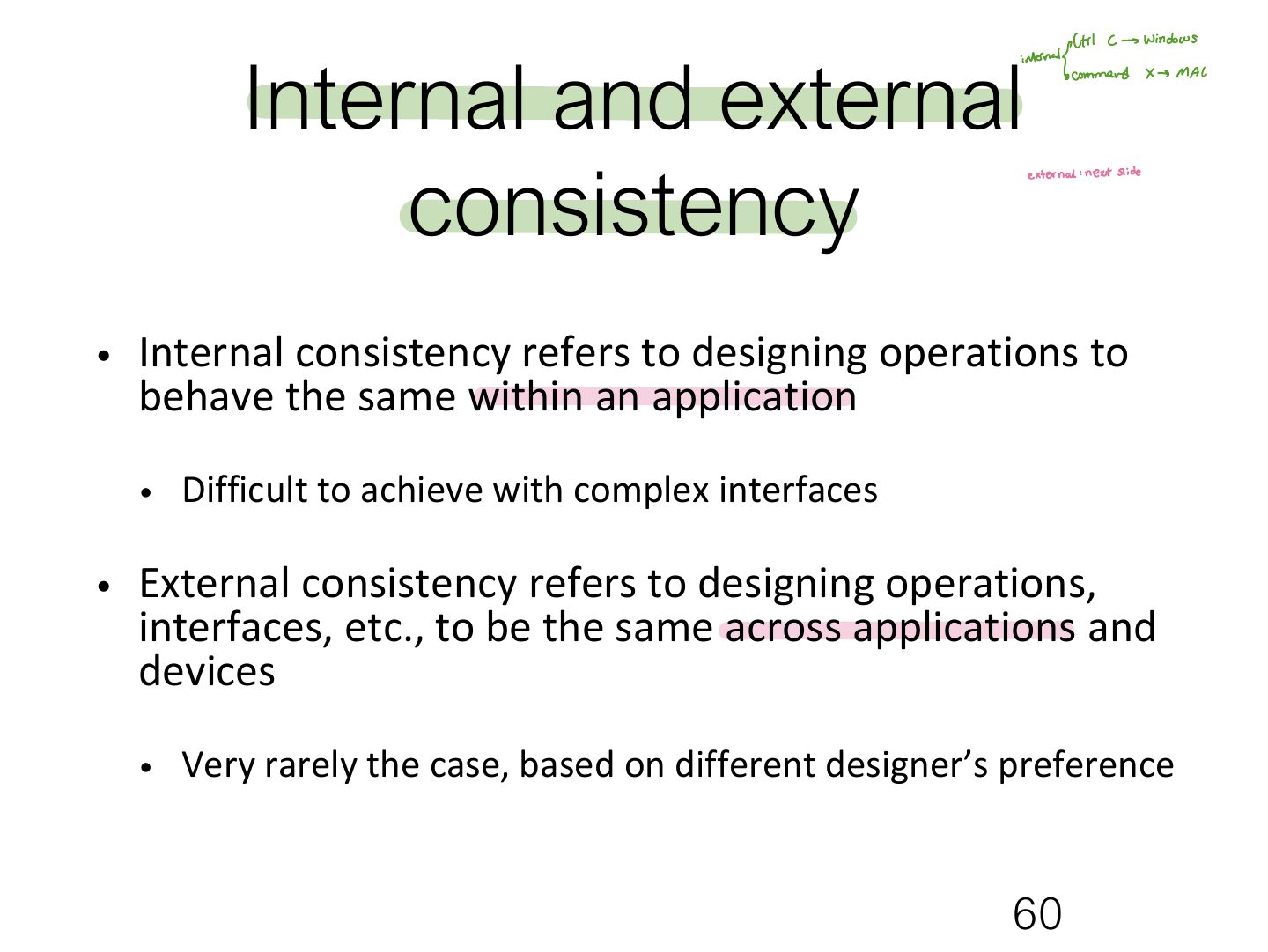
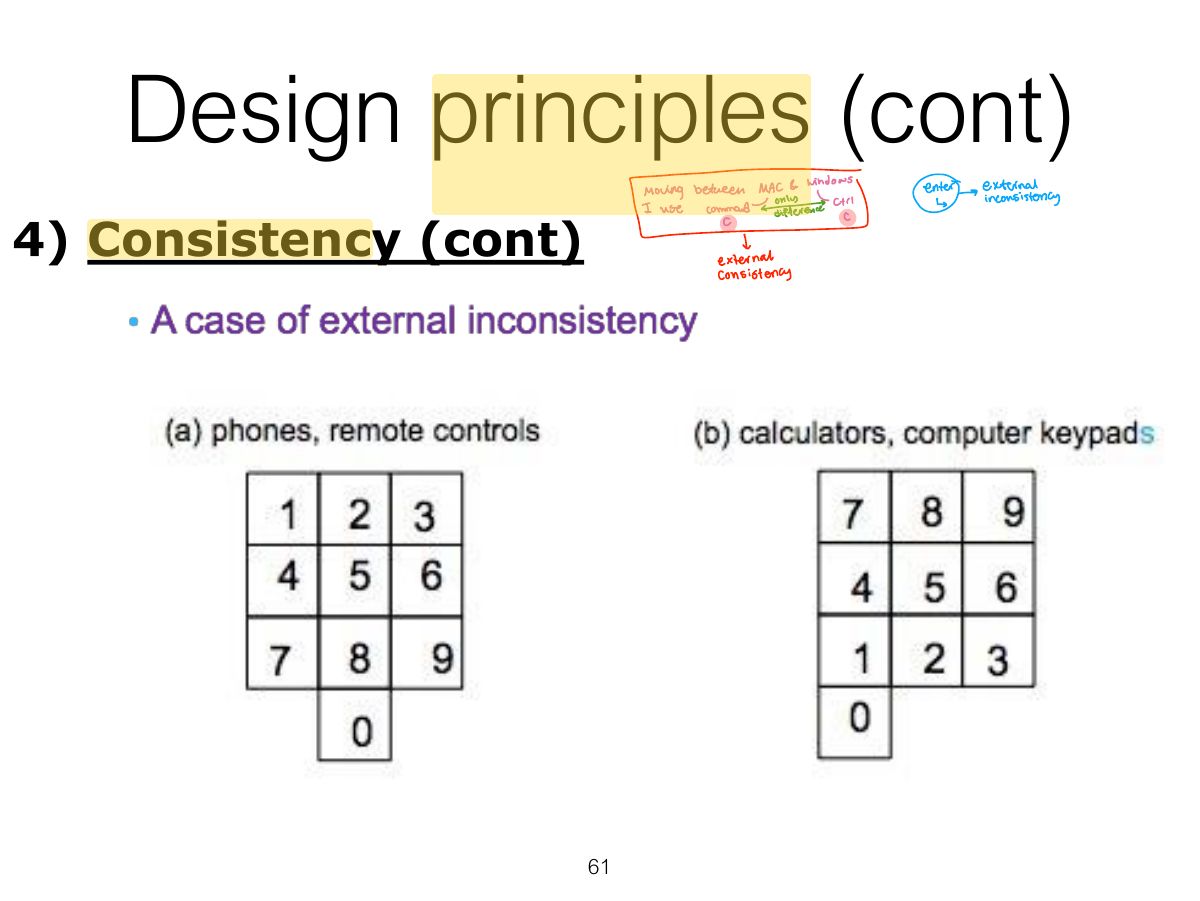
Consistency: similar operations and elements for similar tasks (Ctrl+C everywhere). Internal (within an app) vs. external (across apps/devices).
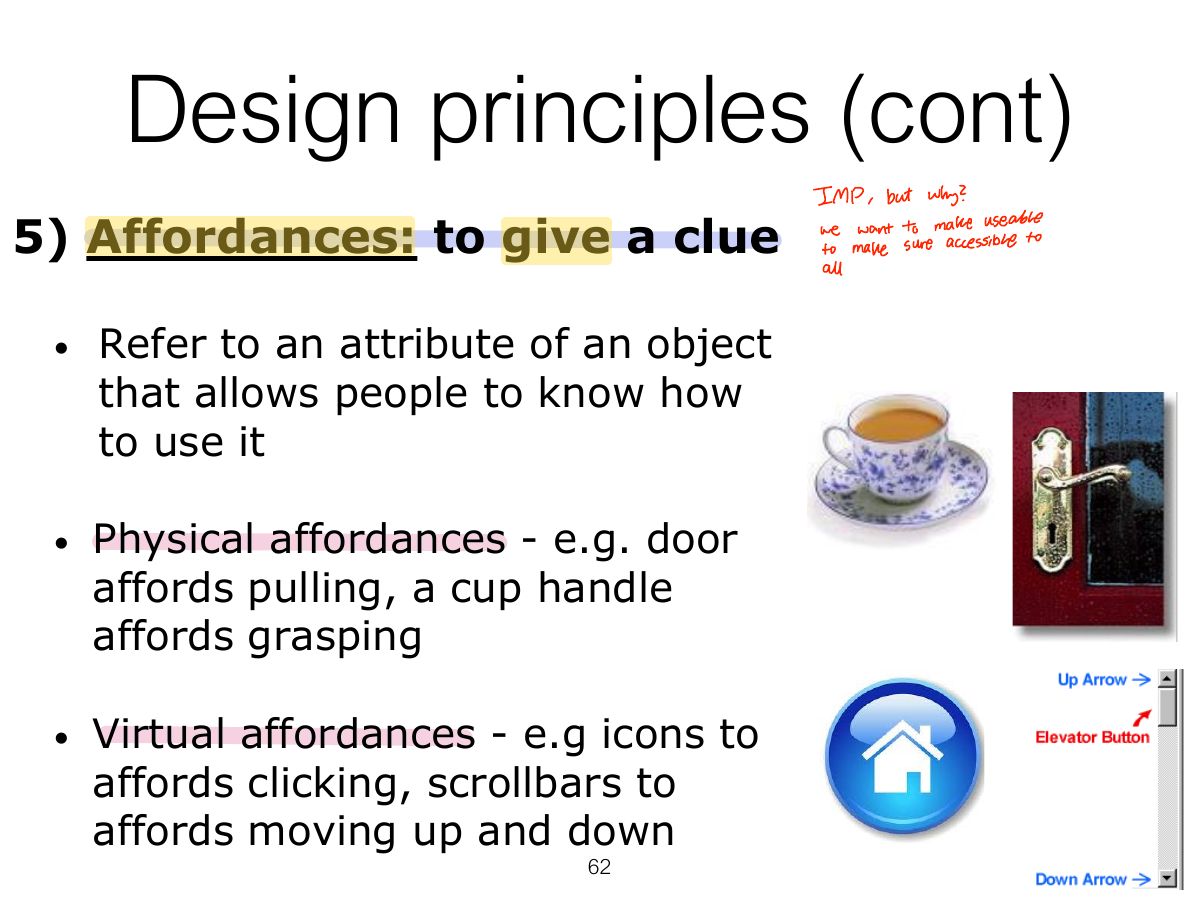
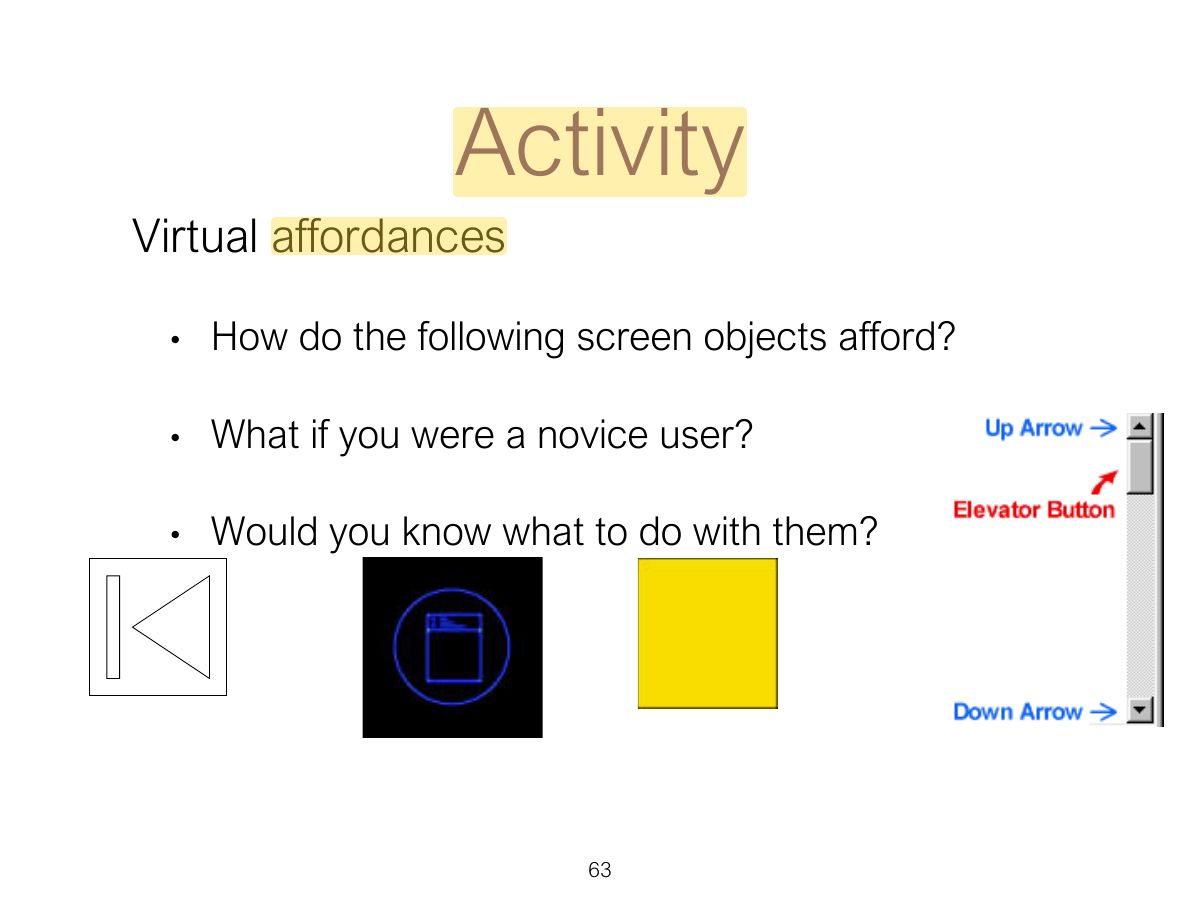
Affordance: an attribute of an object that tells people how to use it (a button invites pushing). Real (physical) vs. perceived (on screen).
Trap Affordance is about what the object suggests; feedback is about what happens AFTER the action.
A door handle that "invites" pulling is an example of: