Which labeling method is most stable when requirements are inserted or deleted?
Requirements Specification
What the SRS is and who reads it, labeling requirements (sequence numbers, hierarchical numbering, hierarchical textual tags), handling TBDs, user interfaces in the SRS, readability tips and best practices.
How to read this page
Every original slide is shown unchanged. Yellow marks on a slide point to a numbered note: hover or tap a mark to jump to its note, and hover a note to see its marks. Questions tagged Past exam appeared on a real paper; Prediction questions are likely angles, not confirmed. Pick an answer to each question: a wrong pick tells you why it is wrong, so you can try again.
All 23 slides
- 1 Slide 1
- 2 RE Process
- 3 Requirements Specification
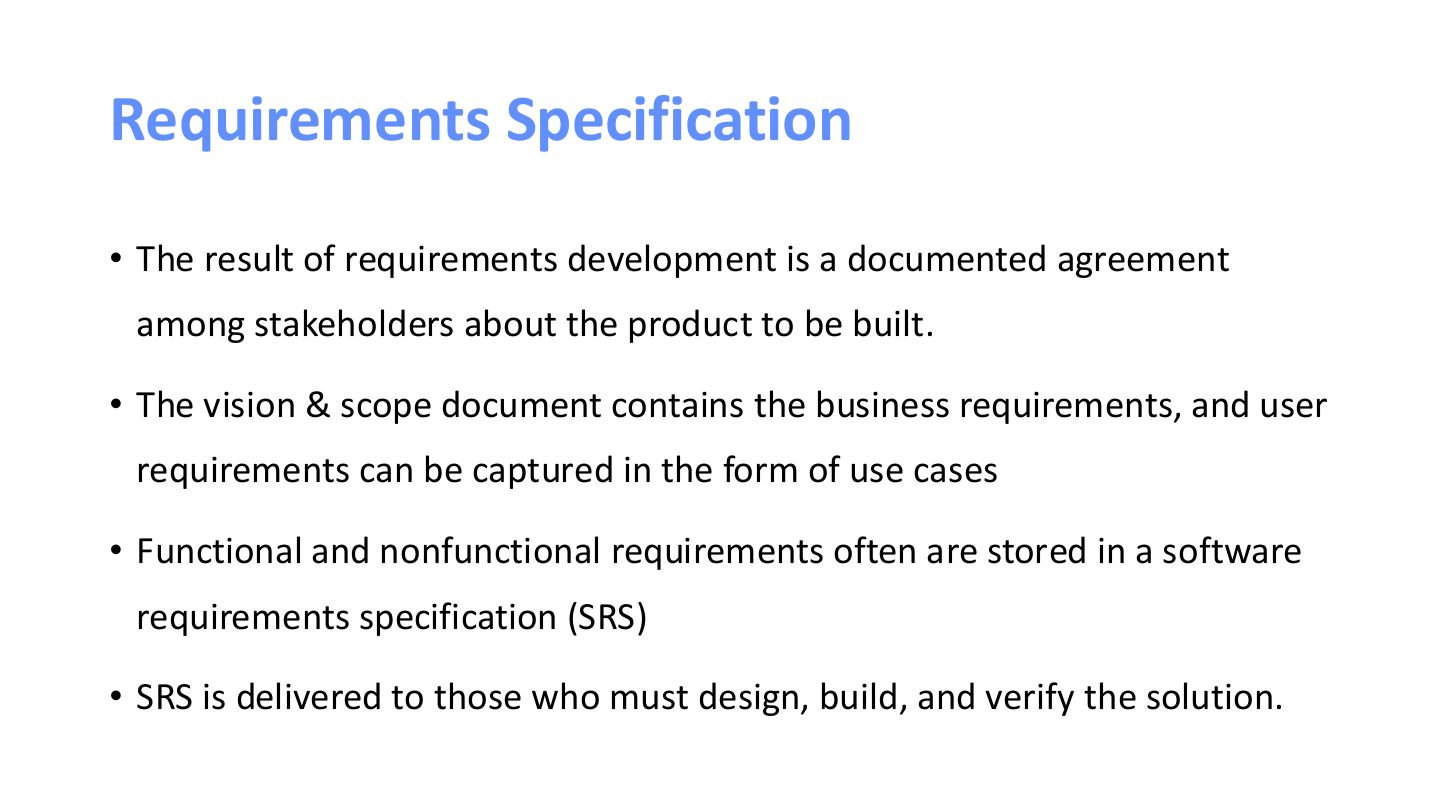
- 4 Requirements Specification
- 5 SRS
- 6 If a desired capability or quality doesn’t appear
- 7 SRS Audience
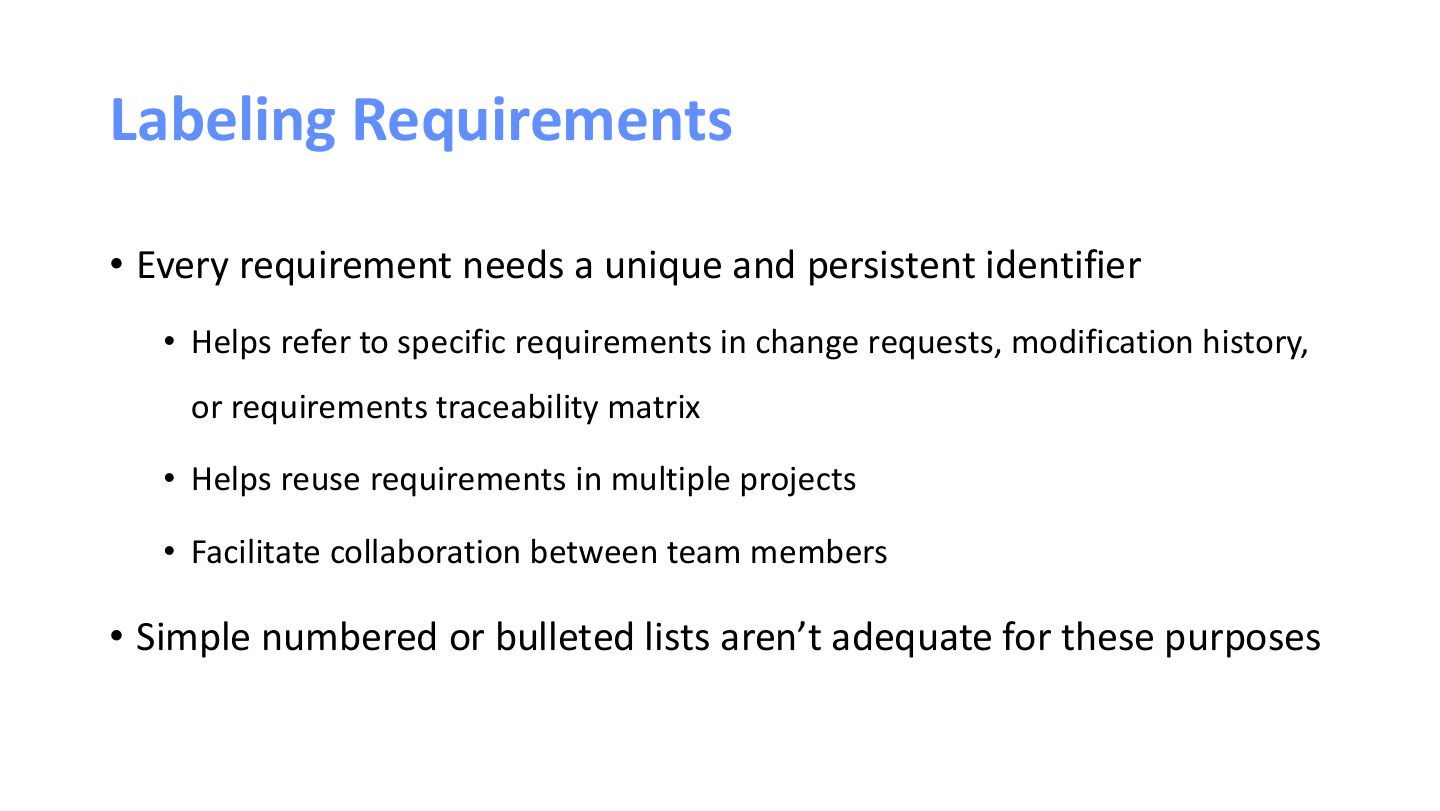
- 8 Labeling Requirements
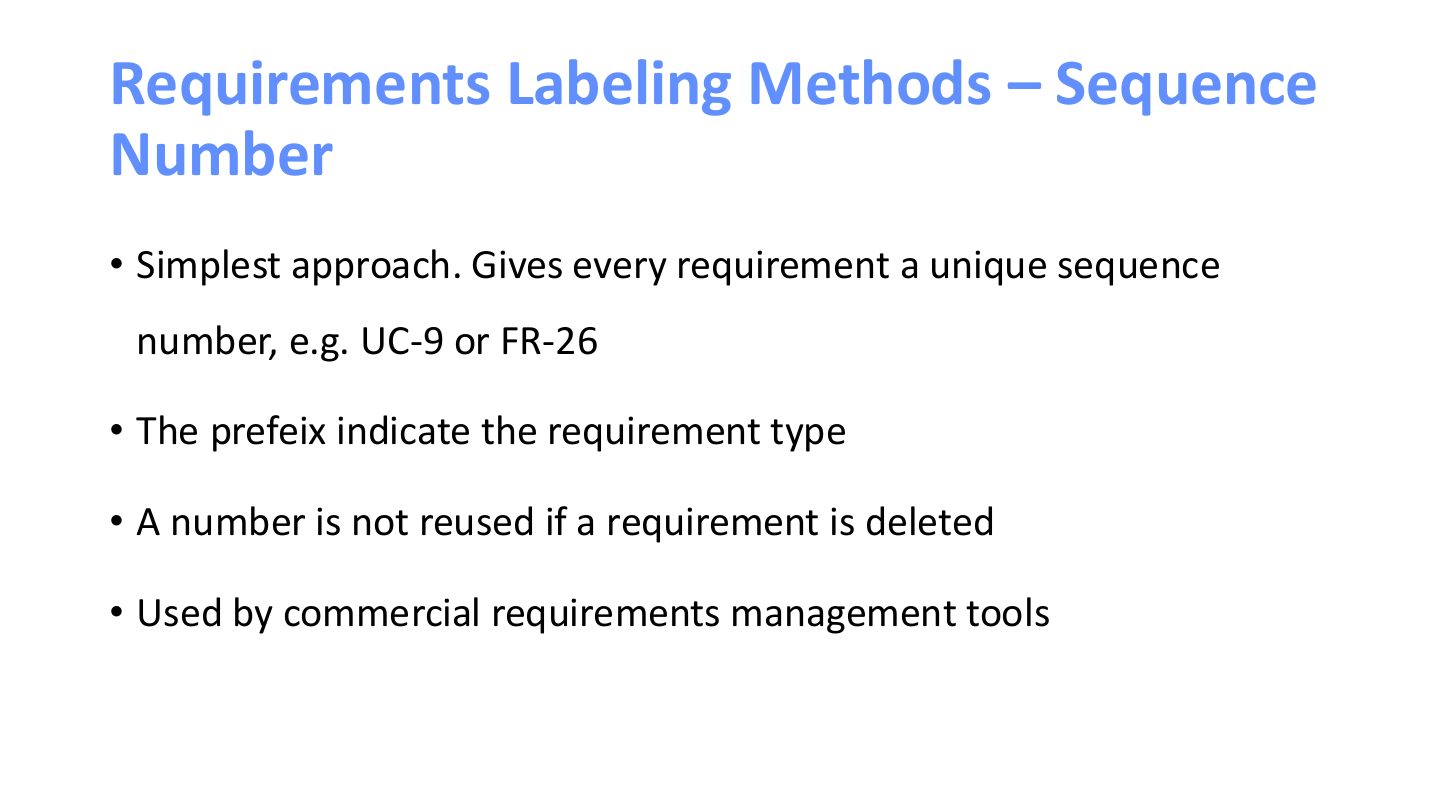
- 9 Requirements Labeling Methods – Sequence Number
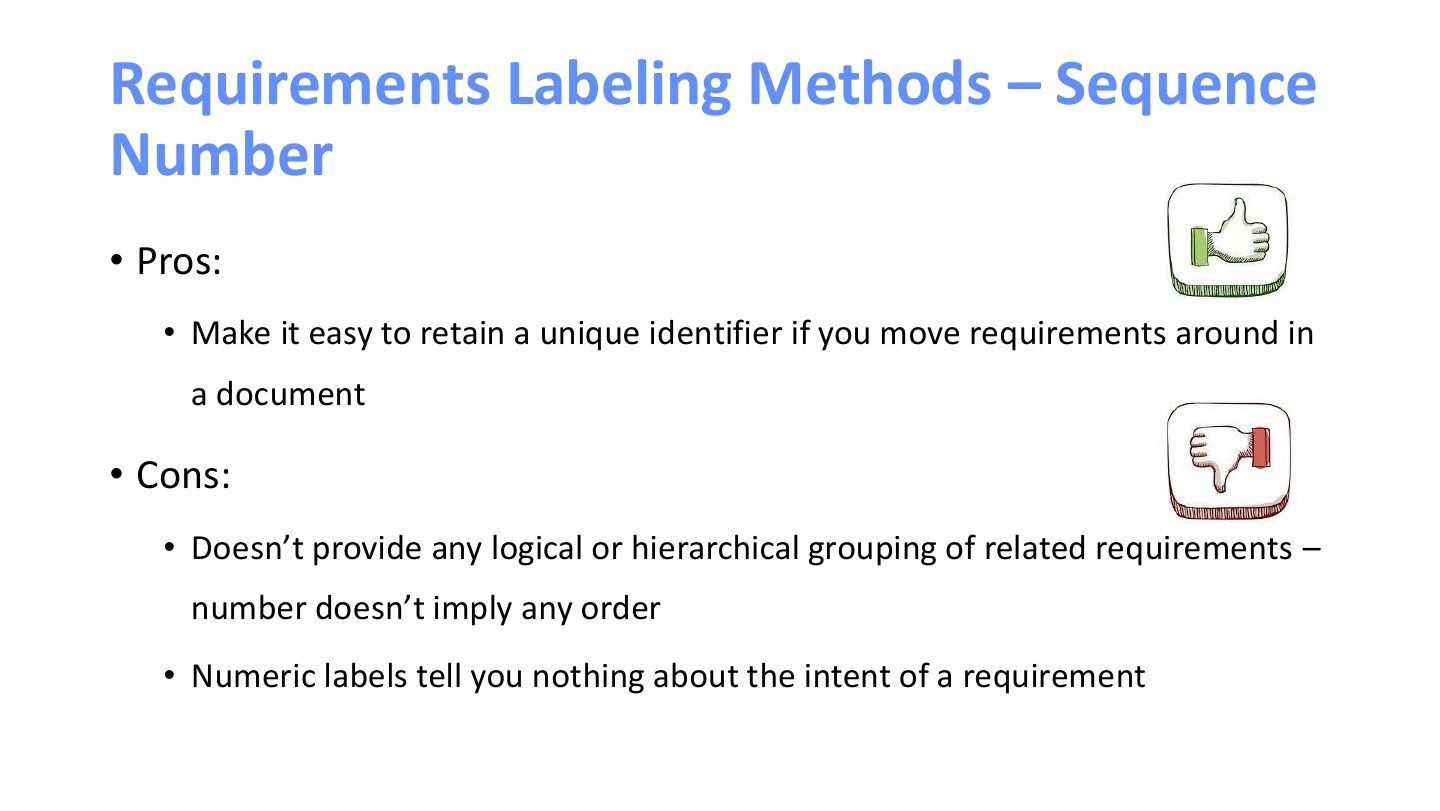
- 10 Requirements Labeling Methods – Sequence Number
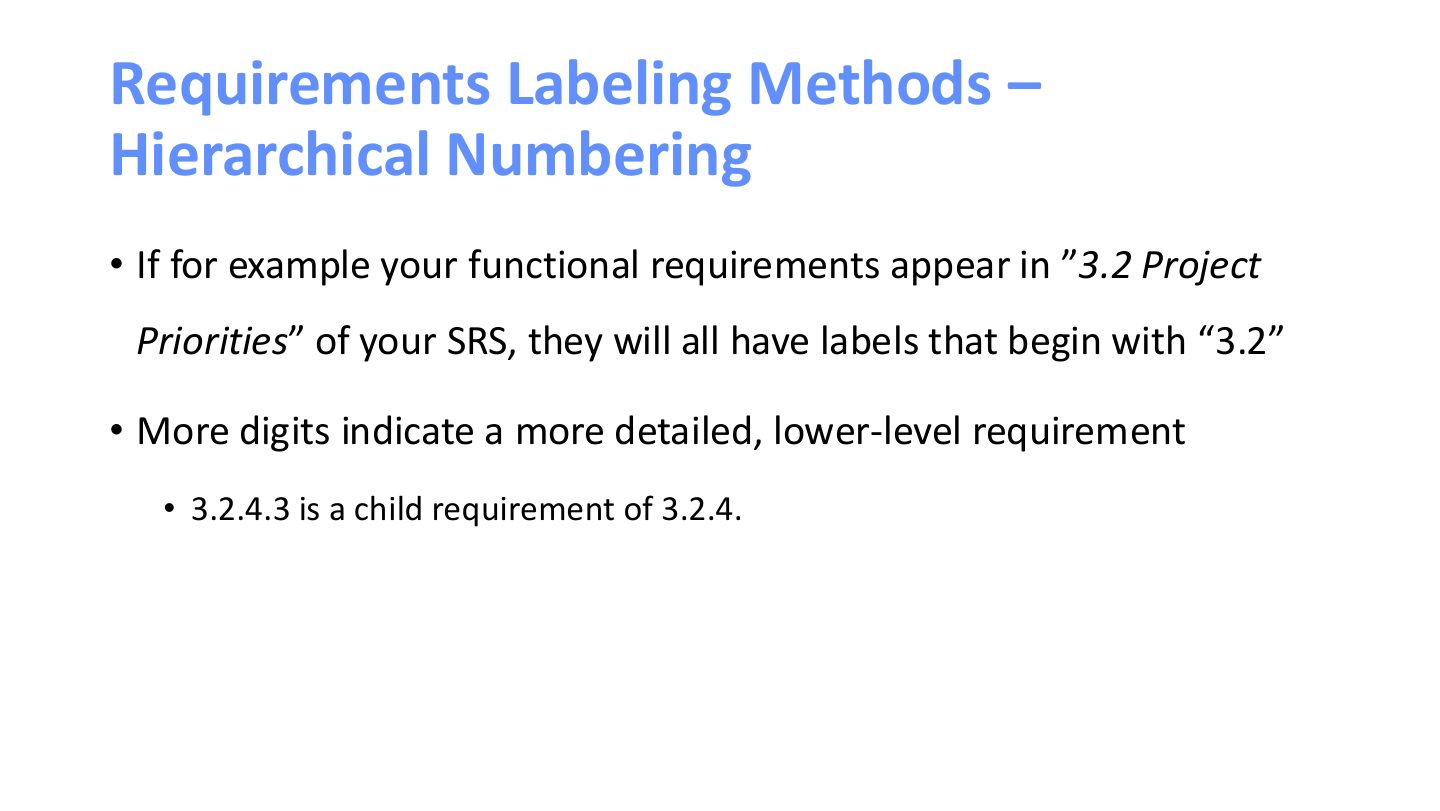
- 11 Requirements Labeling Methods – Hierarchical Numbering
- 12 Requirements Labeling Methods – Hierarchical Numbering
- 13 Requirements Labeling Methods – Hierarchical Numbering
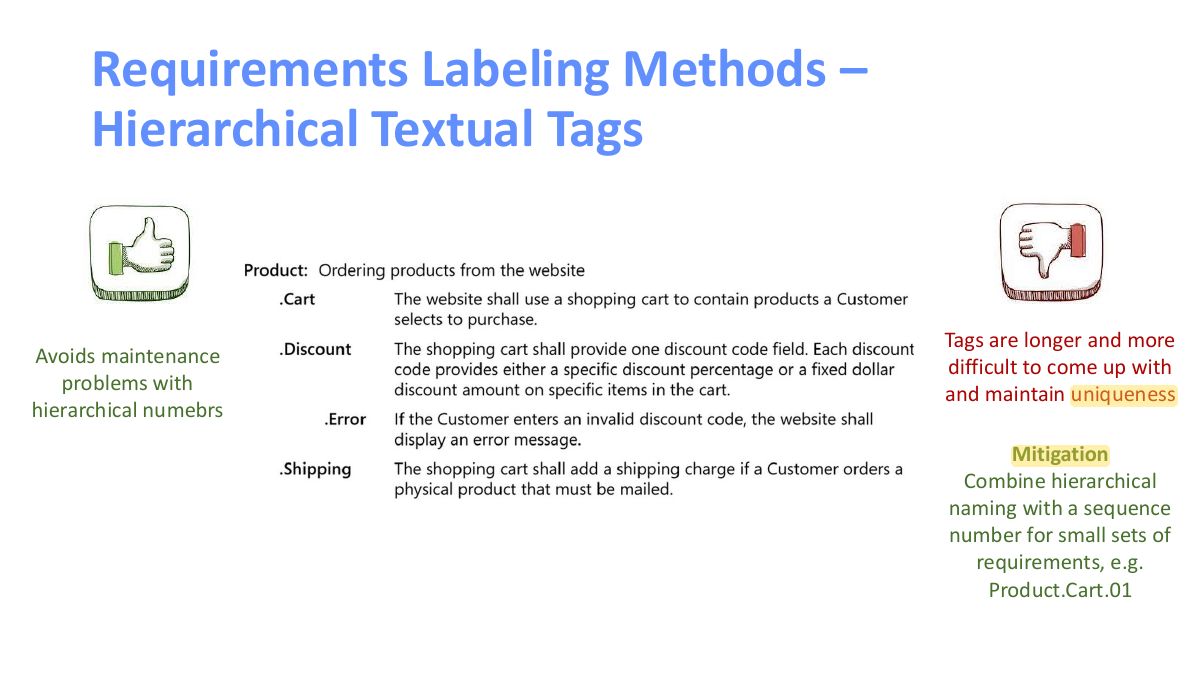
- 14 Requirements Labeling Methods – Hierarchical Textual Tags
- 15 Requirements Labeling Methods – Hierarchical Textual Tags
- 16 Requirements Labeling Methods – Hierarchical Textual Tags
- 17 TBDs won’t resolve themselves
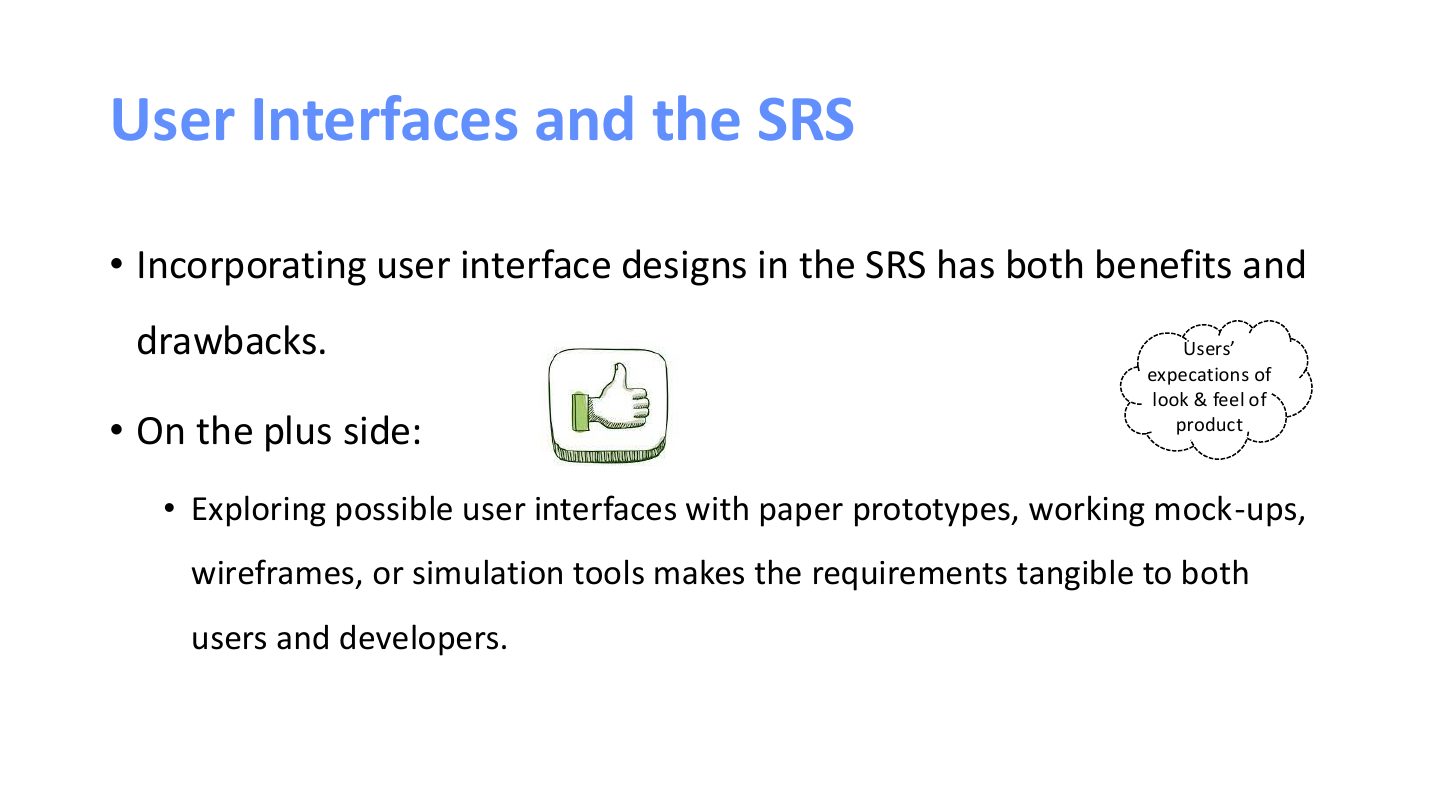
- 18 User Interfaces and the SRS
- 19 Screen layouts don’t replace functional requirements
- 20 SRS – Readability Tips
- 21 SRS – Readability Tips
- 22 Requirements Specification Best Practices
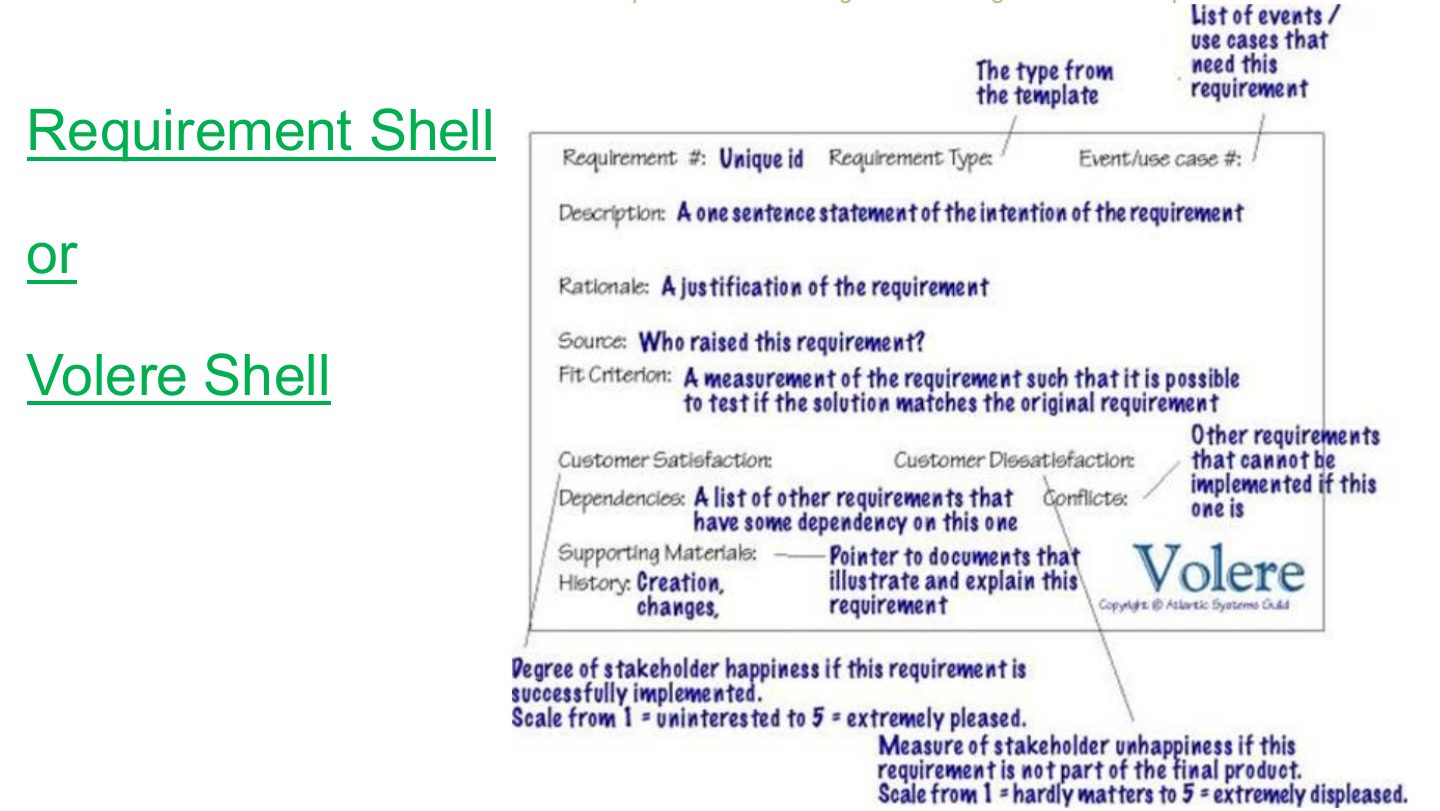
- 23 Requirement Shell
Slide 1
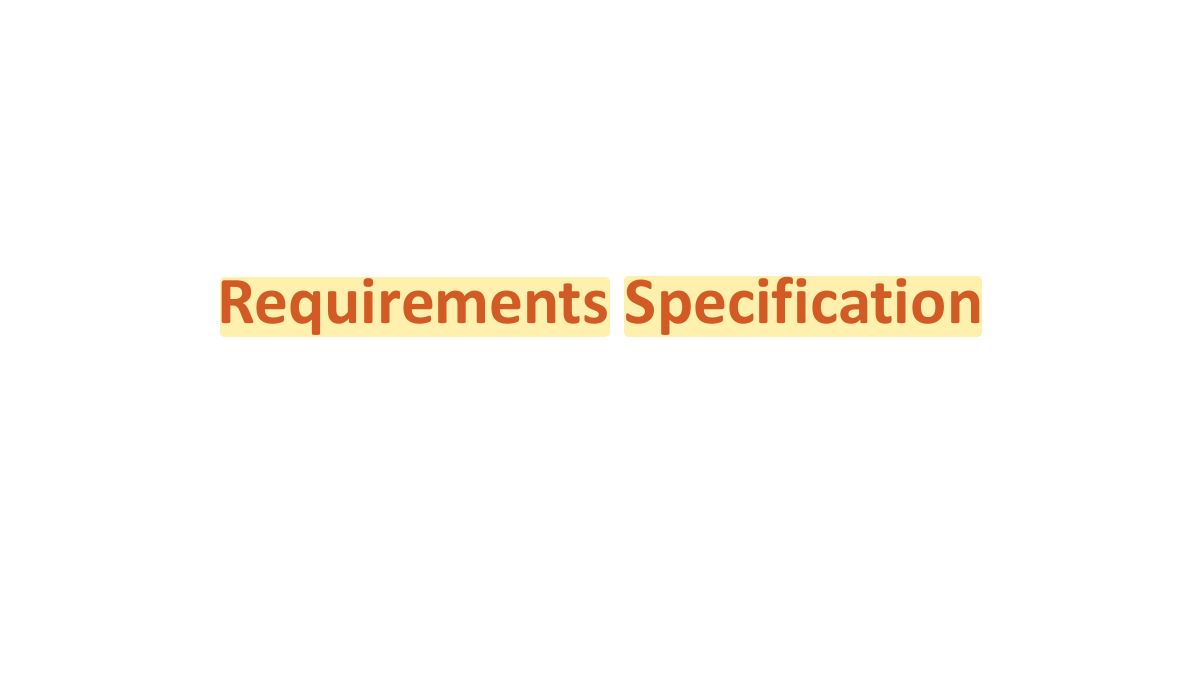
RE Process
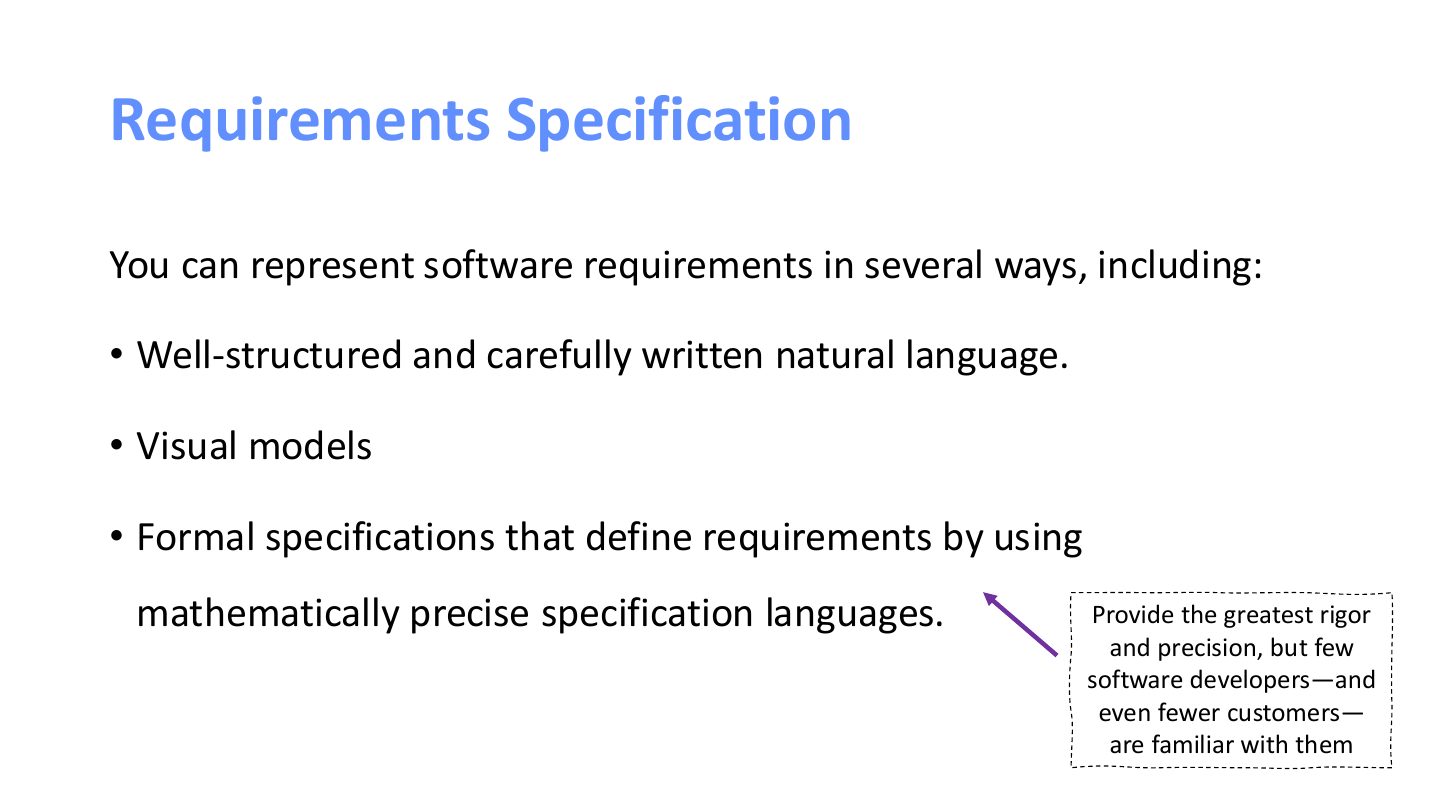
Requirements Specification
Requirements Specification
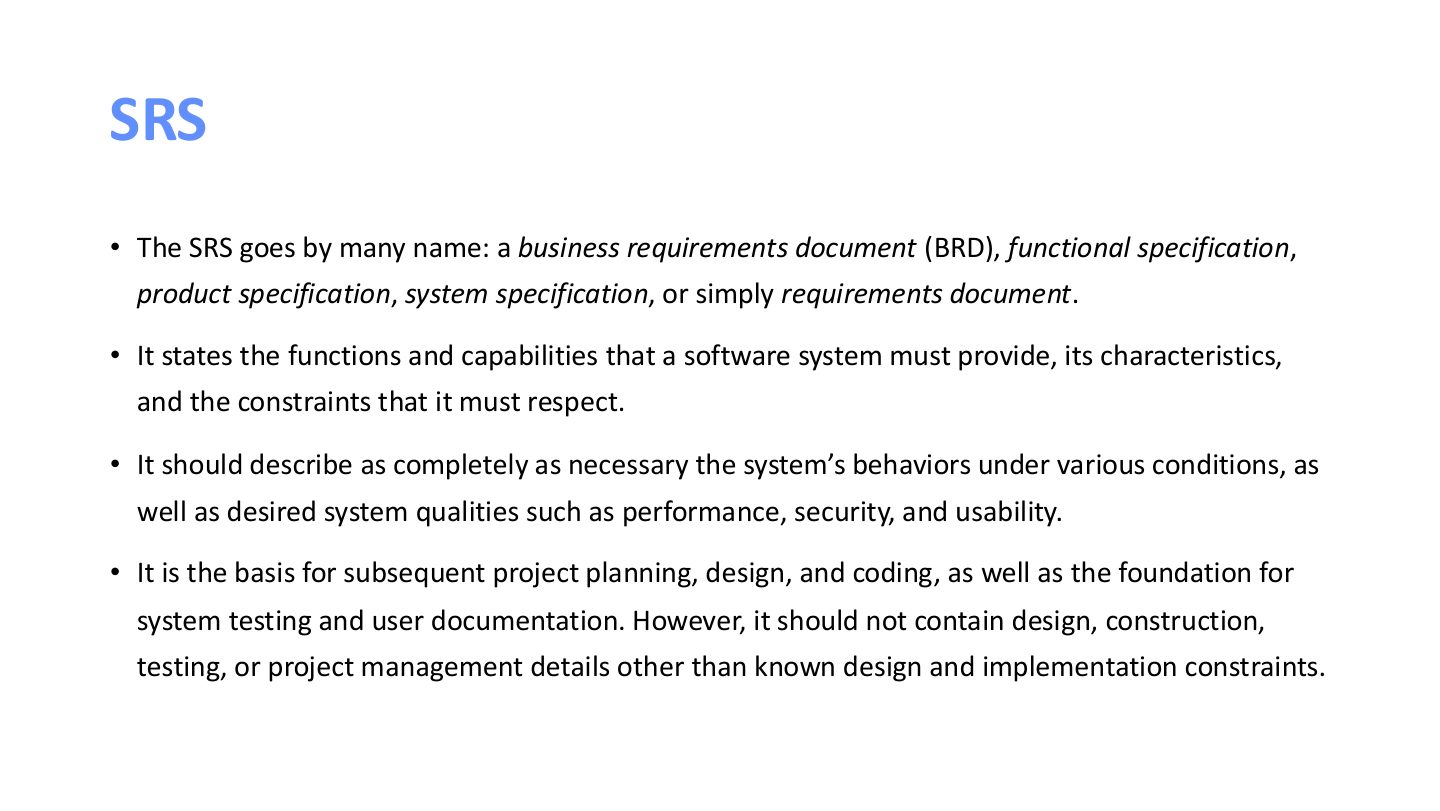
SRS
Notes
SRS: functional and non-functional requirements the system must satisfy; the basis for design, testing, planning and contracts.
If a desired capability or quality doesn’t appear
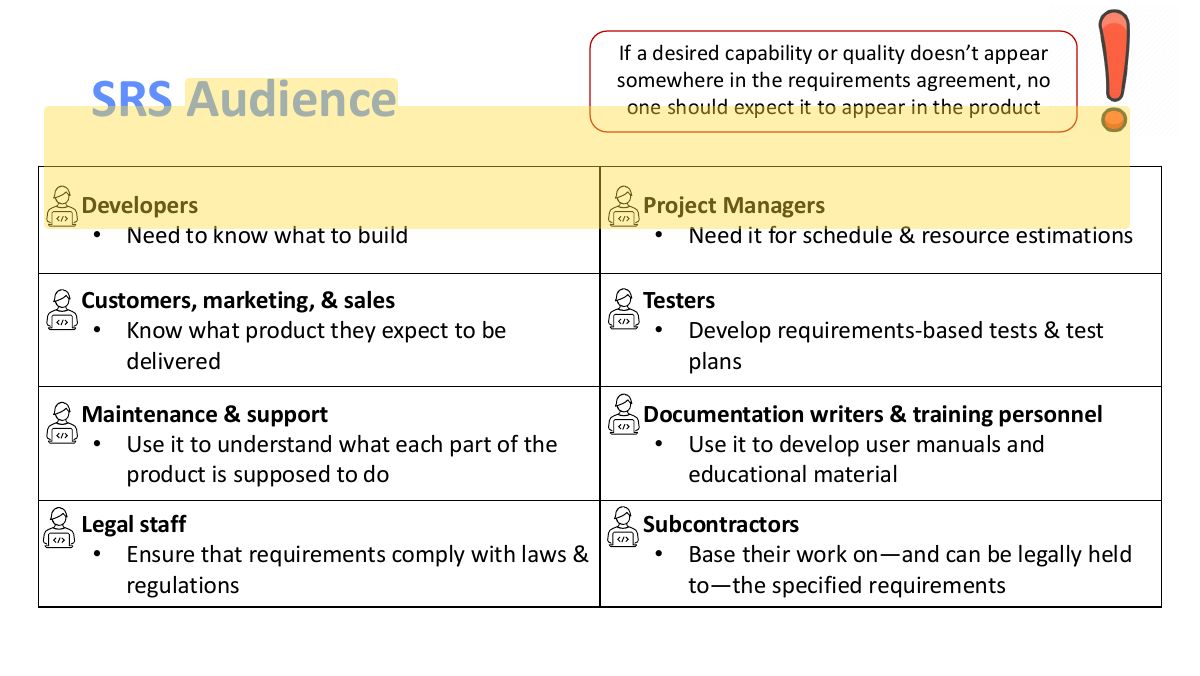
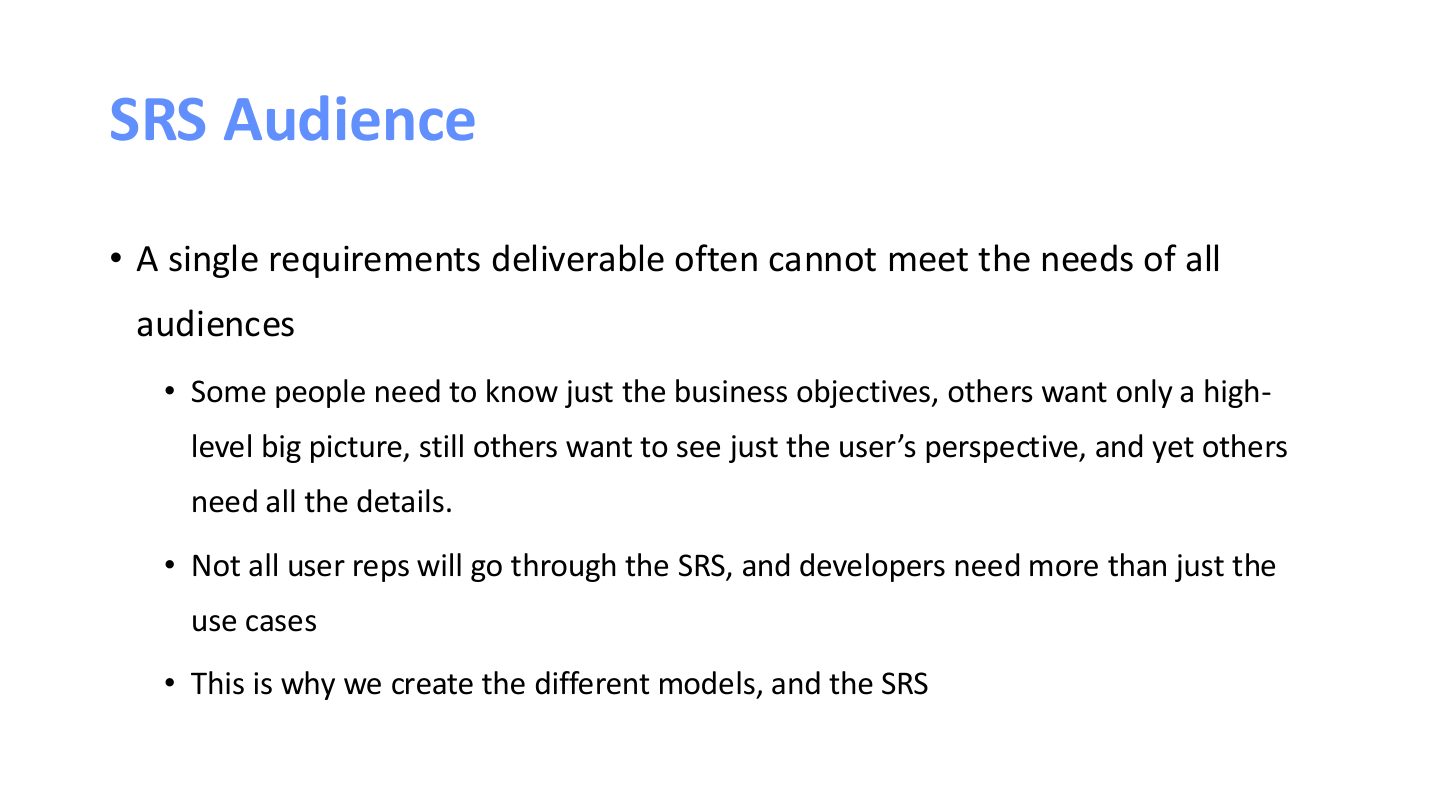
SRS Audience
Notes
Audience: customers, marketing, project managers, developers, testers, maintainers, documentation writers, legal.
Labeling Requirements
Requirements Labeling Methods – Sequence Number
Notes
Labeling methods: sequence numbers (UR-9), hierarchical numbering (3.2.4.1, breaks when edited), hierarchical textual tags (Print.ConfirmCopies).
Exam angle
Requirements Labeling Methods – Sequence Number
Requirements Labeling Methods – Hierarchical Numbering
Requirements Labeling Methods – Hierarchical Numbering
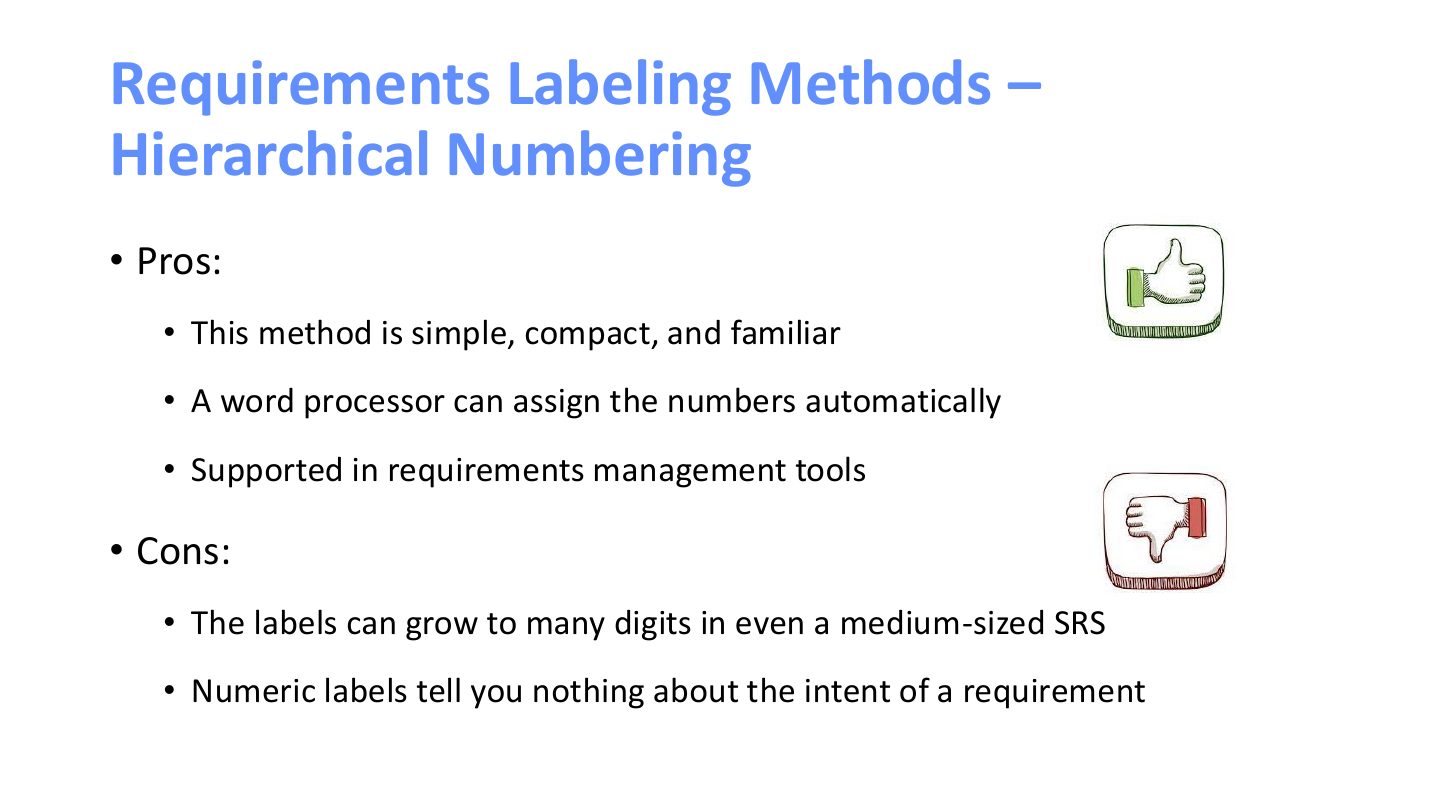
Requirements Labeling Methods – Hierarchical Numbering
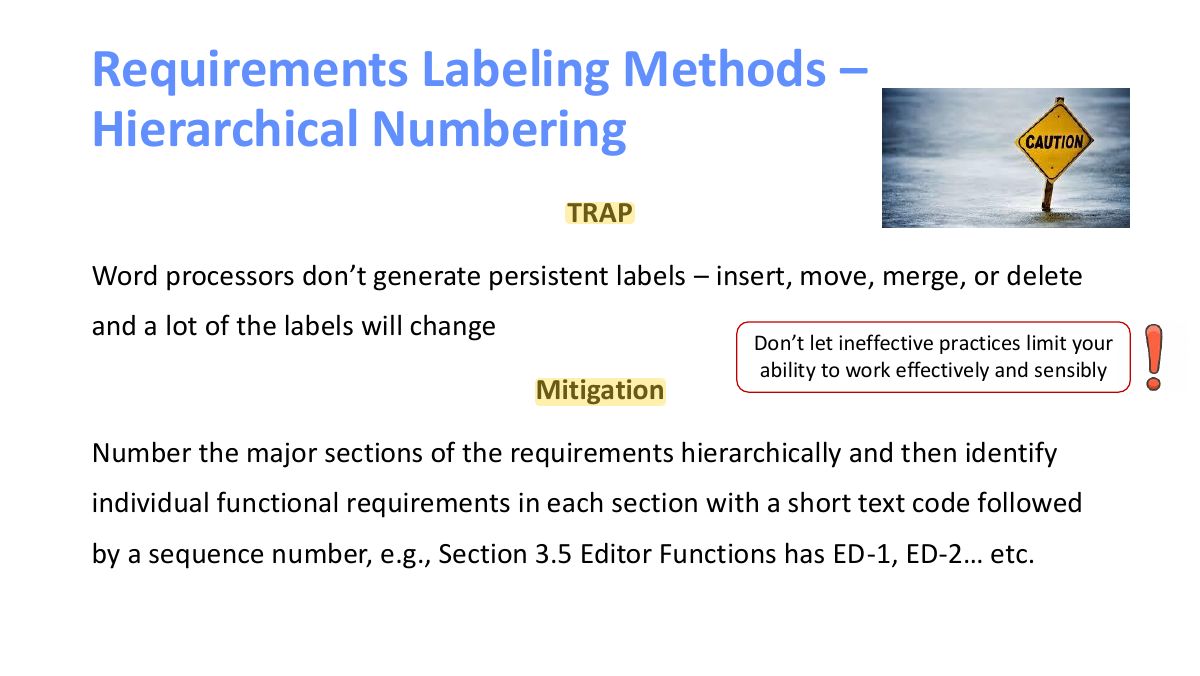
Requirements Labeling Methods – Hierarchical Textual Tags
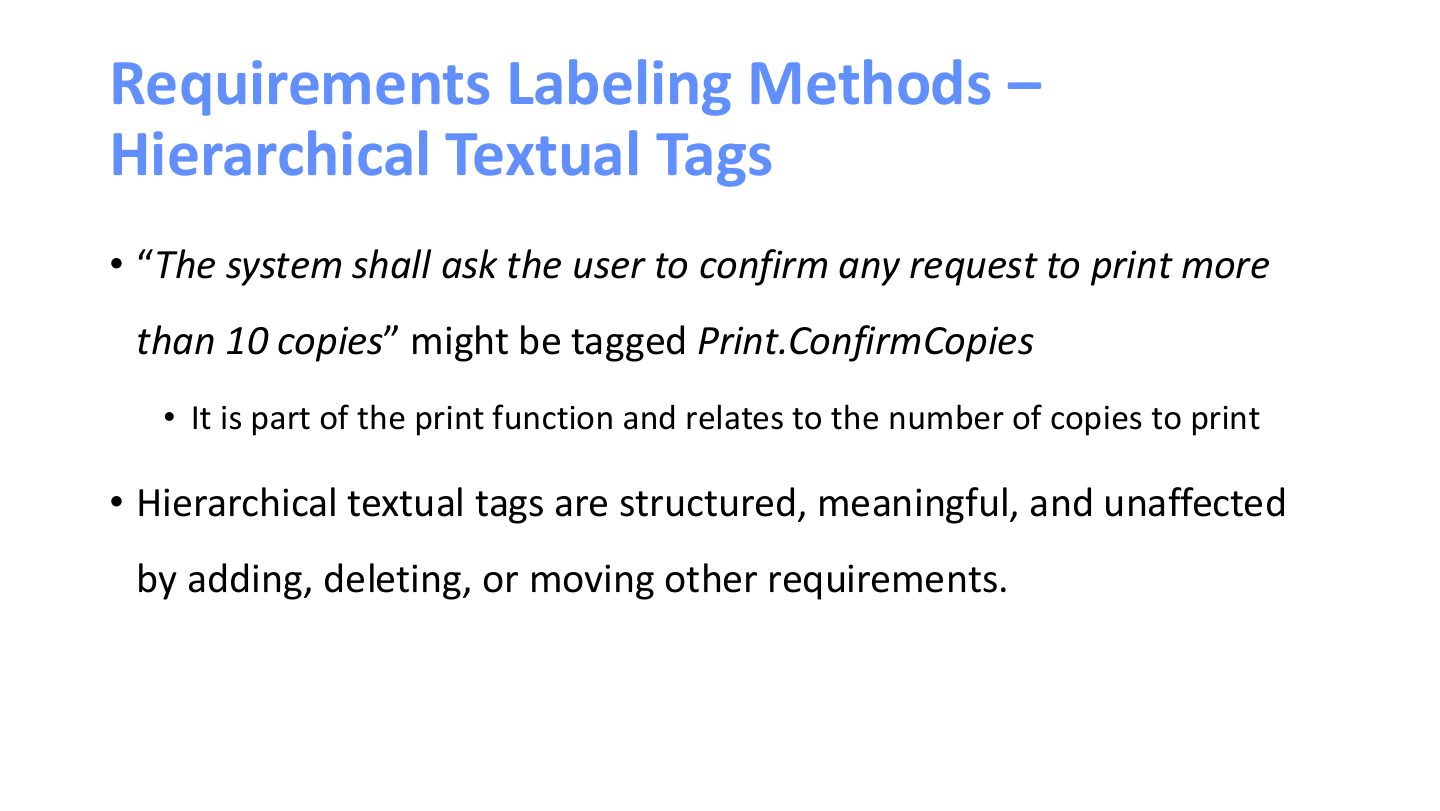
Requirements Labeling Methods – Hierarchical Textual Tags
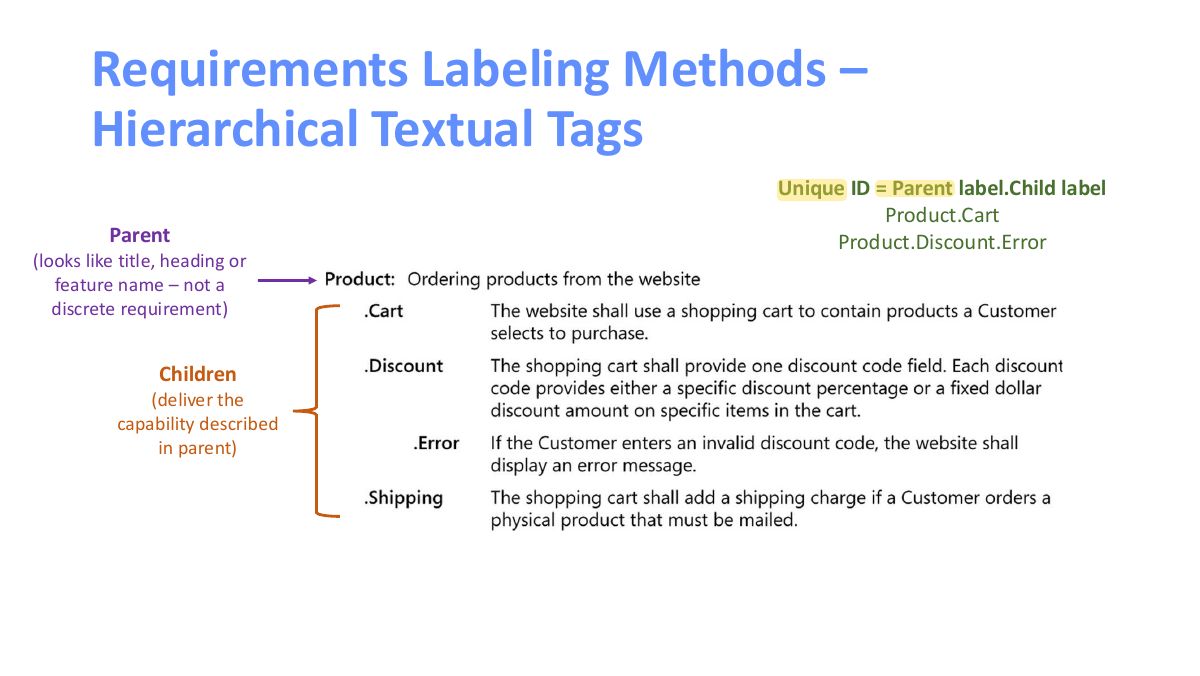
Requirements Labeling Methods – Hierarchical Textual Tags
TBDs won’t resolve themselves
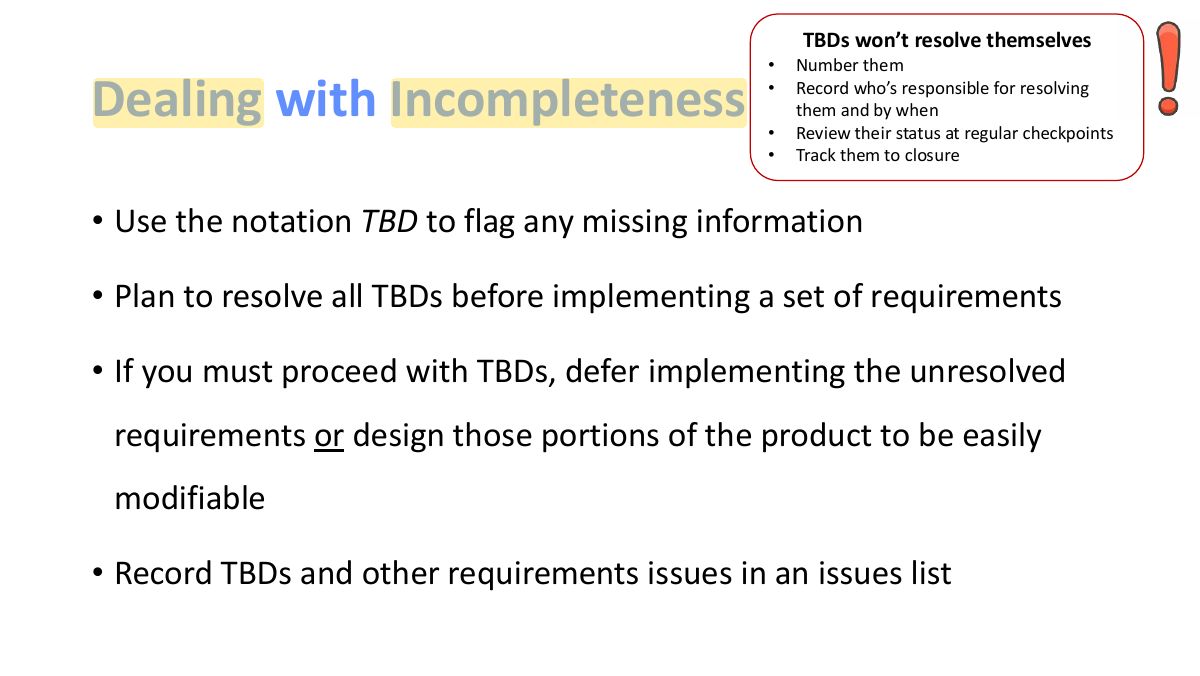
Notes
TBD ("to be determined") marks gaps: give each an owner and a date, and resolve them before building.
User Interfaces and the SRS
Screen layouts don’t replace functional requirements
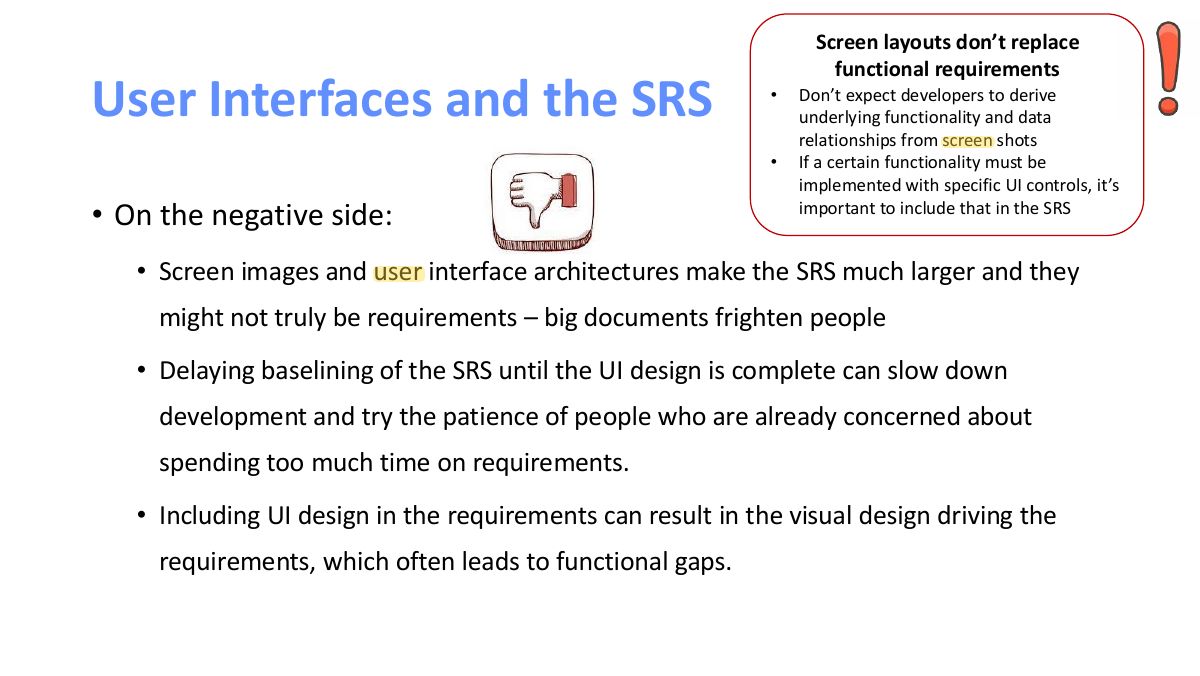
Notes
Screen layouts don’t replace functional requirements; keep UI design details out of the SRS (or in an appendix).
SRS – Readability Tips
SRS – Readability Tips
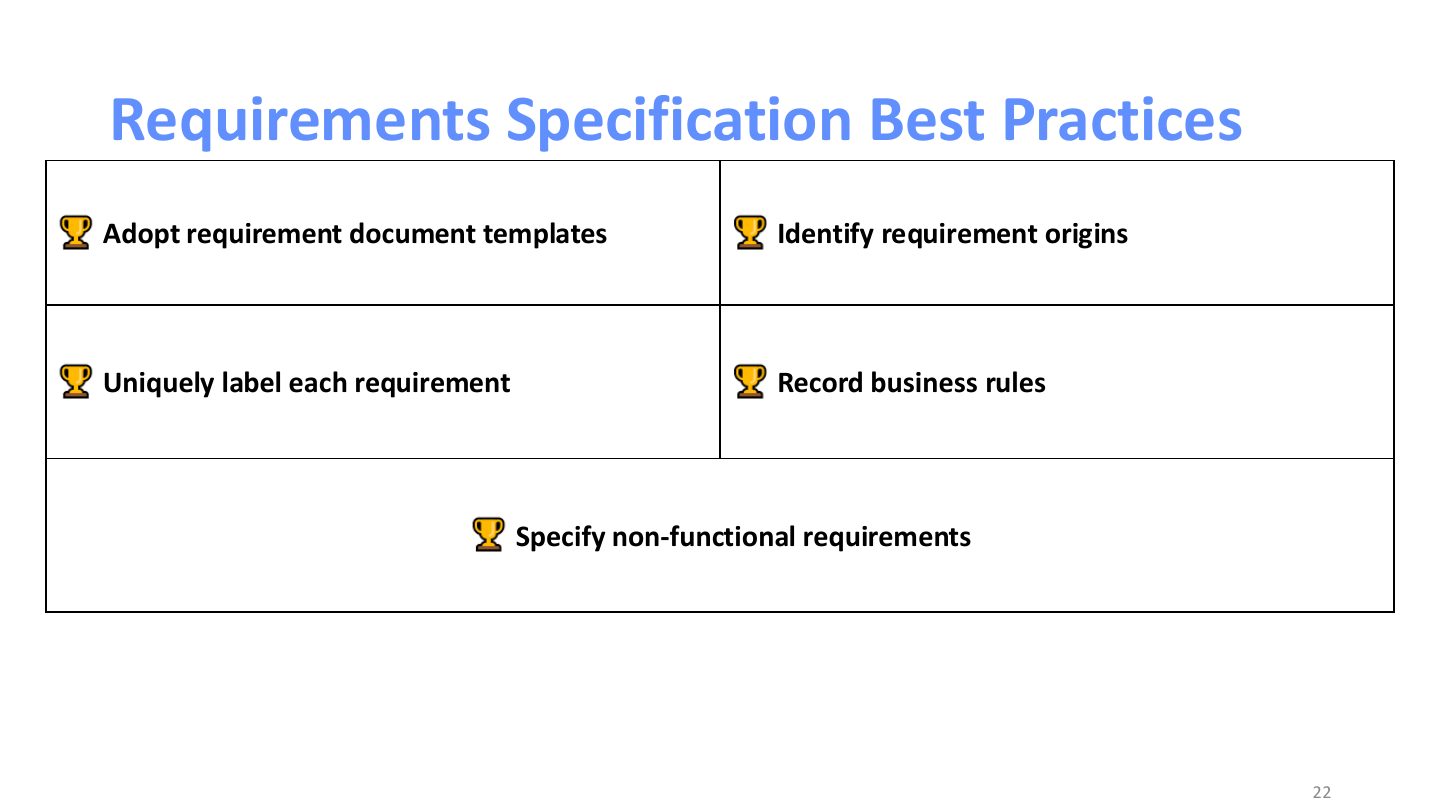
Requirements Specification Best Practices
Notes
Best practices: use a template (e.g. IEEE 830 / ISO 29148), label requirements, keep it current, review it.
Requirement Shell