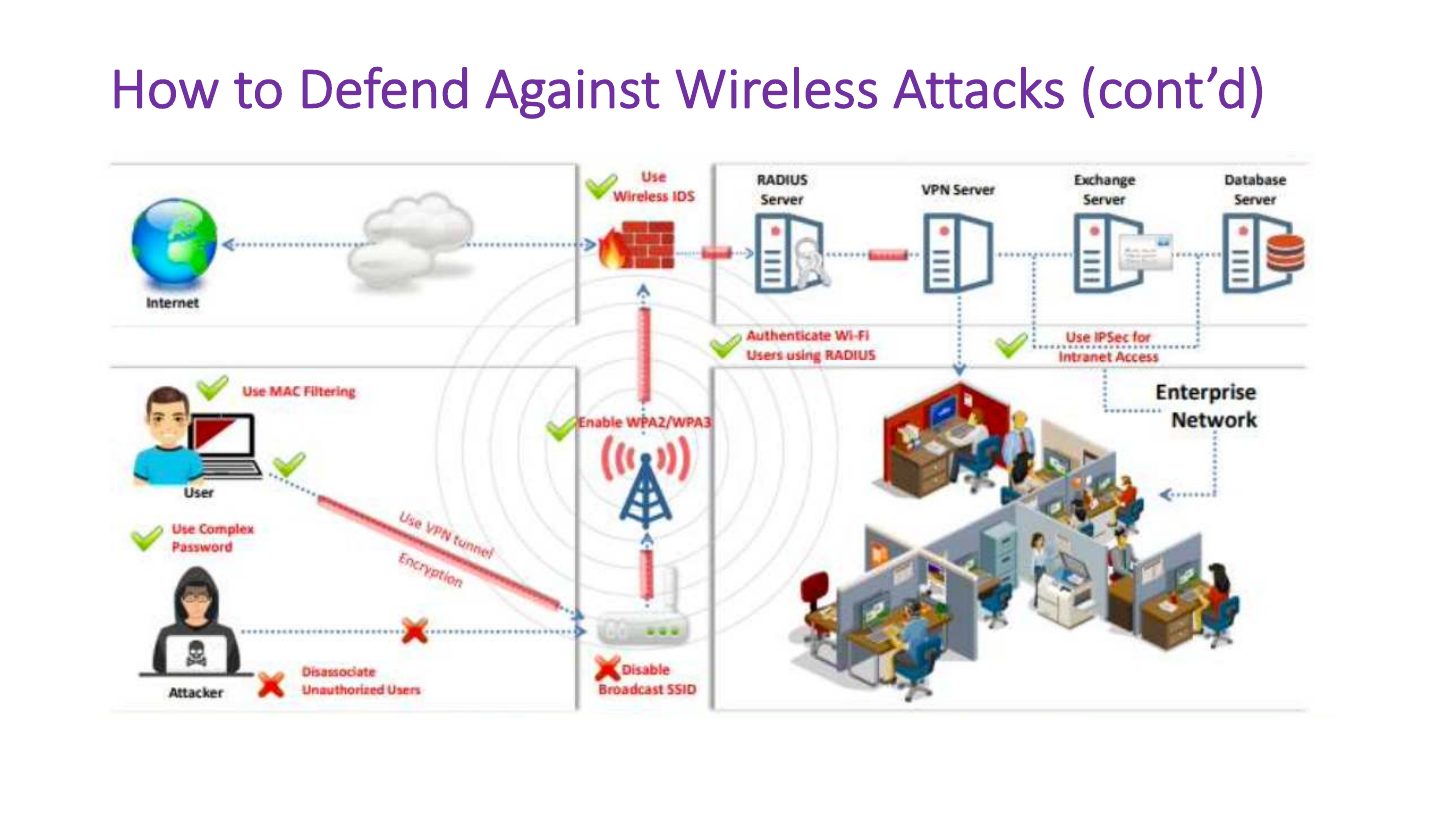
Disabling SSID broadcast makes a wireless network secure.
Wireless Network Hacking
Wireless modes and components, threats and the SSID, IEEE 802.11 frames and services, WEP and its flaws, WPA, WPA2 and WPA3, securing transmissions and access points, the wireless hacking methodology (discovery, GPS mapping, traffic analysis, attacks such as rogue AP and evil twin, cracking) and defenses.
How to read this page
Every original slide is shown unchanged. Yellow marks on a slide point to a numbered note: hover or tap a mark to jump to its note, and hover a note to see its marks. Questions tagged Past exam appeared on a real paper; Prediction questions are likely angles, not confirmed. Pick an answer to each question: a wrong pick tells you why it is wrong, so you can try again.
All 51 slides
- 1 Slide 1
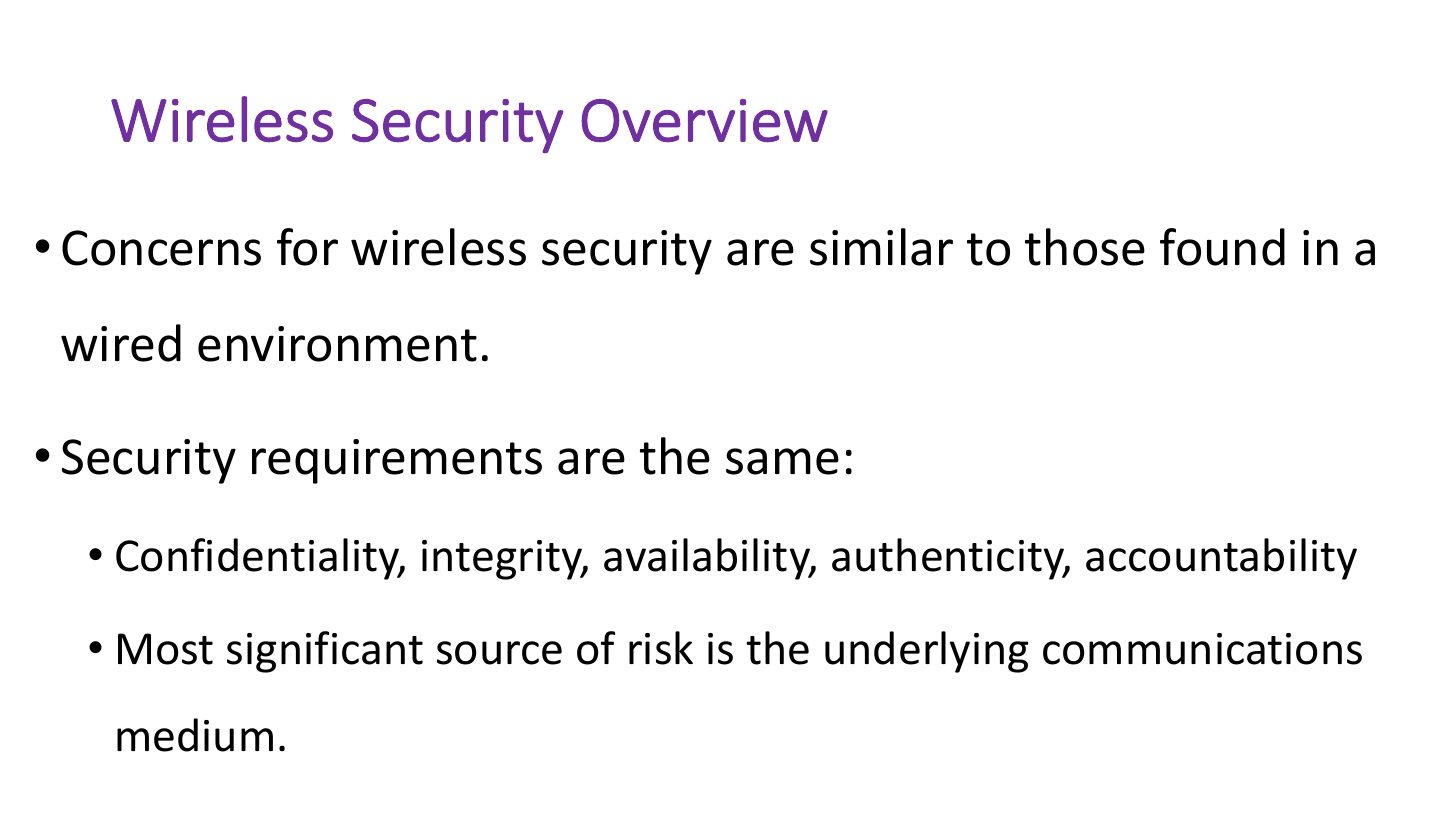
- 2 Wireless Security Overview
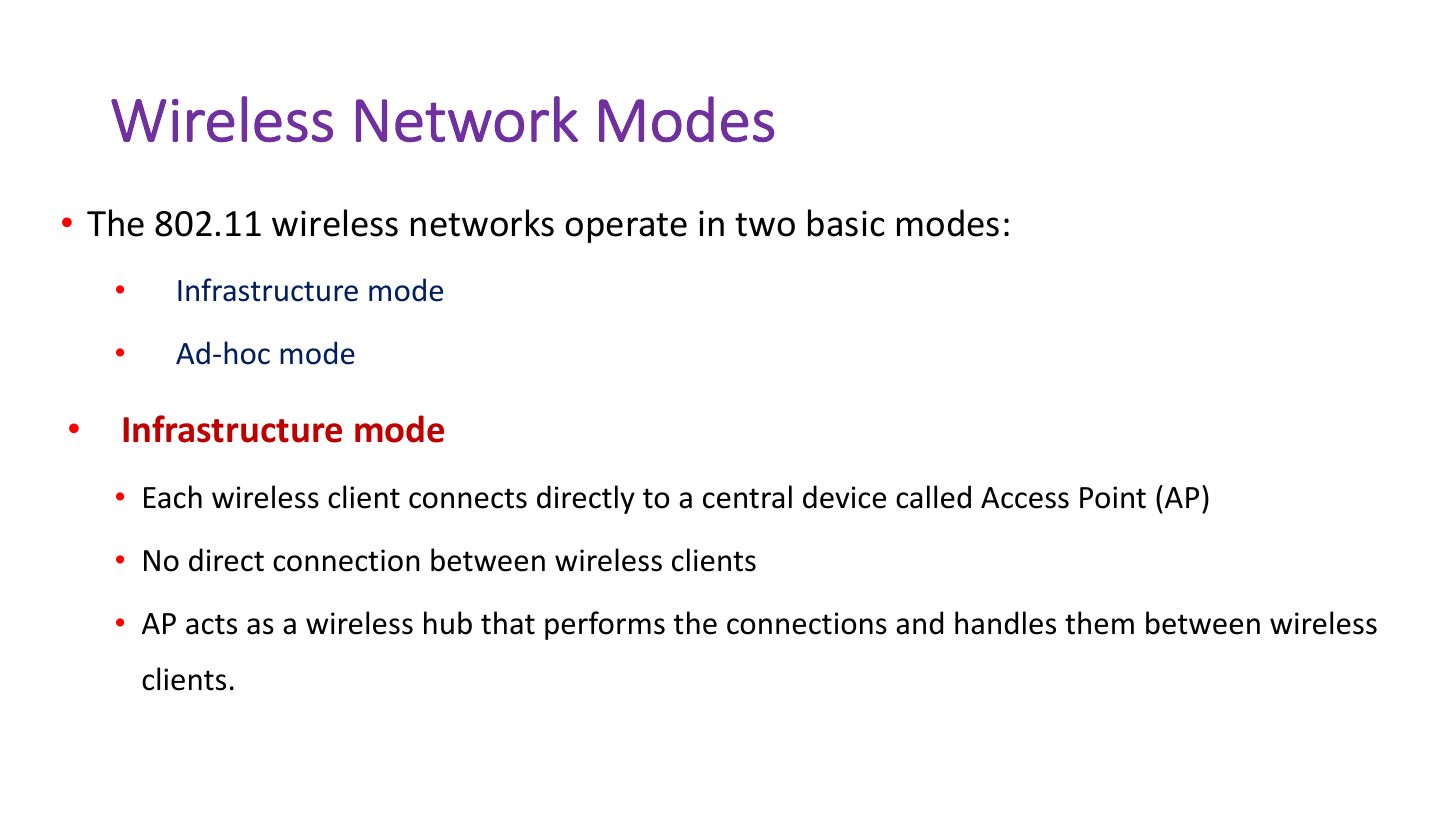
- 3 Wireless Network Modes
- 4 Wireless Network Modes
- 5 Key Factors Contributing to Risks
- 6 Wireless Networking Components (Facilitating points of attack)
- 7 Wireless Network Threats
- 8 Service Set Identifier (SSID)
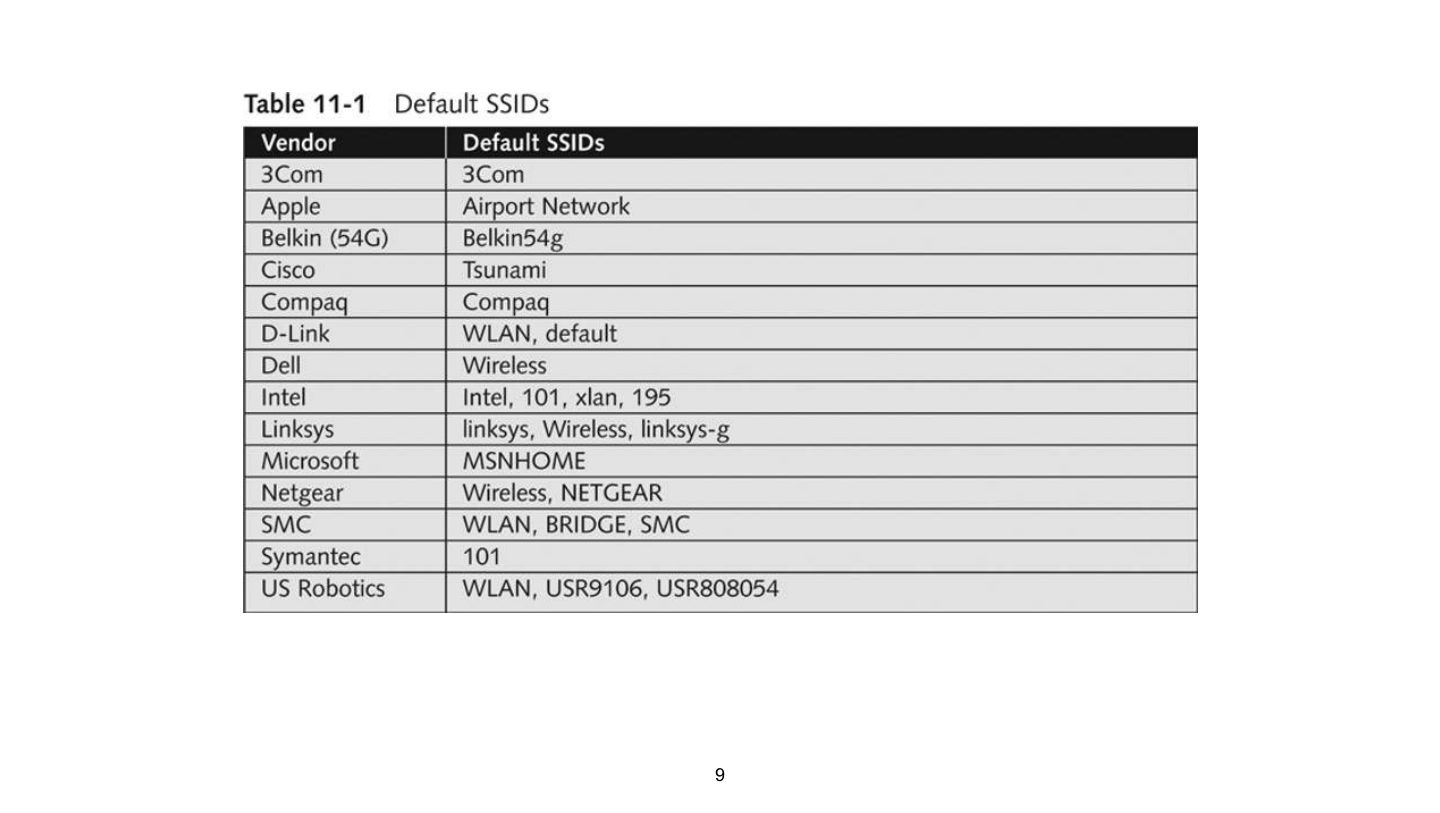
- 9 Slide 9
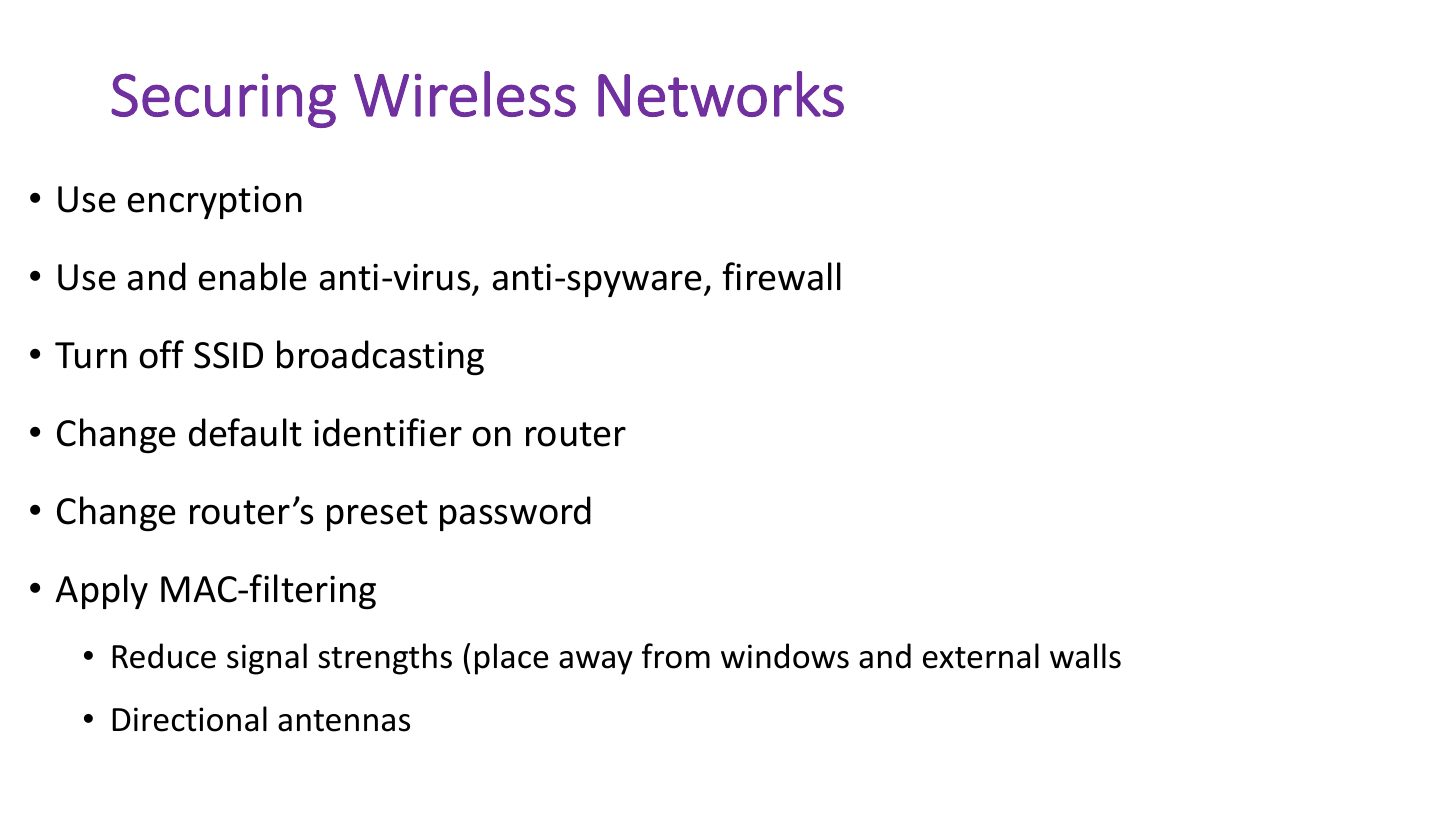
- 10 Securing Wireless Networks
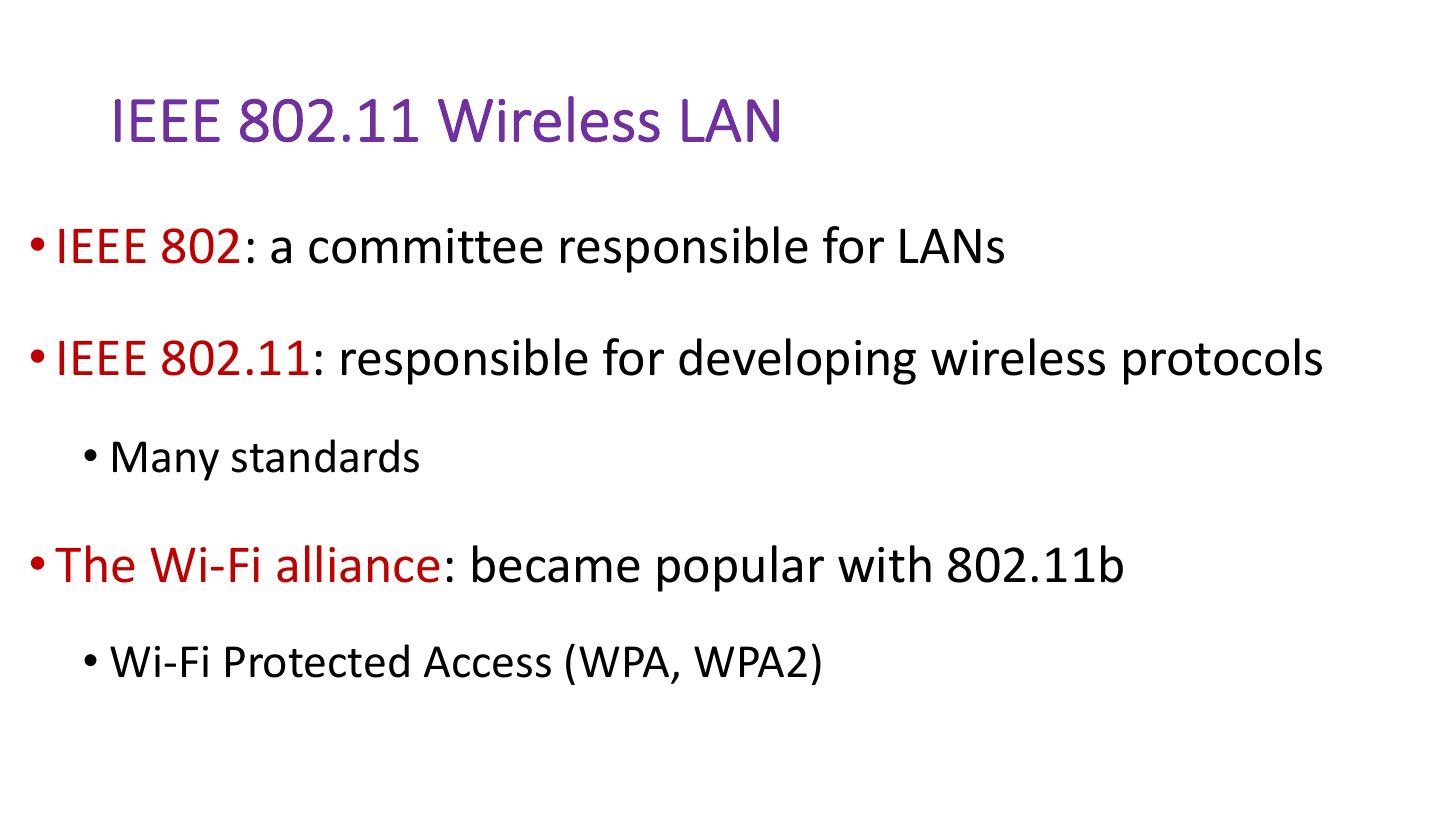
- 11 IEEE 802.11 Wireless LAN
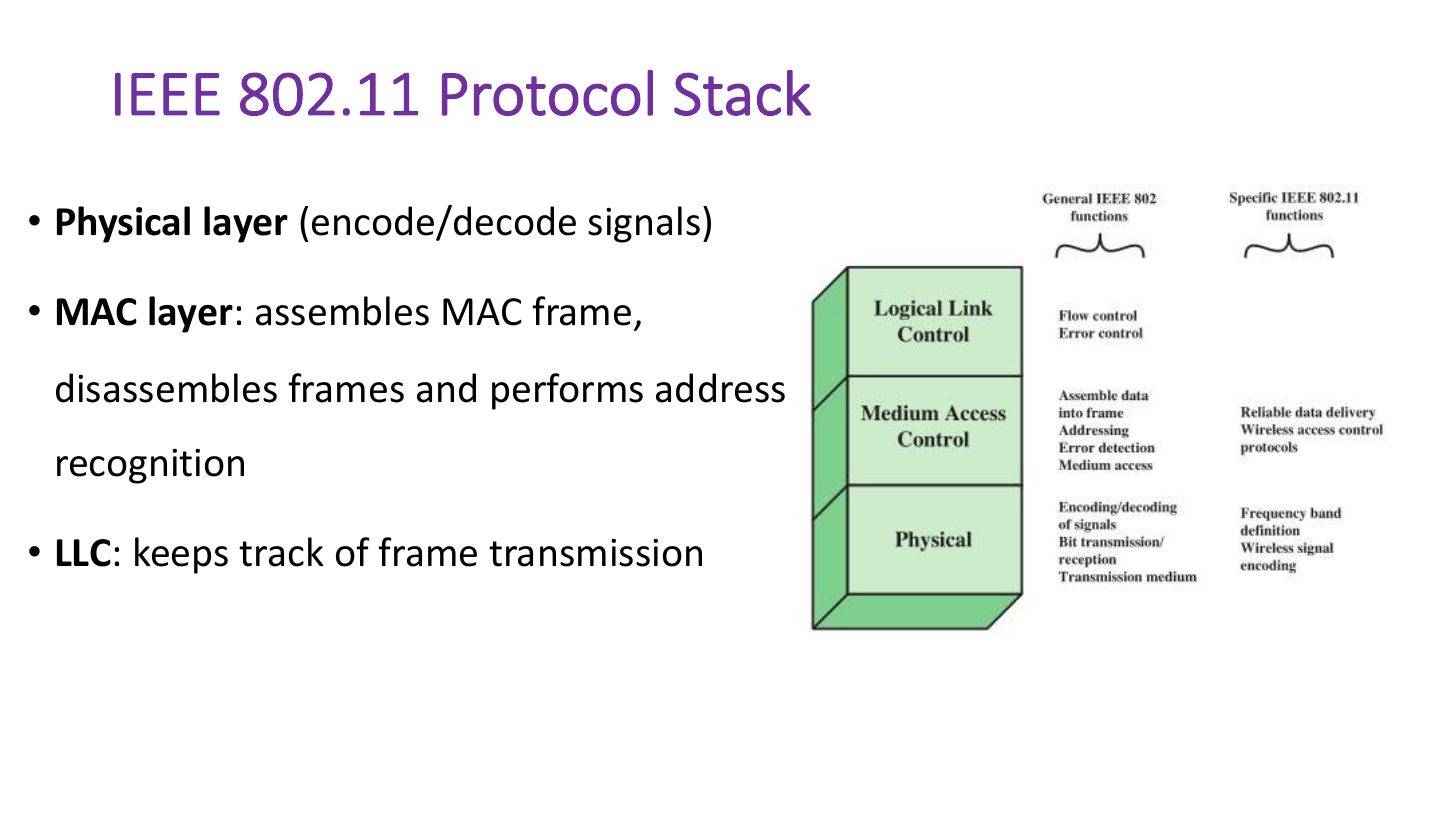
- 12 IEEE 802.11 Protocol Stack
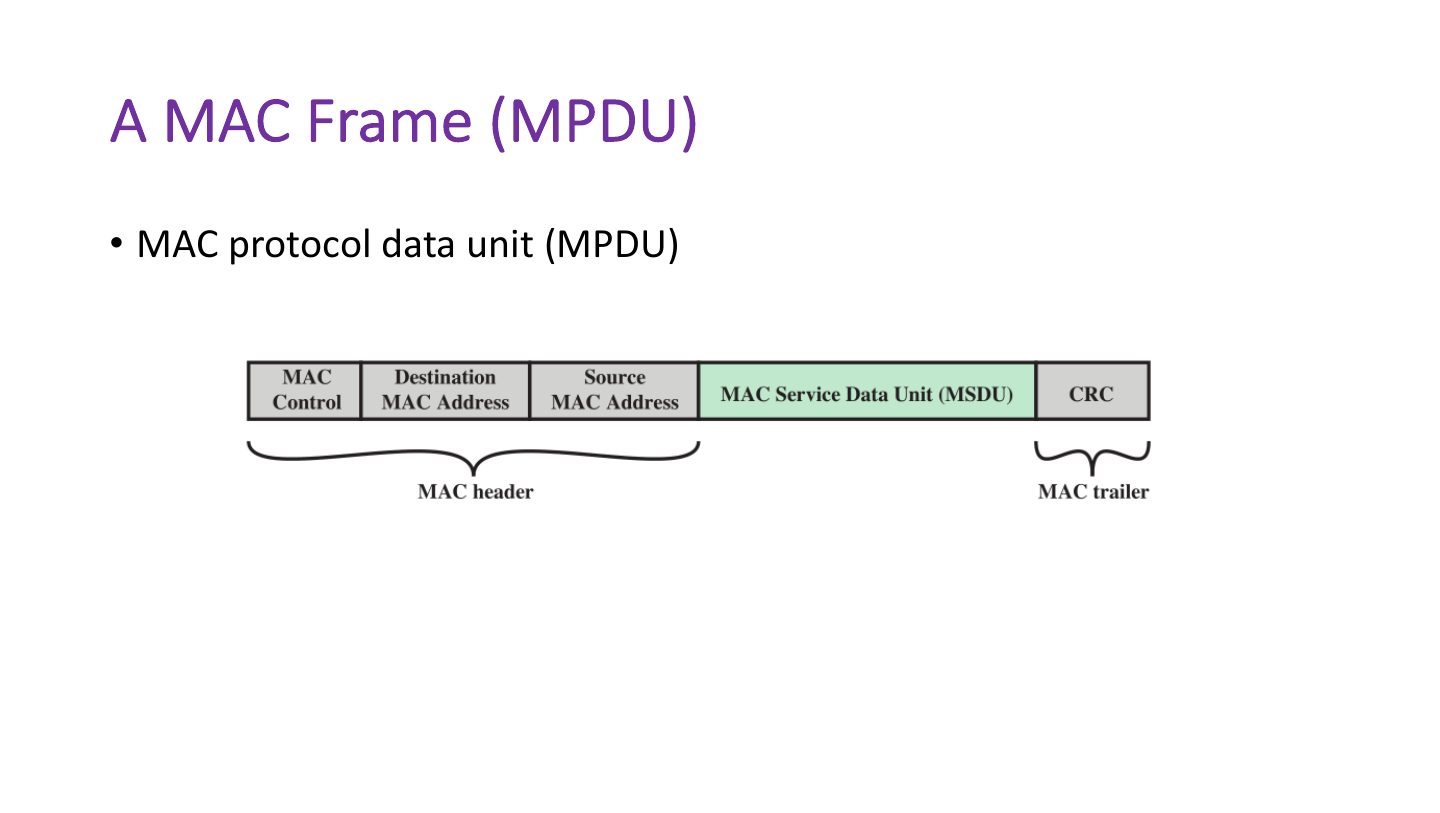
- 13 A MAC Frame (MPDU)
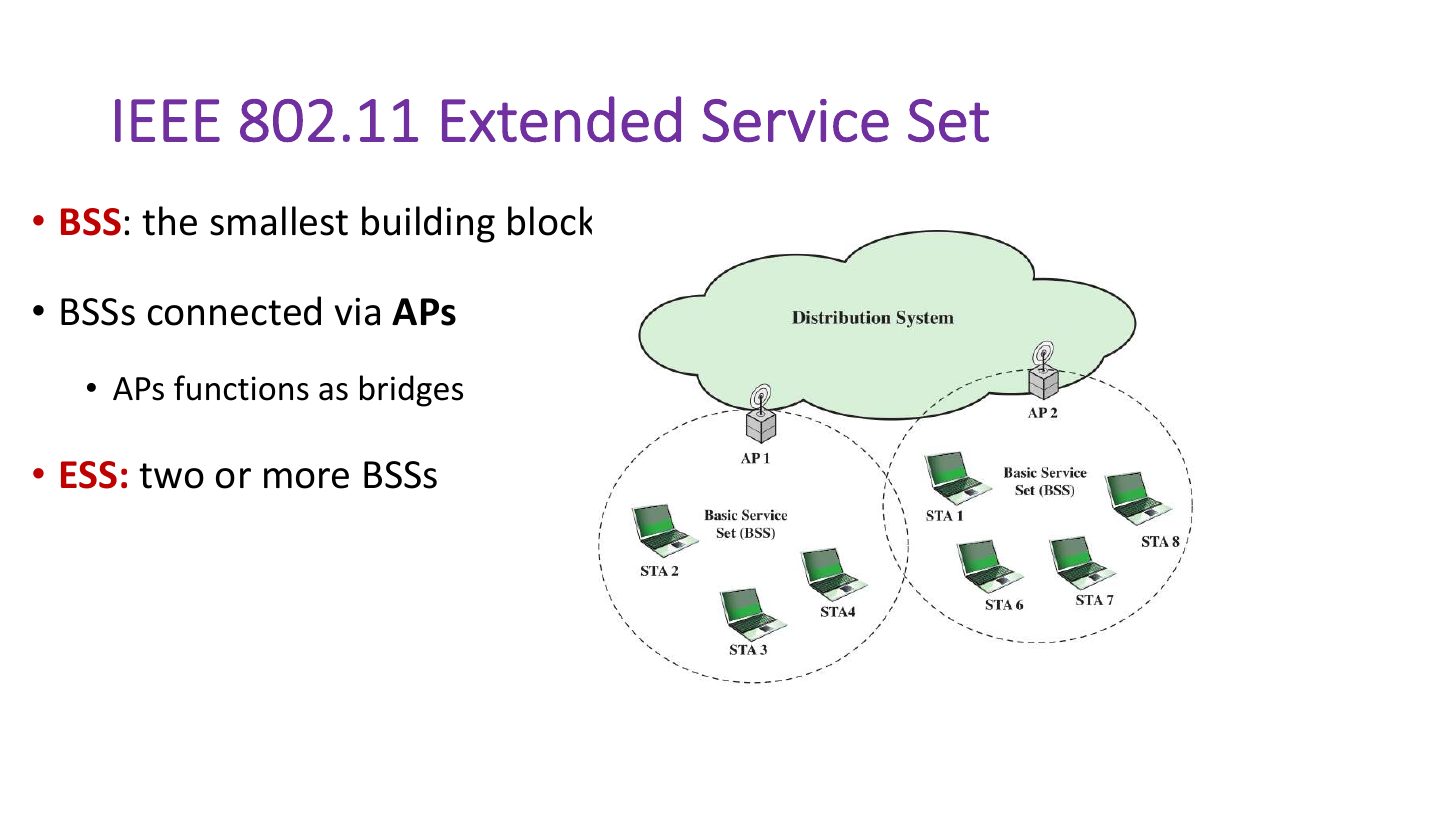
- 14 IEEE 802.11 Extended Service Set
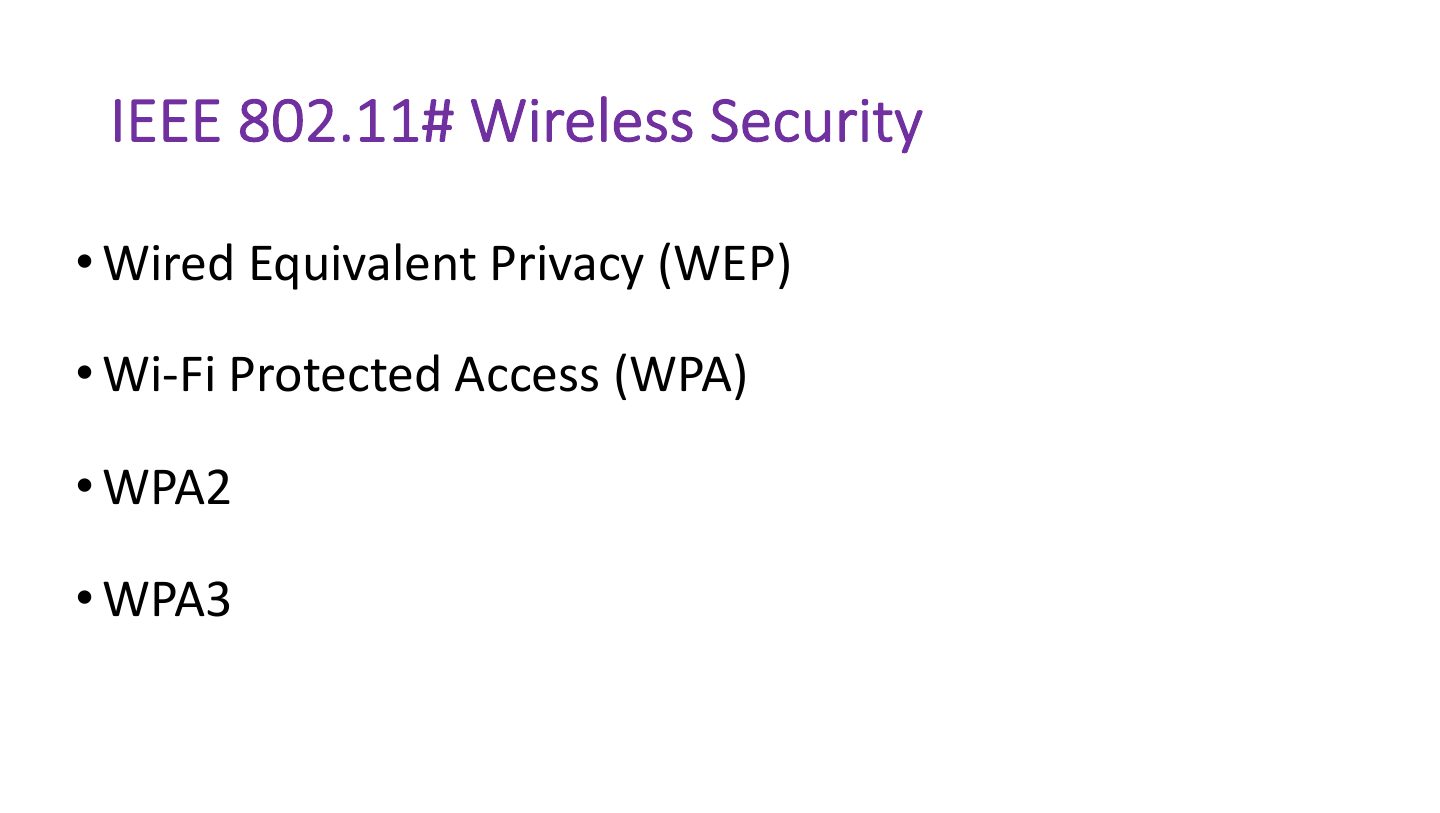
- 15 IEEE 802.11# Wireless Security
- 16 WEP - Wired Equivalent Privacy
- 17 How WEP works
- 18 WEP Flaws and Vulnerabilities
- 19 Attacks on WEP
- 20 WPA - WI-FI Protected Access
- 21 WPA2 - WI-FI Protected Access 2
- 22 WPA2
- 23 WPA3
- 24 Slide 24
- 25 Securing Wireless Transmission
- 26 Securing Access Point
- 27 Securing Wireless Networks
- 28 Association Services
- 29 Wireless Hacking Methodology
- 30 1- Wi-Fi Discovery: 1.1- Wireless Network Footprinting
- 31 Wi-Fi Discovery (cont..) 1.2-Finding Wi-Fi Networks in Range to attack
- 32 Wi-Fi chalking Symbols
- 33 Slide 33
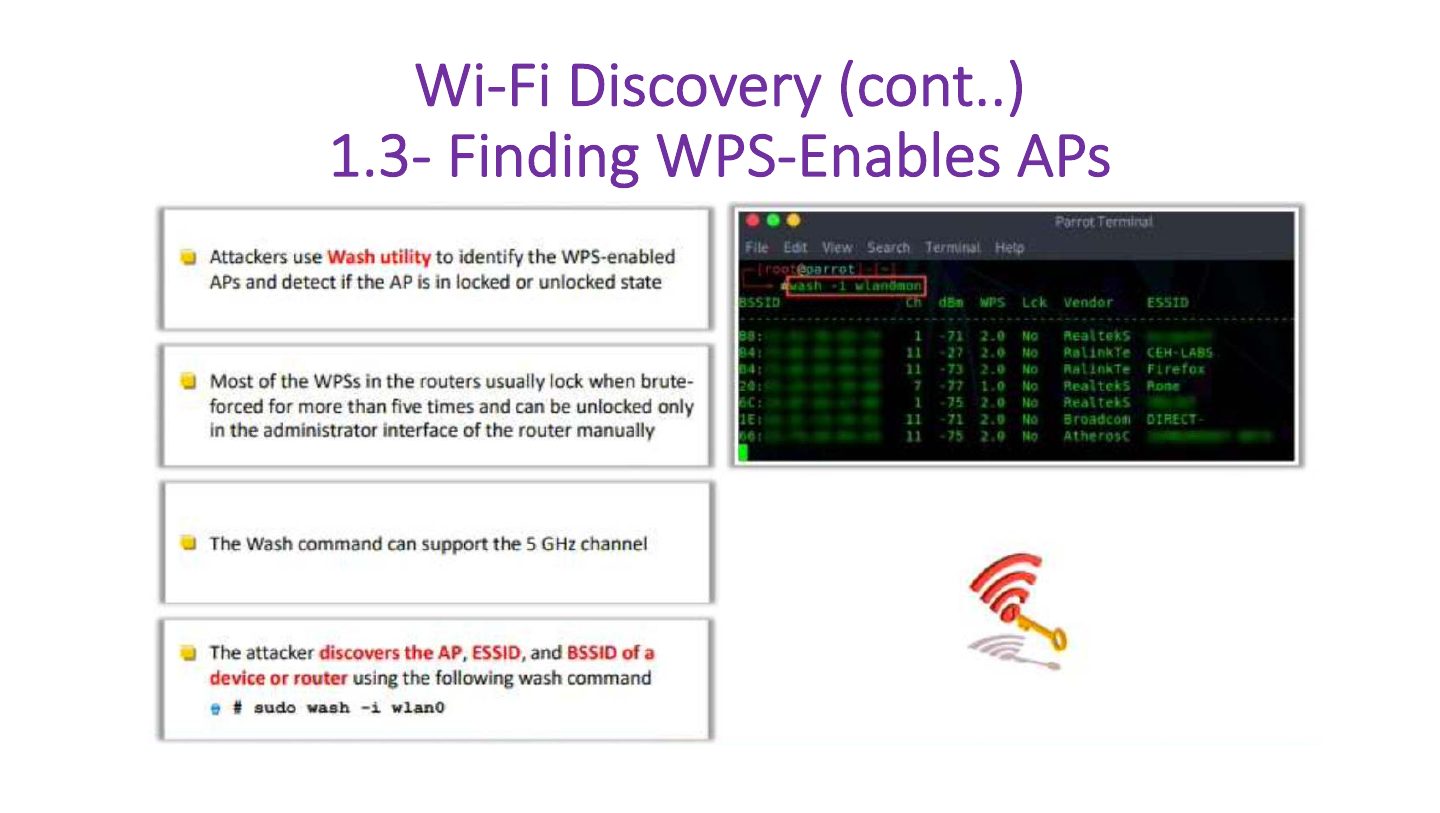
- 34 Wi-Fi Discovery (cont..) 1.3- Finding WPS-Enables APs
- 35 Wi-Fi Discovery (cont..)
- 36 2- GPS Mapping
- 37 3-Wireless Traffic Analysis
- 38 4- Launch of Wireless Attack: Aircrack-ng Suite
- 39 4.1- Launch of Wireless Attacks: Detection of Hidden SSIDs
- 40 4.2- MAC Spoofing Attack
- 41 4.3- DoS: Disassociation and De-authentication Attacks
- 42 4.4- Man in the Middle Attack
- 43 4.5- Rogue Access Point
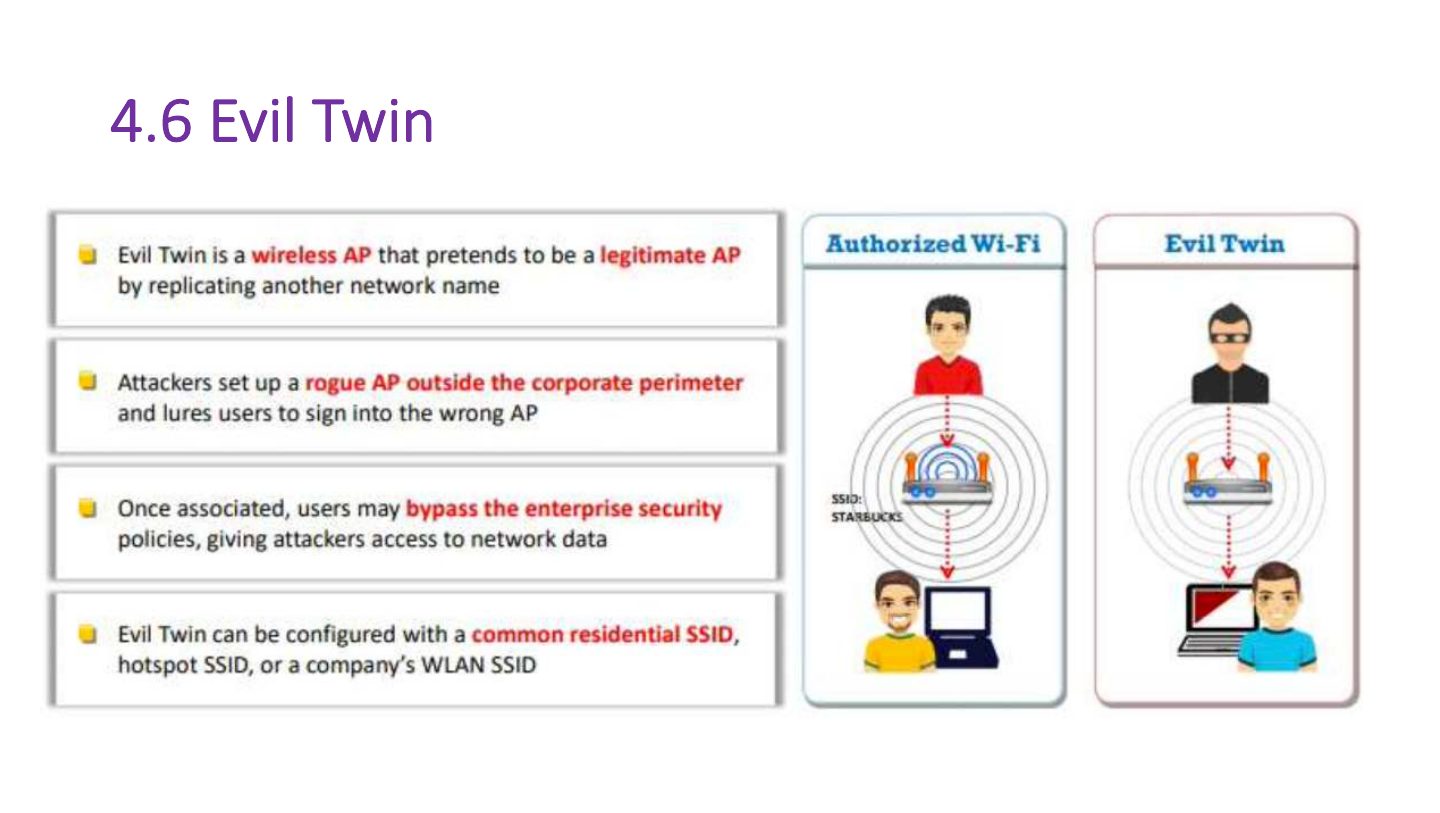
- 44 4.6 Evil Twin
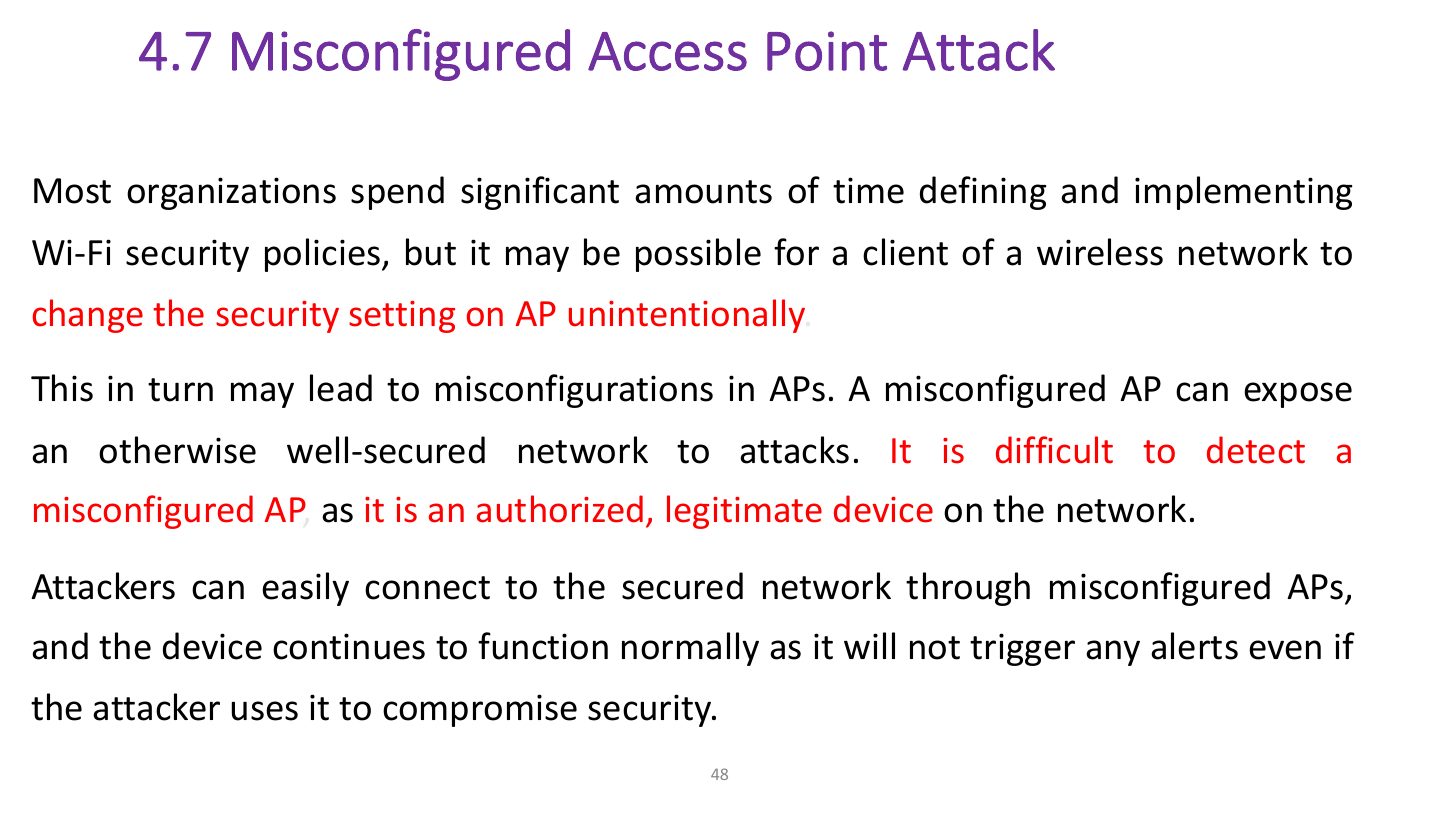
- 45 4.7 Misconfigured Access Point Attack
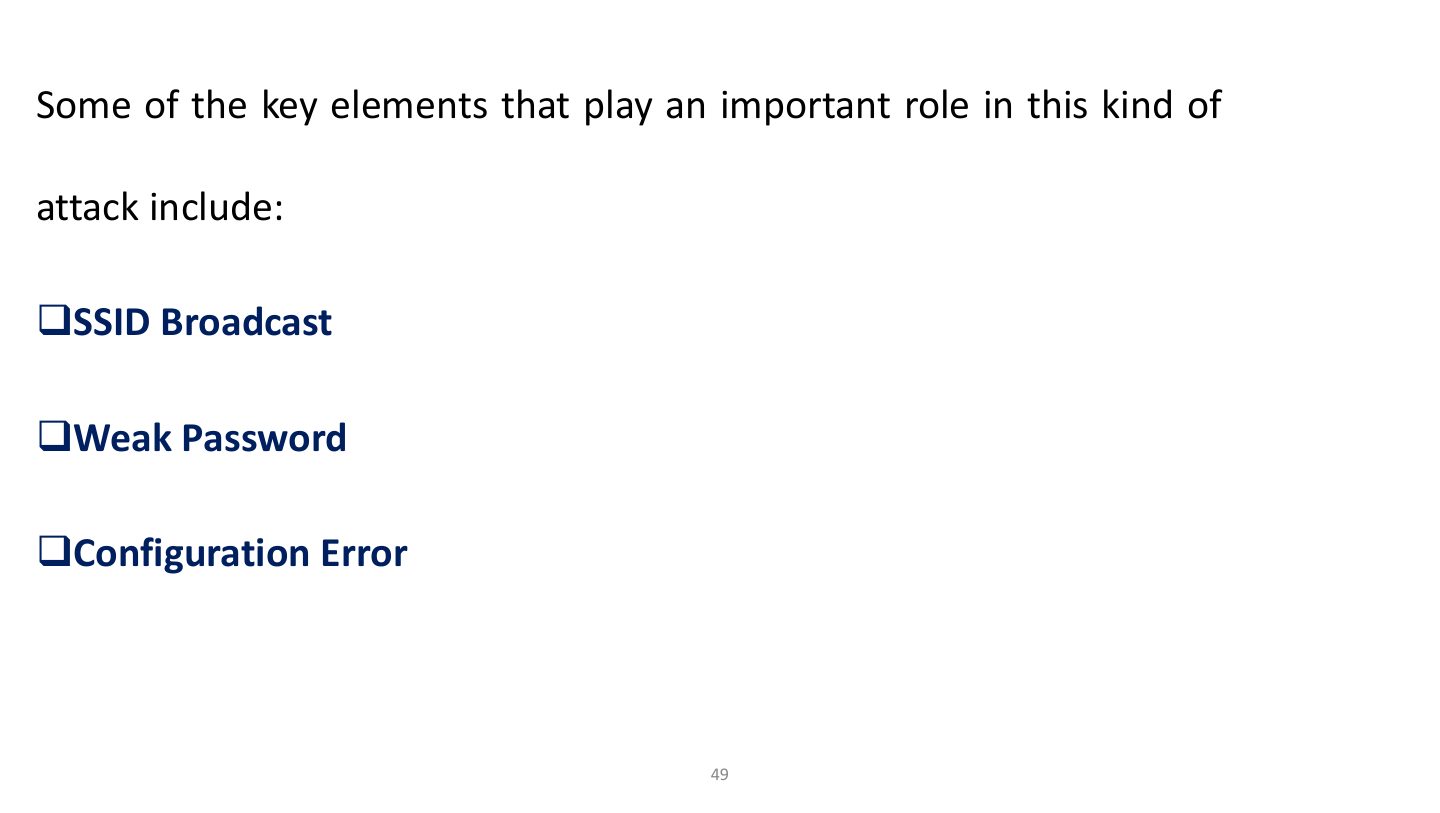
- 46 Some of the key elements that play an important role in this kind of
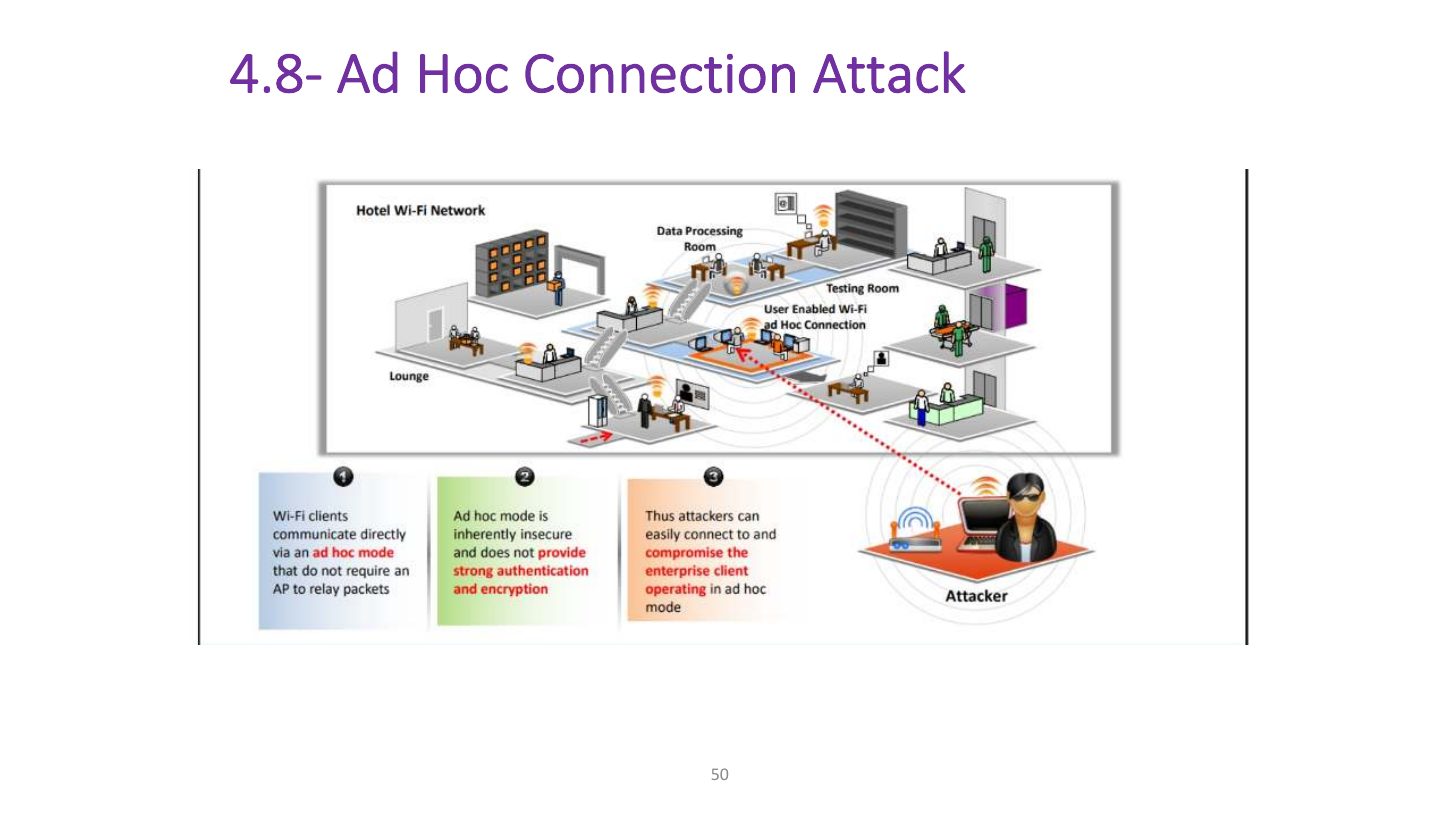
- 47 4.8- Ad Hoc Connection Attack
- 48 4.9- Jamming Signal Attack
- 49 5- Wi-Fi Encryption Cracking: WEP Encryption Cracking
- 50 How to Defend Against Wireless Attacks
- 51 How to Defend Against Wireless Attacks (cont’d)
Slide 1
Wireless Security Overview
Wireless Network Modes
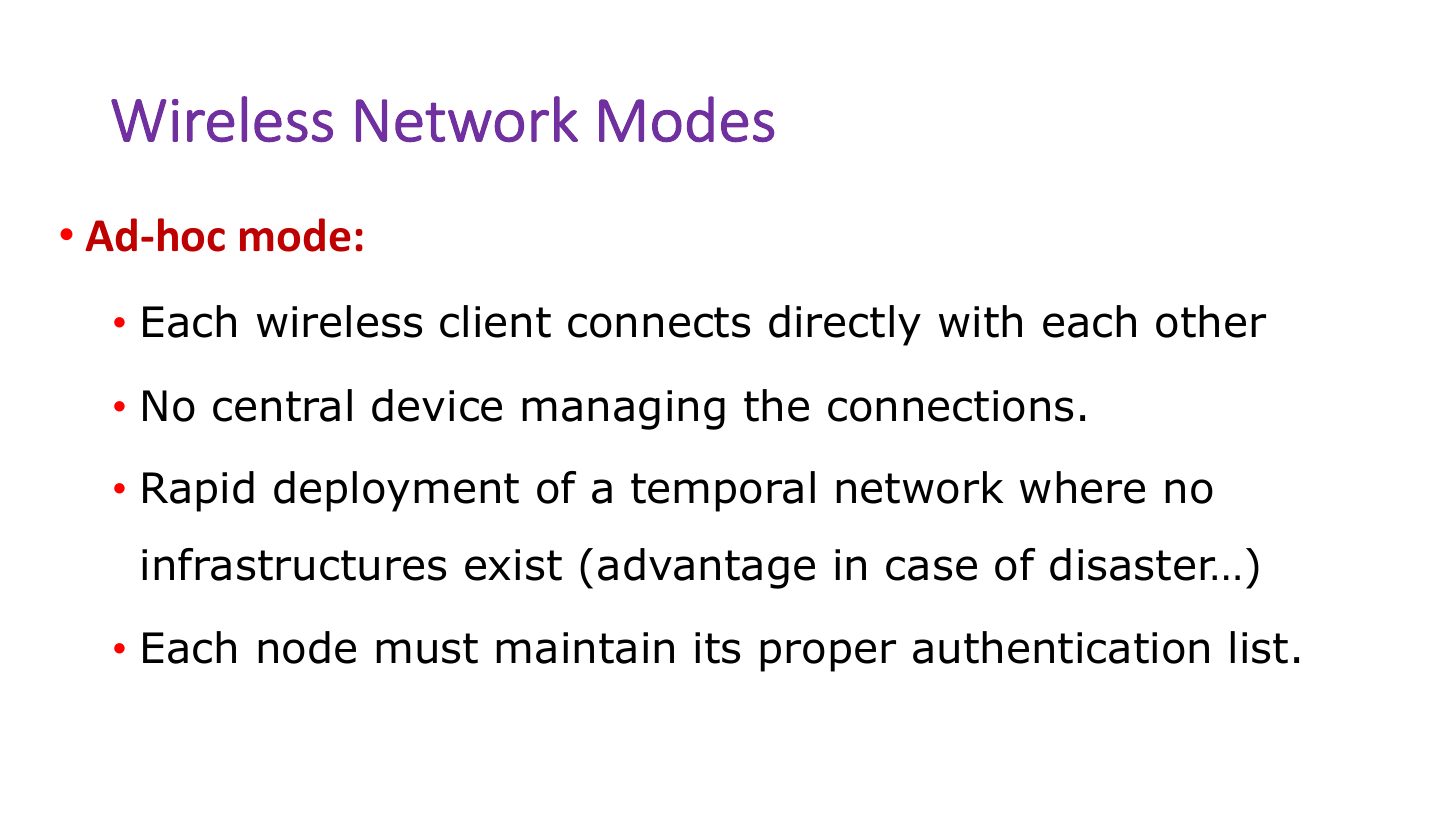
Wireless Network Modes
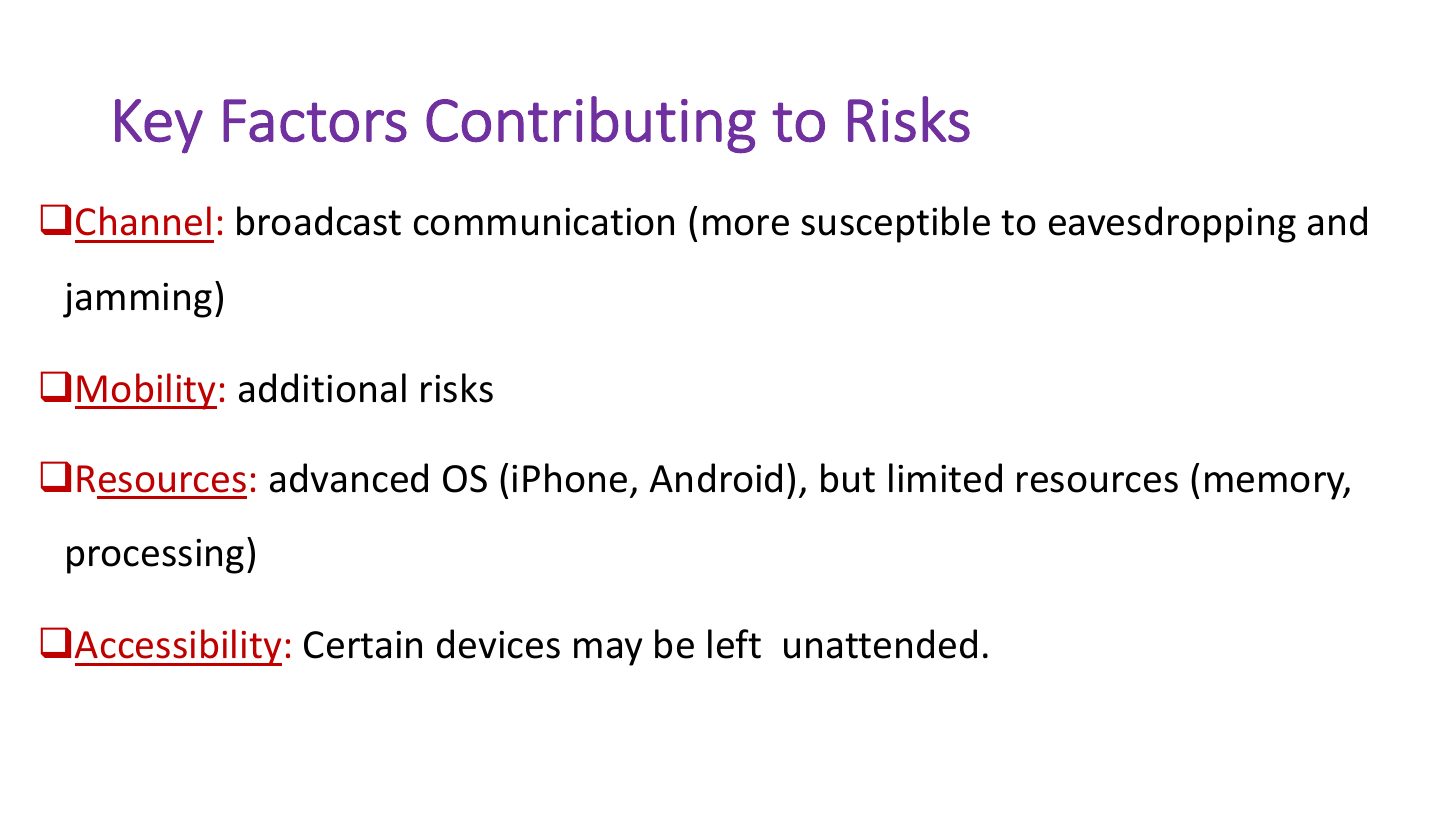
Key Factors Contributing to Risks
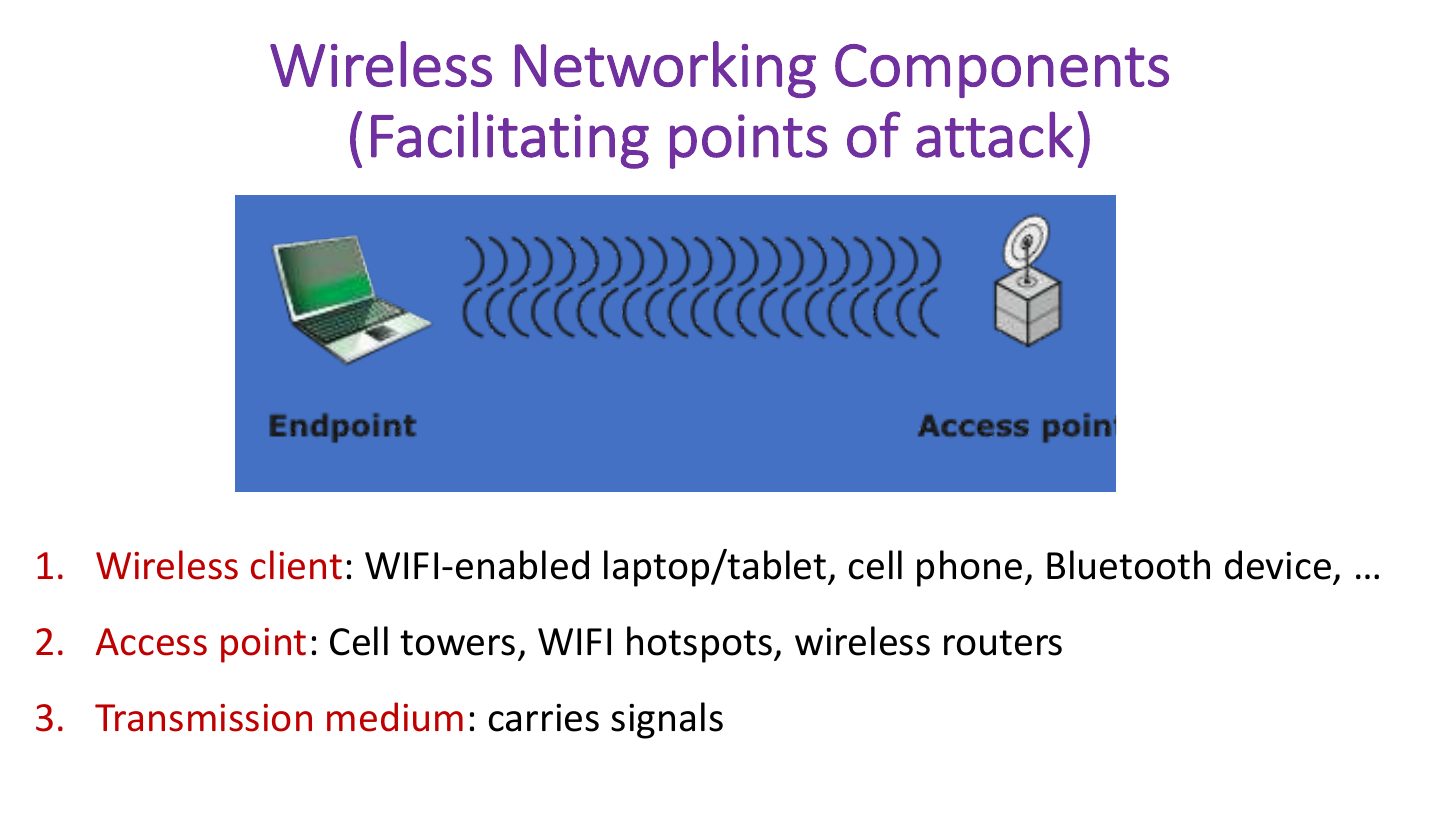
Wireless Networking Components (Facilitating points of attack)
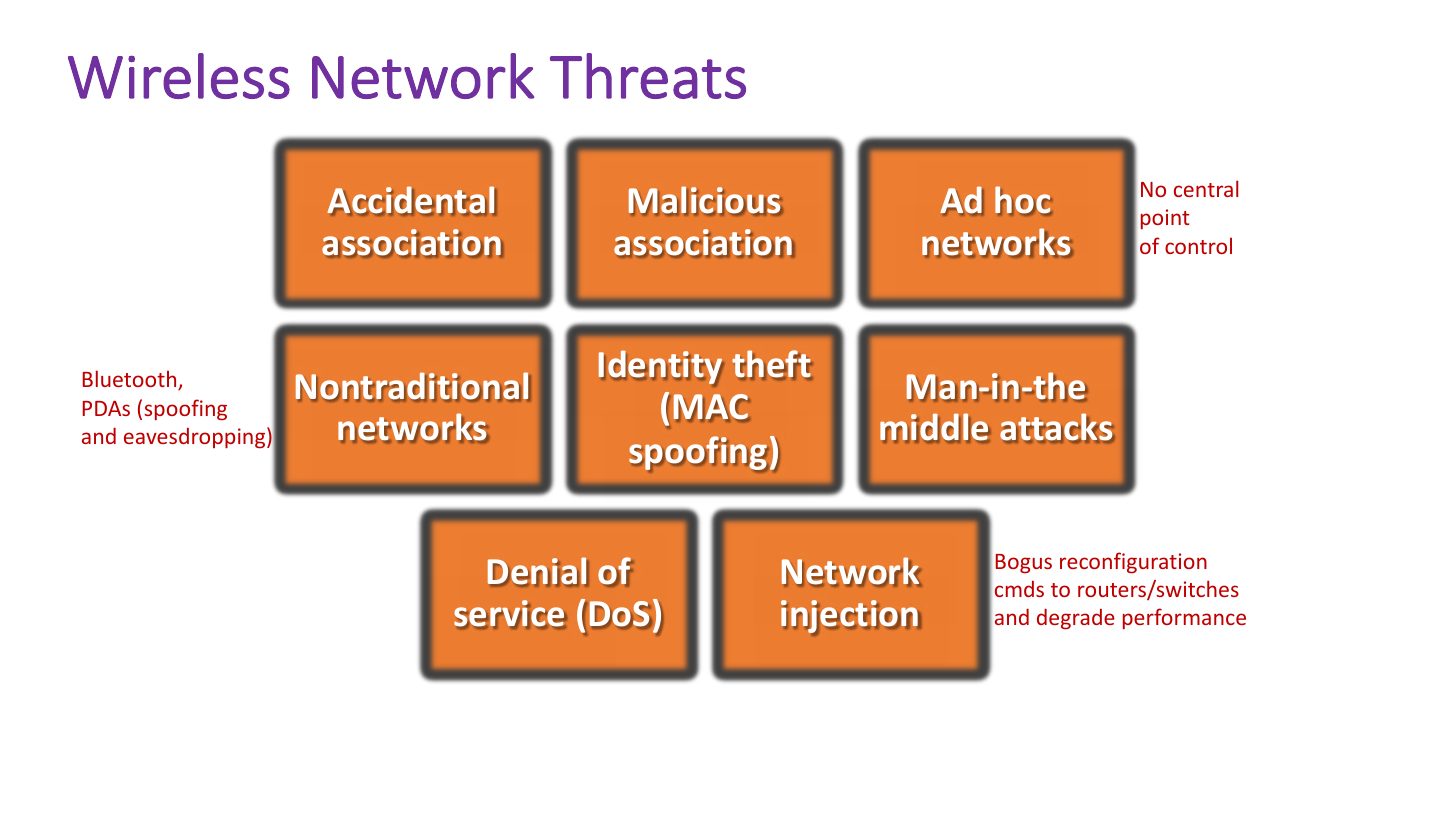
Wireless Network Threats
Service Set Identifier (SSID)
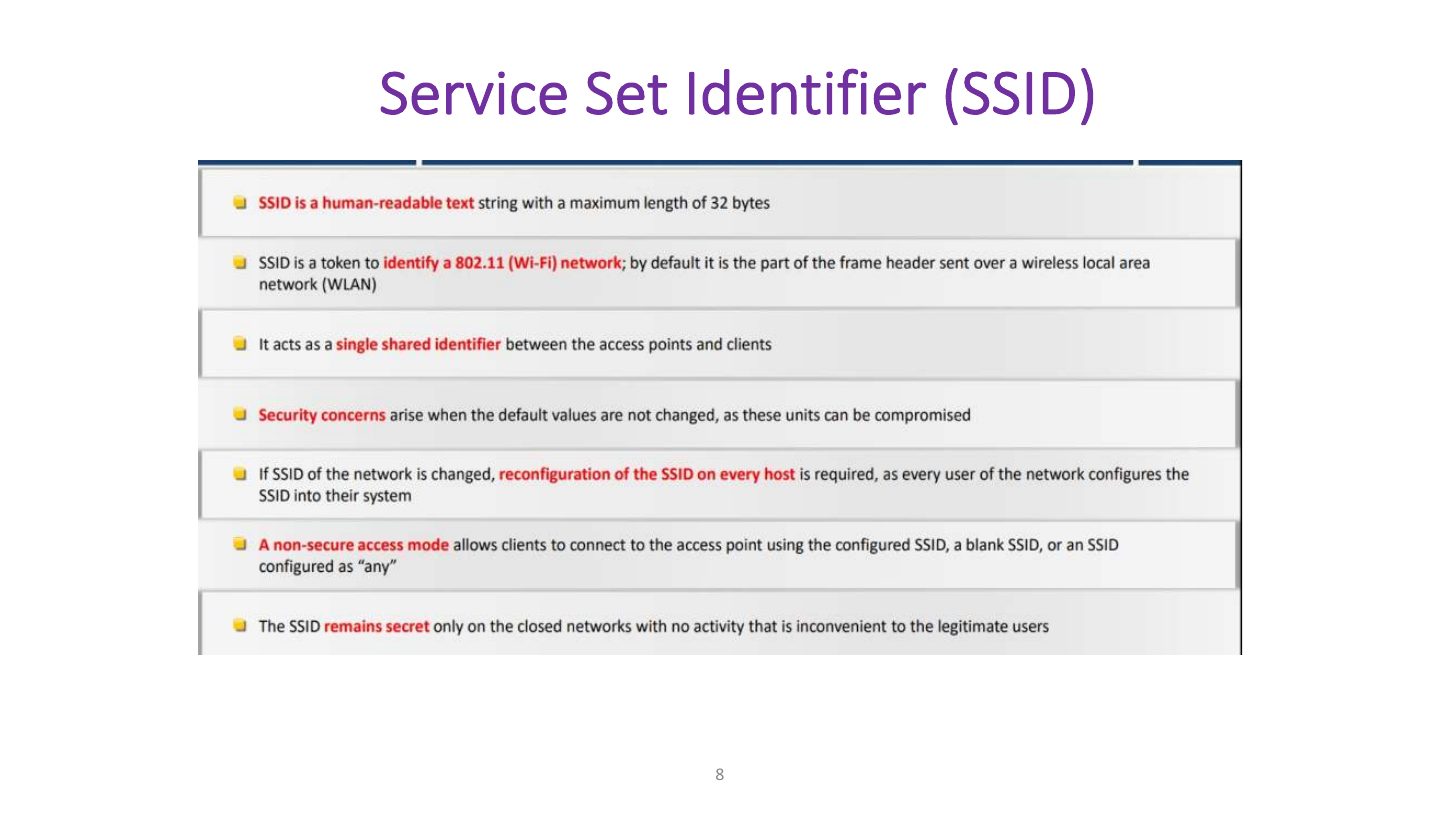
Notes
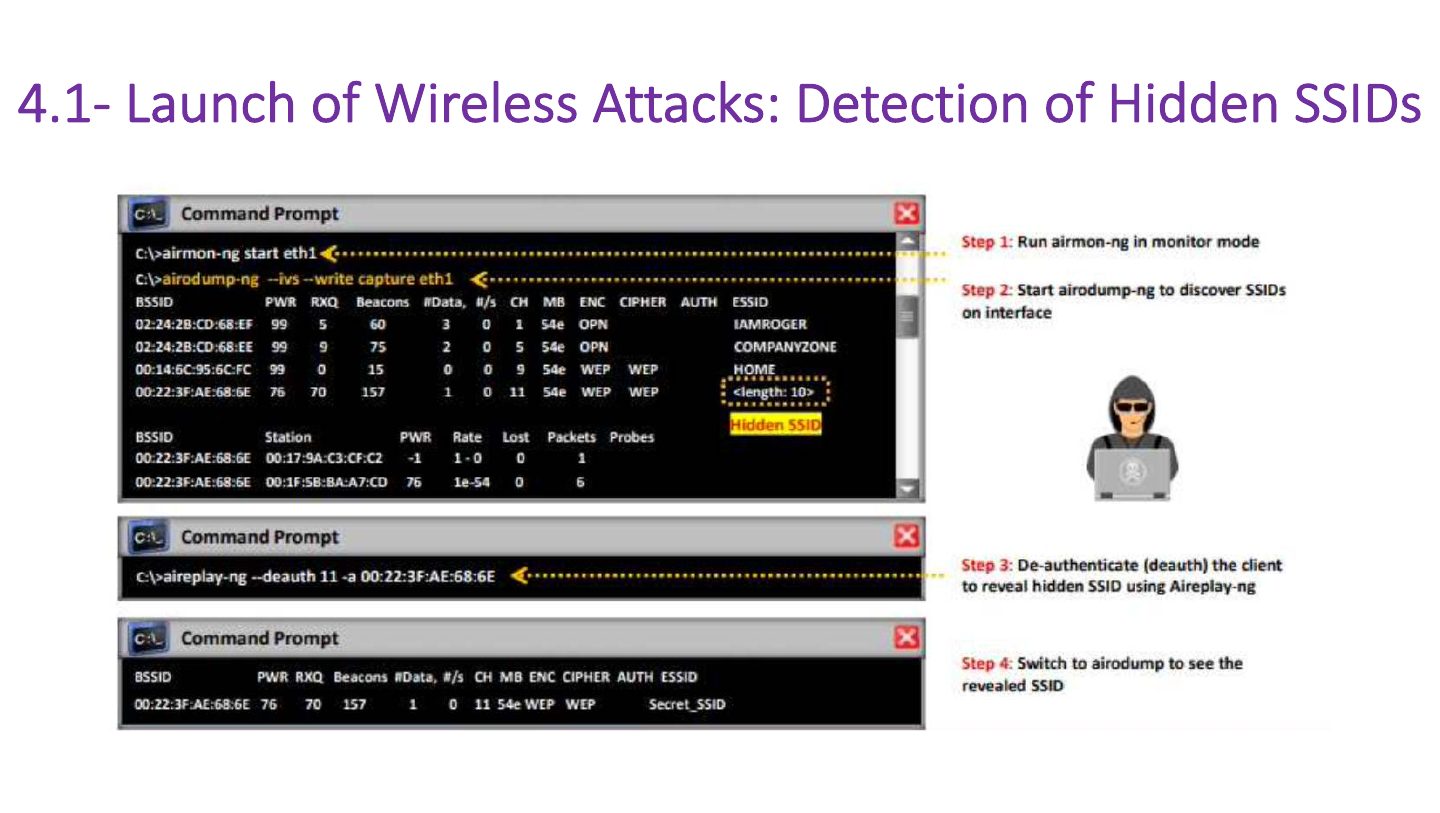
SSID: the network name. Hiding it is NOT real security (it still appears in probe traffic).
Trap Hiding the SSID and MAC filtering are easily bypassed; use WPA2/WPA3.
Exam angle
Slide 9
Securing Wireless Networks
IEEE 802.11 Wireless LAN
IEEE 802.11 Protocol Stack
A MAC Frame (MPDU)
IEEE 802.11 Extended Service Set
IEEE 802.11# Wireless Security
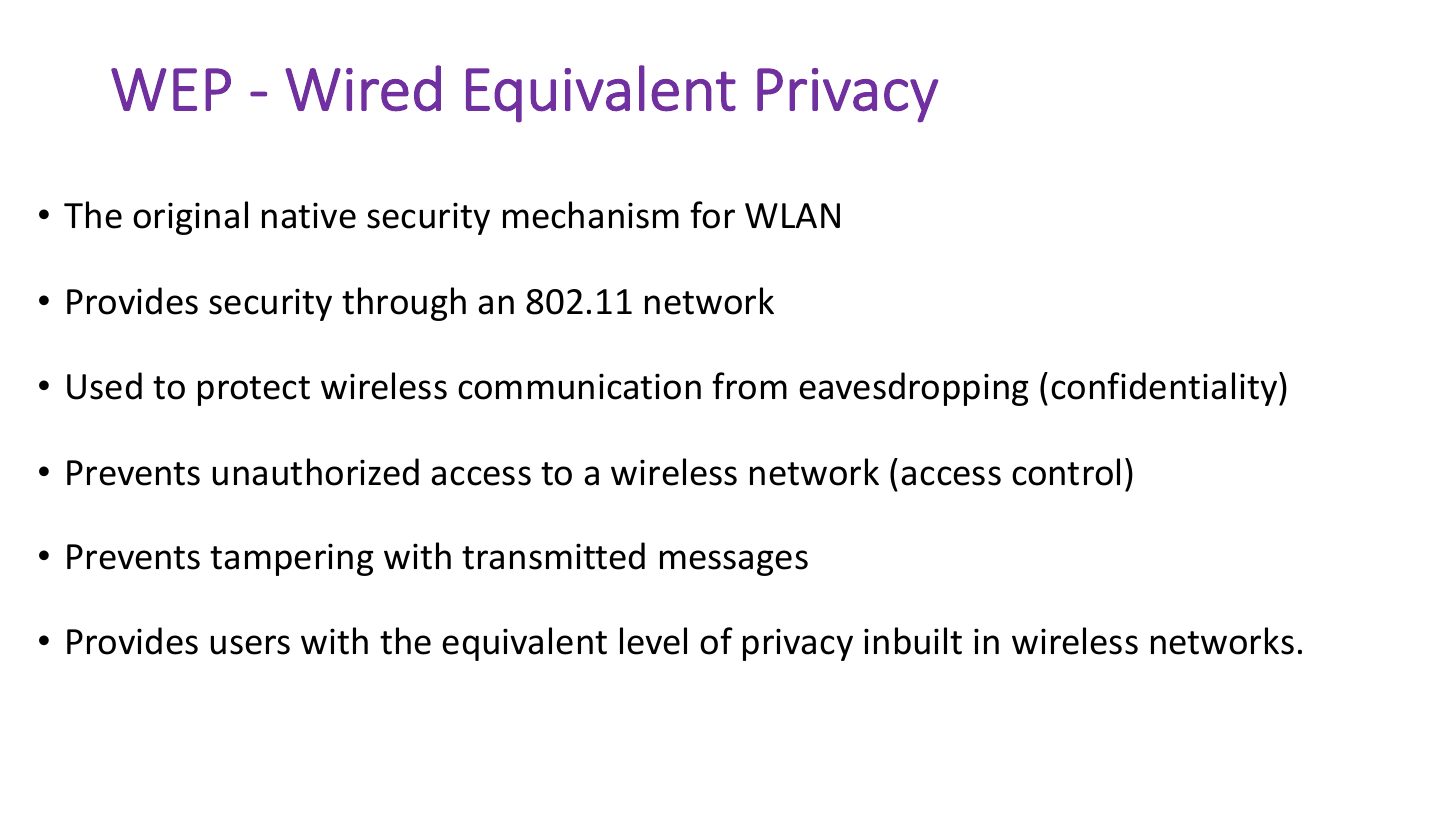
WEP - Wired Equivalent Privacy
Notes
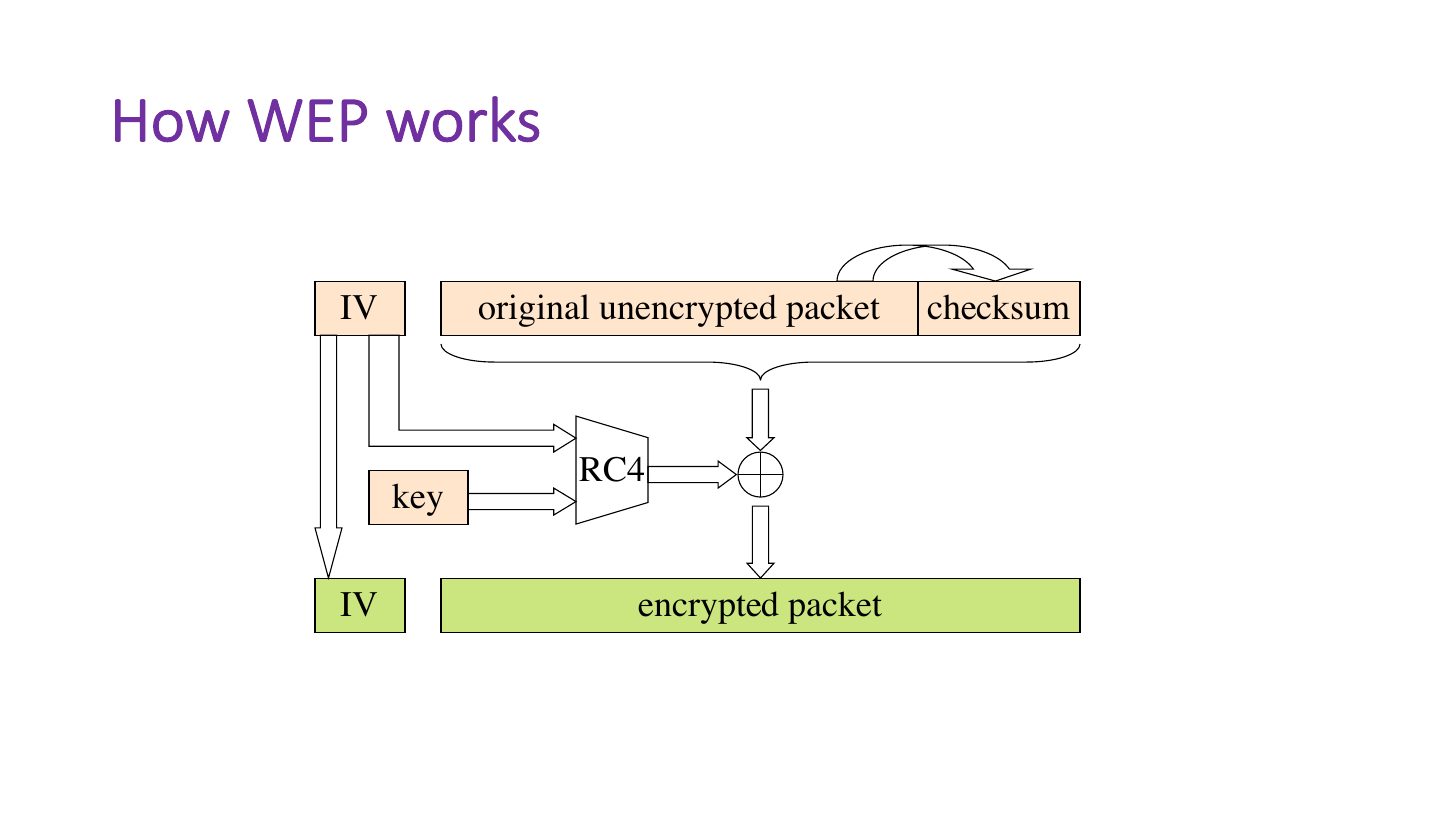
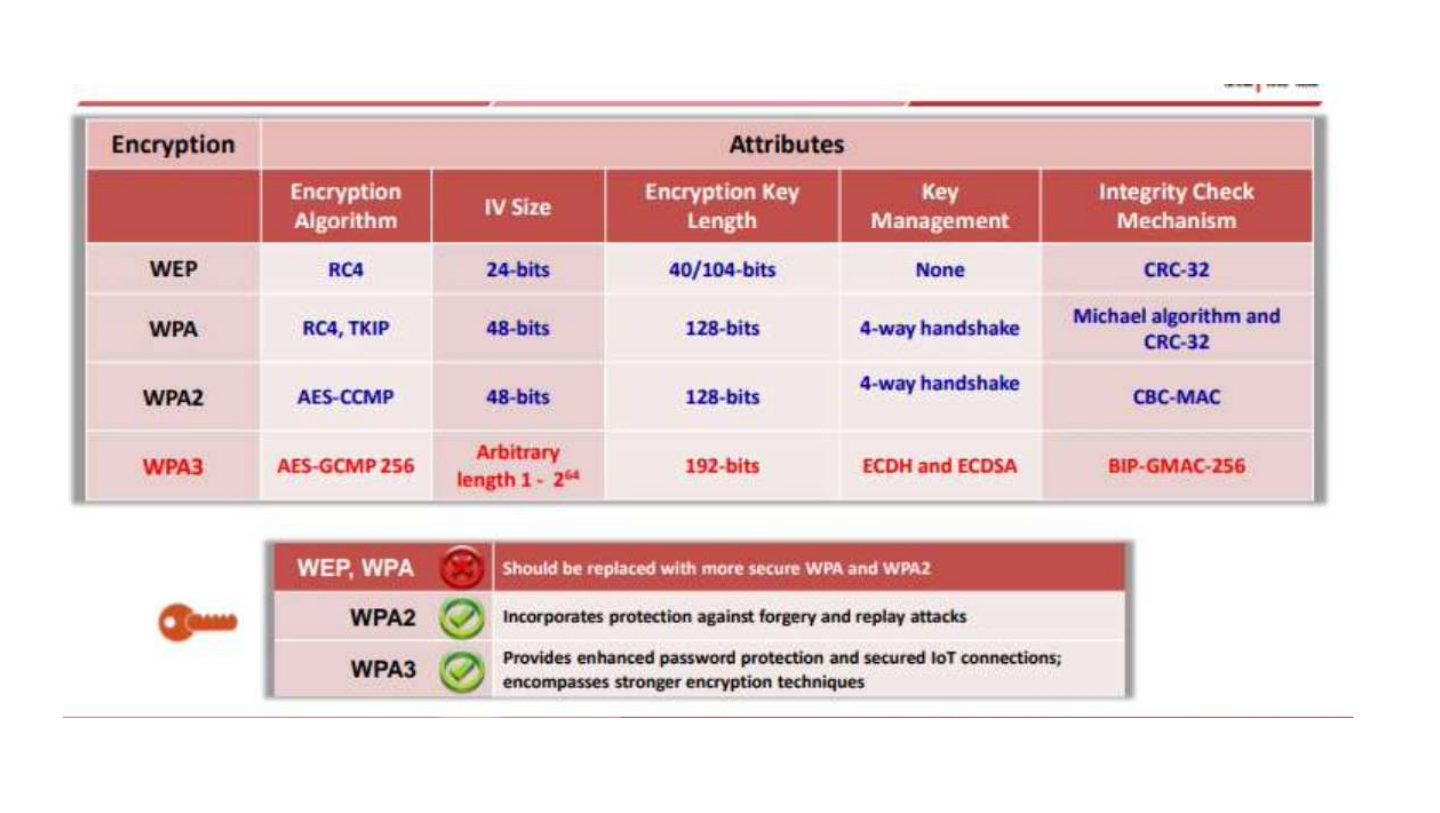
WEP: RC4 with a 24-bit IV. IVs repeat quickly, so keys can be cracked in minutes. Never use WEP.
Exam angle
WEP’s main weakness is its:
How WEP works
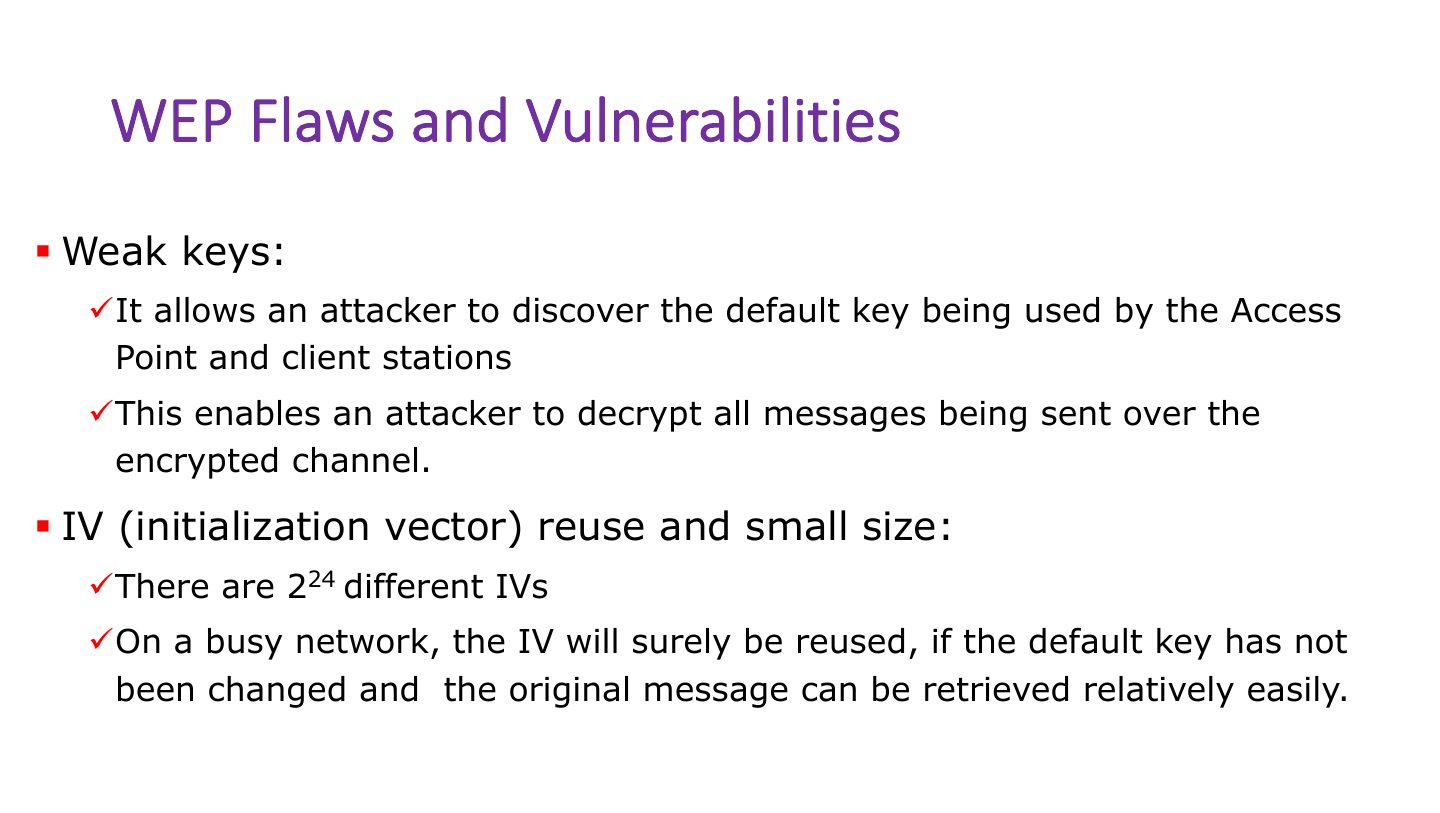
WEP Flaws and Vulnerabilities
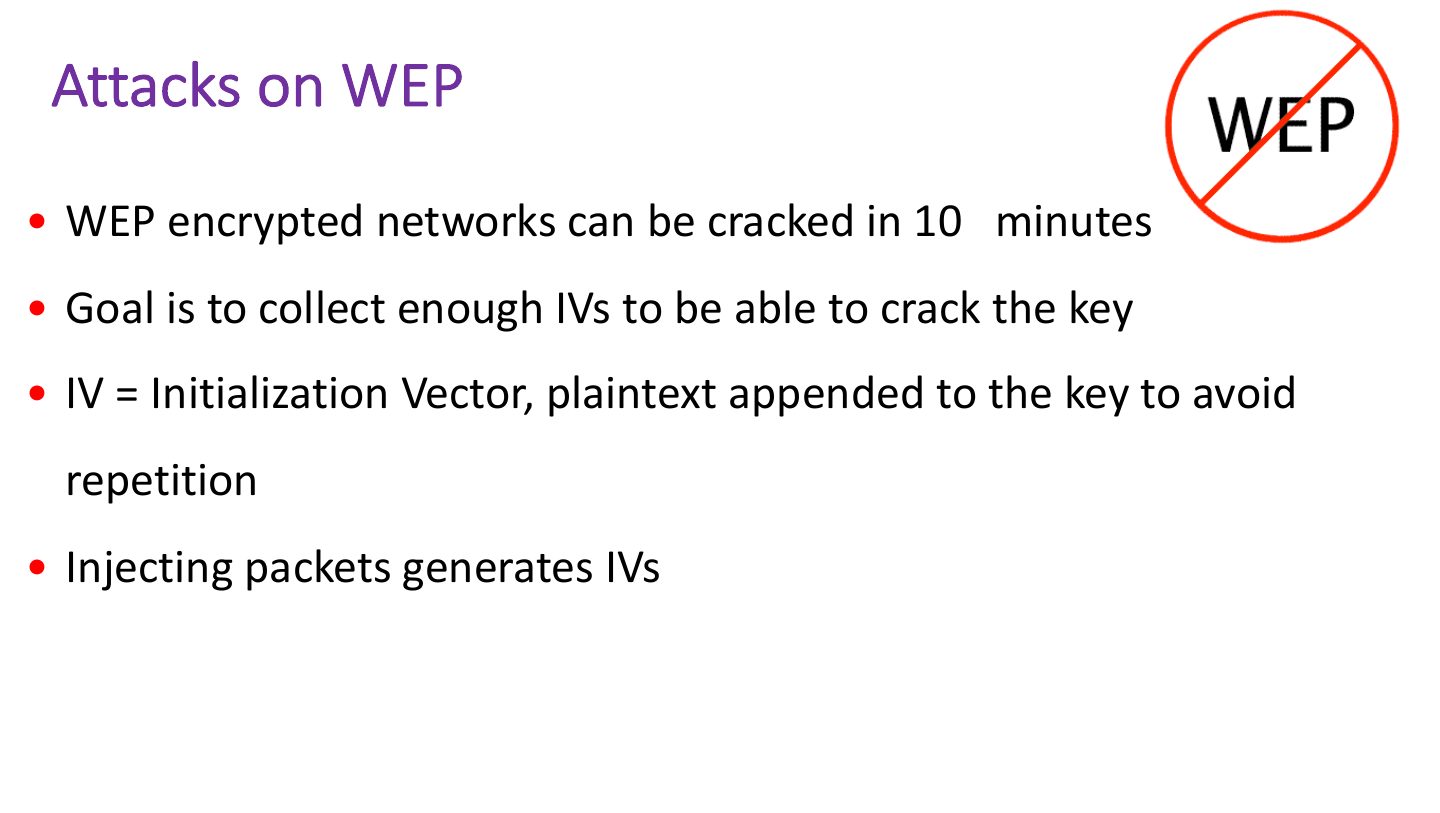
Attacks on WEP
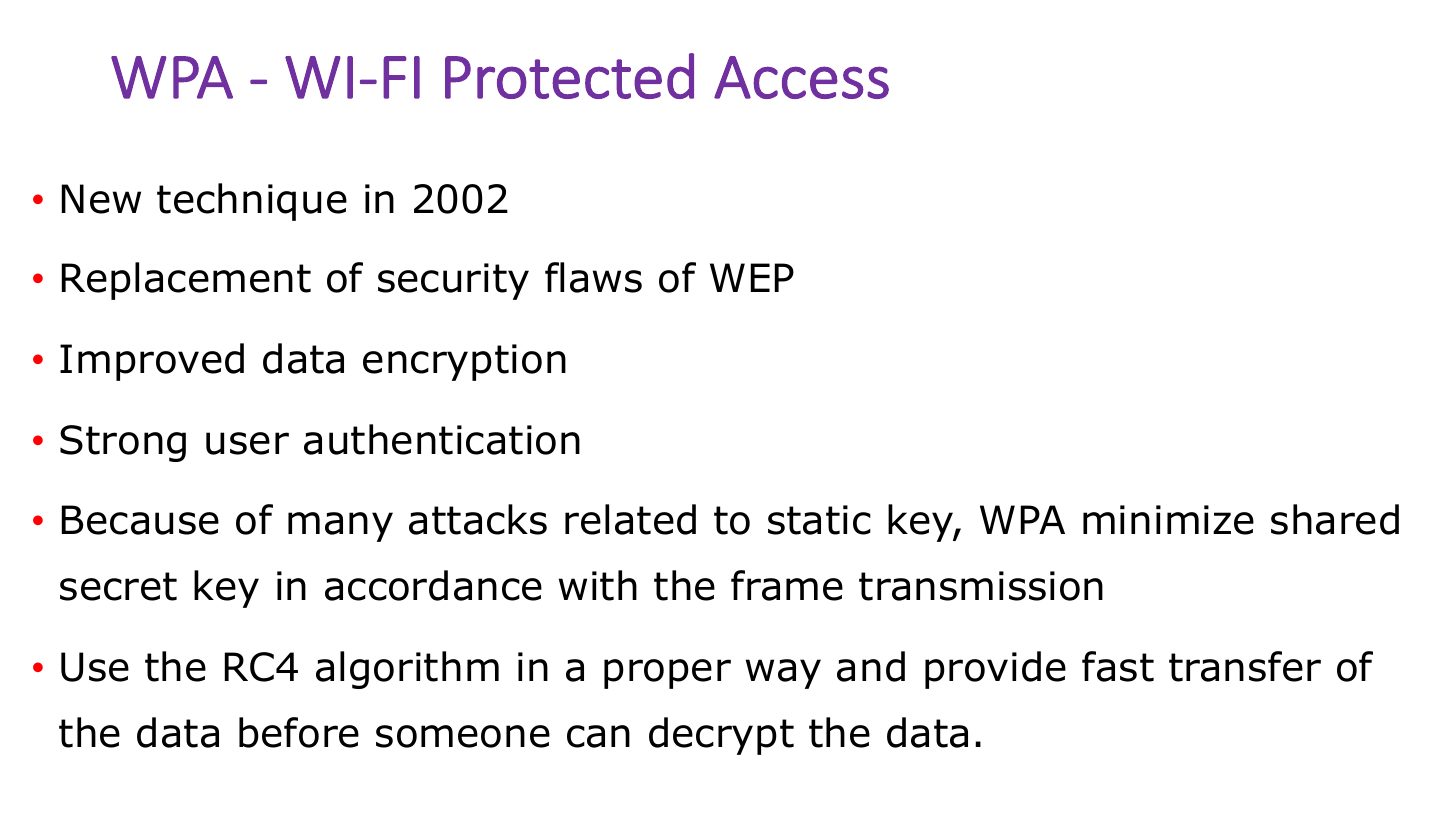
WPA - WI-FI Protected Access
Notes
WPA: TKIP (still RC4), per-packet keys, MIC. An interim fix.
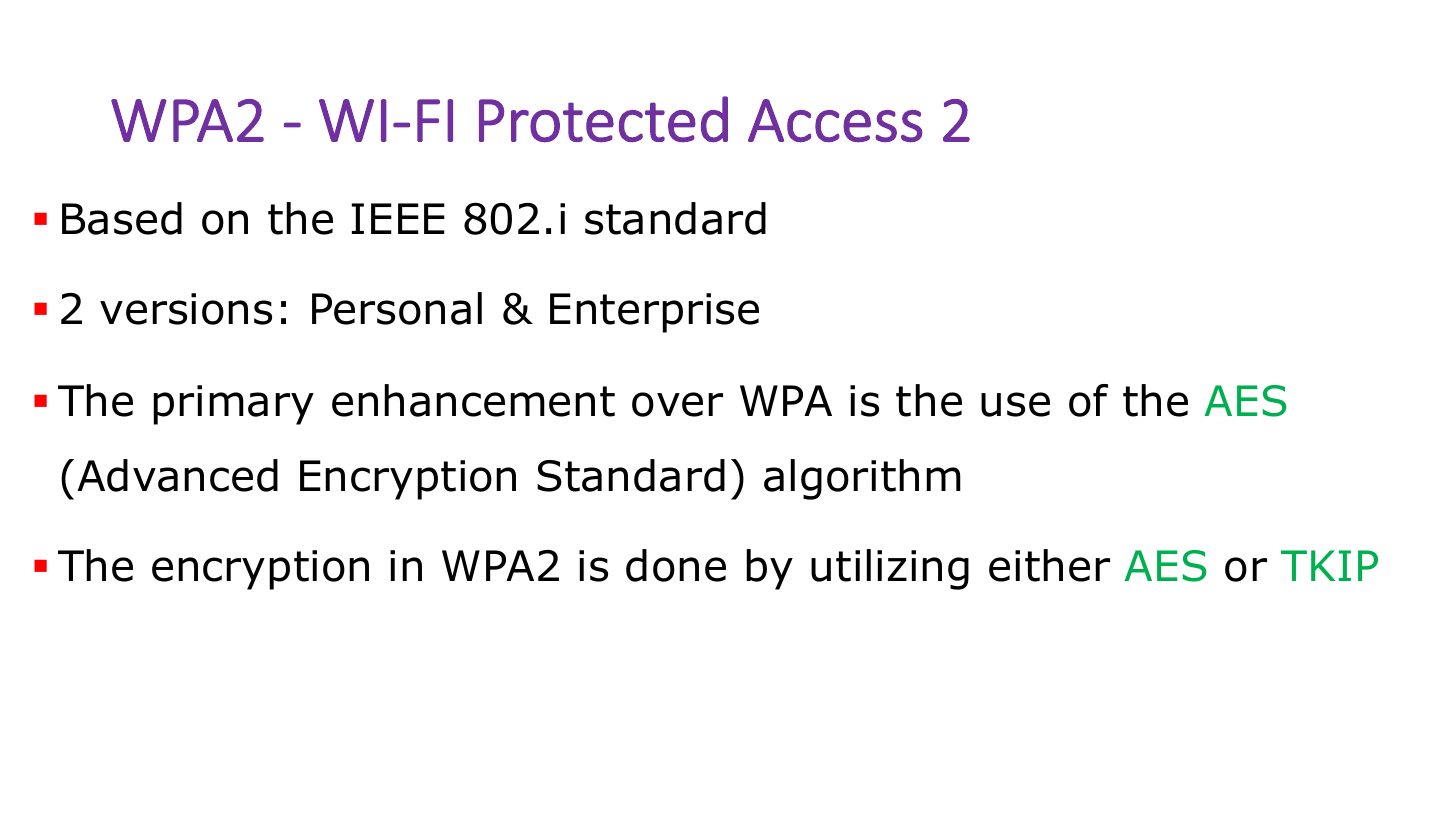
WPA2 - WI-FI Protected Access 2
Notes
WPA2: AES-CCMP. Personal (PSK) or Enterprise (802.1X/RADIUS).
Exam angle
WPA2 uses which encryption?
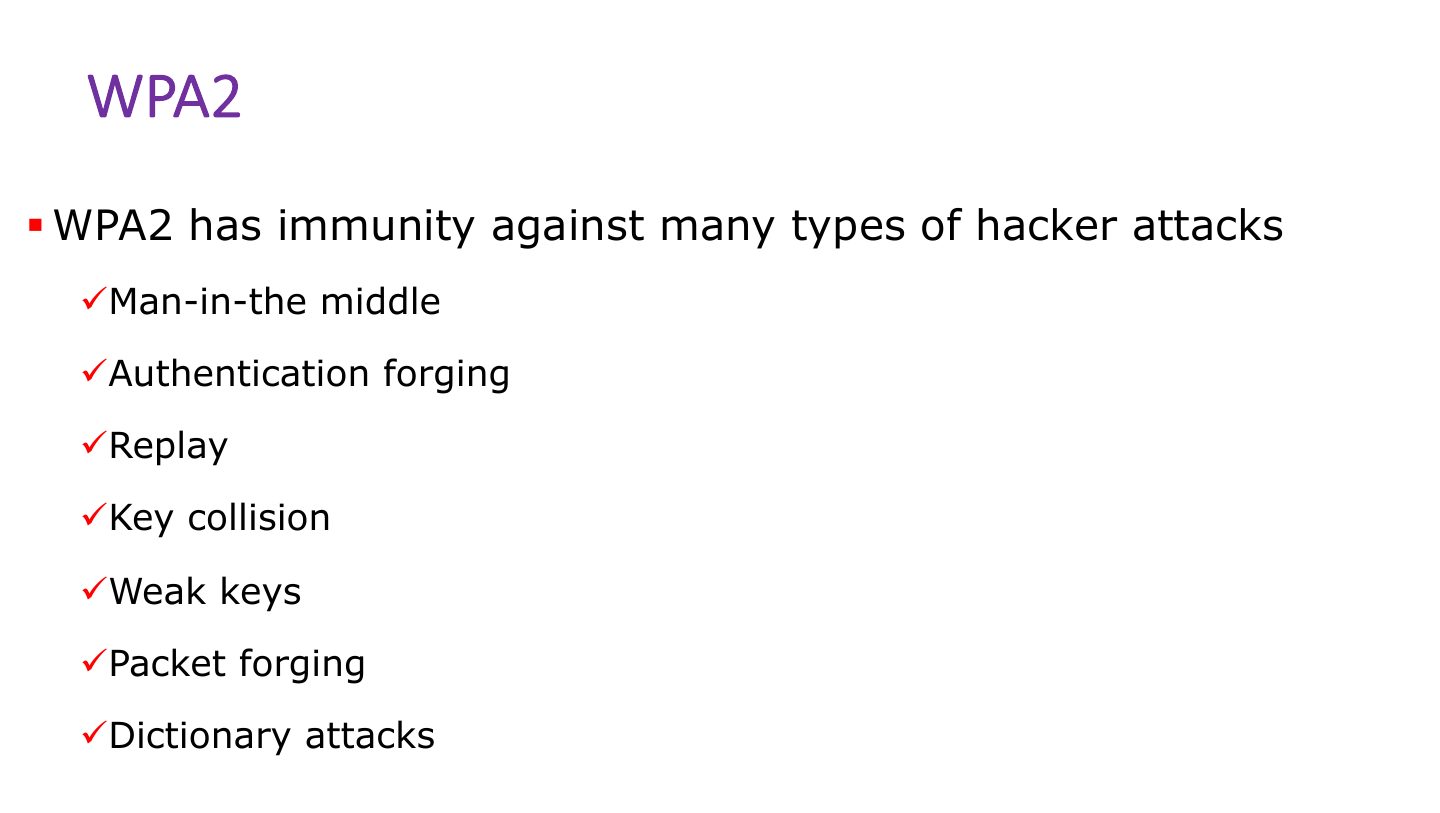
WPA2
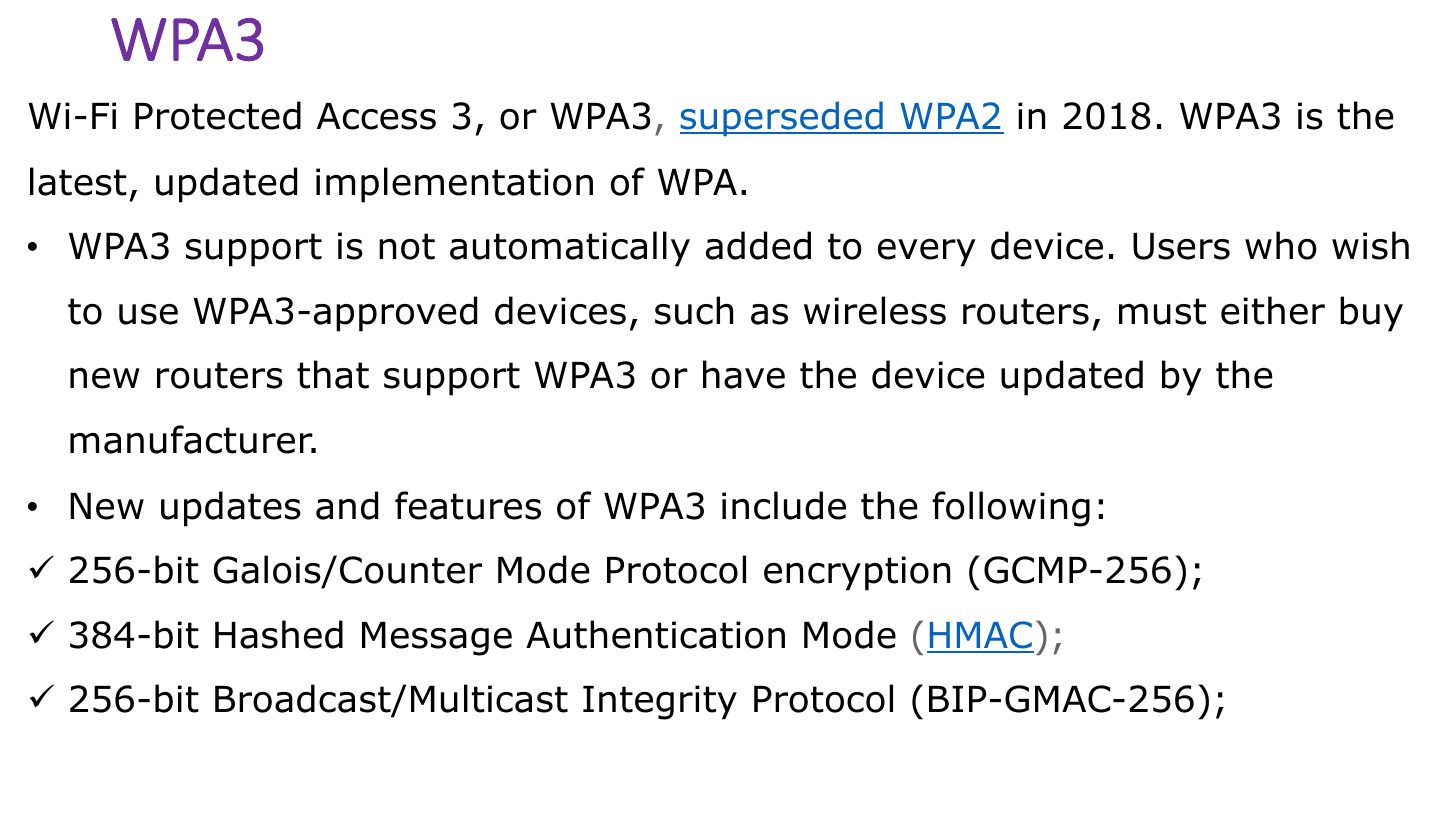
WPA3
Notes
WPA3: SAE handshake (resists offline dictionary attacks), forward secrecy, 192-bit enterprise mode.
Slide 24
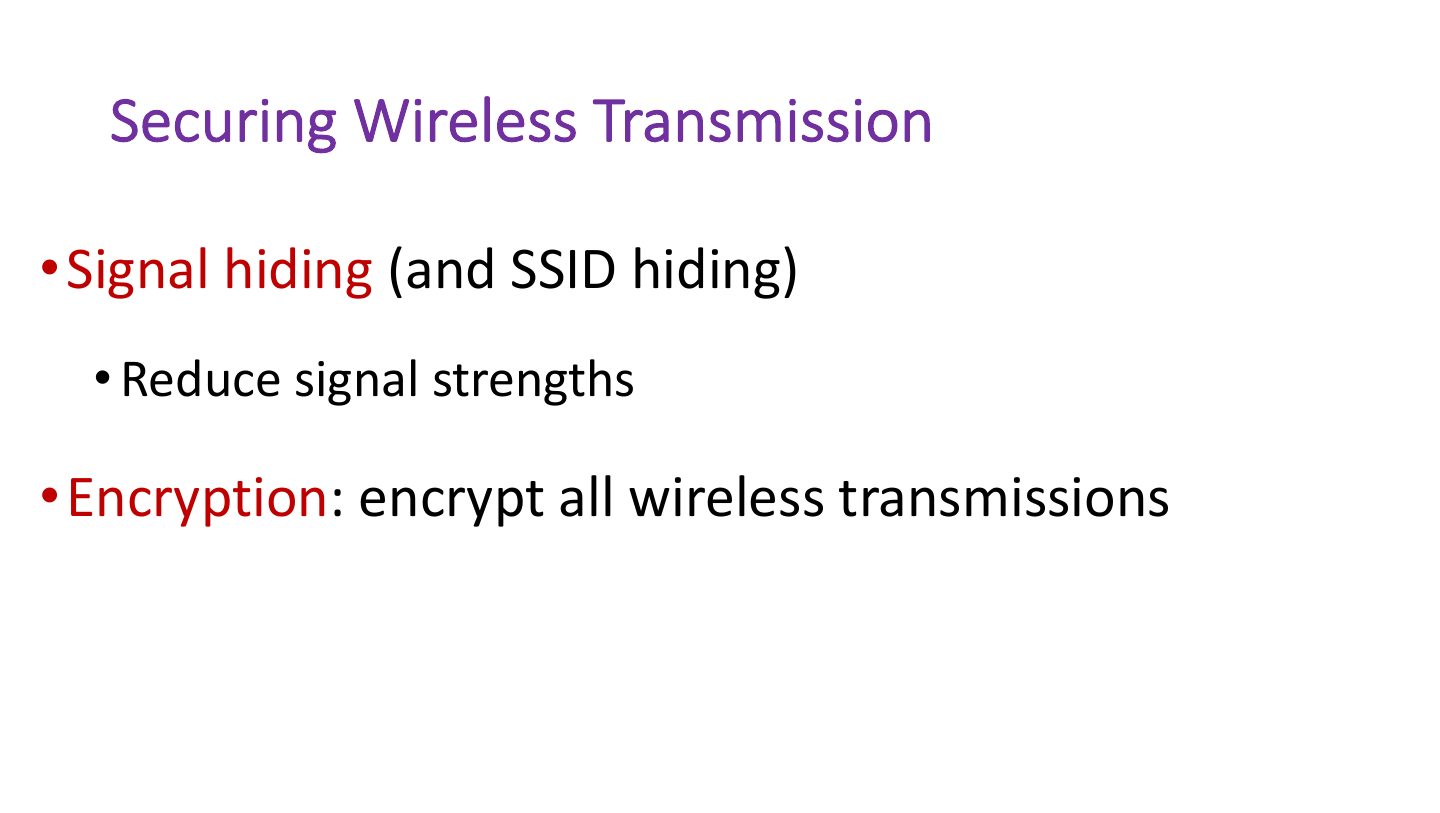
Securing Wireless Transmission
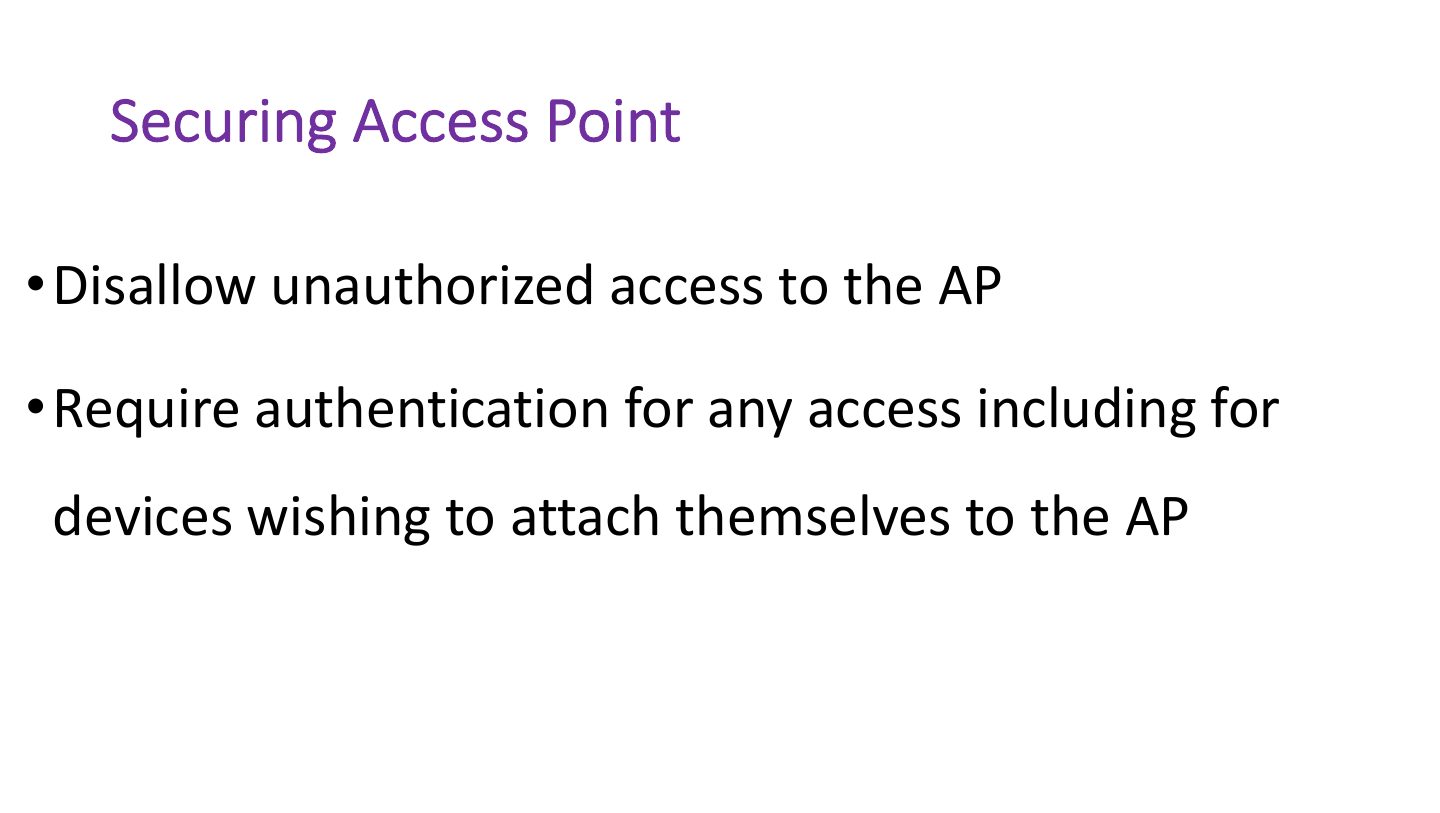
Securing Access Point
Notes
Secure the AP: change defaults, update firmware, strong encryption, disable WPS, limit admin access.
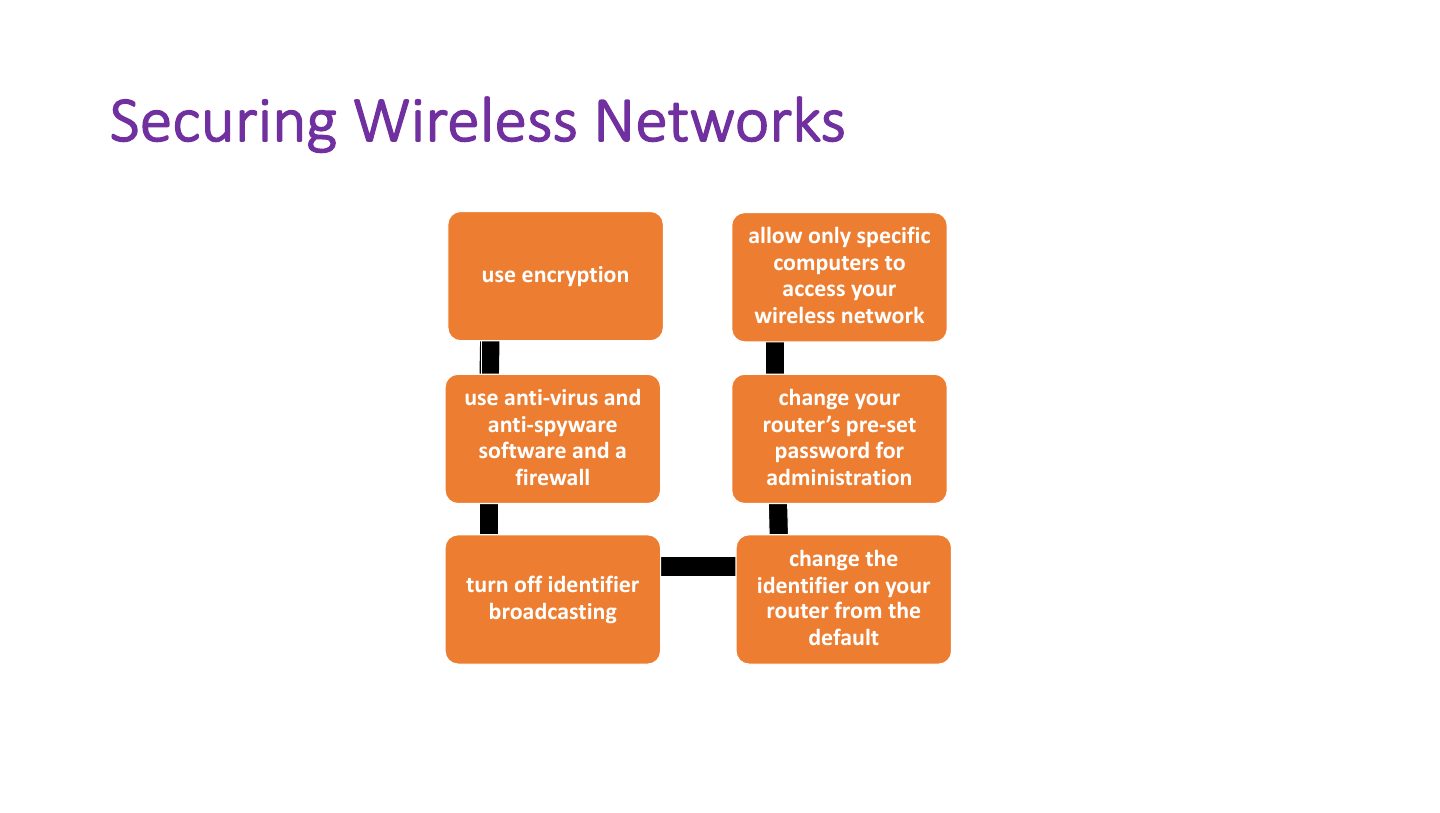
Securing Wireless Networks
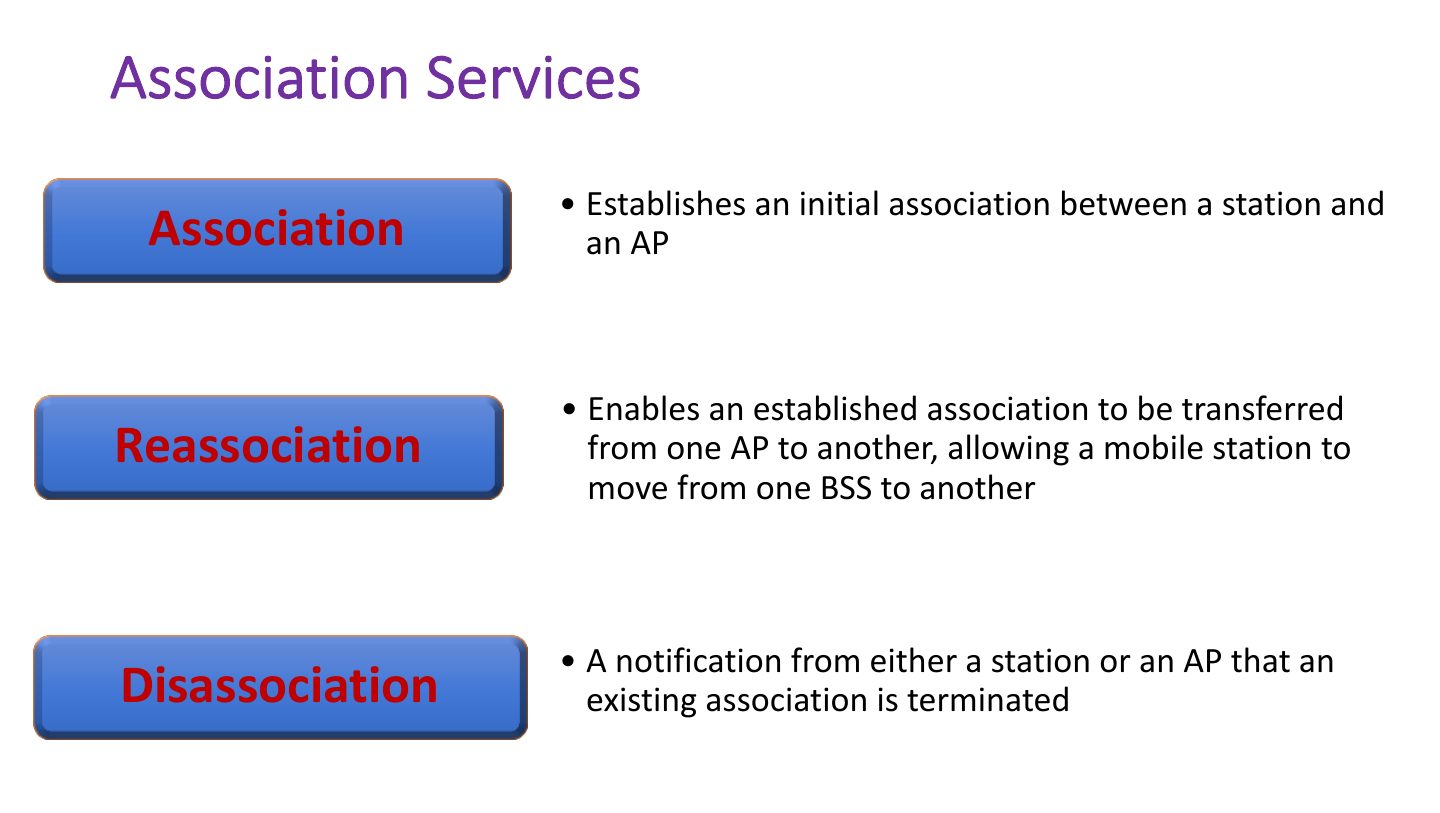
Association Services
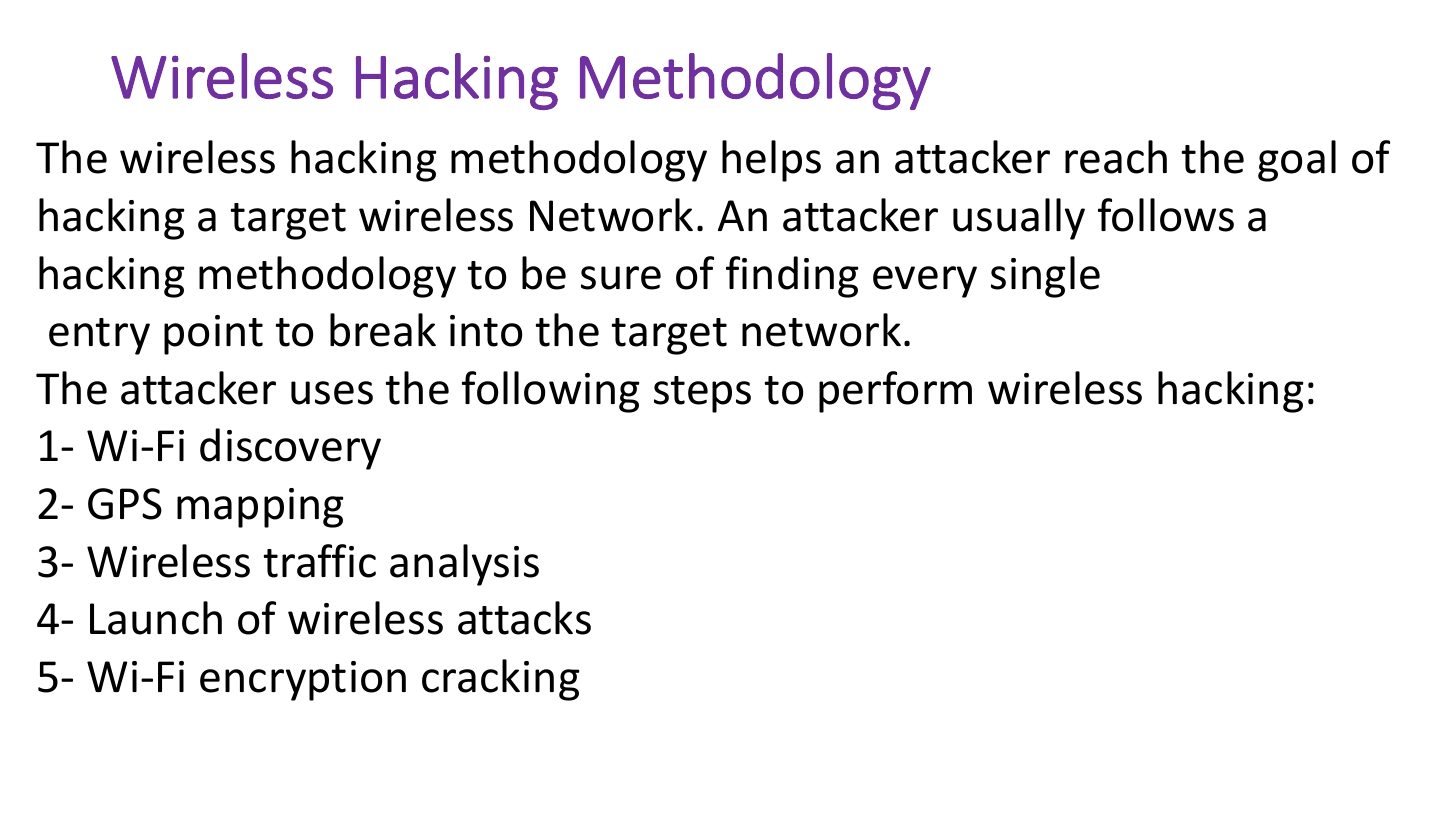
Wireless Hacking Methodology
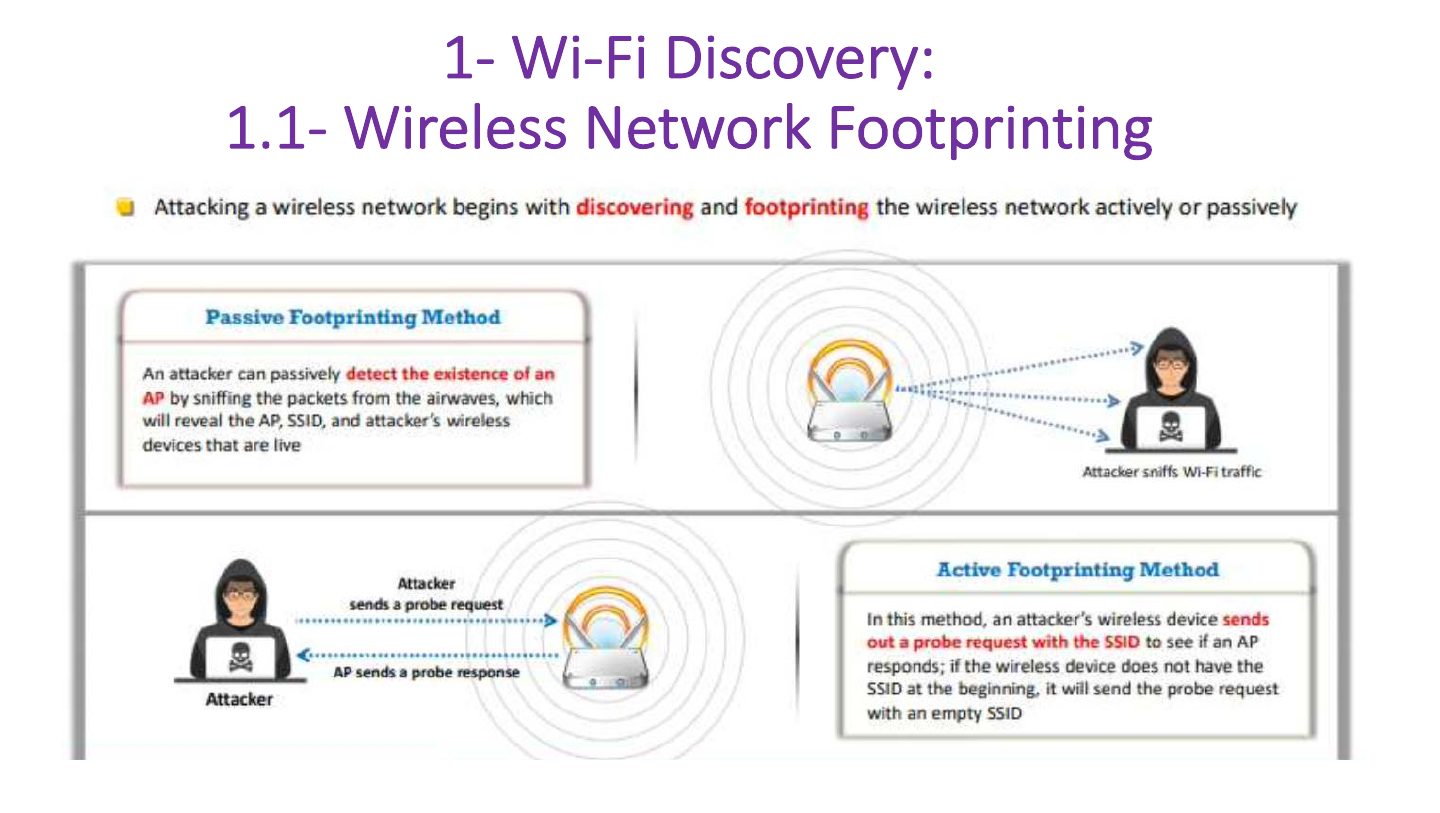
1- Wi-Fi Discovery: 1.1- Wireless Network Footprinting
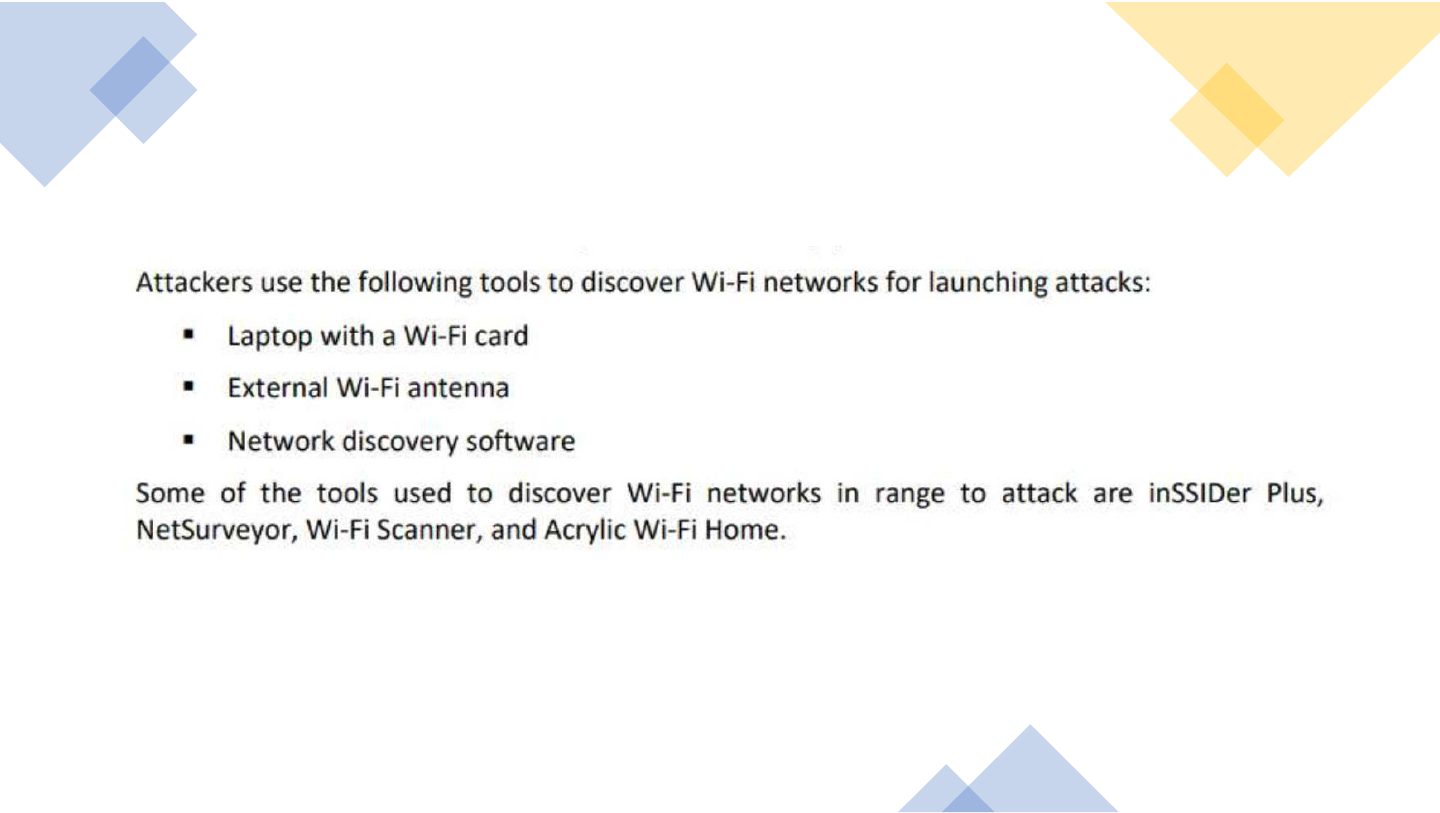
Wi-Fi Discovery (cont..) 1.2-Finding Wi-Fi Networks in Range to attack
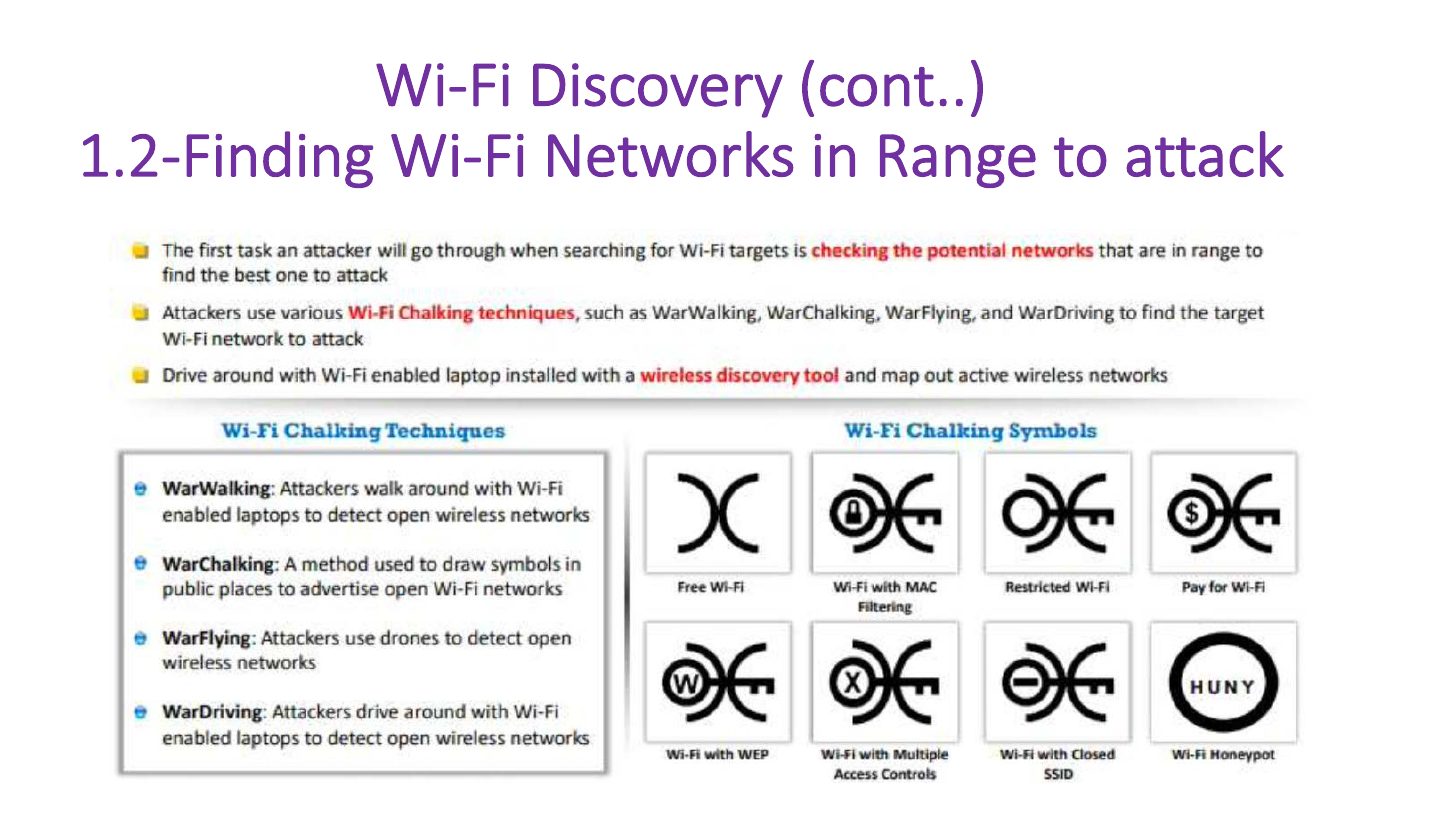
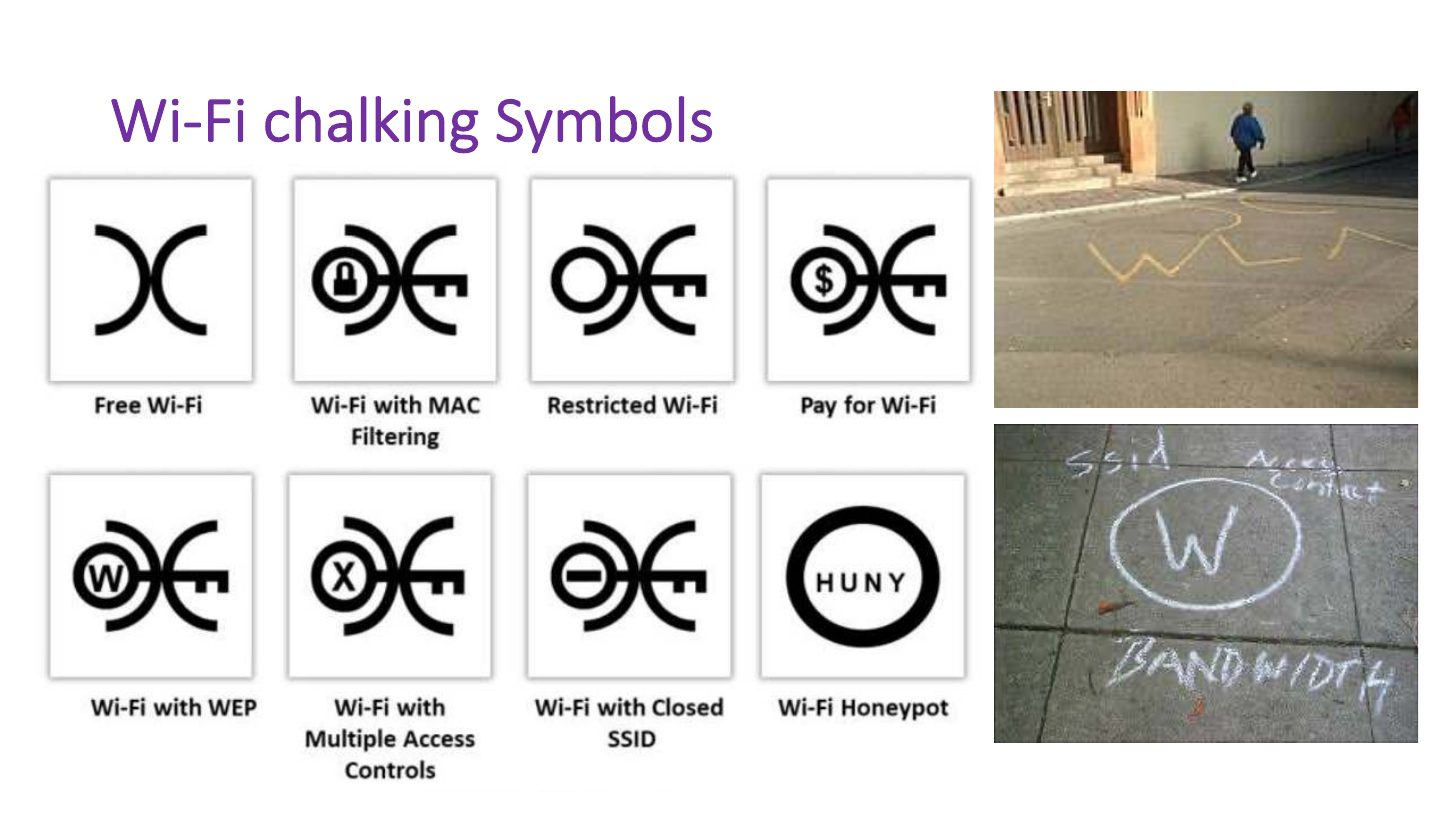
Wi-Fi chalking Symbols
Notes
War driving: searching for Wi-Fi from a moving car; war chalking: marking found networks with symbols.
Slide 33
Wi-Fi Discovery (cont..) 1.3- Finding WPS-Enables APs
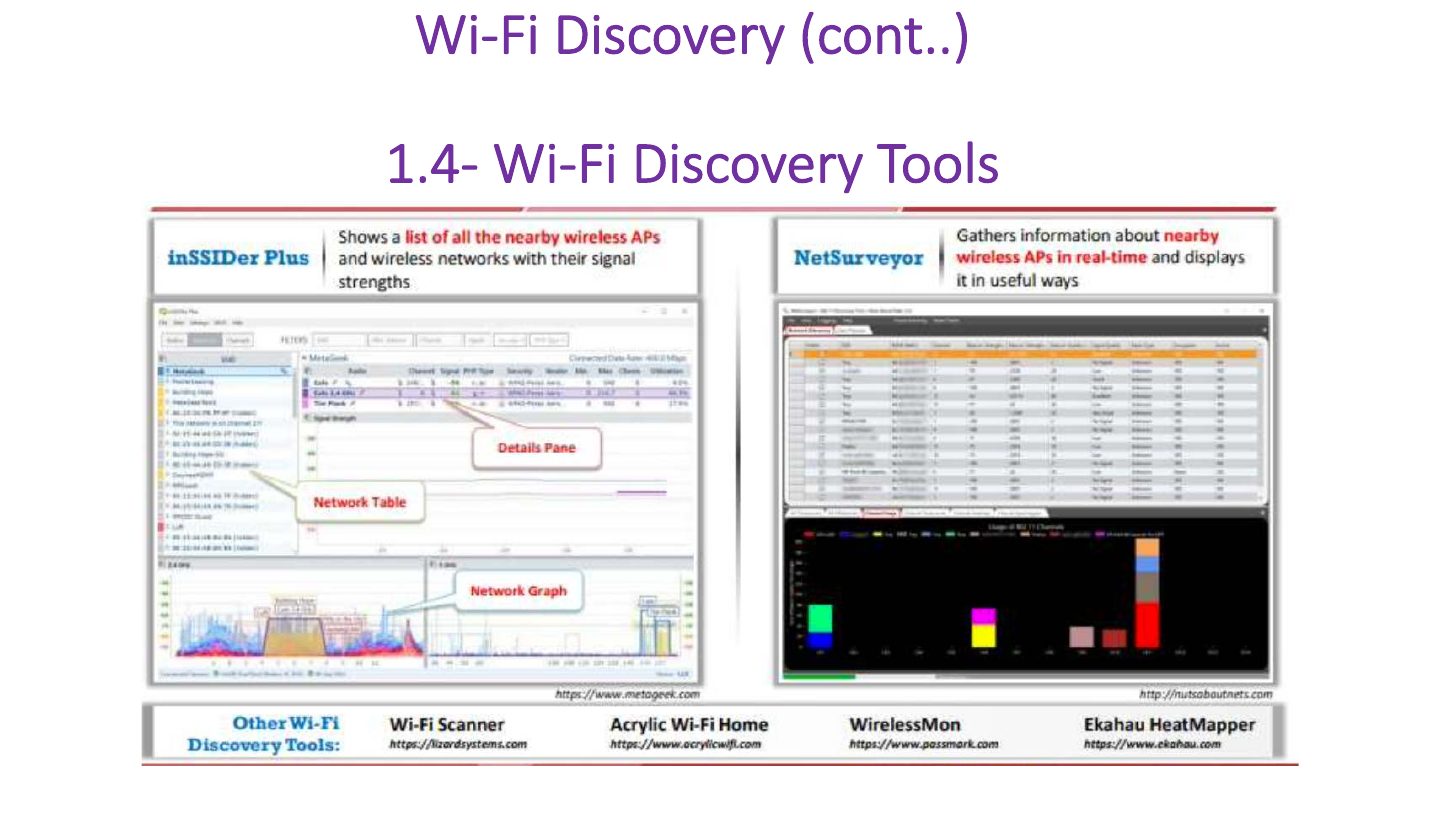
Wi-Fi Discovery (cont..)
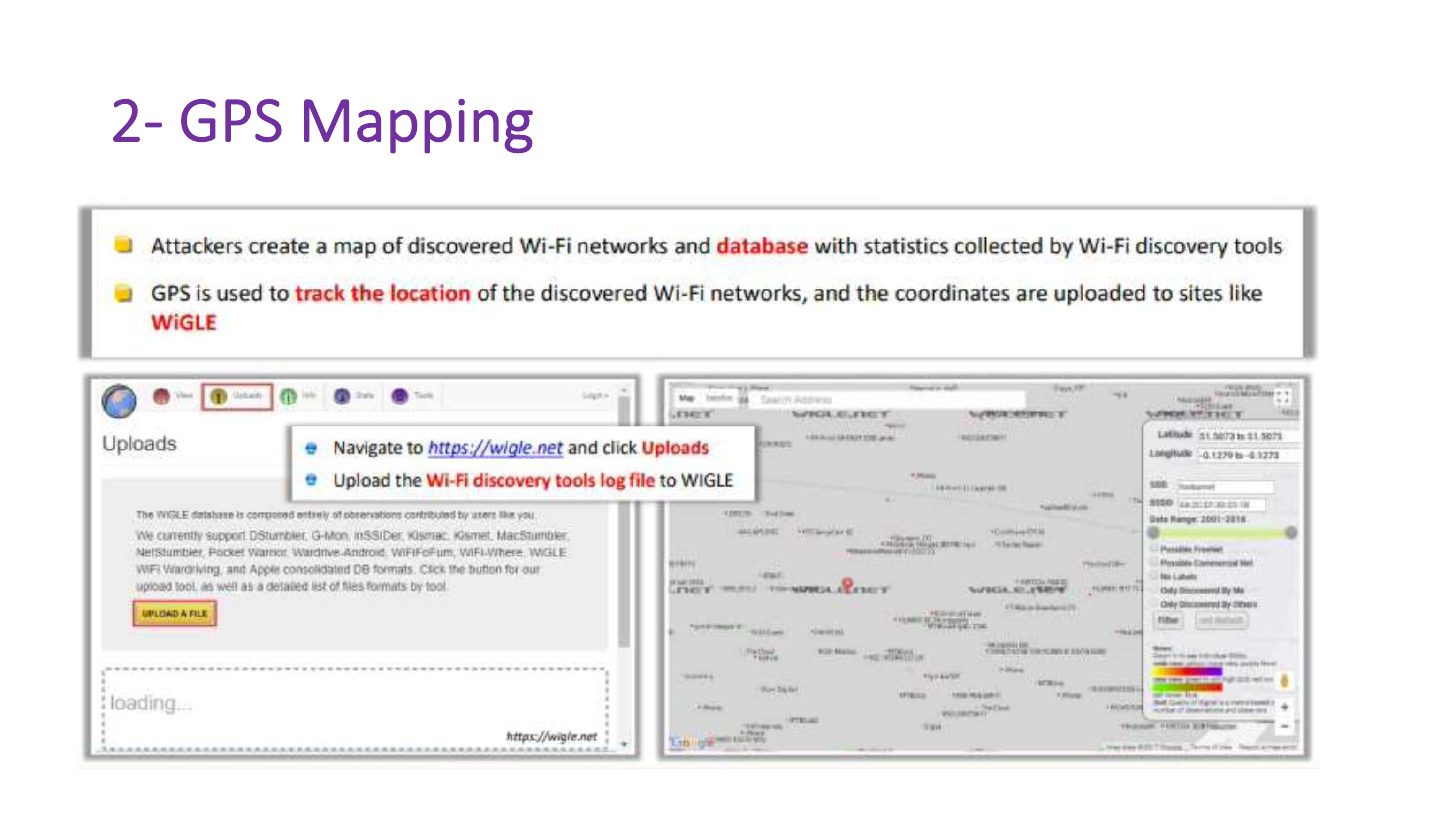
2- GPS Mapping
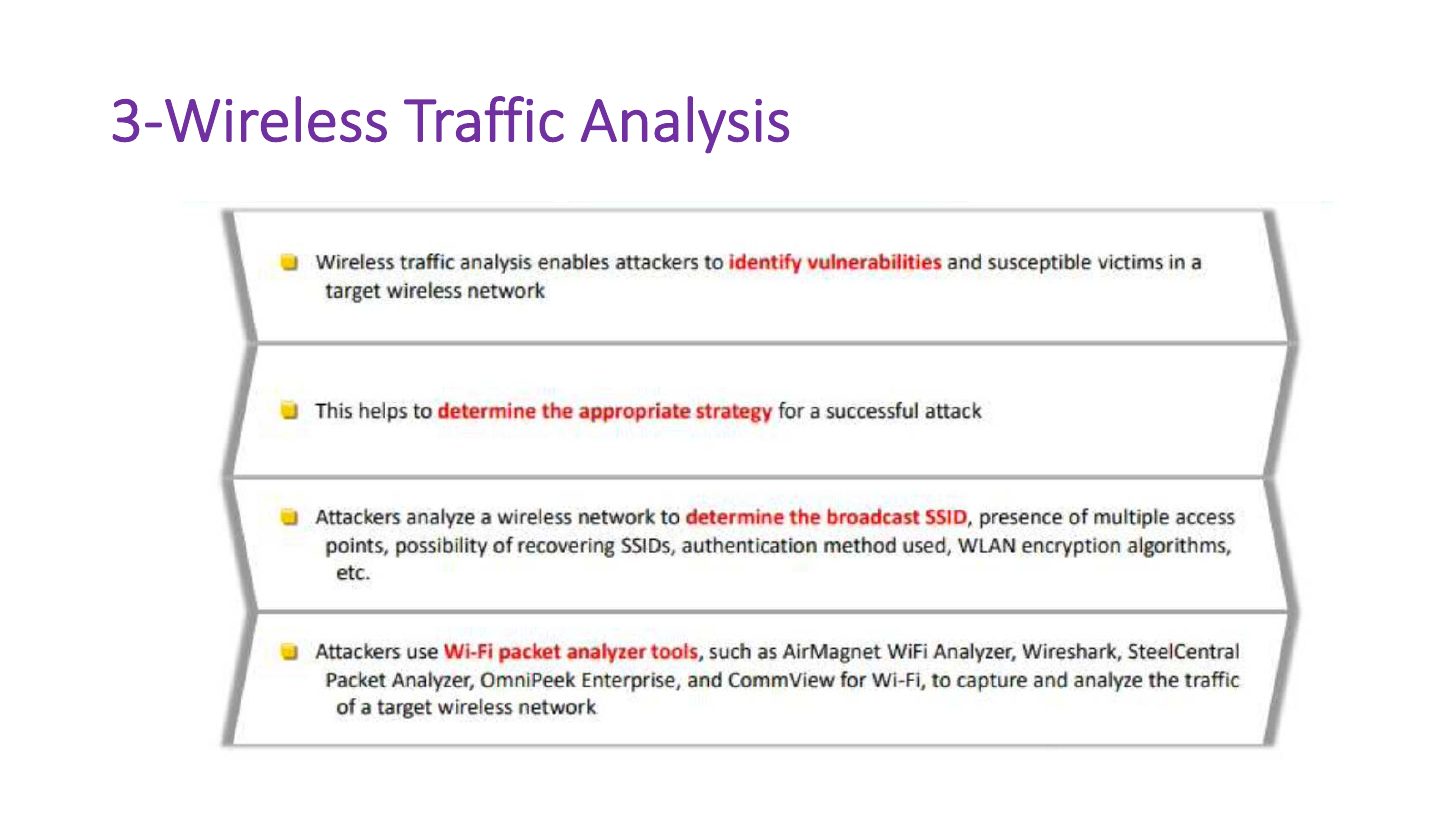
3-Wireless Traffic Analysis
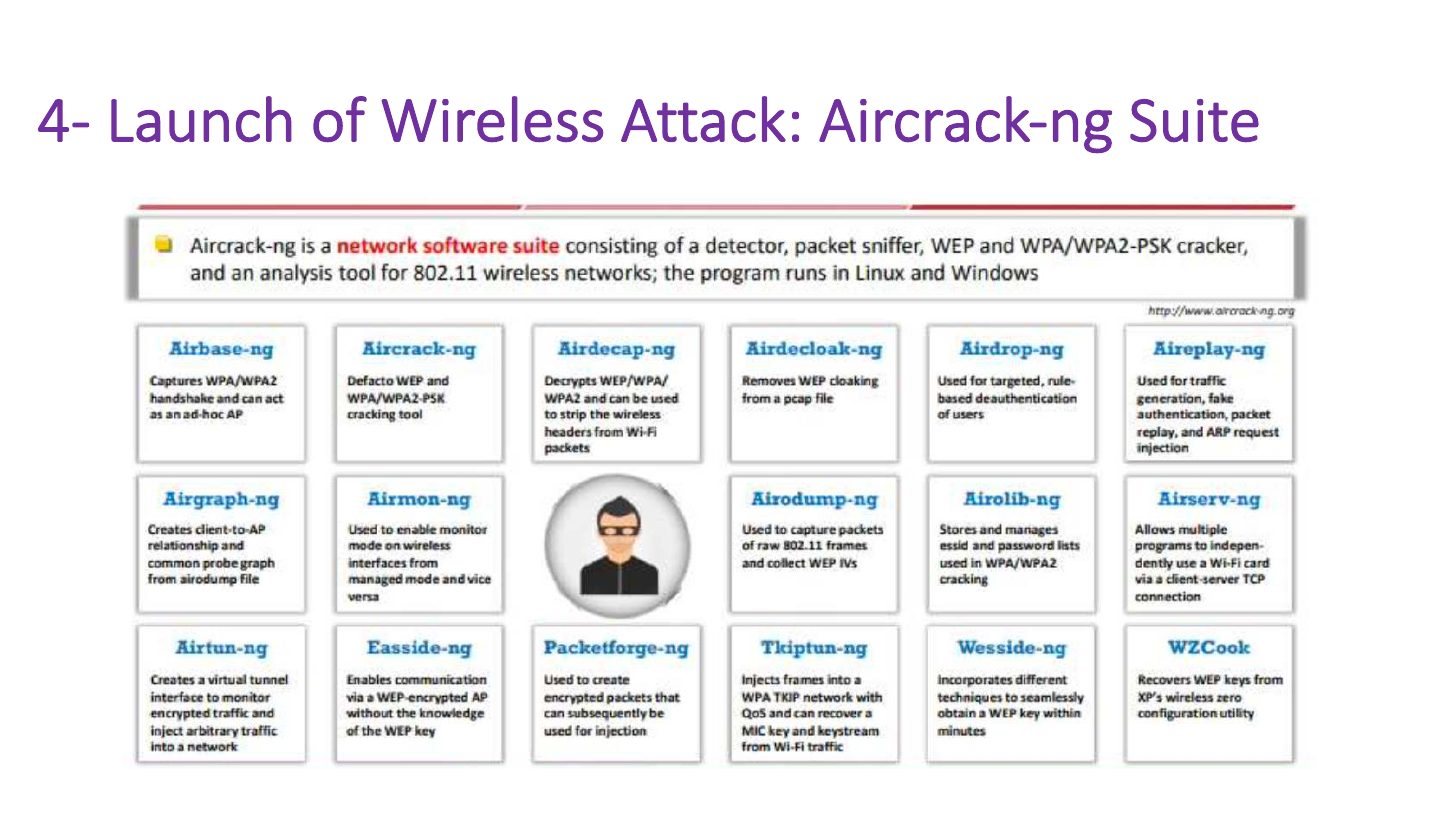
4- Launch of Wireless Attack: Aircrack-ng Suite
4.1- Launch of Wireless Attacks: Detection of Hidden SSIDs
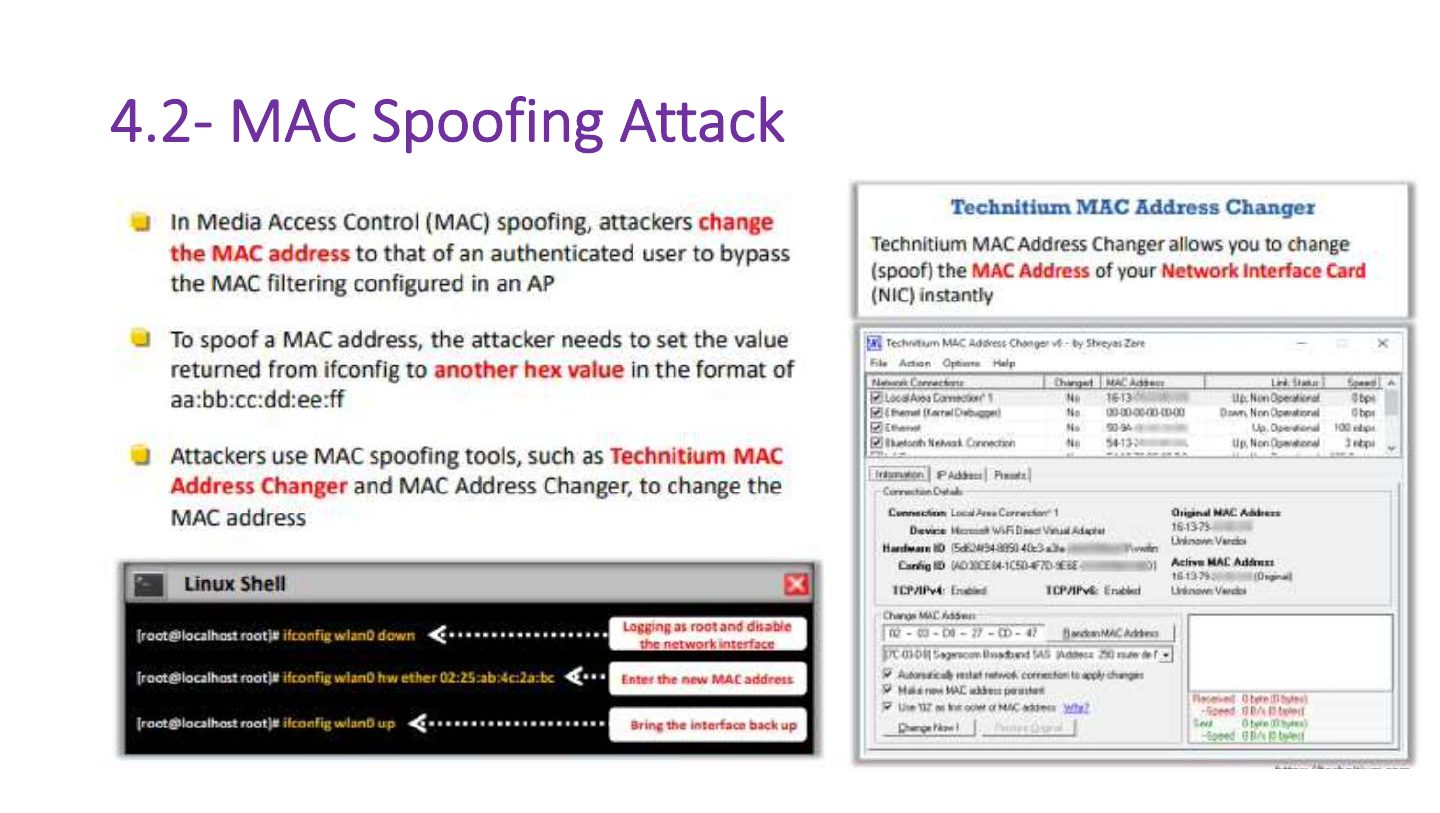
4.2- MAC Spoofing Attack
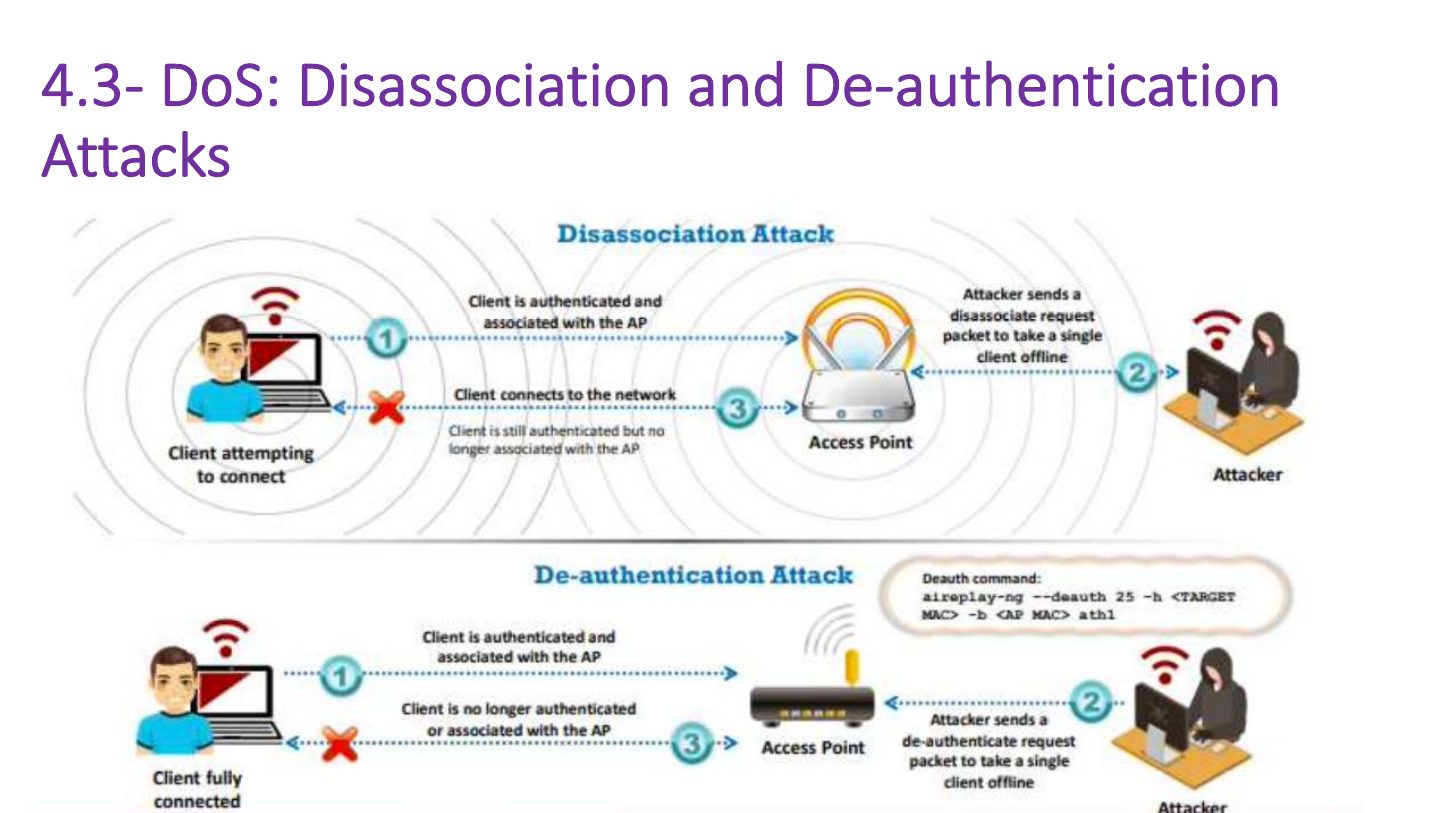
4.3- DoS: Disassociation and De-authentication Attacks
Notes
De-authentication attack: forged deauth frames disconnect clients (DoS, or to capture the WPA handshake).
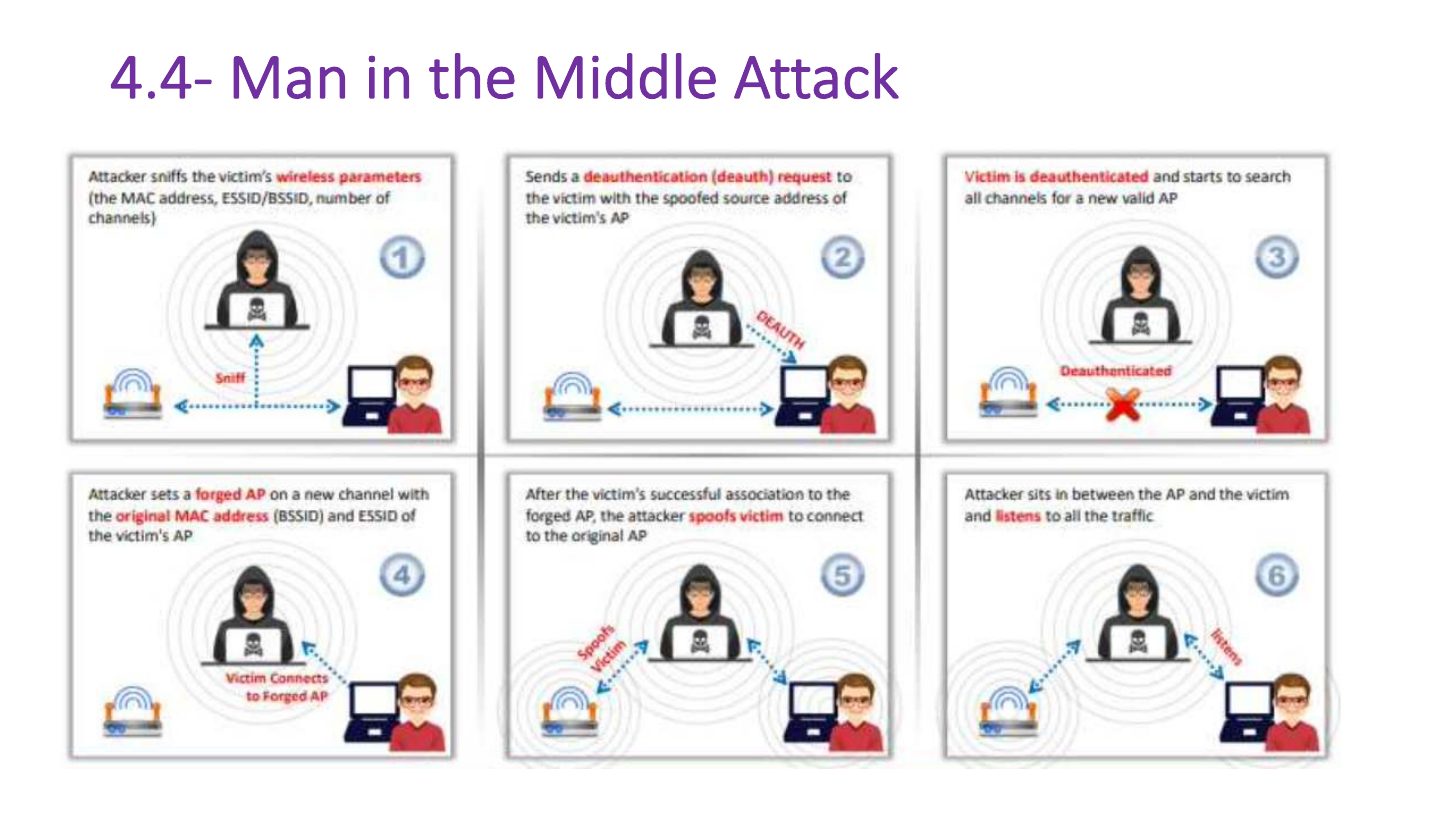
4.4- Man in the Middle Attack
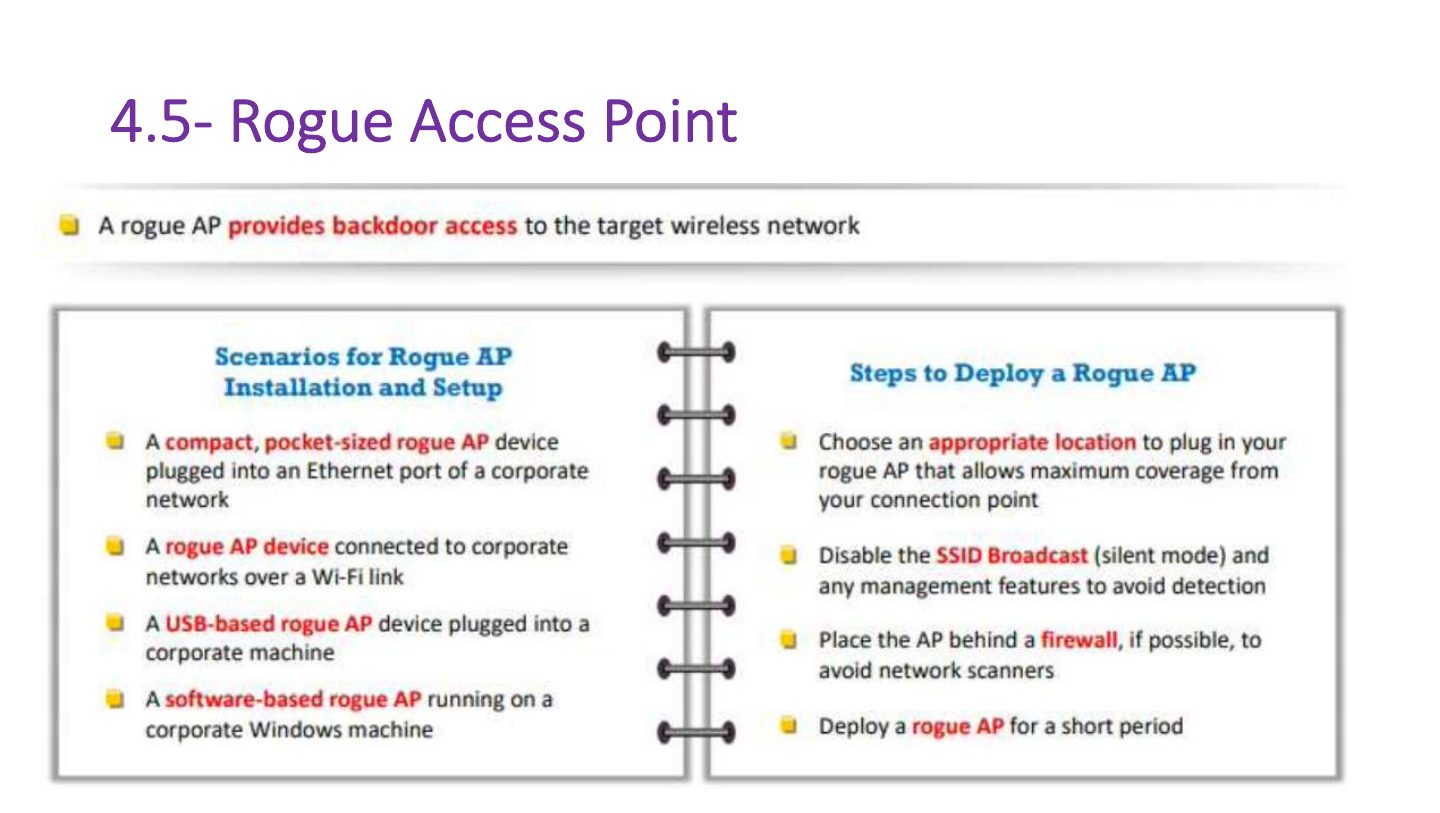
4.5- Rogue Access Point
4.6 Evil Twin
Notes
Evil twin: a fake AP with the SAME SSID as a legitimate one to lure clients.
Exam angle
An attacker’s AP broadcasting the coffee shop’s exact SSID is a(n):
4.7 Misconfigured Access Point Attack
Some of the key elements that play an important role in this kind of
4.8- Ad Hoc Connection Attack
4.9- Jamming Signal Attack
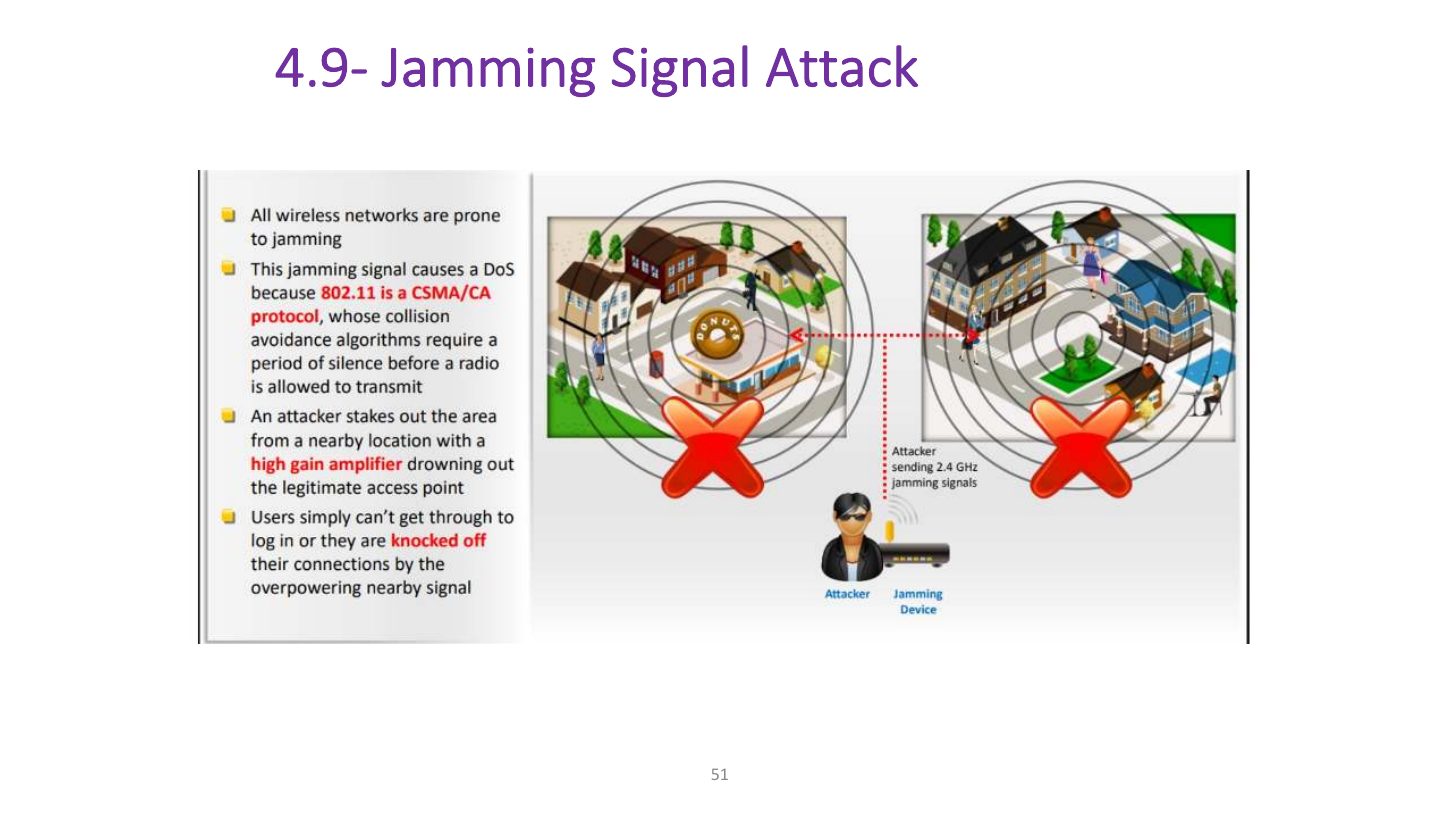
Notes
Jamming: radio interference that denies service.
5- Wi-Fi Encryption Cracking: WEP Encryption Cracking
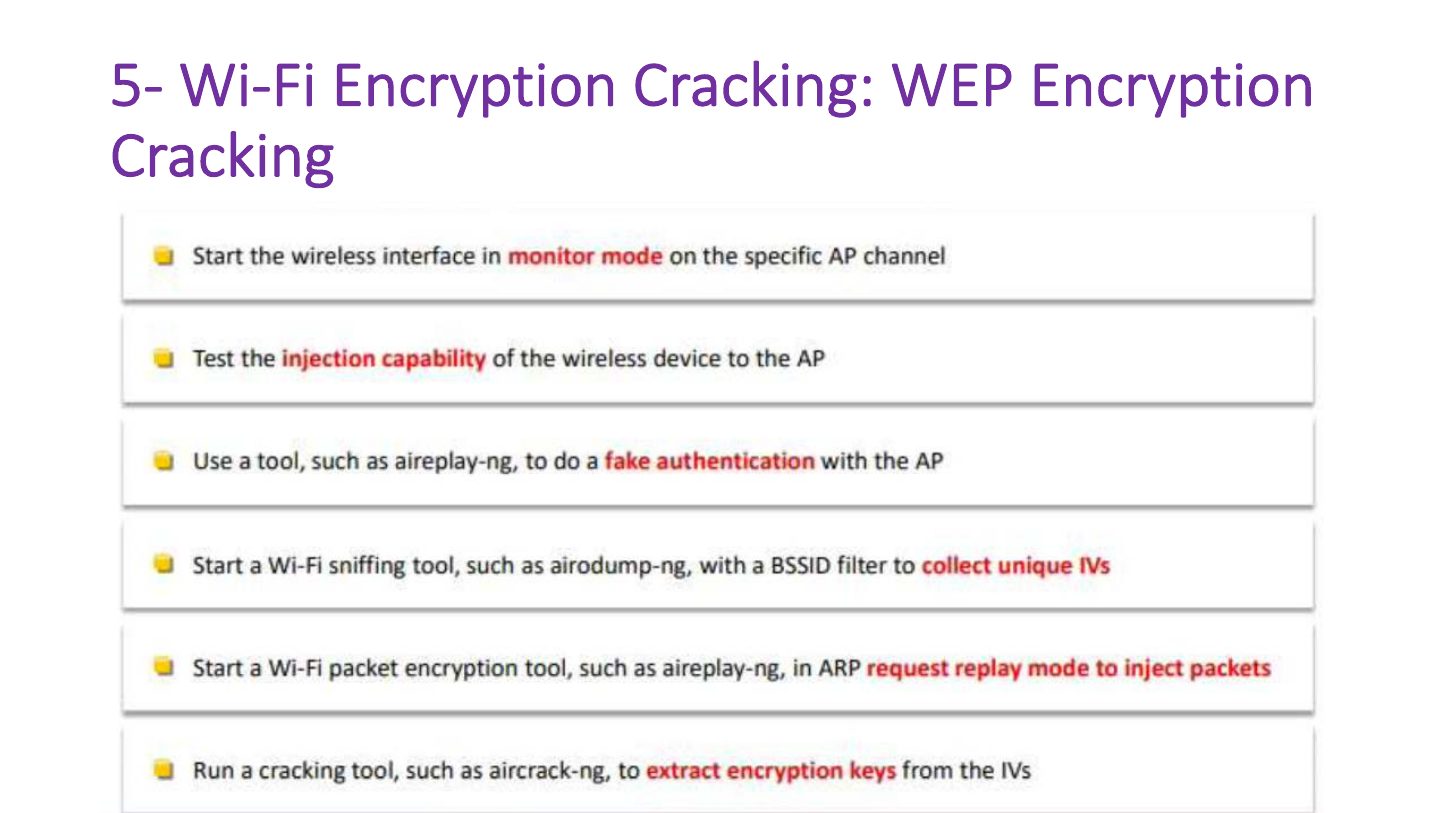
Notes
Cracking: WEP by collecting IVs (aircrack-ng); WPA/WPA2-PSK by capturing the 4-way handshake and running a dictionary attack.
How to Defend Against Wireless Attacks
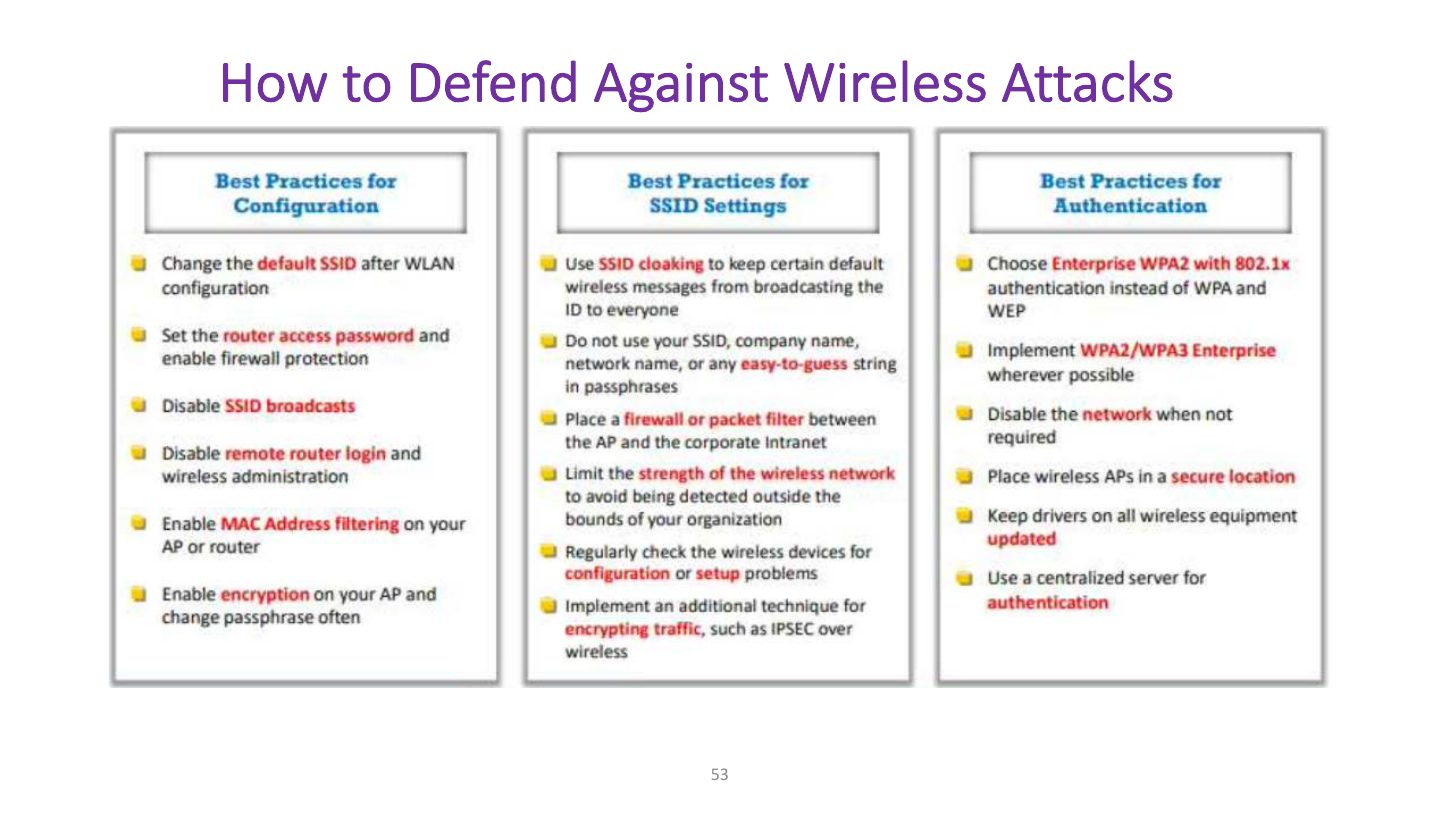
Notes
Defenses: WPA2/WPA3 with strong passphrases, 802.1X, WIDS/WIPS, rogue-AP detection, disable WPS.
How to Defend Against Wireless Attacks (cont’d)