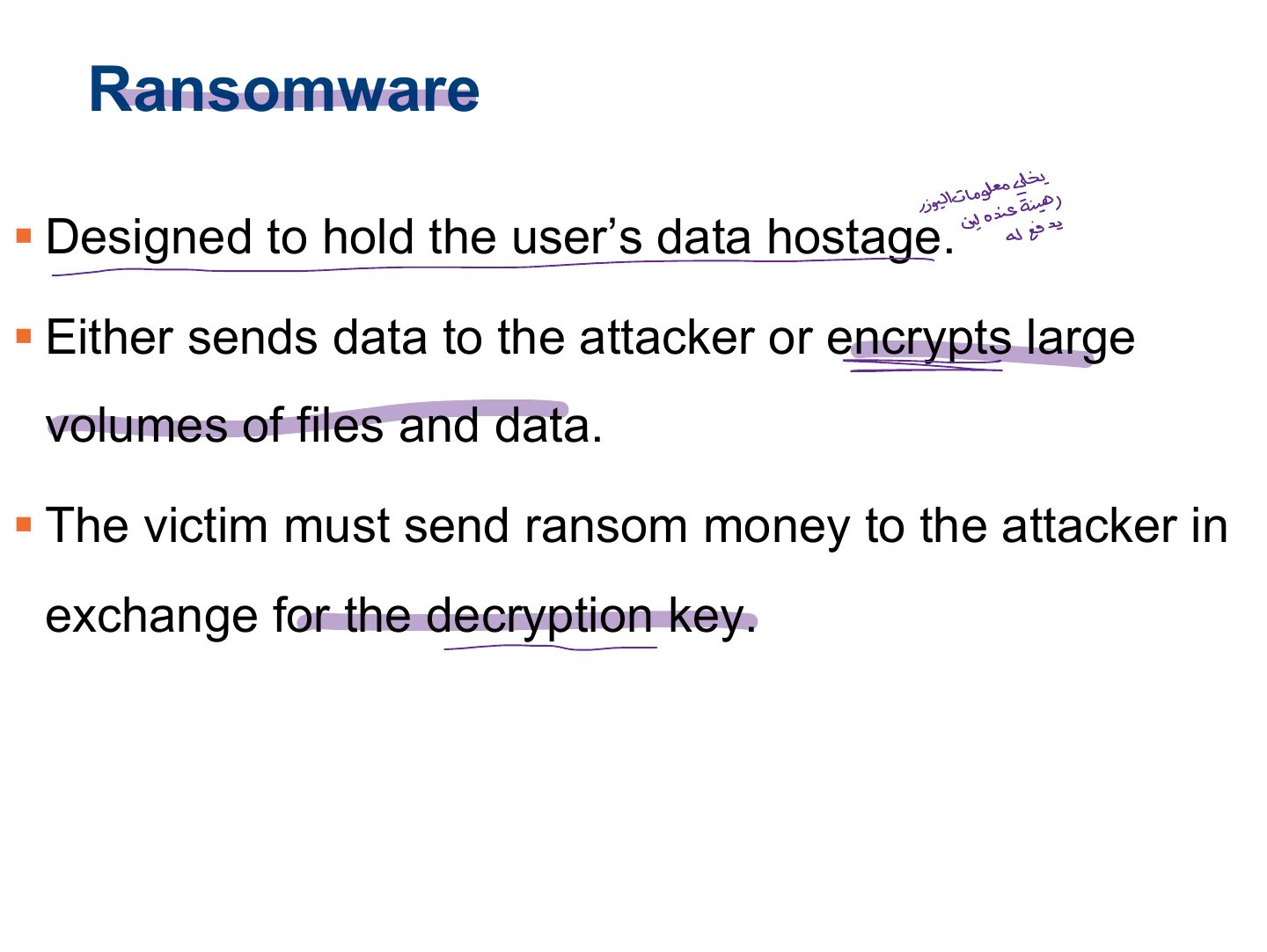
Malware that encrypts files and demands payment is:
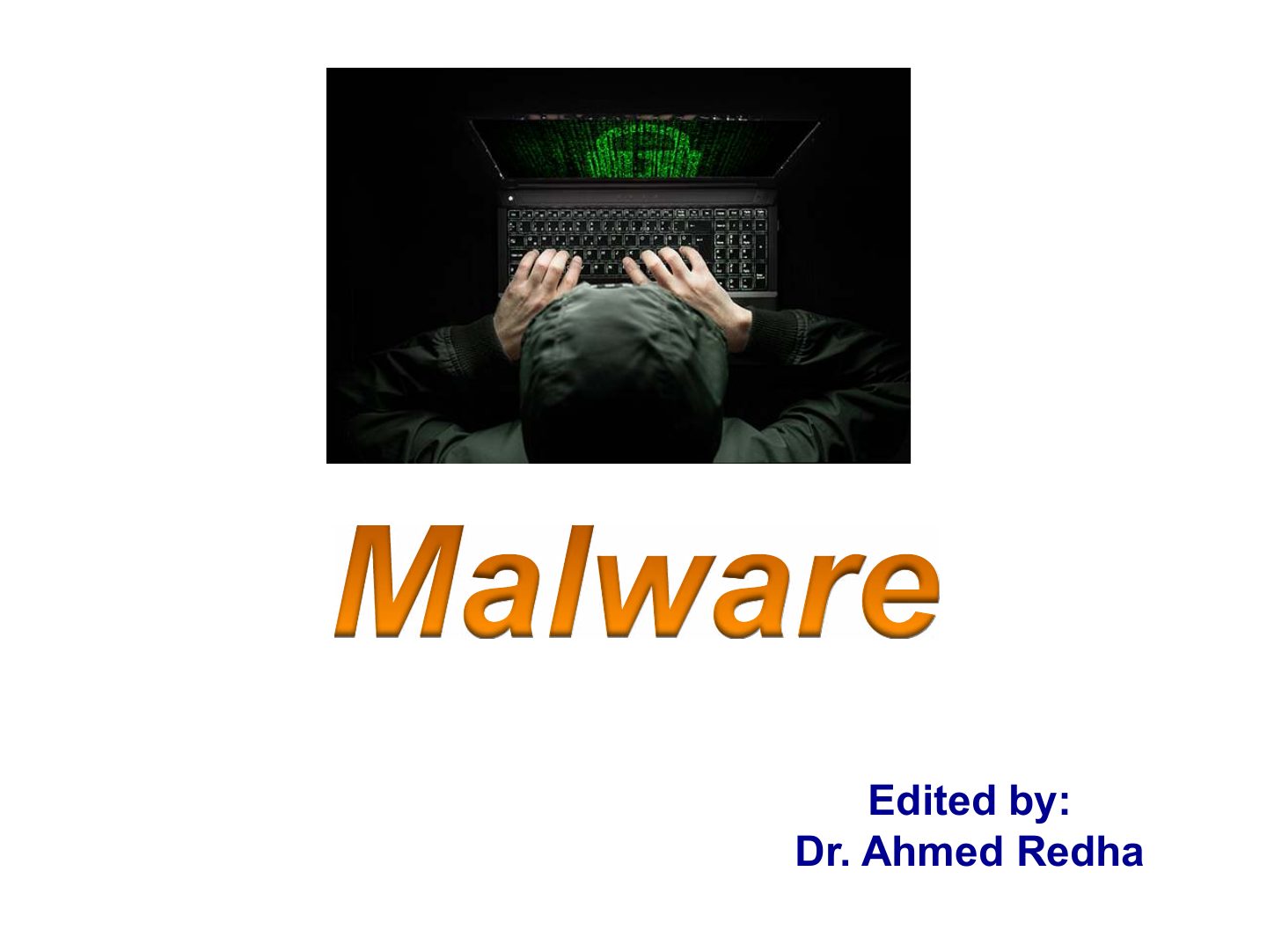
Malware
Malware types (spyware, adware, scareware, ransomware), viruses and how they spread, worms, Trojans and how they get onto systems, infection symptoms and detection, netstat, wrappers, construction kits, backdoors, keyloggers, port redirection and pen testing for Trojans.
How to read this page
Every original slide is shown unchanged. Yellow marks on a slide point to a numbered note: hover or tap a mark to jump to its note, and hover a note to see its marks. Questions tagged Past exam appeared on a real paper; Prediction questions are likely angles, not confirmed. Pick an answer to each question: a wrong pick tells you why it is wrong, so you can try again.
All 40 slides
- 1 Slide 1
- 2 Learning Objective
- 3 Key Concepts
- 4 Malware Introduction
- 5 Types of Malware
- 6 Spyware
- 7 Spyware Methods of Infection
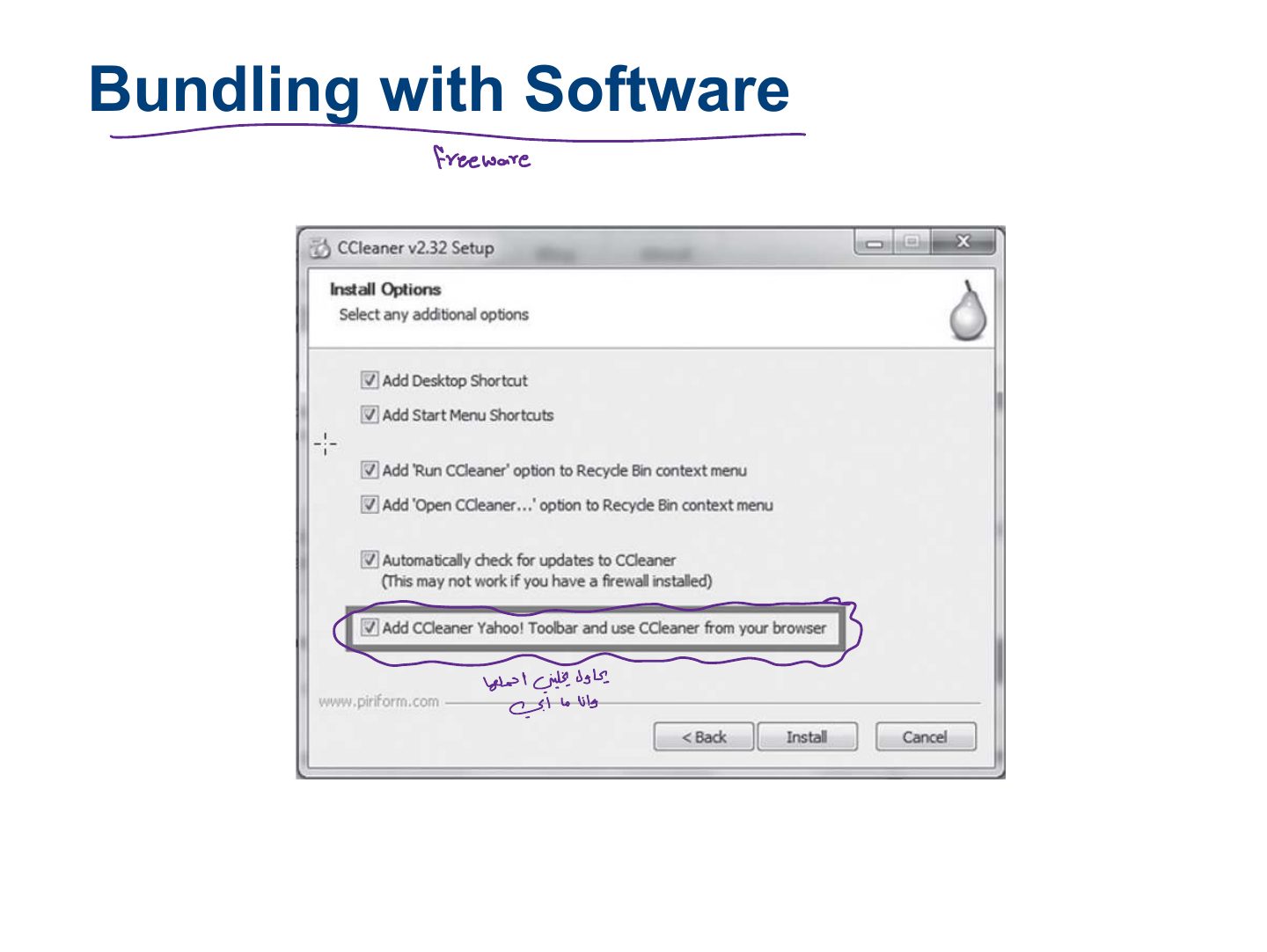
- 8 Bundling with Software
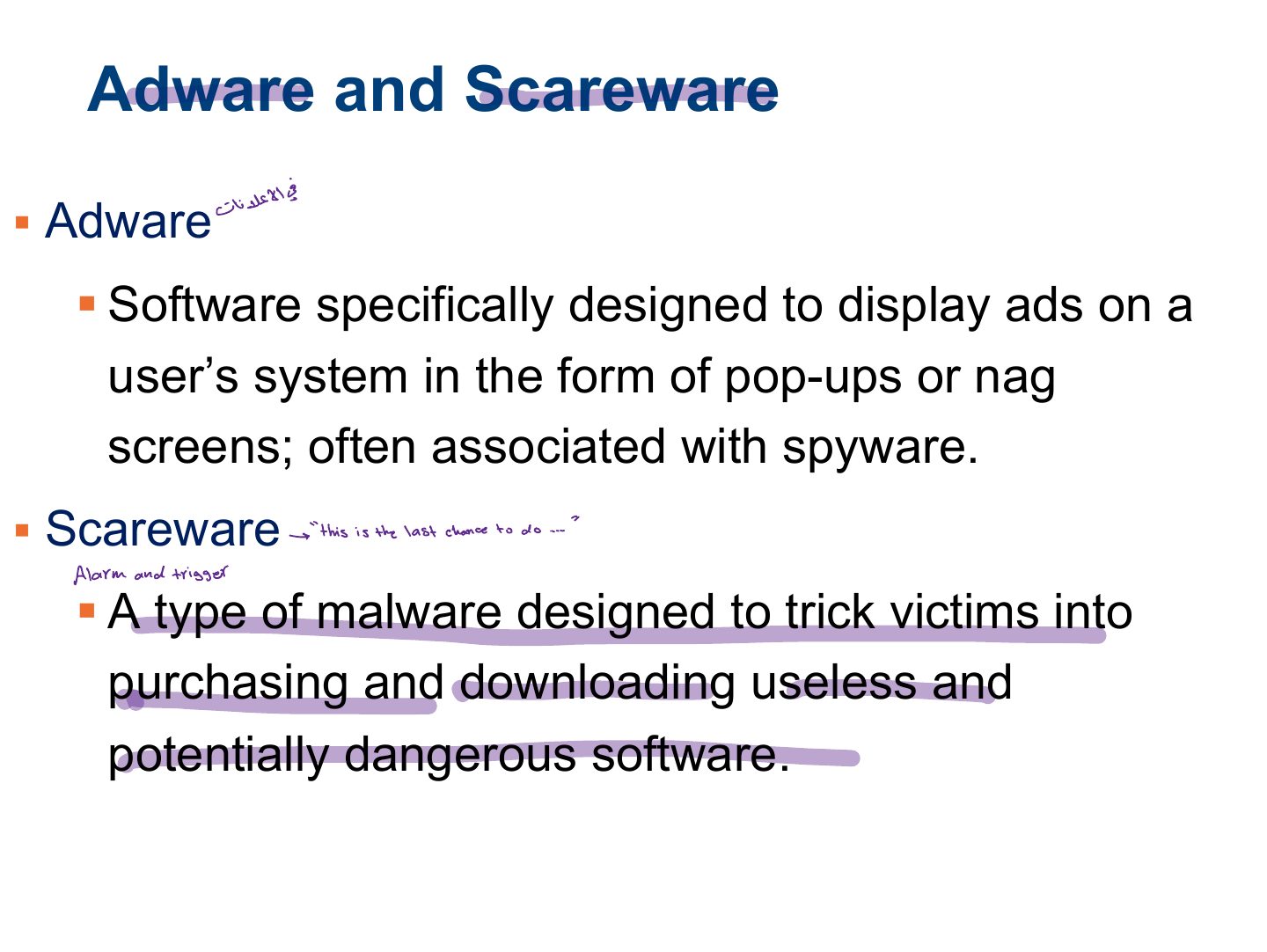
- 9 Adware and Scareware
- 10 Ransomware
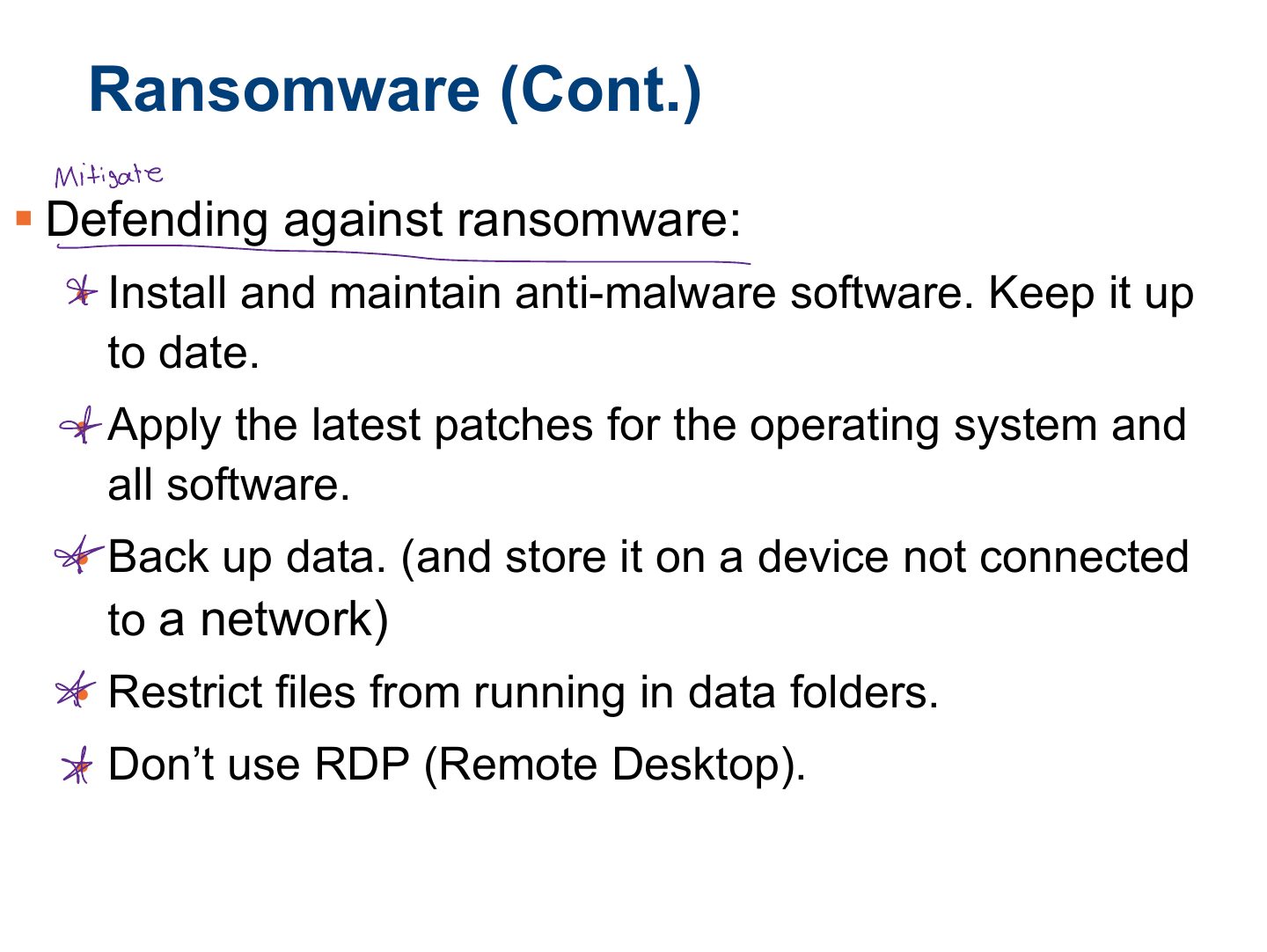
- 11 Ransomware (Cont.)
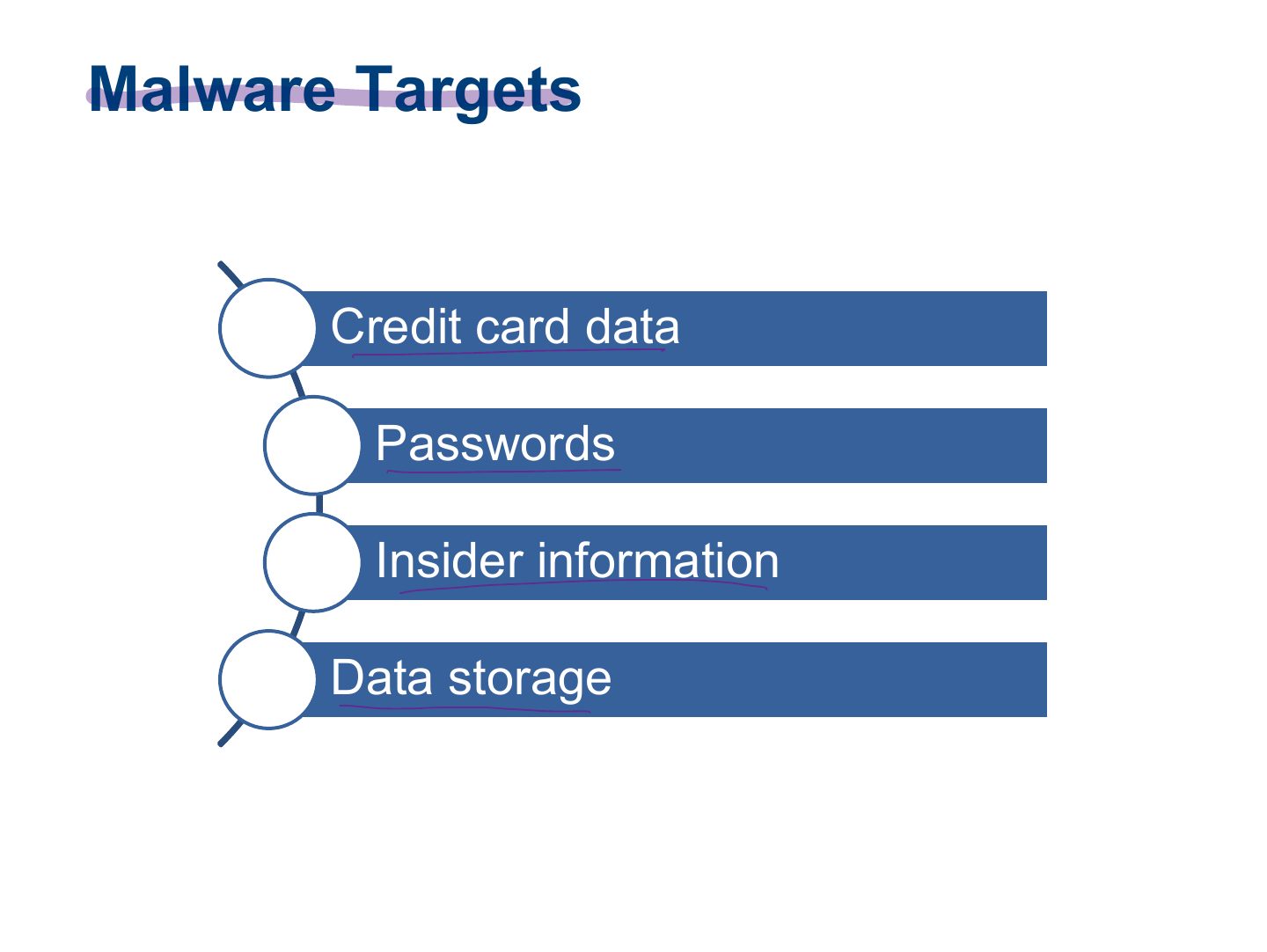
- 12 Malware Targets
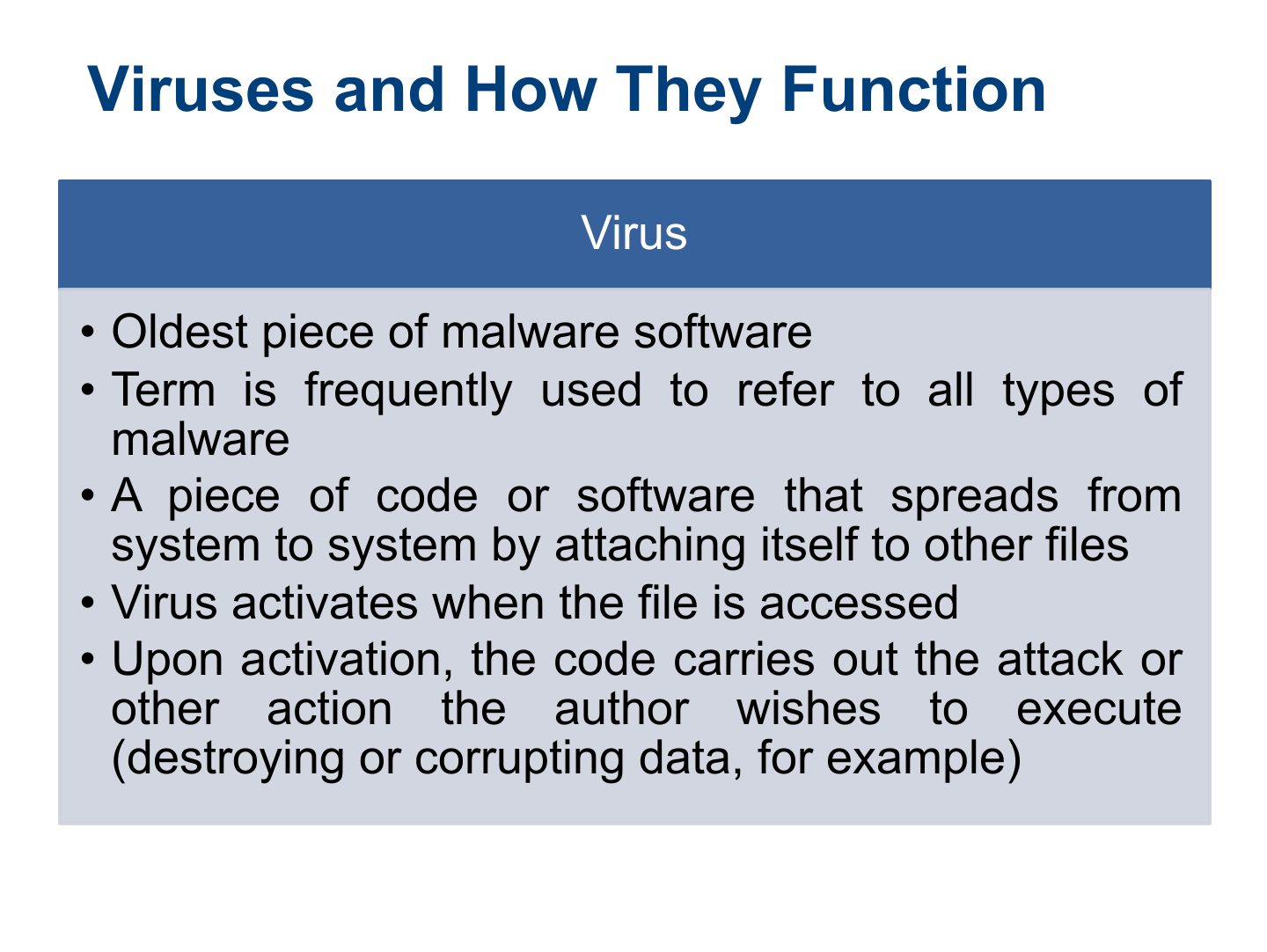
- 13 Viruses and How They Function
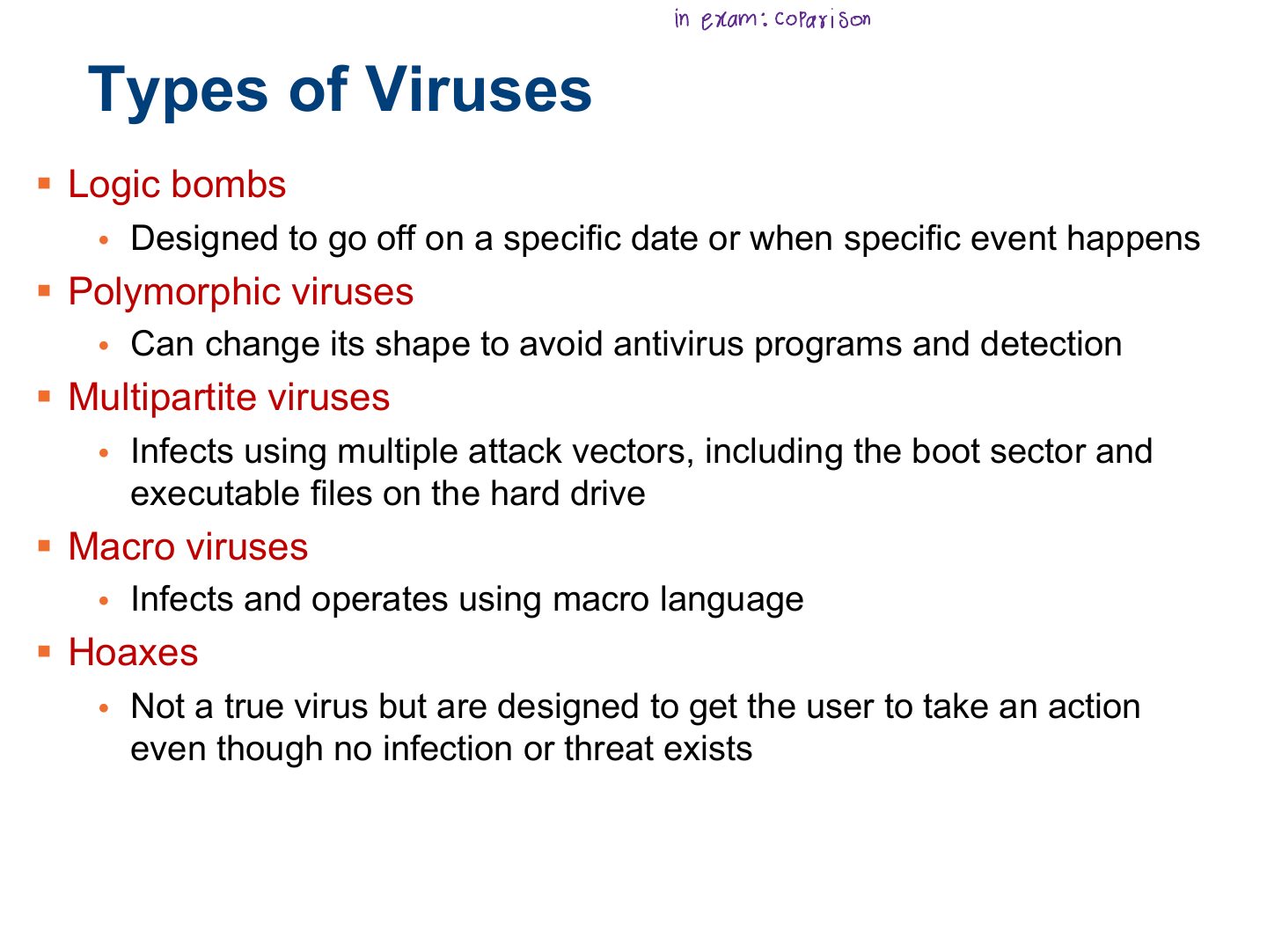
- 14 Types of Viruses
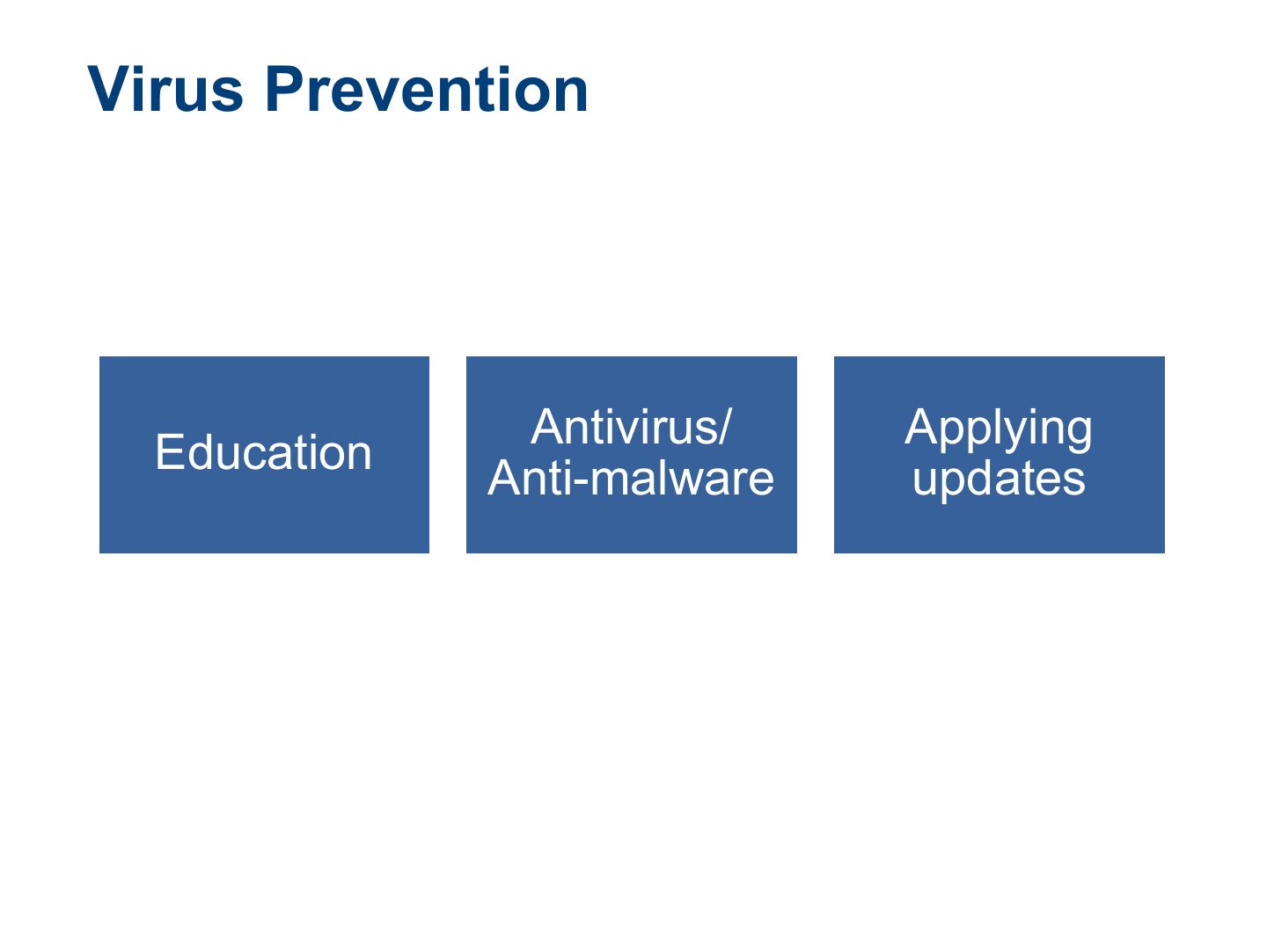
- 15 Virus Prevention
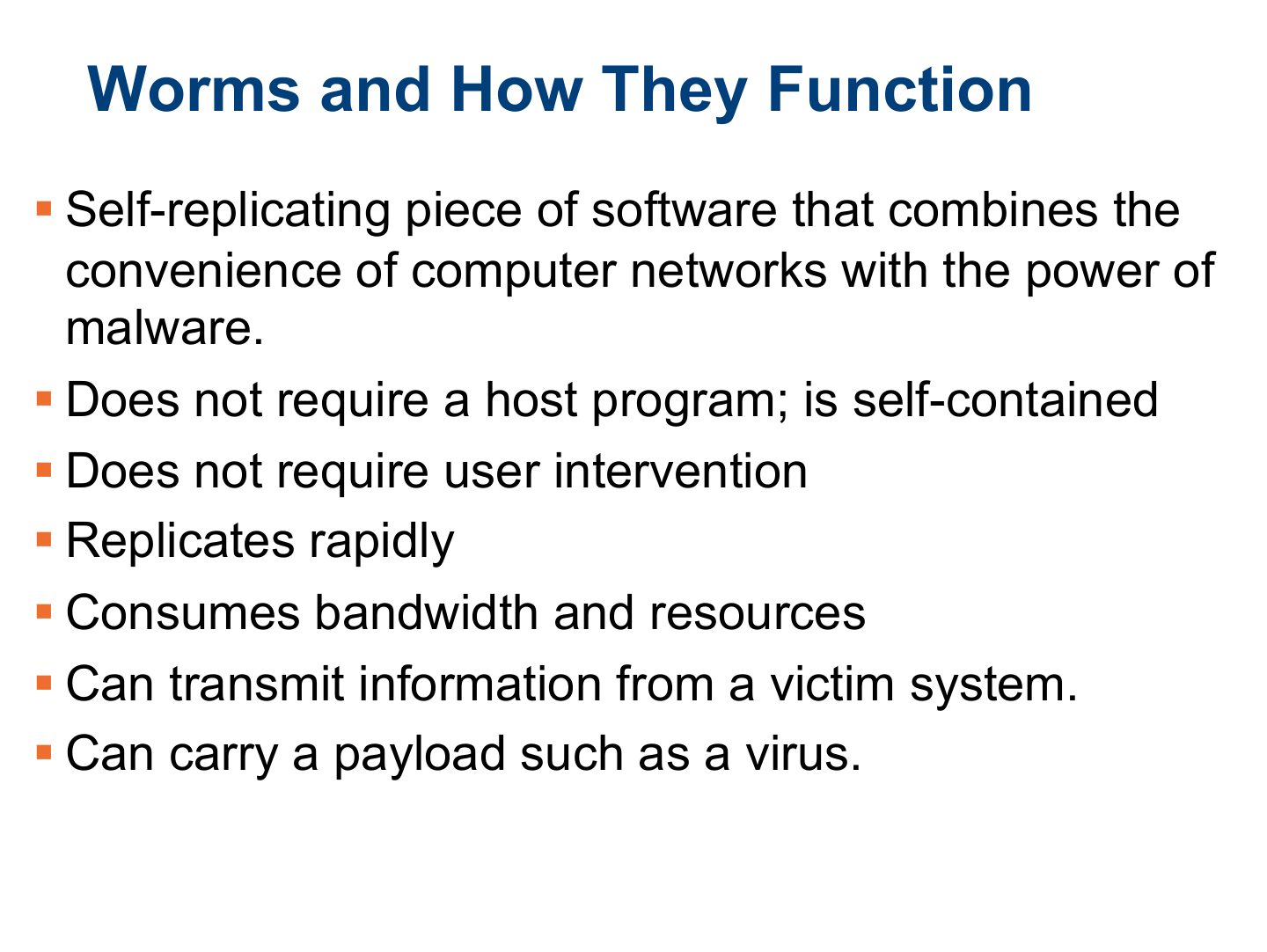
- 16 Worms and How They Function
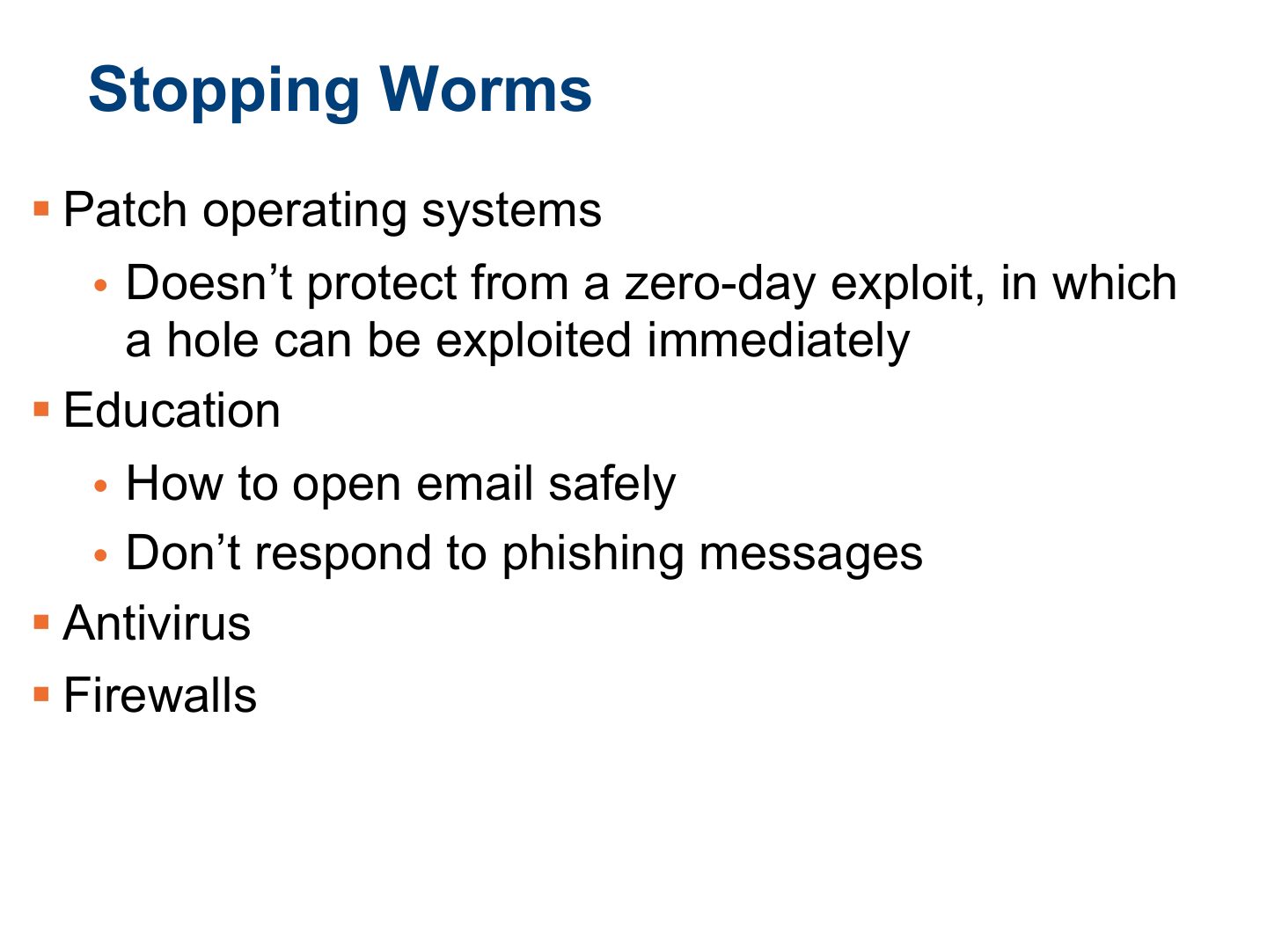
- 17 Stopping Worms
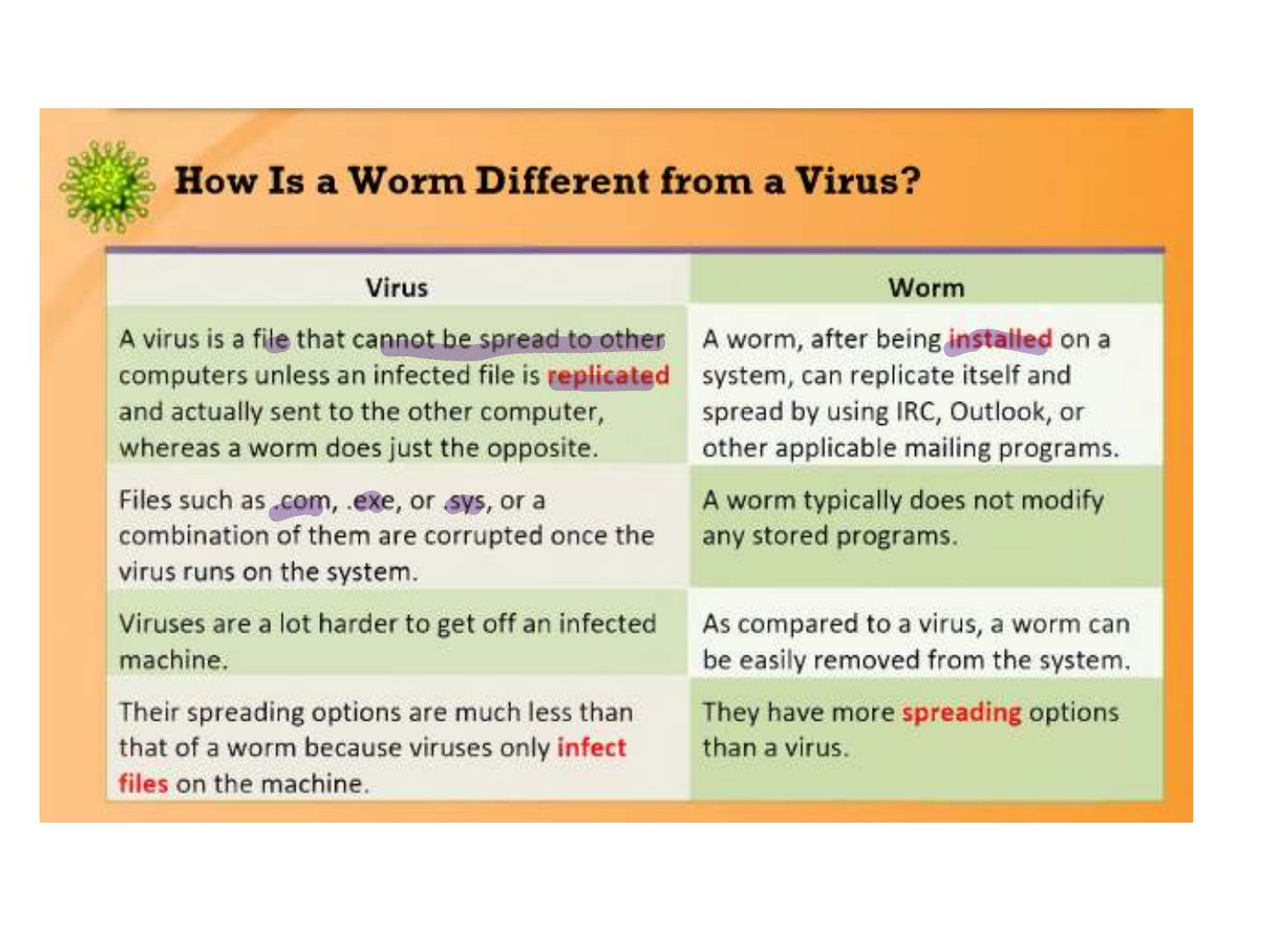
- 18 Slide 18
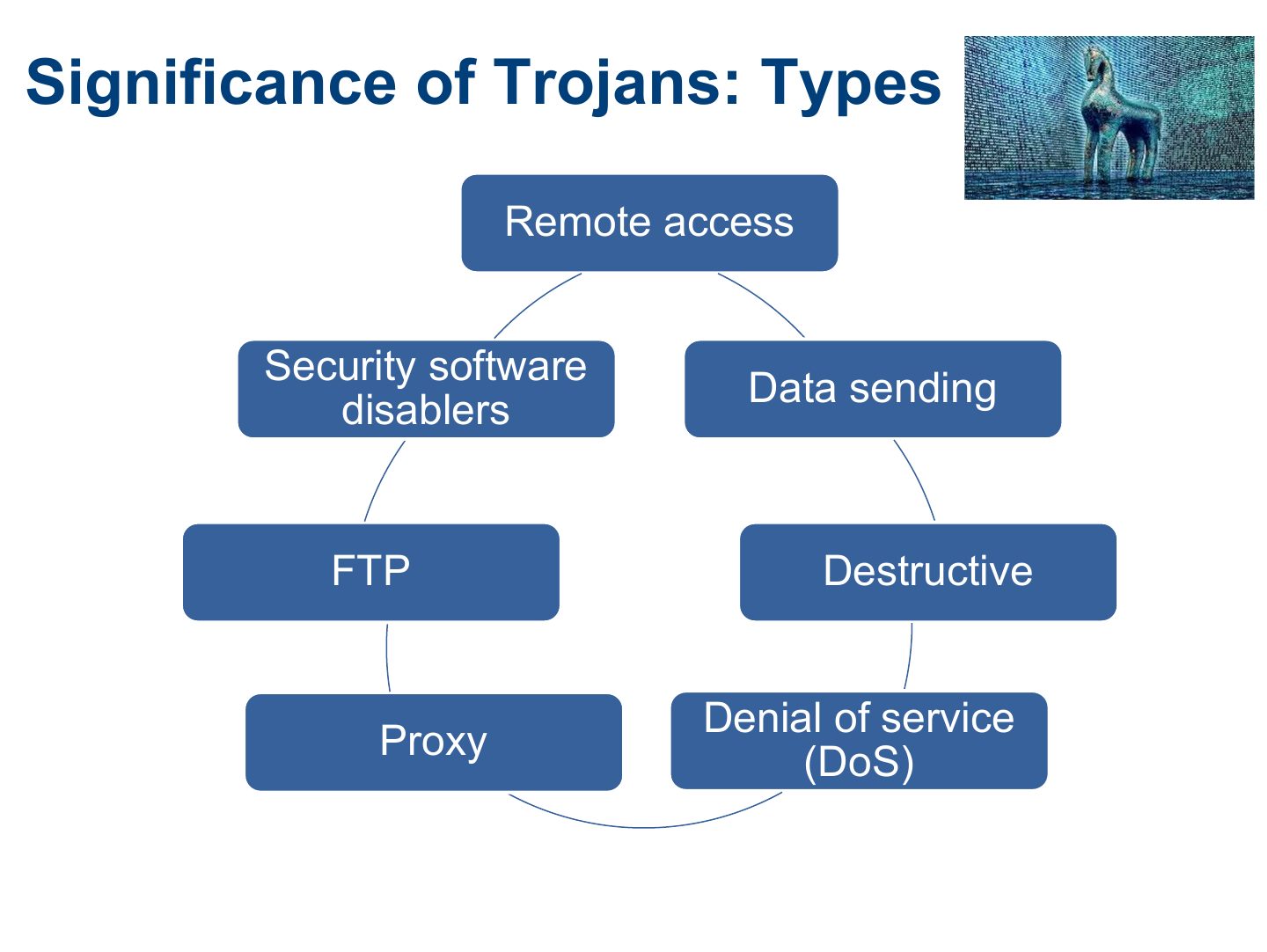
- 19 Significance of Trojans: Types
- 20 Methods to Get Trojans onto a System
- 21 Methods to Get Trojans onto a System (Cont.)
- 22 Targets of Trojans
- 23 Known Symptoms of an Infection
- 24 Known Symptoms of an Infection (Cont.)
- 25 Known Symptoms of an Infection (Cont.)
- 26 Detection of Trojans and Viruses
- 27 Classic Trojans, Ports, and Protocols
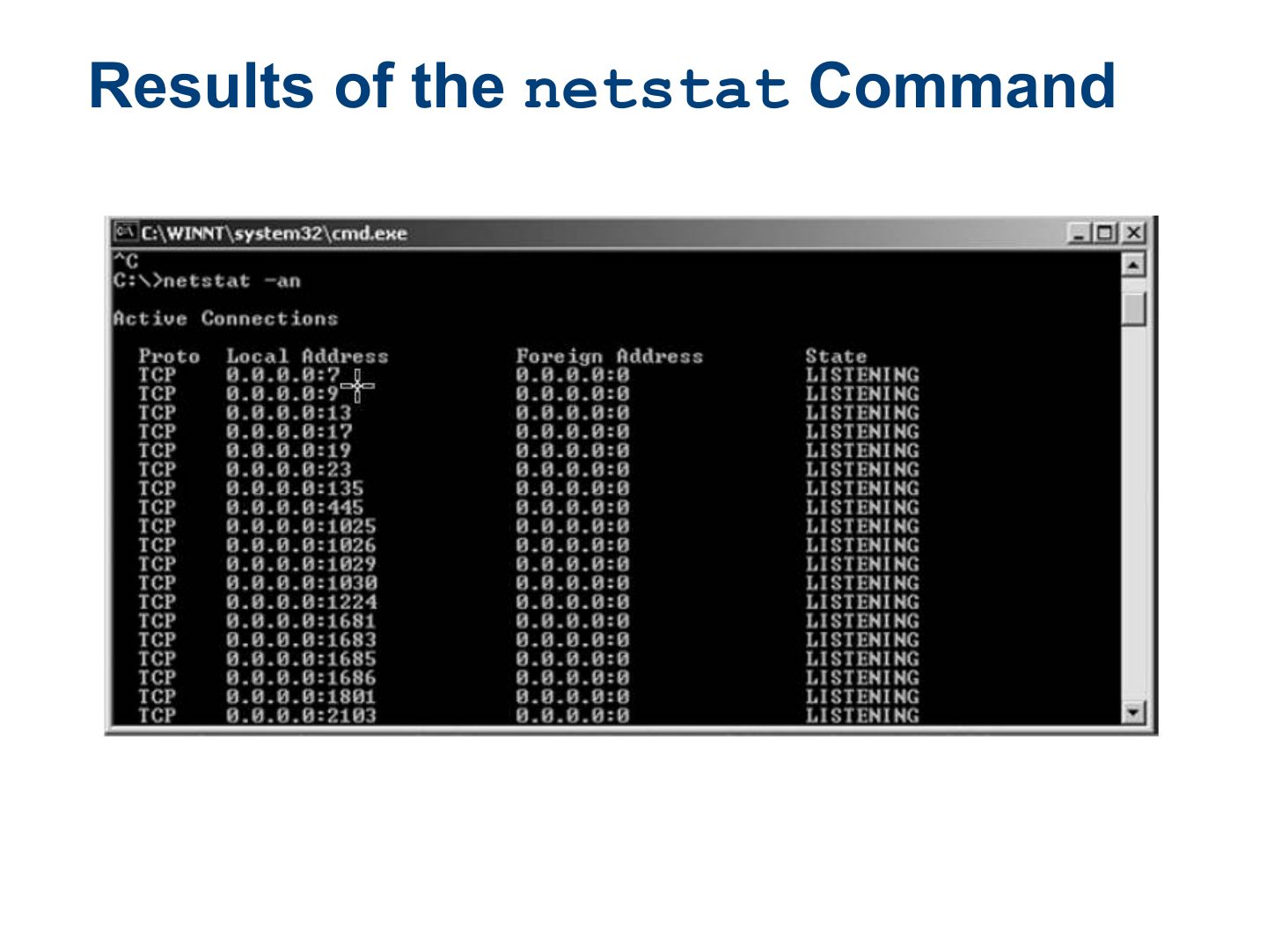
- 28 netstat Results of the Command
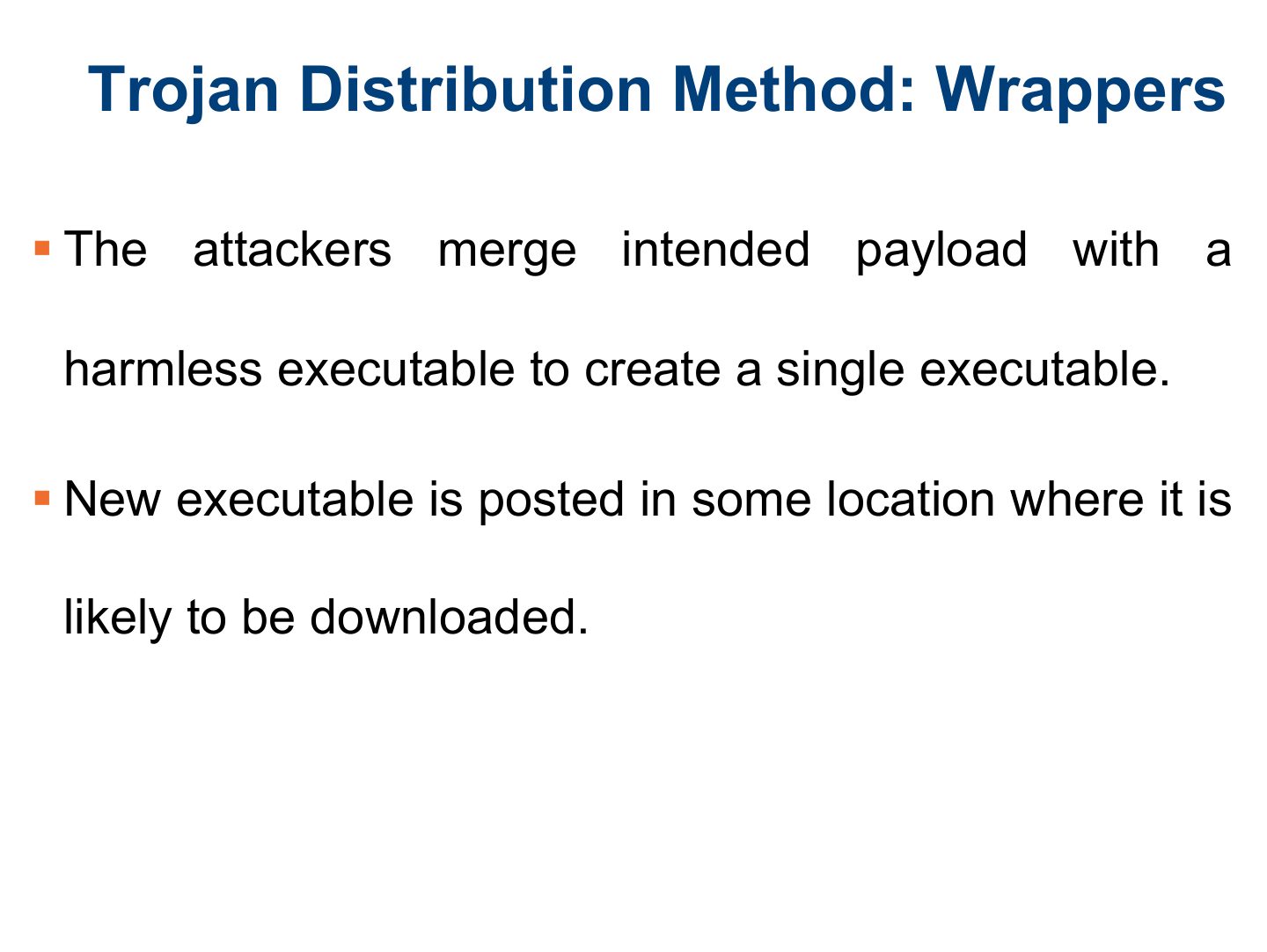
- 29 Trojan Distribution Method: Wrappers
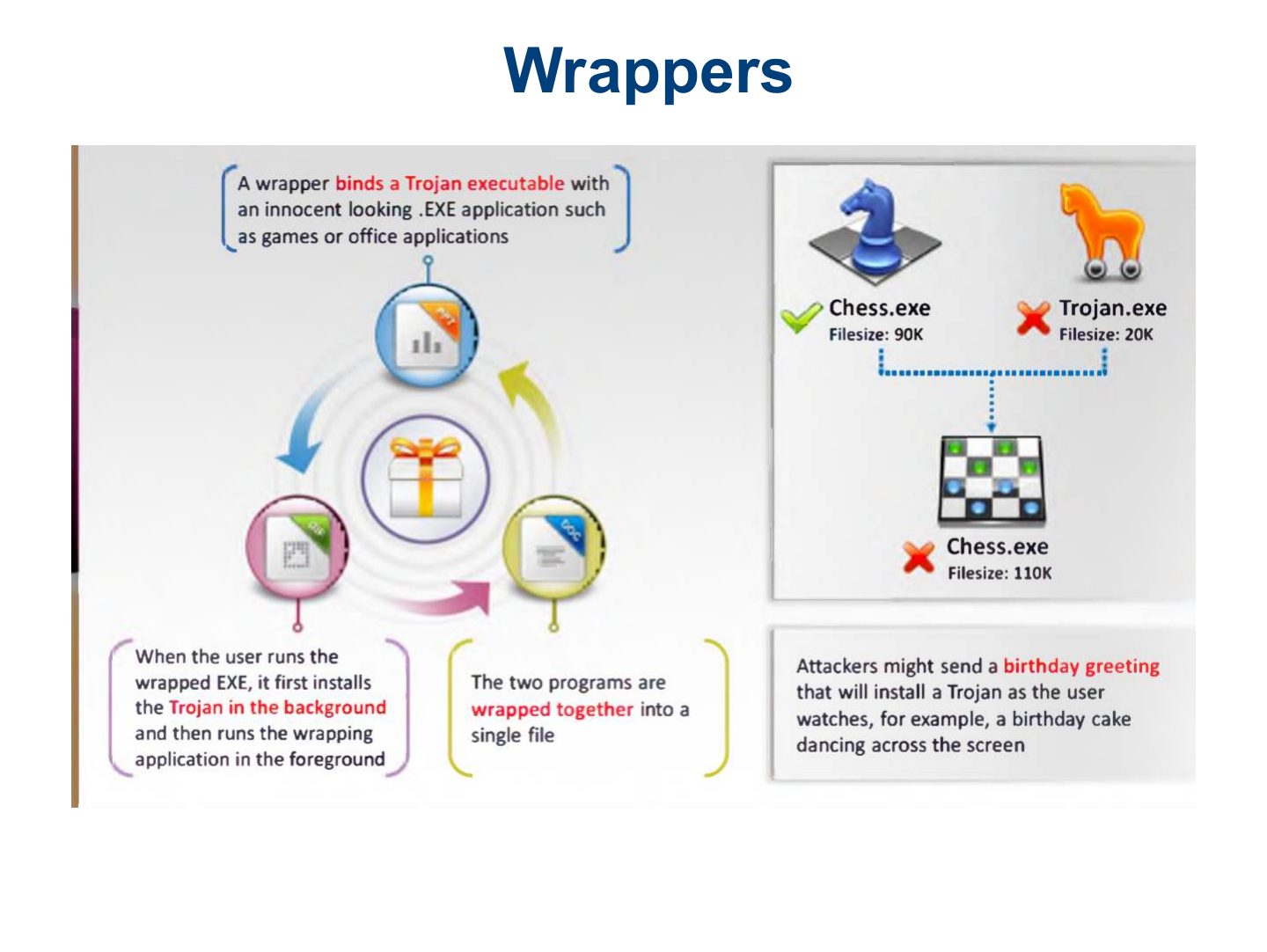
- 30 Wrappers
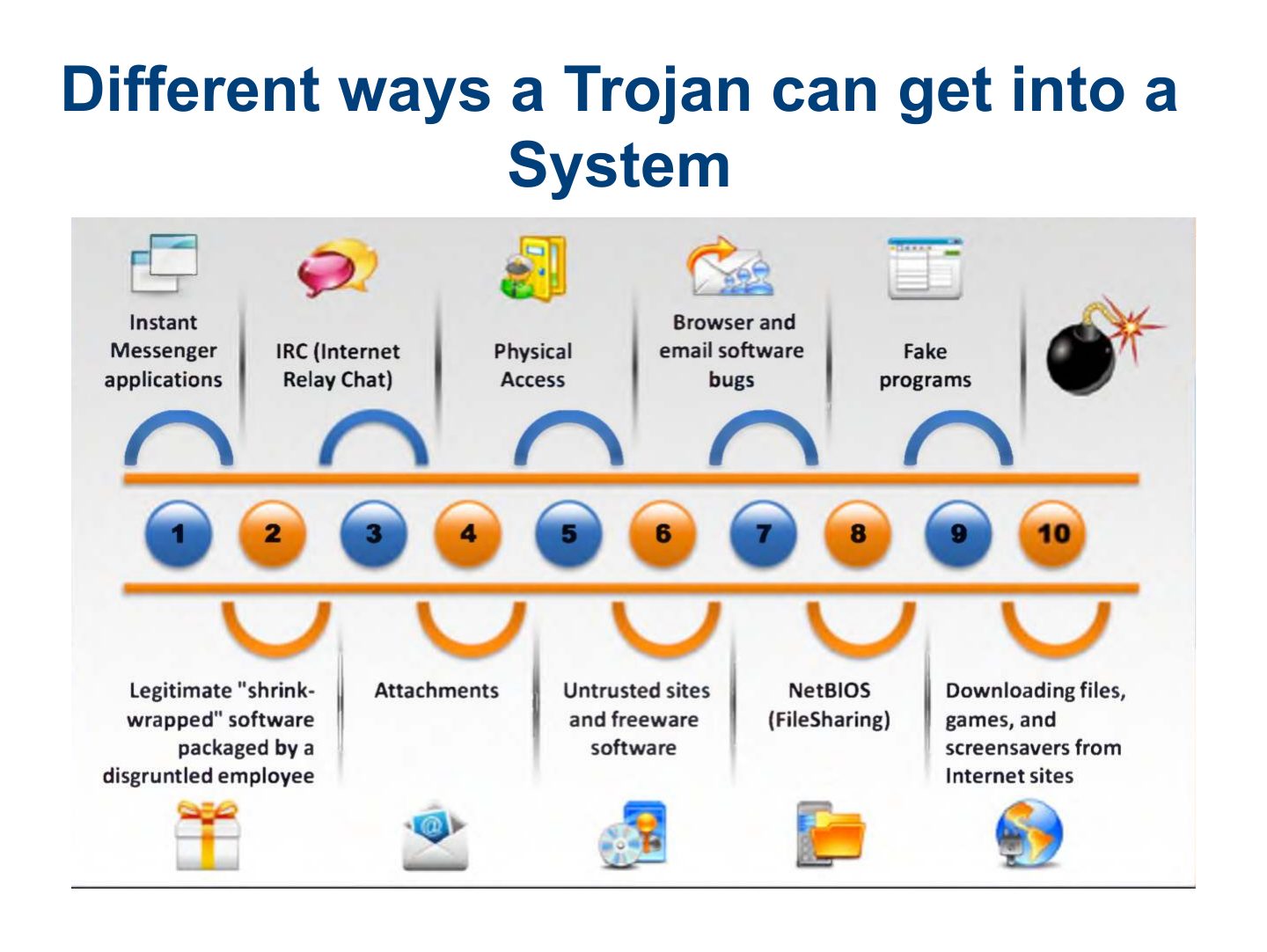
- 31 Different ways a Trojan can get into a System
- 32 Trojan Construction Kits
- 33 Backdoors
- 34 Keystroke Loggers
- 35 Port Redirection
- 36 Port Redirection (Cont.)
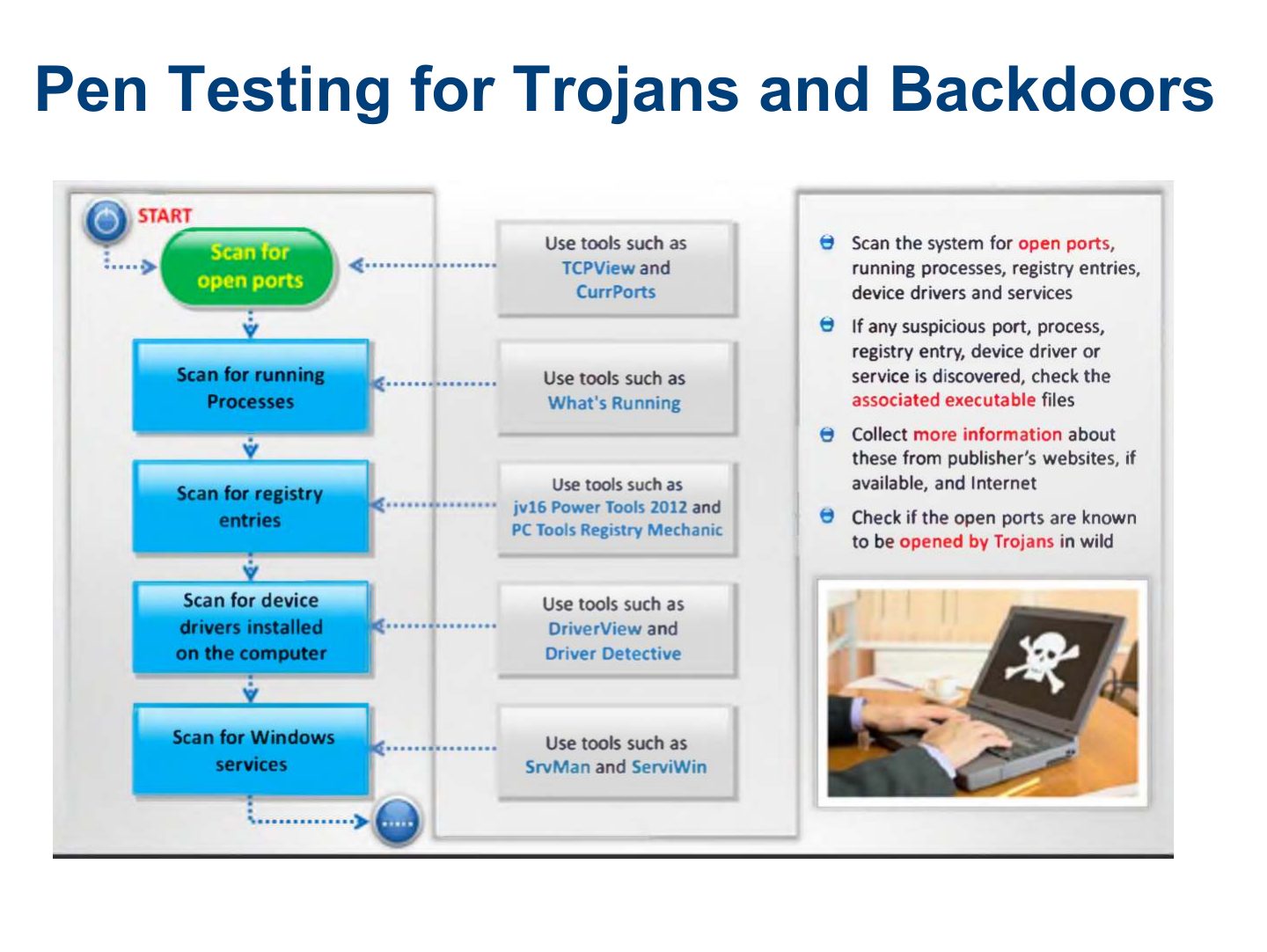
- 37 Pen Testing for Trojans and Backdoors
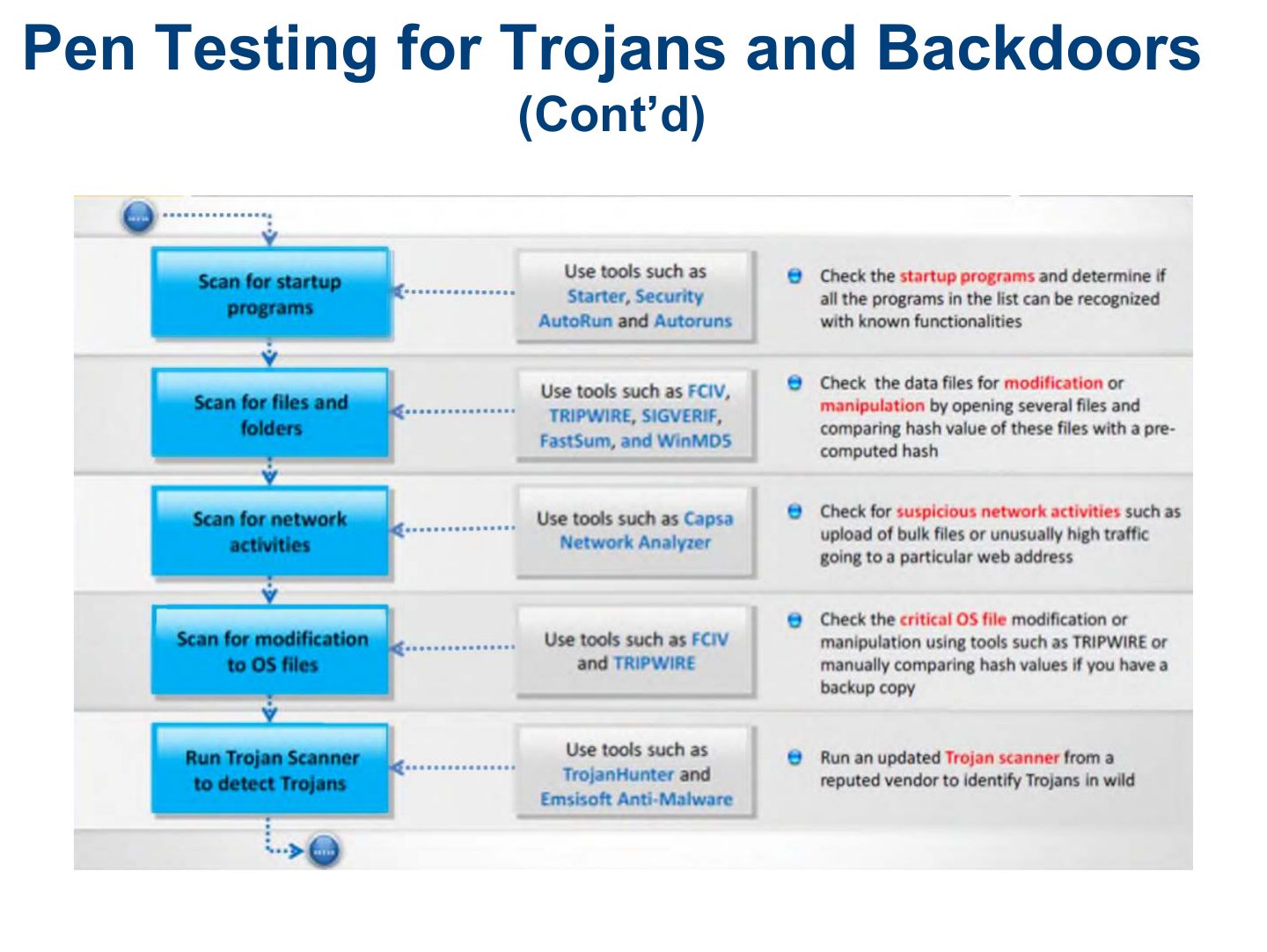
- 38 Pen Testing for Trojans and Backdoors
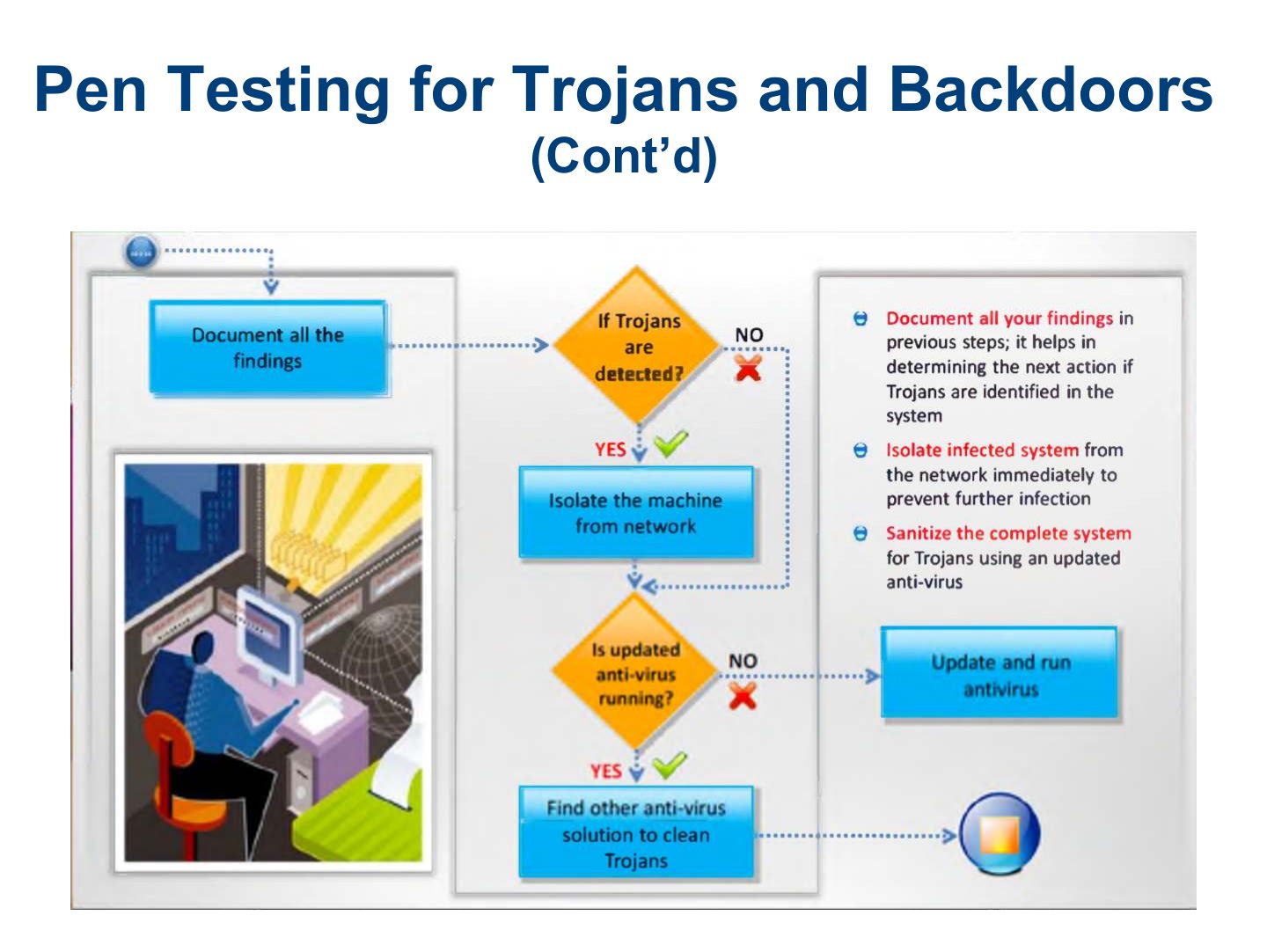
- 39 Pen Testing for Trojans and Backdoors
- 40 Summary
Slide 1
Learning Objective
Key Concepts
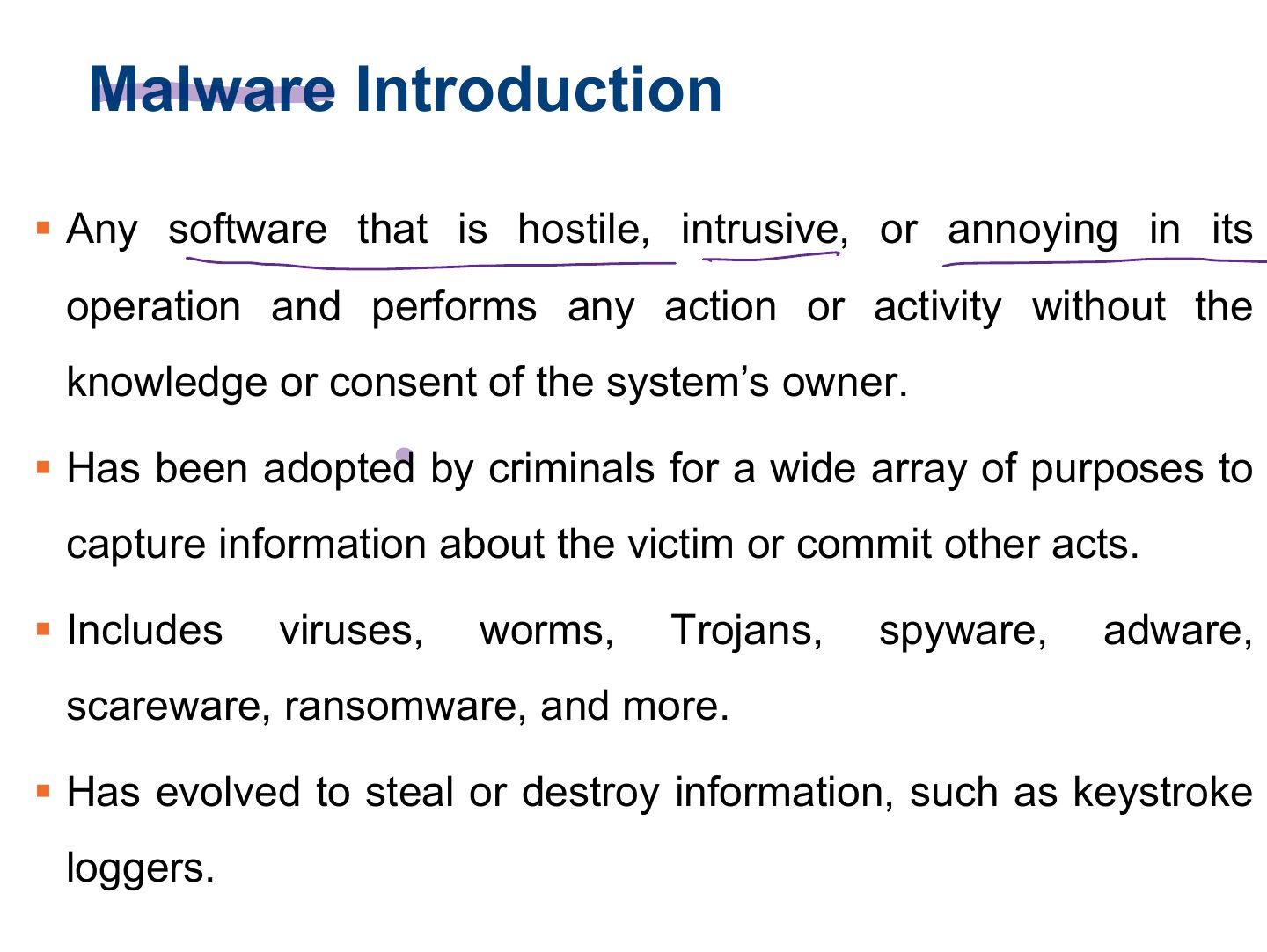
Malware Introduction
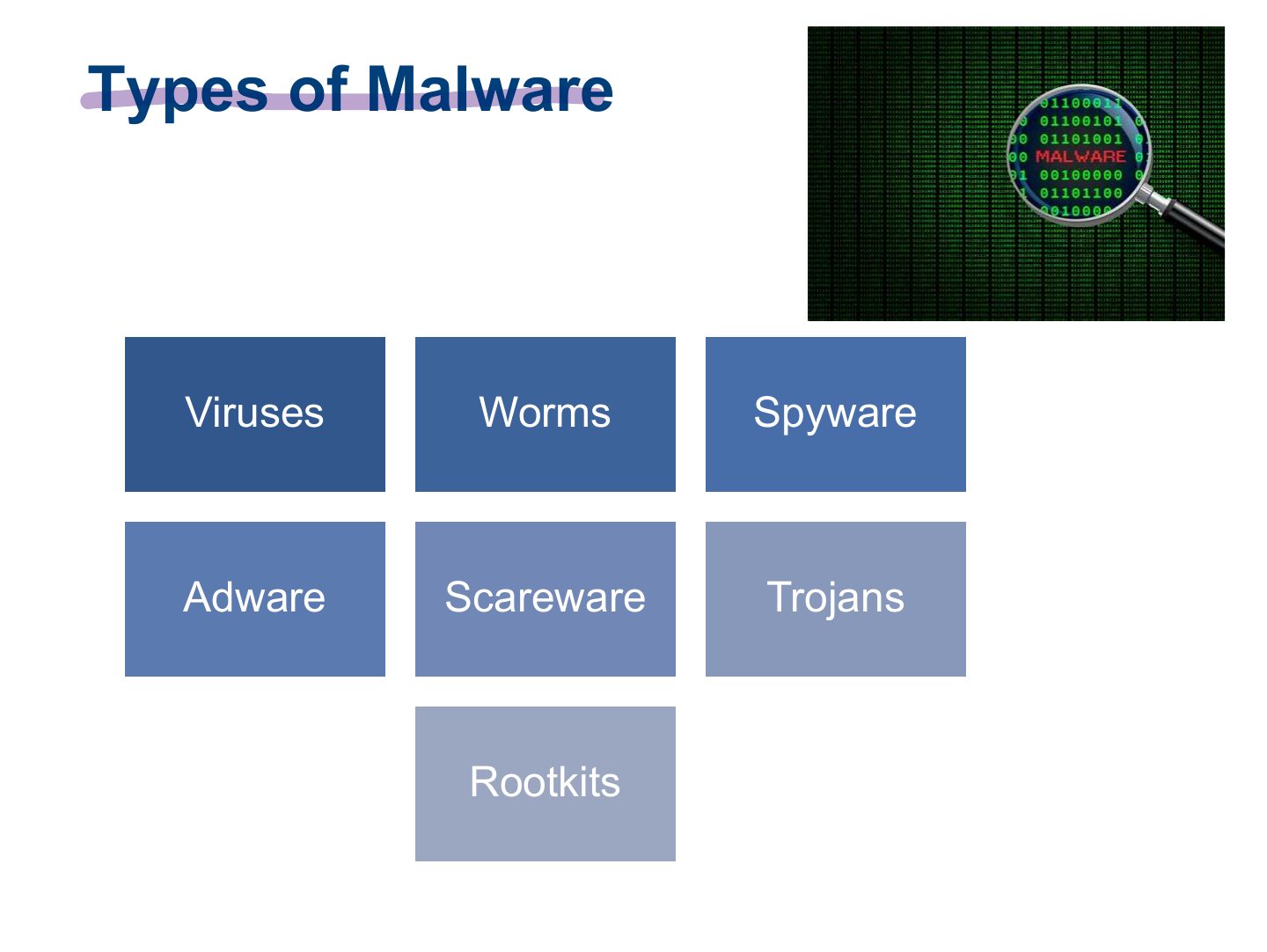
Types of Malware
Notes
Malware = software designed to harm or abuse a system: viruses, worms, Trojans, spyware, adware, ransomware, rootkits.
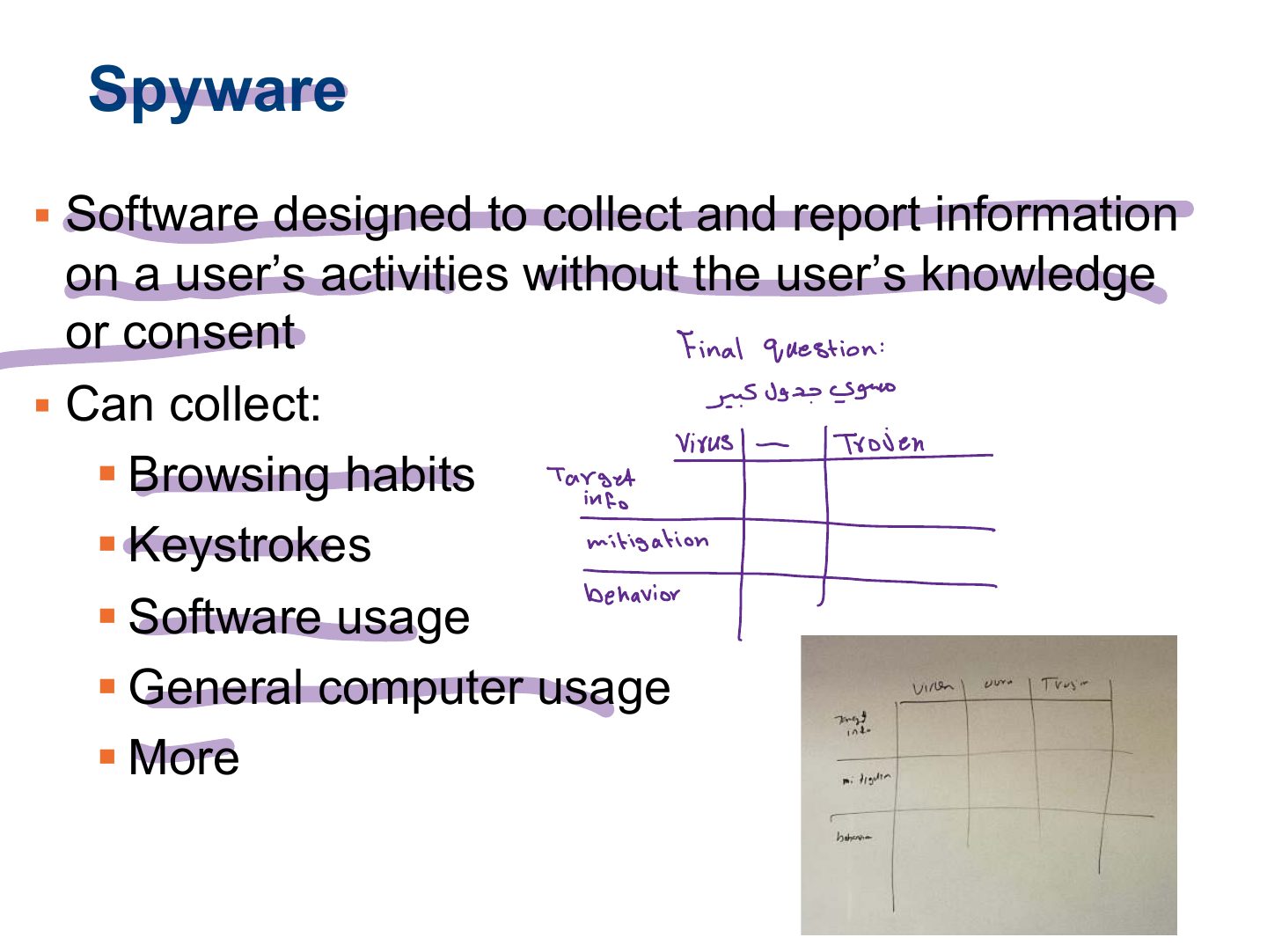
Spyware
Notes
Spyware: secretly gathers information about the user and sends it out.
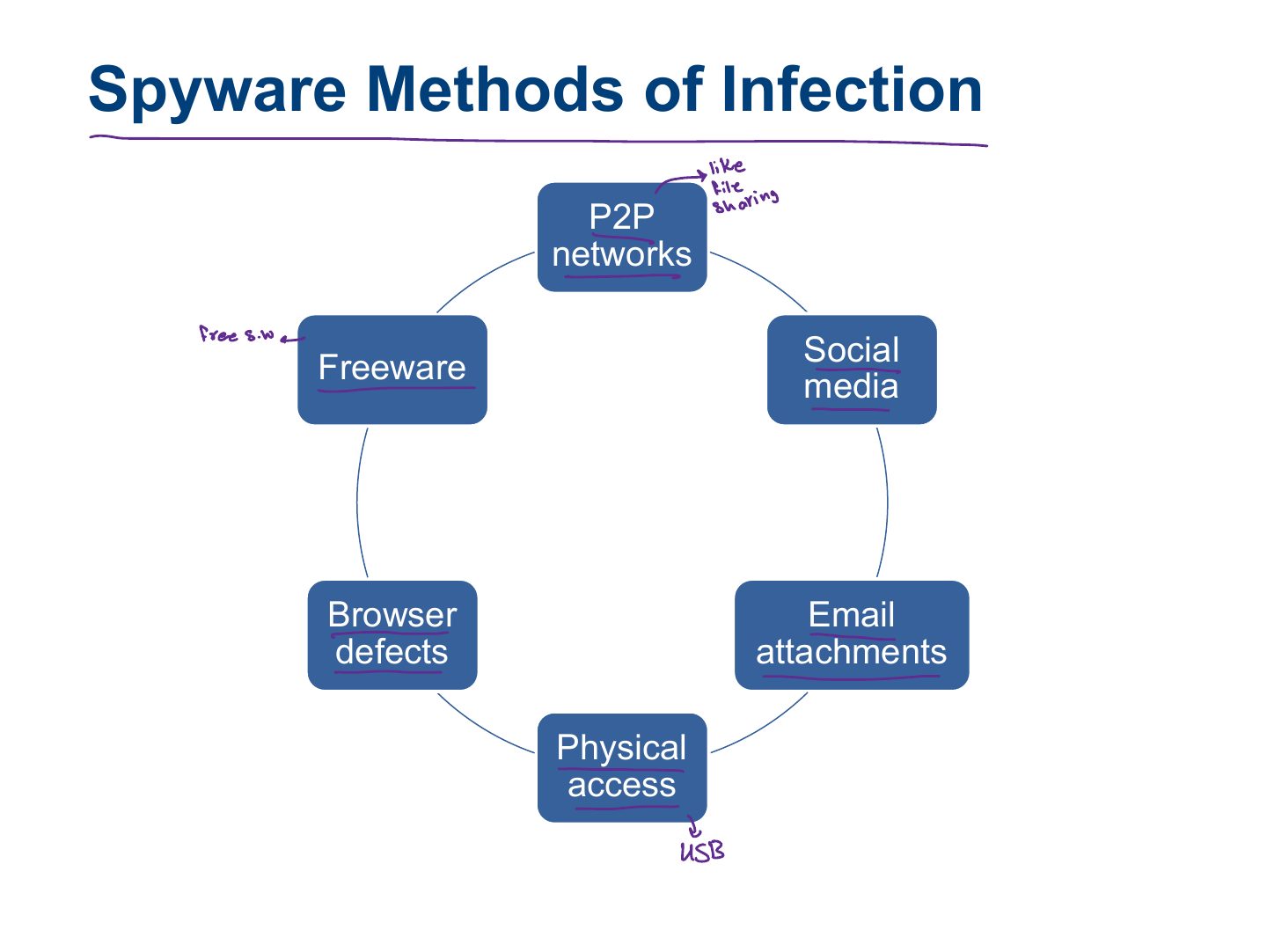
Spyware Methods of Infection
Bundling with Software
Adware and Scareware
Ransomware
Exam angle
Ransomware (Cont.)
Malware Targets
Viruses and How They Function
Notes
A virus attaches to a host file and needs USER ACTION to spread.
Types of Viruses
Virus Prevention
Worms and How They Function
Notes
A worm self-replicates across networks WITHOUT user action.
Memory trick Virus needs a host and a user; worm spreads by itself; Trojan pretends to be useful.
Exam angle
Which spreads on its own without attaching to a file or needing user action?
Stopping Worms
Slide 18
Notes
Trojan: looks legitimate but hides a malicious payload (often a remote-access backdoor).
Exam angle
A "free game" that secretly opens a backdoor is a:
Significance of Trojans: Types
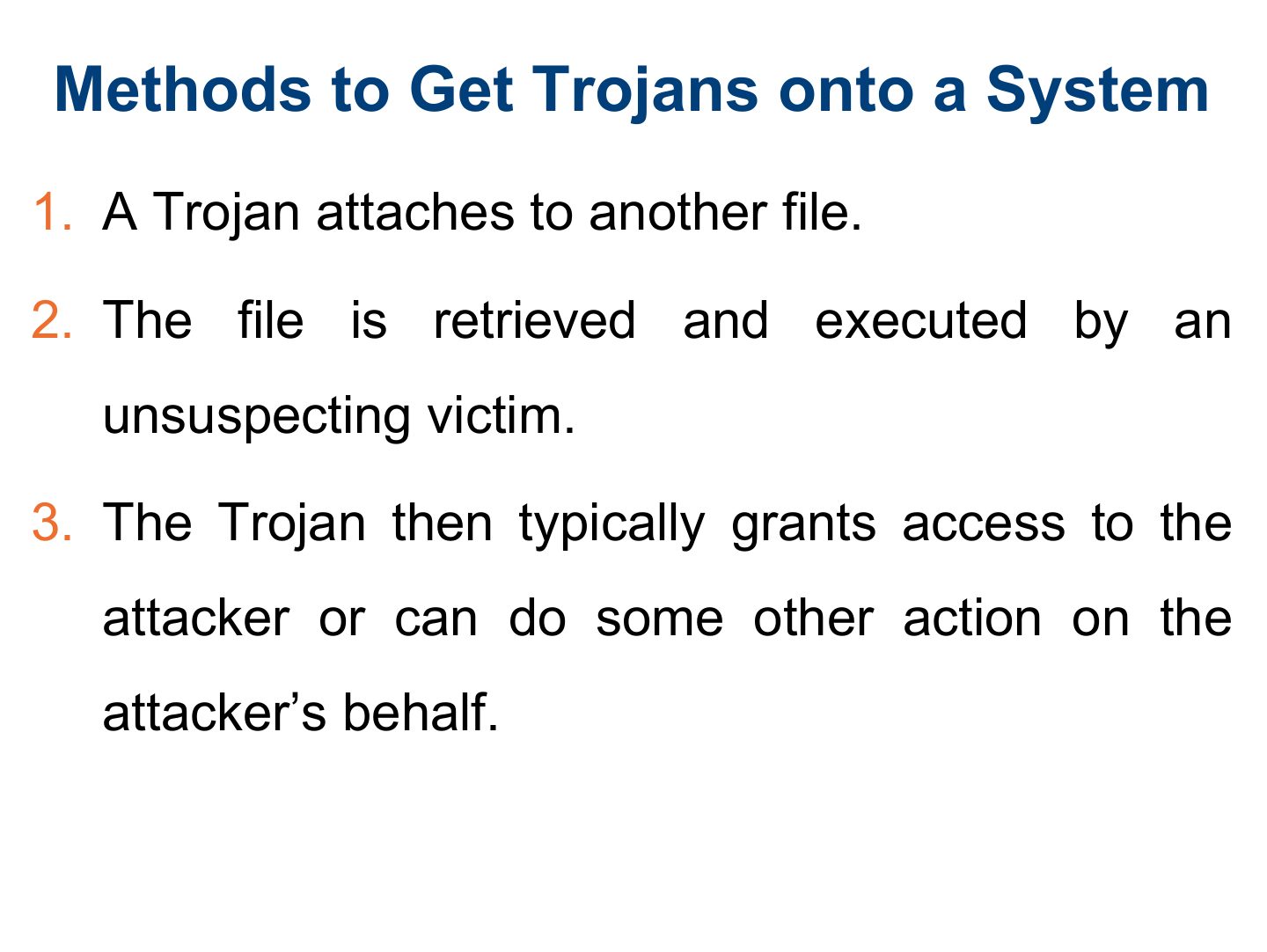
Methods to Get Trojans onto a System
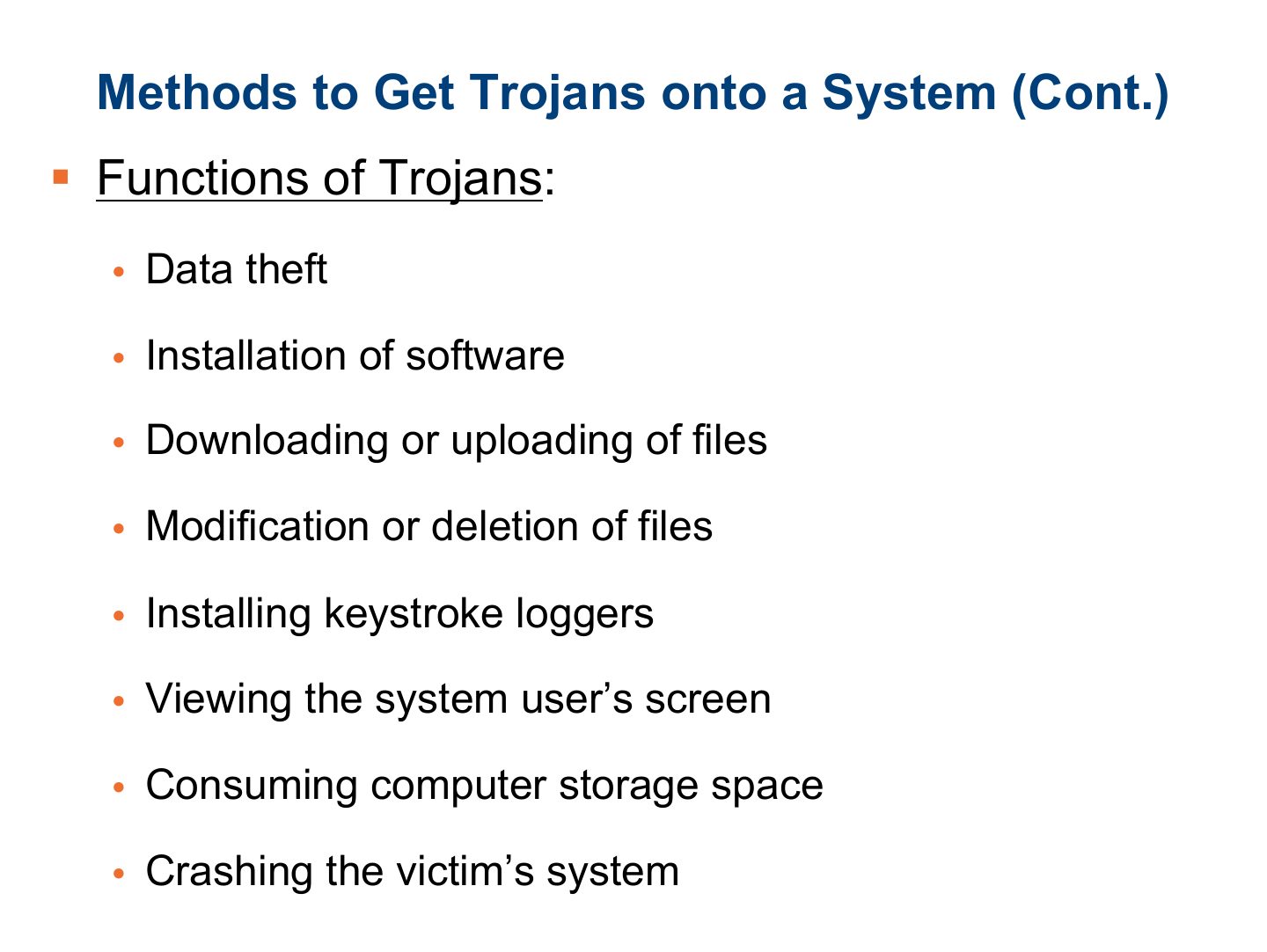
Methods to Get Trojans onto a System (Cont.)
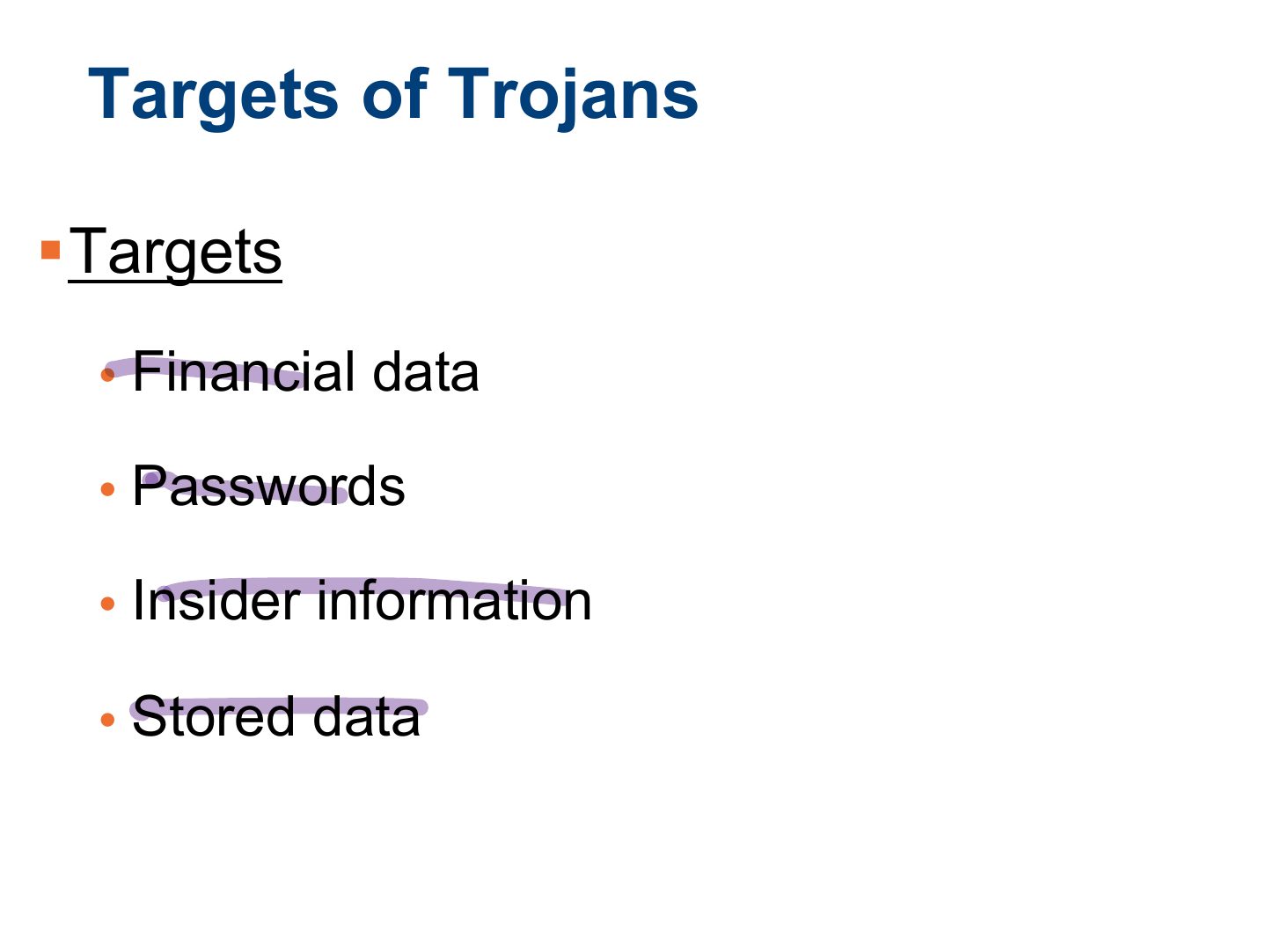
Targets of Trojans
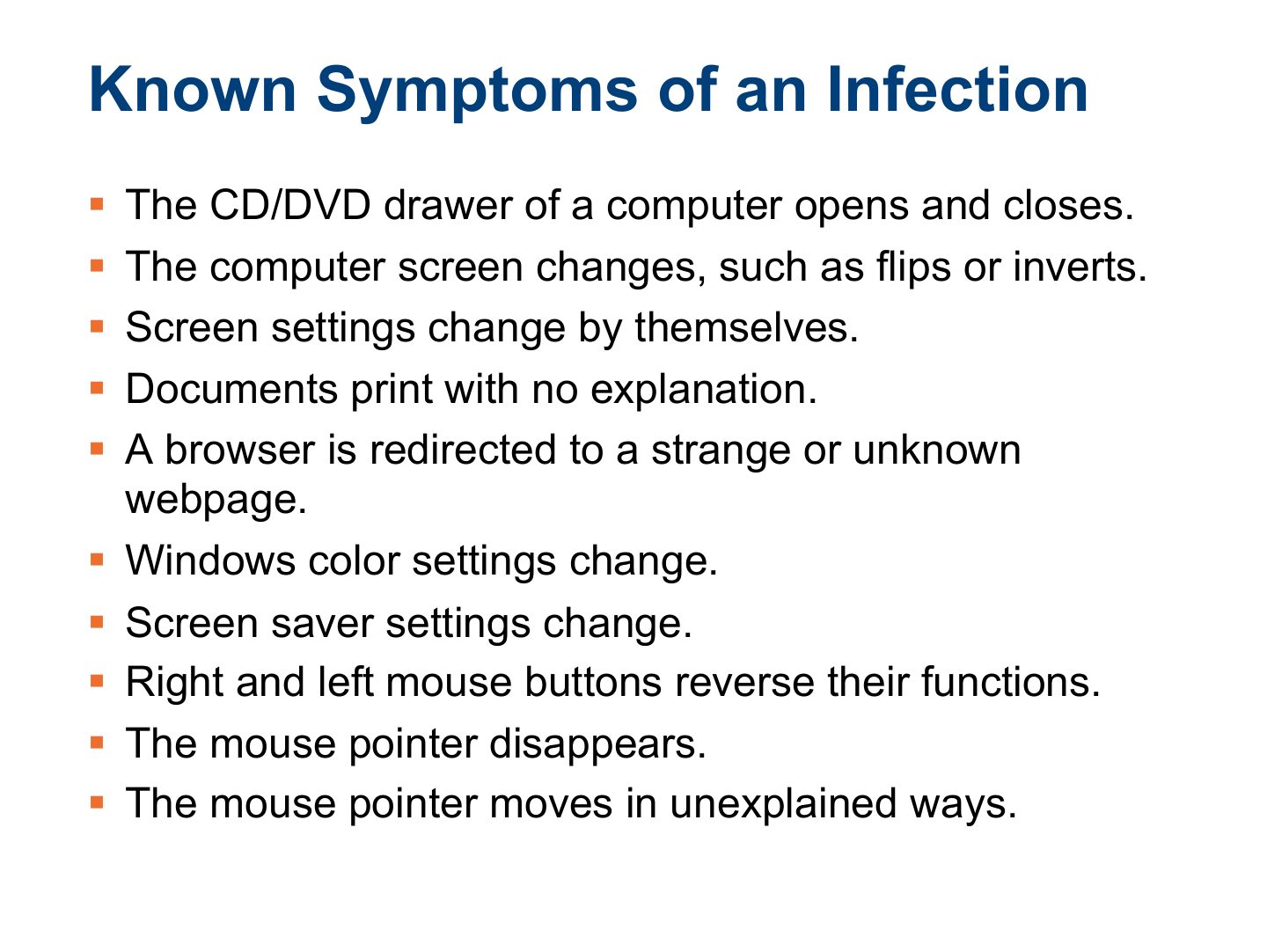
Known Symptoms of an Infection
Notes
Symptoms: slow system, strange pop-ups, disabled antivirus, unknown processes, unexpected network traffic.
Known Symptoms of an Infection (Cont.)
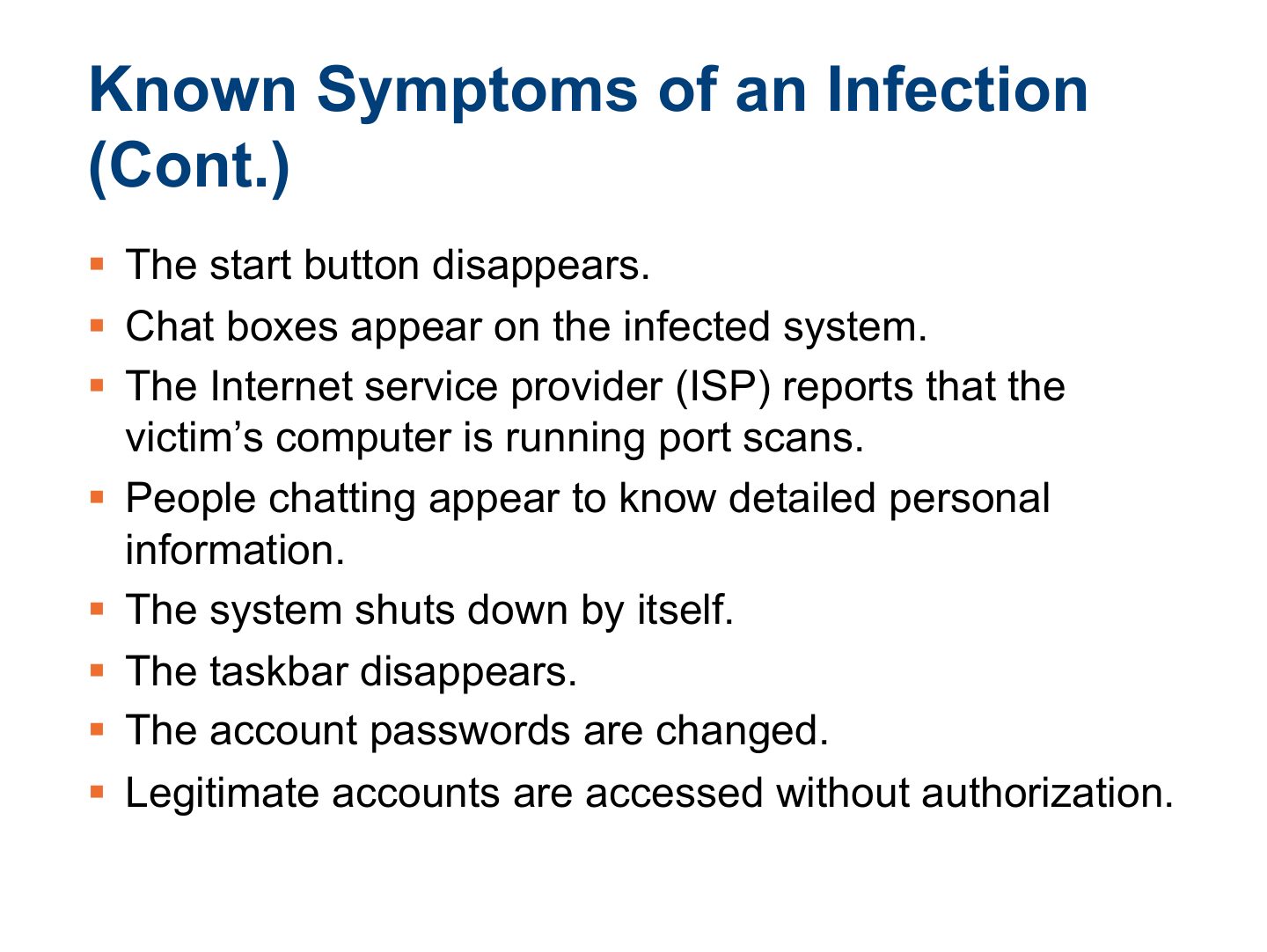
Known Symptoms of an Infection (Cont.)
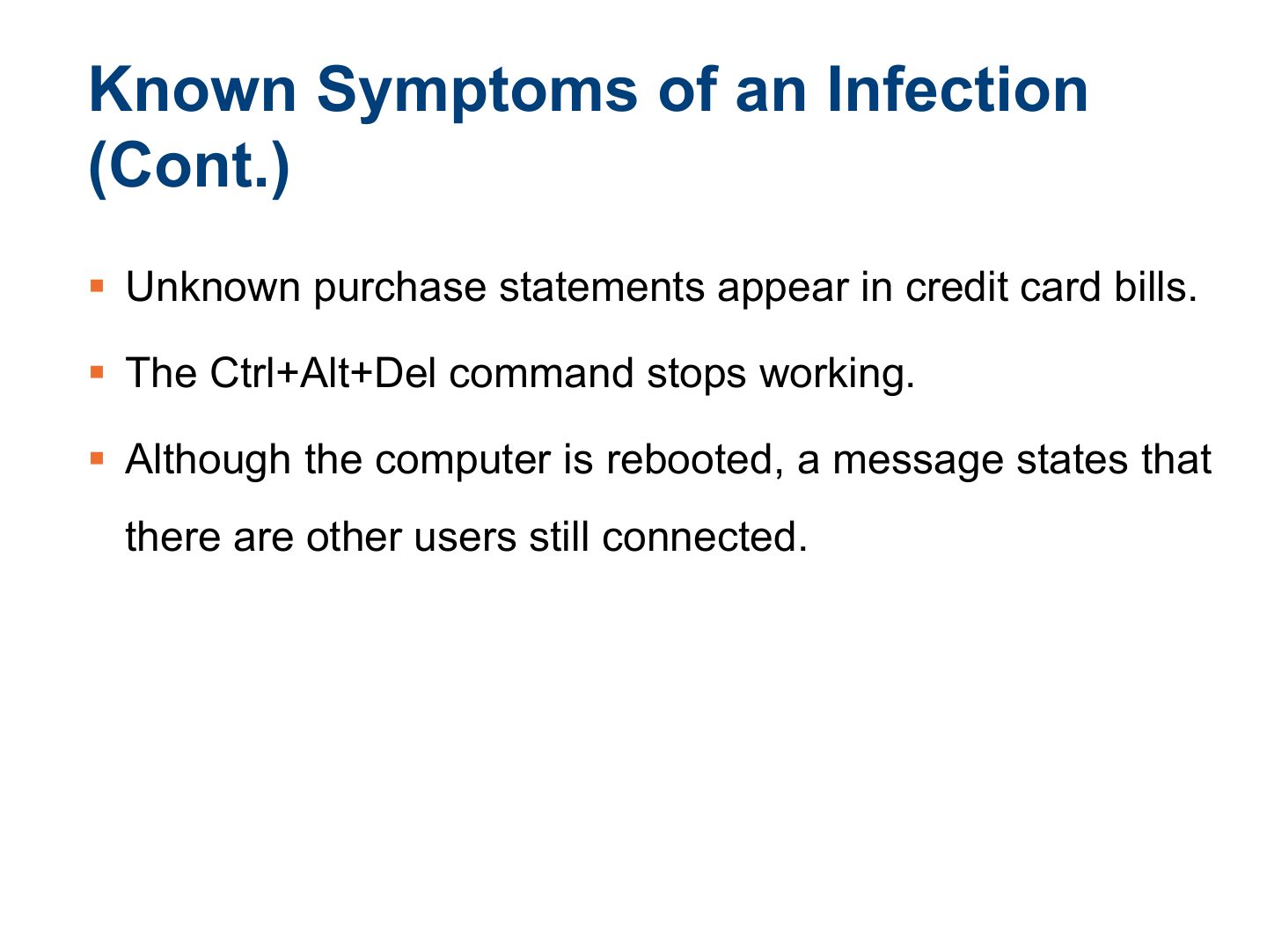
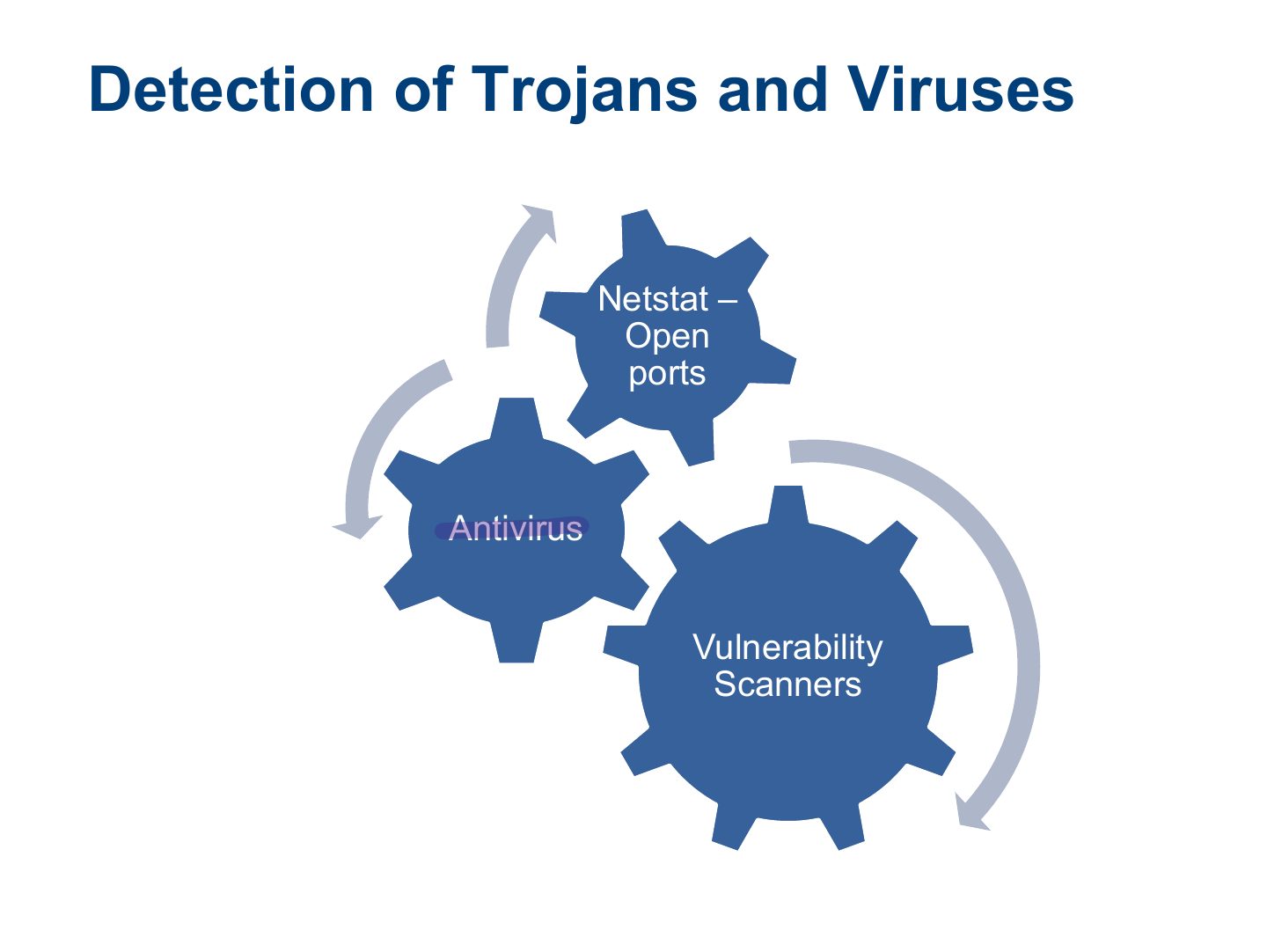
Detection of Trojans and Viruses
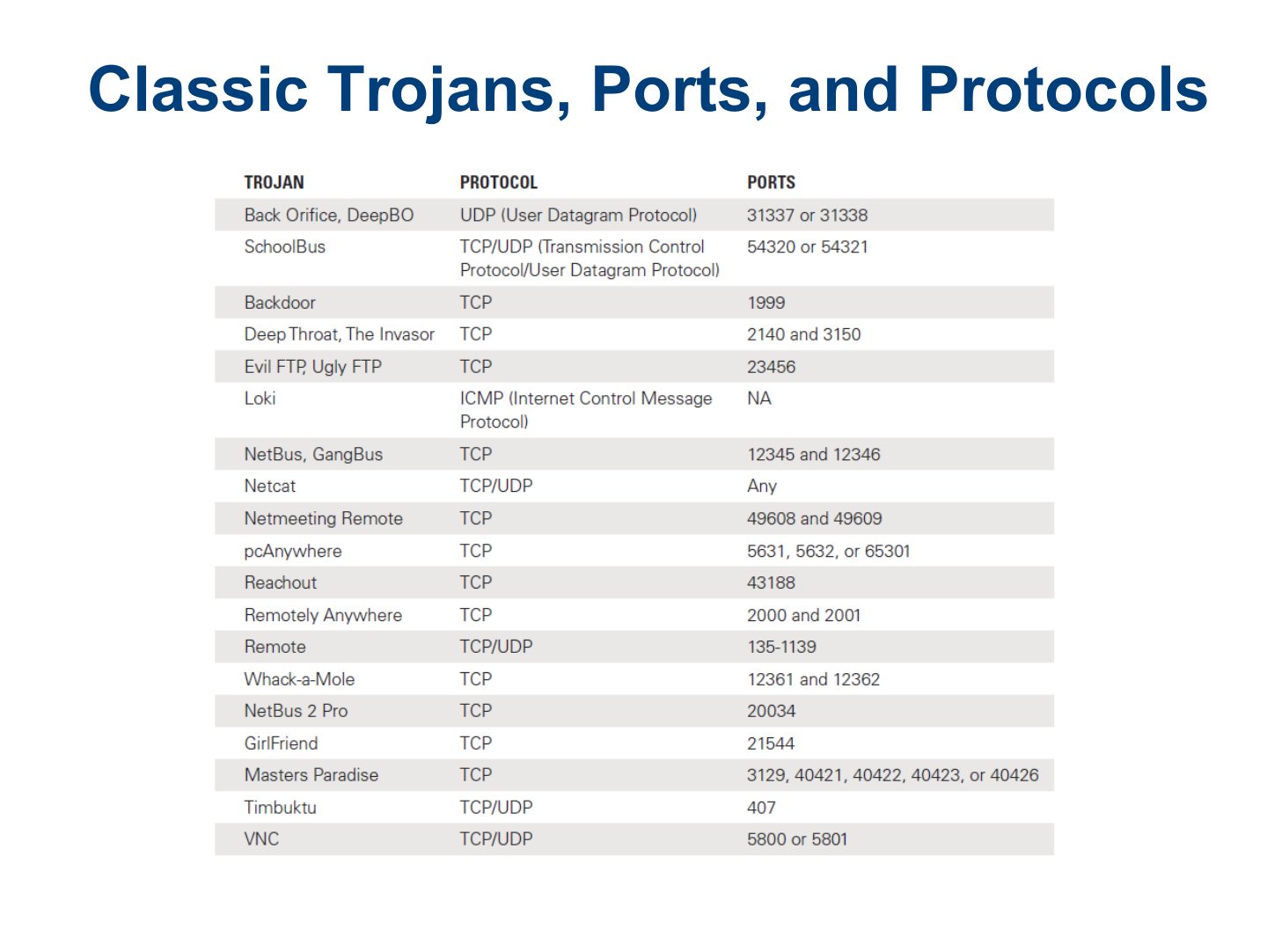
Classic Trojans, Ports, and Protocols
netstat Results of the Command
Notes
netstat -an lists open ports and connections: look for unknown listening ports.
Trojan Distribution Method: Wrappers
Notes
Wrappers bind a Trojan to a legitimate program so both run together.
Wrappers
Different ways a Trojan can get into a System
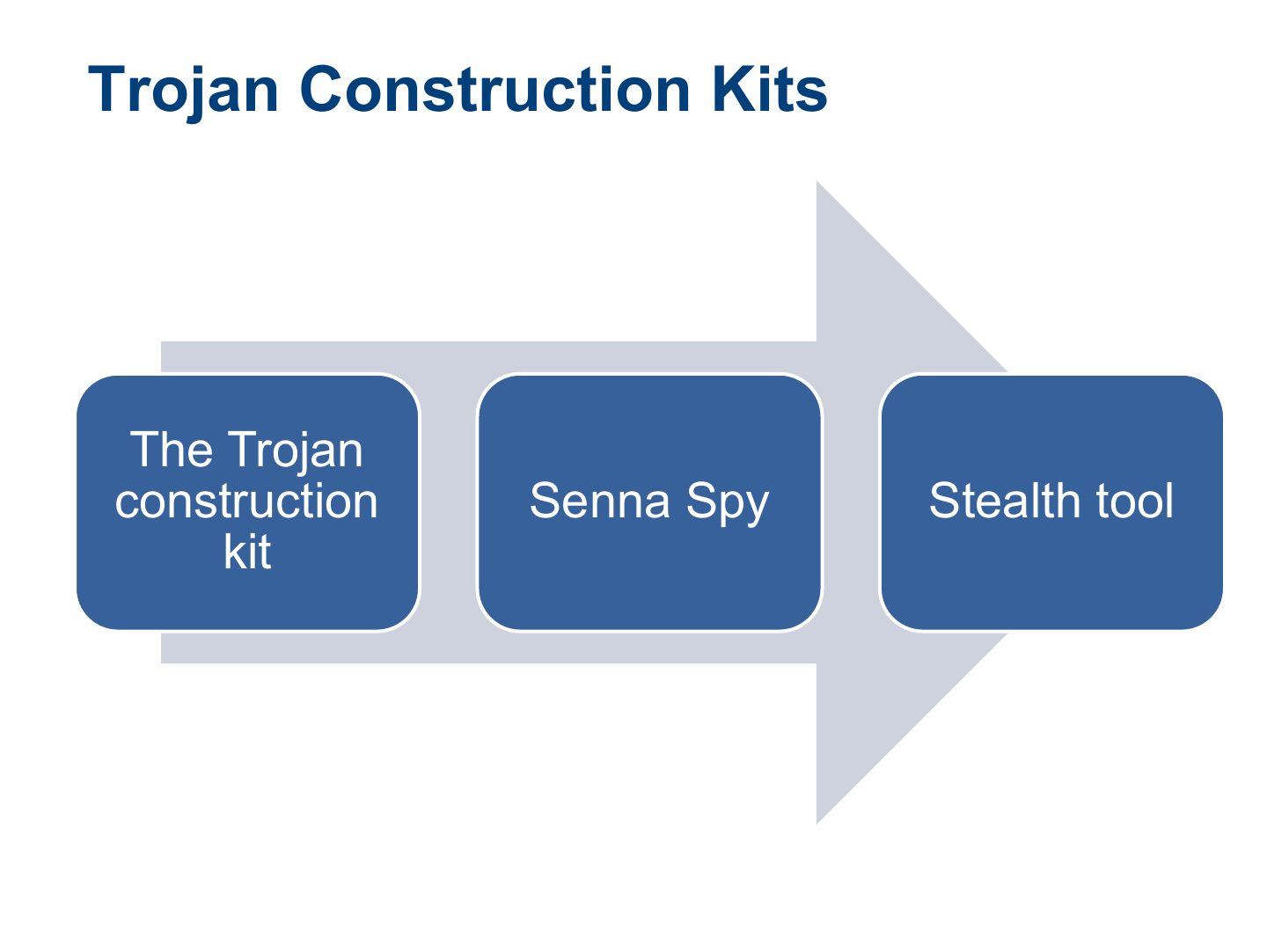
Trojan Construction Kits
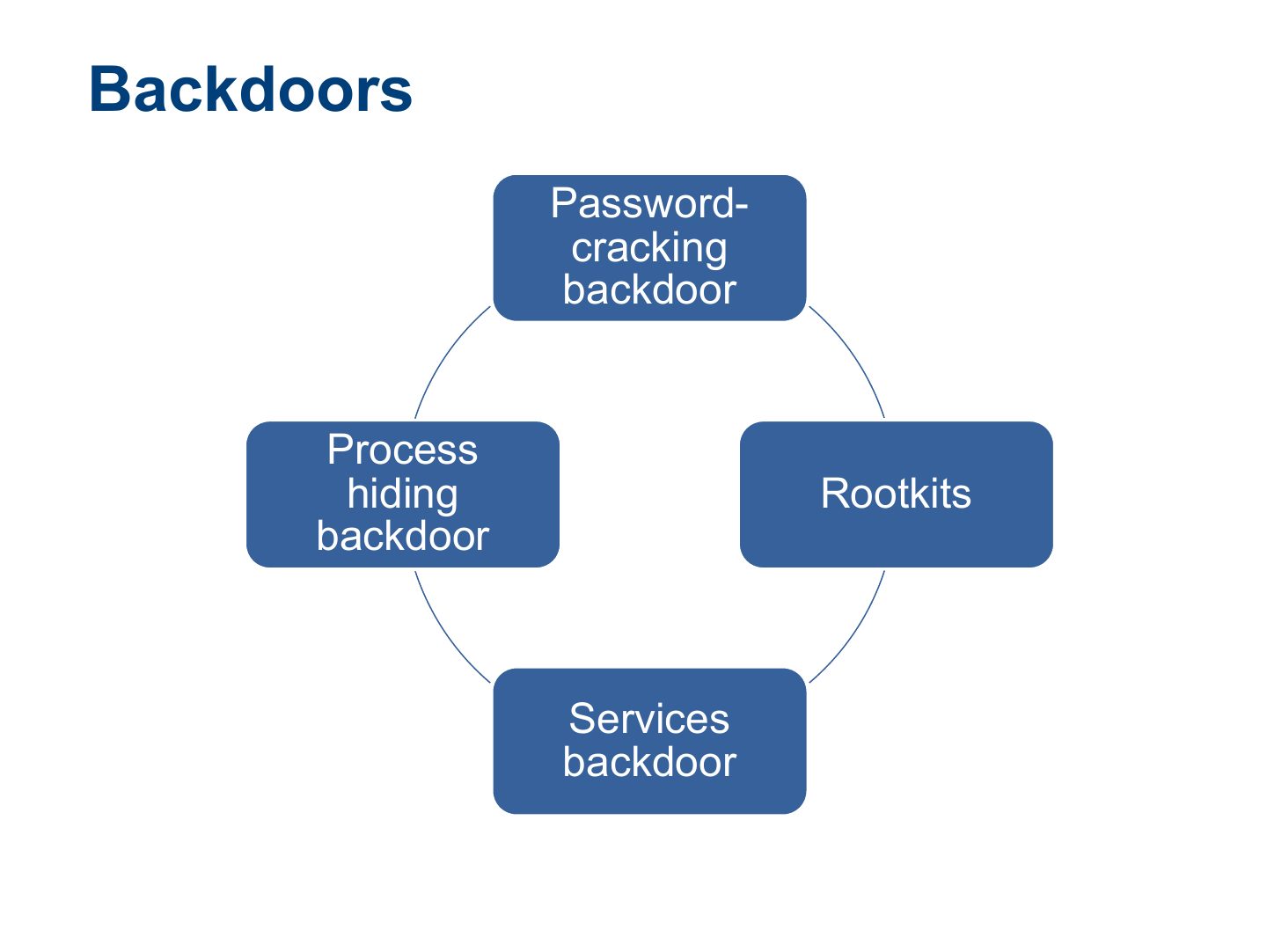
Backdoors
Notes
Backdoor: a hidden way to bypass normal authentication and return later.
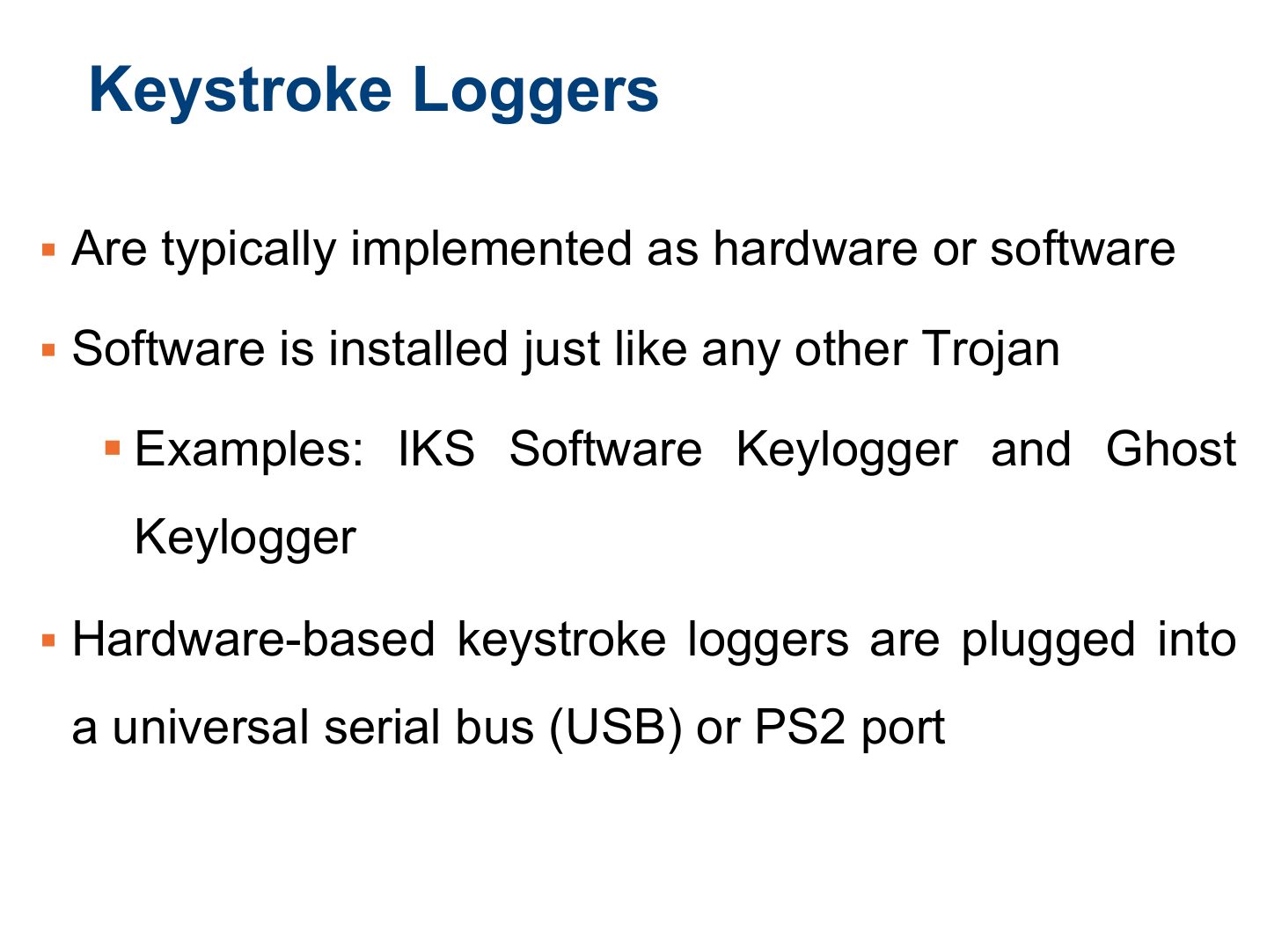
Keystroke Loggers
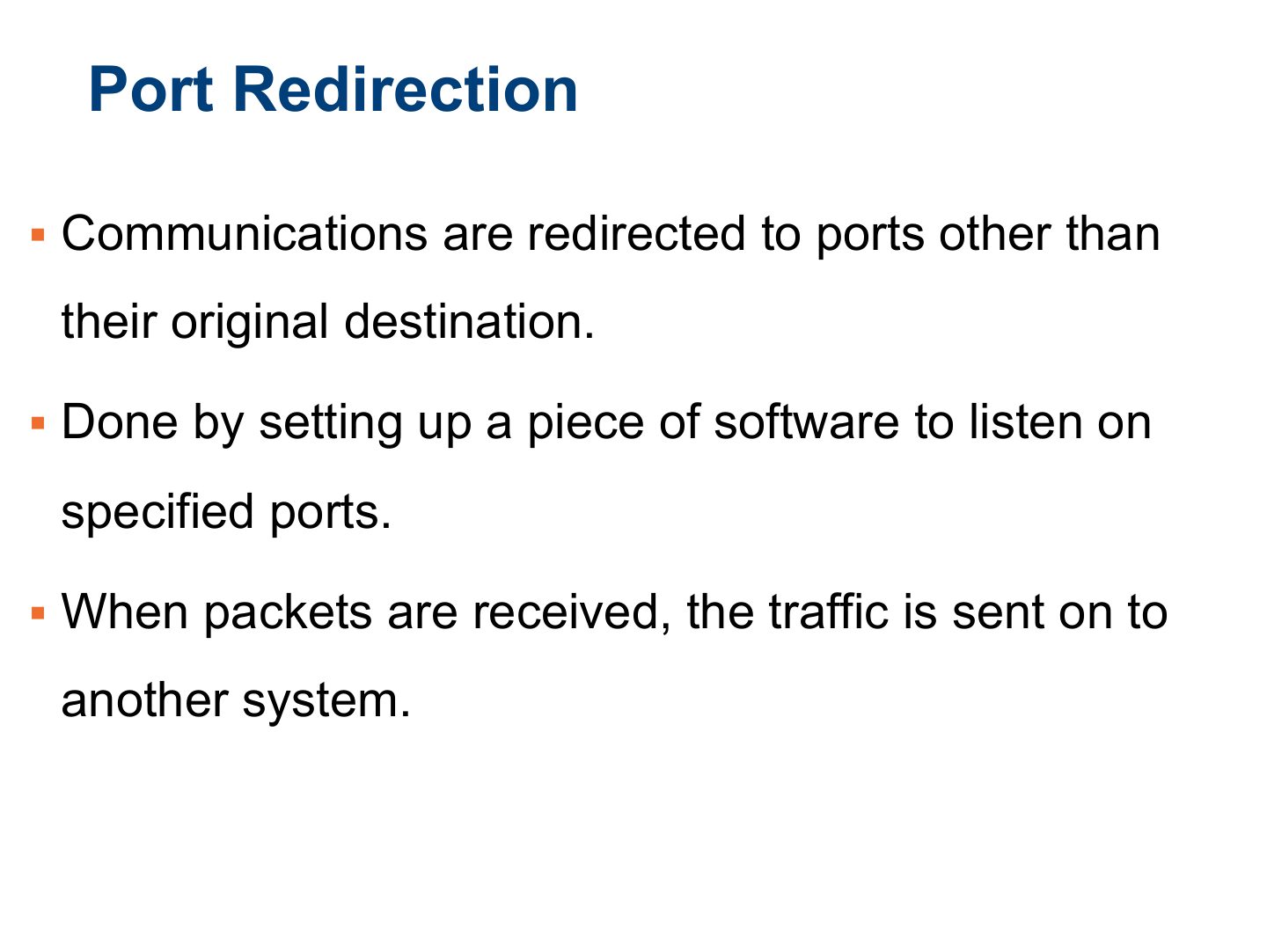
Port Redirection
Notes
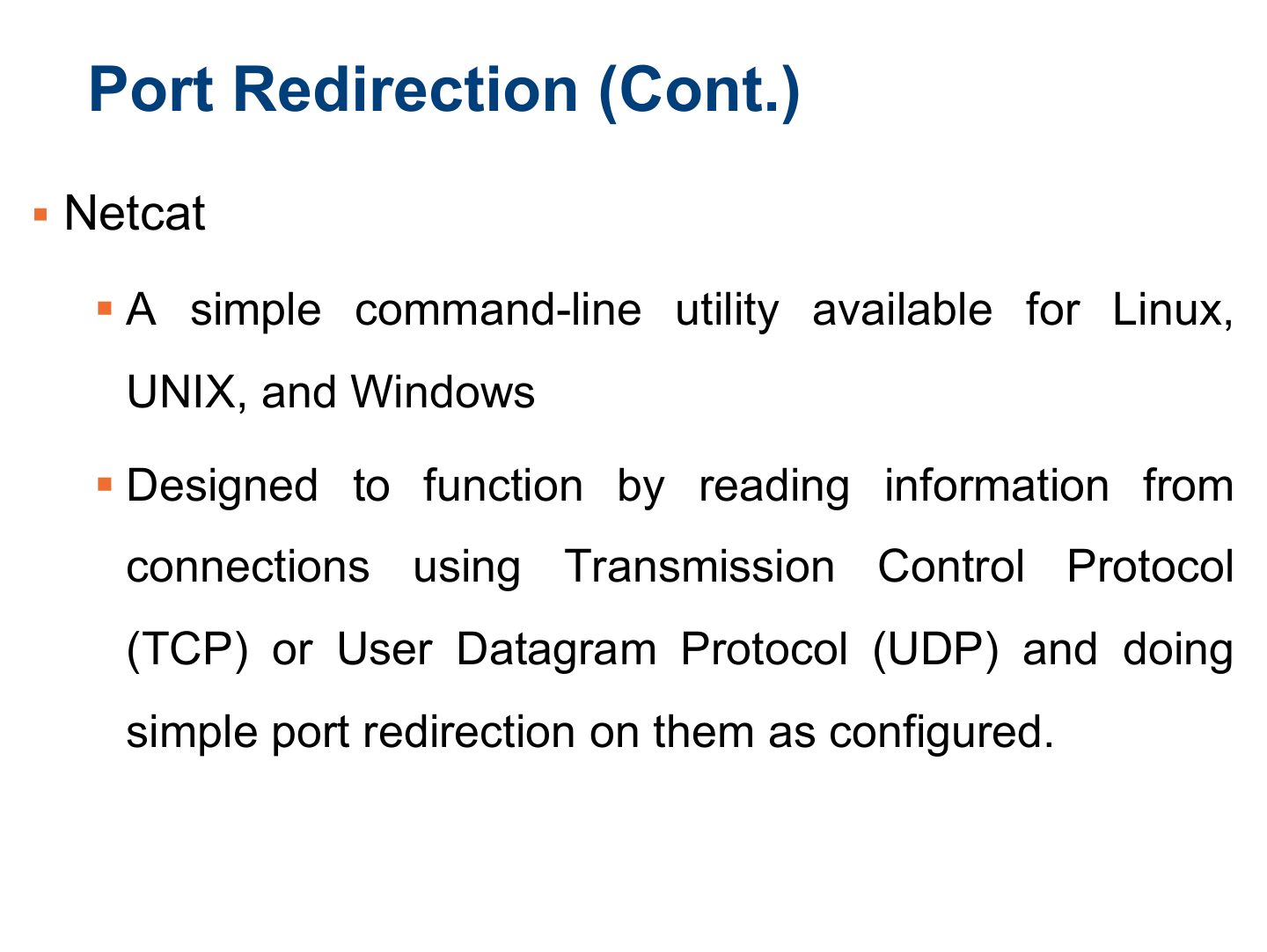
Port redirection (e.g. netcat, fpipe) forwards traffic from an allowed port to another host/port to bypass firewalls.
Port Redirection (Cont.)
Pen Testing for Trojans and Backdoors
Pen Testing for Trojans and Backdoors
Pen Testing for Trojans and Backdoors
Summary