Q1: the intermediary between user and hardware
Introduction to Operating Systems
What an operating system does, computer-system organization (interrupts, storage hierarchy, caching, DMA), single- and multiprocessor and clustered systems, multiprogramming and time-sharing, dual-mode operation and the timer, and process, memory and storage management.
How to read this page
Every original slide is shown unchanged. Yellow marks on a slide point to a numbered note: hover or tap a mark to jump to its note, and hover a note to see its marks. Questions tagged Past exam appeared on a real paper; Prediction questions are likely angles, not confirmed. Pick an answer to each question: a wrong pick tells you why it is wrong, so you can try again.
All 44 slides
- 1 Introduction
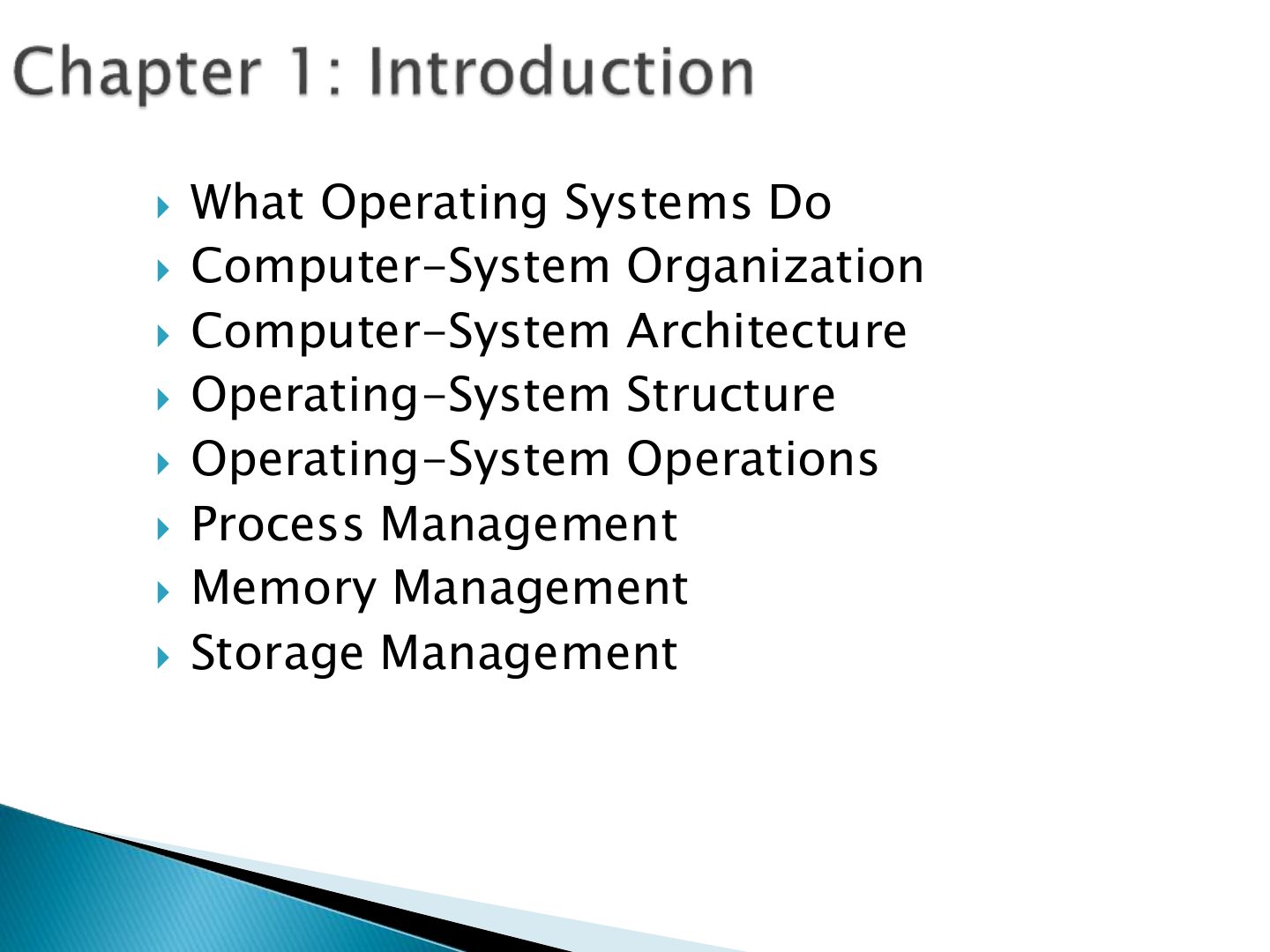
- 2 What Operating Systems Do
- 3 To describe the basic organization of
- 4 A program that acts as an intermediary
- 5 components:
- 6 Slide 6
- 7 Depends on the point of view Users want convenience, ease of use
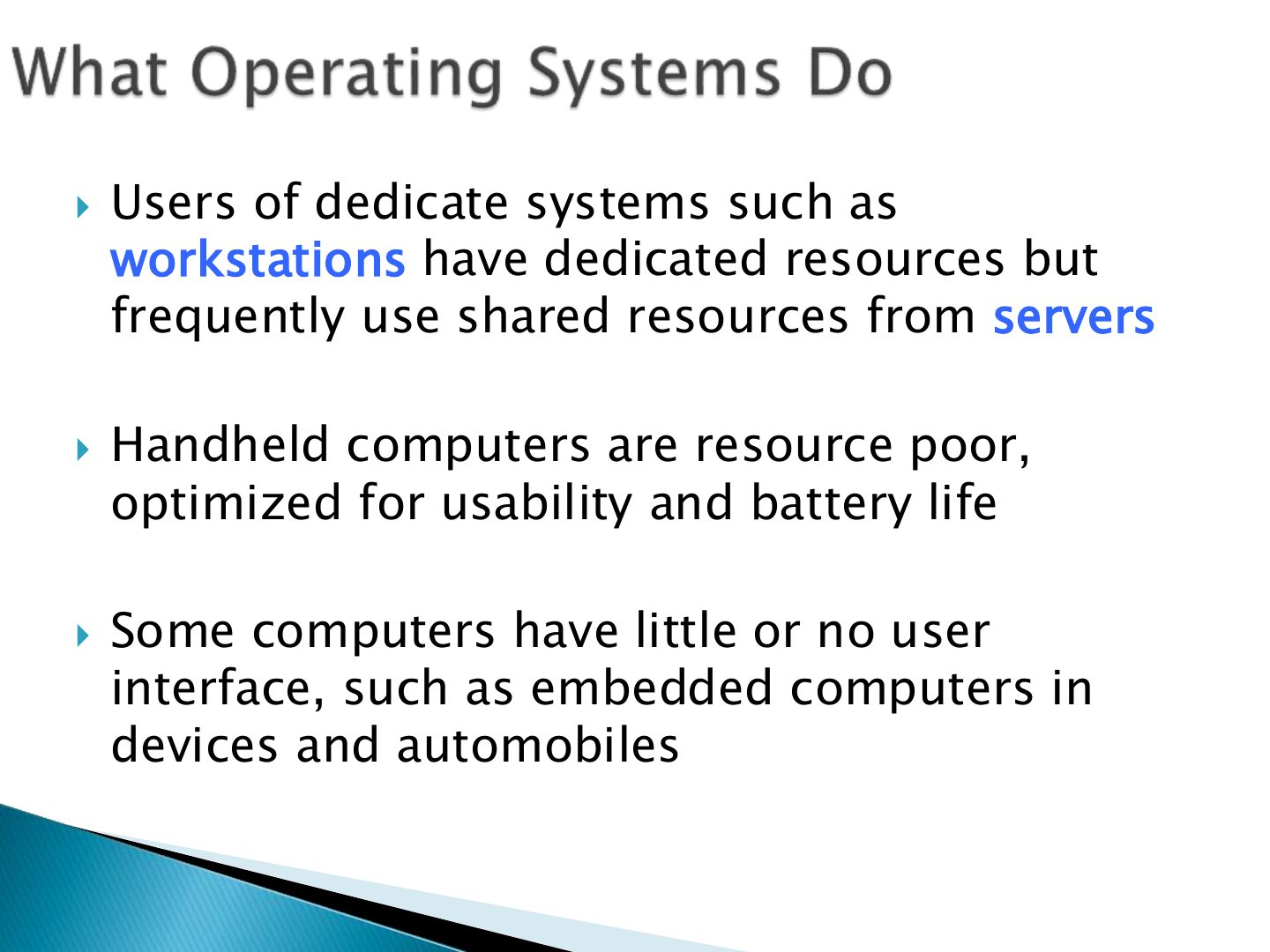
- 8 Users of dedicate systems such as
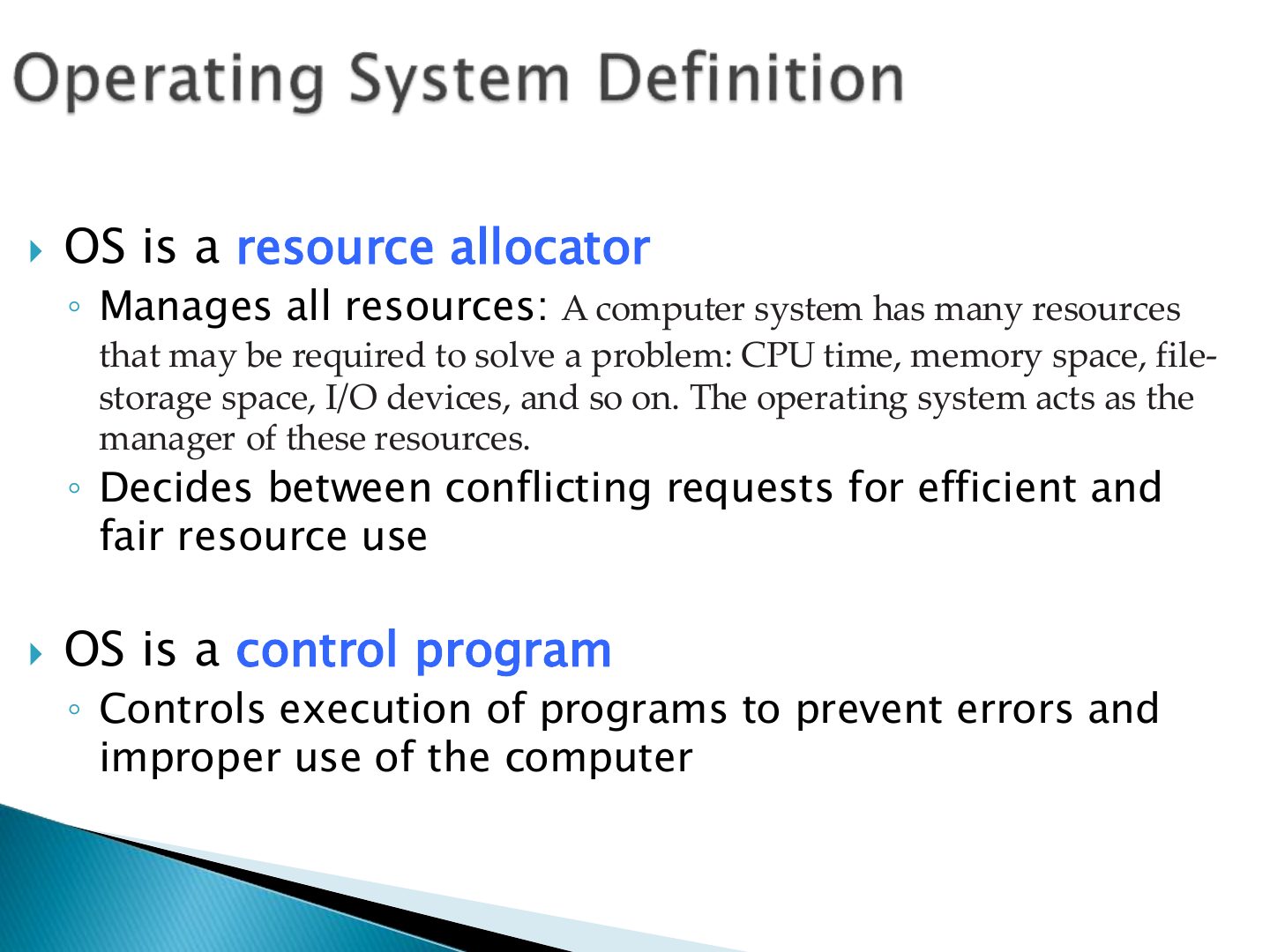
- 9 OS is a resource allocator
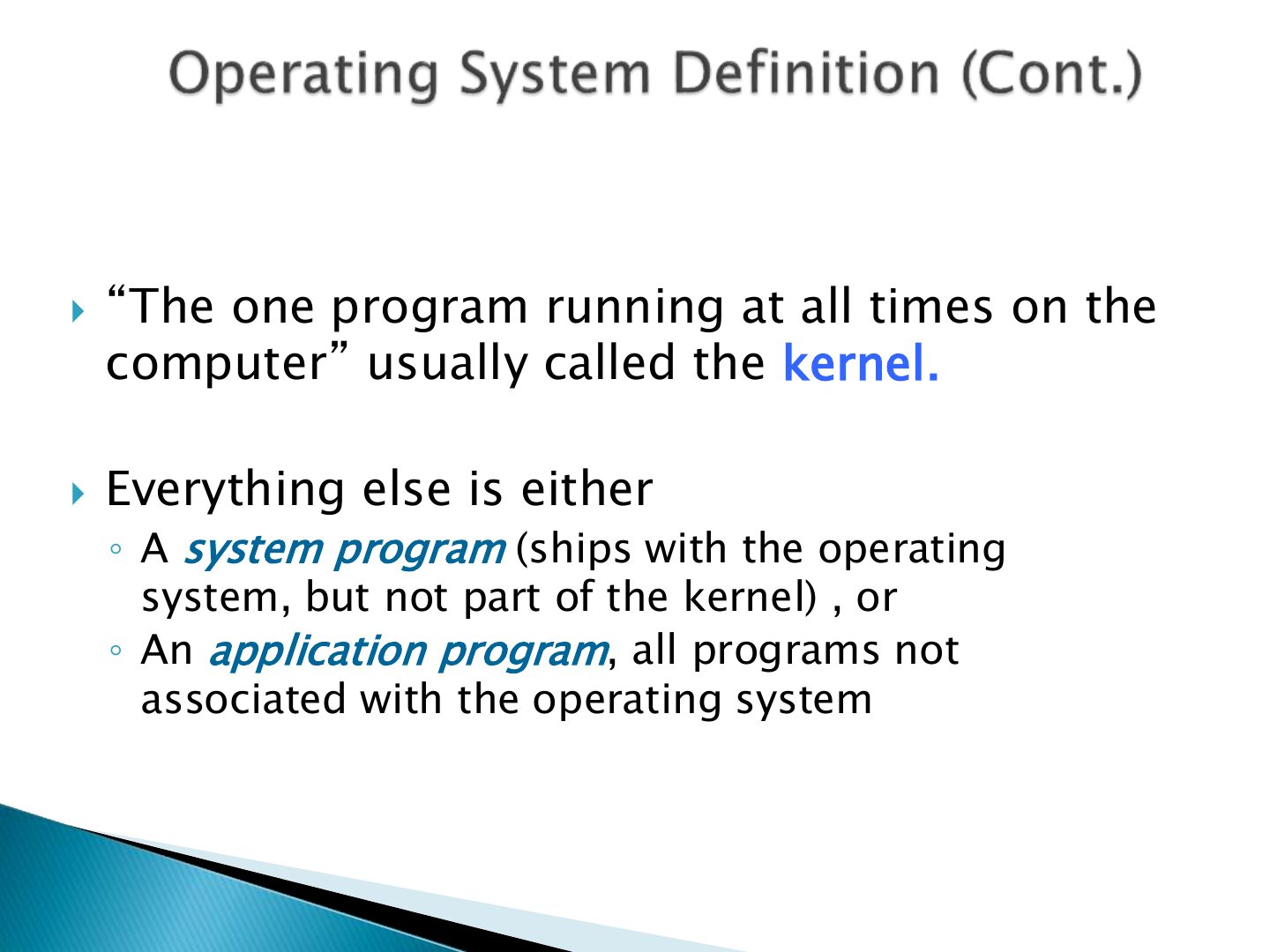
- 10 “The
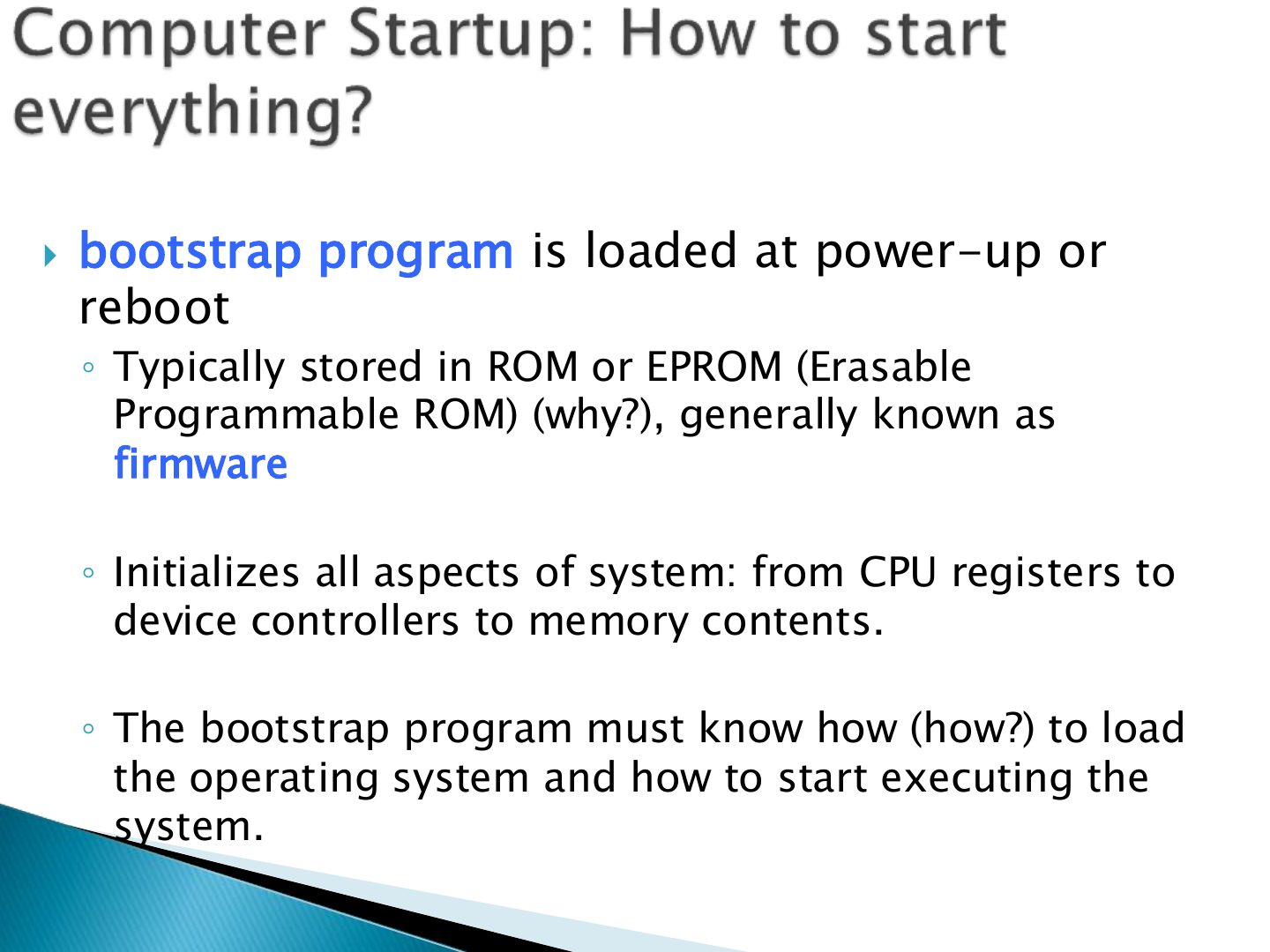
- 11 bootstrap program is loaded at power-up or
- 12 Slide 12
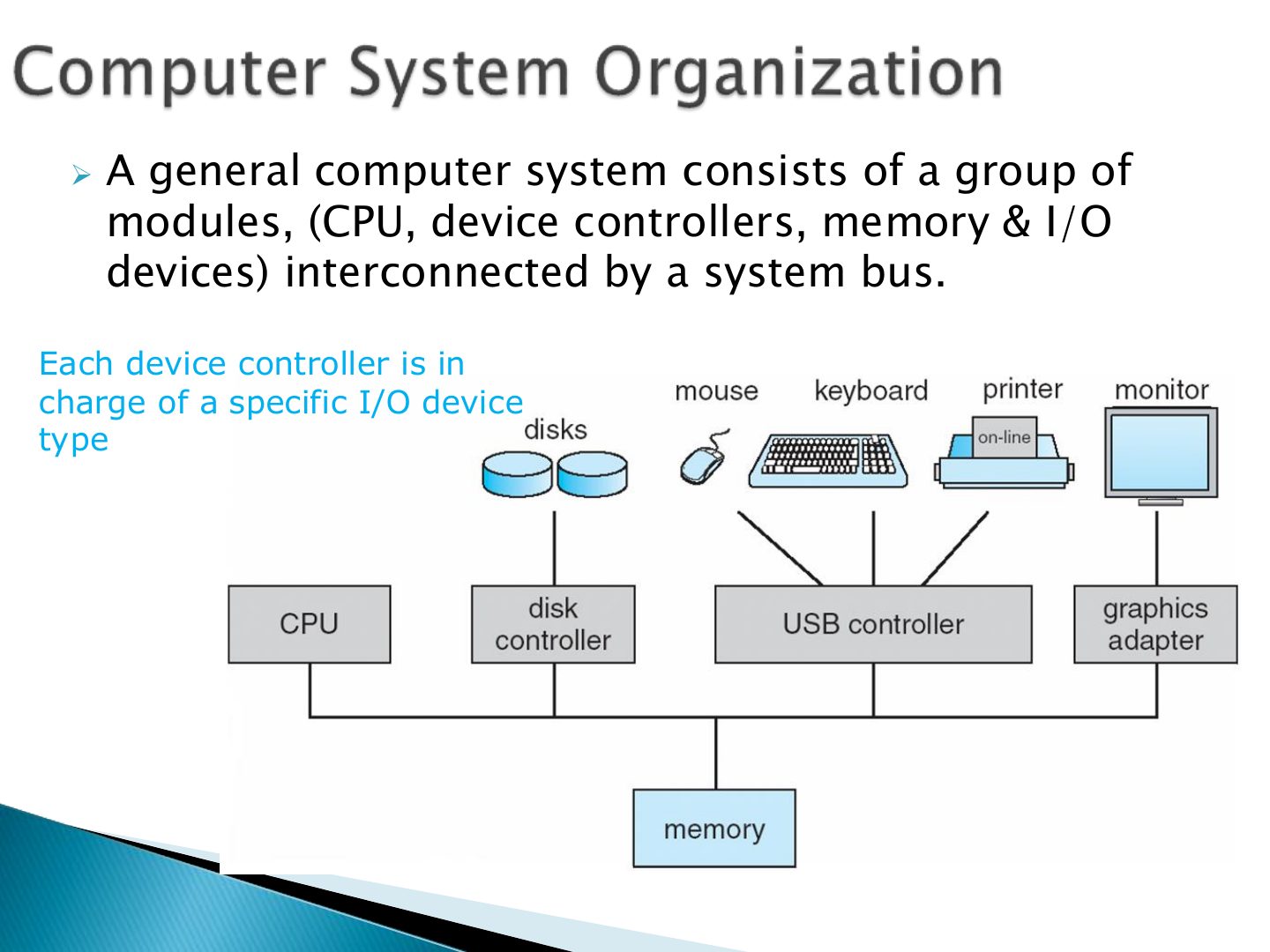
- 13 ➢ A general computer system consists of a group of
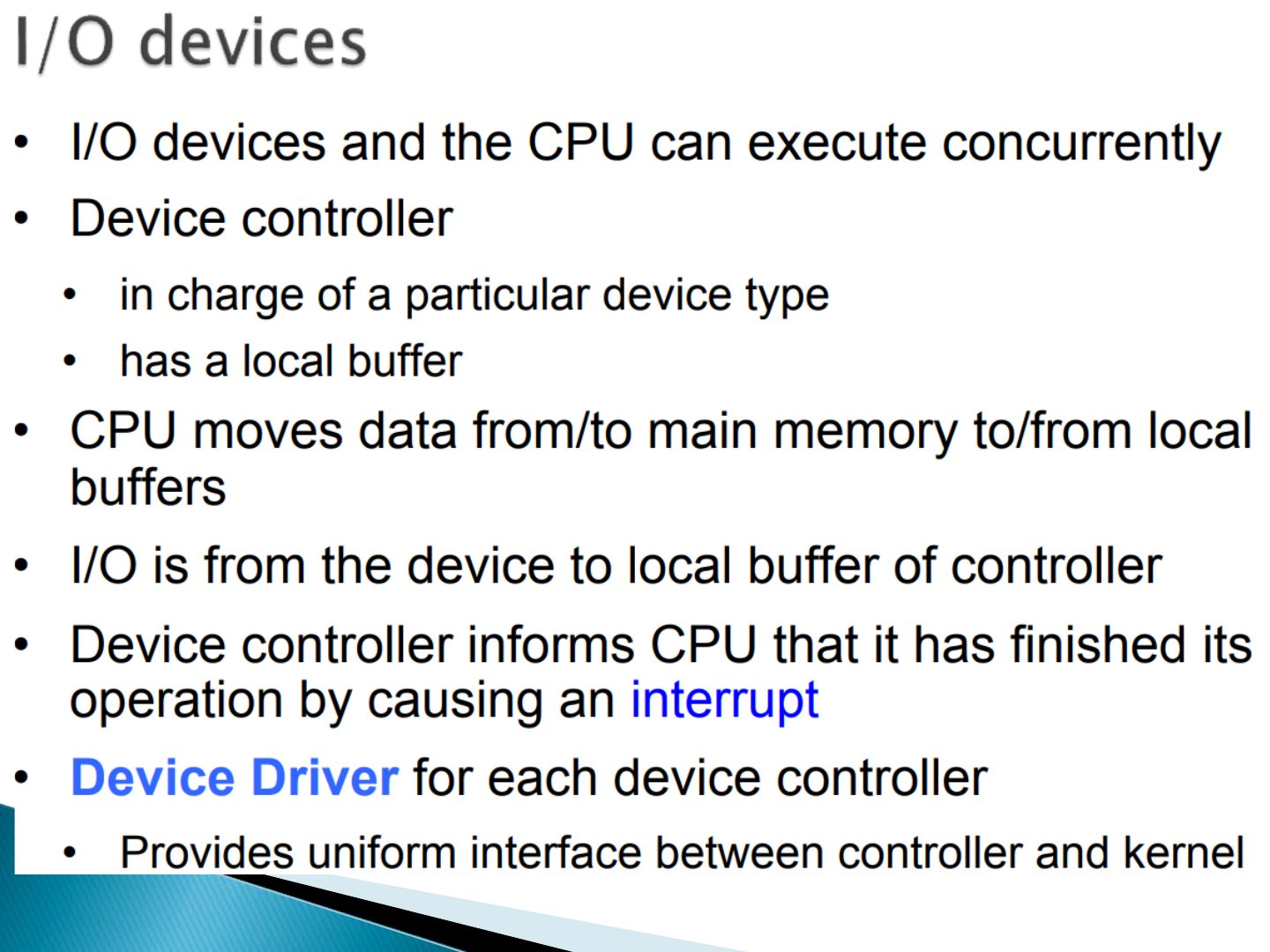
- 14 Slide 14
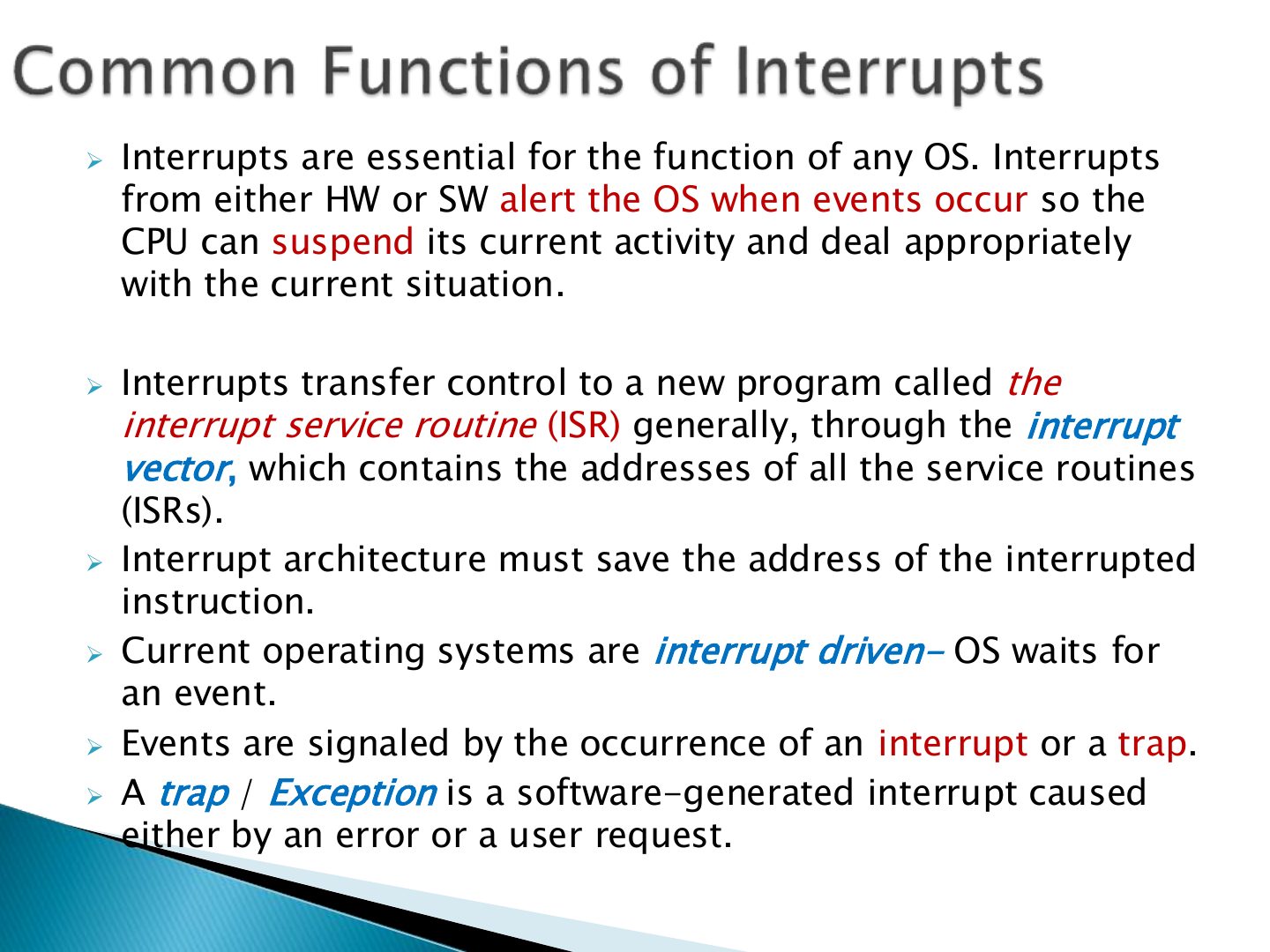
- 15 ➢ Interrupts are essential for the function of any OS. Interrupts
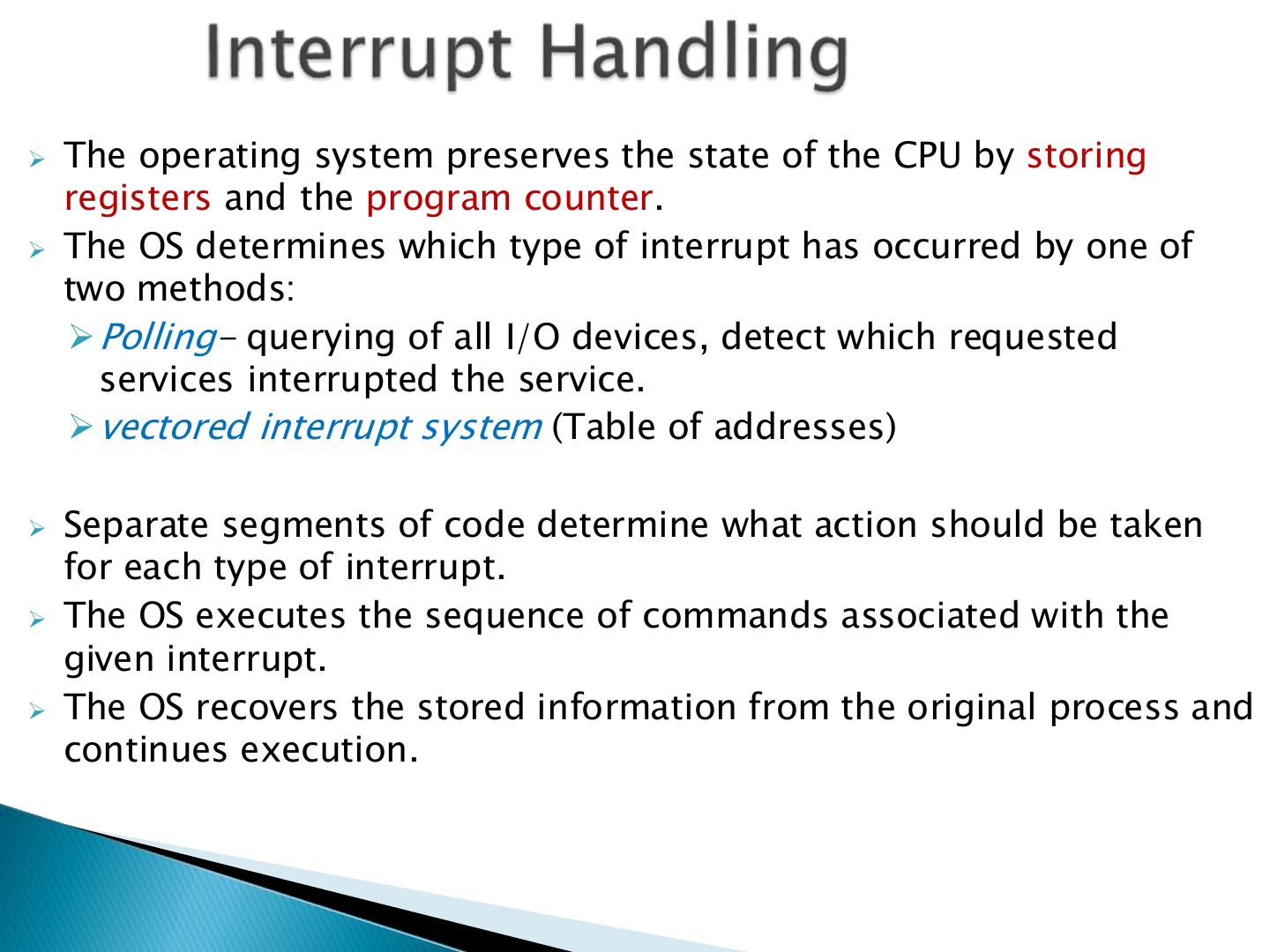
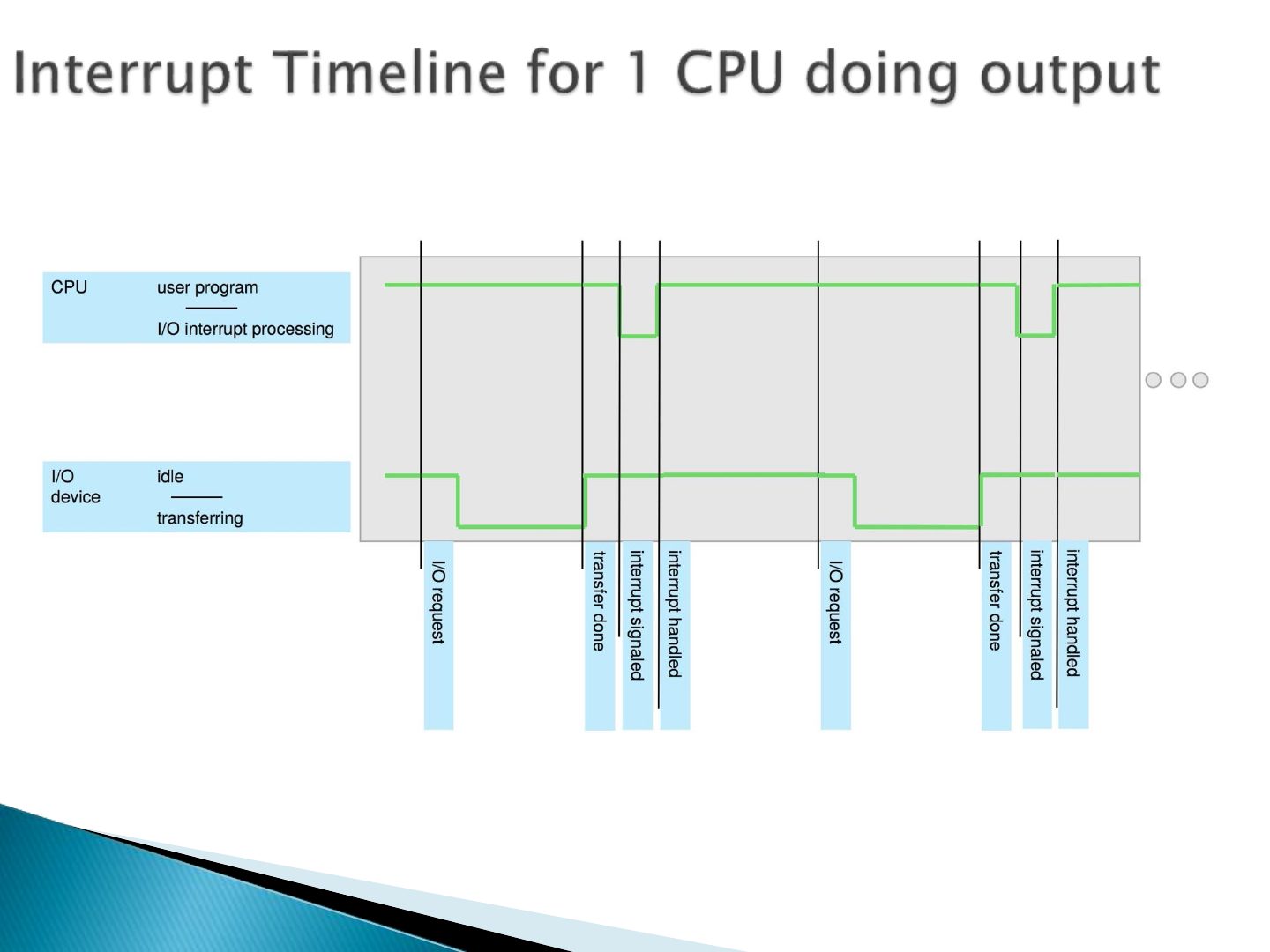
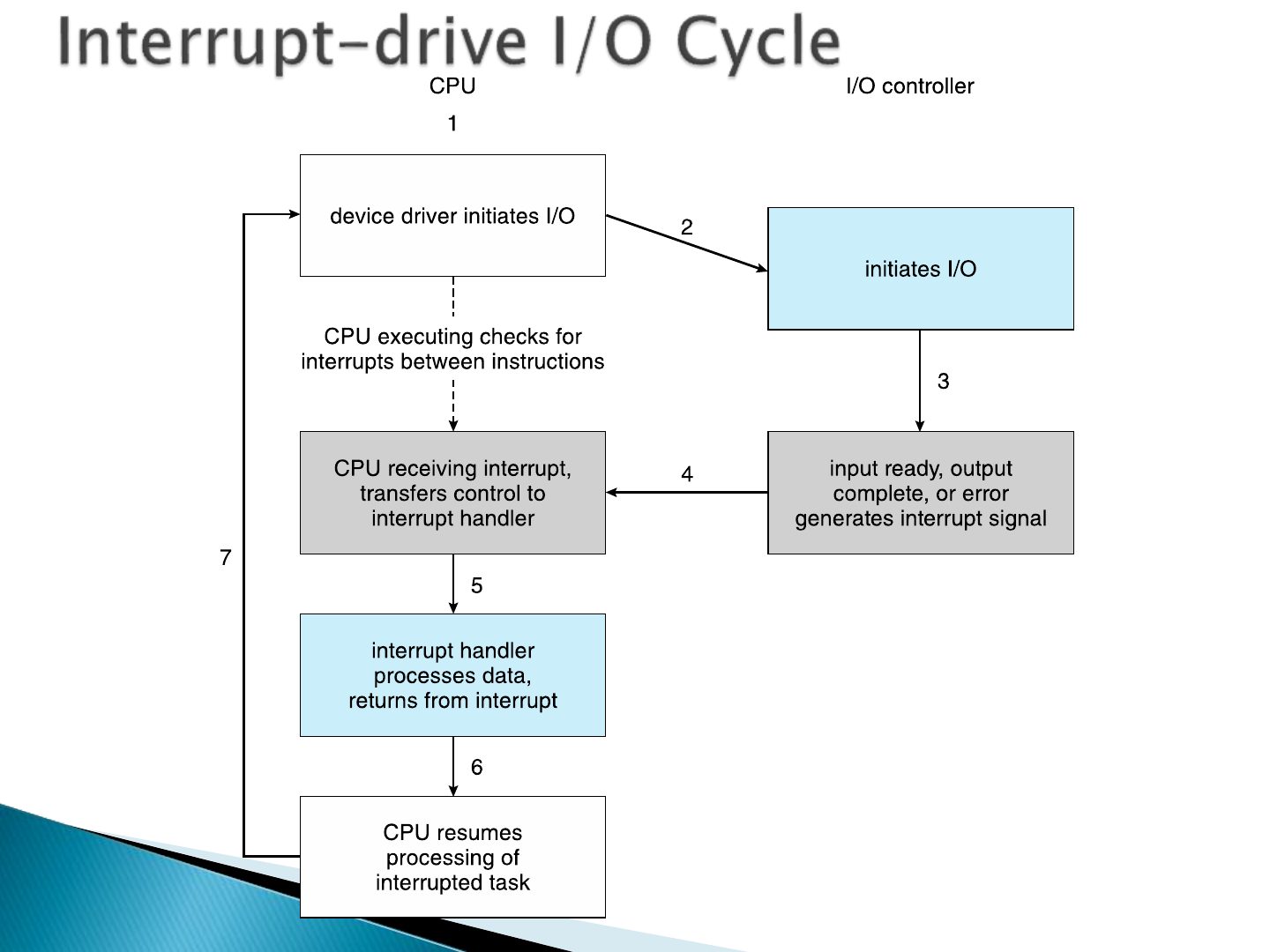
- 16 ➢ The operating system preserves the state of the CPU by storing
- 17 Slide 17
- 18 Slide 18
- 19 Slide 19
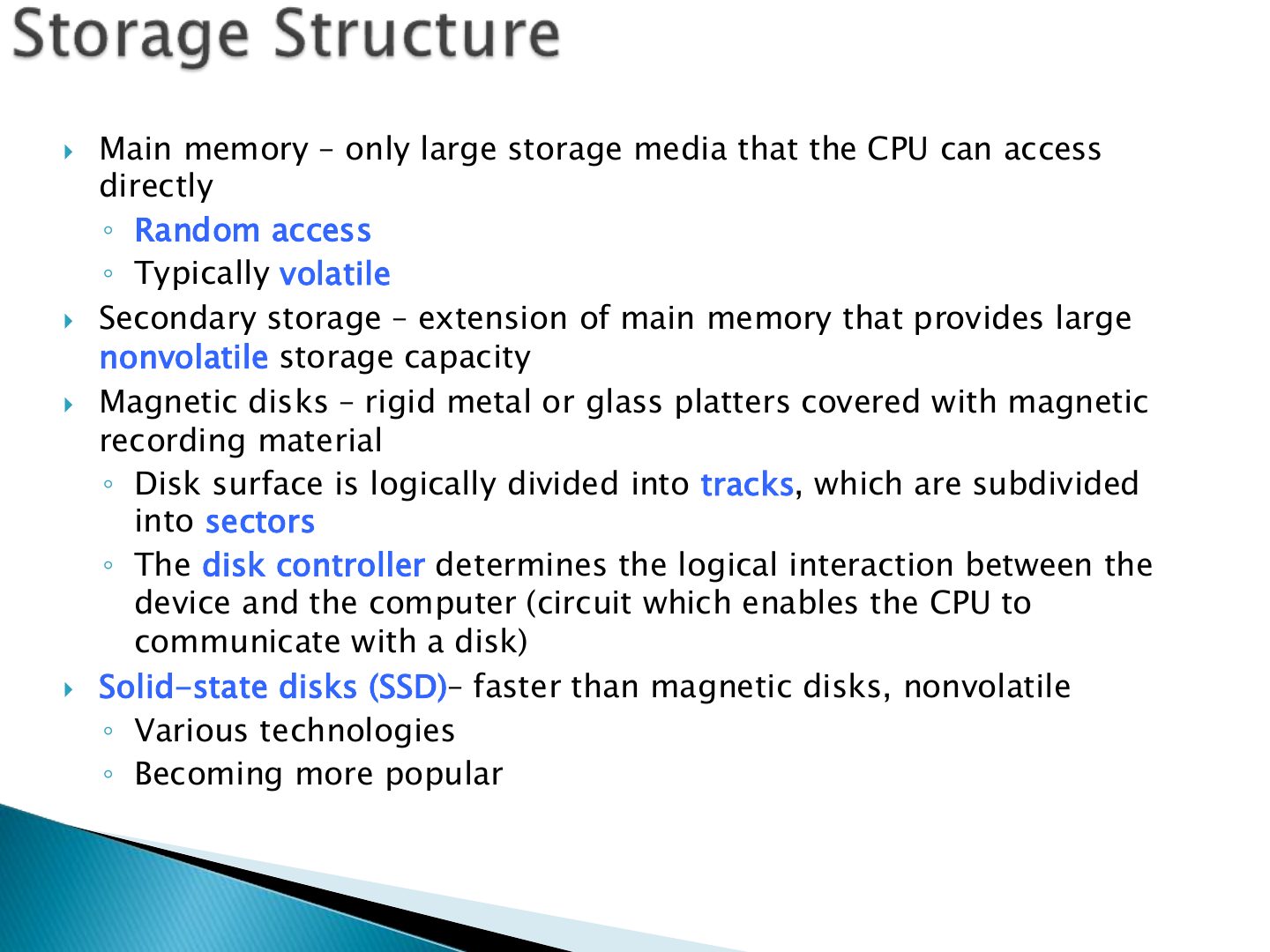
- 20 Main memory – only large storage media that the CPU can access
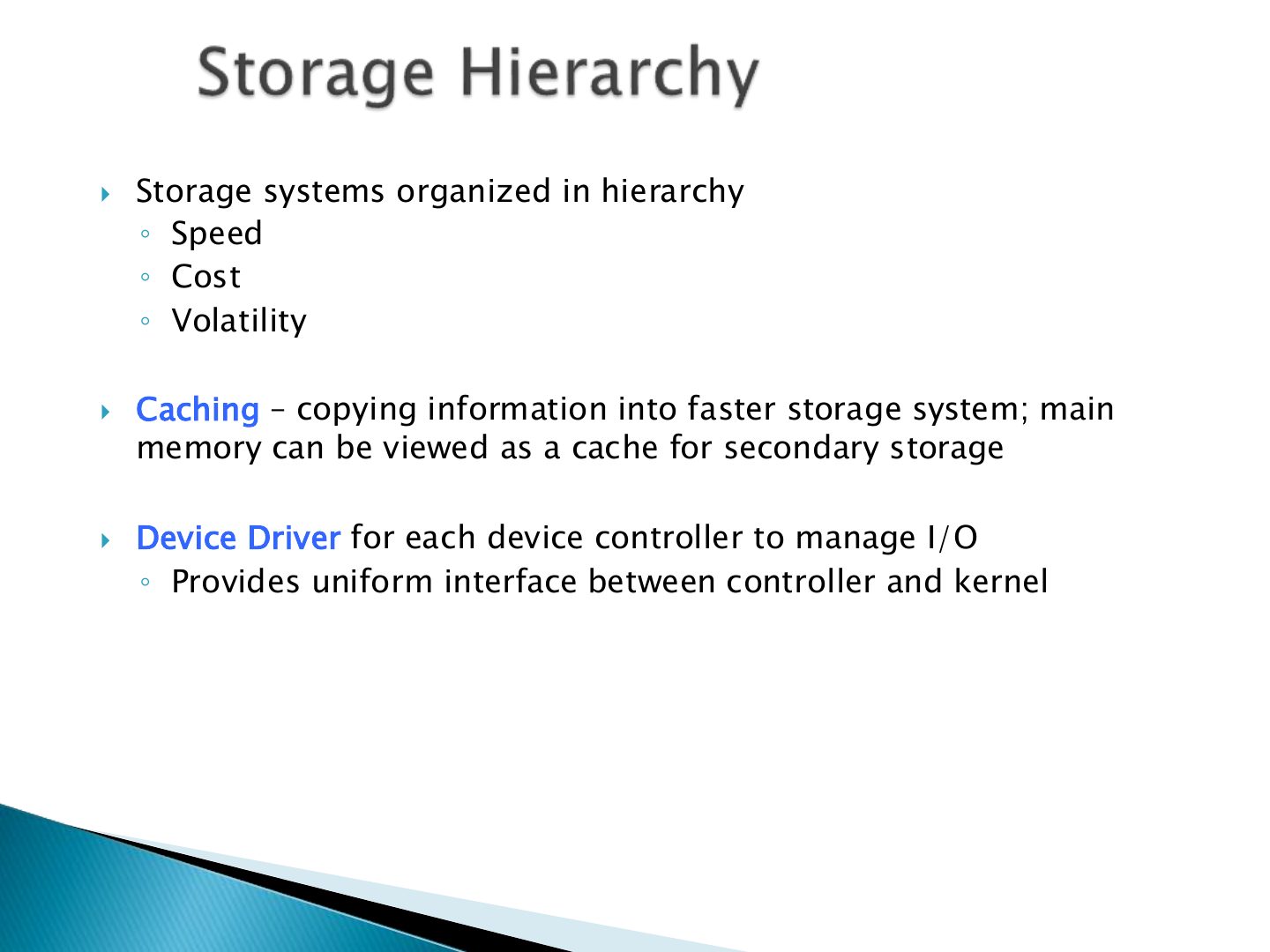
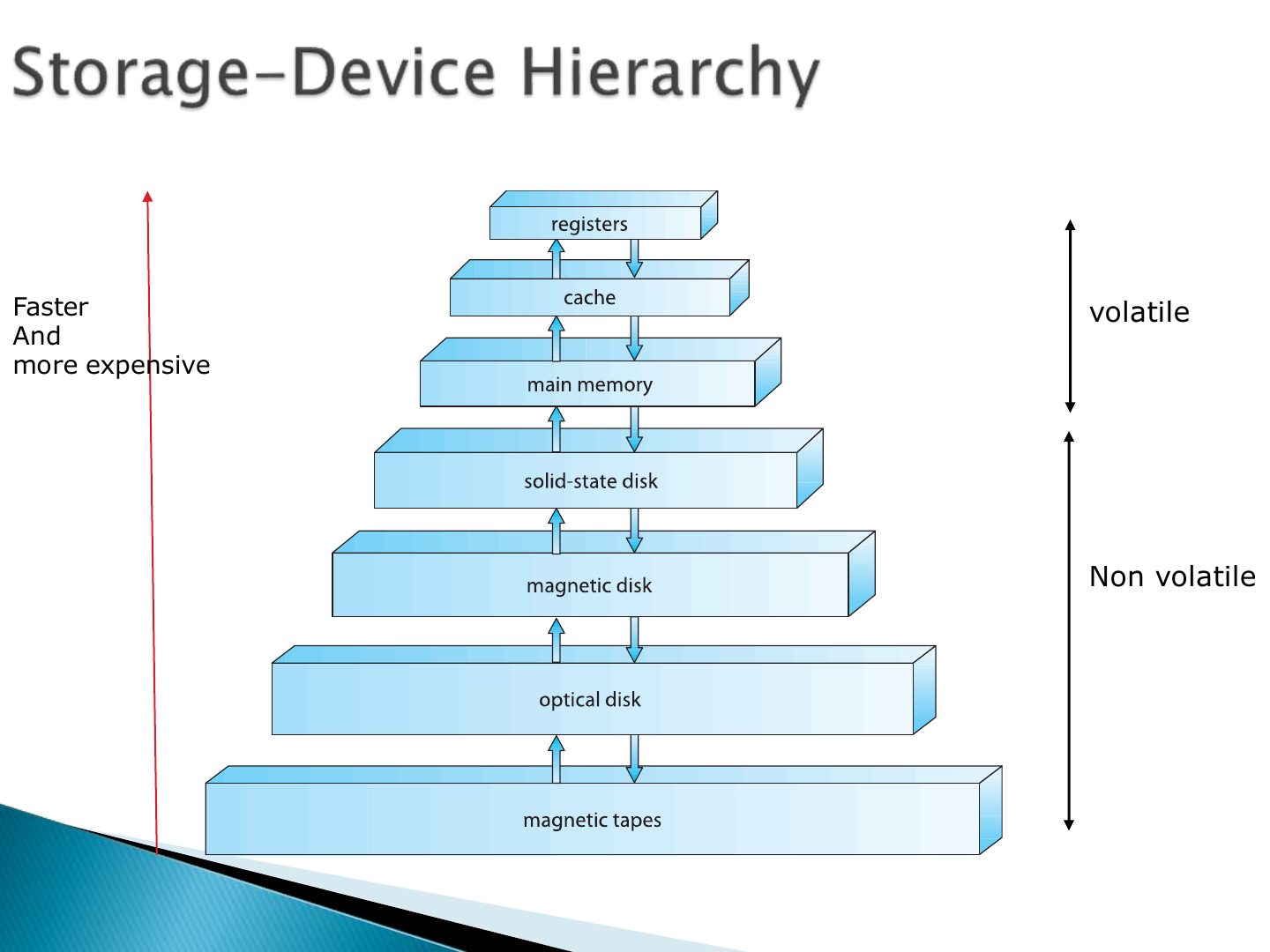
- 21 Storage systems organized in hierarchy
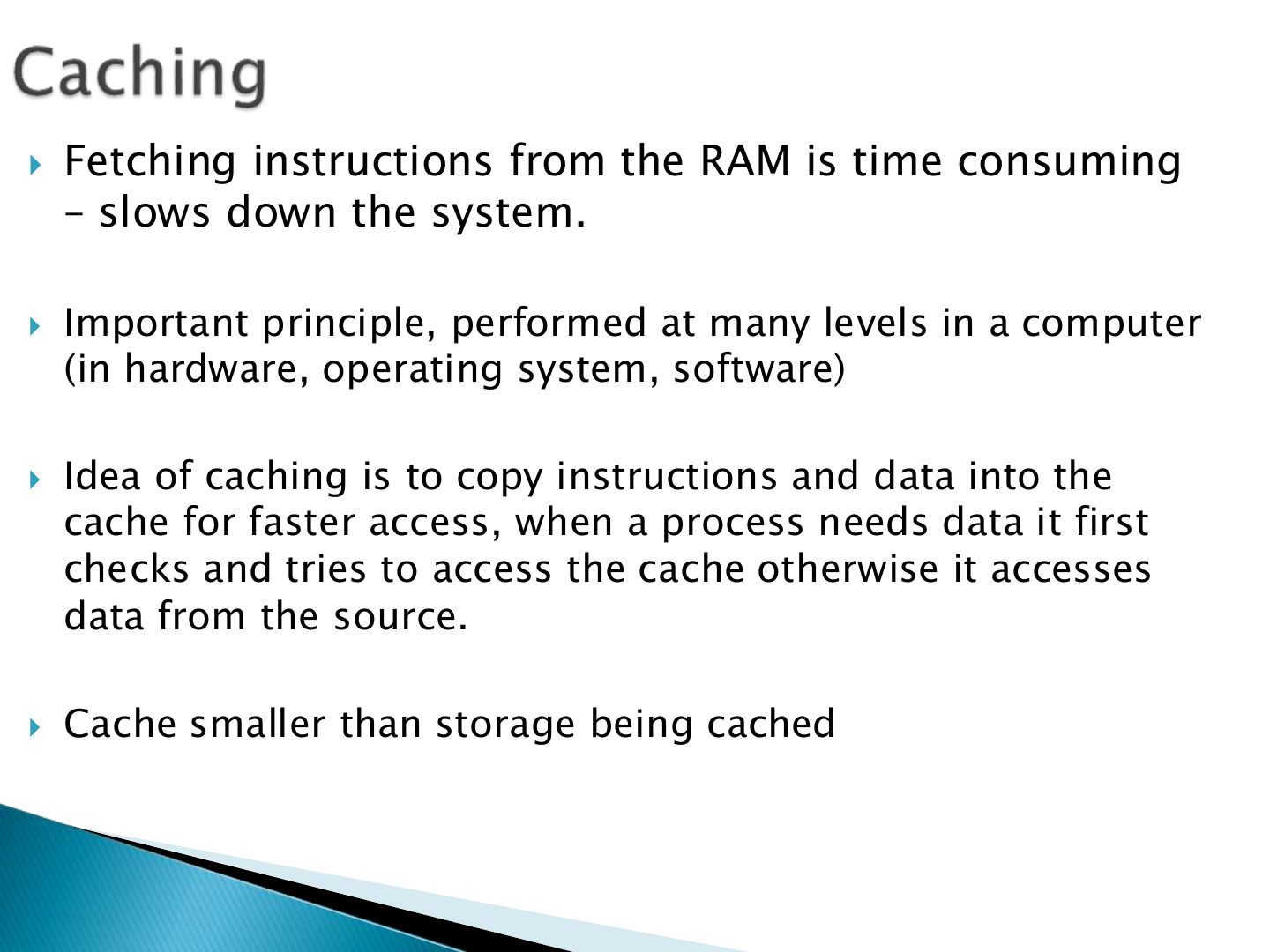
- 22 Fetching instructions from the RAM is time consuming
- 23 Slide 23
- 24 Slide 24
- 25 Used for high-speed I/O devices able
- 26 Slide 26
- 27 Slide 27
- 28 Slide 28
- 29 Single processor systems
- 30 Multiprocessor Systems
- 31 ➢ Symmetric multiprocessing
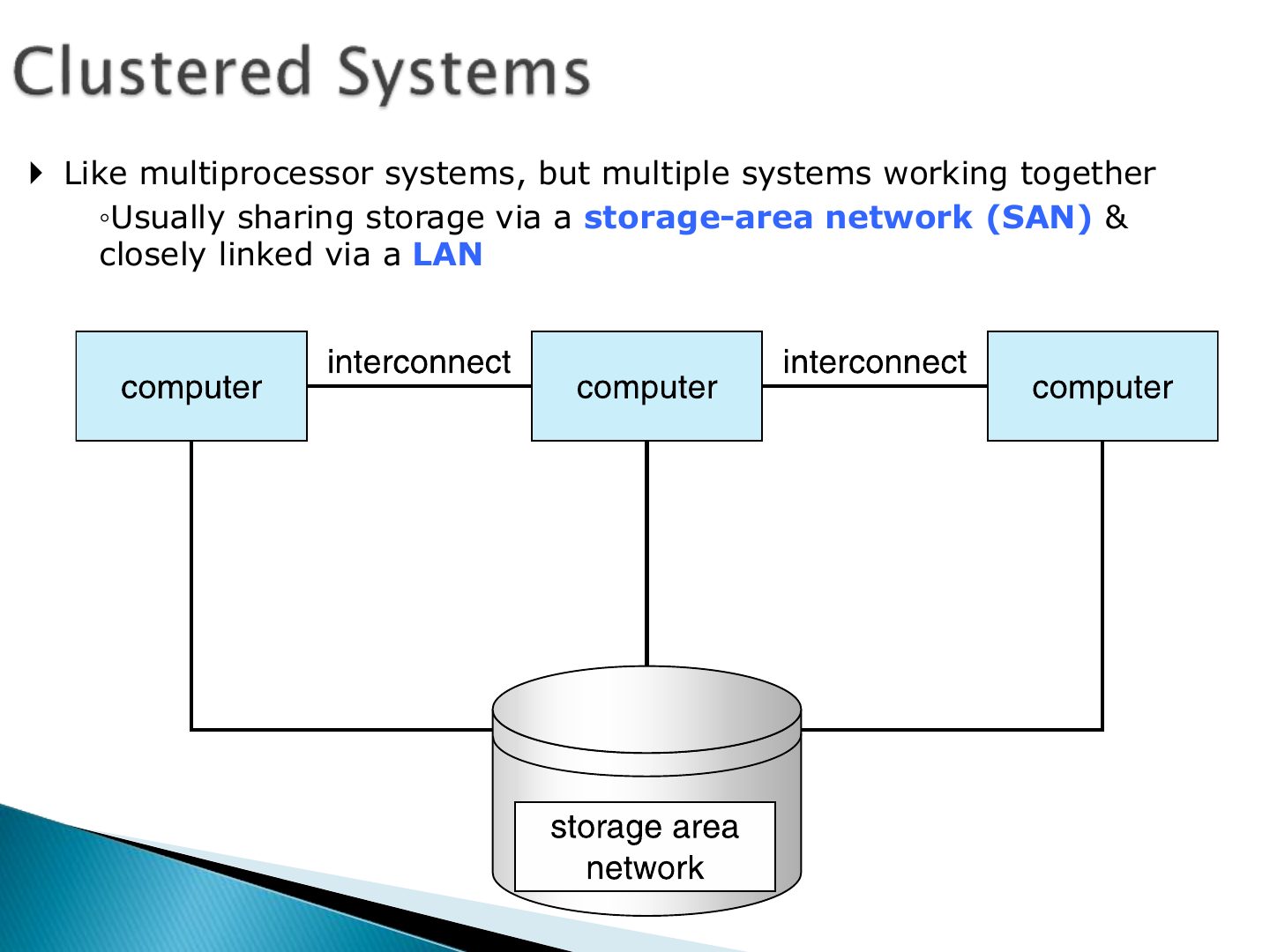
- 32 Like multiprocessor systems, but multiple systems working together ◦ Usually sharing storage via a storage-area network (SAN) & closely linked via a LAN
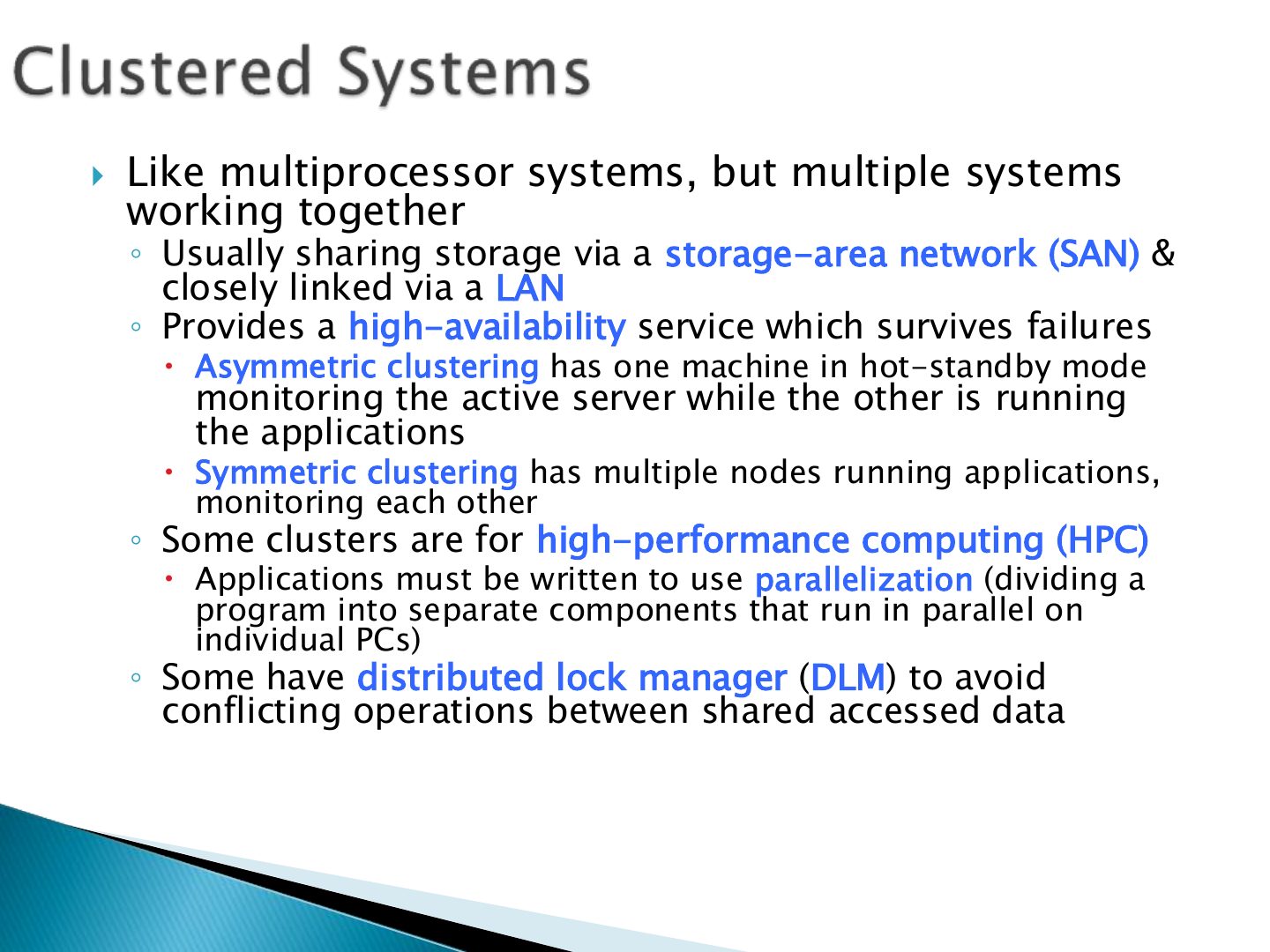
- 33 Like multiprocessor systems, but multiple systems
- 34 Slide 34
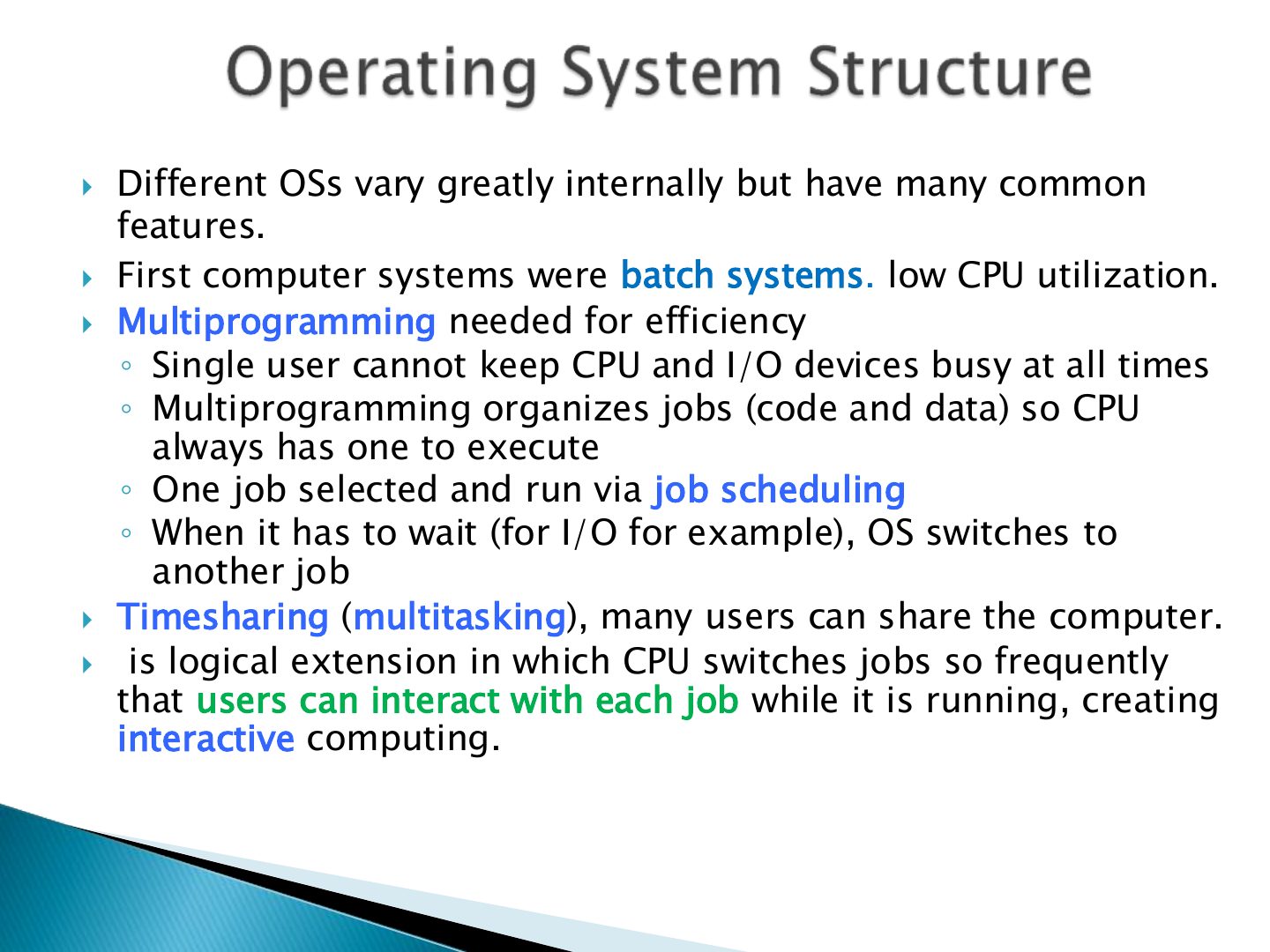
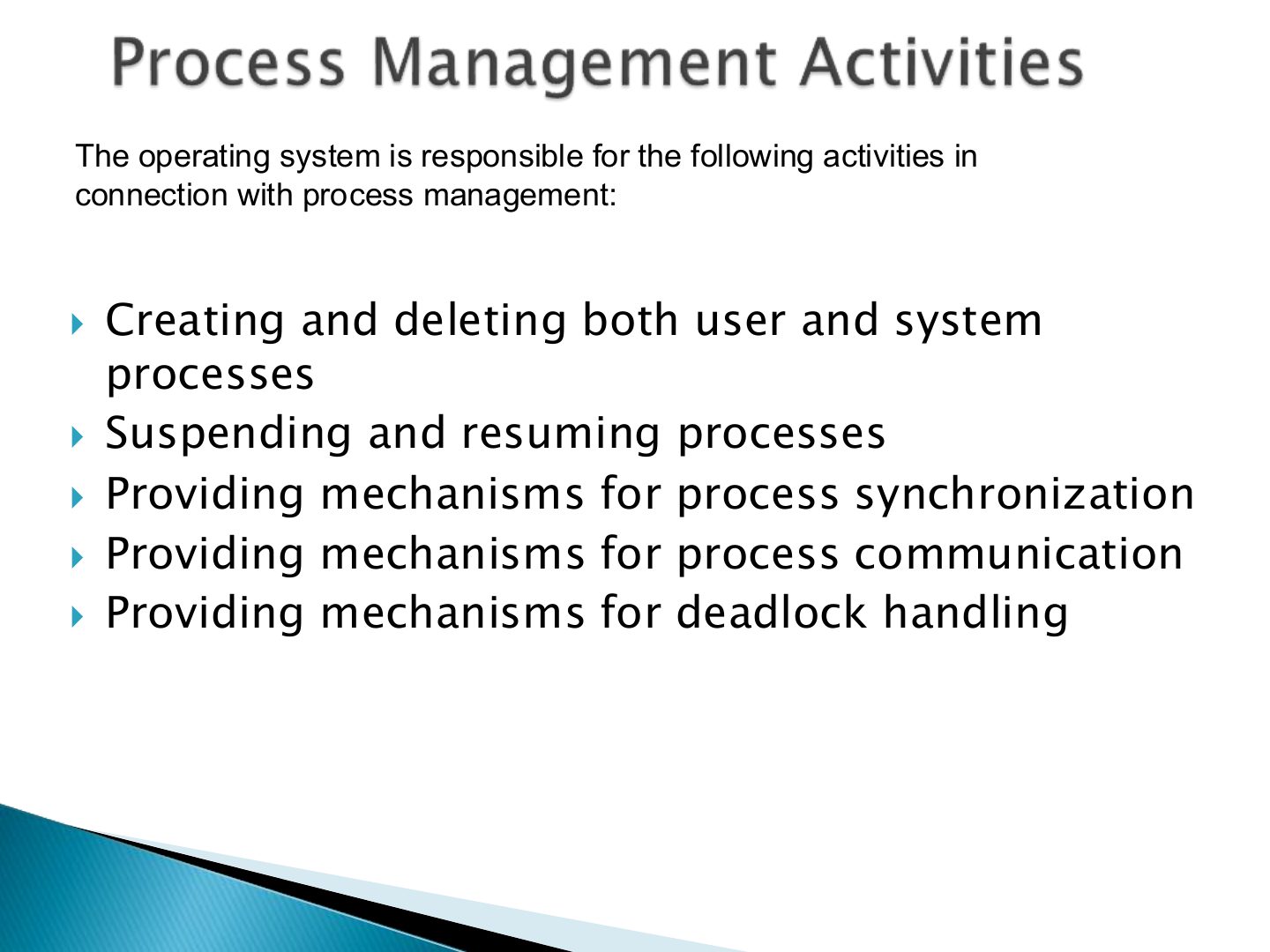
- 35 Different OSs vary greatly internally but have many common
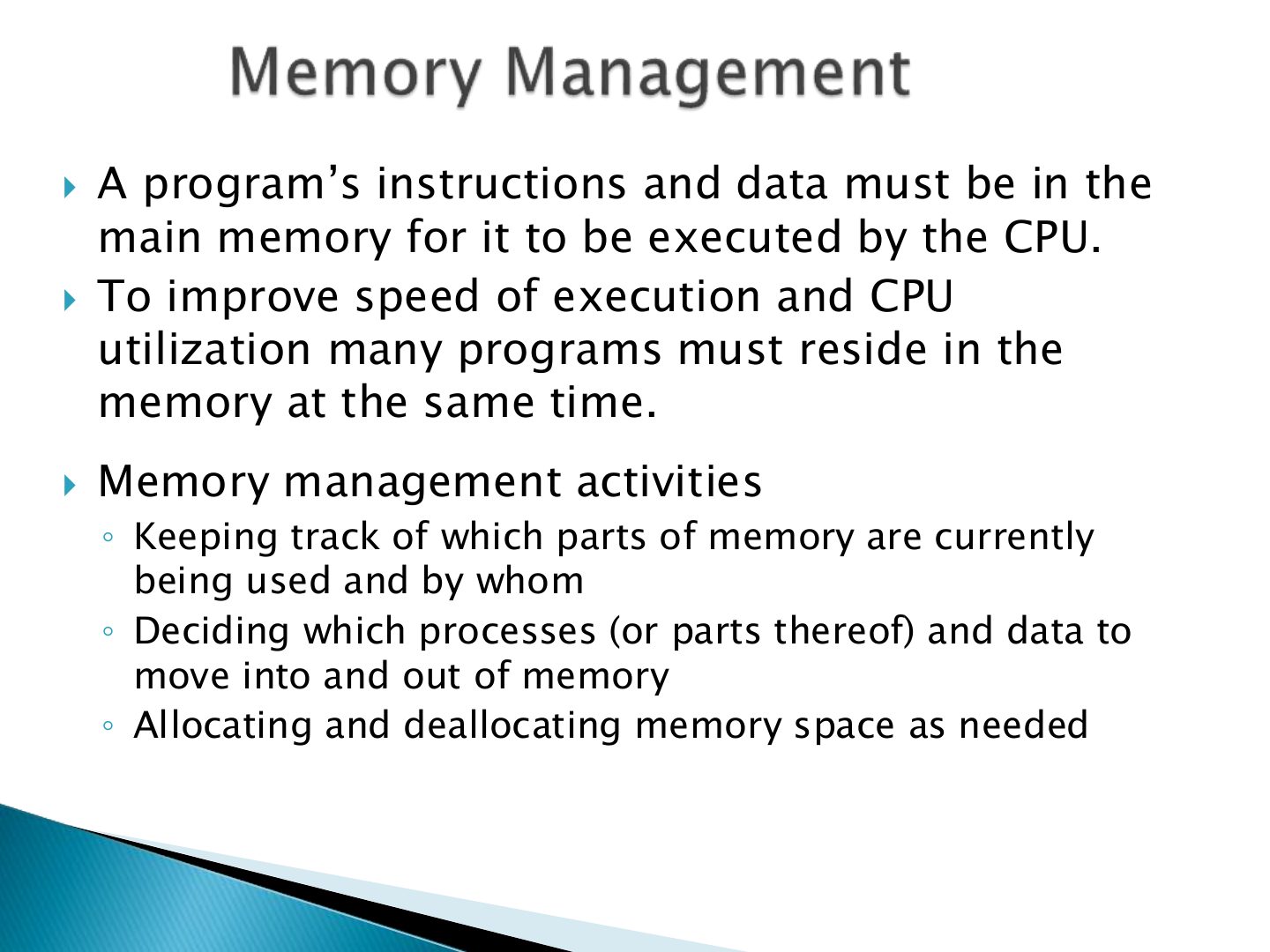
- 36 Slide 36
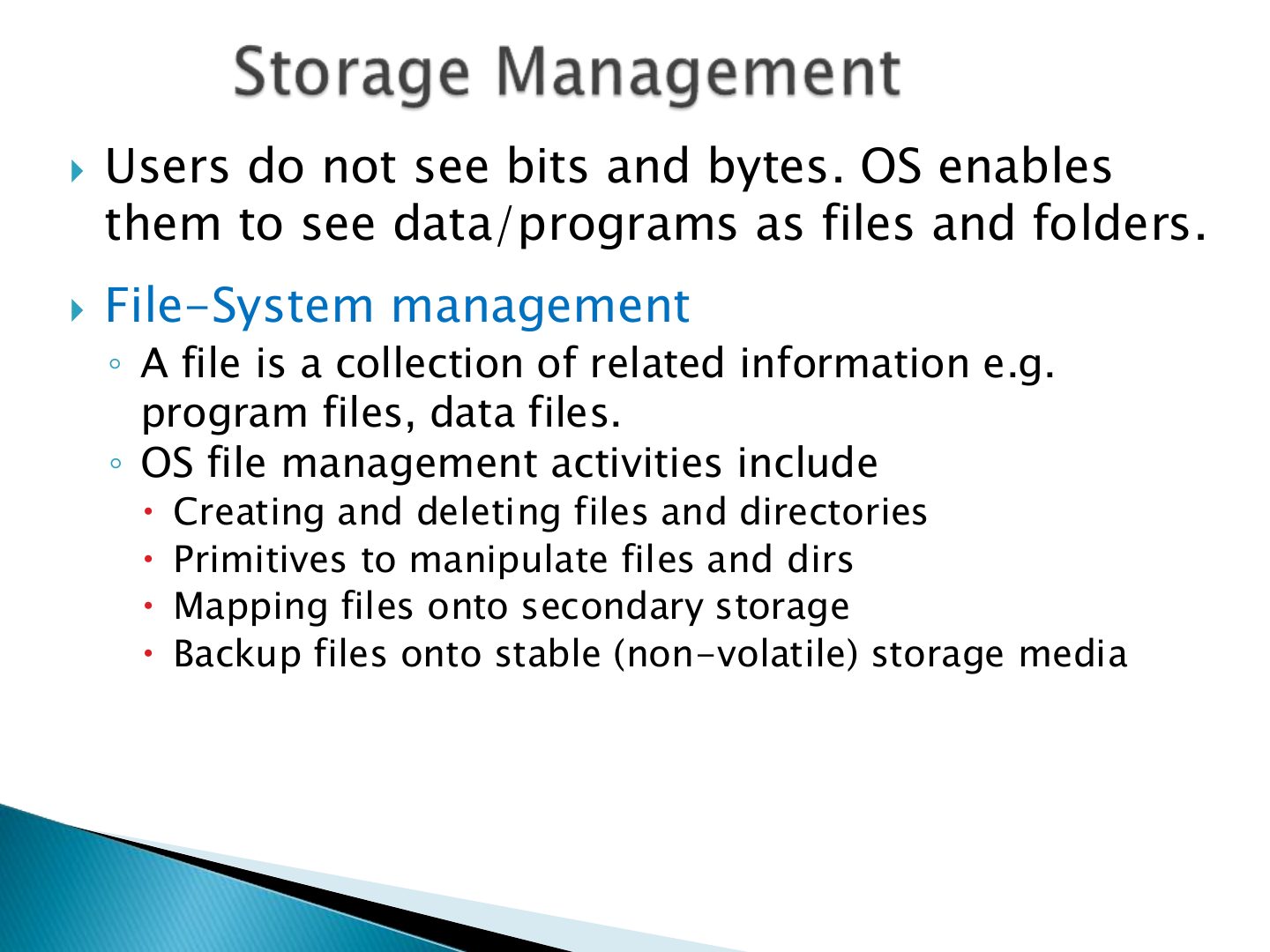
- 37 Dual-mode operation allows OS to protect itself and other
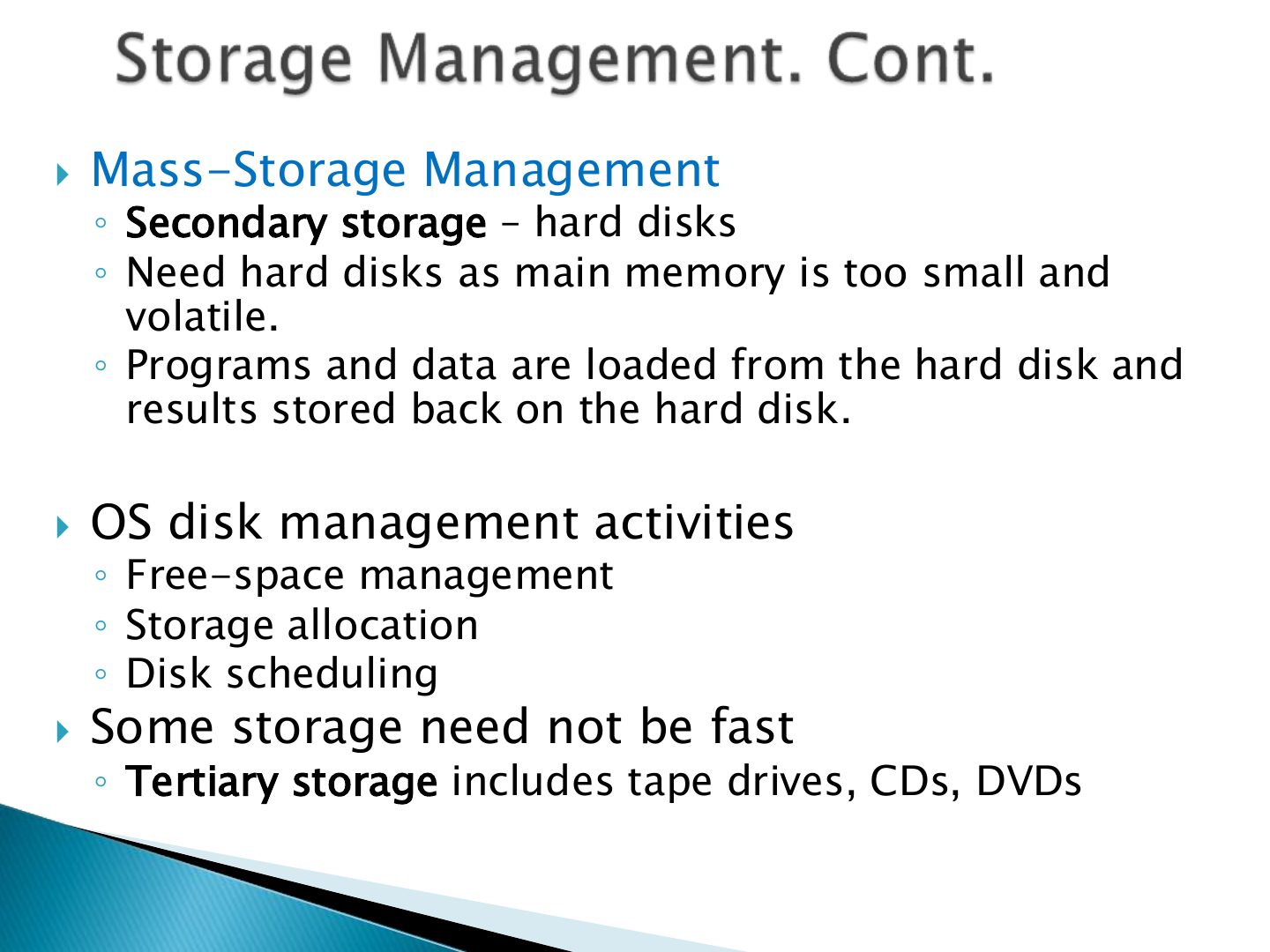
- 38 The Operating System must protect the CPU from
- 39 A process is a program in execution. It is a unit of work
- 40 The operating system is responsible for the following activities in connection with process management:
- 41 A program’s instructions and data must be in the
- 42 Users do not see bits and bytes. OS enables
- 43 Mass-Storage Management
- 44 Slide 44
Introduction
What Operating Systems Do
To describe the basic organization of
A program that acts as an intermediary
Exam angle
A program that acts as an intermediary between a user of a computer and the hardware is:
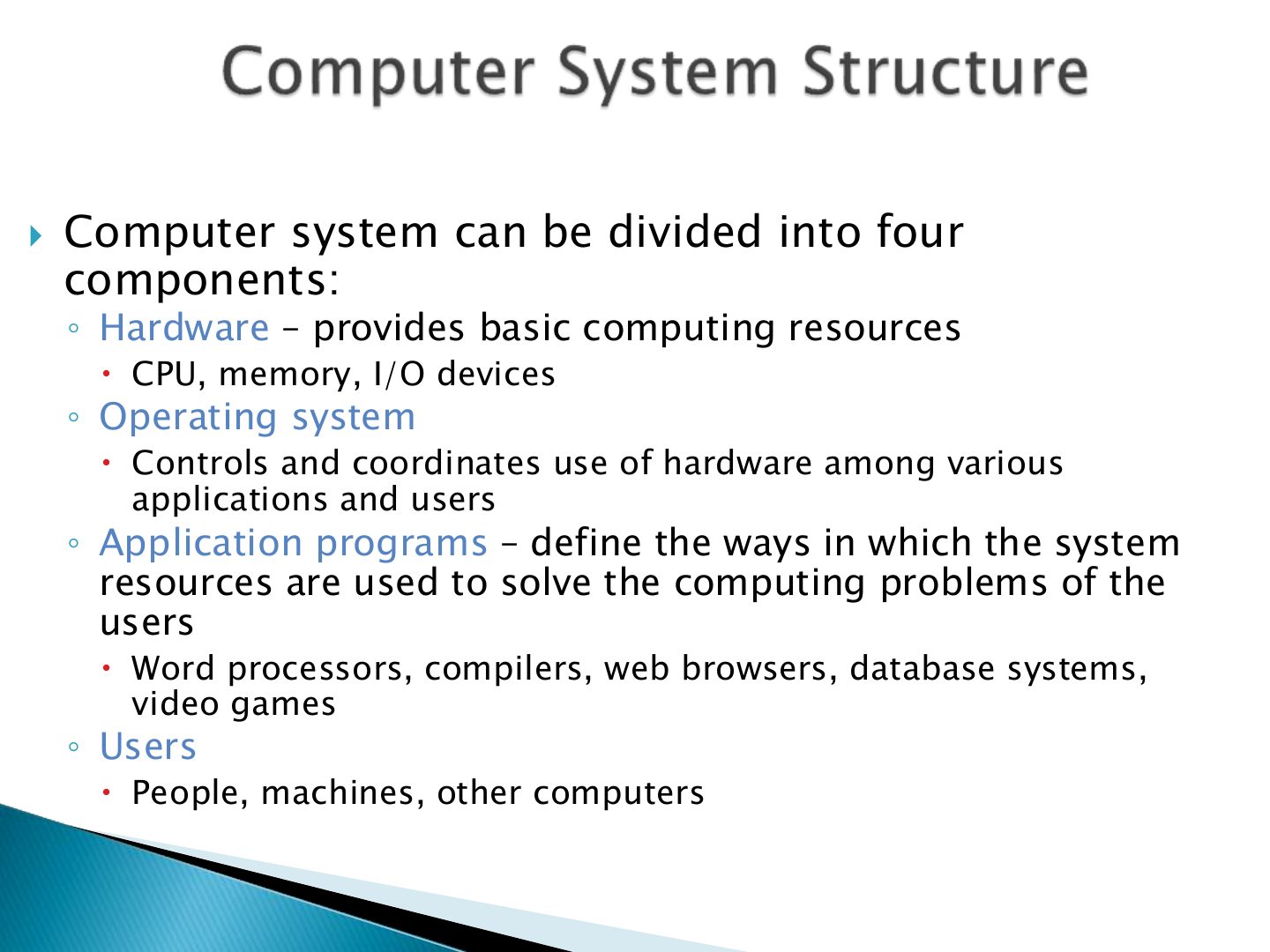
components:
Exam angle
Q21: list the four components
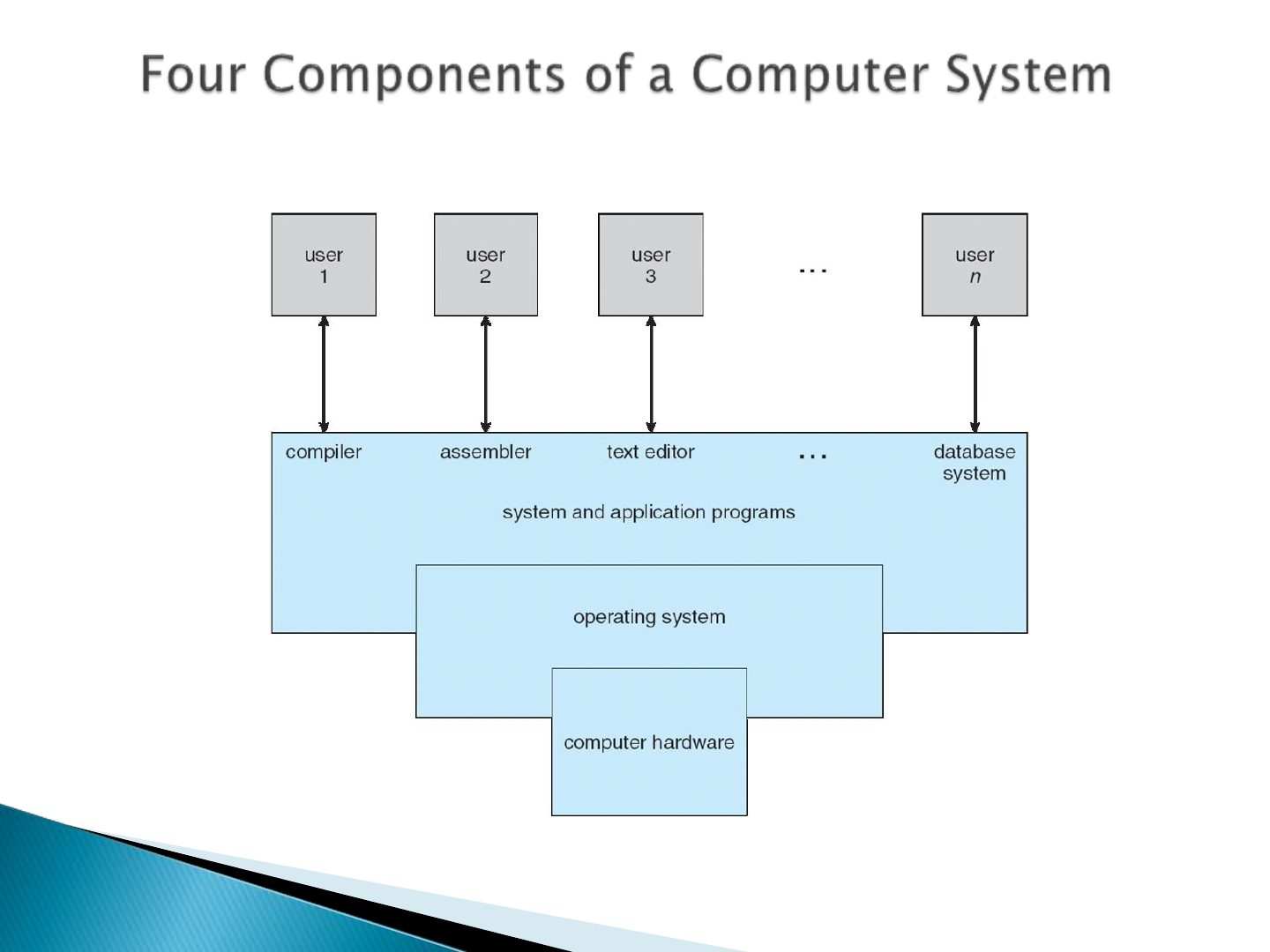
List the four main components of a computer system.
Compare with the model answer
Hardware (CPU, memory, I/O), operating system (controls and coordinates hardware use), application programs (solve the users’ problems with the resources), and users (people, machines, other computers).
Slide 6
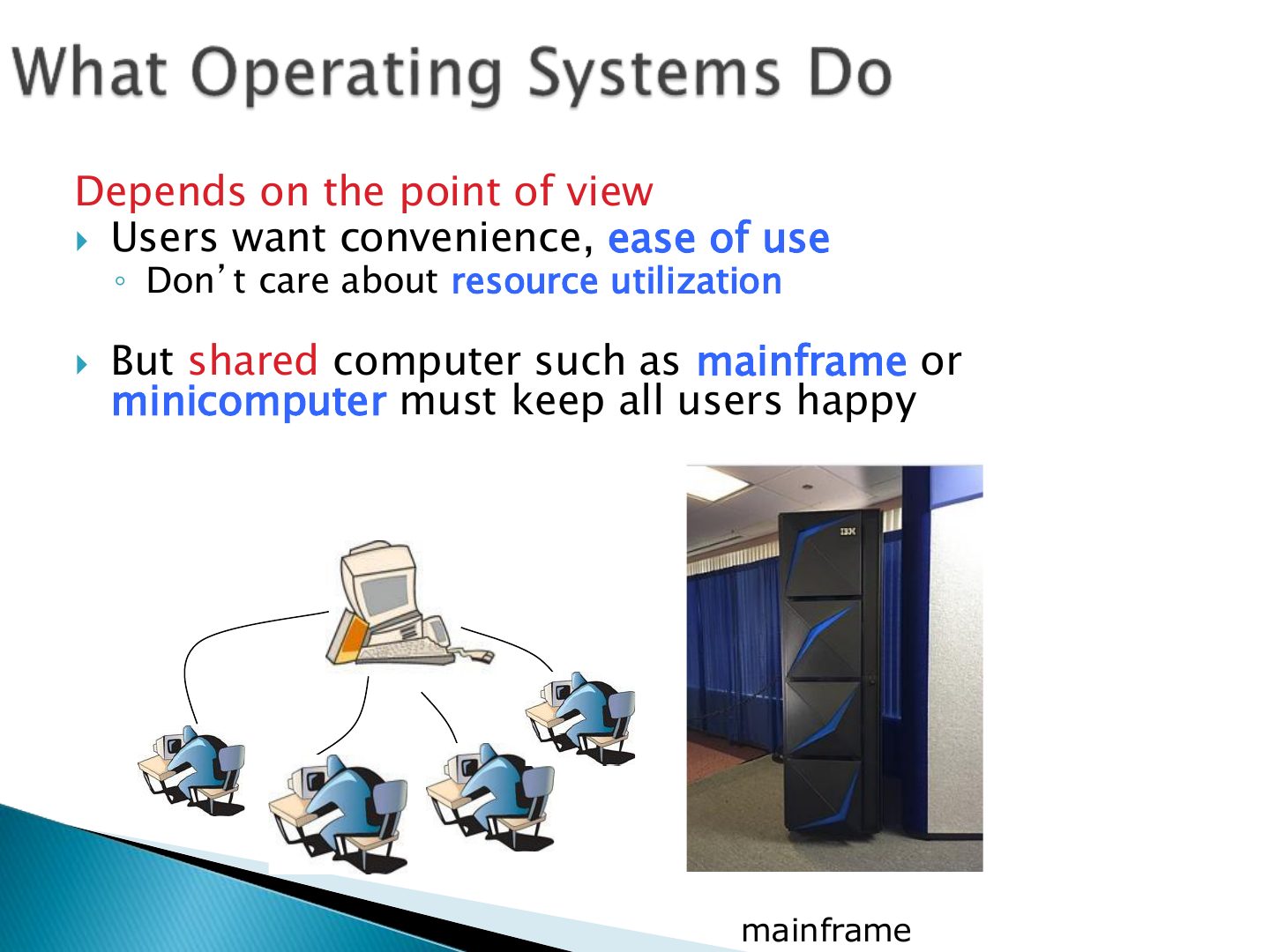
Depends on the point of view Users want convenience, ease of use
Users of dedicate systems such as
OS is a resource allocator
Exam angle
Q18: deciding between conflicting requests
When the OS decides between conflicting requests for CPU, memory and I/O, it acts as a:
“The
bootstrap program is loaded at power-up or
Slide 12
➢ A general computer system consists of a group of
Slide 14
➢ Interrupts are essential for the function of any OS. Interrupts
Exam angle
Q14: the software-generated interrupt
Which is a software-generated interrupt?
➢ The operating system preserves the state of the CPU by storing
Slide 17
Slide 18
Slide 19
Main memory – only large storage media that the CPU can access
Exam angle
Q7, Q11, Q20: main memory vs. secondary storage
The only large storage media that the CPU can access directly is:
Compared with magnetic disks, SSDs are:
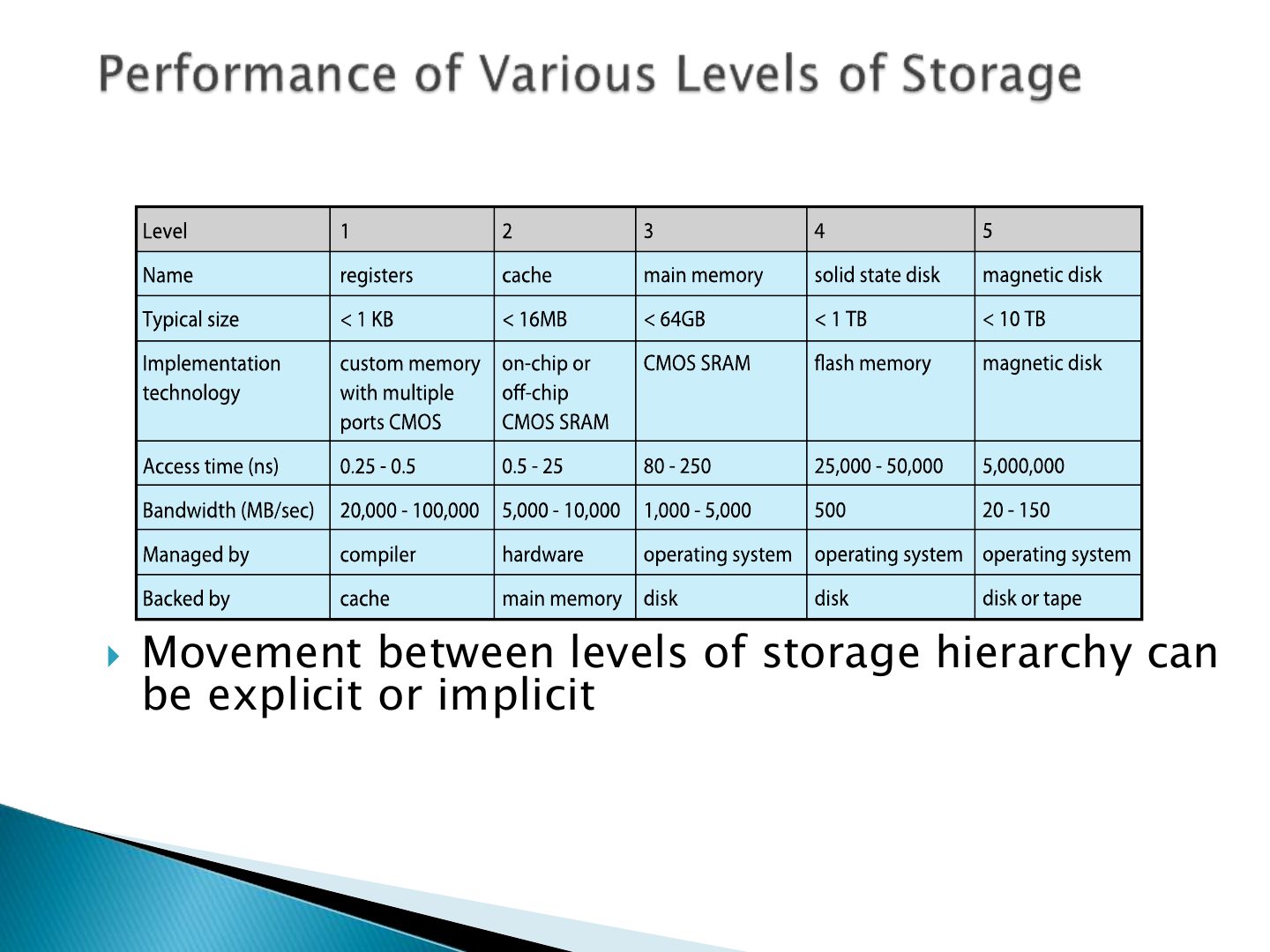
Storage systems organized in hierarchy
Notes
Storage hierarchy: registers → cache → main memory → SSD → disk → optical/tape. Higher = faster, smaller, costlier, usually volatile.
Fetching instructions from the RAM is time consuming
Exam angle
Q4, Q15: why caching matters
Related question: Q22: what the CPU fetches
Caching is important in OS design to:
Slide 23
Slide 24
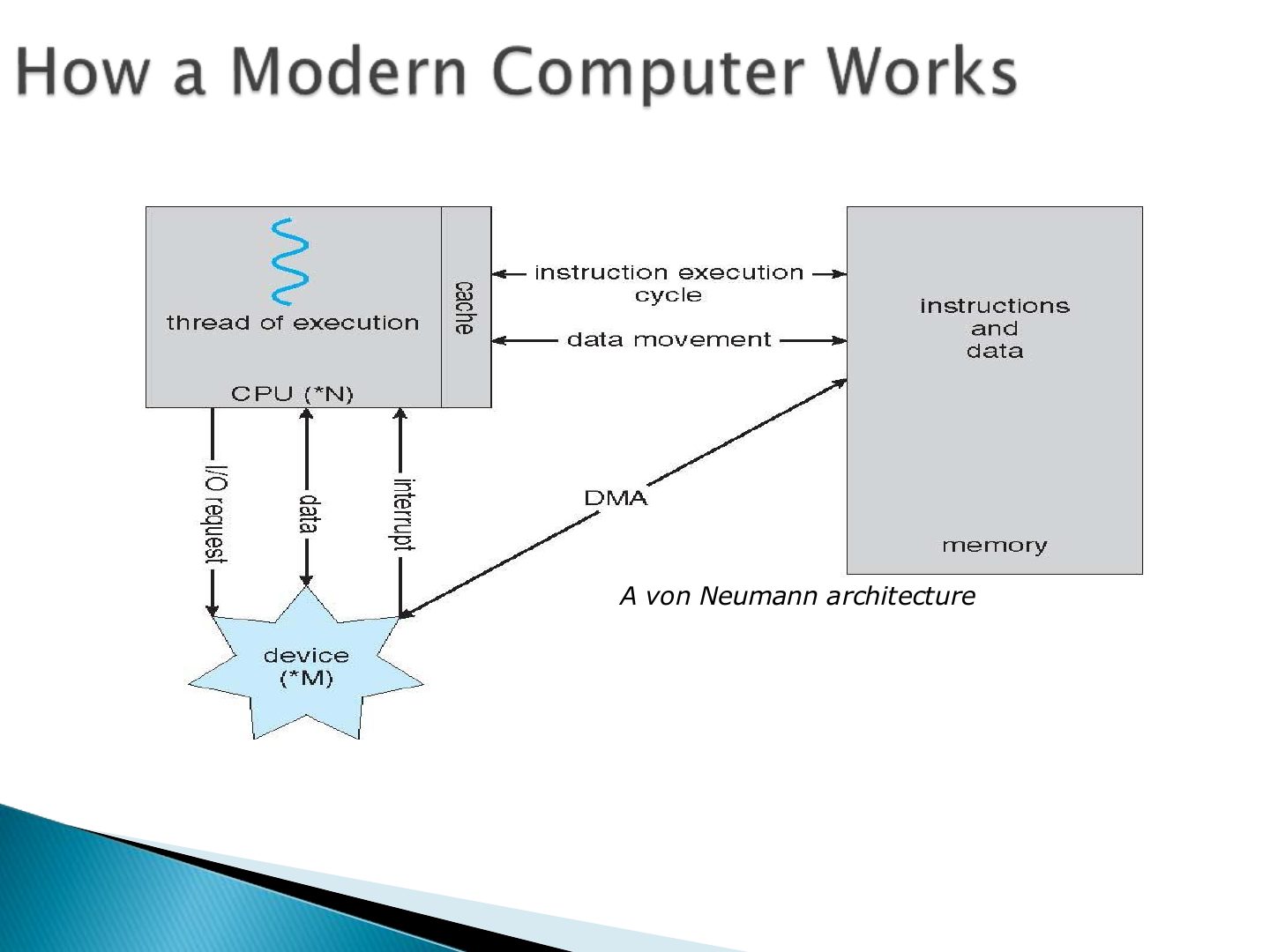
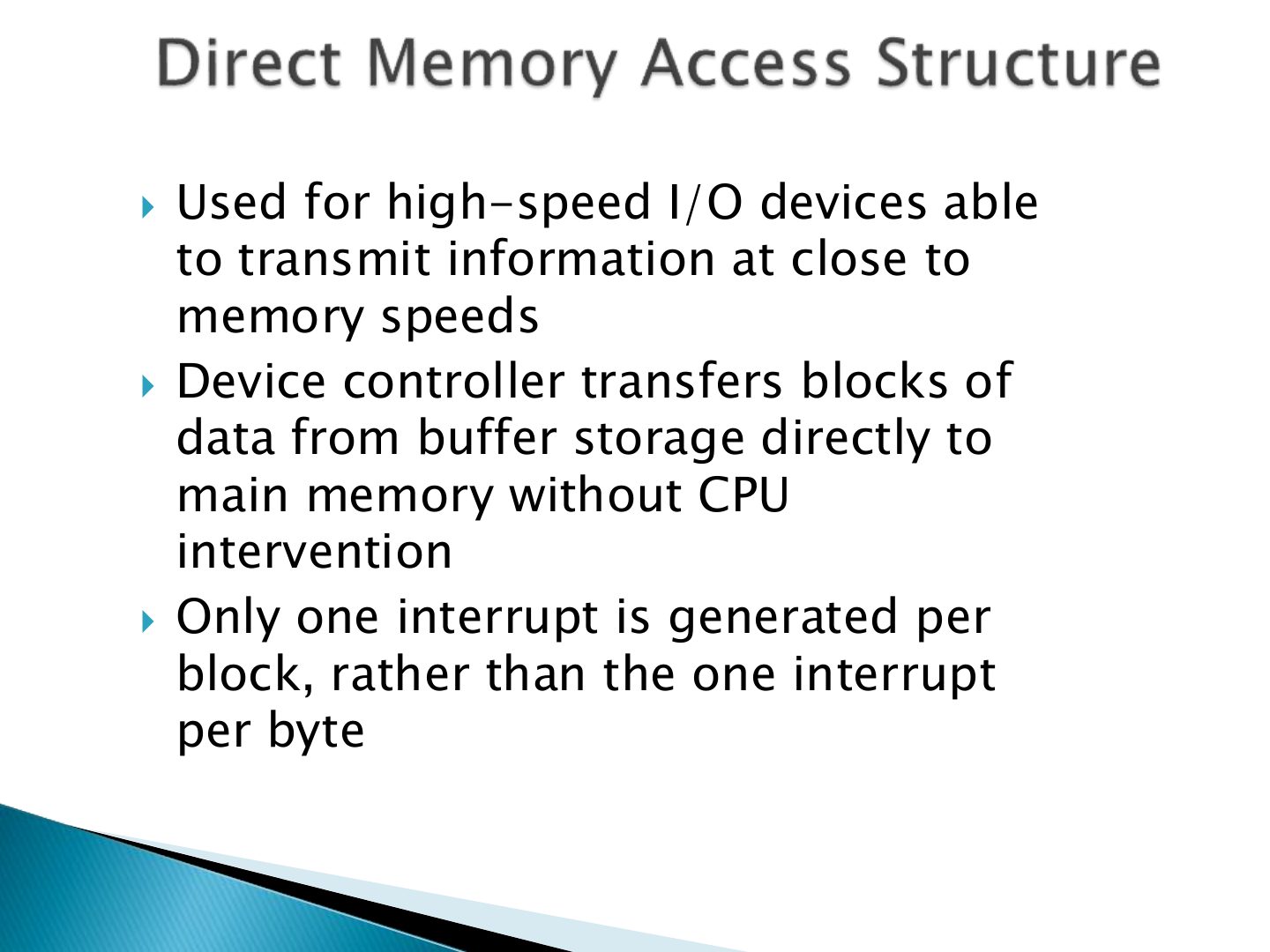
Used for high-speed I/O devices able
Notes
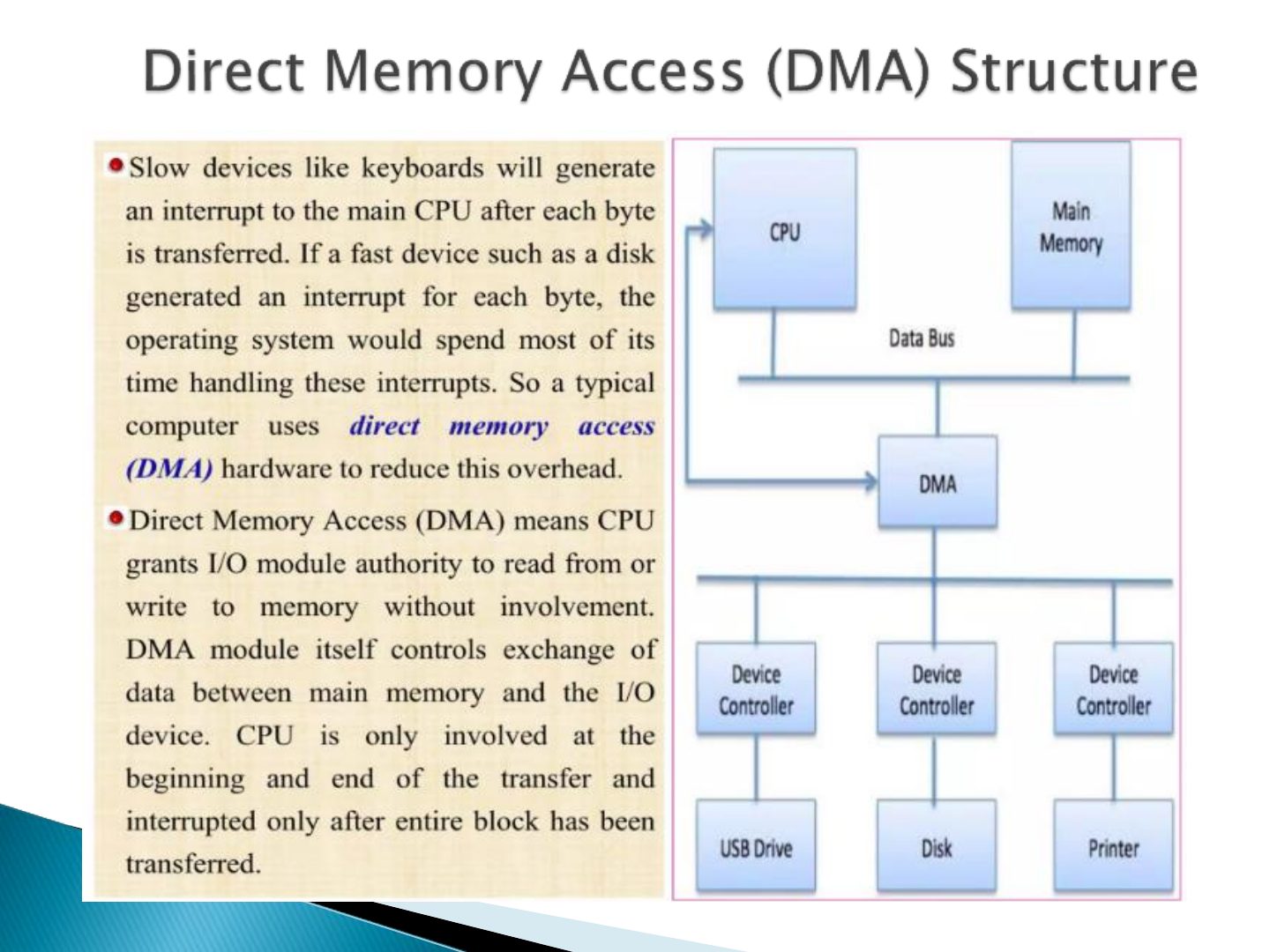
DMA: the device controller moves a whole block between the device and memory without the CPU; one interrupt per block, not per byte.
Exam angle
Q5: moving large blocks without the CPU
__ moves large amounts of data between I/O devices and main memory without the CPU.
Slide 26
Slide 27
Slide 28
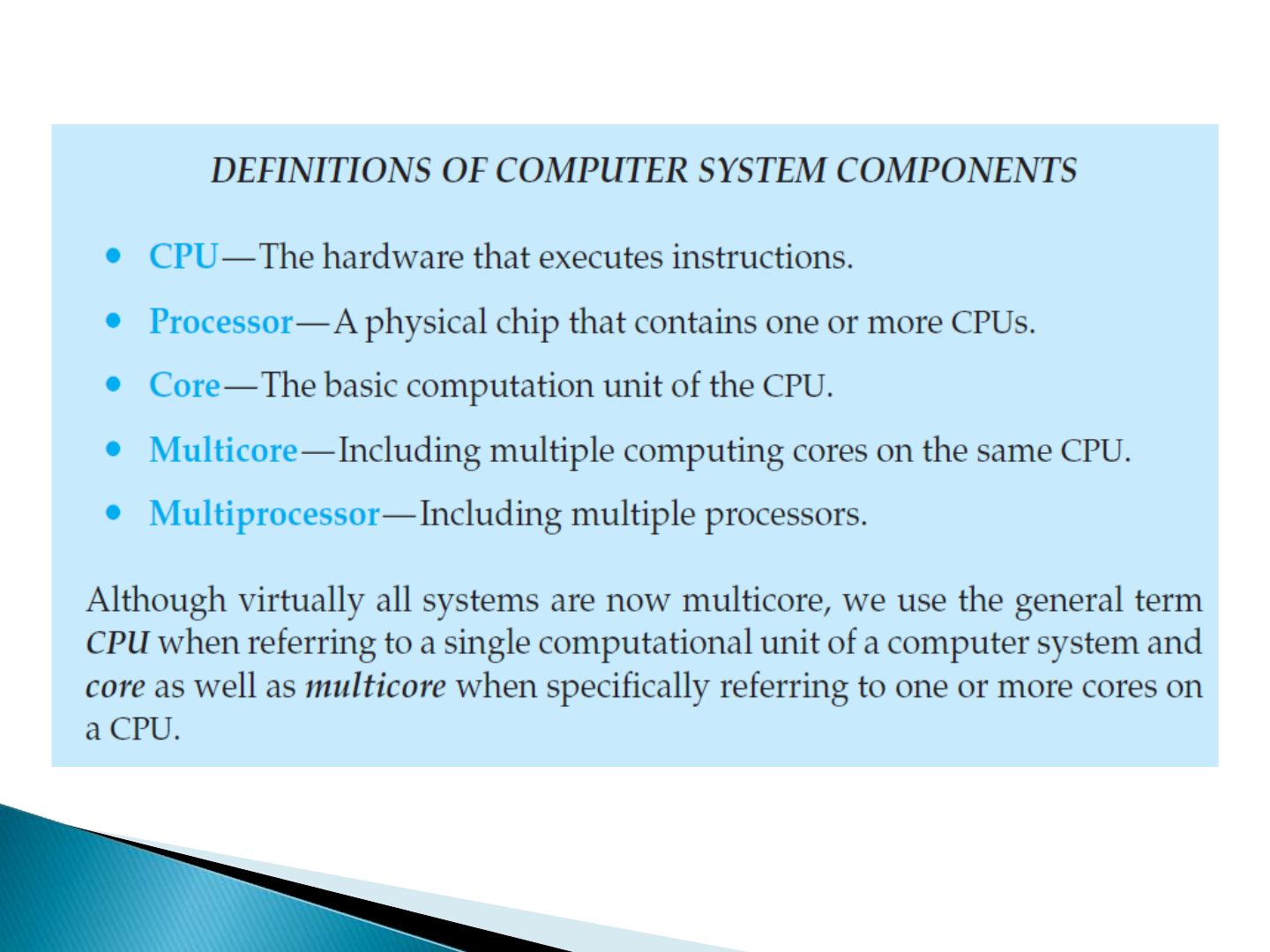
Single processor systems
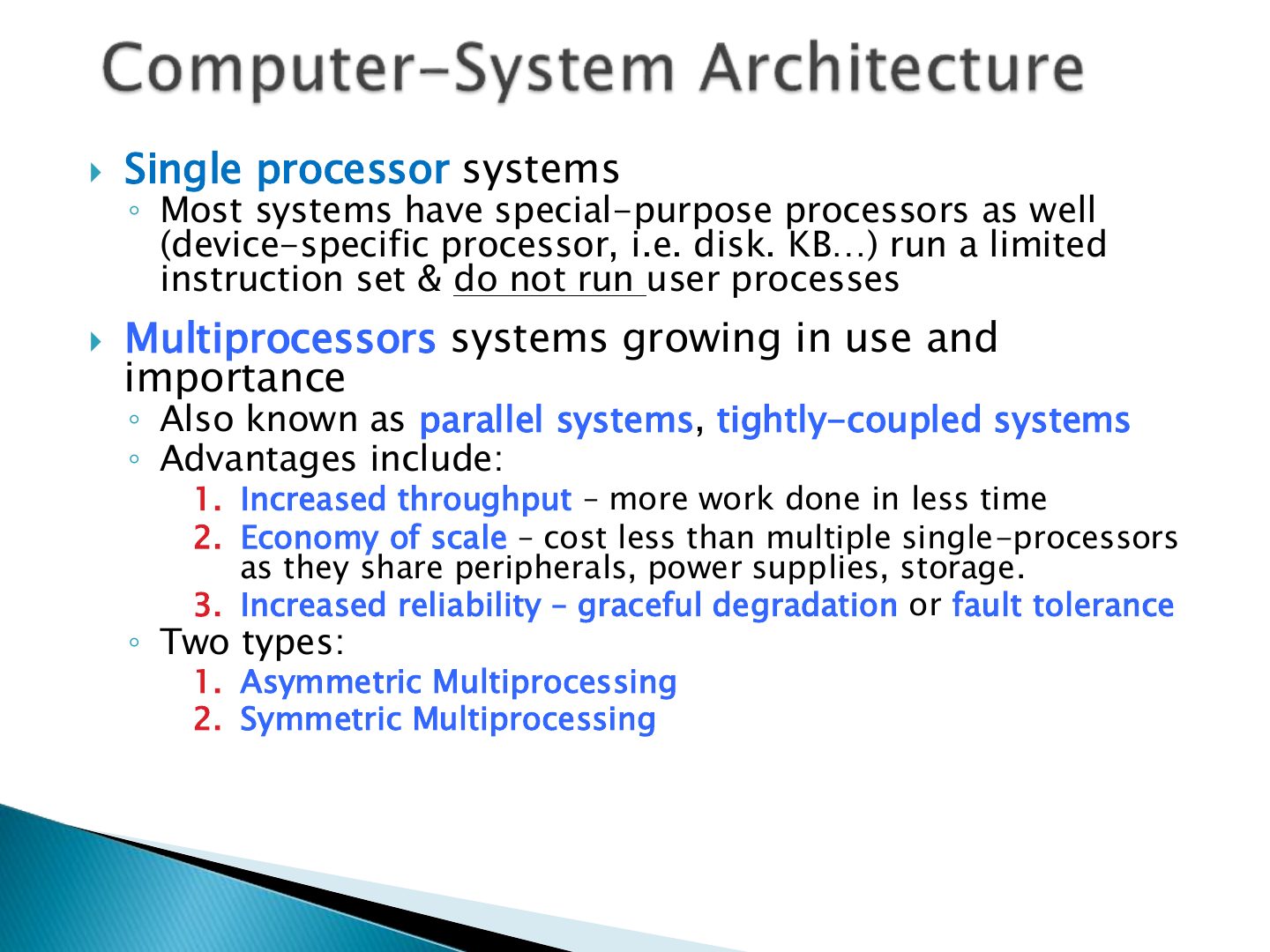
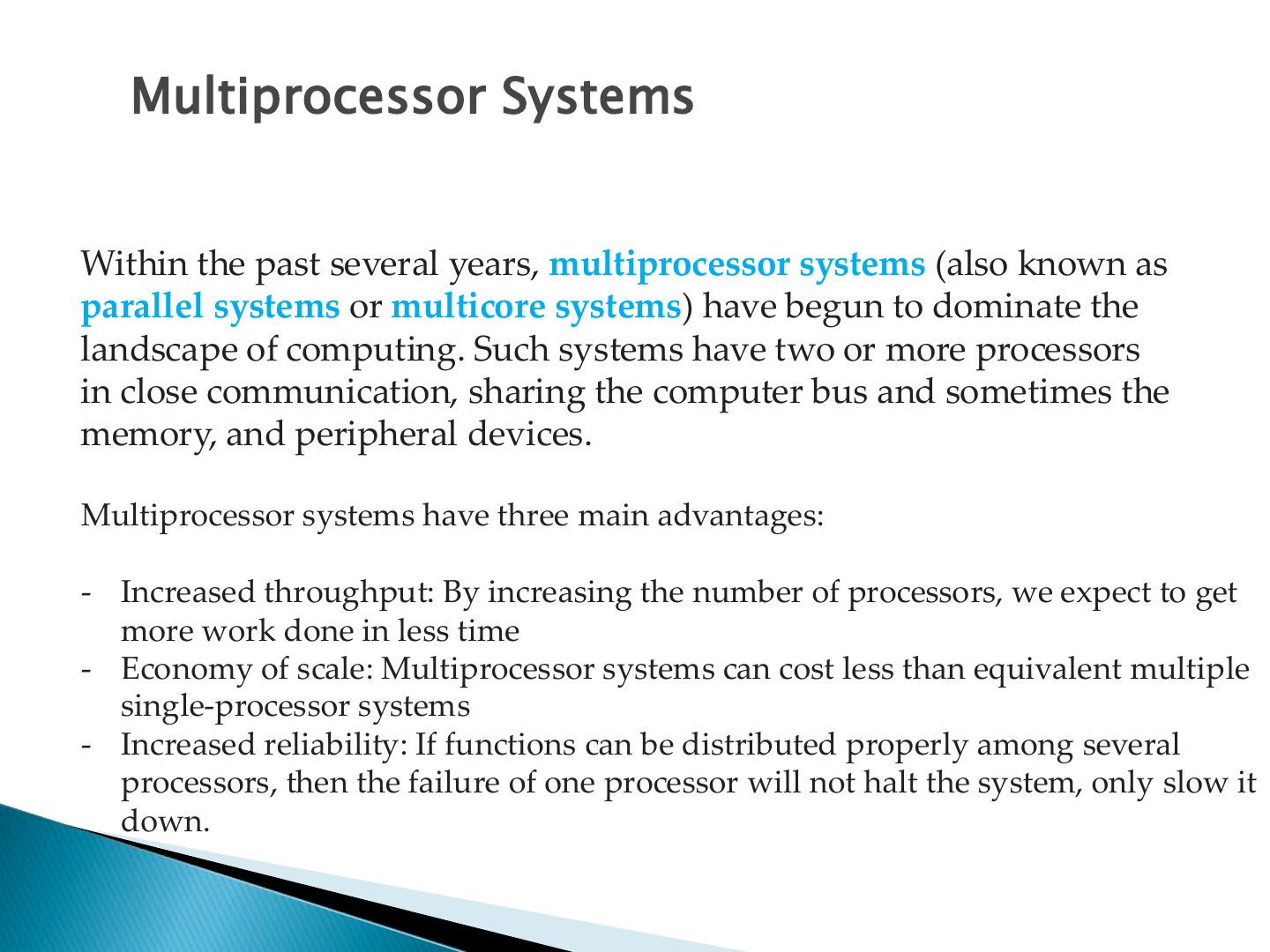
Multiprocessor Systems
Notes
Multiprocessor advantages: increased throughput, economy of scale, increased reliability (graceful degradation / fault tolerance).
Exam angle
Q2, Q13: multiprocessor advantages
Multiprocessor systems’ advantage is:
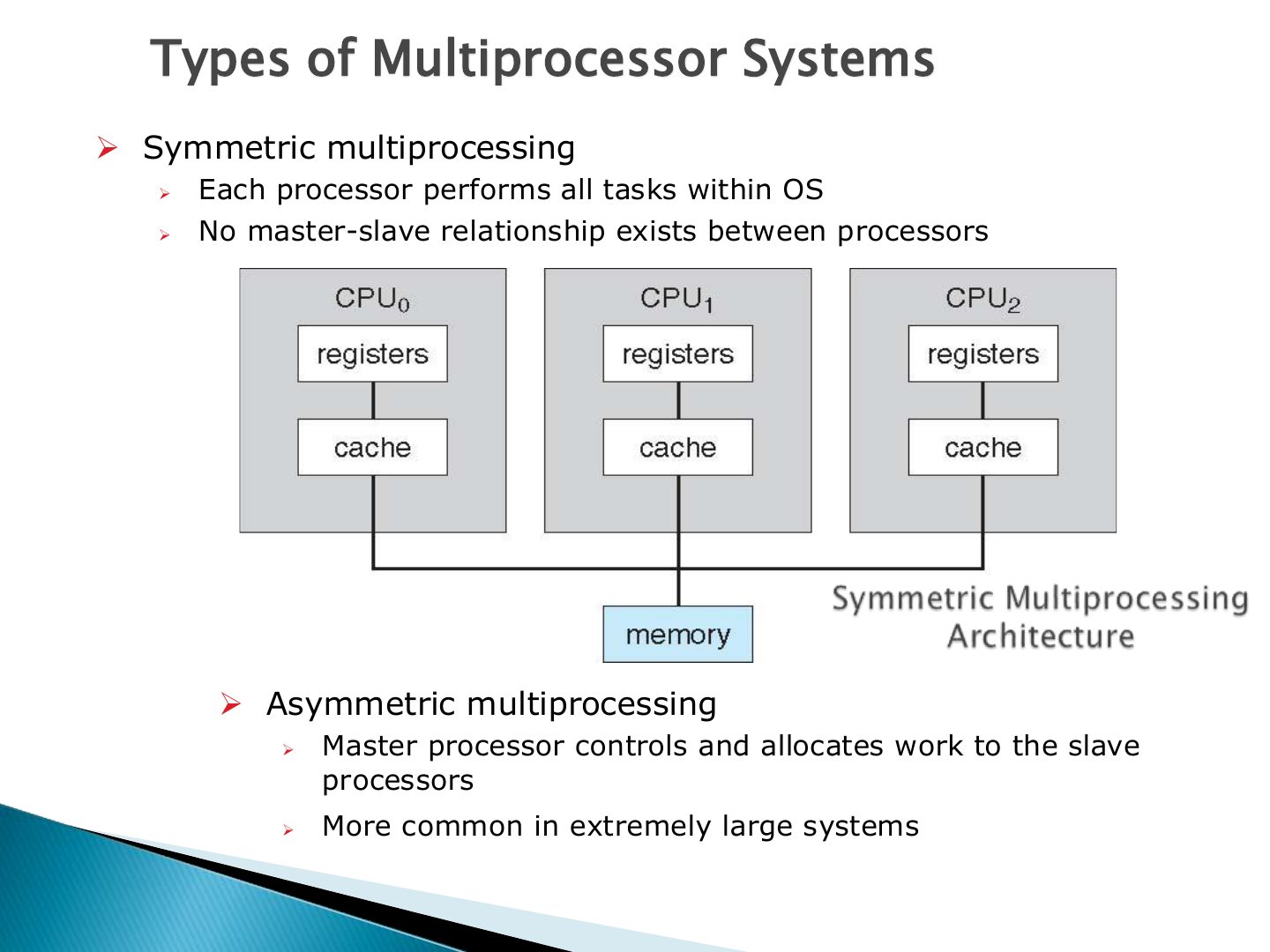
➢ Symmetric multiprocessing
Notes
Asymmetric: boss–worker, each processor has a specific task. Symmetric (SMP): each processor performs all tasks.
Trap "Boss–worker" and "each processor assigned a specific task" describe ASYMMETRIC multiprocessing.
Exam angle
Q10: recognising SMP
Which indicates a symmetric multiprocessing system?
Like multiprocessor systems, but multiple systems working together ◦ Usually sharing storage via a storage-area network (SAN) & closely linked via a LAN
Notes
Clustered systems: multiple systems working together over a network, usually sharing storage; high availability.
Like multiprocessor systems, but multiple systems
Slide 34
Different OSs vary greatly internally but have many common
Notes
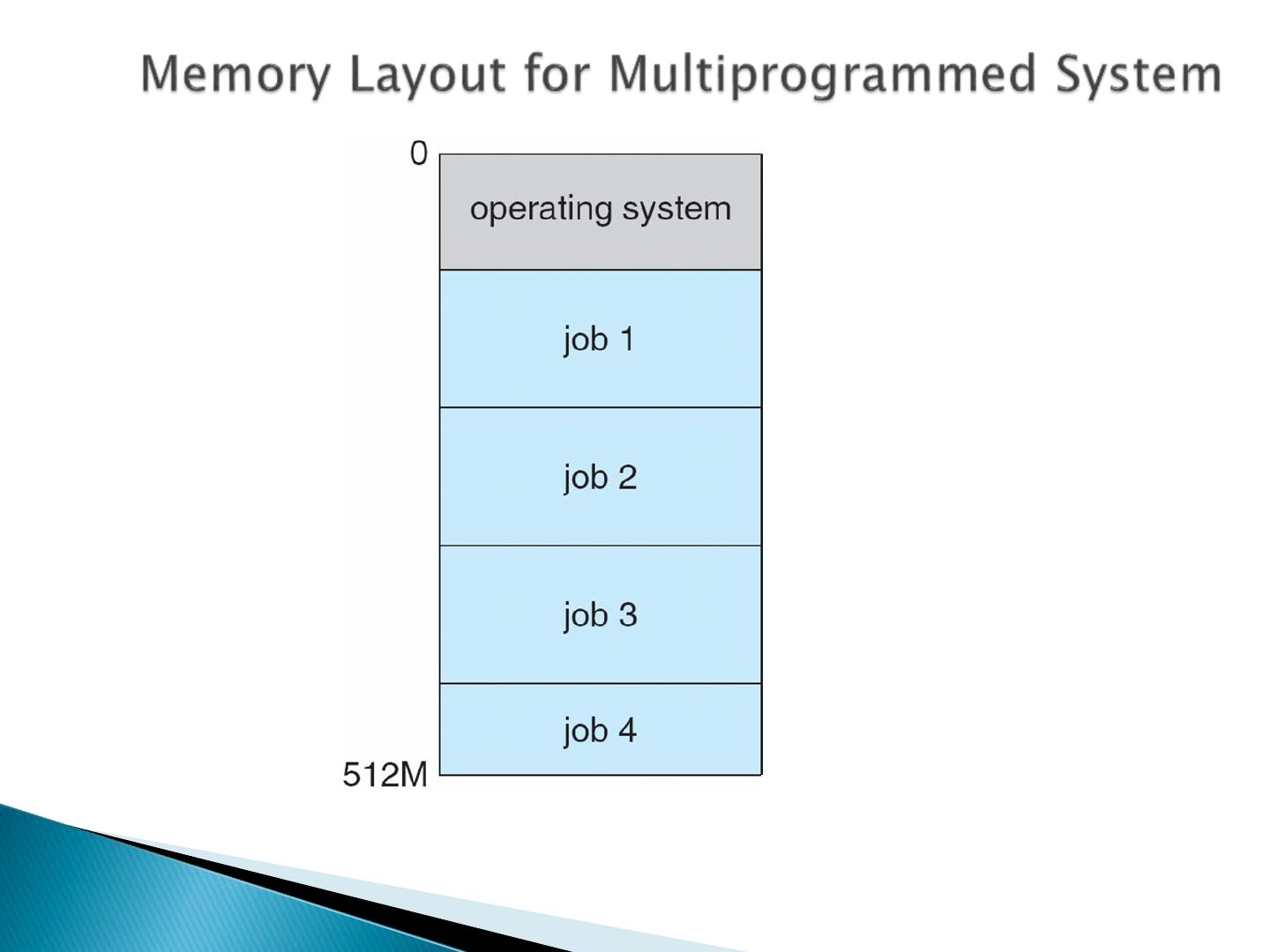
Multiprogramming keeps several jobs in memory so the CPU always has one to run (overlaps CPU with I/O). Time-sharing switches so often that users can interact with each job.
Exam angle
Q12, Q17, Q23: multiprogramming vs. time-sharing
What is the difference between multiprogramming and time-sharing?
Compare with the model answer
Multiprogramming organizes jobs so the CPU always has one to execute: when a job waits (e.g. for I/O) the OS switches to another, increasing CPU utilization. Time-sharing extends this by switching so frequently that users can interact with each program while it runs (interactive computing, short response time).
Slide 36
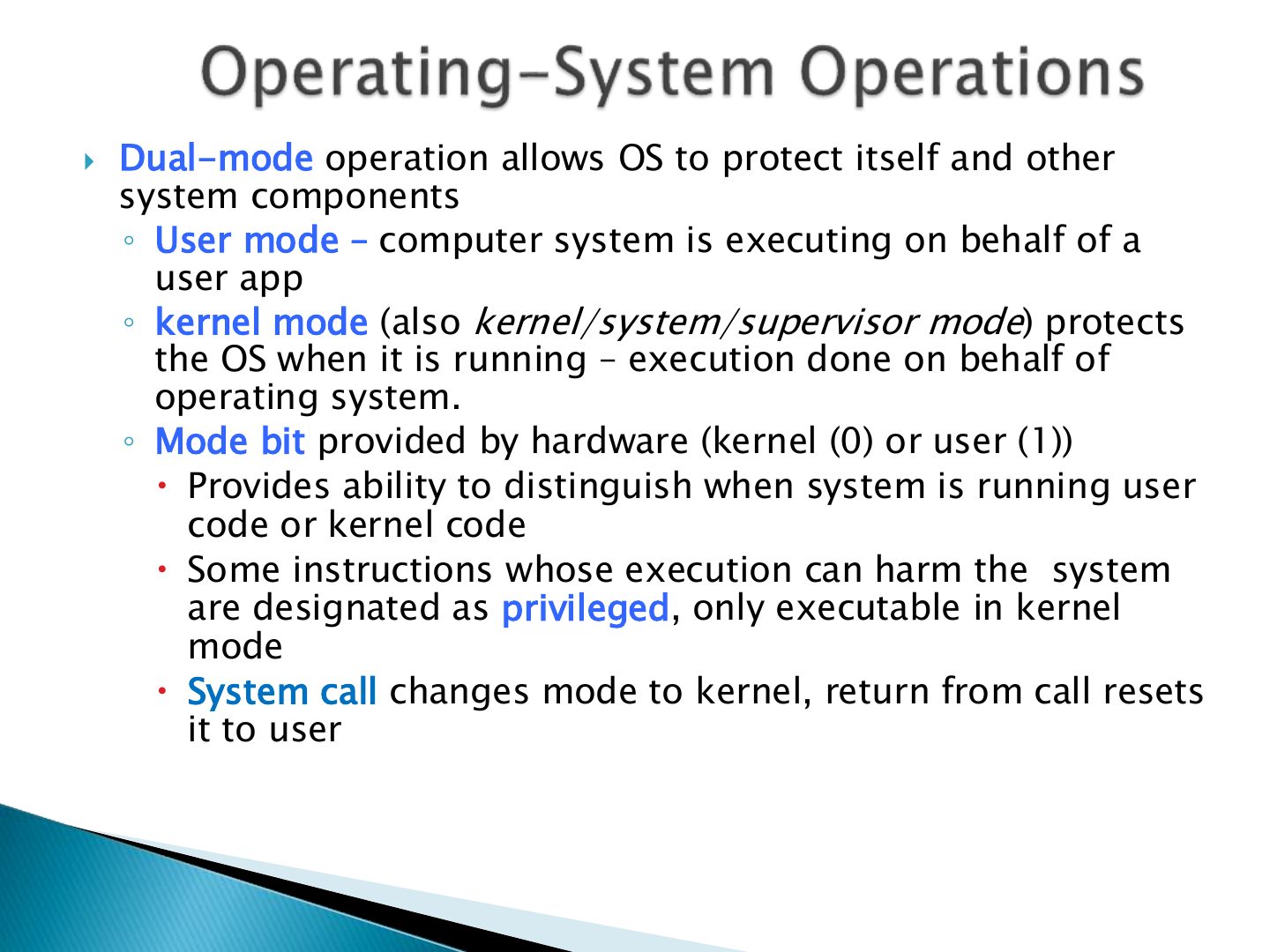
Dual-mode operation allows OS to protect itself and other
Exam angle
Privileged instructions can be executed in user mode.
- They trap to the OS if attempted in user mode.
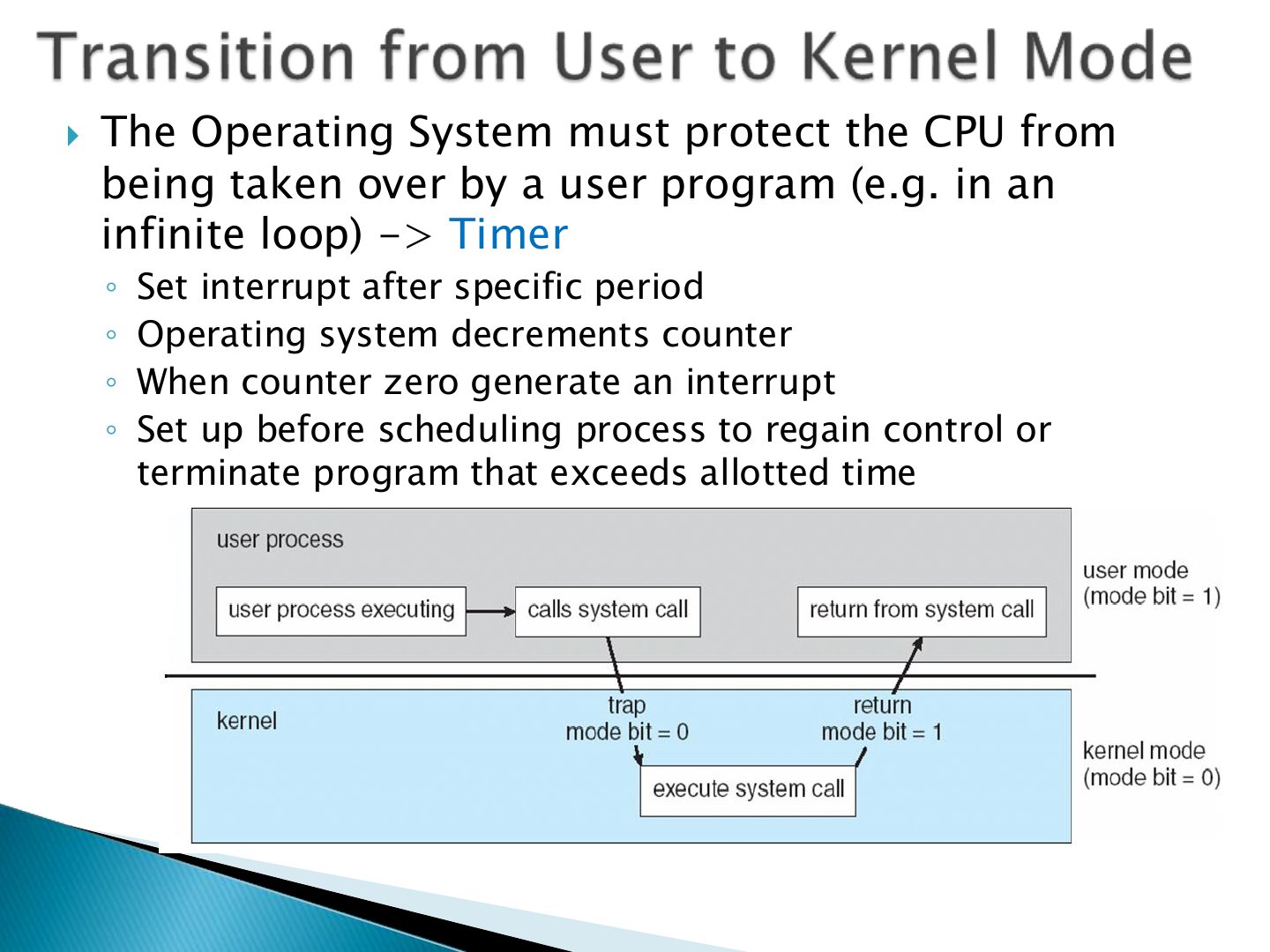
The Operating System must protect the CPU from
Notes
The timer interrupts after a set period so a user program can’t run forever and keep the CPU from the OS.
Exam angle
Q3, Q19: what the timer prevents
A ____ prevents a user program from never returning control to the OS.
A process is a program in execution. It is a unit of work
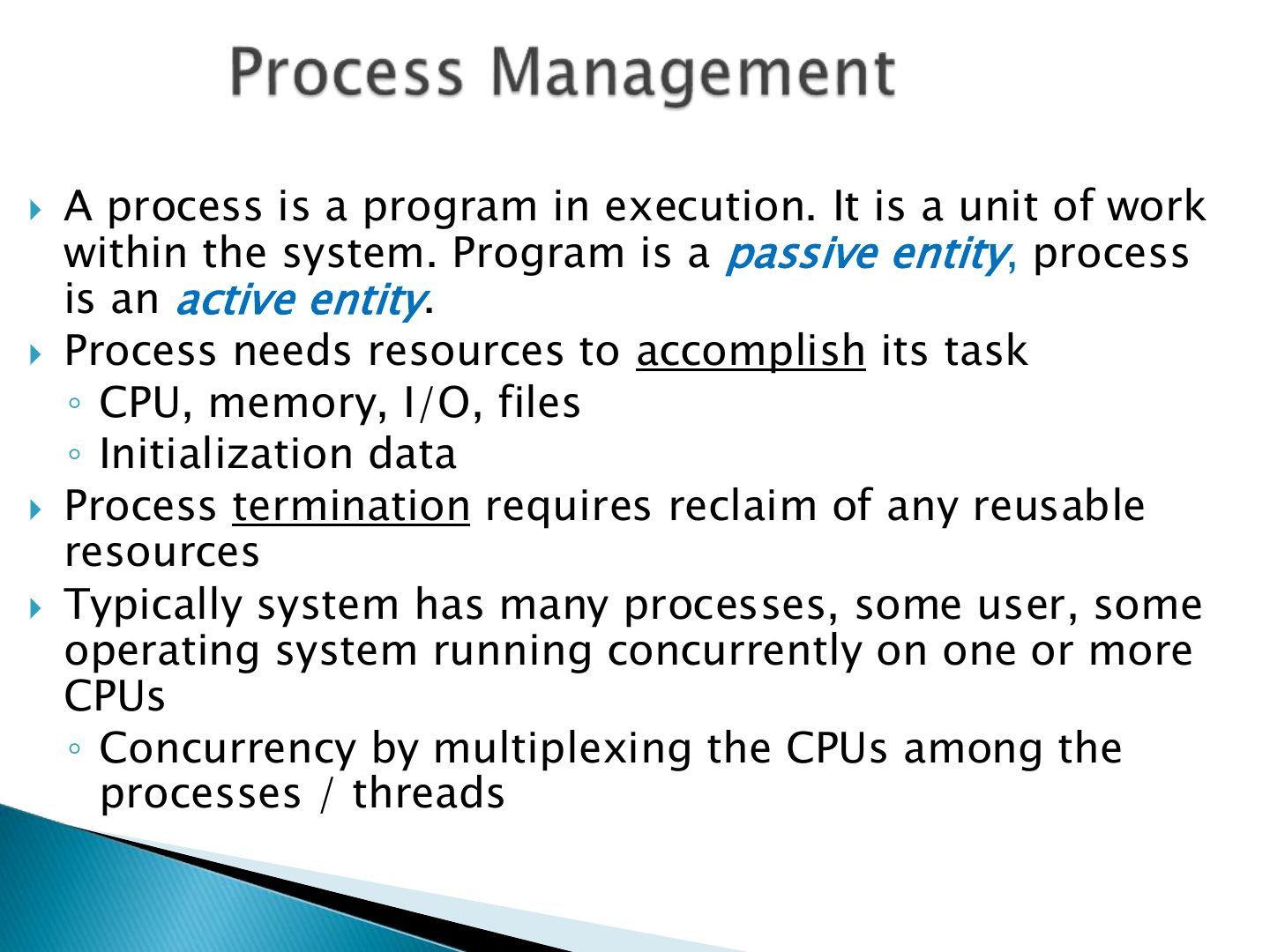
The operating system is responsible for the following activities in connection with process management:
Exam angle
Q8: process-management activities
A program’s instructions and data must be in the
Users do not see bits and bytes. OS enables
Mass-Storage Management
Slide 44