Compared with ArrayList, LinkedList is better at:
Linked Lists
Linked data structures, the generic LinkedList<E> class and its operations, iterators, sorting a LinkedList with a Comparator, and PriorityQueue.
How to read this page
Every original slide is shown unchanged. Yellow marks on a slide point to a numbered note: hover or tap a mark to jump to its note, and hover a note to see its marks. Questions tagged Past exam appeared on a real paper; Prediction questions are likely angles, not confirmed. Pick an answer to each question: a wrong pick tells you why it is wrong, so you can try again.
All 24 slides
- 1 Slide 1
- 2 The Class LinkedList
- 3 For example the following statement creates myList as a list
- 4 Linked Lists
- 5 Slide 5
- 6 The LinkedList Class
- 7 LinkedList
- 8 LinkedList
- 9 LinkedList (cont.)
- 10 Iterators
- 11 Iterators
- 12 Iterator Java Interface
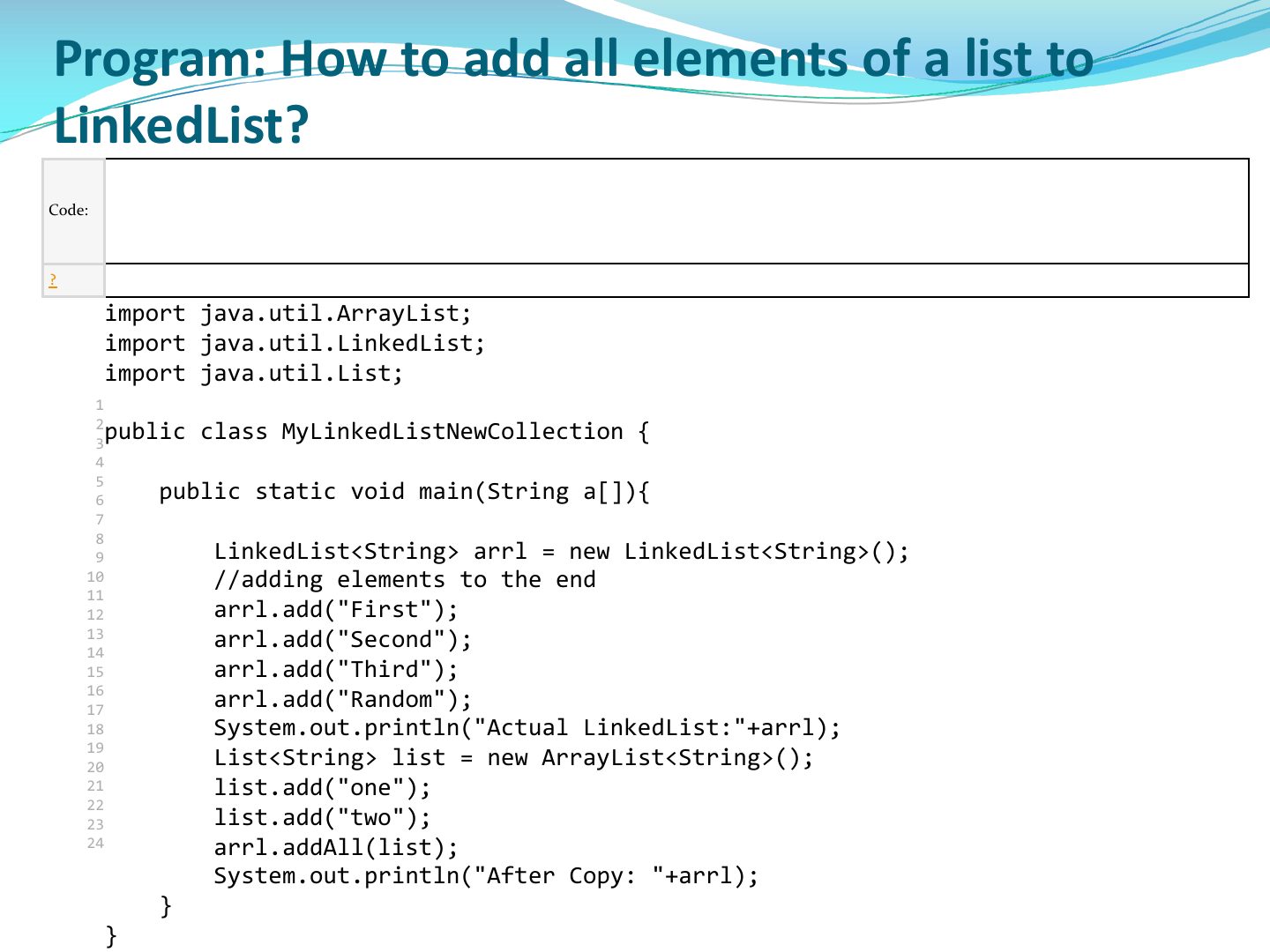
- 13 Program: How to add all elements of a list to
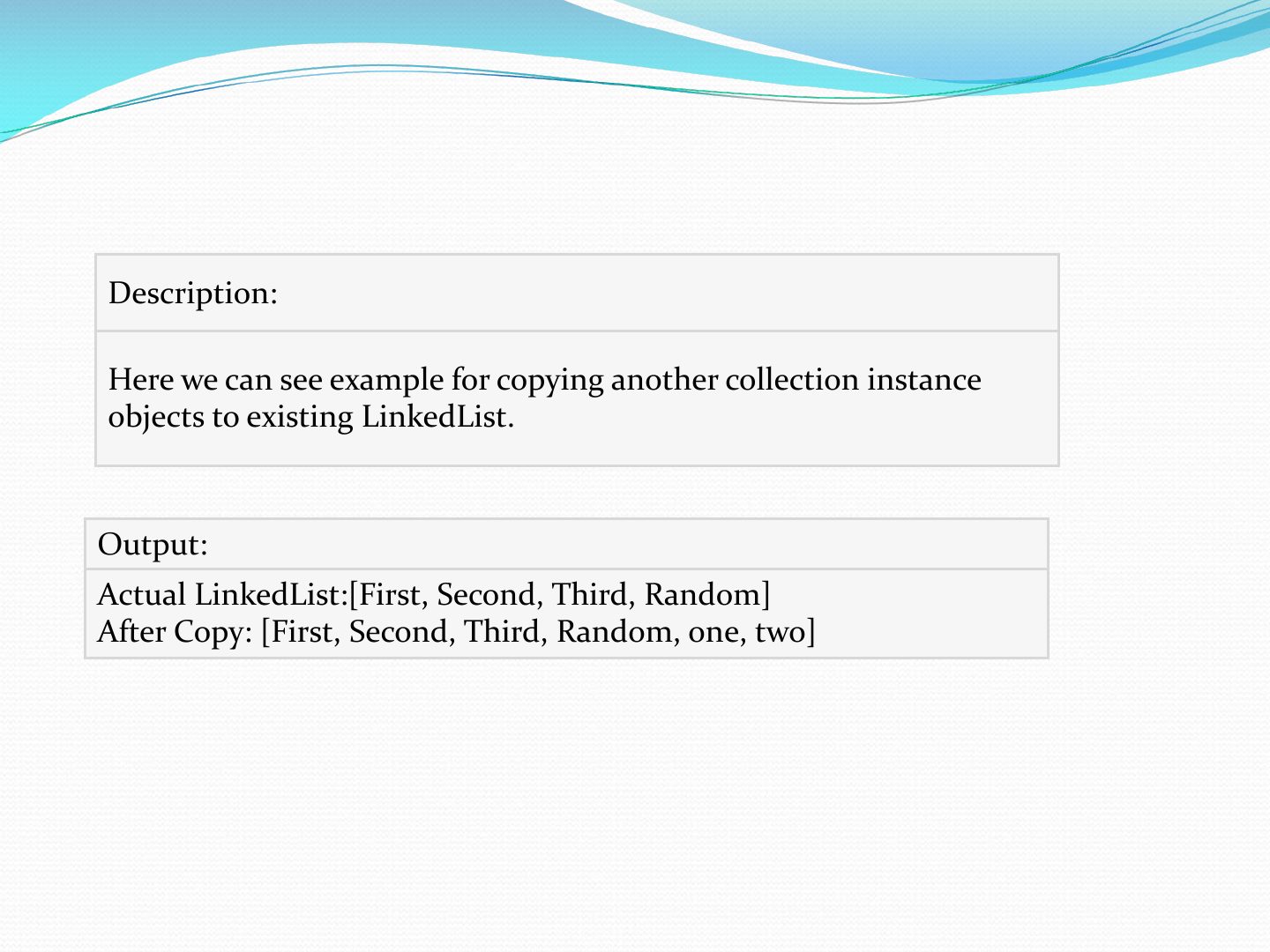
- 14 Description:
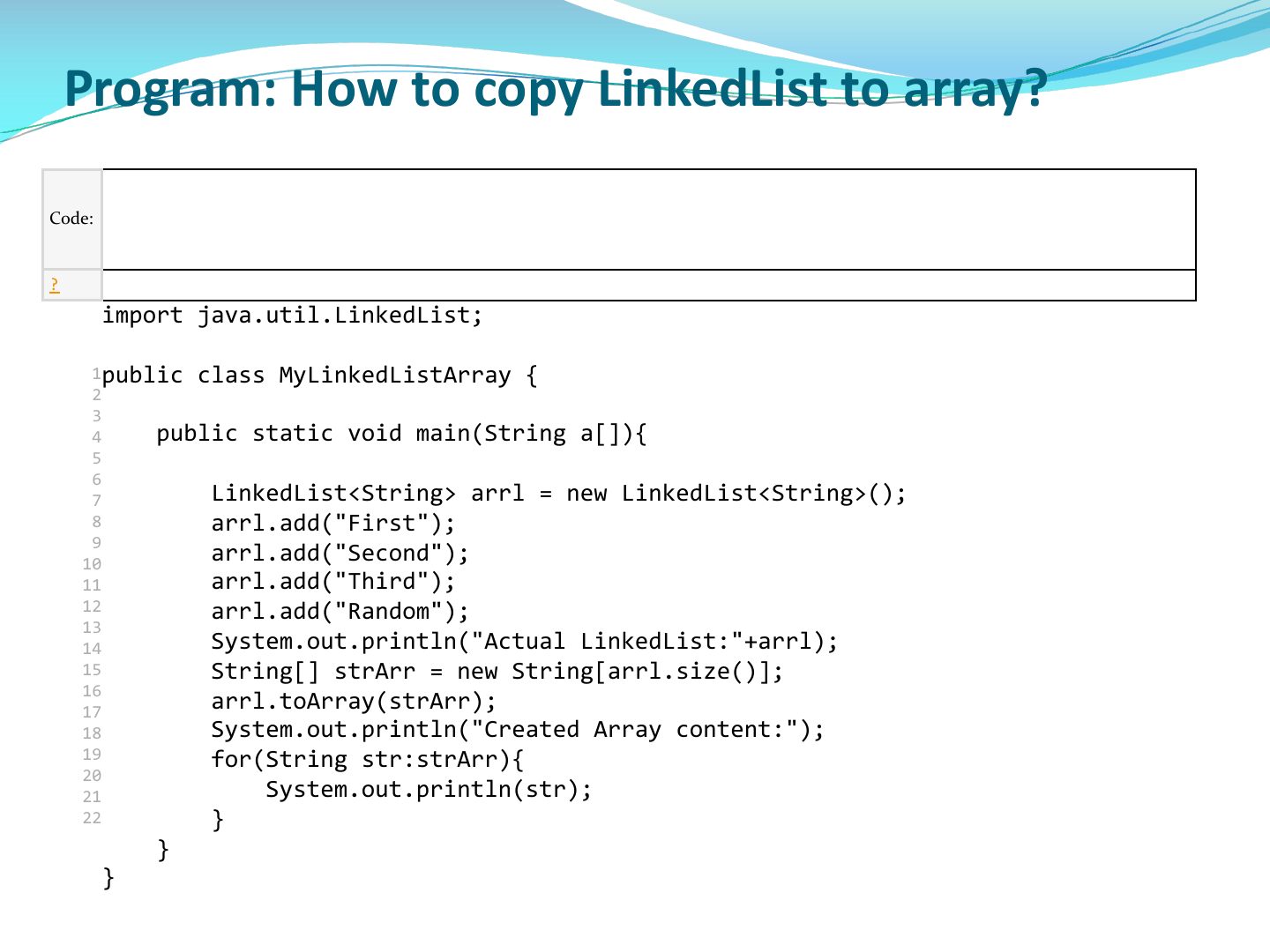
- 15 Program: How to copy LinkedList to array?
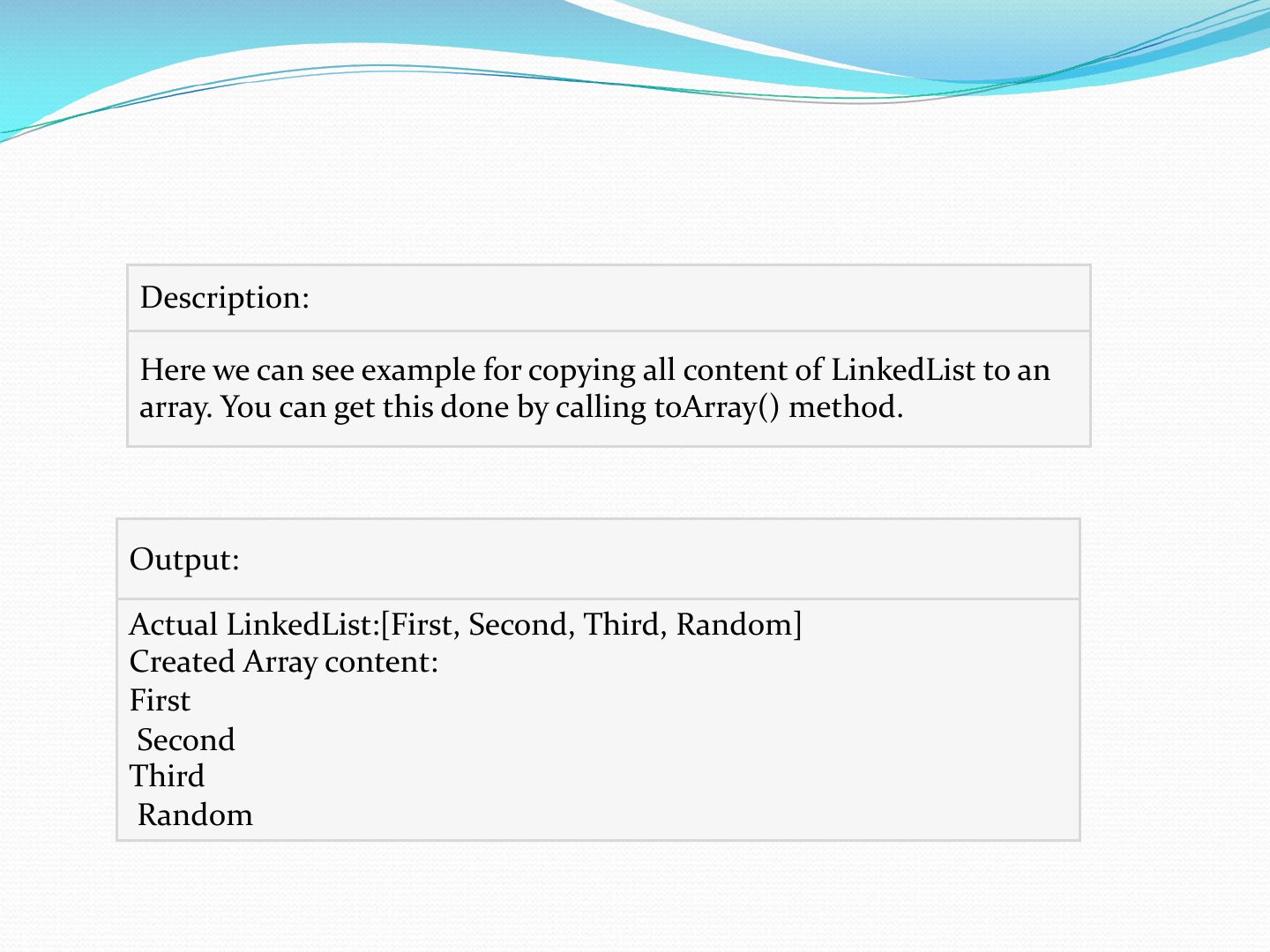
- 16 Description:
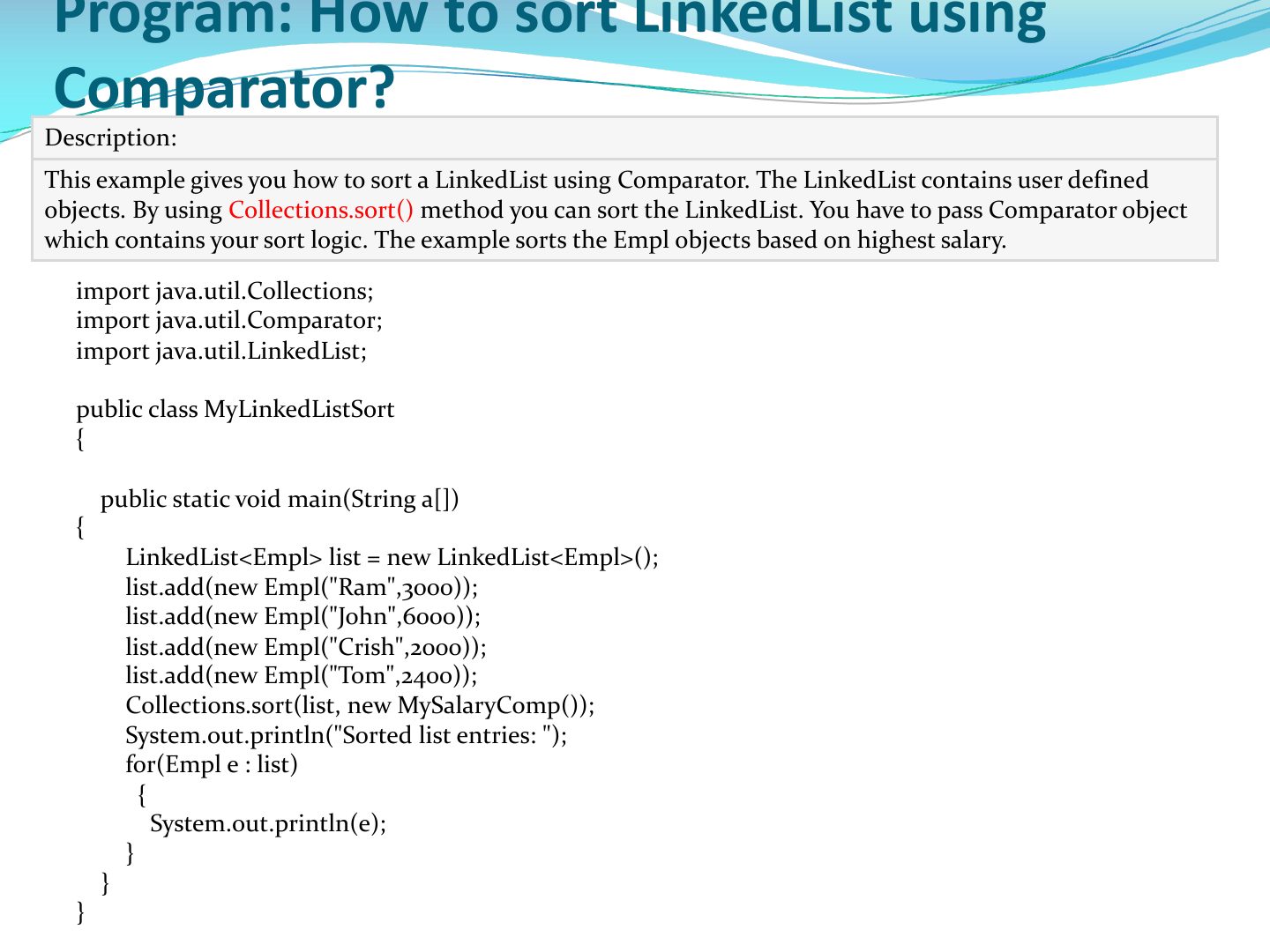
- 17 This example gives you how to sort a LinkedList using Comparator. The LinkedList contains user defined objects. By using Collections.sort method you can sort the LinkedList. You have to pass Comparator object which contains your sort logic. The example sorts the Empl objects based on highest salary.
- 18 Check Full Code: EmplComp
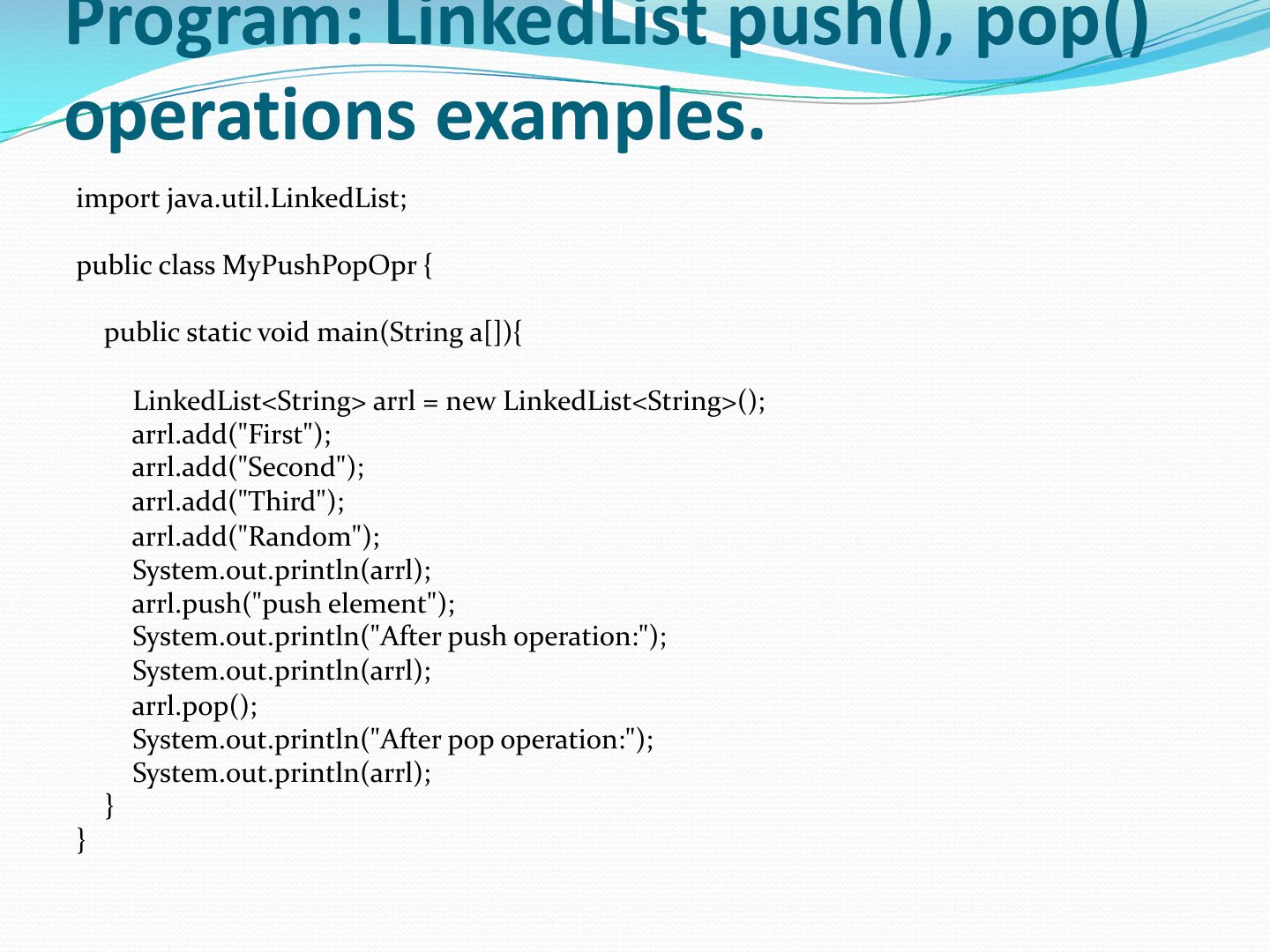
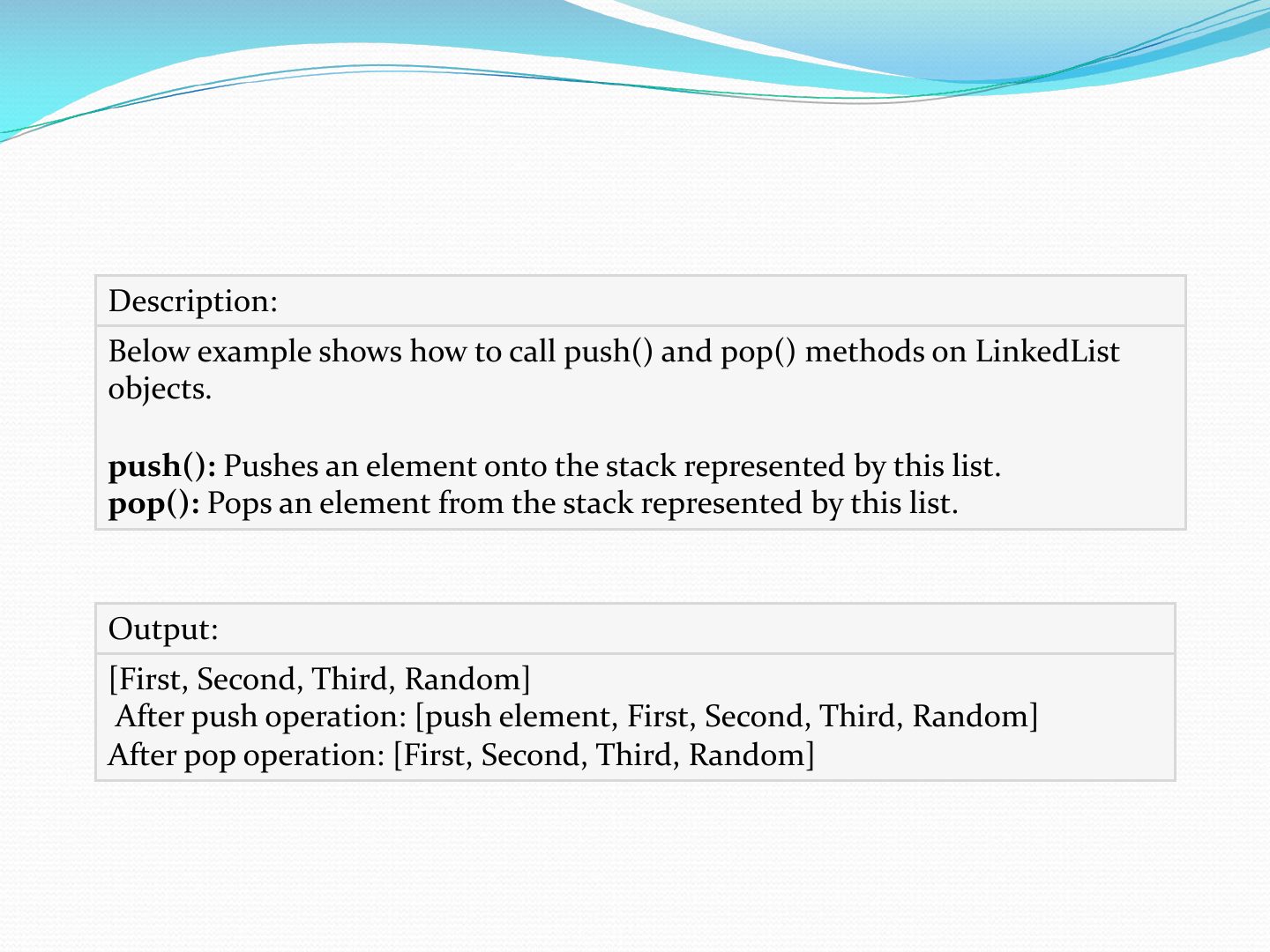
- 19 import java.util.LinkedList;
- 20 Slide 20
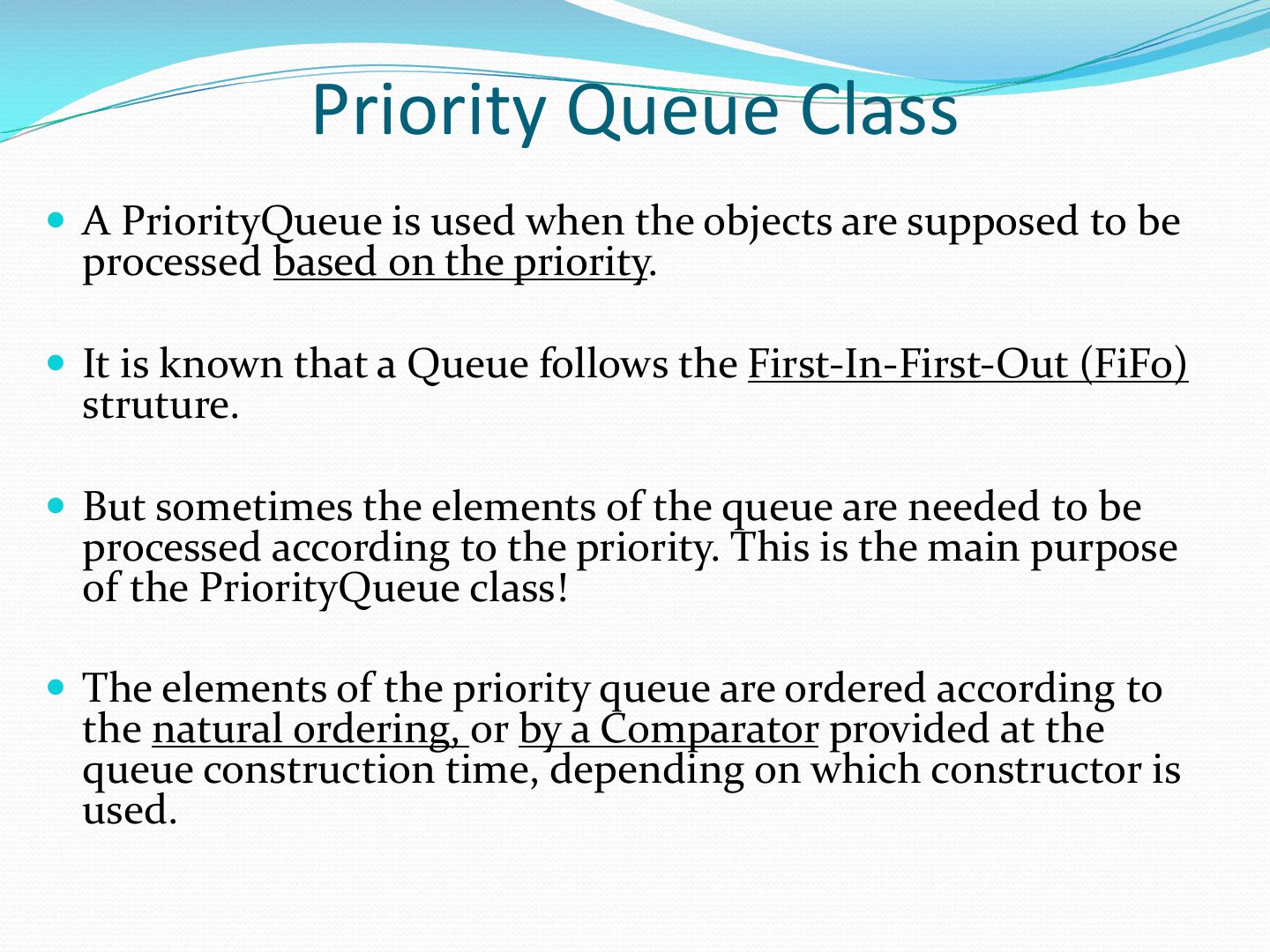
- 21 Priority Queue Class
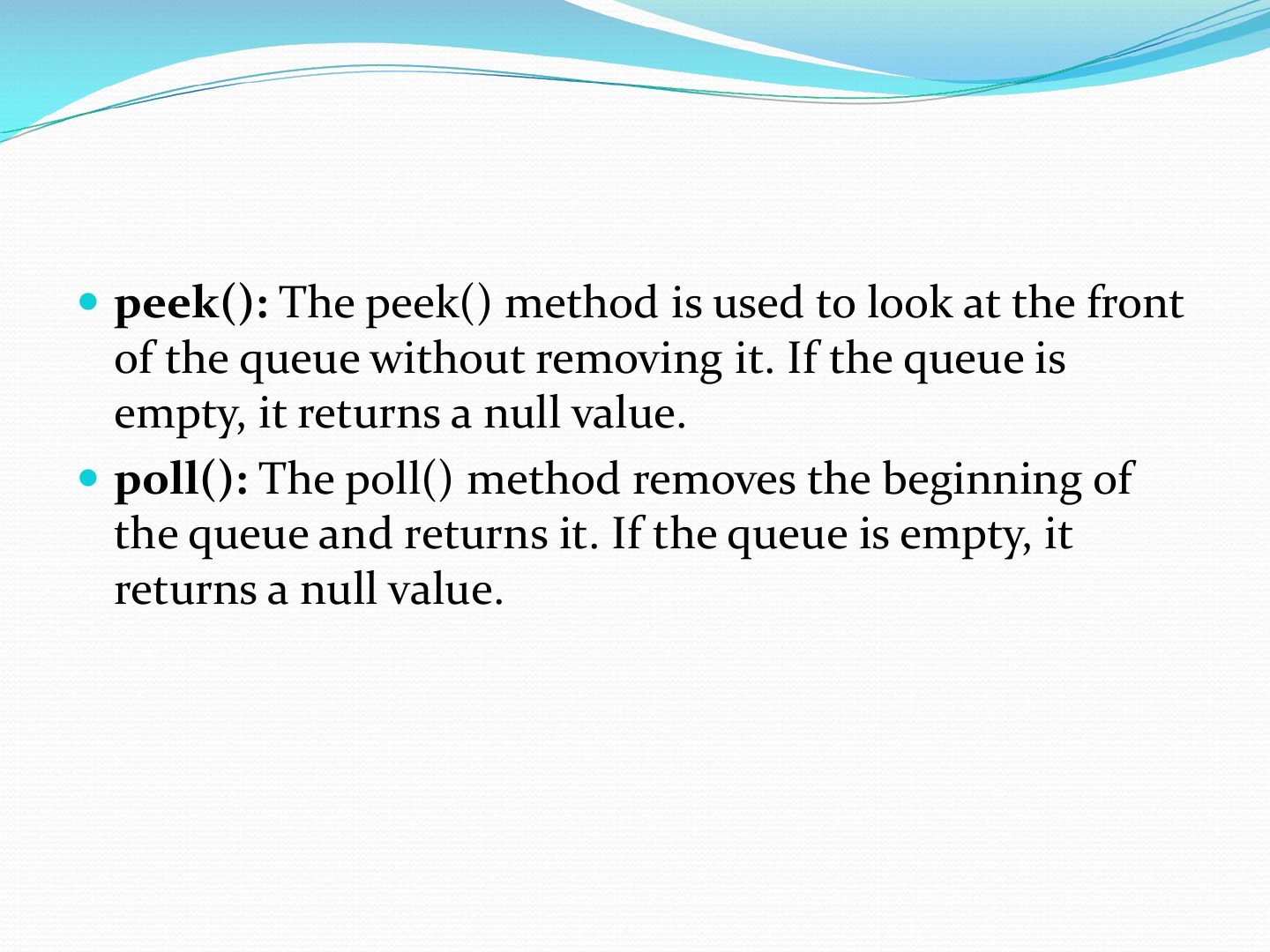
- 22 peek(): The peek() method is used to look at the front
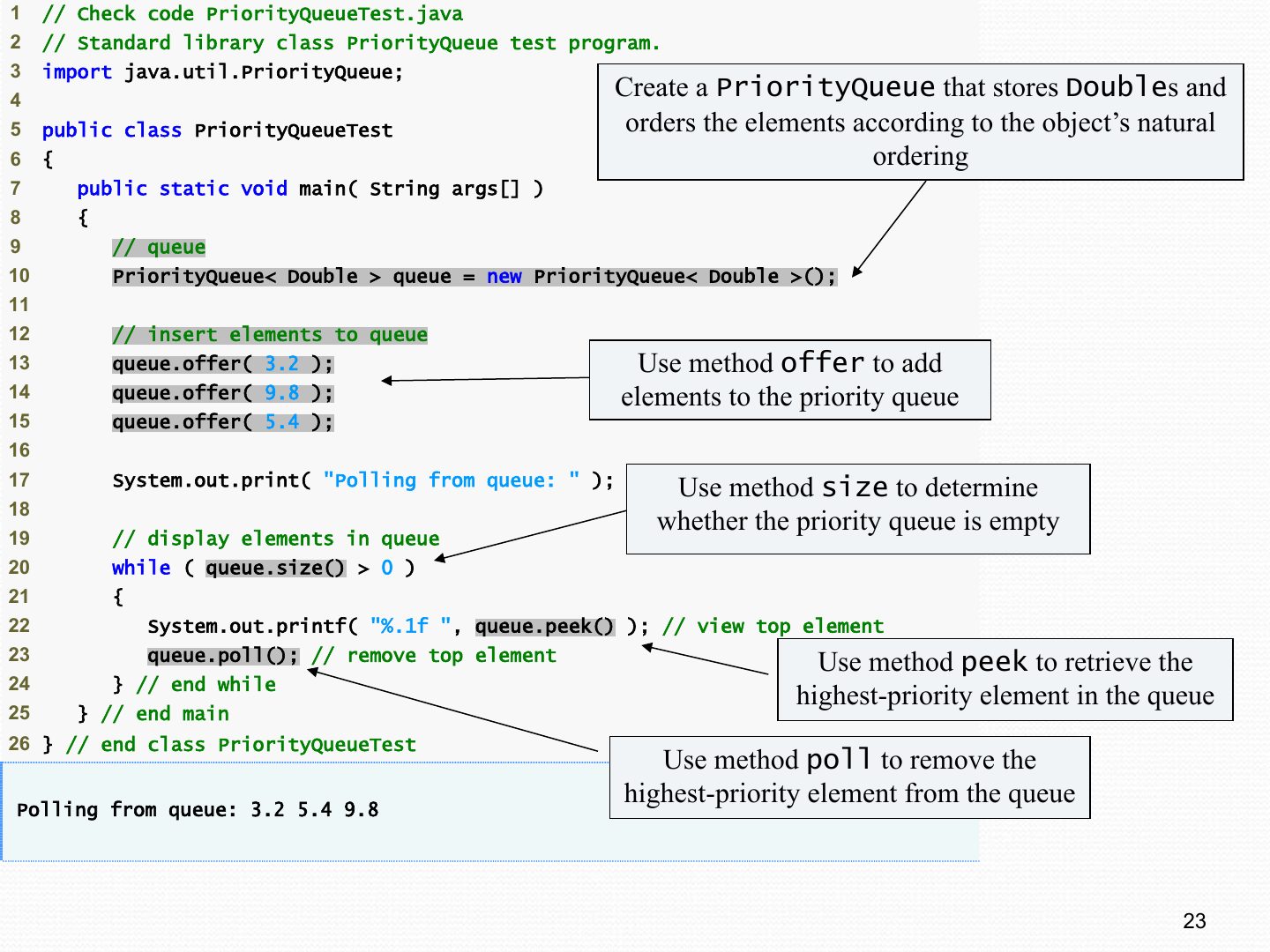
- 23 !"! // Check code PriorityQueueTest.java ! !#! // Standard library class PriorityQueue test program. ! !$! import java.util.PriorityQueue;
- 24 Student Priority Queue Demo
Slide 1

The Class LinkedList
Notes
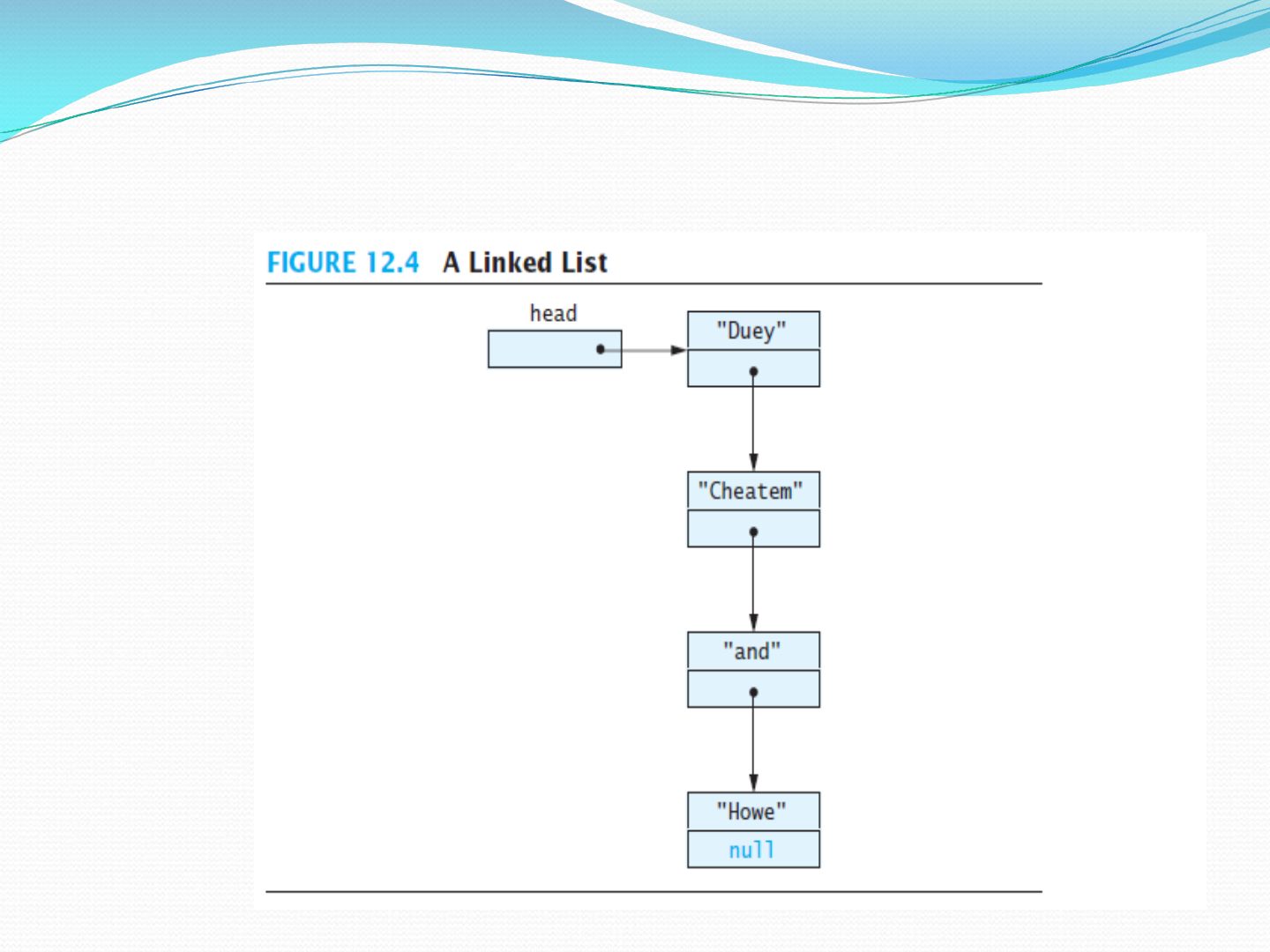
A linked structure: nodes holding data and a reference to the next node.
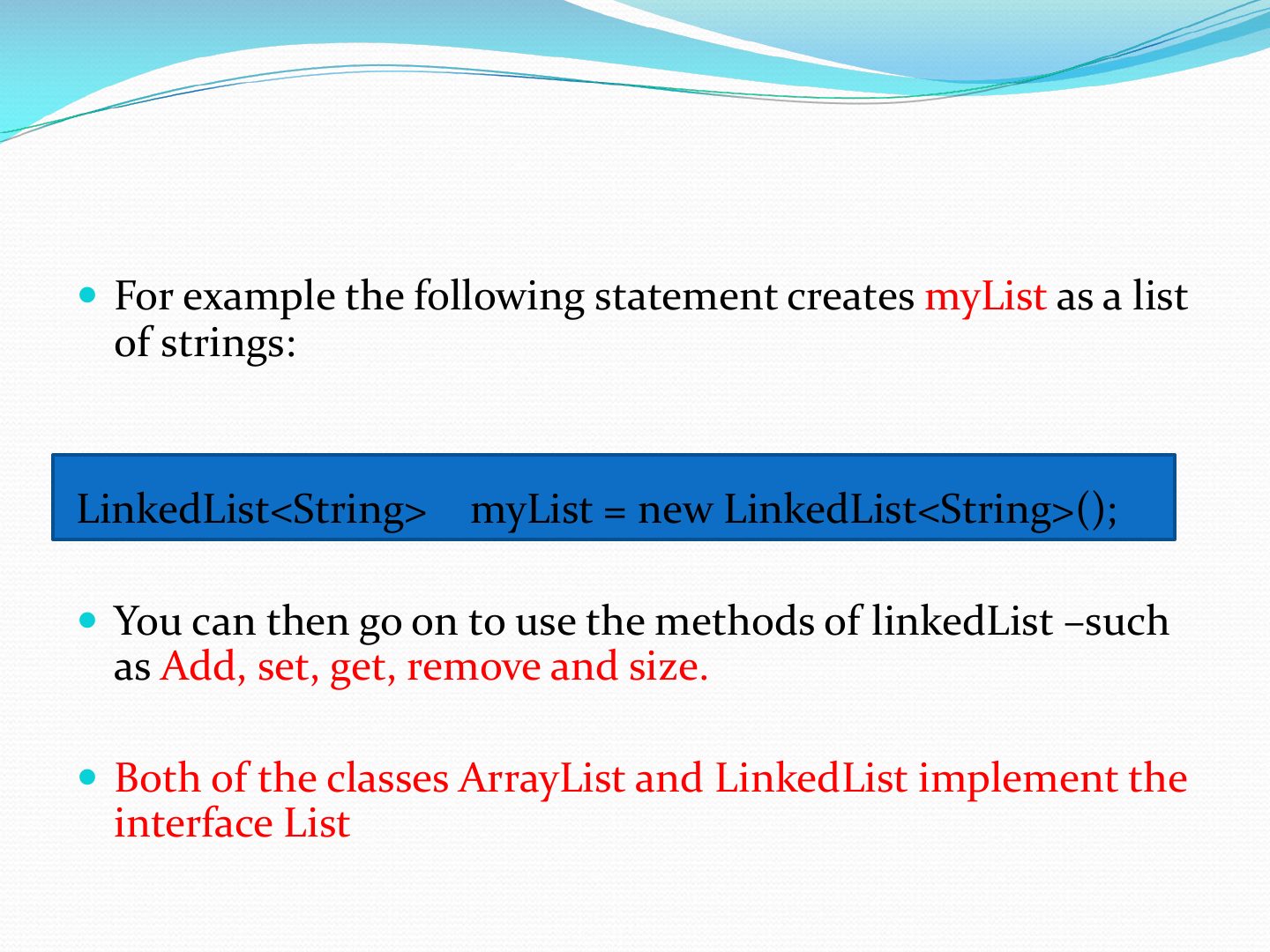
For example the following statement creates myList as a list
Linked Lists
Notes
Dynamic: grows and shrinks one node at a time; no fixed size.
Exam angle
Slide 5
The LinkedList Class
LinkedList
LinkedList
Notes
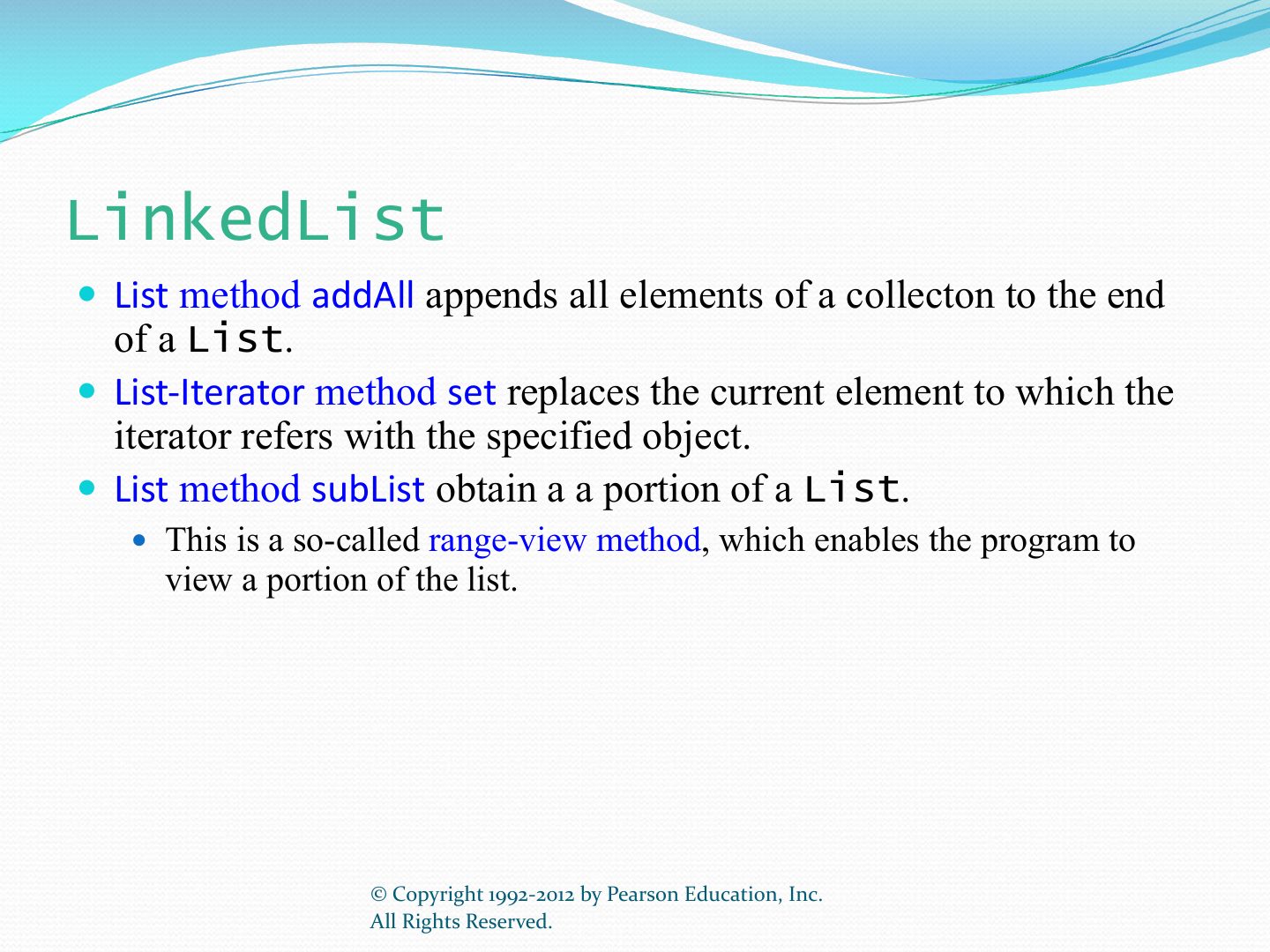
Methods: add, addFirst, addLast, getFirst, getLast, removeFirst, removeLast, get, size.
Exam angle
Which method inserts at the front of a LinkedList?
LinkedList (cont.)
Iterators
Notes
Iterators traverse the list: hasNext(), next(); ListIterator goes both ways.
Iterators
Iterator Java Interface
Program: How to add all elements of a list to
Description:
Program: How to copy LinkedList to array?
Description:
This example gives you how to sort a LinkedList using Comparator. The LinkedList contains user defined objects. By using Collections.sort method you can sort the LinkedList. You have to pass Comparator object which contains your sort logic. The example sorts the Empl objects based on highest salary.
Check Full Code: EmplComp
import java.util.LinkedList;
Slide 20
Priority Queue Class
peek(): The peek() method is used to look at the front
!"! // Check code PriorityQueueTest.java ! !#! // Standard library class PriorityQueue test program. ! !$! import java.util.PriorityQueue;
Notes
PriorityQueue: poll() always returns the smallest (highest-priority) element.
Exam angle
A PriorityQueue<Integer> holding 5, 1, 3: poll() returns:
Student Priority Queue Demo