The part of the computer that retrieves and executes instructions is the:
Introduction to Computers, Programs, and Java
Computer basics (CPU, memory, storage, I/O), software and operating systems, machine vs. assembly vs. high-level languages, compilers vs. interpreters, why Java and how a Java program is written, compiled to bytecode and run on the JVM, the anatomy of a program, style, and the three kinds of programming errors.
How to read this page
Every original slide is shown unchanged. Yellow marks on a slide point to a numbered note: hover or tap a mark to jump to its note, and hover a note to see its marks. Questions tagged Past exam appeared on a real paper; Prediction questions are likely angles, not confirmed. Pick an answer to each question: a wrong pick tells you why it is wrong, so you can try again.
All 67 slides
- 1 Introduction to Computers, Programs, and Java
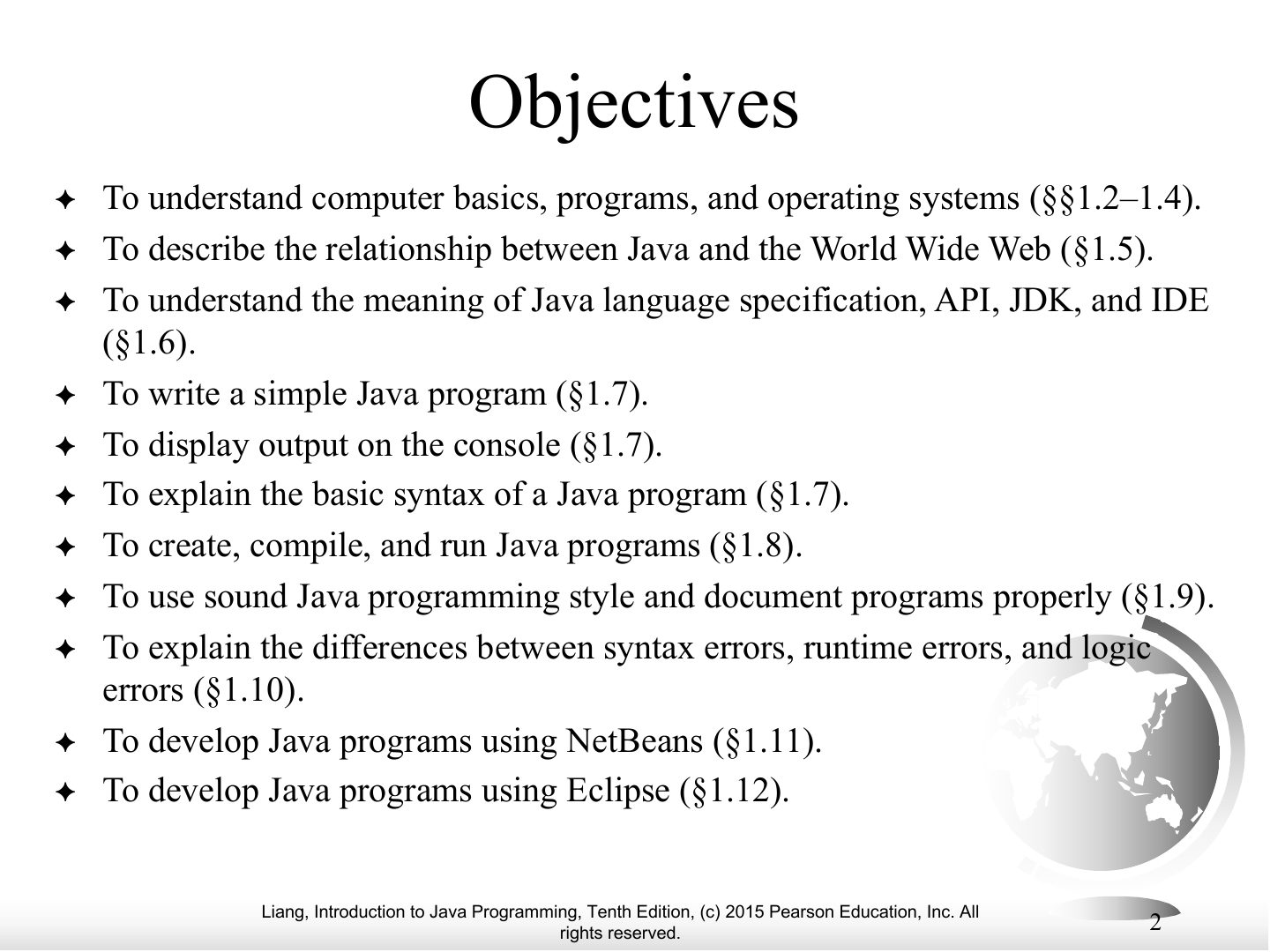
- 2 Objectives
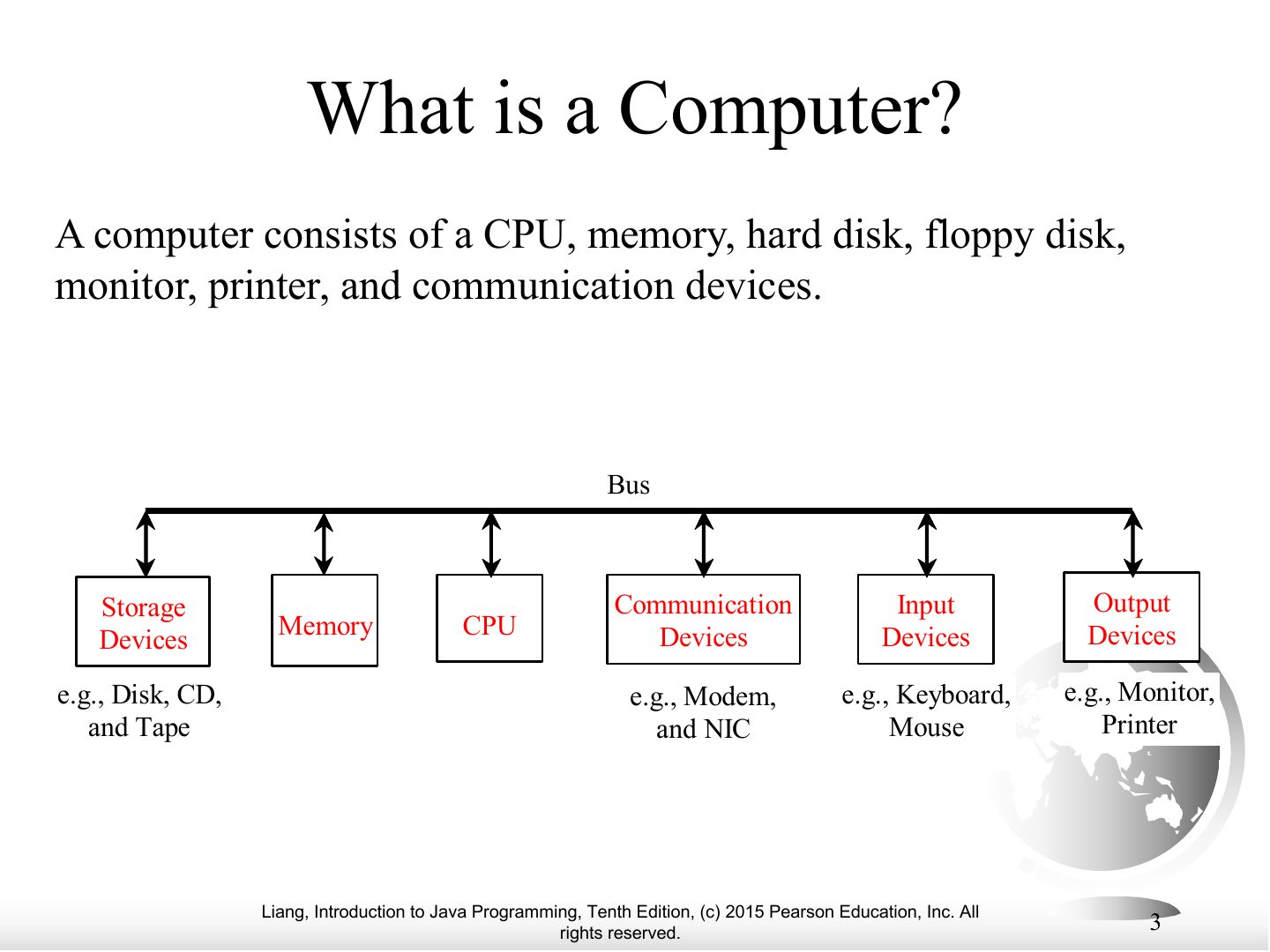
- 3 What is a Computer?
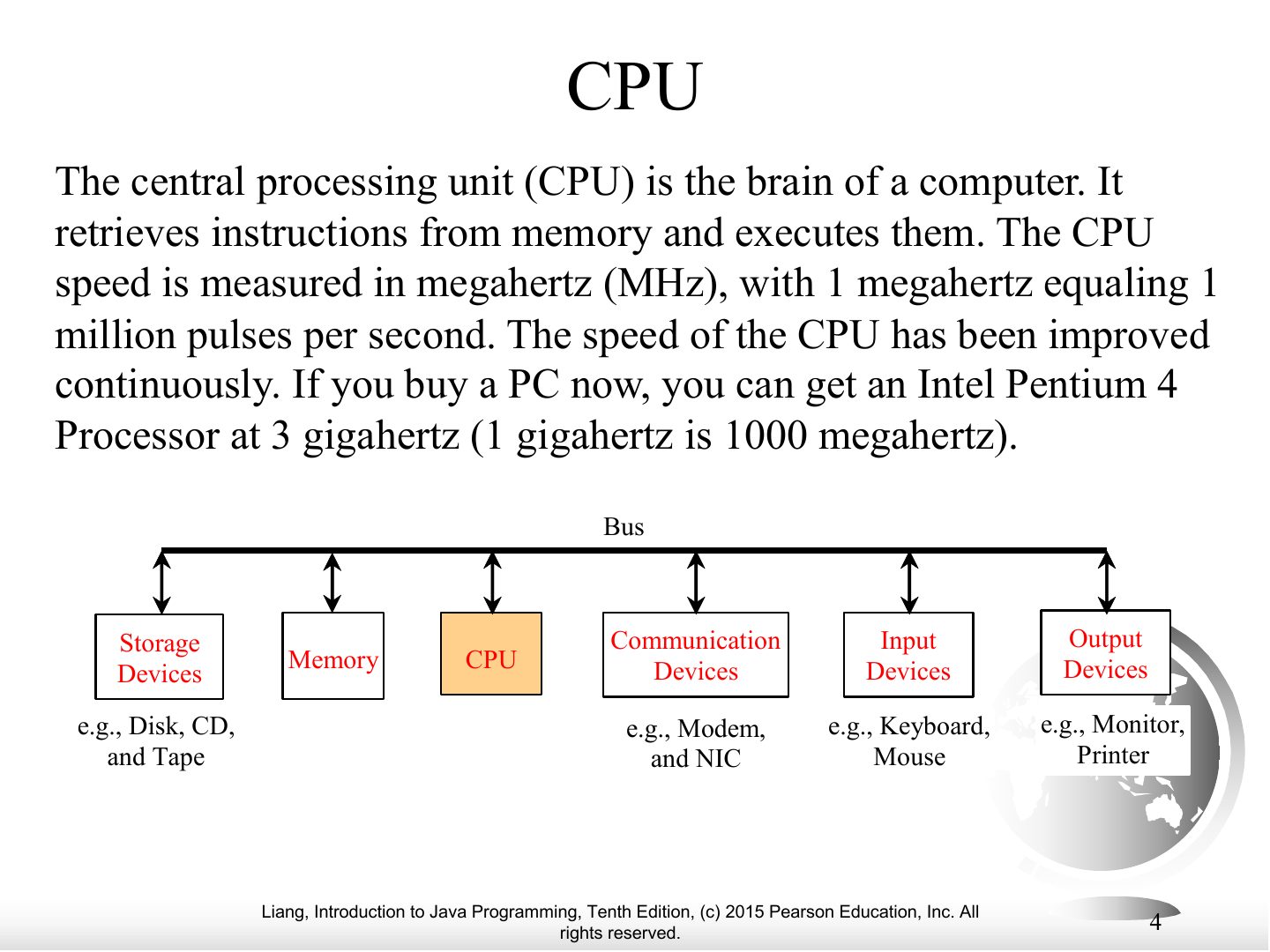
- 4 CPU
- 5 Memory
- 6 How Data is Stored?
- 7 Storage Devices
- 8 Output Devices: Monitor
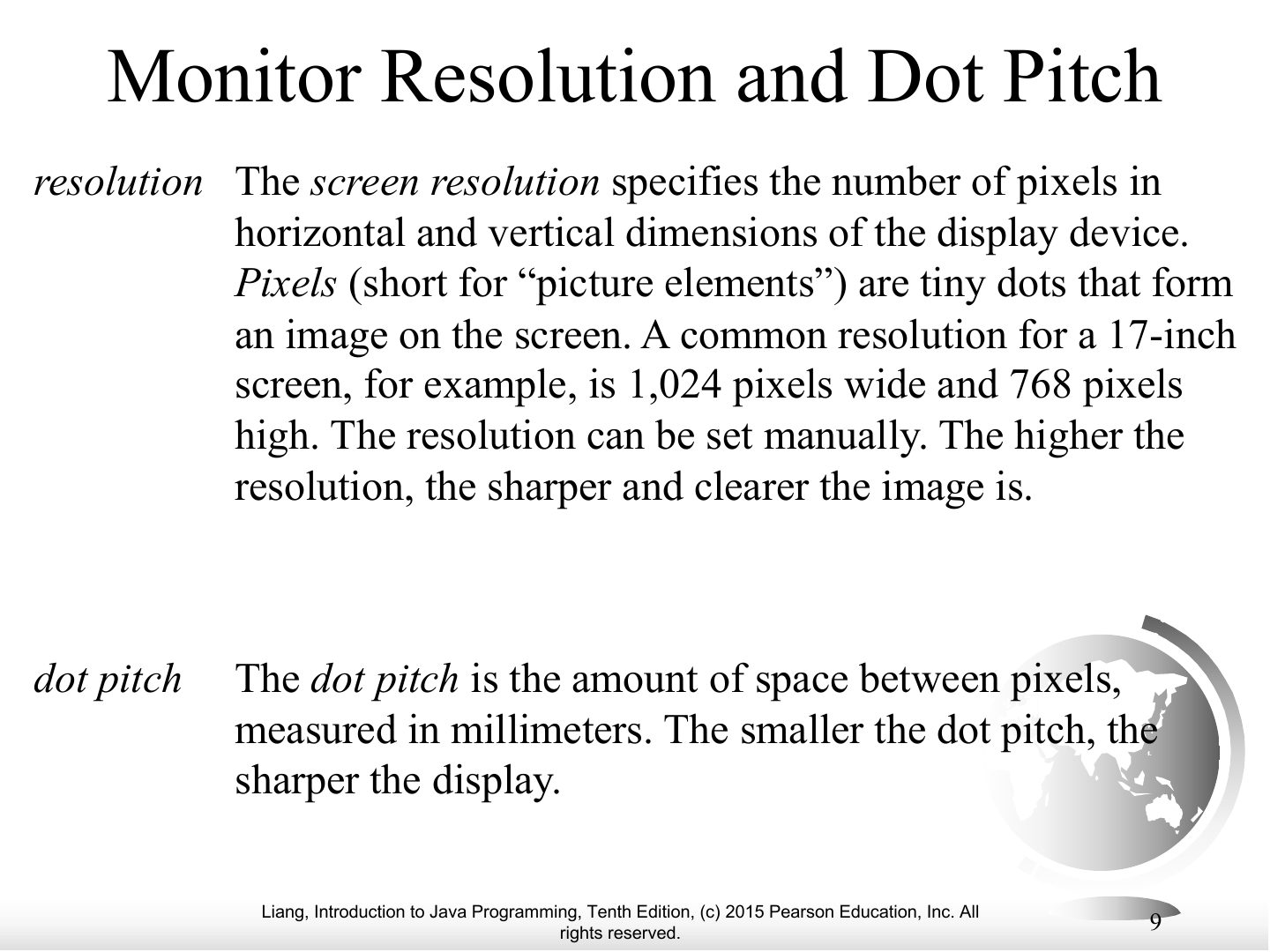
- 9 Monitor Resolution and Dot Pitch
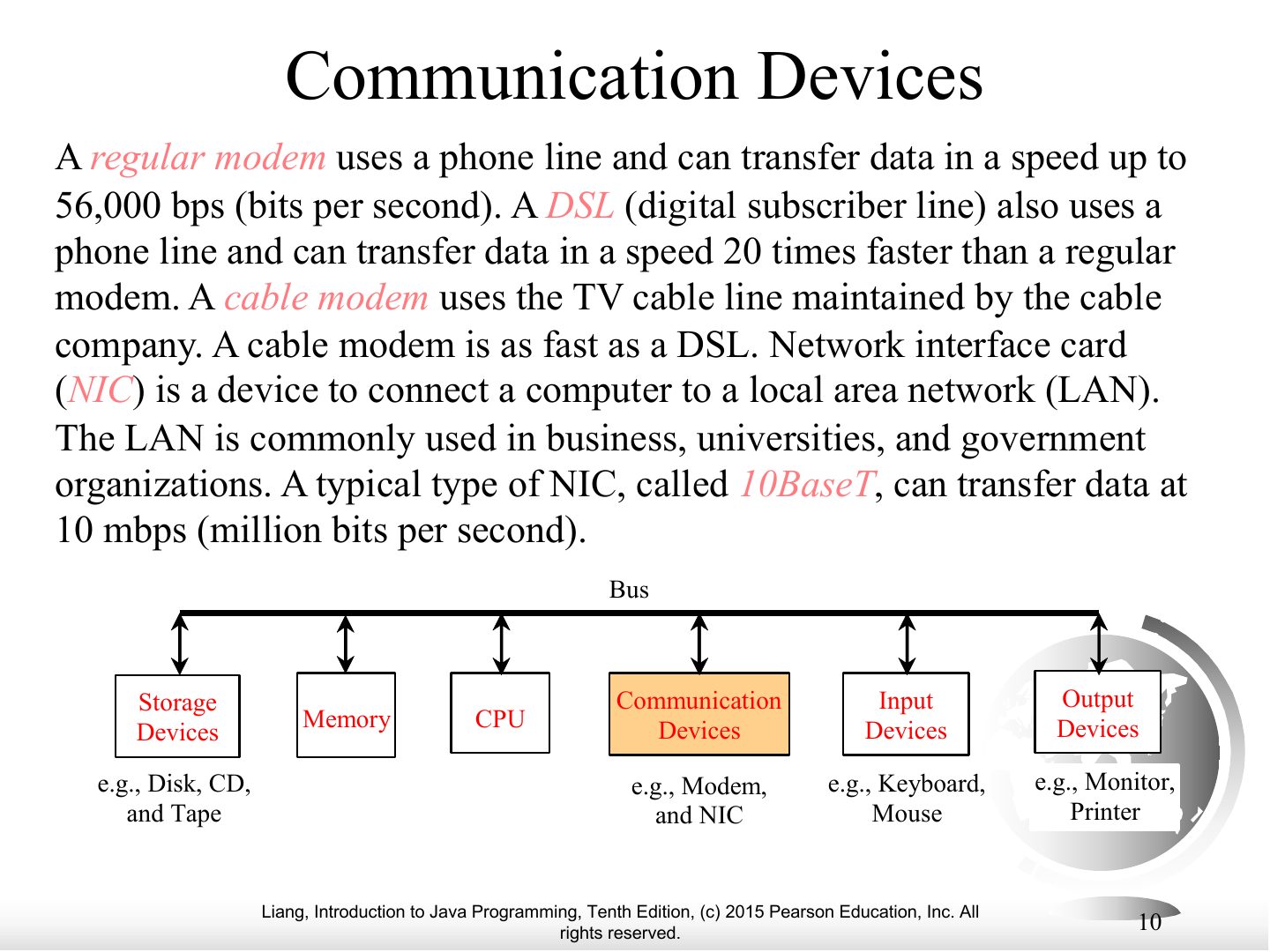
- 10 Communication Devices
- 11 Programs / Softwares
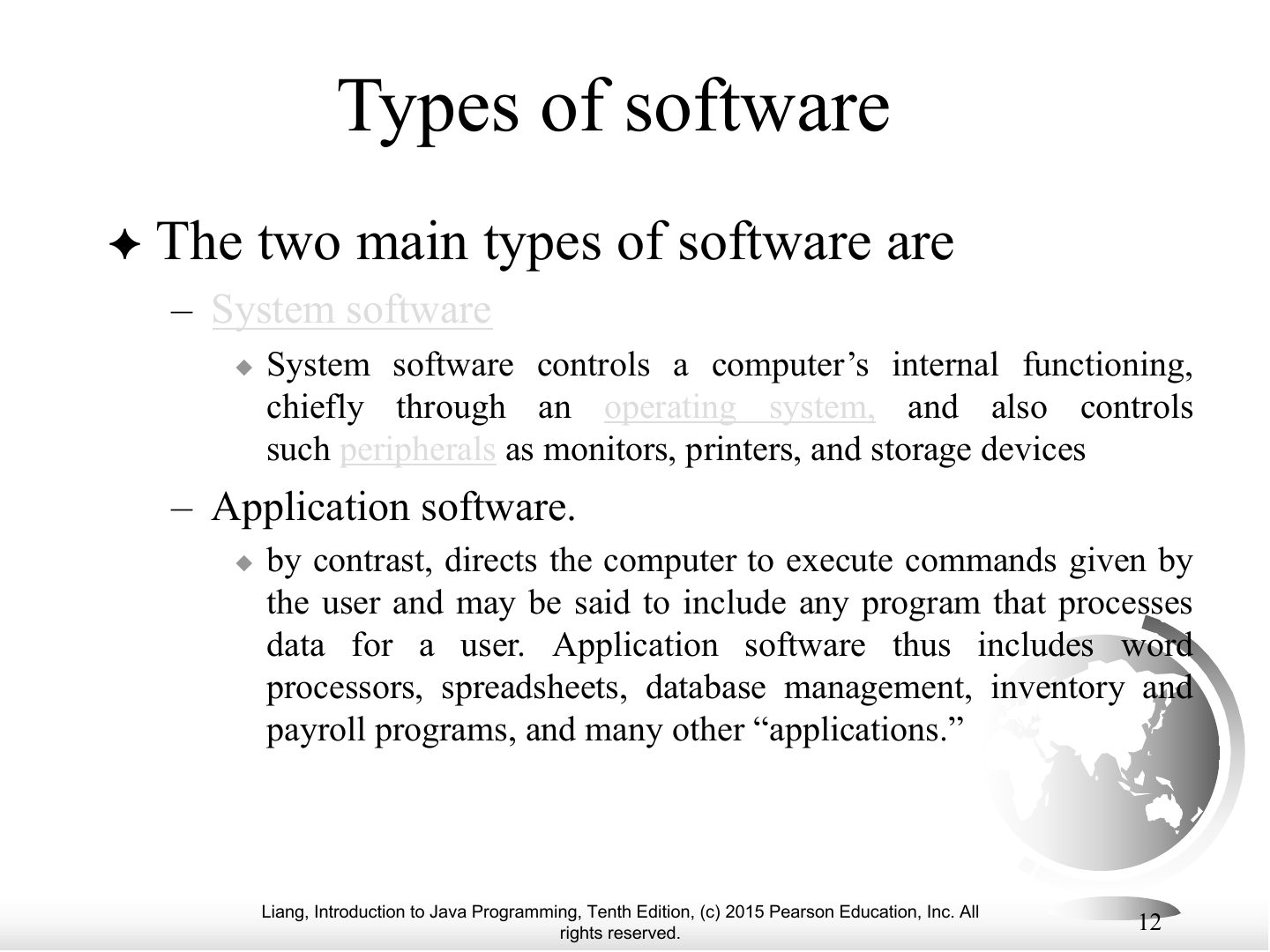
- 12 Types of software
- 13 Types of software
- 14 Operating Systems
- 15 Programming Languages
- 16 Programming Languages
- 17 Programming Languages
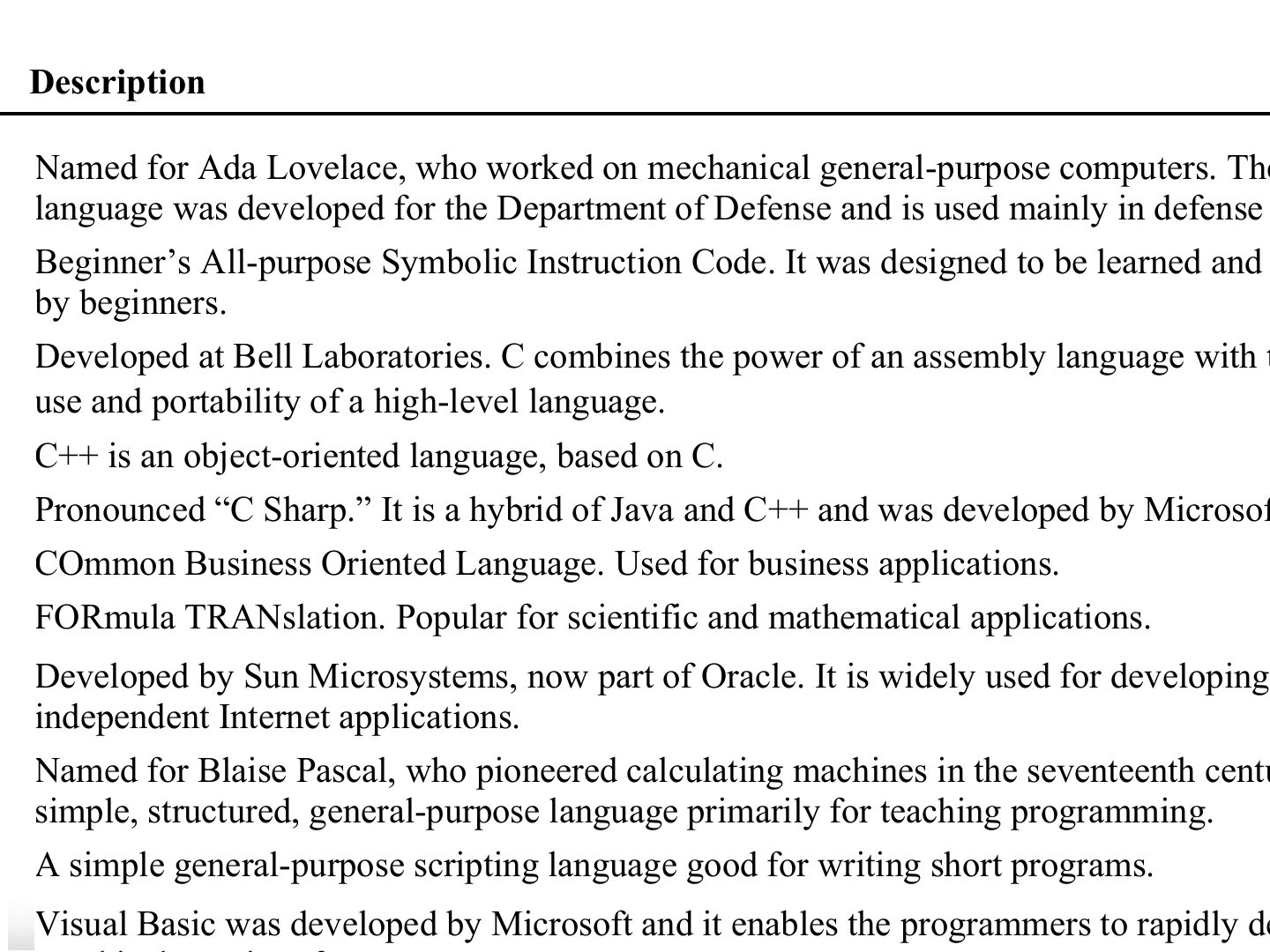
- 18 Popular High-Level Languages
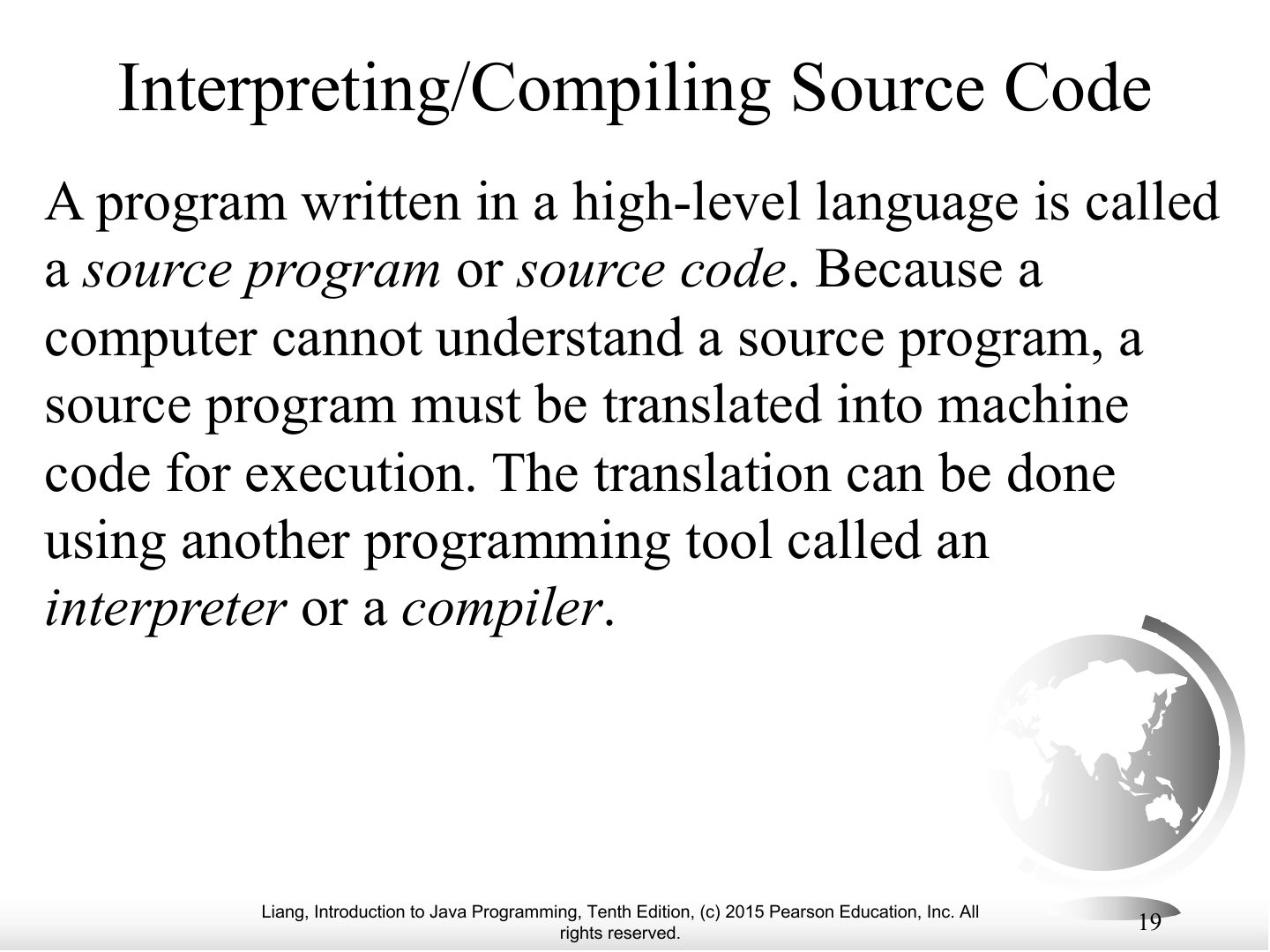
- 19 Interpreting/Compiling Source Code
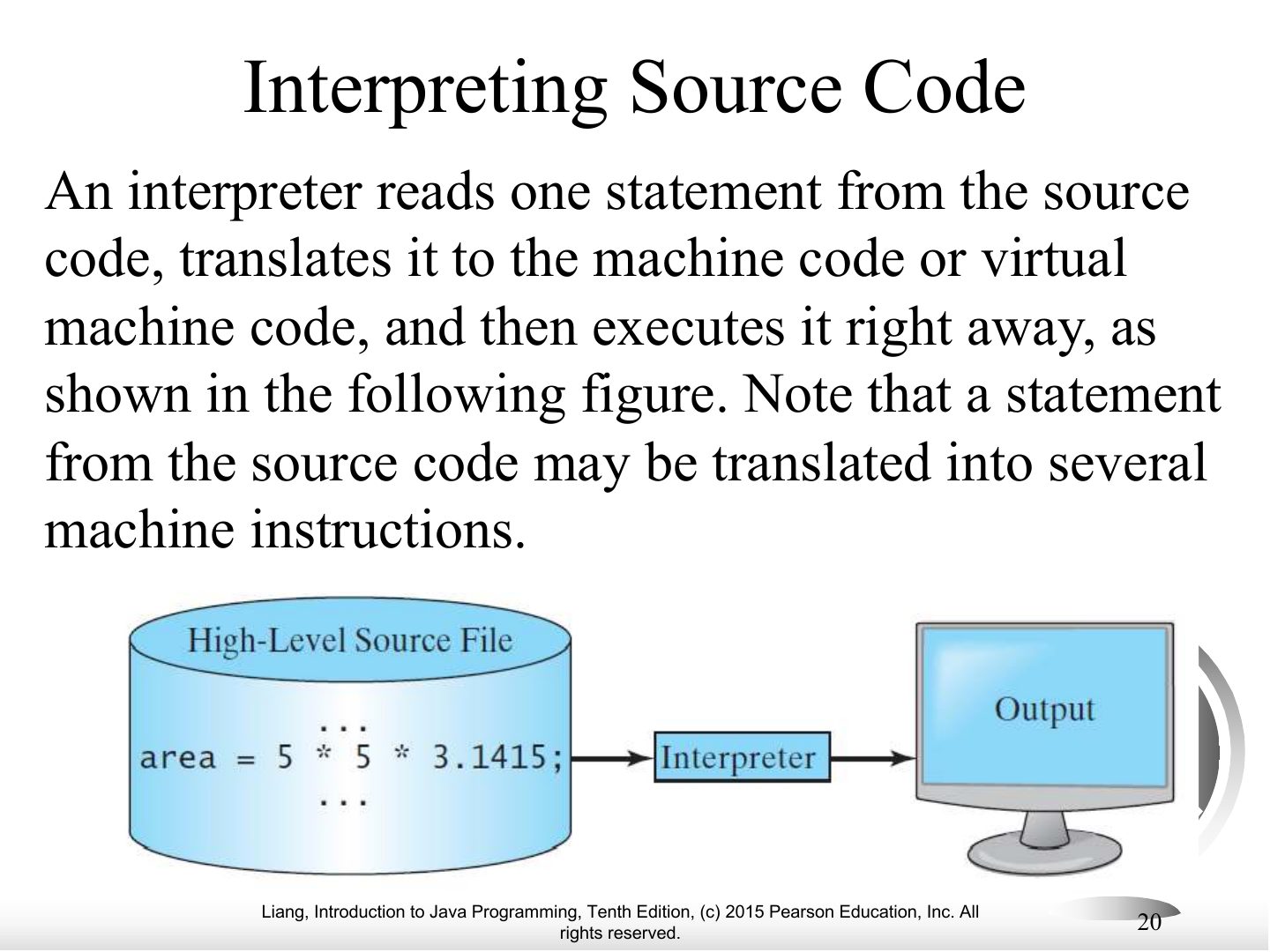
- 20 Interpreting Source Code
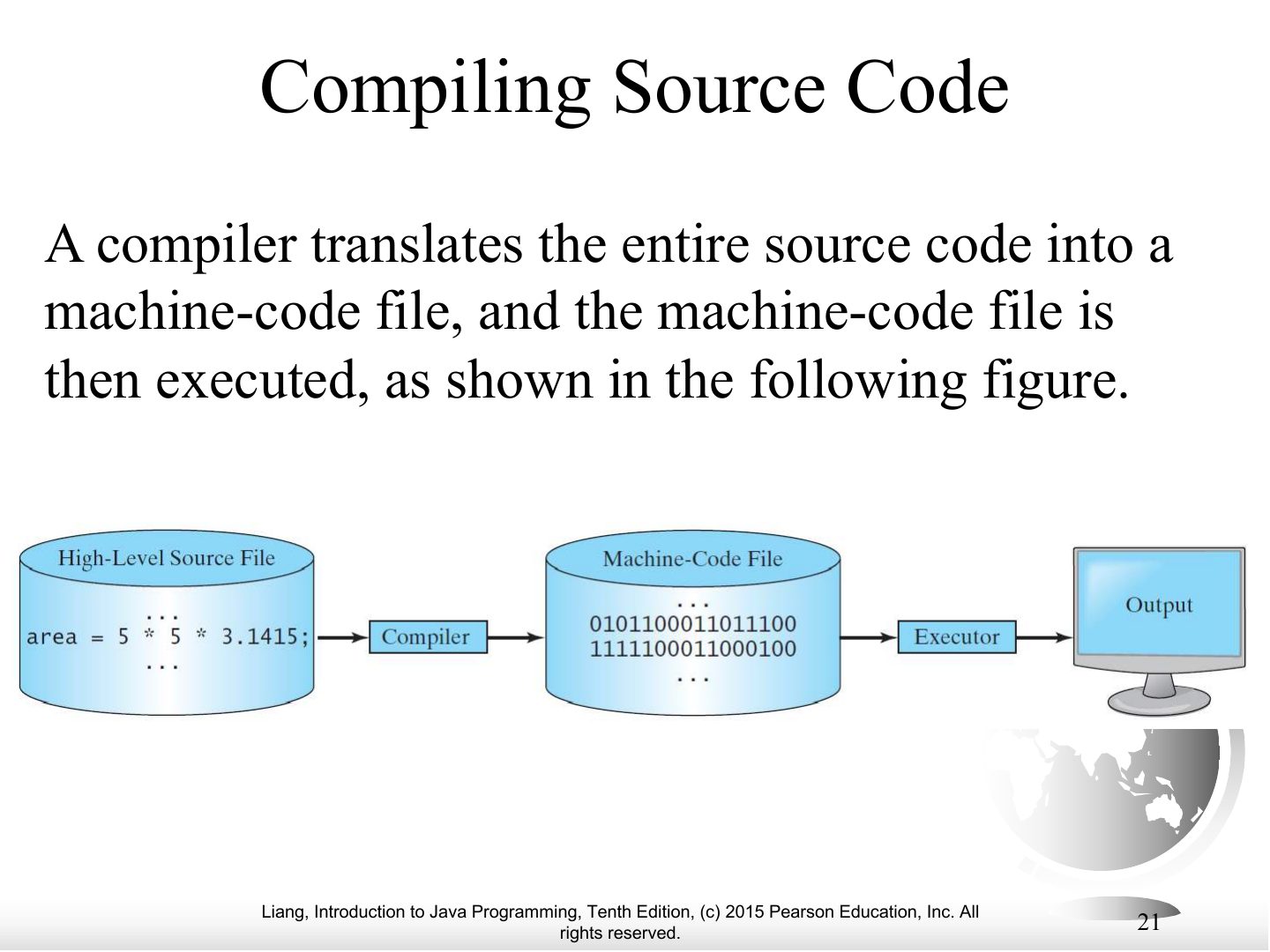
- 21 Compiling Source Code
- 22 Why Java?
- 23 Java, Web, and Beyond
- 24 Java’s History
- 25 Companion
- 26 Companion
- 27 Companion
- 28 Companion
- 29 Companion
- 30 Companion
- 31 Companion
- 32 Companion
- 33 Companion
- 34 Companion
- 35 Companion
- 36 Companion
- 37 Popular Java IDEs
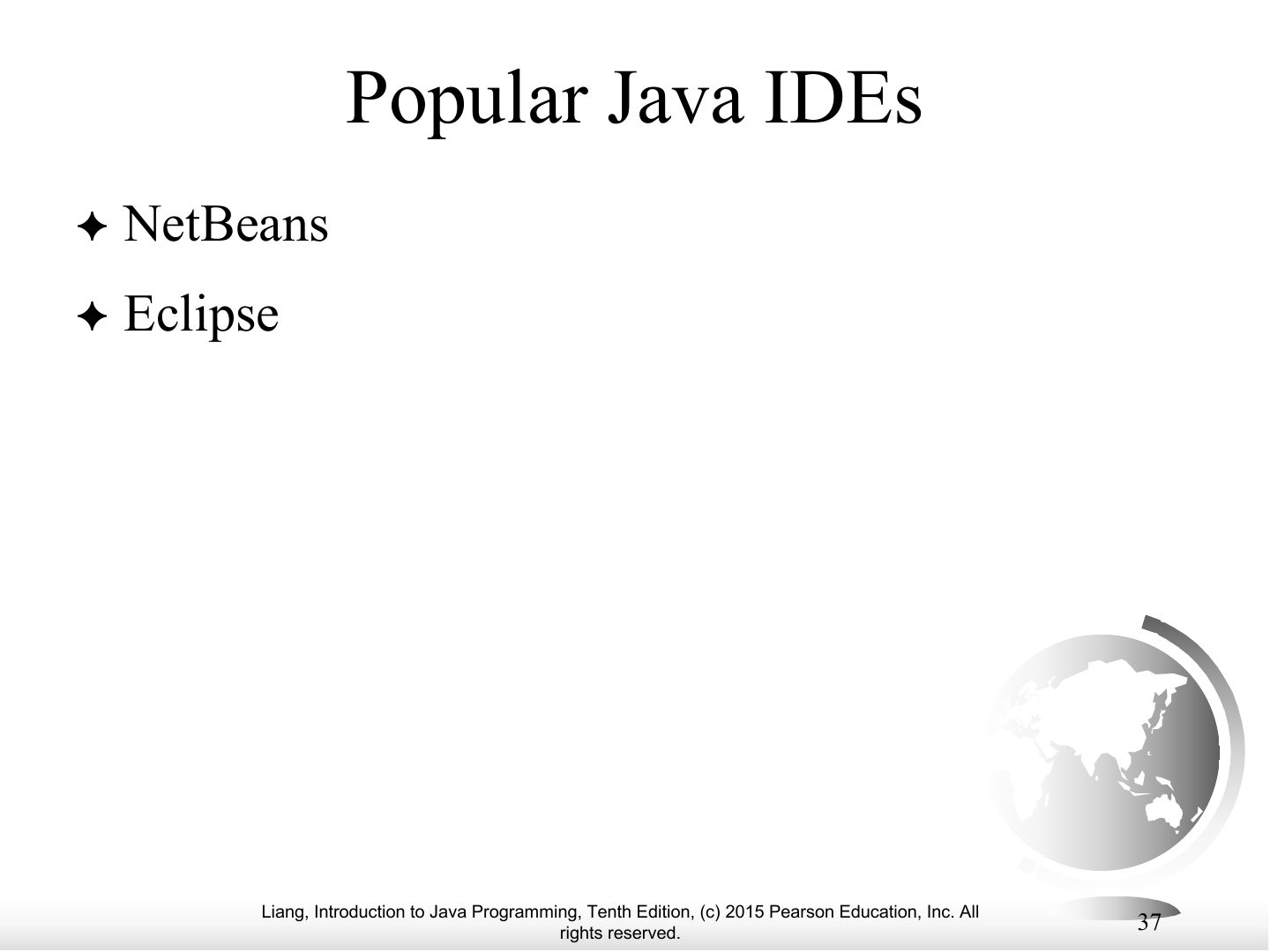
- 38 A Simple Java Program
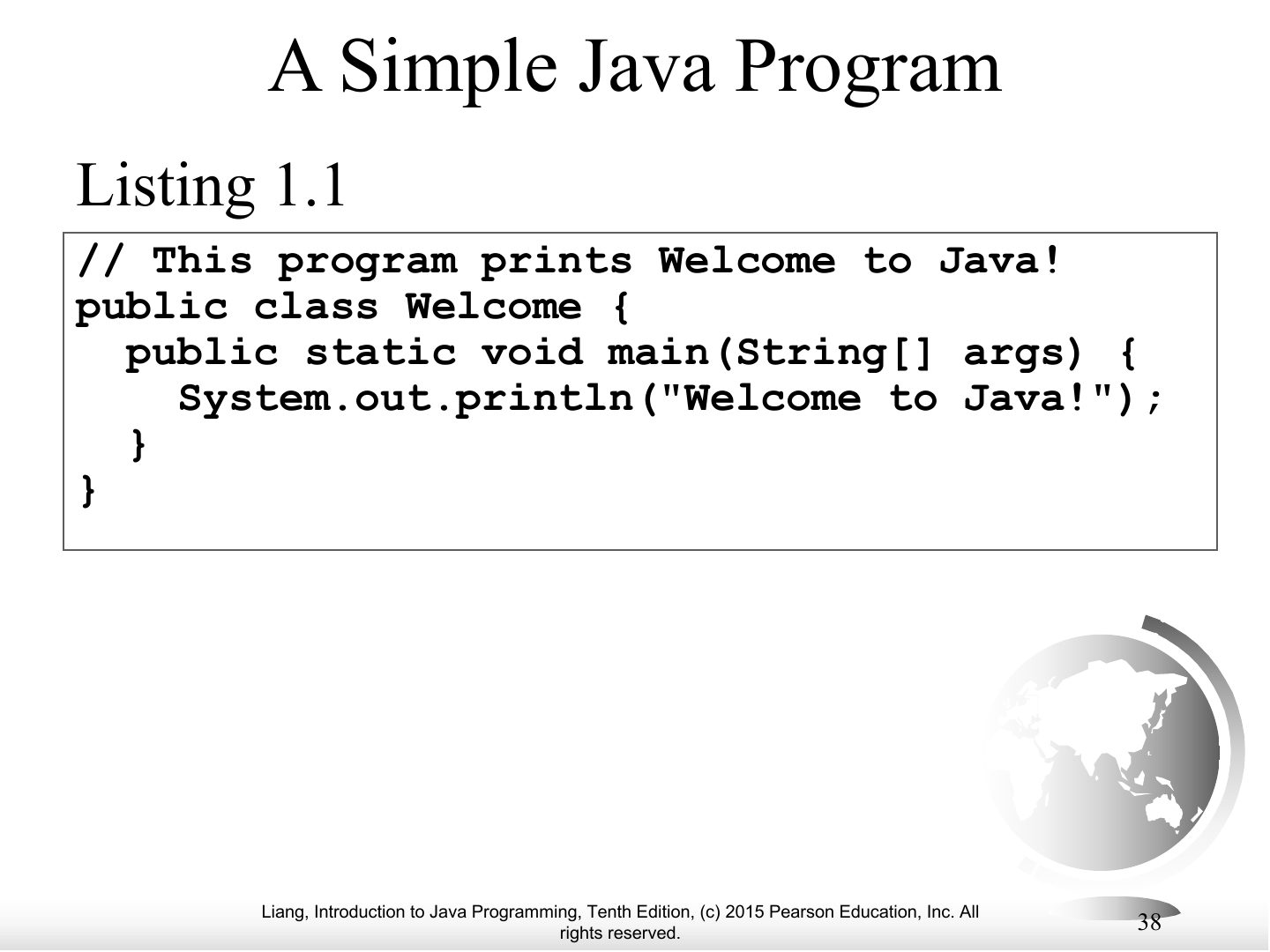
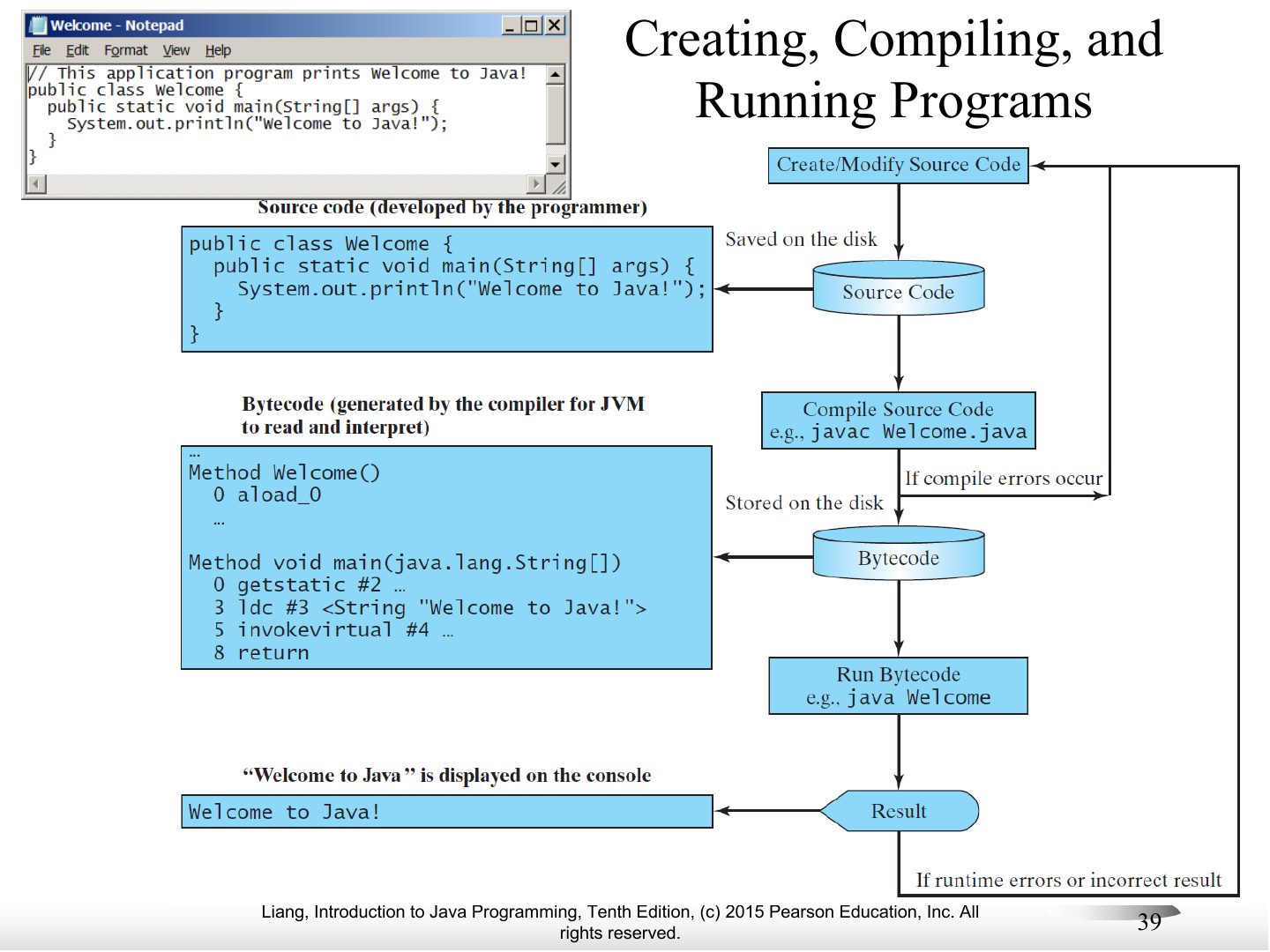
- 39 Creating, Compiling, and Running Programs
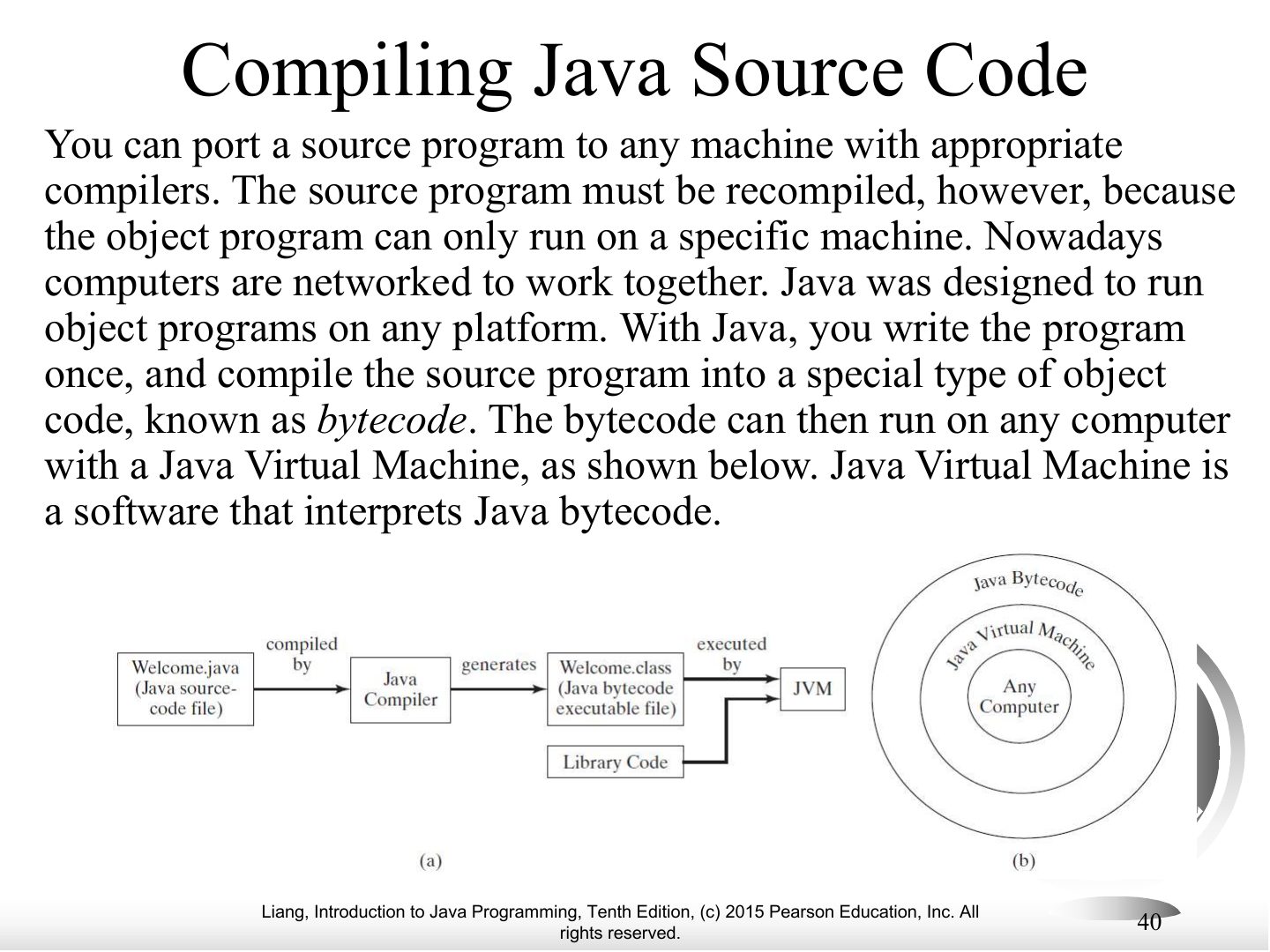
- 40 Compiling Java Source Code
- 41 animation
- 42 animation
- 43 animation
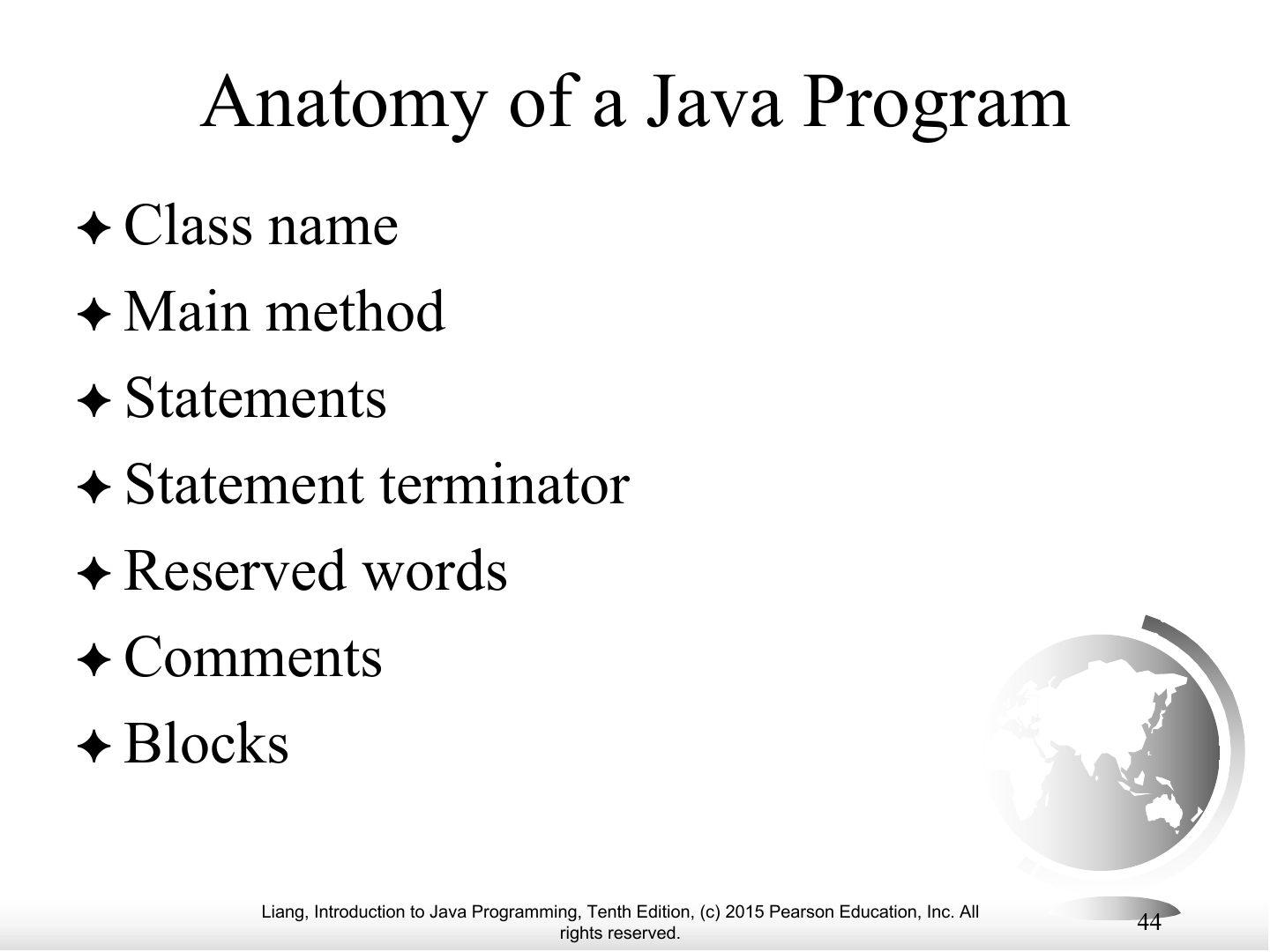
- 44 Anatomy of a Java Program
- 45 Class Name
- 46 Main Method
- 47 Statement
- 48 Statement Terminator
- 49 Reserved words
- 50 Blocks
- 51 Special Symbols
- 52 { ... }
- 53 ( ... )
- 54 ;
- 55 // ...
- 56 " ... "
- 57 WelcomeWithThreeMessages
- 58 ComputeExpression
- 59 Programming Style and Documentation
- 60 Appropriate Comments
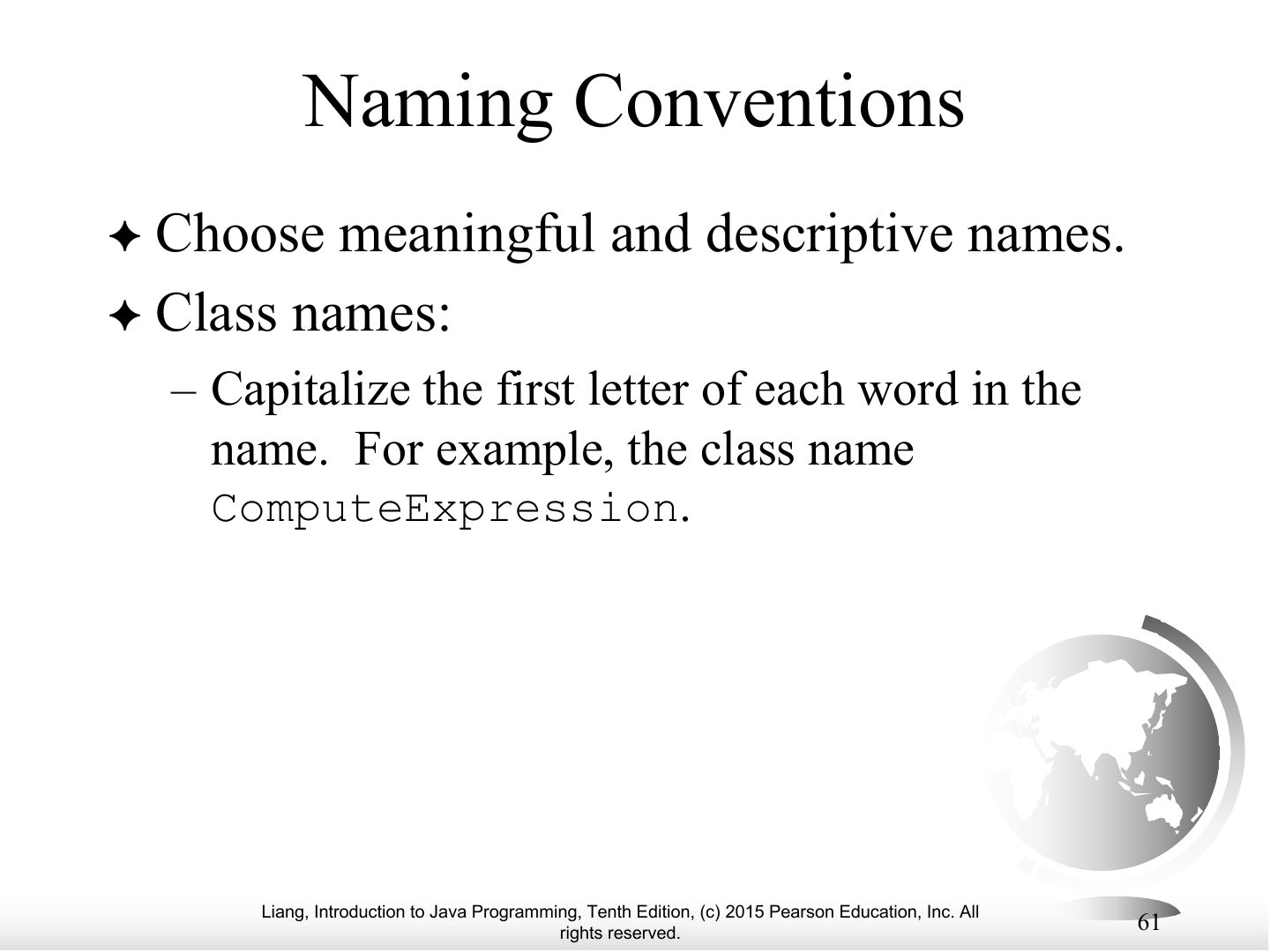
- 61 Naming Conventions
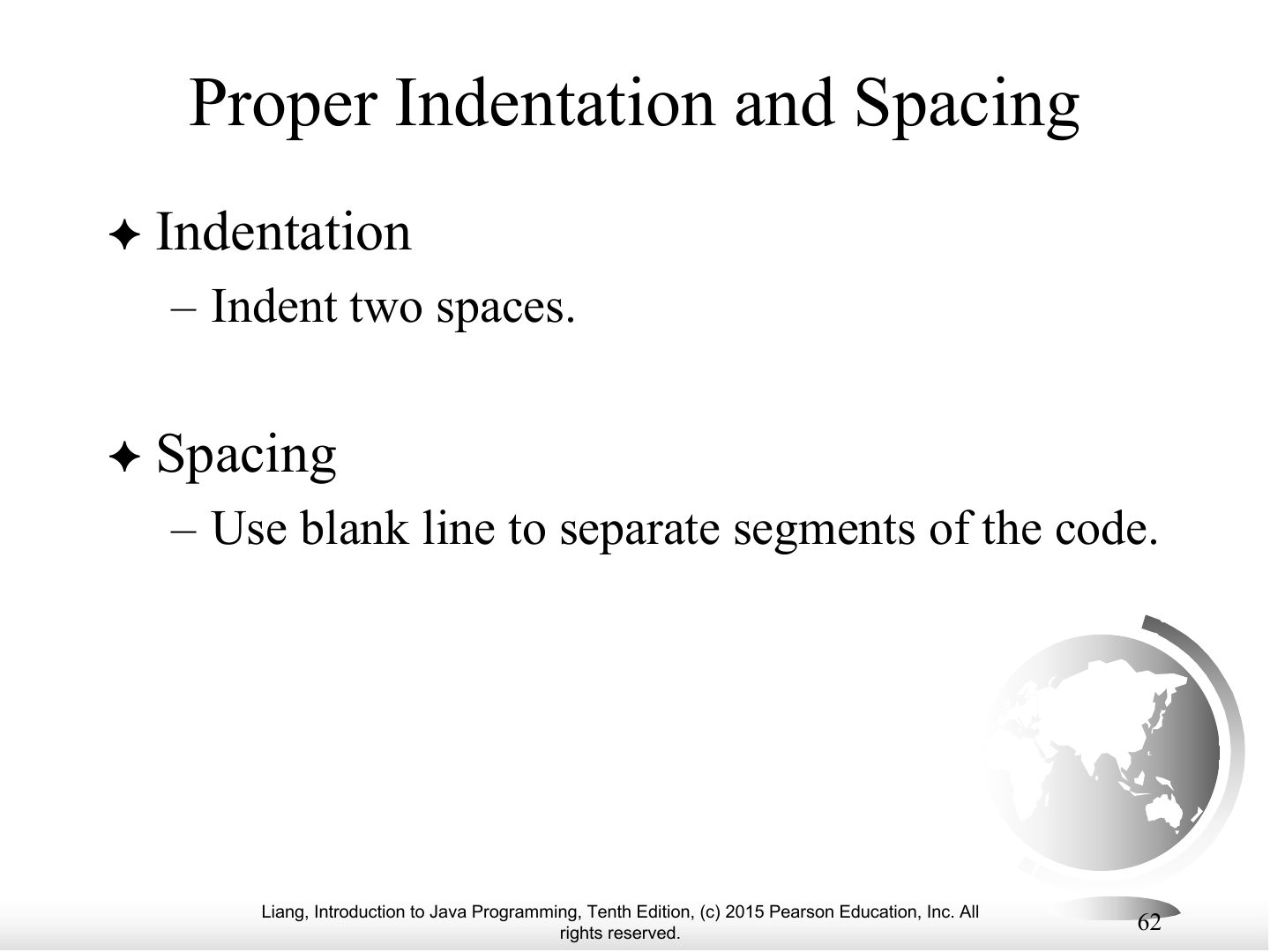
- 62 Proper Indentation and Spacing
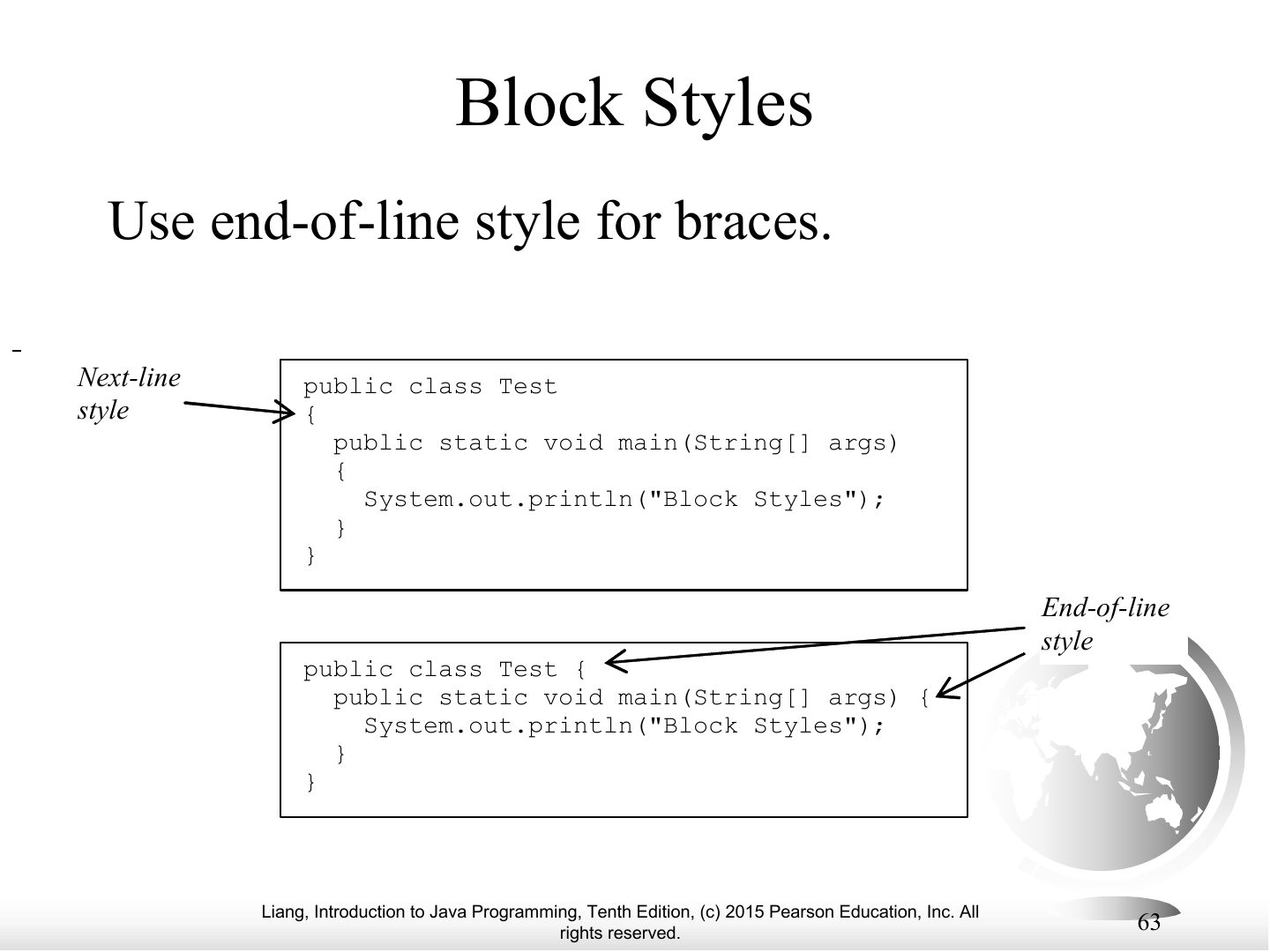
- 63 Block Styles
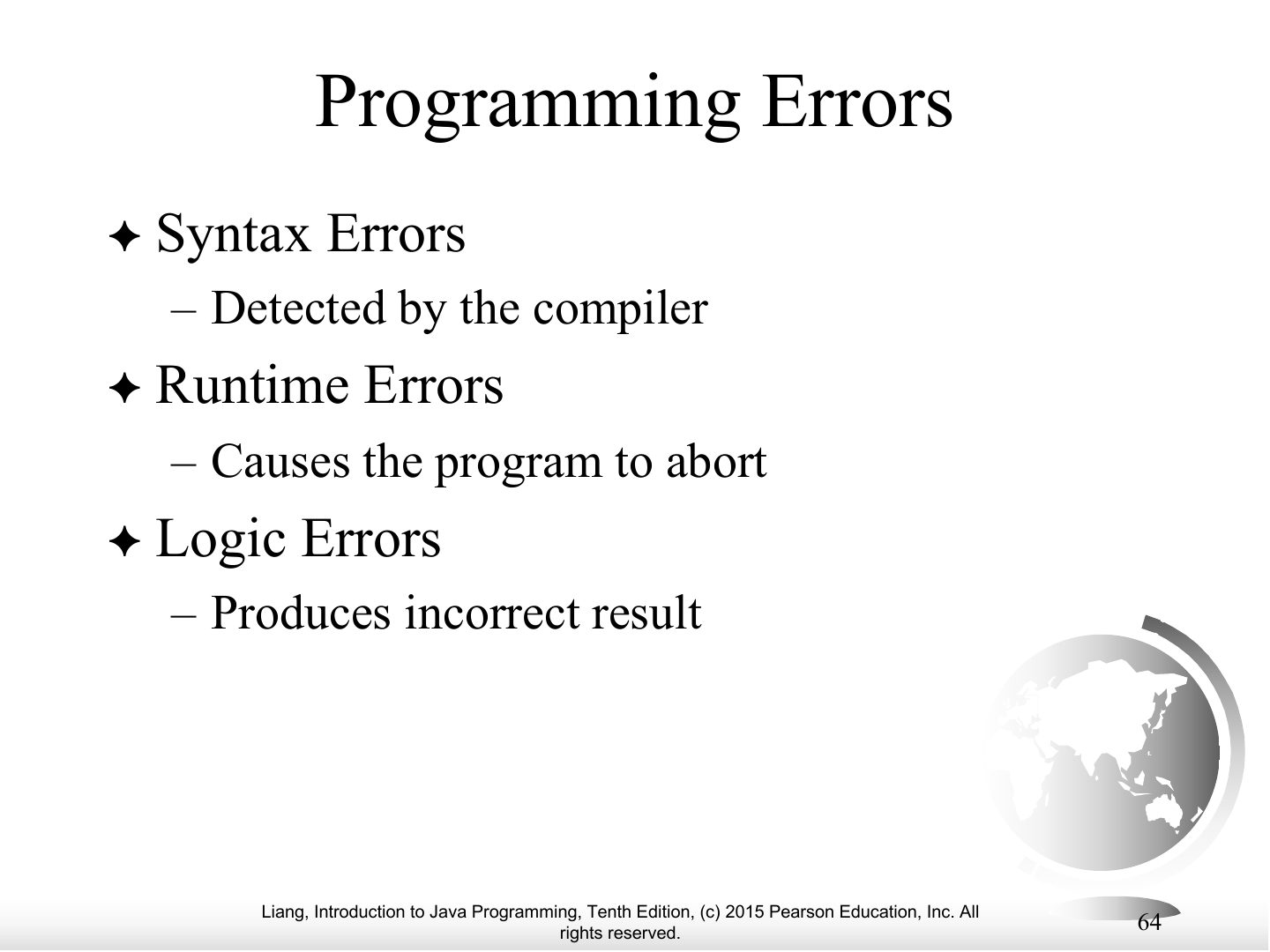
- 64 Programming Errors
- 65 Syntax Errors
- 66 Runtime Errors
- 67 Logic Errors
Introduction to Computers, Programs, and Java
Notes
Tip Three error types: SYNTAX (compiler catches it: missing ;, misspelled keyword) · RUNTIME (program crashes while running: divide by zero, bad input) · LOGIC (runs but gives the wrong answer).
Objectives
What is a Computer?
Notes
A computer = CPU, memory, storage devices, input and output devices, communication devices, connected by the bus.
CPU
Notes
CPU: fetches instructions from memory and executes them. Two parts: control unit and arithmetic/logic unit. Speed in hertz (GHz).
Exam angle
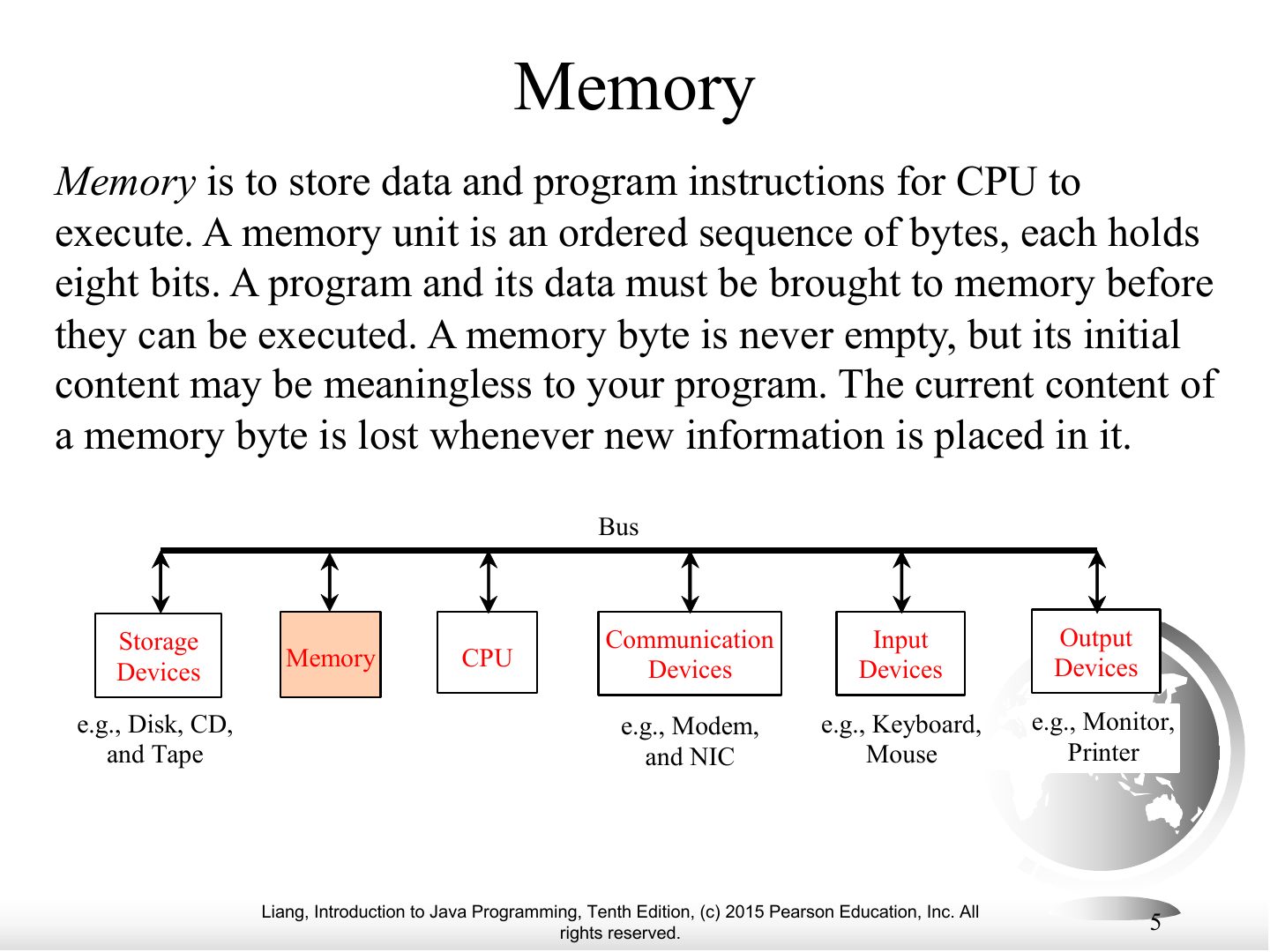
Memory
Notes
Memory (RAM): ordered bytes holding data and program instructions; a byte = 8 bits; each byte has an address.
Exam angle
One byte is:
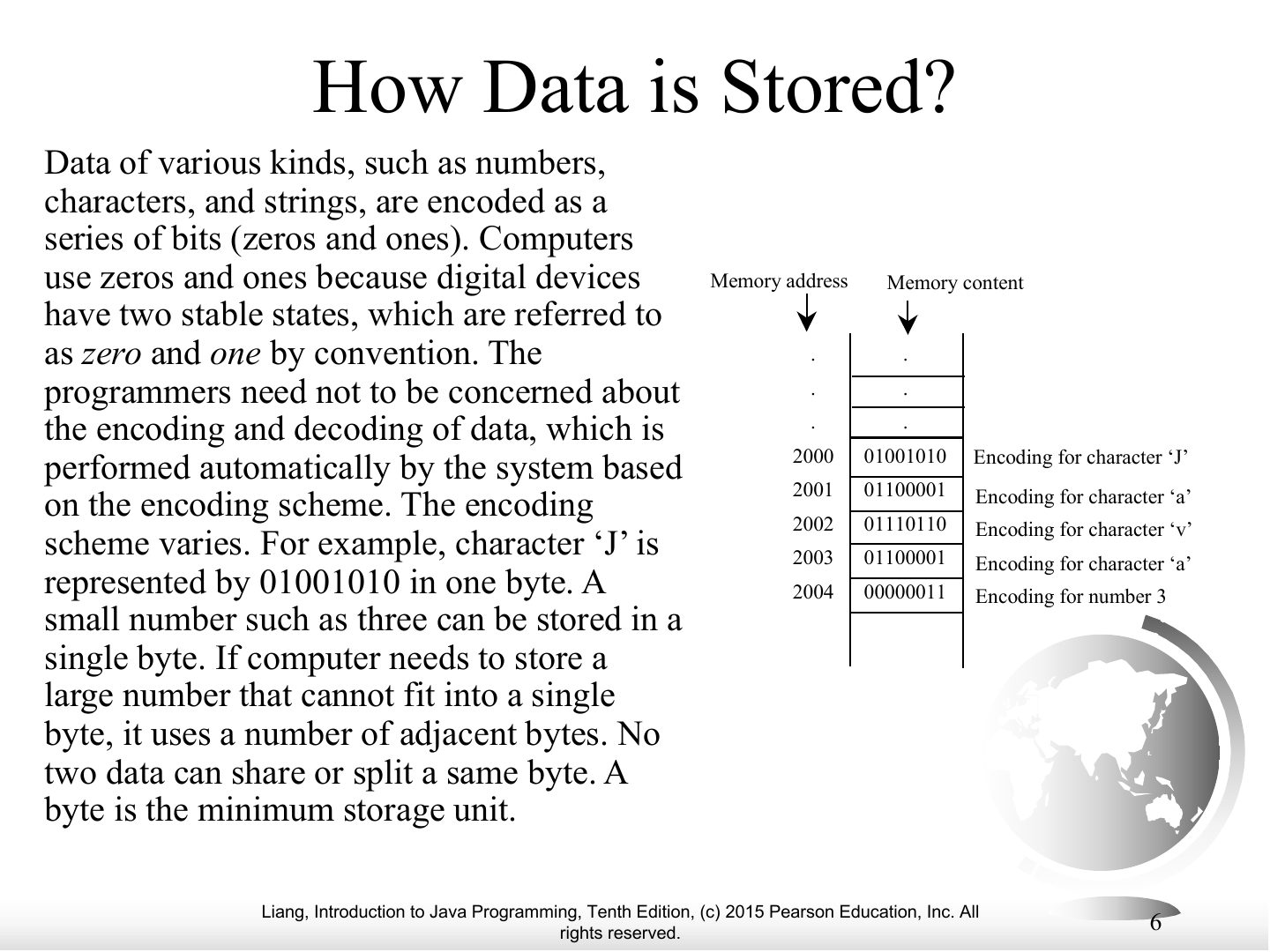
How Data is Stored?
Notes
Everything is stored as bits (0 and 1), because digital devices have two stable states (on/off). Encoding schemes map characters to bits.
Storage Devices
Notes
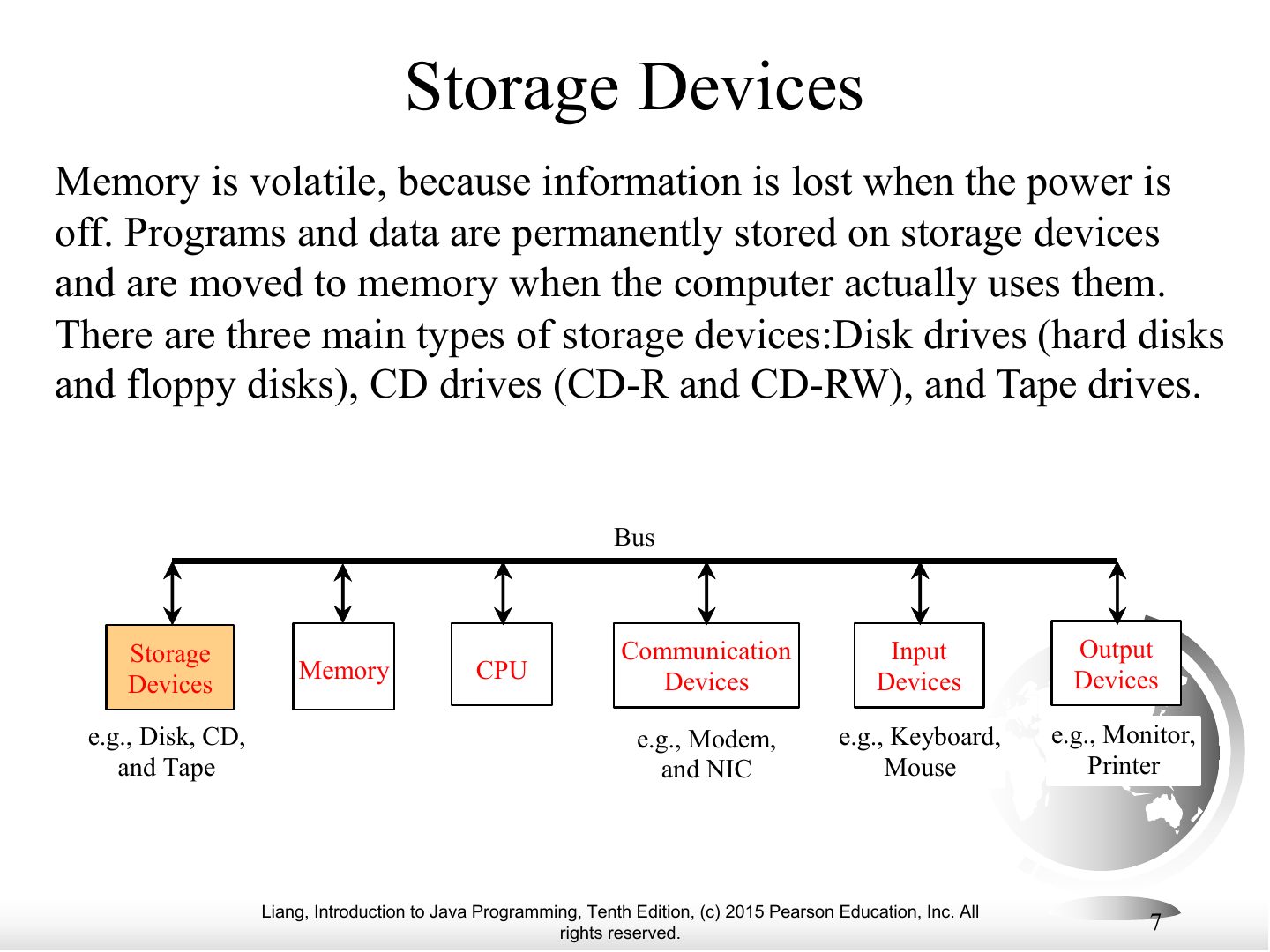
Memory is VOLATILE (lost when power is off); storage devices (disks, CDs/DVDs, USB flash) keep data permanently. Programs are loaded from storage into memory to run.
Exam angle
Memory (RAM) keeps its data when the power is turned off.
- It is volatile.
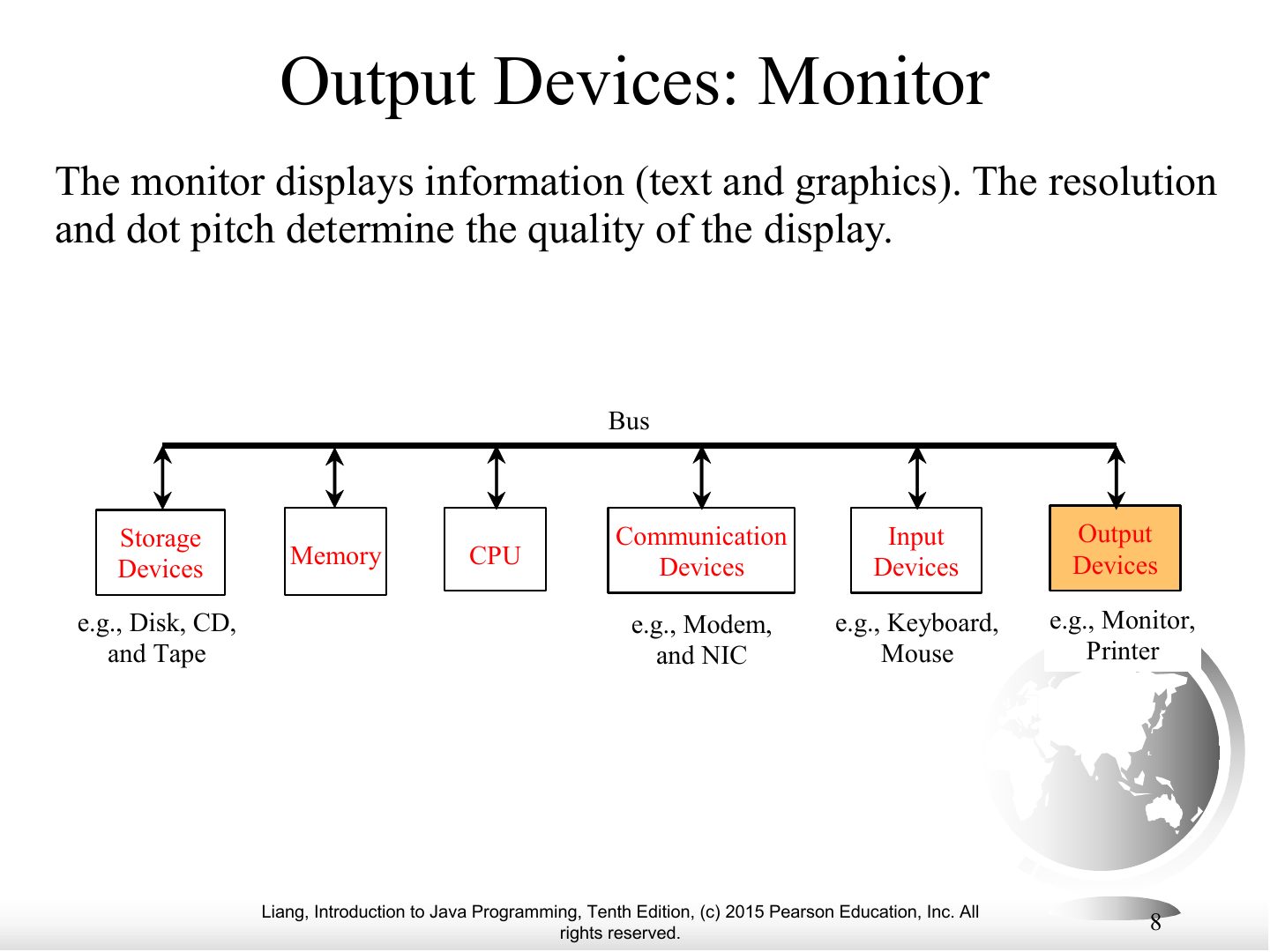
Output Devices: Monitor
Monitor Resolution and Dot Pitch
Communication Devices
Programs / Softwares
Types of software
Notes
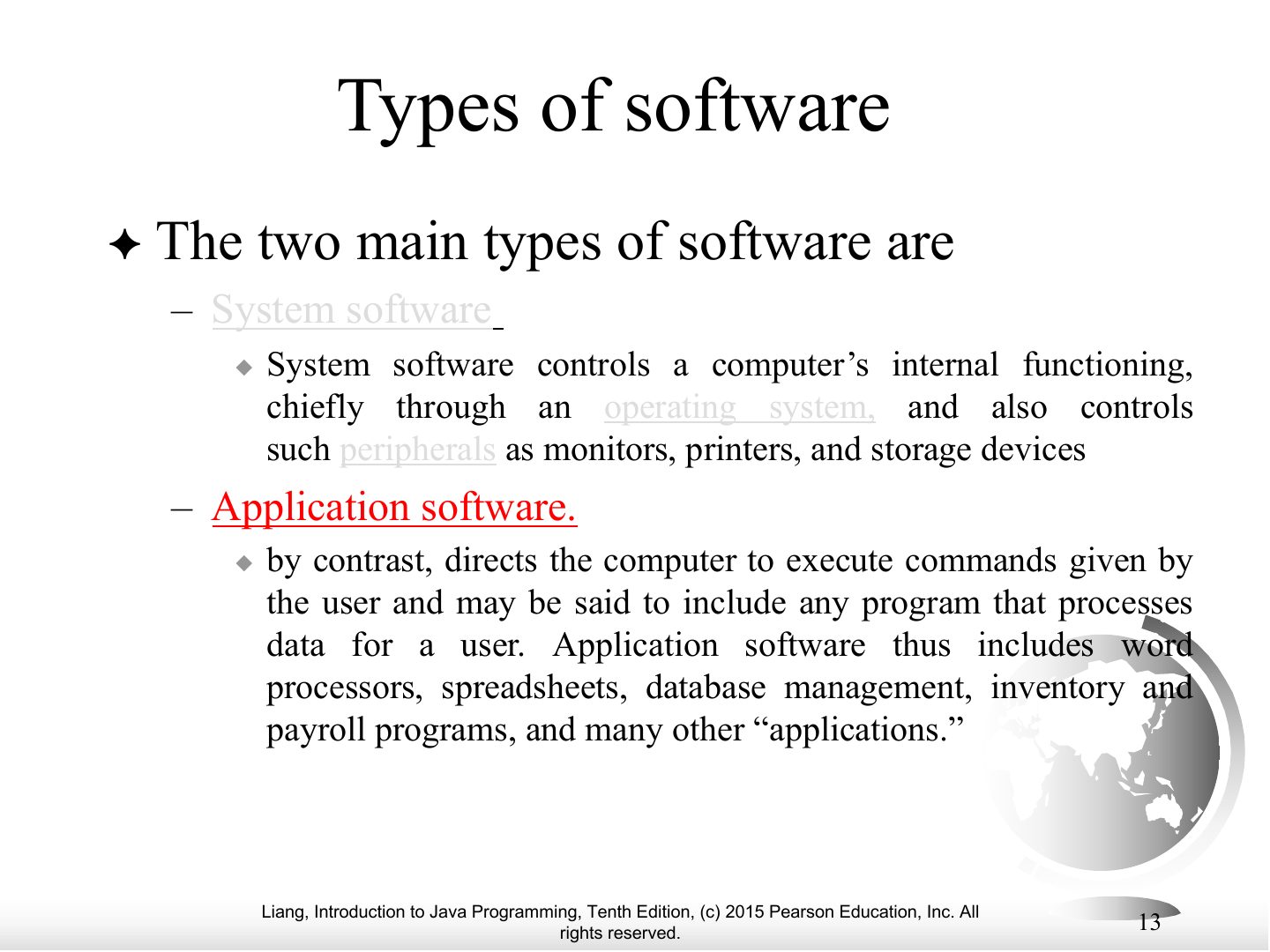
Two kinds of software: system software (OS, utilities) and application software (word processors, games).
Types of software
Notes
Same slide continued.
Operating Systems
Notes
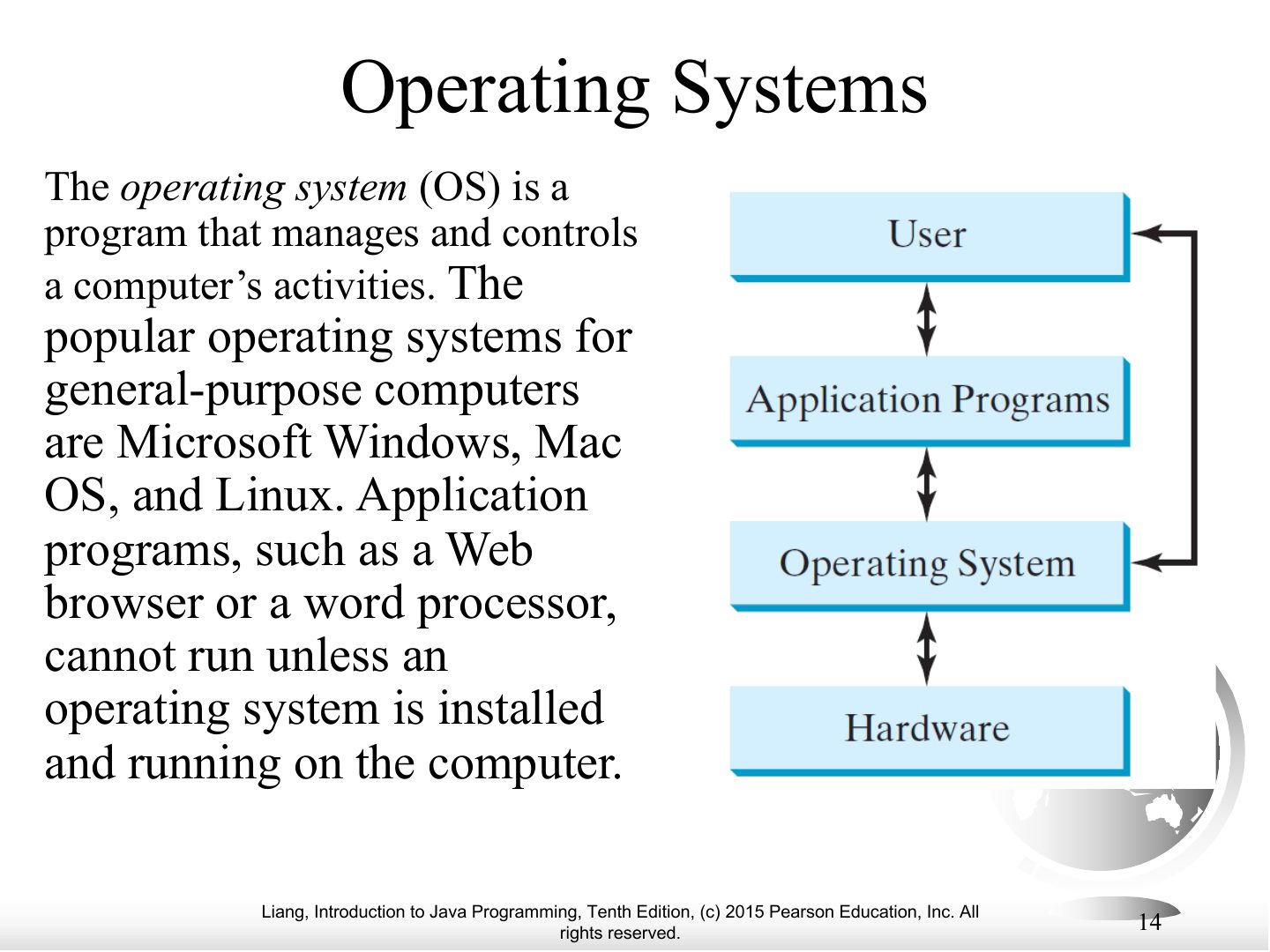
The OS manages and controls the computer’s activities: allocates resources, schedules operations, controls hardware.
Exam angle
Which program manages and controls a computer’s activities?
Programming Languages
Programming Languages
Notes
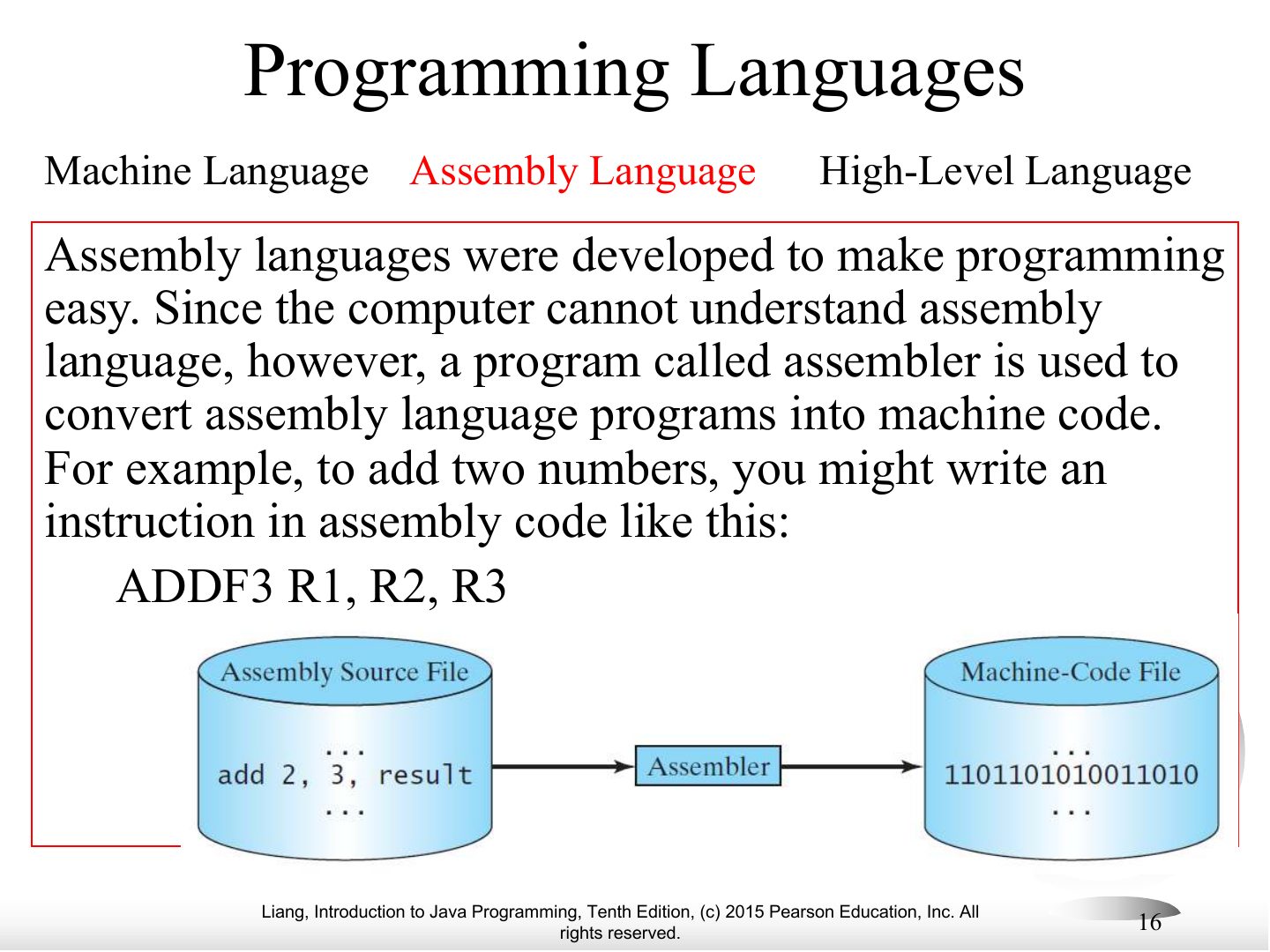
Assembly language: mnemonics (ADDF3 R1, R2, R3) translated by an ASSEMBLER into machine code; still machine-dependent.
Programming Languages
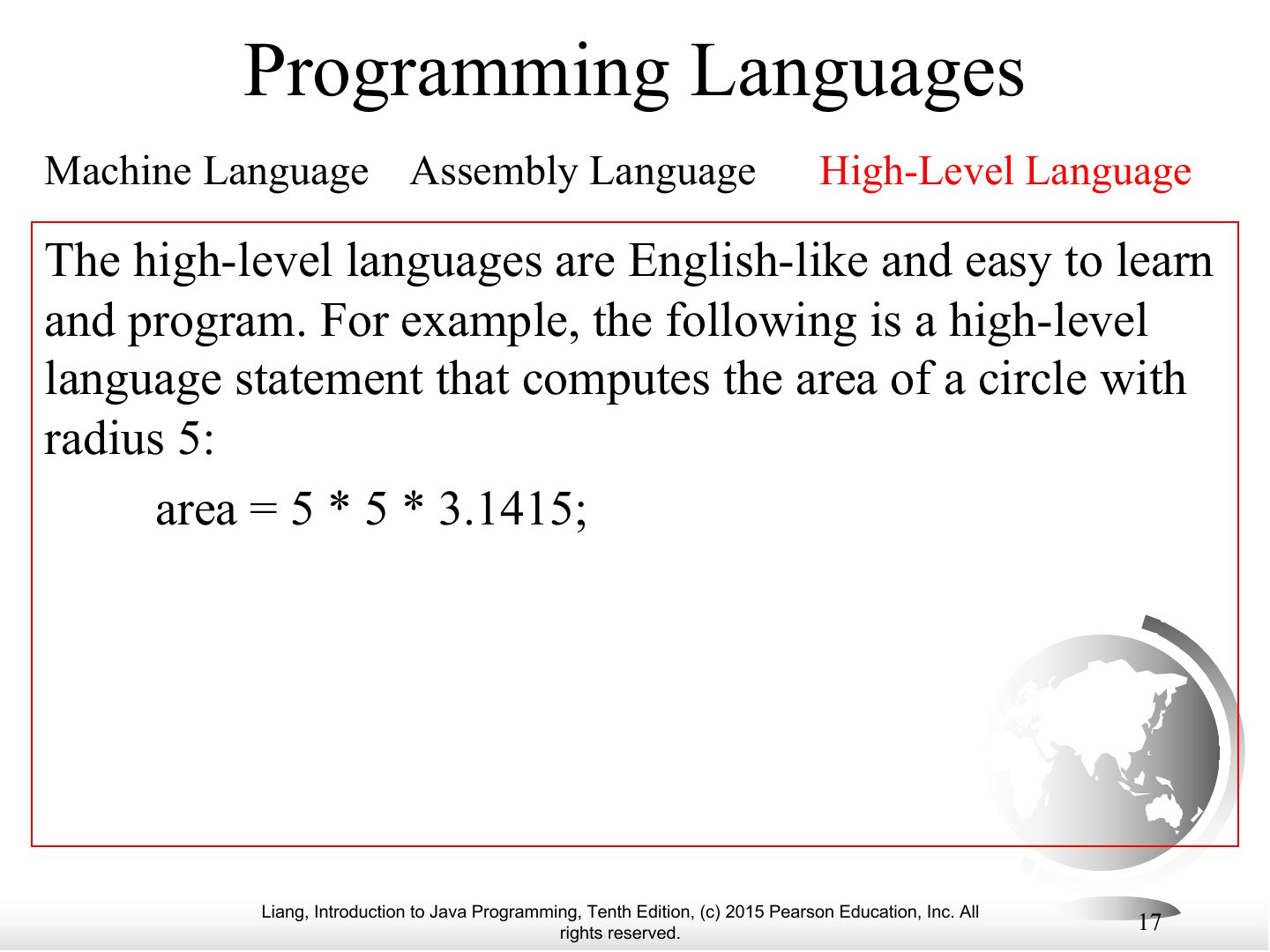
Exam angle
Which language is machine-independent and English-like?
Popular High-Level Languages
Notes
Popular high-level languages: Ada, BASIC, C, C++, C#, COBOL, Fortran, Java, Pascal, Python, Visual Basic.
Interpreting/Compiling Source Code
Interpreting Source Code
Compiling Source Code
Notes
Compiler: translates the WHOLE program into machine code first, then it runs.
Memory trick Interpreter = live translator, line by line. Compiler = translates the whole book first.
Exam angle
Which translator converts the entire source program into machine code before execution?
Why Java?
Notes
Java: general-purpose, runs on servers, desktops and mobile; “write once, run anywhere”.
Java, Web, and Beyond
Notes
Java can build standalone apps, applets, servlets, Android apps.
Java’s History
Notes
James Gosling at Sun Microsystems; originally Oak (1991), renamed Java (1995).
Companion
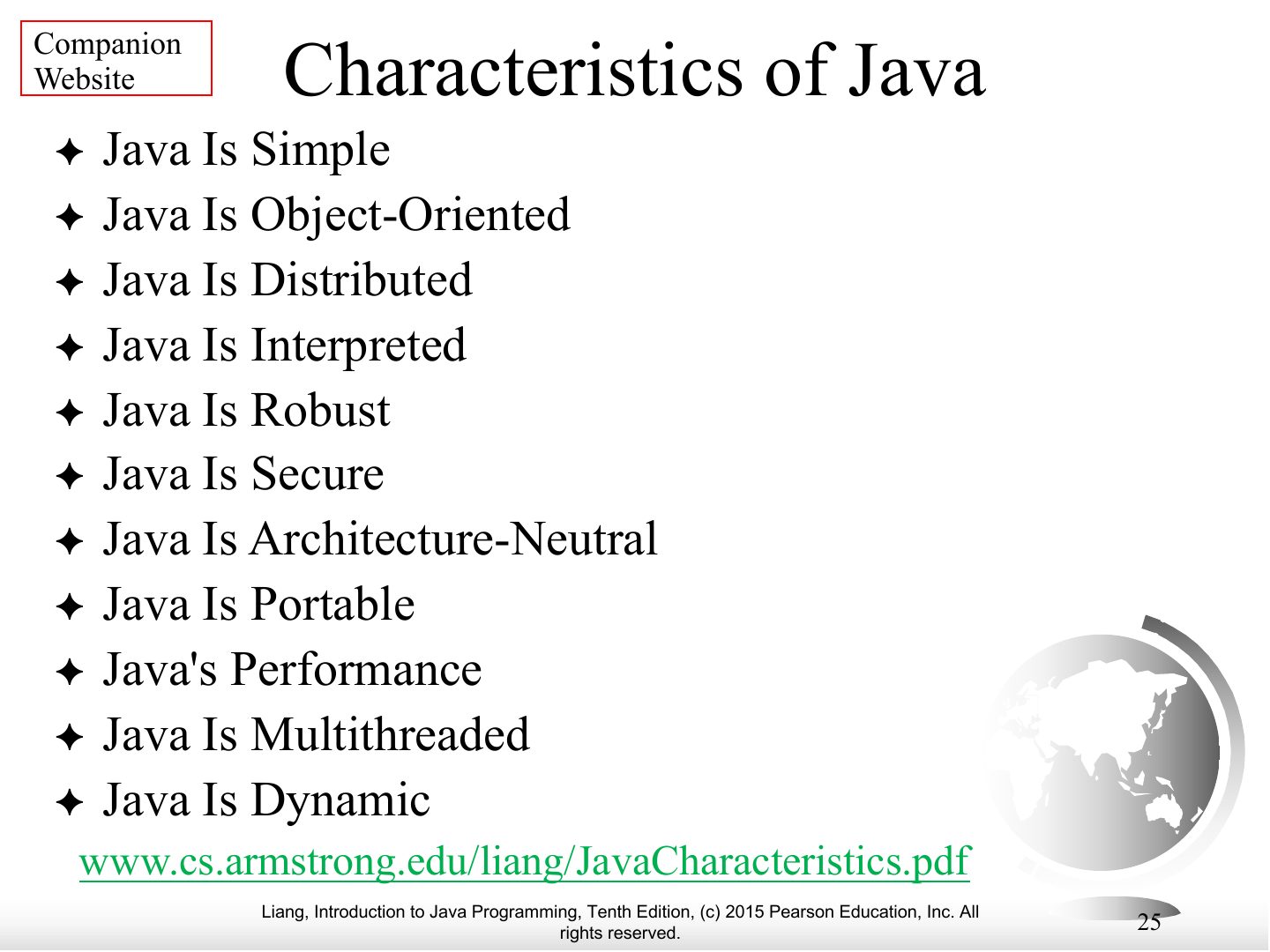
Companion
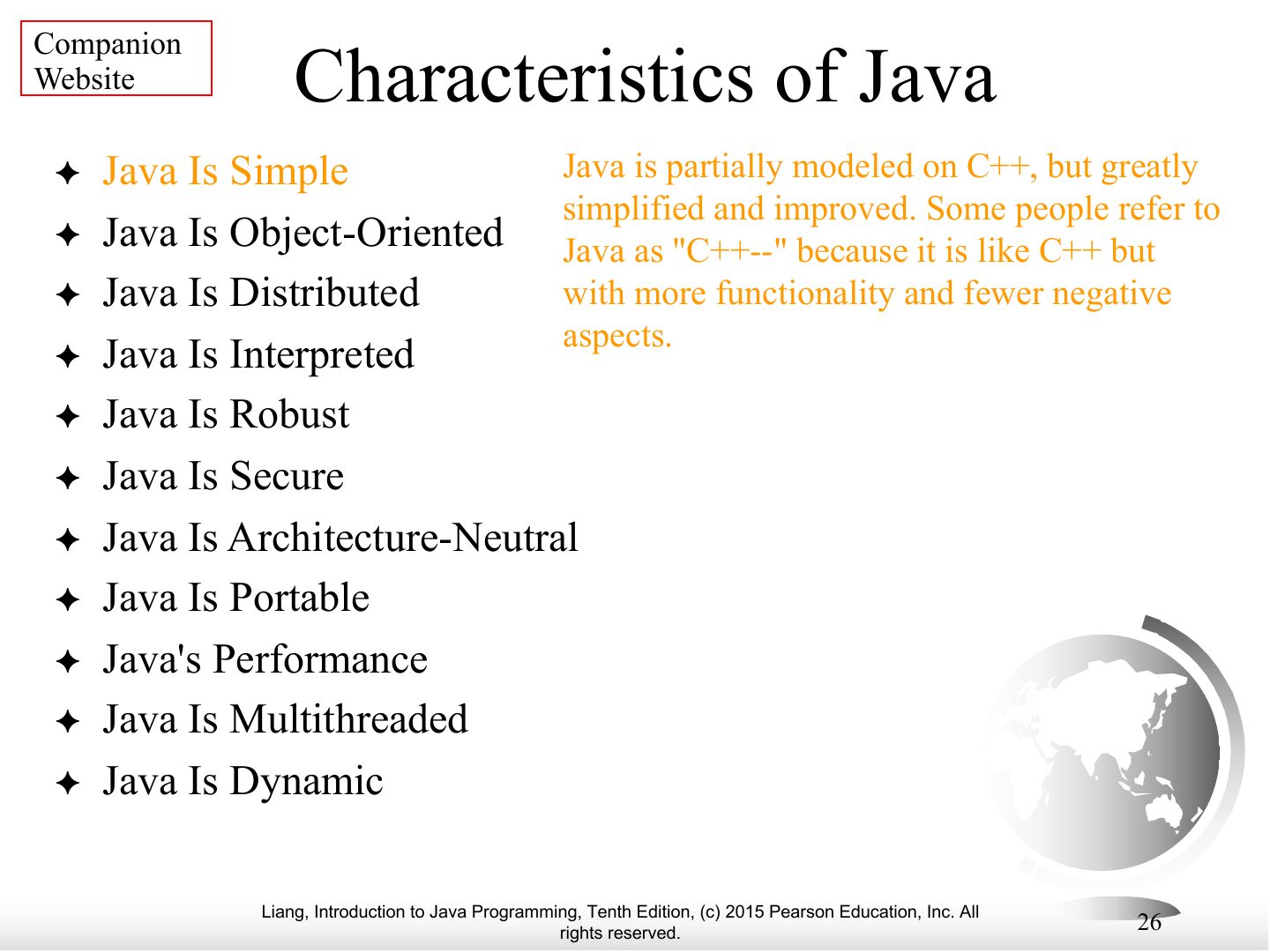
Notes
Characteristics, continued.
Companion
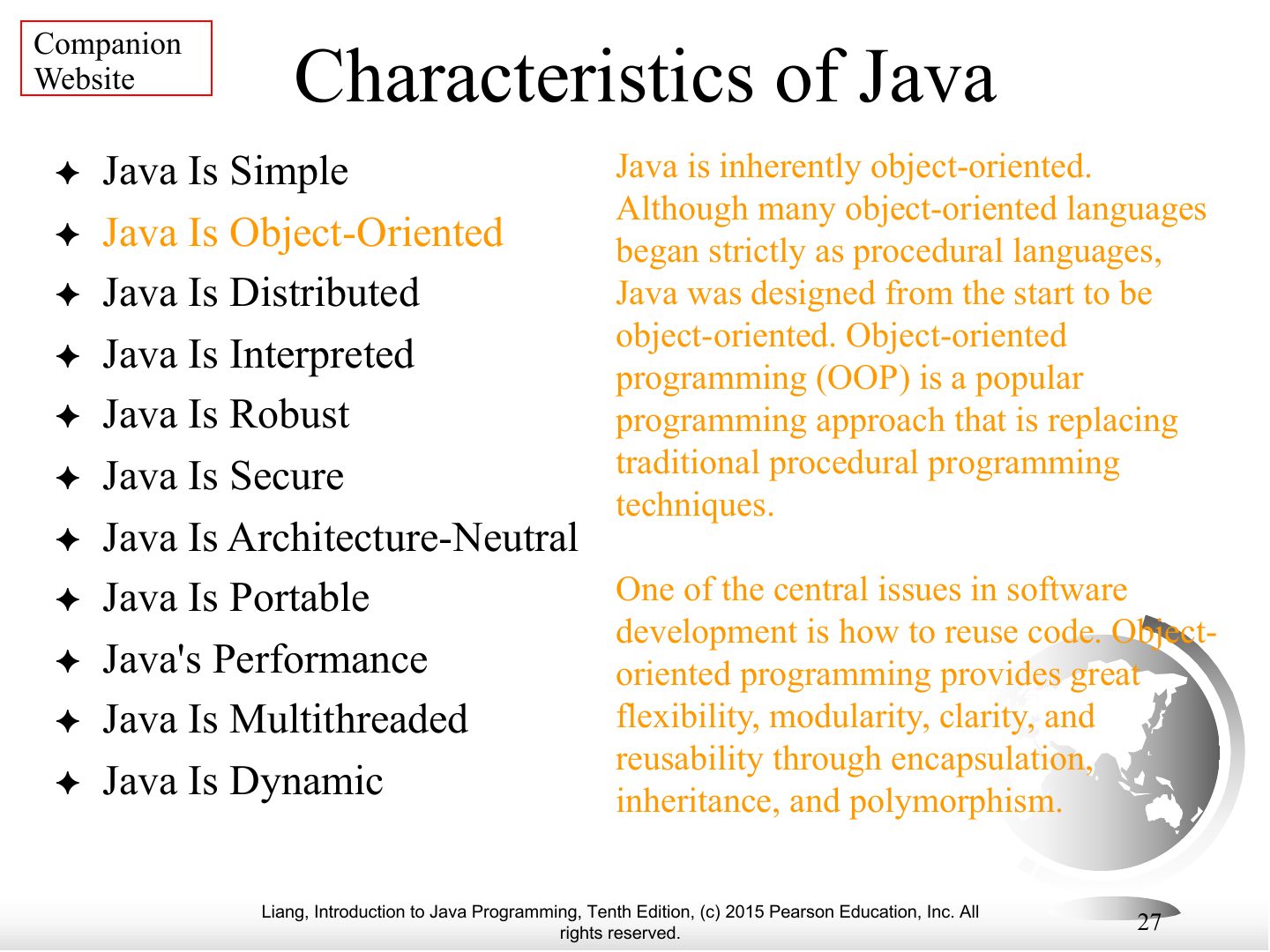
Notes
Characteristics, continued.
Companion
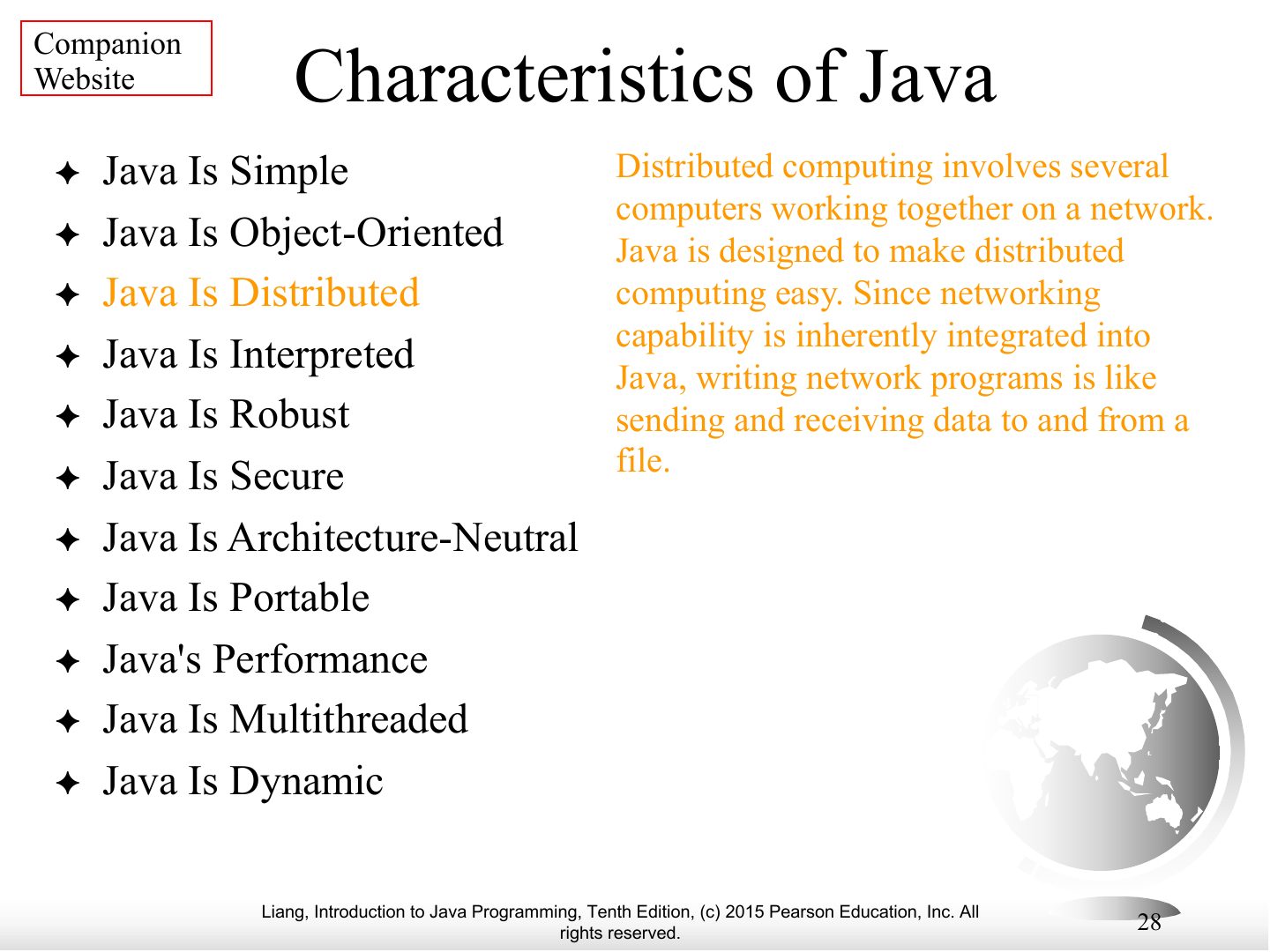
Notes
Characteristics, continued.
Companion
Notes
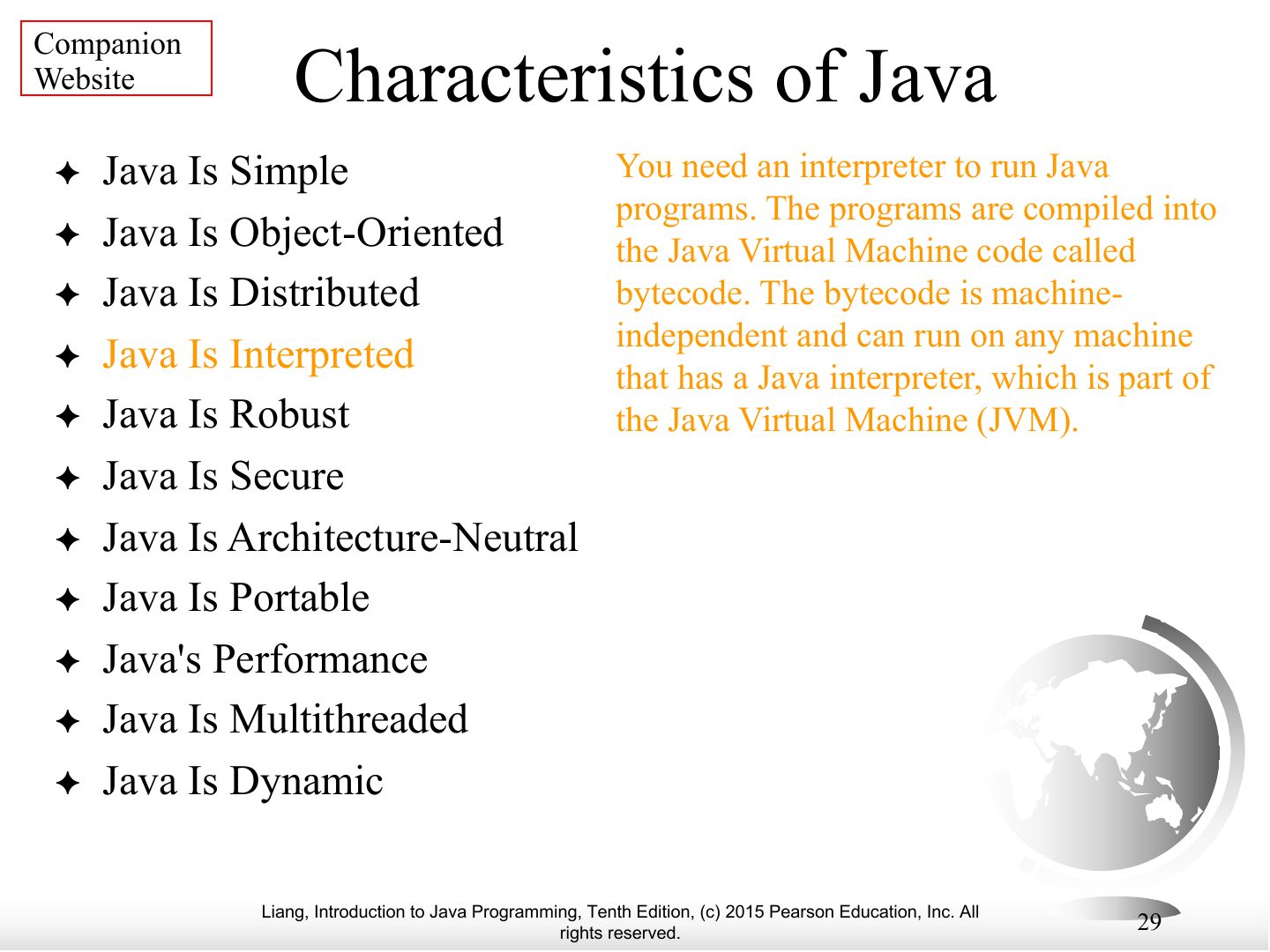
Characteristics, continued.
Companion
Notes
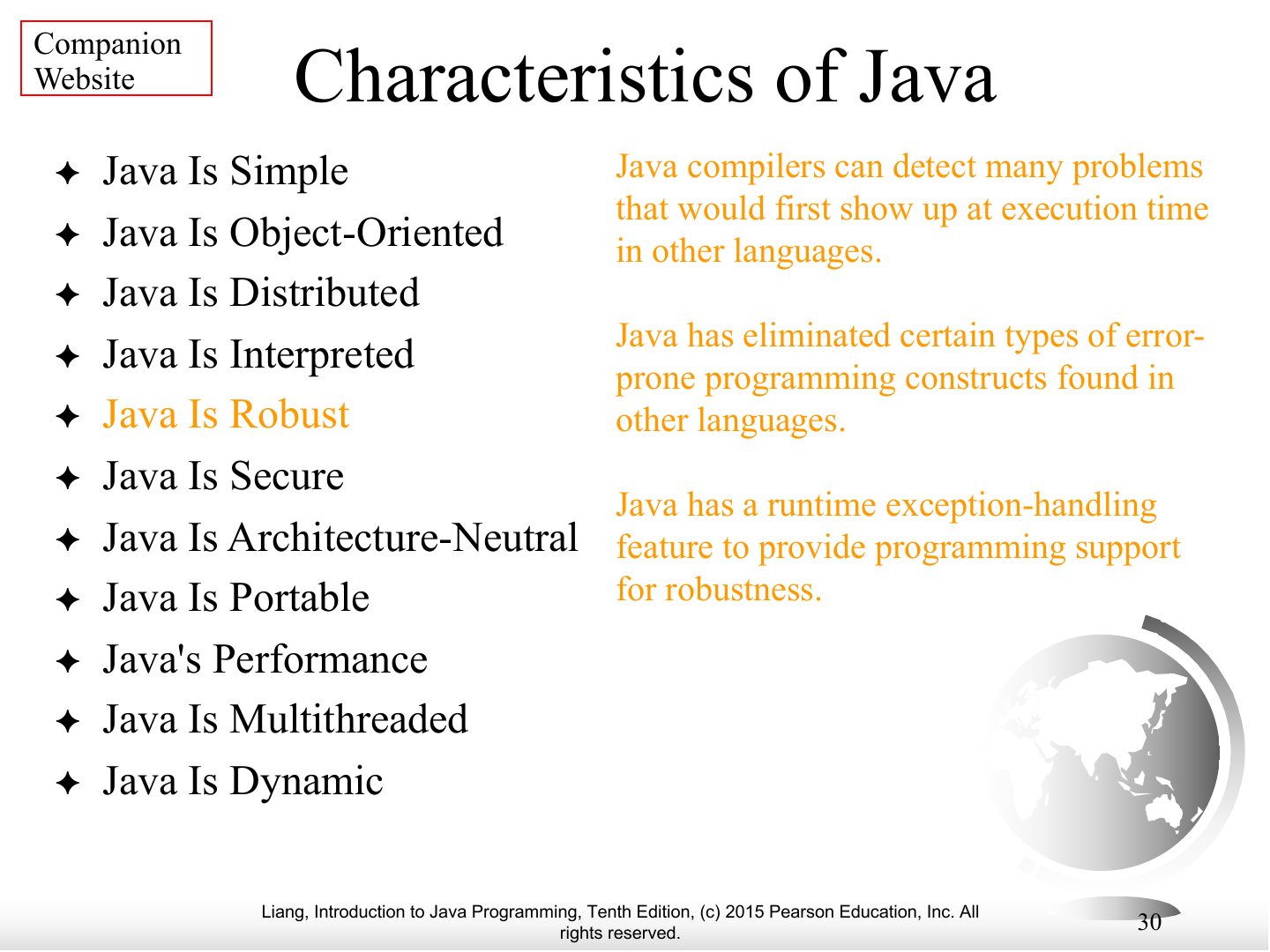
Characteristics, continued.
Companion
Notes
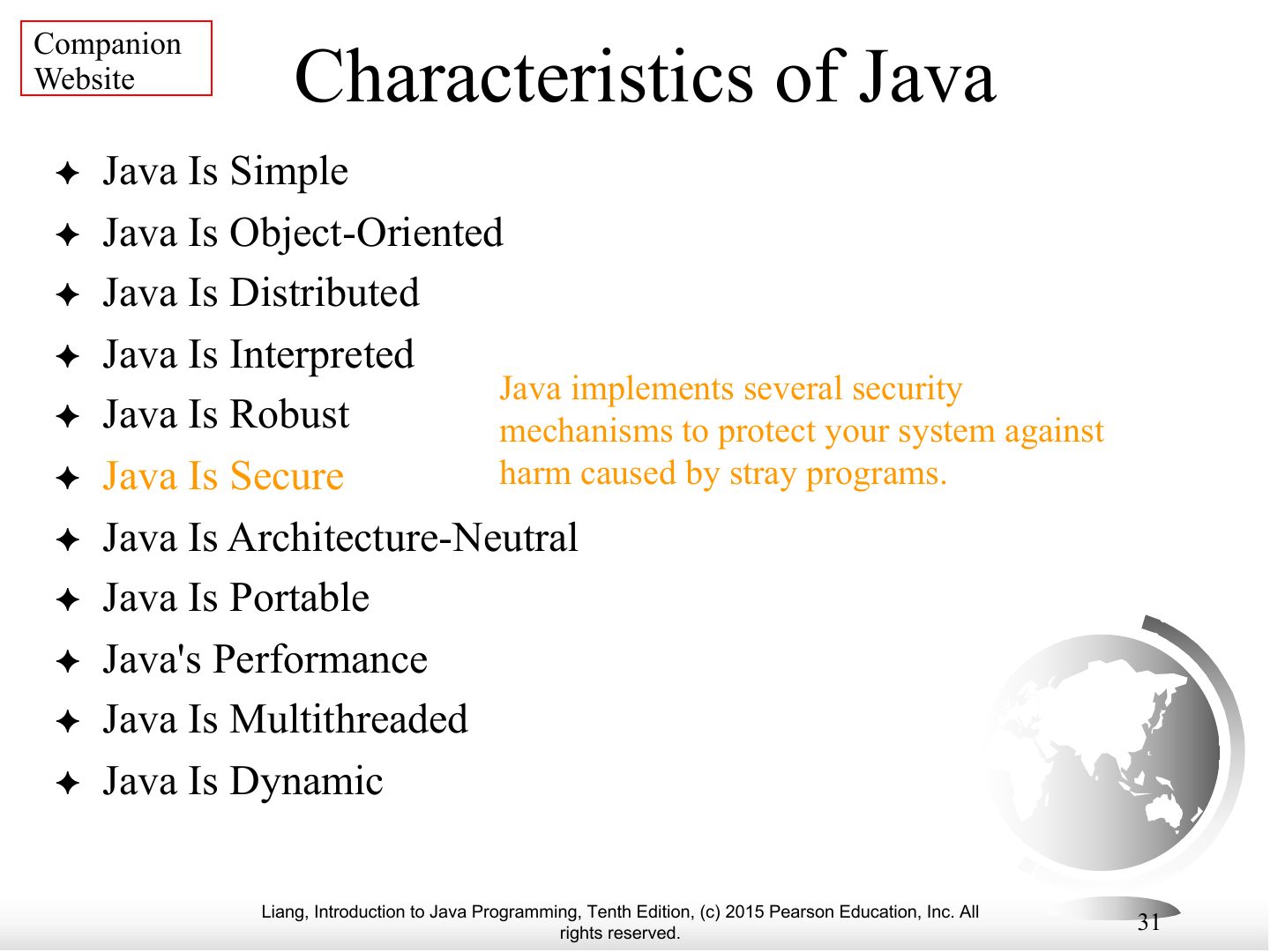
Characteristics, continued.
Companion
Notes
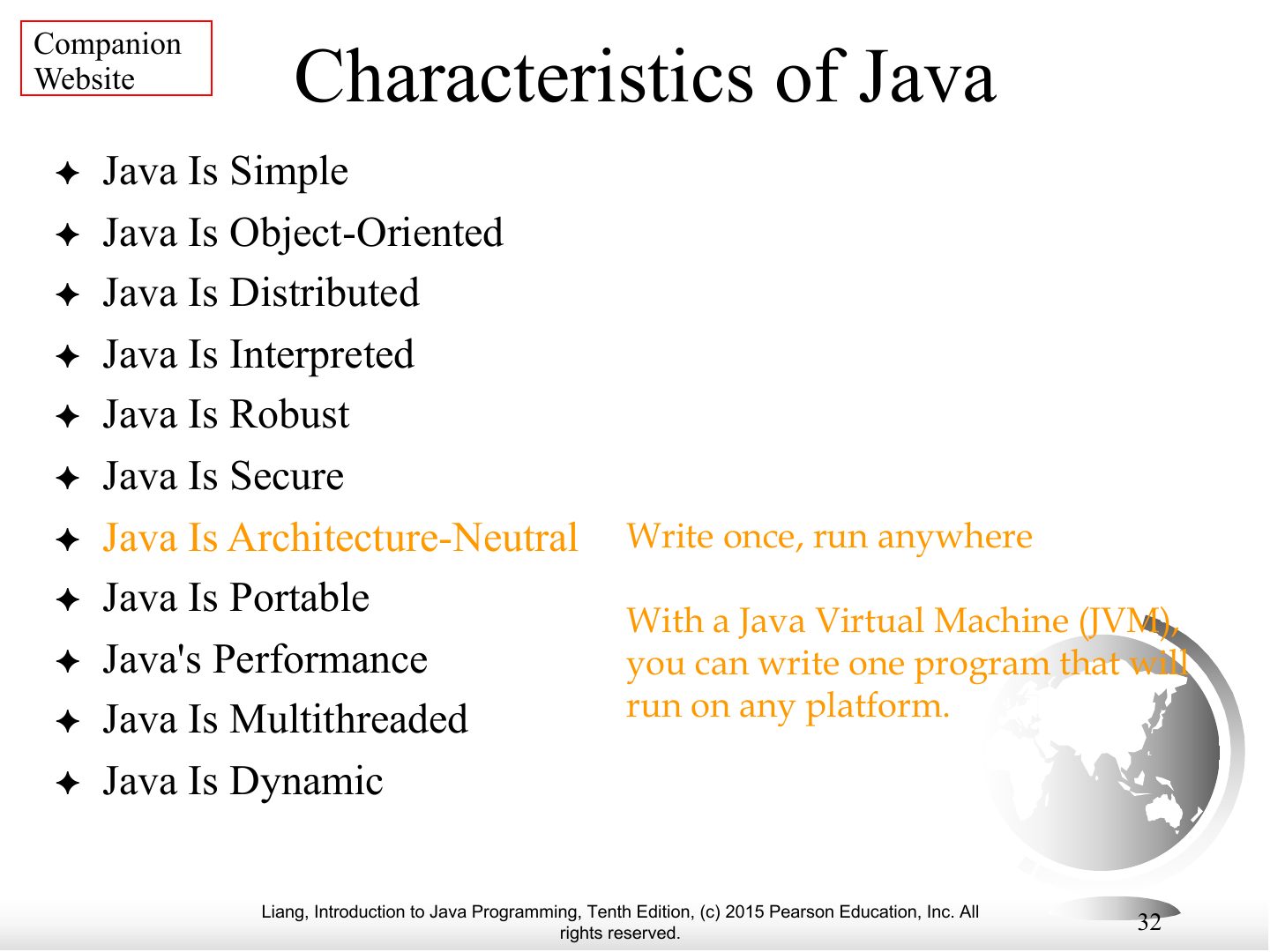
Characteristics, continued.
Companion
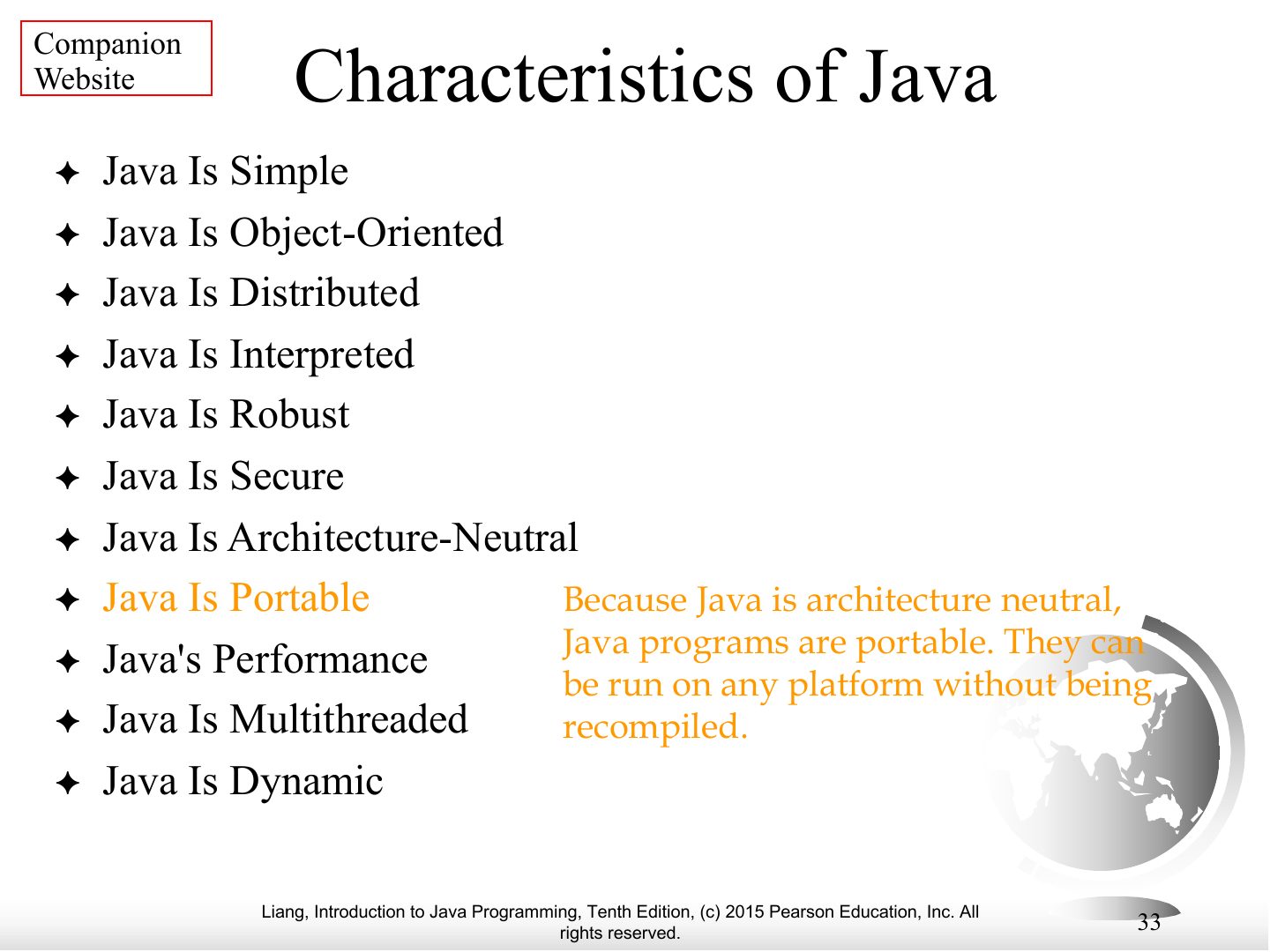
Notes
Characteristics, continued.
Companion
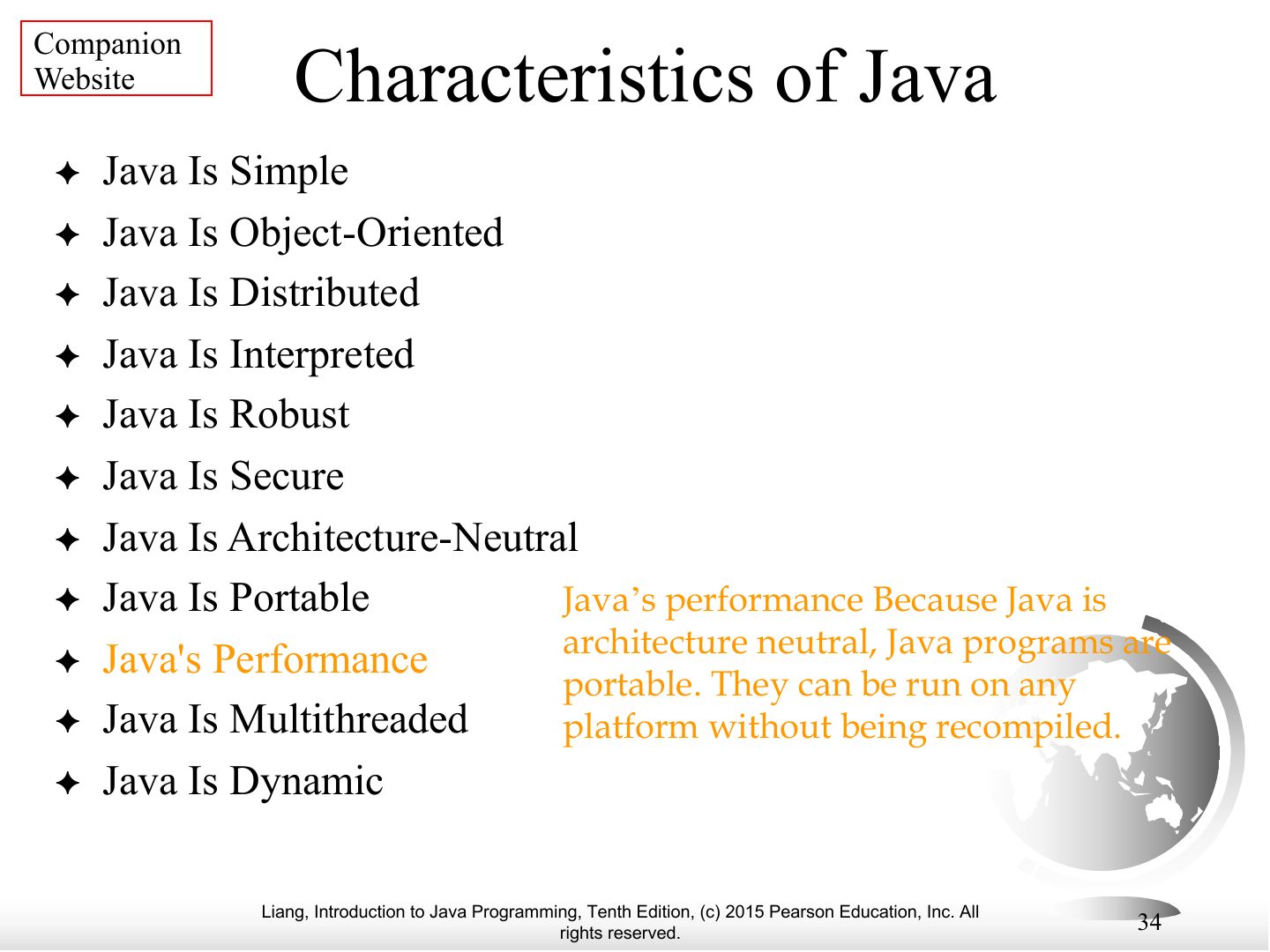
Notes
Characteristics, continued.
Companion
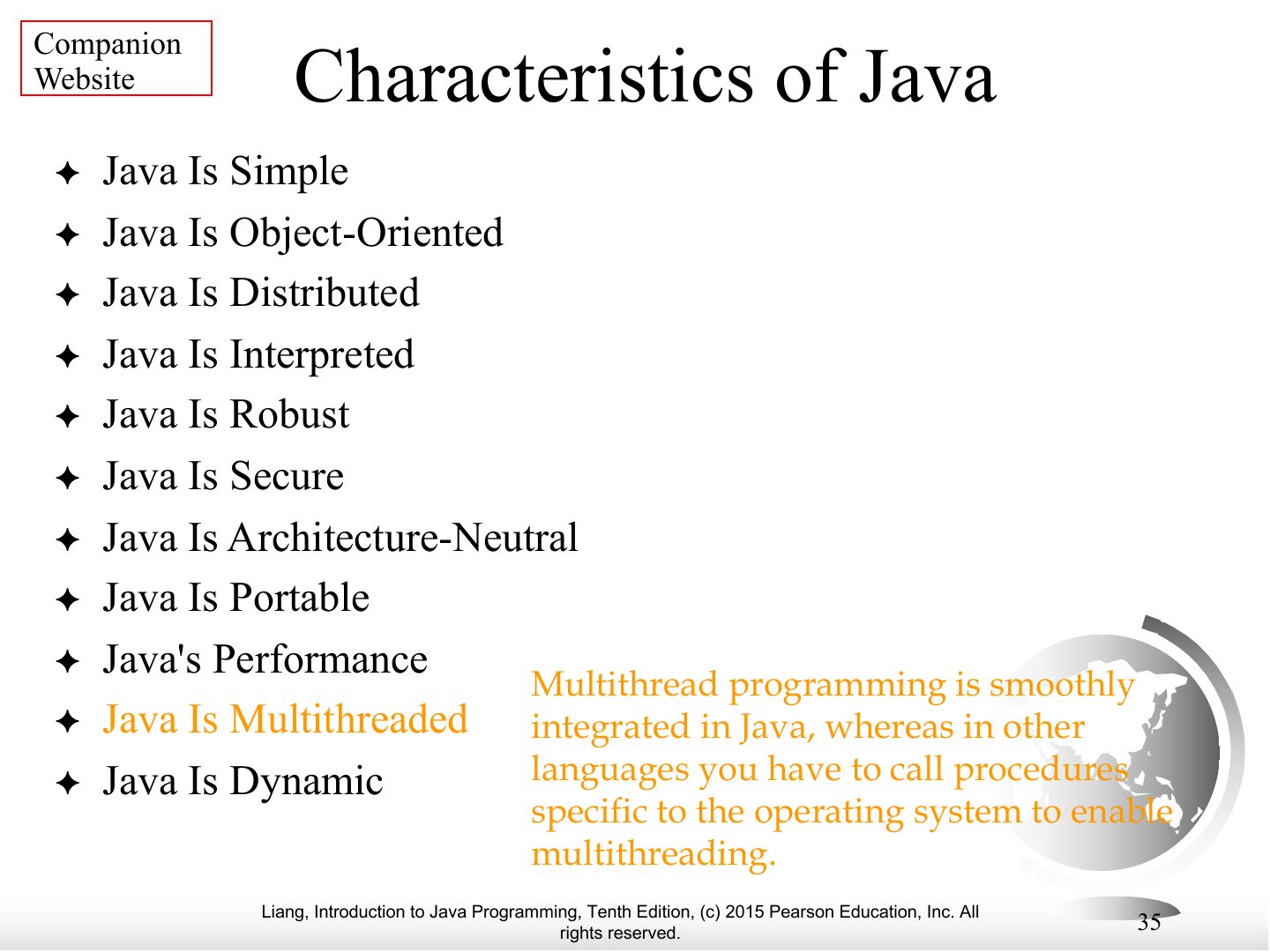
Notes
Characteristics, continued.
Companion
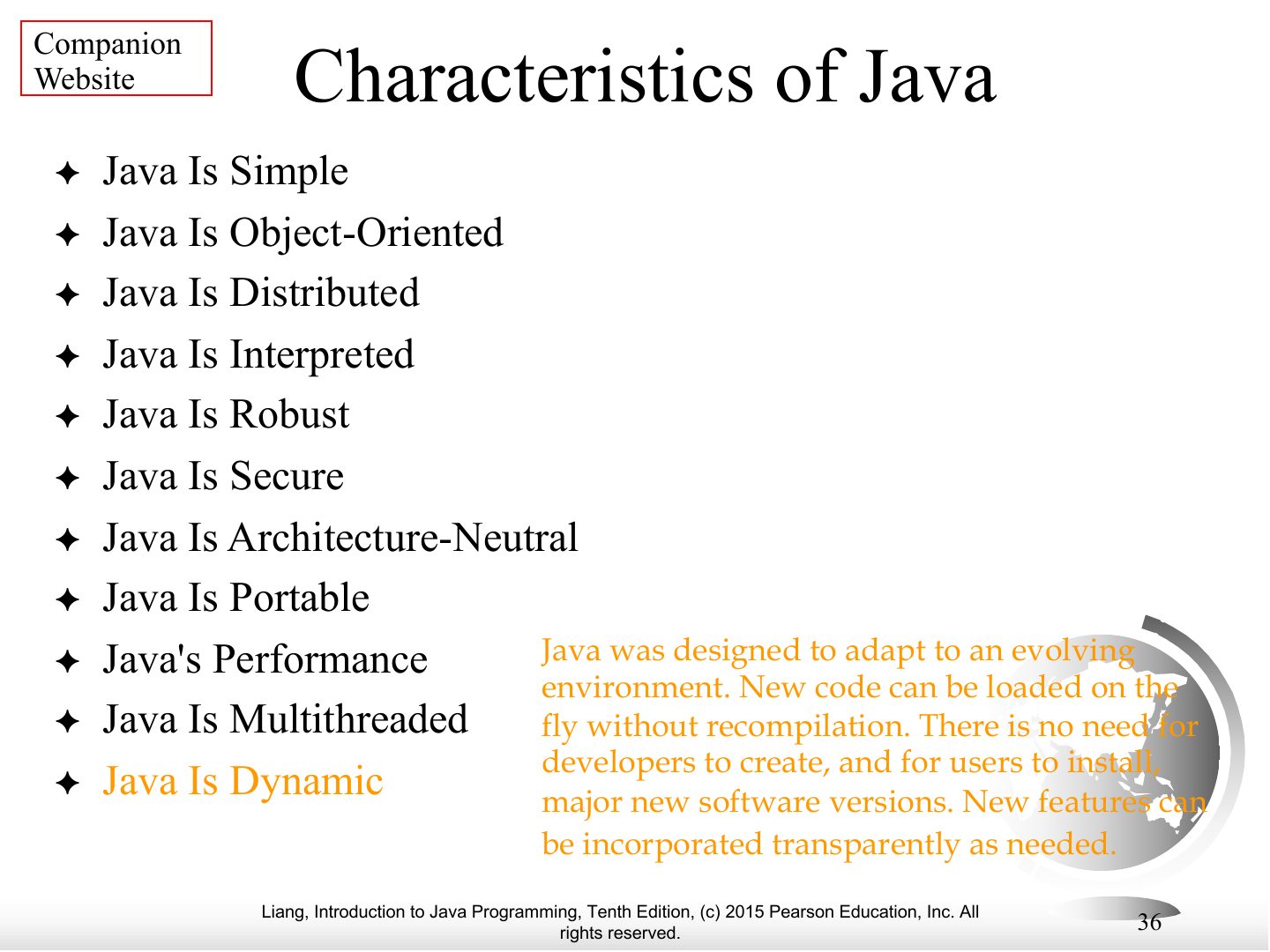
Notes
Characteristics, continued.
Popular Java IDEs
A Simple Java Program
Creating, Compiling, and Running Programs
Exam angle
Compiling Welcome.java produces:
Java bytecode is executed by the:
Compiling Java Source Code
animation
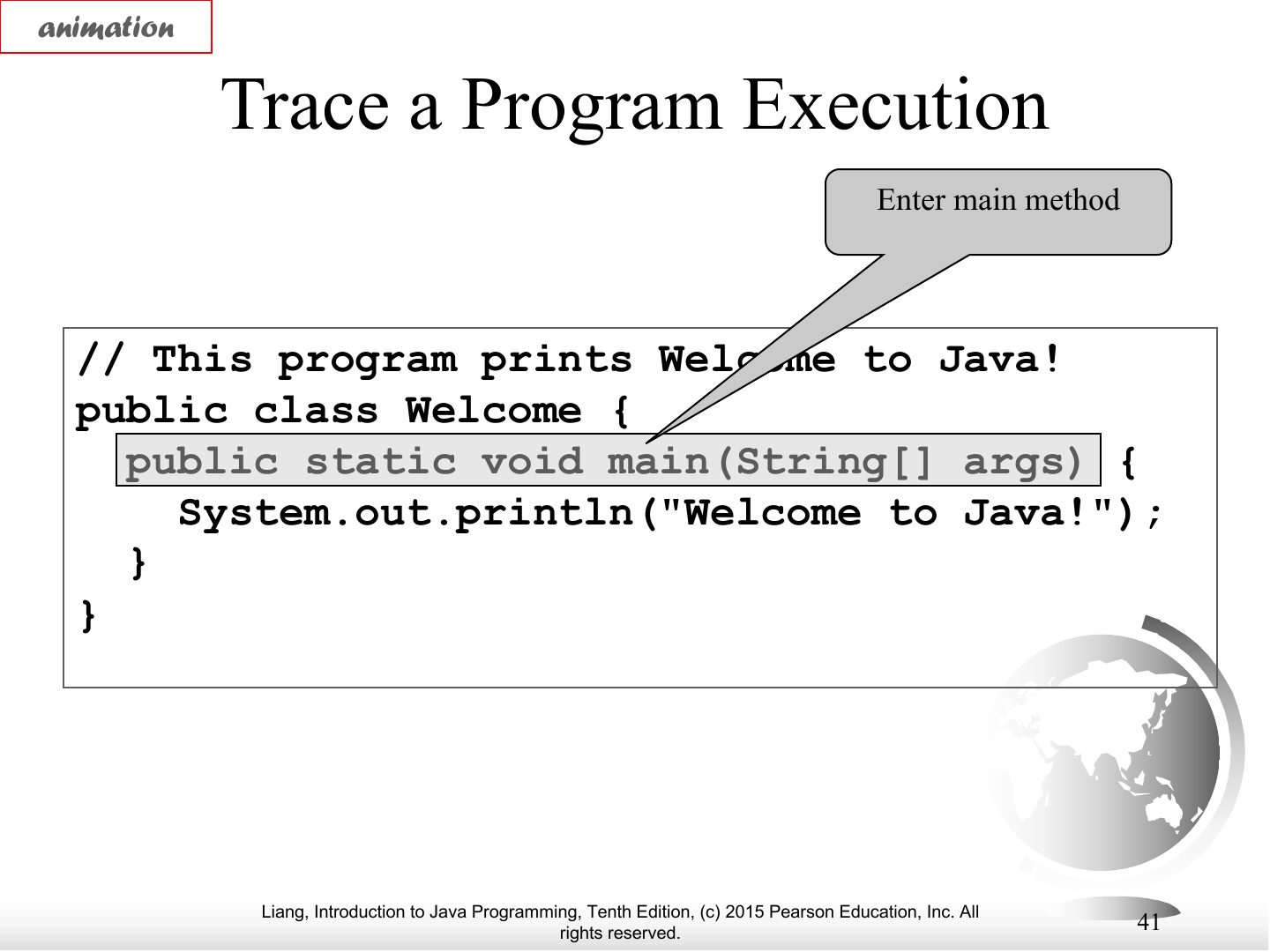
animation
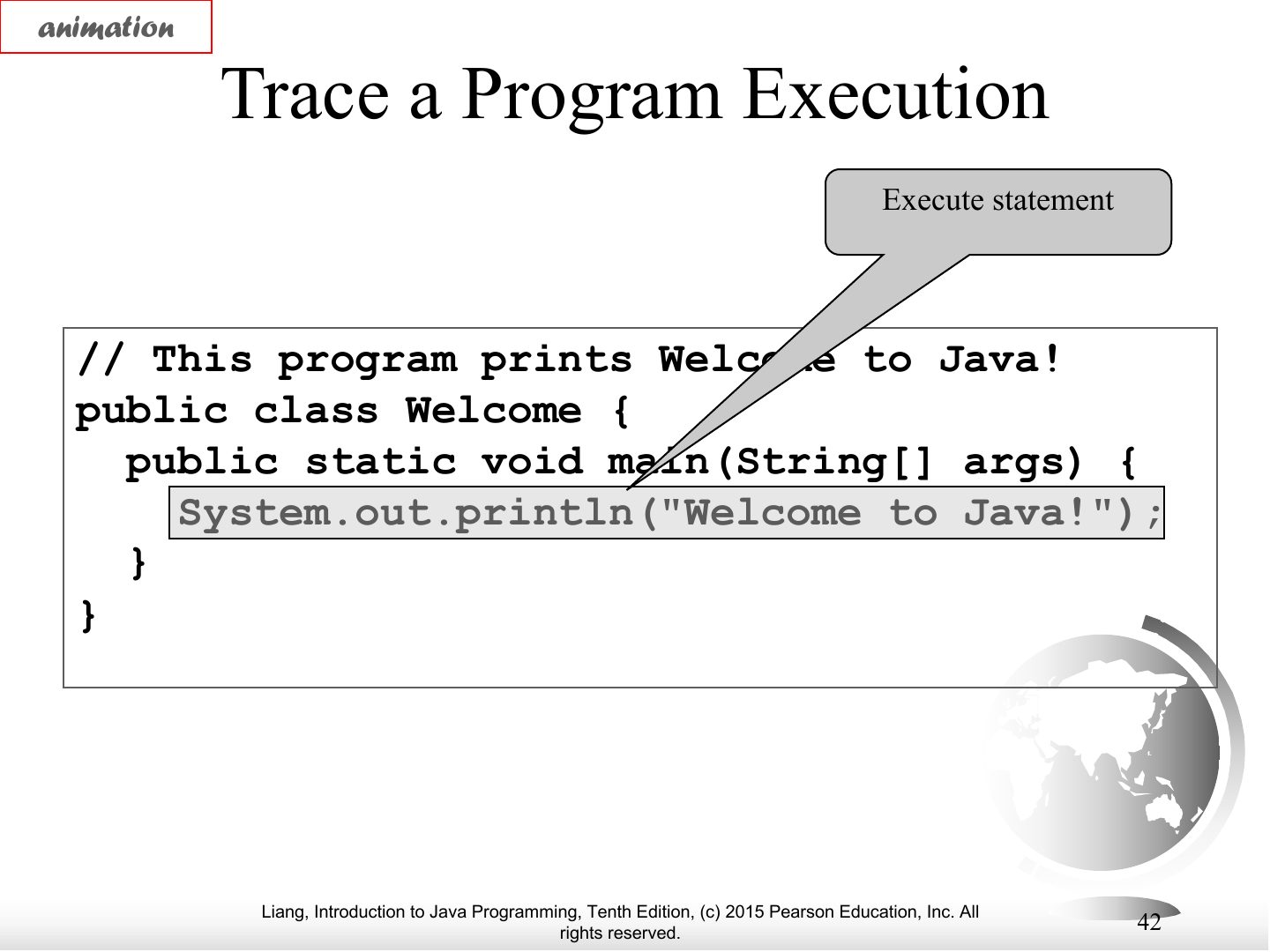
animation
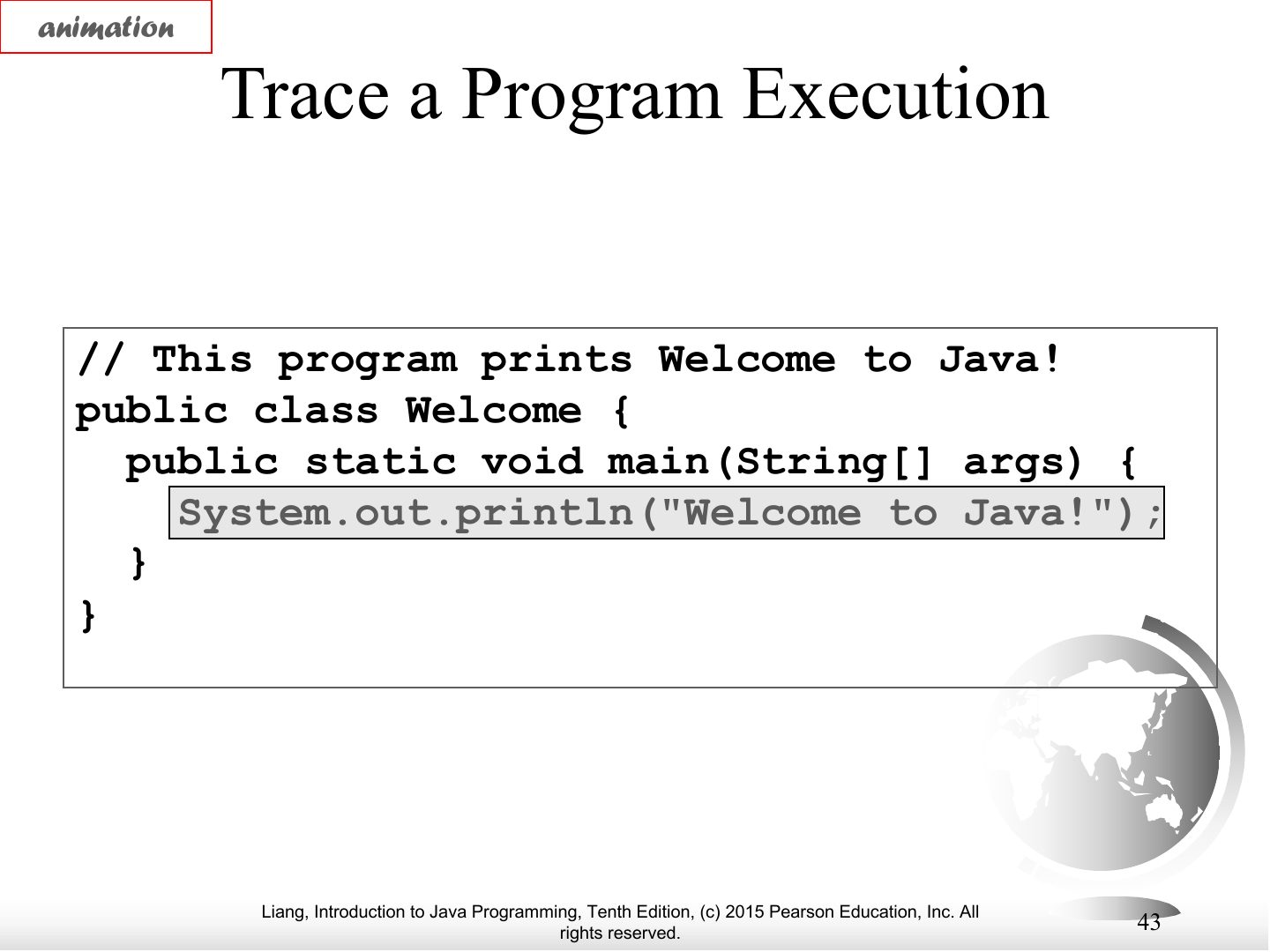
Notes
Trace: output appears.
Anatomy of a Java Program
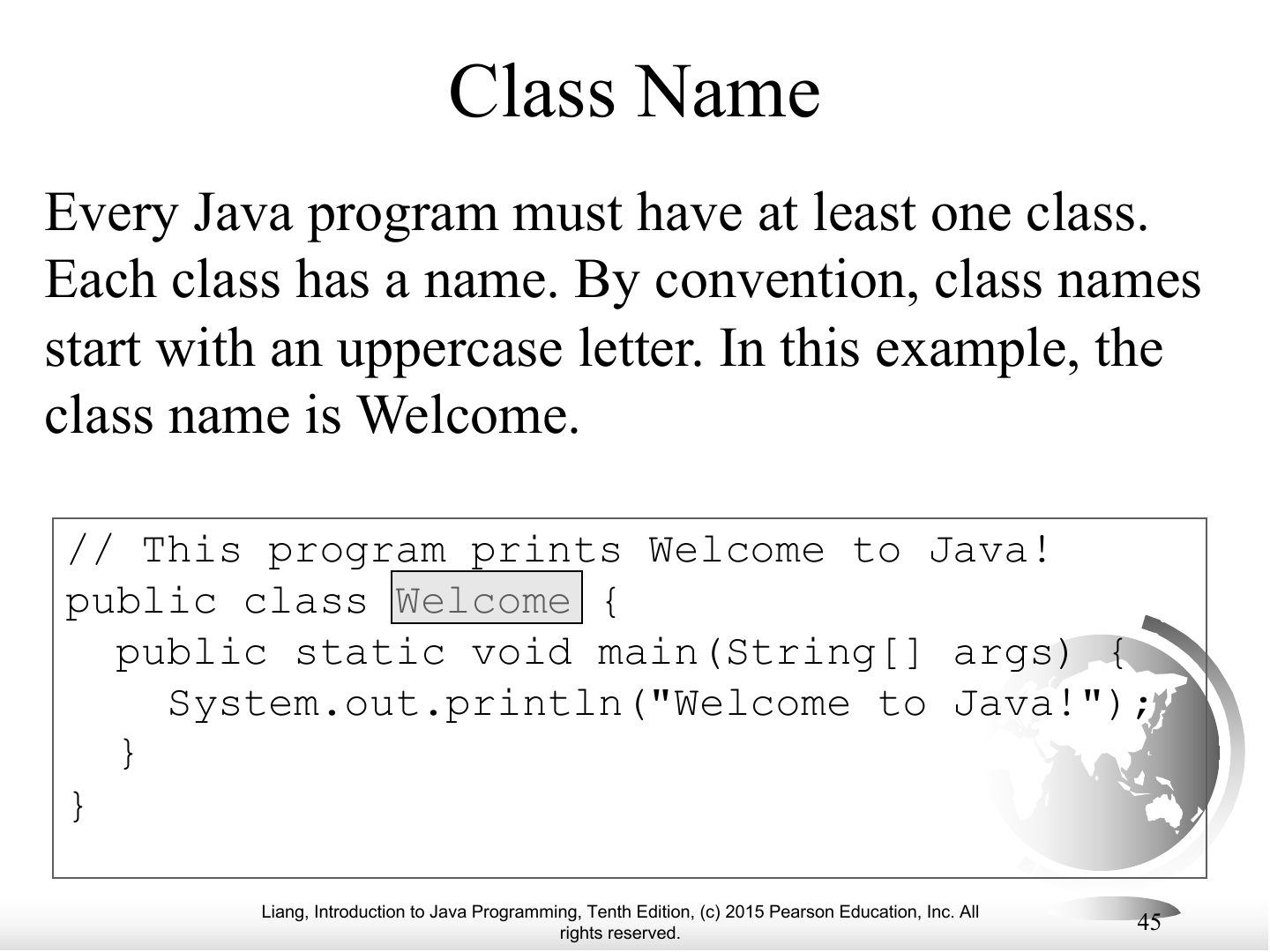
Class Name
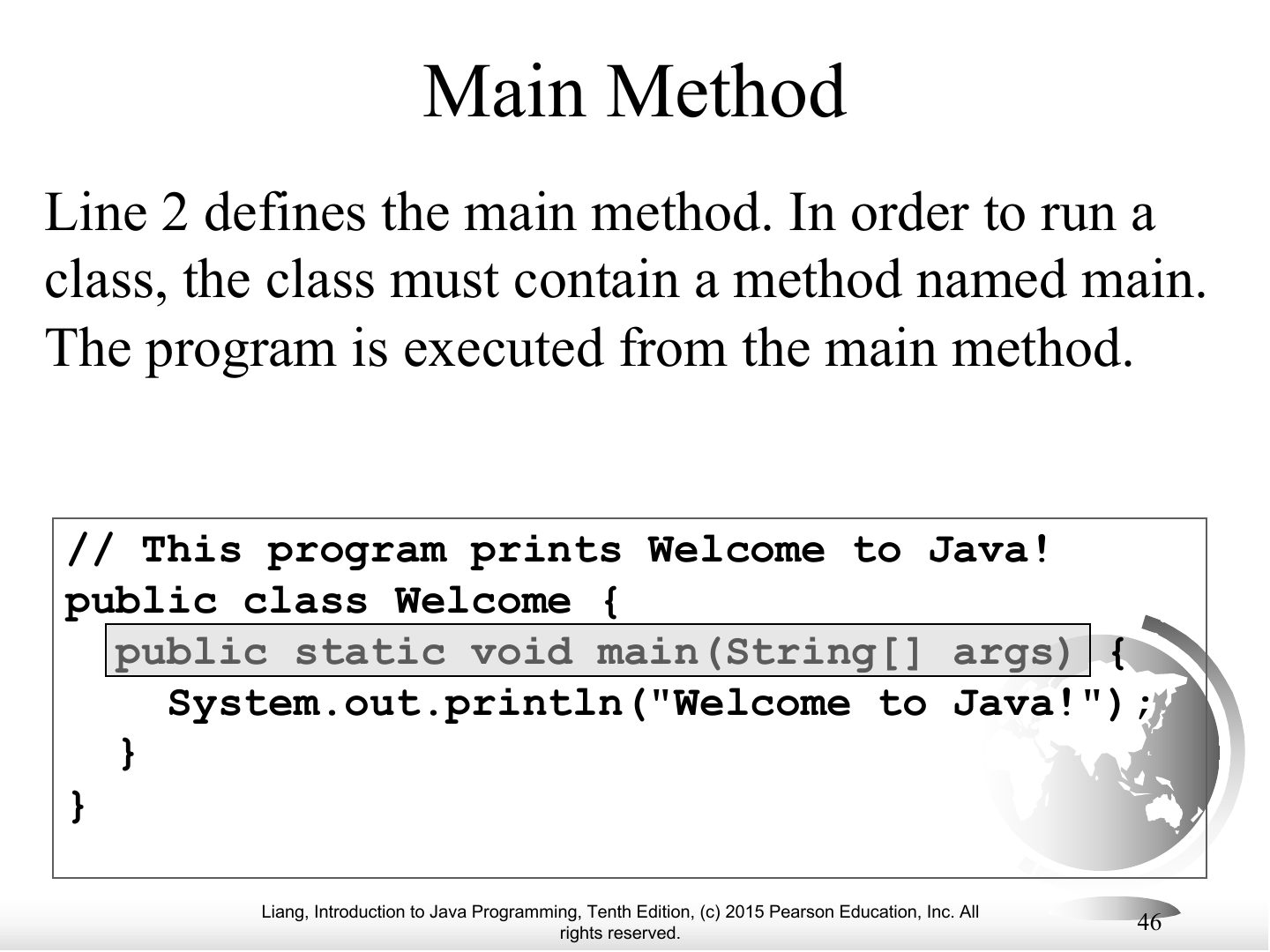
Main Method
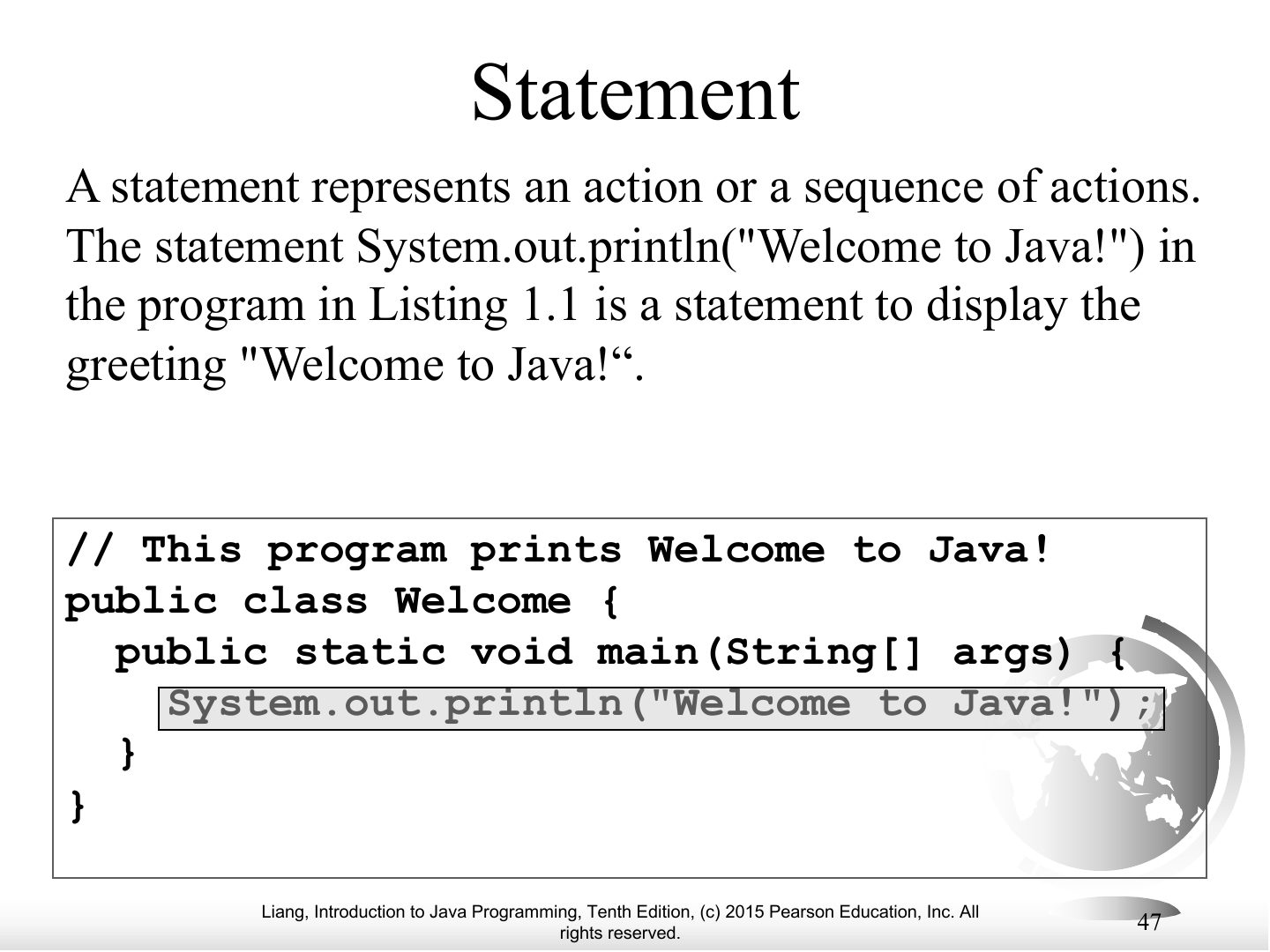
Statement
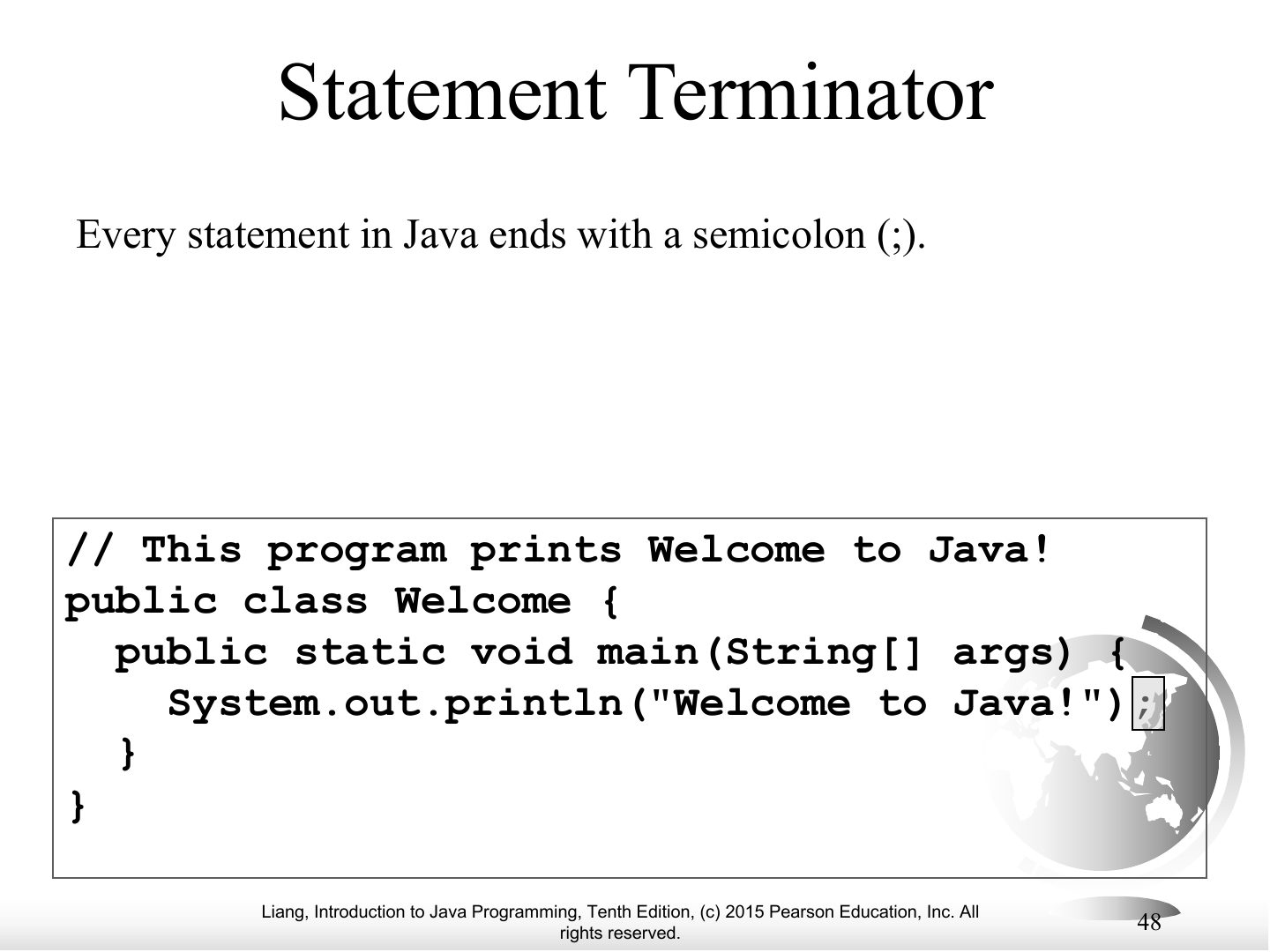
Statement Terminator
Reserved words
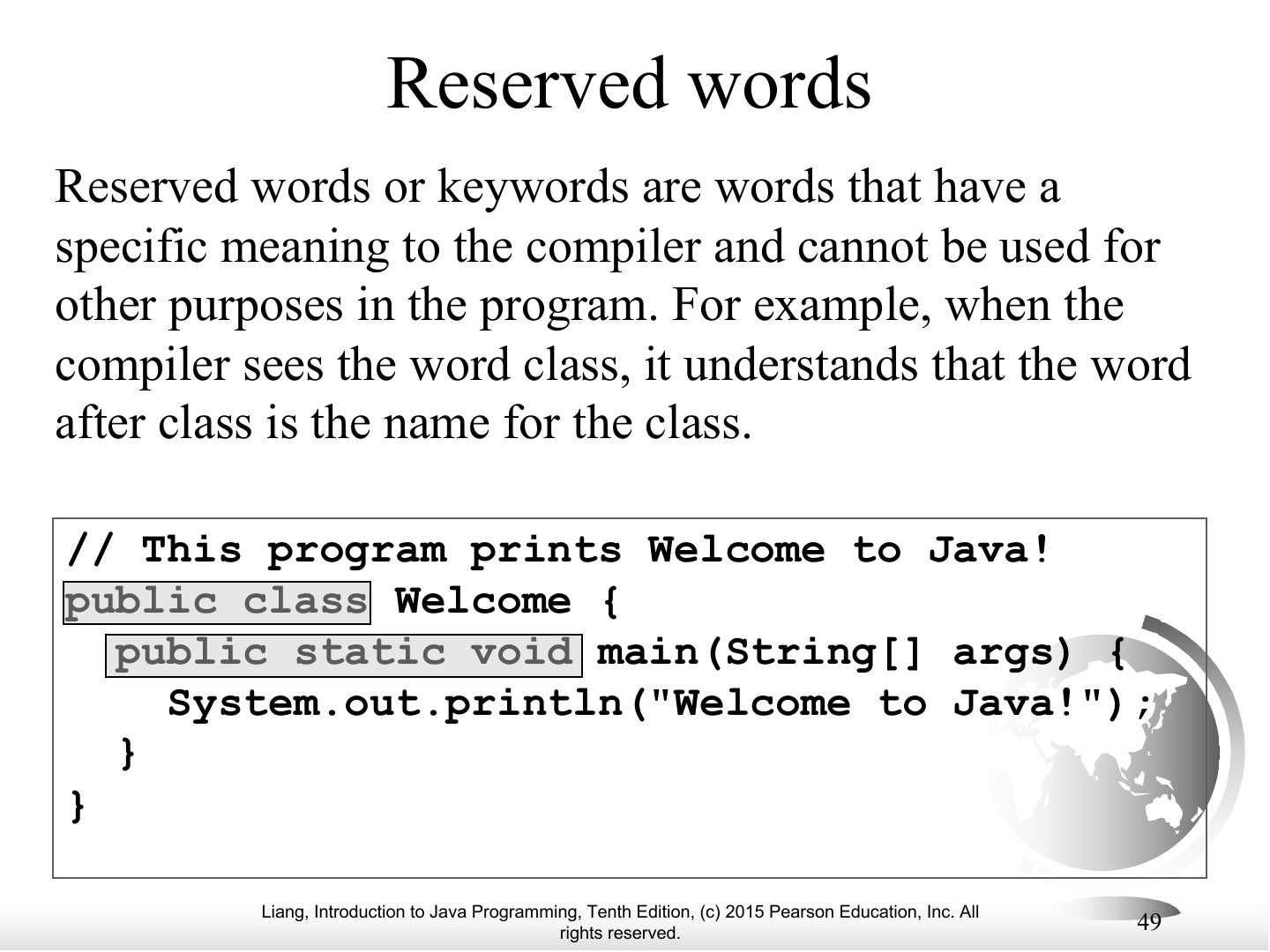
Exam angle
Which is a Java reserved word?
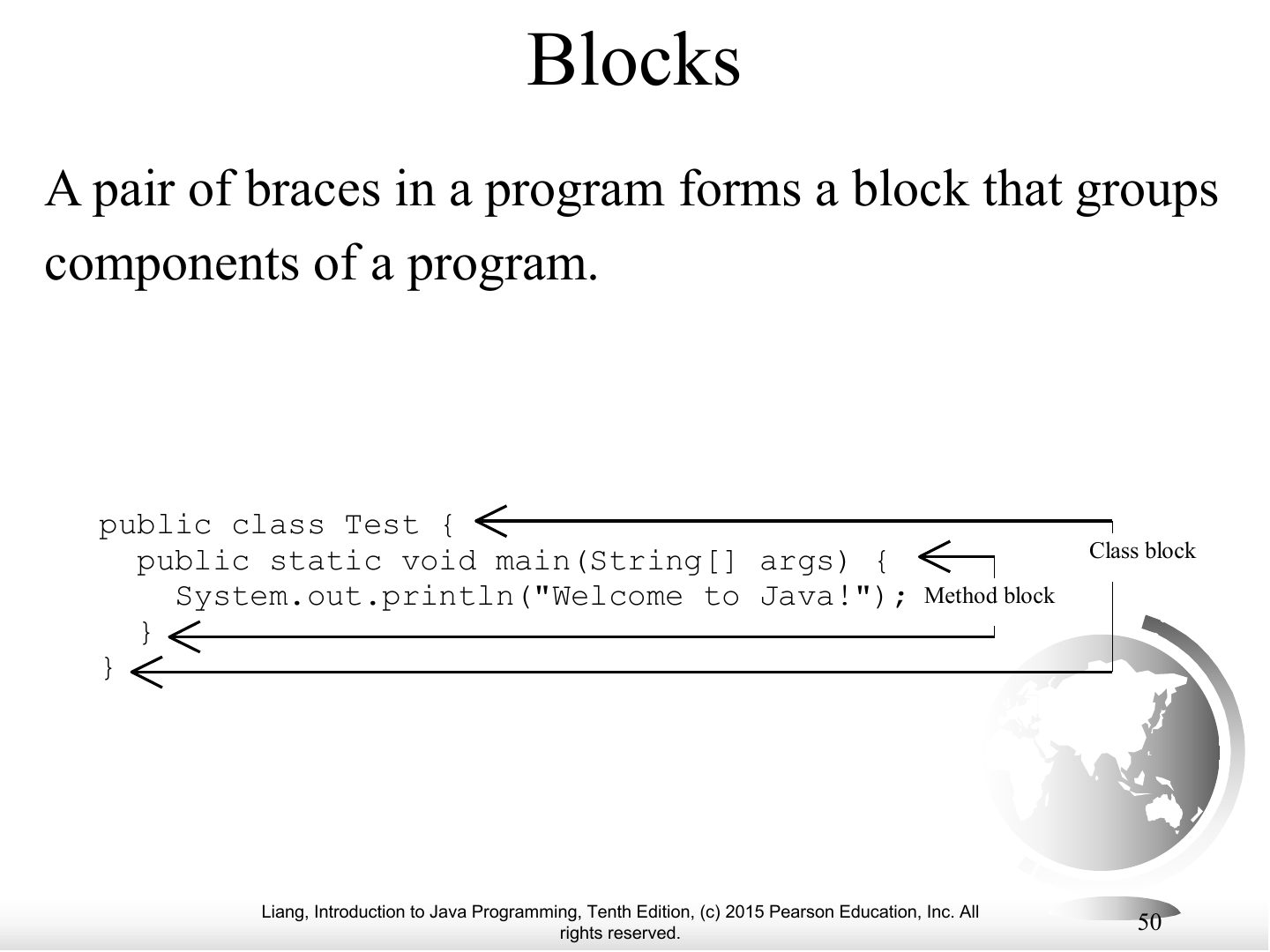
Blocks
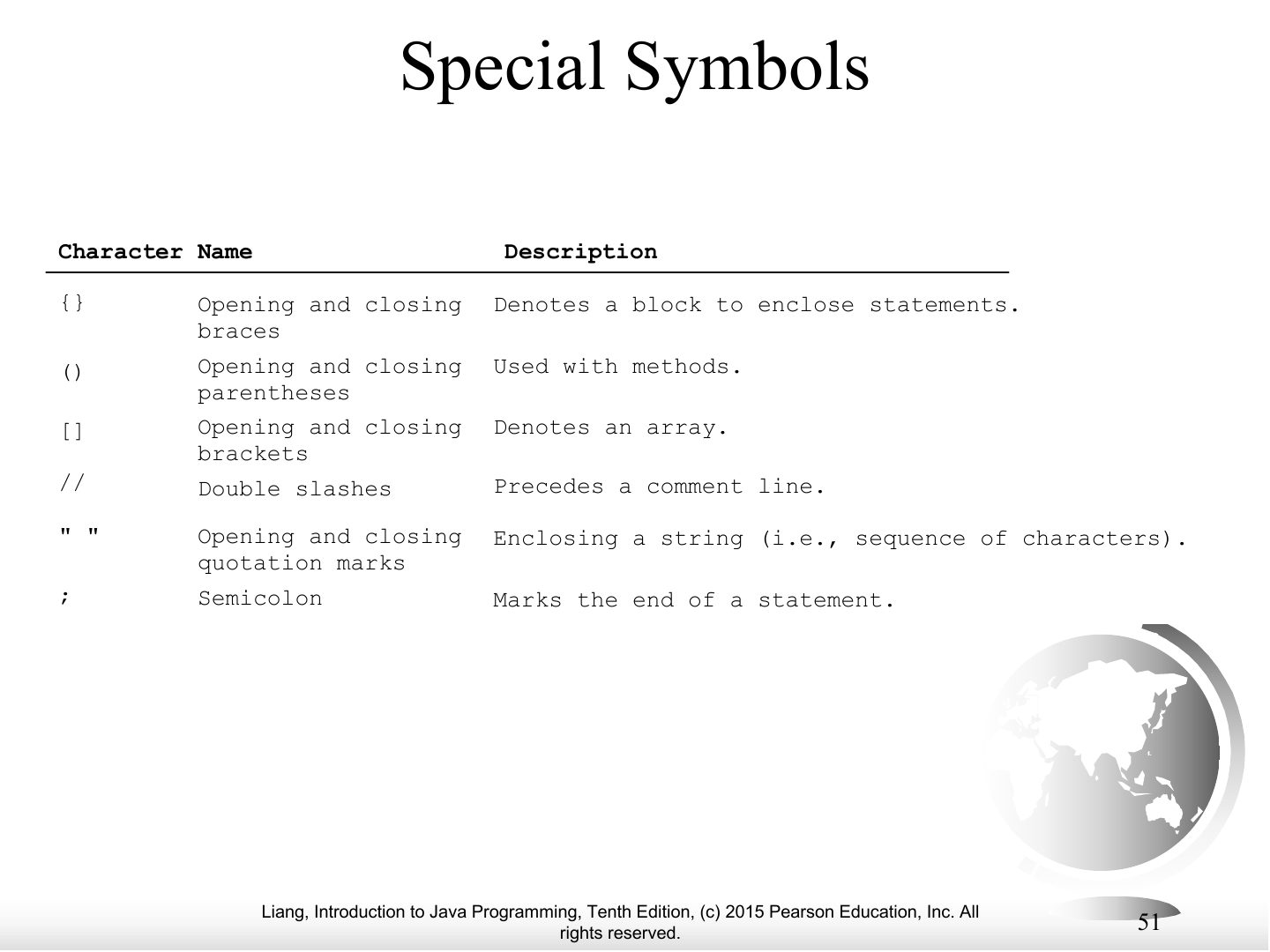
Special Symbols
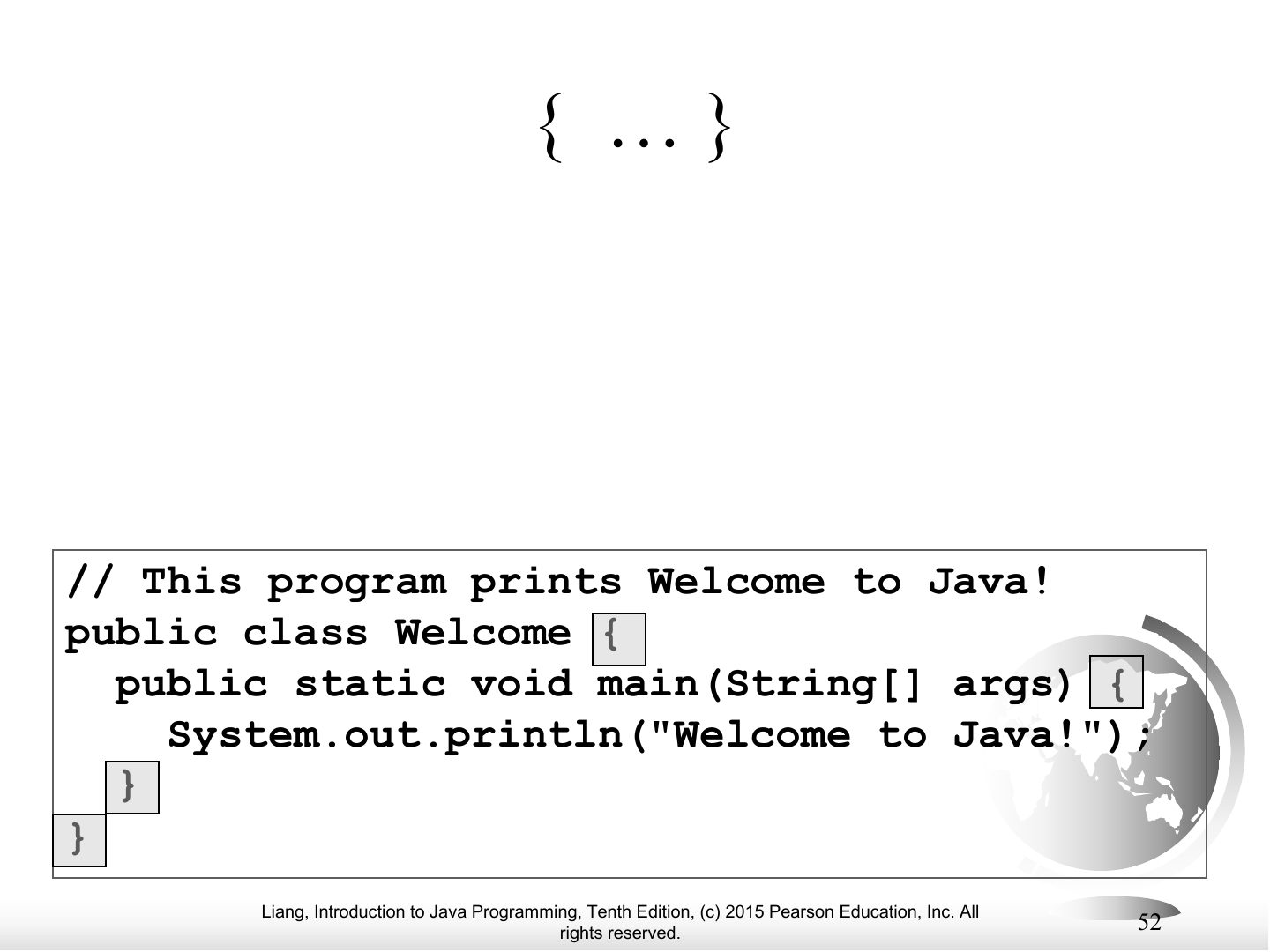
{ ... }
Notes
{ } — denotes a block.
( ... )
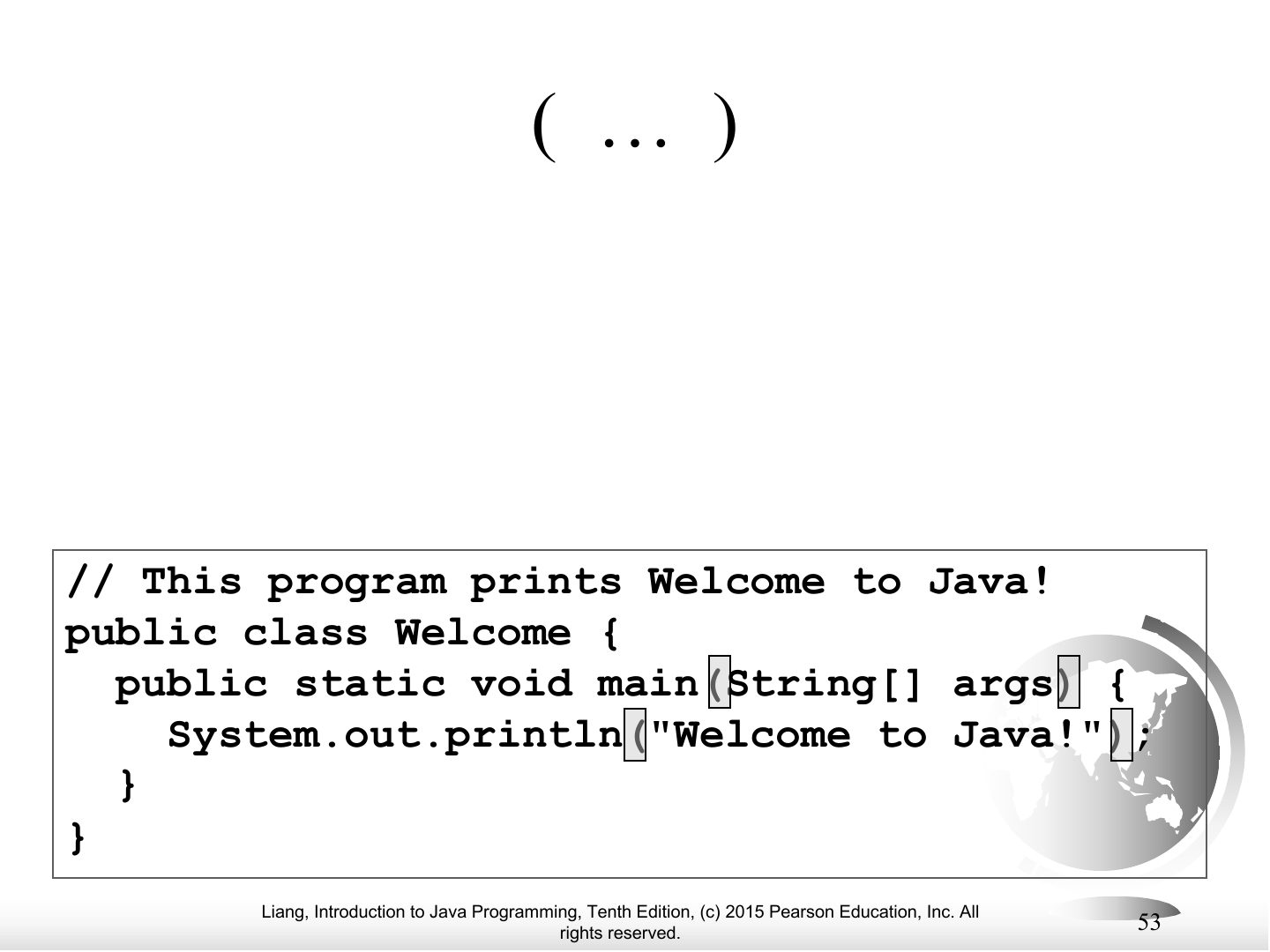
Notes
( ) — used with methods.
;
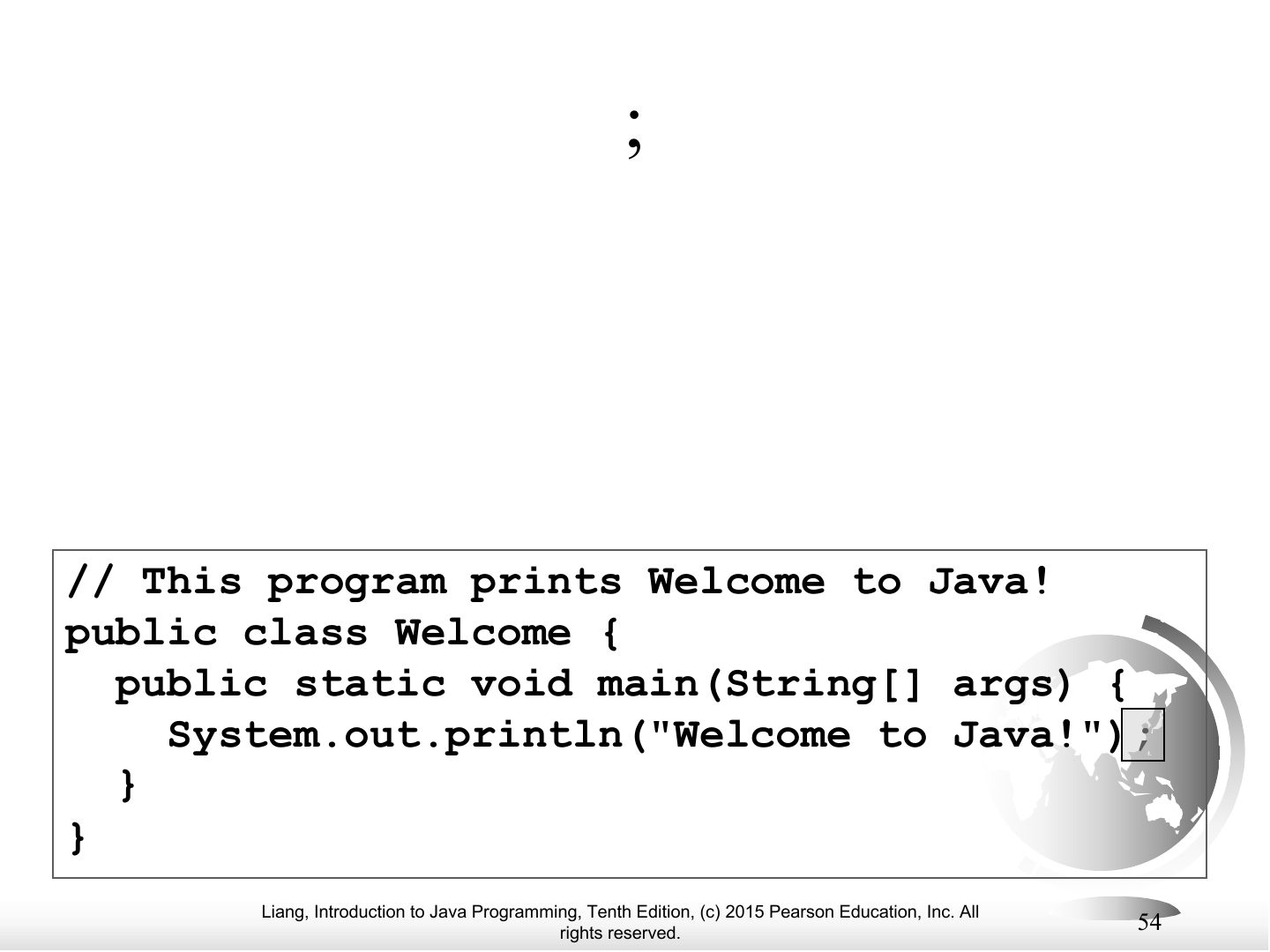
Notes
; — ends a statement.
// ...
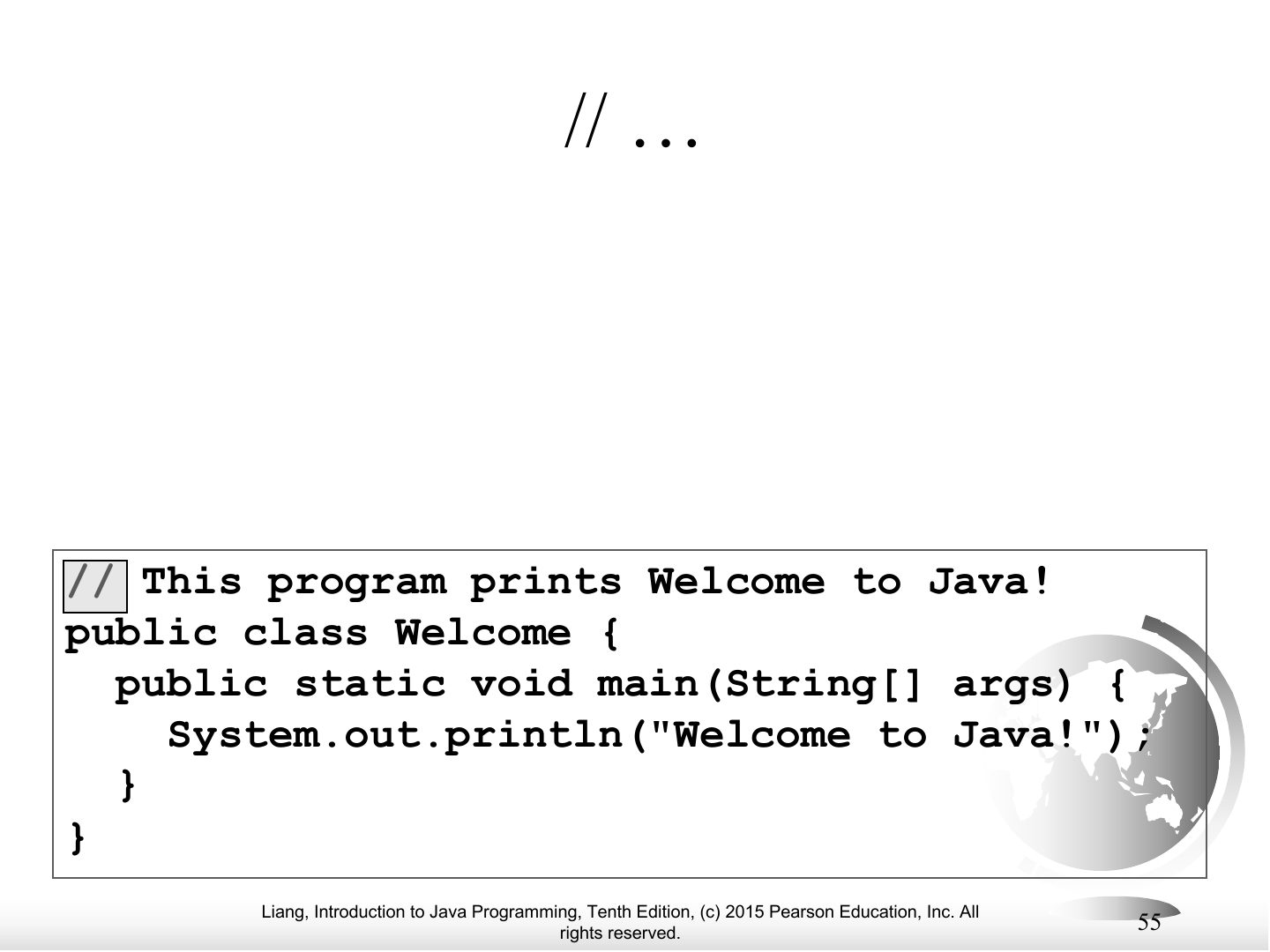
Notes
// — line comment (/* */ block comment).
" ... "
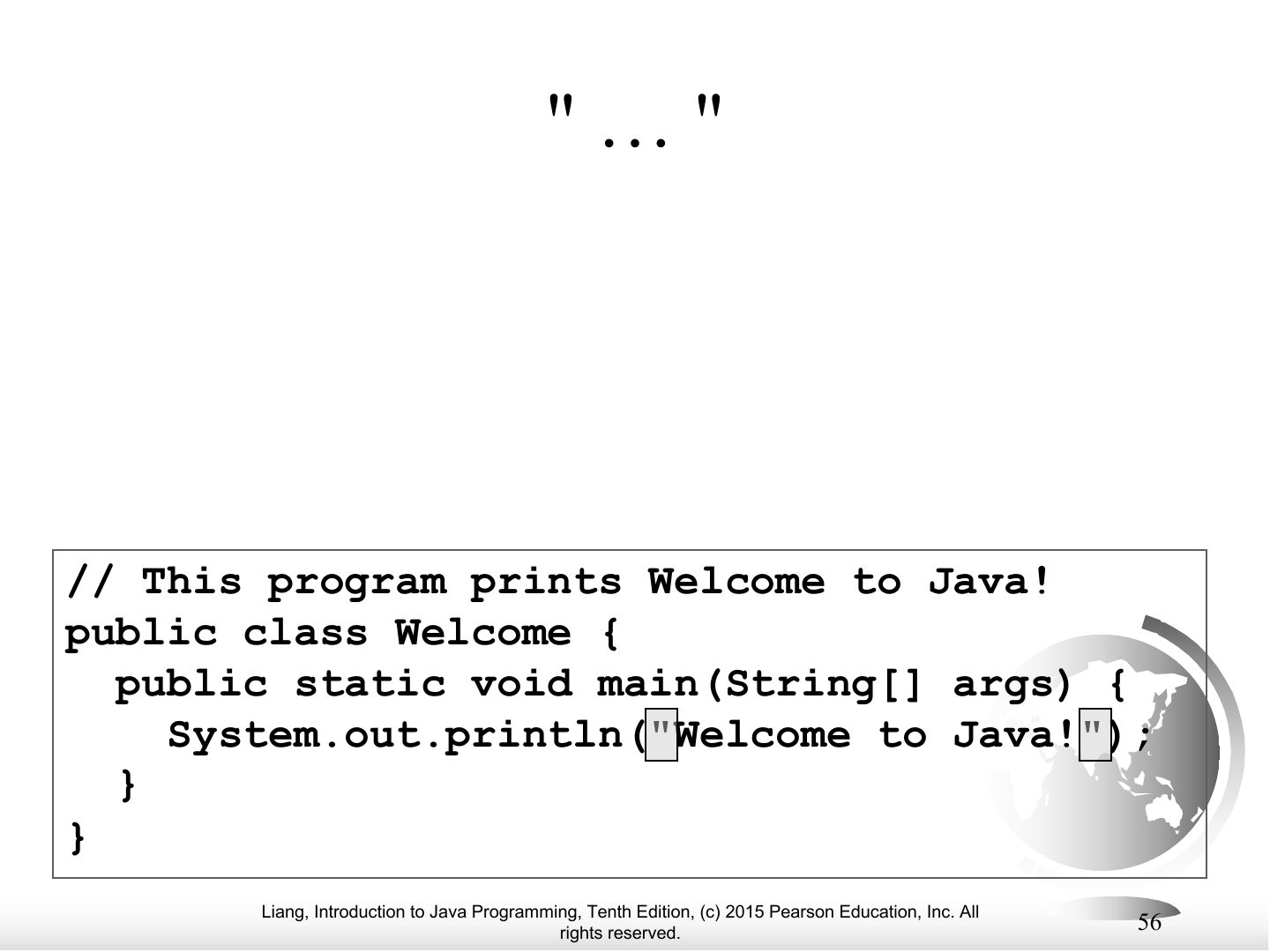
Notes
" " — encloses a string.
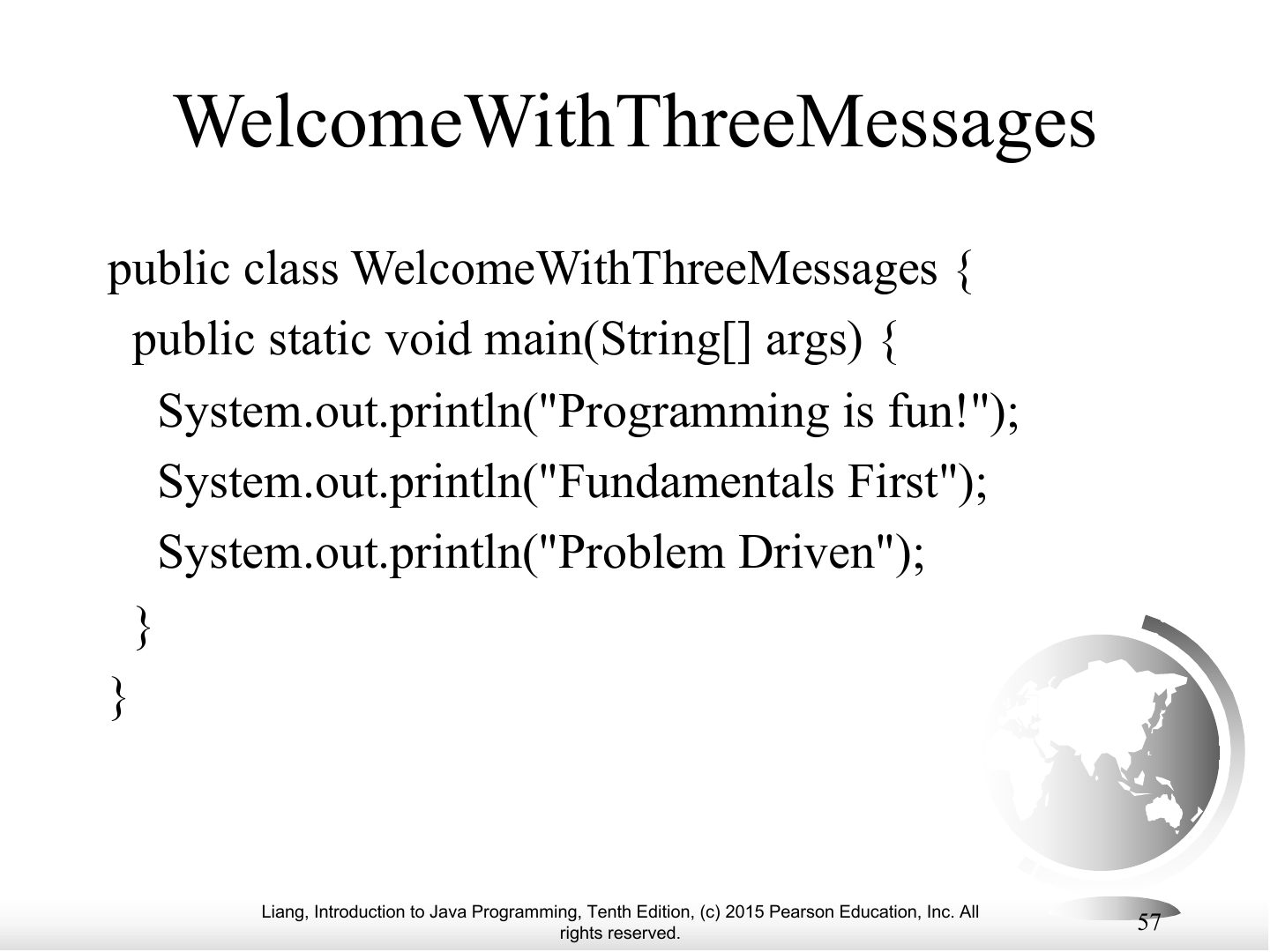
WelcomeWithThreeMessages
Notes
Program with three println messages.
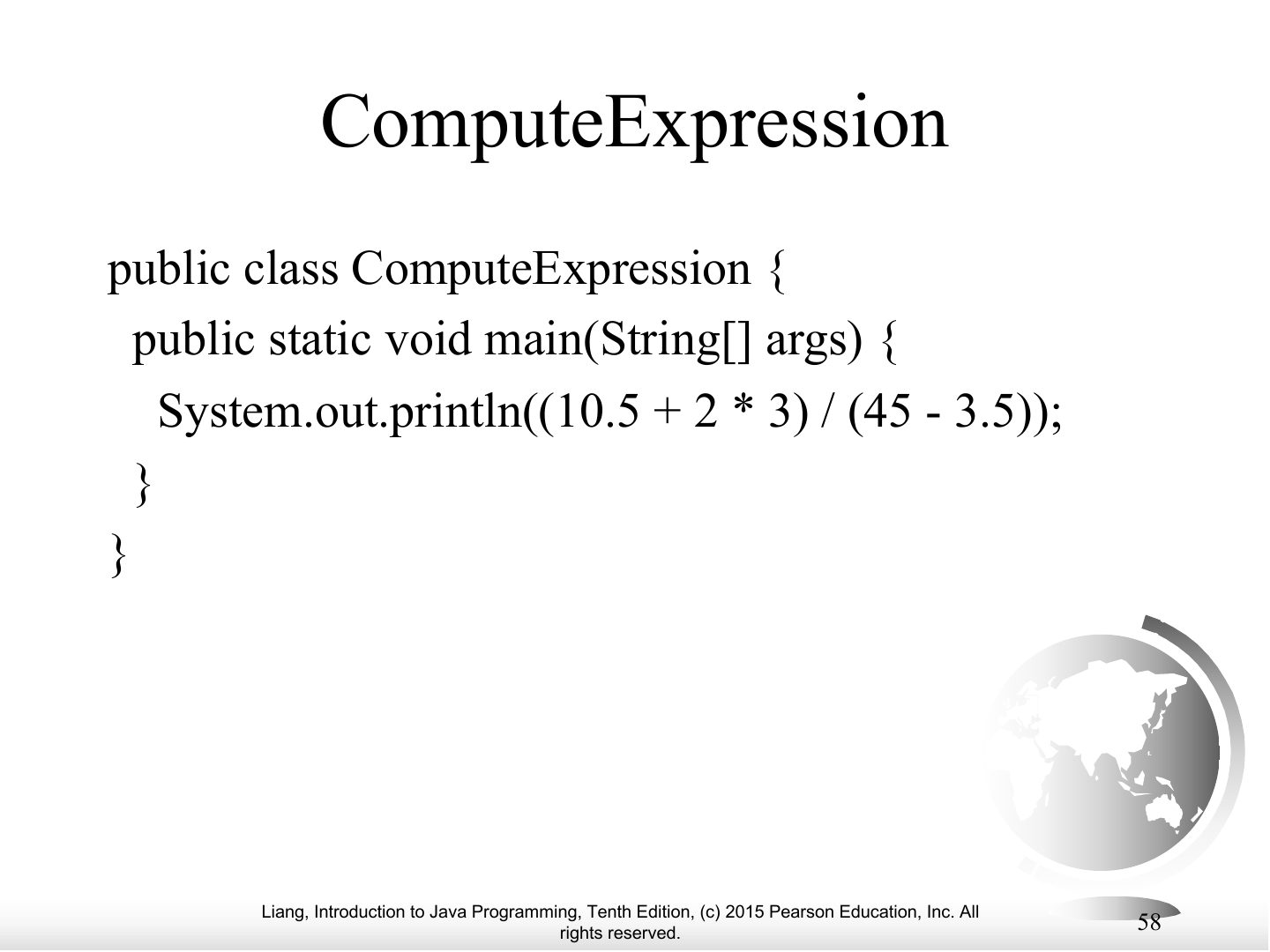
ComputeExpression
Notes
Printing the result of an expression: (10.5 + 2 * 3) / (45 - 3.5).
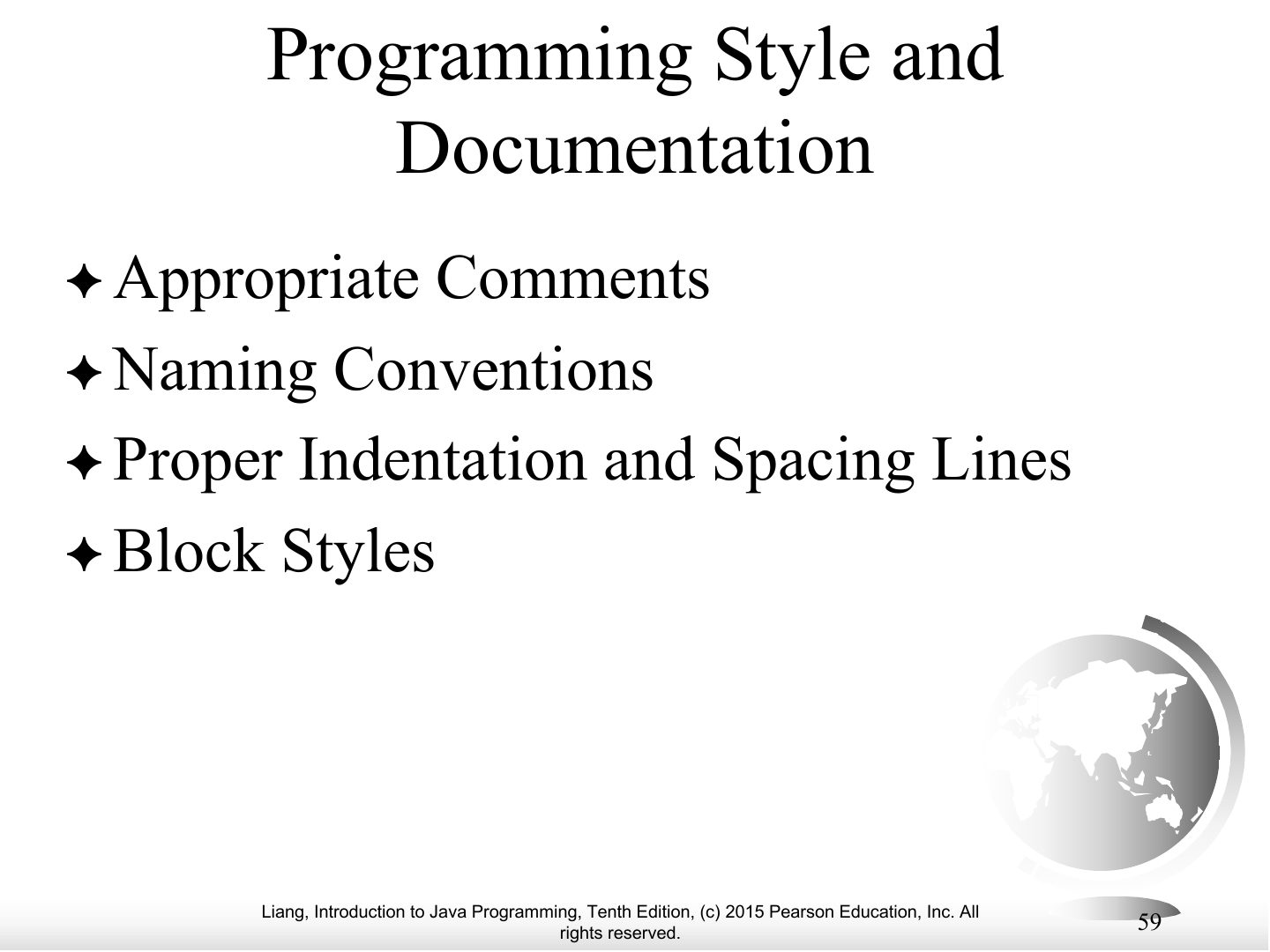
Programming Style and Documentation
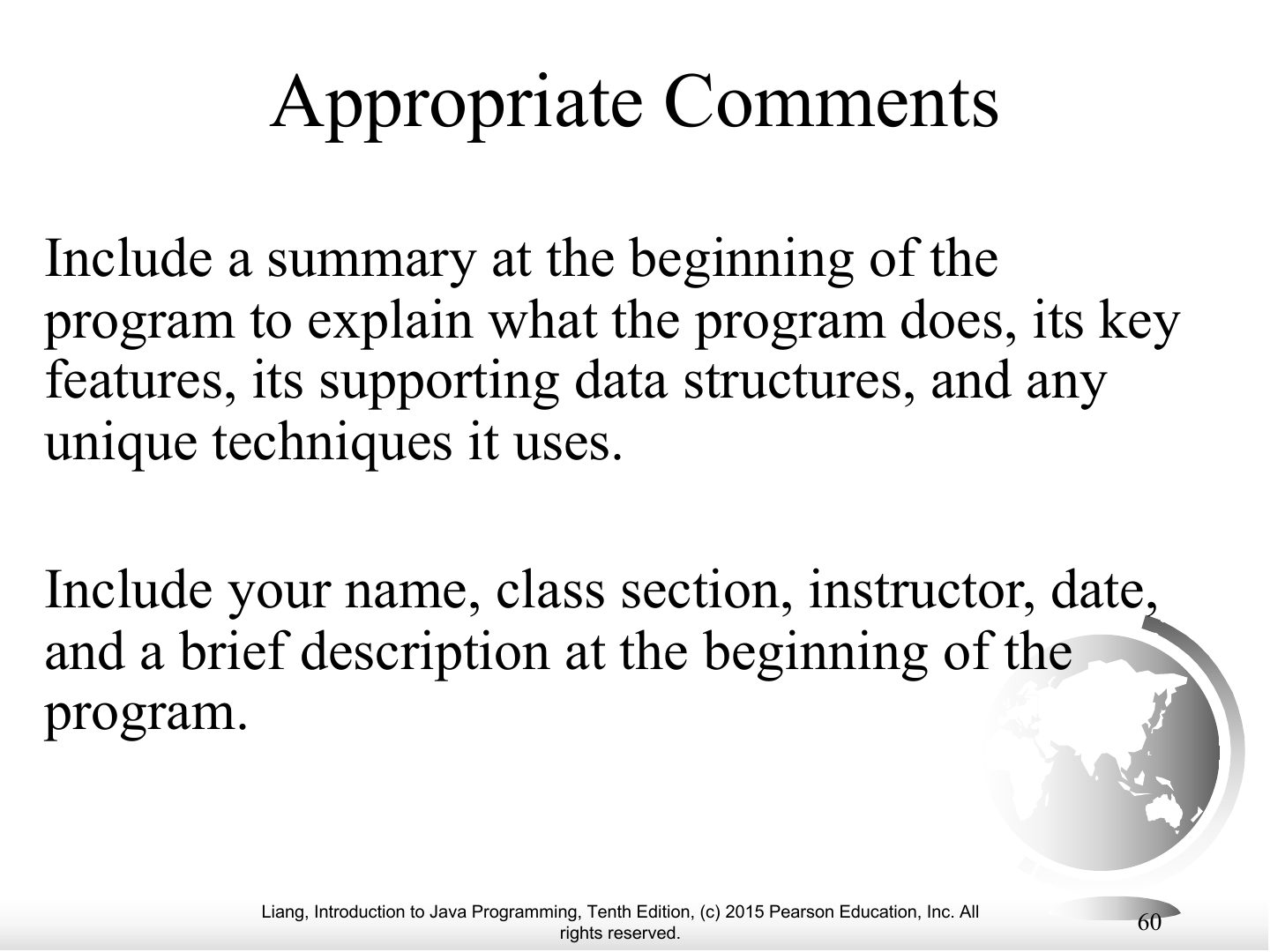
Appropriate Comments
Naming Conventions
Proper Indentation and Spacing
Notes
Indent each nested level (two spaces); spaces around operators.
Block Styles
Programming Errors
Notes
Three kinds of errors.
Tip Three error types: SYNTAX (compiler catches it: missing ;, misspelled keyword) · RUNTIME (program crashes while running: divide by zero, bad input) · LOGIC (runs but gives the wrong answer).
Syntax Errors
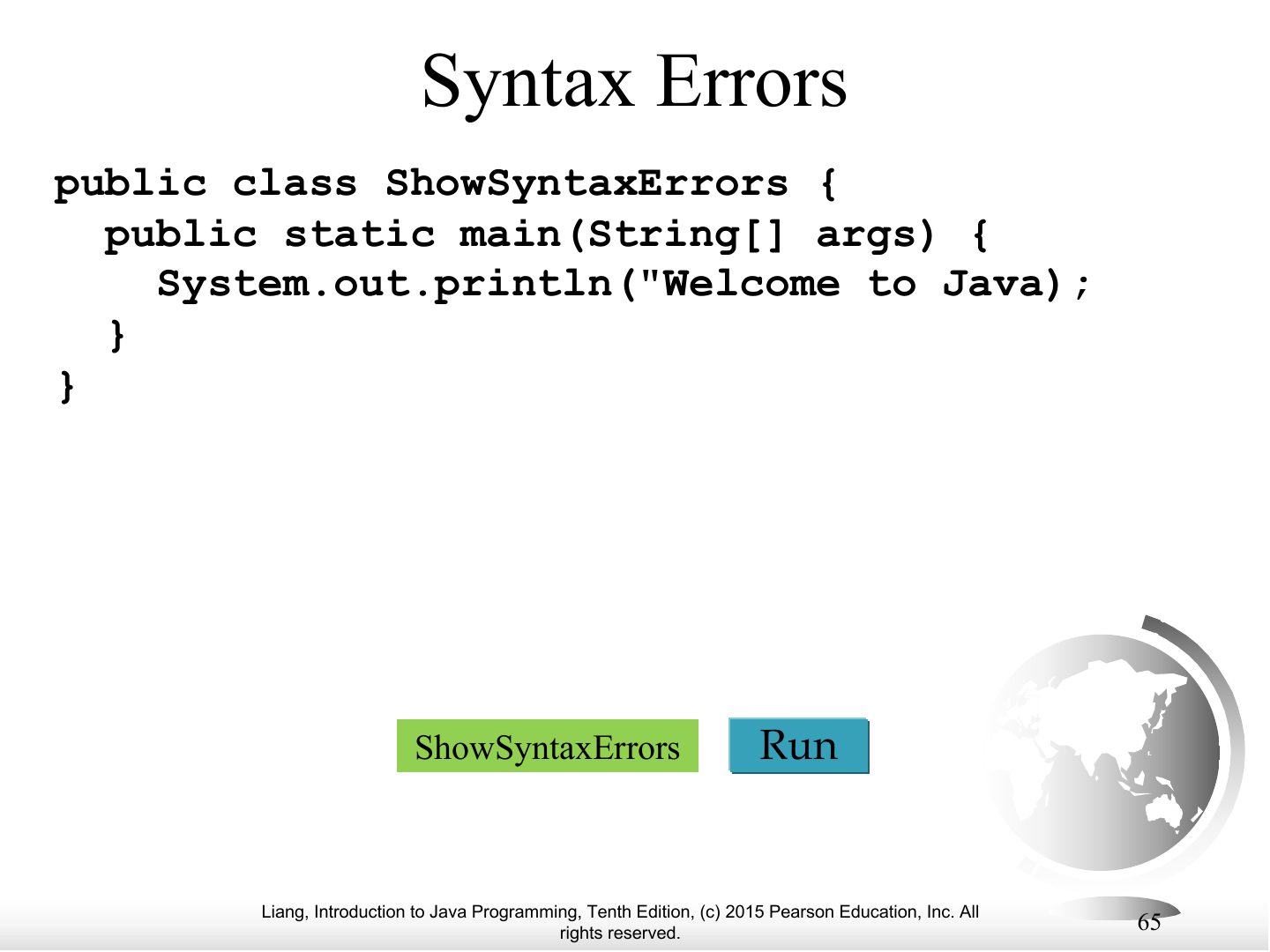
Notes
Syntax (compile) errors: detected by the compiler.
Exam angle
A missing semicolon is a:
Runtime Errors
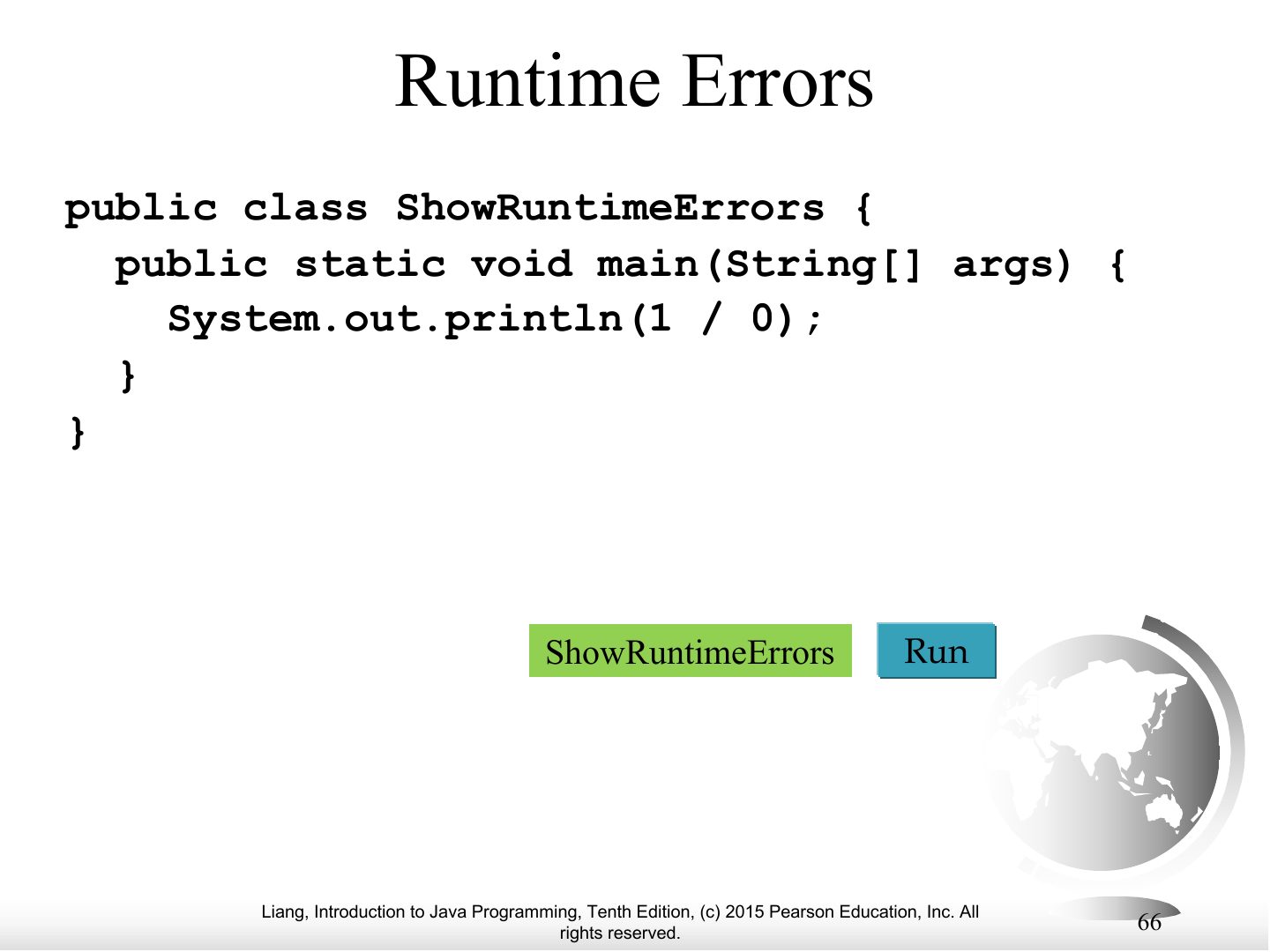
Notes
Runtime errors: the program aborts while running (e.g., dividing an int by zero).
Exam angle
int x = 1 / 0; compiles but crashes when run. This is a:
Logic Errors
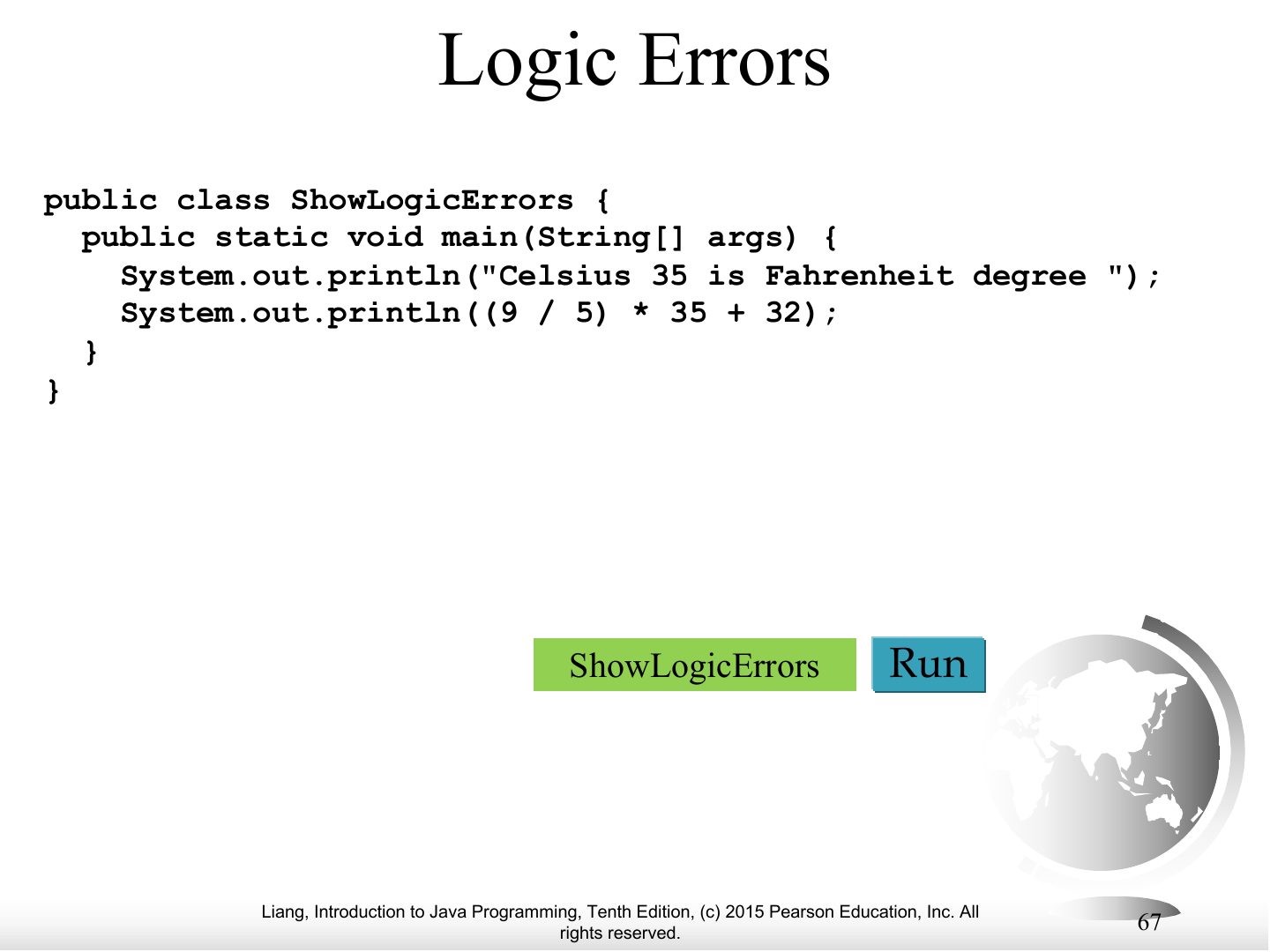
Notes
Logic errors: the program runs but gives wrong results (e.g., Celsius conversion with integer 5 / 9 = 0).
Exam angle
A program converting temperatures prints the wrong value but does not crash. This is a: